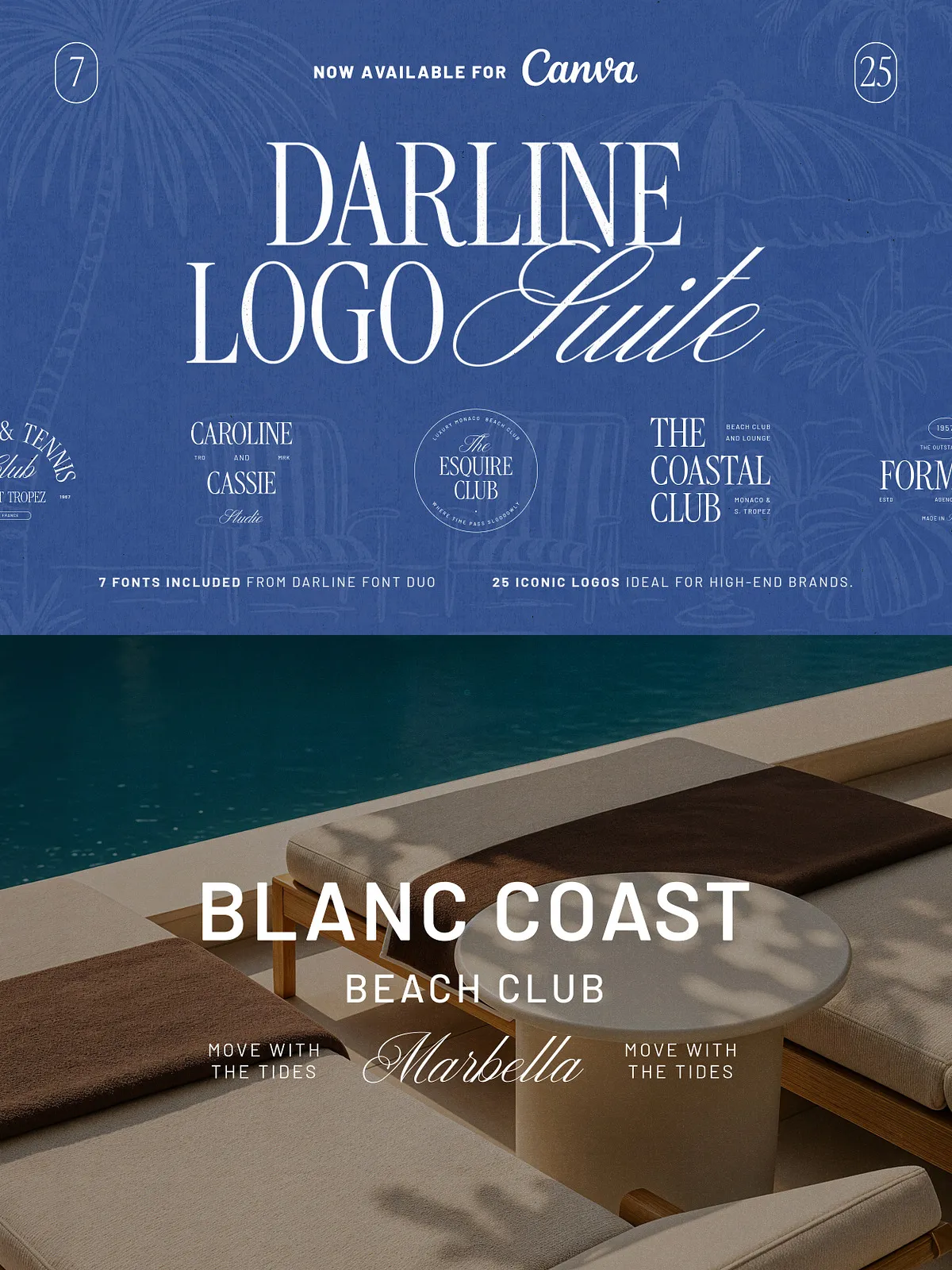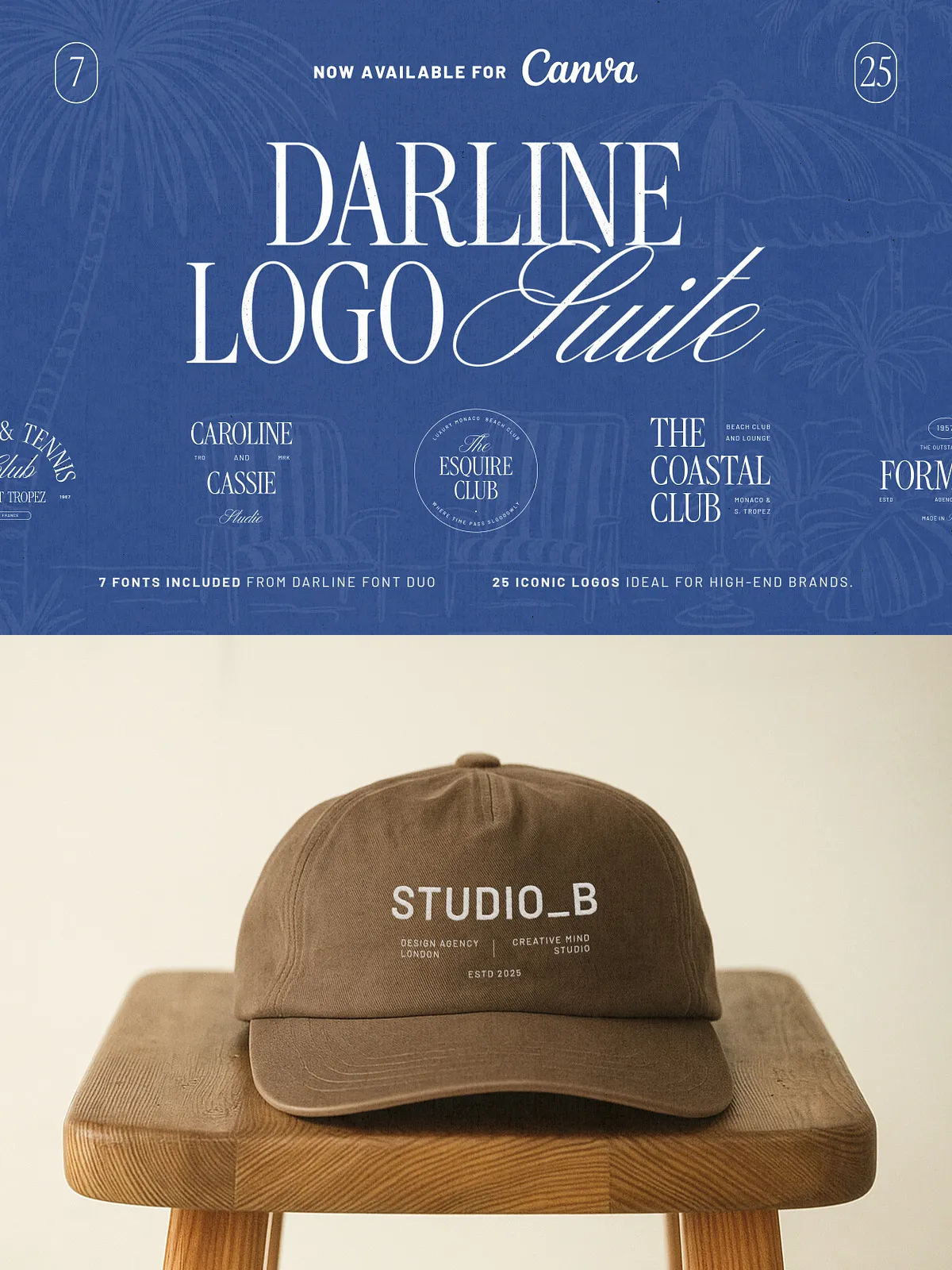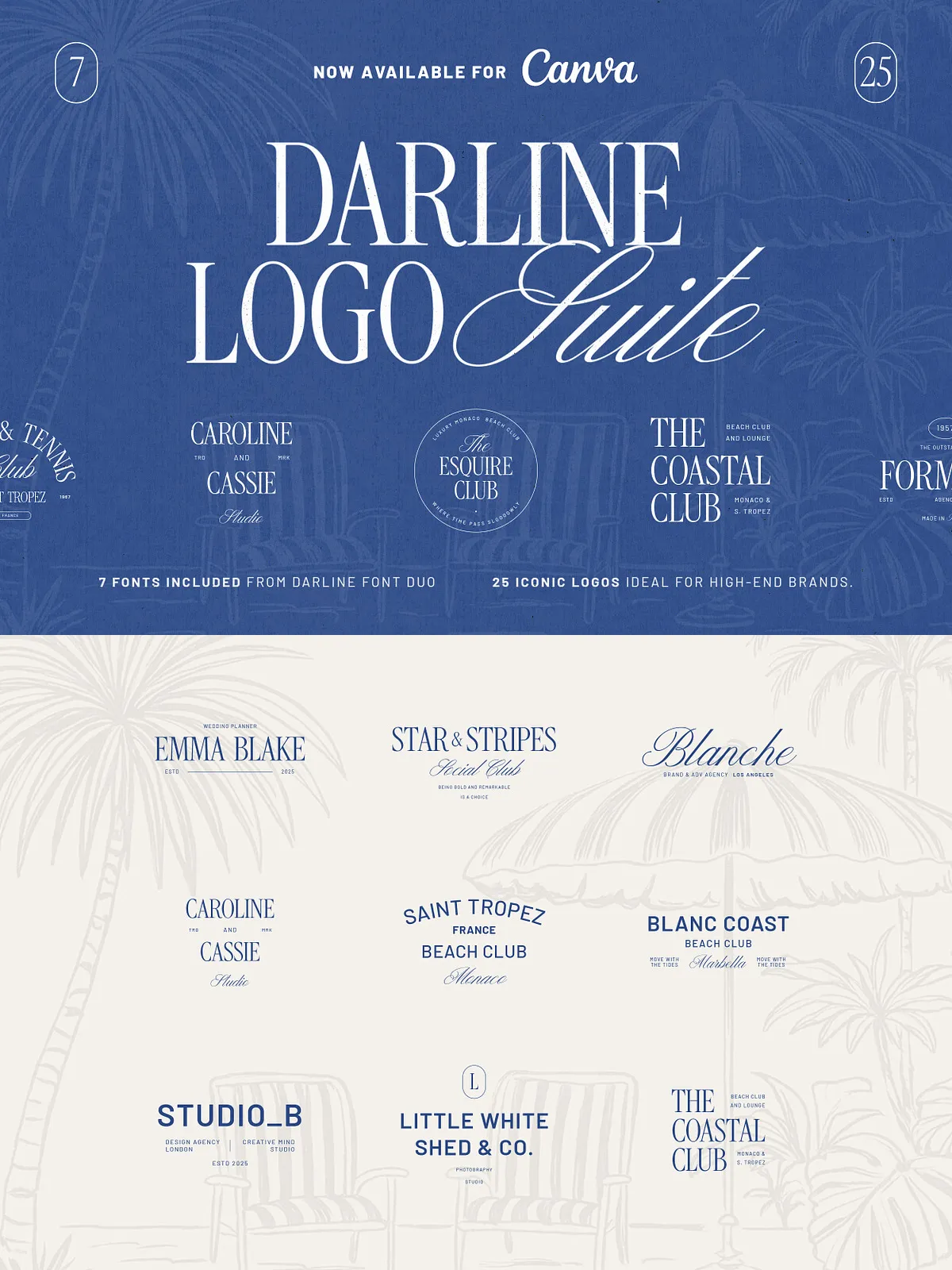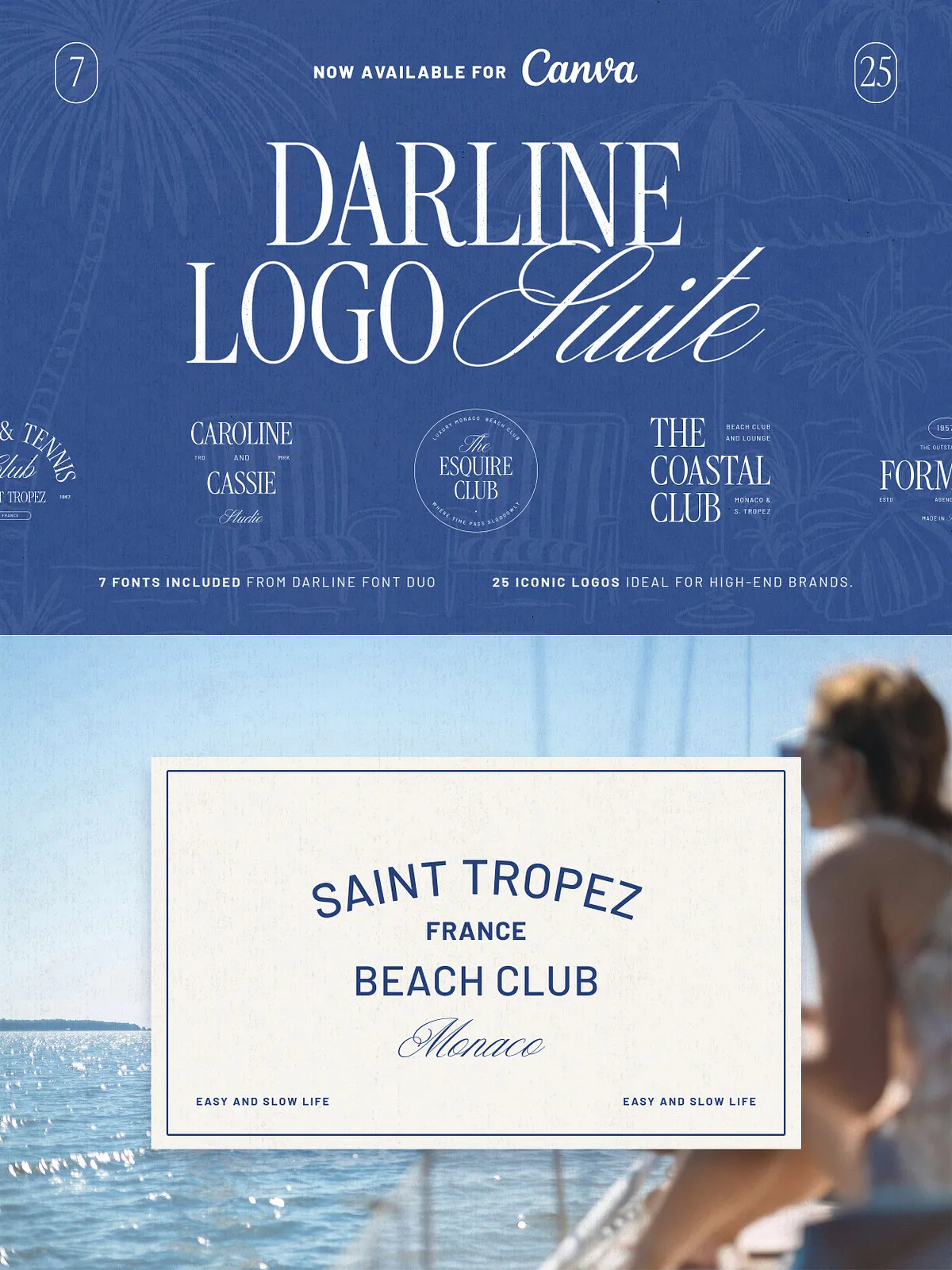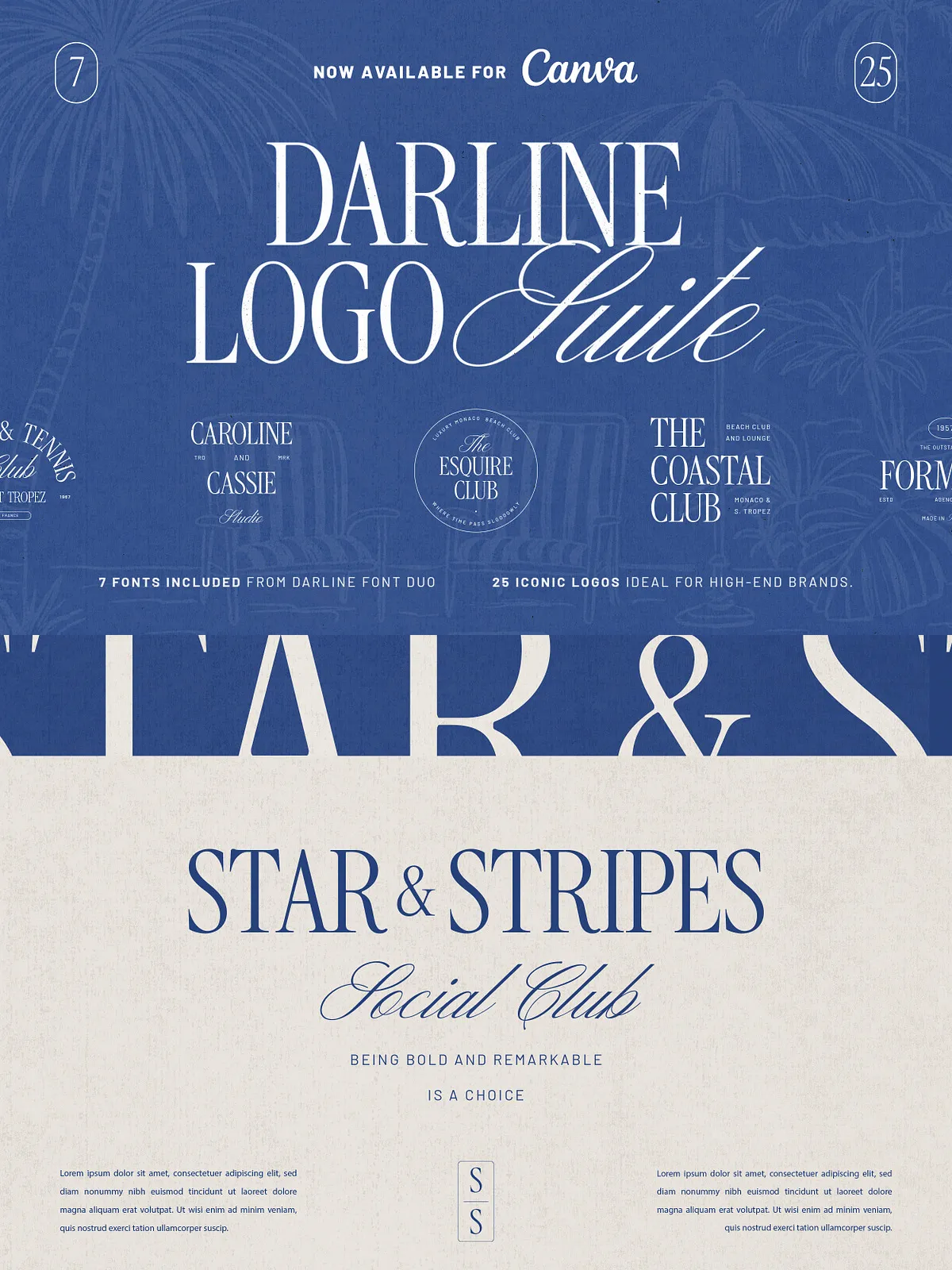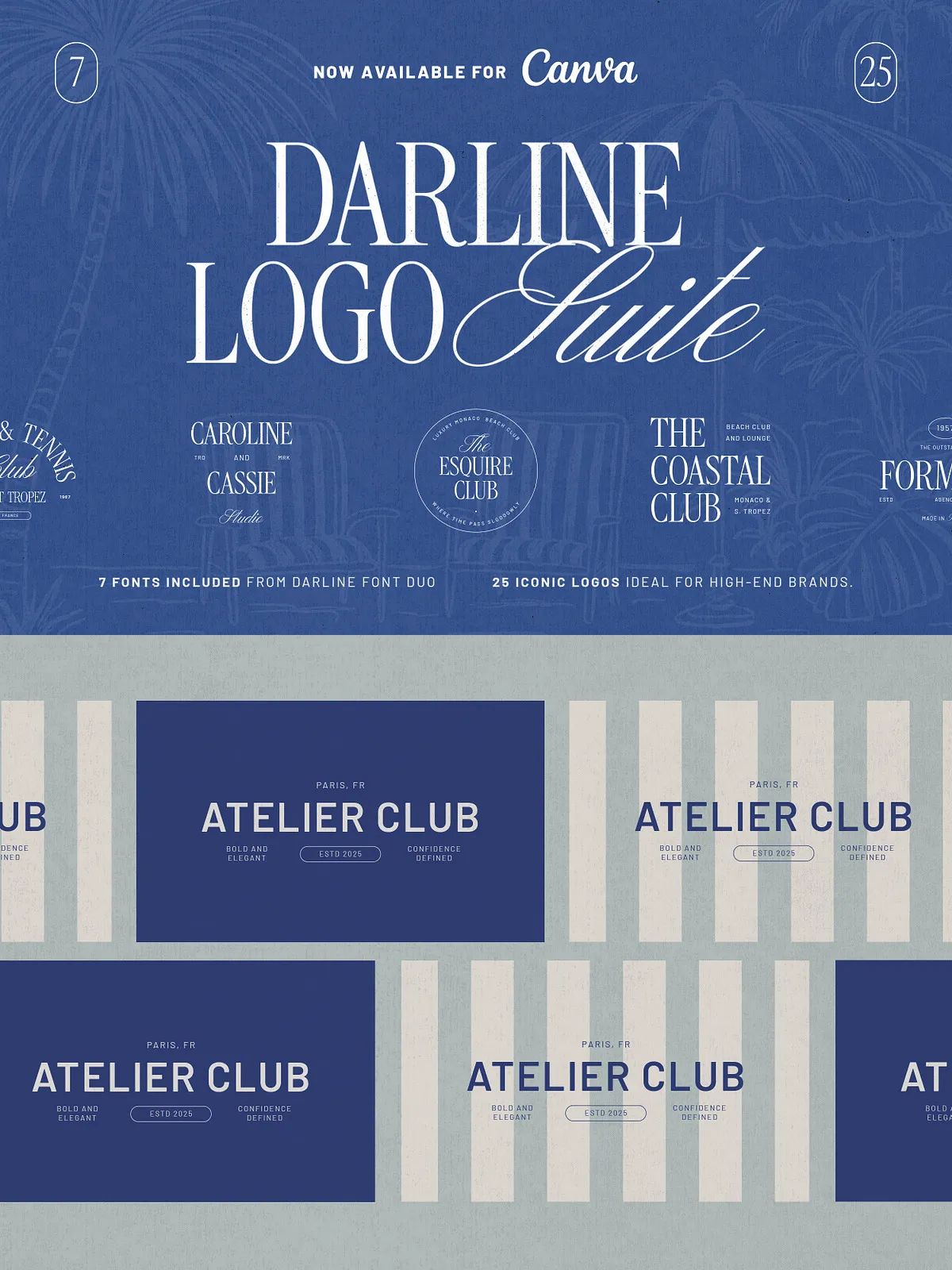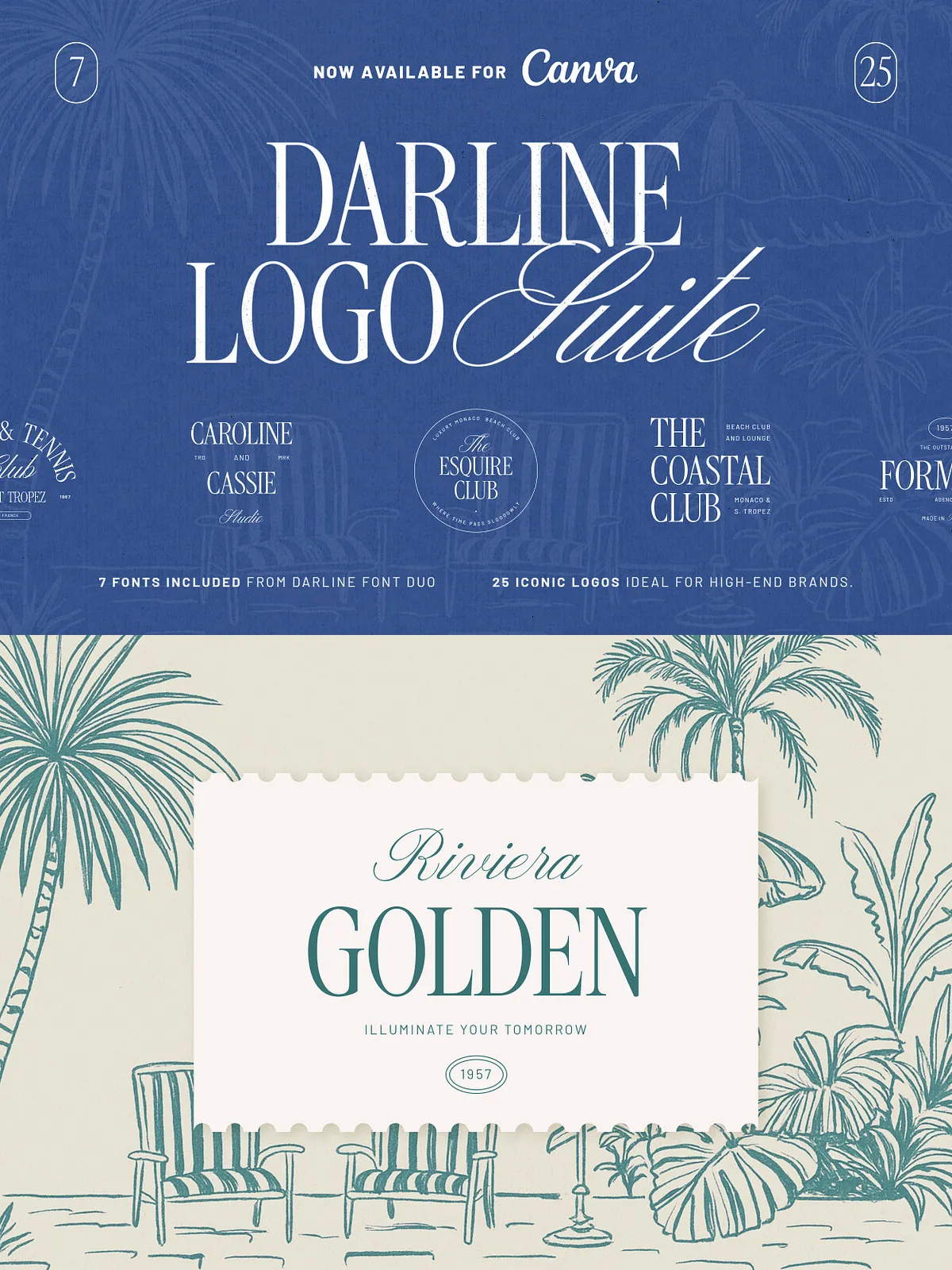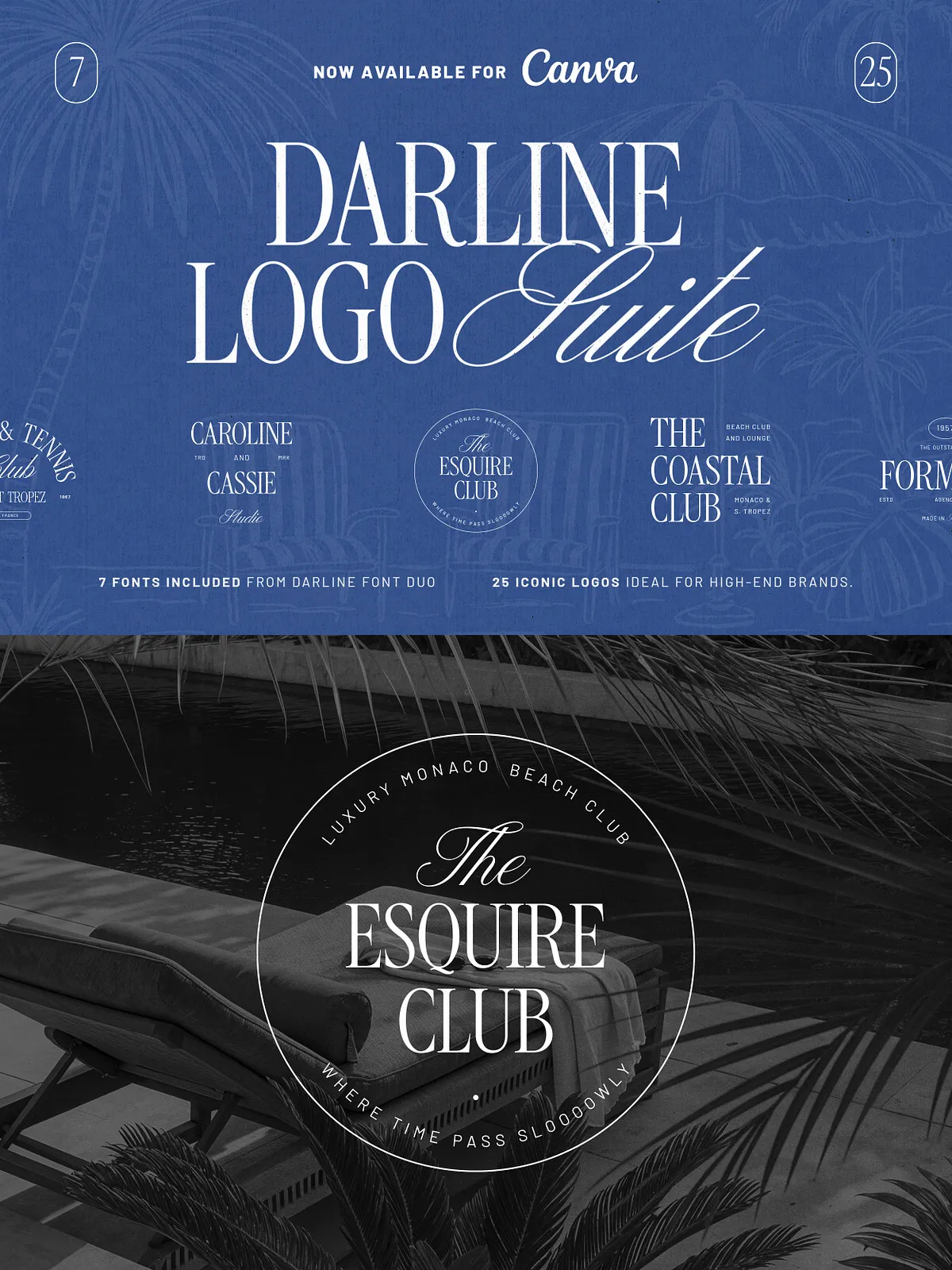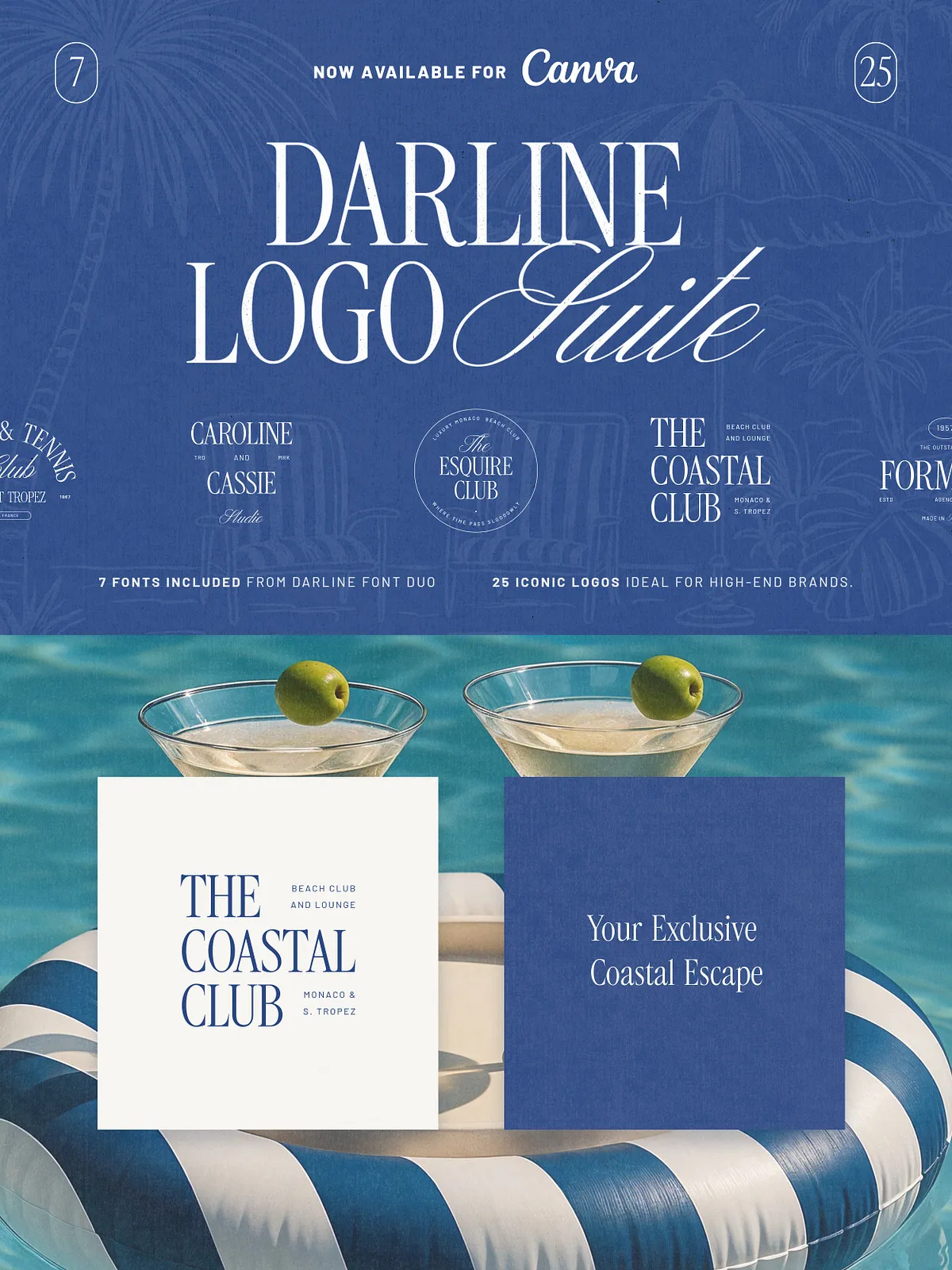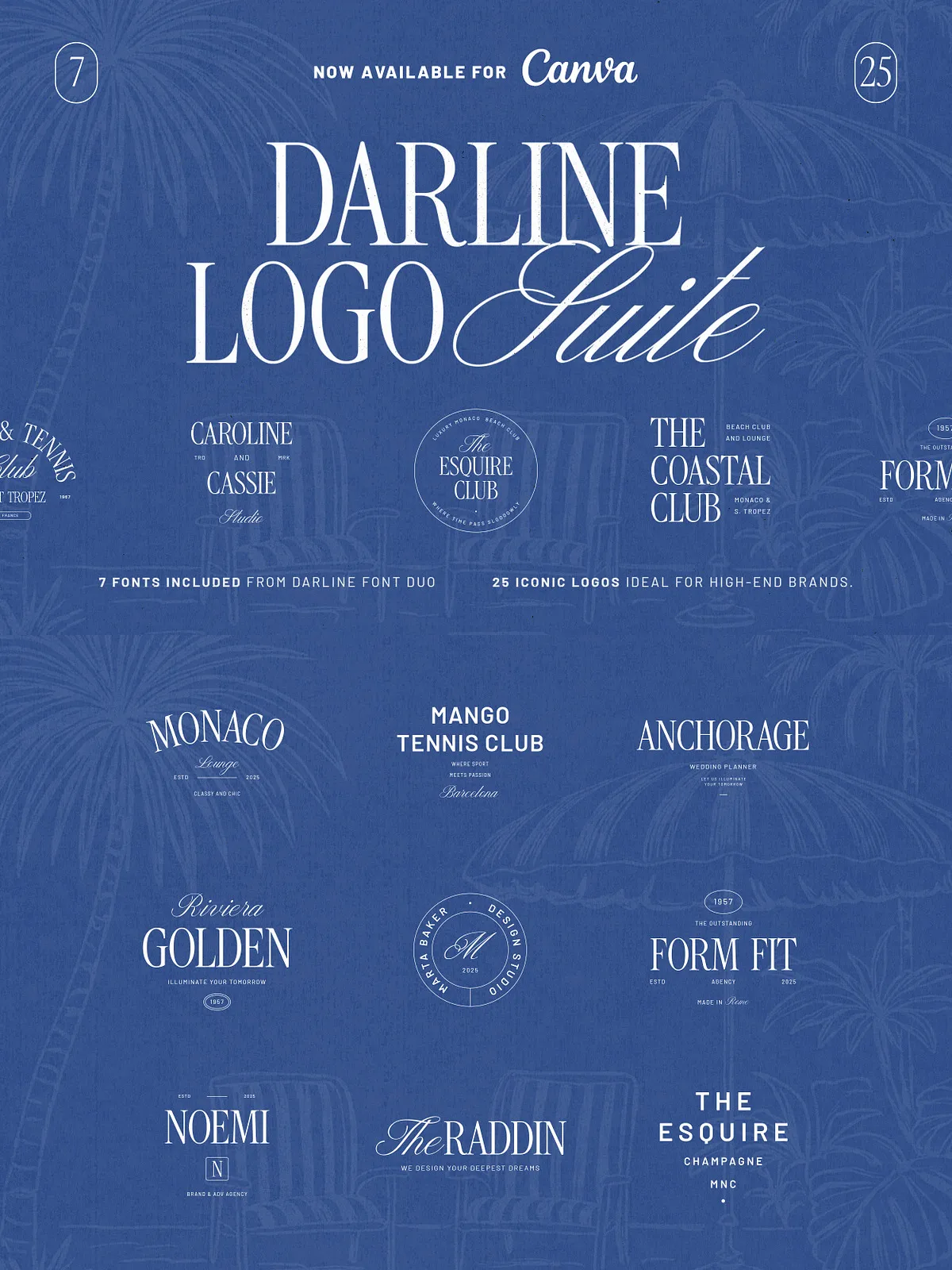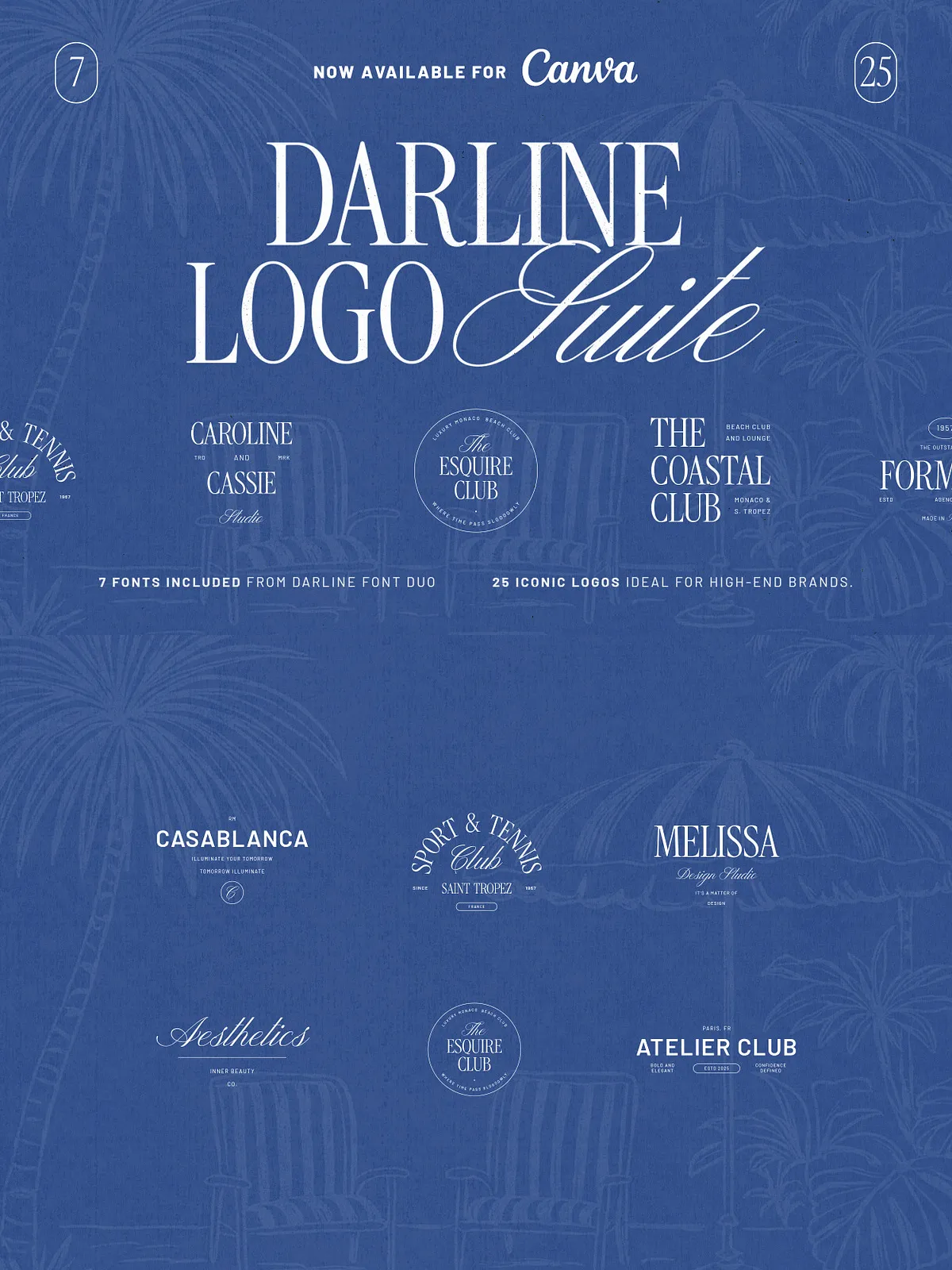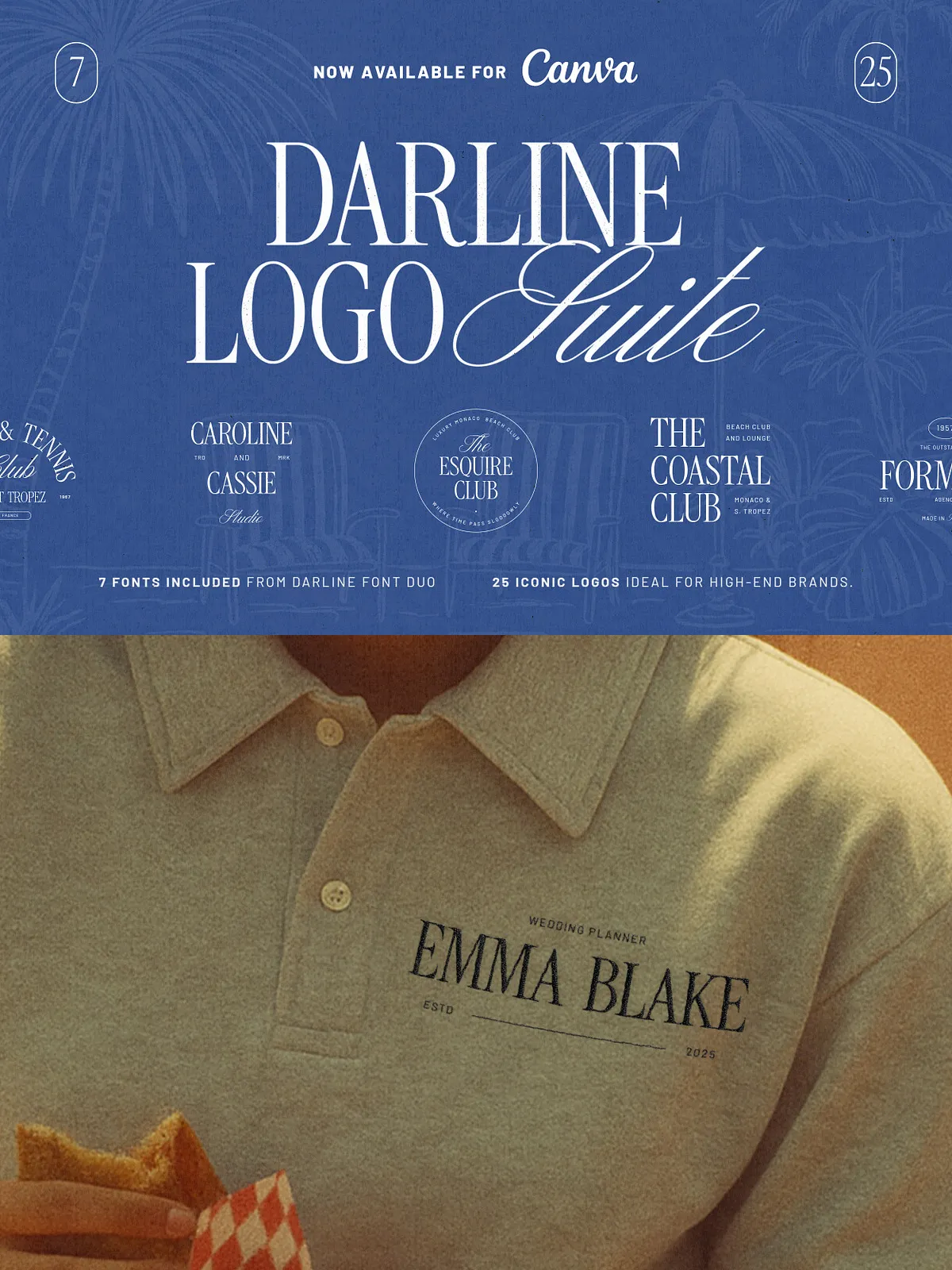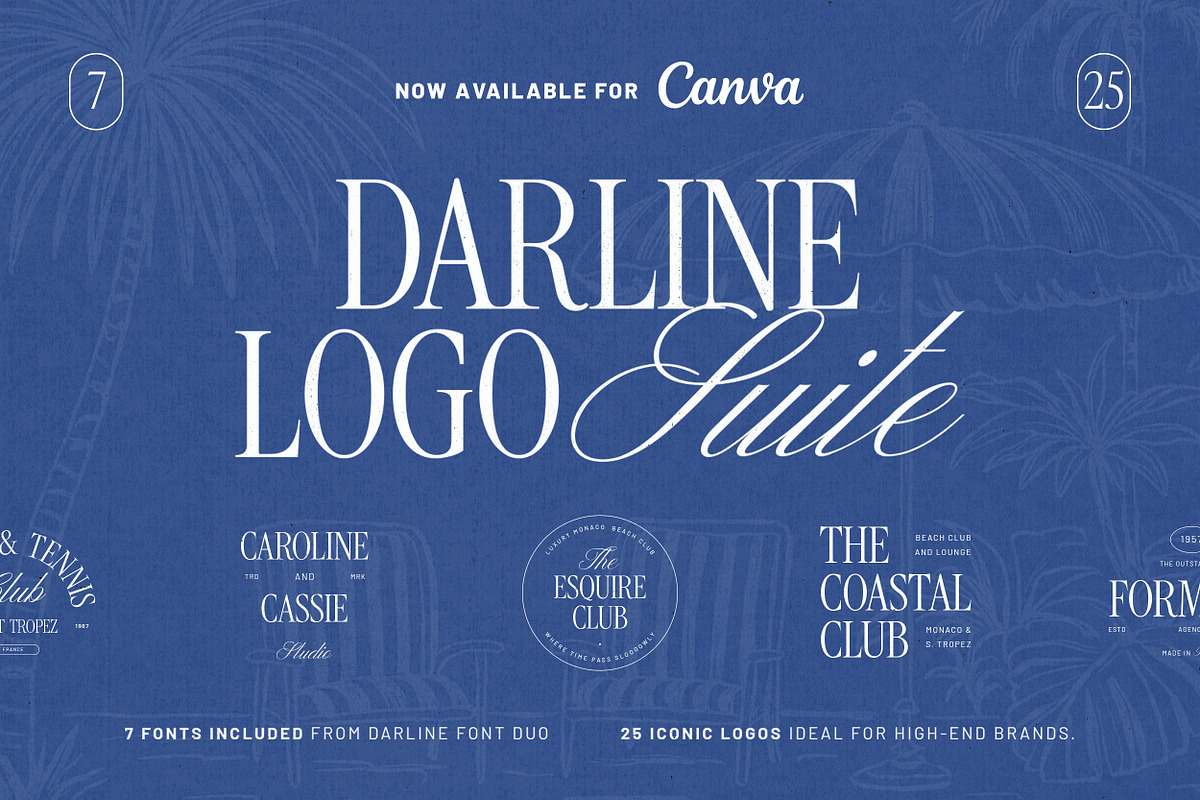
Darline Logo Suite delivers a refined, ready-to-use identity system built to elevate upscale brands quickly and consistently. This collection includes 25 distinct logo templates that combine a timeless serif with a handcrafted script from the Darline Font Duo (7 styles included). Each template arrives as editable Adobe Illustrator (AI) and layered Photoshop (PSD) files and has been updated for full compatibility with Canva so you can customize designs without specialized software. Use these assets to create cohesive brand identities across business cards, packaging, social feeds, and websites with speed and precision.
What You Receive
Complete File Set
Open and edit vector-based AI files for precise scaling and print production. Use layered PSD files for pixel-perfect mockups and raster exports. Work directly in Canva with the included Canva-ready files for rapid client iterations and collaborative feedback. Every format provides editable text, adjustable layout components, and color swatches to accelerate brand creation.
Darline Font Duo
The suite includes the Darline Font Duo with seven complementary styles: serif weights for structure and handcrafted scripts for personality. These fonts pair to deliver a sophisticated, approachable aesthetic ideal for luxury hospitality, designers, event professionals, and upscale retail.
Key Features
- 25 fully editable logo templates tuned for luxury and lifestyle brands
- AI (vector) files for scalable, print-ready logos
- Layered PSD files for presentation and mockups
- Canva-ready files for non-designers and fast edits
- Darline Font Duo included (7 styles)
- Editable colors, text, and layout elements for instant customization
- Optimized for business cards, packaging, social graphics, and web use
Who This Is For
Designers, brand studios, and small business owners who aim to present high-end, cohesive visual identities will find the Darline Logo Suite especially valuable. The templates suit beach clubs and hospitality businesses wanting breezy elegance, wedding planners seeking romantic signage, fashion labels building premium product lines, and lounges or hospitality venues that prioritize timeless sophistication. The suite also supports agencies that need a fast, high-quality starting point for client presentations and proof-of-concept work.
How to Use
Fast Brand Setup
Choose a template that matches your brand’s tone, then swap the placeholder text and colors to reflect your palette and messaging. Use vector AI files to refine logo marks and export print-ready files for stationery and signage. Use PSD files to apply textures, backgrounds, and mockups for client presentations. For quick iterations or client-led edits, open the Canva-ready files, update type and colors, and export proofs for review.
Customize with Confidence
Adjust kerning, scale the script or serif elements, and reposition submarks to suit different applications. Replace sample imagery and apply your brand colors to create consistent touchpoints across digital and physical assets. The layered structure and clear naming conventions in AI and PSD files speed up modification and handoff to developers or printers.
Compatibility & Requirements
- Adobe Illustrator (AI) — recommended for vector edits and logo finalization
- Adobe Photoshop (PSD) — recommended for mockups and raster compositions
- Canva — for simple, browser-based customization without advanced software
- Included fonts: Darline Font Duo (7 styles). Installation instructions and font usage notes are provided.
- Photos and mockup images shown in previews are for demonstration only and are not included.
Benefits
Darline Logo Suite enables teams and solo creators to produce polished brand identities faster and with fewer revisions. By providing multiple file formats and a complementary font system, the suite reduces technical bottlenecks and supports consistent application across print and digital channels. Designers maintain creative control while non-designers gain the flexibility to make quick, on-brand adjustments in Canva.