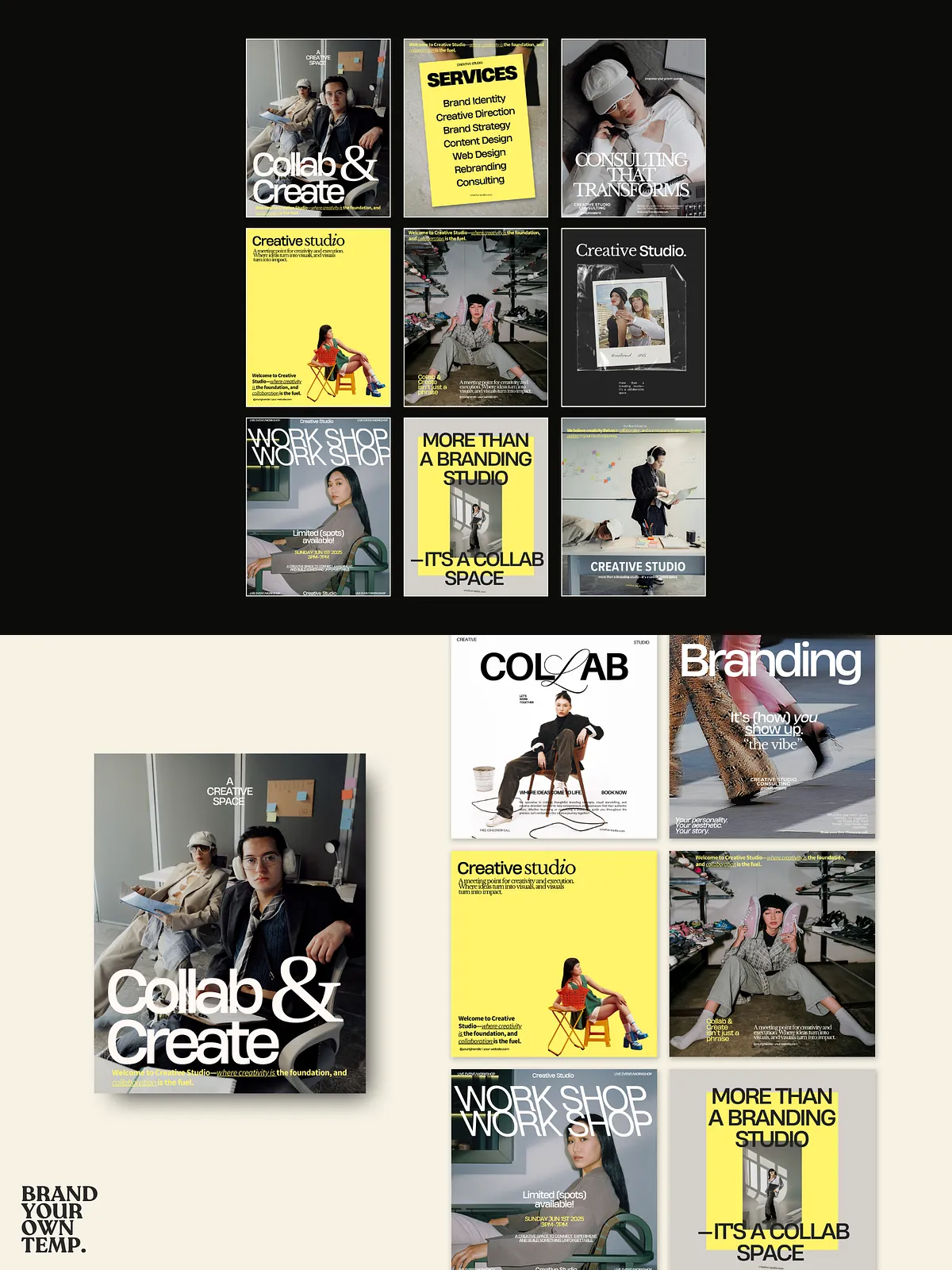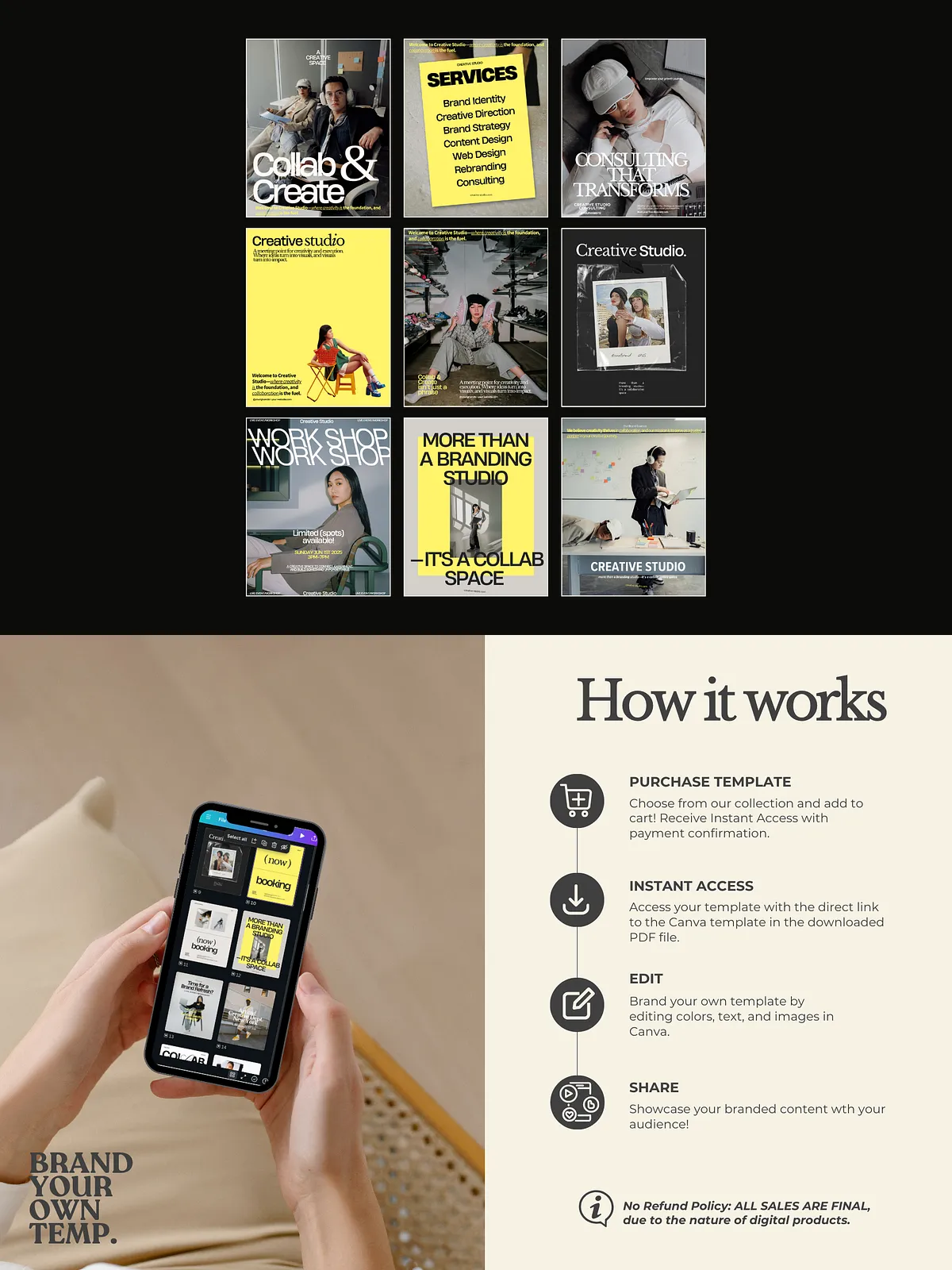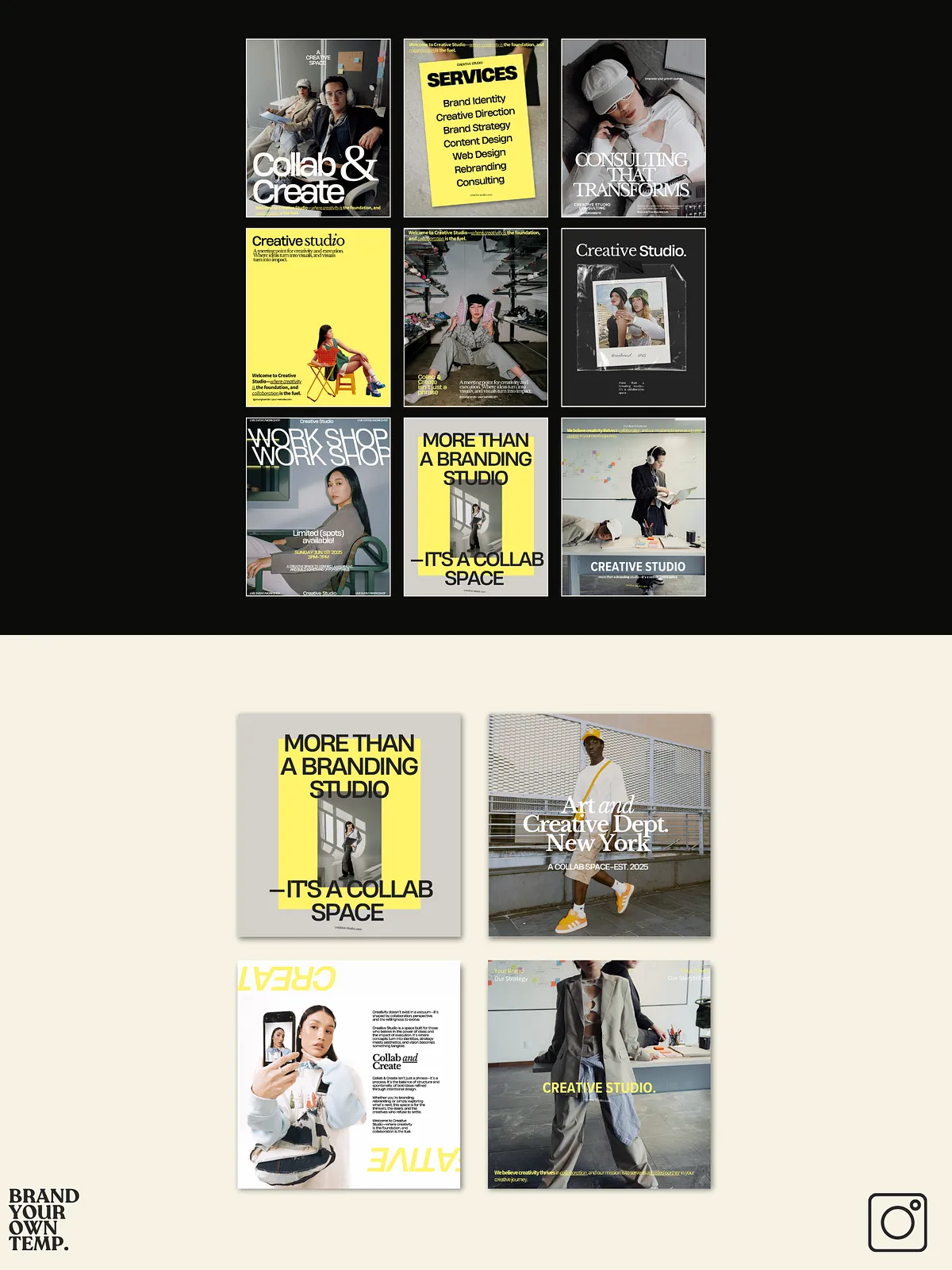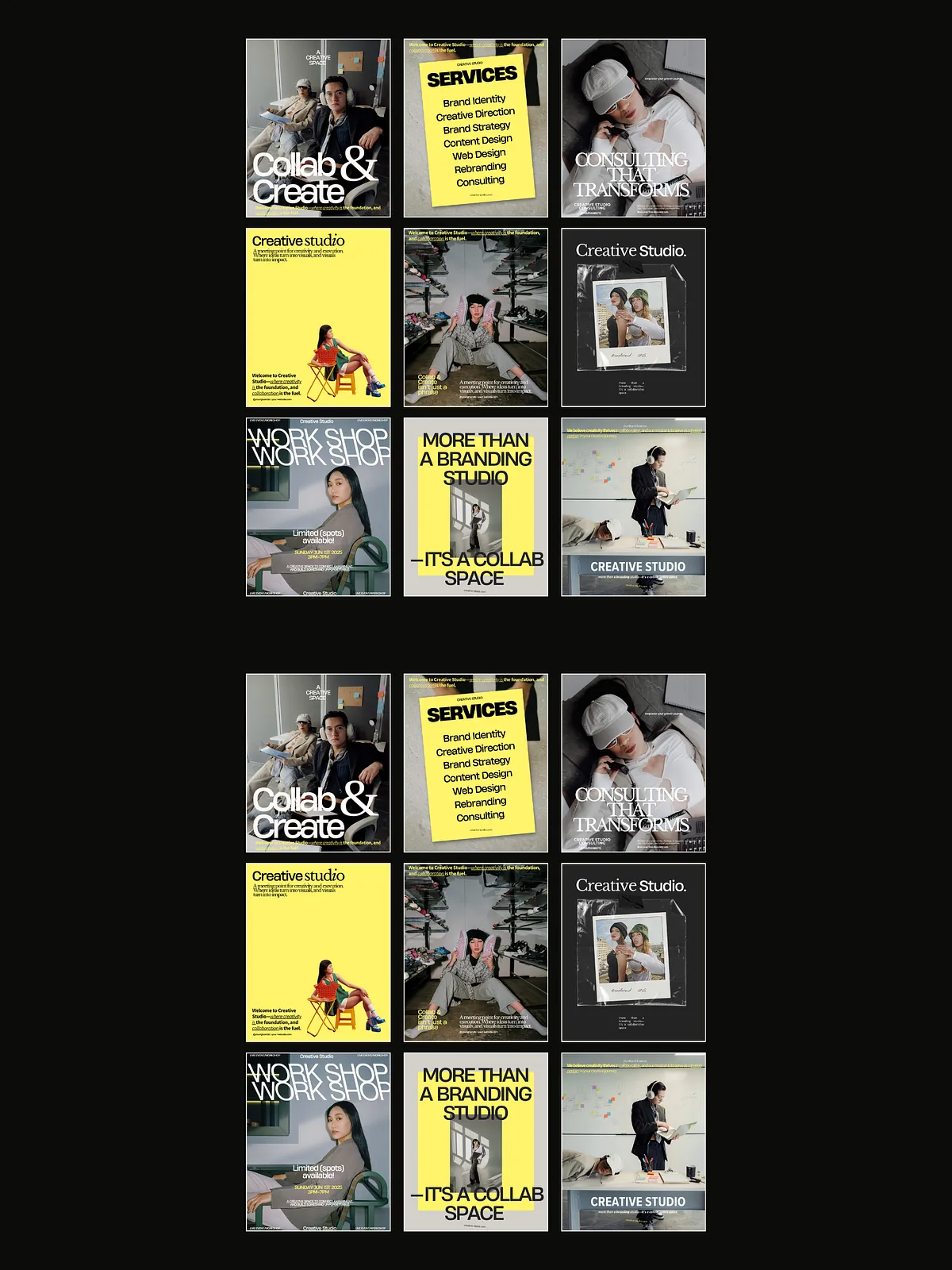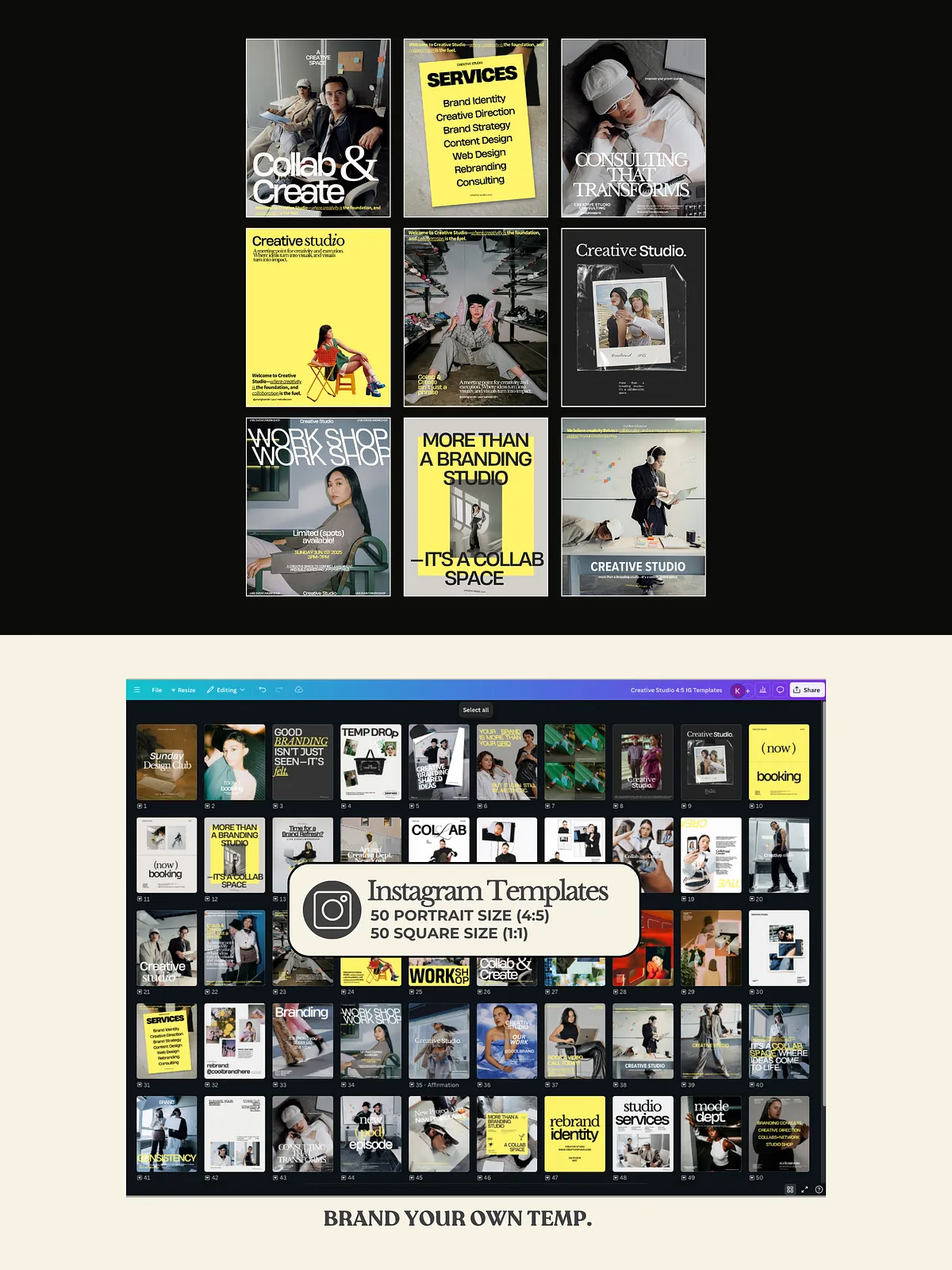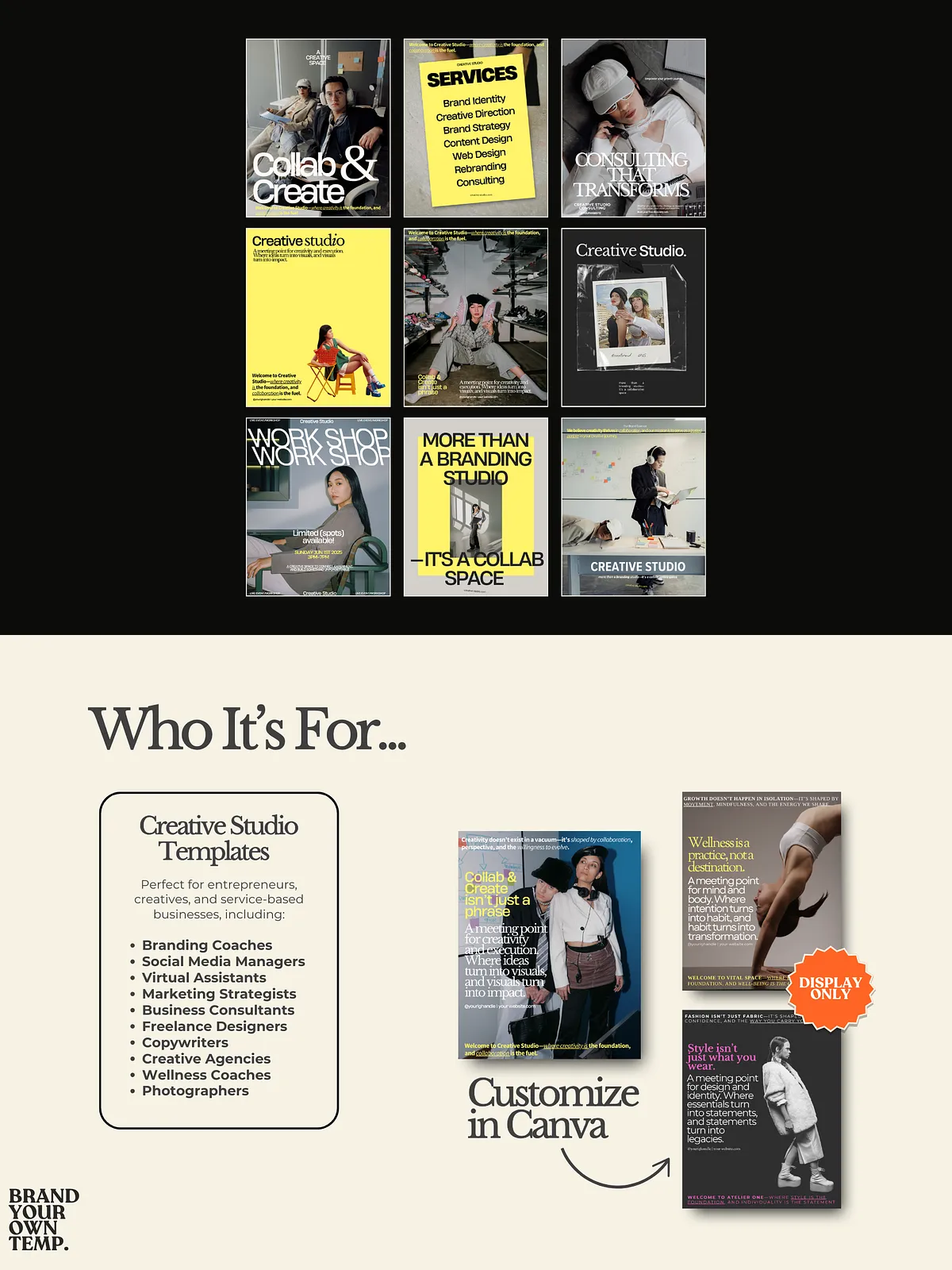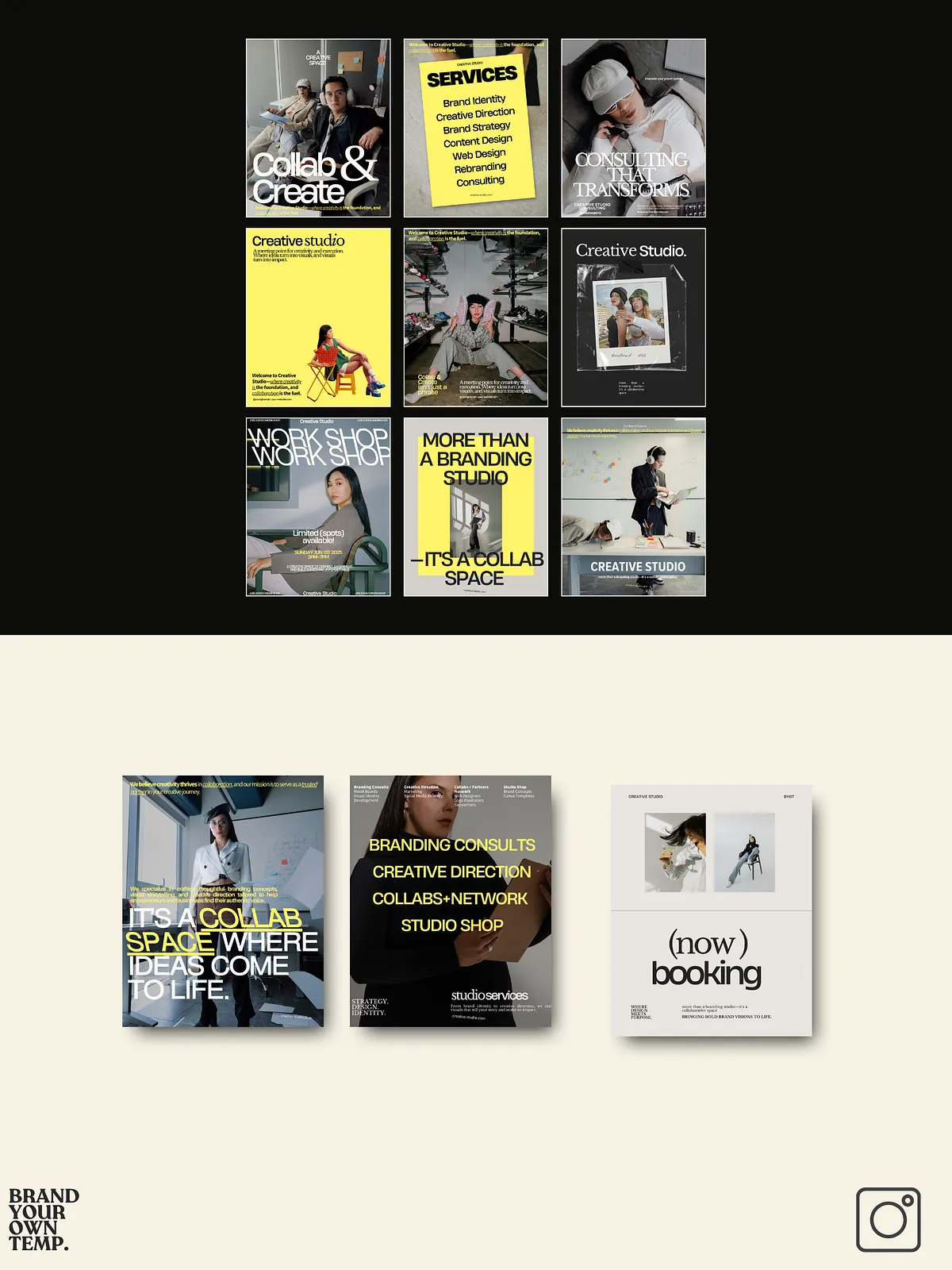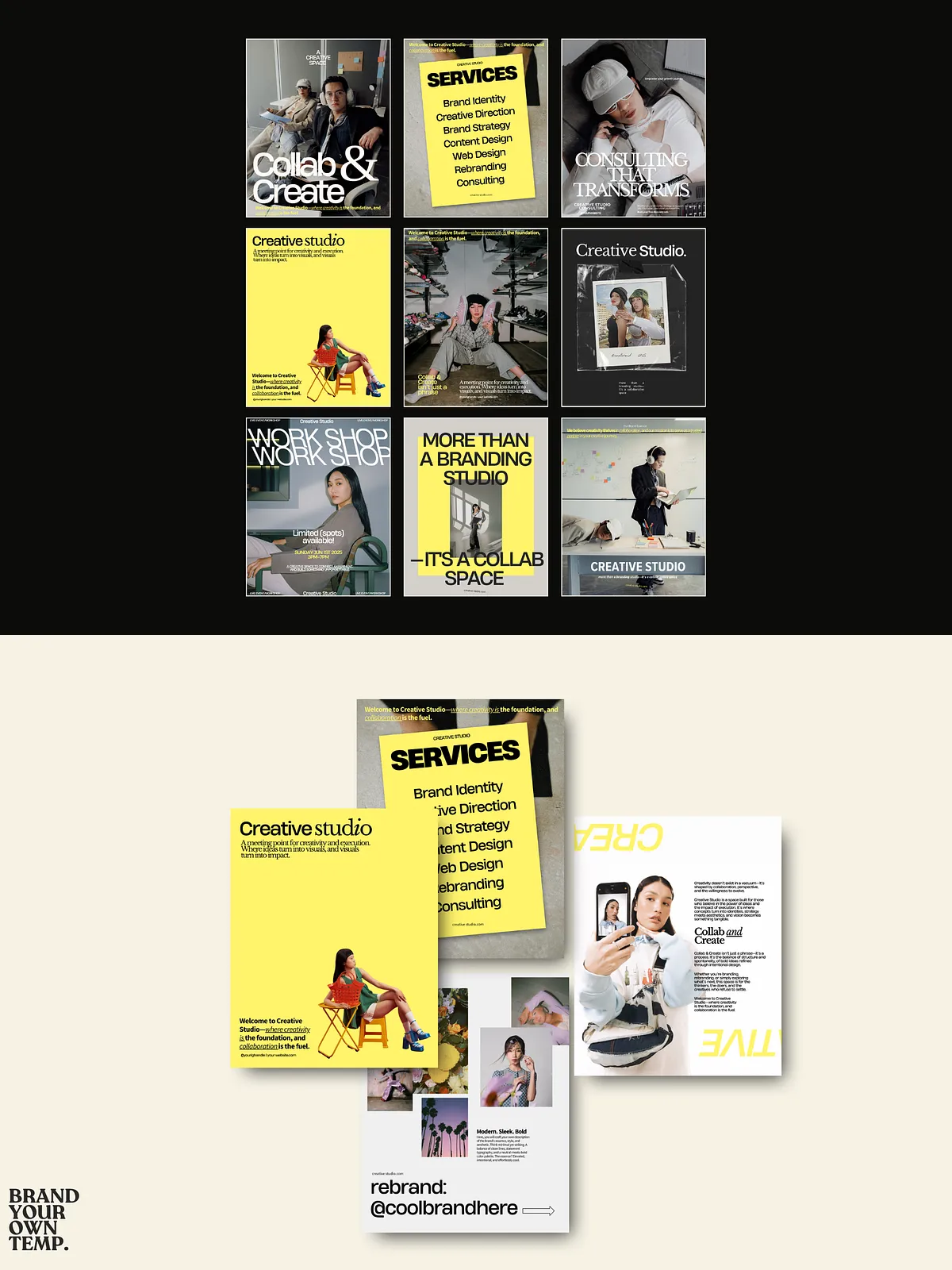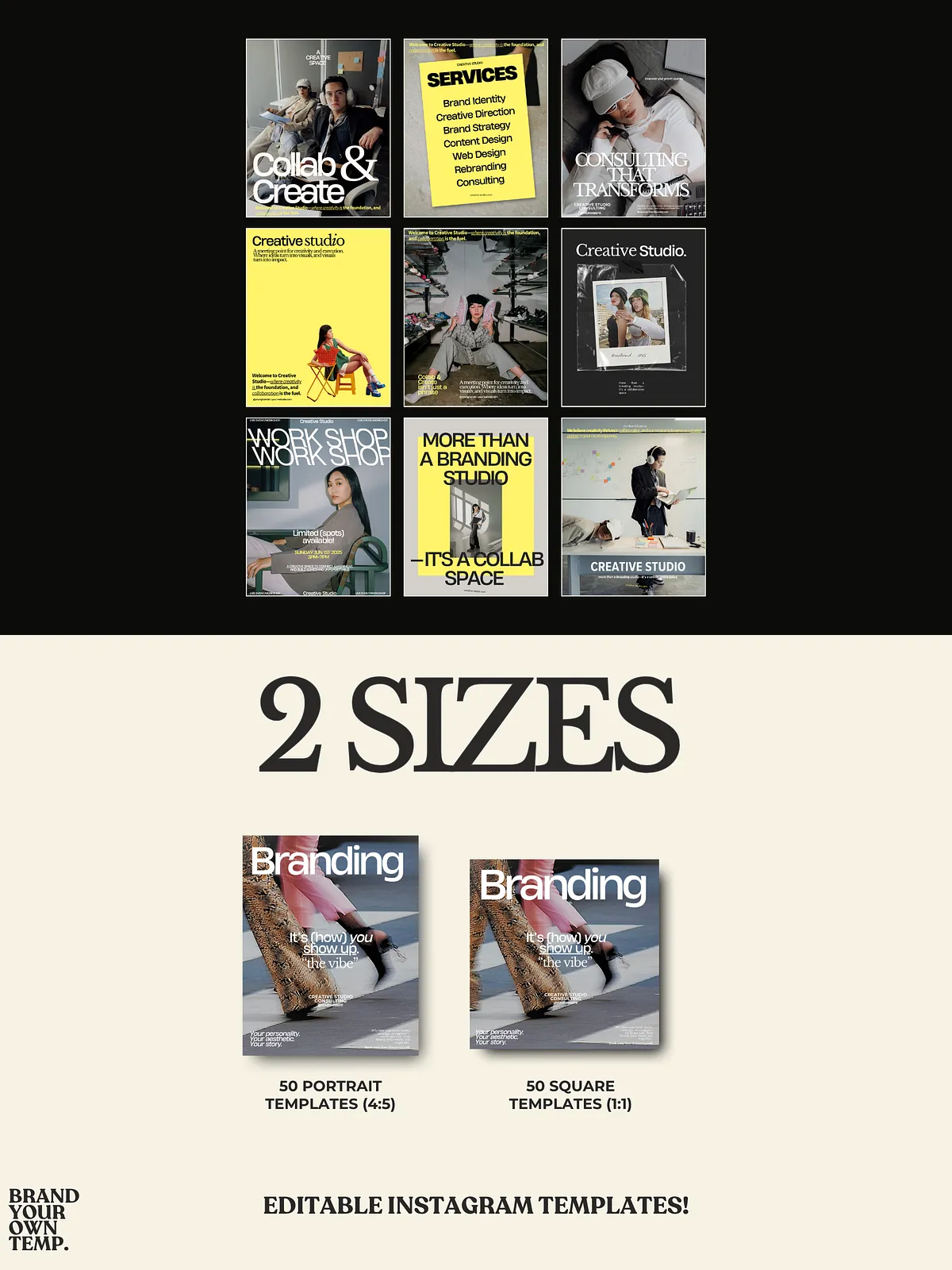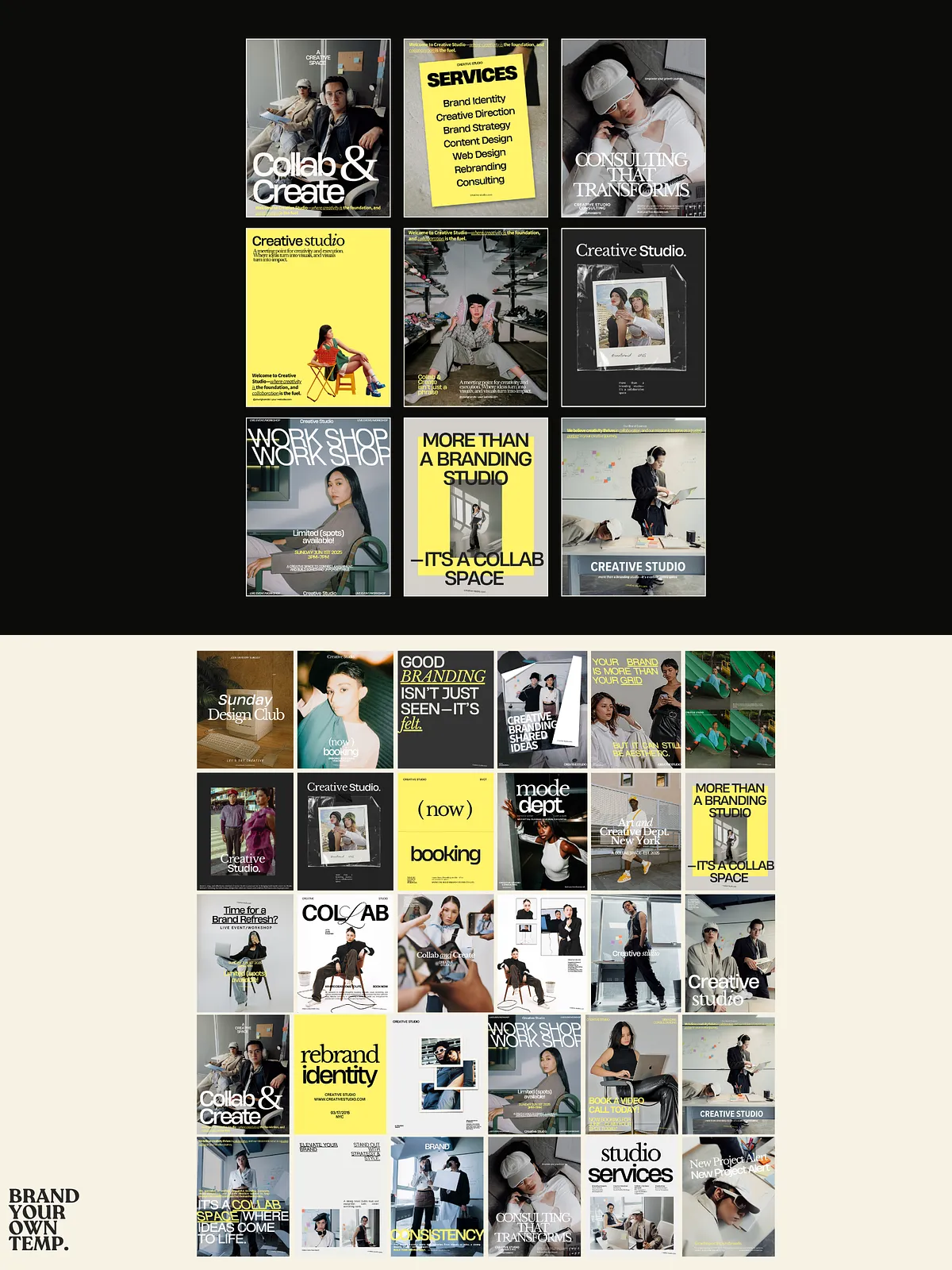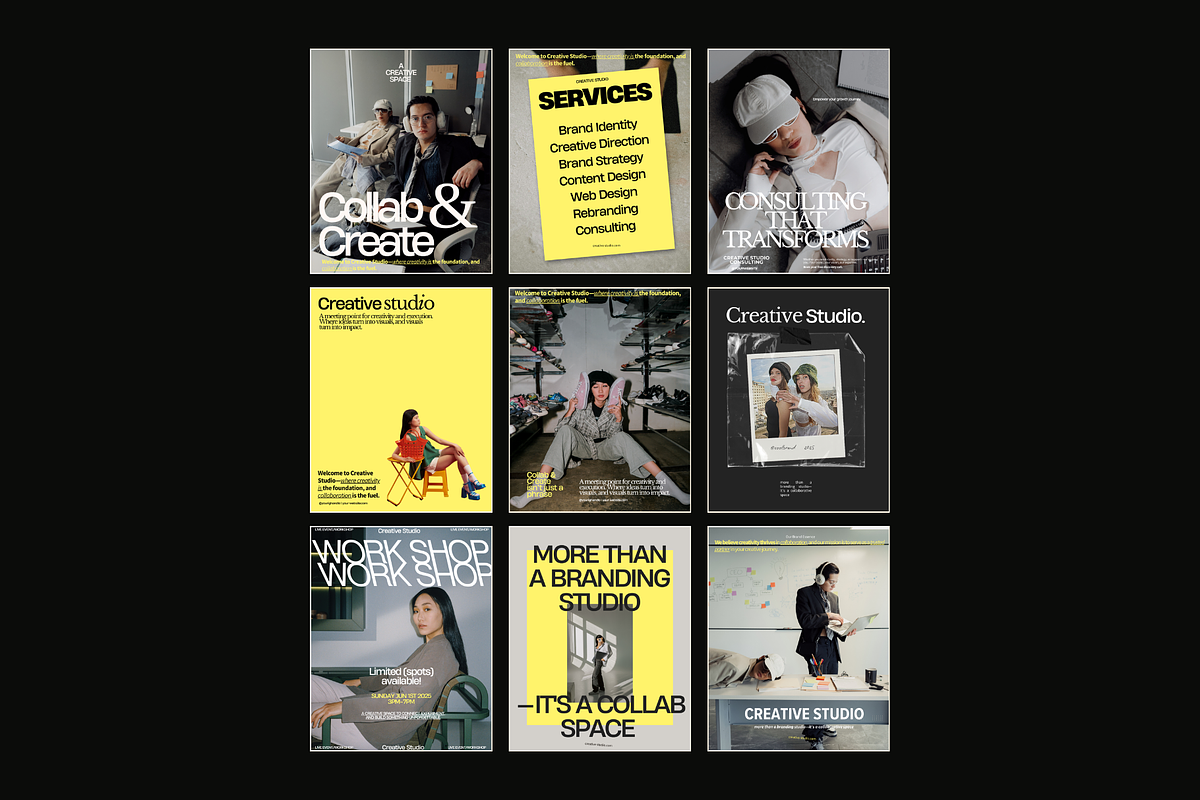
Designed to speed up your content production and sharpen your visual brand, the Creative Studio Canva Templates kit delivers a cohesive, editorial-inspired Instagram presence without the heavy design work. This pack equips coaches, social media managers, service providers, and creatives with 100 fully editable Canva layouts (50 in 4:5 and 50 in 1:1). Each layout prioritizes strong typography, structured grids, and focused imagery so you can communicate offers, tell brand stories, and launch promotions consistently and quickly.
Who Should Use These Templates
Coaches and Consultants
Coaches and consultants will find templates that highlight testimonials, session offers, and call-to-action posts. Use the layouts to present case studies, promote intake openings, and share thought leadership posts that convert followers into clients.
Social Media Managers and Agencies
Social media managers and agencies can accelerate client onboarding and content delivery. Customize colors and copy once, duplicate across client profiles, and publish polished posts that align with each brand’s tone and goals.
Creative Entrepreneurs and Photographers
Photographers and creative entrepreneurs can showcase portfolio pieces, promote bookings, and build an attractive feed that attracts high-value clients. The templates support large imagery while preserving layout balance and readability.
What’s Included
- 100 Canva templates: 50 vertical (4:5) and 50 square (1:1) layouts optimized for Instagram posts.
- Editorial and aesthetic-focused design system built for storytelling, promotions, and brand announcements.
- Predefined text styles and layout structures to ensure uniform visual language across all posts.
- Placeholders for images, headlines, captions, and calls to action so you can swap assets and post immediately.
- Step-by-step usage notes to help you customize colors, fonts, and imagery inside Canva.
How You’ll Use the Kit
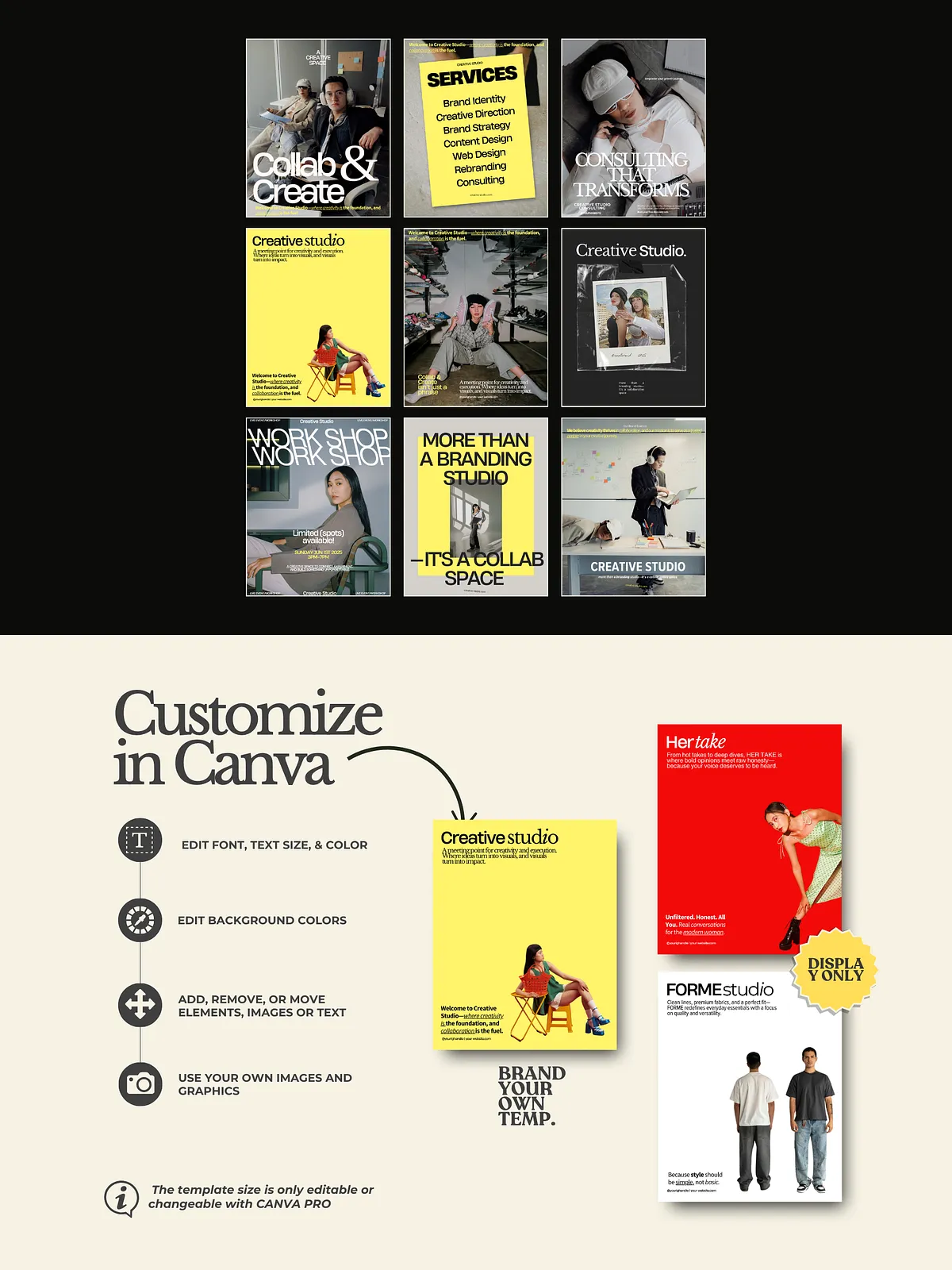
Customize Quickly in Canva
Open the templates in Canva, update brand colors and fonts, drag in your images, and replace placeholder copy. The templates work with Canva’s drag-and-drop editor so you can adapt every layout in minutes and export ready-to-post files. For reference to Canva’s template ecosystem and editor features, see the official Canva templates page: [Free, beautiful, and customizable Instagram post templates – Canva](https://www.canva.com/instagram-posts/templates/).
Plan and Publish Efficiently
Use the 4:5 vertical templates for feed posts that prioritize portrait viewing and engagement, and the 1:1 square templates for consistent grid layouts or cross-posting across platforms. Batch-edit designs, schedule content in your social scheduler, and maintain a steady publishing rhythm that strengthens brand recognition.
Why These Templates Work
Each layout focuses on clarity and conversion. The designs use visual hierarchy to direct attention to headlines, key offers, and clear calls to action. You will preserve brand consistency across dozens of posts by configuring global color palettes and text styles, then applying them across all templates. The result: a professional, high-end feed that communicates authority and trust without constant redesign effort.
Delivery and Support
After purchase, you will receive a link to duplicate the template kit into your Canva account along with a PDF guide that explains customization best practices. If you need technical assistance or design adjustments, support contact details are included with your download. We encourage feedback so we can improve future template releases and add features you request.