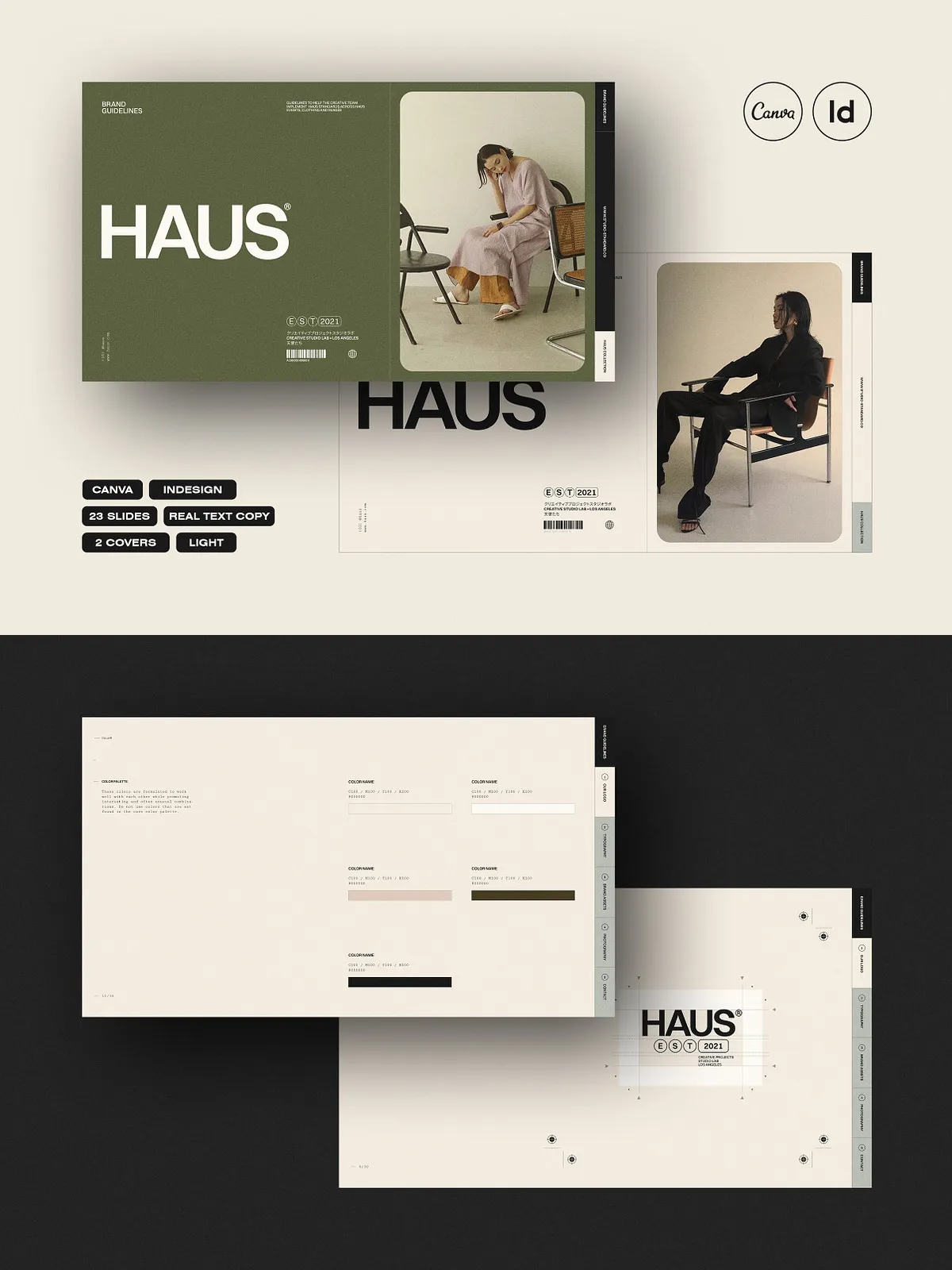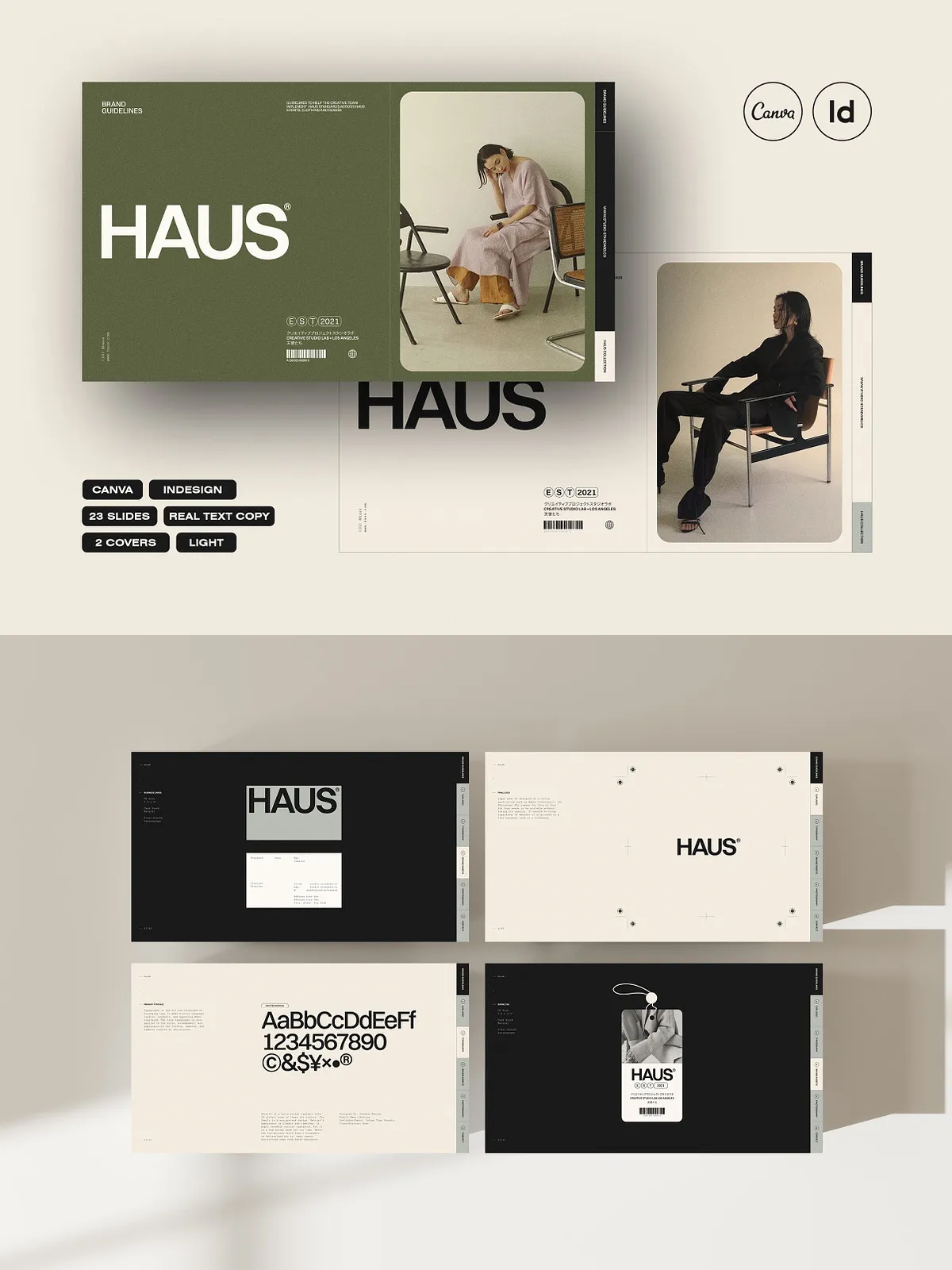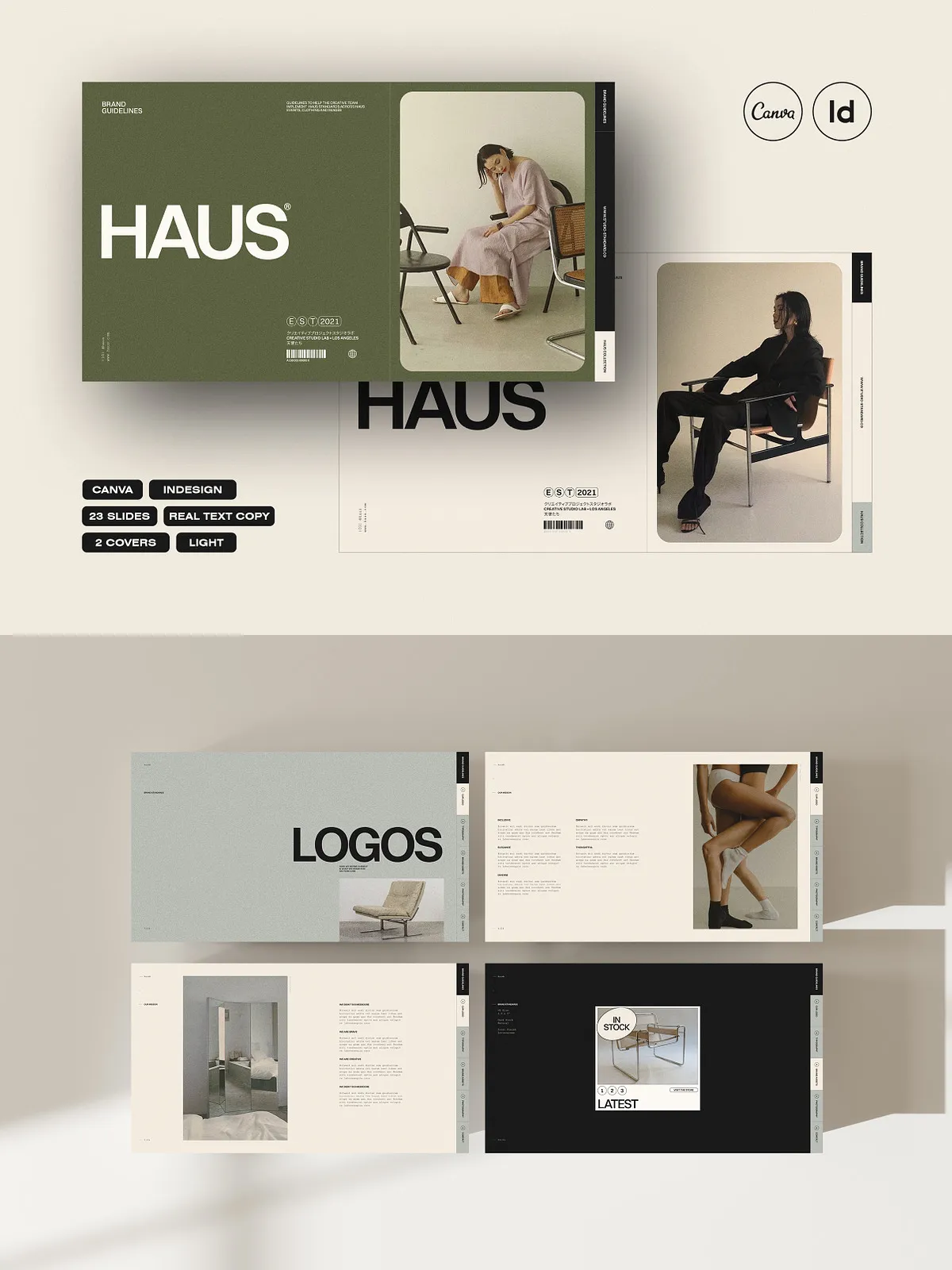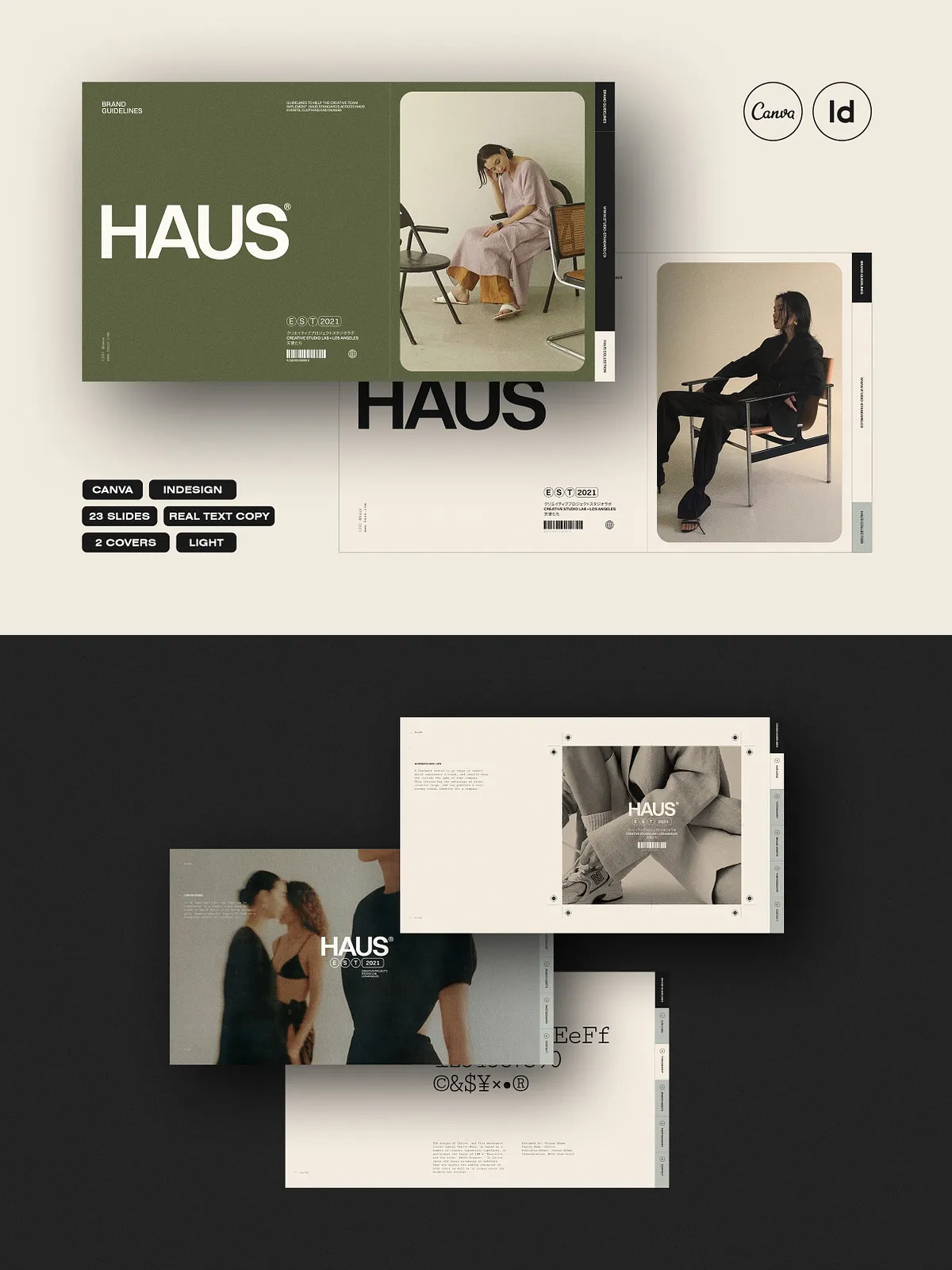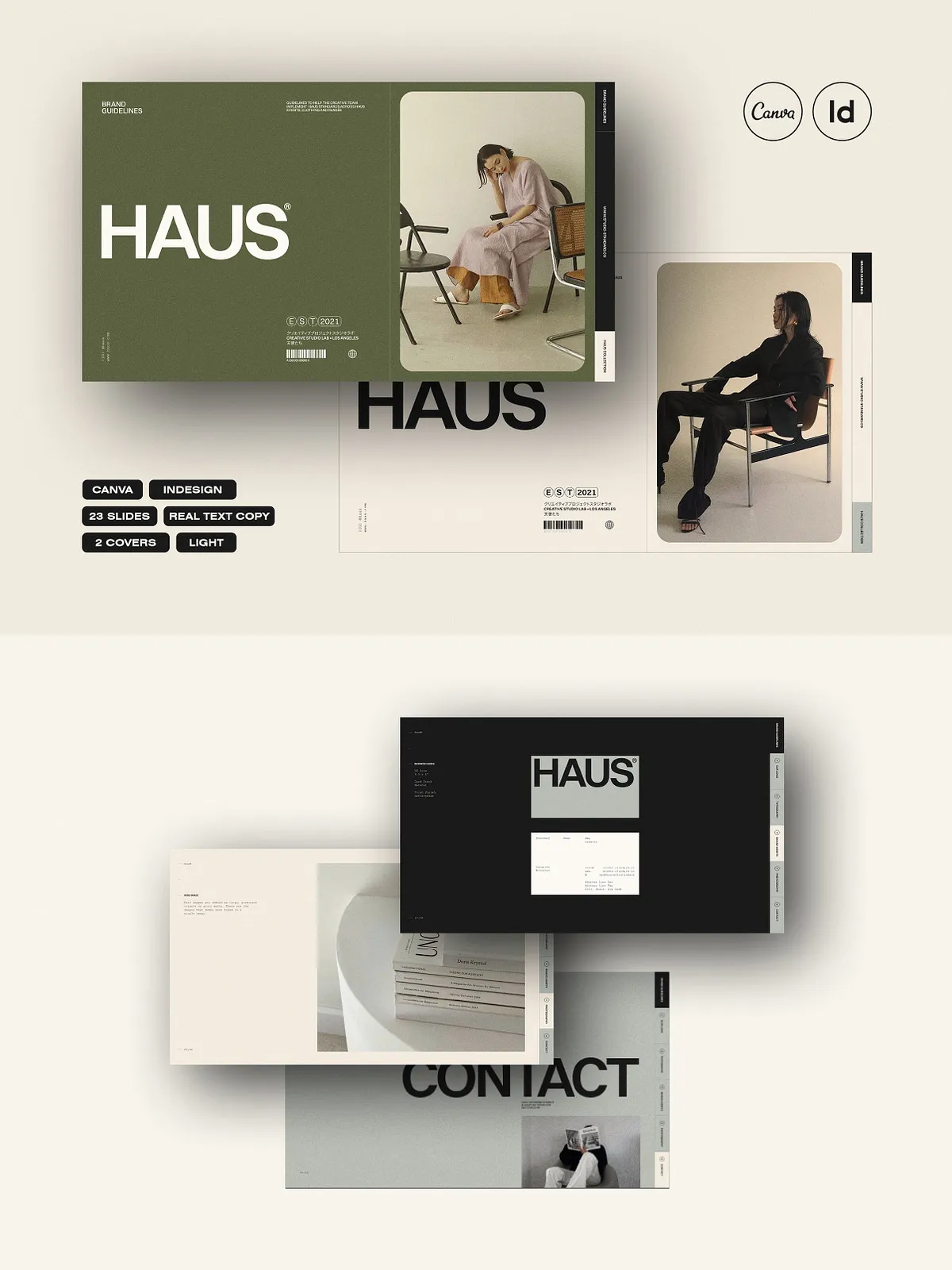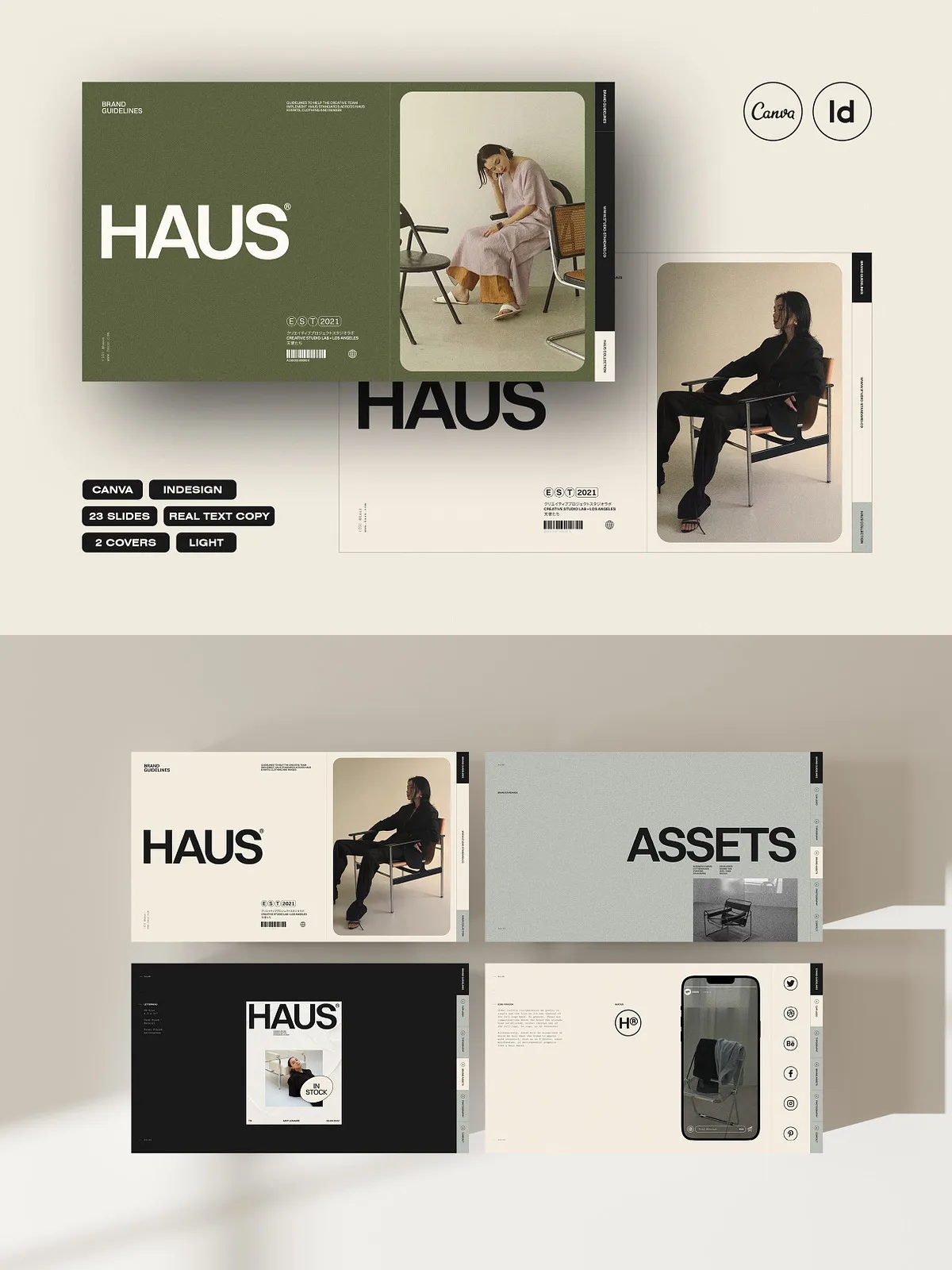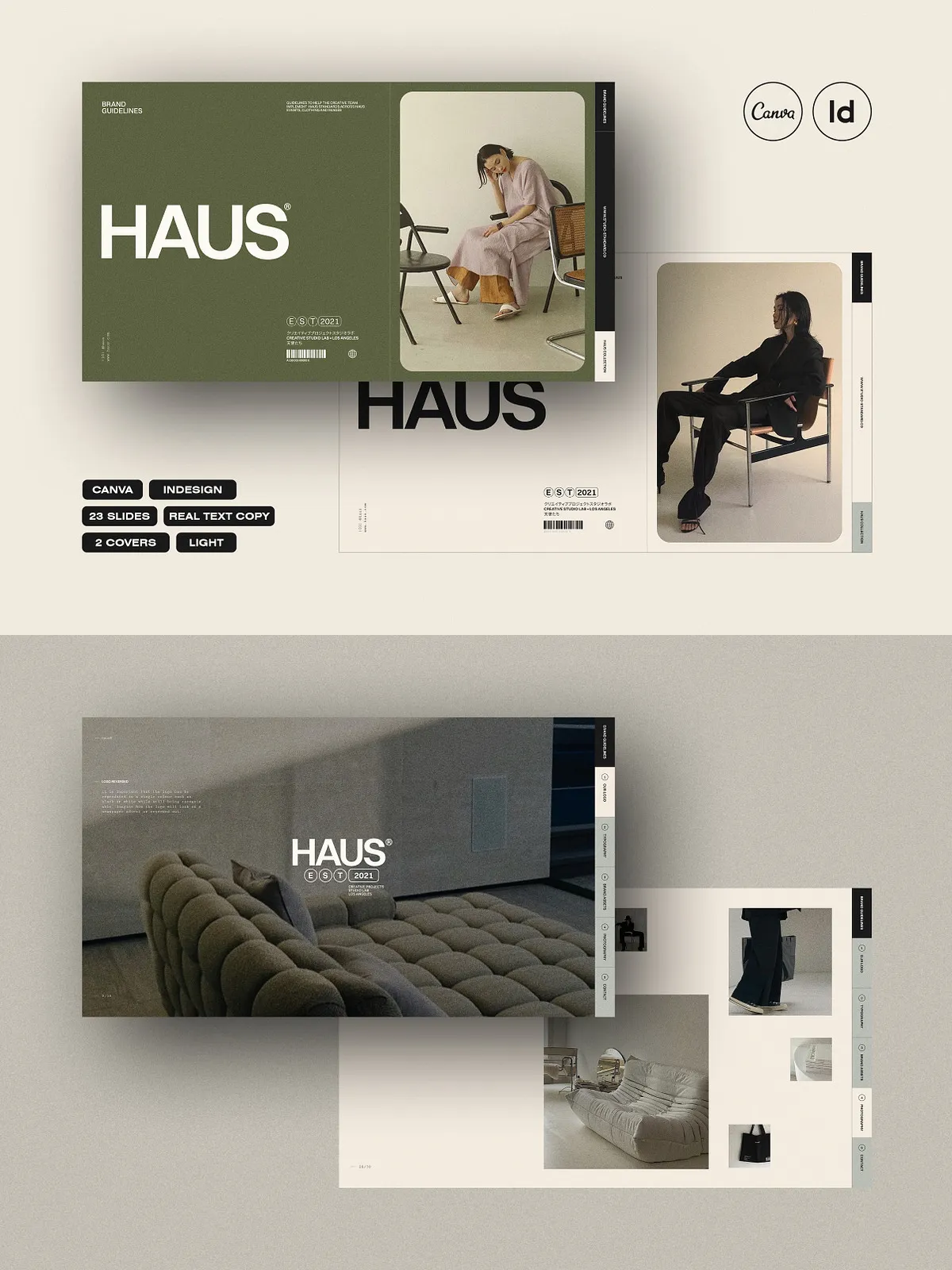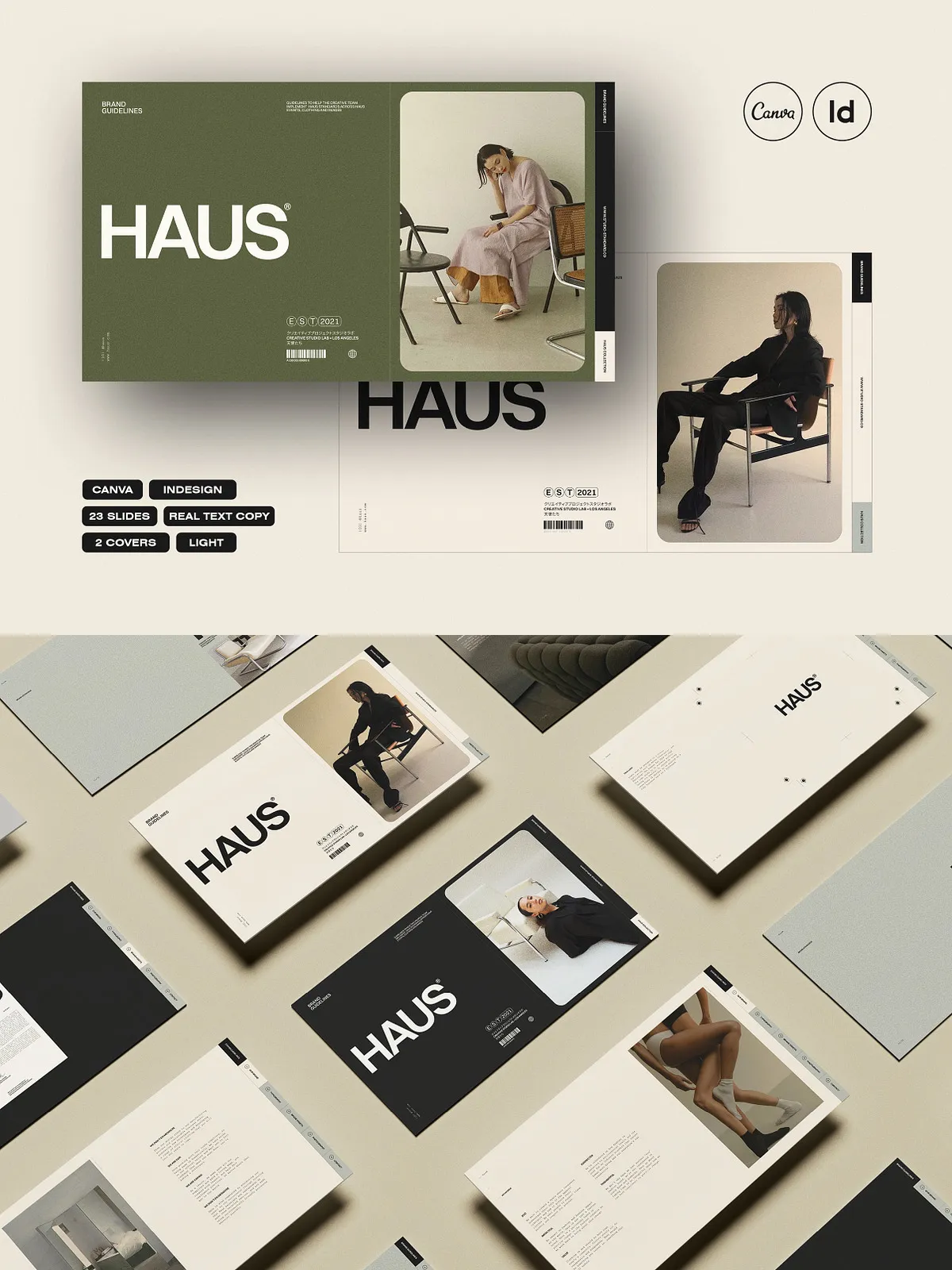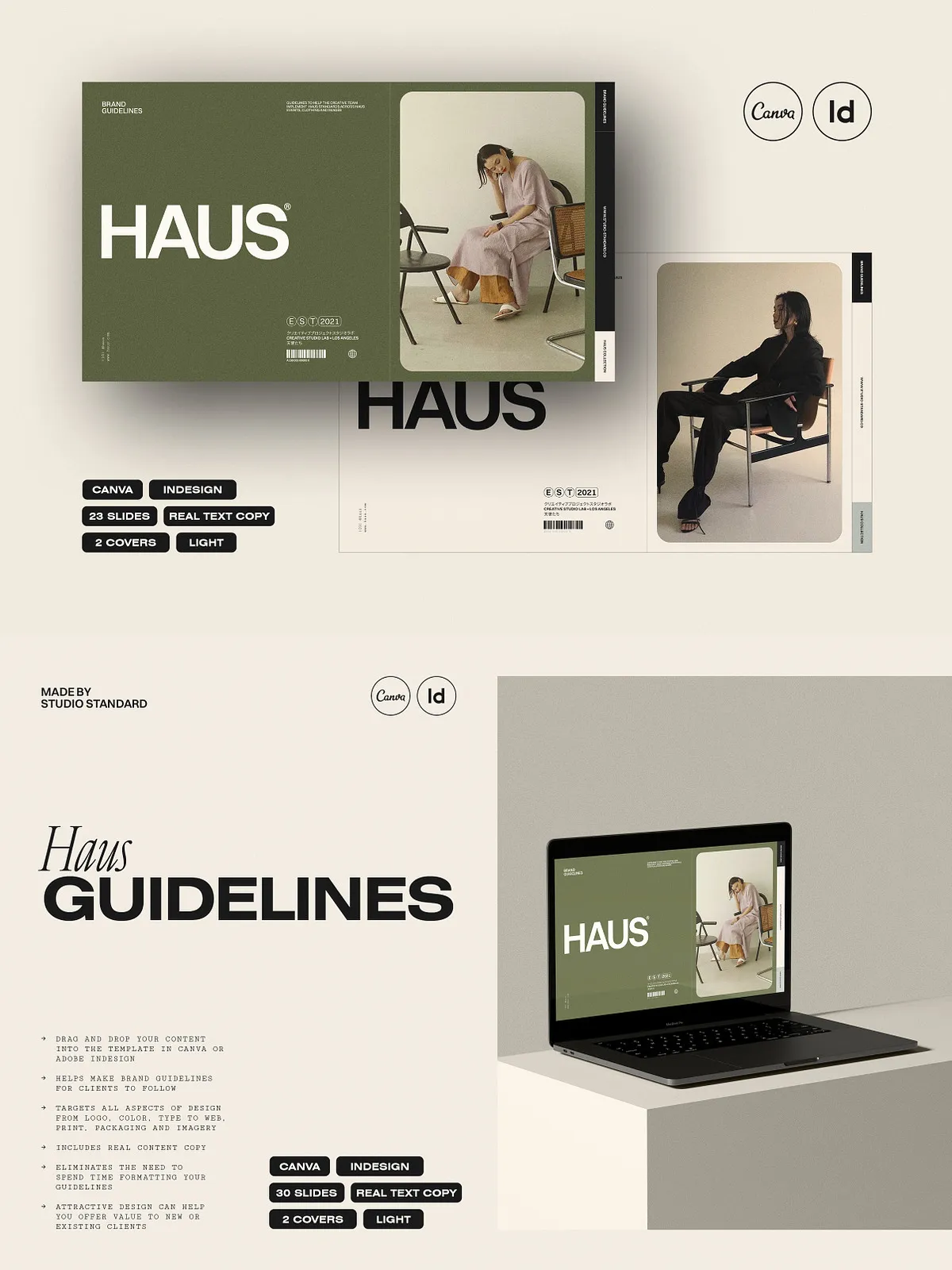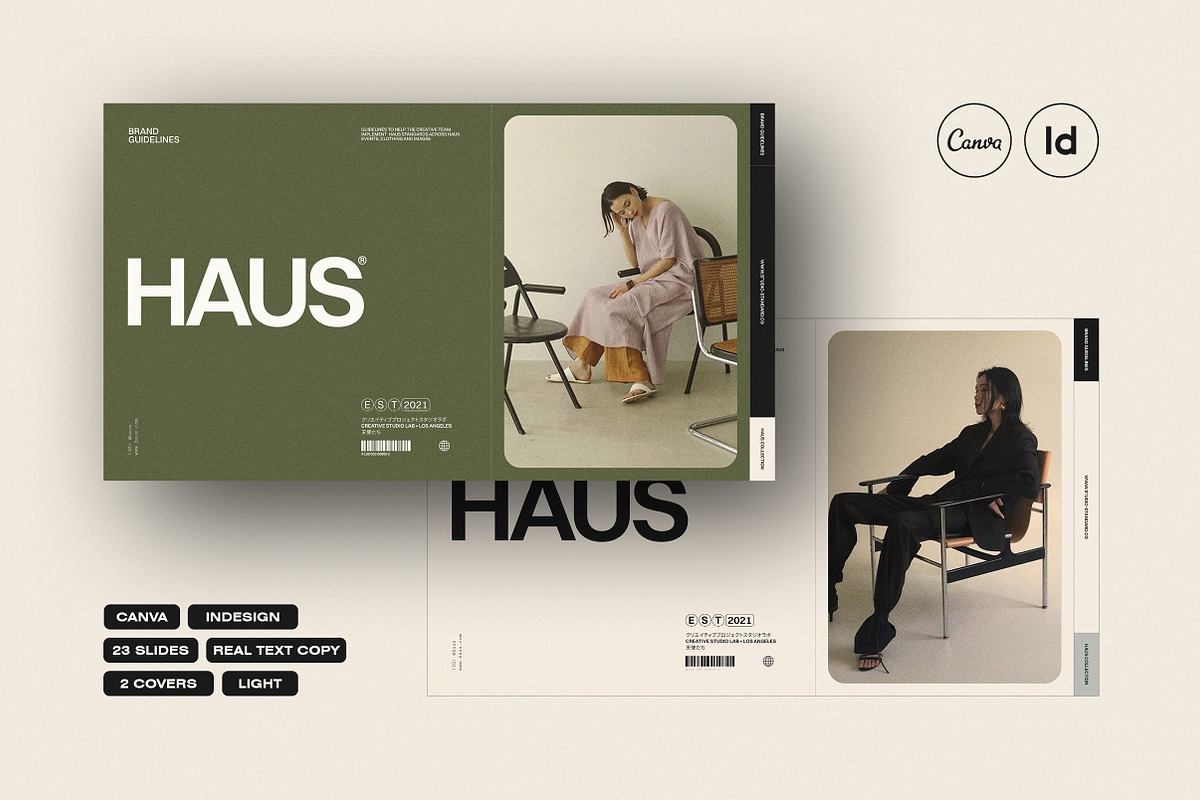
The Haus Brand Guidelines template by Studio Standard delivers a complete, professional brand book that you can customize and publish quickly. Built as a set of 30 layout templates, this package empowers designers, creative directors, agencies, and brand teams to create cohesive, compelling brand guidelines without rebuilding pages from scratch. Designed for both Canva and Adobe InDesign (CS4, CS5, CS5.5, CS6, and CC), each layout uses structured styles and editable objects so you can actively tailor the deck to any client or project and export to print-ready formats or PDF.
Why Choose This Template
Move faster and work smarter. The Haus template gives you polished page designs and real text copy that illustrate best practices for logos, color systems, typography, web guidelines, social visuals, print collateral, and packaging. You retain full control: delete or reorder pages, swap imagery, adjust color palettes, and fine-tune typography. The template’s mockup illustrations and stationery assets come fully editable so you can present professional brand collateral without extra illustration work. Use the template as a starting point to produce consistent brand deliverables that clients will understand and value.
Who Benefits Most
Brand designers, in-house creative teams, agencies, and freelancers will find immediate value. If you need to deliver brand guidelines quickly and with high quality, this template streamlines your workflow. Clients receive a clear brand system they can follow, while you save time on layout, composition, and typesetting.
Core Features
The package focuses on practical, actionable content and flexible design systems. Key features include:
- 30 fully editable layout templates sized at 1920 x 1080 px for clear on-screen presentation and easy export.
- Compatibility with Canva and Adobe InDesign (CS4 through CC), enabling use across common production environments.
- Character, paragraph, and object styles in InDesign for rapid global edits and consistent formatting.
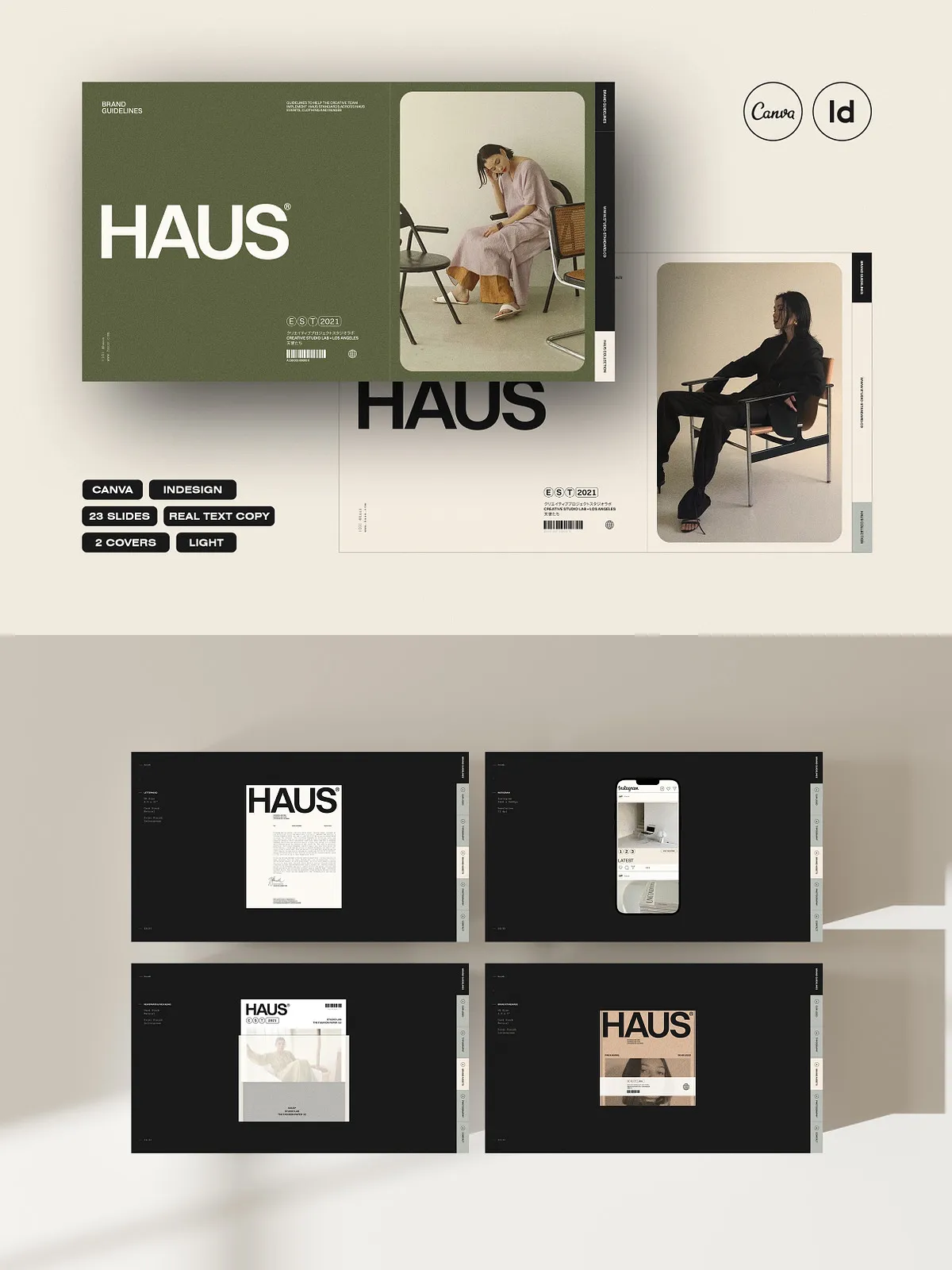
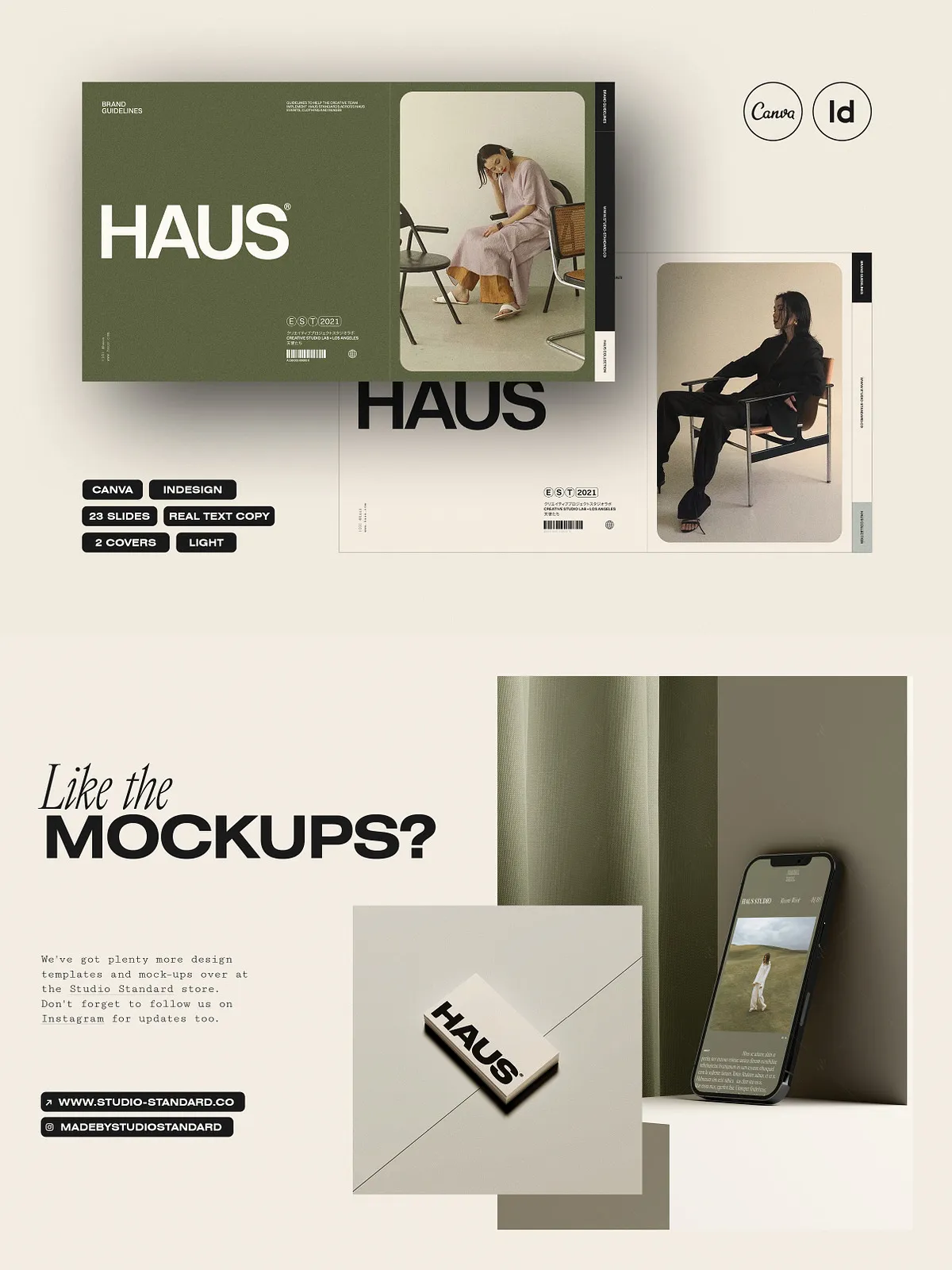
- Editable stationery and packaging mockup illustrations to showcase real-world applications of the brand.
- Real example copy to guide clients and demonstrate correct usage of brand elements.
- Flexible structure—delete, move, or duplicate pages to build a brand book tailored to each client.
Included Pages
Each template page targets a core brand need and presents content in an organized, client-friendly layout:
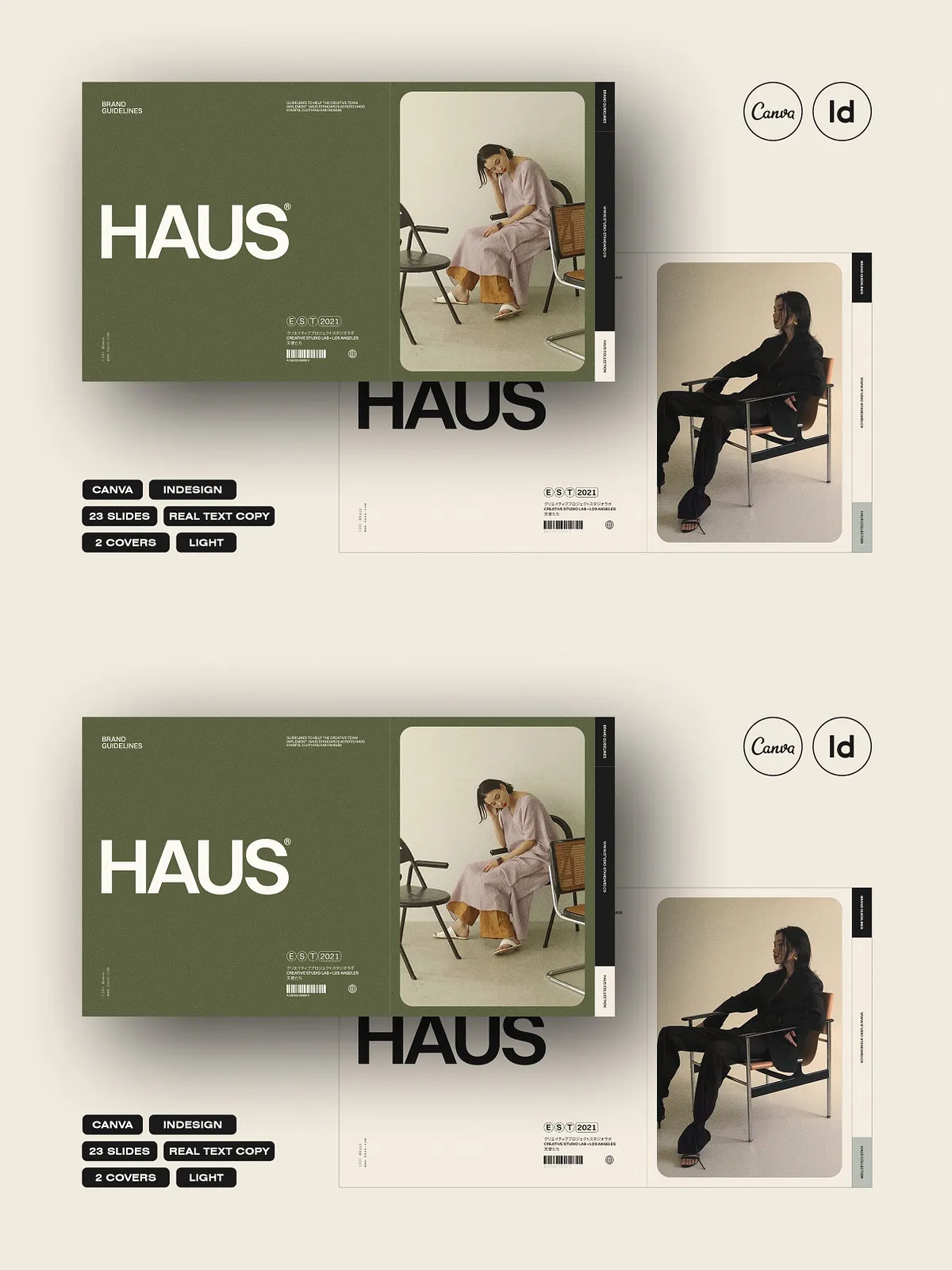
- Cover Page (2 color options)
- Logos — primary, secondary, and usage rules
- Typography — typefaces, hierarchies, and usage examples
- Social Media — post templates and visual guidance
- Website — UI elements, spacing, and responsive considerations
- Imagery — photo style, filters, and composition guidelines
- Stationery — business cards, letterheads, and templates
- Packaging — dielines, label systems, and mockups
- Values — brand voice, mission, and tone of communication
- Resources — downloadable assets and file specifications
How to Use and Customize
Open the template in Canva or InDesign and immediately start customizing. Replace placeholder text and imagery with your client’s branding, swap color palettes using the color control blocks, and apply your preferred fonts. In InDesign, use the provided styles to make global adjustments quickly; in Canva, utilize components and grouped elements for the same rapid edits. Present the finished document either as a high-resolution PDF for printing or as a digital deck for client review. The template encourages proactive editing so you can adapt layouts to match client needs and communication goals.
Delivery and Output
You can export clean, print-ready PDFs or share editable Canva links depending on the workflow. The 1920 x 1080 px layout optimizes on-screen legibility while allowing straightforward conversion to A4 or letter formats for printing. Because the template rests on a system of styles and modular blocks, it supports both quick one-off projects and recurring brand programs across multiple clients.