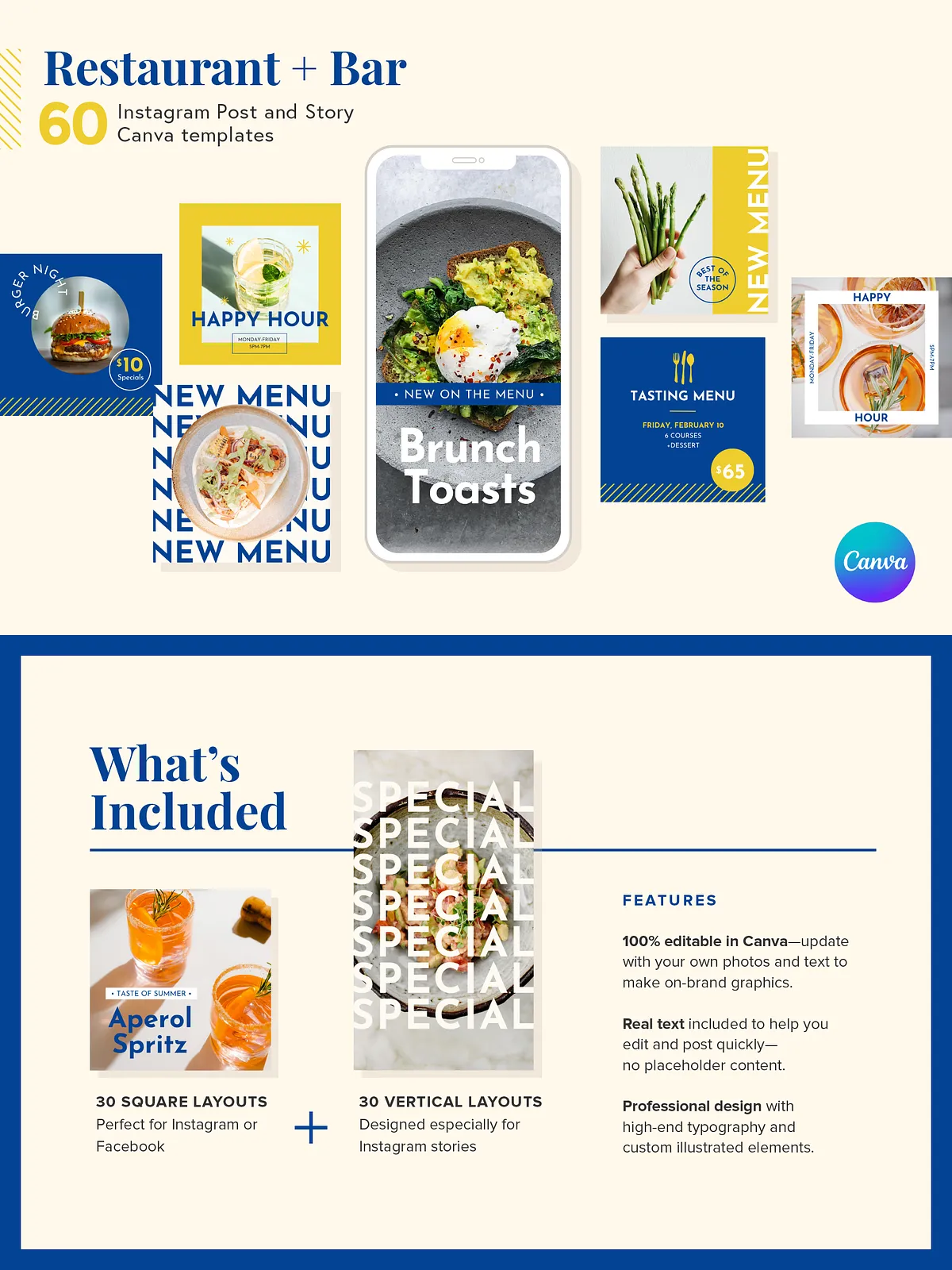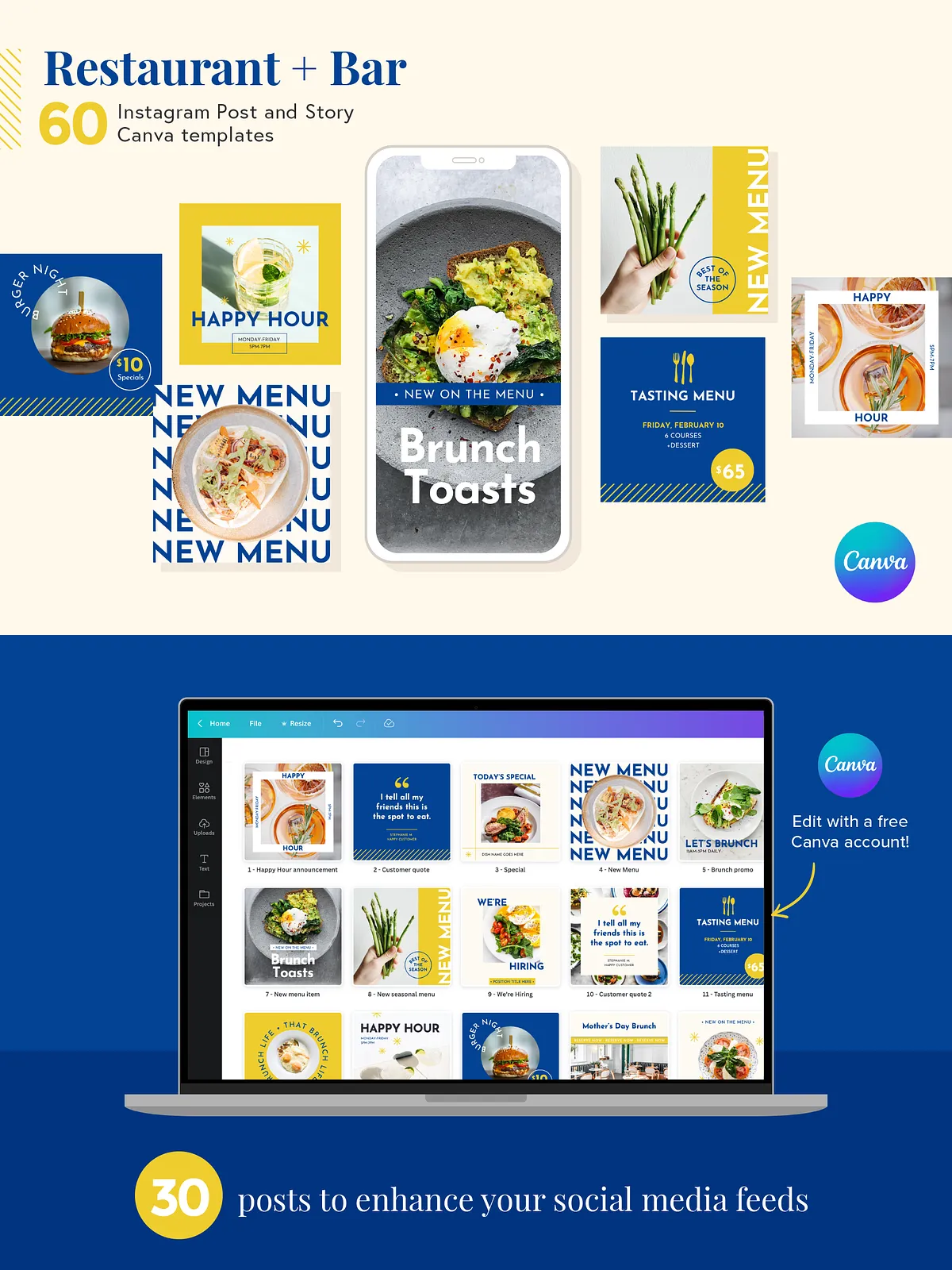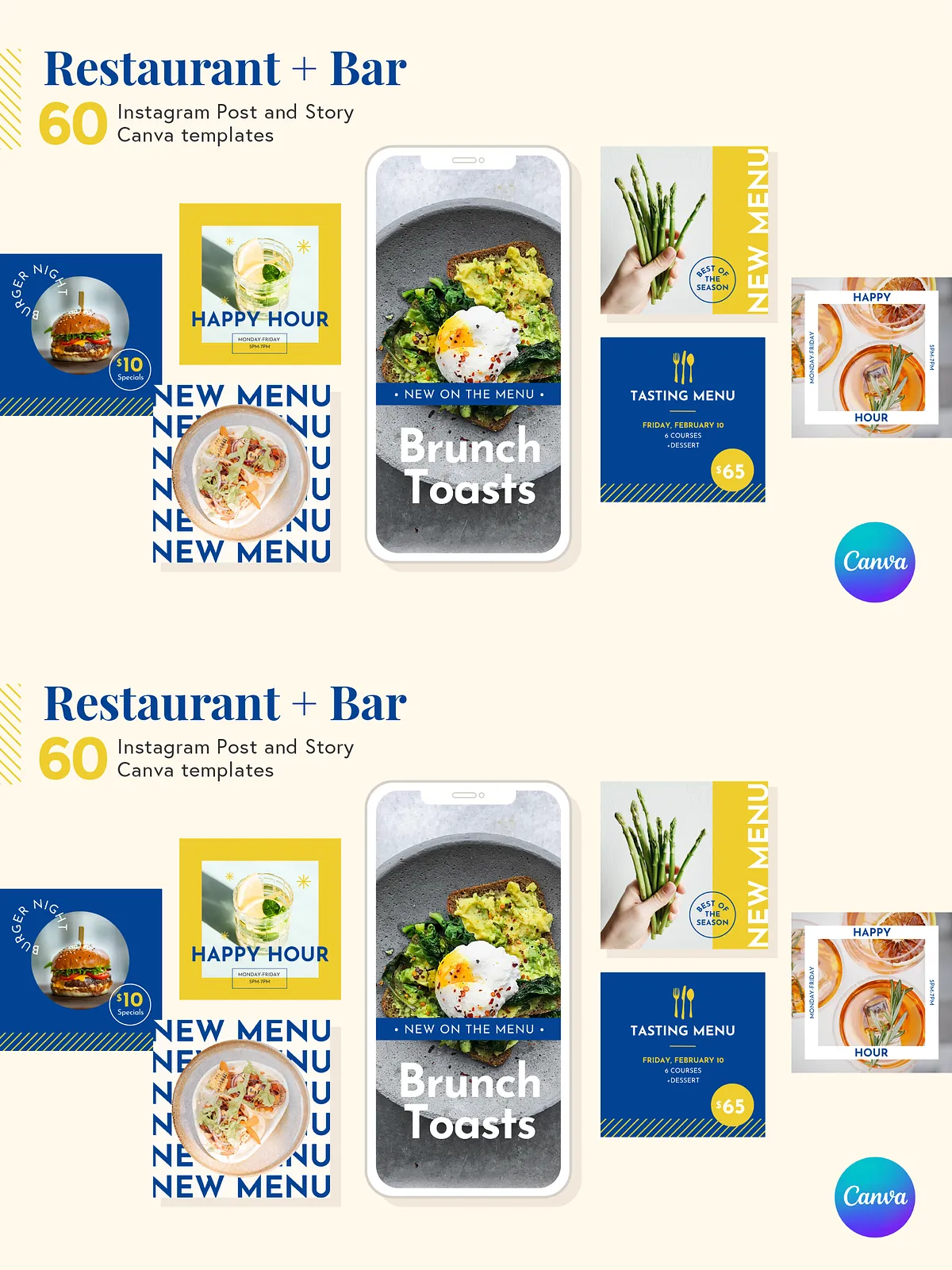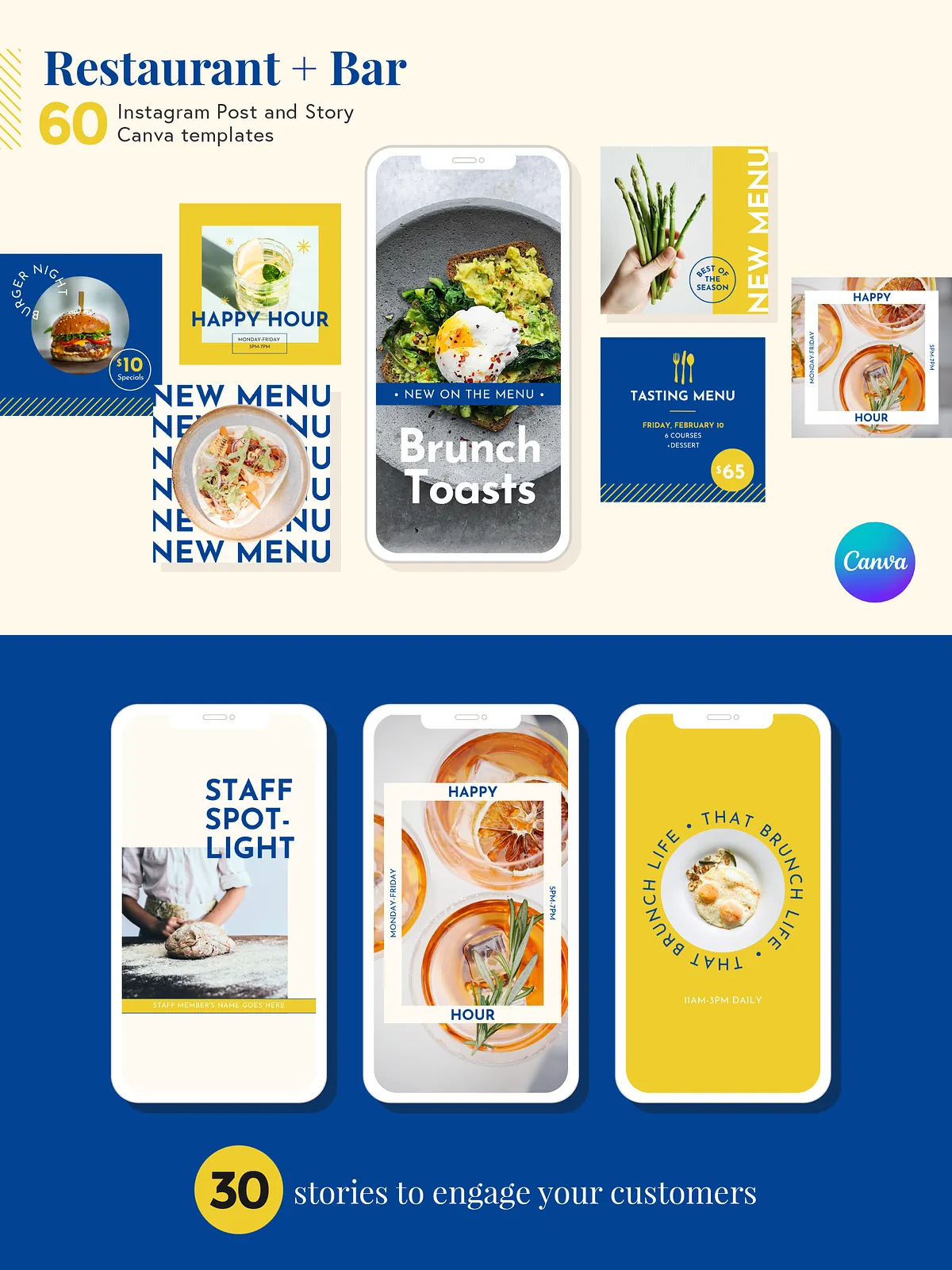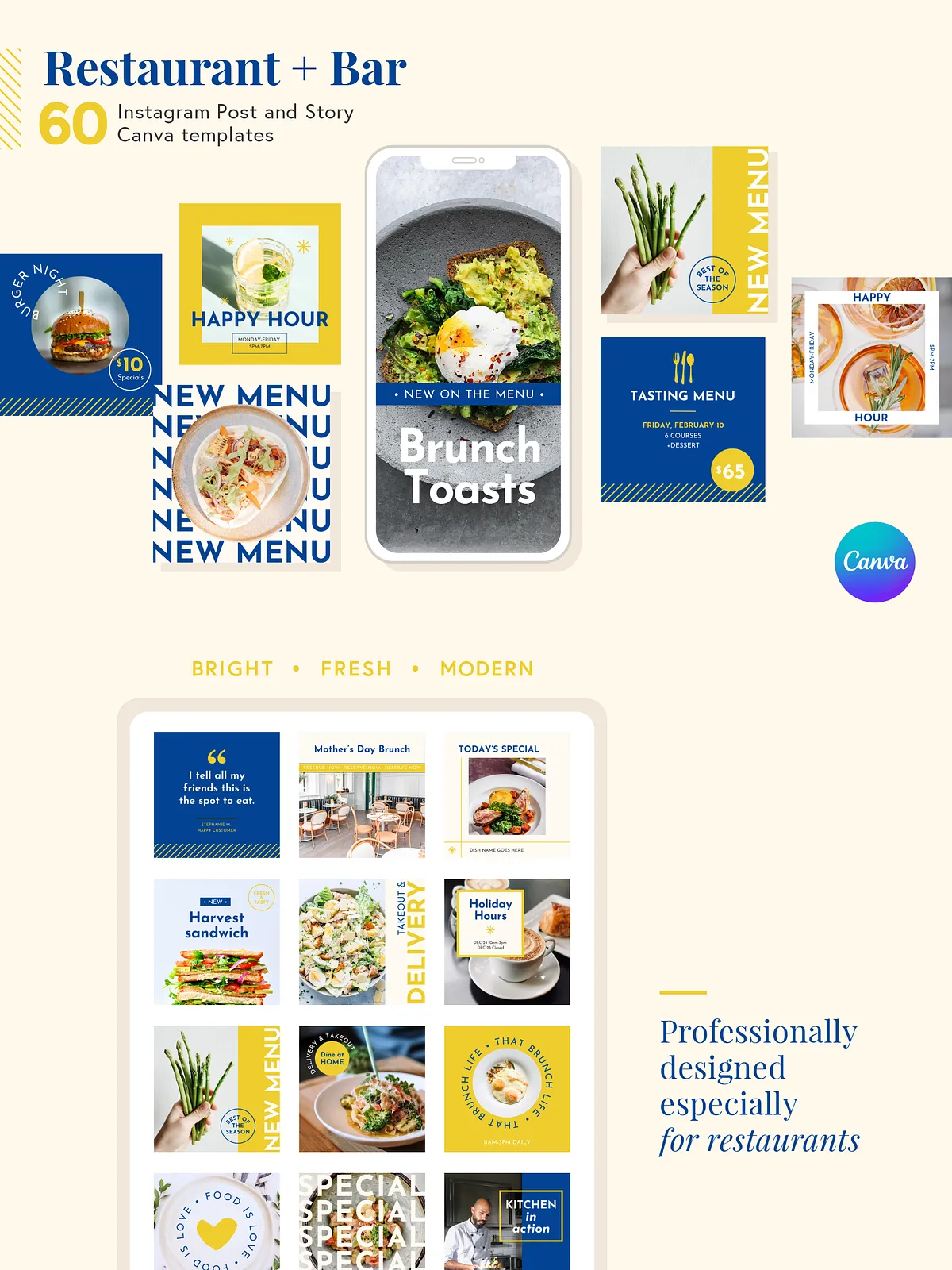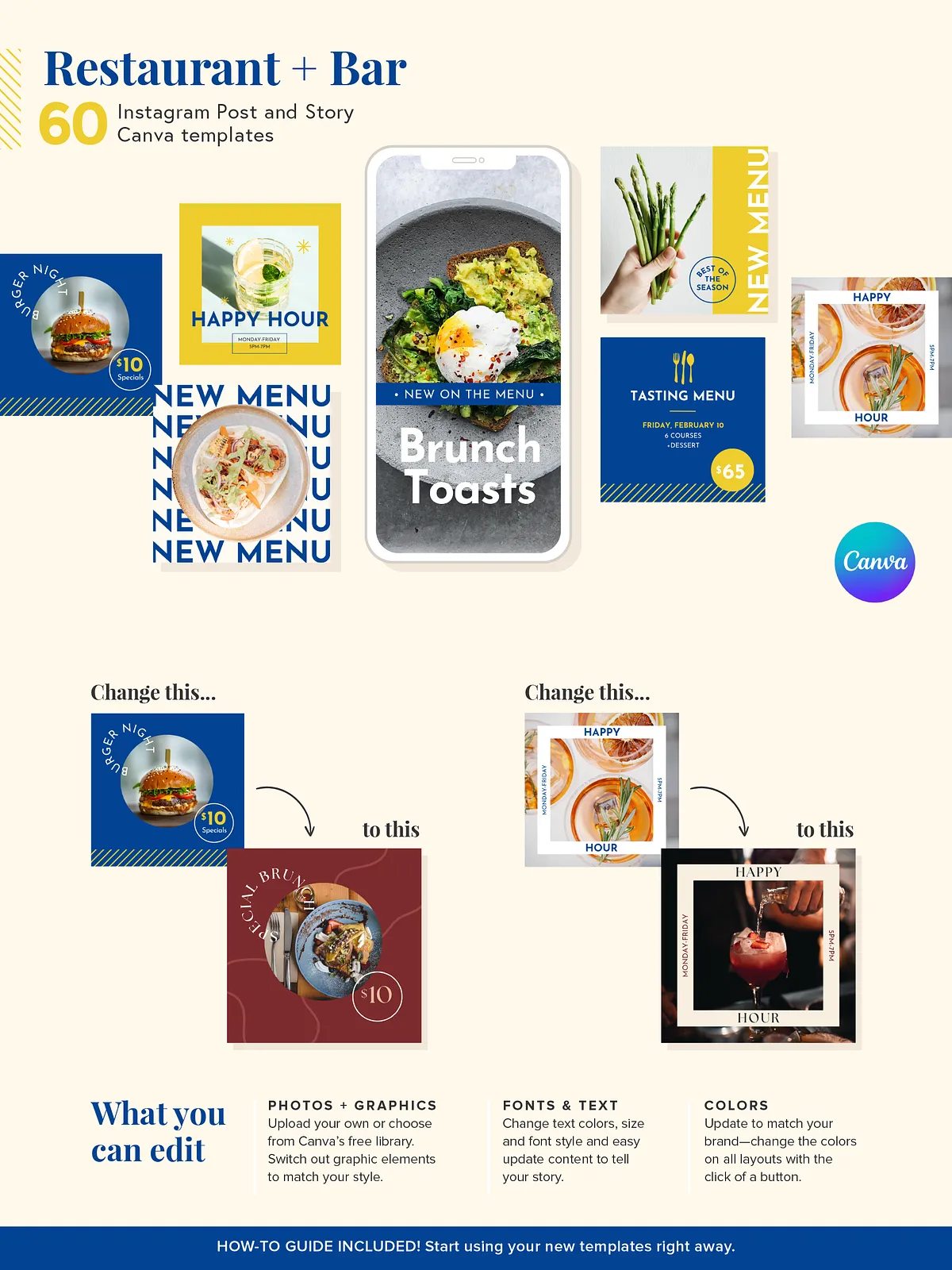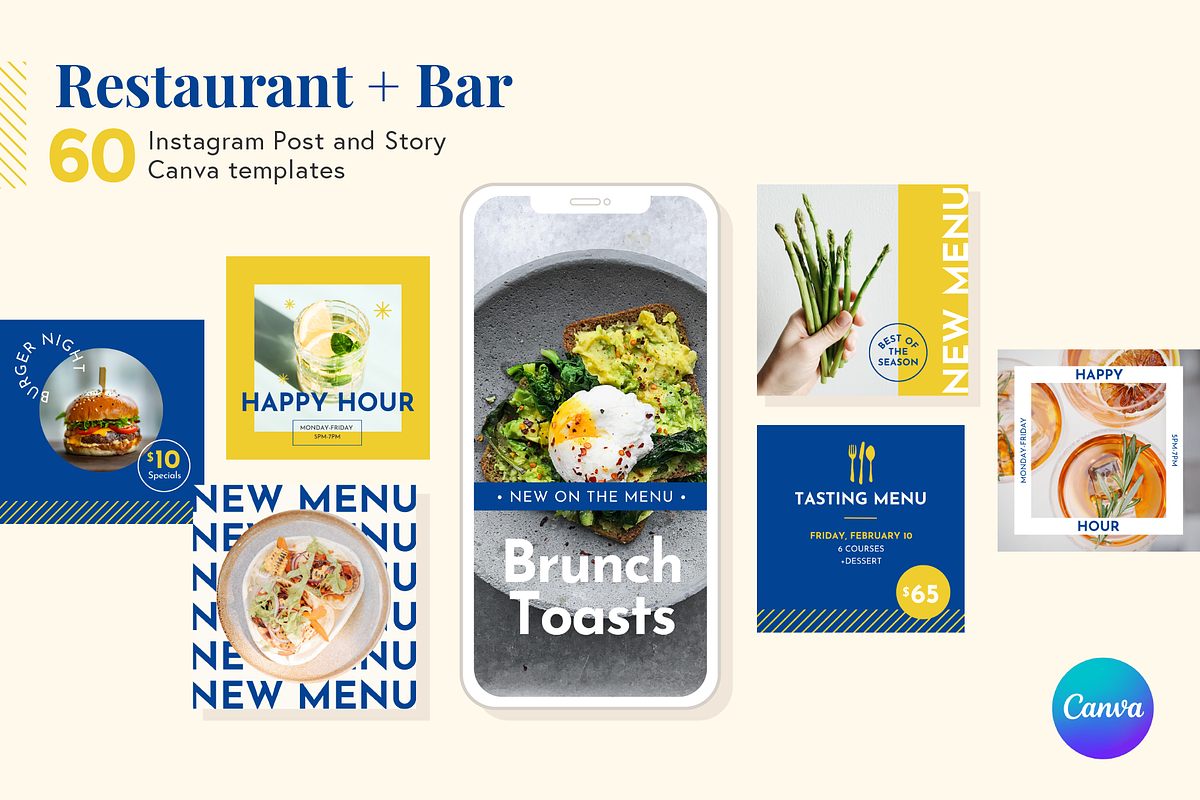
This restaurant Instagram kit empowers you to publish consistent, attractive social content that engages customers and drives visits. Designed specifically for cafes, restaurants, bars, and food trucks, the kit helps you promote events, highlight specials, introduce staff, and share behind-the-scenes stories. Each template uses real headline and caption text so you can edit and post immediately, saving hours of design work and enabling you to maintain an active, professional feed.
Why it Works
We crafted these templates to be visually striking, brand-flexible, and simple to update. You will replace images and copy in minutes, post a cohesive month of content, and track improved engagement. The layouts focus attention on the plate, the atmosphere, and the call to action — prompting reservations, orders, and visits. The templates reinforce your brand while encouraging repeat business and community growth.
What’s Included
Template Sets
- 30 vertical Instagram layouts (4:5, 1080 x 1350): High-impact posts optimized for engagement and feed visibility.
- 30 square social layouts (1080 x 1080): Perfect for cross-posting to Facebook and Instagram with consistent composition.
- 30 vertical story templates (1080 x 1920): Eye-catching story designs for announcements, limited-time offers, and daily specials.
Editable Content & Extras
- Real text across all templates to accelerate editing — no placeholder content to replace before posting.
- 100% editable in a free Canva account — no additional software required. Open and customize the templates at Canva.
- A concise how-to guide that walks you through importing, customizing, and exporting posts even if you’ve never used Canva before.
How It Works
Step-by-step
Step 1 — Access
After purchase, download the included PDF that contains direct links to each Canva template. If your system requires a PDF reader, use Acrobat Reader or another PDF viewer to open the file.
Step 2 — Customize
Open any template in your free Canva account. Replace photography with your own images, update headlines and captions to match your voice, and apply your brand colors and fonts. Templates use modular elements so you can swap sections, reposition text, and resize assets quickly.
Step 3 — Publish
Export your edited images in the recommended formats and upload them to Instagram and Facebook. Use the story templates to run daily promotions, limited-time offers, or event countdowns. Schedule posts with your preferred social manager or publish natively to maintain a steady presence and build momentum.
Recommended Uses & Best Practices
Maximize Engagement
Post consistently using the provided layouts to create a recognizable visual rhythm. Announce menus and specials with clear CTAs (reserve, order, visit). Boost visibility by tagging locations, using relevant hashtags, and sharing user-generated content alongside the templates to build trust.
Promote Events
Customize event templates with dates, times, and featured menu items. Use story templates for reminders and countdowns the week of your event to drive attendance and bookings.
Questions & Support
Need Help?
We provide step-by-step instructions in the included how-to guide and offer direct support for template-related questions. If you need a template variation or a custom style, send us a message — we regularly add new designs and welcome requests.