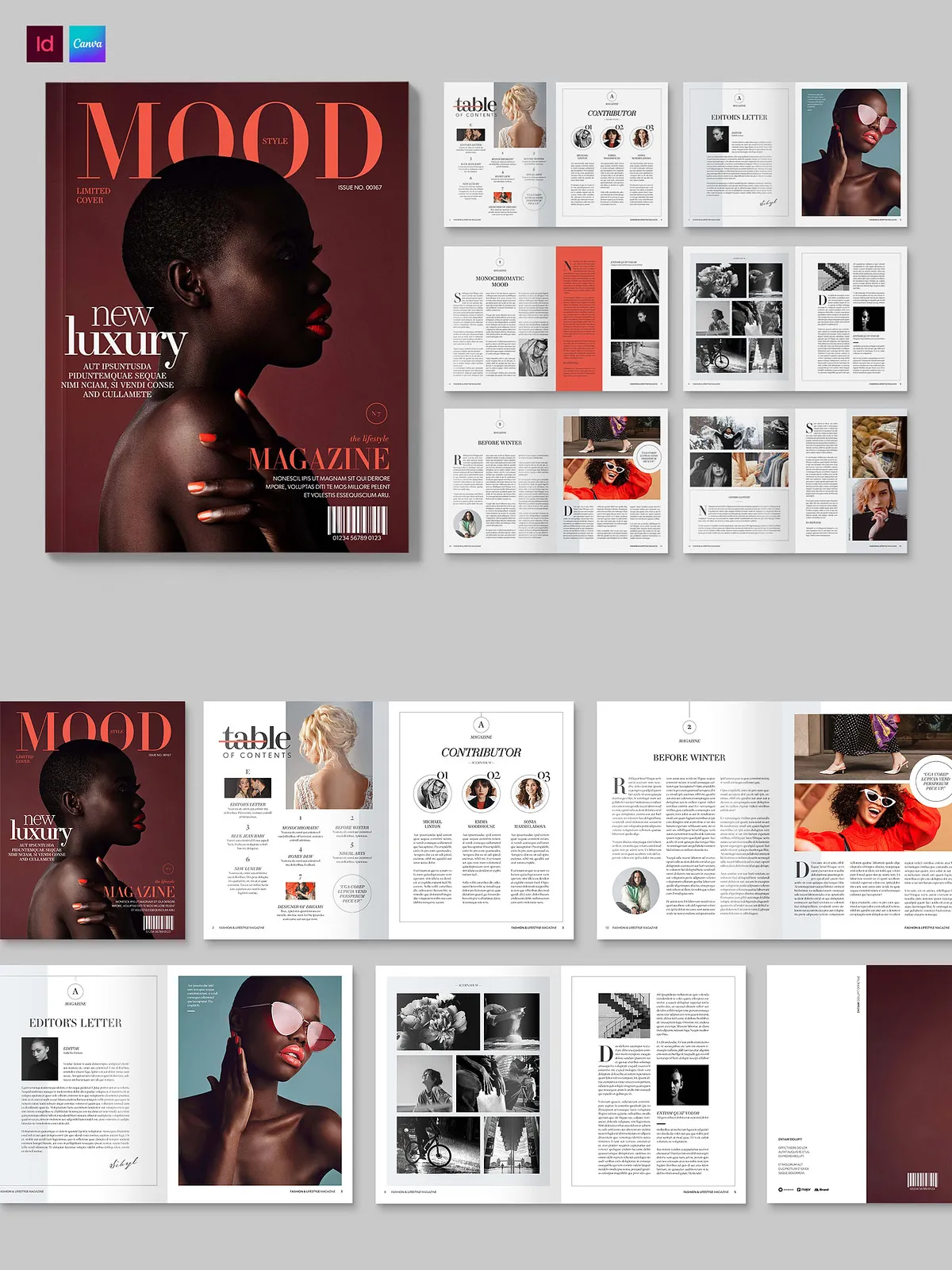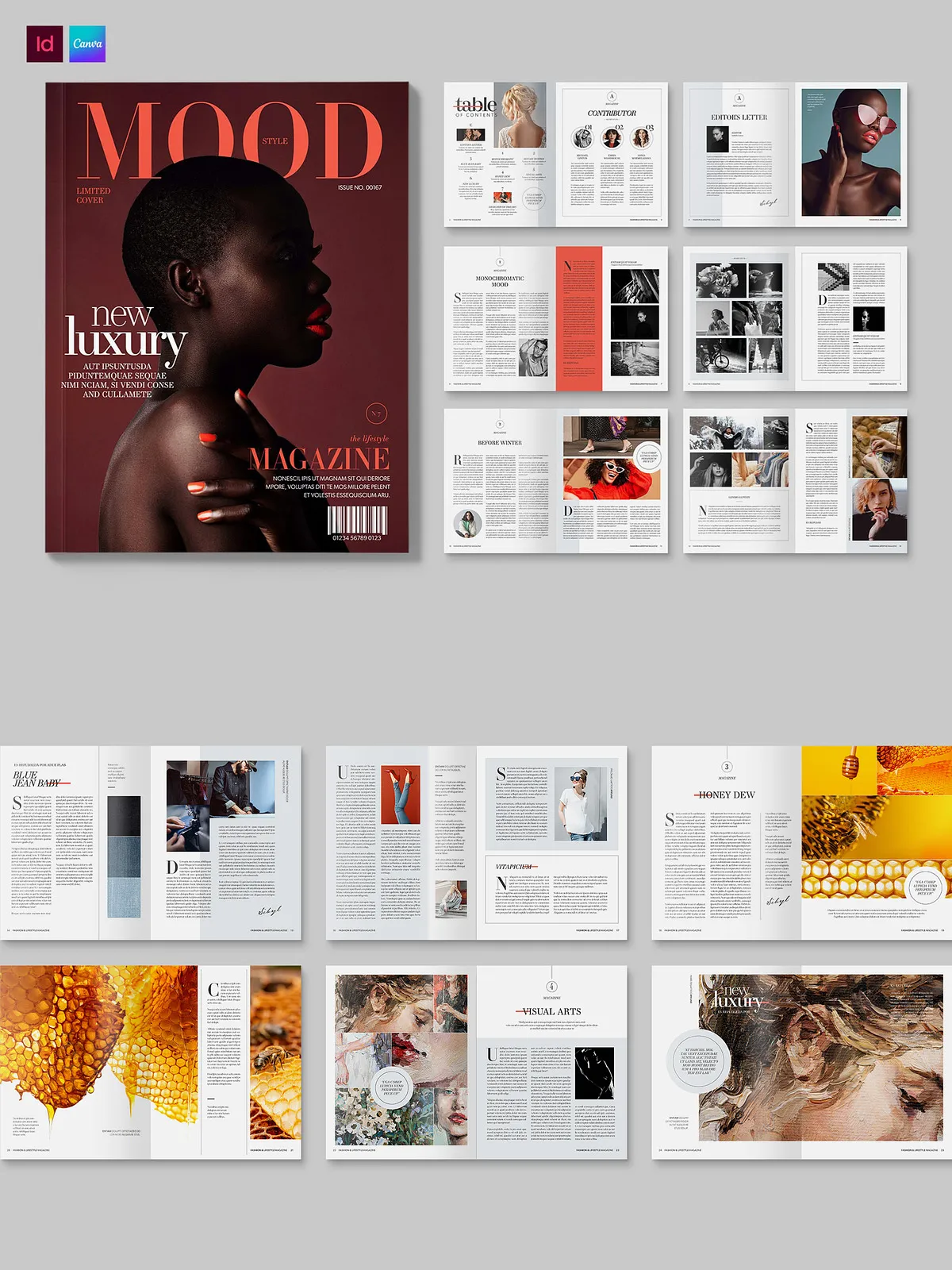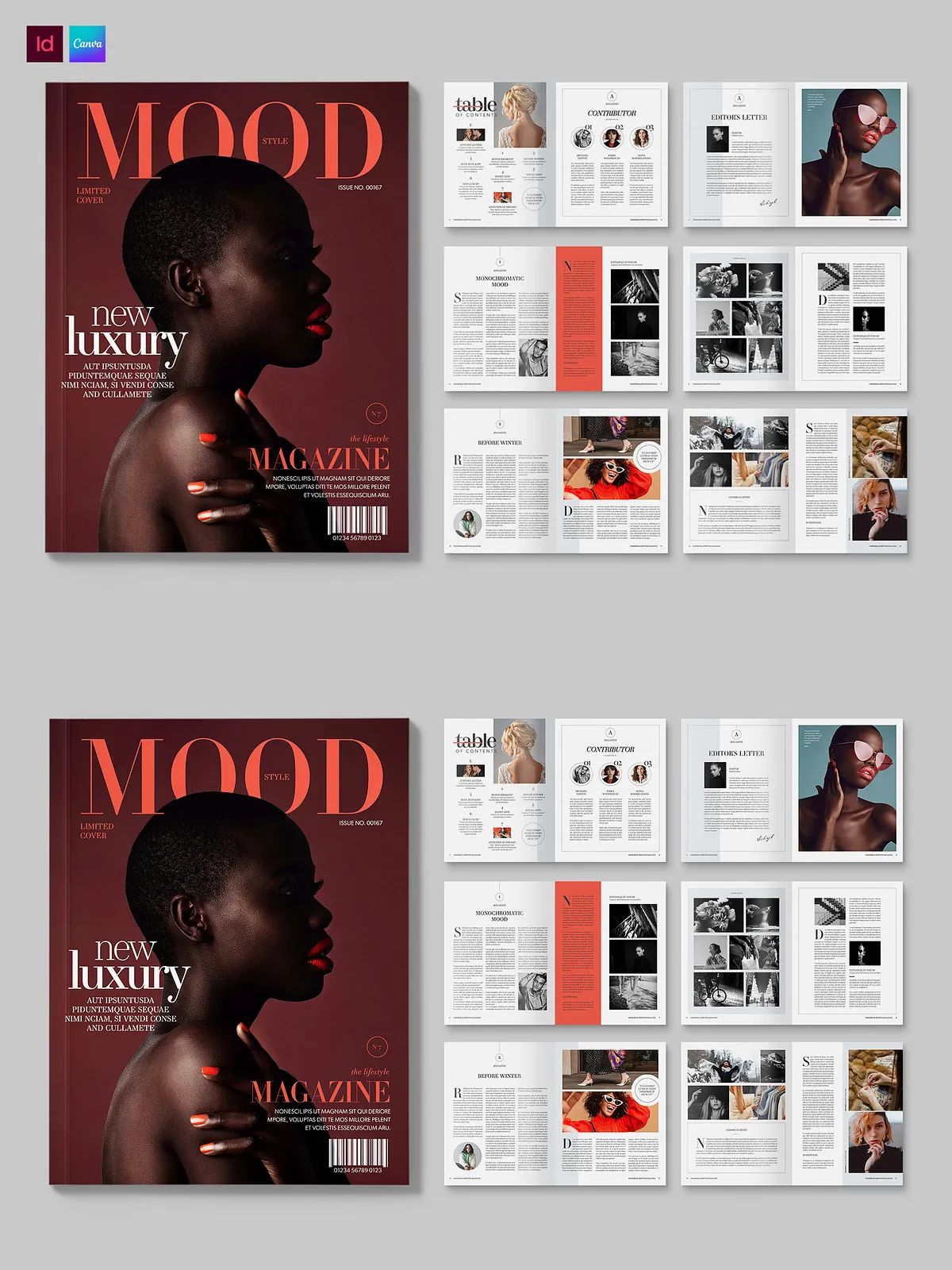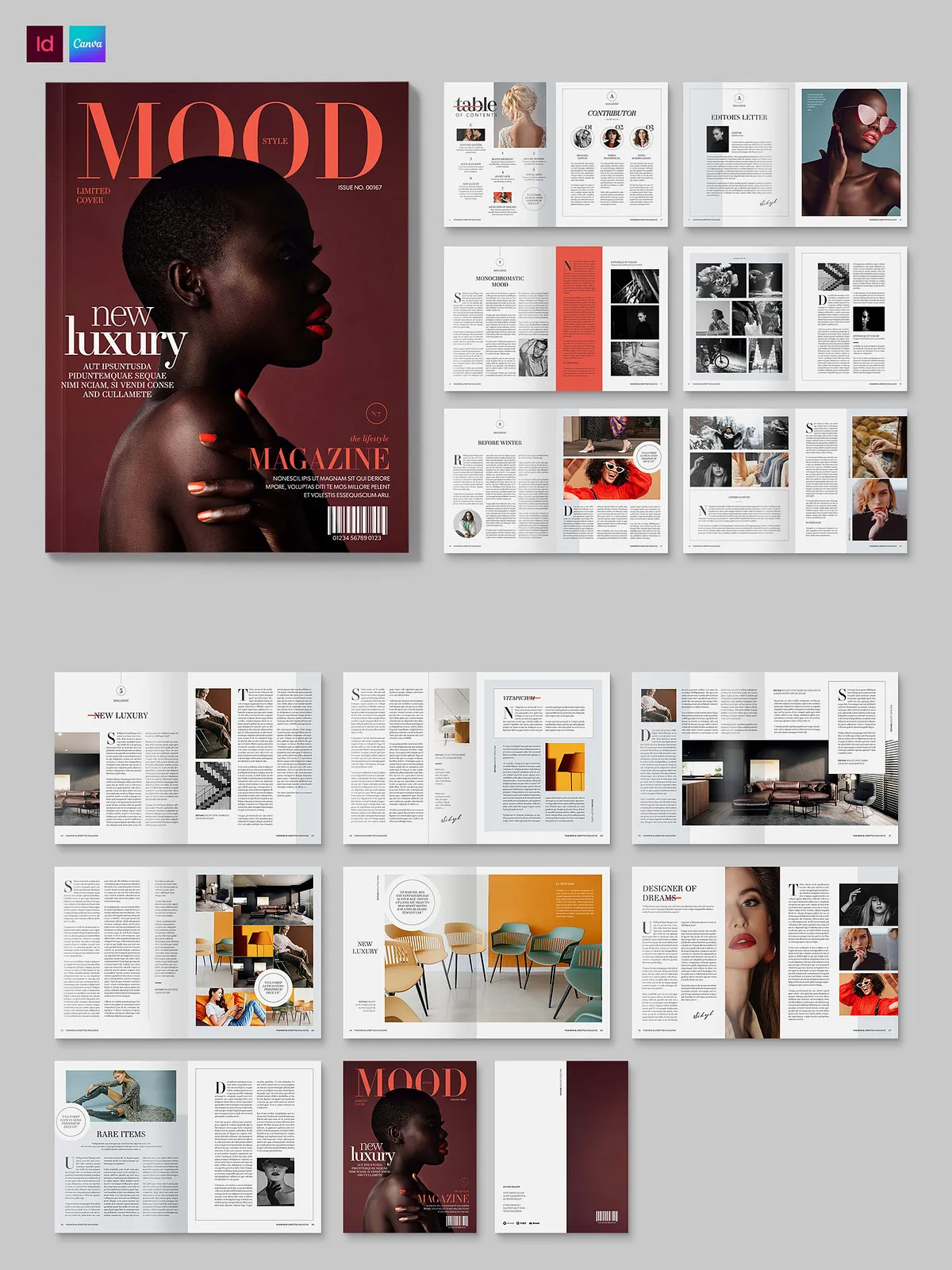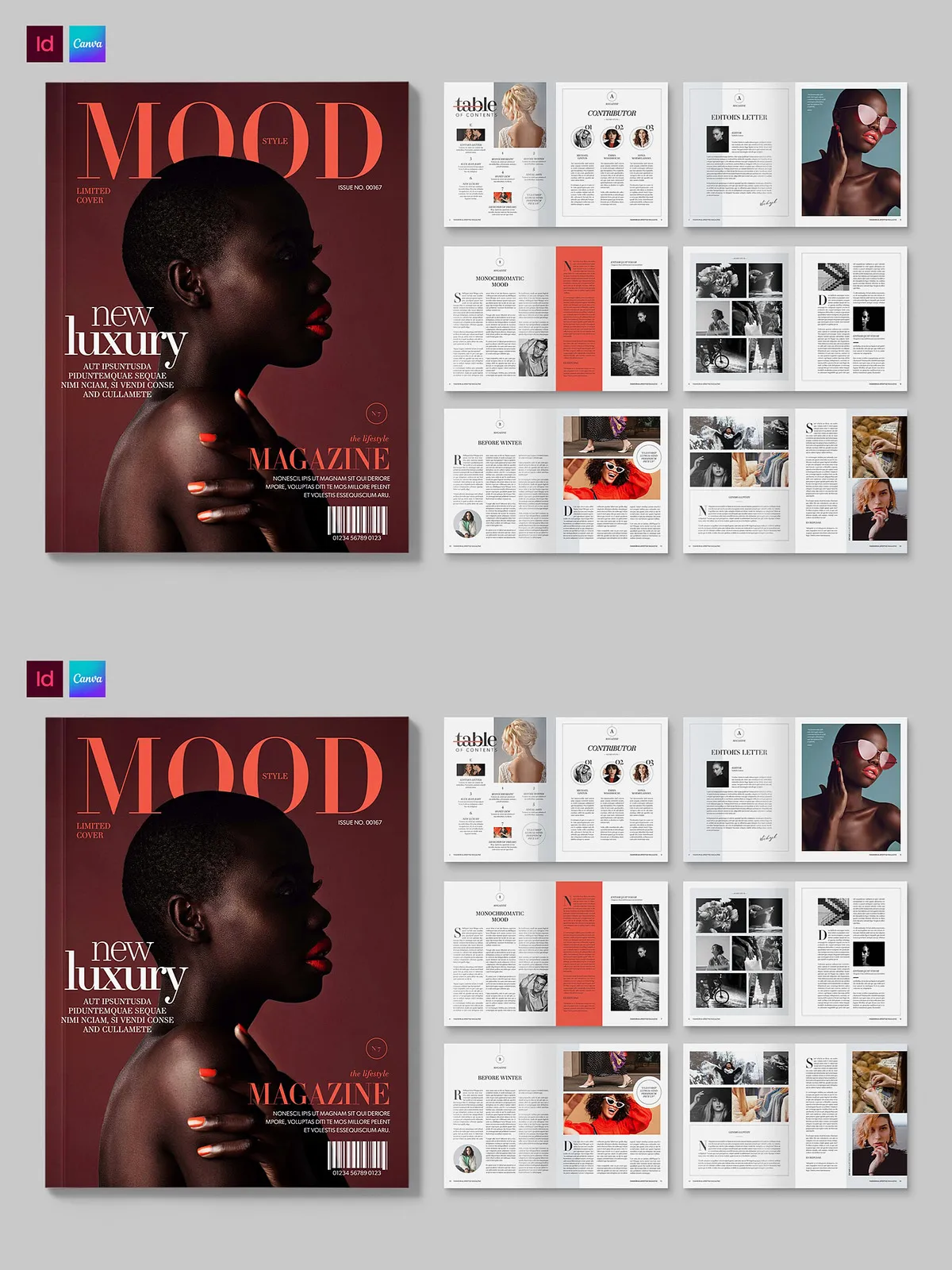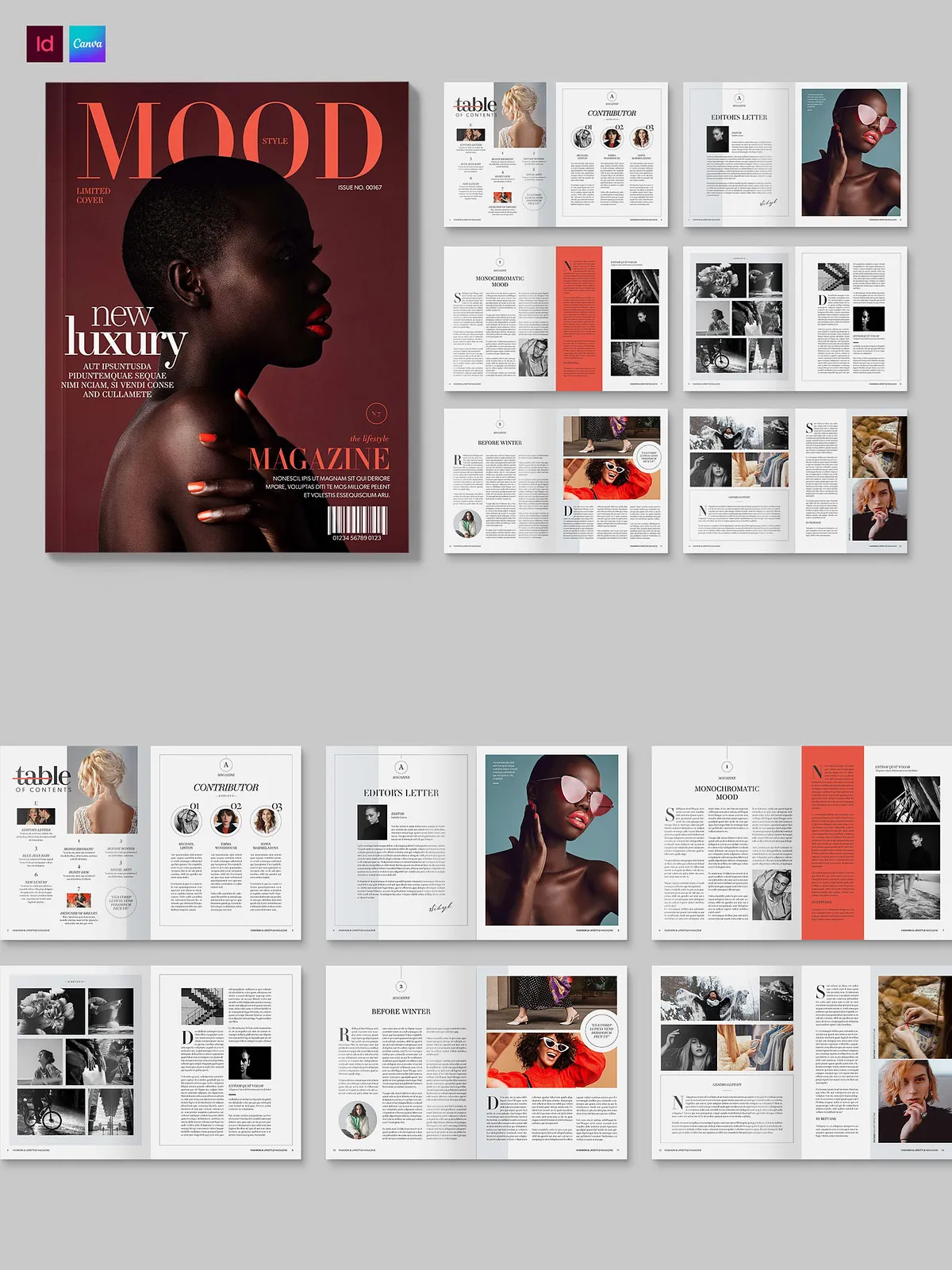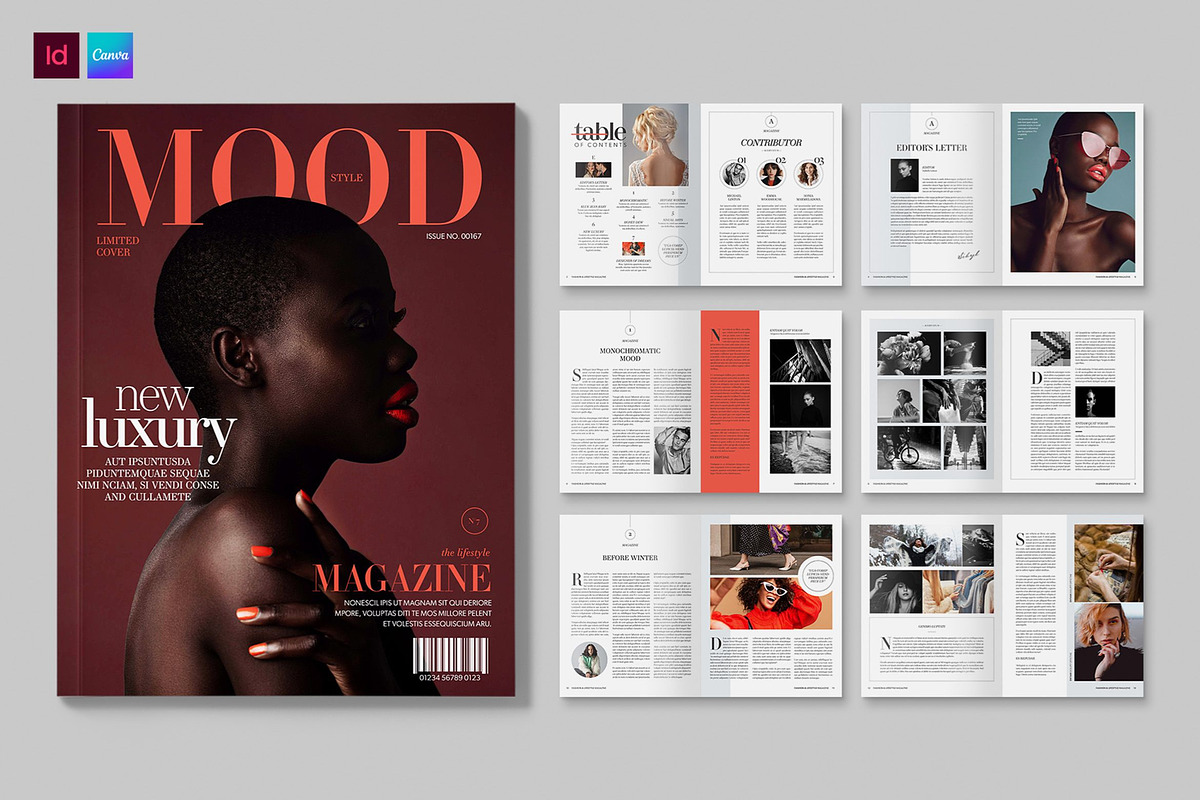
Elevate your editorial projects with a modern, professionally structured magazine and brochure layout built specifically for fashion and lifestyle publications. This template package delivers a cohesive design system that speeds production, enforces typographic consistency, and produces print-ready results. The files include Canva and Adobe InDesign formats so designers and non-designers can edit and publish with confidence.
What You Get
Included File Formats
- Canva editable template (online)
- Adobe InDesign INDD (native InDesign file)
- Adobe InDesign IDML (compatible with older InDesign versions)
Open the Canva version directly in your browser and customize without any desktop software. View and edit the InDesign files on your local machine for advanced print control. Learn more about available Canva fashion templates here: [Free, printable, editable fashion magazine cover templates – Canva](https://www.canva.com/magazine-covers/templates/fashion/).
Design & Technical Specifications
Page Size and Color
- Final printed size: US Letter
- Color space: CMYK (print-ready)
Typography and Styles
The template uses a robust system of Paragraph and Character Styles to ensure consistent formatting across headings, body text, captions, and pull quotes. Designers will find that the document avoids style overrides, which simplifies global edits and guarantees typographic harmony throughout the publication.
Key Features
- Carefully organized layout with grid structure and modular components for flexible article and advert placement
- Defined paragraph and character styles for rapid, uniform text edits
- Layered, editable elements that allow image replacement and color adjustments without breaking layout integrity
- Print-ready setup in CMYK with bleed and trim guides where appropriate
- Canva version optimized for quick online edits and collaborative reviews
Who This Template Serves
This package targets magazine editors, freelance designers, boutique publishers, lifestyle bloggers who publish print or PDF issues, fashion brands producing lookbooks, and creative teams that need an efficient, repeatable system to publish stylish editorial content. Both experienced InDesign users and non-technical content owners will benefit: InDesign provides full print control while Canva accelerates rapid updates and collaboration.
How to Use
Quick Start with Canva
1. Open the Canva template in your browser. 2. Replace sample images with your photography. 3. Update headings and body copy using the preconfigured text styles. 4. Adjust color accents to match your brand palette. 5. Export as PDF for web or print.
Advanced Workflow with InDesign
1. Open the INDD or IDML file in Adobe InDesign. 2. Update paragraph and character styles as required for your brand. 3. Place high-resolution images and set image links. 4. Verify bleeds, crop marks, and color separations for your print provider. 5. Export a press-ready PDF using PDF/X settings recommended by your printer.
Practical Benefits
Deploy this template to reduce design time, guarantee consistent typography, and accelerate review cycles. The modular layout enables you to reuse components across multiple issues or create special supplements without rebuilding pages. By centralizing styles and layouts, teams can maintain editorial quality while increasing output frequency.
Notes and Limitations
- Stock photos shown in previews are for demonstration only and are not included in the download.
- For best print results, supply high-resolution images (300 dpi) and confirm color profiles with your print vendor.
- Canva version requires an internet connection and a Canva account; some advanced Canva features may require Canva Pro.
Deliverables & Licensing
The package contains editable Canva and InDesign source files. You receive reusable layout templates and typographic systems that you can adapt for multiple issues and promotional collateral. Check the licensing terms included with your purchase for permitted commercial use and redistribution rights.