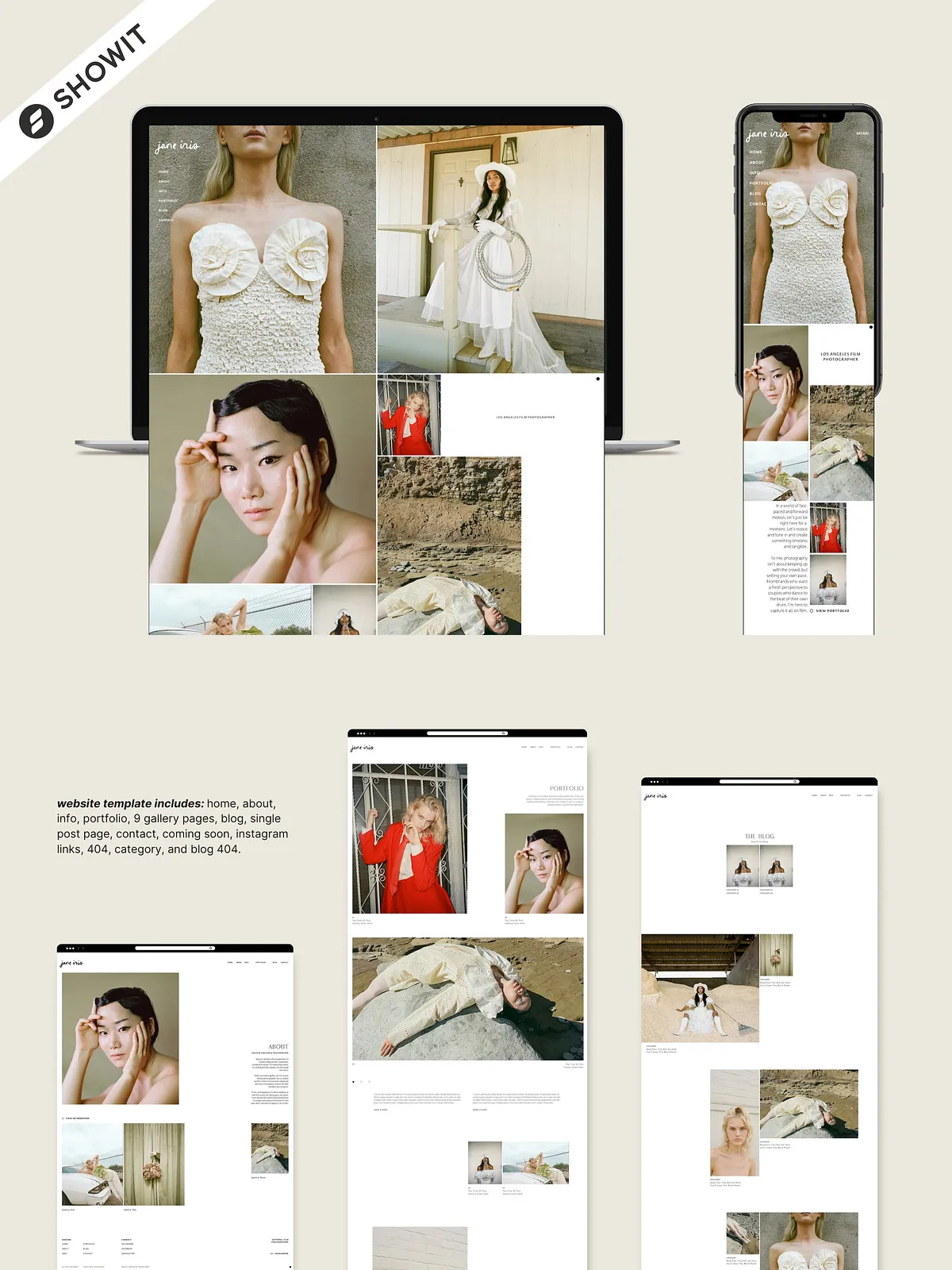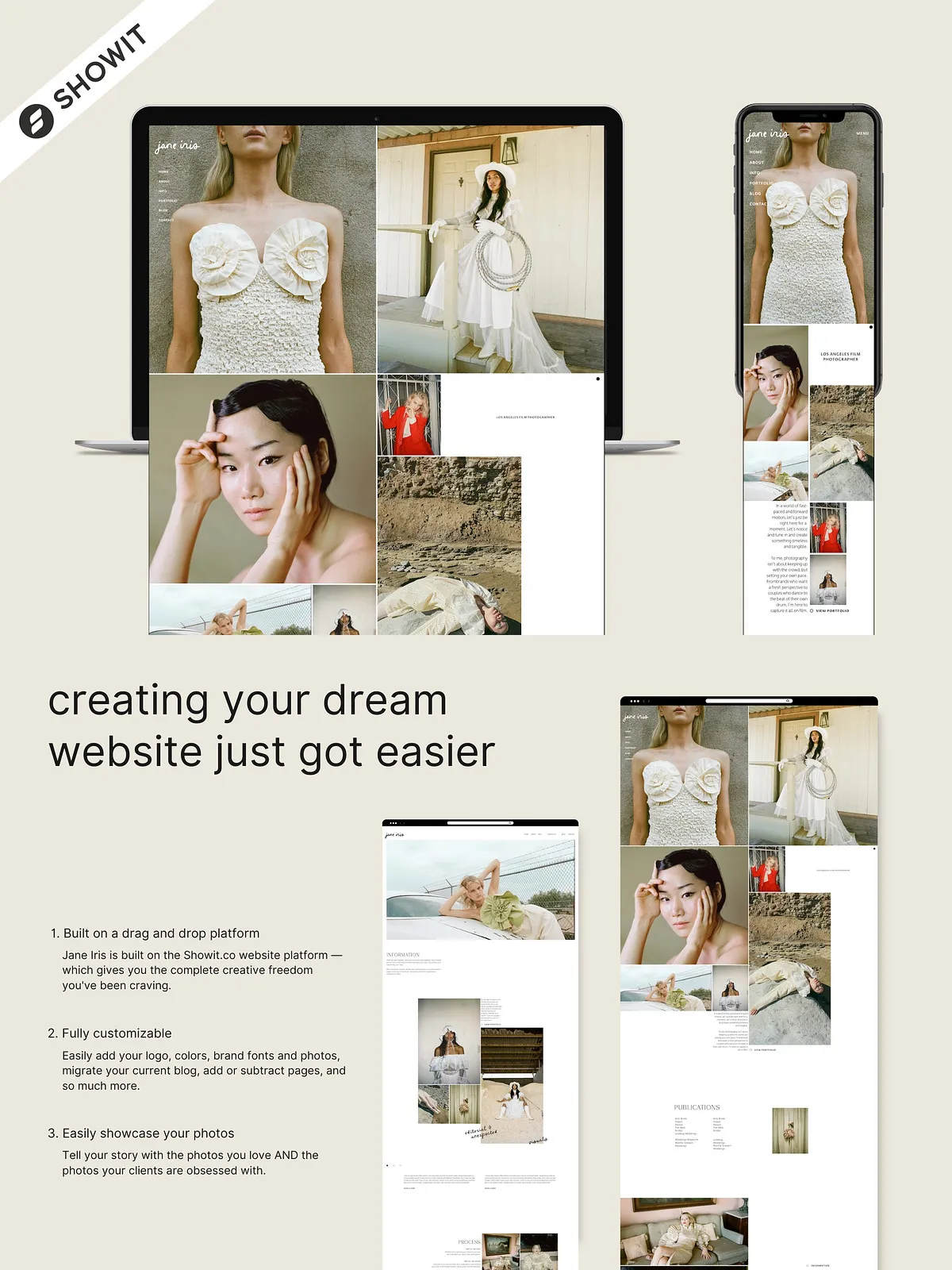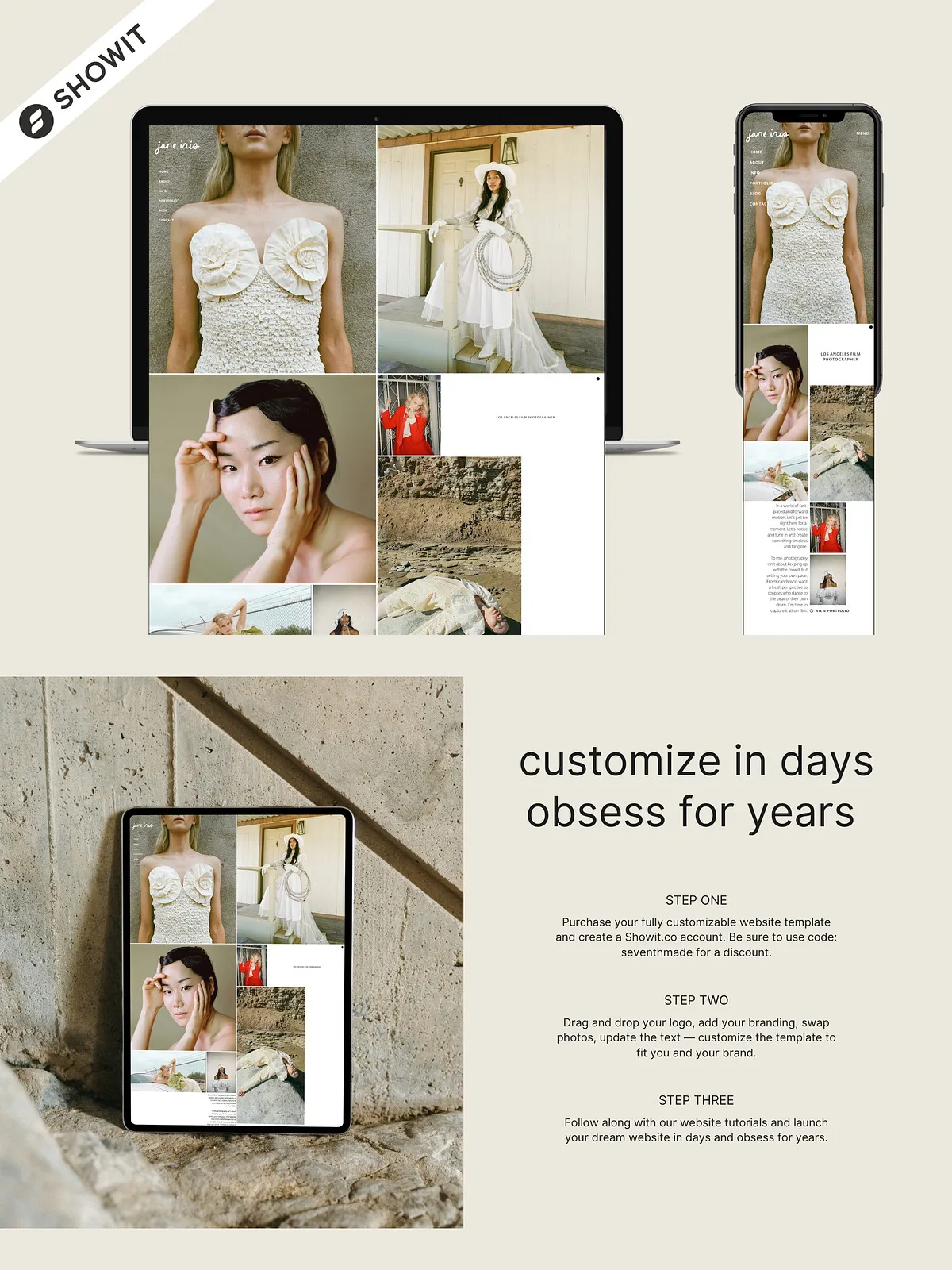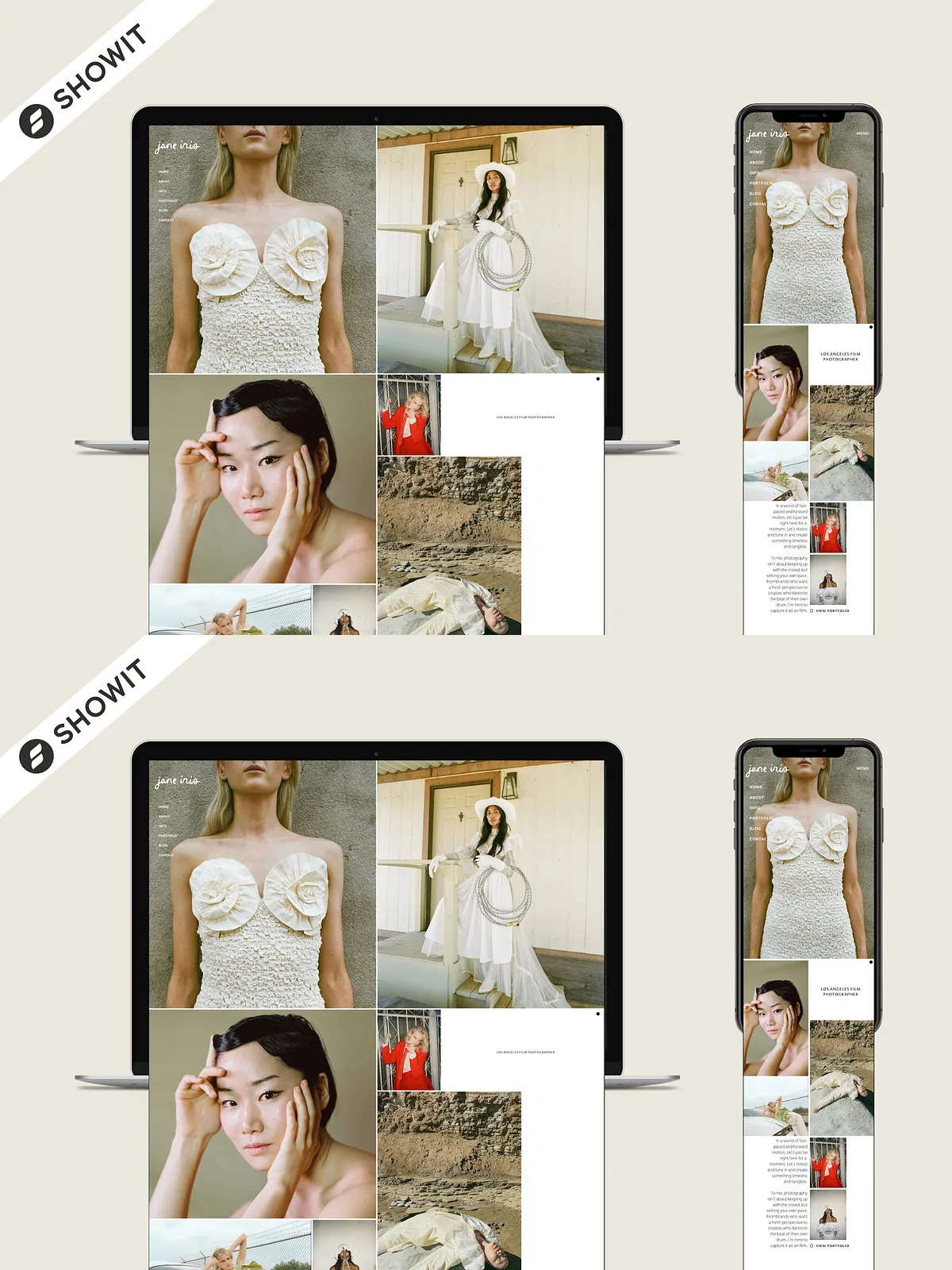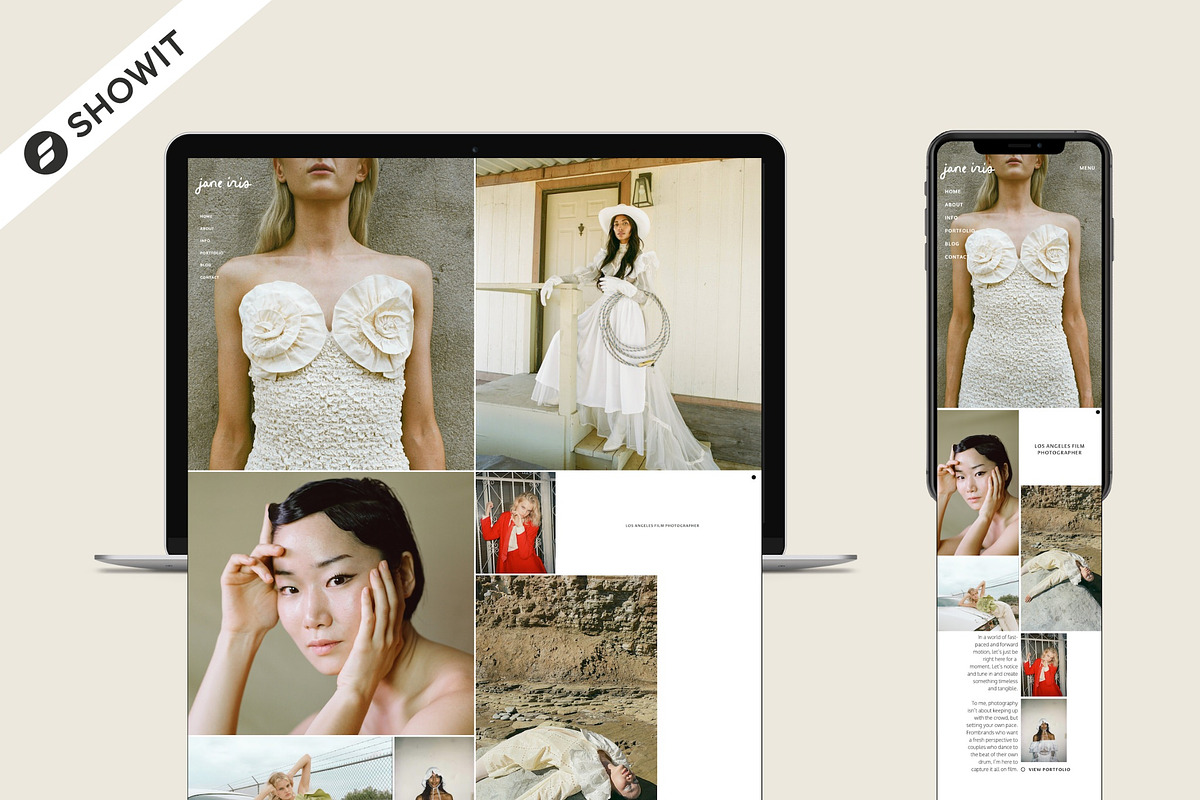
Jane Iris targets photographers who craft intentional, textured visuals and deliver a boutique client experience. This template highlights your imagery, clarifies your process, and positions your brand as thoughtful and professional. Built to streamline site launches, Jane Iris combines a refined aesthetic with practical structure so you can publish faster, attract the right clients, and convert interest into bookings.
How It Works
Simple setup guided by a clear design key and step-by-step tutorials
After purchase you receive a PDF “design key” that outlines the template’s structure and branding options. The package includes step-by-step tutorials that walk you through applying your design key to your Showit account, customizing pages, configuring blog settings, and launching your site. If you want platform-specific help, consult the Showit support and tutorial resources at [Showit Learning Hub](https://showit.com/learn), which explain account setup, publishing flows, and blog integration.
What’s Included
Full site structure and supportive resources
The template delivers a complete set of pages and learning materials so you can adapt the design quickly and professionally. Included pages and resources:
- Home — clear visual hierarchy to lead visitors from welcome to conversion
- About — craft your story, process, and values to nurture client trust
- Info — pricing, session details, and client expectations
- Portfolio and 9 gallery pages — showcase varied projects and highlight signature shoots
- Blog and single post page — optimized layout for storytelling and SEO
- Contact — lead capture with clear call-to-action
- Coming Soon and 404 pages — polished placeholders for staging and errors
- Category and blog 404 — keep your blog architecture tidy and navigable
- Instagram links and free illustration assets visible in the template
- Homepage Copywriting Guide — prompts and examples to write conversion-focused copy
- Website tutorials — step-by-step video or text guides to apply, customize, and launch
Customization & Brand Fit
Drag-and-drop control with intentional design points
Jane Iris uses Showit’s drag-and-drop platform to give you direct control over layout, colors, and typography. You can swap images, adjust color swatches, and edit text blocks without rebuilding the design. The template intentionally prioritizes texture, white space, and location-driven imagery, so you can emphasize the emotional context of your work. The homepage and portfolio layouts encourage active curation—select your strongest visuals, sequence them to build narrative, and use gallery pages to target specific client types.
Benefits & Outcomes
Launch faster, convert more, and communicate your process clearly
Use Jane Iris to accelerate your website launch while presenting a cohesive brand. The template helps you show client pathways clearly: what to expect, how you work, and how to book. Because it supports blog content, you can deepen search visibility and demonstrate expertise. The included copywriting guide helps you write active, persuasive copy that drives inquiries. Overall, the template reduces technical friction and amplifies your visual storytelling so visitors move from browsing to booking.
Usage & Licensing
Single-use license and asset notes
Each purchase covers single-use of the template for one website. The demos include mockups and stock imagery used only for previews; you must replace these with images you own or license. The seller does not permit commercial resale or redistribution of the template design. Confirm font licenses before embedding fonts for commercial projects and follow the seller’s terms for support and refunds.
Setup Checklist
Practical steps to get your site live
- Purchase and download the template files and the design key PDF.
- Create or log into your Showit account and review platform requirements.
- Follow the supplied tutorials to import the template and apply the design key.
- Install or upload licensed fonts, then update text content across pages.
- Replace demo imagery with high-resolution photos that reflect your brand and services.
- Review blog settings, categories, and permalink structure before publishing posts.
- Proofread every page, test contact forms, and verify mobile responsiveness.
- Publish the site and monitor analytics to refine messaging and gallery selections.