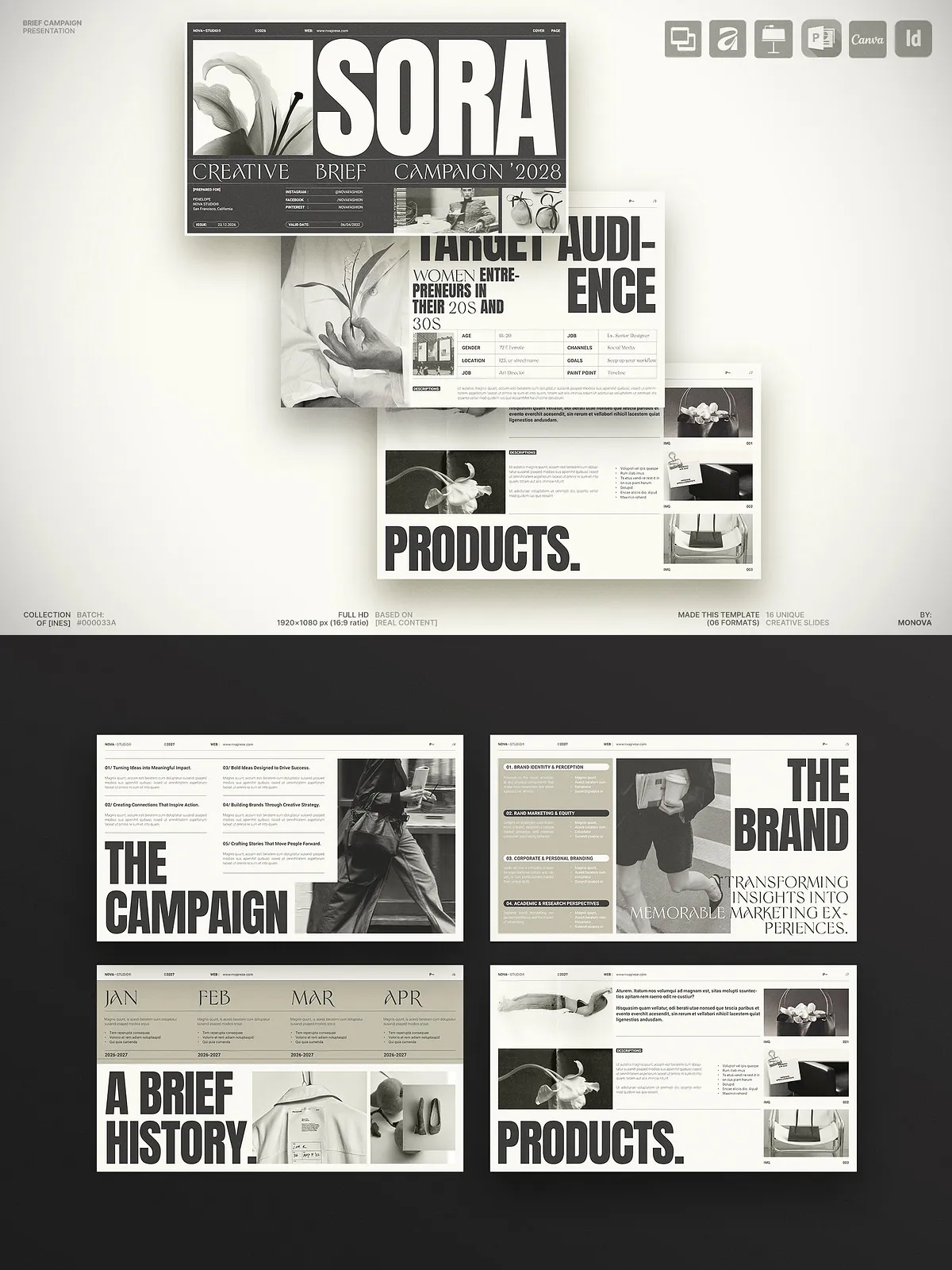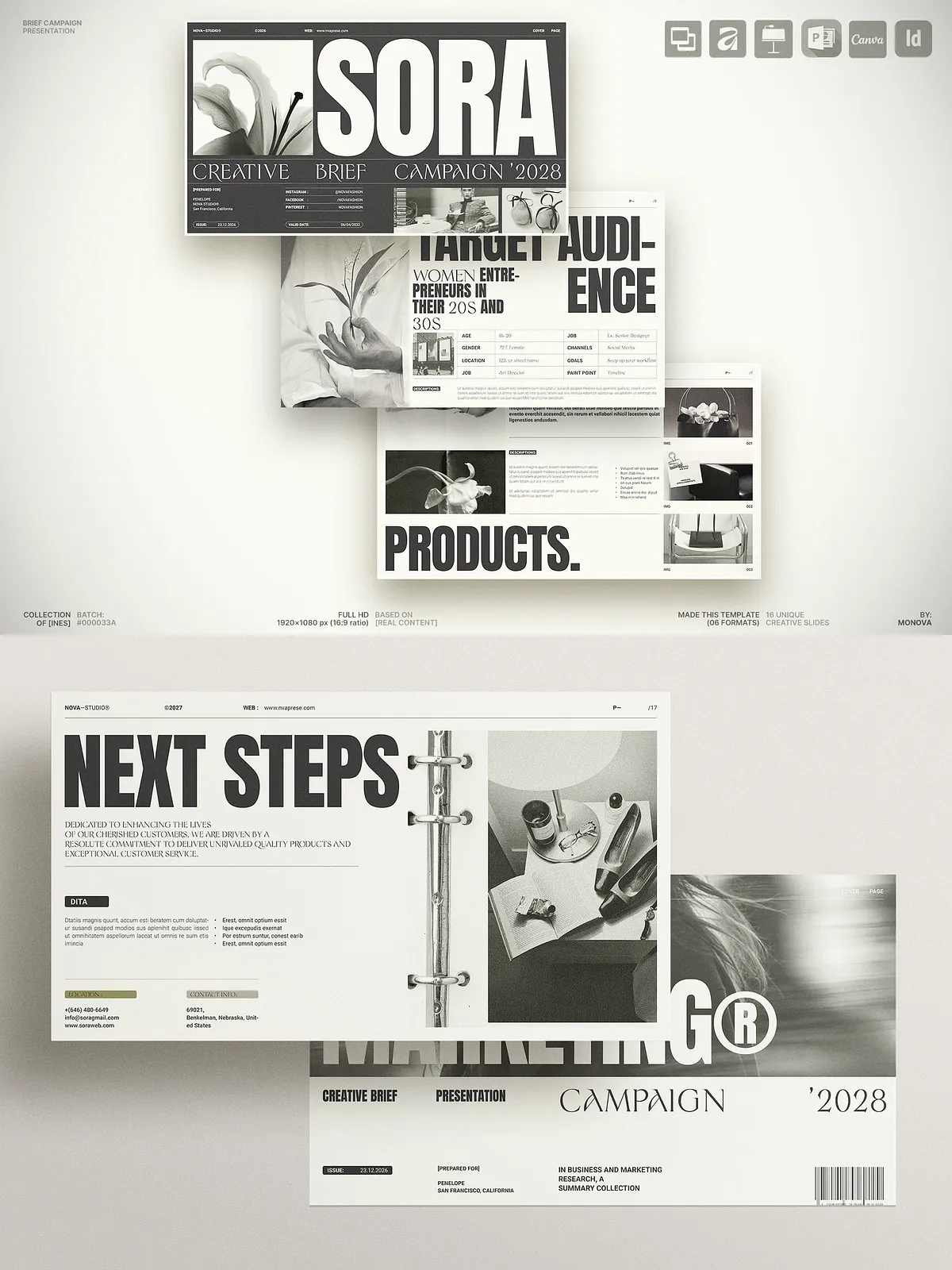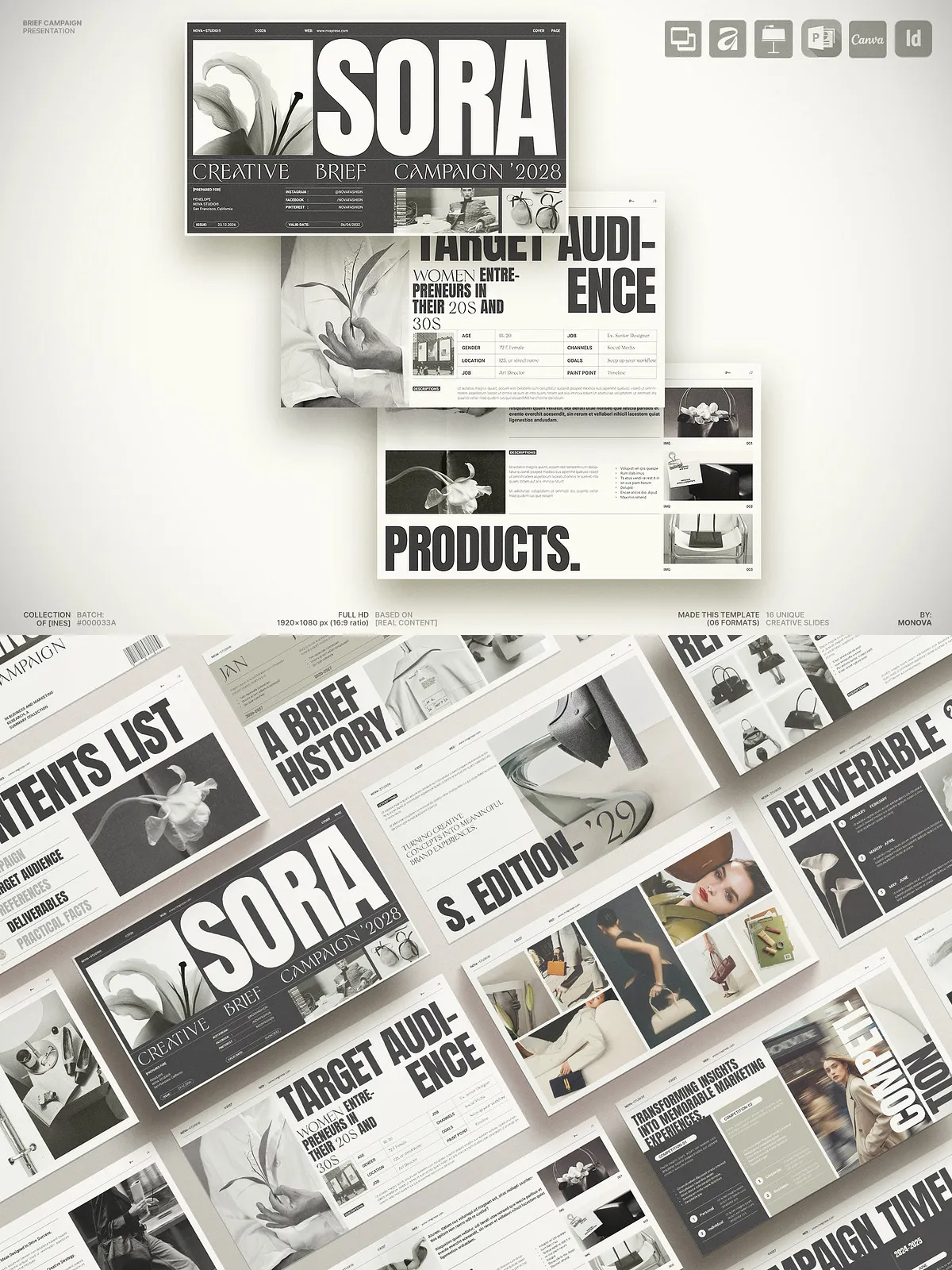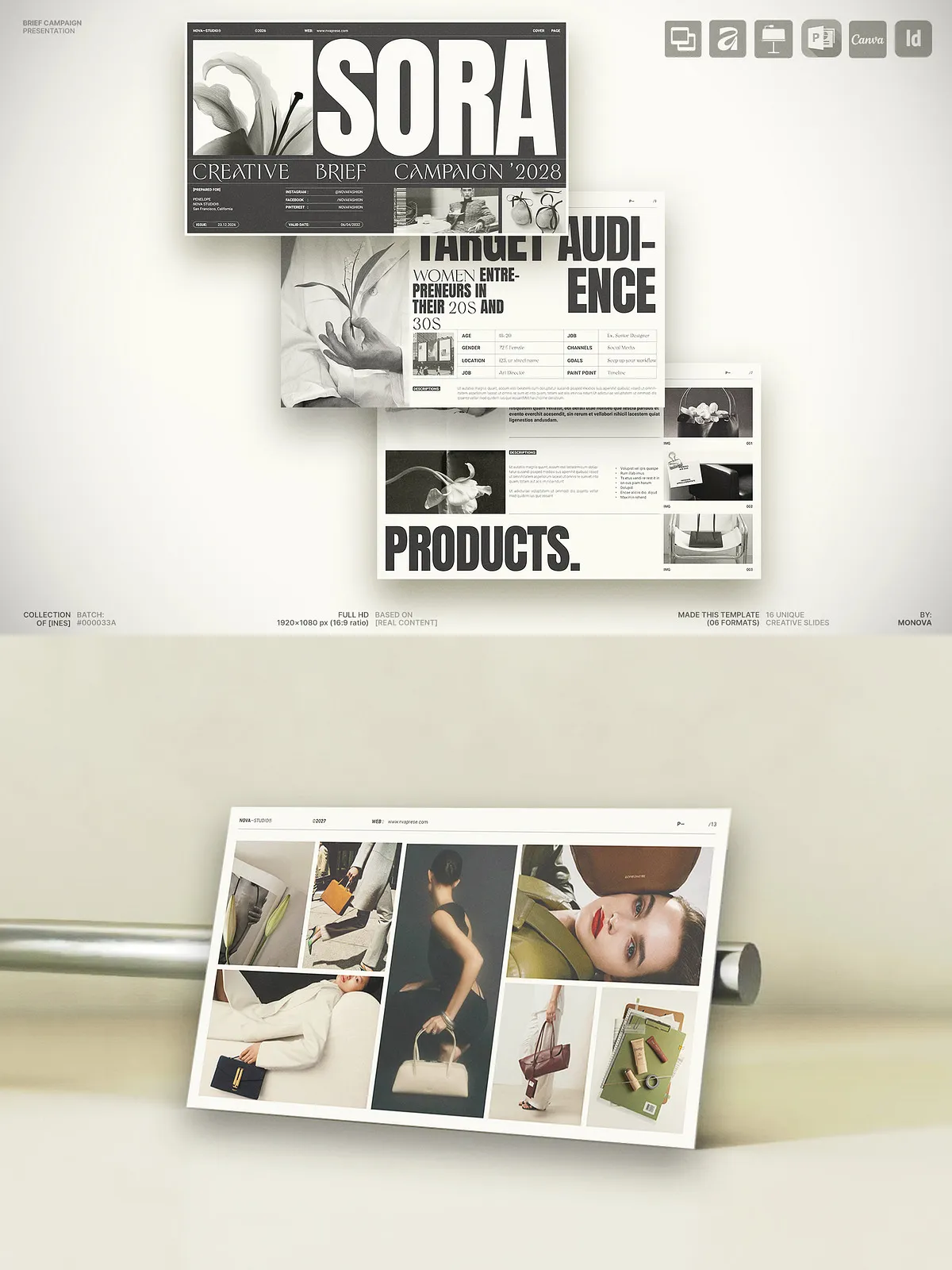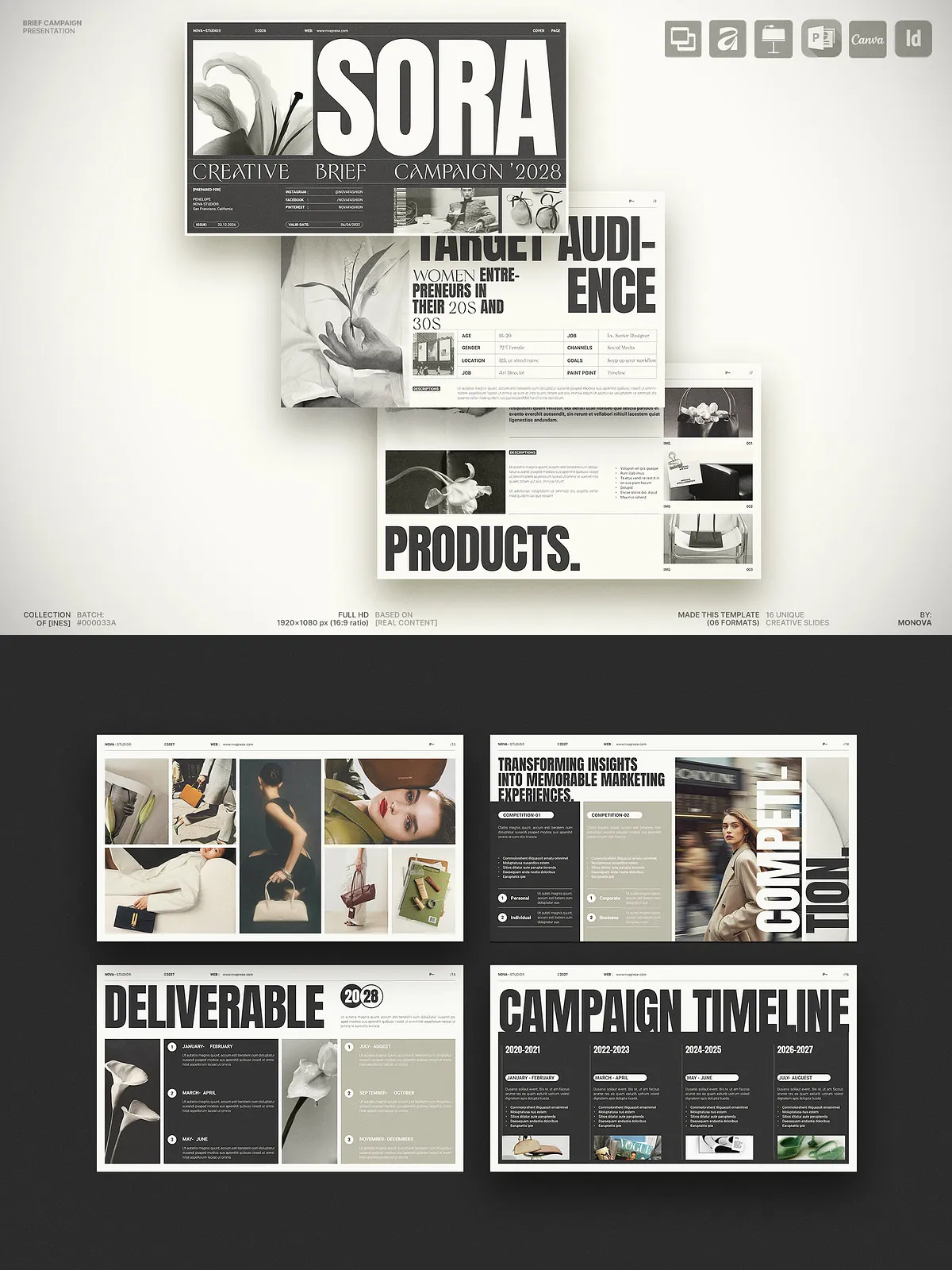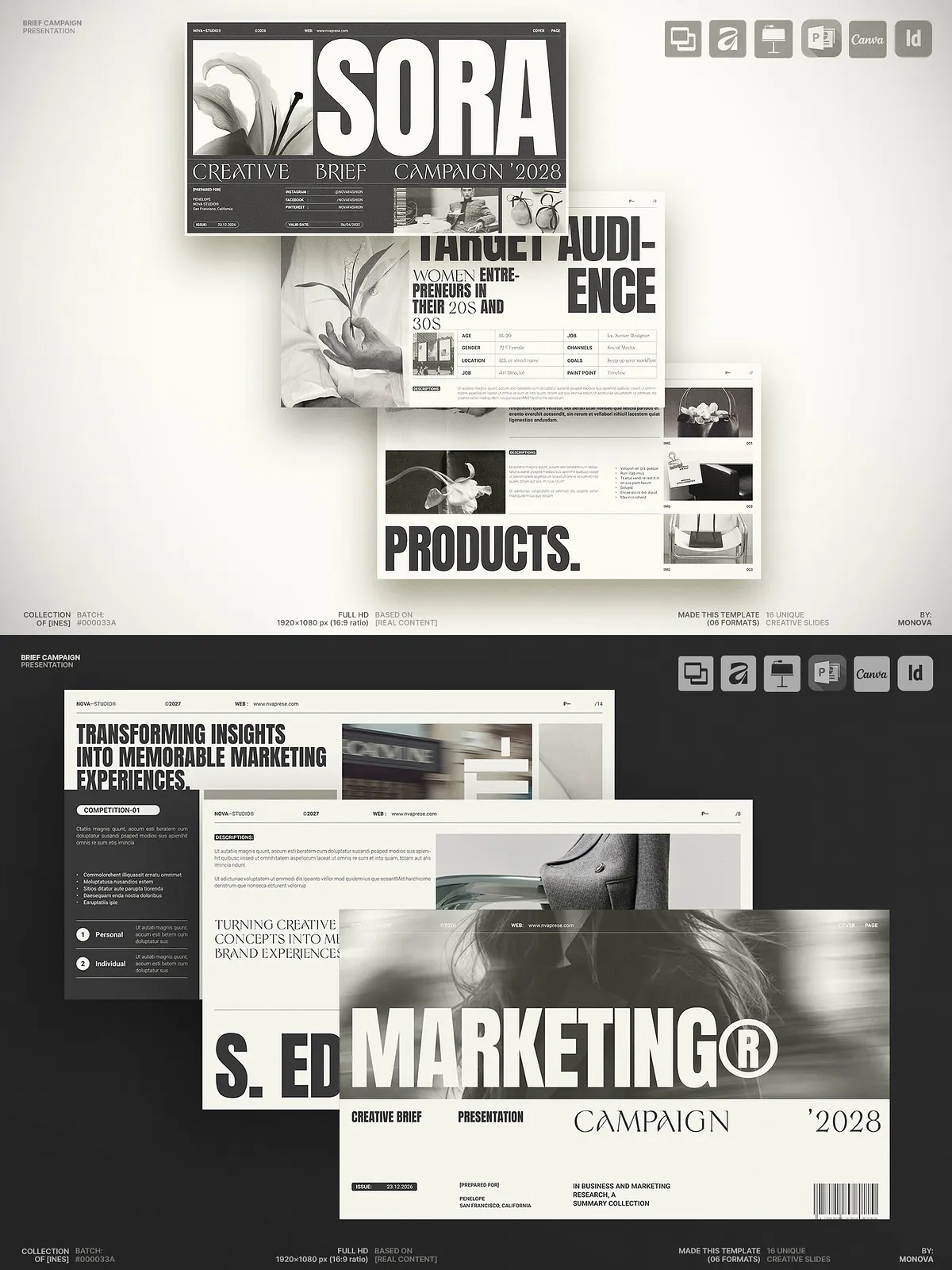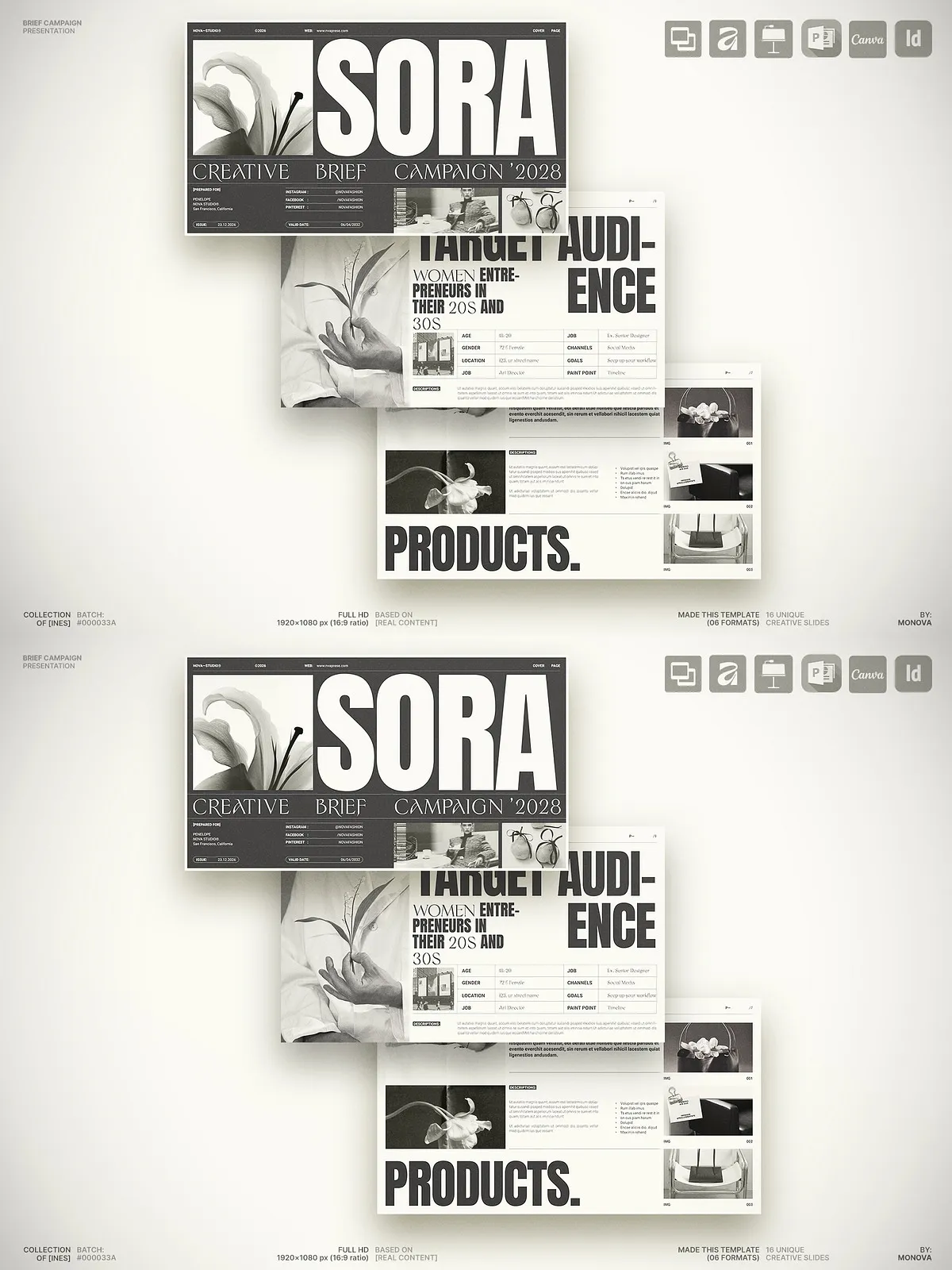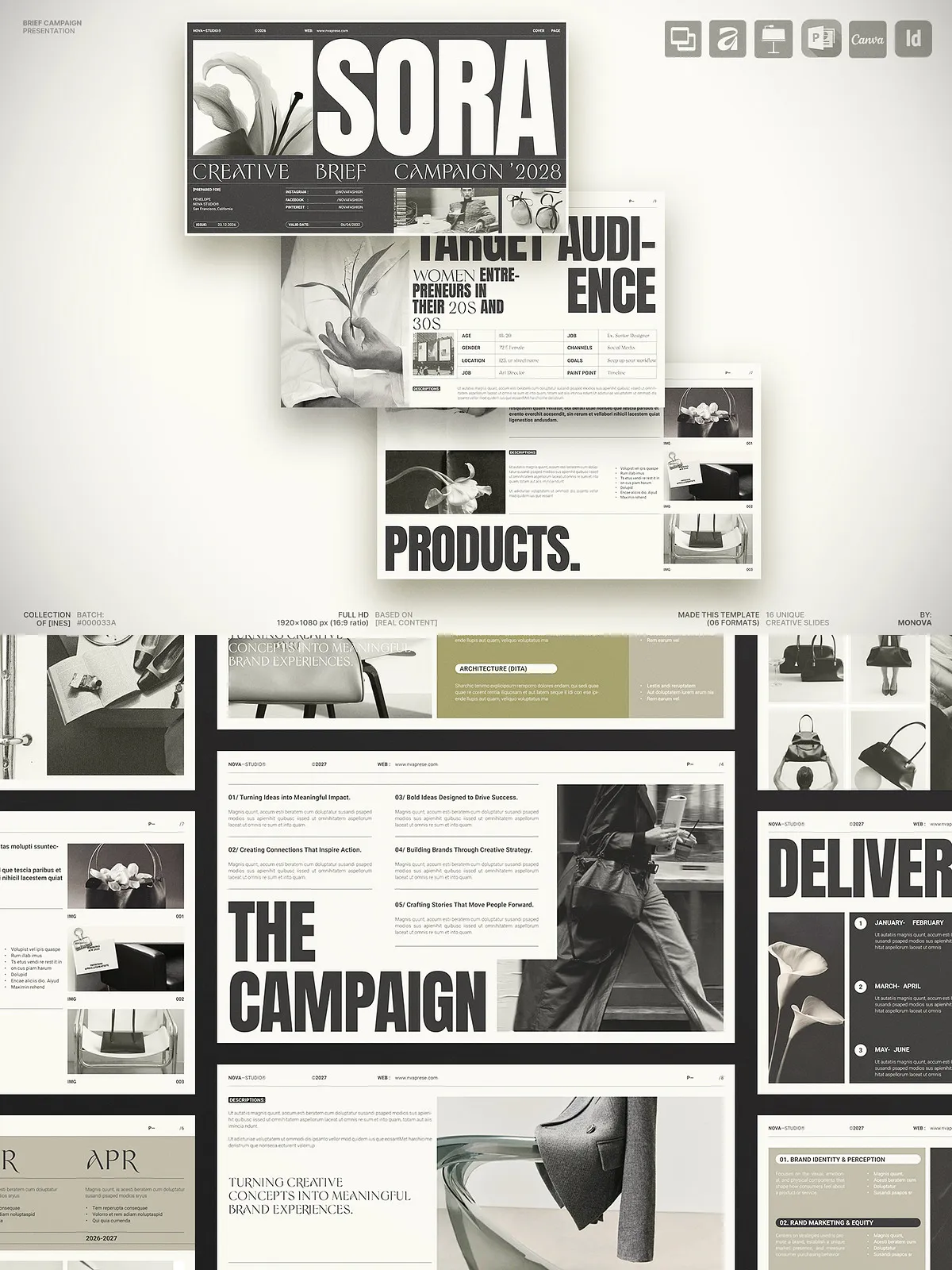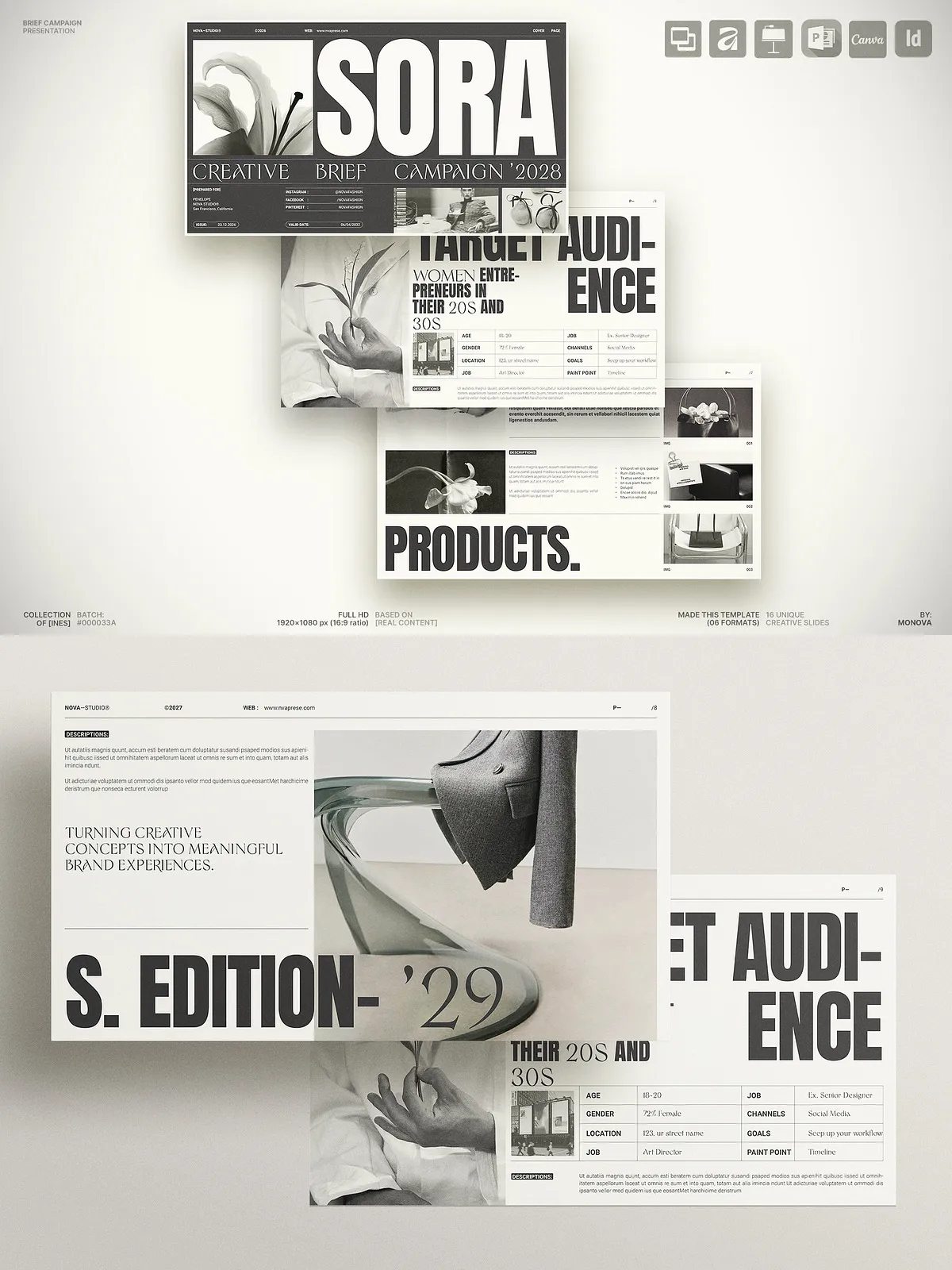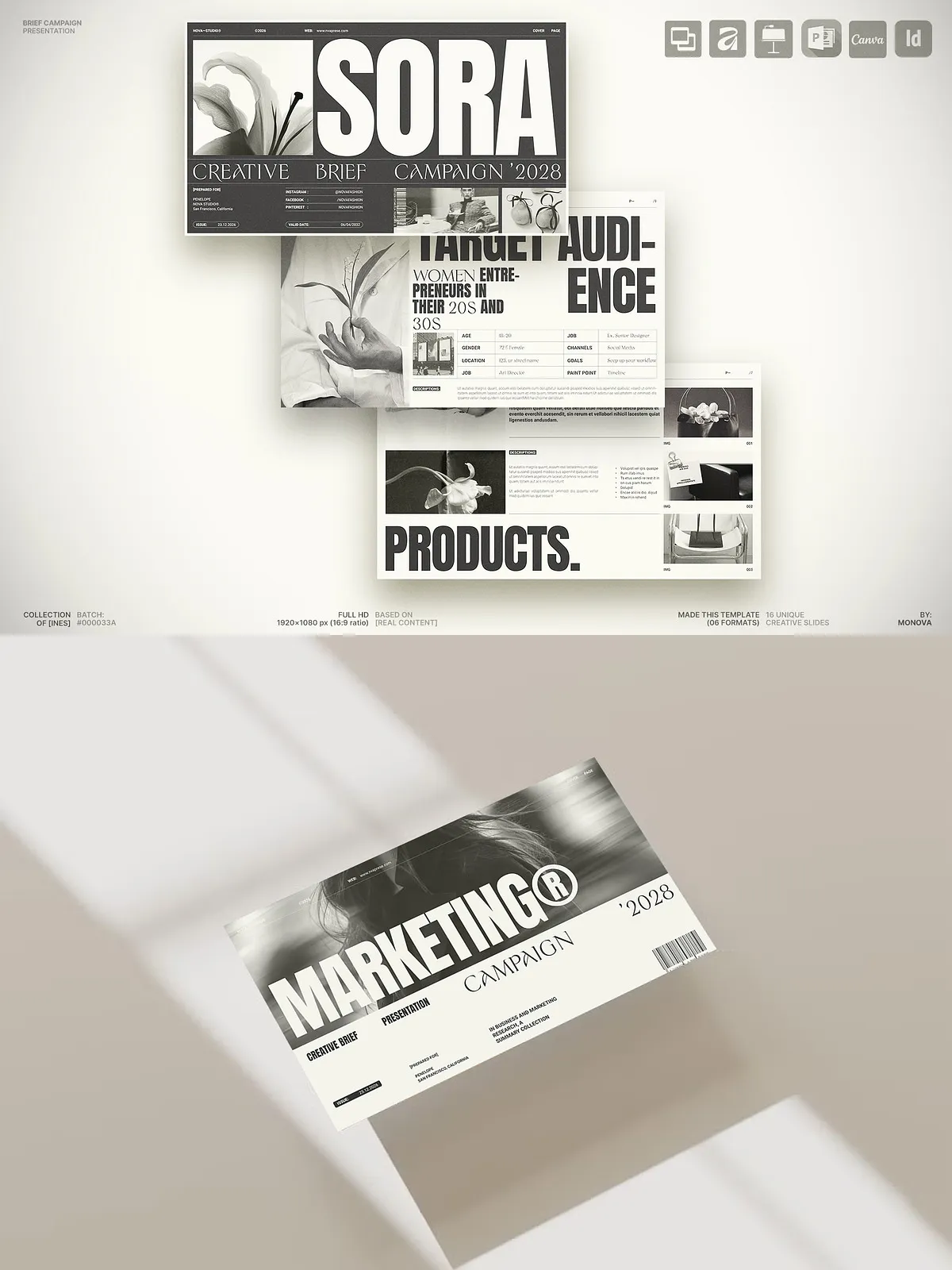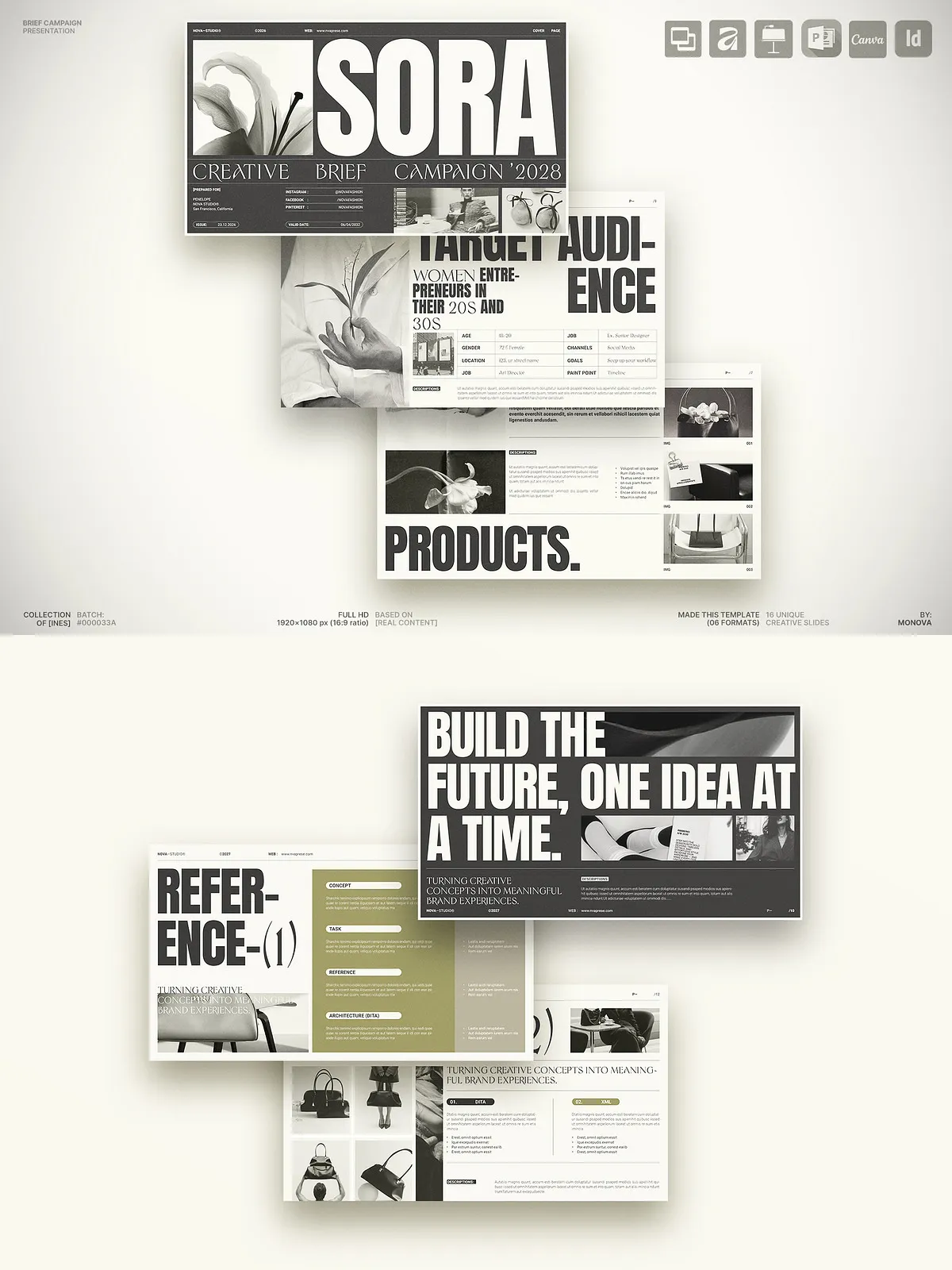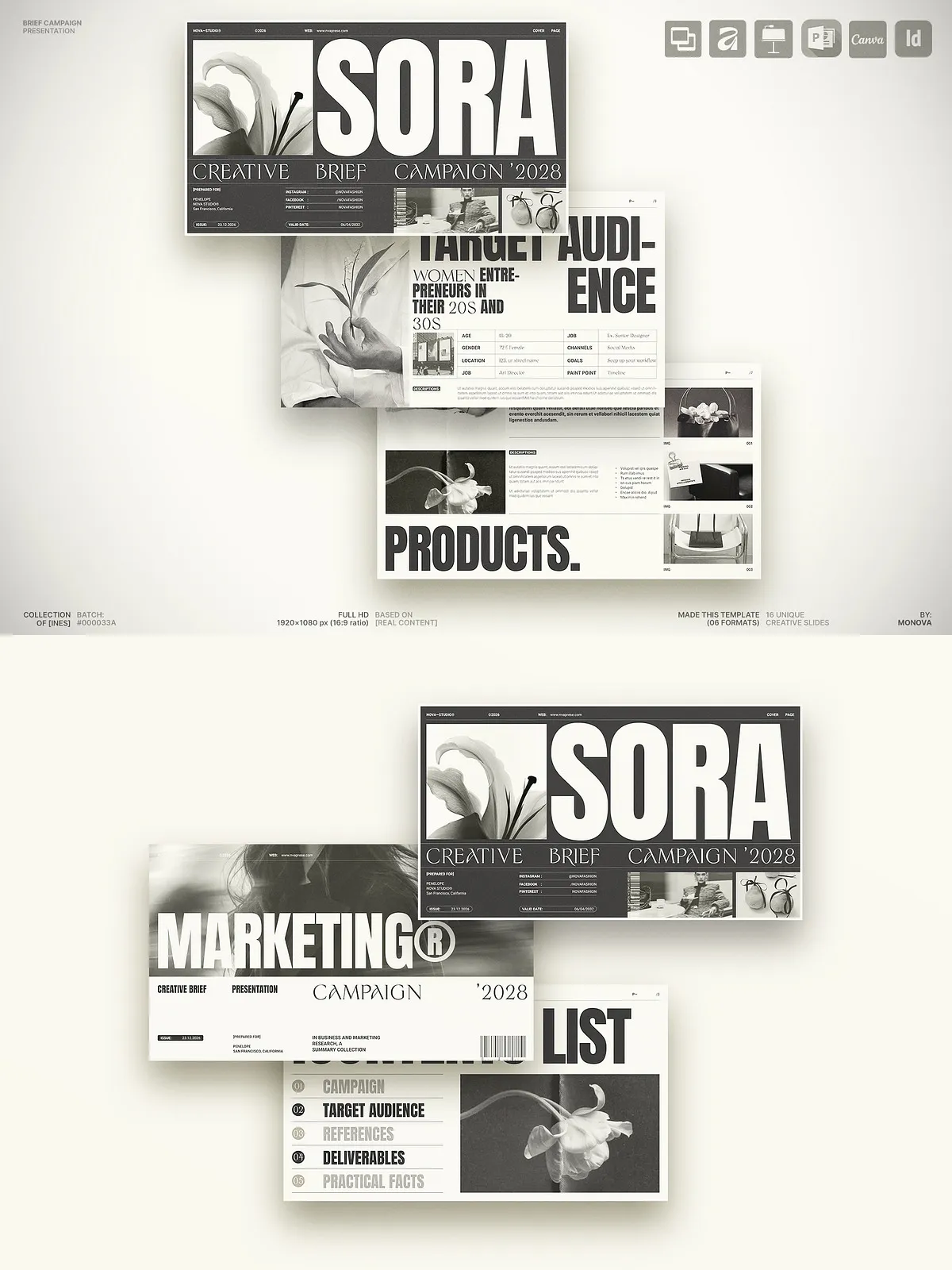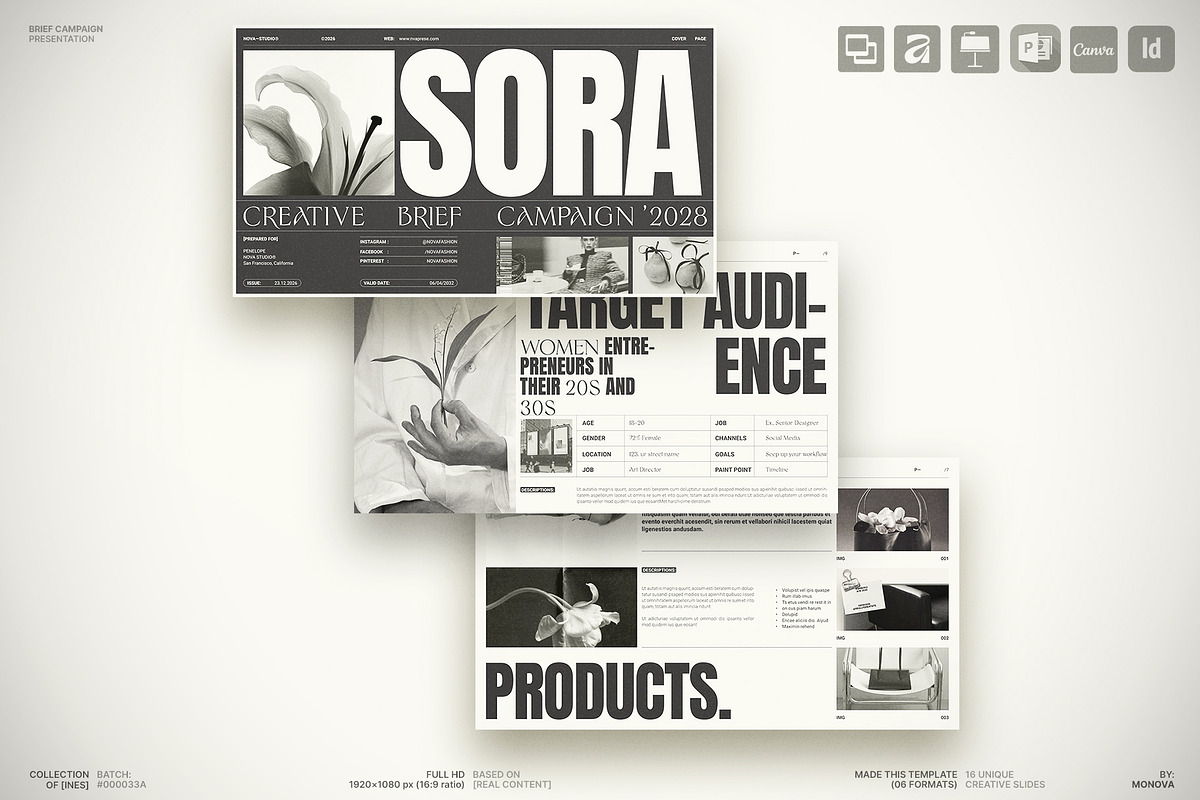
This Creative Brief Campaign Presentation Template helps teams define campaign goals, align stakeholders, and execute projects with clarity. Built for agencies, freelancers, marketing teams, and in-house creatives, the template provides a structured, editable framework that accelerates planning and improves client communication. Use it to present strategy, audience insights, timelines, deliverables, creative direction, and measurement plans in a professional, easy-to-edit format.
What is a Creative Brief?
Purpose and impact
A creative brief serves as the guiding document for every marketing and branding project. It sets clear objectives, specifies target audiences, defines key messages, and outlines deliverables and timelines. By documenting strategic decisions up front, the brief reduces rework, aligns expectations, and empowers creative teams to execute with confidence. This template standardizes that process so teams move from concept to execution more quickly and with fewer revisions.
Why Use This Template?
Benefits that drive results
- Define clear project objectives and measurable campaign goals so everyone acts on the same priorities.
- Align clients and internal teams before production begins to eliminate scope creep and confusion.
- Present audience research, messaging, and creative direction professionally to build credibility and win approvals.
- Reduce revisions and speed approvals by documenting requirements and success metrics up front.
- Organize timelines, responsibilities, and deliverables to keep projects on schedule.
- Showcase strategic thinking and the creative process to reinforce your agency or team value.
- Build client trust with polished, consistent presentations that highlight expertise.
Designed for Effortless Editing
Simple customization across platforms
We designed every slide to be intuitive and flexible so you can customize fast without advanced design skills. Each layout uses clean styles, editable text placeholders, and resizable graphics. Swap colors, insert logos, change imagery, and adapt copy in minutes. The template works across major design and presentation tools so you can edit wherever your team prefers.
Compatible file formats
- Canva — edit online using your browser
- Adobe InDesign (INDD, IDML, INDT) — full editorial control
- PowerPoint (PPTX) — for Windows and Office users
- Keynote — for Apple users
- Google Slides — collaborate and edit online
- Affinity Designer/Publisher — compatible with Affinity V2 and above
Key Features
Everything you need to pitch and deliver
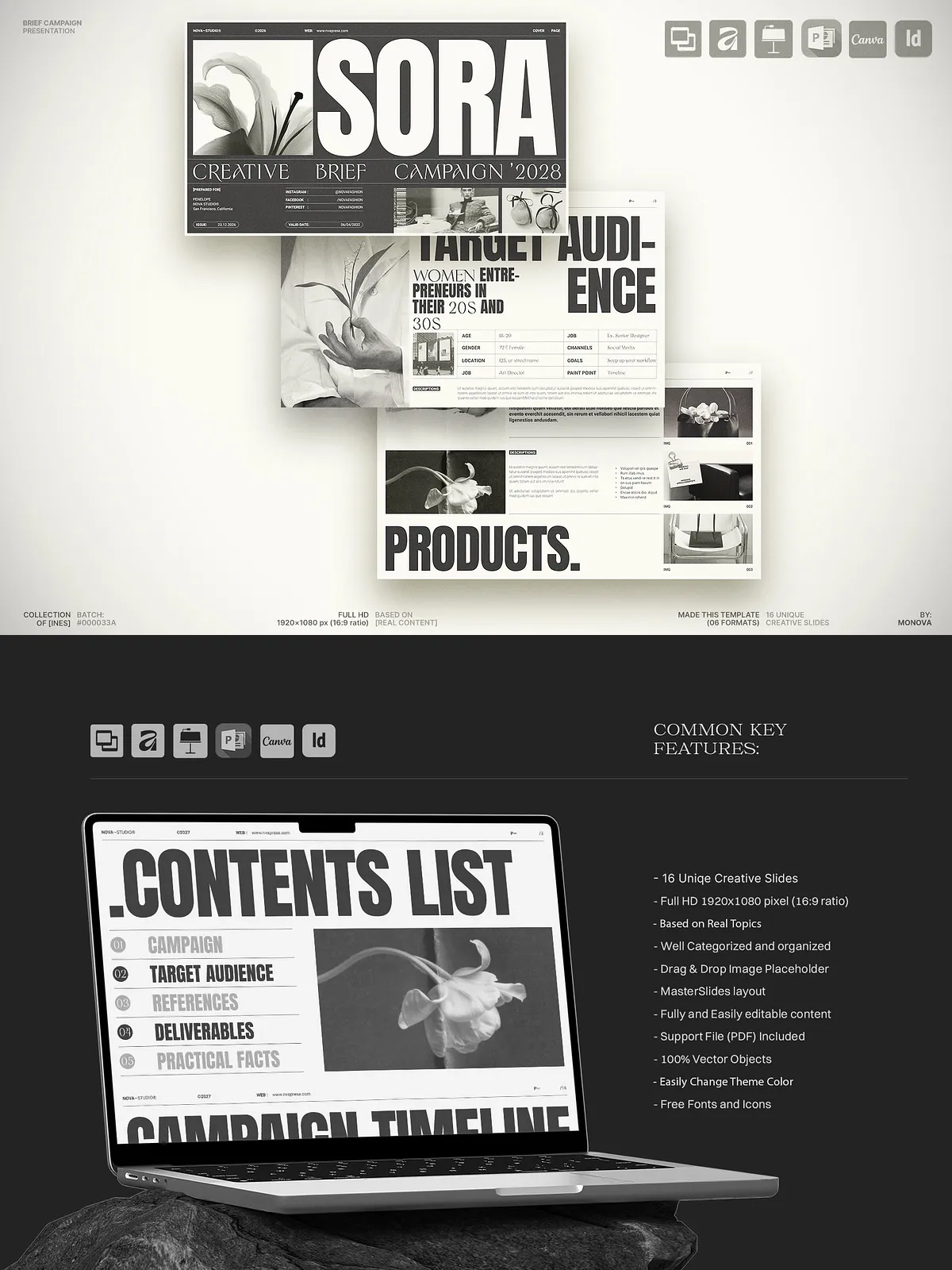
- 16 unique, professionally designed slides covering strategy, audience, messaging, timelines, and deliverables.
- Full HD 1920×1080px (16:9) for crisp presentation across screens.
- Character and paragraph styles (for InDesign) to keep typography consistent.
- Separated layers for images, text, and backgrounds to simplify edits.
- Theme color options and master slides for rapid branding updates.
- Drag-and-drop image replacement and resizable vector graphics for flexible composition.
- Included links to free fonts and a help file to speed setup.
Professional Grid System
Built on a 12-column editorial grid
The template uses a 12-column grid architecture to enforce clean alignment and consistent spacing. This grid ensures visual hierarchy, improves readability, and produces a balanced layout across every slide. You will present ideas that look thoughtful, structured, and modern—without spending extra time on layout decisions.
Perfect For
Use cases and audiences
- Creative brief presentations for agency clients
- Marketing campaign proposals and pitches
- Brand strategy workshops and stakeholder meetings
- Project kickoff sessions and internal planning
- Startup investor or team presentations that require clear messaging
- Design reviews and content planning presentations
How to Use
Fast setup and delivery workflow
Start by opening the format that matches your workflow, swap branding elements, and populate slides with project-specific content. Assign timelines and responsibilities, attach or link assets, and export the final deck as PDF or present live. Use the template to iterate with clients: capture feedback, update slides, and re-present to finalize approvals. You will shorten feedback cycles and reach launch-ready status faster.
Delivery, Licensing, and Support
What to expect after purchase
- Instant digital download with all compatible file formats included.
- Clear usage guidance and a help file to walk through editing steps.
- Free font links and asset notes where applicable.
- Customer support for setup questions and troubleshooting.
- Review the included license for reuse and redistribution rules before reselling derivative works.