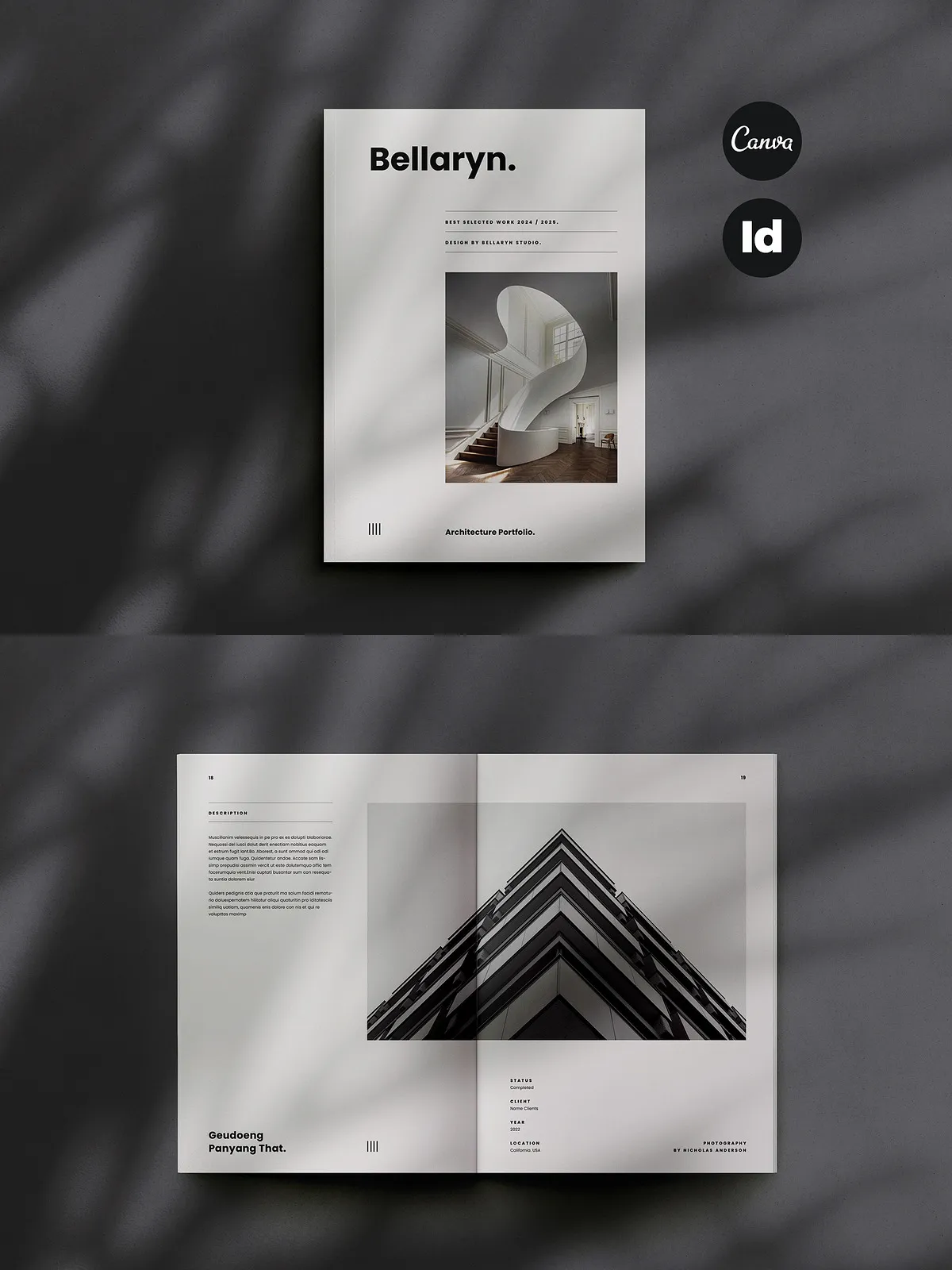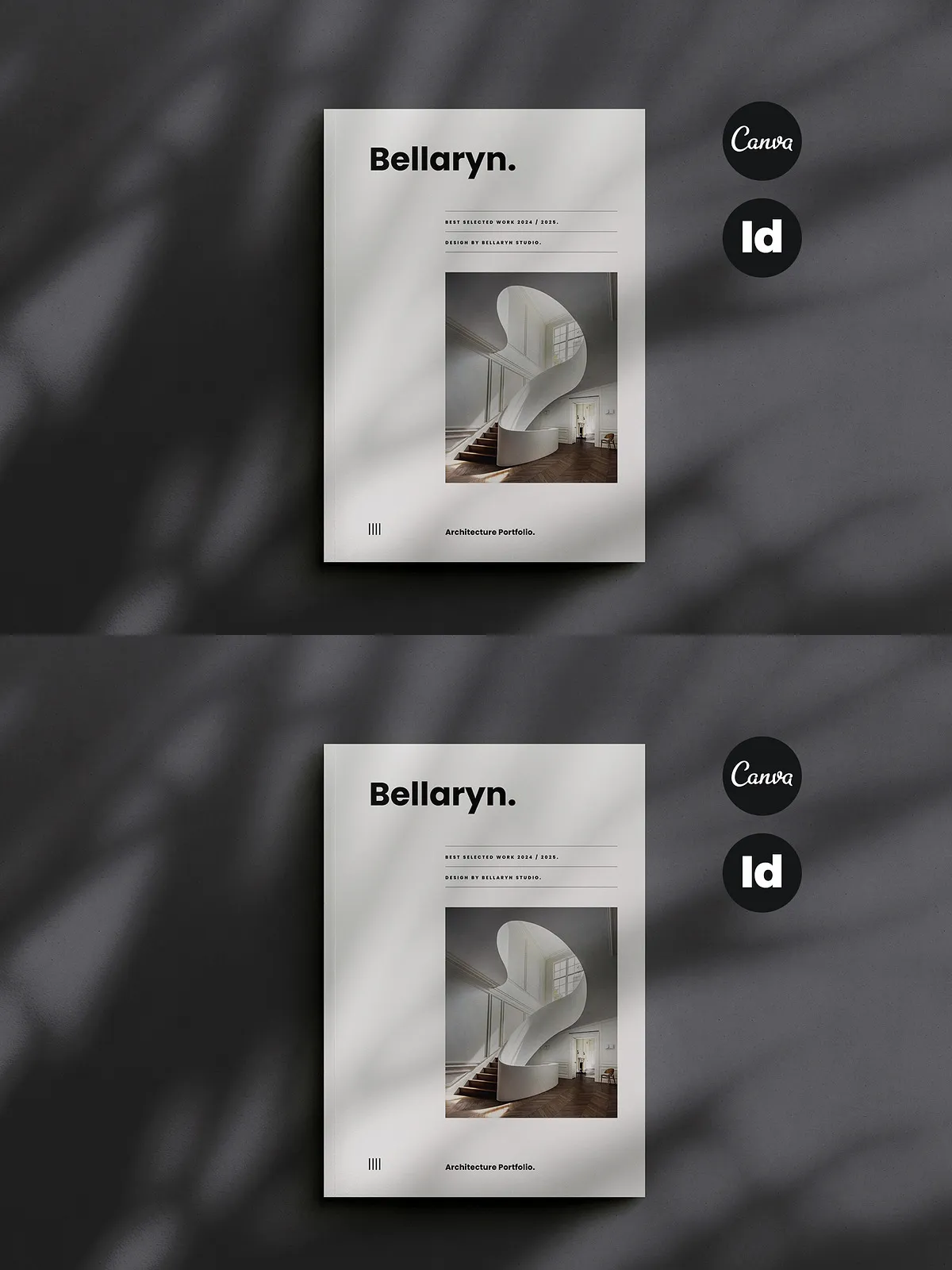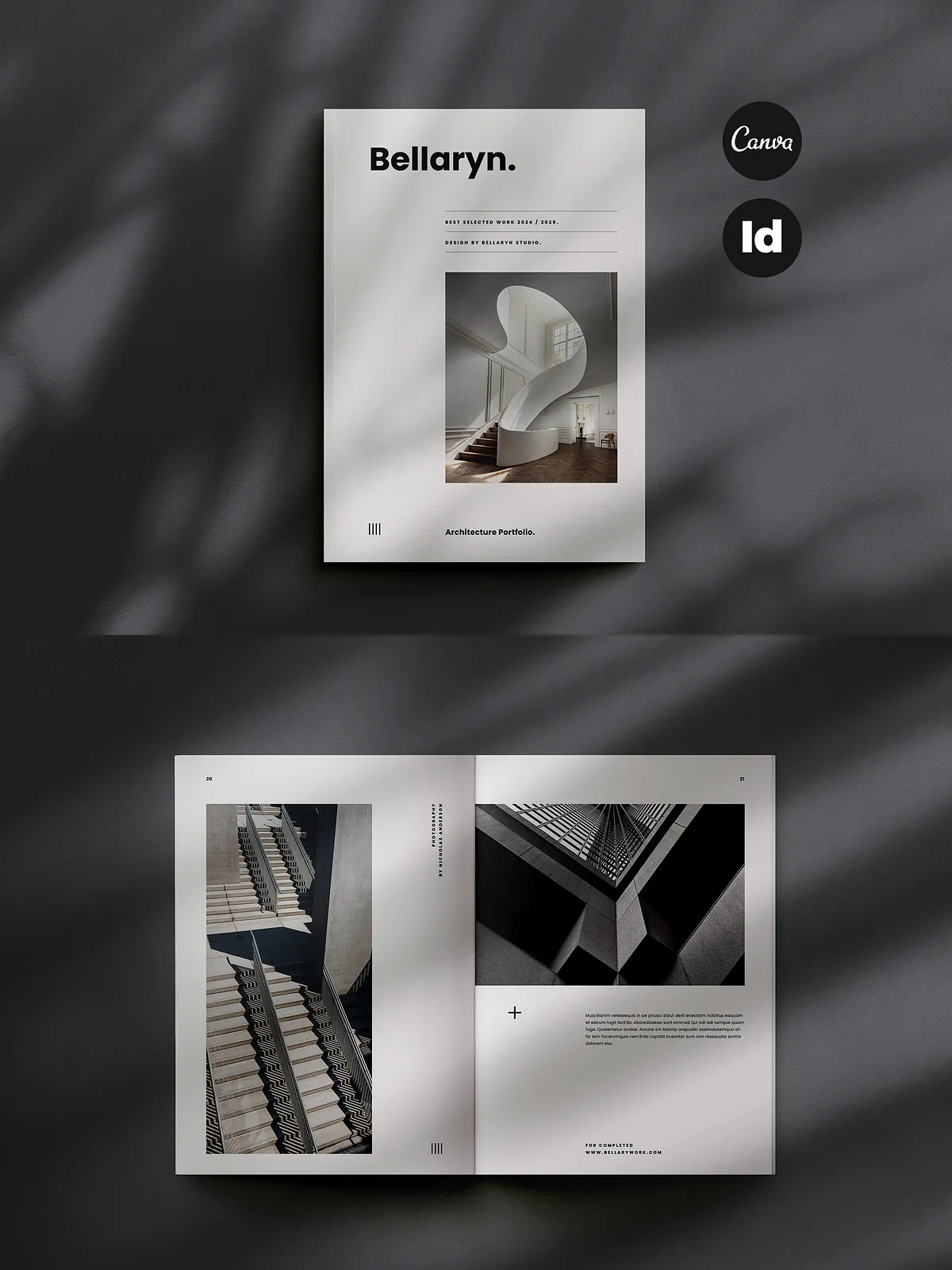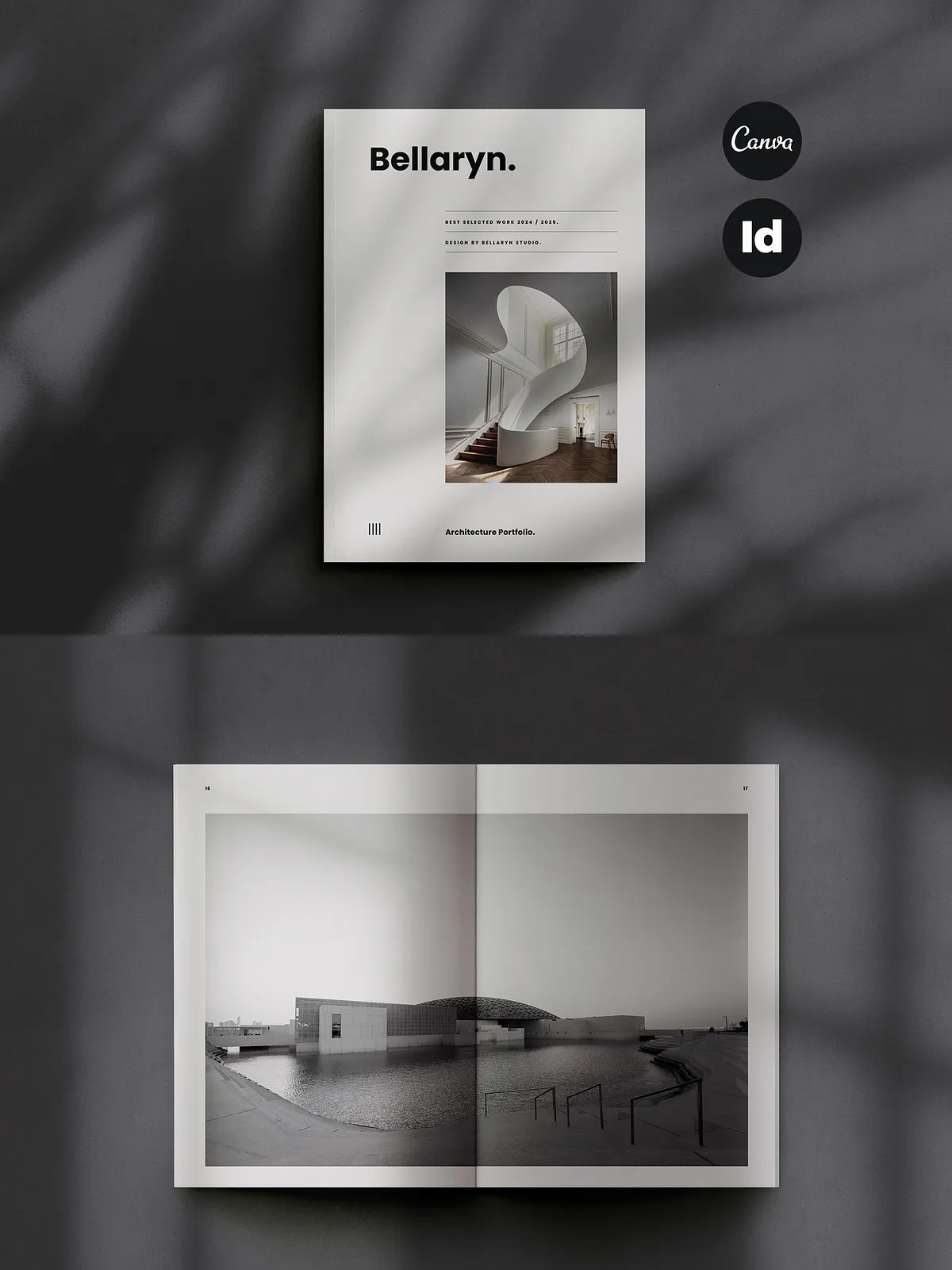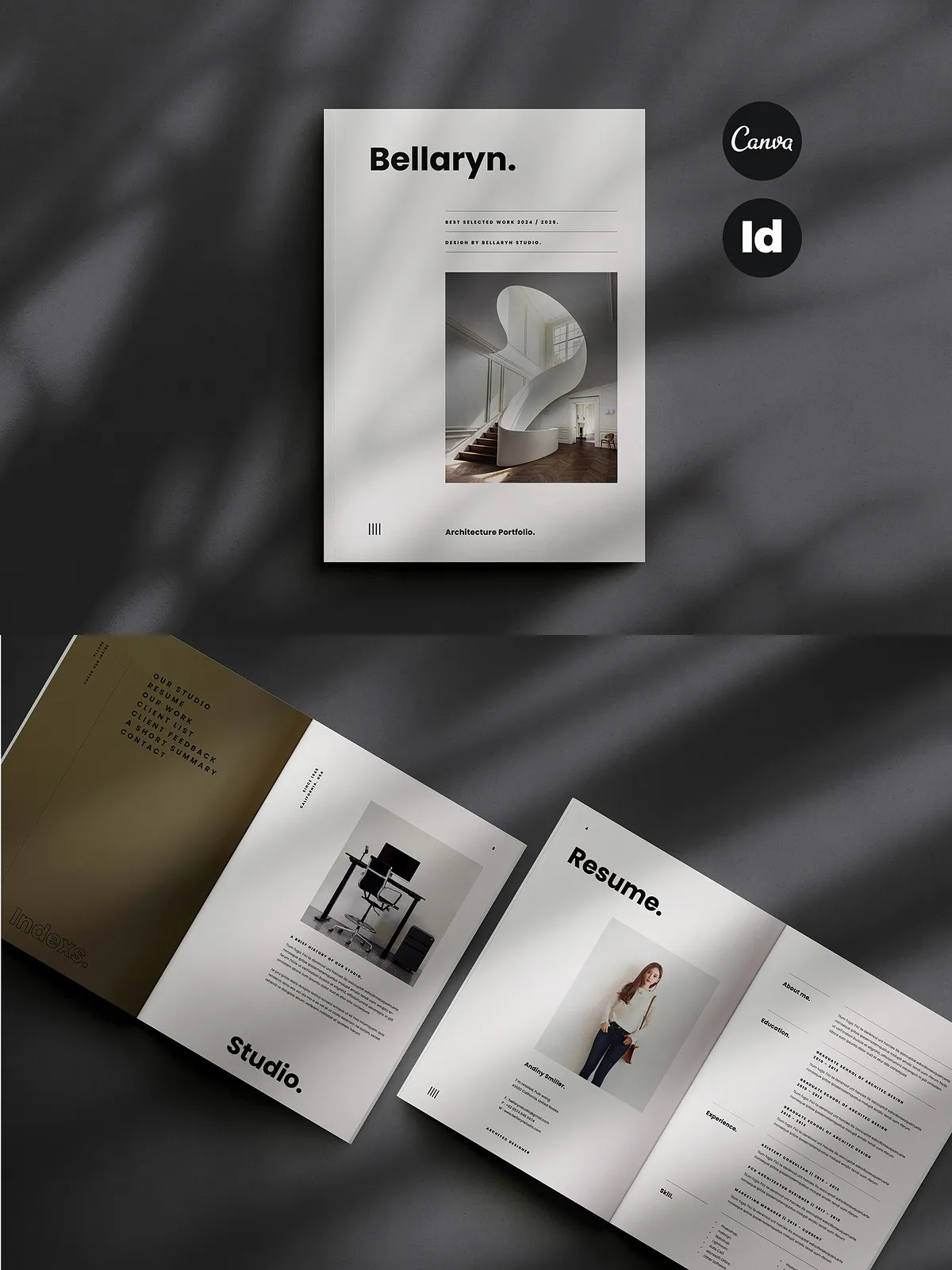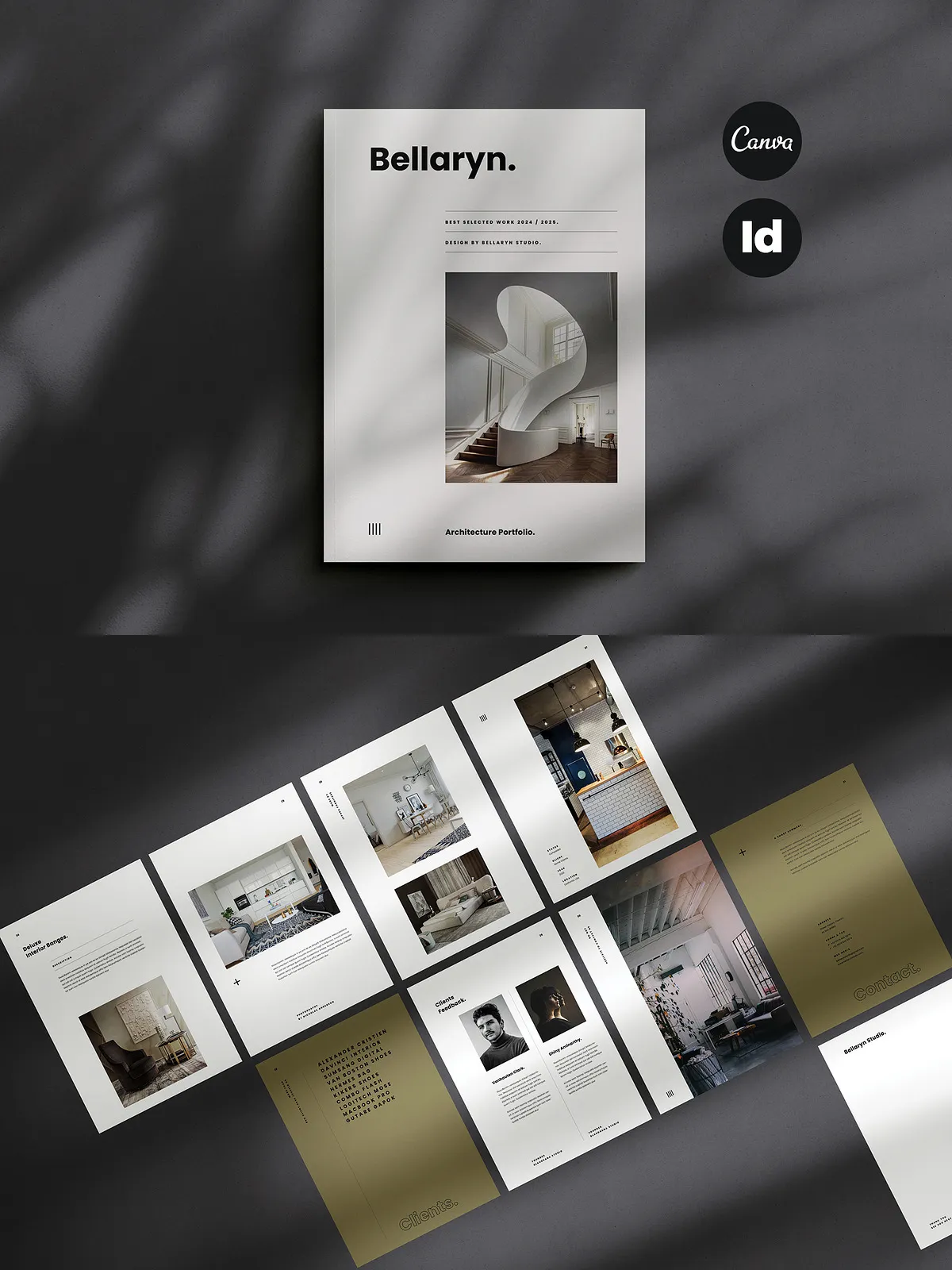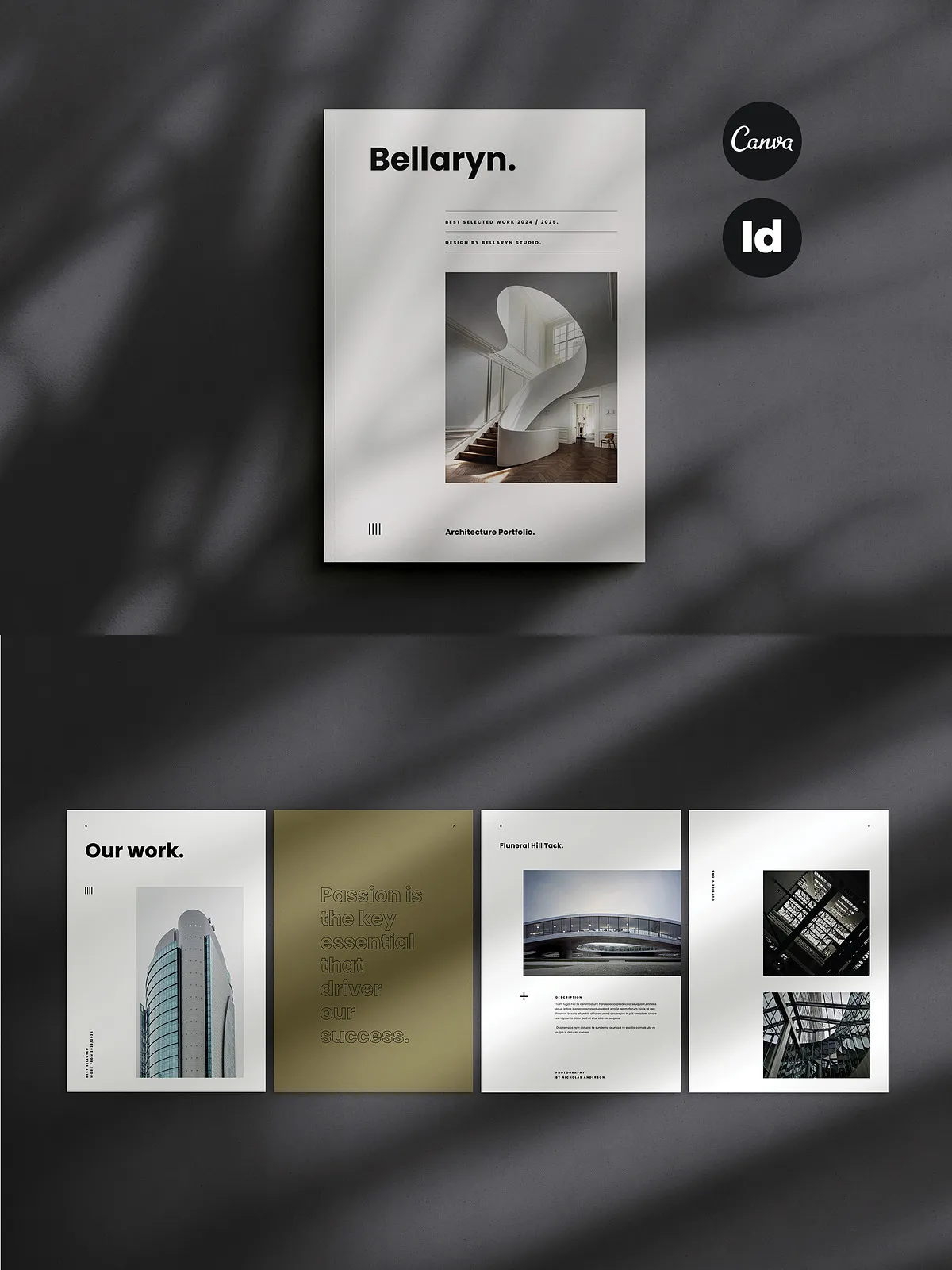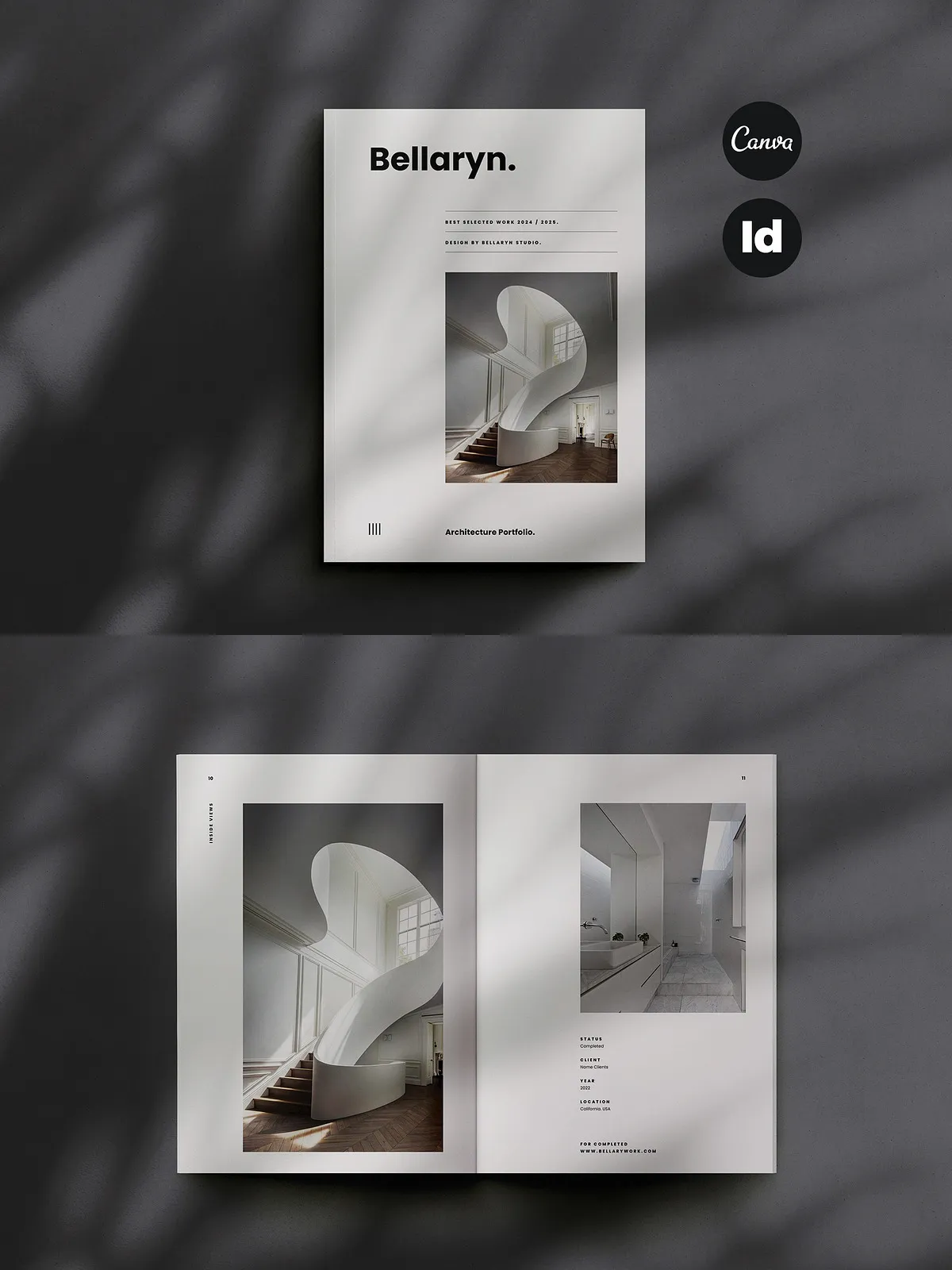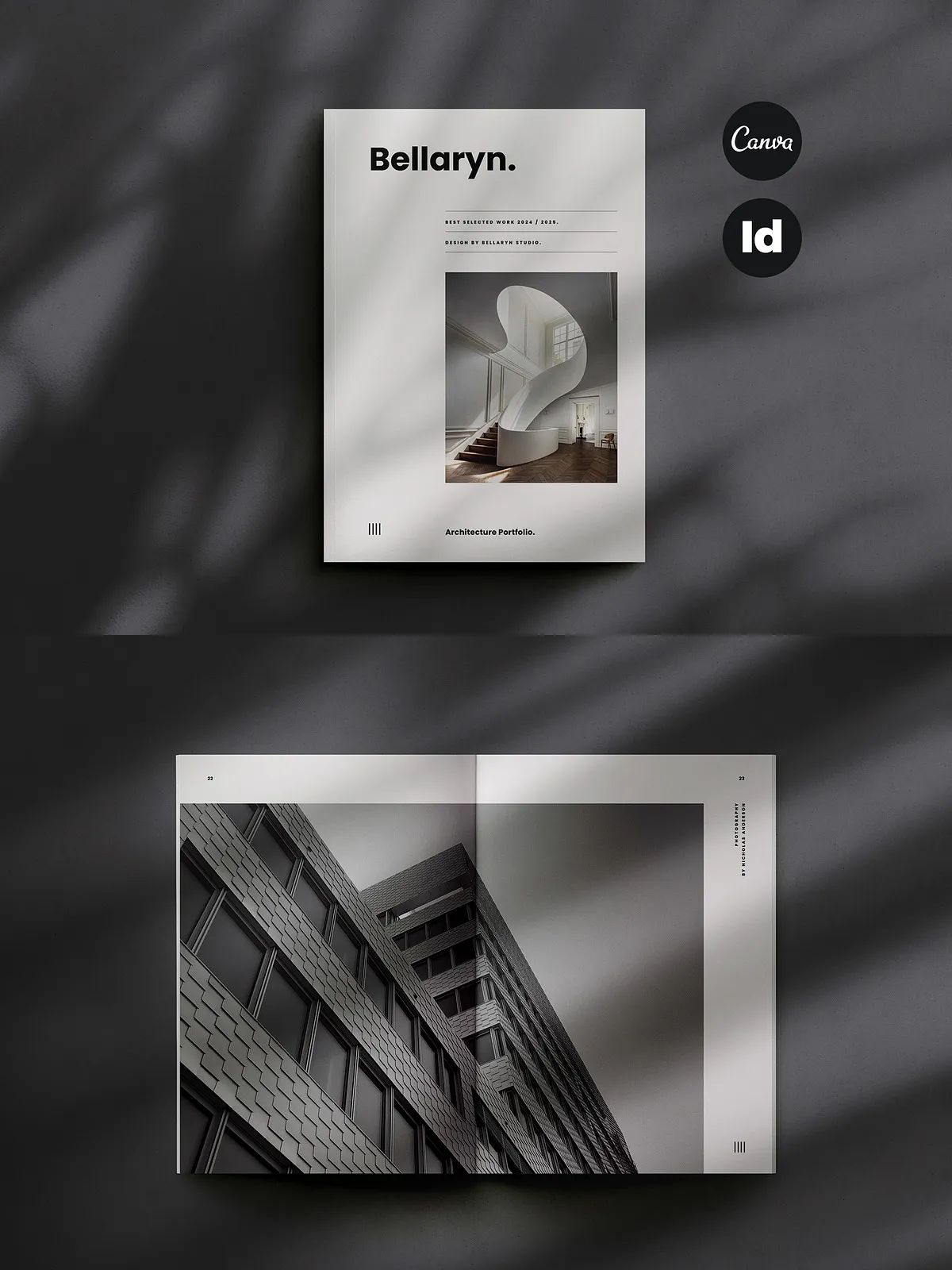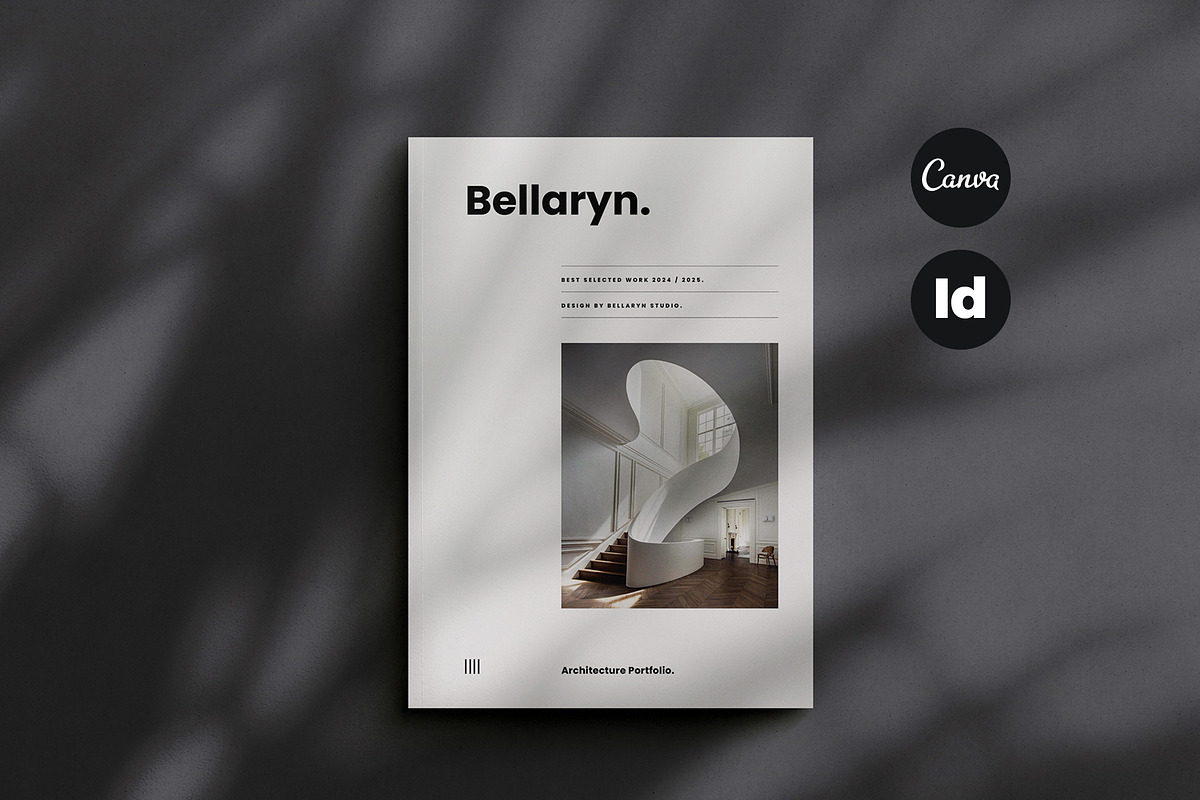
This Architecture Portfolio template delivers a streamlined, professional platform to present architectural projects, interior design work, and studio portfolios. Built with a minimal and modern layout, the 32-page template supports both Adobe InDesign and CANVA so you can edit, refine, and deliver polished presentation materials quickly. Use the template to showcase project imagery, technical details, service offerings, estimates, resumes, and client presentations with clarity and visual authority.
Why Choose This Template
Designed to Present
Present your work confidently. The layout emphasizes strong photography, clear typographic hierarchy, and flexible content blocks so you can highlight concept sketches, site plans, rendered views, and project narratives. Each page prioritizes legibility and composition so reviewers focus on the design story you communicate.
Built to Edit
Customize every element: change colors, swap images, edit text, and reorganize pages to match your studio’s identity. The template uses paragraph and character styles in InDesign and fully editable blocks in CANVA, enabling rapid adjustments without disrupting layout integrity. If you prefer browser-based editing, open and modify the template using [Canva: Visual Suite for Everyone](https://www.canva.com/).
Active, Efficient Workflow
Speed your delivery and reduce repetitive tasks. This template streamlines production with automatic page numbering, preset text styles, and grouped layers that help you work faster. Use the one-click color change to test alternative palettes and export print-ready PDFs at 300 DPI. The design supports both A4 and US Letter sizes so you can prepare deliverables for global clients and local print shops.
Production-Ready Specifications
- 32-page document configured for portrait orientation
- A4 and US Letter sizes included to fit common print formats
- CMYK color profile and 300 DPI for high-quality printing
- Automatic page number flow for consistent pagination
Features
- Fully editable layouts: Every page element in InDesign and CANVA is modifiable so you control typography, spacing, and imagery.
- Paragraph and character styles: Maintain consistent typography across headings, captions, and body copy for professional presentation.
- One-click color change: Quickly test and apply alternate color schemes to adapt the portfolio to client or brand requirements.
- Layered and organized files: Work with clearly grouped layers in InDesign for rapid content swaps and safe edits.
- Print-ready files: Export high-resolution PDFs suitable for commercial and in-house printing with CMYK settings preserved.
- Help file included: Step-by-step guidance to open, edit, and export files for both CANVA and InDesign users.
- Free fonts used: All text styles rely on freely available fonts; download links are provided in the ZIP package.
Included Files
- CANVA editable template (link and instructions included)
- Adobe InDesign (.indd) and .idml files compatible with CS4 / CS5 / CS6 / CC
- Help file with editing instructions, font links, and export recommendations
How to Use
Open and Edit
Open the InDesign file in the version compatible with your software or import the .idml file for older versions. For browser-based editing, sign in to CANVA and import the provided CANVA file, then replace images, edit copy, and rearrange pages. The template supports replacing placeholder imagery with your high-resolution photos and recording technical notes alongside each project entry.
Export and Deliver
After editing, export a print-ready PDF with CMYK settings and 300 DPI. For client review, export a digital PDF or share a CANVA link for live commenting. Use the included brand or resume pages to produce a cohesive leave-behind or a downloadable portfolio package for potential clients.
Support and Licensing
If you need product support, contact the template author via email (support details included in the help file). The fonts used are free for commercial use; download links and licensing notes appear inside the ZIP so you can verify usage terms quickly before publishing or printing.