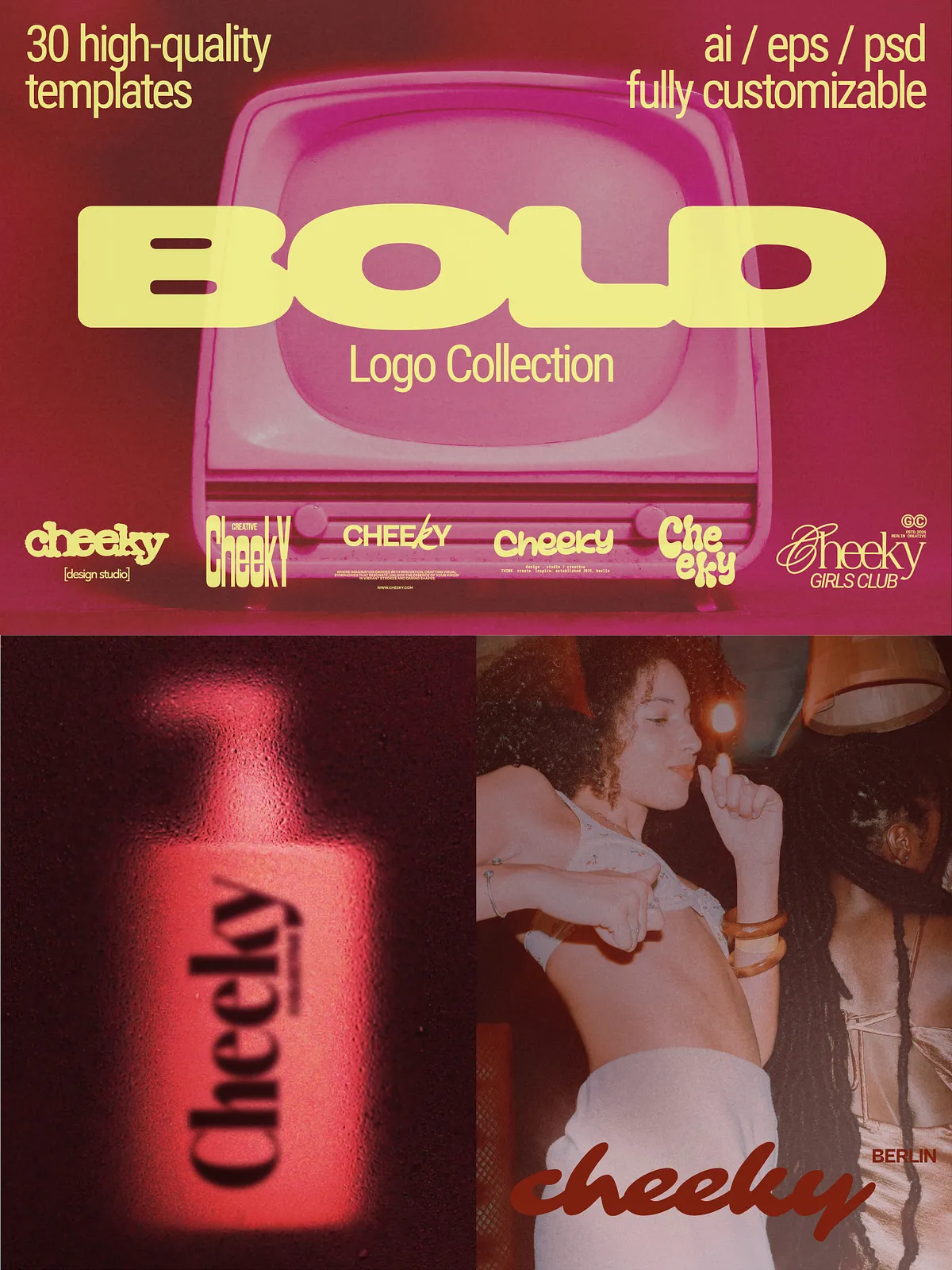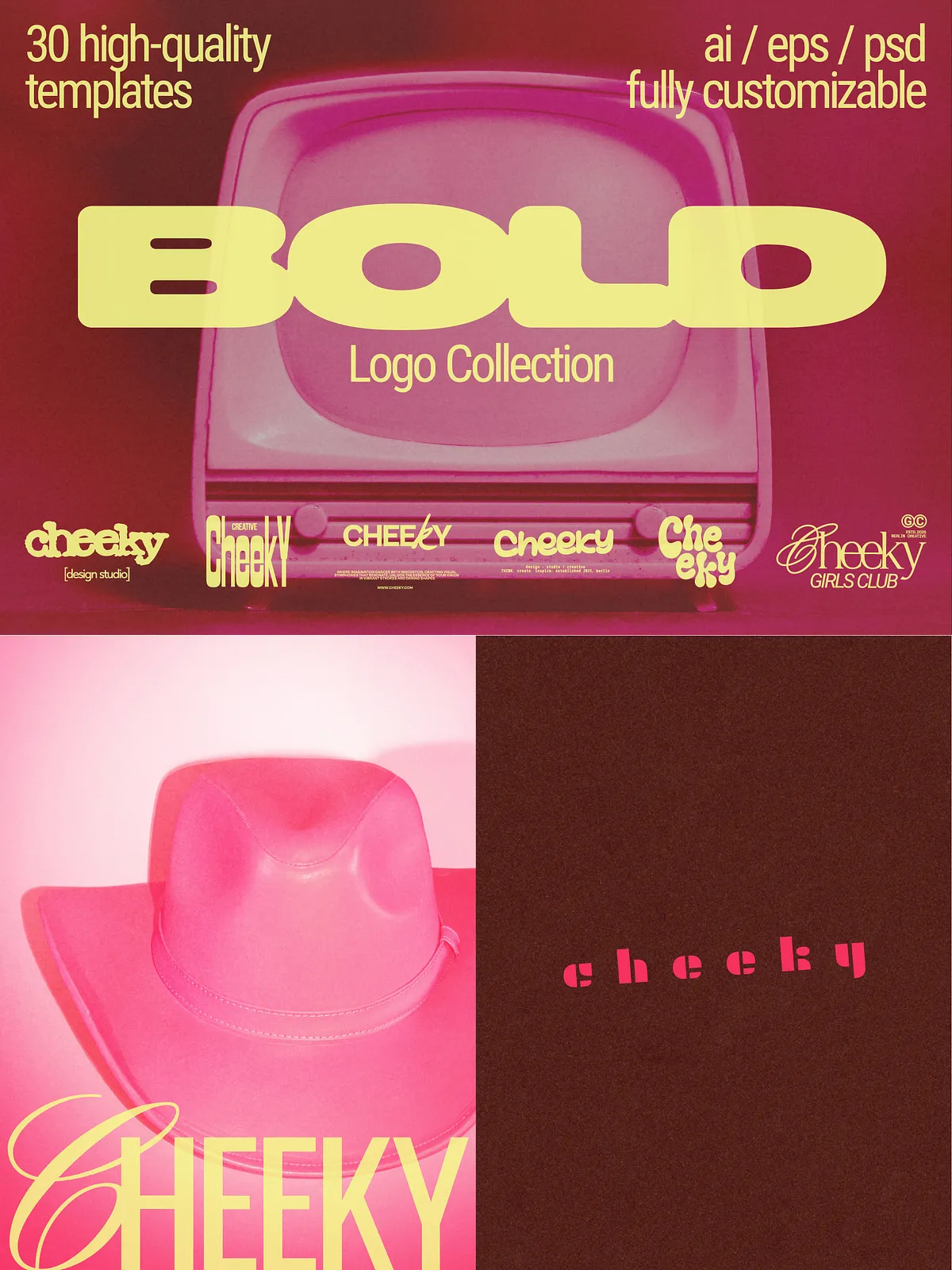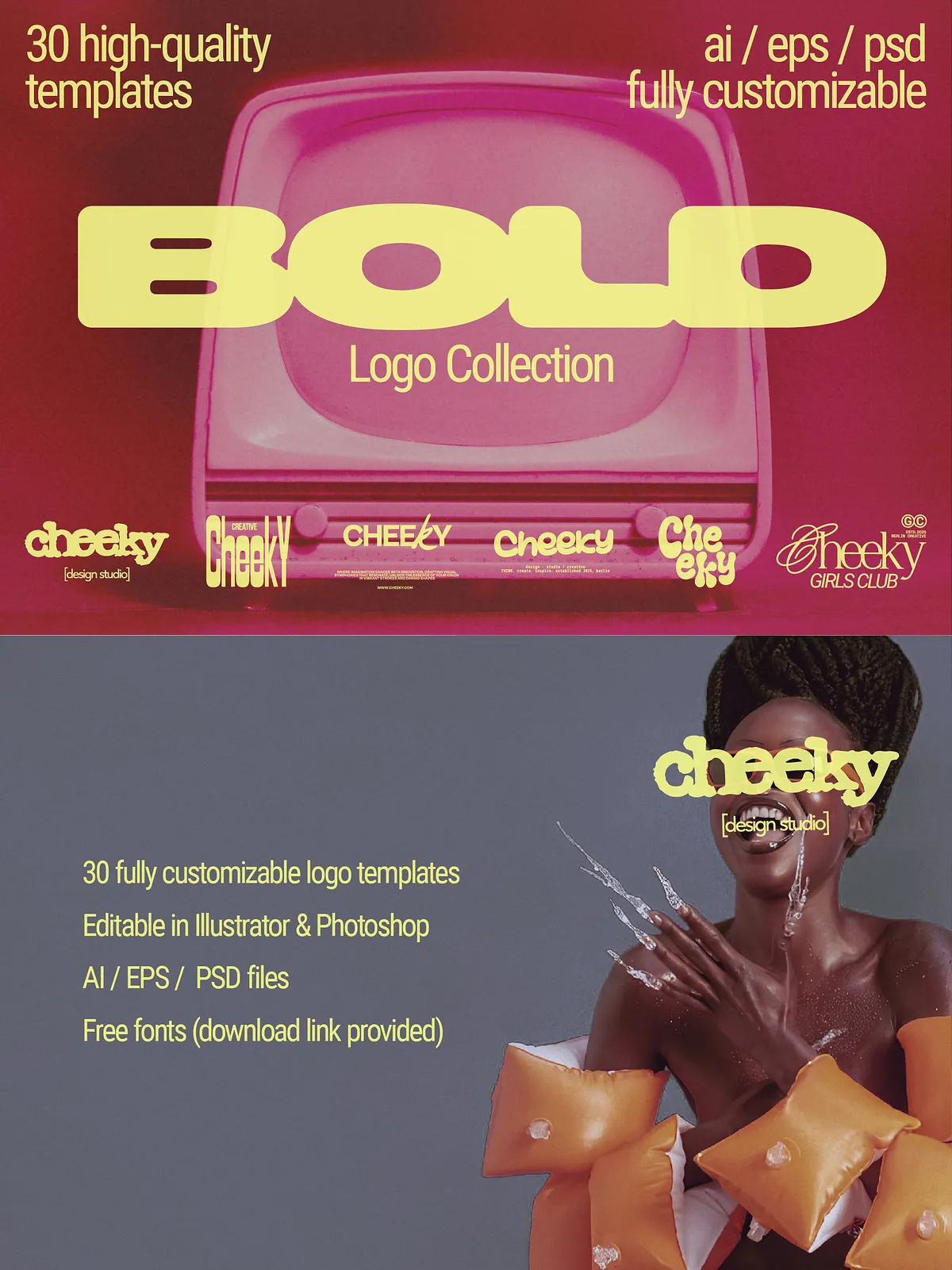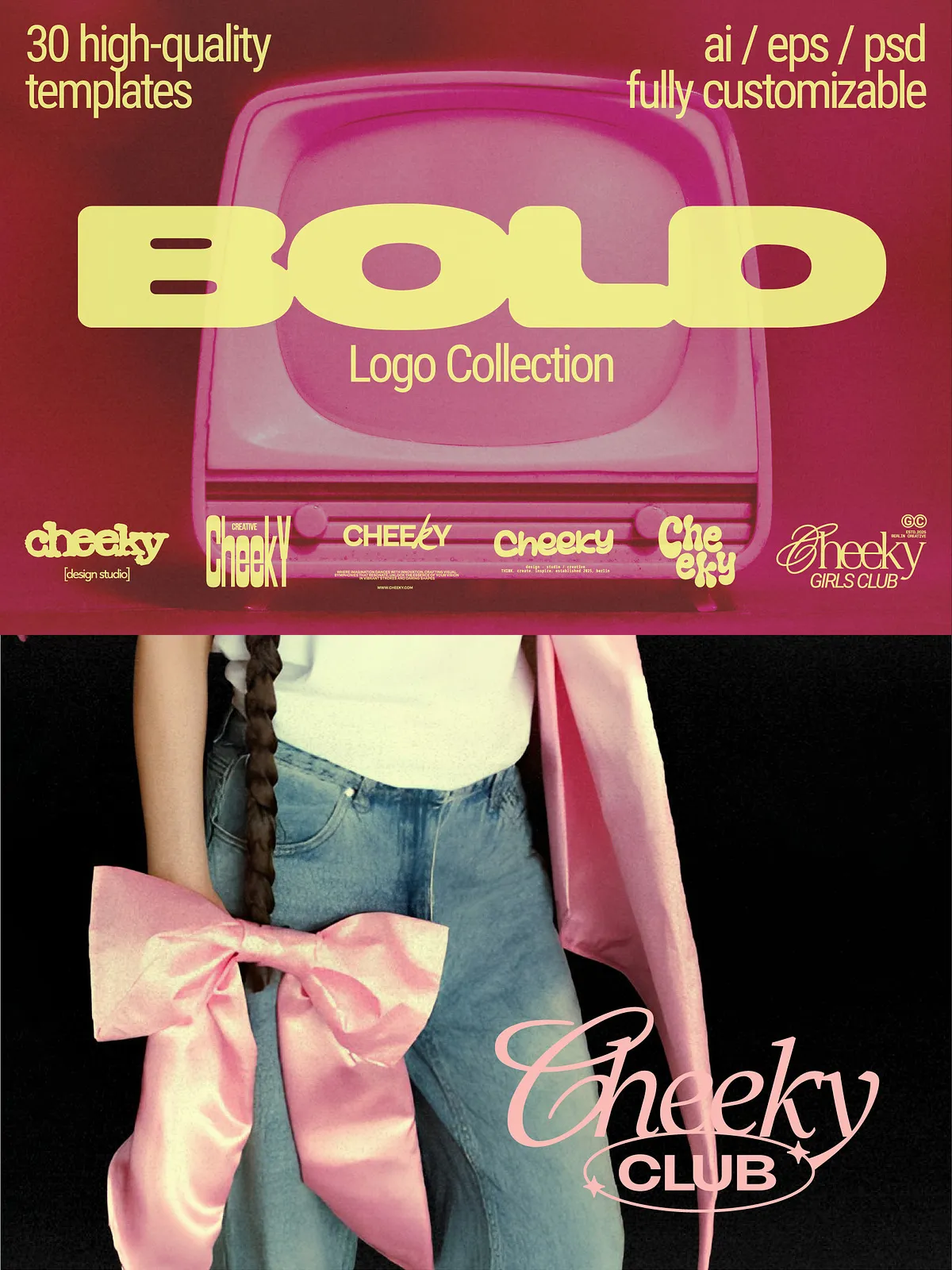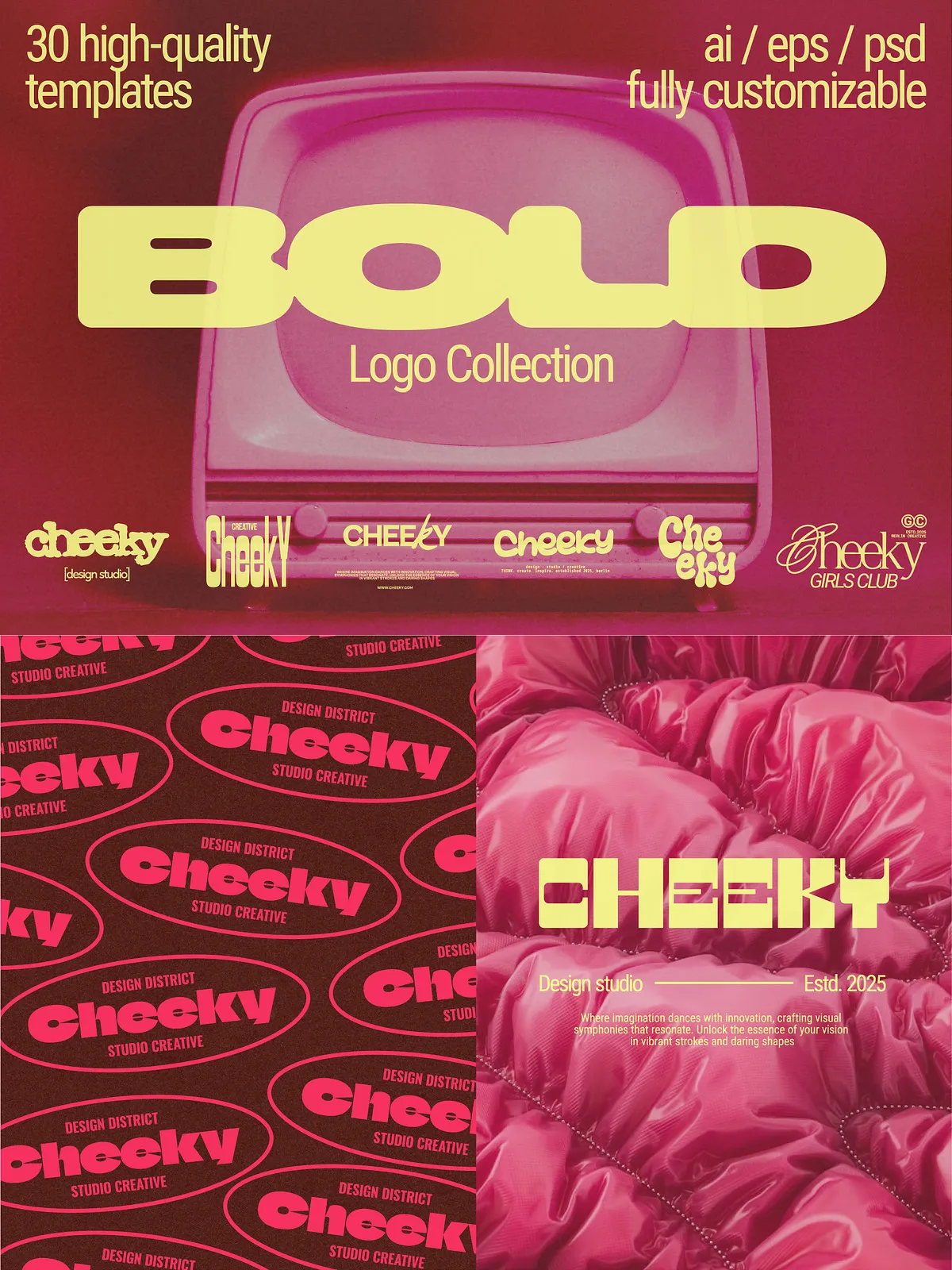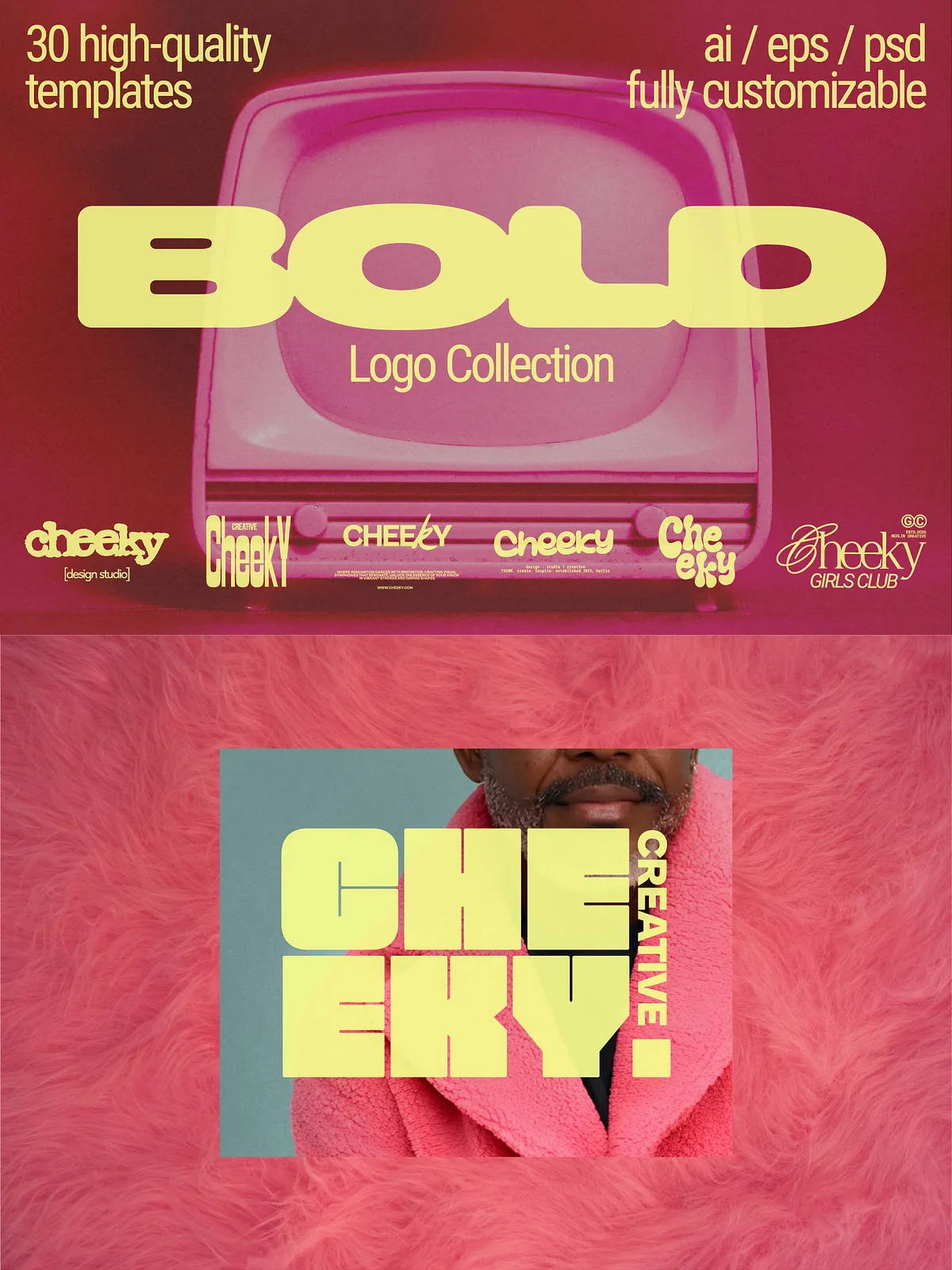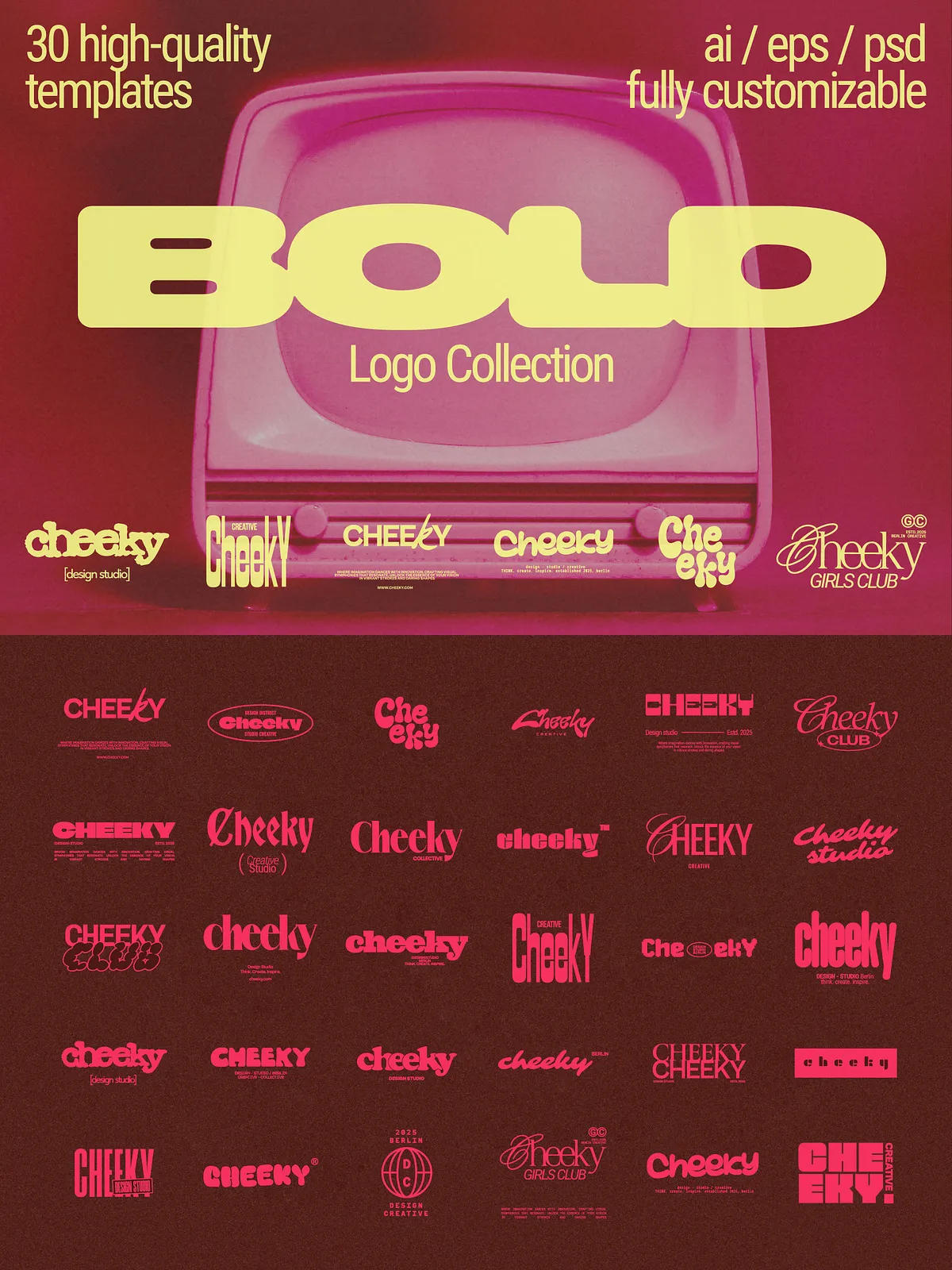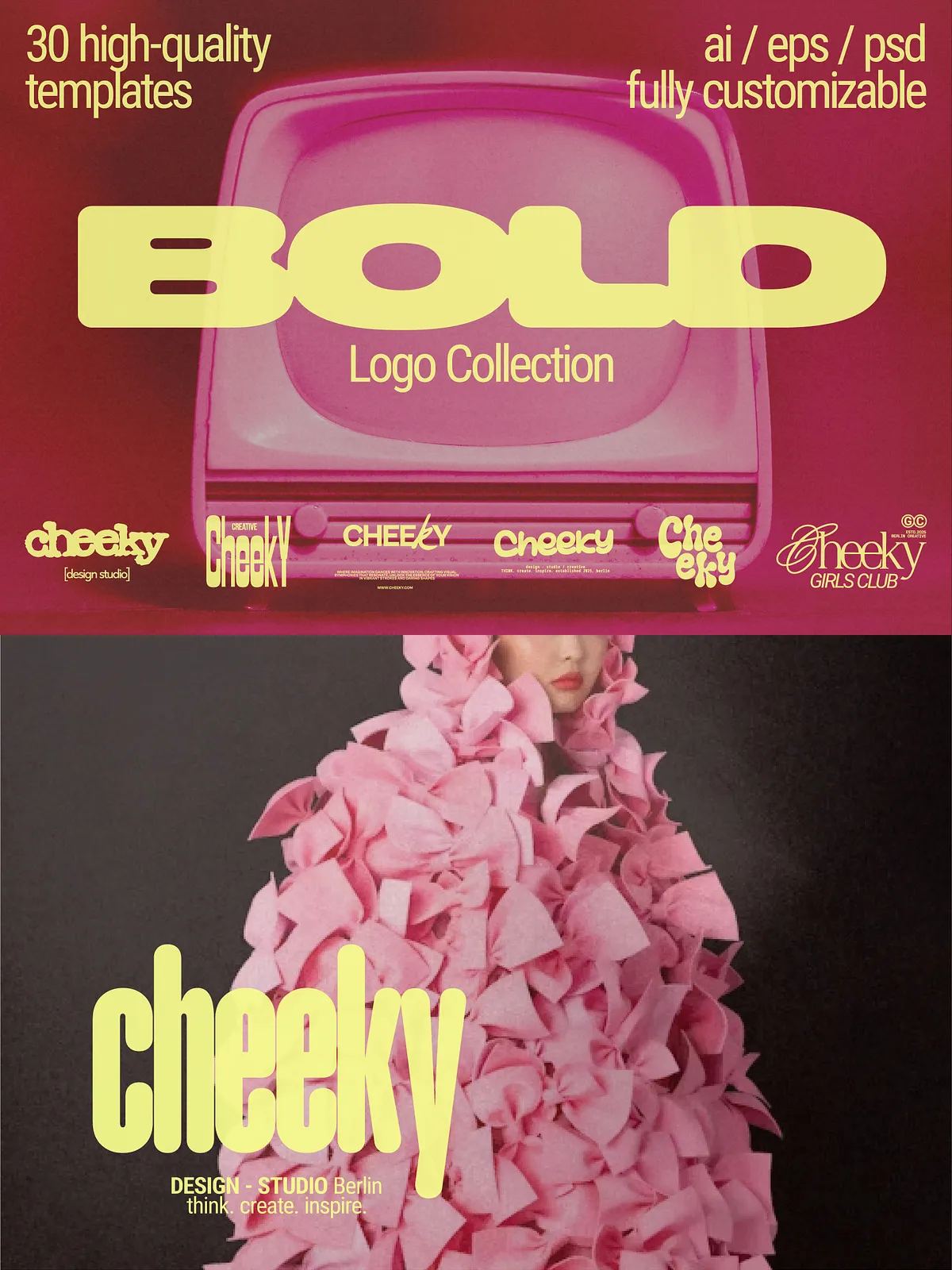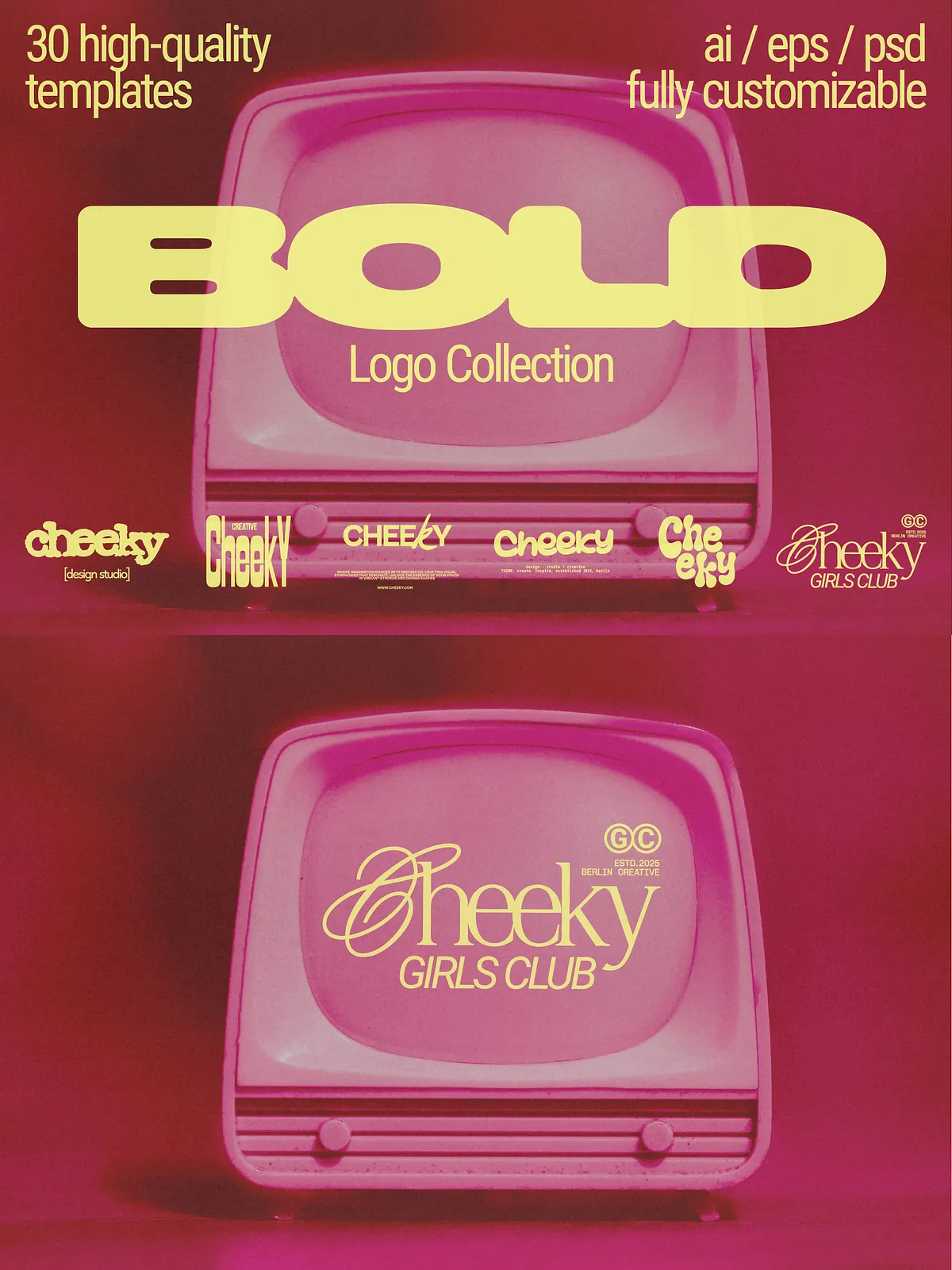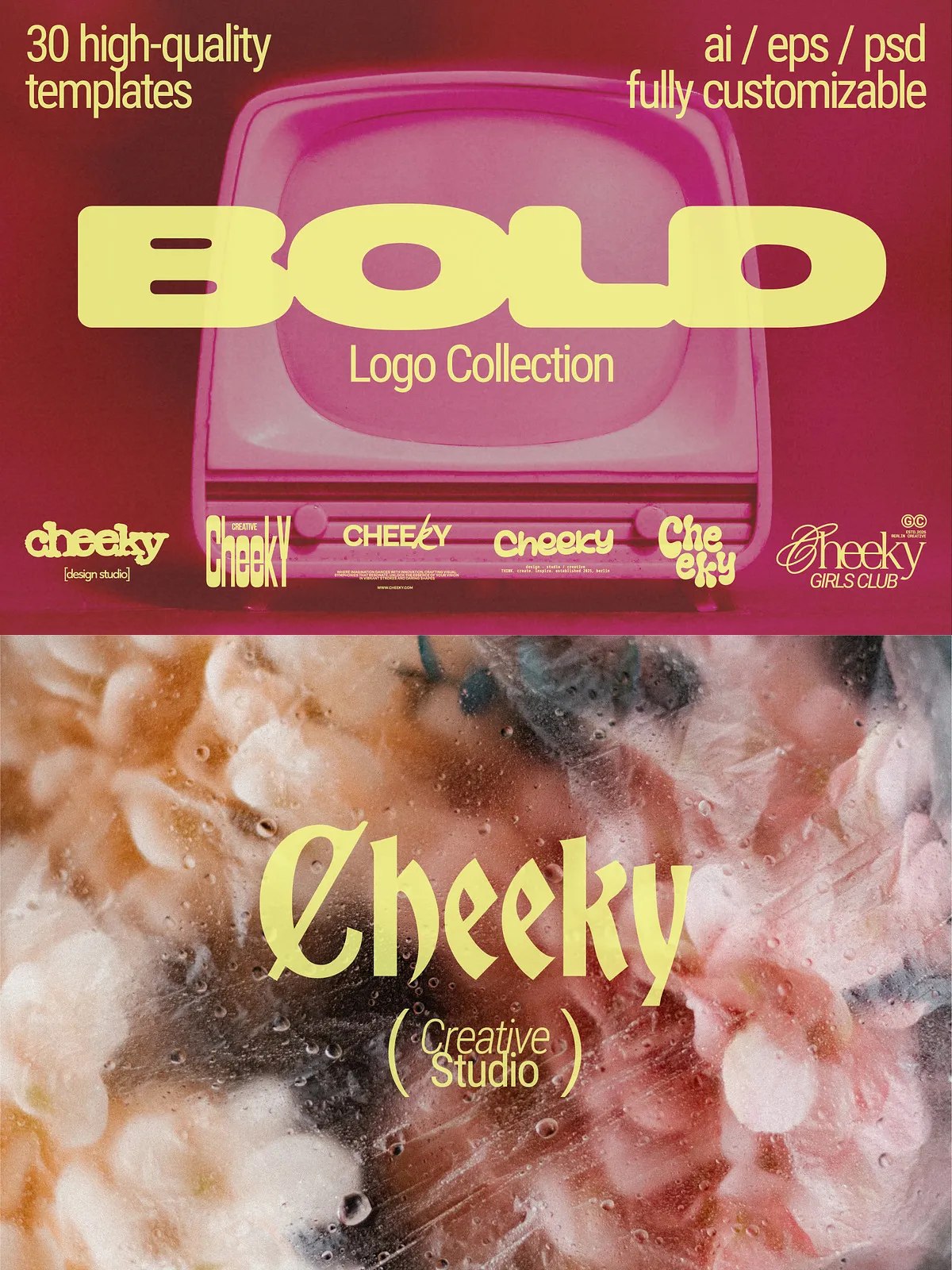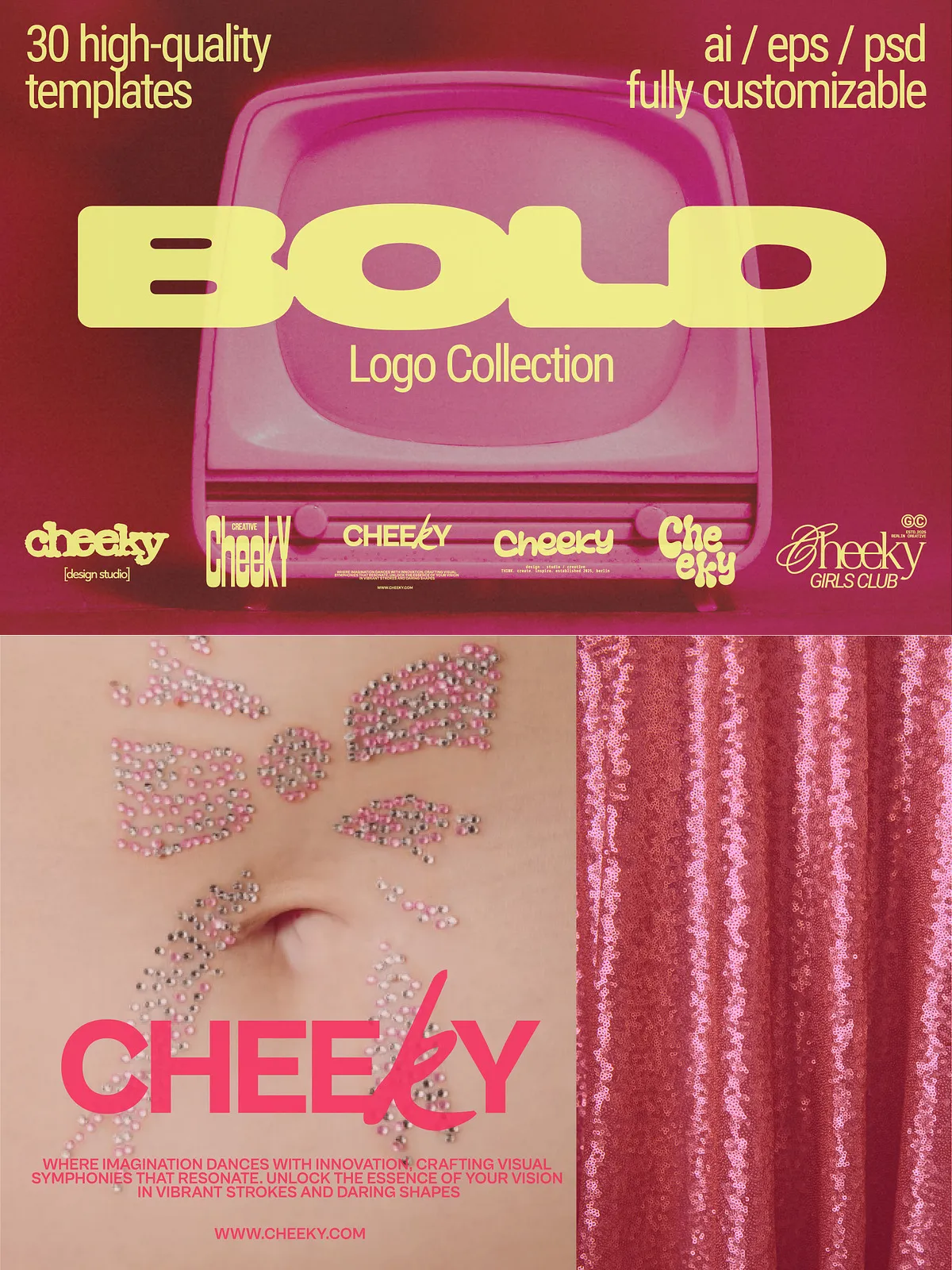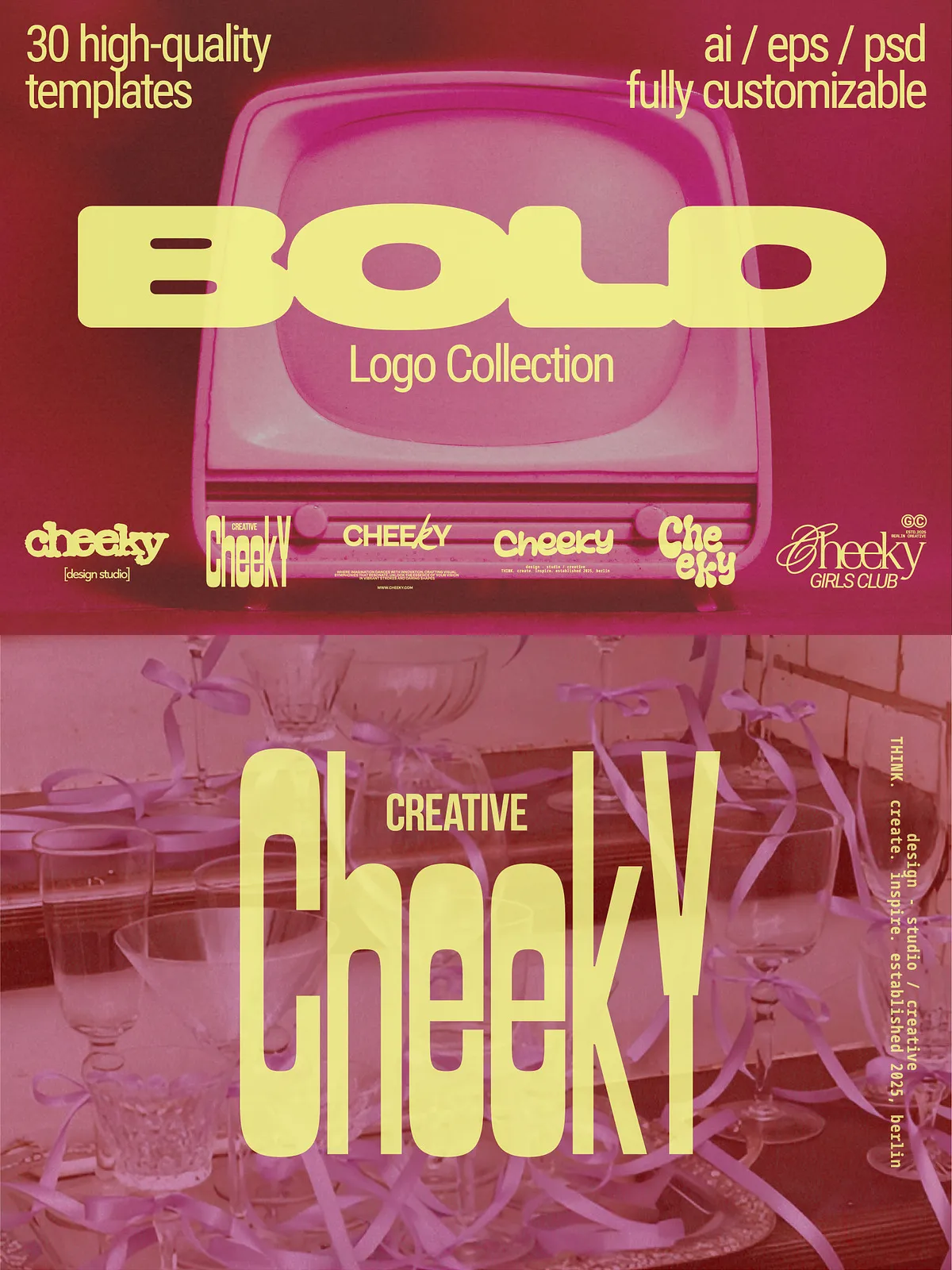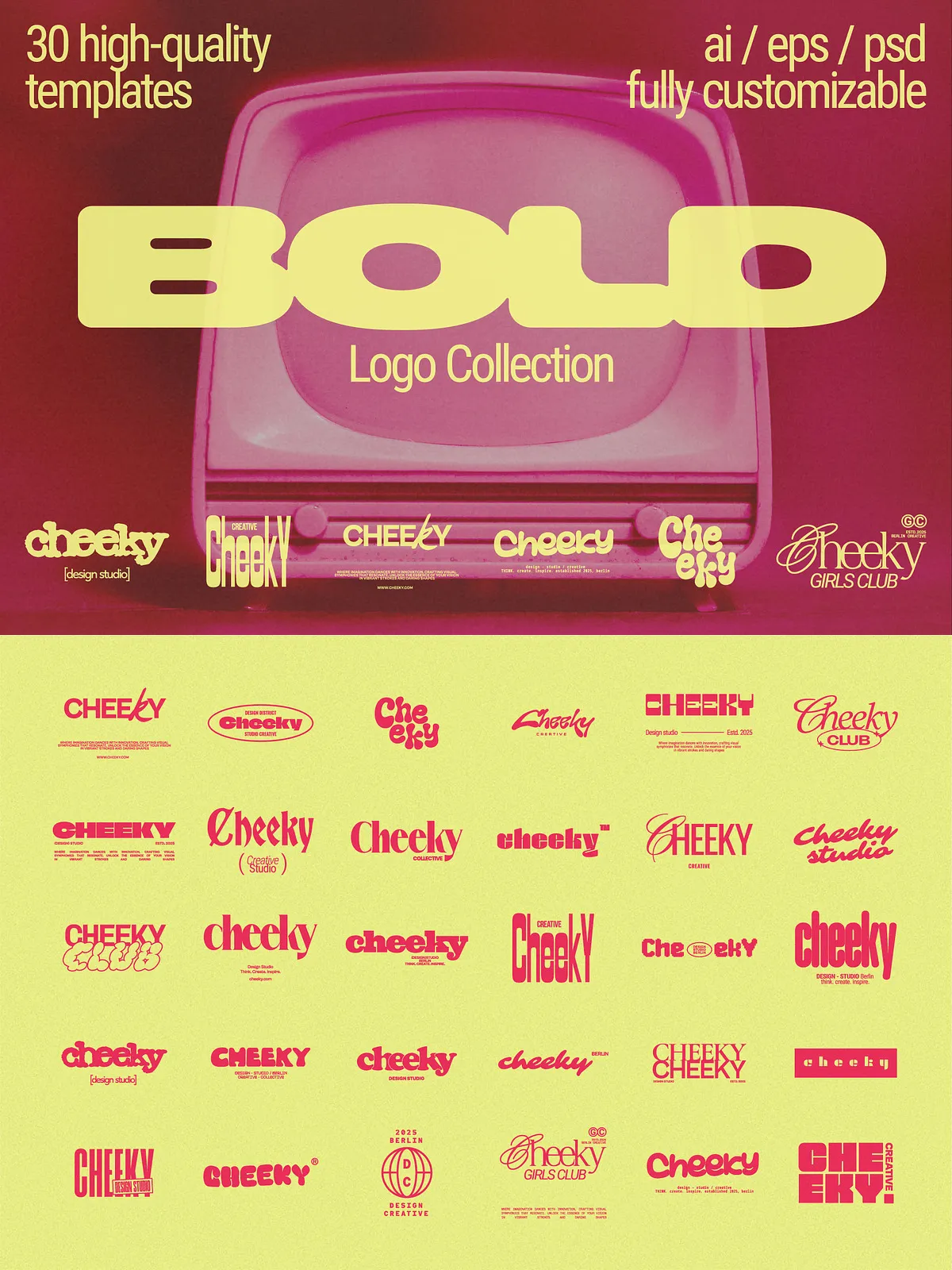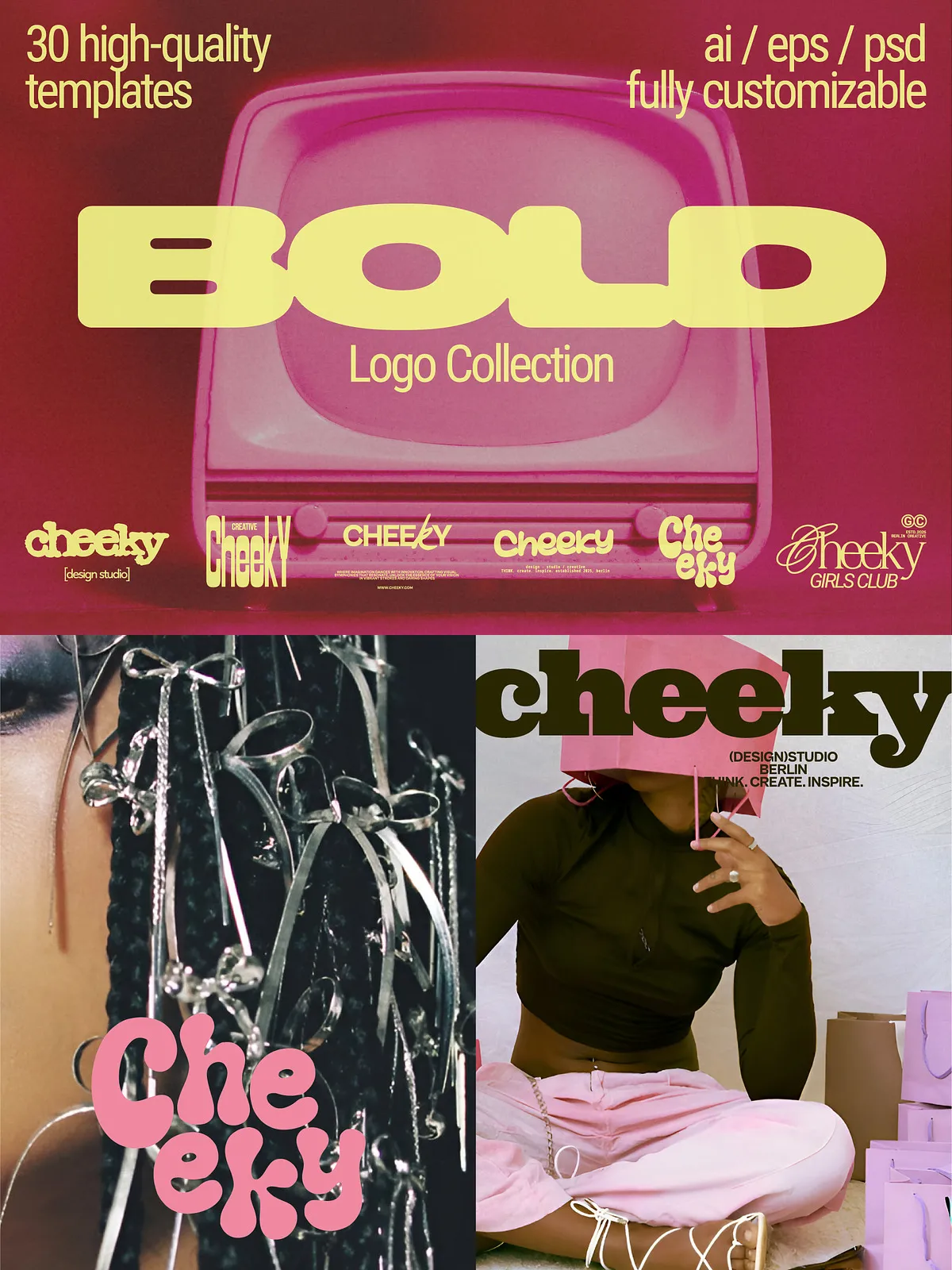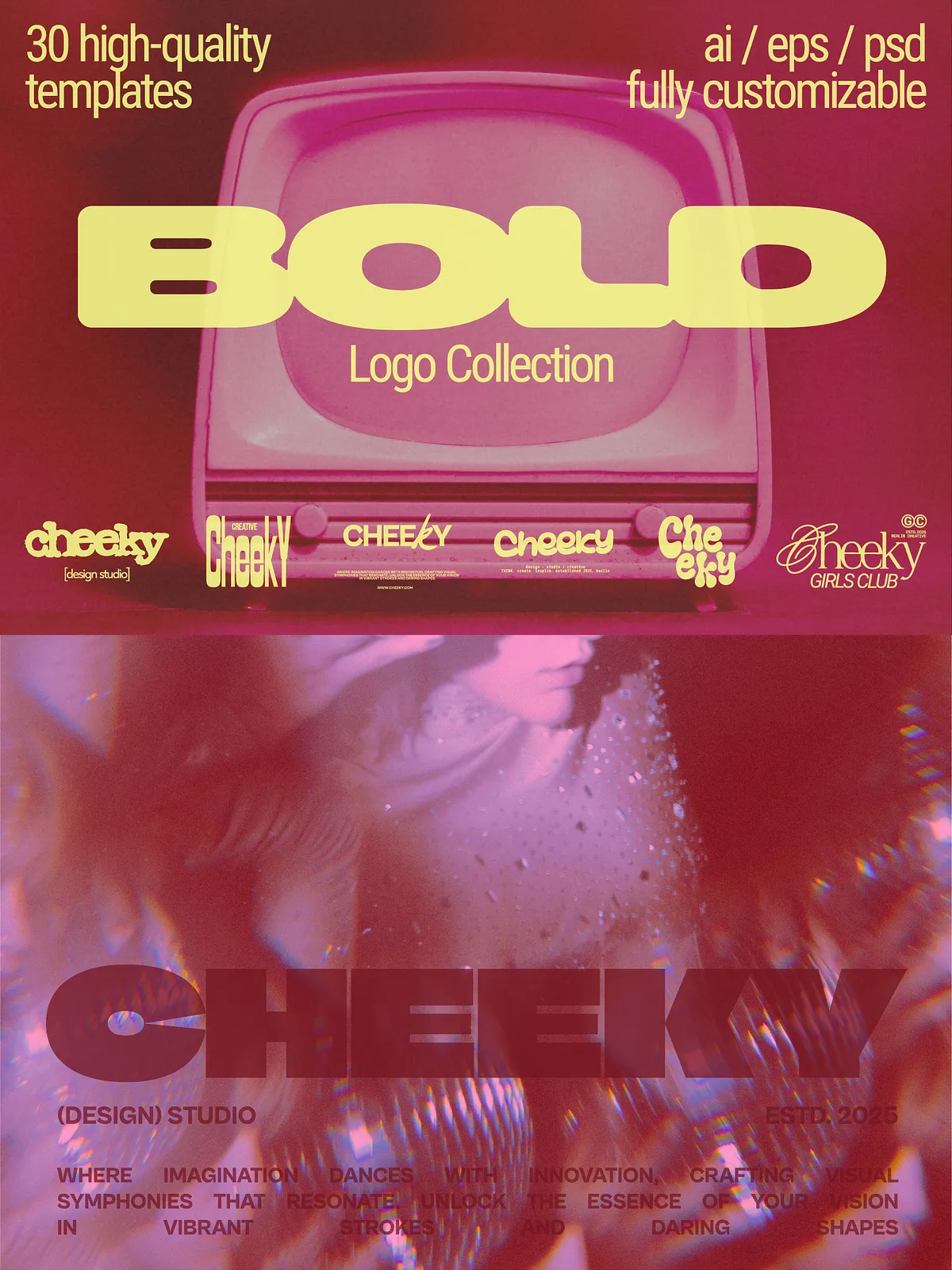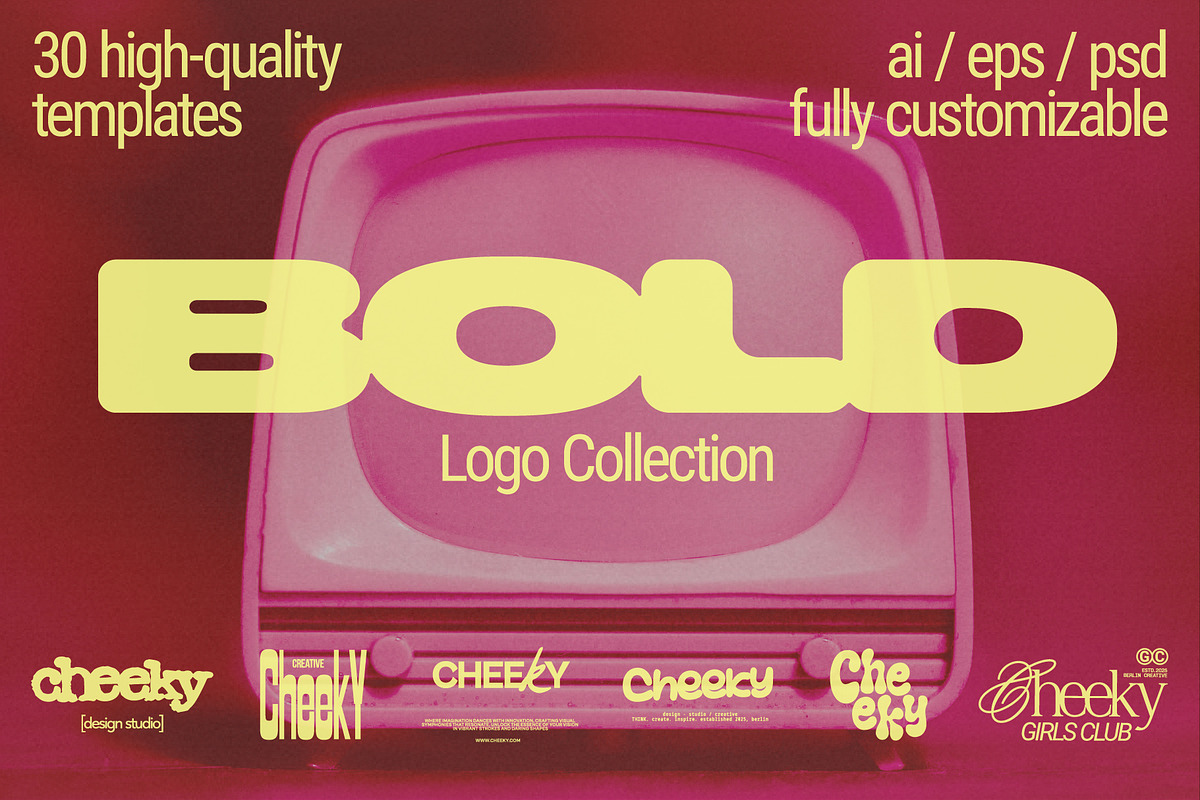
The Bold Logo Kit empowers creative entrepreneurs, designers, and brand teams to produce striking brand marks quickly and consistently. This collection delivers 30 professionally crafted logo templates designed with confident, modern aesthetics that communicate strength and clarity. Each template adapts easily to diverse brand needs—social media, packaging, print, or product labels—so you can deploy a polished identity without rebuilding concepts from scratch.
What’s Included
Complete Template Files
This kit contains 30 fully customizable logo templates prepared for Adobe Illustrator and Adobe Photoshop. Designers receive high-quality file formats (AI, EPS, PSD) that preserve layer structure and editable components so you can adjust shapes, color systems, and typography with precision.
Typography Resources
The pack includes links to free fonts that pair with the logo styles. We selected typefaces that reinforce the bold design language and ensure consistent visual hierarchy across headers, subheads, and body copy. Font files are easy to install and integrate into your projects.
File Formats and Compatibility
Files are delivered in AI, EPS, and PSD formats to support vector editing and raster compositing workflows. Use Illustrator for vector refinement and EPS exports for legacy production. Use Photoshop for mockups, texture overlays, and raster-ready exports. The formats enable smooth export to SVG, PNG, PDF, and high-resolution JPG.
Key Features
- 30 Fully Editable Templates: Swap text, reshape marks, and change color palettes without losing design integrity.
- Modern, Confident Aesthetics: Designs emphasize bold geometry, balanced spacing, and high legibility.
- Multiple File Types: AI, EPS, and PSD files provide flexibility for vector and raster workflows.
- Free Font Links: Curated typography that complements each logo and supports cohesive brand systems.
- Ready for Production: Templates scale to business cards, signage, and digital assets while maintaining visual clarity.
Important Requirements
Adobe Illustrator and Adobe Photoshop are required to edit the vector and layered files included in this kit. Users should have basic familiarity with layers, masks, and type replacement workflows to achieve the best results. The mockup photos shown in preview images are for presentation only and are not included with the download.
How to Customize
Quick Start in Illustrator
Open the AI file, unlock the group layers, and select the text placeholder to enter your brand name. Use the color swatches to apply your palette across shapes and strokes. Adjust stroke weights and alignments to fine-tune the mark for different scales. Export vector assets as SVG for web use and PDF for print-ready files.
Editing in Photoshop
Open the PSD file and edit the smart object that contains the logo artwork. Replace placeholder imagery, apply adjustment layers for color correction, and use layer styles for effects like embossing or texture. Export flattened PNGs for social media and high-resolution JPGs for printed mockups.
Usage, Licensing, and Restrictions
These files are licensed for use in your commercial and personal projects, but redistribution, resale, or sharing of the source files is prohibited. Do not forward, sell, or distribute the template files. Because of the digital nature of this product, we do not accept refunds or exchanges. Review the license terms included in your download for details about permitted usage and any exceptions.
Support and Updates
We stand behind this product and provide support for file issues and basic editing questions. If you encounter missing fonts, compatibility issues, or technical problems, contact our support team and include your purchase details so we can respond promptly. We also welcome user feedback and suggestions for future updates, such as additional templates, mockup scenes, or expanded font pairings.