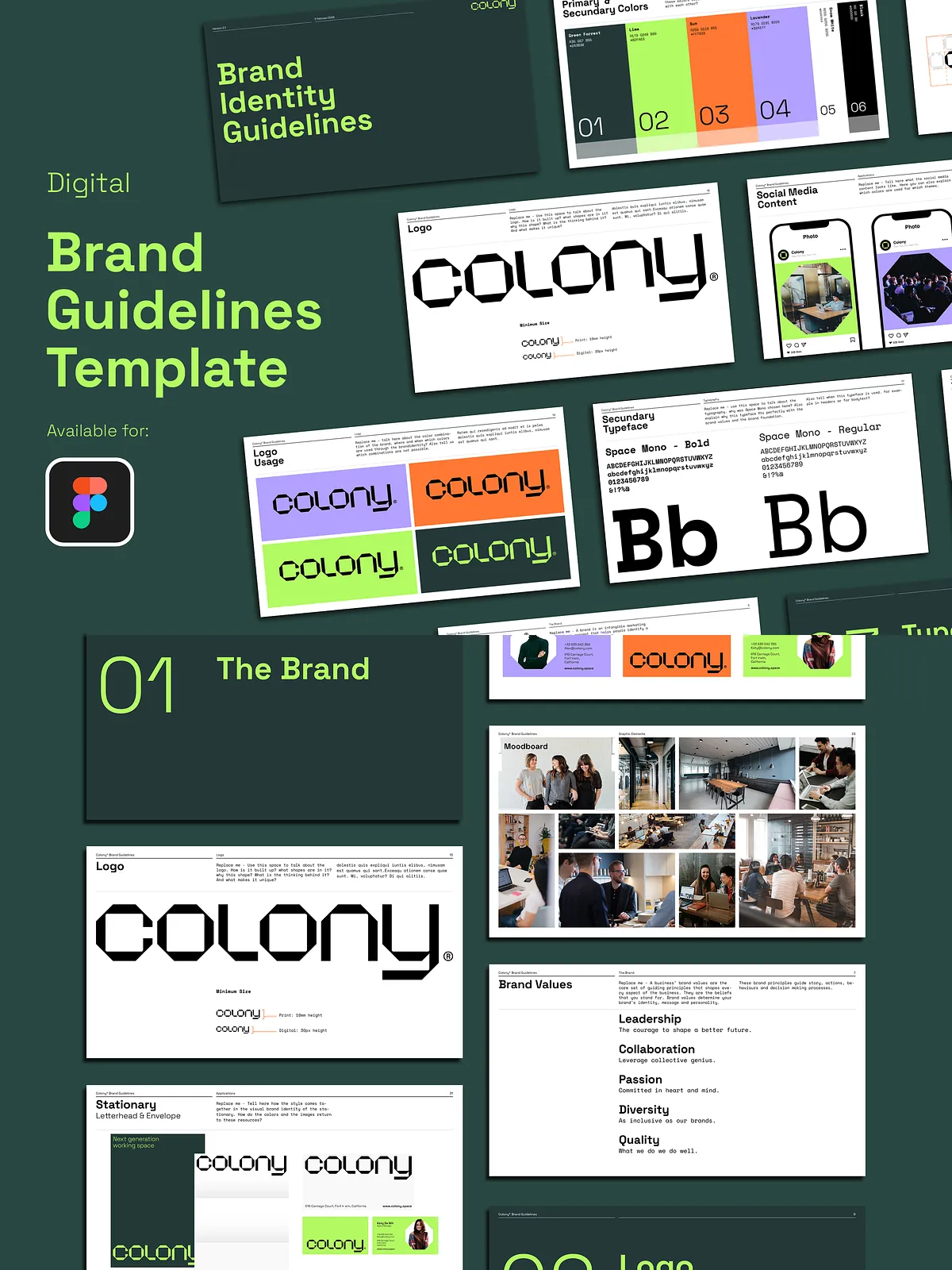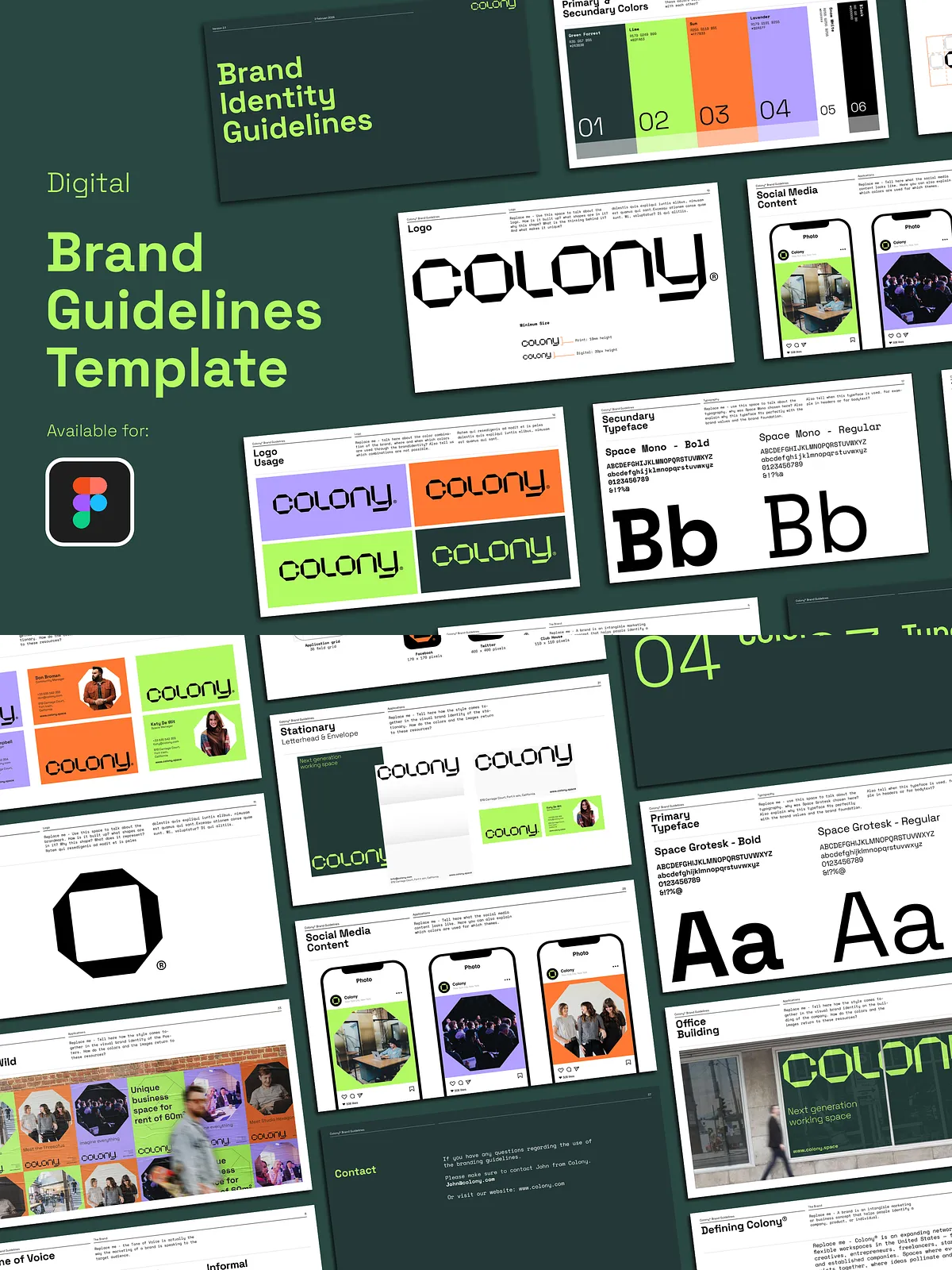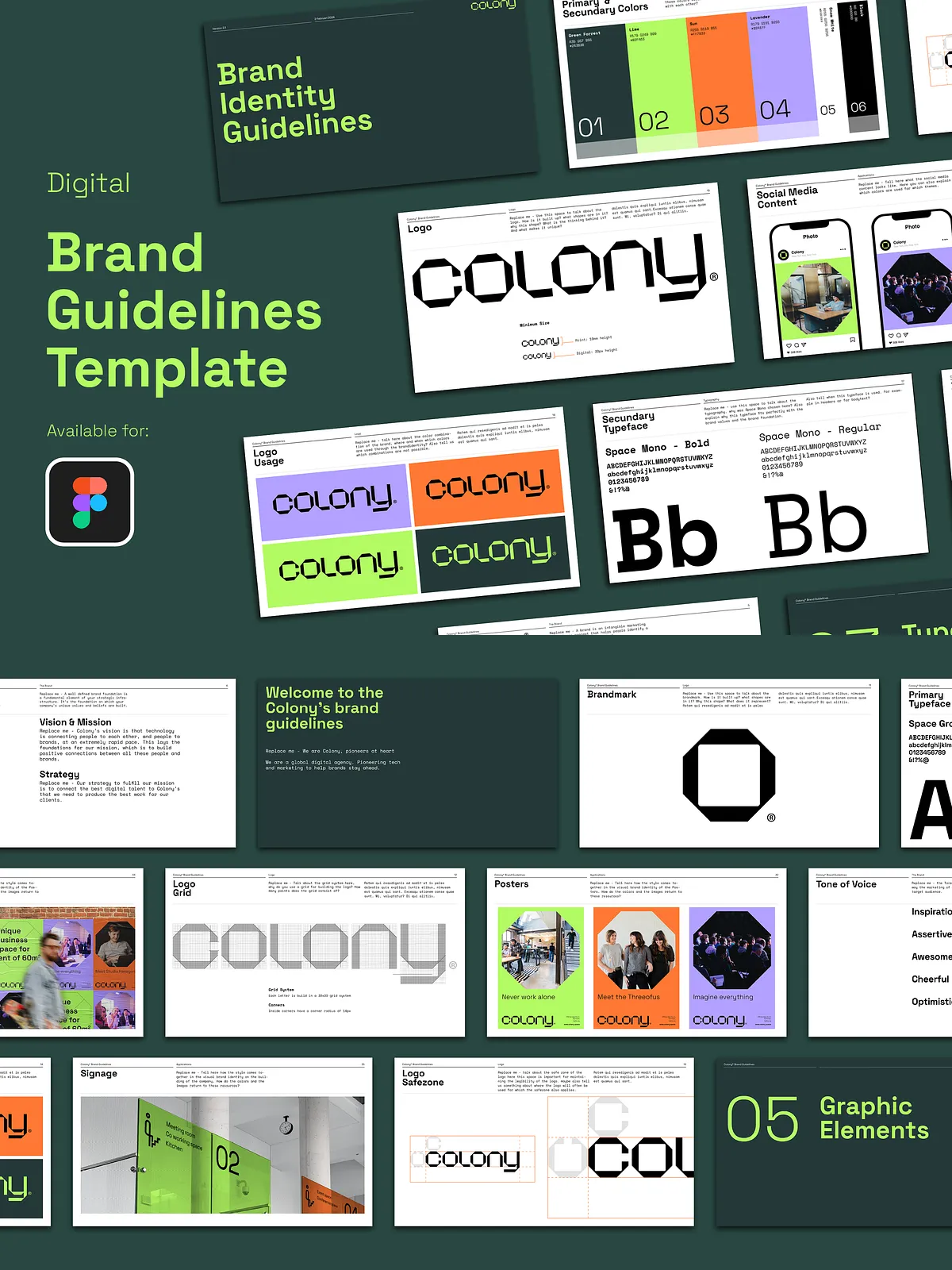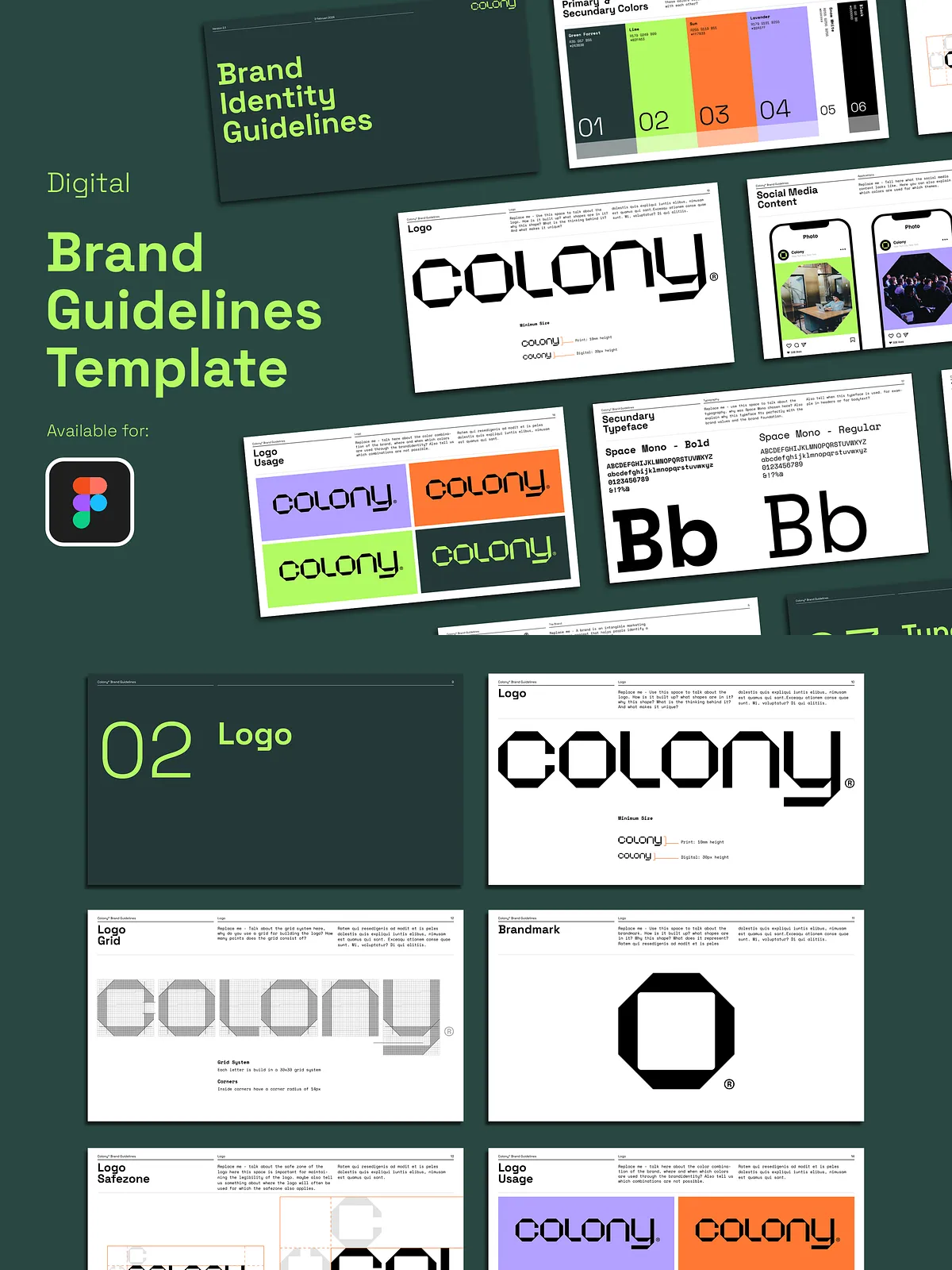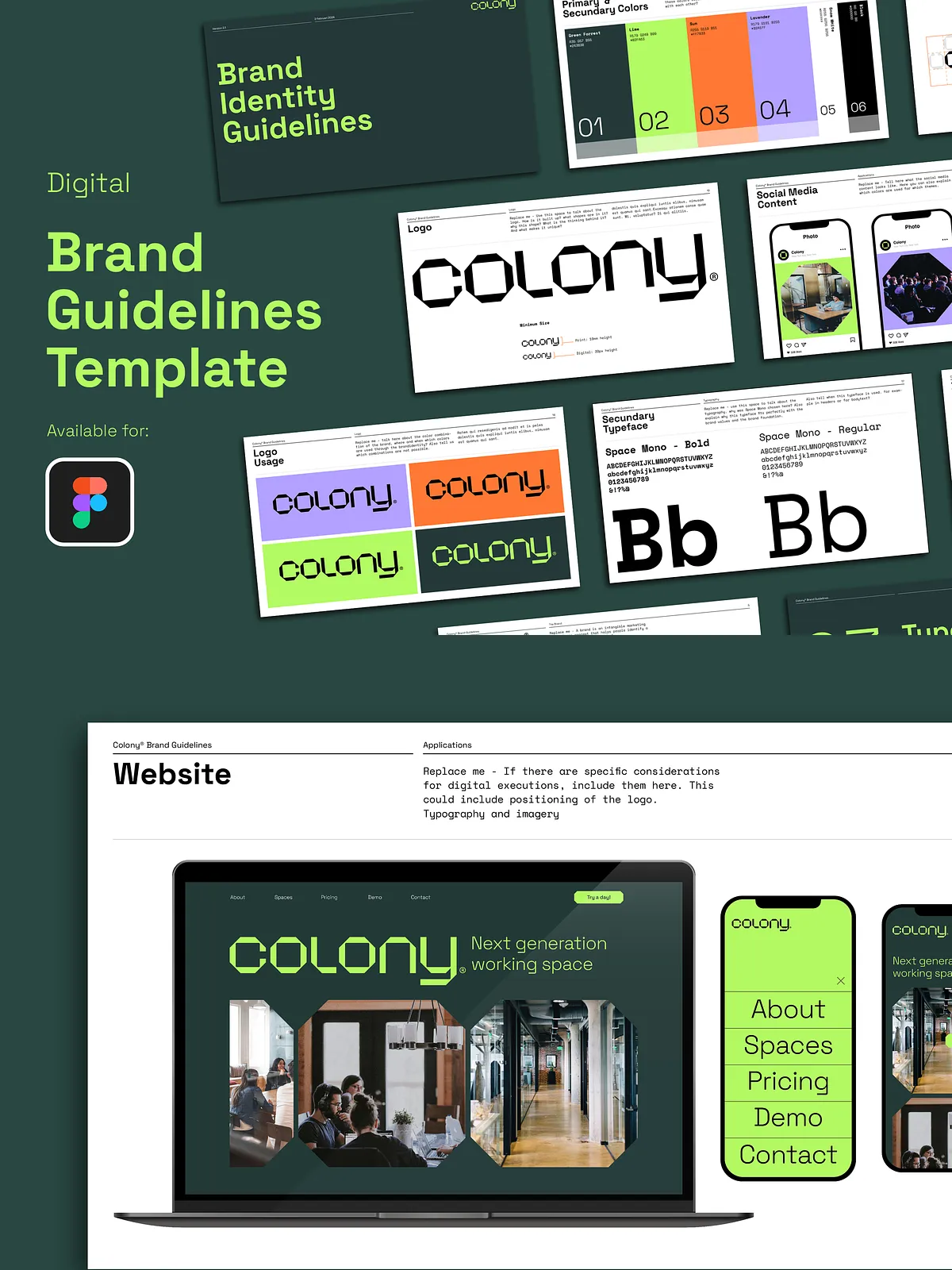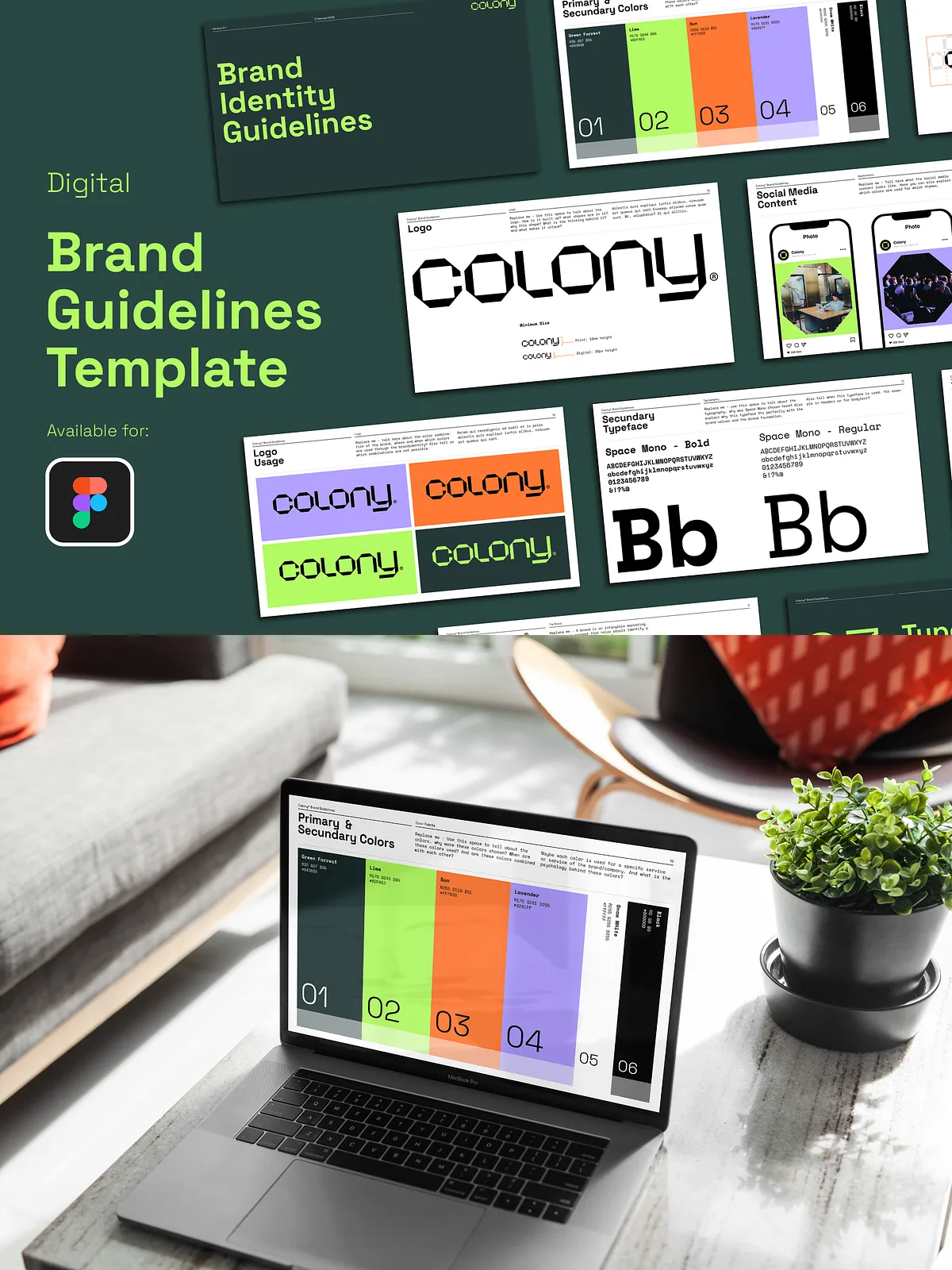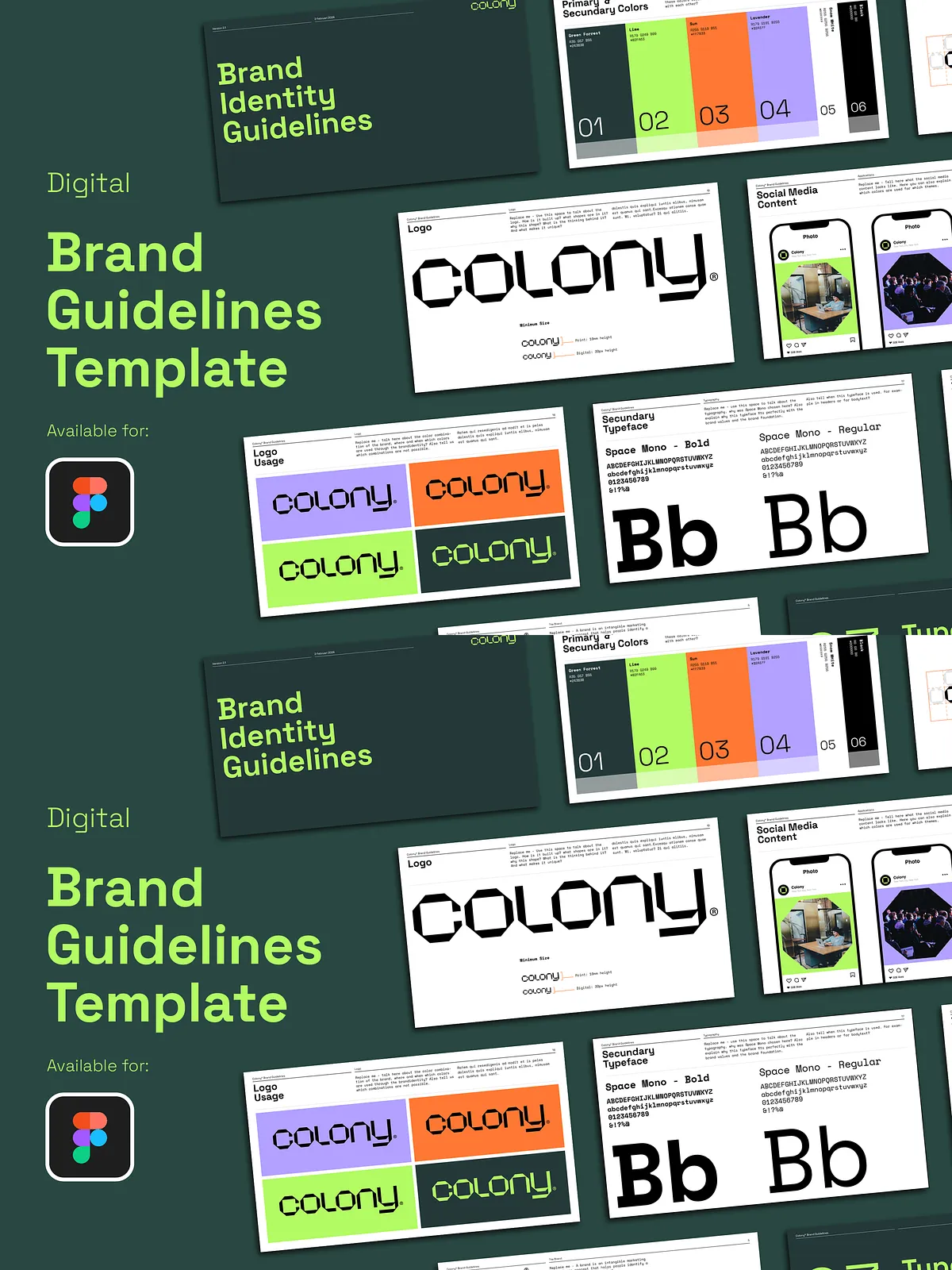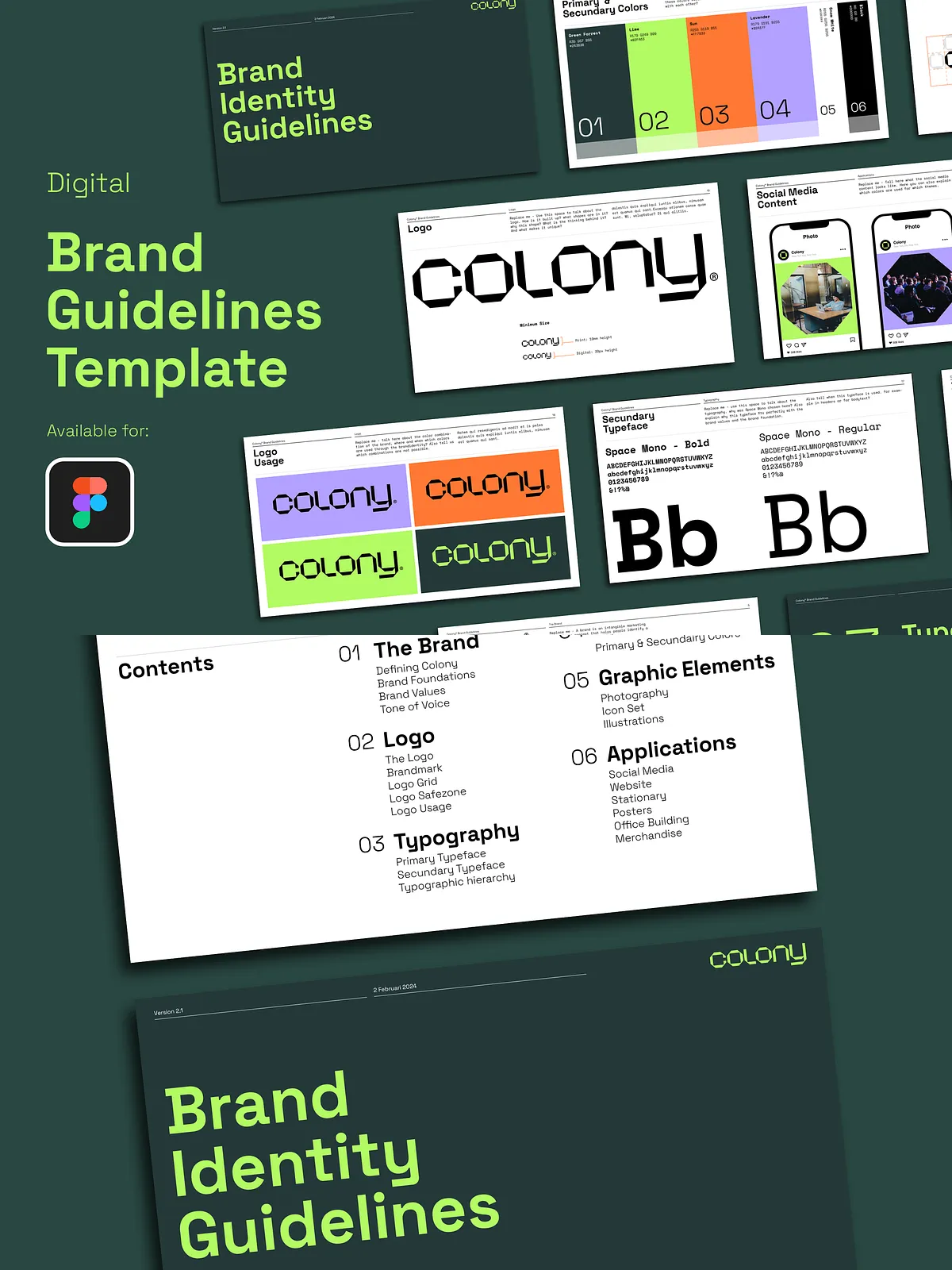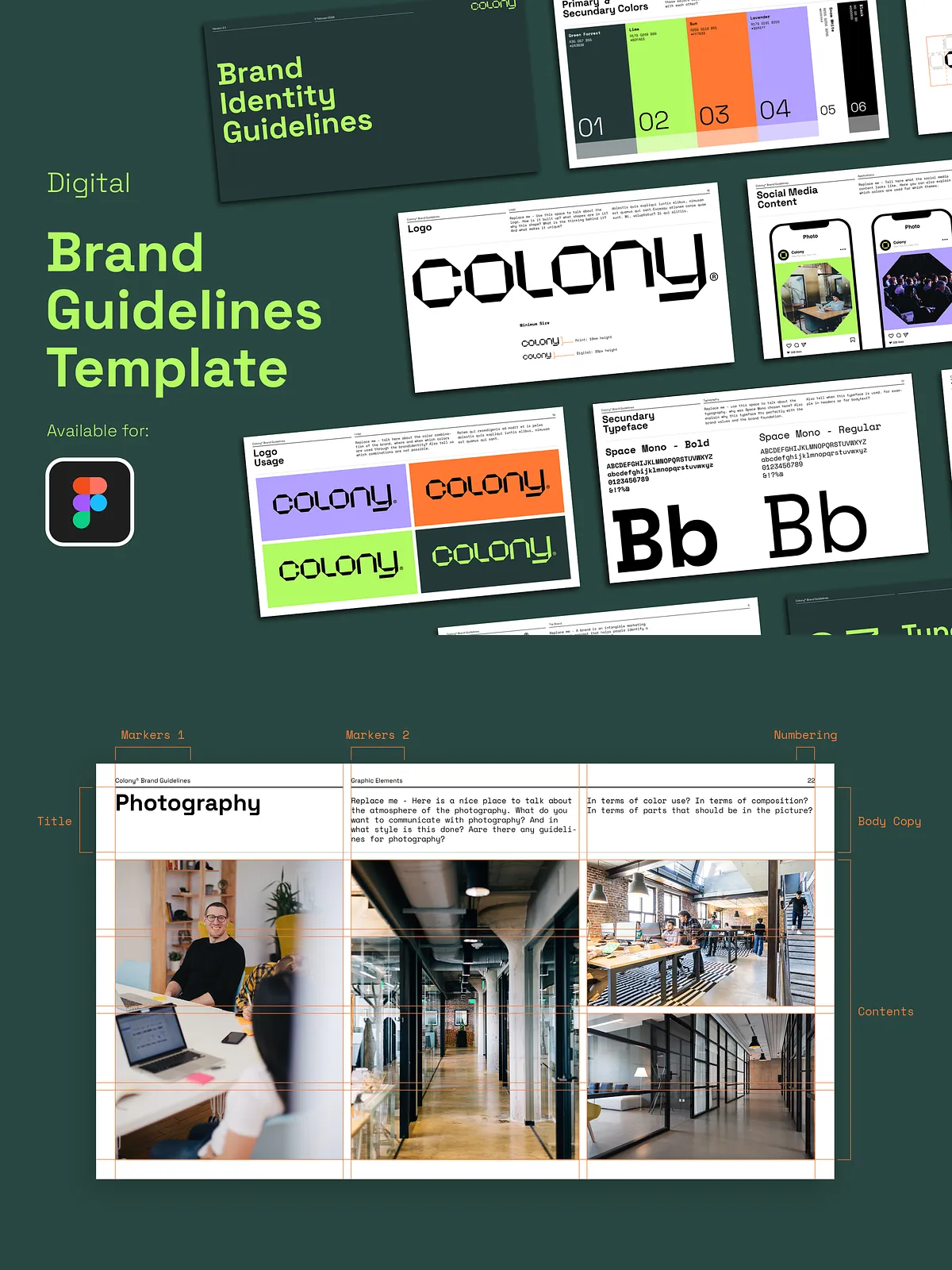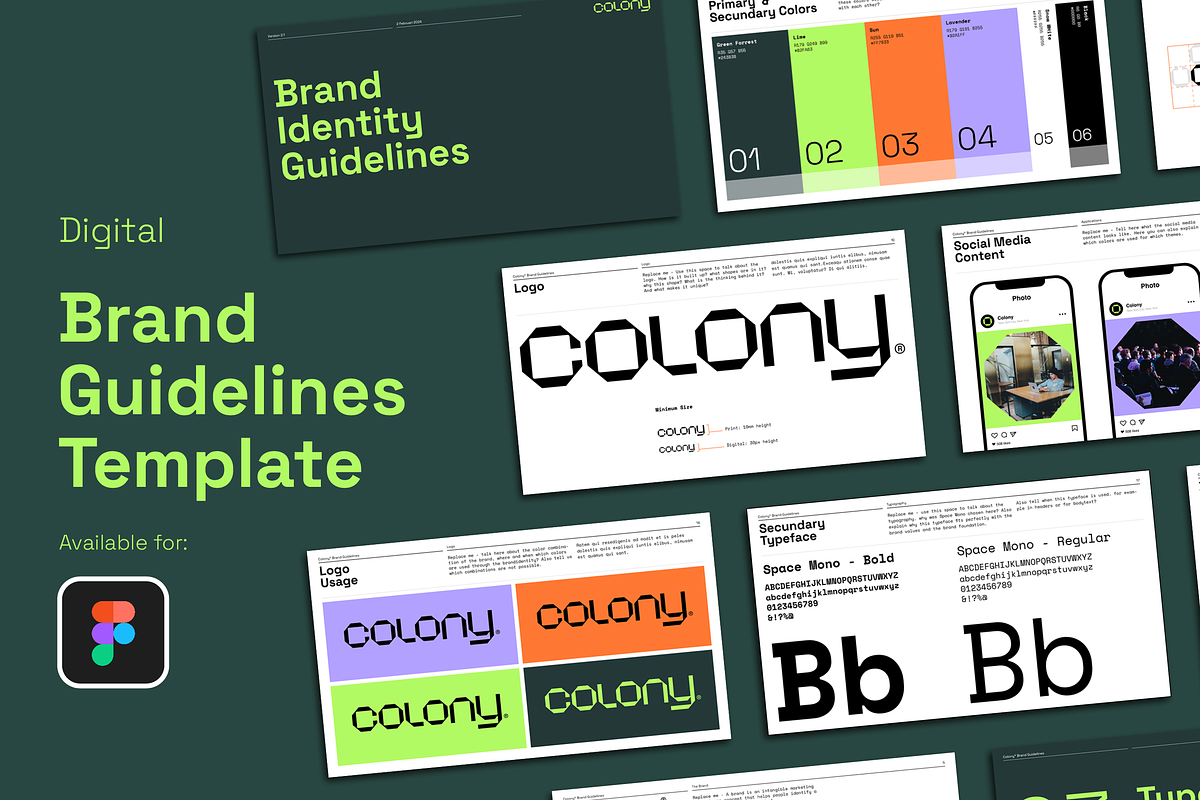
This Brand Guidelines set delivers 37 professionally crafted, fully editable layout templates for Figma. Designed for brand designers, creative directors, agencies, and in-house teams, this collection accelerates your workflow by providing a structured, modern framework for documenting visual identity. Replace logos, adjust colors, swap type, and populate imagery to produce a polished guideline document in minutes rather than hours. The templates prioritize clarity, consistency, and ease of presentation so you can confidently deliver brand assets to clients or stakeholders.
What’s Included
Template Pack
- 37 distinct layout templates spanning core brand guidelines sections.
- Landscape-focused designs at 1920 x 1080 px to facilitate on-screen presentations and client review.
- An original PDF and packaged links to import templates directly into Figma.
Design & Structure
- 15-field grid system (3 columns) to maintain alignment, rhythm, and visual hierarchy.
- Predefined Title and Paragraph styles for consistent typography and fast editing.
- Easy-to-edit color palettes and modular components to ensure scalable brand systems.
Features
Customization
Every template in this pack remains fully modifiable. Update fonts, swap color palettes, and reposition elements without breaking layout integrity. The templates employ flexible components and styles so you can change global settings and have those updates propagate across the entire document.
Presentation-Ready
With a landscape layout set to 1920 x 1080 px, these files present crisply on screens and projectors. Export straight to PDF for client delivery or use image exports for web previews. The layouts intentionally balance whitespace and content, allowing visual examples, usage rules, and application mockups to communicate clearly.
Efficiency
The pack eliminates repetitive setup tasks. Use the included guide text and sample sections to speed content population. The result: faster project turnaround, fewer revision cycles, and clearer deliverables for your clients.
How to Use
Quick Start
- Open the provided Figma file link and duplicate the file to your account.
- Replace placeholder logos and imagery with client assets.
- Update the color swatches and apply type styles to match the brand’s chosen typography.
- Customize layout blocks to add applications, usage examples, and contact details.
- Export to PDF or present directly from Figma for client review.
Best Practices
- Maintain consistent naming for text styles and color swatches to keep updates centralized.
- Use high-resolution assets for print exports; use compressed exports for fast online previews.
- Leverage the grid system to align imagery and copy for a professional, balanced outcome.
Compatibility & Requirements
These templates work natively in Figma and require no additional plugins for basic editing. Certain premium fonts or third-party assets used in mockups may require separate licensing; substitute with freely available typefaces if necessary. The 1920 x 1080 px layout optimizes presentation screens and PDF exports for client distribution.
Who Should Use This
This Brand Guidelines template suits freelance brand designers, creative teams at agencies, marketing managers, and small- to medium-sized businesses that need professional, repeatable brand documentation. Use the templates to onboard new team members, hand off assets to external vendors, or deliver final guidelines to clients.
License, Delivery & Support
The package includes the original Figma files and a downloadable PDF. Use the templates for client projects and internal brand documentation per the license terms provided at purchase. Redistribution of editable files, resale, or sharing of templates without permission is prohibited. If you need assistance opening the files, customizing elements, or exporting deliverables, contact the seller for prompt support and troubleshooting guidance.