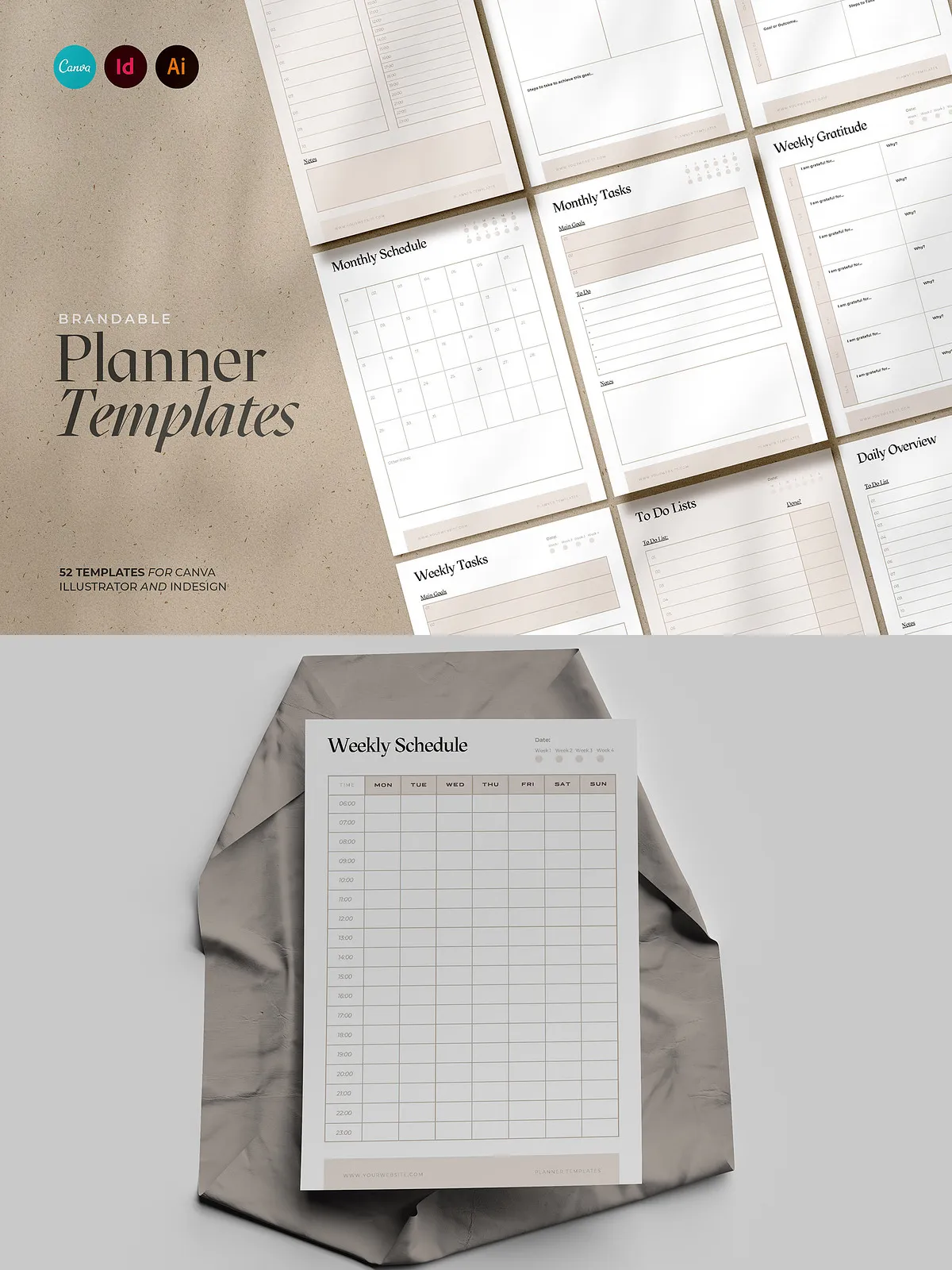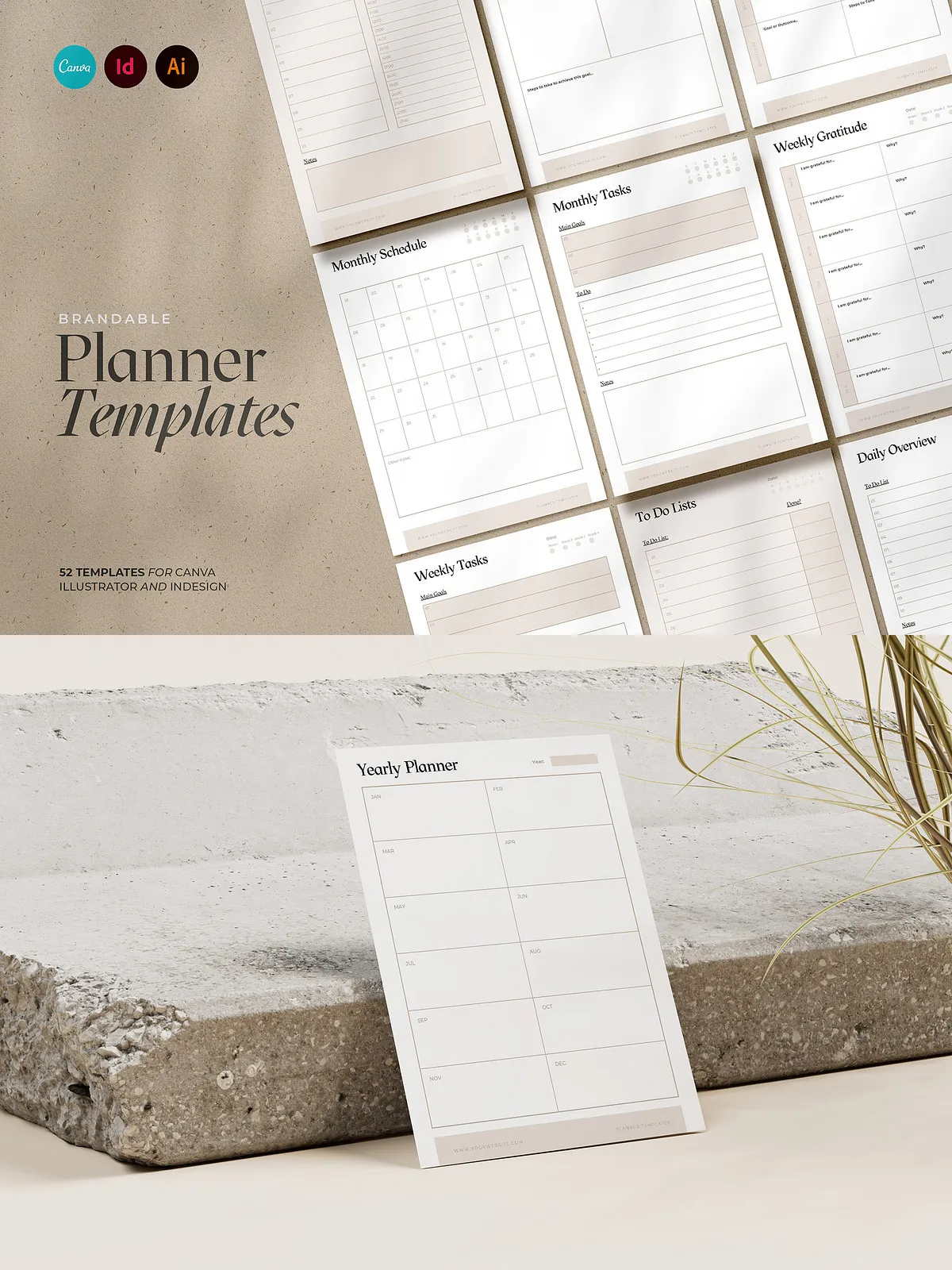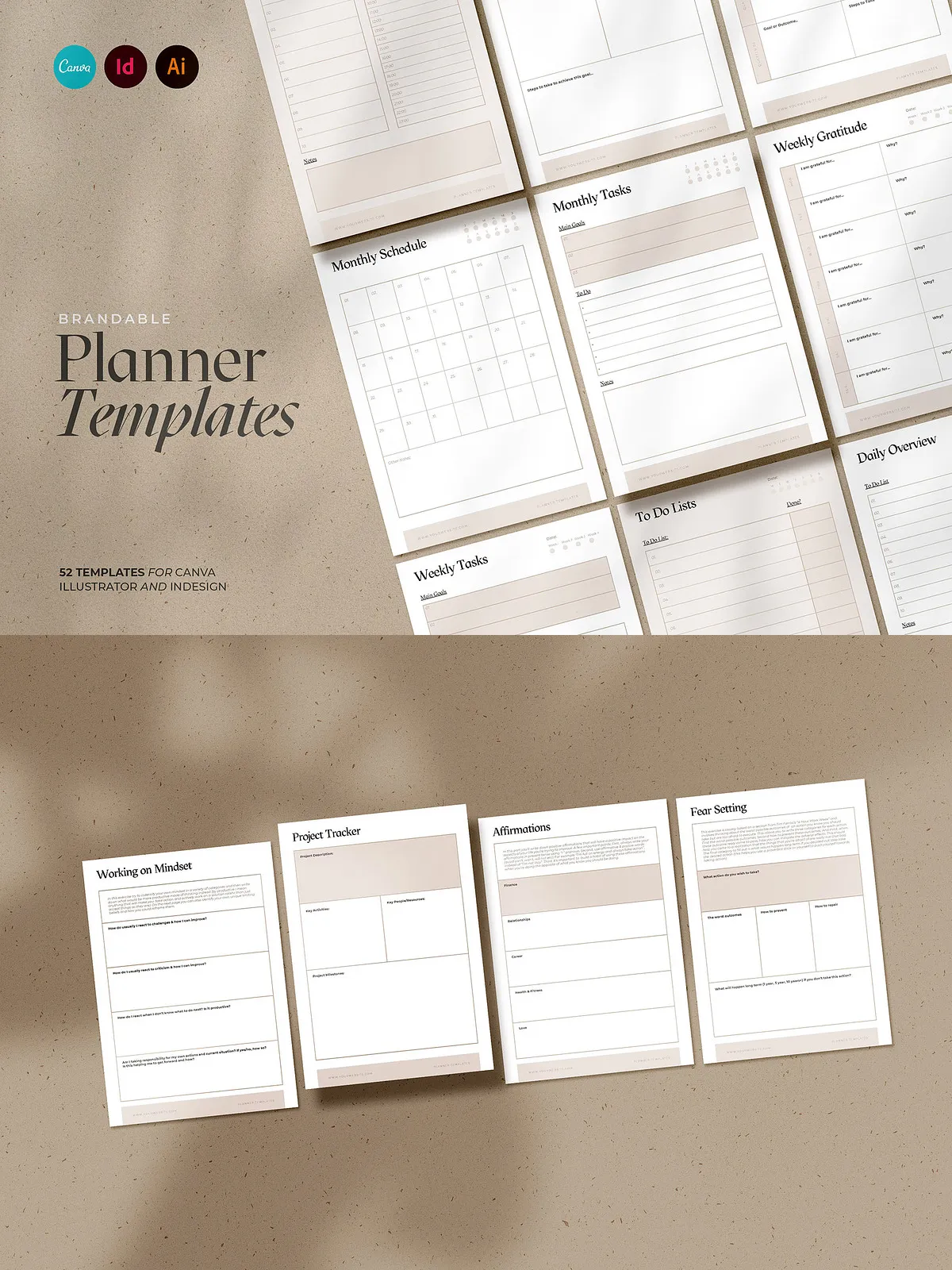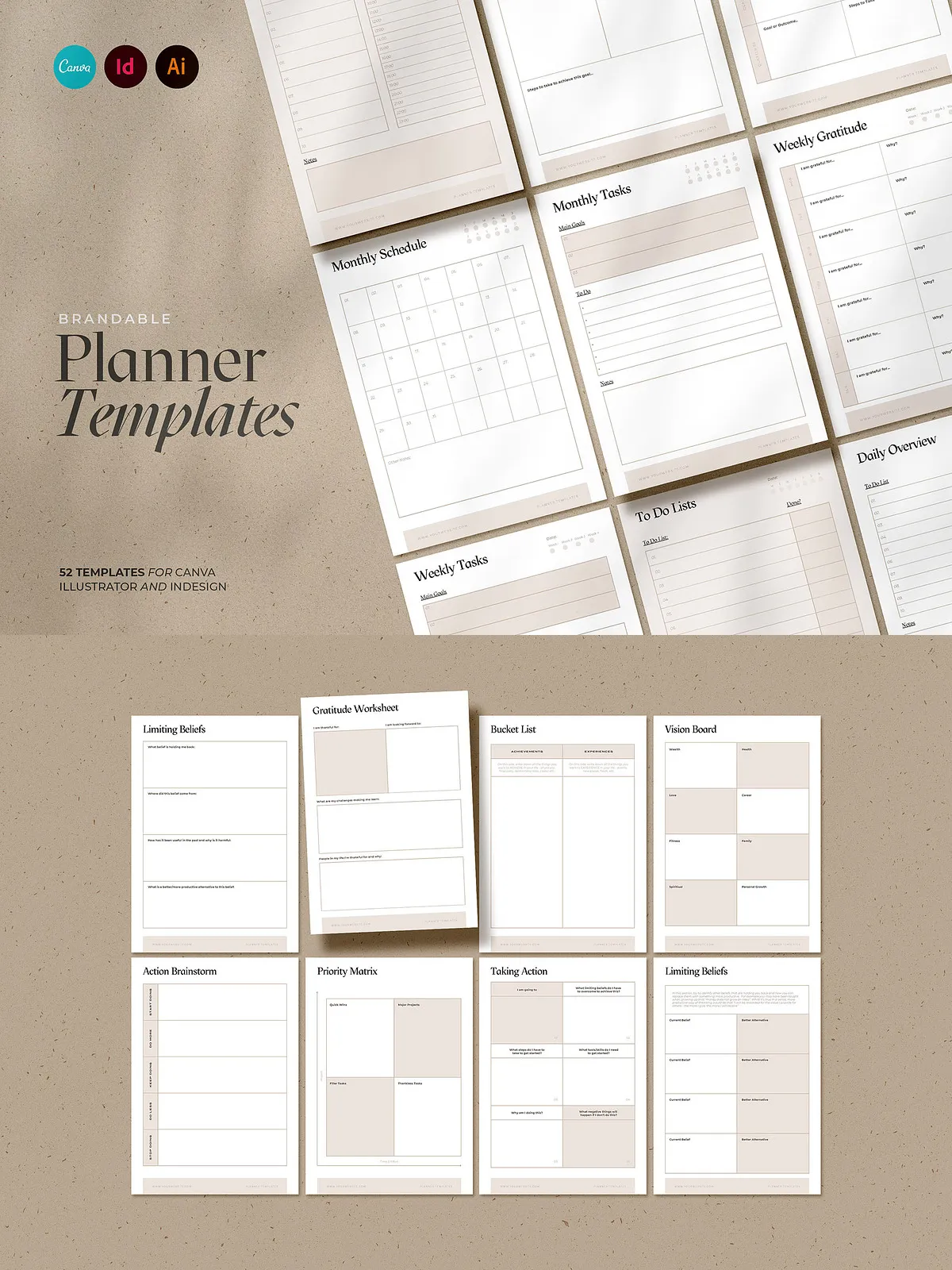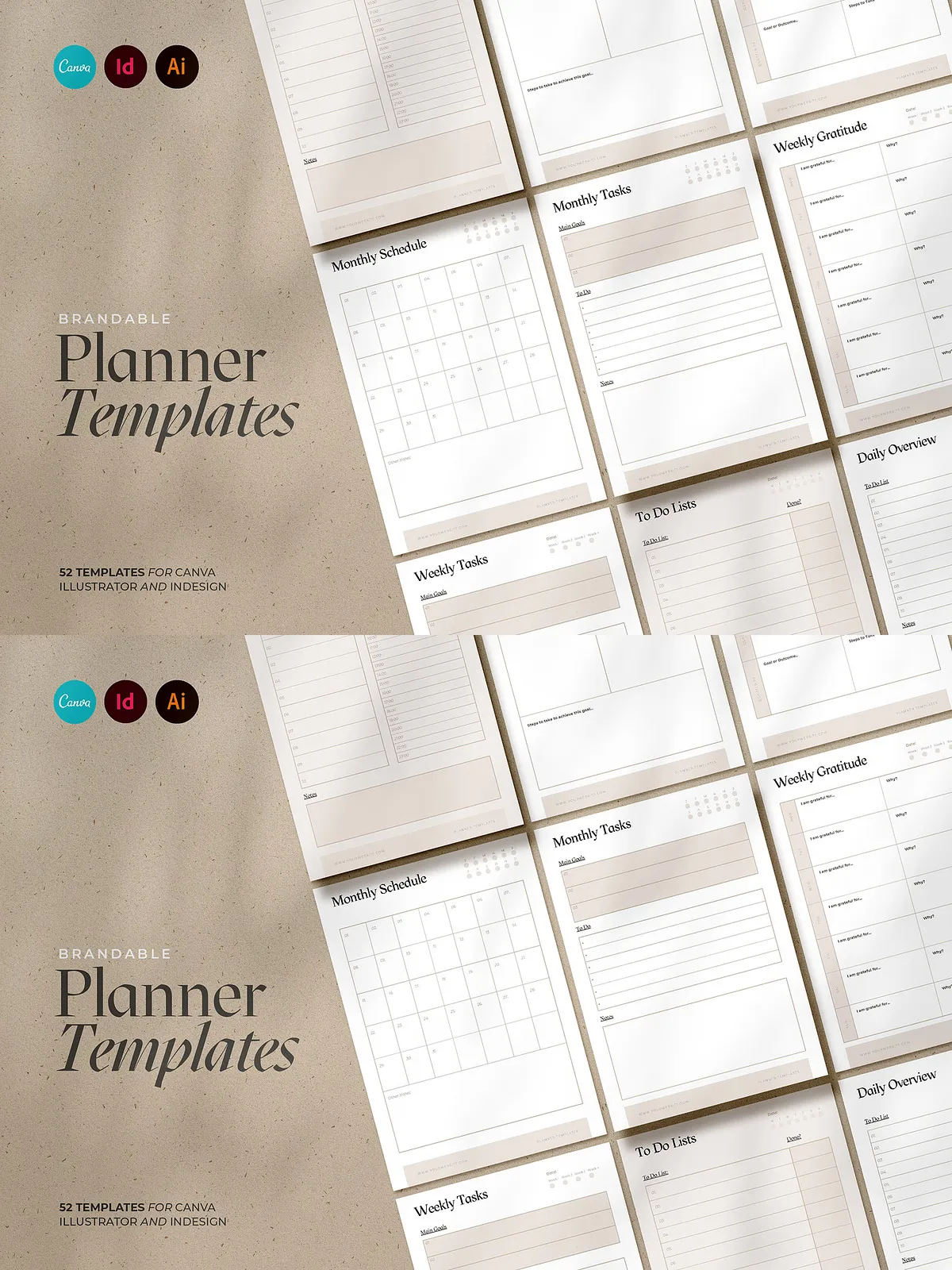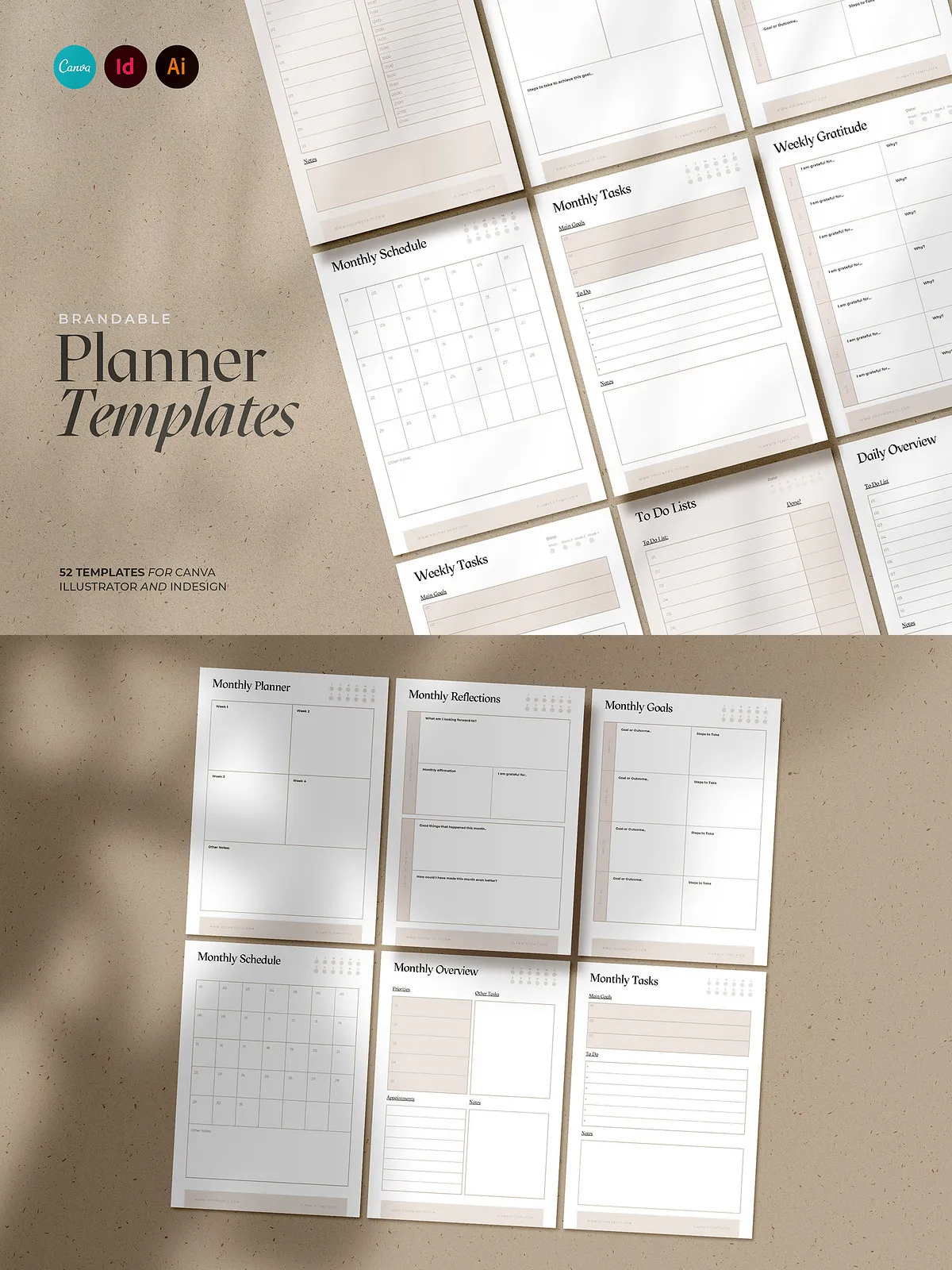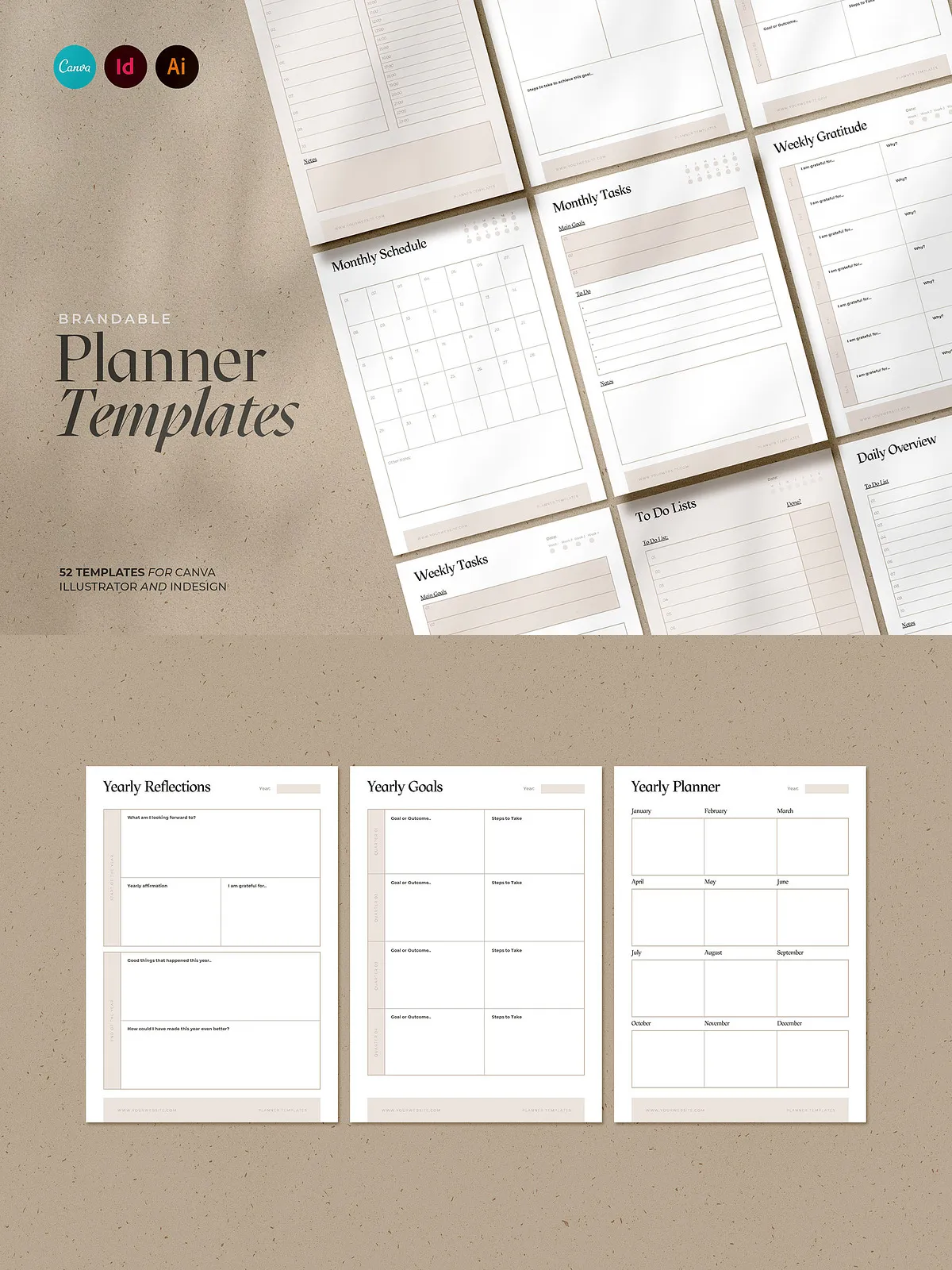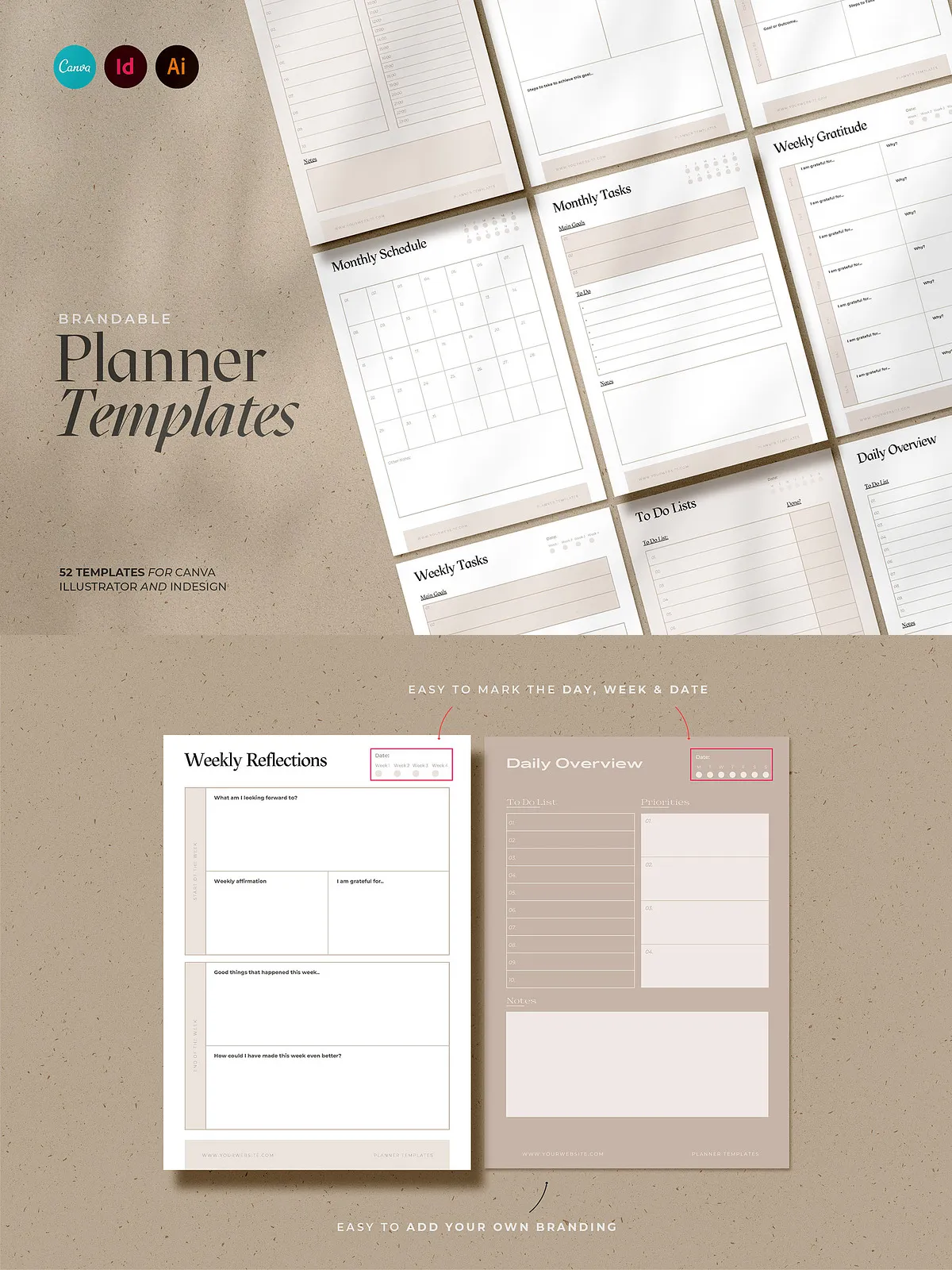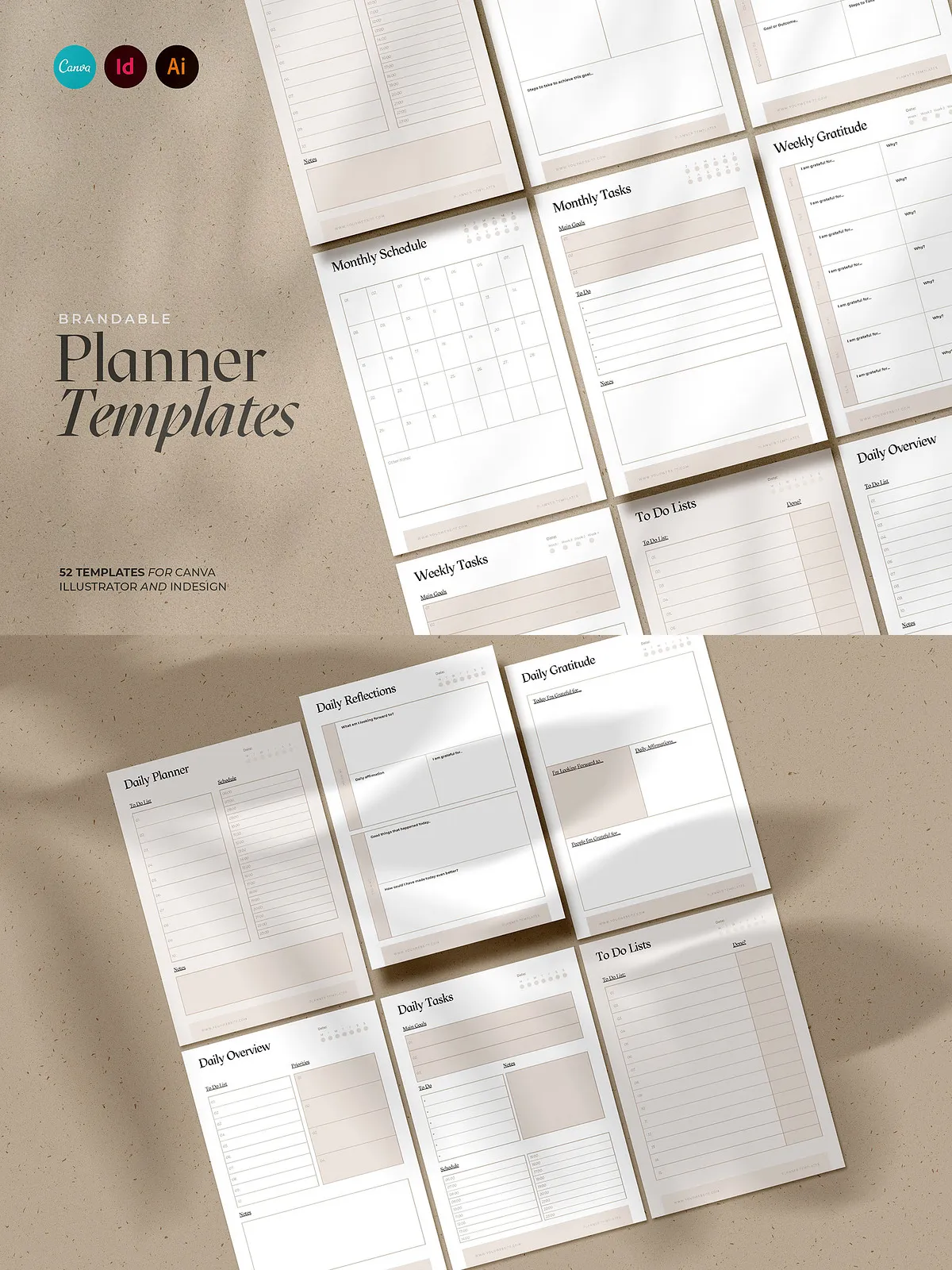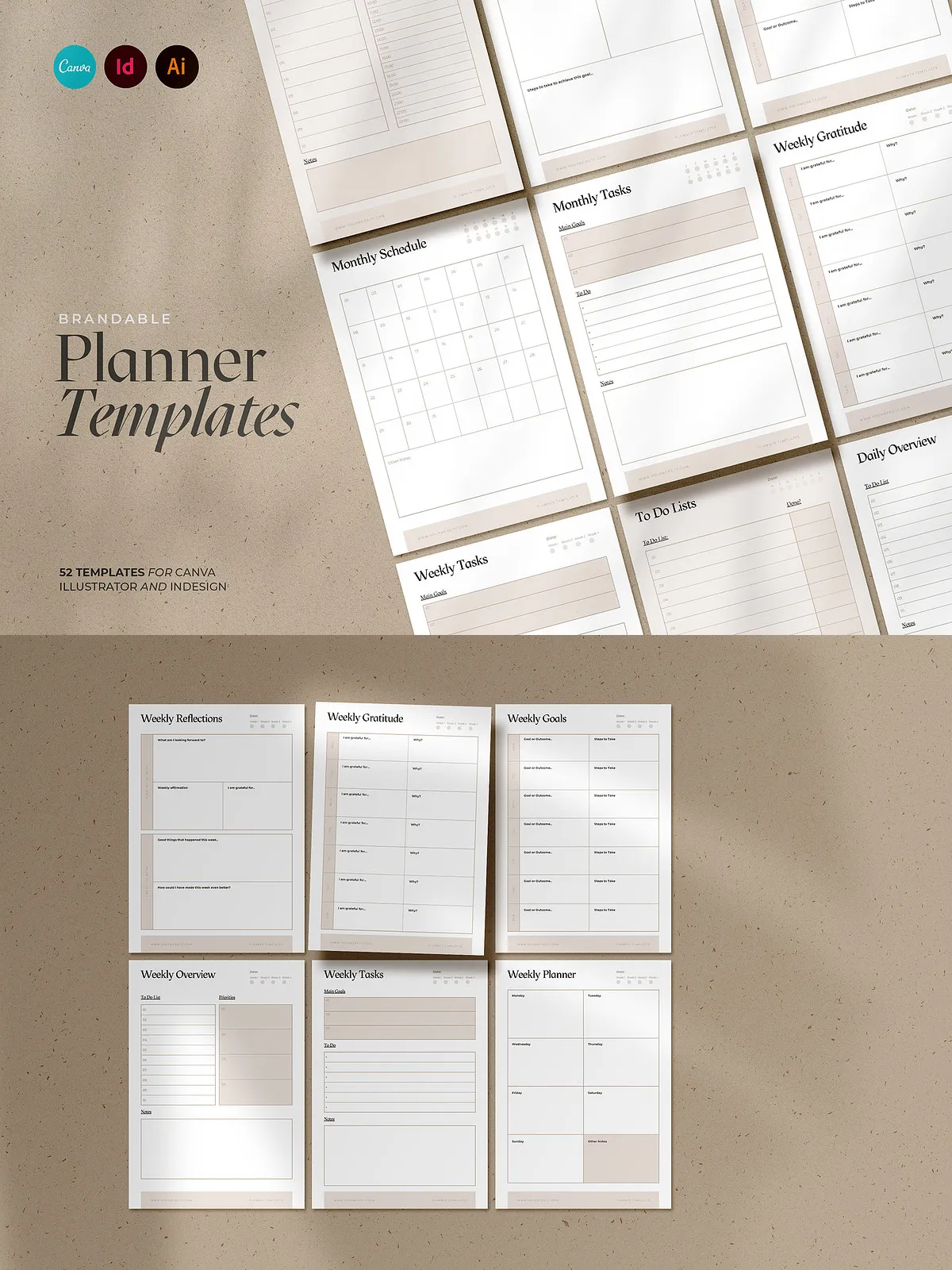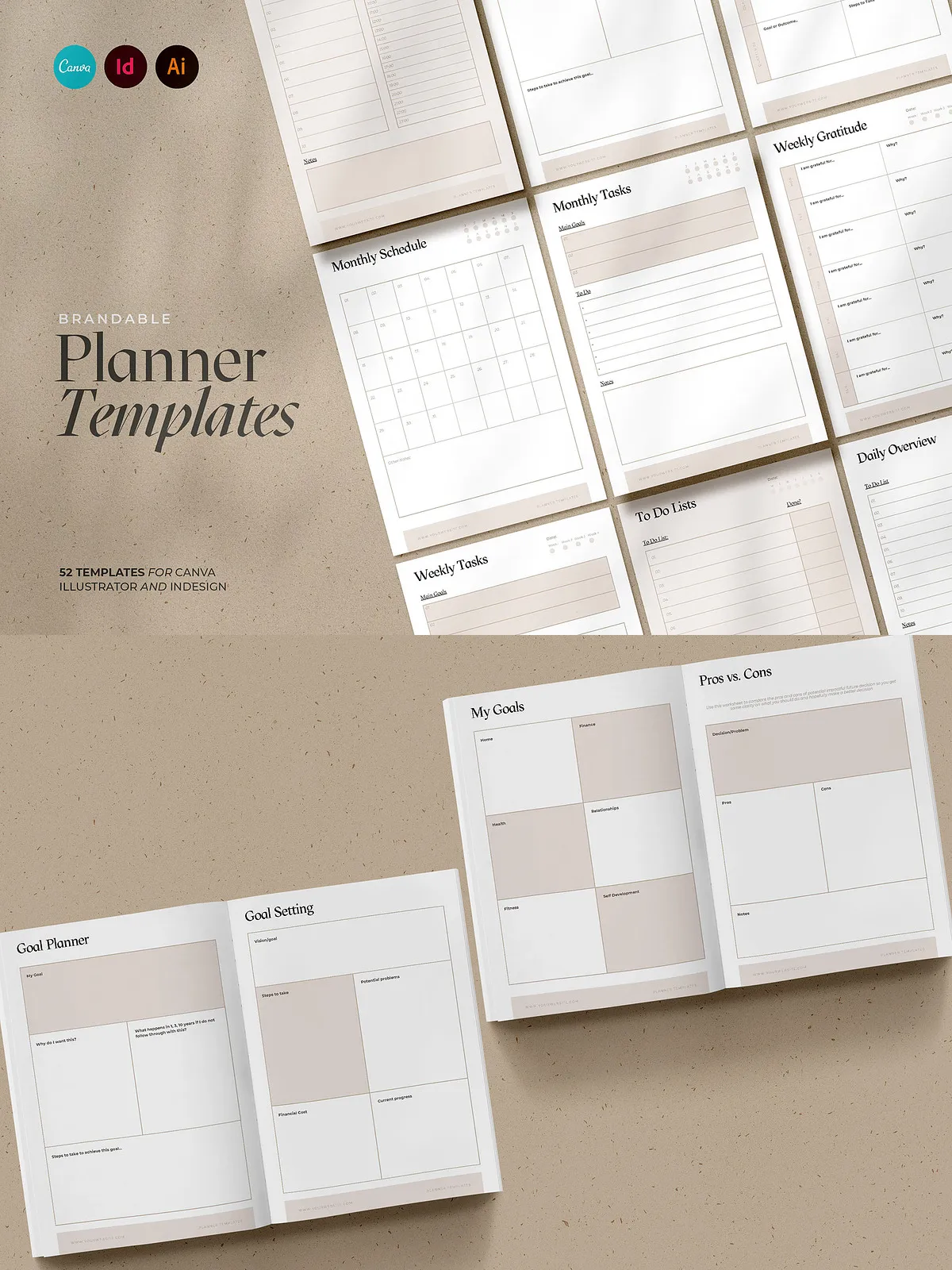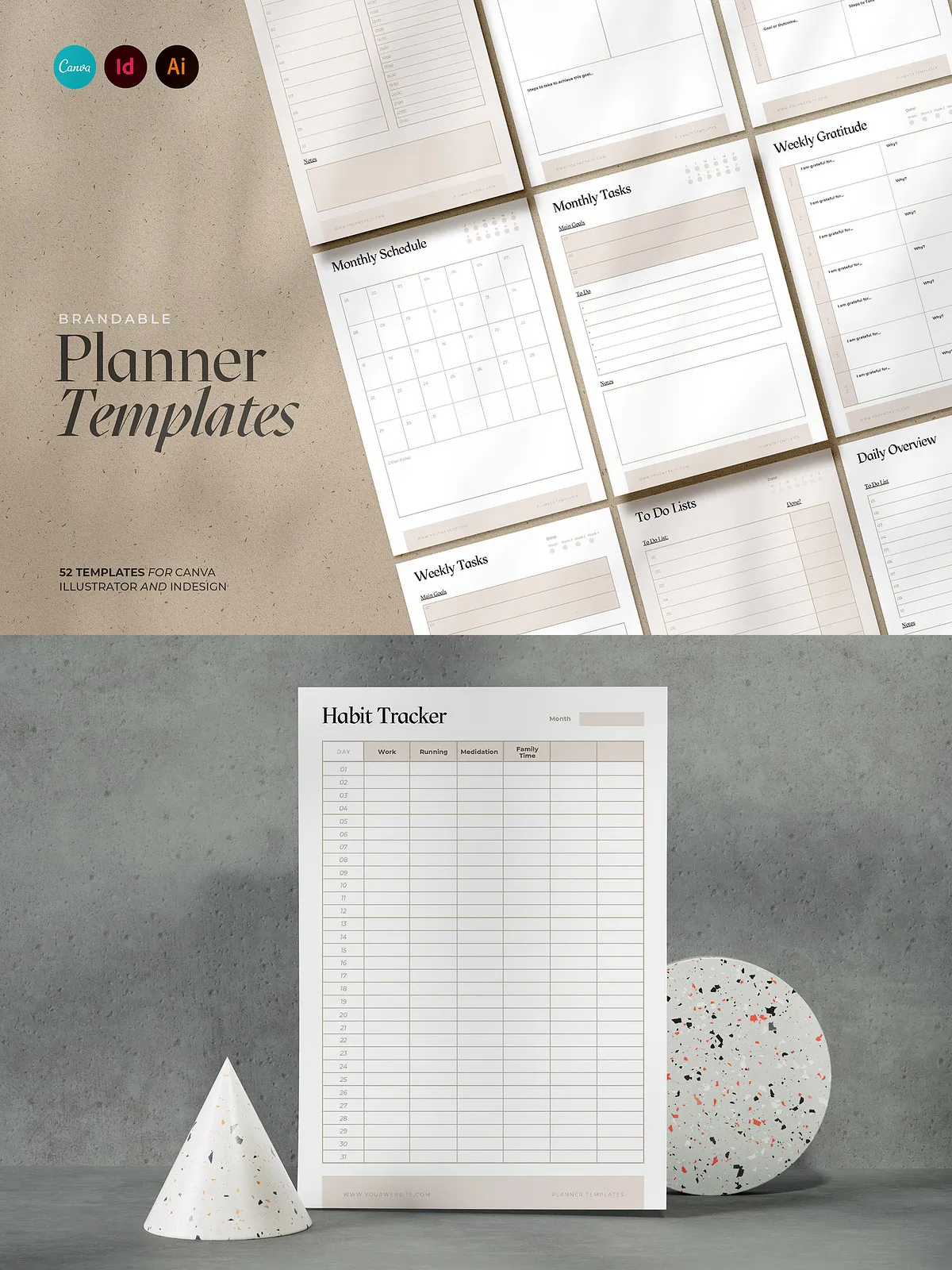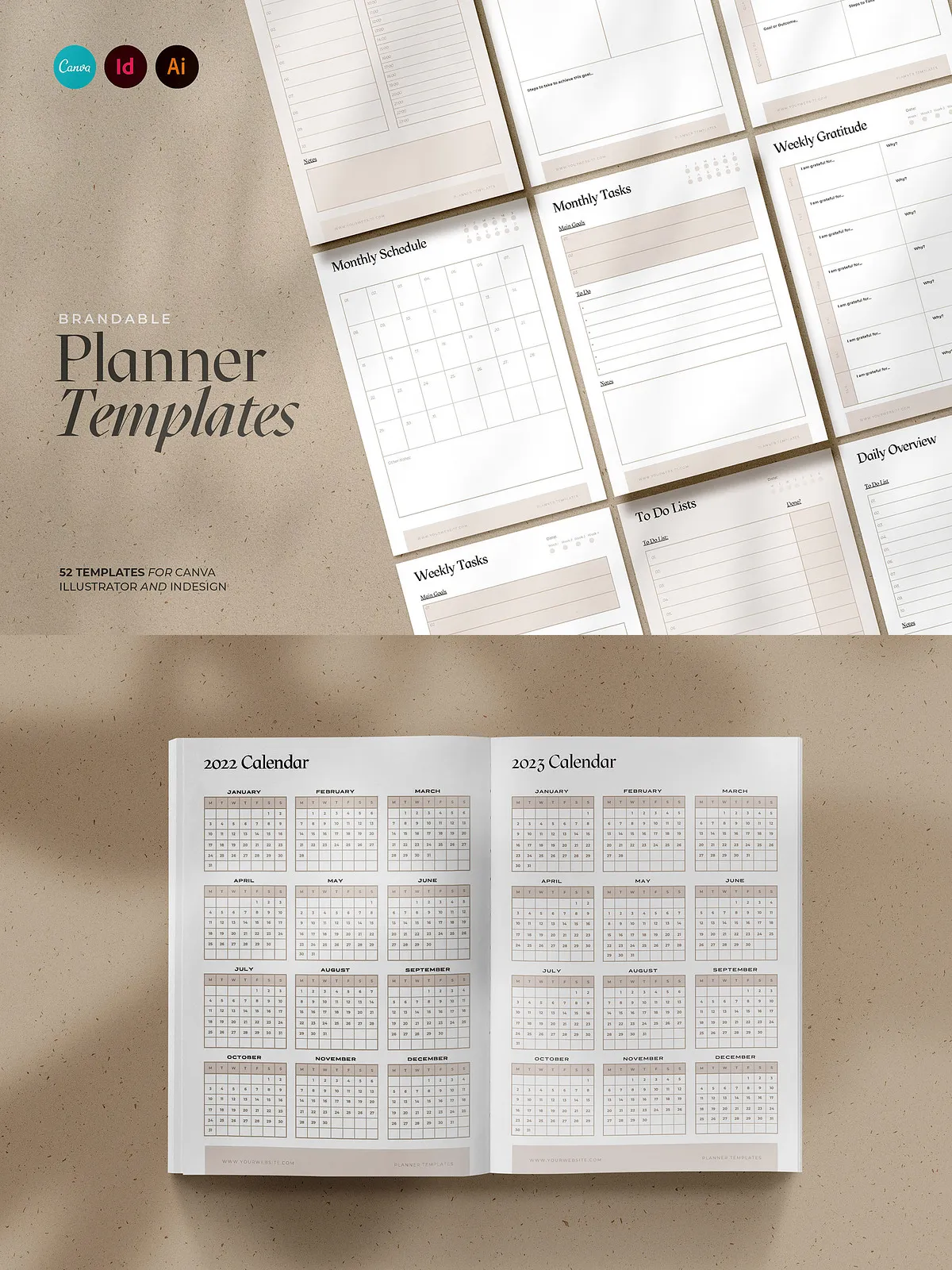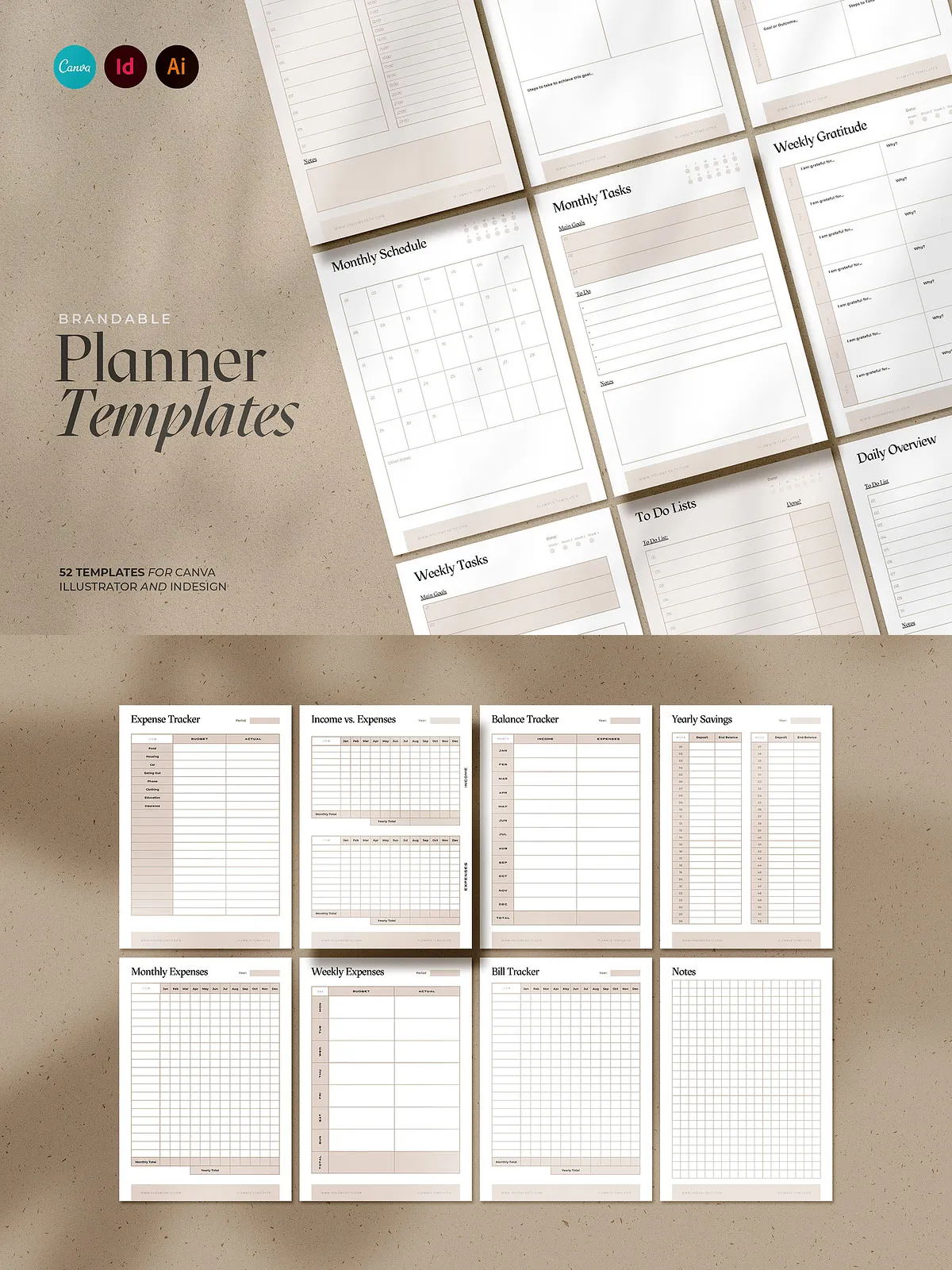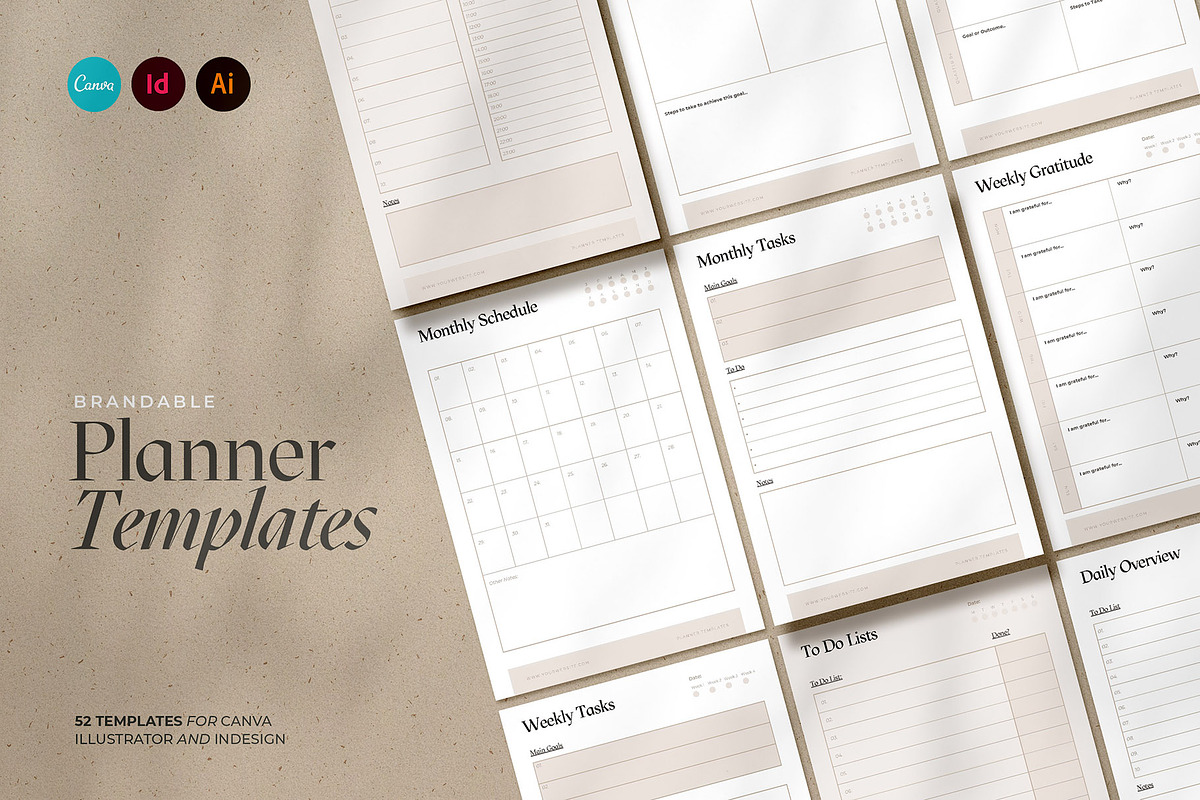
This collection delivers 52 fully editable planner templates designed for Canva, Adobe InDesign, and Adobe Illustrator. Each template is built to be simple to customize so you can quickly adapt layouts, typography, and colors to match your brand or personal aesthetic. Whether you create printable planners for sale, produce branded planner pages for clients, or assemble a cohesive planning system for your own business, these templates accelerate your workflow and let you deliver polished, professional results.
Included Templates
Comprehensive planner set
The collection includes a wide range of planner and productivity pages to cover daily, weekly, monthly, and yearly planning needs, plus goal and habit management tools. Templates included:
- Daily Planner
- Daily Tasks
- Daily Schedule
- To-Do List
- Daily Gratitude
- Weekly Reflections
- Weekly Planners
- Weekly Tasks
- Weekly Reflections
- Weekly Schedule
- Weekly Goals
- Weekly Gratitude
- Monthly Planner
- Monthly Tasks
- Monthly Overview
- Monthly Schedule
- Monthly Goals
- Monthly Reflections
- Yearly Planner
- Yearly Goals
- Yearly Reflections
- Goal Planner
- Goal Setting
- Pros vs. Cons
- Taking Action
- Priority Matrix
- Action Brainstorm
- Vision Board
- Bucket List
- Limiting Beliefs Worksheet
- Mindset Worksheet
- Affirmations
- Habit Tracker
- Project Tracker
- Expense Tracker
- Bill Tracker
- Savings Tracker
- 2022 & 2023 Calendar (Monday & Sunday start)
- Note Papers
- And more
Product Details
Technical specifications
- 52 Templates in total
- Document size: A4 (resizable to other page sizes)
- Editable in Canva, Adobe InDesign, and Adobe Illustrator
- Easy-to-access links to required fonts
- Fully editable and brandable layouts
Why this collection helps you
Benefits and use cases
These templates empower you to produce high-quality planner pages rapidly. Designers and small businesses can launch printable planner products without building layouts from scratch. Coaches and consultants can brand planning pages for clients. Entrepreneurs can assemble a complete productivity system for sale or internal use. Each template prioritizes clarity and usability, enabling readers to immediately focus on planning and execution rather than struggling with layout or formatting issues.
How to use
Quick customization workflow
Open the template in your preferred app (Canva, InDesign, or Illustrator). Replace placeholder text with your copy, adjust color swatches to match brand colors, and swap fonts using the provided font links. Resize or rearrange sections to suit your content needs. Export to PDF for print-ready files, or export PNG/JPEG for digital bundles and promotional previews. Because files are built for easy editing, you can produce multiple variants (colorways, dated vs. undated, printable vs. digital) with minimal effort.
Customization tips
Design and production suggestions
Adopt a consistent grid and typography scale across weekly, monthly, and yearly pages for visual cohesion. Use bold accent colors to call attention to priorities, deadlines, and habit trackers. Create layered master pages in InDesign to manage repeating elements like headers and footers. In Canva, use brand kits to lock fonts and color palettes for faster, consistent output. Offer both dated and undated versions to appeal to different customer preferences and increase usability.
Compatibility and licensing
Notes and recommendations
These templates work across Canva, Adobe InDesign, and Illustrator—confirm that you use compatible app versions for the best experience. Check font licenses if you substitute or distribute fonts commercially. Resize templates with care: maintain margins and bleed settings for print production. If you plan to sell planner files, verify the commercial license terms for the template pack and any included assets or fonts.