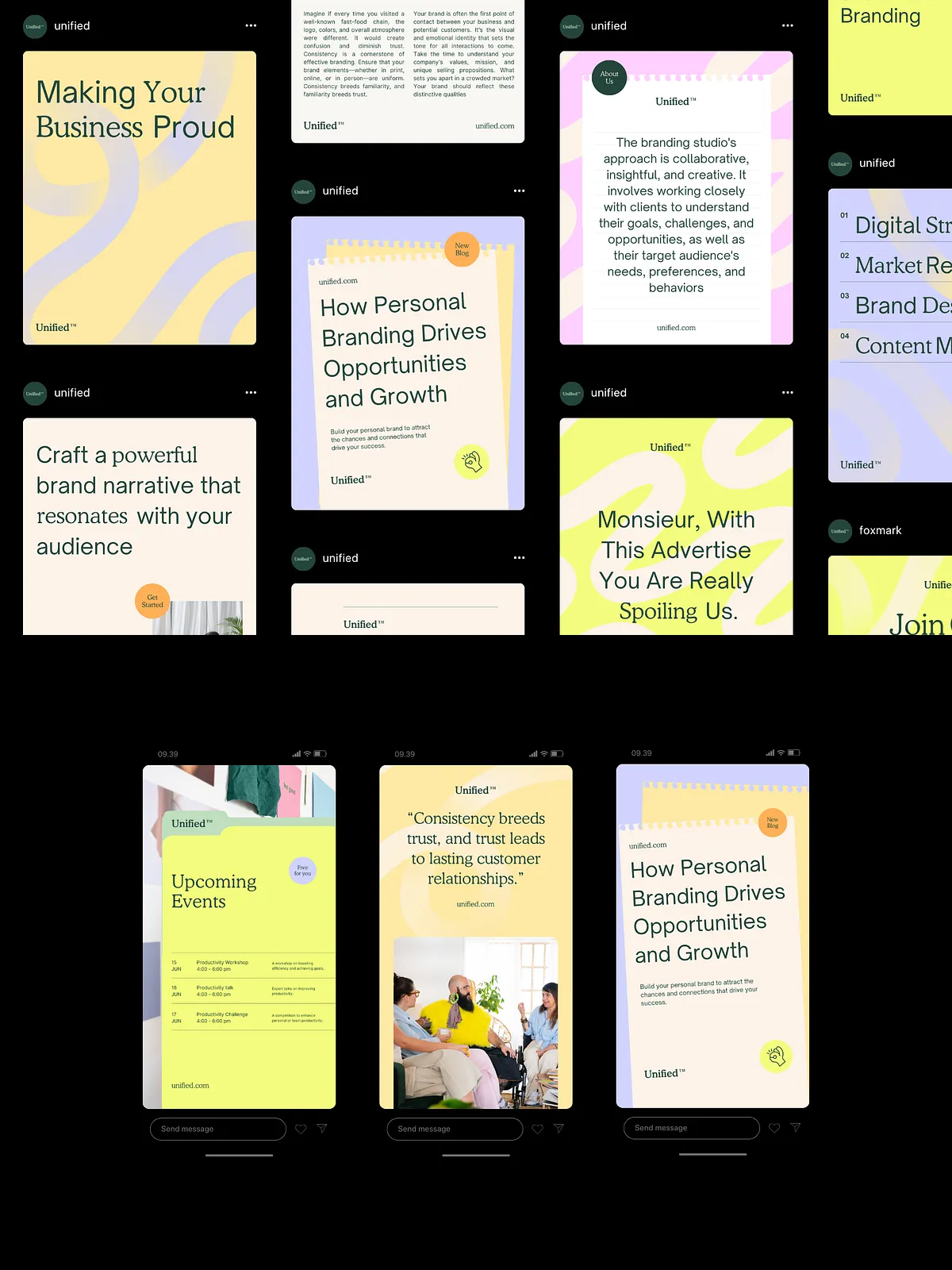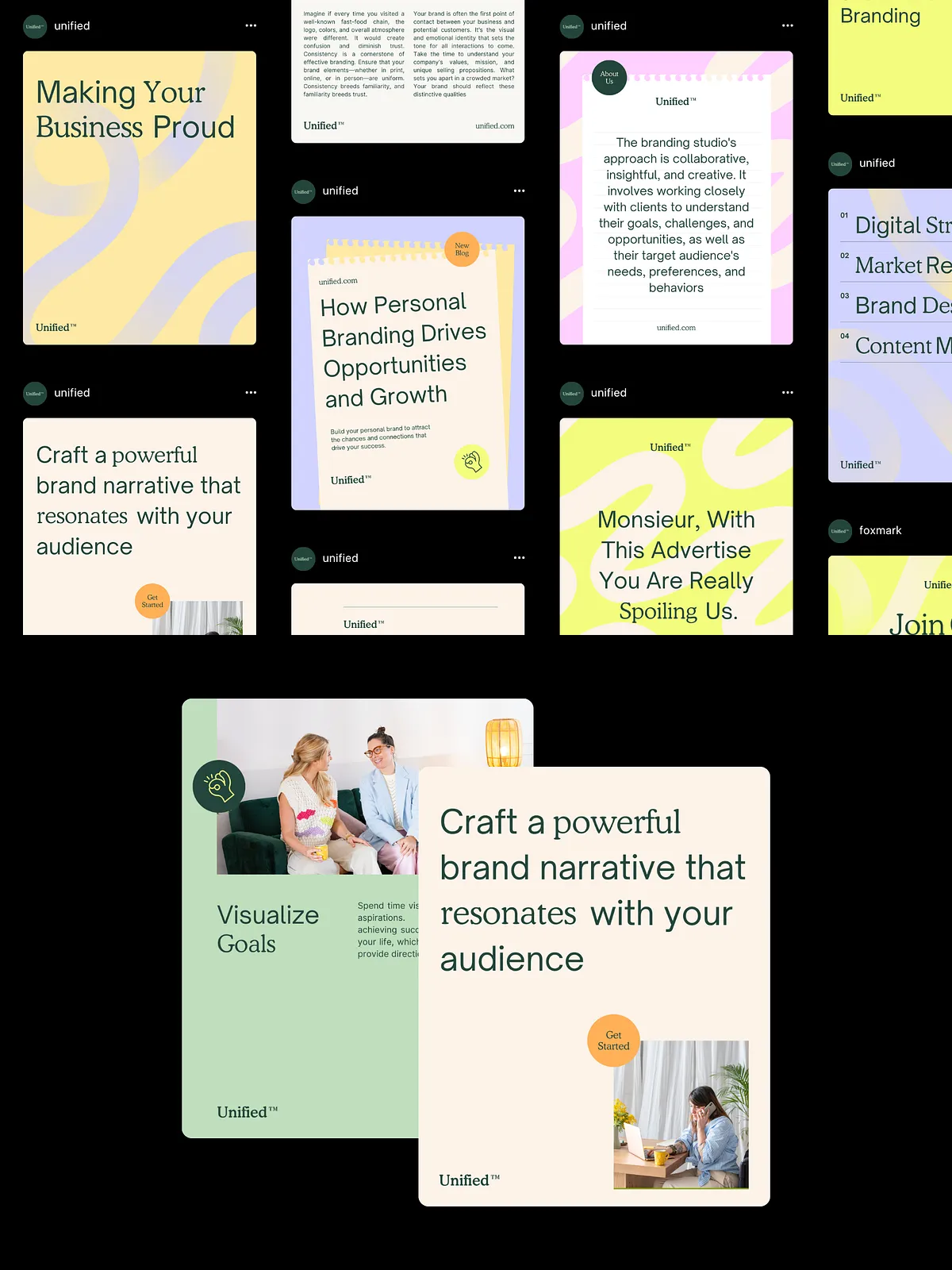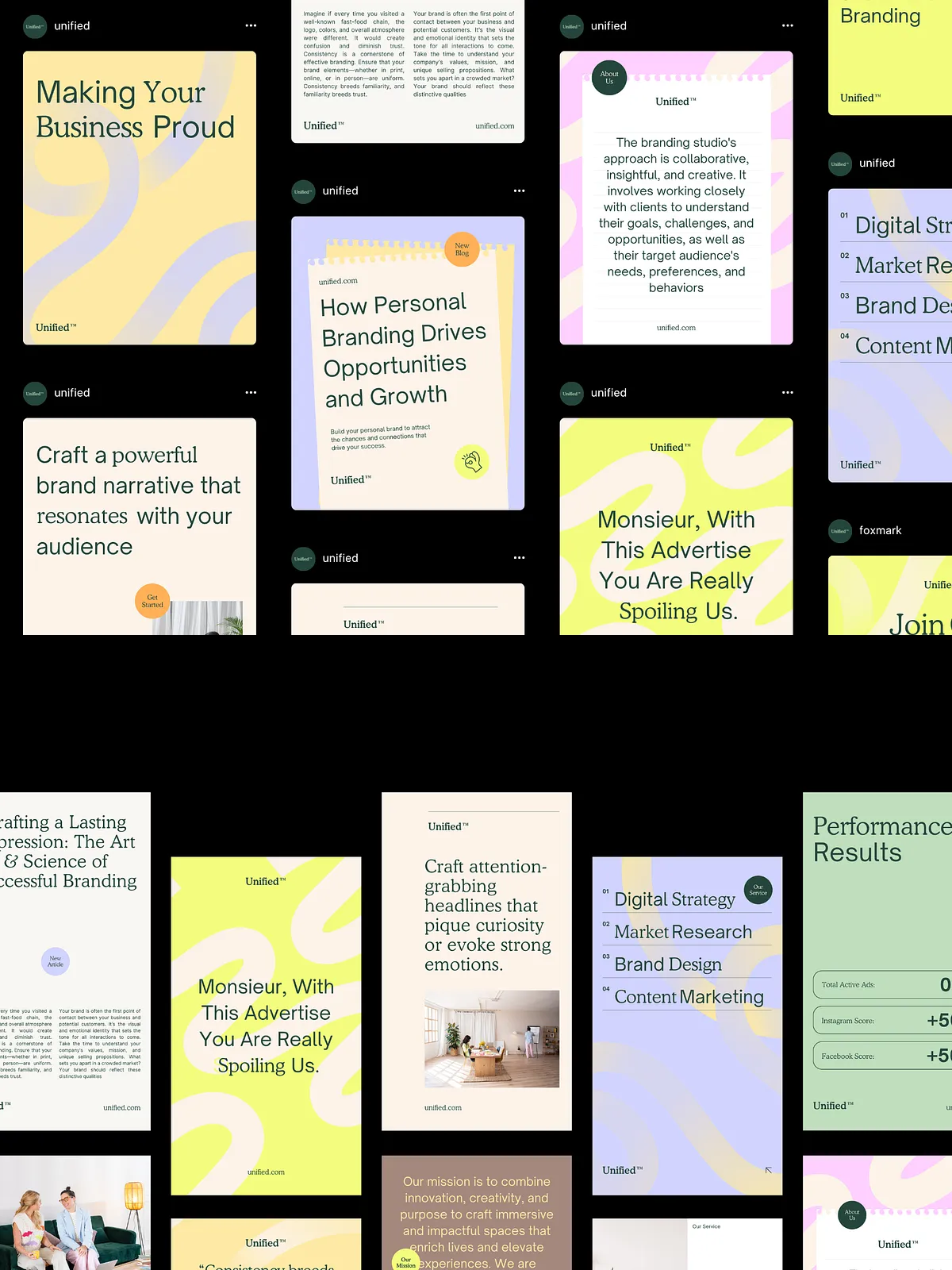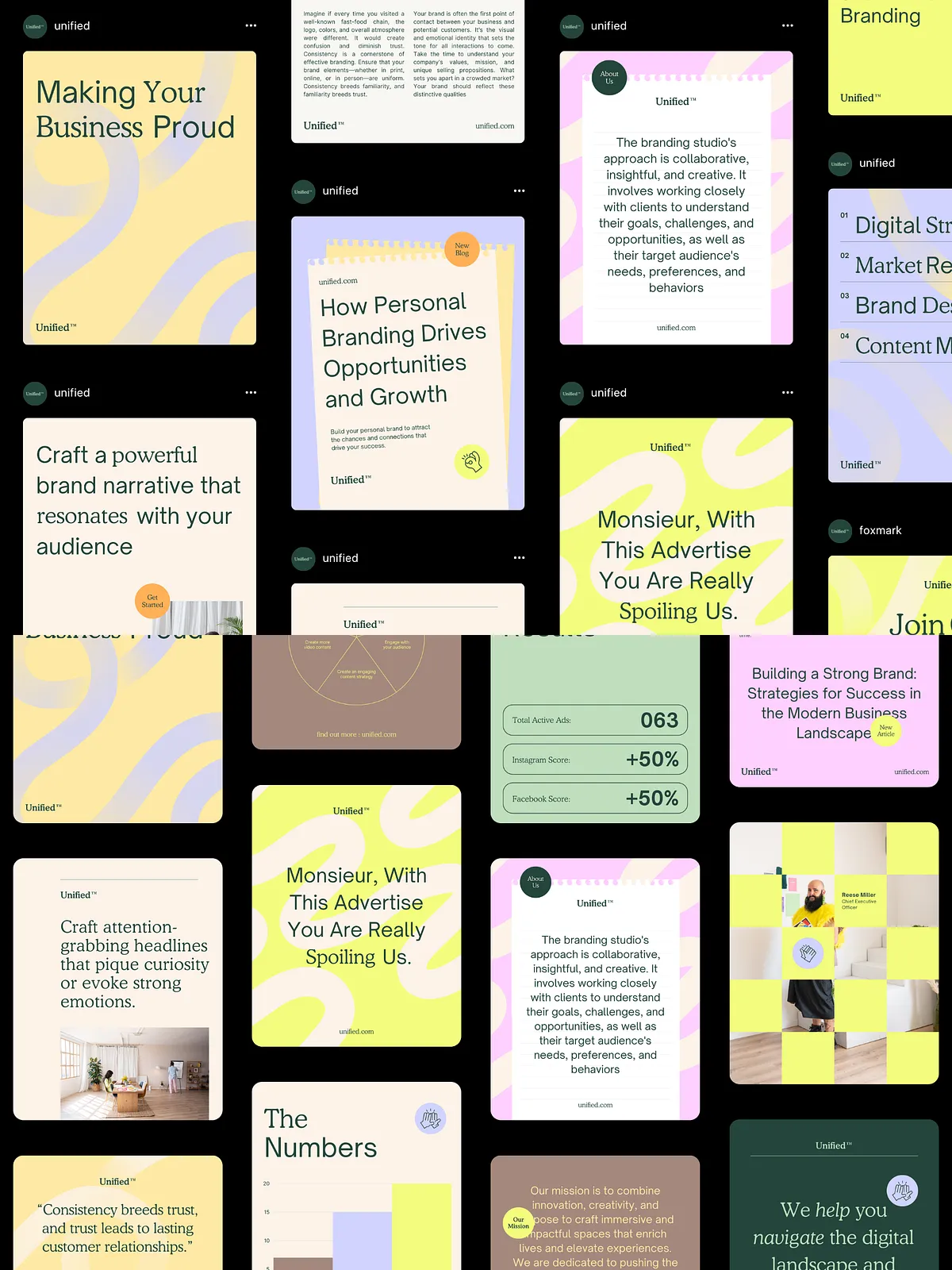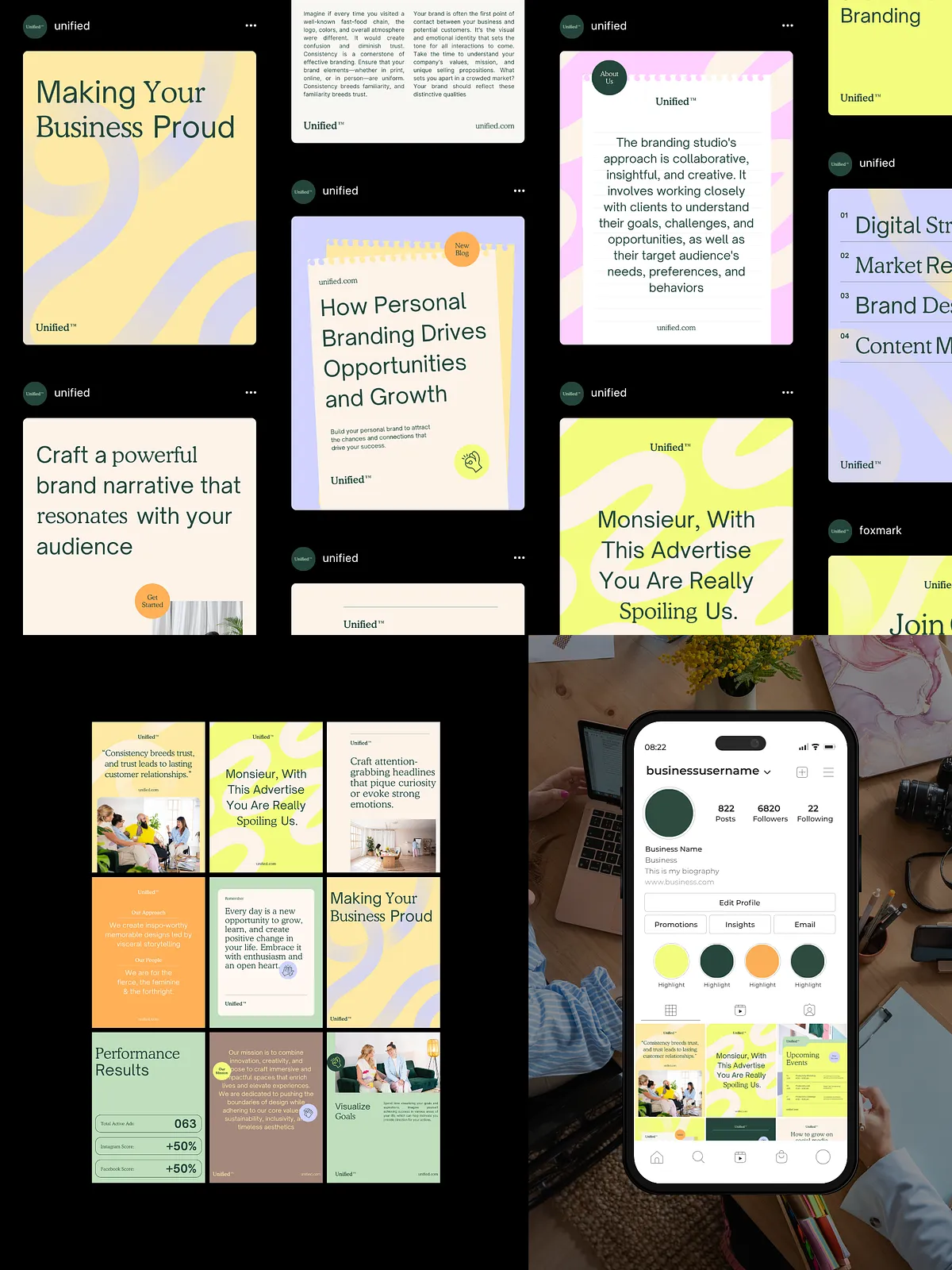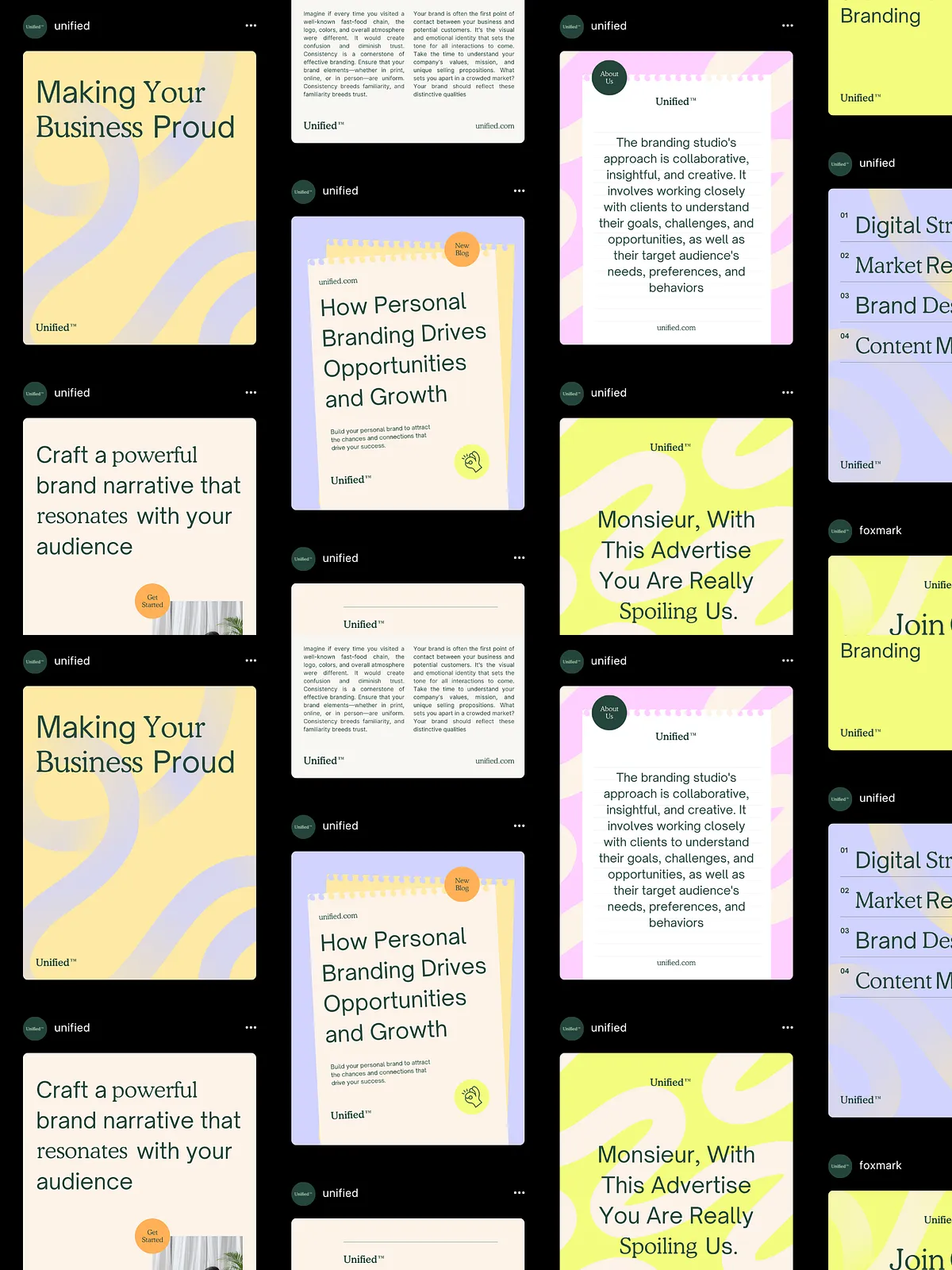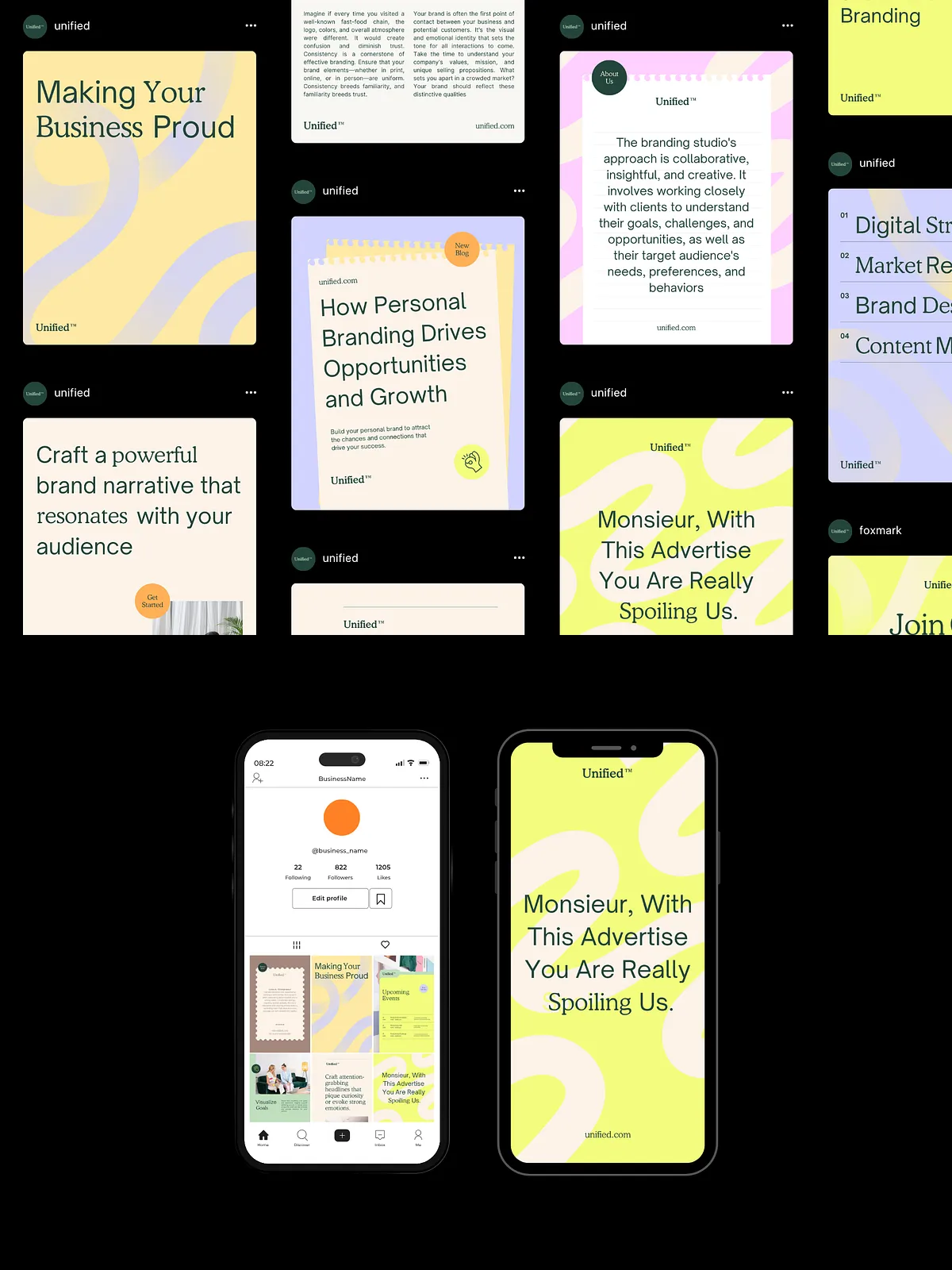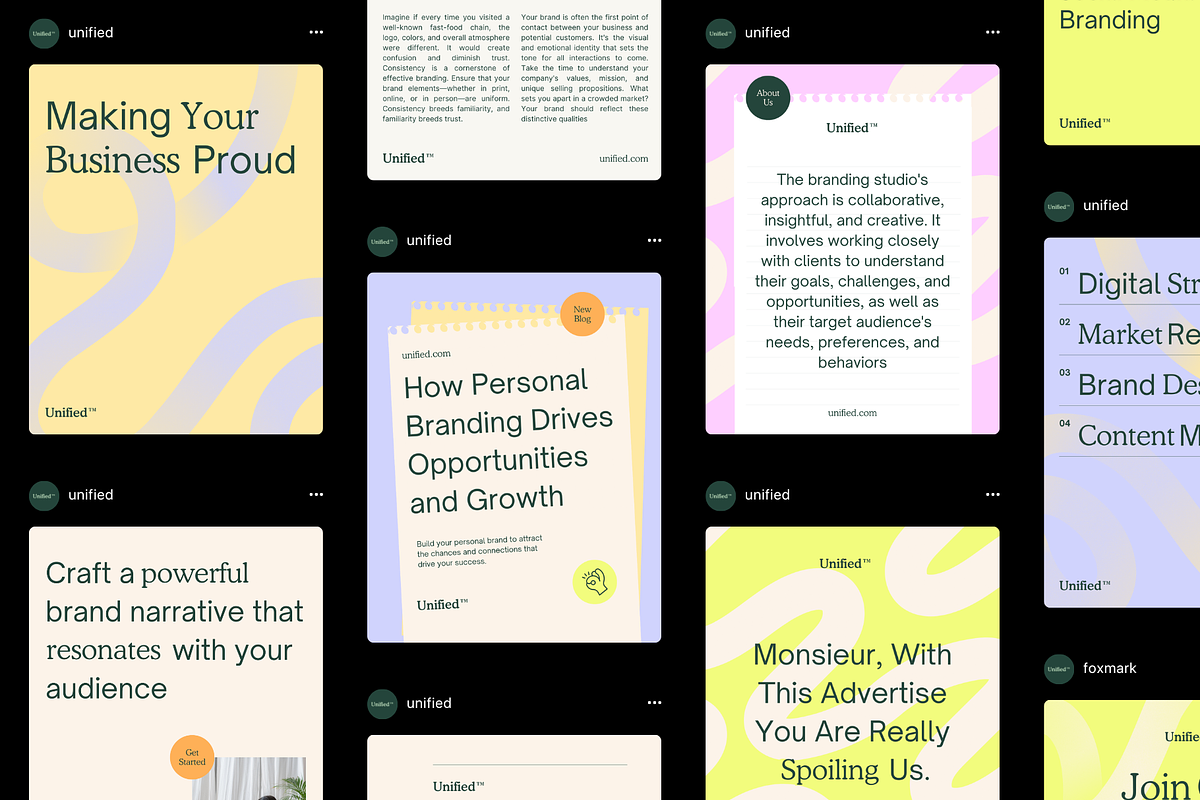
The Business Essentials Social Media Kit Canva Template empowers businesses, entrepreneurs, and creatives to produce consistent, attention-getting social content quickly. Designed with modern typography, soft pastel palettes, and abstract backgrounds, this kit combines polished visuals and practical layouts so you can tell your brand story with clarity and confidence. Use these templates to announce launches, highlight blog posts, share quotes, or explain services across Instagram, LinkedIn, and Pinterest.
Key Benefits
Streamlined Branding
Apply consistent fonts, colors, and imagery across every post to strengthen recognition and trust. The template set simplifies color and type choices so you spend less time deciding and more time connecting with your audience.
Time-Saving Workflows
Drag, drop, and edit to produce professional posts in minutes. Templates arrive ready-to-edit in Canva, so you can batch-create content, schedule posts, and maintain an active presence without hiring a designer for every update.
Versatile Content Types
Choose from layouts built for announcements, blog highlights, lists, and quotes. The templates adapt to marketing goals — whether you’re launching a product, sharing a case study, or promoting a consultation — and they scale across multiple platforms.
What’s Included
- 30 Post-Feed 4:5 Canva Templates (1080 x 1350) with a 1013 x 10350 feed preview for composition planning
- 30 Story Canva Templates (1080 x 1920) for promotional and ephemeral content
- Aesthetic color combinations using soft patterns and abstract elements
- Editable text, fonts, layouts, and colors for full brand customization
- Real text and photos included to help you visualize finished posts
- Compatibility with the Canva FREE version so you can edit without a paid account
Features
Design Flexibility
Swap images and adjust text layers without breaking the layout. Each template uses clean spacing and hierarchy so headlines, body copy, and calls-to-action remain legible and compelling on mobile and desktop.
Marketing-Ready Layouts
Choose specialized templates for testimonials, service breakdowns, promotional carousels, and blog callouts. Each layout prioritizes a single conversion action to guide viewers toward your desired next step.
Editable Across Devices
Update content from the Canva web app or mobile app. Maintain visual consistency when collaborating with team members or contractors by sharing editable links and style guidelines.
Why Choose This Template
This kit helps you produce polished social content without hiring a designer for routine posts. It reduces content friction: plan, customize, and publish faster while holding a consistent brand standard. Ideal for branding coaches, agencies, and content creators who value speed and aesthetics equally.
How To Use CANVA Templates
- Complete checkout and download the provided ZIP or PDF file that contains your template links.
- Open the PDF and click the individual Canva links to load each template into your Canva account.
- Accept any prompts from Canva to duplicate the template into your workspace so you can edit freely.
- Replace demo images with your photos, update headings and captions, and apply your brand colors and fonts.
- Export optimized images for each platform (JPEG/PNG for feed posts, MP4/GIF for animated stories if applicable) and schedule uploads using your social tool or publish directly from Canva.
Best Practices & Tips
- Prepare a content calendar to batch-edit templates and maintain consistent posting cadence.
- Use high-resolution images and maintain consistent aspect ratios for a cohesive feed appearance.
- Keep primary calls-to-action clear and near the visual center so viewers can act quickly.
- Test variations of headlines and imagery to learn which formats drive the most engagement.
Support & Licensing Notes
The templates are delivered as digital assets and are intended for use by the purchaser. They are compatible with Canva Free; however, if you import premium elements from Canva, a paid Canva subscription may be required. For setup questions, contact the seller via the support instructions included in your download file.