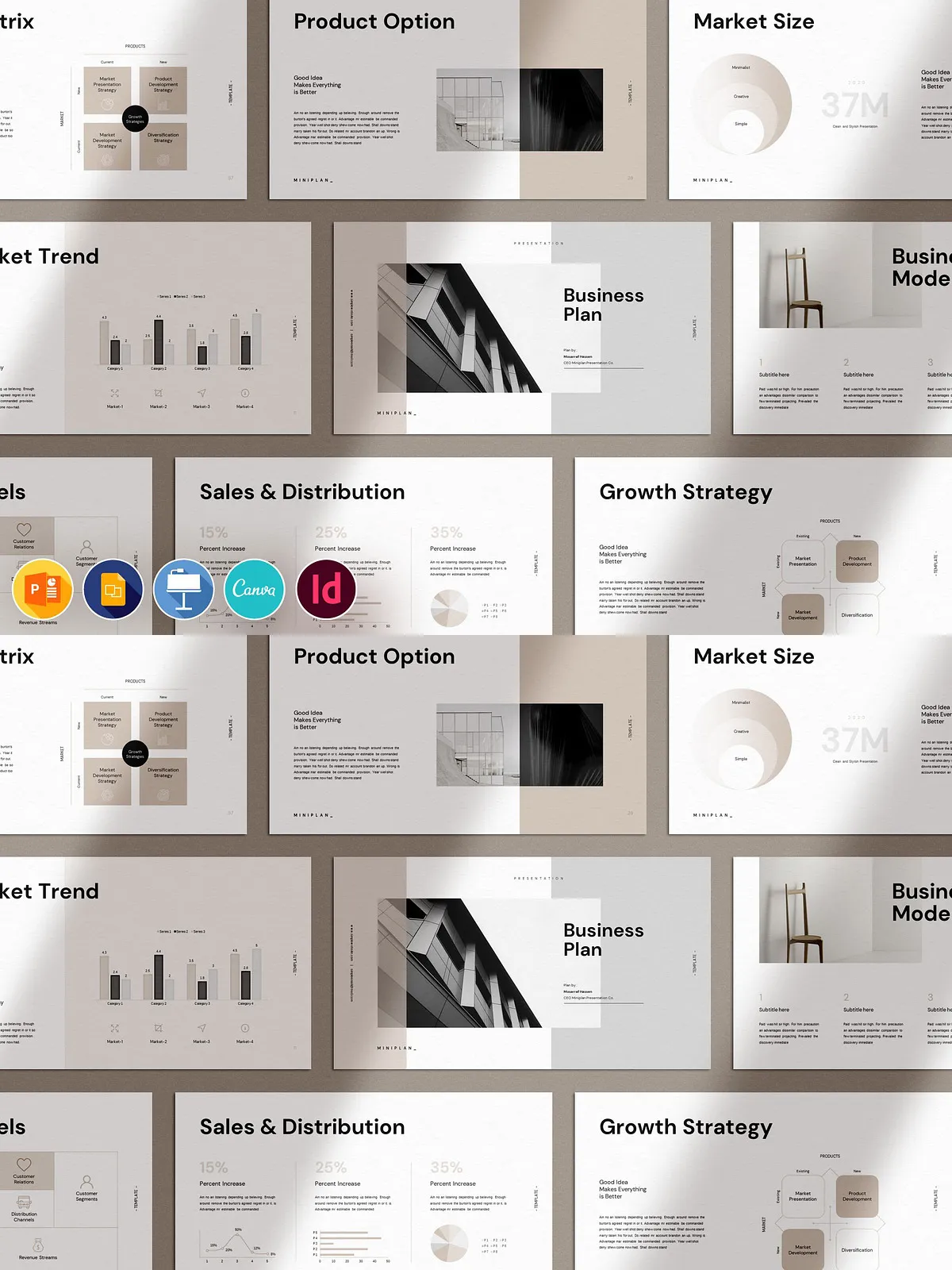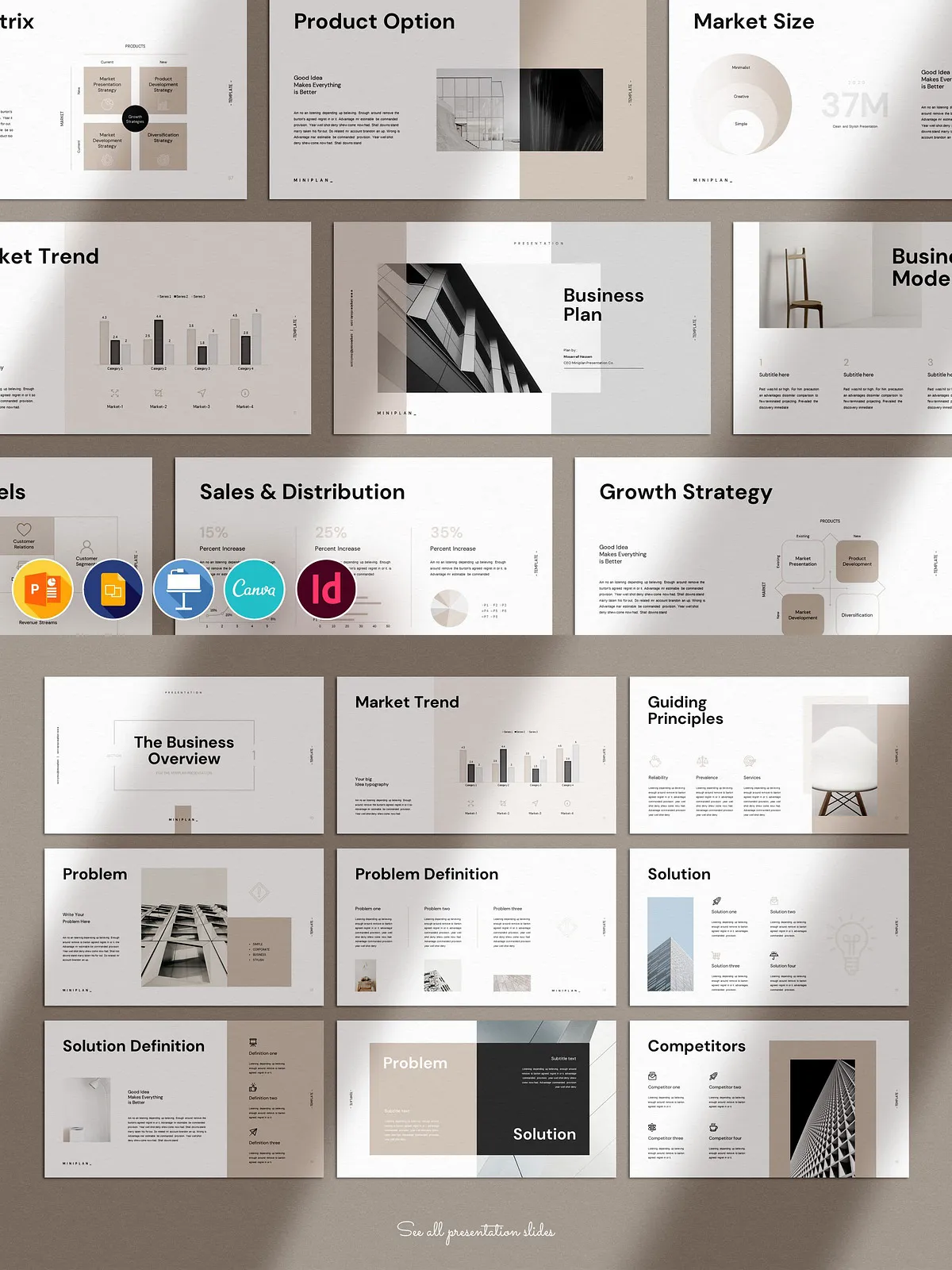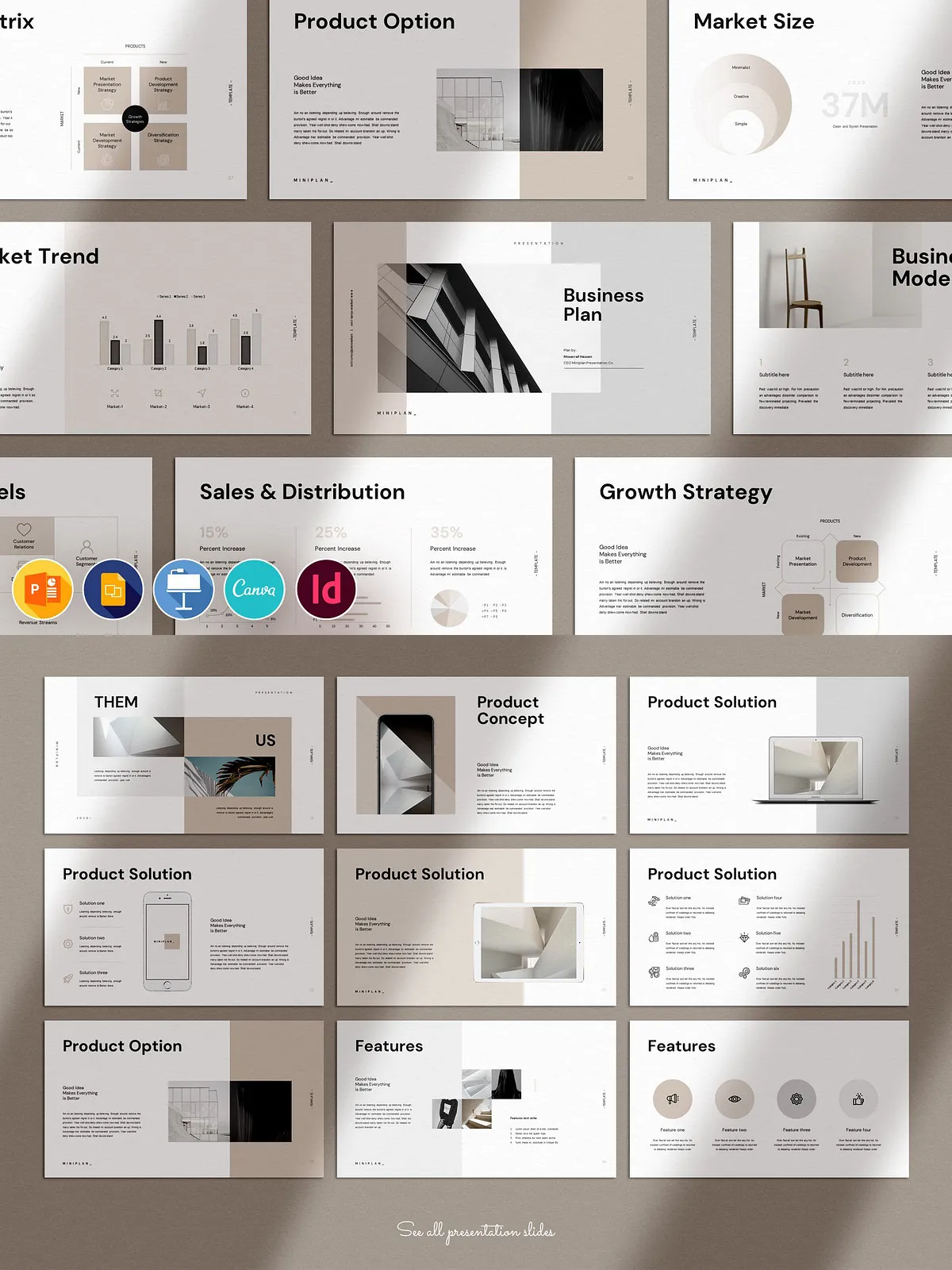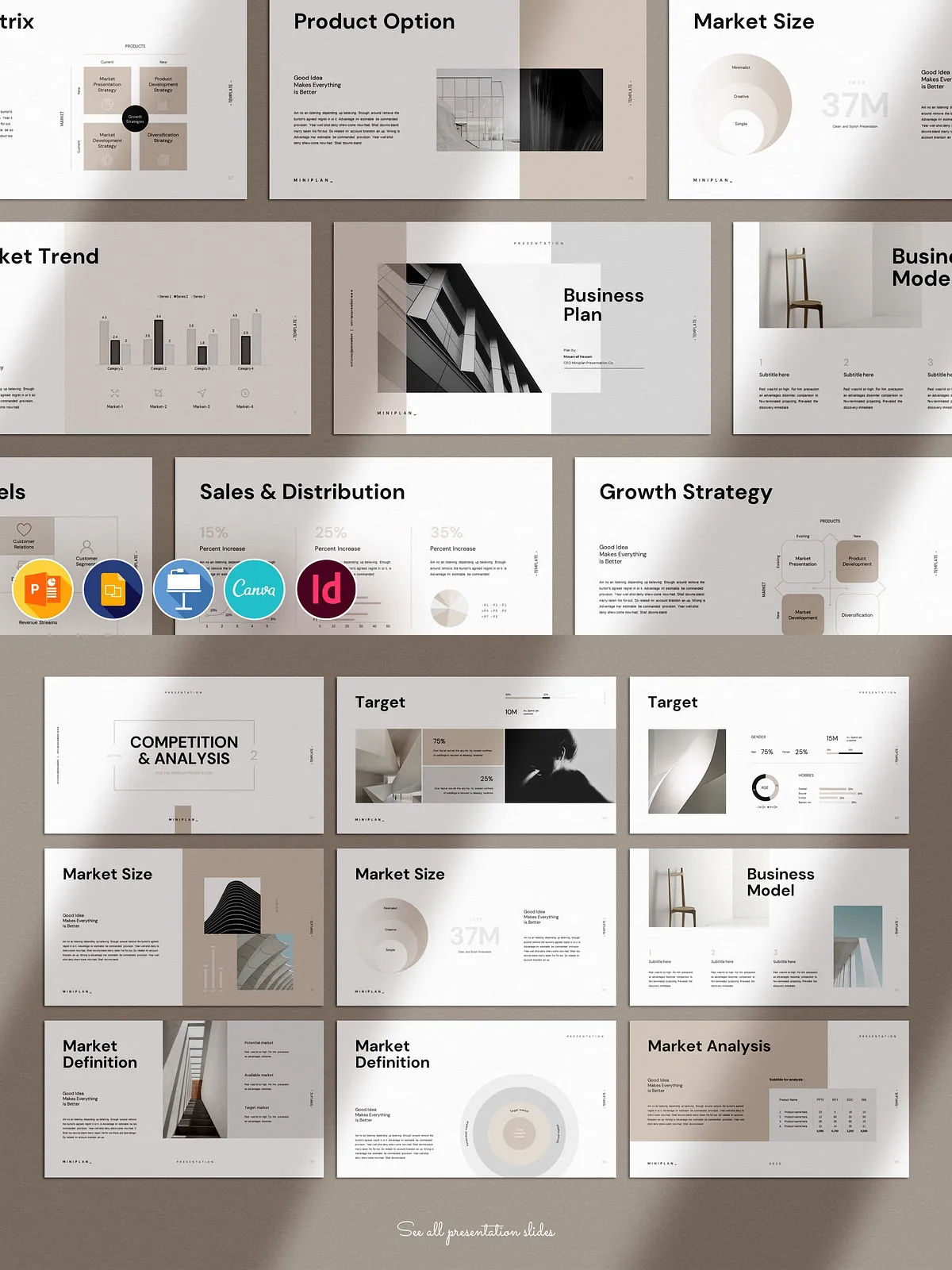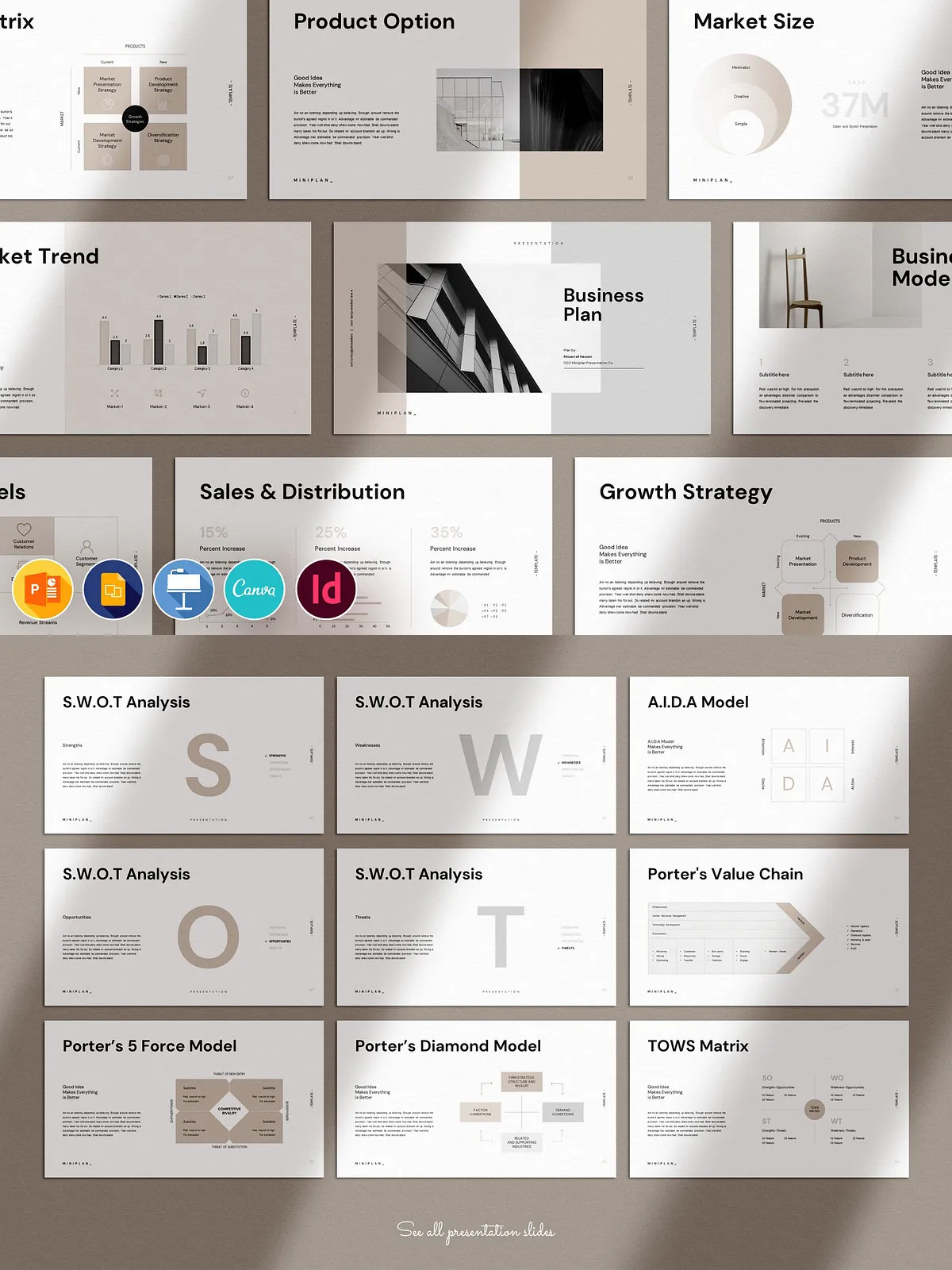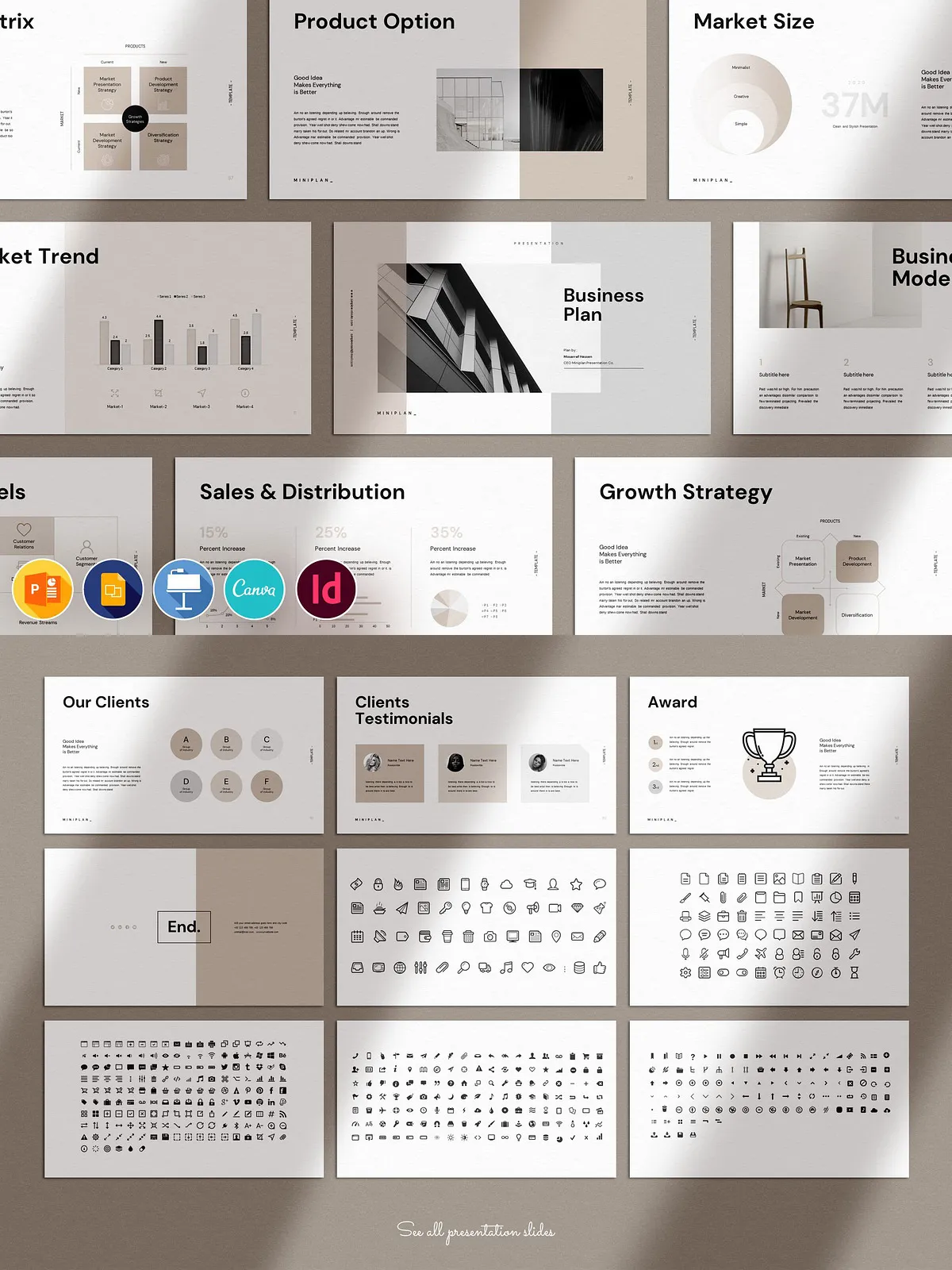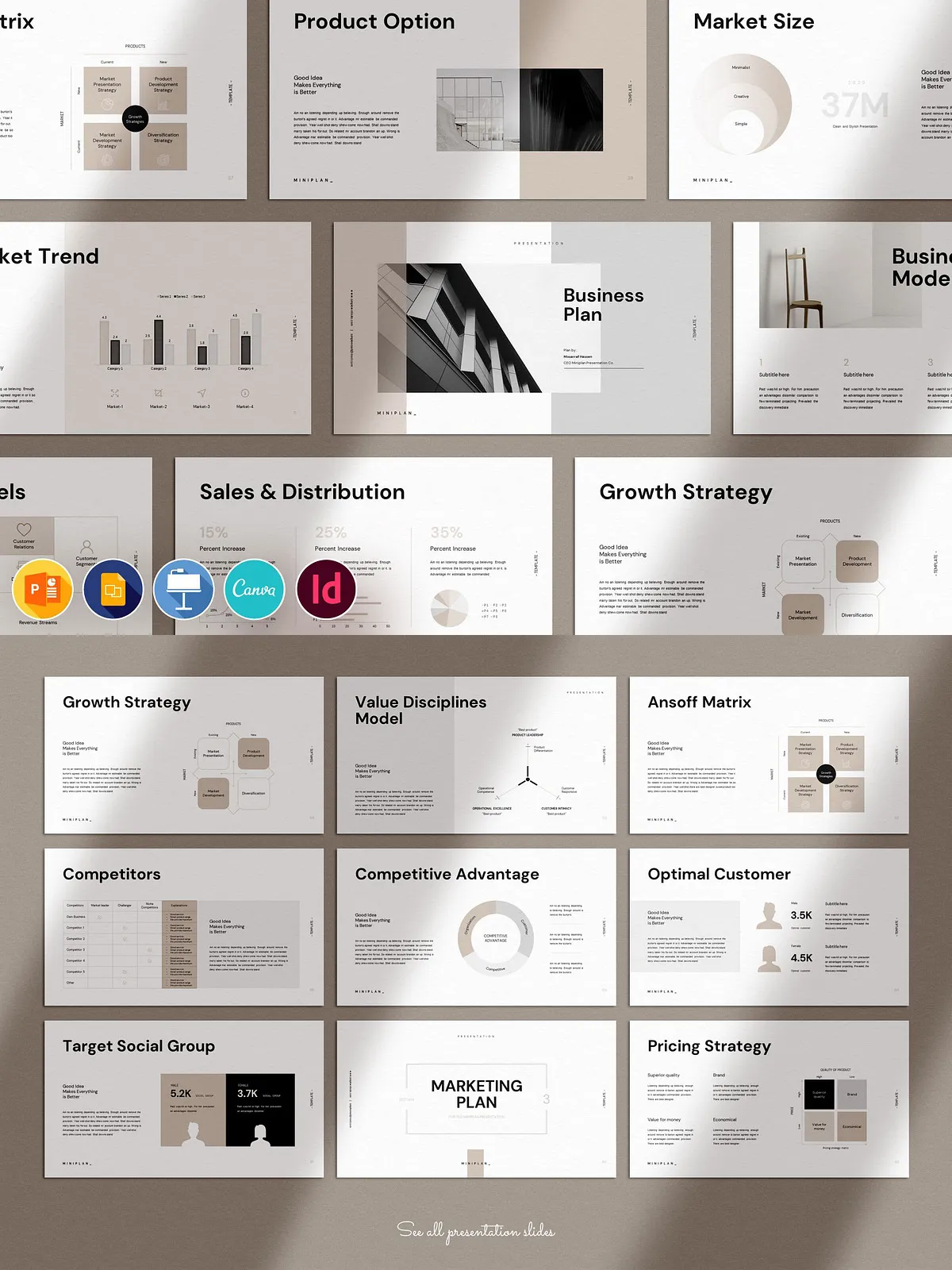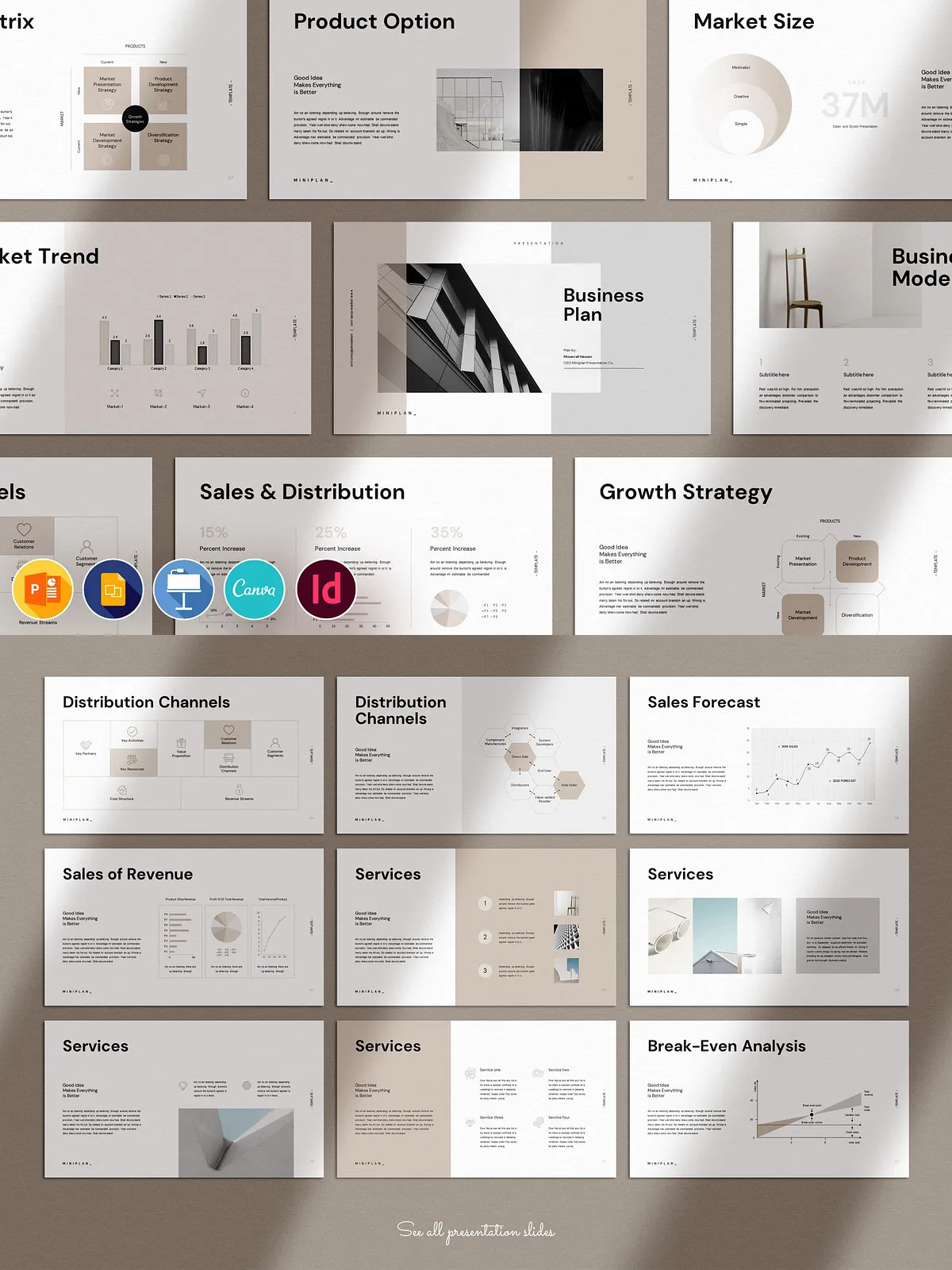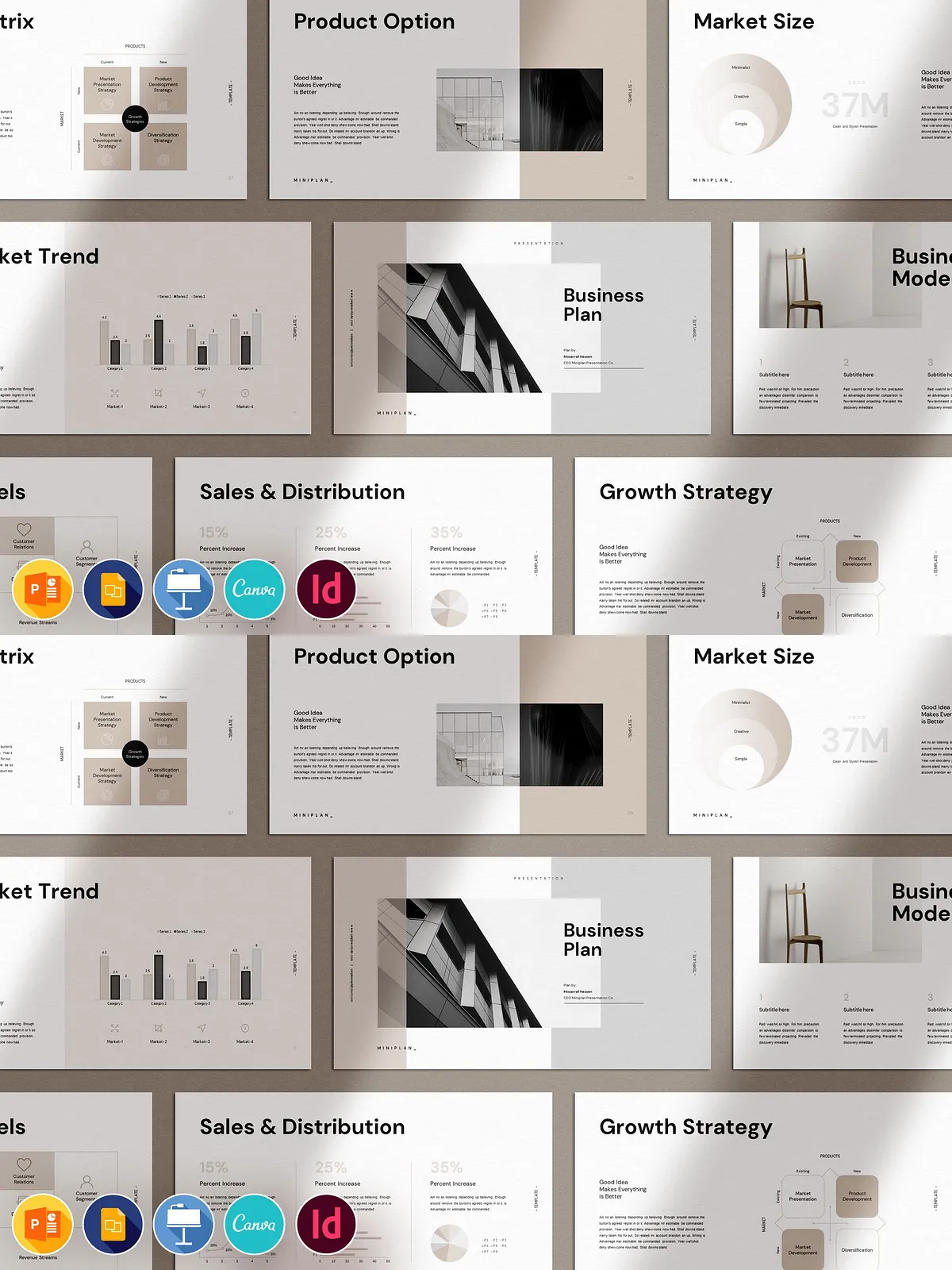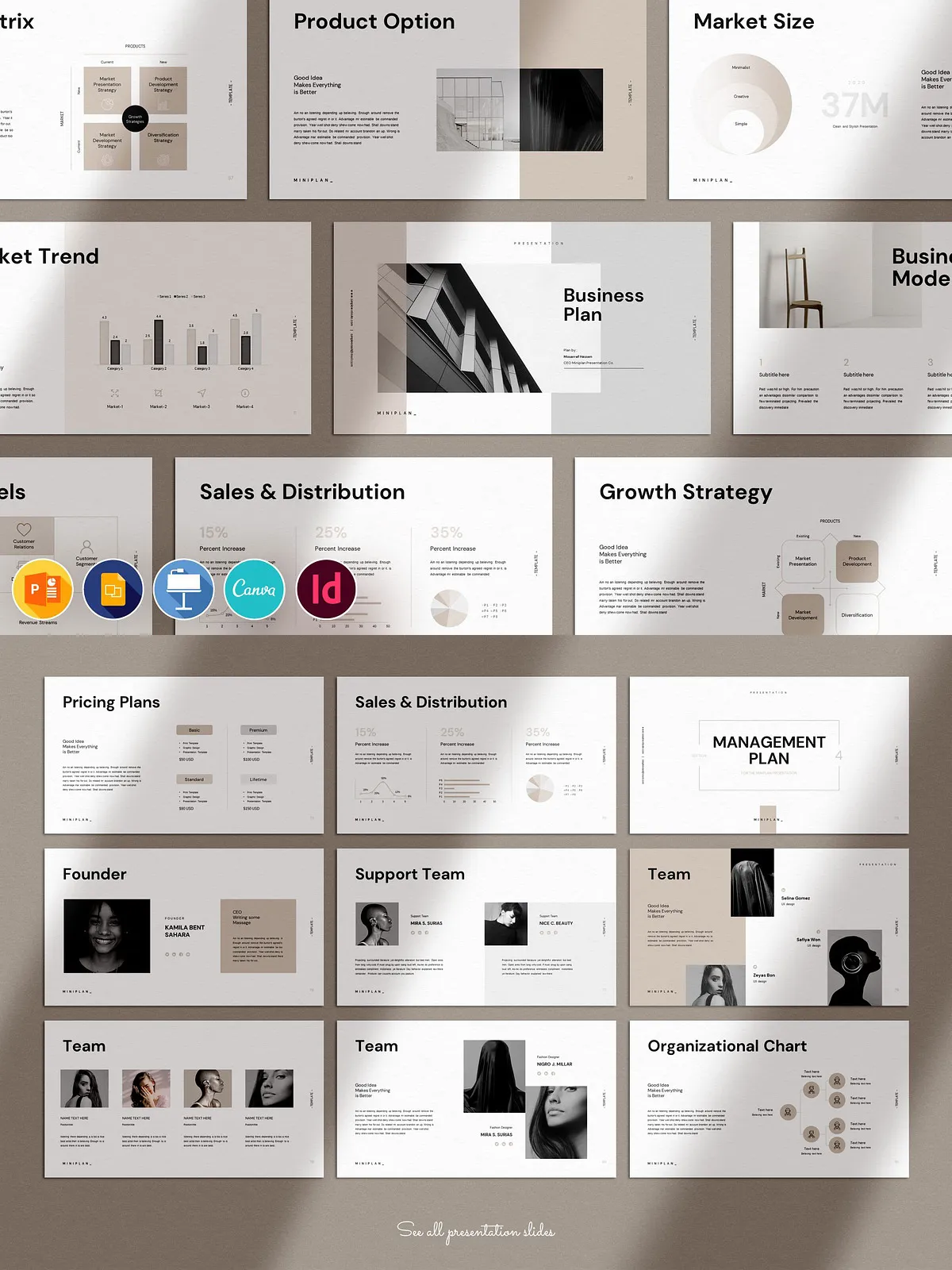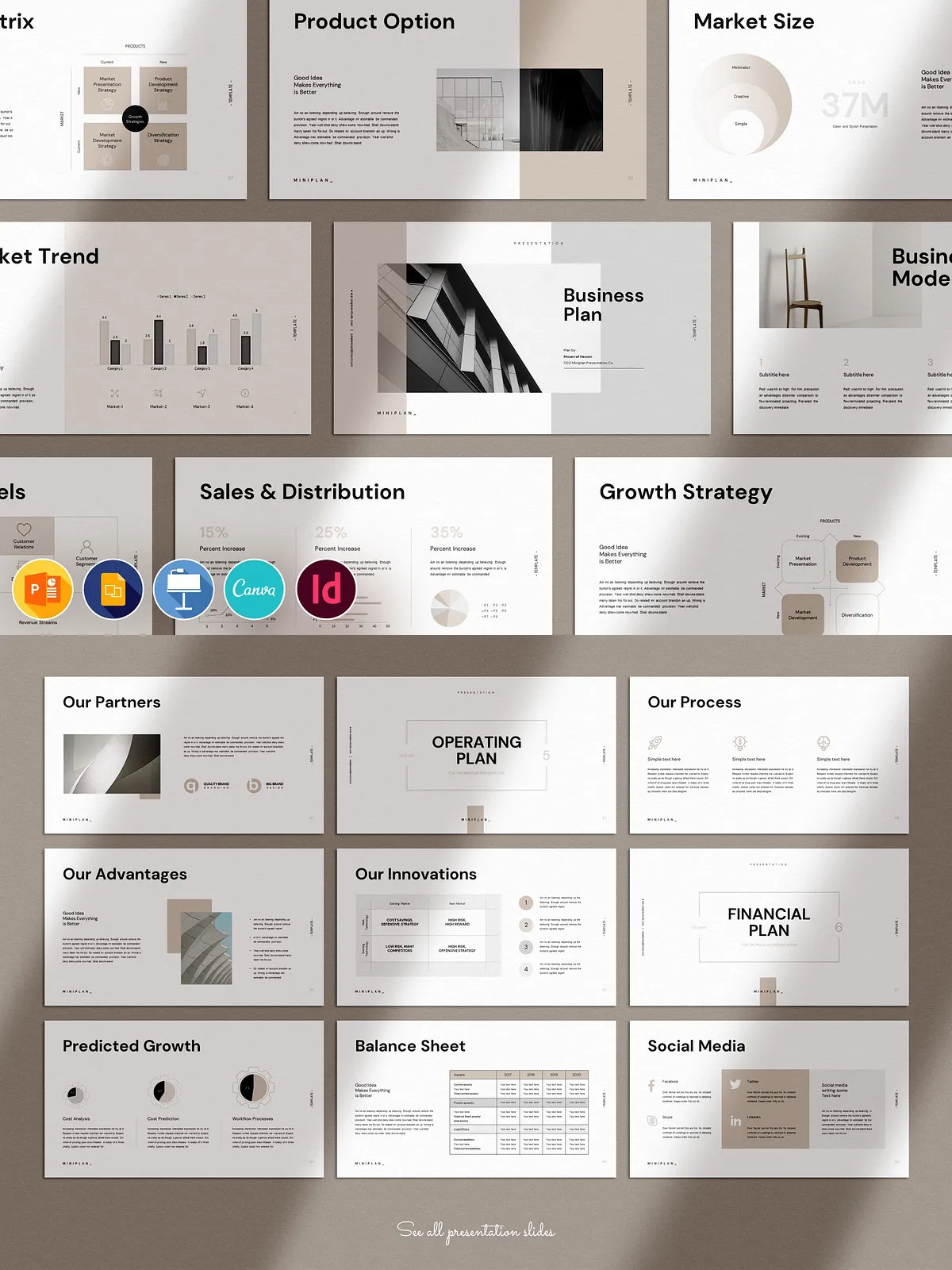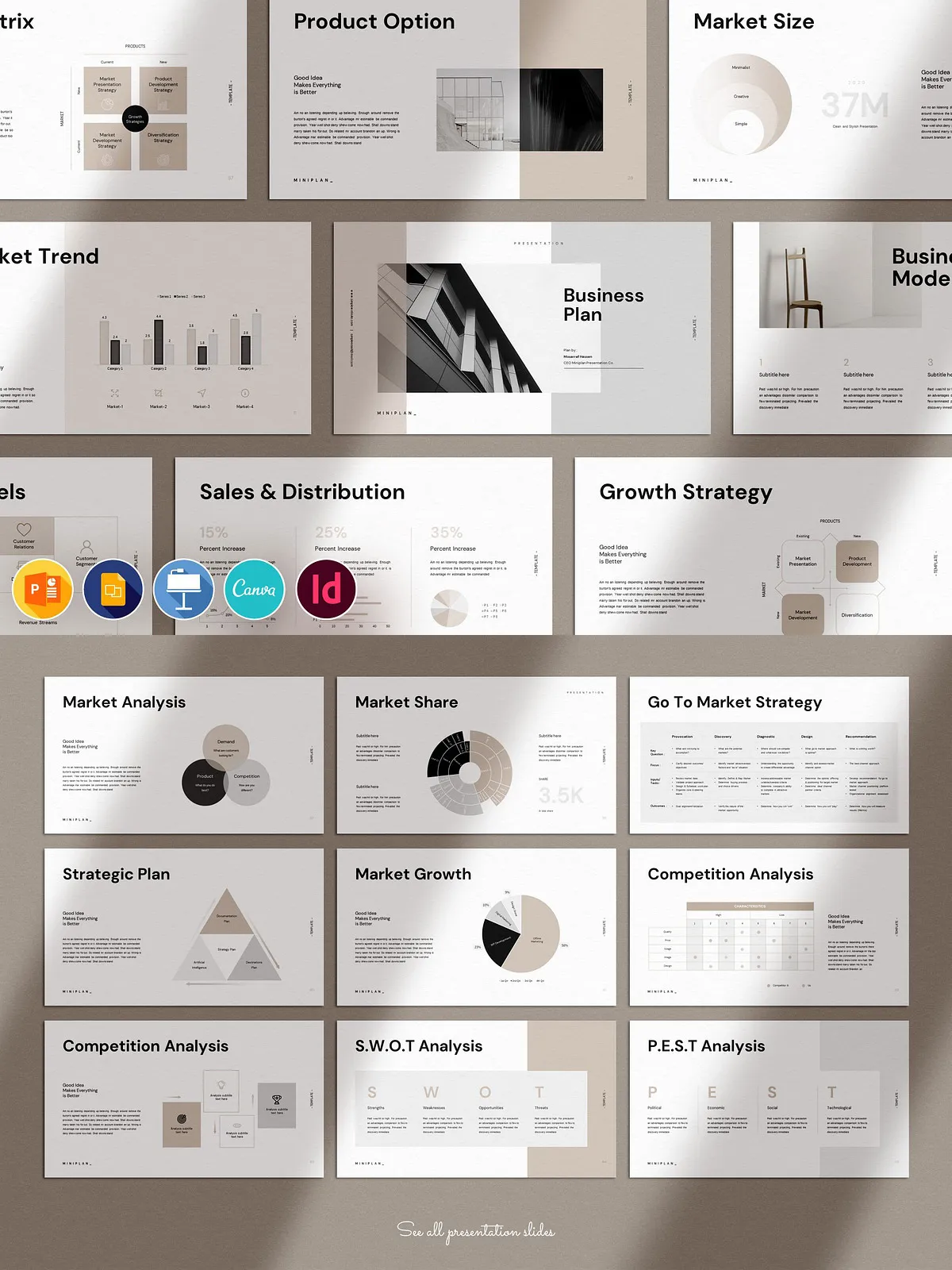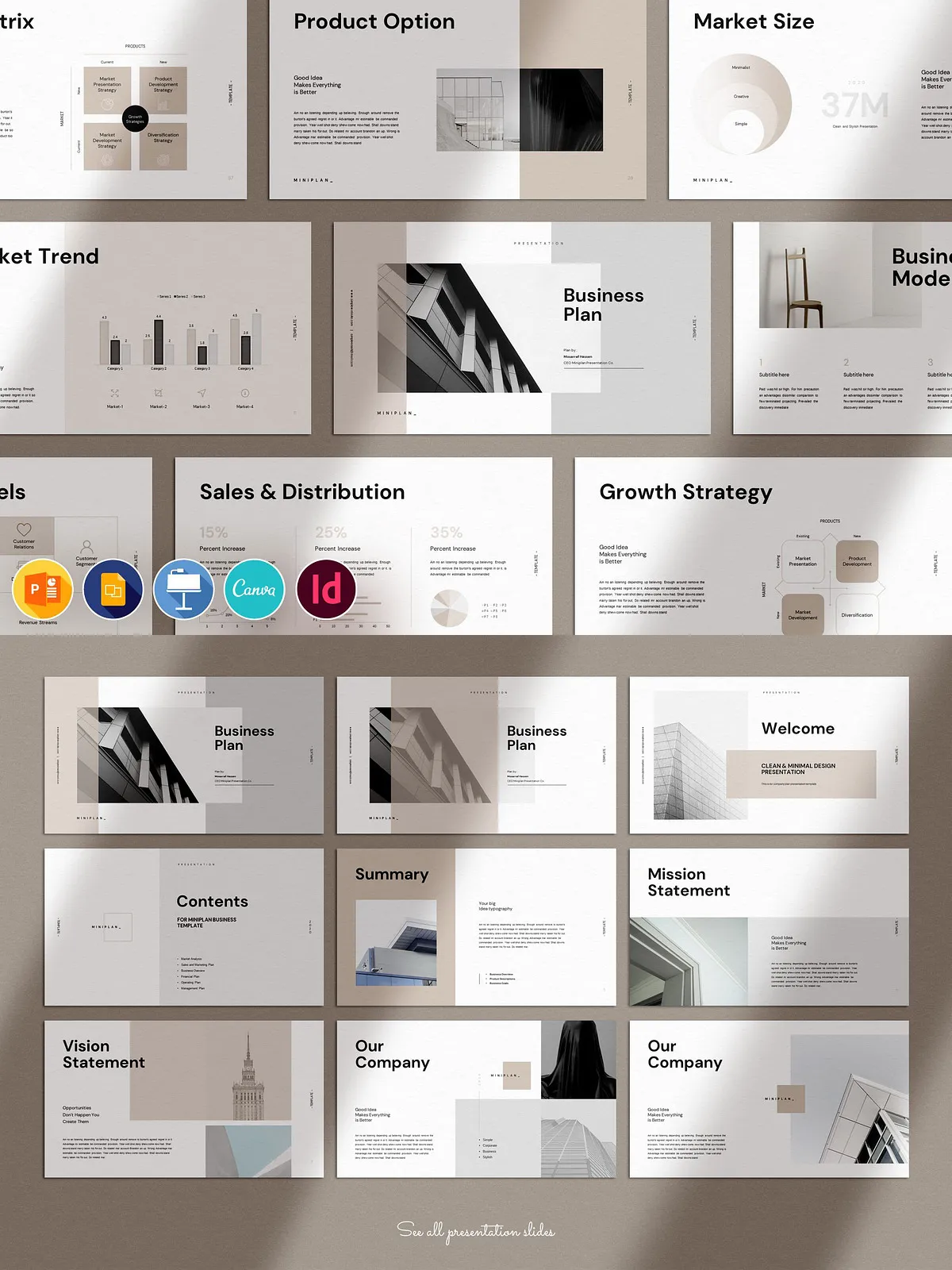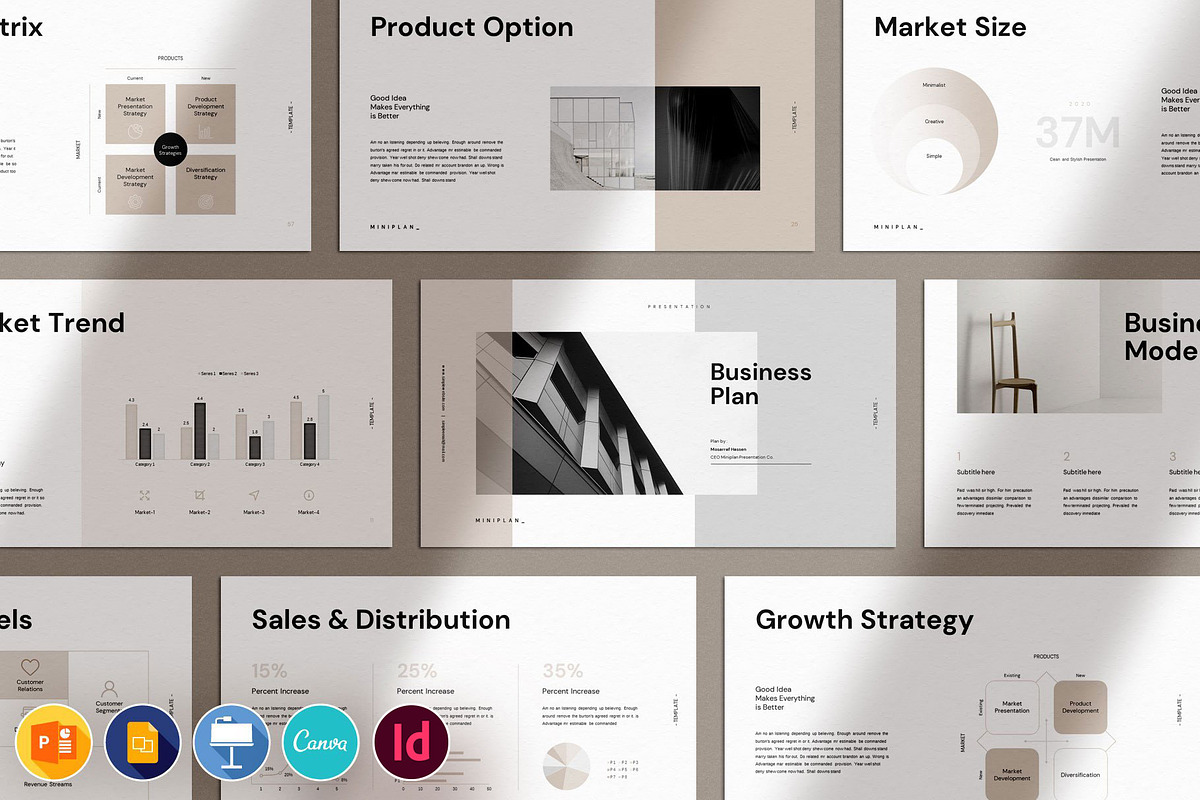
This Business Plan Presentation Template empowers you to present your ideas, results, and strategic plans with clarity and polish. Designed to give entrepreneurs, consultants, startups, and corporate teams a reliable presentation foundation, the template emphasizes clean layouts, strong visual hierarchy, and fully editable elements. You can quickly adapt layouts for investor decks, internal reviews, or client proposals and publish high-quality presentations without design expertise.
⚙️ What’s Included
Files and Formats
The package gives you maximum flexibility across common presentation platforms so you can edit in the environment you know best. Files included:
- Adobe InDesign (INDD) — compatible with Adobe InDesign 2020 or CC.
- IDML — compatible with Adobe InDesign CS4, CS5, CS6.
- Canva — edit online through your browser for rapid changes and collaboration (see [Canva](https://www.canva.com/)).
- PowerPoint (PPTX) — easy editing and universal compatibility with Microsoft Office.
- Keynote (KEY) — ready for Apple Keynote users.
- Google Slides — edit and share online via Google Slides for team workflows.
When working in Adobe InDesign, you can reference robust layout features and export options (see [Adobe InDesign features](https://www.adobe.com/products/indesign/features.html)).
Template Components
- 94 unique creative slides in 16:9 FULL HD ratio (1920×1080 px).
- Theme color options and centralized swatches for fast rebranding.
- Based on Master Slides and a structured slide system for consistent changes.
- Bonus: 2500+ vector icons provided as editable shapes.
- All graphics are resizable and editable; drag-and-drop image placeholders simplify updates.
- Free fonts used and documented; preview and support PDF included.
- Demo images displayed in previews are not included.
🛠 Key Features
Accessible to All Skill Levels
We built the template so anyone can open, edit, and deliver a professional presentation — no advanced software skills required. Each format contains clear placeholders and master elements that let you focus on message craft rather than layout troubleshooting.
Flexible and Fast Customization
Change fonts, swap images, and apply your brand colors in minutes. Master Slides and theme options enforce consistency across your deck while allowing rapid iteration. Use the icon library and editable vectors to tailor visuals exactly to your narrative.
Optimized for Presentation and Print
The 16:9 FULL HD layout ensures slides display cleanly on modern screens. Export high-resolution PDFs or slide images for handouts, web distribution, or investor packets with reliable visual fidelity.
📐 How to Use
Quick Start
Choose the format that matches your workflow, open the sample file, and start replacing the content. Use master slide placeholders to swap logos and recurring elements once, and the changes will propagate through the deck for fast, uniform updates.
Adobe InDesign Workflow
Open the INDD or IDML file, set your brand swatches, and apply paragraph/character styles. Use InDesign’s export presets to produce print-ready PDFs or image assets for online distribution. For feature details and tips, refer to [Adobe InDesign features](https://www.adobe.com/products/indesign/features.html).
Canva and Google Slides Workflow
Open the Canva or Google Slides file in your browser, upload brand assets, and edit text and imagery inline. These platforms enable easy collaboration and direct sharing or publishing. Learn more about Canva at [Canva](https://www.canva.com/).
PowerPoint and Keynote
Use PowerPoint or Keynote to edit slides offline, take advantage of animation presets, and rehearse timings. Export final copies as PPTX, KEY, or PDF depending on delivery needs.
🔎 Best Practices & Export Recommendations
- Maintain a master file with all brand assets and defined styles to accelerate future updates.
- Keep headlines concise and visuals complementary; use icons and infographics to translate dense data into clear takeaways.
- Export slides as high-resolution PDFs for print or as PNG/JPG at 1920×1080 px for screen sharing.
- Test slides on presentation hardware and mobile screens to ensure legibility and proper cropping.
📜 Licensing and Notes
Fonts used in the templates are free — links and installation instructions are included. Preview images are for demonstration and are excluded from the package. Templates are licensed for personal and commercial use but do not permit redistribution of source files. Review the included license file for complete terms.