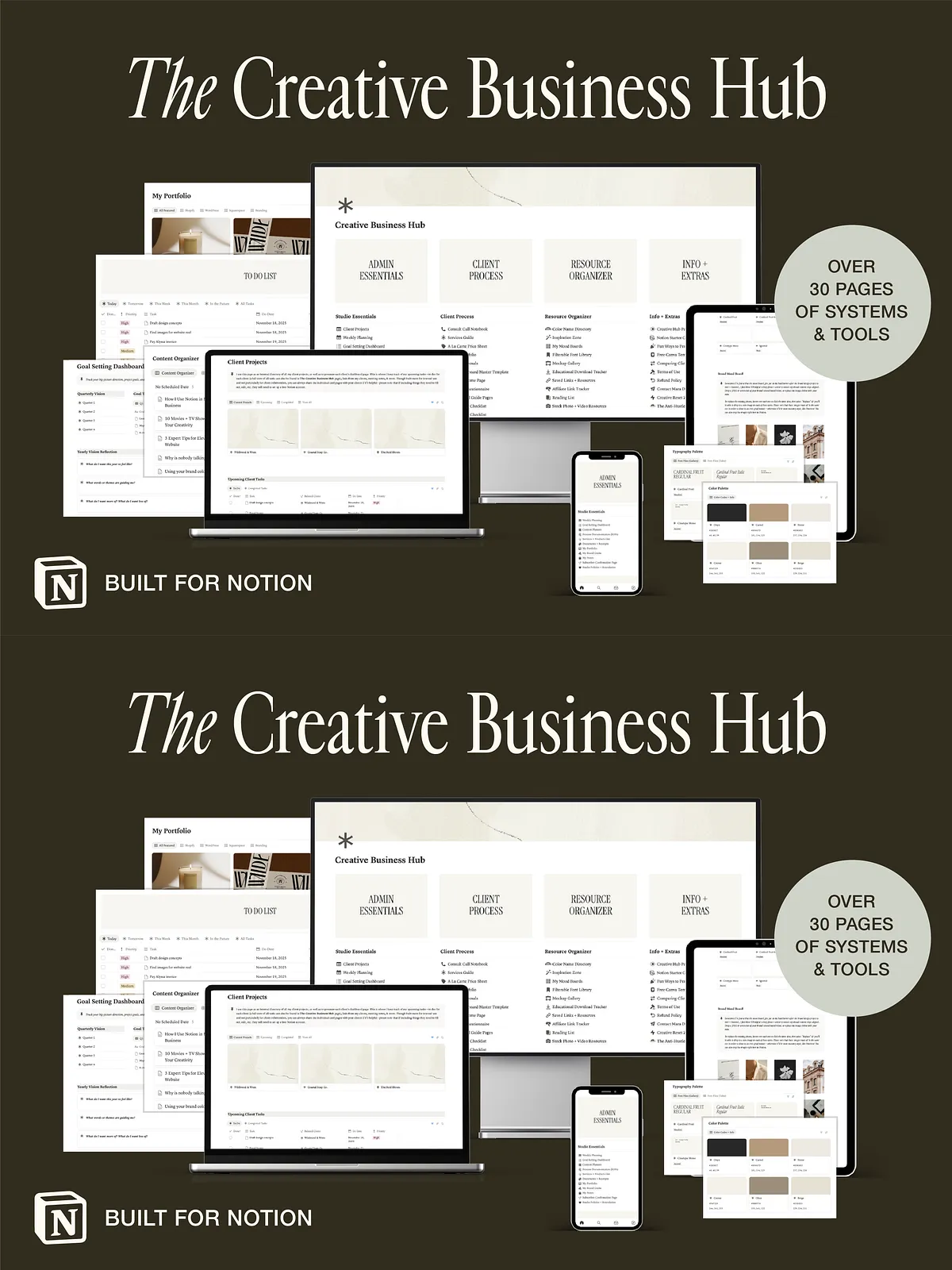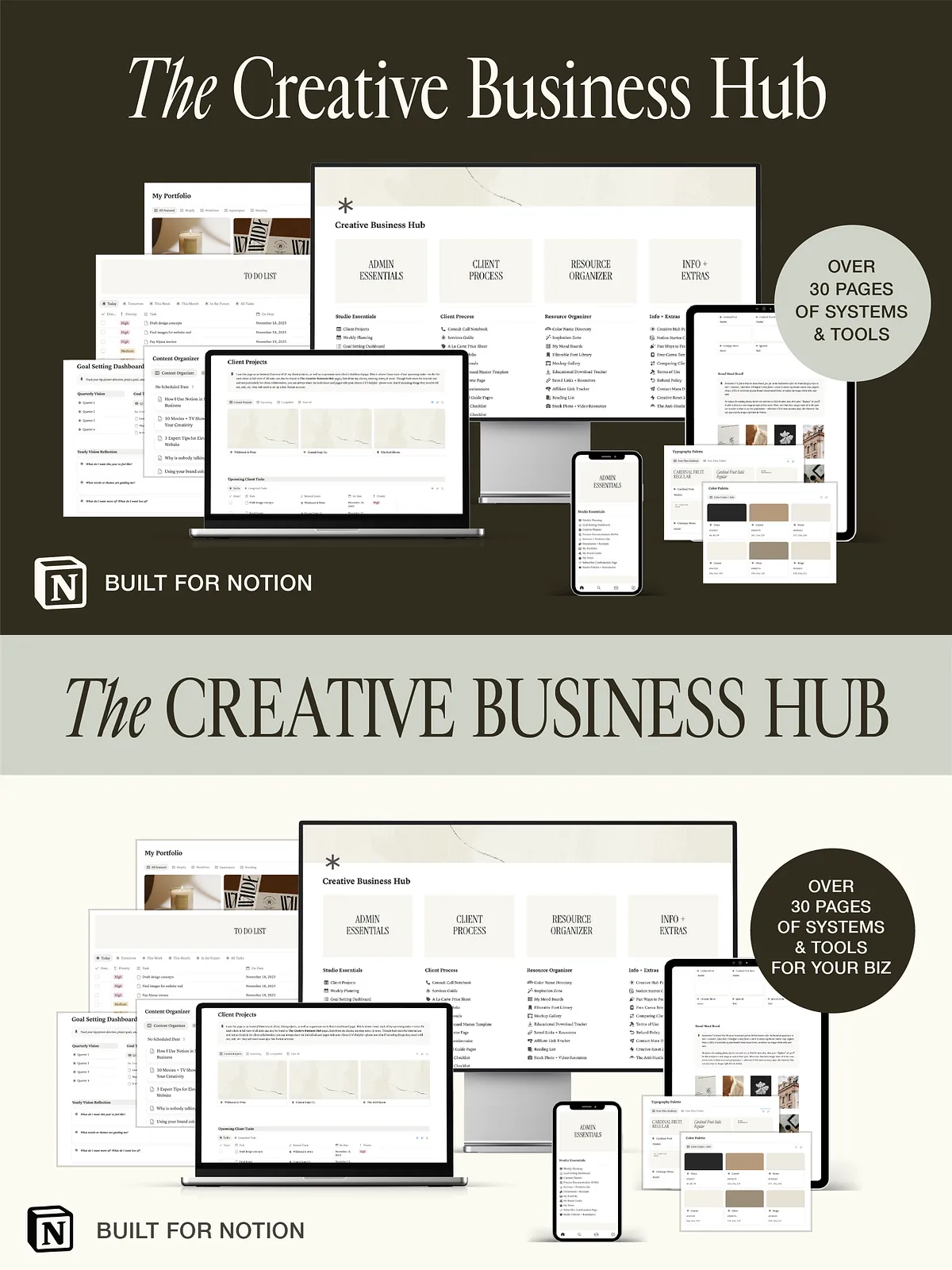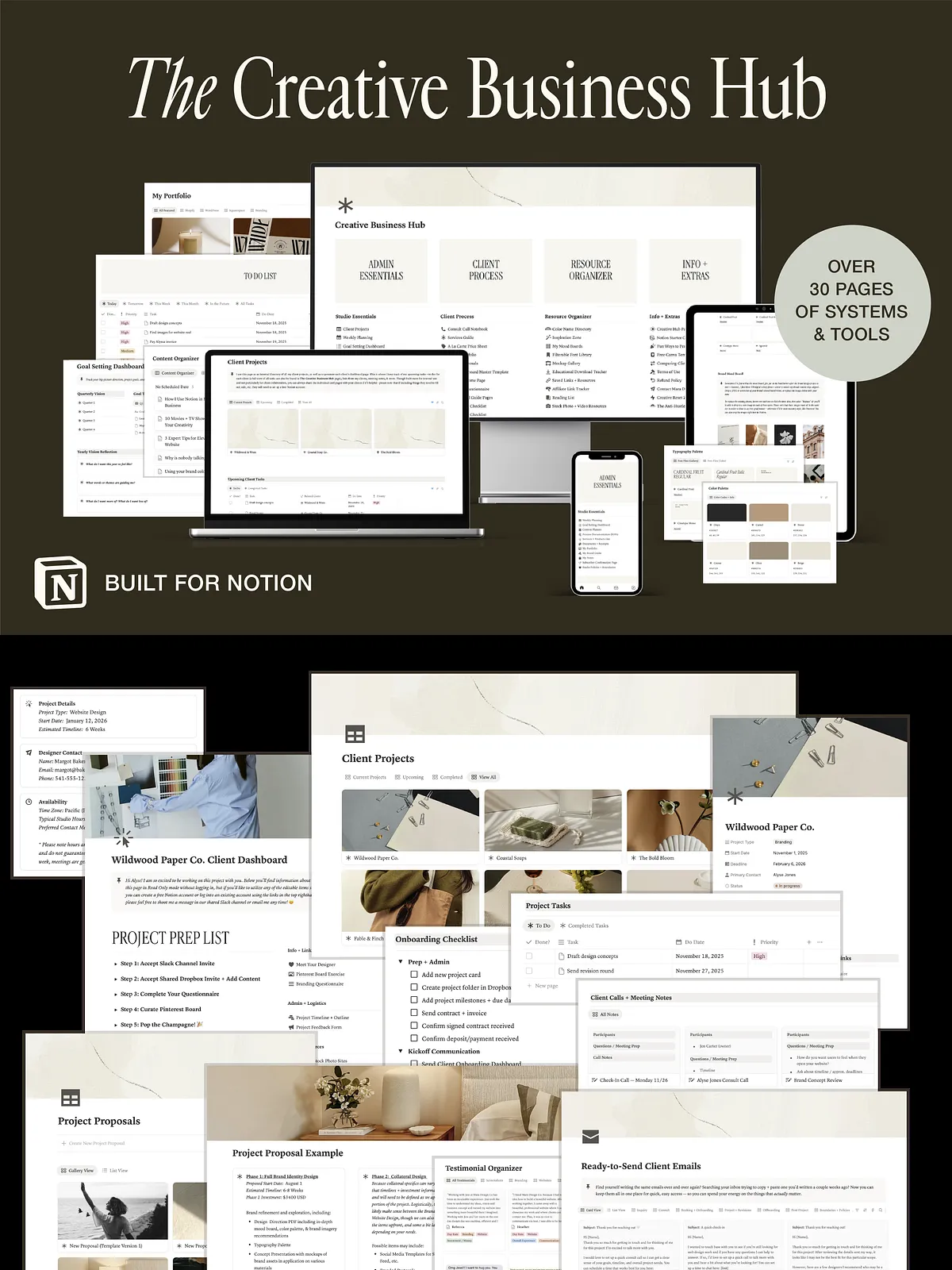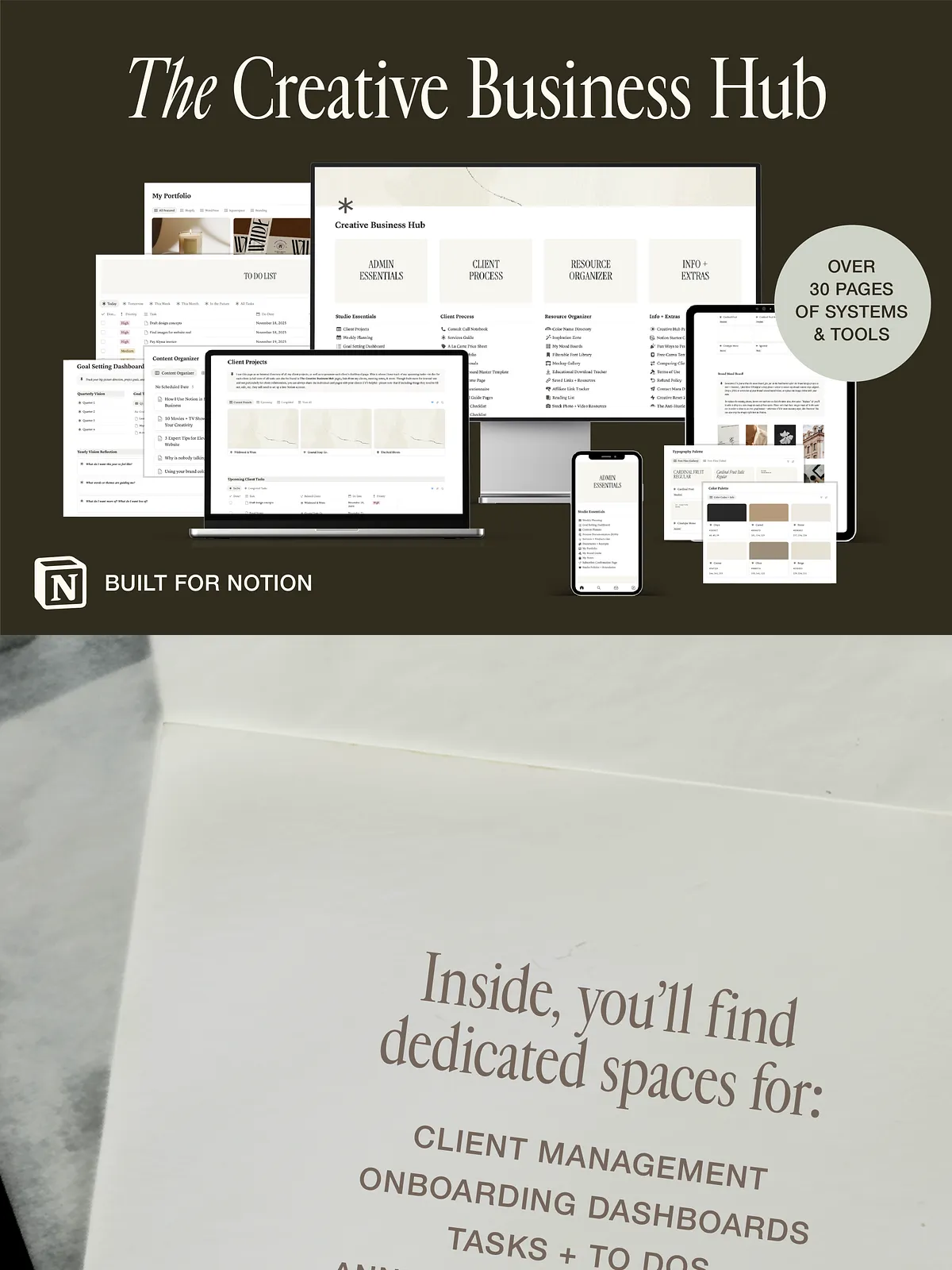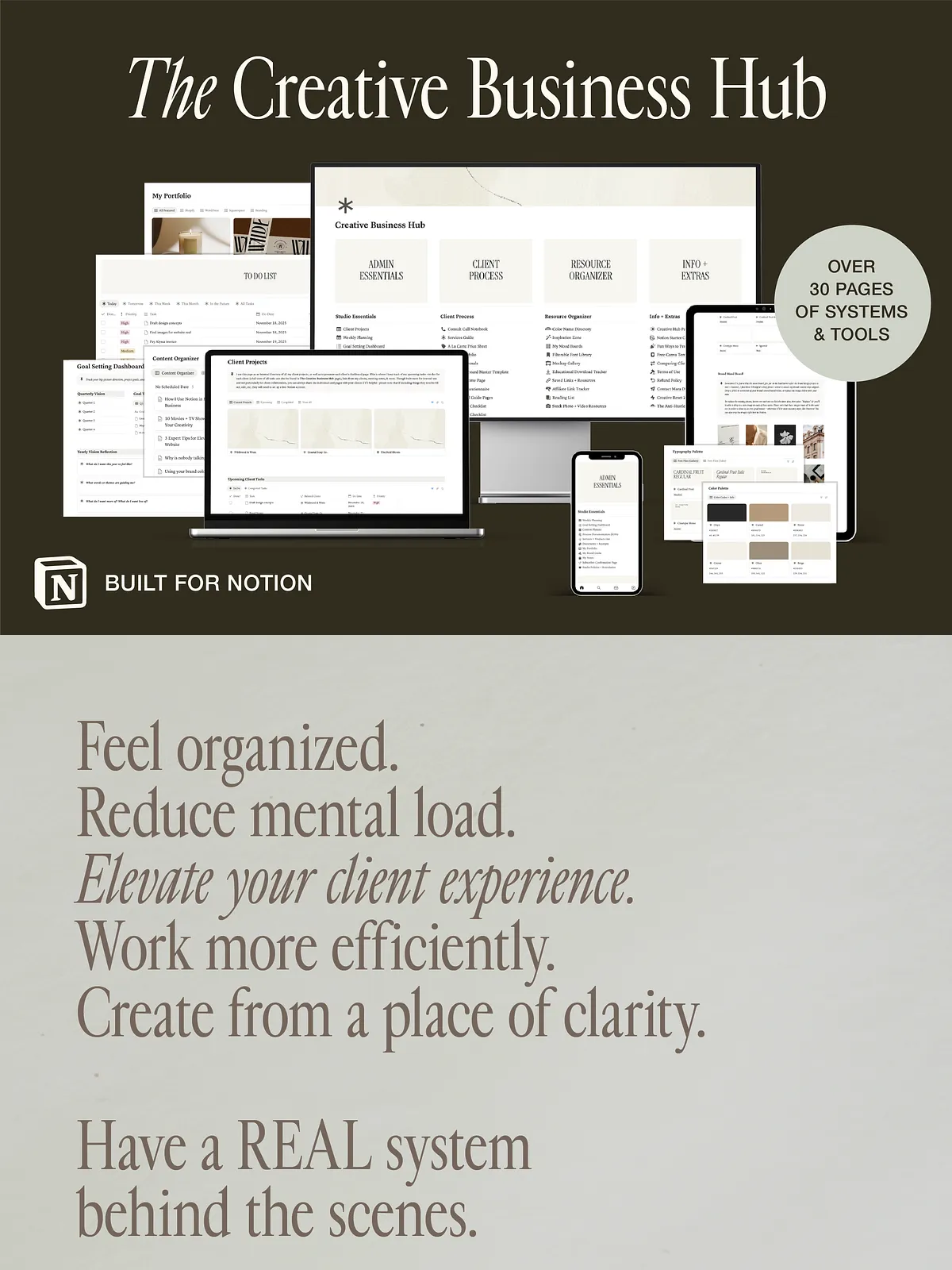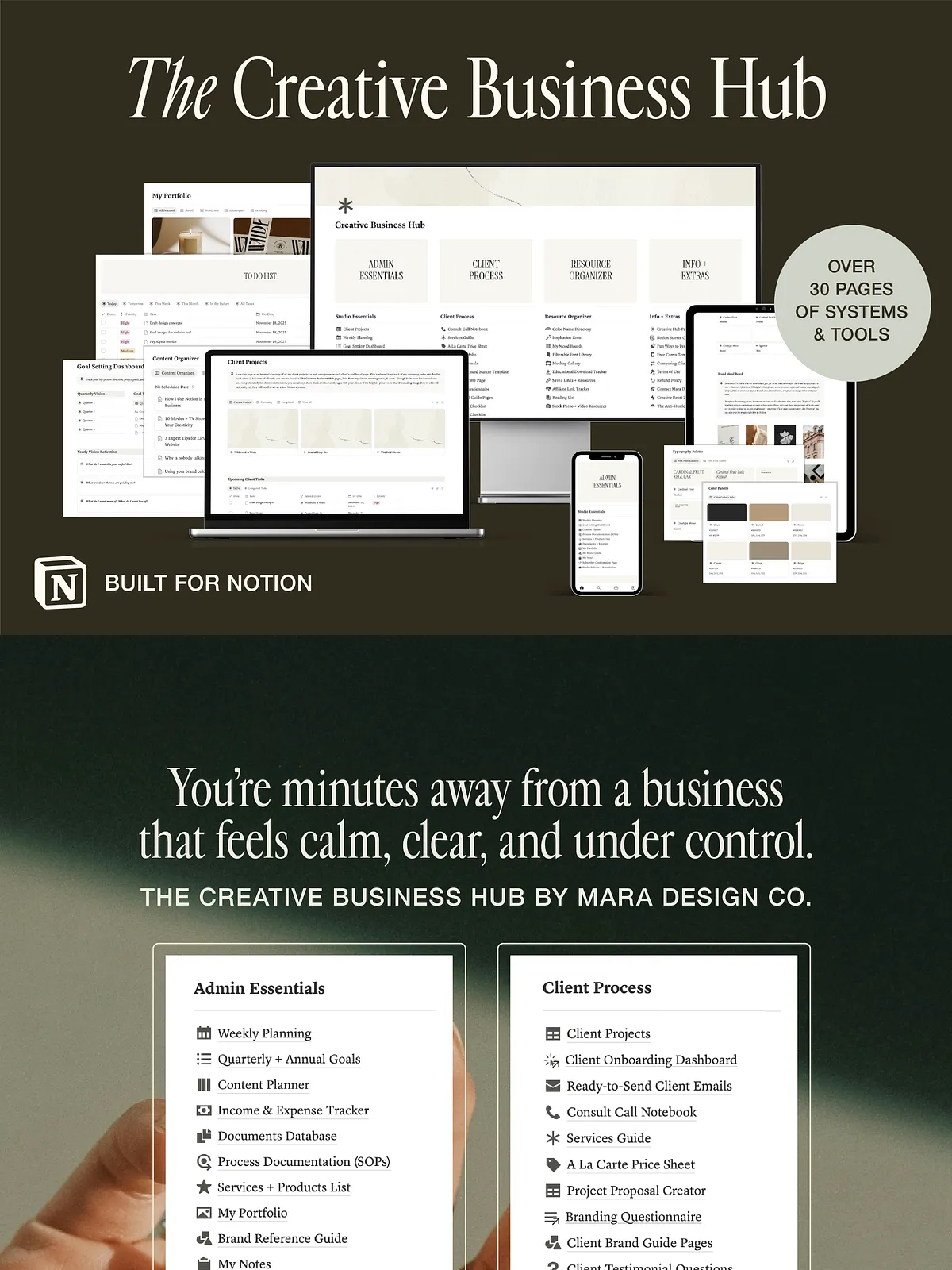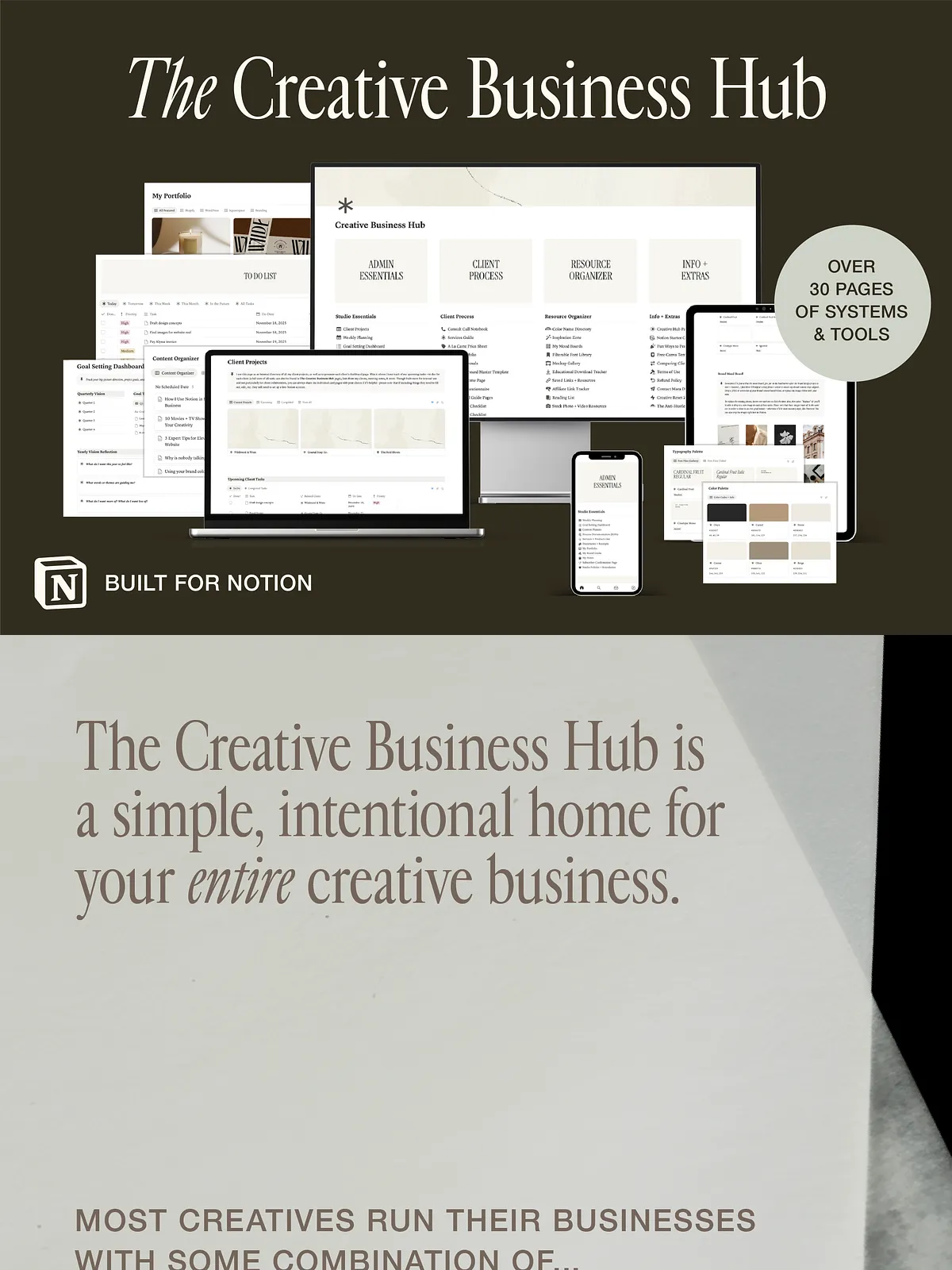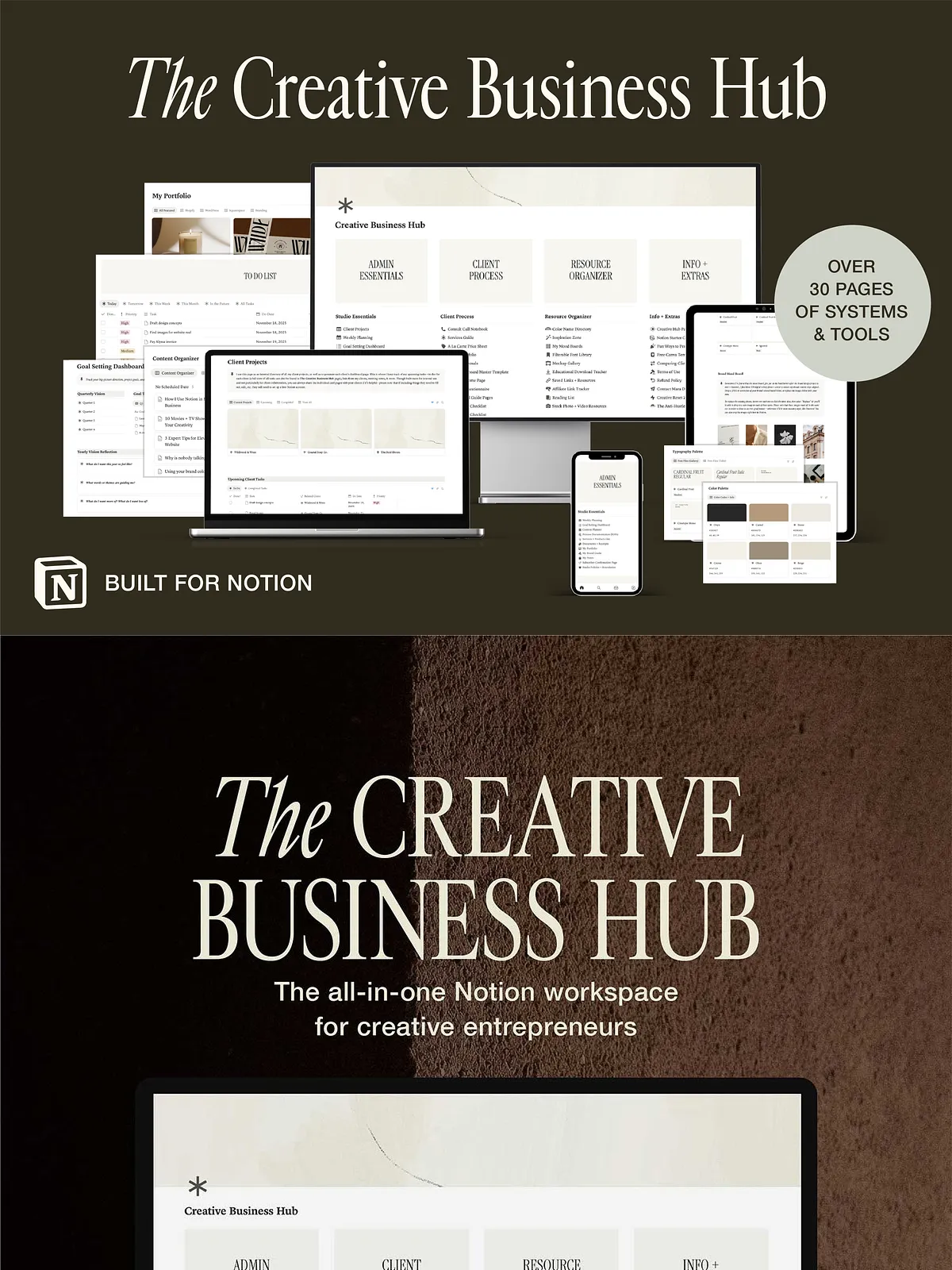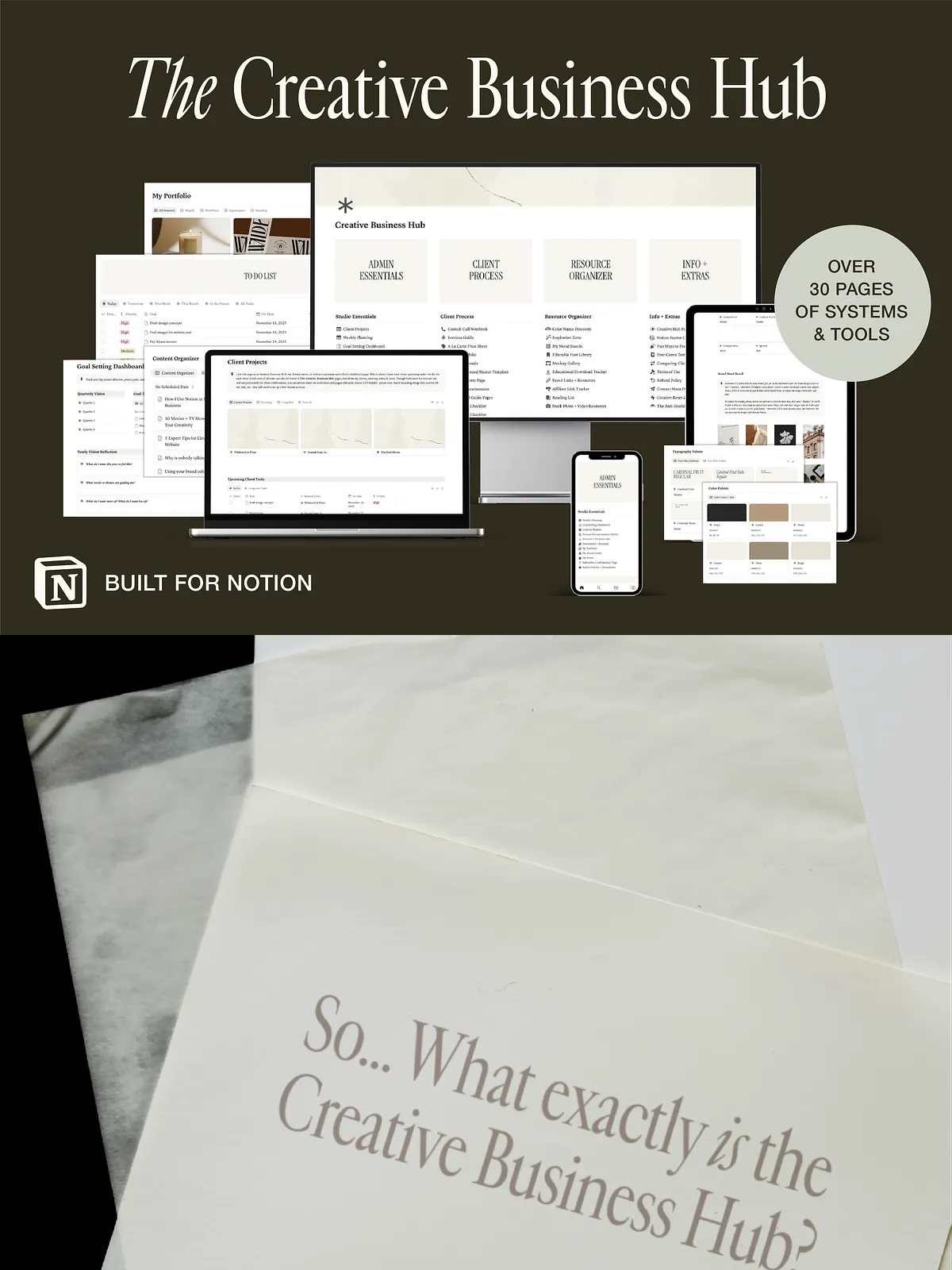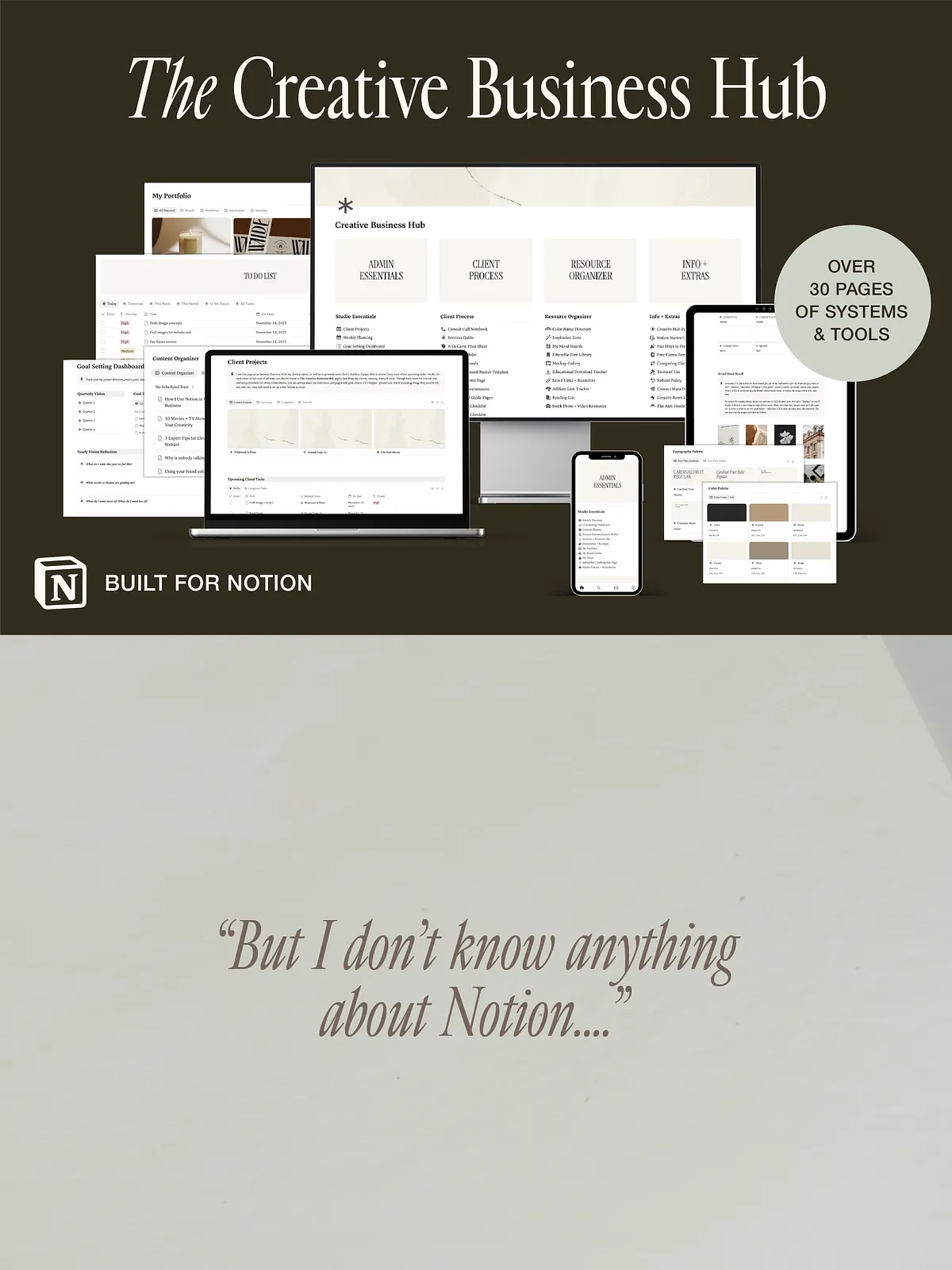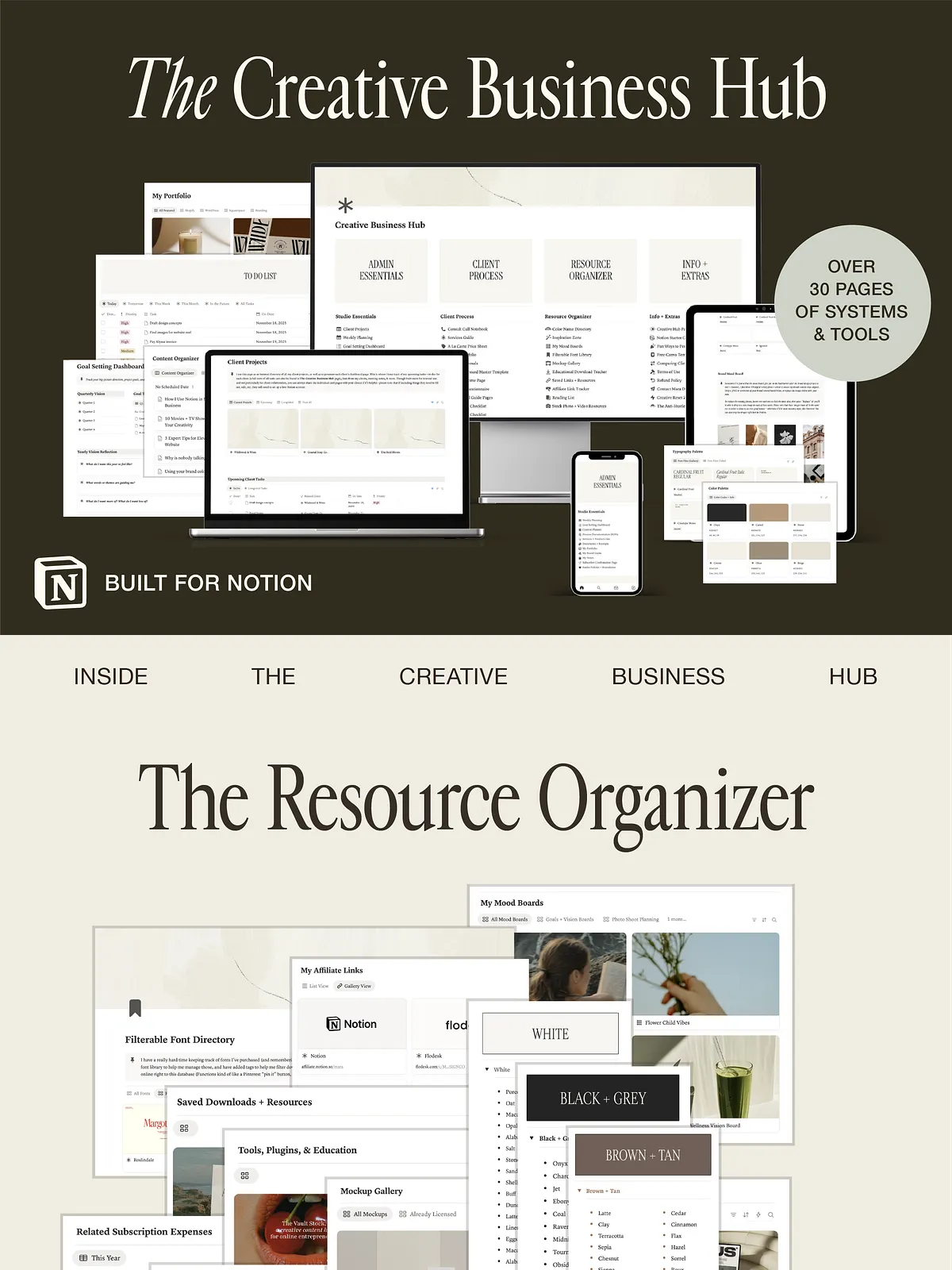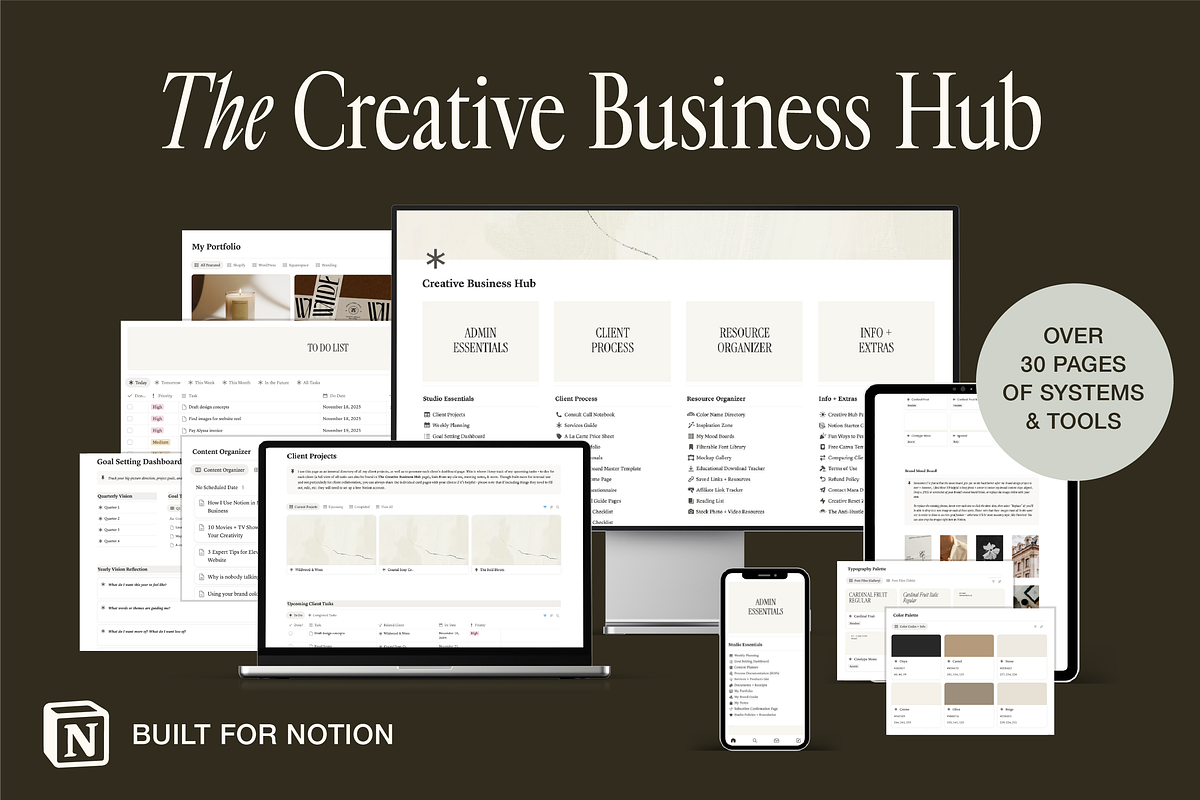
This Notion Studio HQ moves beyond a pretty dashboard to become your operational backbone. Designed specifically for creative business owners, it organizes clients, projects, admin, and digital resources in a single, reliable workspace. You’ll manage onboarding, proposals, finances, content planning, SOPs, and brand assets without switching apps or losing momentum. The system encourages clarity, reduces busywork, and helps you deliver consistent, professional results faster.
What’s included
Complete admin and studio HQ
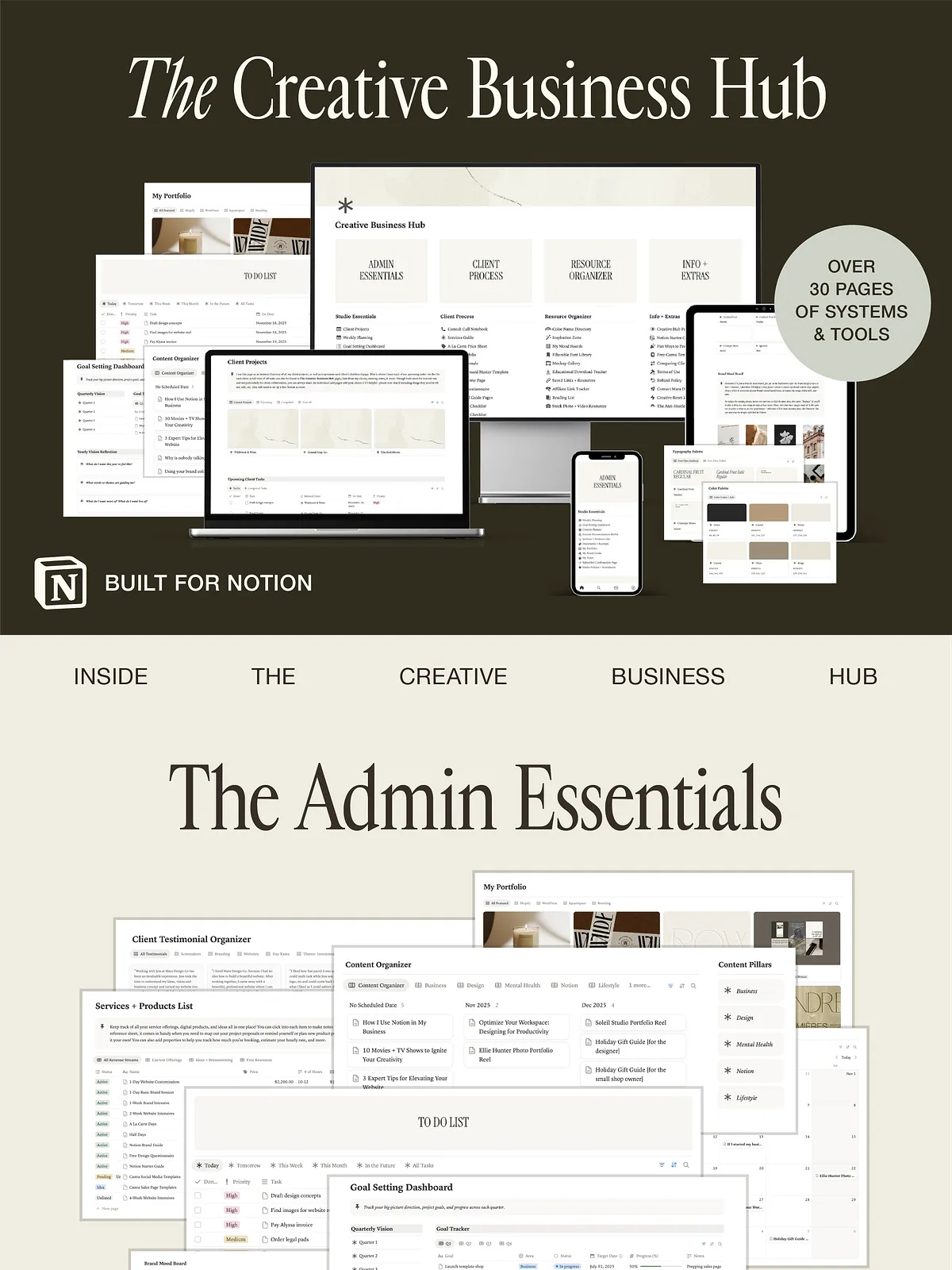
The workspace gives you a fully built admin center for planning, goals, finances, content schedules, SOPs, document storage, portfolio curation, boundaries and policies, and brand assets. Every area contains ready-to-use pages and templates so you can adopt the system immediately and streamline daily operations.
End-to-end client workflow
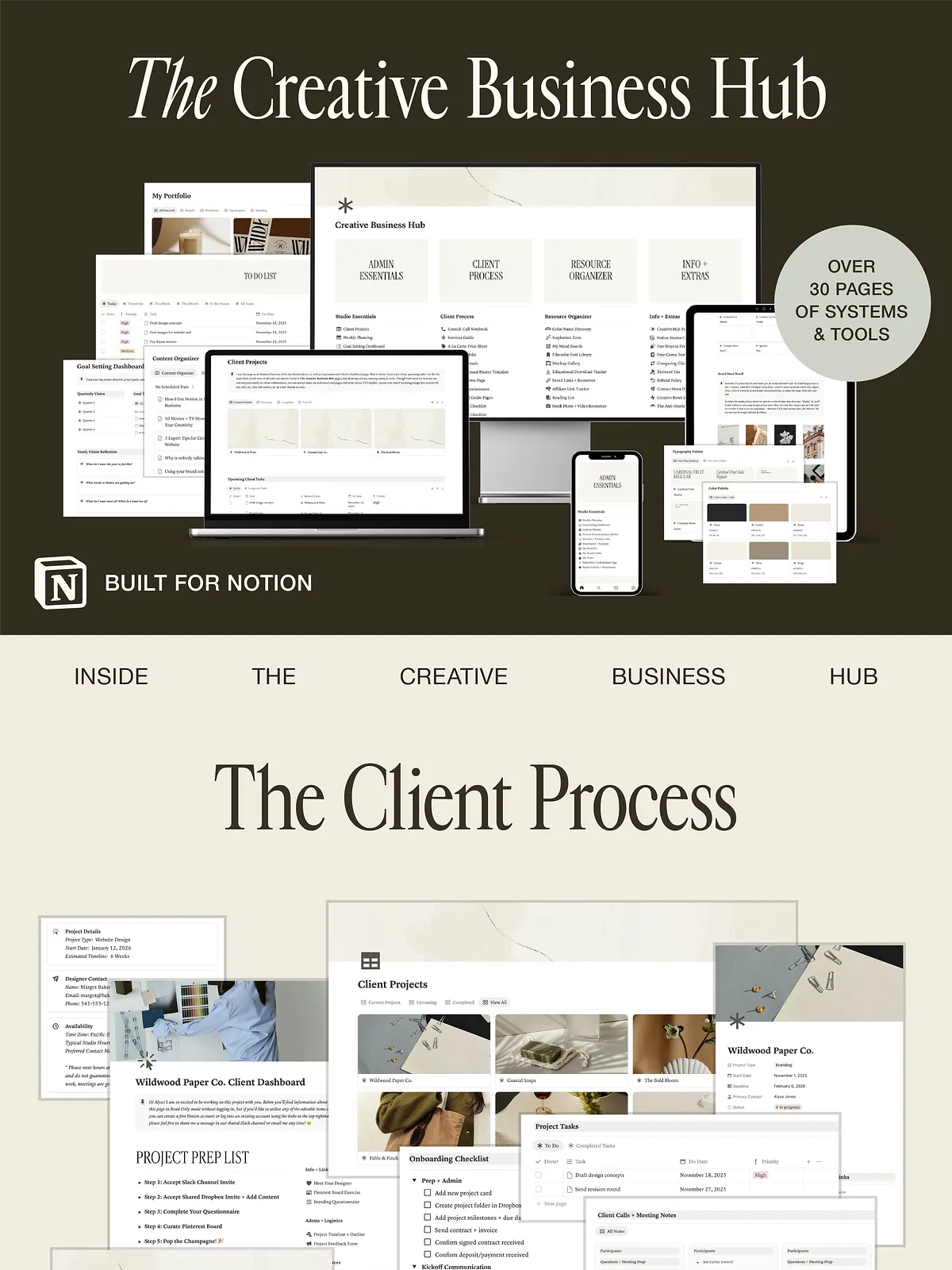
The client workflow covers the entire client lifecycle: customizable client dashboards, structured onboarding flows, pricing and proposal templates, consult notes, intake questionnaires, and an email copy database. Use the prepared workflows to respond faster, collect consistent information, and maintain a polished client experience that scales with your business.
Powerful resource organizer
Keep your creative assets searchable and organized. The resource section includes a filterable font library, color-name organization, dedicated spaces for mood boards, stock resource tracking, inspiration boards, affiliate tracking, reusable templates, and a central hub for digital assets. This structure saves time and eliminates the friction of hunting for brand elements mid-project.
Helpful extras and guides
The pack includes practical extras: Notion beginner guides to help you and your team adopt the system, creative reset tools to restore focus, and The MARA Design Co. Anti-Hustle Journal to build healthier work habits. Each extra targets real creative-business problems and supports a sustainable workflow.
Details & technical info
Delivery, compatibility, and access
This is a digital download delivered instantly after purchase. The workspace works with free Notion accounts and remains accessible on desktop, laptop, tablet, and mobile. The one-click installation and included walkthrough video make setup fast and minimize friction so you can start using the workspace the same day you buy it. Lifetime access ensures you can return to the templates and resources whenever you need them.
Licensing and returns
Because this product is a digital download, all sales are final. The workspace is designed for personal and business use by the purchaser; check the product page for any licensing specifics or restrictions regarding redistribution of raw template files.
How this workspace transforms your business
Streamline operations and increase clarity
Adopting this Notion workspace standardizes repetitive tasks, reduces email back-and-forth, and centralizes client information so nothing slips through the cracks. By consolidating essential systems—project management, client onboarding, financial tracking, and content planning—into a single living hub, you reclaim hours currently spent switching between tools and searching for files.
Deliver a consistent client experience
The built-in client dashboards and proposal templates allow you to present a professional, repeatable onboarding experience. You’ll capture necessary information uniformly, communicate confidently, and keep projects moving forward with clear next steps and accountable timelines.
Protect your creative energy
With SOPs, boundary and policy pages, and the Anti-Hustle Journal included, this workspace supports sustainable growth. You’ll set expectations with clients, automate administrative tasks, and preserve creative bandwidth for high-value work instead of repetitive admin.
How to get started
Install, customize, and run
Purchase the workspace, click the one-click install link, and follow the walkthrough video to import the system into your Notion account. Customize branding elements, adjust templates to reflect your processes, and populate client and project pages. Start small—migrate one current client or one active project—and expand usage as the workspace proves its value.