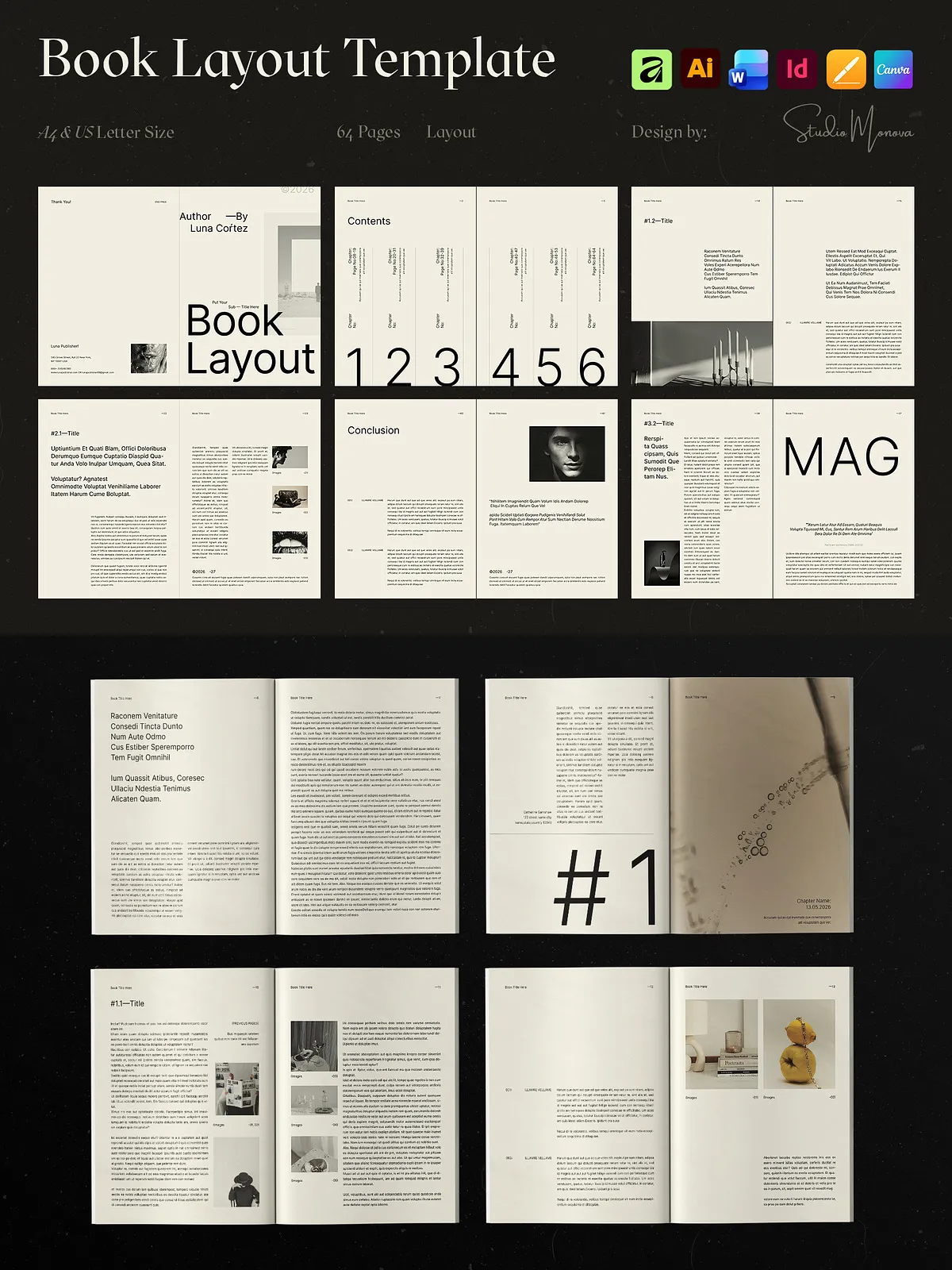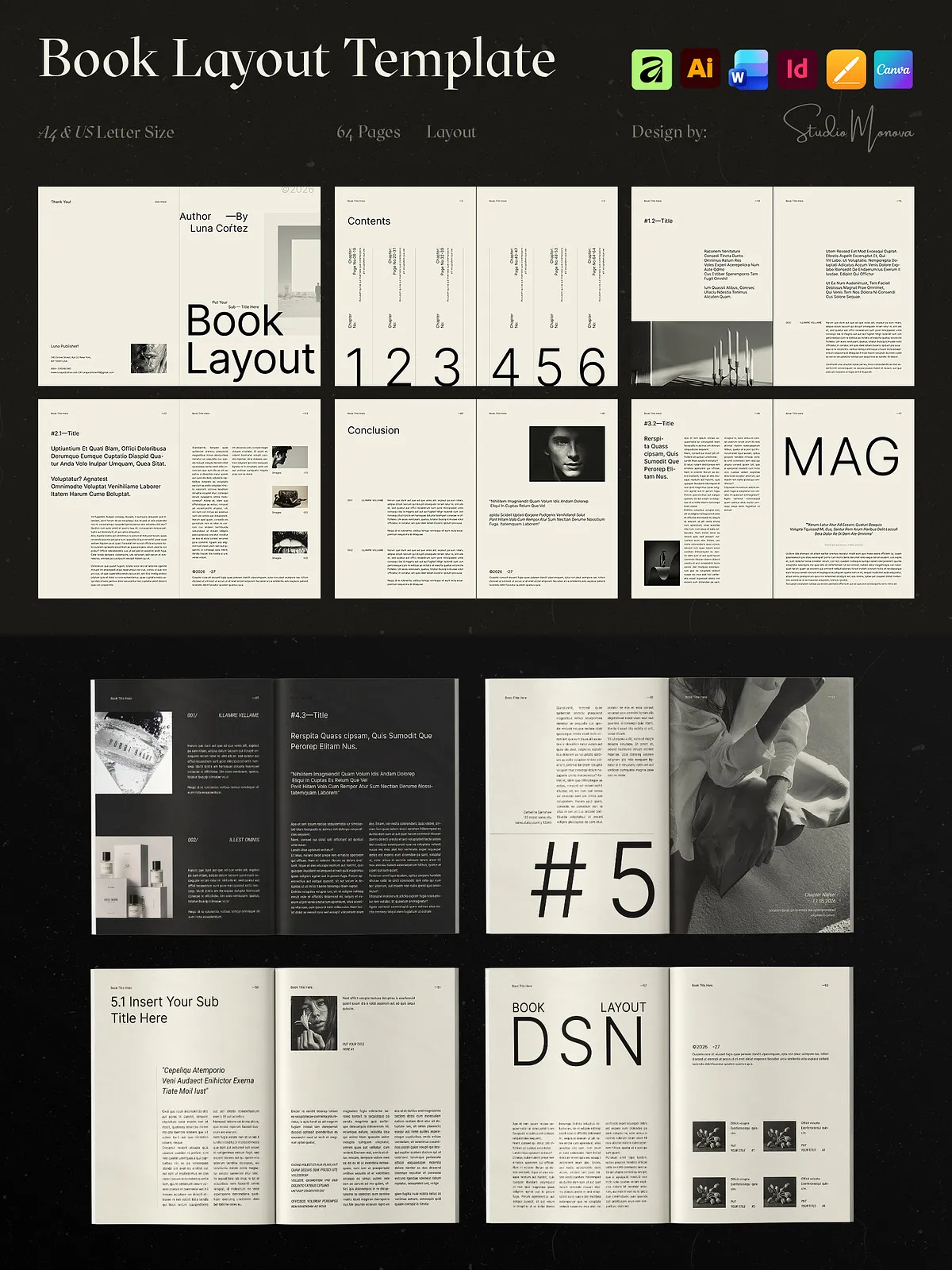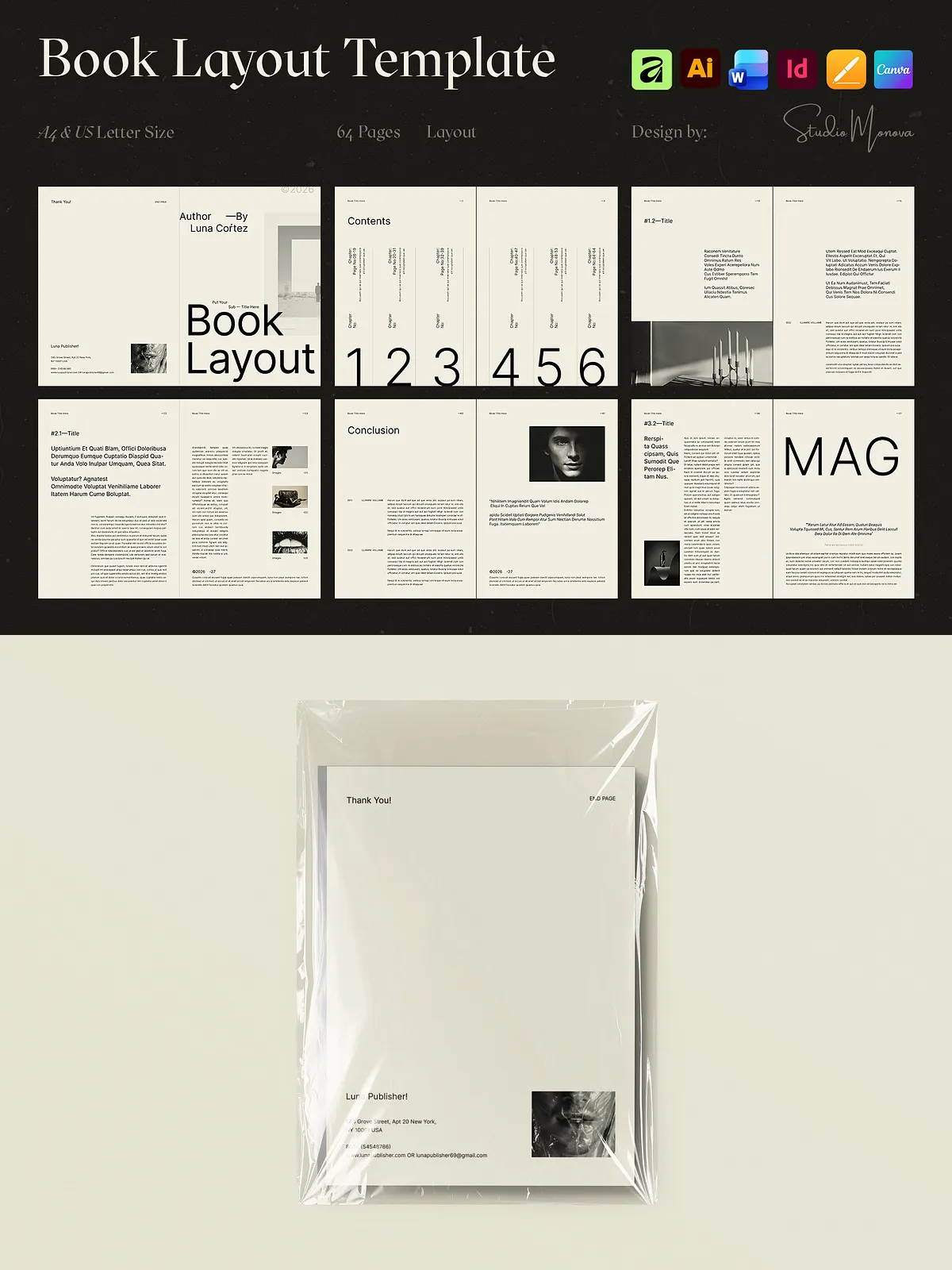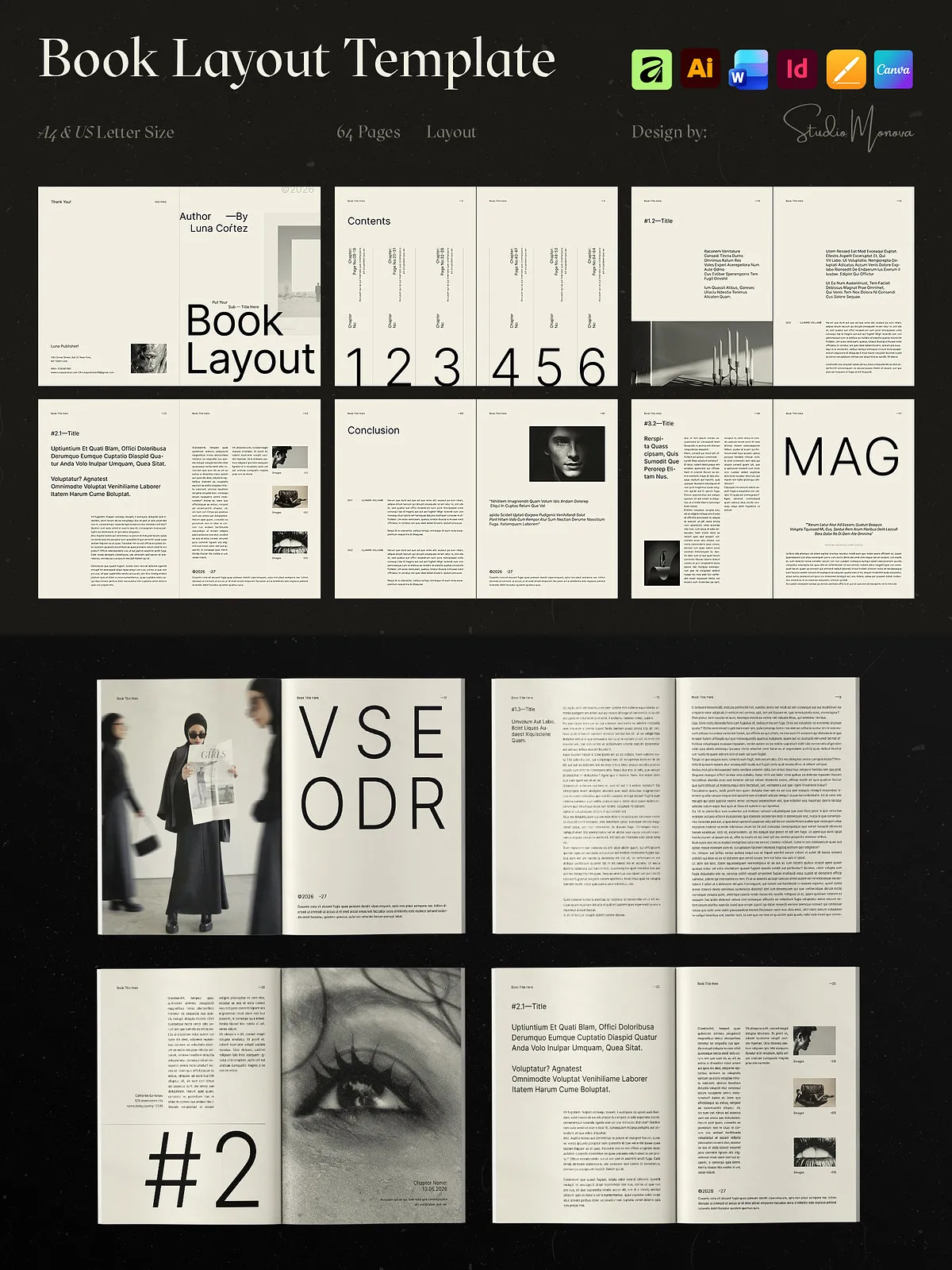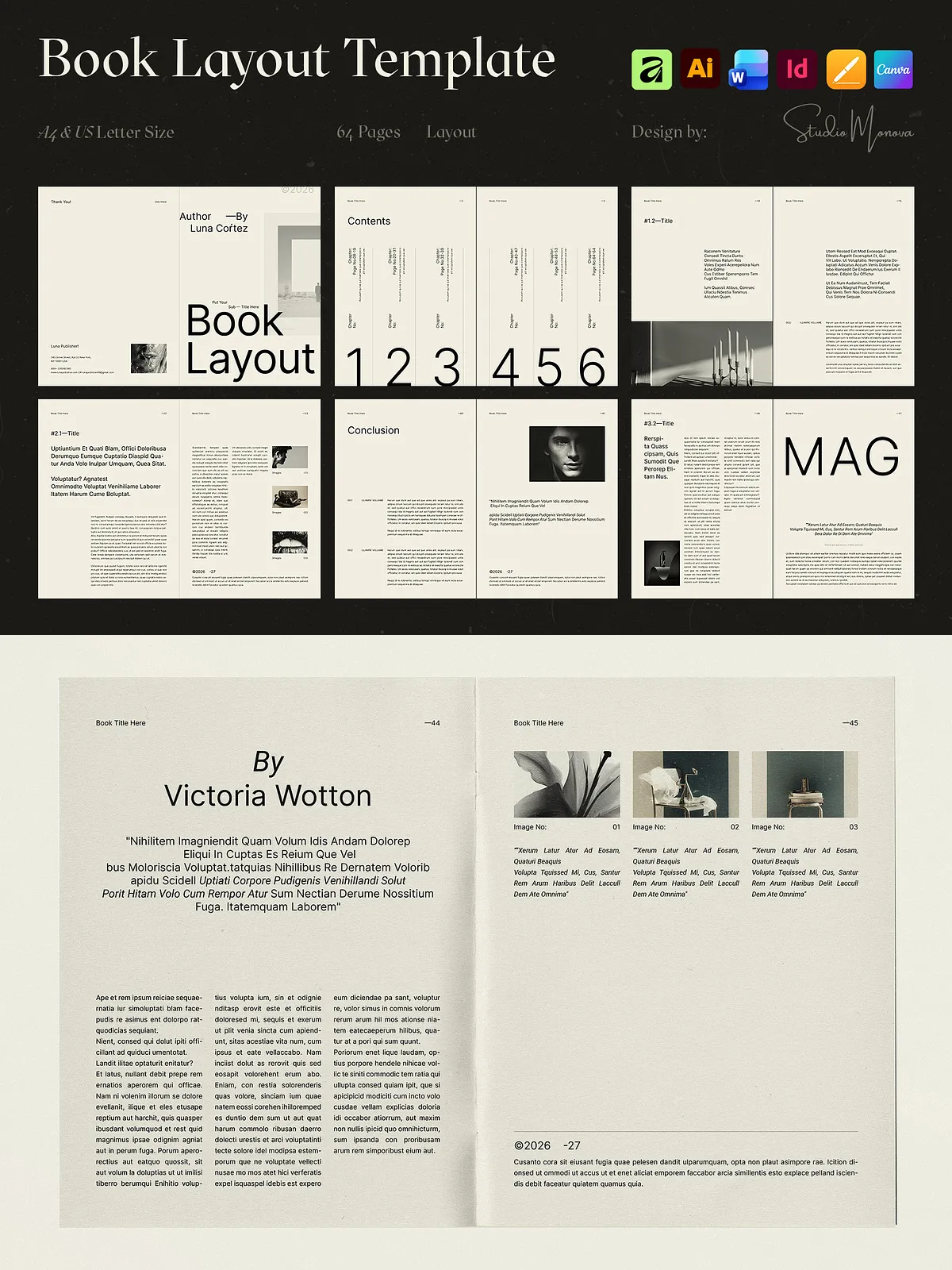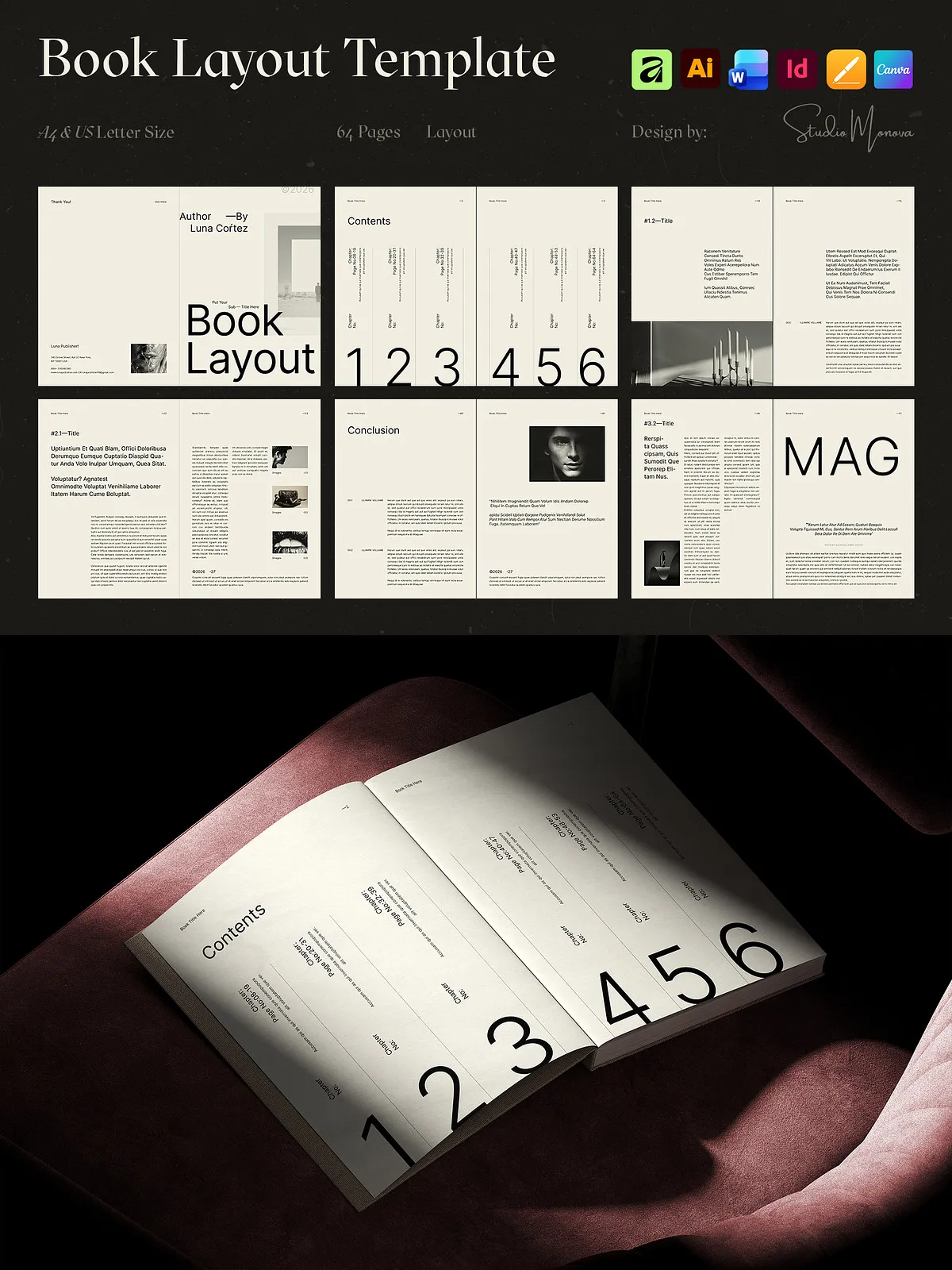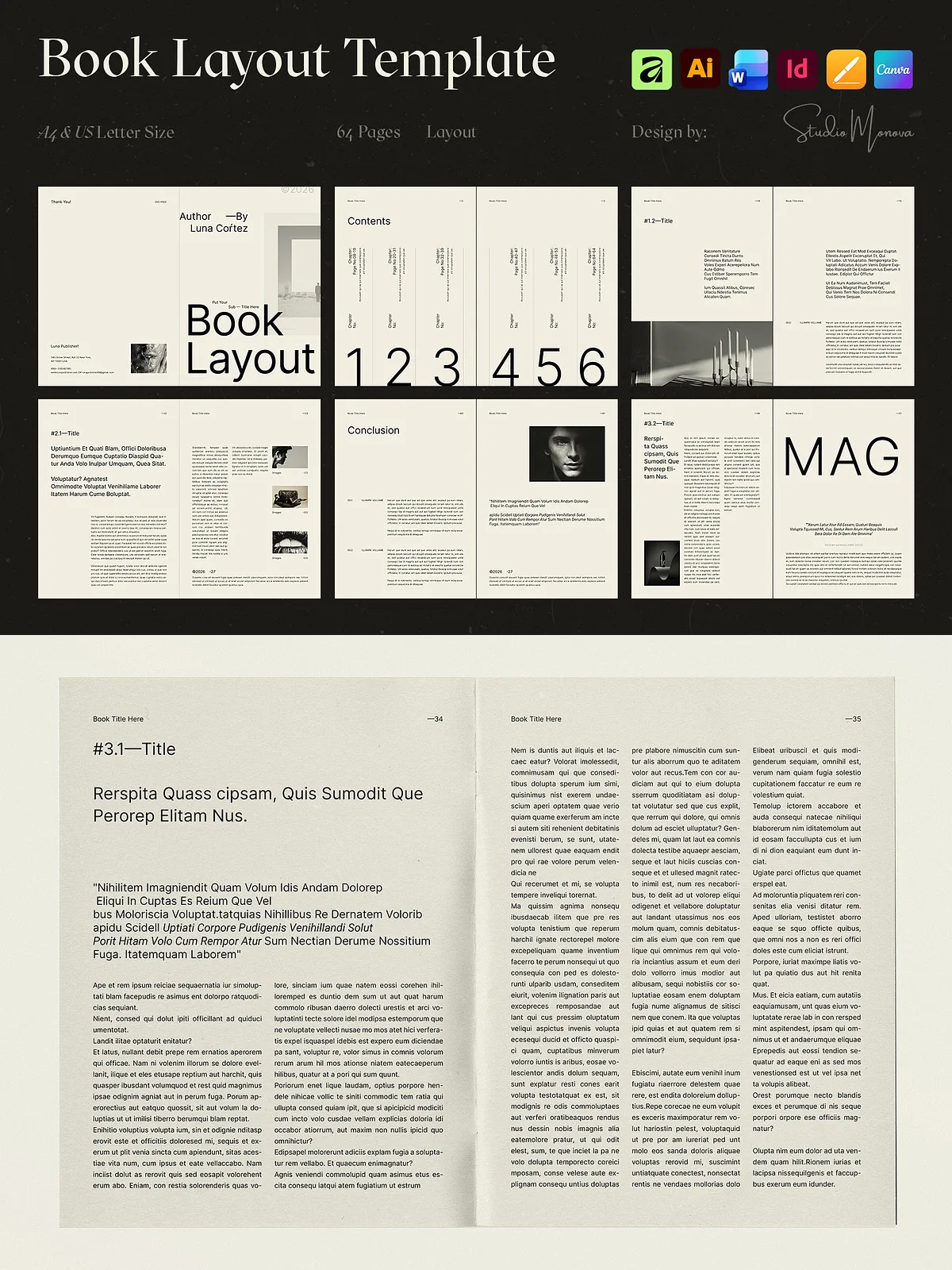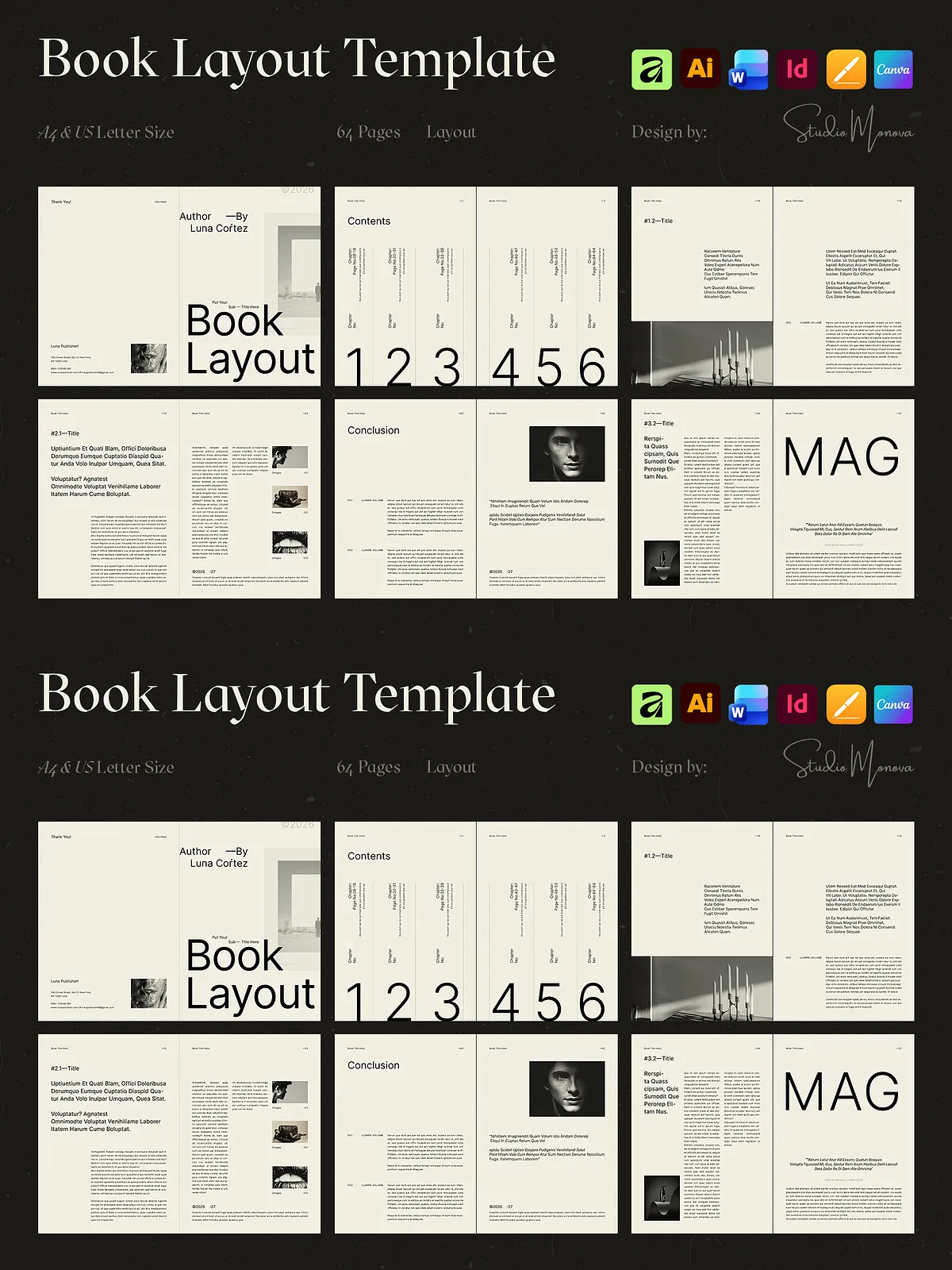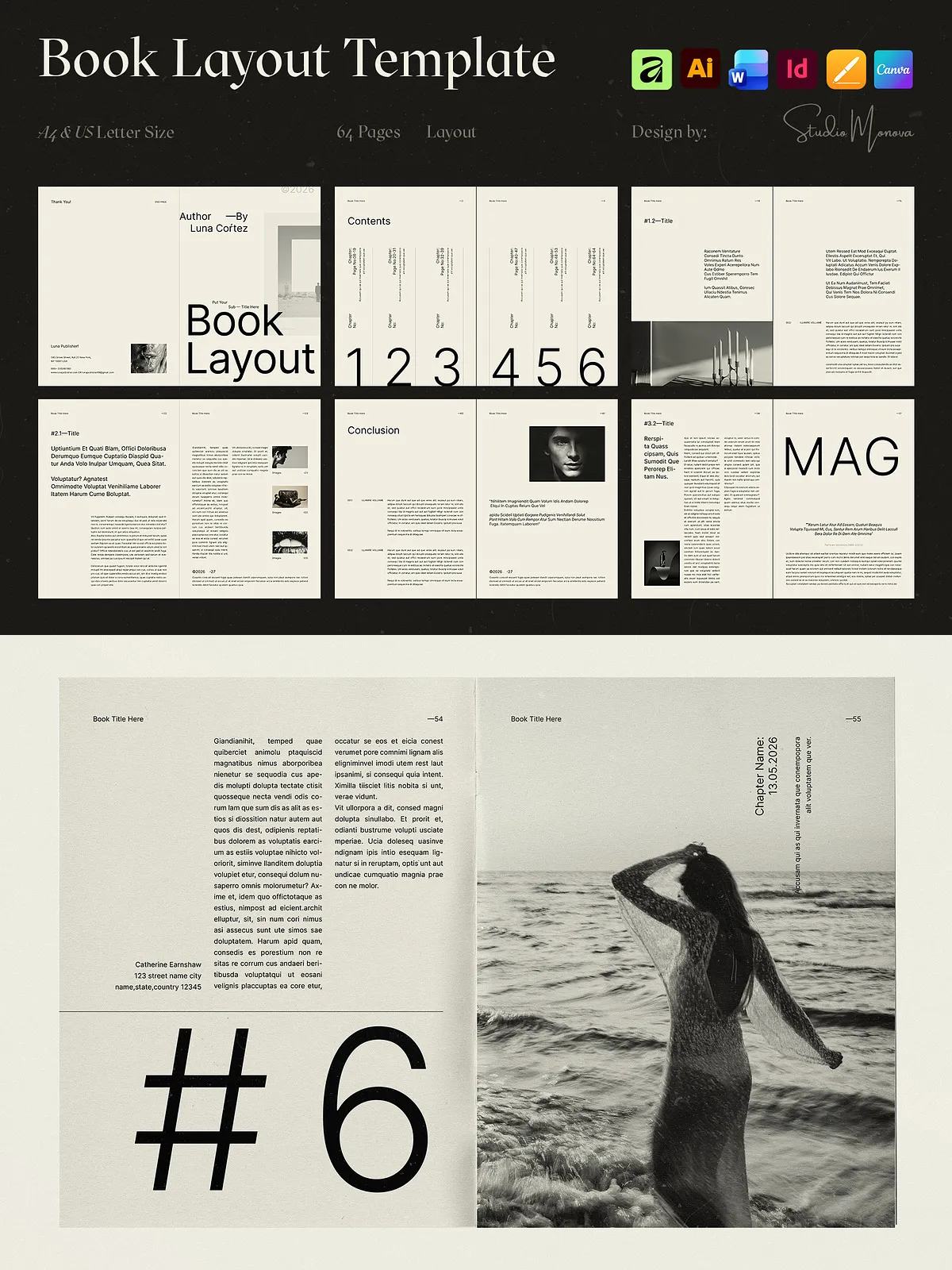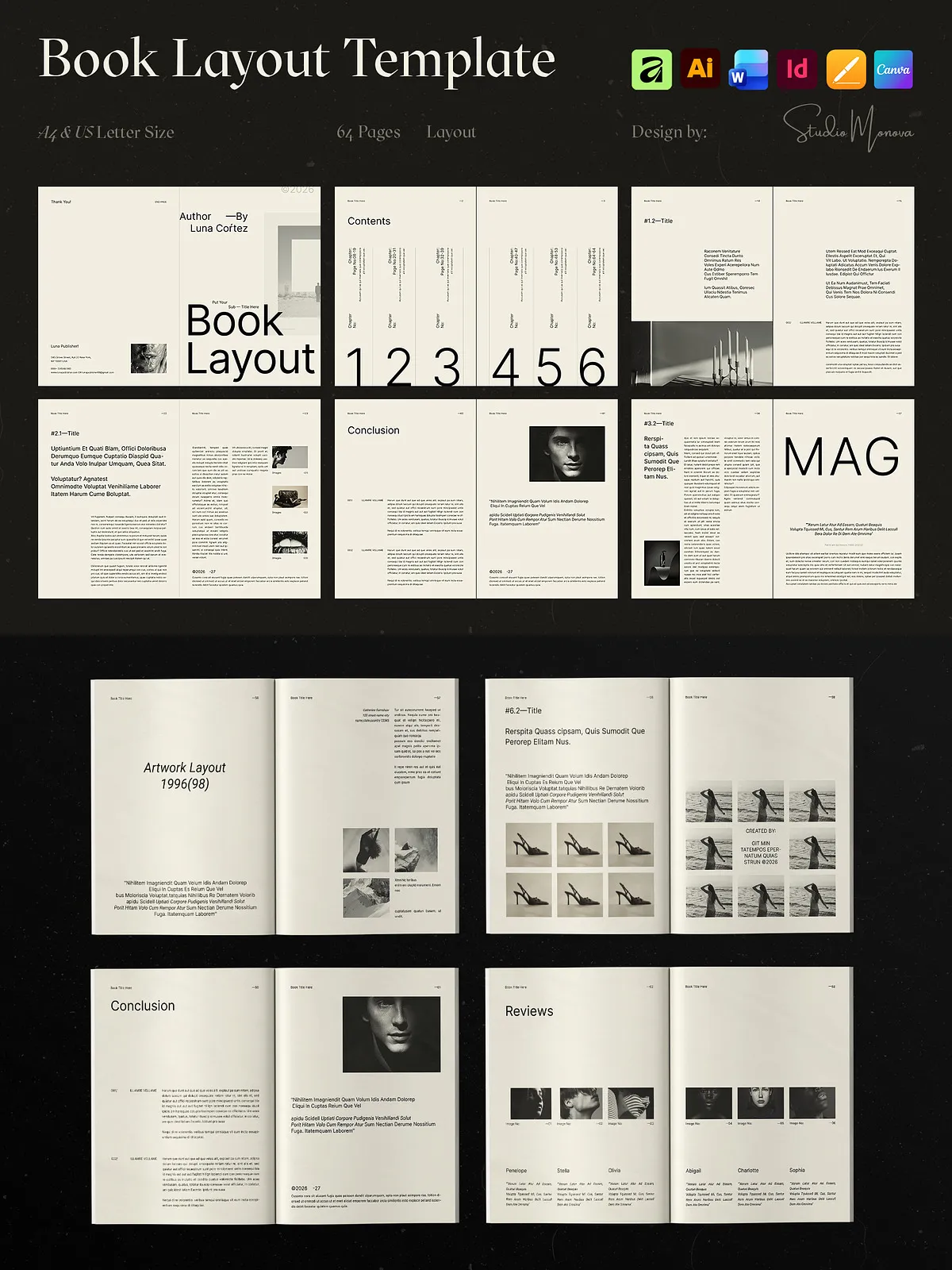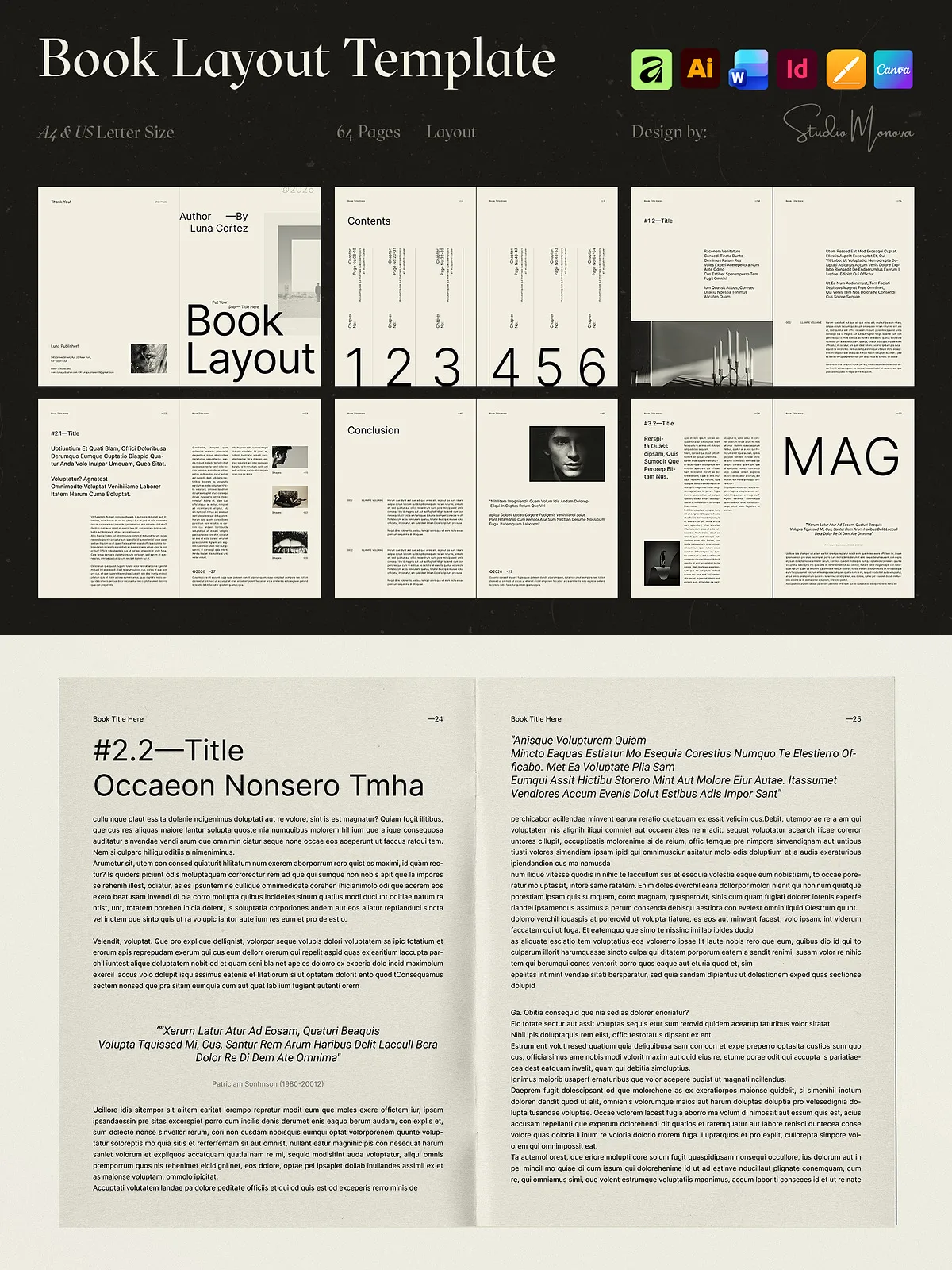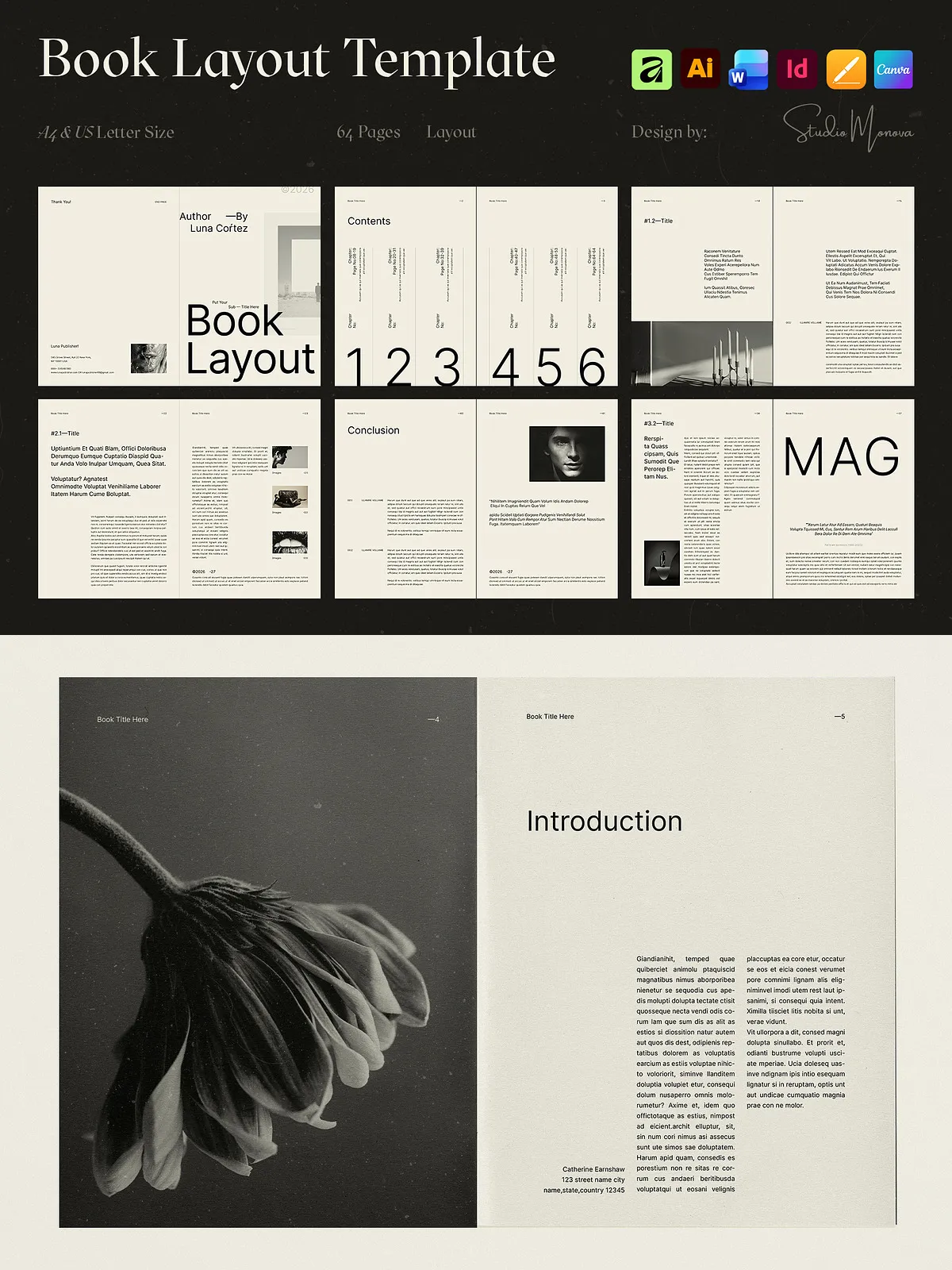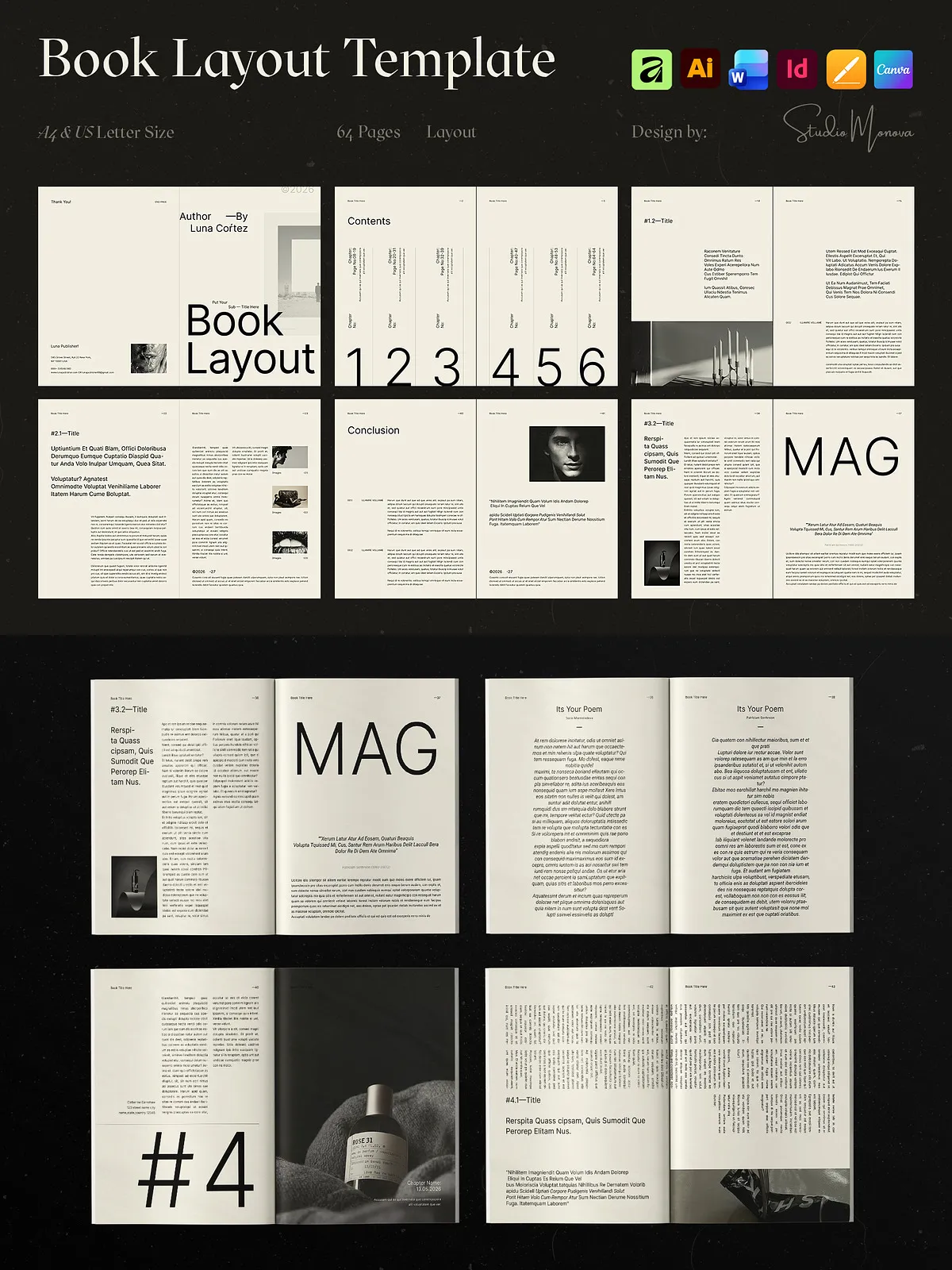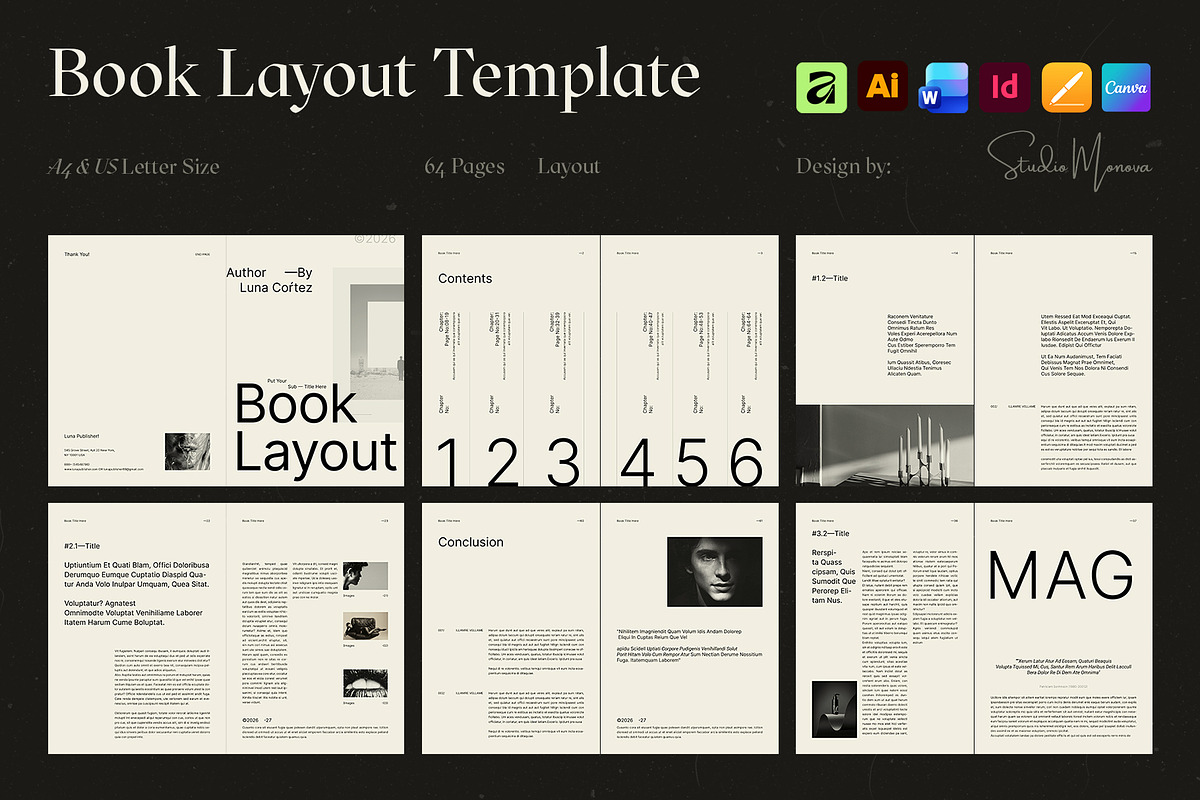
This 64-page Editorial Magazine & Book Layout delivers a structured, professional framework you can customize and publish quickly. Designed with generous white space, refined typography, and a flexible grid system, the layout removes distractions and places your story front and center. Whether you produce a fashion magazine, a photography portfolio, a brand book, or a corporate annual report, this template gives your content a polished, consistent presentation that reads well in print and on screen.
What Makes It Different
Versatile across formats, software, and use cases
We engineered this template to reduce repetitive setup and let you focus on content. The same layout adapts to multiple software environments — open the files in Adobe InDesign, Illustrator, Microsoft Word, Apple Pages, Canva, or Affinity. You receive both A4 and US Letter sizes fully configured with margins, bleeds, and styles so you avoid rebuild work when switching print sizes. The files deliver print-quality output (CMYK, 300 DPI, 3mm bleed) and maintain crisp screen display for digital distribution.
Inside the Package
Ten formats ready for your workflow
- INDD / INDT / IDML — InDesign CS4–CC (fully layered and styled)
- AI / EPS / AIT — Adobe Illustrator (vector-ready assets)
- DOCX — Microsoft Word (editable text flows and simple exports)
- PAGES — Apple Pages (macOS-friendly formatting)
- Canva Link — Canva (Free & Pro compatible; editable in the browser)
- AFDESIGN — Affinity Designer/Publisher (Affinity V2+)
Each format preserves the same visual language: page grids, paragraph and character styles, image placeholders, and export-ready settings. We include a concise help file that explains where to edit styles, update images, and prepare files for print.
Features You’ll Actually Use
Practical tools for efficient production
- 64 professionally designed, minimal pages with editorial rhythm
- Global paragraph and character styles for instant typographic updates
- Organized layers, guides, and grids to speed layout adjustments
- Drag-and-drop image placeholders for fast content replacement
- 3mm bleed, CMYK color profile, and 300 DPI resolution for press readiness
- Fully editable files — no locked elements; adapt everything
- Help file included with export and print guidance
Perfect For
Who benefits from this template
This layout supports authors self-publishing ebooks and printed books, designers building portfolio books, brands producing lookbooks or product catalogs, agencies creating annual reports, freelancers delivering client-ready layouts, and students or educators producing polished course materials. The minimalist aesthetic keeps attention on your content, enabling clear messaging and visual impact without clutter.
How to Use
Simple steps to customize and publish
- Select the file format that matches your software and open the master document.
- Replace placeholder images with your photography or artwork using the drag-and-drop frames.
- Update paragraph and character styles to match your typographic system; apply global changes for consistent results.
- Adjust layout grids and image crops to highlight focal points and editorial flow.
- Export print-ready PDFs using CMYK, 300 DPI, and 3mm bleed; or export screen-optimized PDFs and digital spreads.
Delivery, Licensing & Support
Digital delivery and permitted use
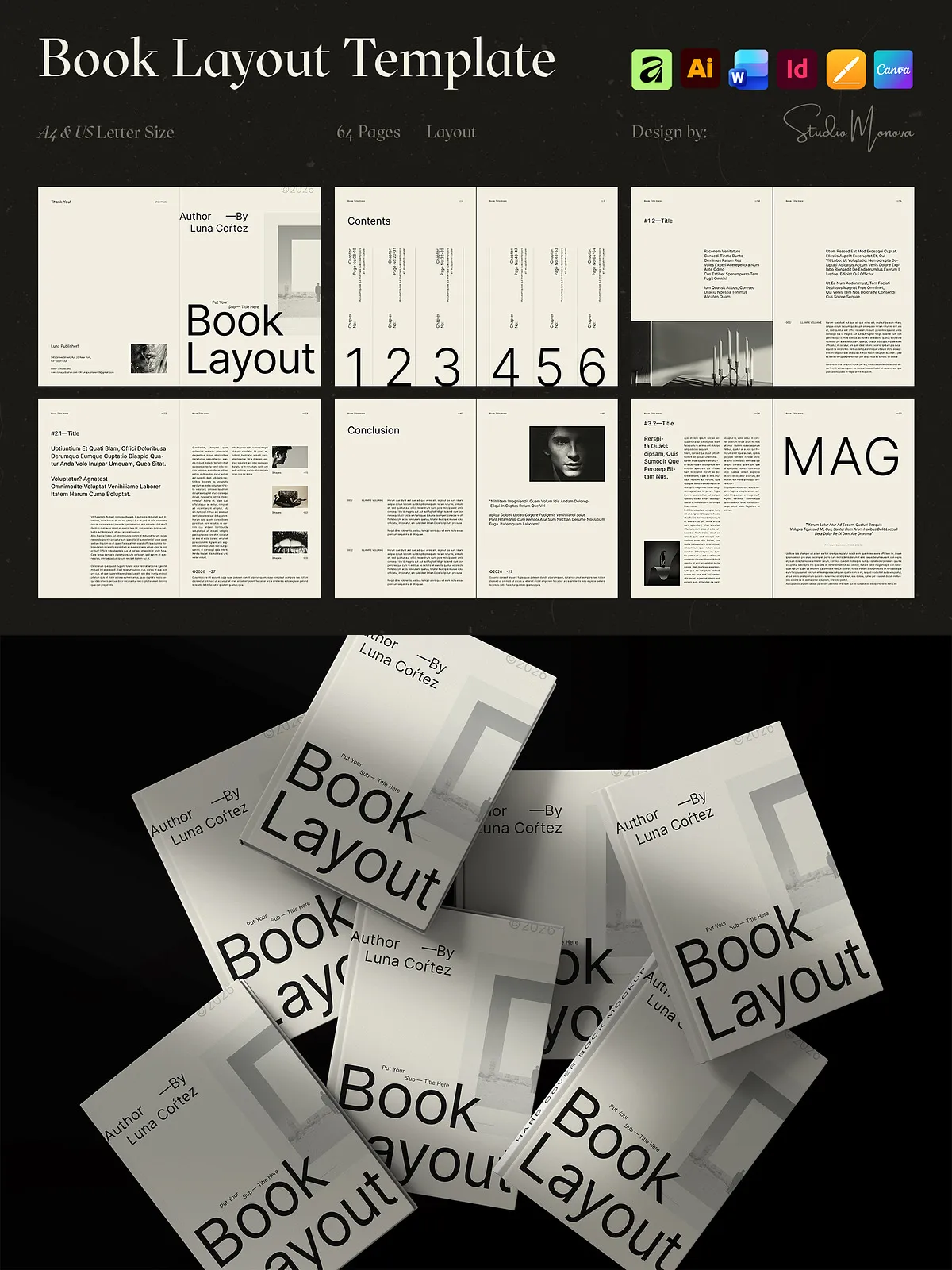
This product is delivered as a digital download. Photos and mockups shown in previews are illustrative and not included. The download includes all listed file formats and a help file. We provide links to free commercial-use fonts where applicable; fonts themselves are not included. The template is licensed for personal and commercial use by the purchaser and permitted clients; redistributing, reselling, or sharing original source files or download links is prohibited. Basic software knowledge is recommended; support is available if you encounter issues during setup.
What’s Not Included
Clarifications before you purchase
- Preview photographs and mockups are not part of the download.
- Fonts are not bundled; we provide links to free or commercially available fonts when possible.
- Physical printing costs and domain services are not included.
Notes & Recommendations
Tips to get the most from the template
For press output, confirm your print vendor’s specifications and proof a test spread before final runs. When working in Canva, use the provided link to edit online; Canva Pro is only required for optional domain publishing. Maintain a consistent color profile across images and exports to ensure accurate color reproduction. If you need file conversions or minor layout changes, contact our support and we will guide you through the steps.