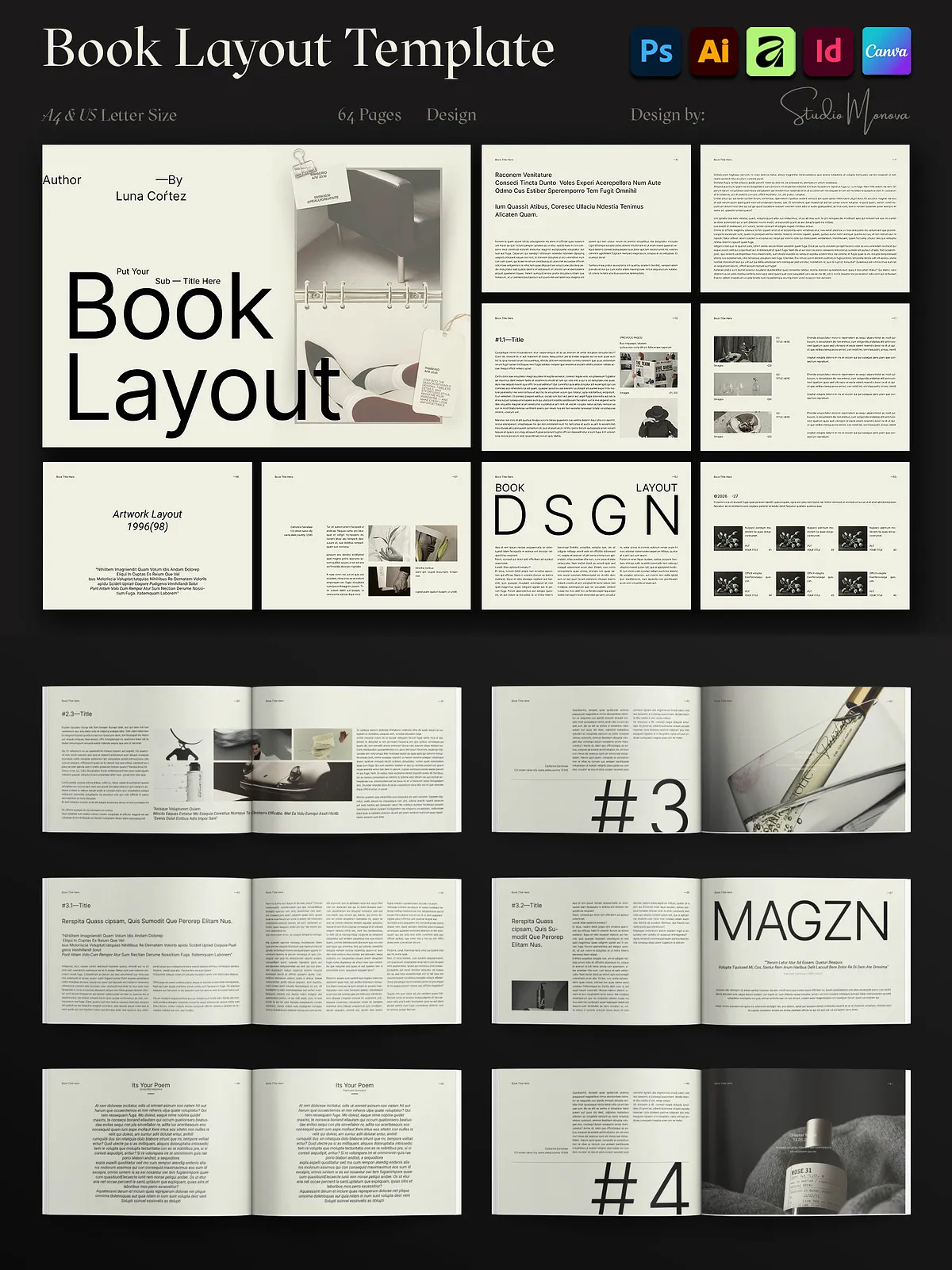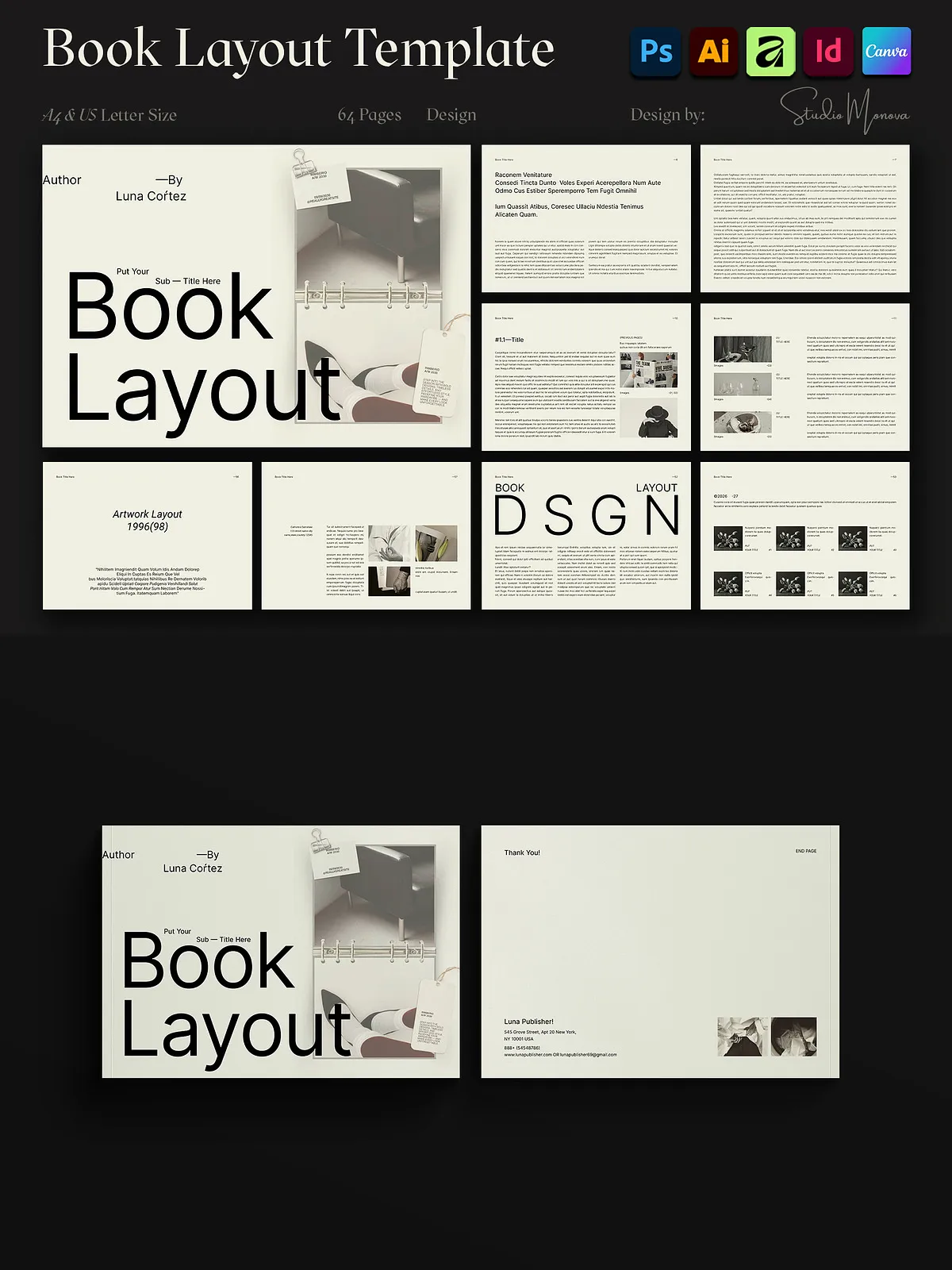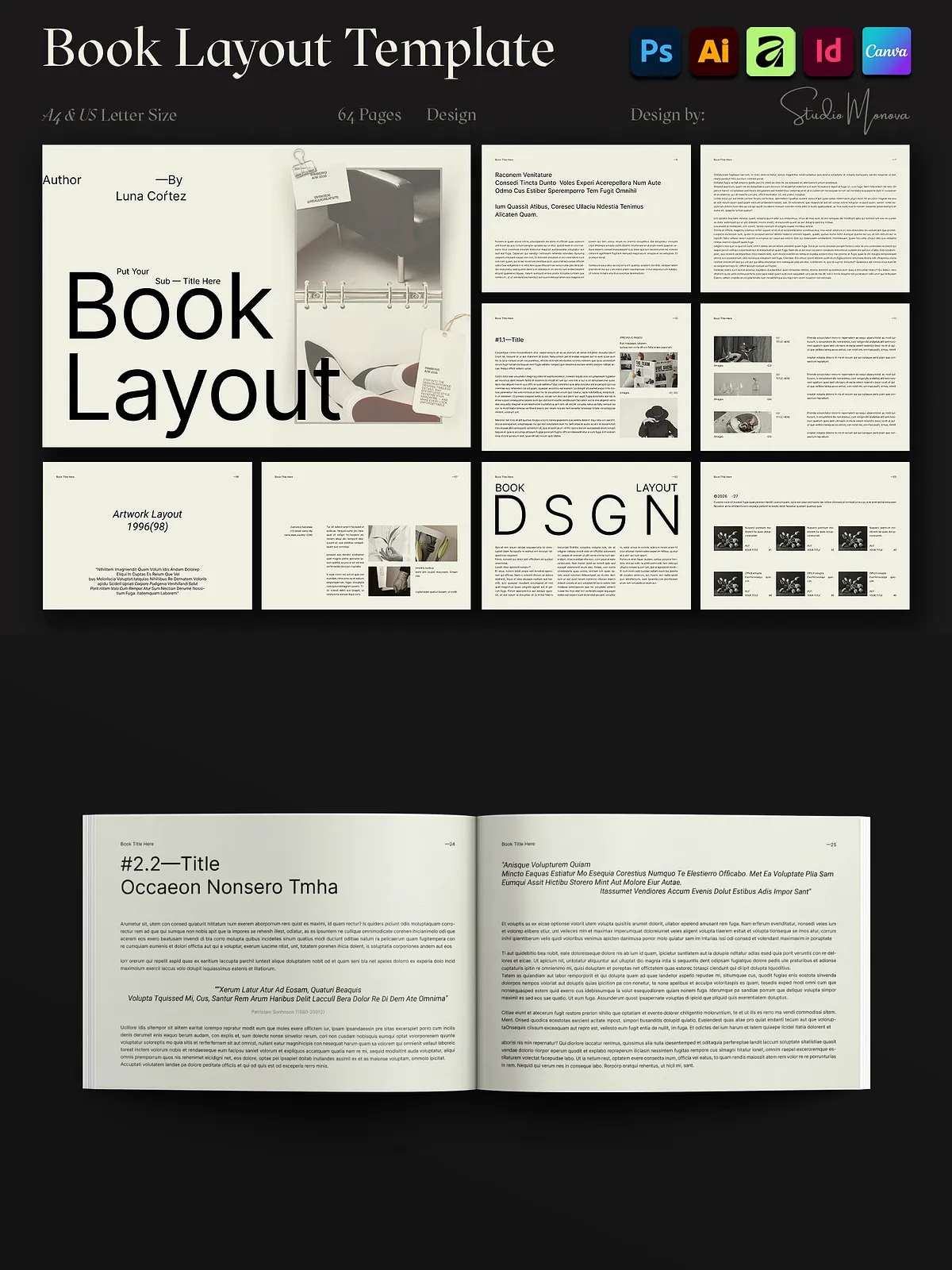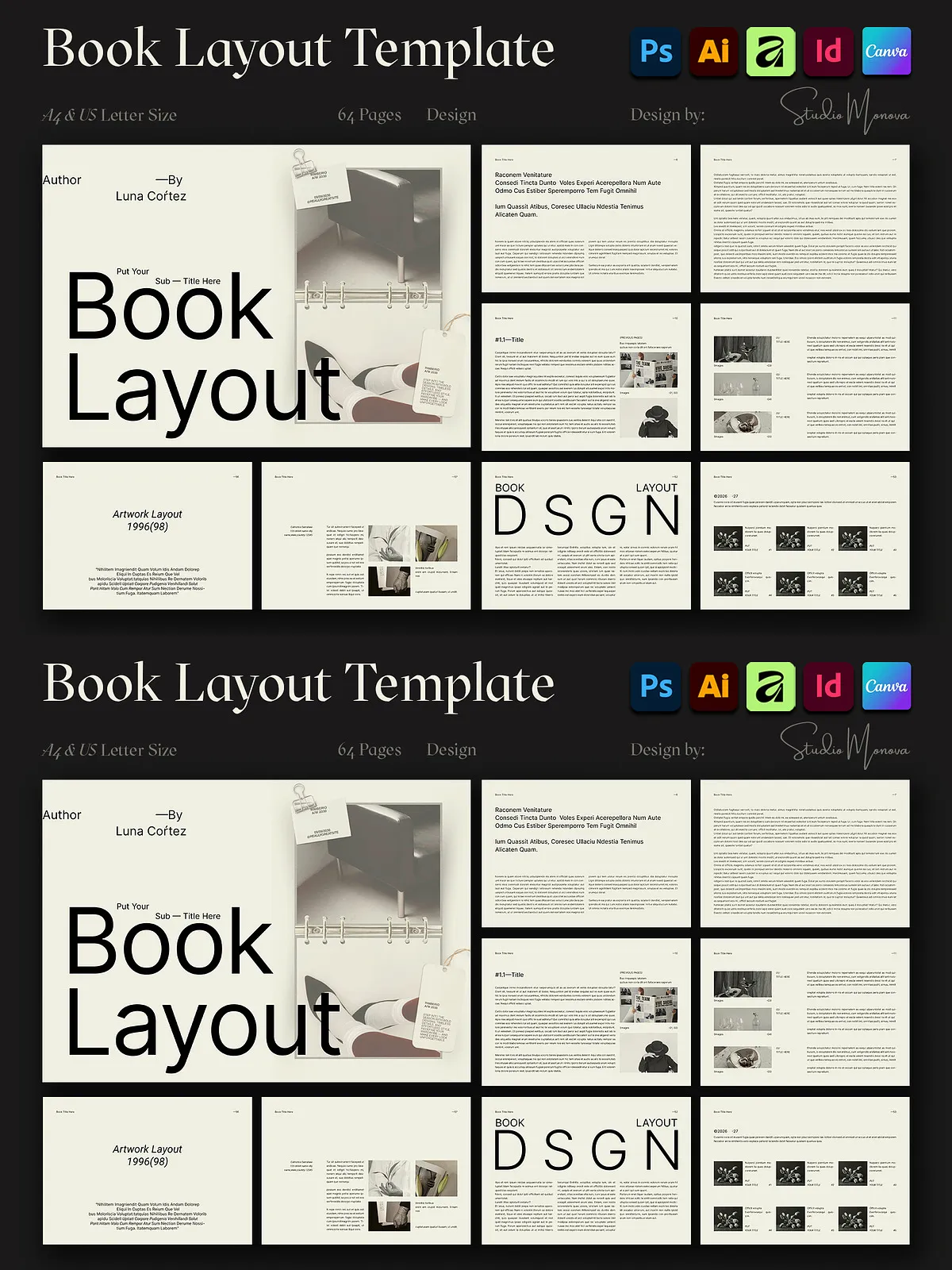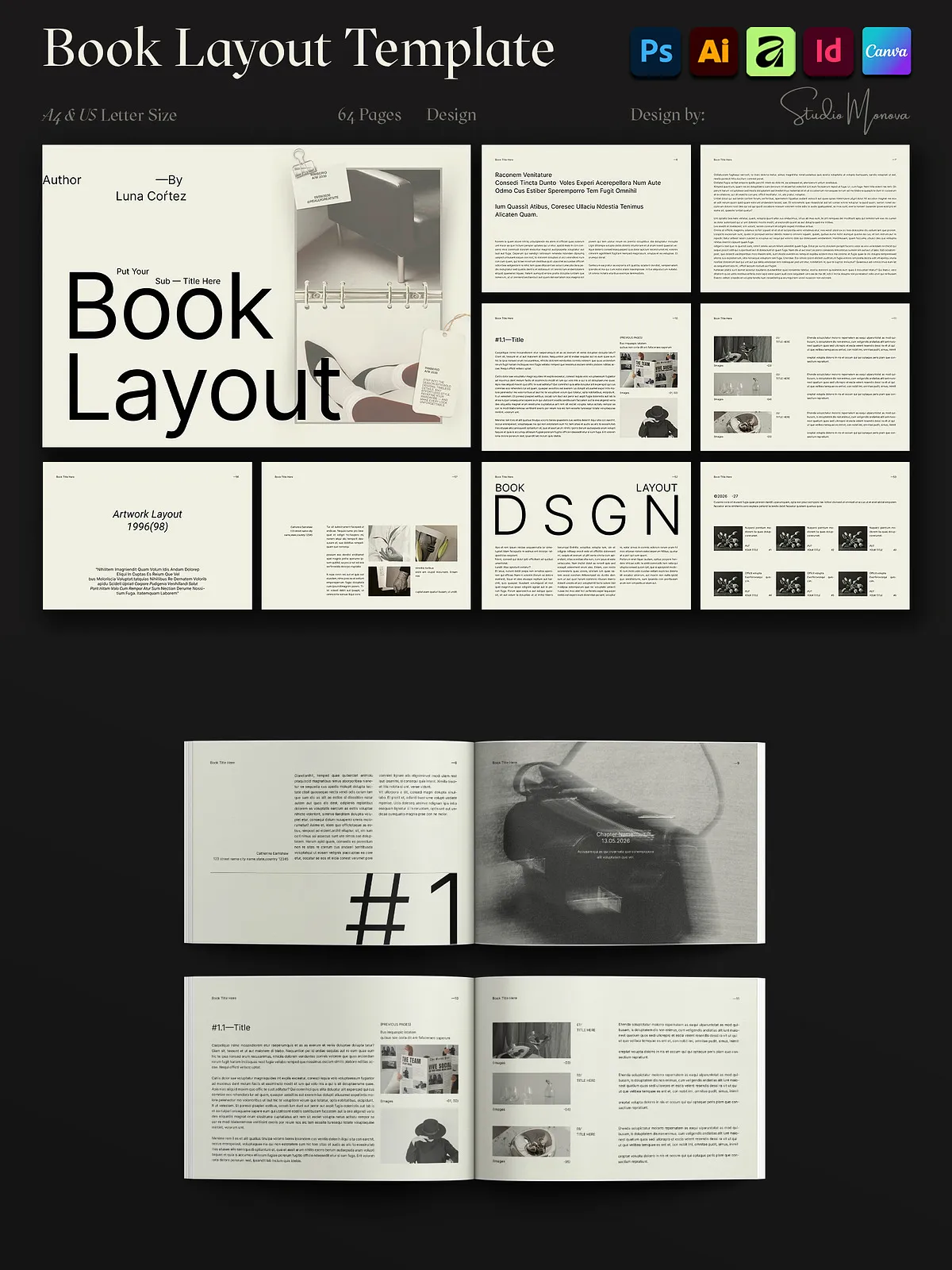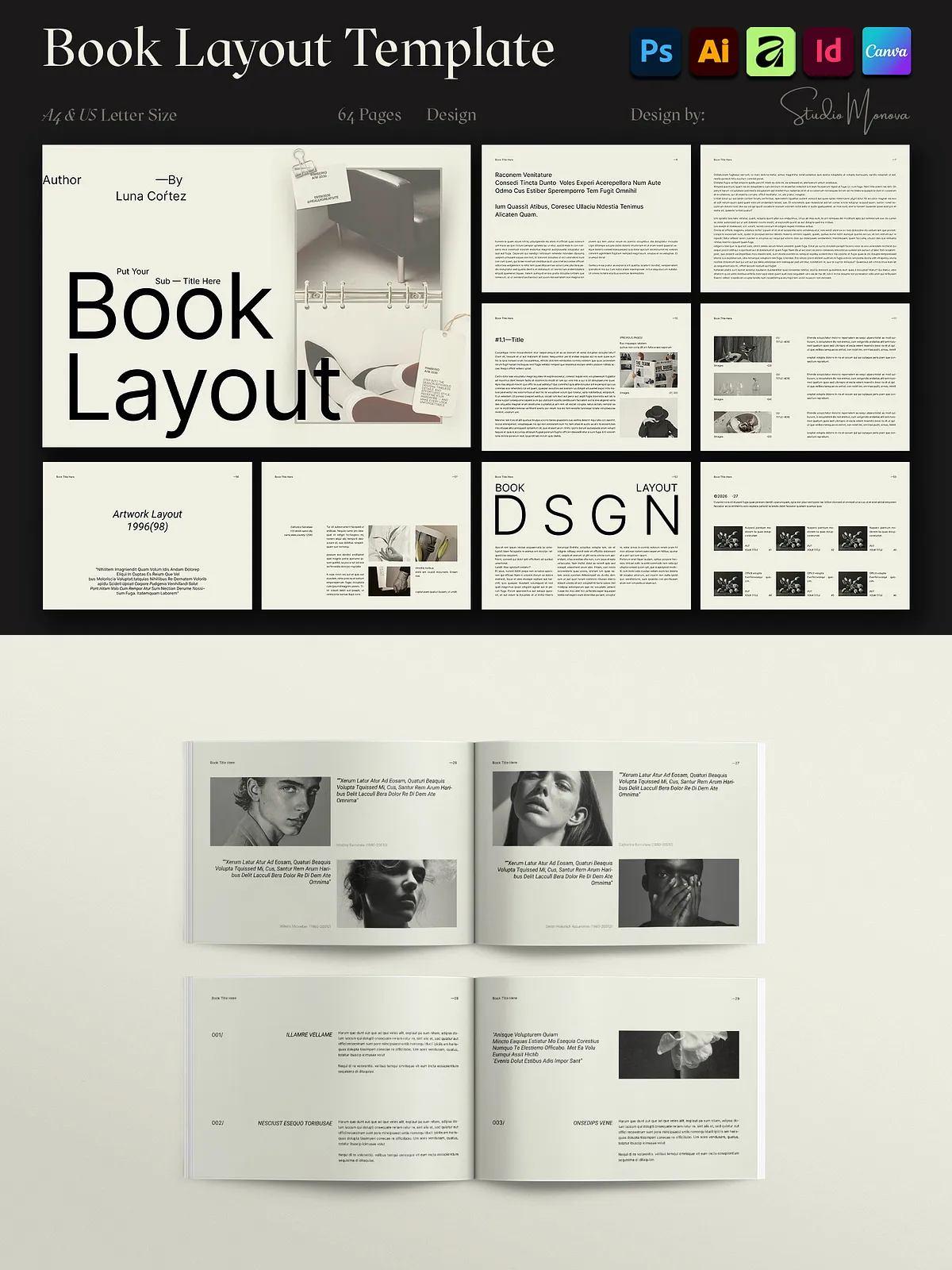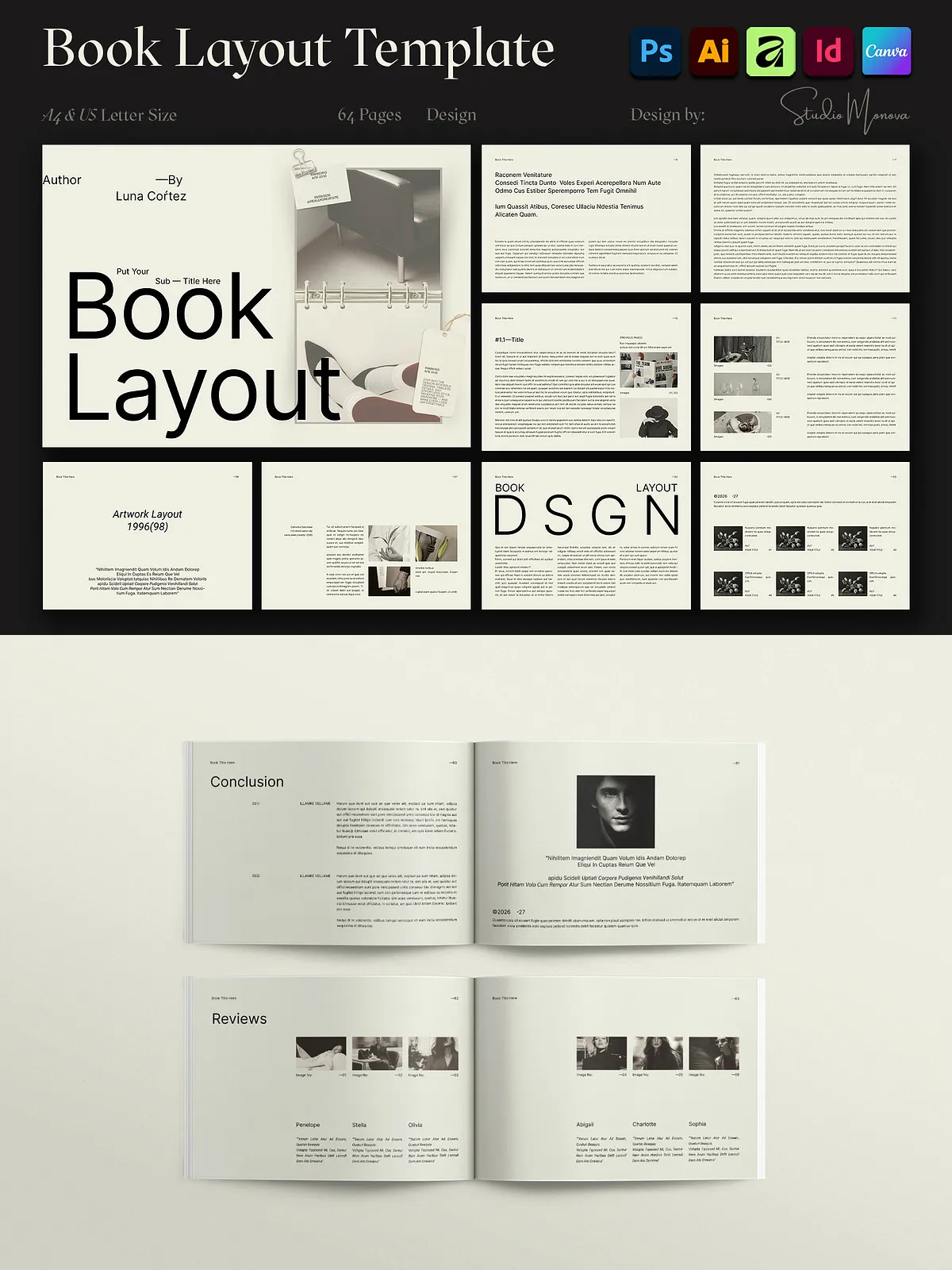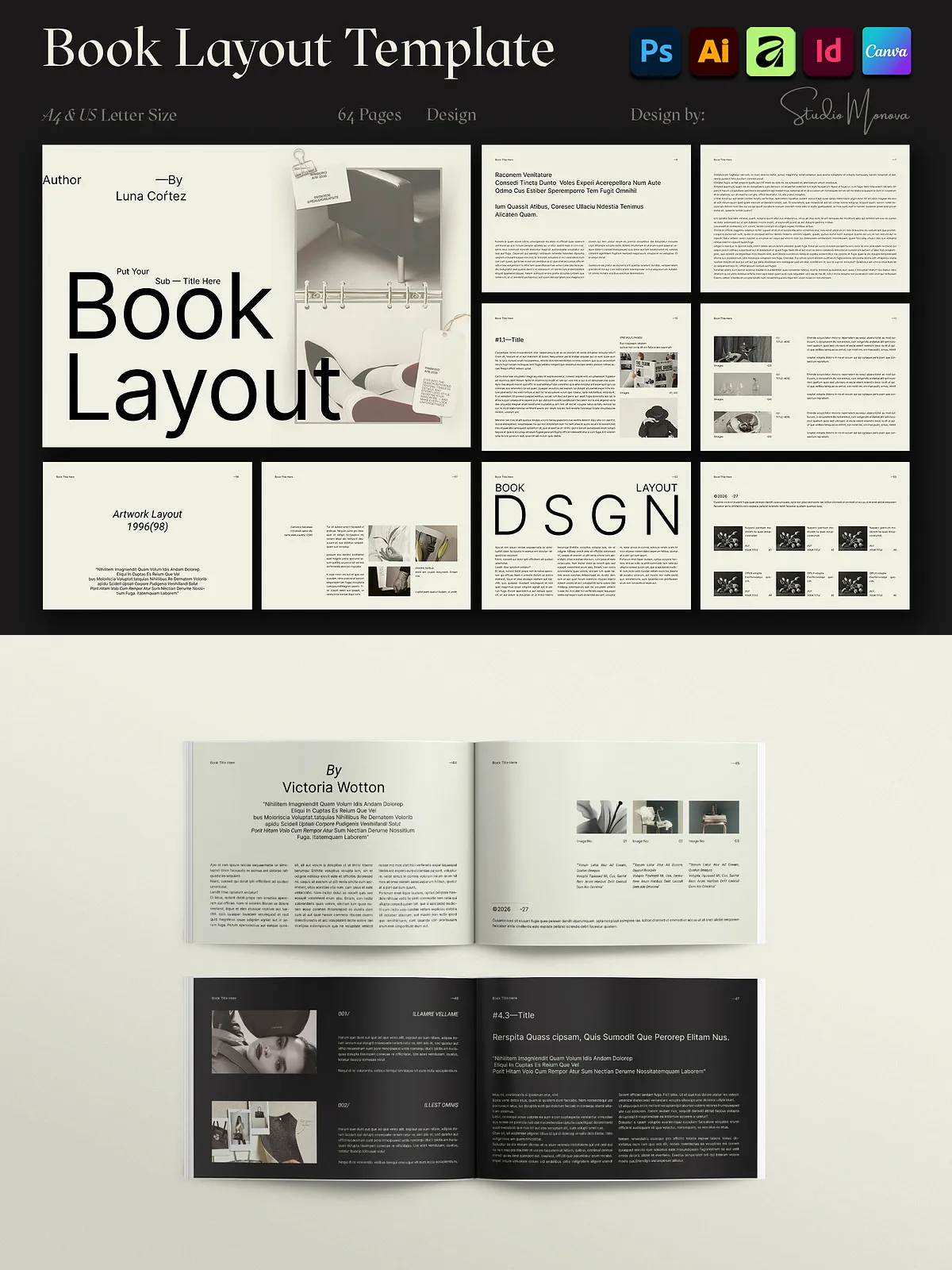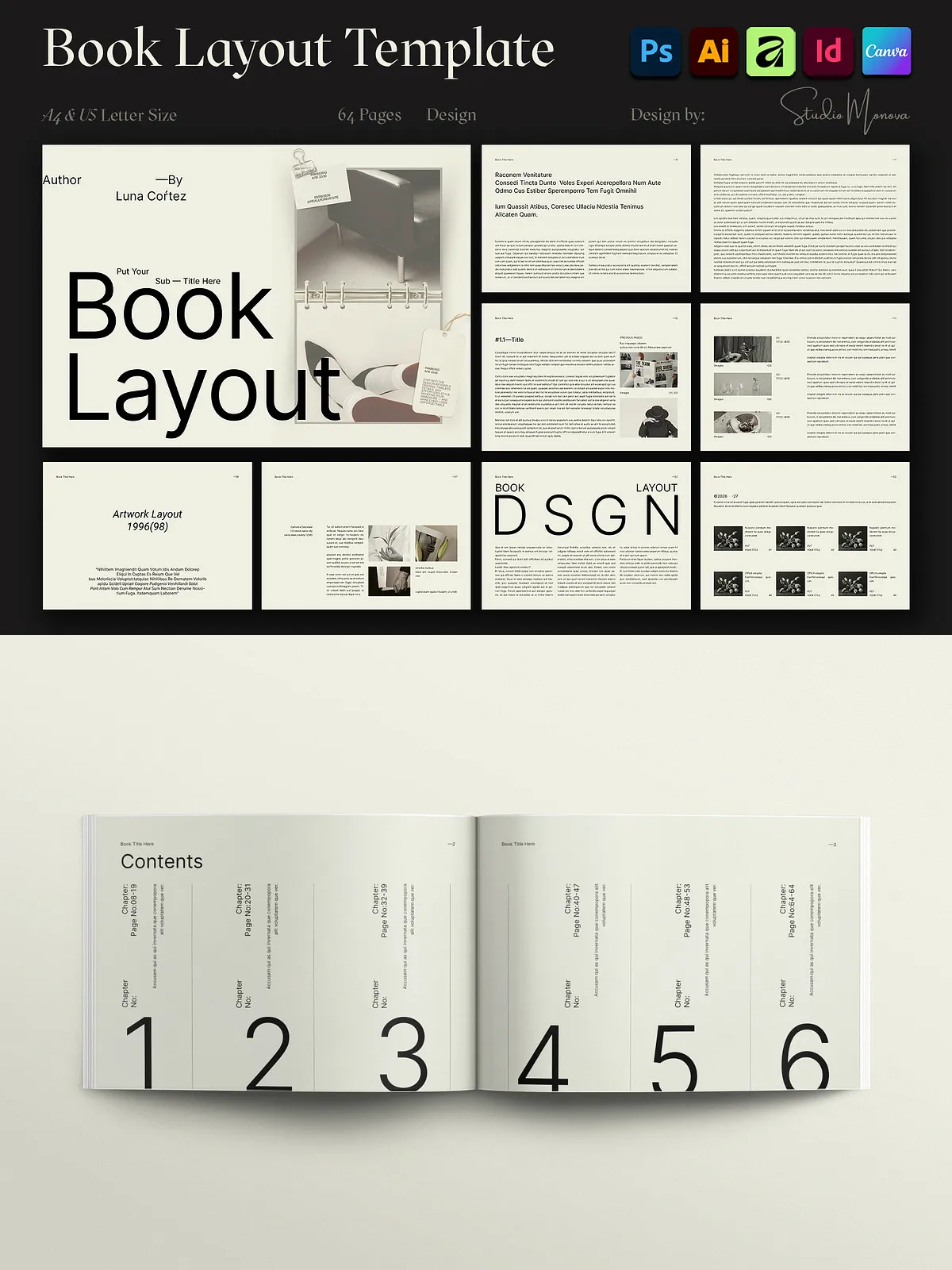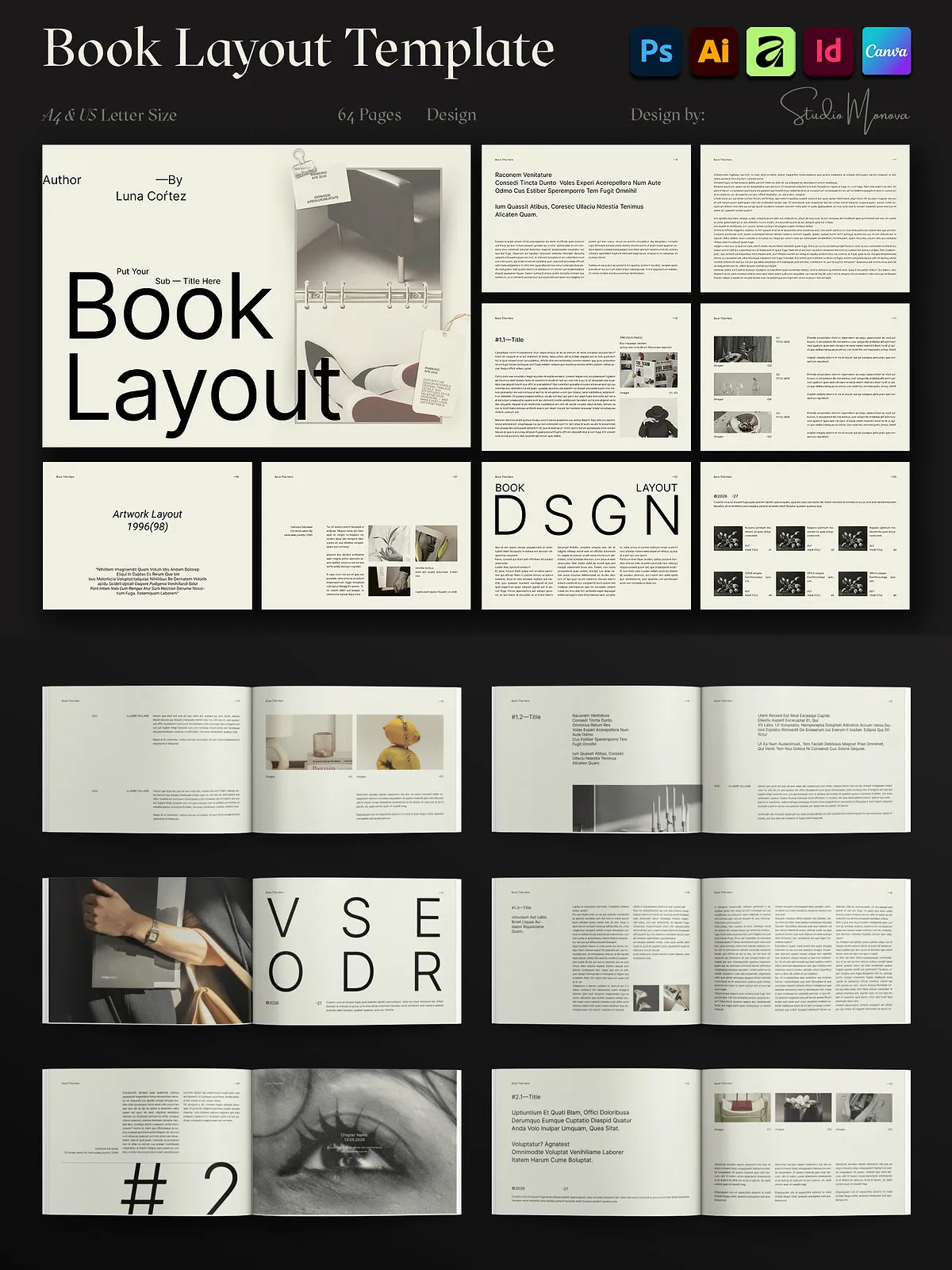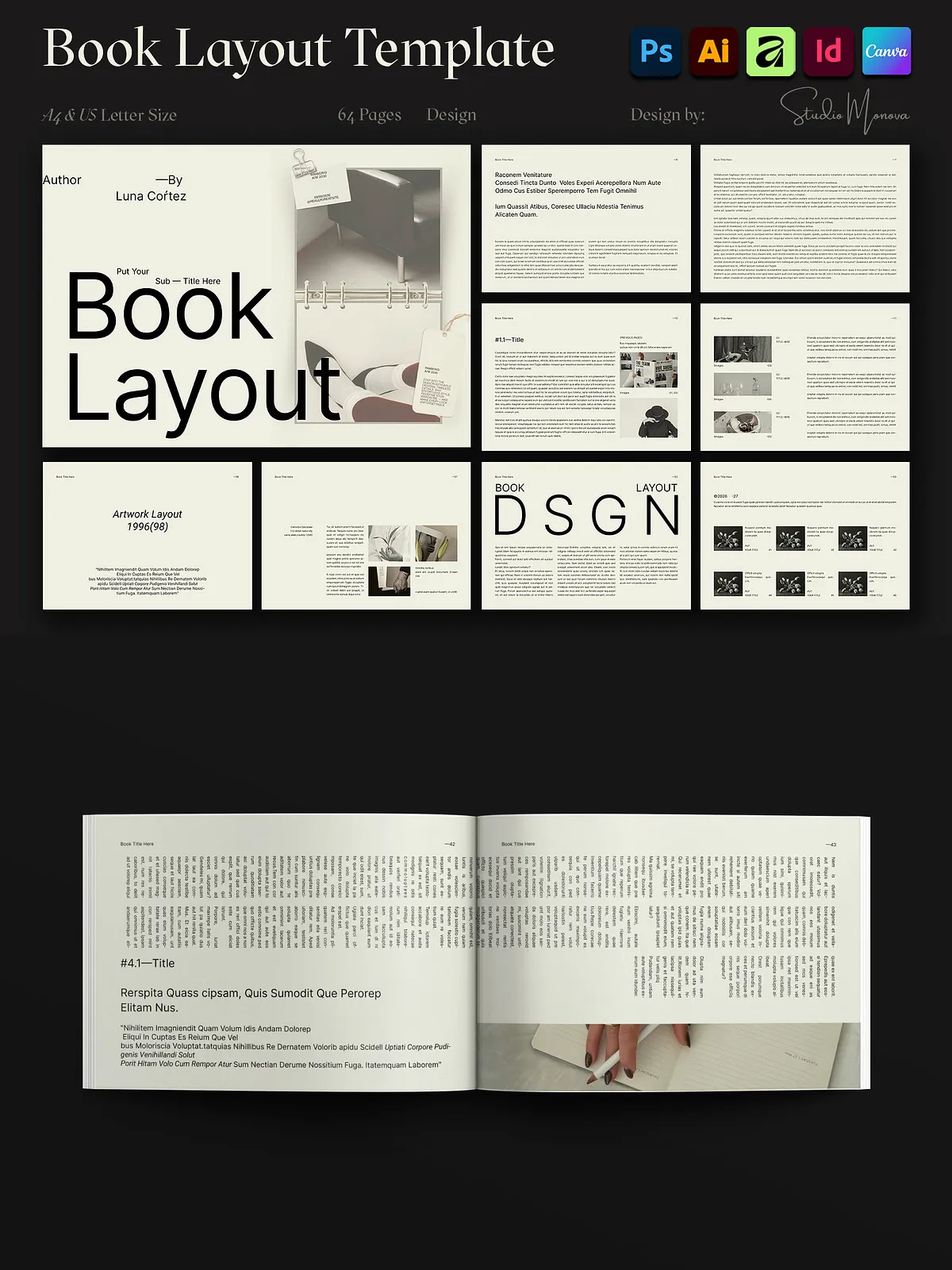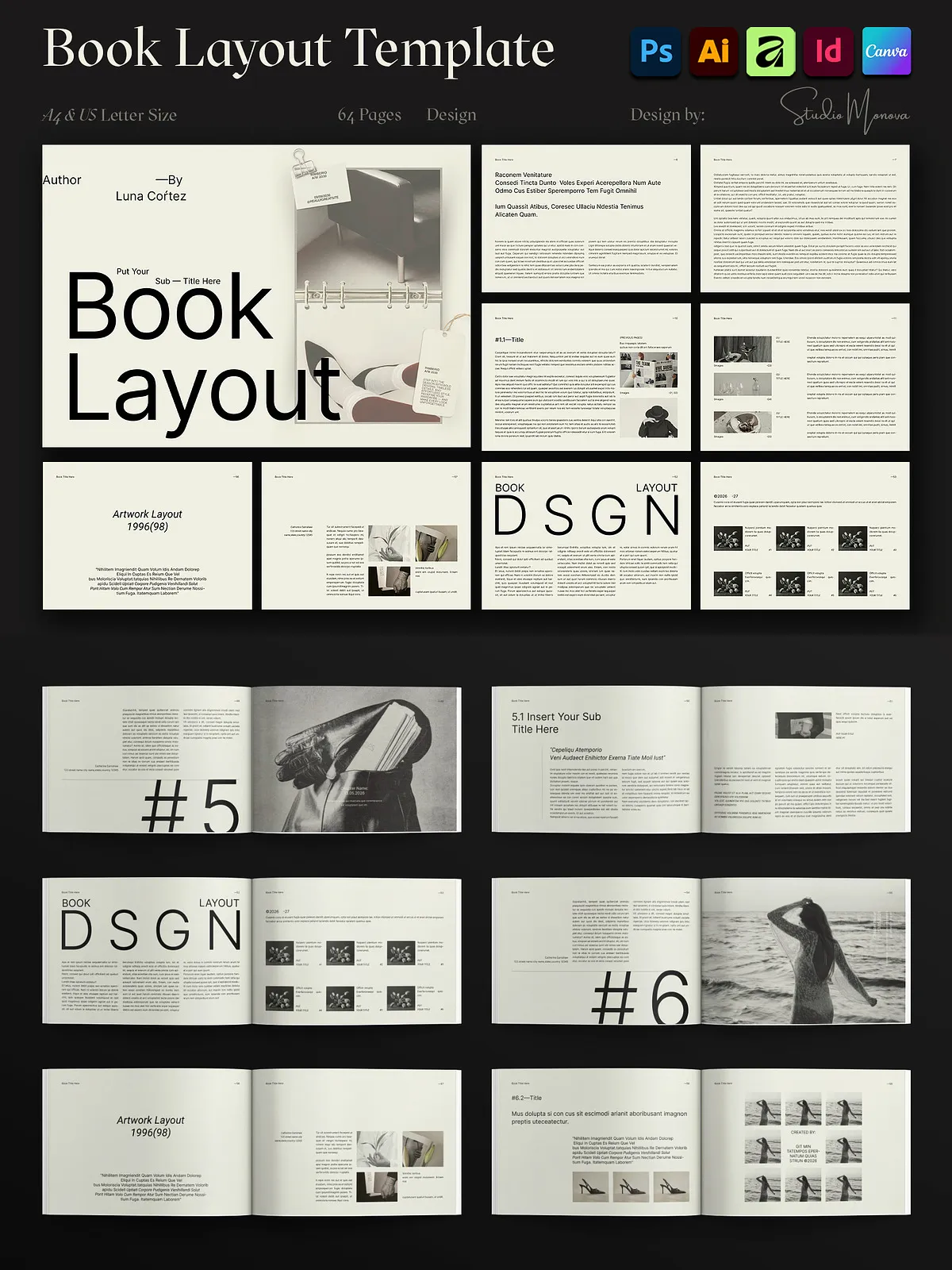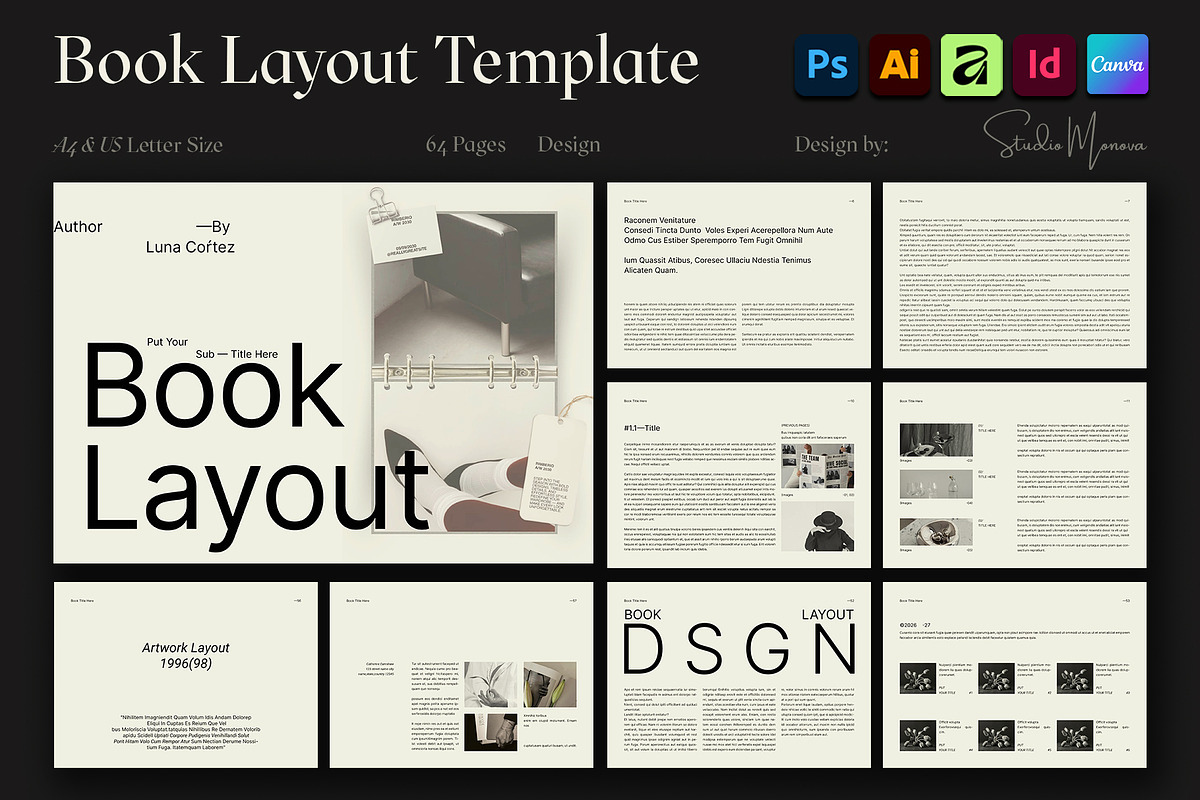
This Editorial Magazine & Book Layout Landscape Template delivers a complete, production-ready system for designers, authors, agencies, and creative teams. Built around a disciplined grid and generous white space, this 64-page landscape template emphasizes clarity and hierarchy so your text, imagery, and editorial storytelling take center stage. The package supports A4 and US Letter formats, works across multiple design platforms, and includes print-ready settings so you can finalize files for professional presses or digital distribution without rebuilding layouts.
Key Features
Design and typographic control
- 64 minimal, professionally structured pages designed for editorial flow and visual rhythm.
- Paragraph and character styles for consistent typography—update styles globally to iterate quickly.
- Organized layers, guides, and modular grids that speed layout variations and ensure alignment.
- Drag-and-drop image placeholders to swap imagery rapidly while maintaining proportions and crop.
Production-ready specifications
- Two paper sizes included: A4 and US Letter with correctly configured margins and bleeds.
- Print-ready: CMYK color mode, 300 DPI effective resolution, and 3 mm bleed on all pages.
- Fully editable files—nothing locked—so you can tailor every element for brand consistency.
- Help file included with setup tips, export settings, and font references to remove guesswork.
Included Formats & Software Compatibility
Open, edit, and export in the tool you prefer
| Format | Software |
|---|---|
| INDD / INDT / IDML | Adobe InDesign CS4–CC |
| AI / EPS / AIT | Adobe Illustrator |
| PSD | Adobe Photoshop |
| Canva Link | Canva (Free & Pro) |
| AFDESIGN | Affinity Studio |
Who Should Use This Template
Applications and ideal users
Designers, authors, and creative professionals will find this template accelerates their production process. Use it to publish fashion magazines, photography portfolios, brand books, corporate reports, catalogues, and classroom materials. Freelancers and agencies can quickly generate client-ready mockups and deliverables, while self-publishing authors can prepare print-ready files and ebooks without hiring a layout specialist.
Why This Template Saves Time
Efficient workflows and predictable results
Start with a predefined grid, swap placeholders with your content, adjust styles, and export. The package supports rapid iteration: change a global style to reform the entire document, duplicate modules to scale pages, and export to high-resolution PDF or optimized screen assets. By providing both vector and raster formats, the template prevents rework and supports both print vendors and digital channels.
Customization Tips
Practical steps to adapt the layout
- Open the InDesign or Illustrator files to modify master pages and global styles for consistent updates.
- Use PSD mockups to present cover variations and internal spreads to stakeholders.
- Export SVGs for web embeds and high-resolution PDFs for commercial print runs.
- Replace placeholder imagery and captions, then adjust tracking and leading to match editorial voice.
Delivery, Licensing & Support
What you receive and how we assist
After purchase you receive a compressed archive containing all listed file formats, a Read First help guide with font links and setup instructions, and a license file detailing usage rights. If you encounter compatibility questions or need basic guidance, contact our support and we will respond to help you prepare files for print or digital release.