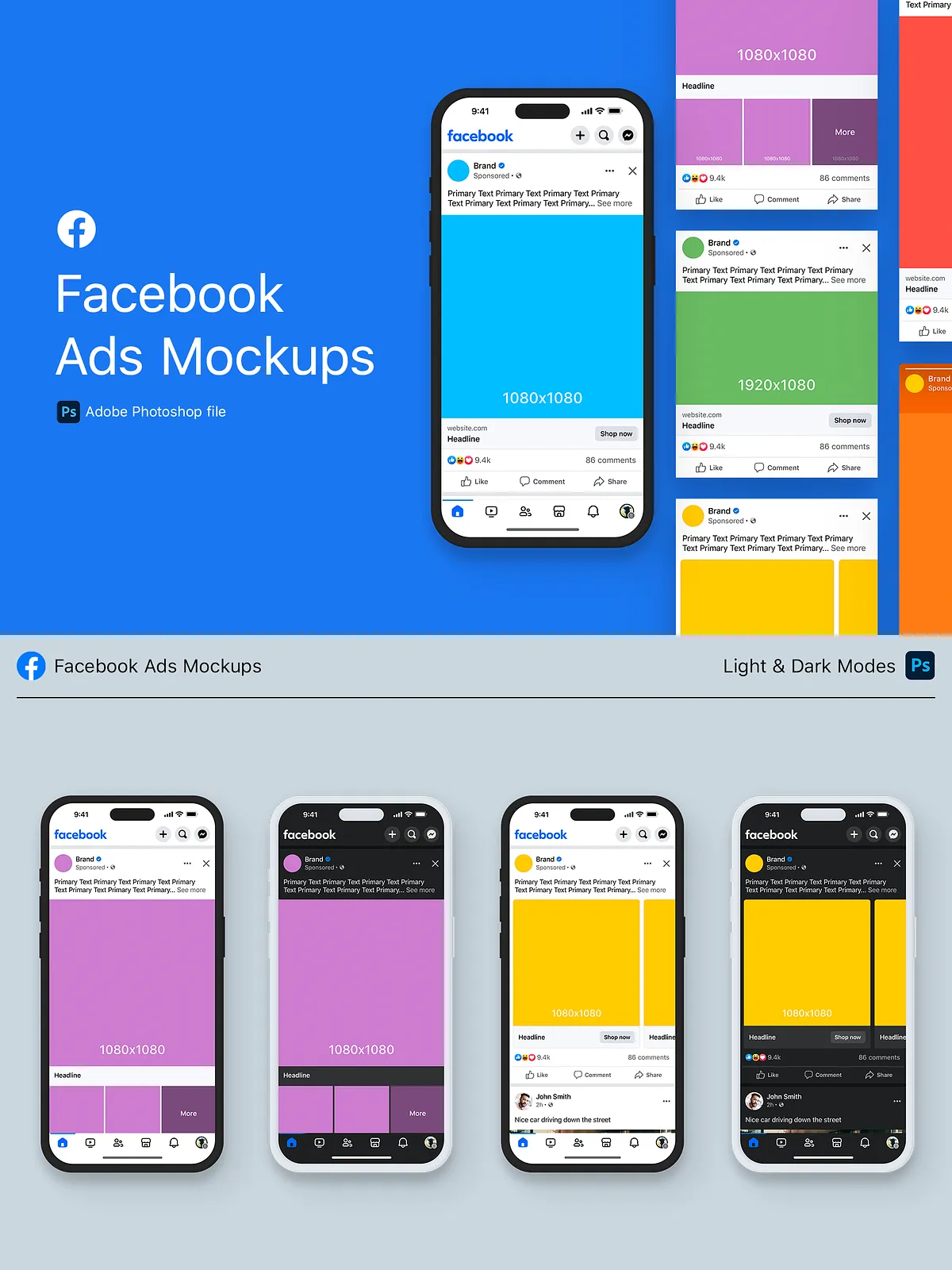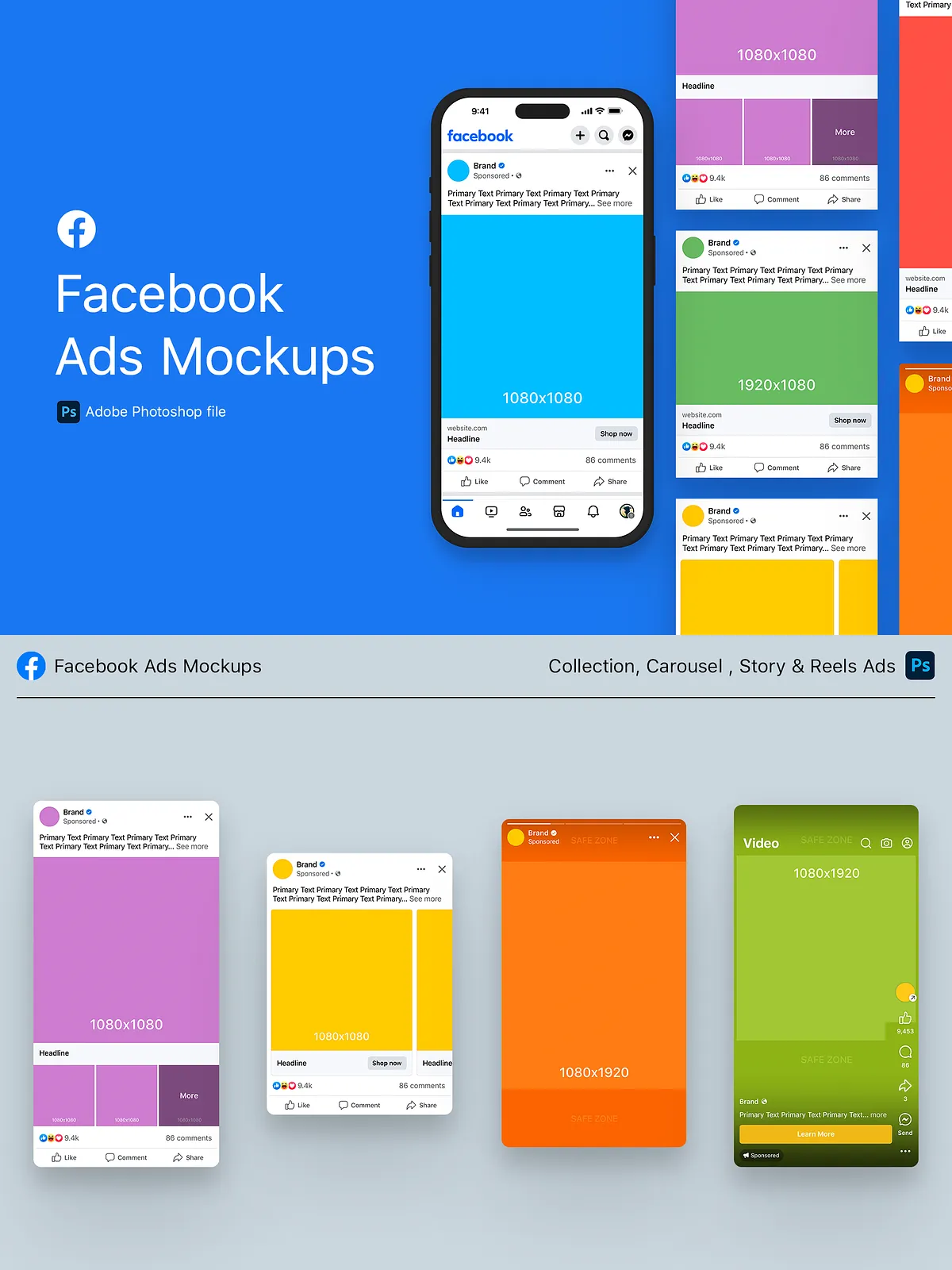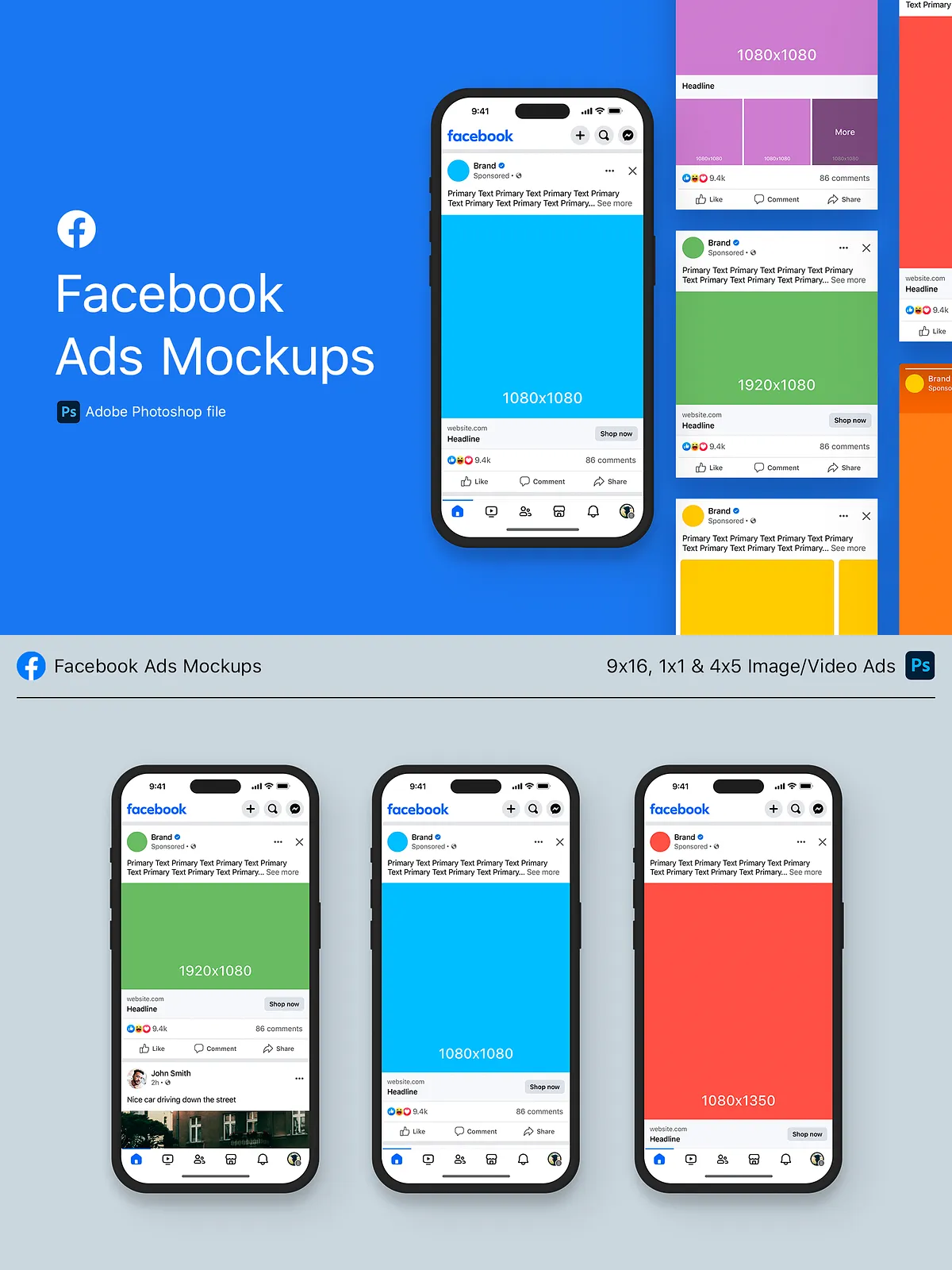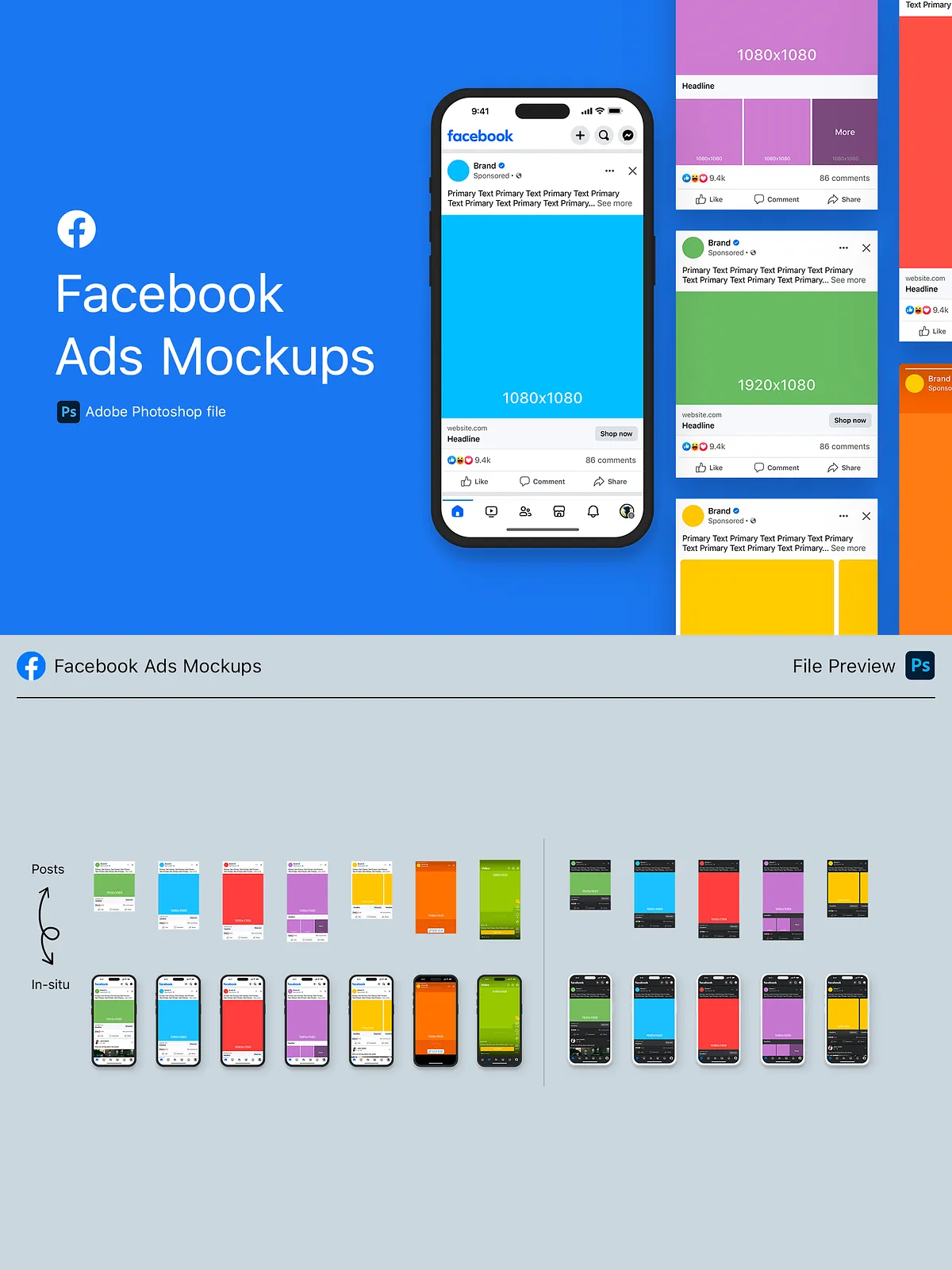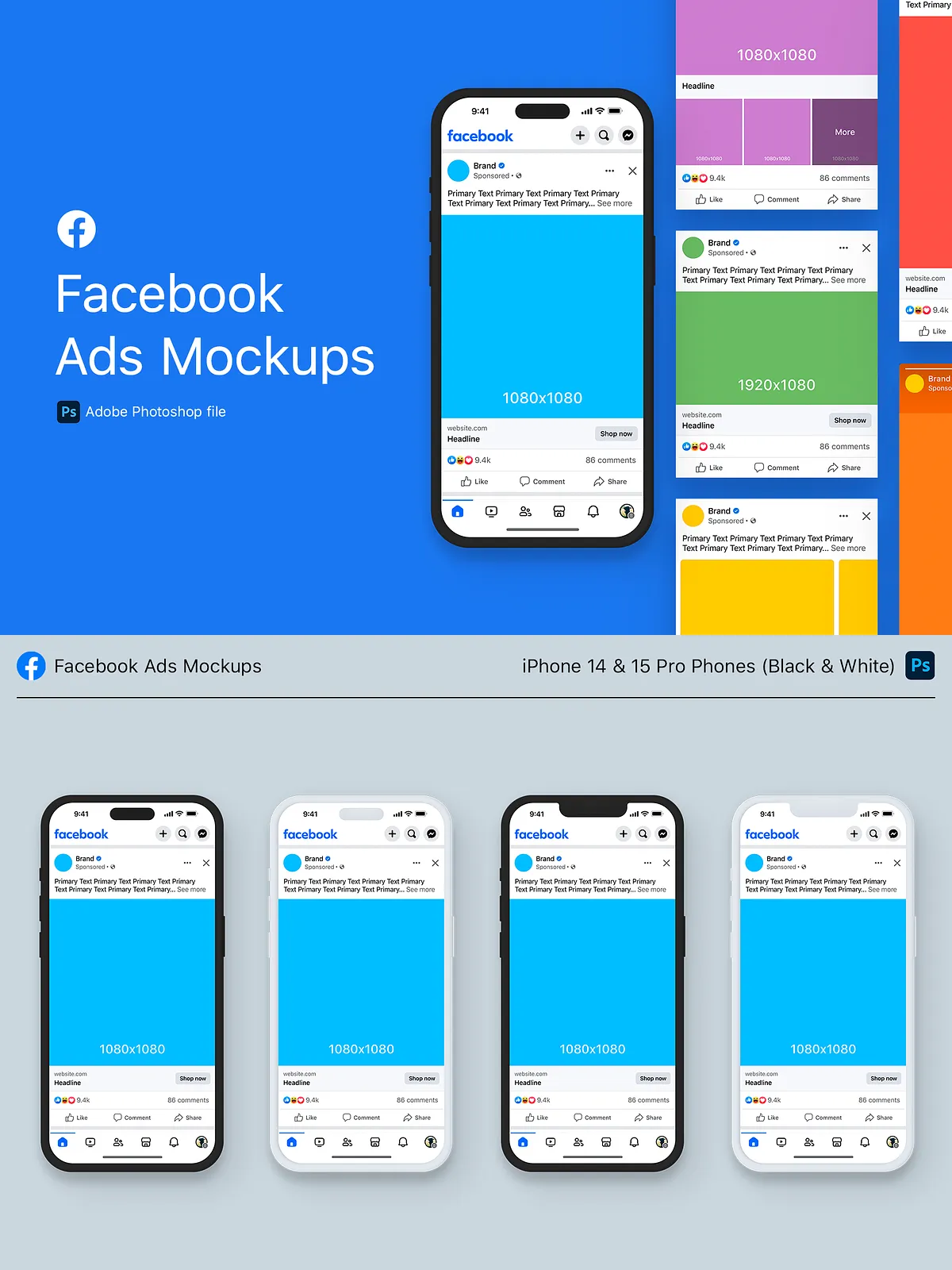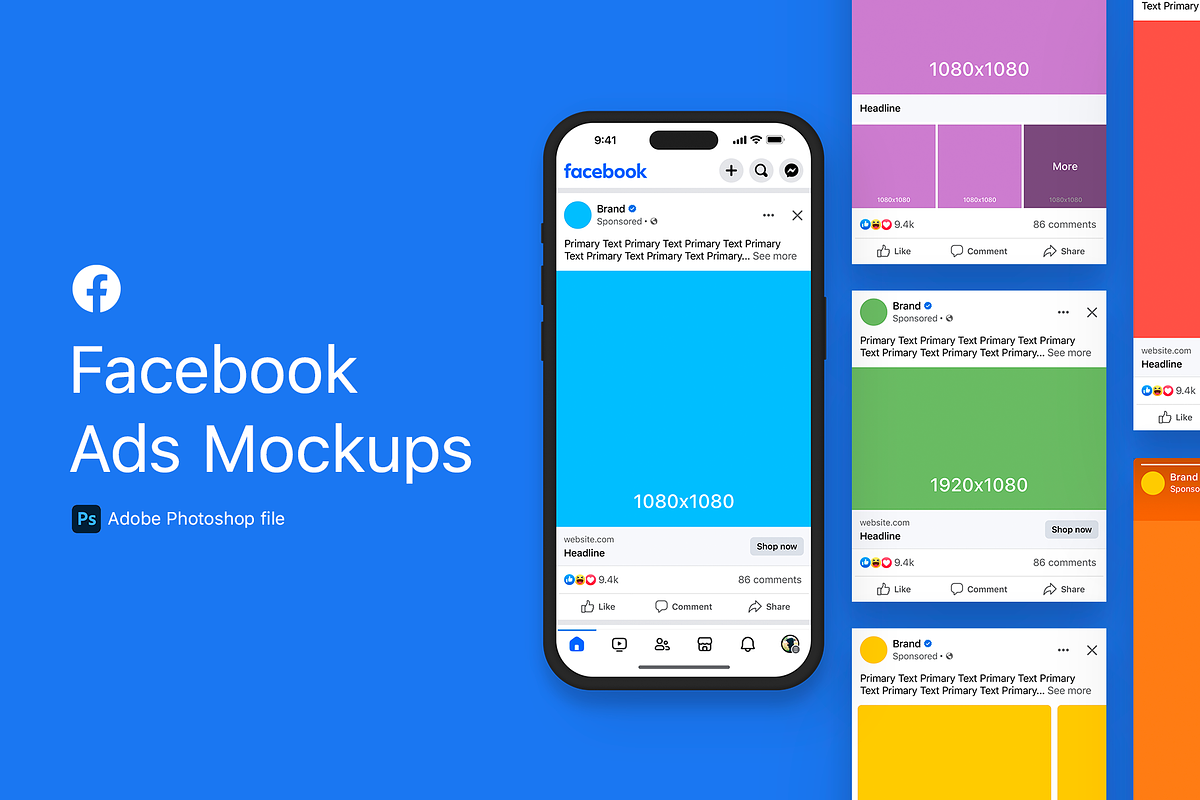
These mockup templates let you present Facebook and Instagram ad concepts in realistic, in-situ environments so stakeholders instantly understand visual impact and layout. Updated for 2025 with a refreshed logo and new bottom navigation, the pack follows the latest Meta ad specifications and safe-zone guidelines so your proposals remain accurate and production-ready. Use these files for pitches, client presentations, portfolio samples, or internal creative reviews to accelerate approvals and reduce rounds of revision.
Formats & placements included
Complete set of ad formats
- Image and Video Ads — 9:16, 1:1, and 4:5 aspect ratios, available in dark and light mode
- Carousel Ad — multi-card layouts rendered in dark and light mode
- Collection Ad — cover + product grid mockups in dark and light mode
- Stories Ad — vertical full-screen composition with safe zones indicated
- Reels Ad — vertical full-screen composition with safe zones indicated
Each placement file is built to show creatives in context and to make size, scale, and composition decisions immediate and defensible.
Key features
Design and usability
- Meta guideline alignment — the templates reference the current Meta Ads Guide to comply with placement rules and aspect ratios: [Ad Format Specs & Recommendations | Facebook Ads Guide](https://www.facebook.com/business/ads-guide/update).
- Safe-zone guidance — visible overlays for Stories and Reels help you keep text and critical visuals clear of the 9:16 safe areas: [About text overlays and the safe zone for ads in Stories and …](https://www.facebook.com/business/help/980593475366490).
- Dark and light mode variants — preview creative impact in both UI themes to ensure legibility and contrast.
- Editable layers — organized groups and named layers let designers swap images, copy, and UI elements quickly.
- Placeholder devices and environment scenes — present ads within realistic device frames for stronger client buy-in.
Workflow and customization
How to adapt the templates
Open the template in your preferred editor, replace placeholder imagery with final creative assets, and adjust copy layers to reflect the campaign message. Use the provided guides to align headlines and CTAs within the safe zones. For carousel and collection presentations, populate each card with product photography and export combined previews to show sequence and narrative. Because layers are logically grouped and labeled, you can assemble client-ready PDF or PNG mockups in minutes rather than hours.
Compatibility & resources
Fonts, files and notes
The pack includes links to download SF Pro and Rift Soft Medium so you can match native UI typography and maintain professional fidelity in presentations. Note that some font licenses may require purchase or an account with the font provider; follow the included instructions. Files are delivered in standard editable formats and are compatible with typical design workflows.
Production guidance
Best practices for export
When preparing assets for client review or handoff, export high-resolution PNGs for portfolio displays and print-ready PDFs for stakeholder packages. For assets intended for ad delivery, use the Meta Ads Guide to confirm final export settings and file size limits before upload: [Ad Format Specs & Recommendations | Facebook Ads Guide](https://www.facebook.com/business/ads-guide/update). Keep important text and logos inside the safe zones for vertical placements to avoid cropping in Stories and Reels.
Why this pack speeds approval
Benefits for teams and freelancers
These mockups remove ambiguity from creative reviews by showing exactly how an ad will look in feeds, stories, and reels. Presenting dark and light mode variants, plus clear safe-zone overlays, reduces client questions about legibility and placement. The ready-to-edit layers and included font links let teams deliver client-ready mockups faster, improving turnaround and increasing campaign momentum.