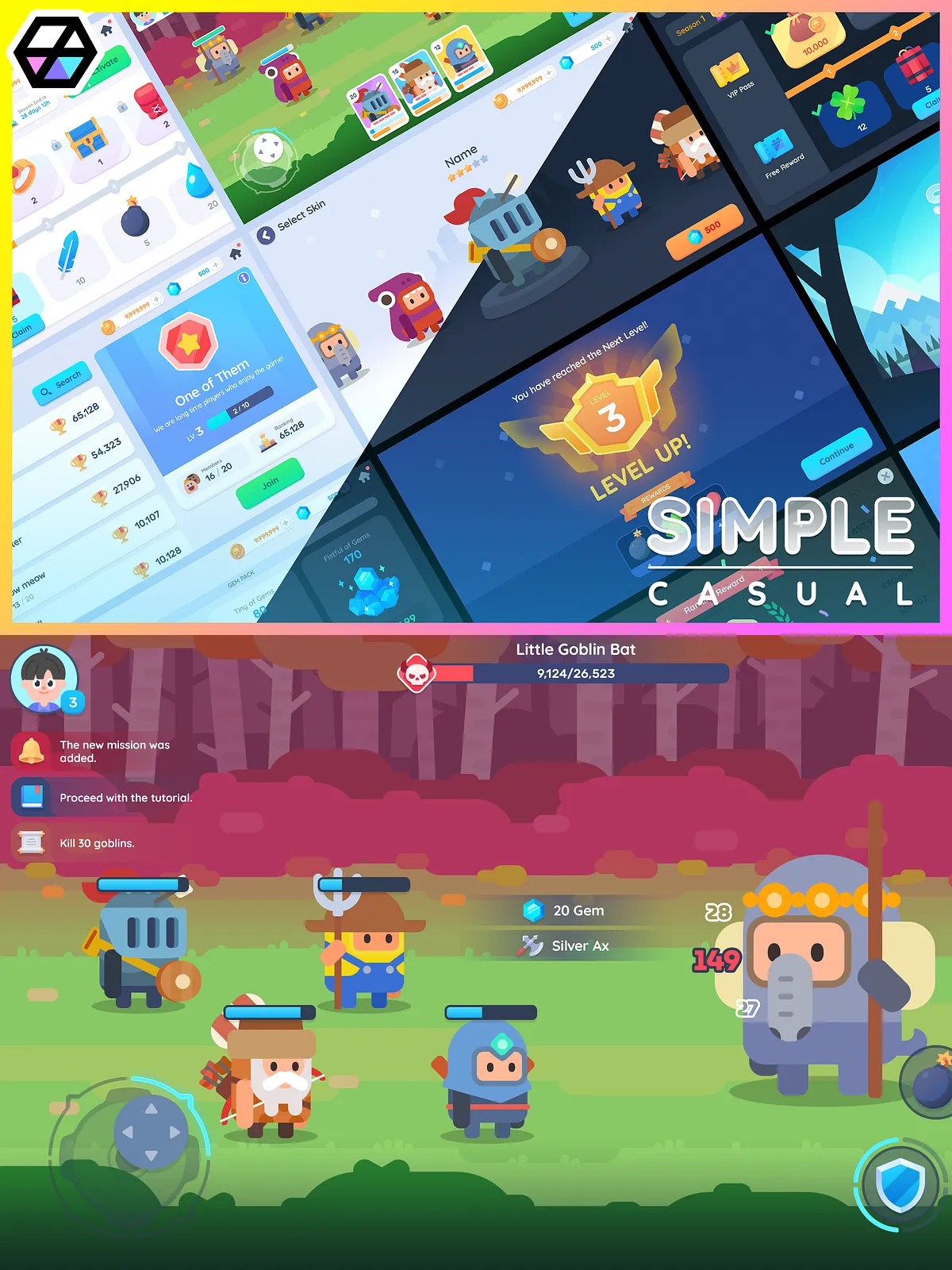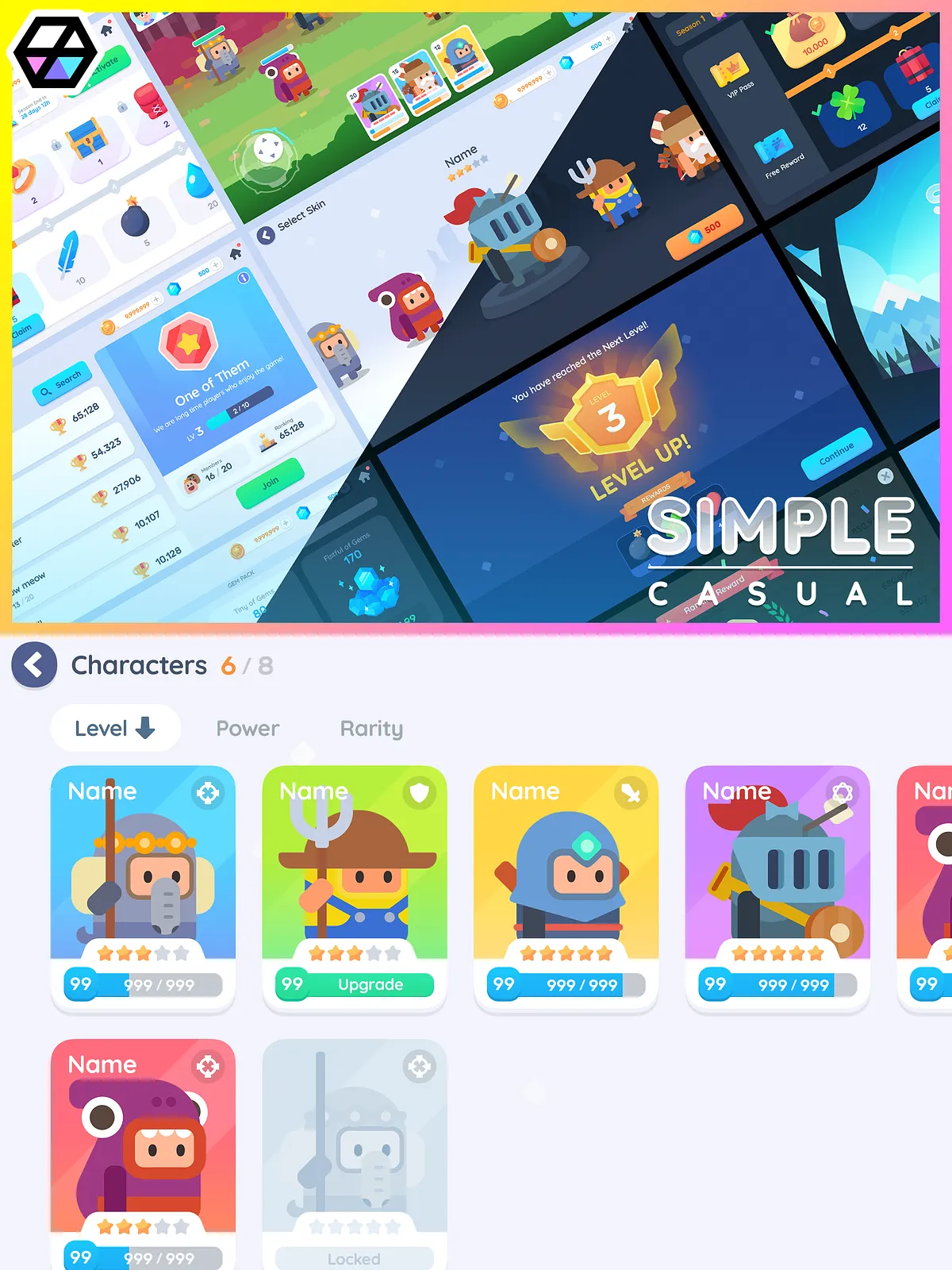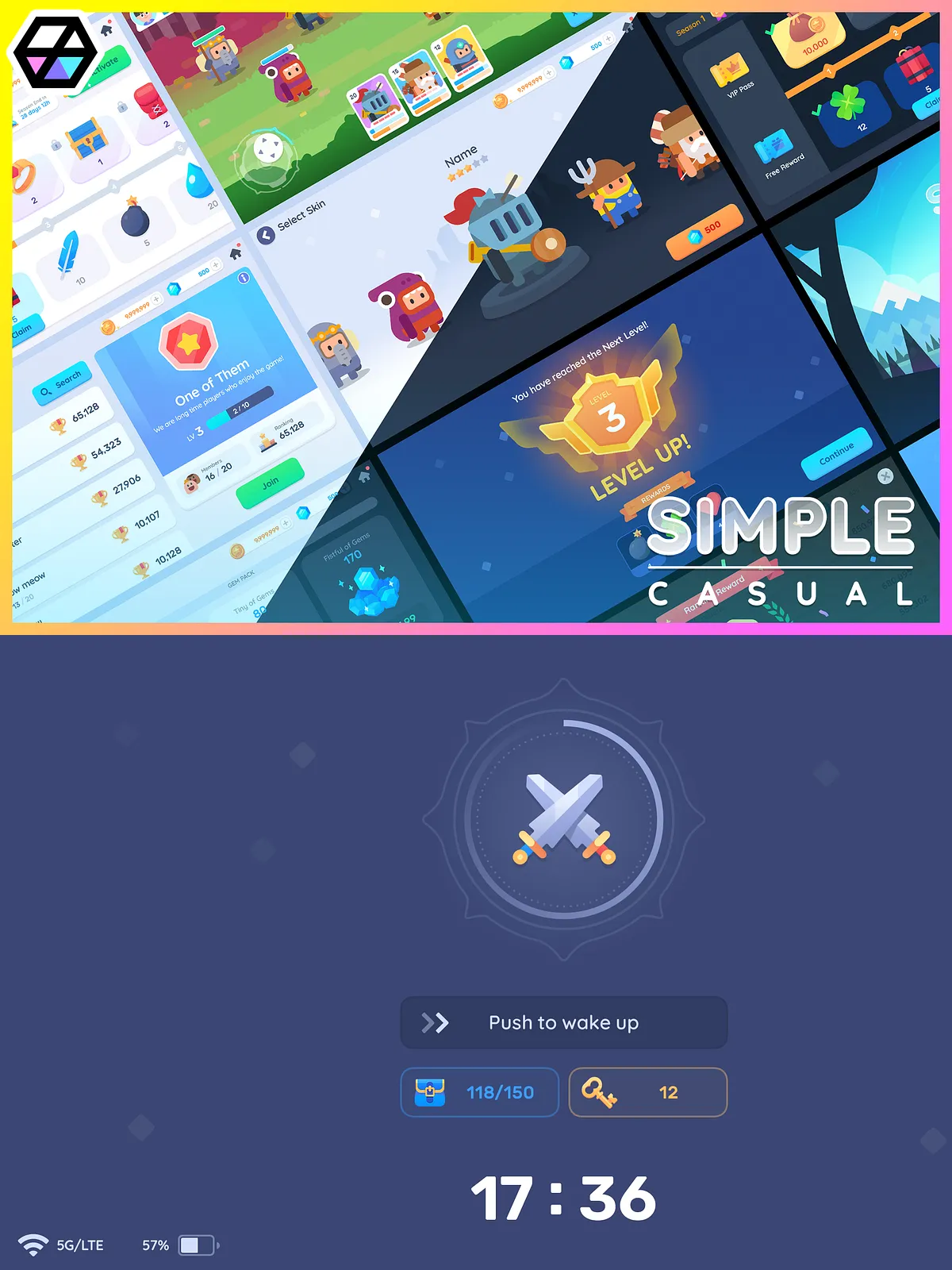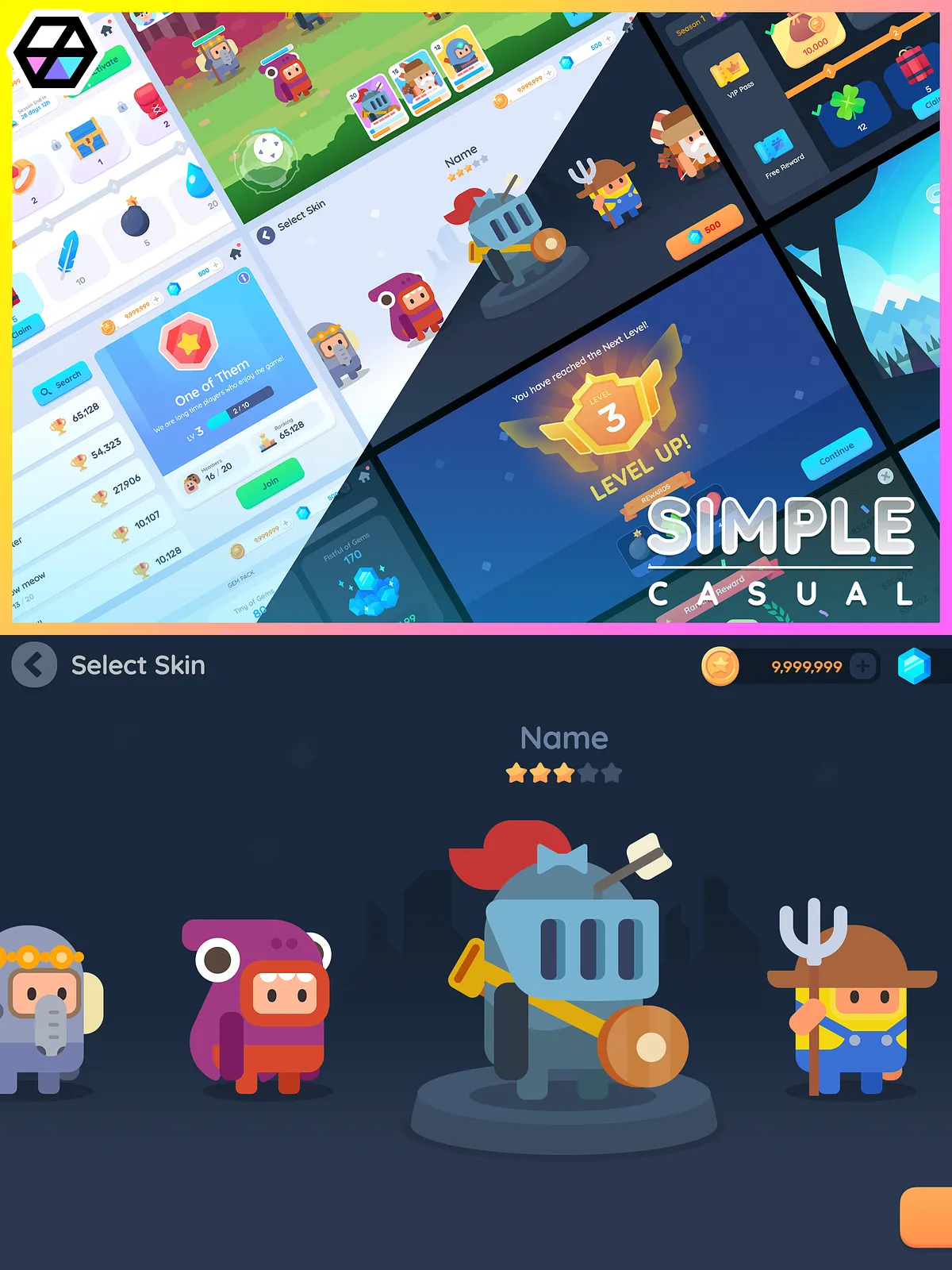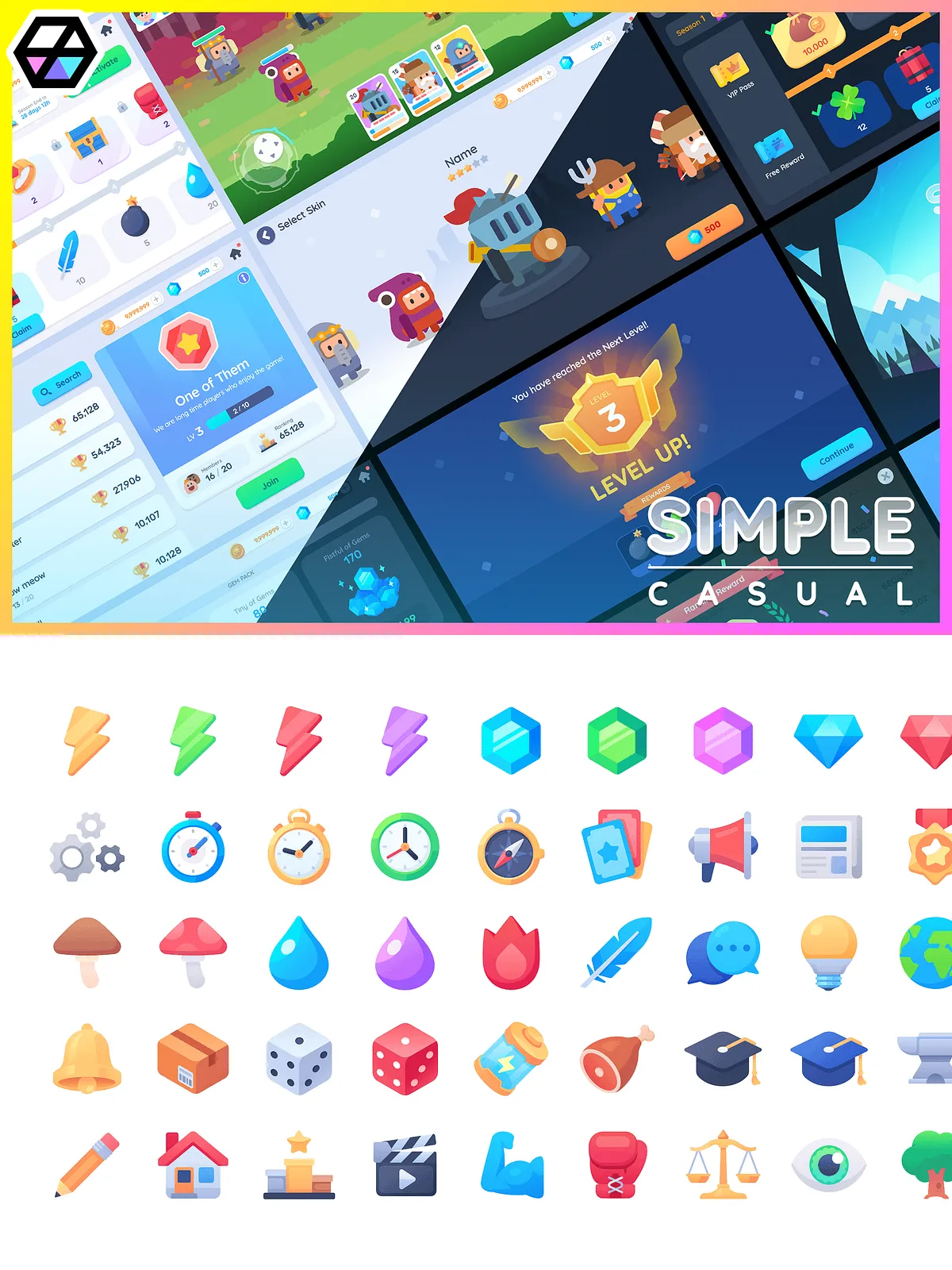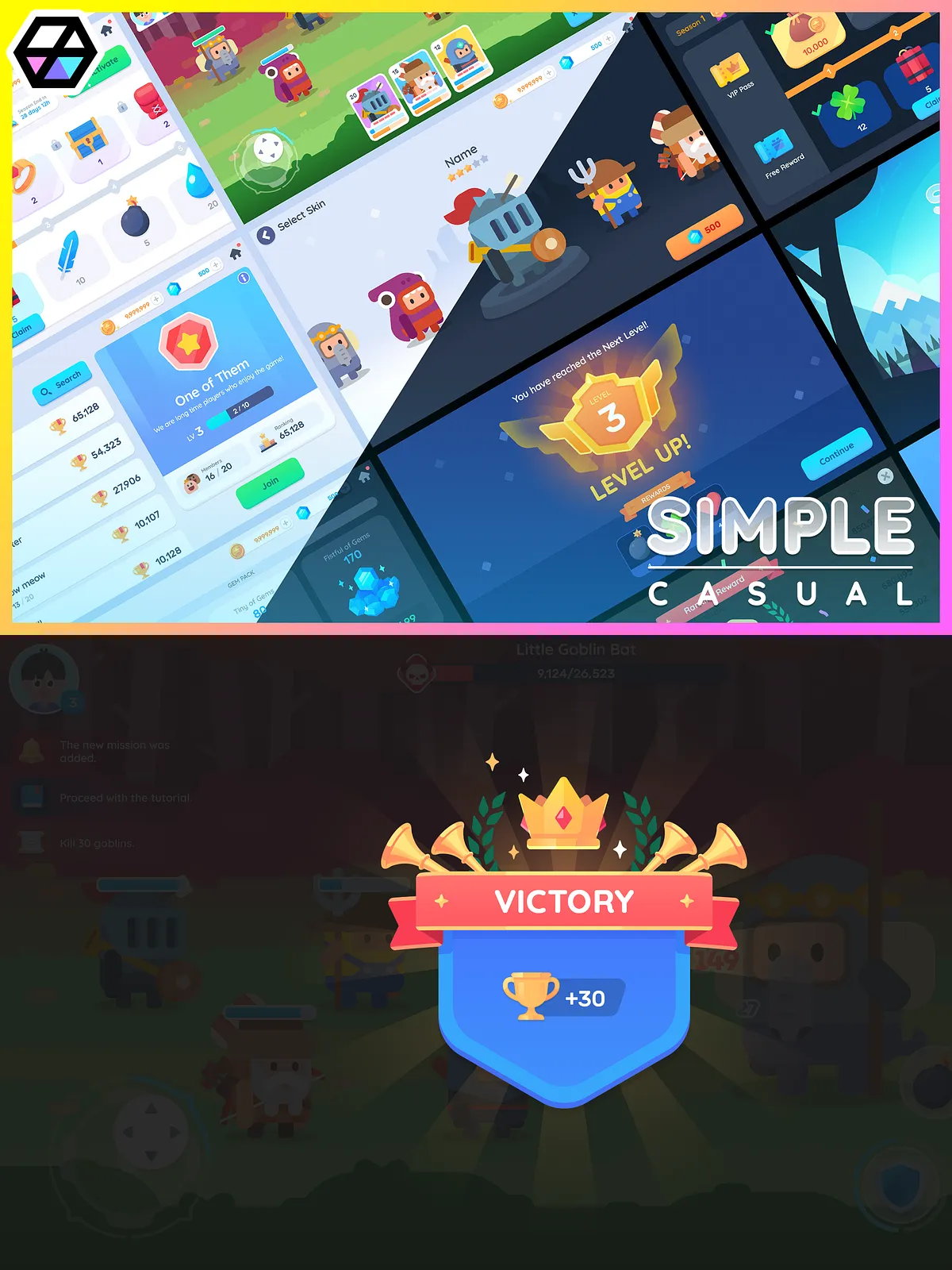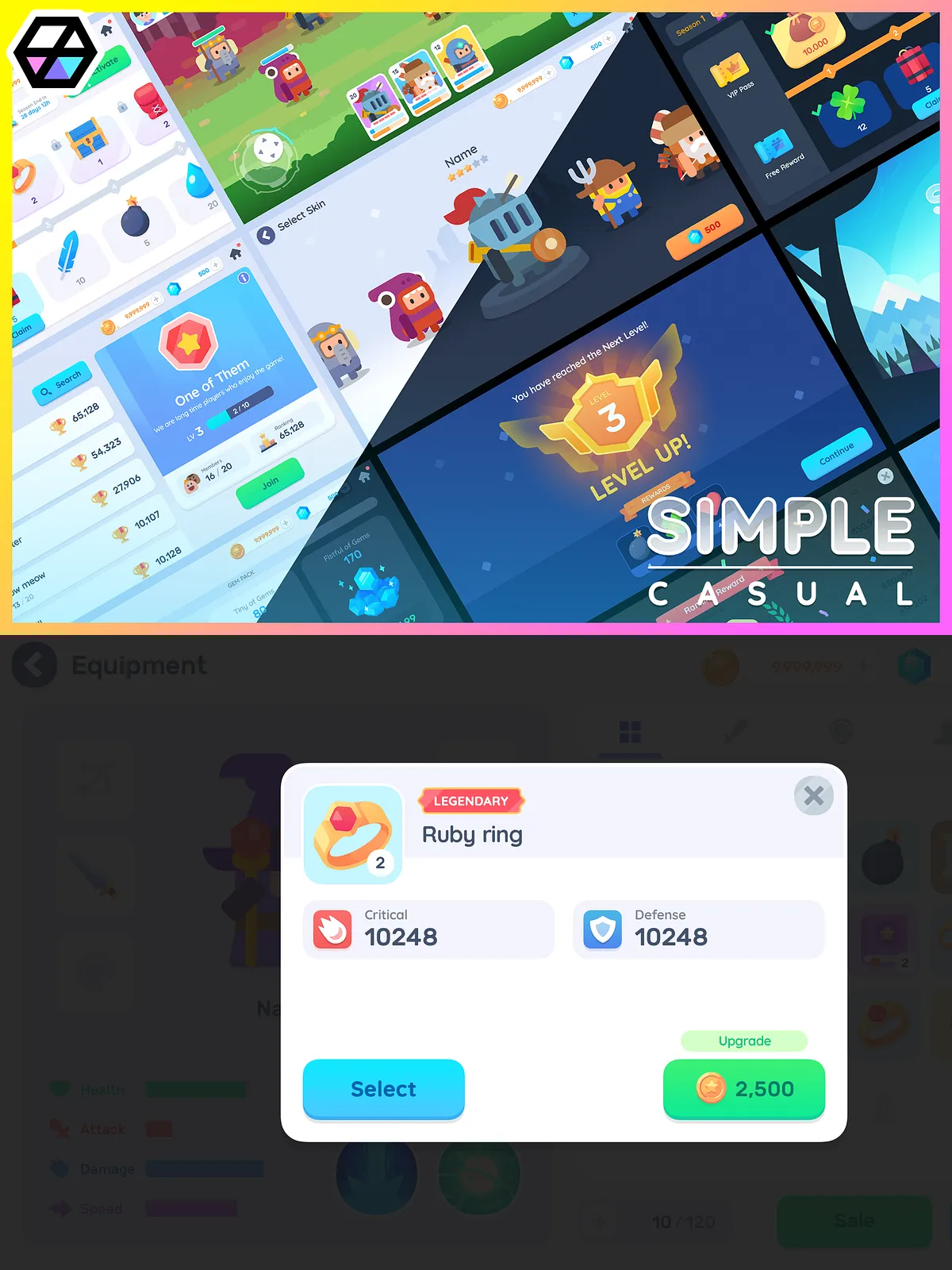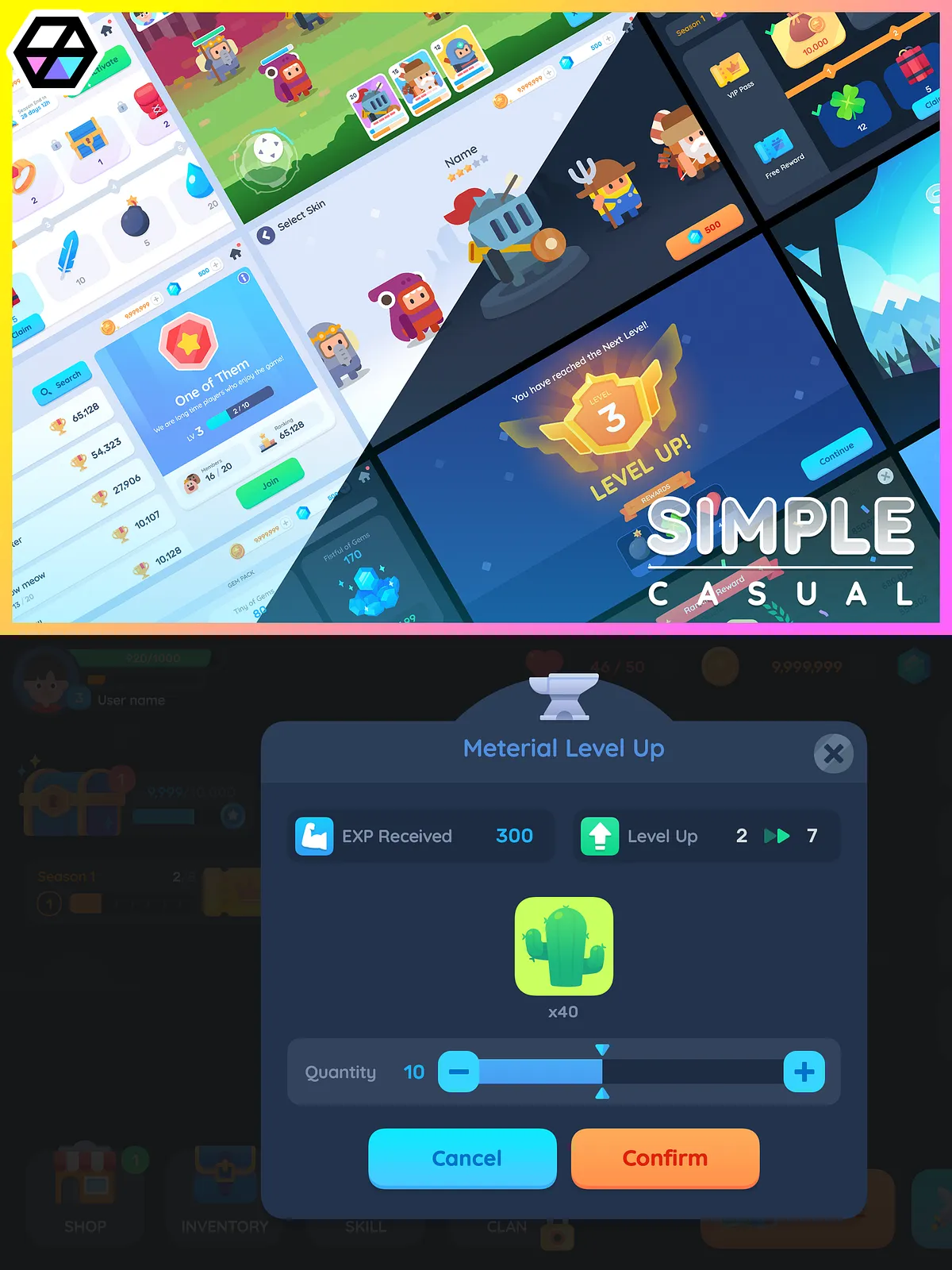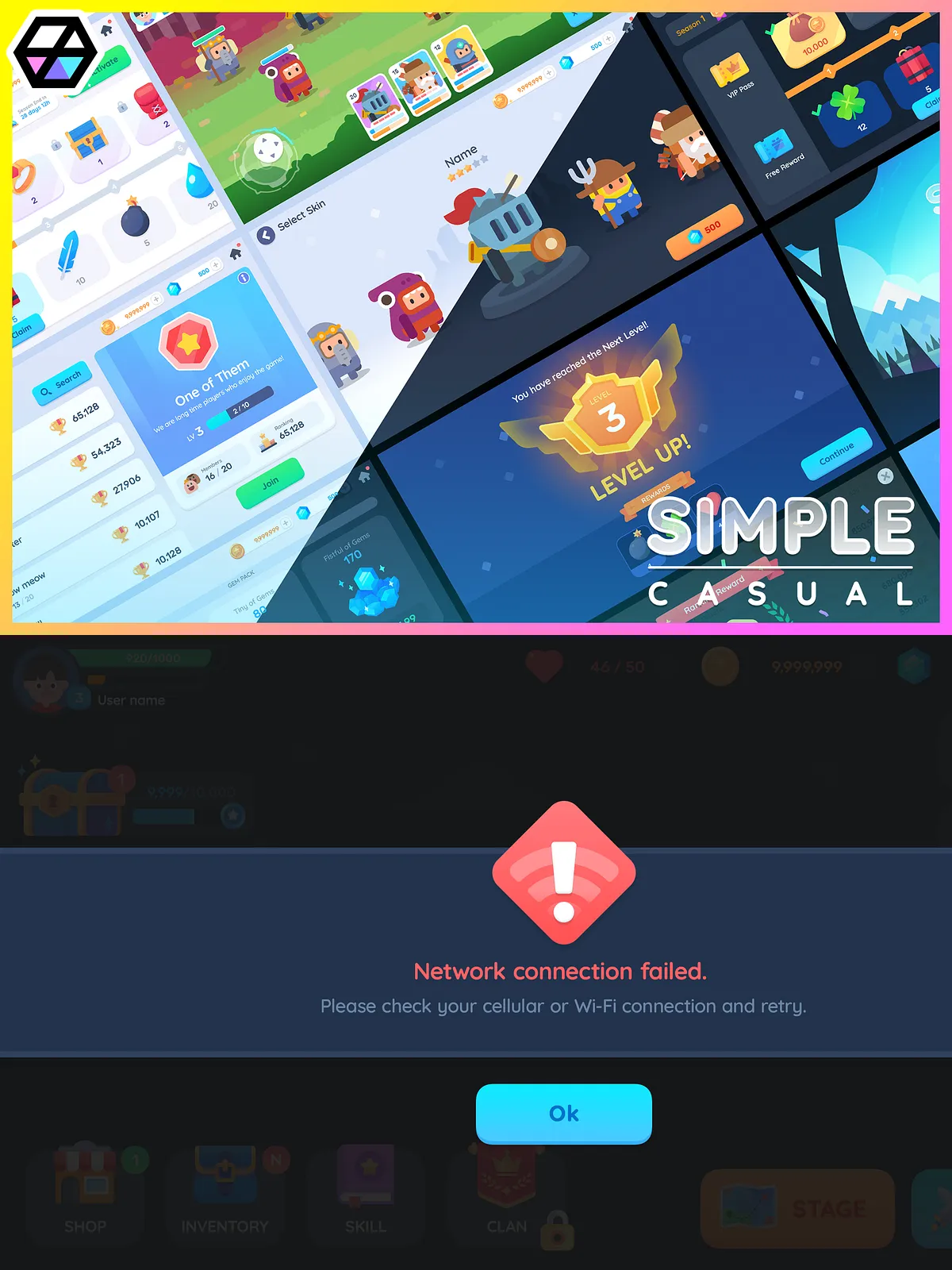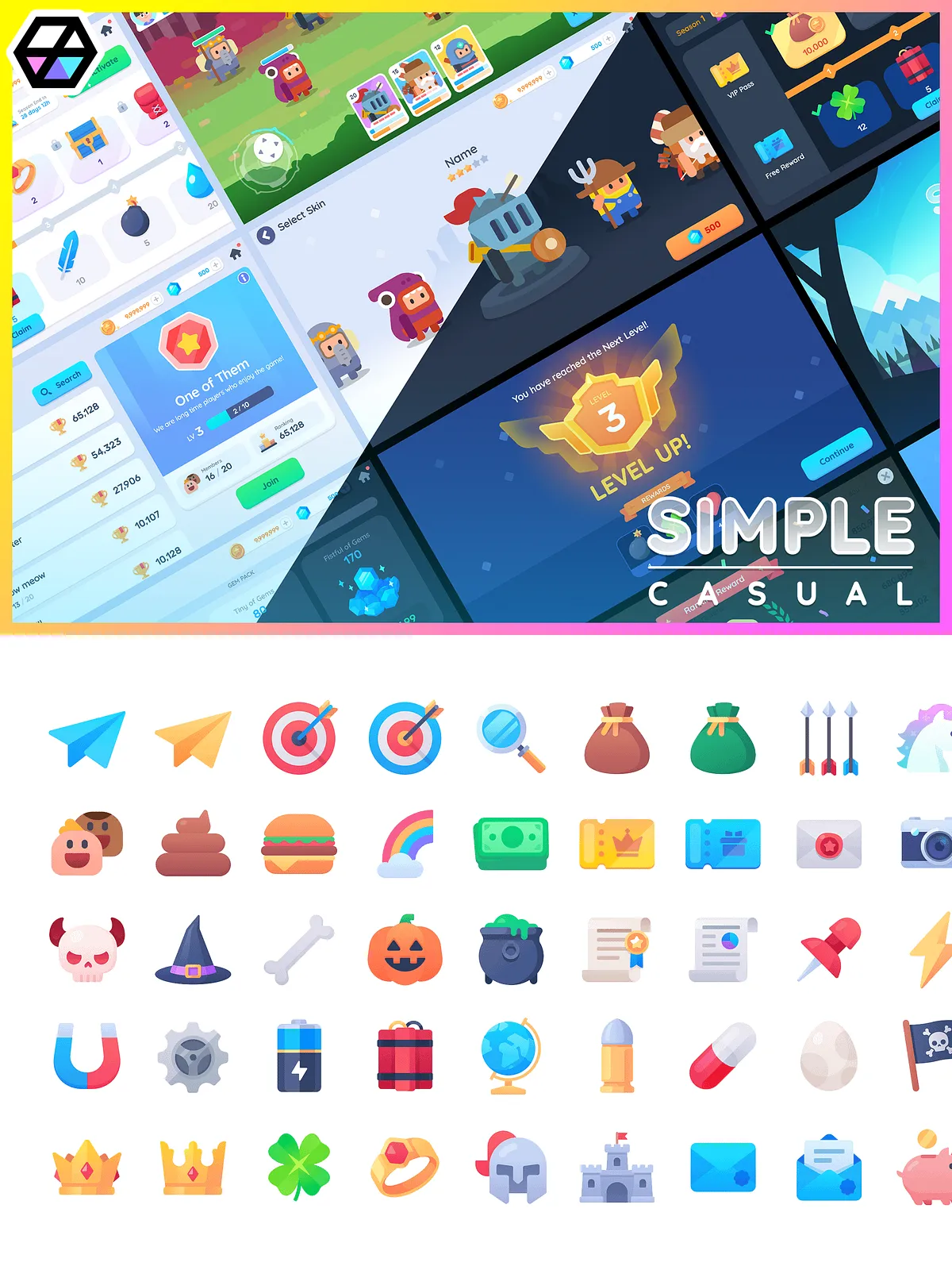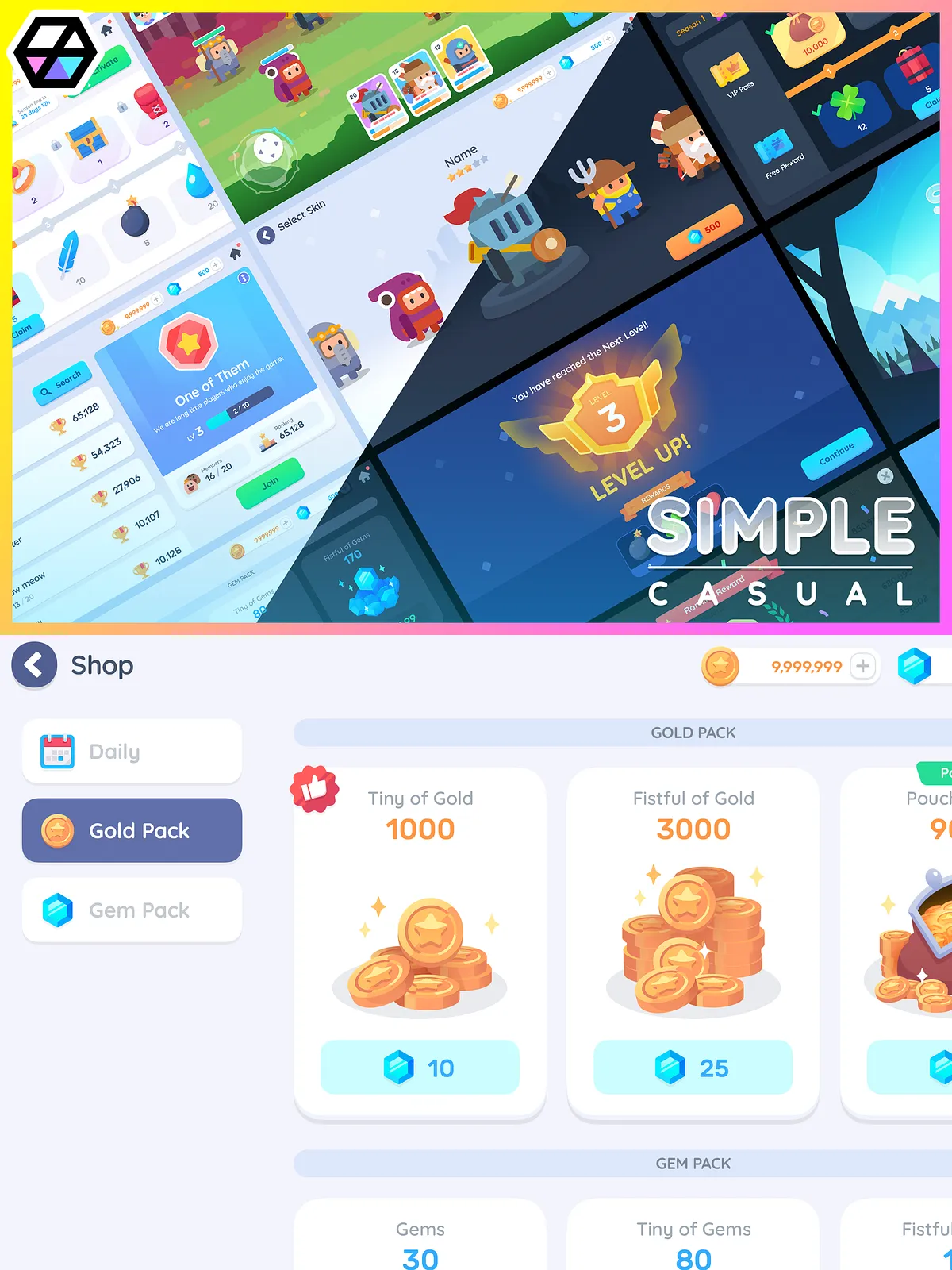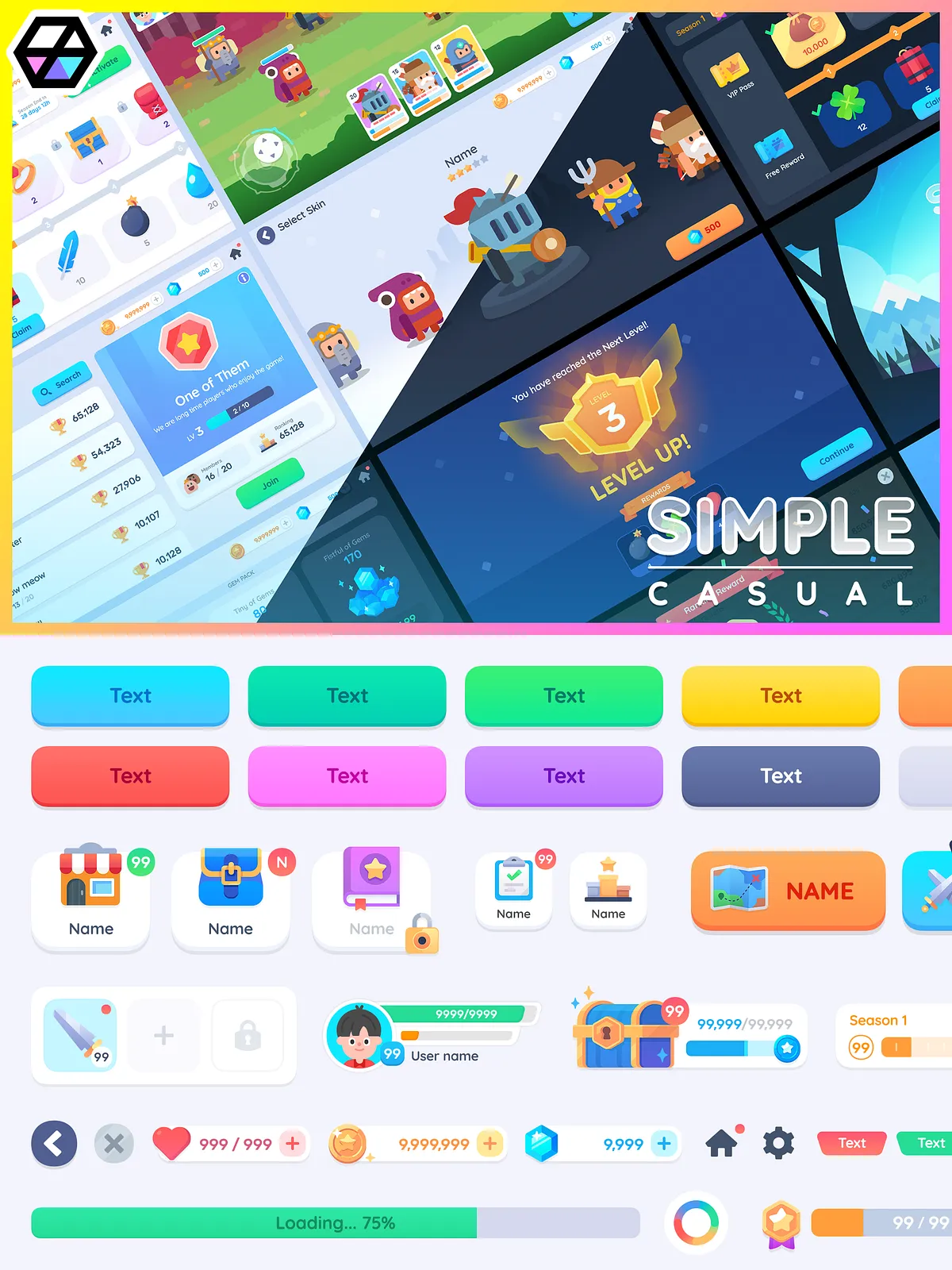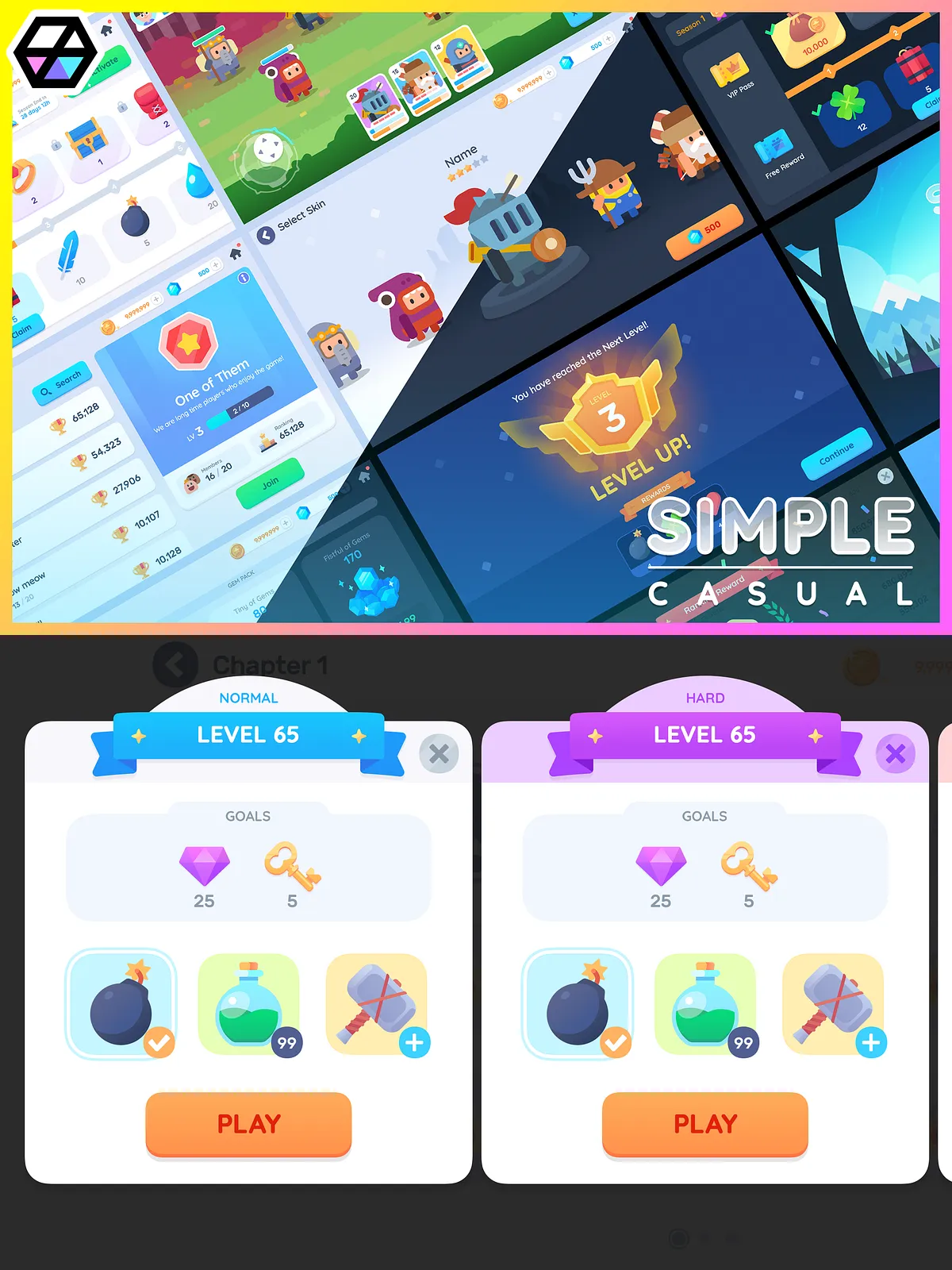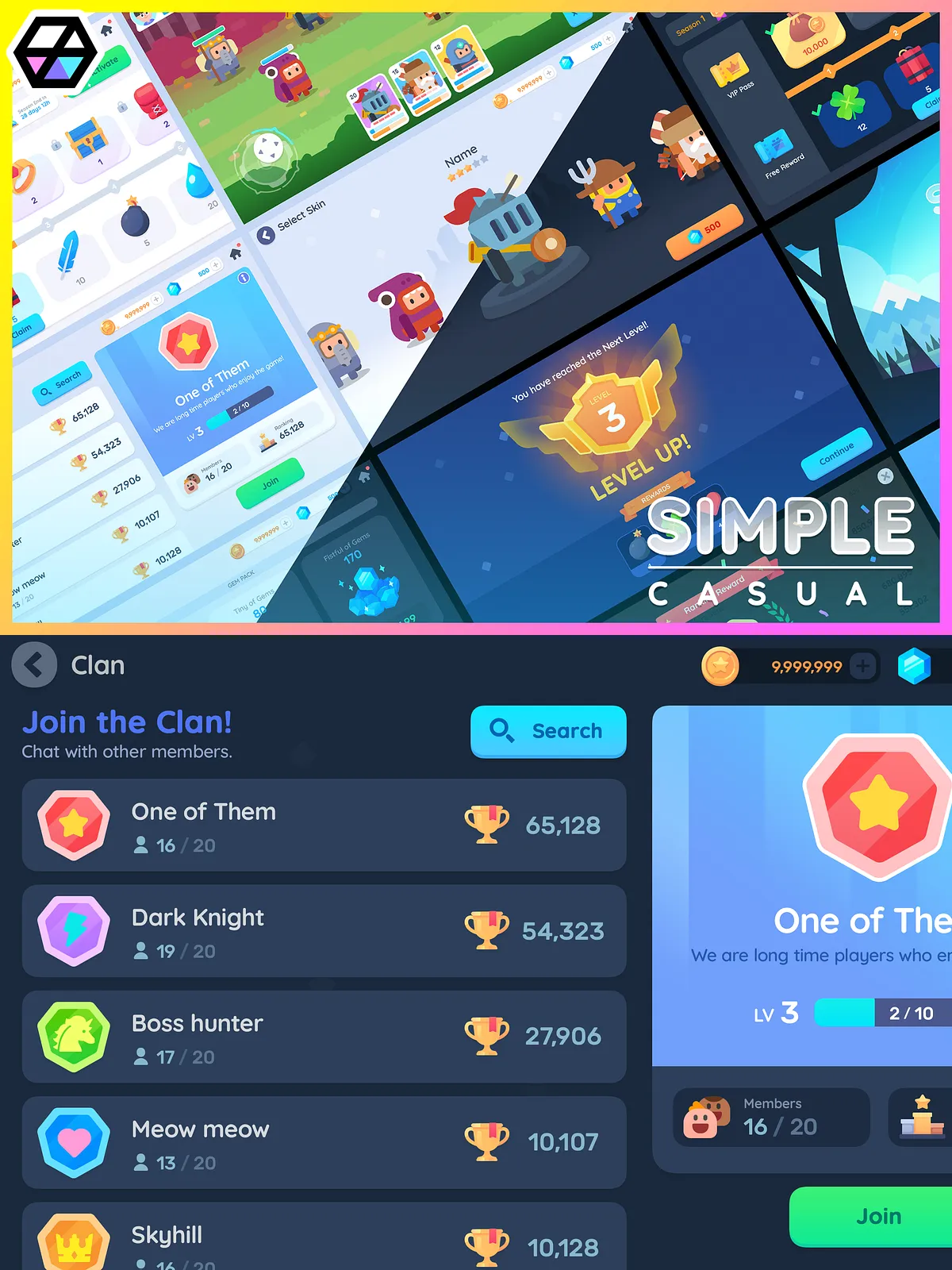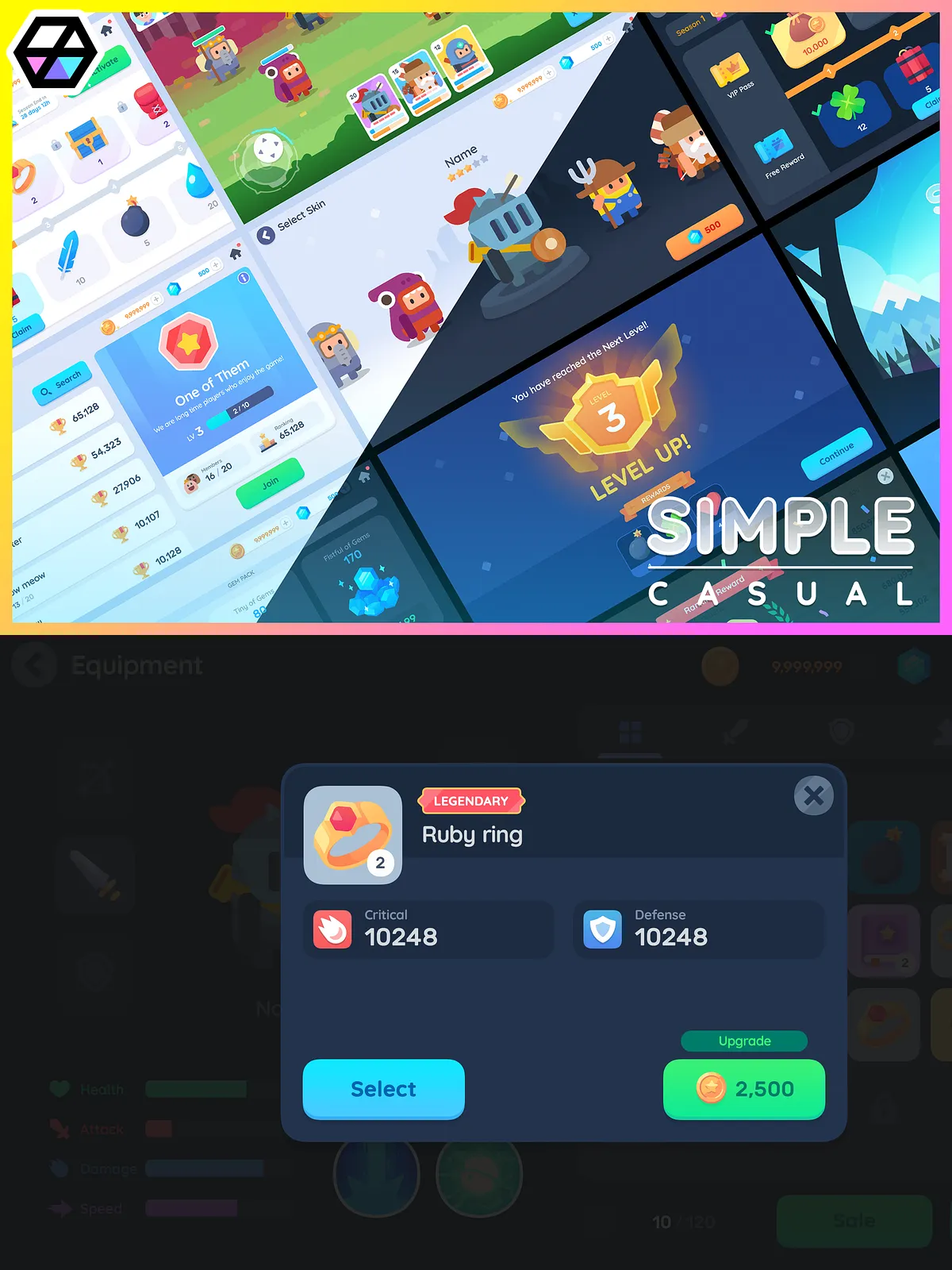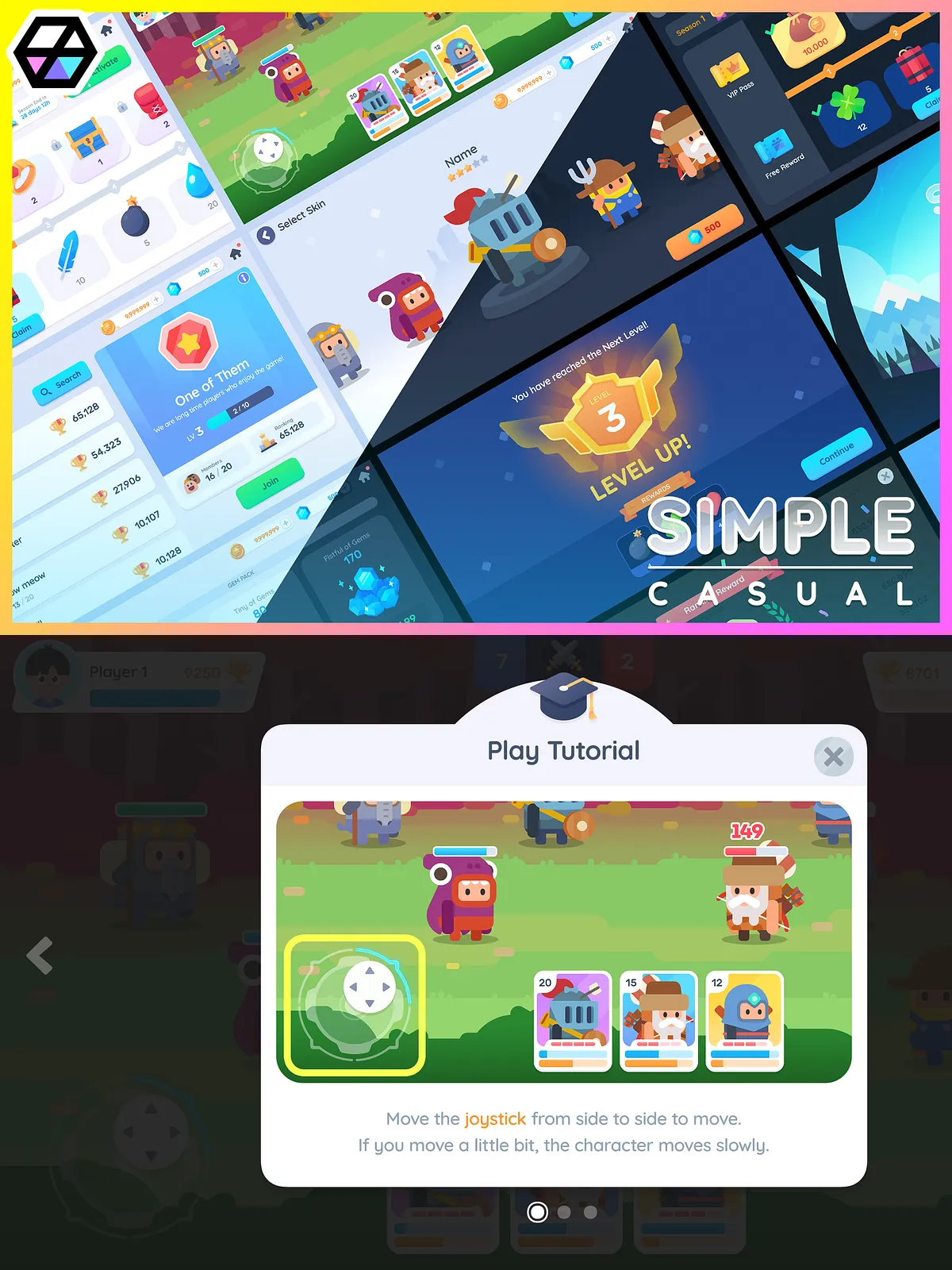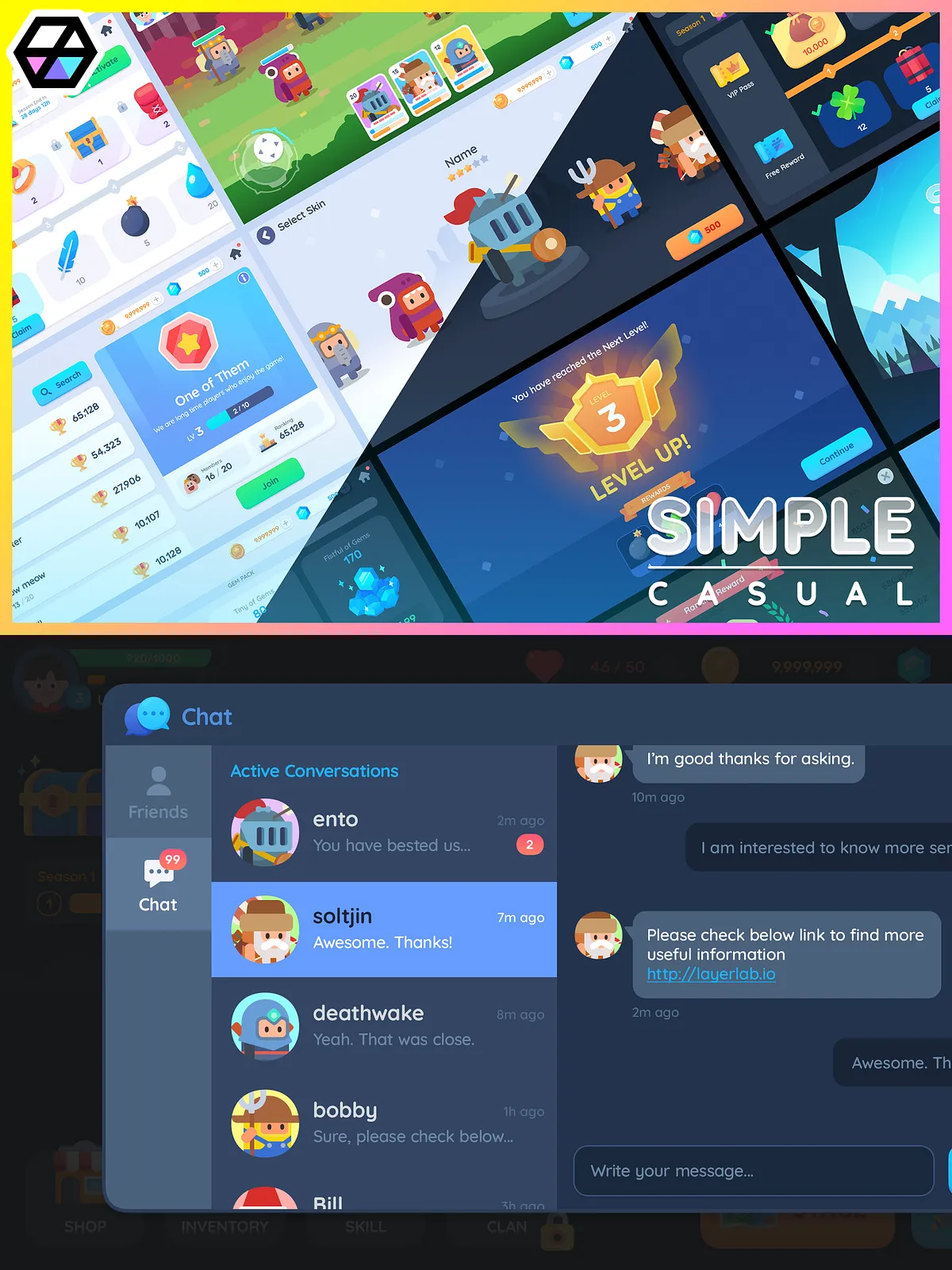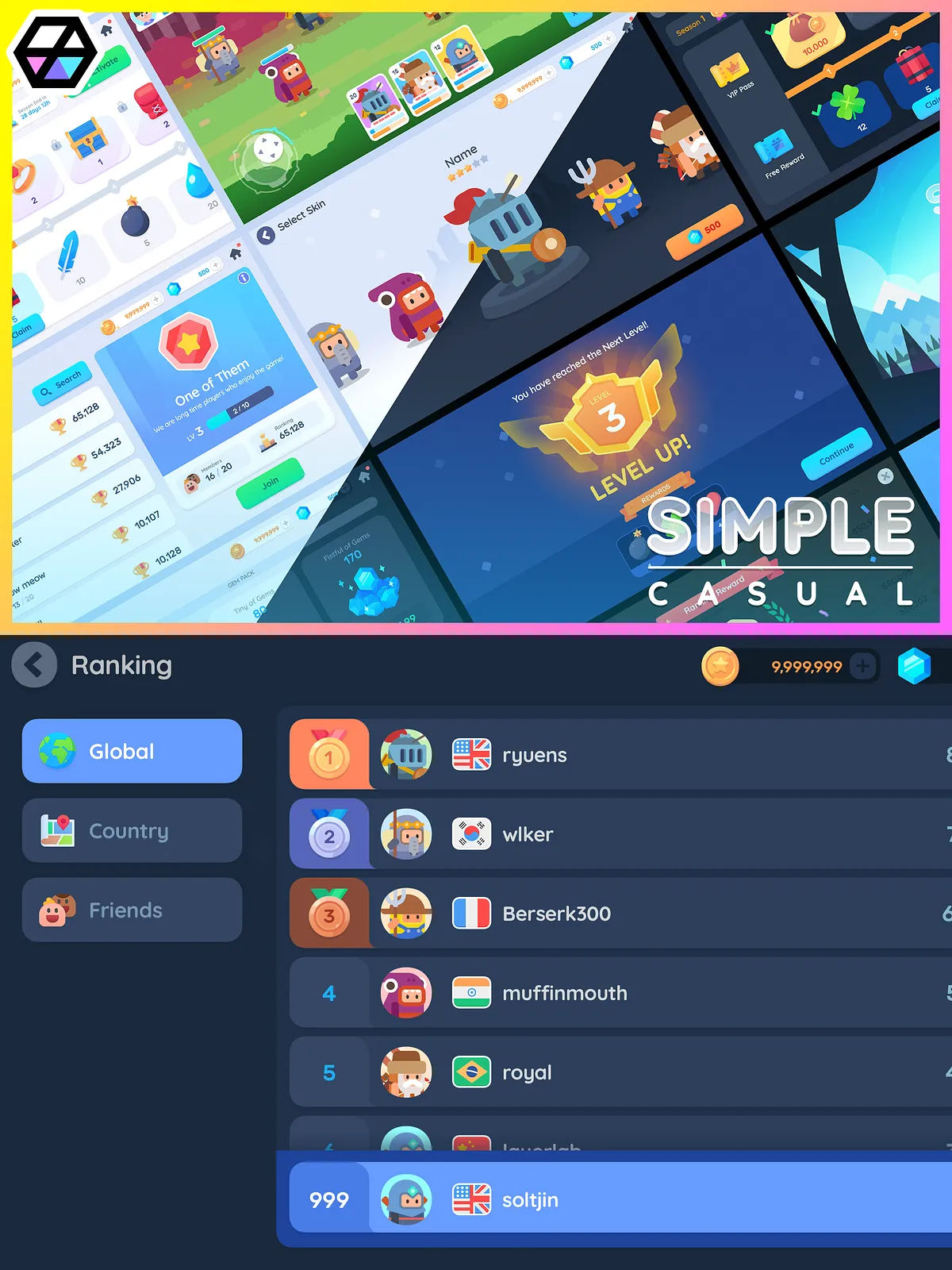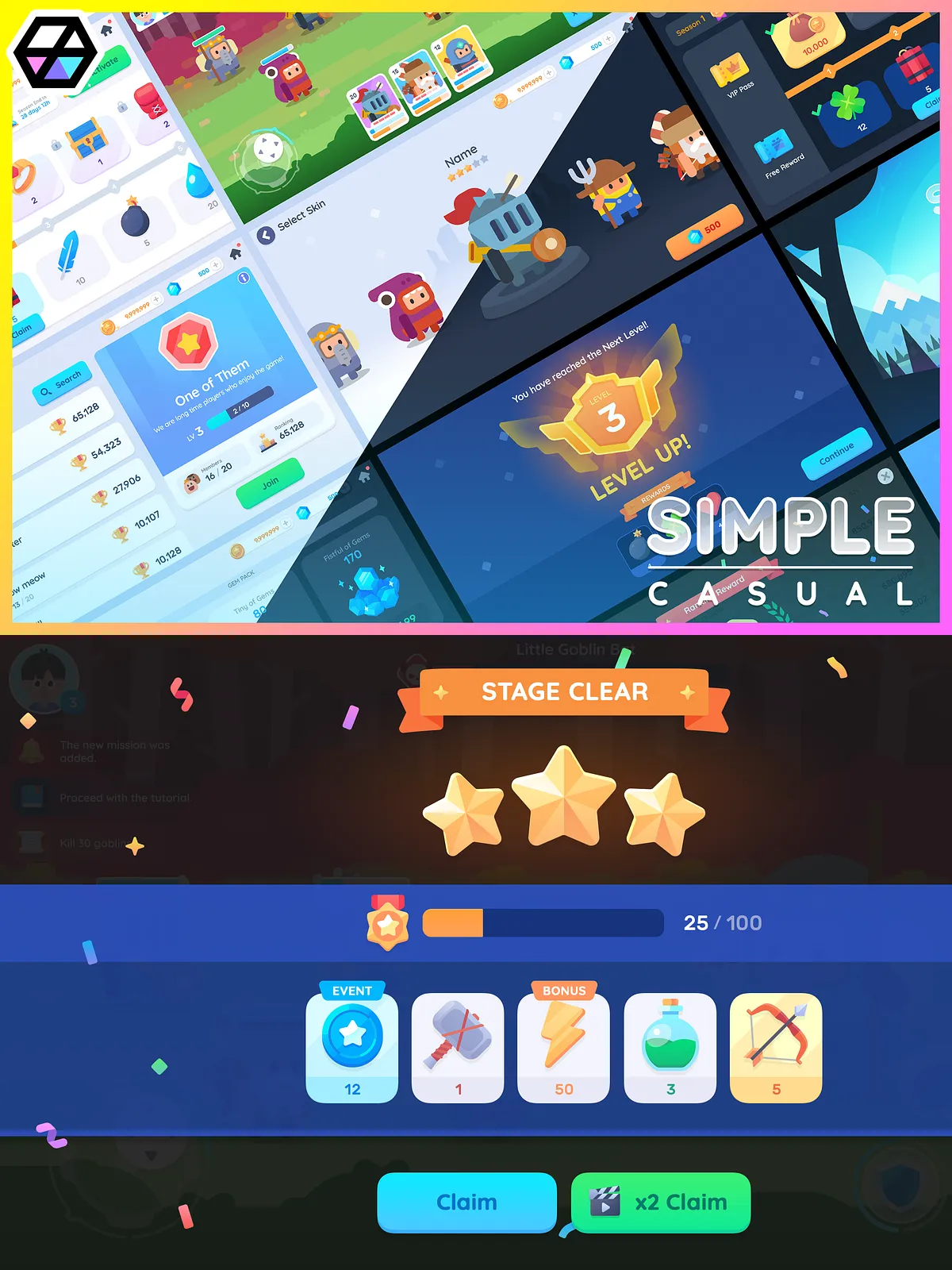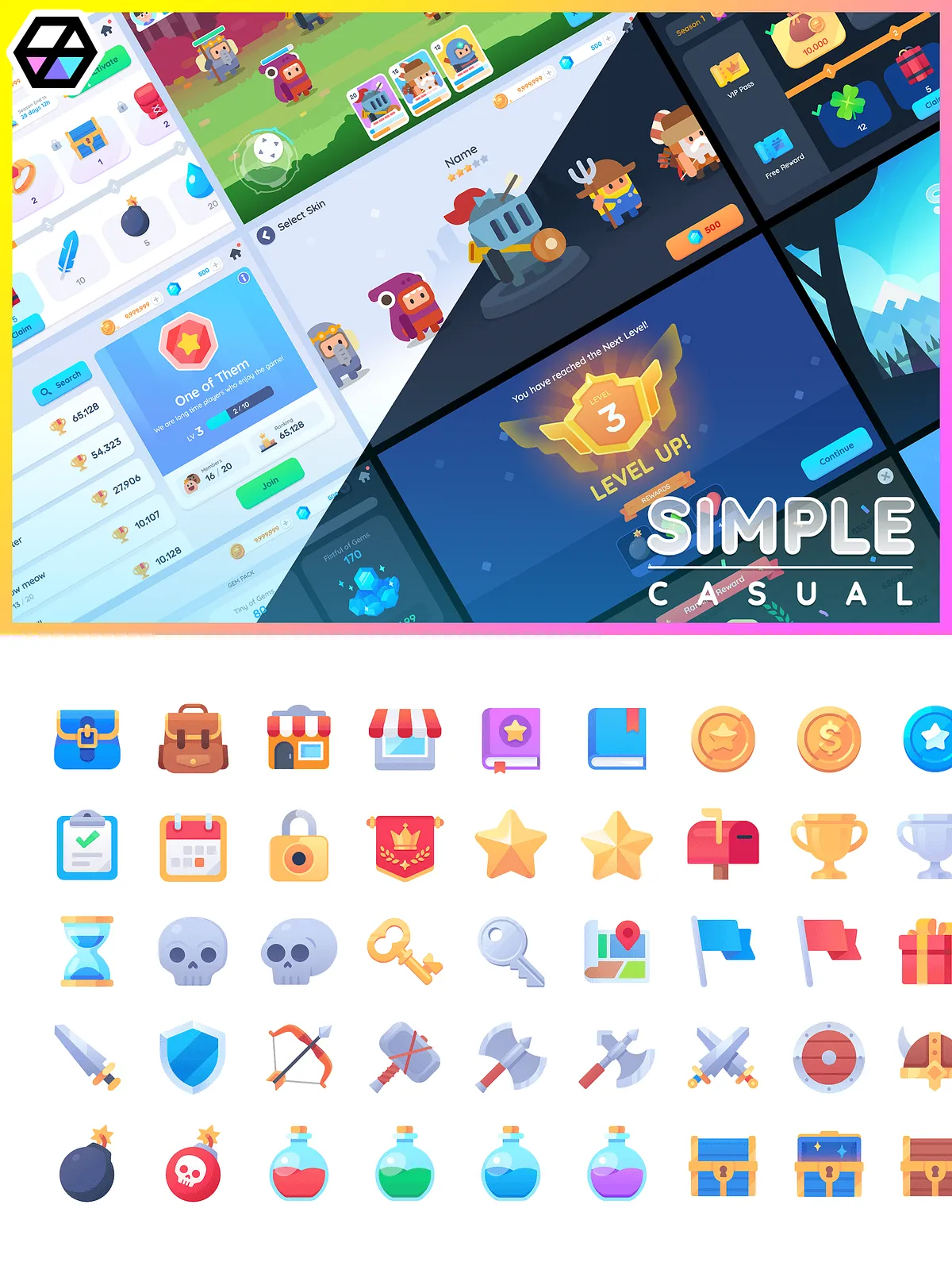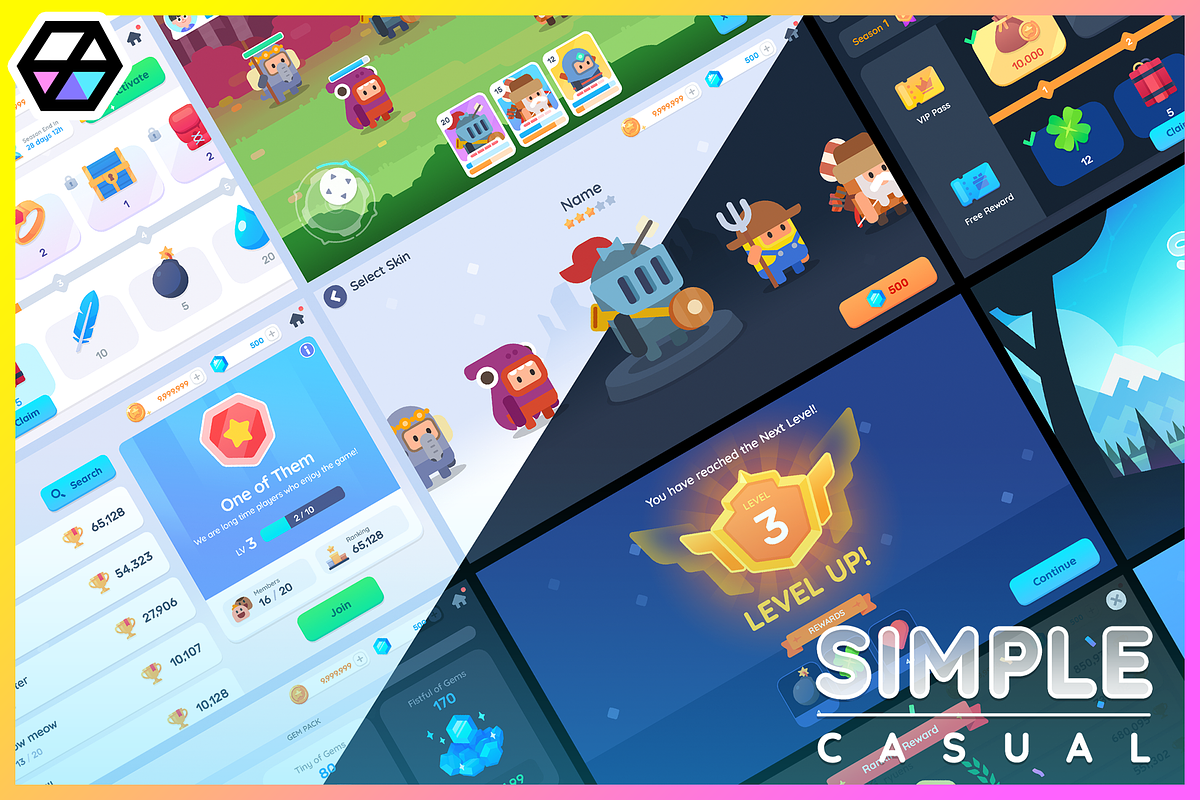
GUI Pro – Simple Casual delivers a complete, production-ready collection of user interface elements designed to help you prototype, iterate, and finalize a polished game UI quickly. Optimized for a recommended resolution of 2560×1440, this pack includes 109 distinct UI screens along with thousands of PNG assets. You can customize layouts, swap icons, and adapt elements for both light and dark modes so your game maintains a consistent, professional aesthetic across multiple visual themes.
Key Features
Comprehensive assets for fast implementation
- Recommended resolution: 2560×1440, ensuring crisp visuals on high-resolution displays.
- 109 UI screens covering menus, HUDs, inventory, shops, settings, and popups.
- Light and dark mode variants to match your game’s atmosphere and improve readability.
- 3400+ PNG files including buttons, frames, labels, popups, sliders, toggles, and miscellaneous UI pieces.
- 340 pictogram icons supplied at multiple sizes (64 / 128 / 256 / 512) for scalable clarity.
- 150 unique item icons provided in multiple sizes (128 / 256 / 512) to populate inventories and shops.
- Ten premade shop item assets to jumpstart your monetization and store UI design.
- Sliced UI elements and white elements that allow you to resize and recolor components without losing visual fidelity.
What’s Included
Assets and formats
The pack emphasizes PNG resources as the default format to maximize compatibility with most game engines and prototyping tools. You will receive an organized library of PNG files grouped by component type, making it straightforward to import assets into your workflow, test layouts, and iterate on interactions. Note that the package focuses on visual assets: it intentionally excludes engine-specific packages and runtime code, so you retain control over integration and animation implementation.
Intended Use and Limitations
Design-ready, developer-friendly
Use GUI Pro – Simple Casual to accelerate UI mockups, reduce design overhead, and maintain consistent styling across screens. The assets serve as the visual backbone for interfaces that developers and UI/UX designers can implement in Unity, Unreal, or other engines. However, this pack does not include a Unity package (.unitypackage), and it does not provide code or animation scripts. You will need to implement functionality and interactions in your chosen development environment.
Practical Workflow
How to integrate the assets
Import the PNG files into your project’s asset folder, assemble screens using your engine’s UI system, and apply the provided iconography and item art where appropriate. Use the sliced elements to maintain scalable borders and backgrounds, and swap pictogram sets to match your game’s iconography language. For prototypes, assemble screens quickly to validate navigation and HUD placement; for production, standardize naming conventions and atlas packing to optimize draw calls and memory usage.
Notes and Important Information
Format and policy details
- PNG-resources only: the asset pack supplies PNG files exclusively.
- Unity package (.unitypackage) is not included—engine-specific import and setup are the user’s responsibility.
- Code and animations are not included; you will implement behaviors and motion within your project.
- Important: PSD files are not included in this package.
- This asset may not be used for training, input, or any purpose related to generative AI programs.
Why Choose GUI Pro – Simple Casual
Speed, flexibility, and visual consistency
GUI Pro – Simple Casual empowers teams to move faster by providing a thoughtfully organized, visually coherent asset set that supports both rapid prototyping and production integration. The dual-mode visuals save time when iterating on themes, while the broad icon and item libraries reduce the need for custom artwork. By supplying versatile PNG assets and clear, resizable elements, the pack helps you deliver a refined, cohesive UI without reinventing common components.