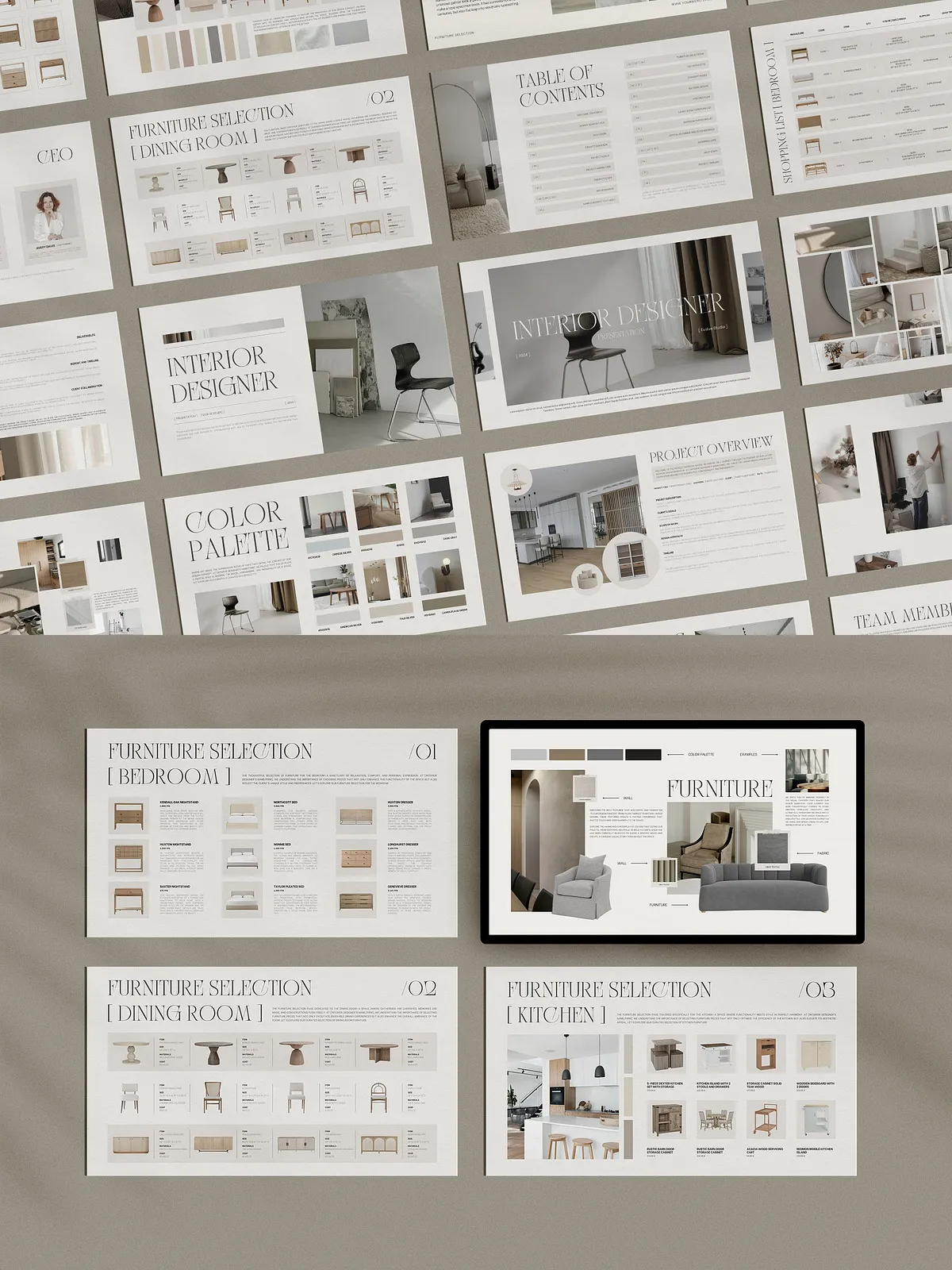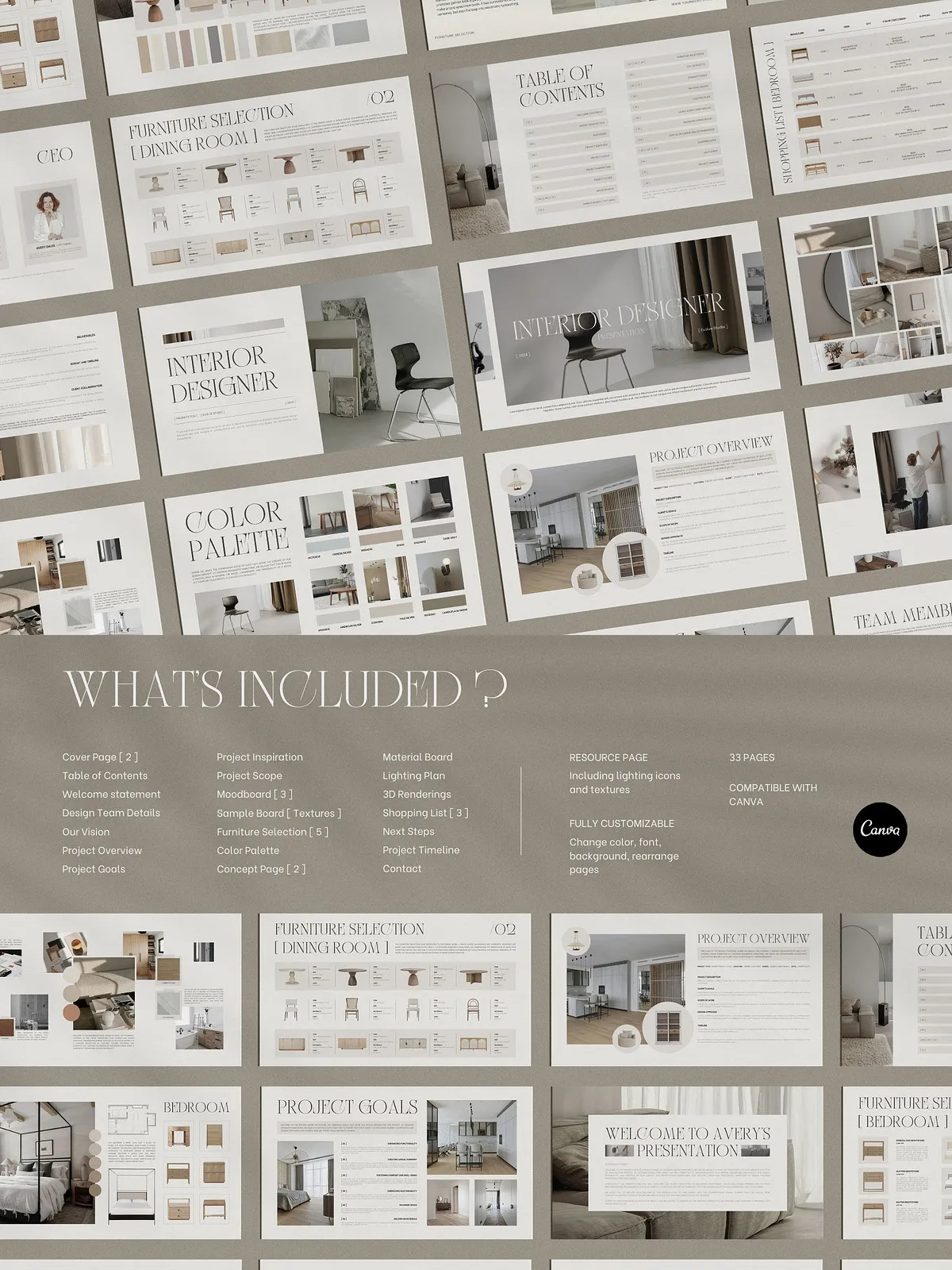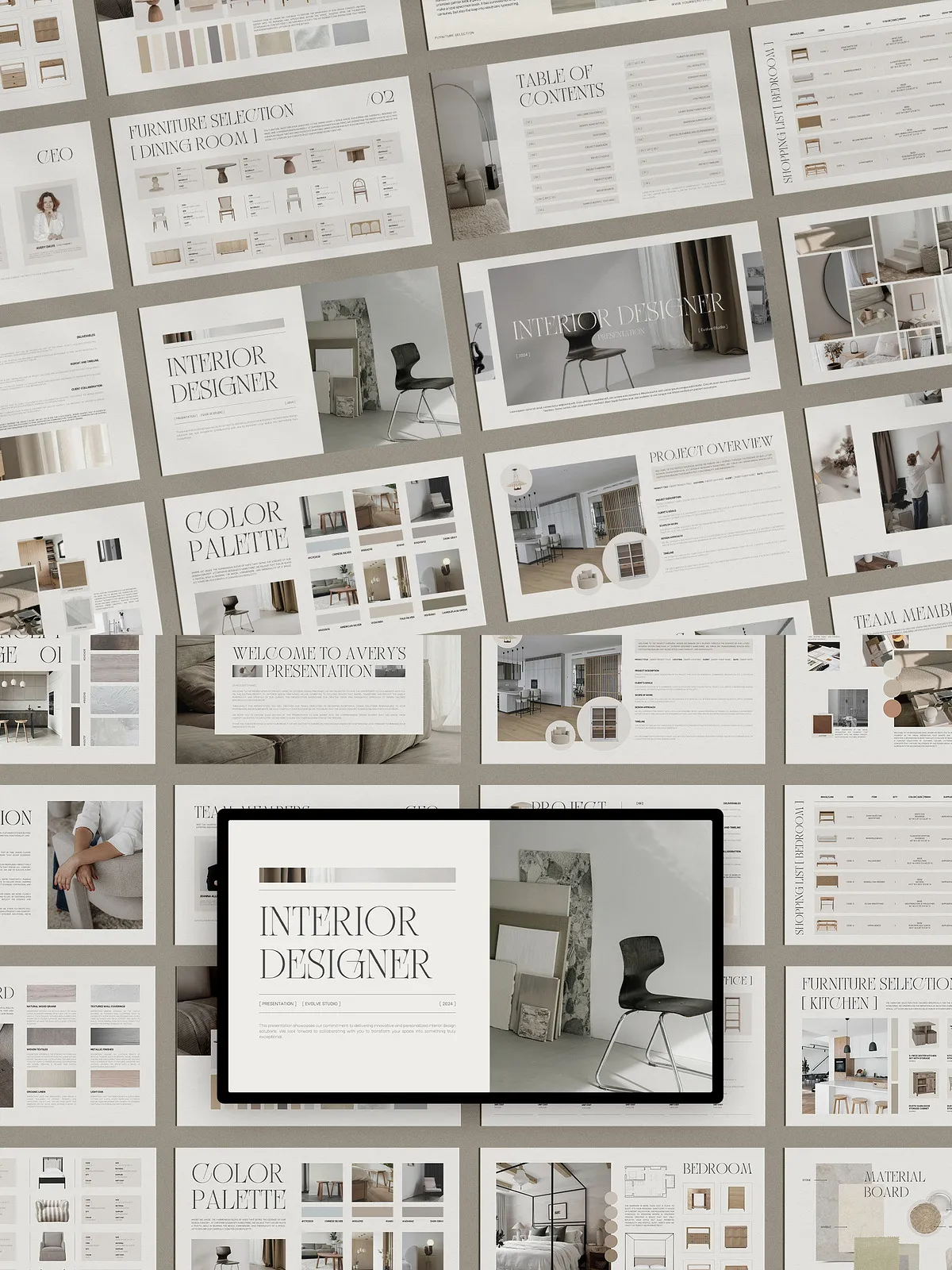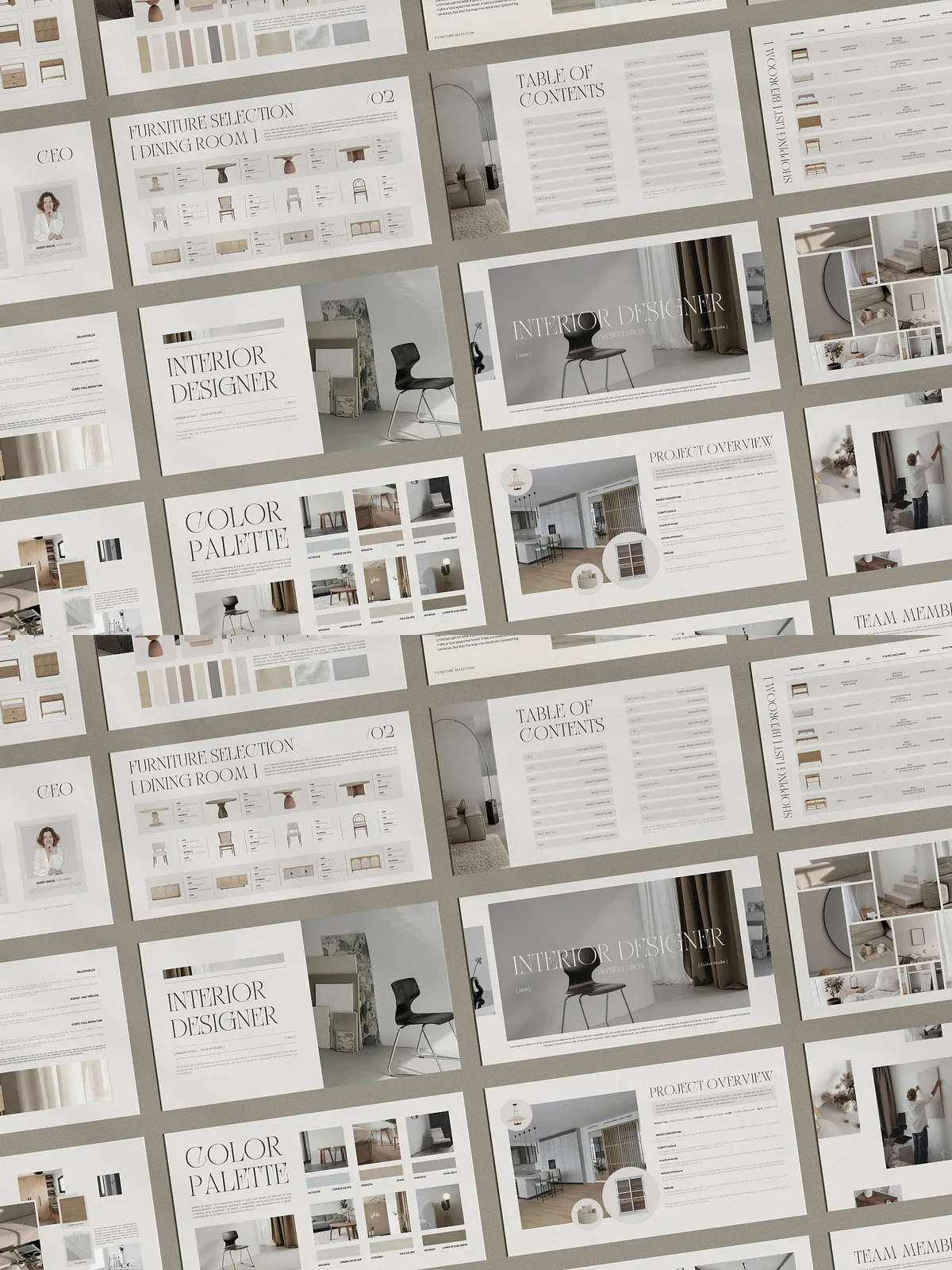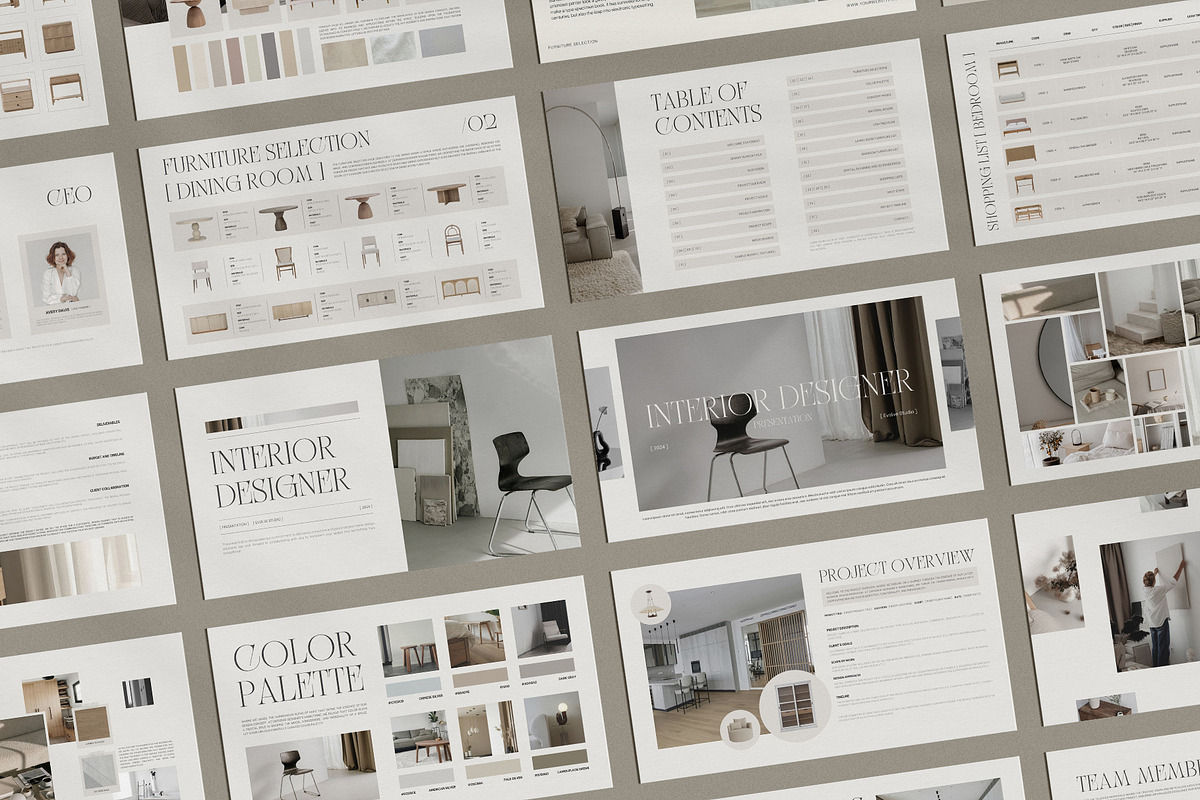
The Interior Design Presentation Canva Template empowers interior designers to present concepts clearly, persuasively, and efficiently. Designed by professionals for professionals, this fully structured template streamlines the entire presentation process—from initial inspiration to final client sign-off. With 33 thoughtfully designed pages, the template helps you communicate design intent, materials, lighting strategies, and procurement details in a polished, on-brand format that clients understand and trust.
Why This Template Works
Present with Confidence
This template equips you to present projects with authority. Each slide has been crafted to emphasize visual hierarchy, highlight key decisions, and guide clients through your design rationale. You will deliver presentations that reduce client confusion, accelerate approvals, and showcase your professionalism.
Work Faster, Sell More
By providing ready-made layouts for mood boards, material selections, and furniture lists, the template reduces repetitive setup work. Instead of building presentation pages from scratch, you will populate pre-built sections with project assets and customize styles to match client branding. Faster delivery increases your capacity to take on more projects and improves conversion during client meetings.
Included Content
Complete 33-Page Presentation
The package contains a complete 33-page professional presentation designed for interior design projects. Each page serves a specific purpose, ensuring you present a coherent narrative and a complete scope of work.
Resource and Procurement Pages
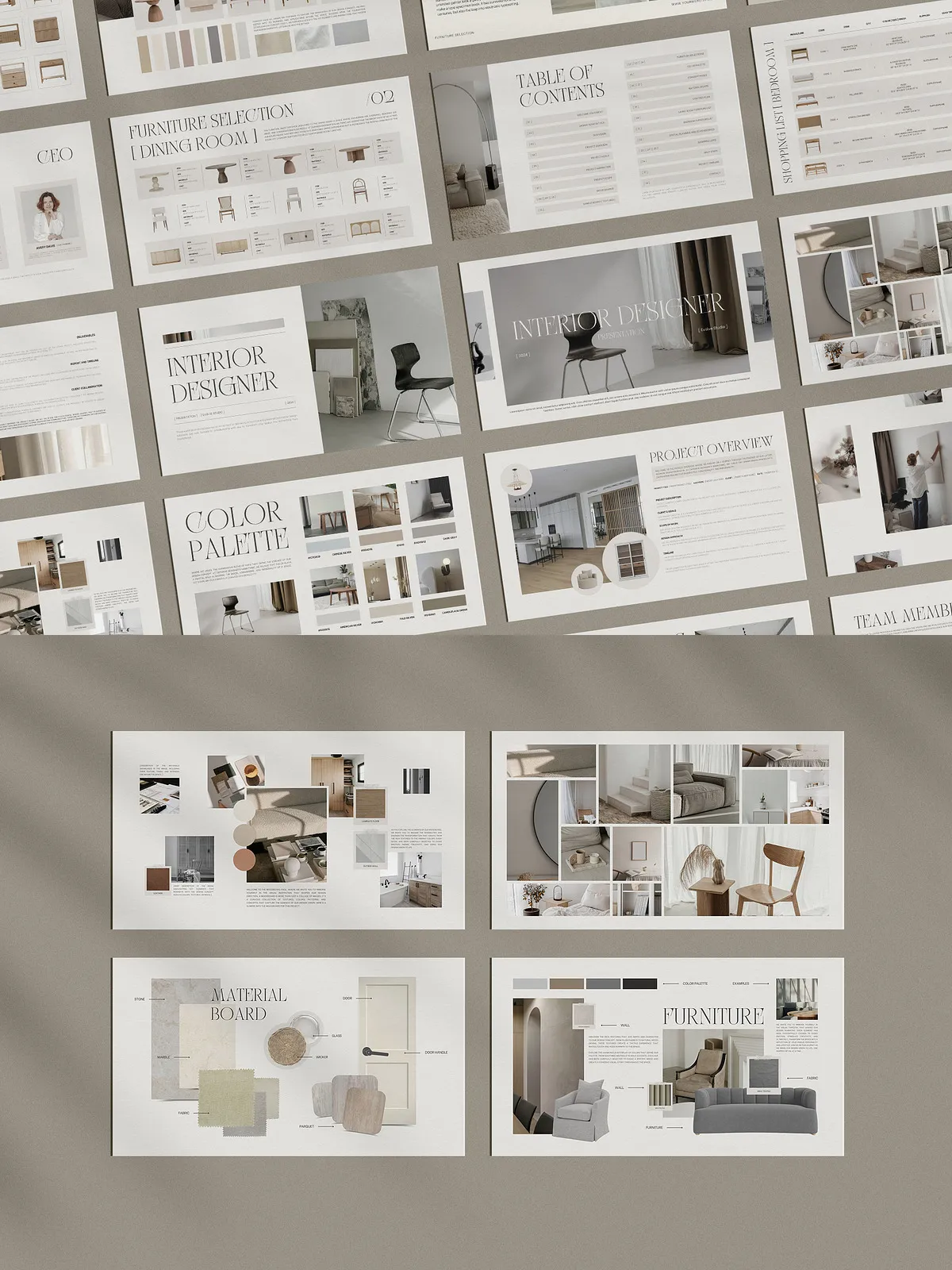
- Material Resource Page: Display finishes, swatches, and supplier notes with clear callouts for selections and alternates.
- Lighting Resource Page: Show fixture types, specifications, and placement rationale to support lighting schemes.
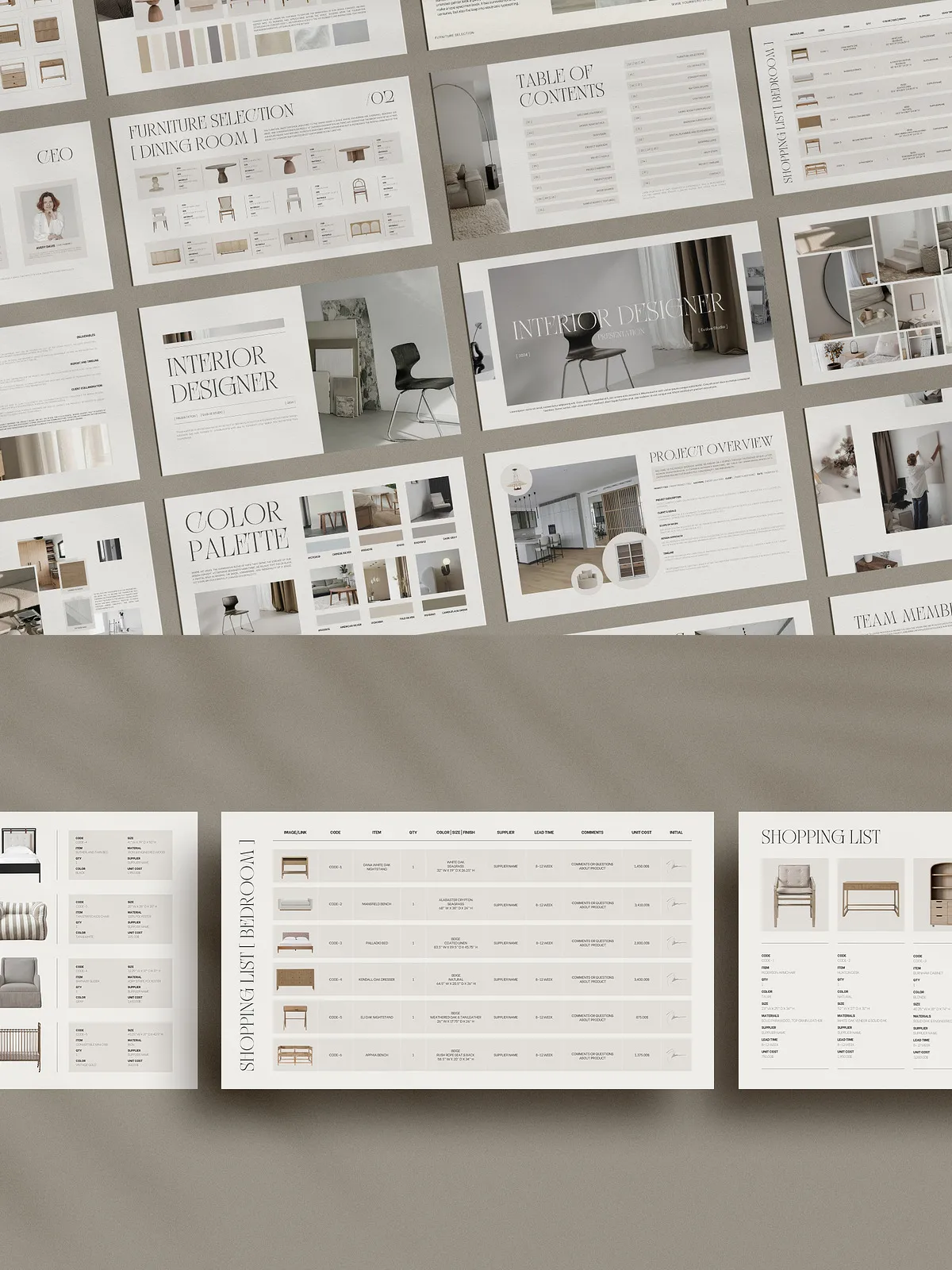
- Shopping List with Links: Provide direct purchase links for clients or procurement teams so decisions lead to action immediately.
Pages Included
The template includes the following pages to cover every phase of a typical interior design presentation:
- Cover
- Table of Contents
- Welcome Statement
- Design Team Details
- Project Overview
- Project Goals
- Project Inspiration
- Project Scope
- Mood Board x3
- Material Board (Textures)
- Furniture Selection
- Color Palette
- Concept Page
- Material Board
- Lighting Plan
- Living Room Furniture List
- Bedroom Furniture List
- Spatial Planning and 3D Renderings
- Shopping List
- Next Steps
- Project Timeline
- Contact
How It Helps Your Process
Clarify Project Goals
You will use dedicated pages to define objectives, constraints, and client priorities. Clear documentation reduces scope creep and ensures everyone agrees on the target outcomes before production begins.
Showcase Design Intent
High-impact mood boards and material pages let you demonstrate how textures, palettes, and furnishings will combine in the final space. These visual tools help clients visualize the result and make confident choices.
Streamline Procurement
The integrated shopping list with links shortens the path from decision to purchase. Share the list directly with clients, contractors, or procurement teams so selections move smoothly from approval to order fulfillment.
Instructions and Requirements
What You Receive
After purchase, you will receive PDF files containing active Canva links, step-by-step instructions, and tutorial resources. The PDF guides you to open and edit the template in Canva and explains how to adapt each page for your project.
What You Need
You only need a free Canva account to edit and export this template. No additional software is required. The template leverages Canva’s native editing tools so you can customize text, swap images, adjust colors, and export client-ready PDFs quickly.
Best Practices for Use
Customize Thoughtfully
Start by replacing placeholder images and text with project-specific photos, floor plans, and client requirements. Keep a consistent font and color scheme across all pages to reinforce your brand identity and maintain professional polish.
Leverage the Shopping Links
Update procurement links to verified suppliers and include product codes to accelerate ordering. Where possible, provide preferred alternates to account for availability and budget constraints.
Prepare for Client Delivery
Export a client version with controlled annotations and a separate working file for internal use. This approach preserves a clean, persuasive client presentation while keeping technical notes in an editable working document.