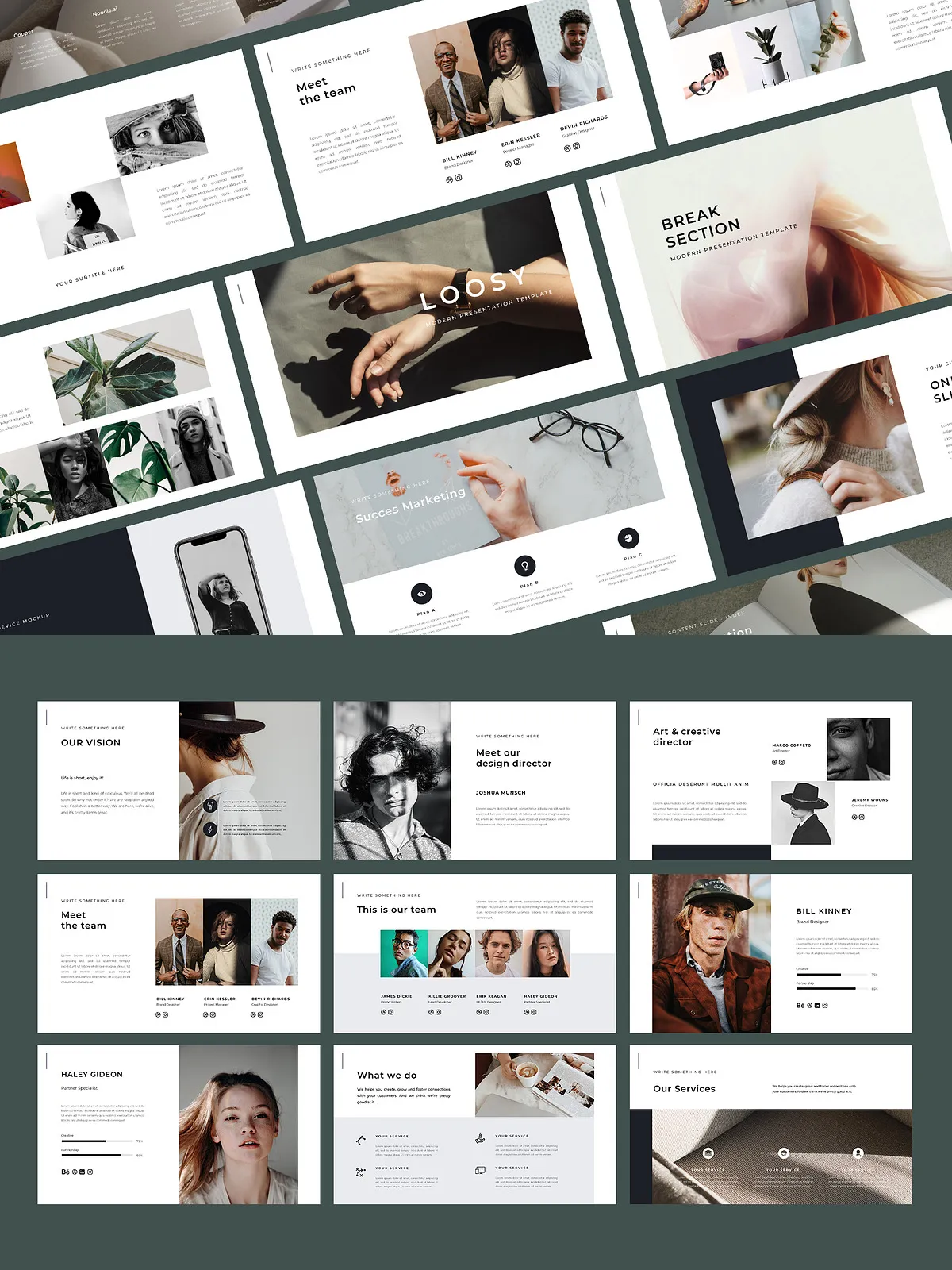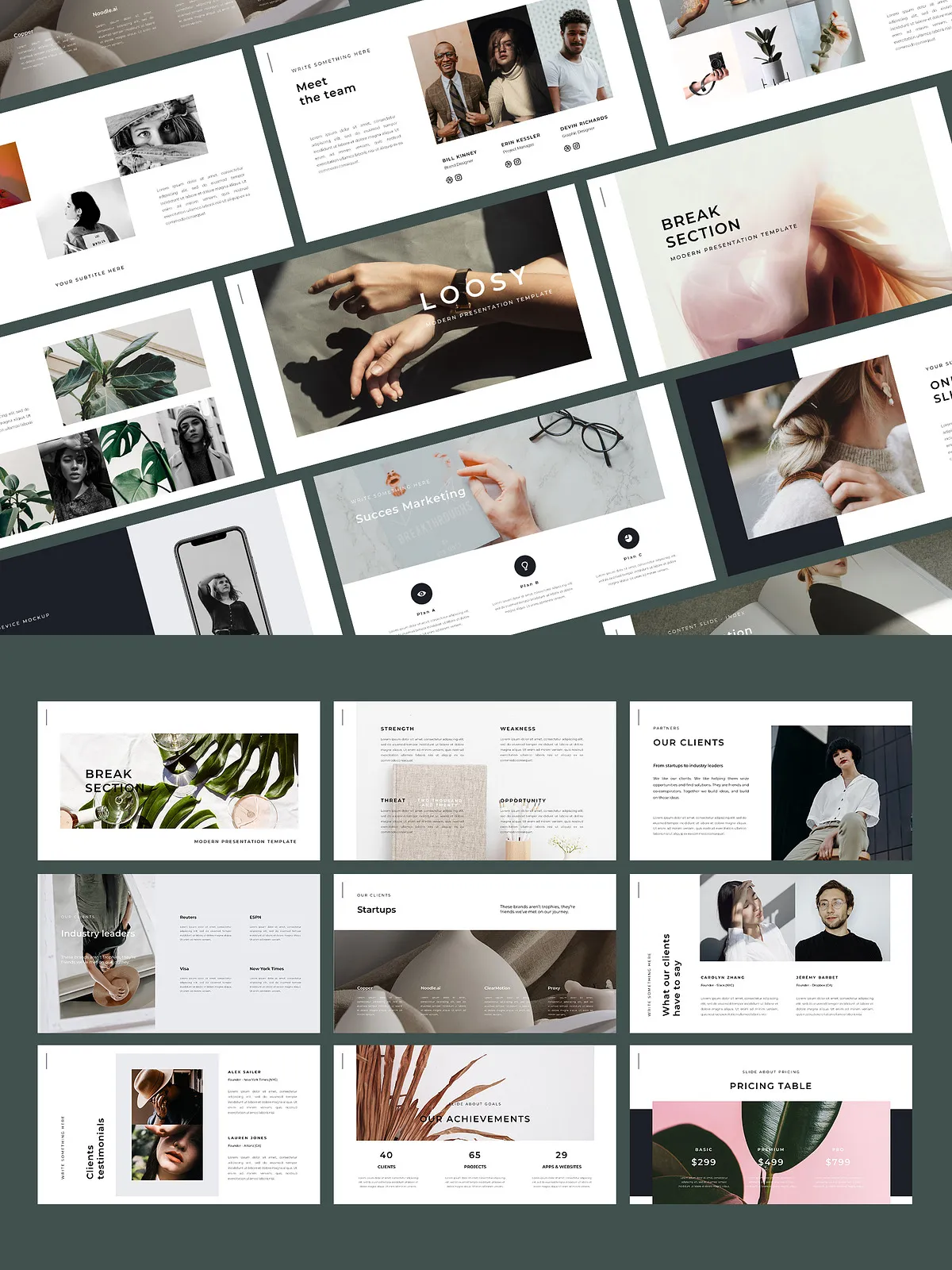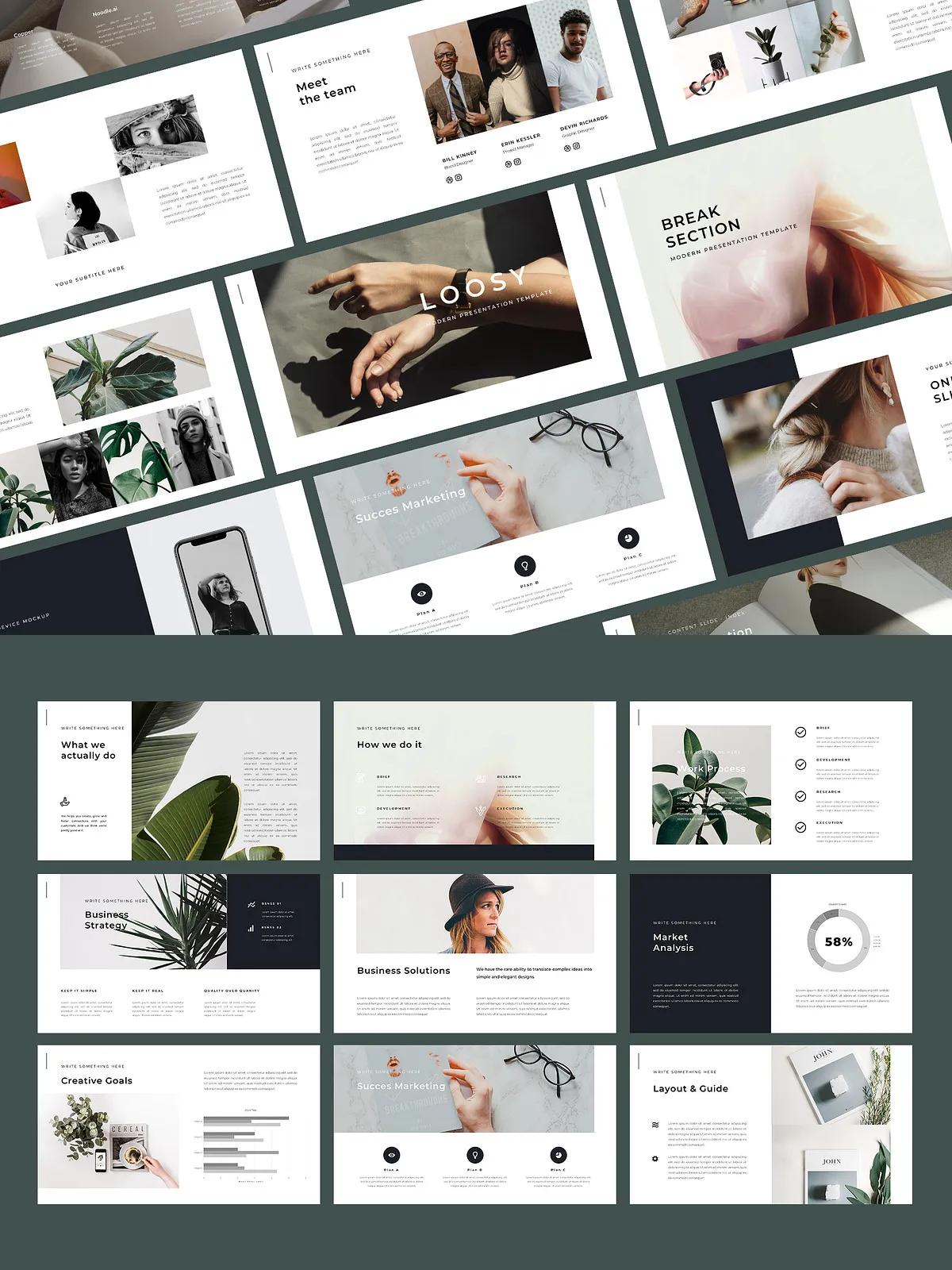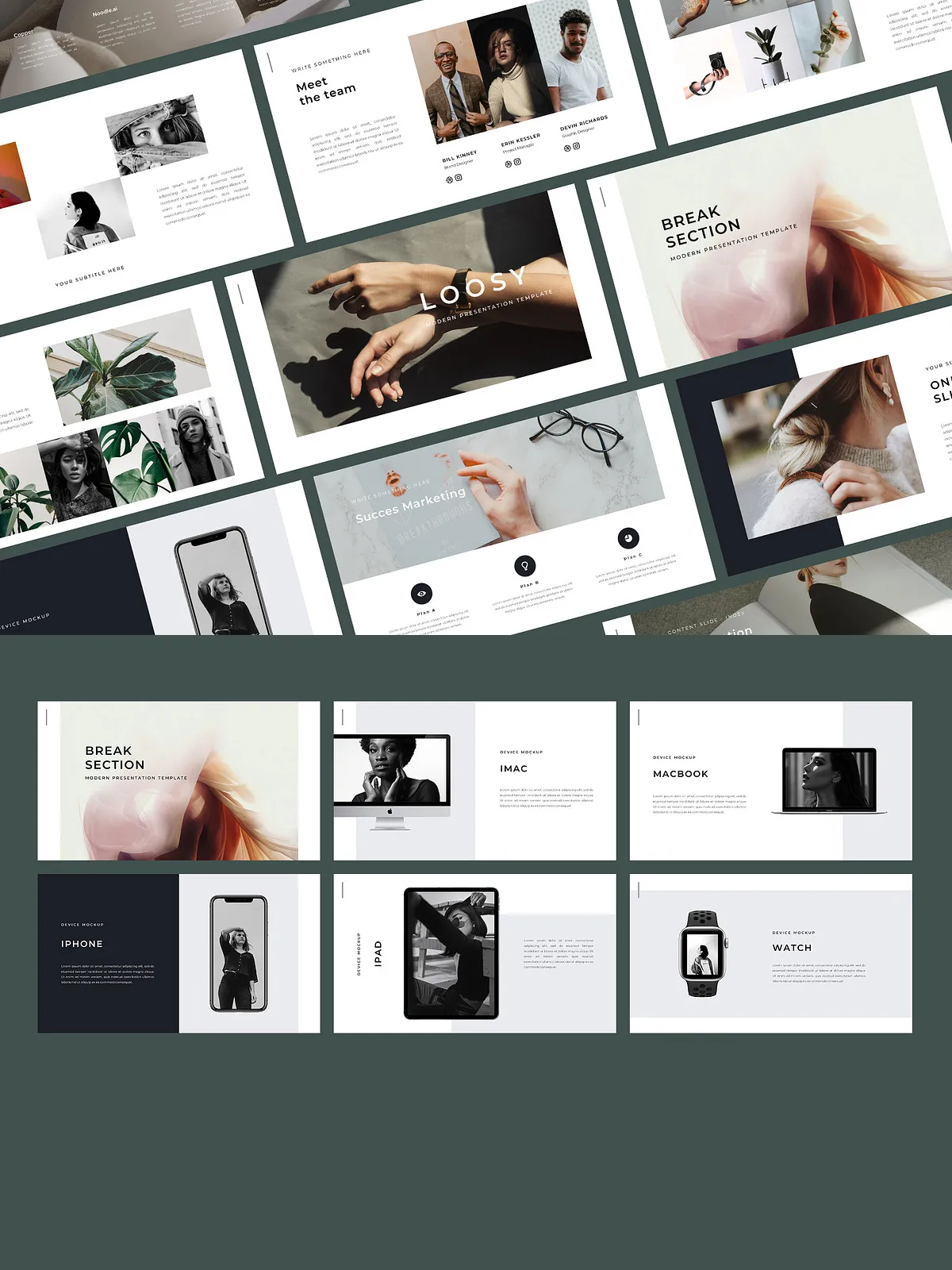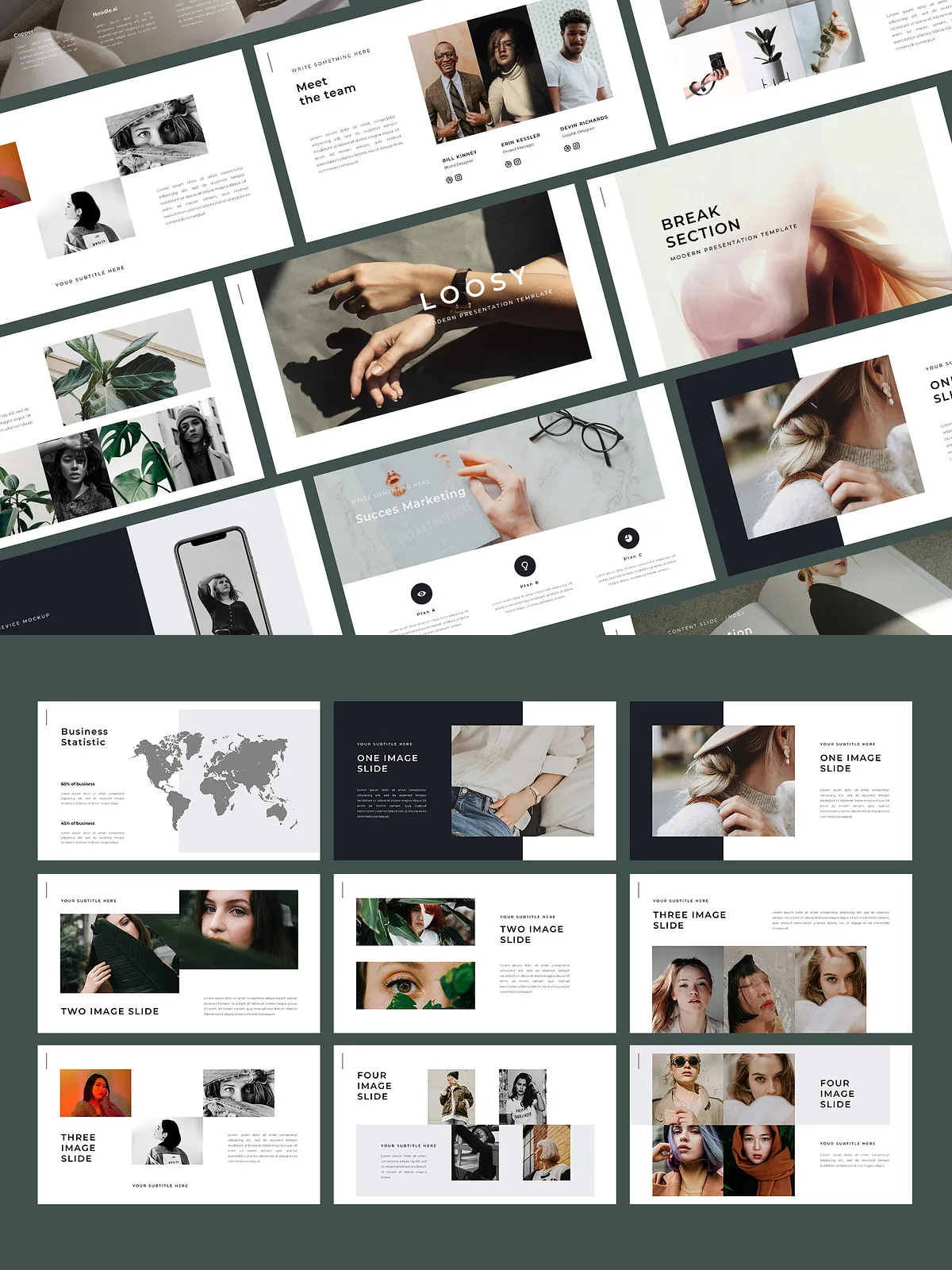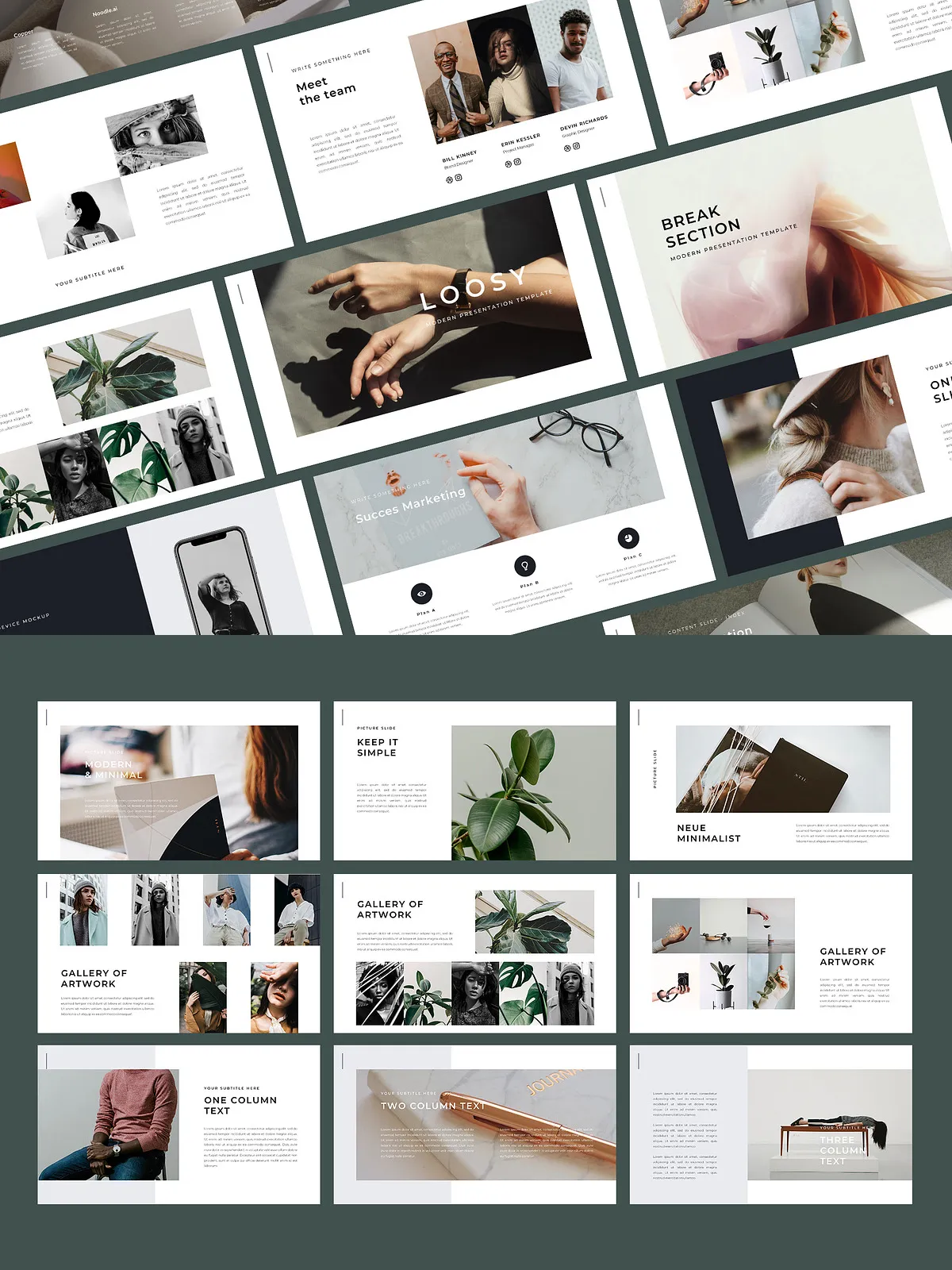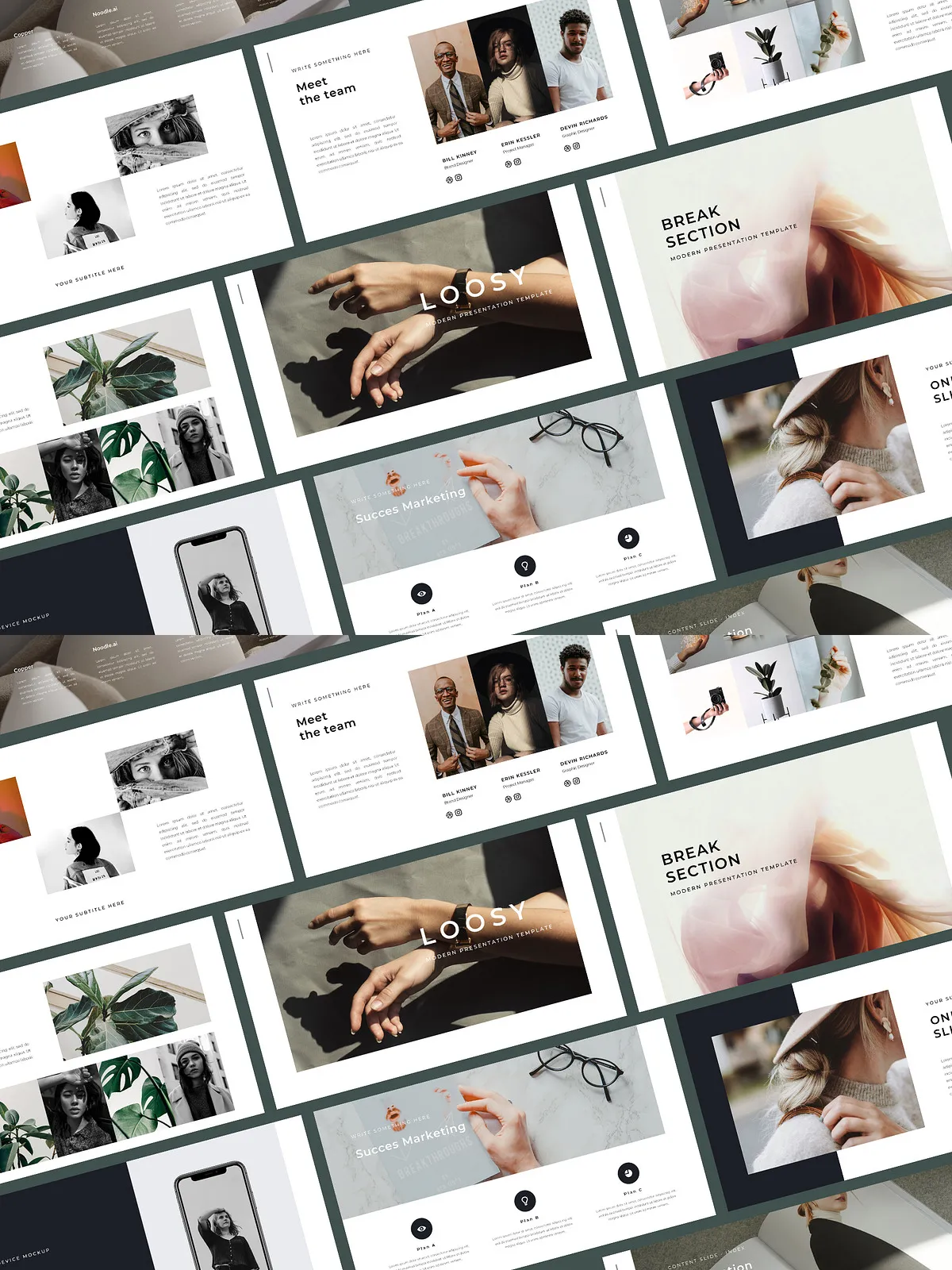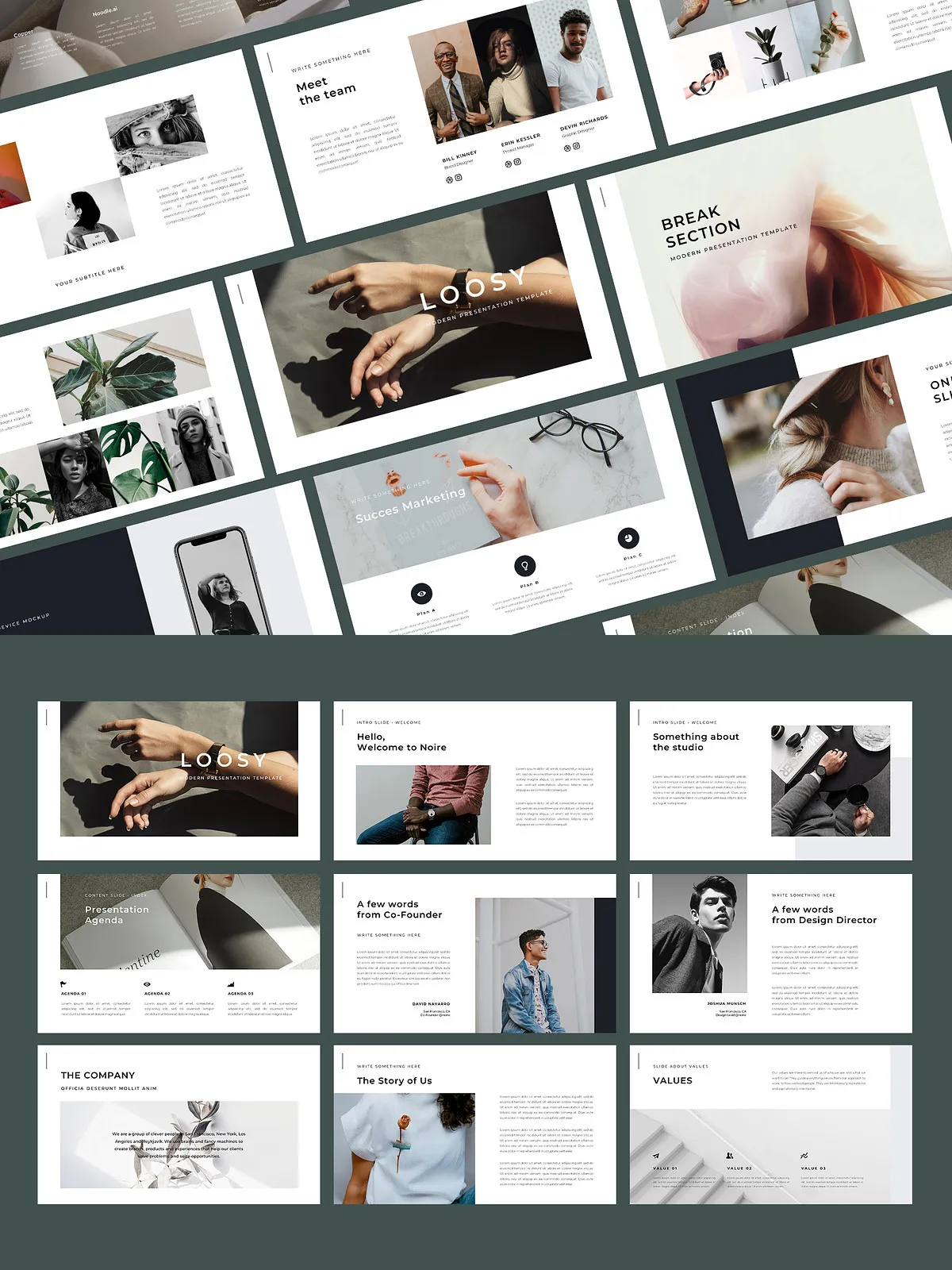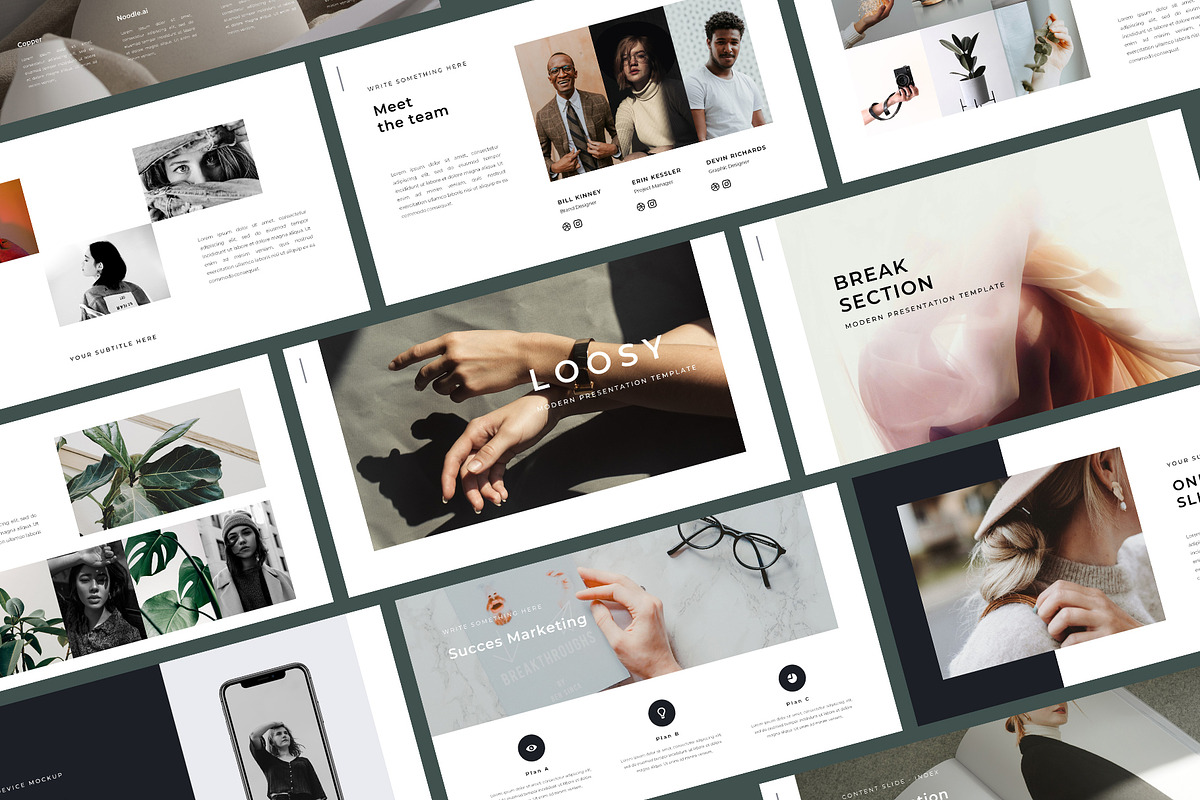
Deliver professional, visually consistent presentations quickly with the 120 Presentation Template Bundle. Designed for consultants, agencies, educators, and business professionals, this collection provides a vast library of modern layouts that accelerate slide creation and maintain visual polish across every deck. With over 6,000 ready-to-use slides and compatibility across PowerPoint, Keynote, and Google Slides, the bundle empowers you to customize, combine, and update presentations without rebuilding from scratch.
Why this bundle helps you
This bundle streamlines slide production so you can focus on storytelling and results. Instead of wrestling with layout decisions every time you build a deck, pick templates that match your message and edit them directly. The templates use Full HD (16:9 / 1920×1080) dimensions to ensure crisp display in virtual meetings and on large screens. You’ll drag and drop imagery into placeholders, edit text and colors, and export polished PDFs or live slide shows in minutes.
Who it’s for
Marketing teams, product managers, freelance consultants, educators, and visual communicators will find the bundle especially effective. Use the templates to pitch ideas, teach courses, report results, or produce internal briefings. Each layout serves a purpose — from bold title slides and timeline overviews to data-rich charts and minimal portfolio pages — letting you match design to content rapidly.
Included Files & Format
- PowerPoint (PPTX) files ready for immediate editing
- Keynote files for macOS users
- Google Slides ready-to-use templates
- User Guide with setup and customization instructions
Technical details
- Resolution: Full HD (16:9 / 1920×1080)
- Slides: 120 distinct slide types, combining into 6000+ unique slide variations via color, layout, and master slides
- Editable master slides to enforce consistent typography and spacing
- Drag-and-drop image placeholders for fast composition
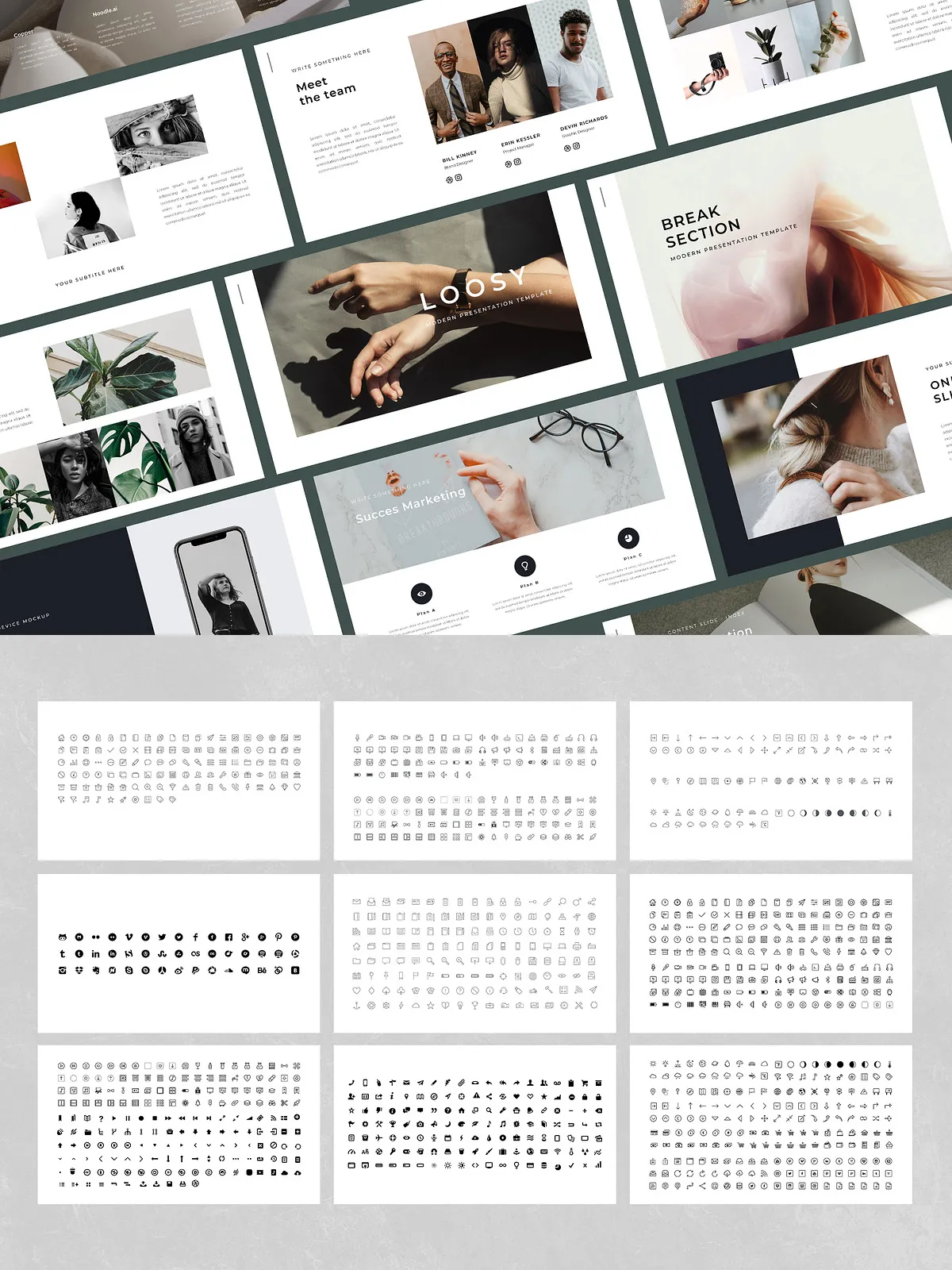
- Vector icons included for scalable, clear graphics
- Free fonts listed and linked in the user guide
Key Features
Rapid Customization
Open any template and replace placeholders with your images and brand colors. The included master slides let you change global styles in one place so every slide updates automatically. The user guide walks you through font installation, color swatches, and exporting best practices so you can customize confidently and consistently.
Design Variety and Consistency
The bundle includes a modern set of layouts — from statement hero slides to dense content pages and clean minimal options. Use the provided grid and master slides to keep spacing uniform while switching layout types, ensuring every slide feels part of the same narrative.
High-Quality Assets
Vector icons and well-chosen typographic scales give each slide professional clarity. Images placed in the drag-and-drop placeholders retain correct aspect ratios, and recommended image sizes in the guide help you avoid pixelation on large displays.
How to Use
1. Download the appropriate file format for your platform (PPTX, Keynote, or Google Slides). 2. Open the user guide and follow initial setup steps (install fonts, import color swatches). 3. Replace placeholder text and imagery with your content. 4. Use master slides to update headings, footers, or branding elements globally. 5. Export or present directly from your platform.
Delivery & Updates
After purchase, download the bundle and open the included User Guide to begin. The author provides free updates, so you can integrate new slides and improvements as they are released. For purchase and immediate download visit: [120 Presentation Template Bundle on Creative Market](https://creativemarket.com/bervisual/5187688-120-Presentation-Template-Bundle). For related templates and additional examples by the same author, see [Mooner – Google Slides Template](https://creativemarket.com/bervisual/5041171-Mooner-Google-Slides-Template).
Included Support
- User Guide with step-by-step instructions
- Notes on image sizes, exporting, and presentation tips
- Access to vector icon assets and free font links