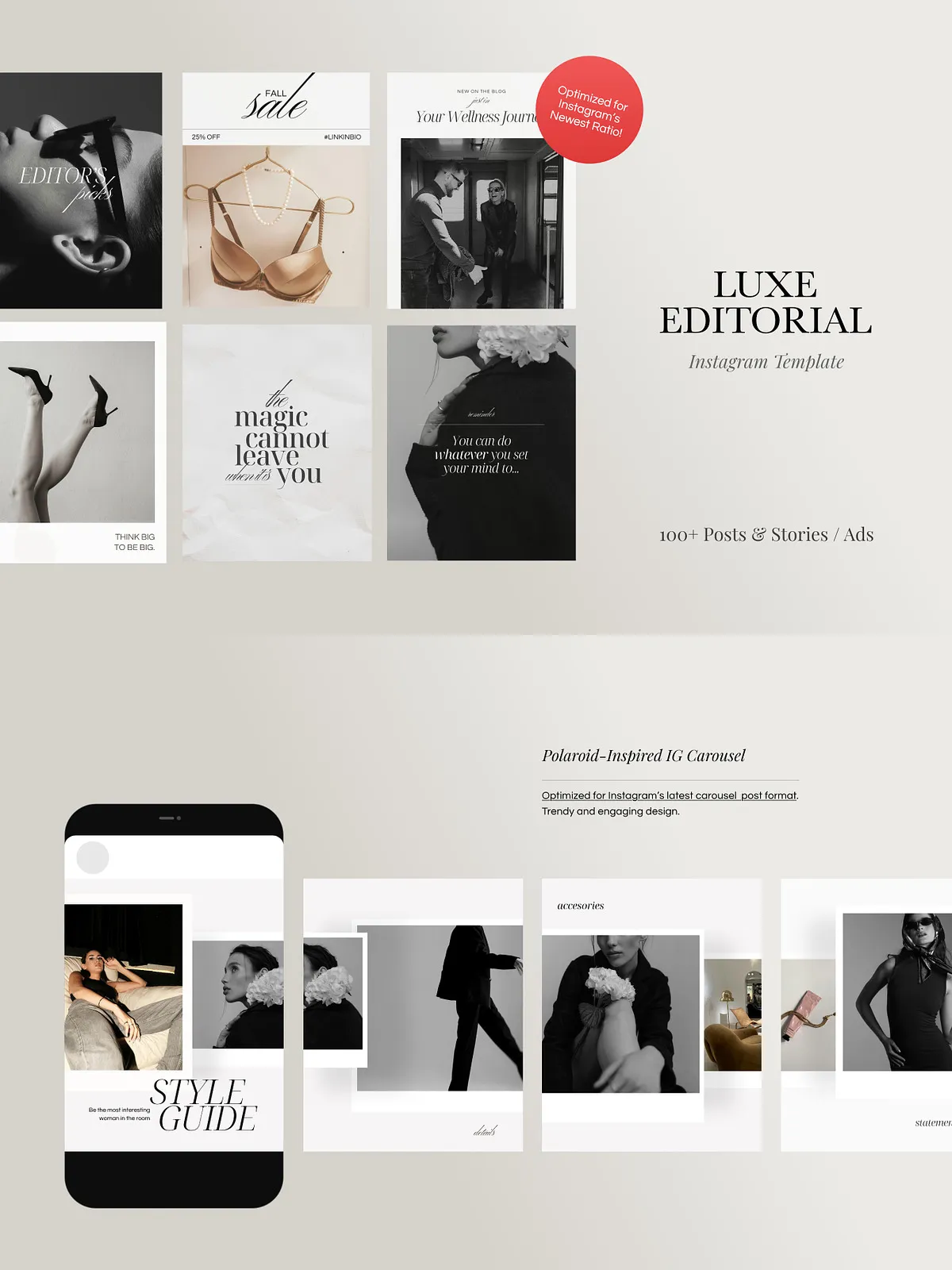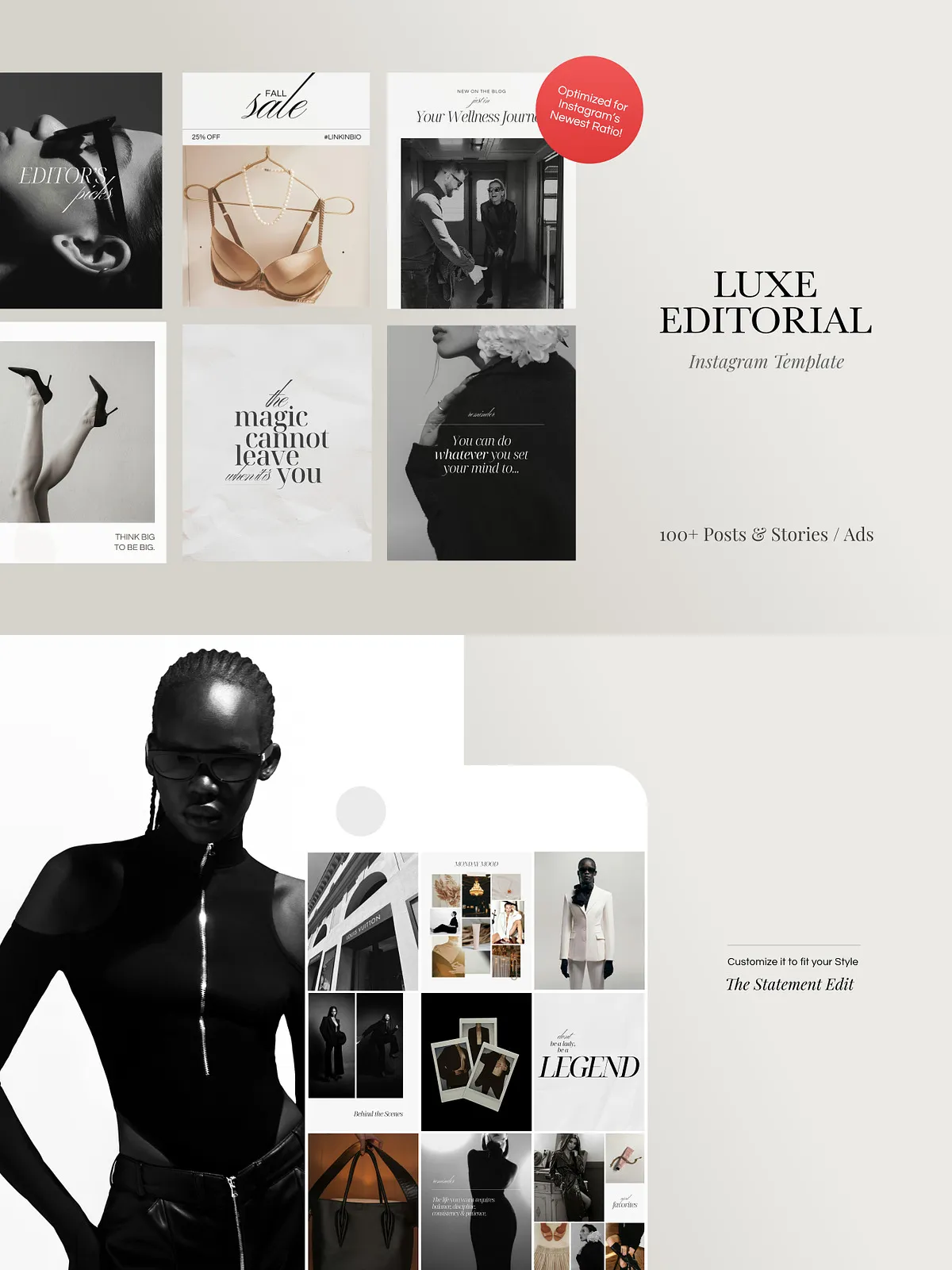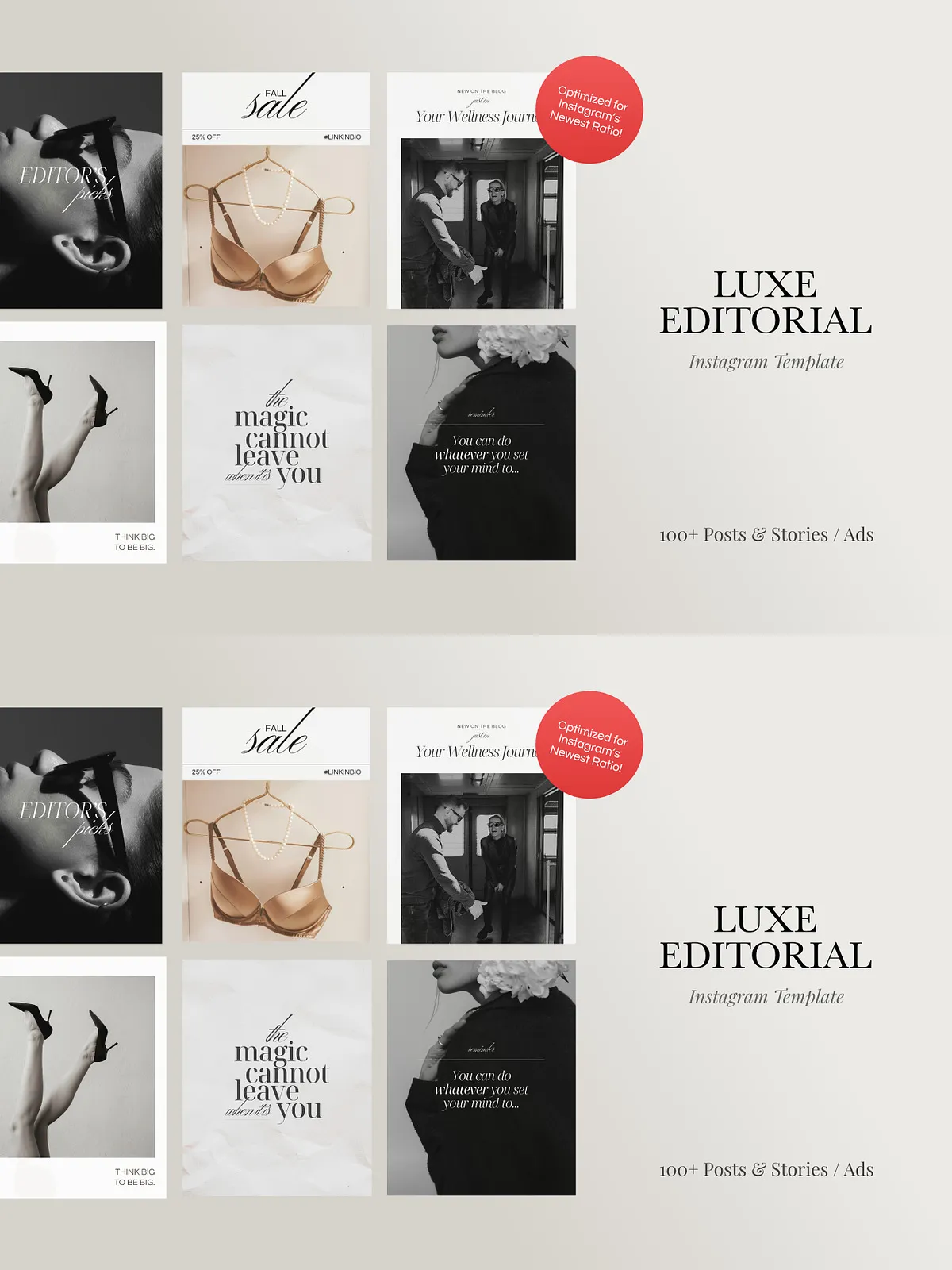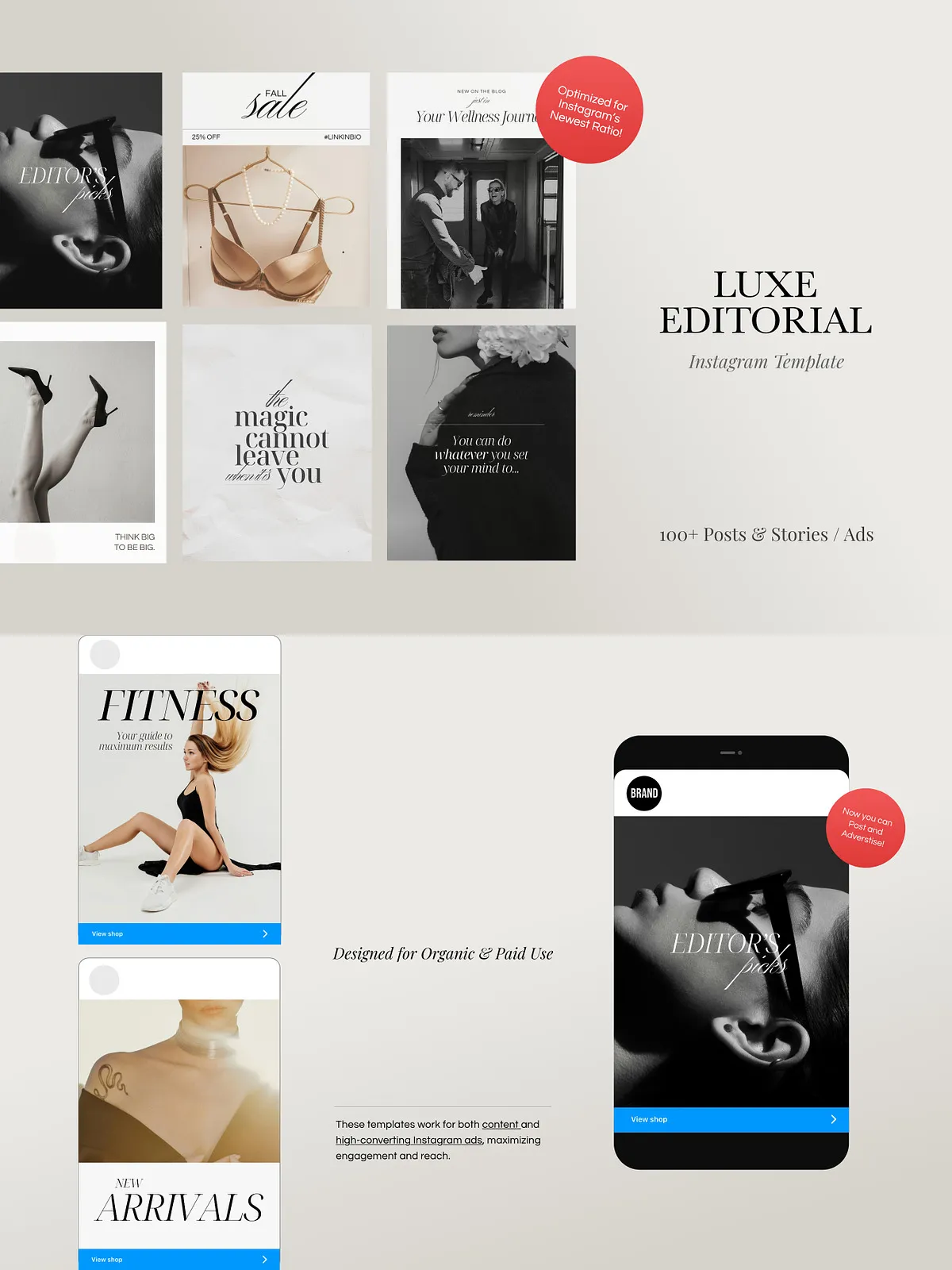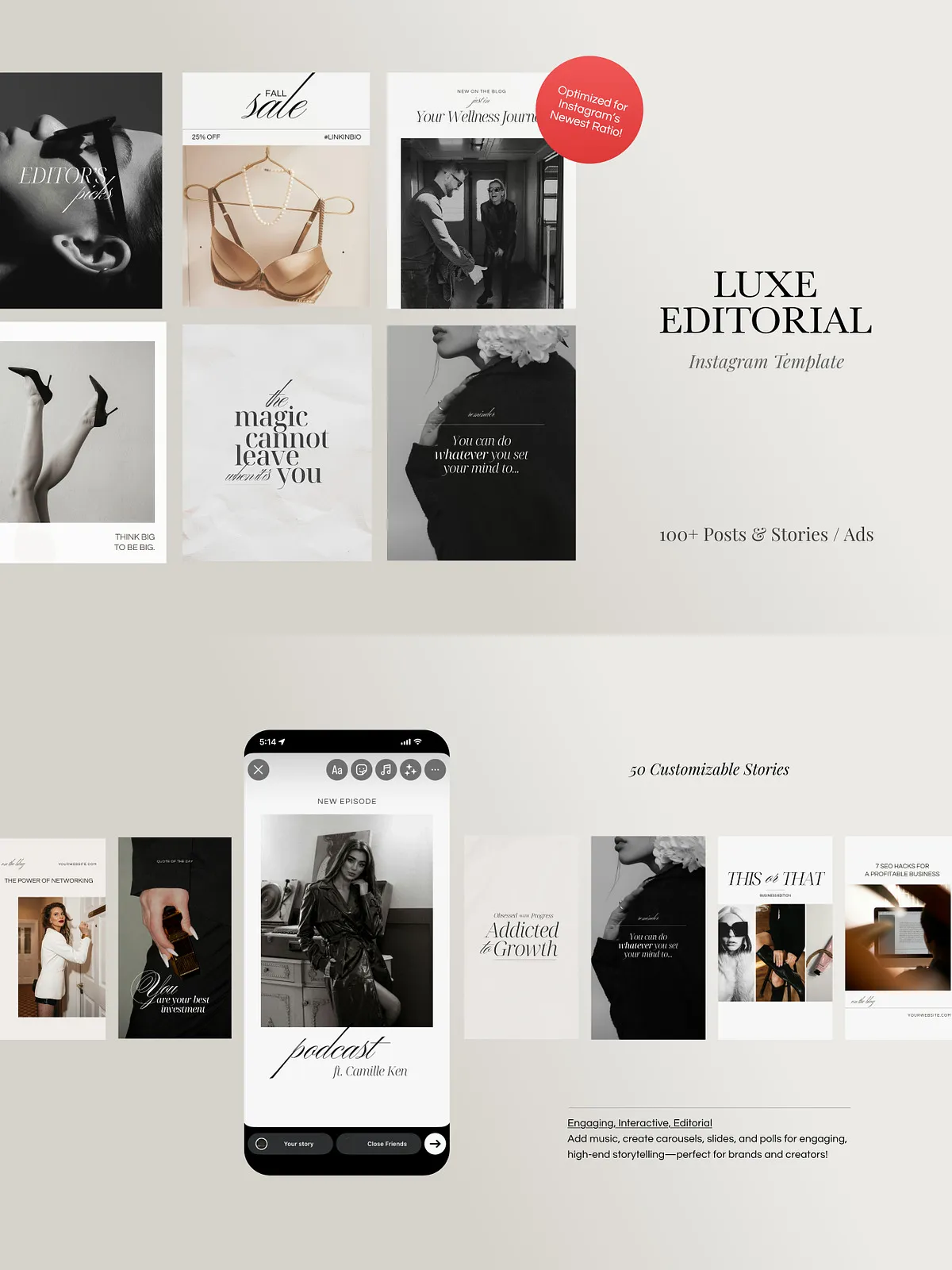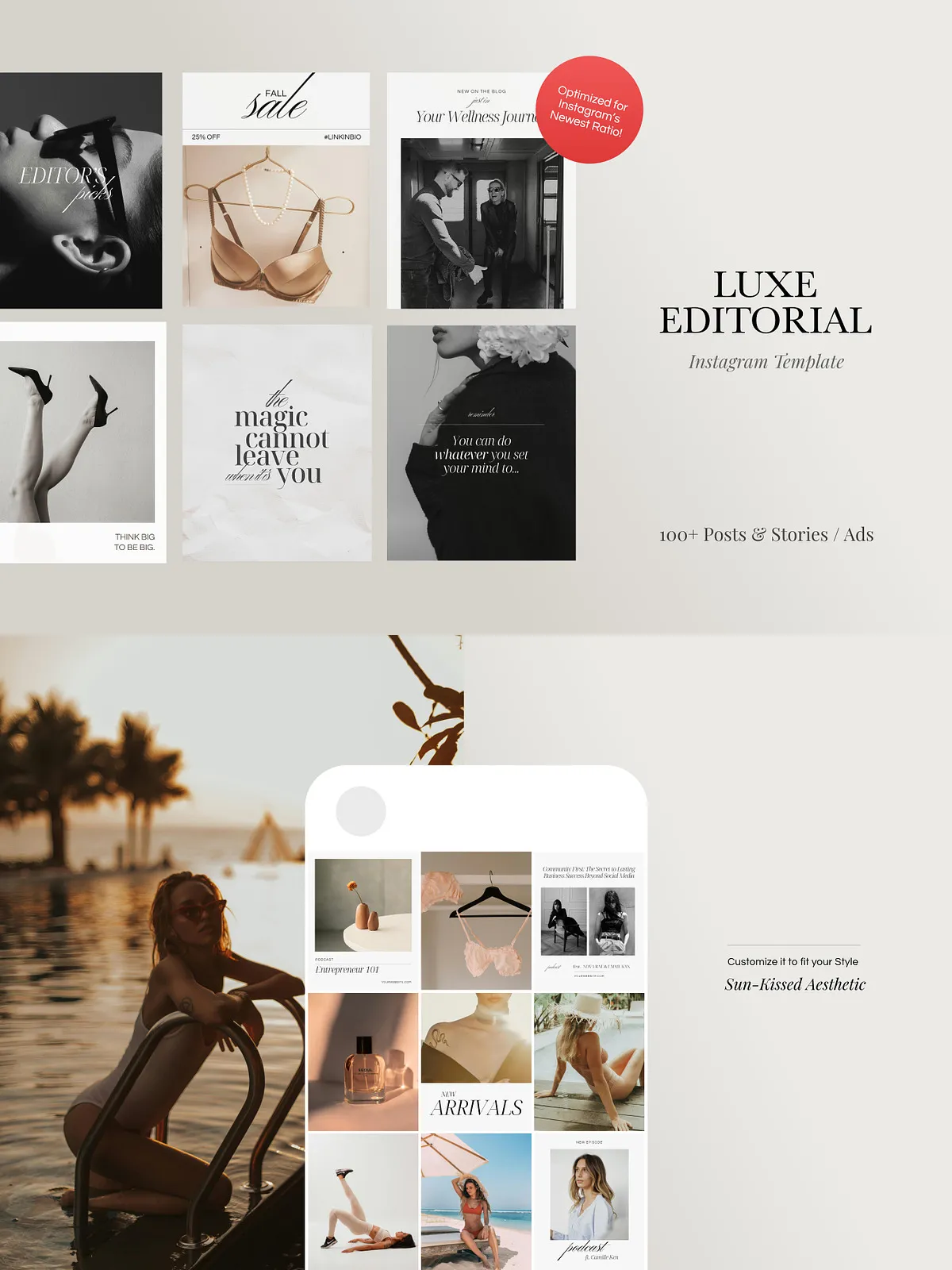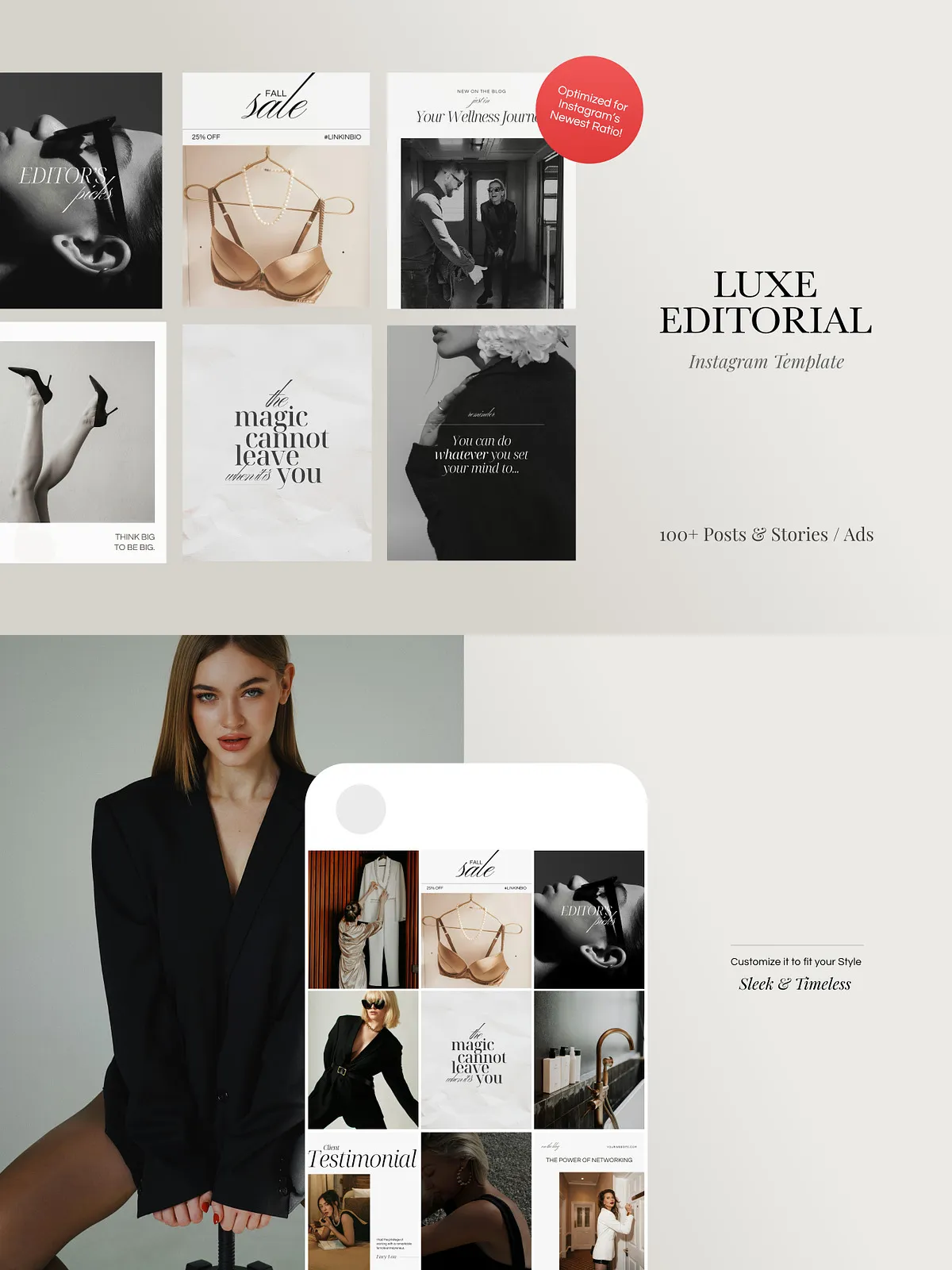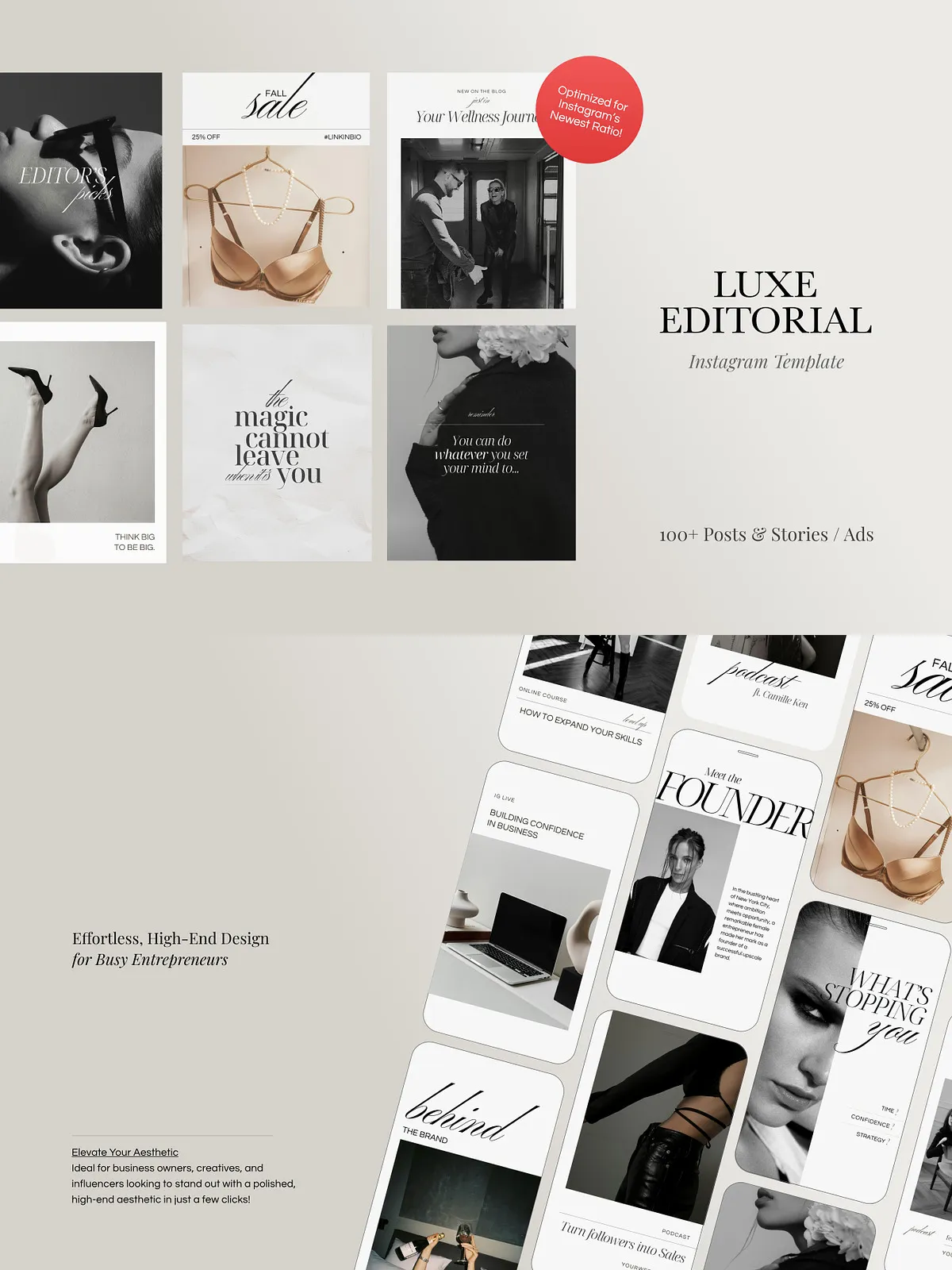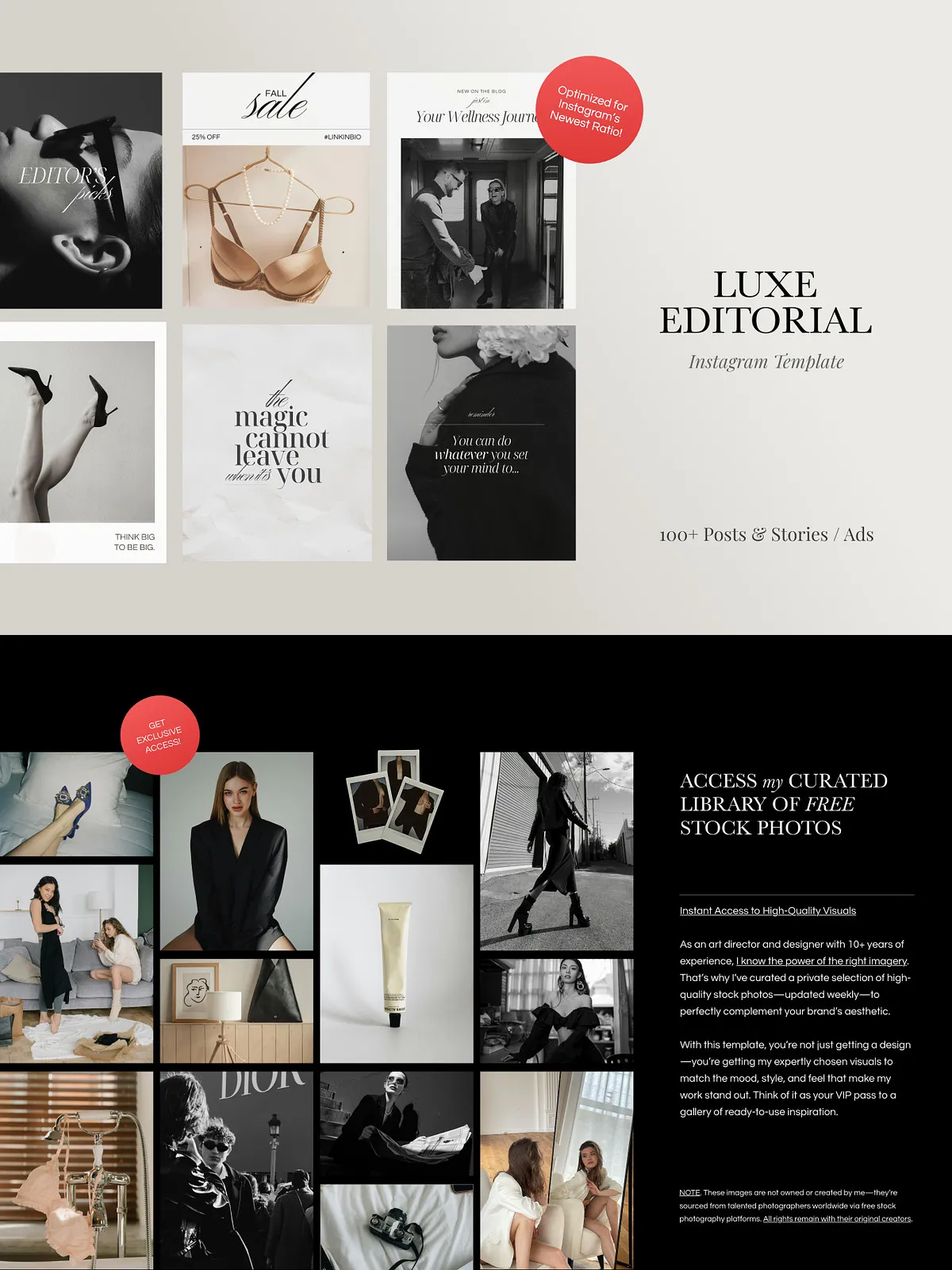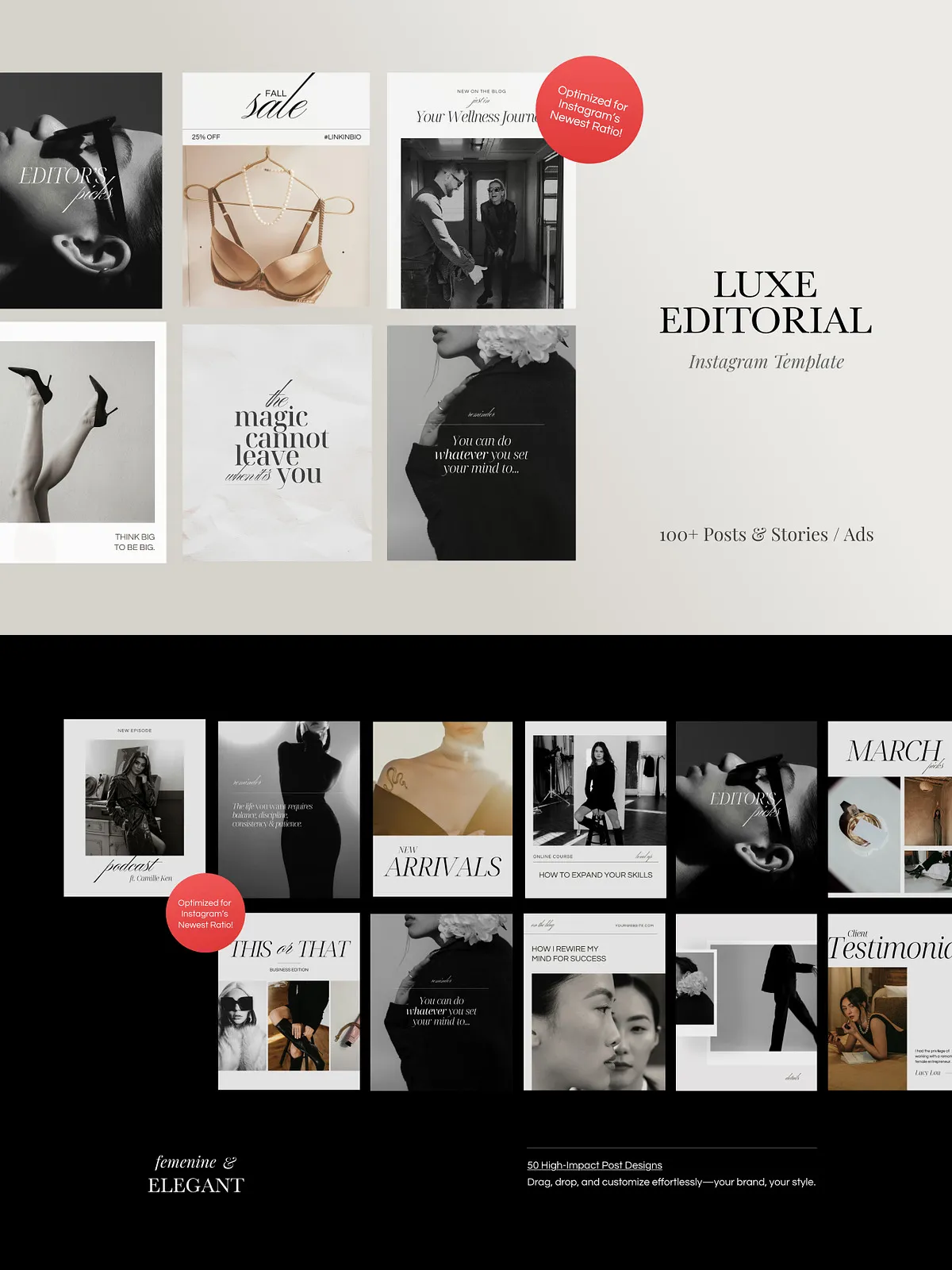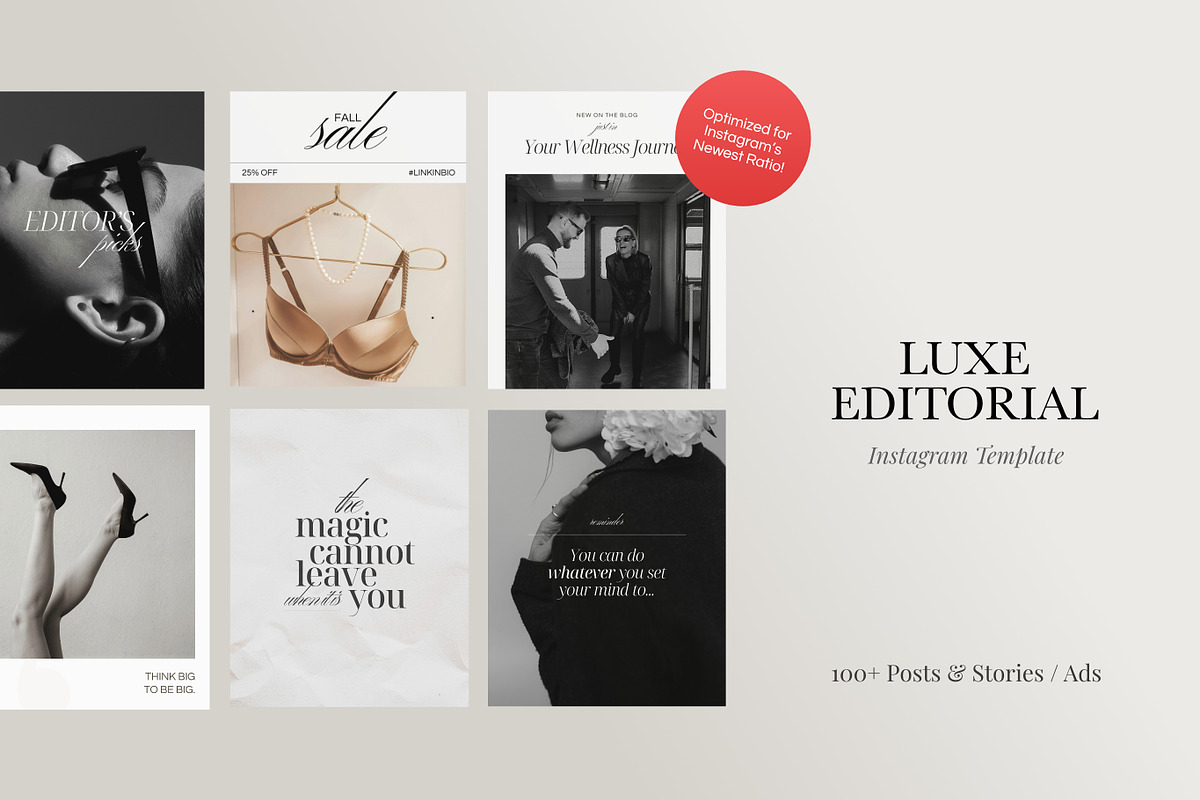
Elevate your brand’s Instagram presence and drive meaningful engagement with a professionally designed, feminine template pack built for visual impact and consistent messaging. This pack empowers creators, small businesses, and social media managers to publish polished content quickly. With over 100 fully editable posts and stories, you gain a cohesive visual system that aligns with refined aesthetics while supporting active marketing goals such as promotions, ad creatives, and audience interaction. The templates prioritize speed and flexibility so you can spend less time designing and more time growing your brand.
What You Get
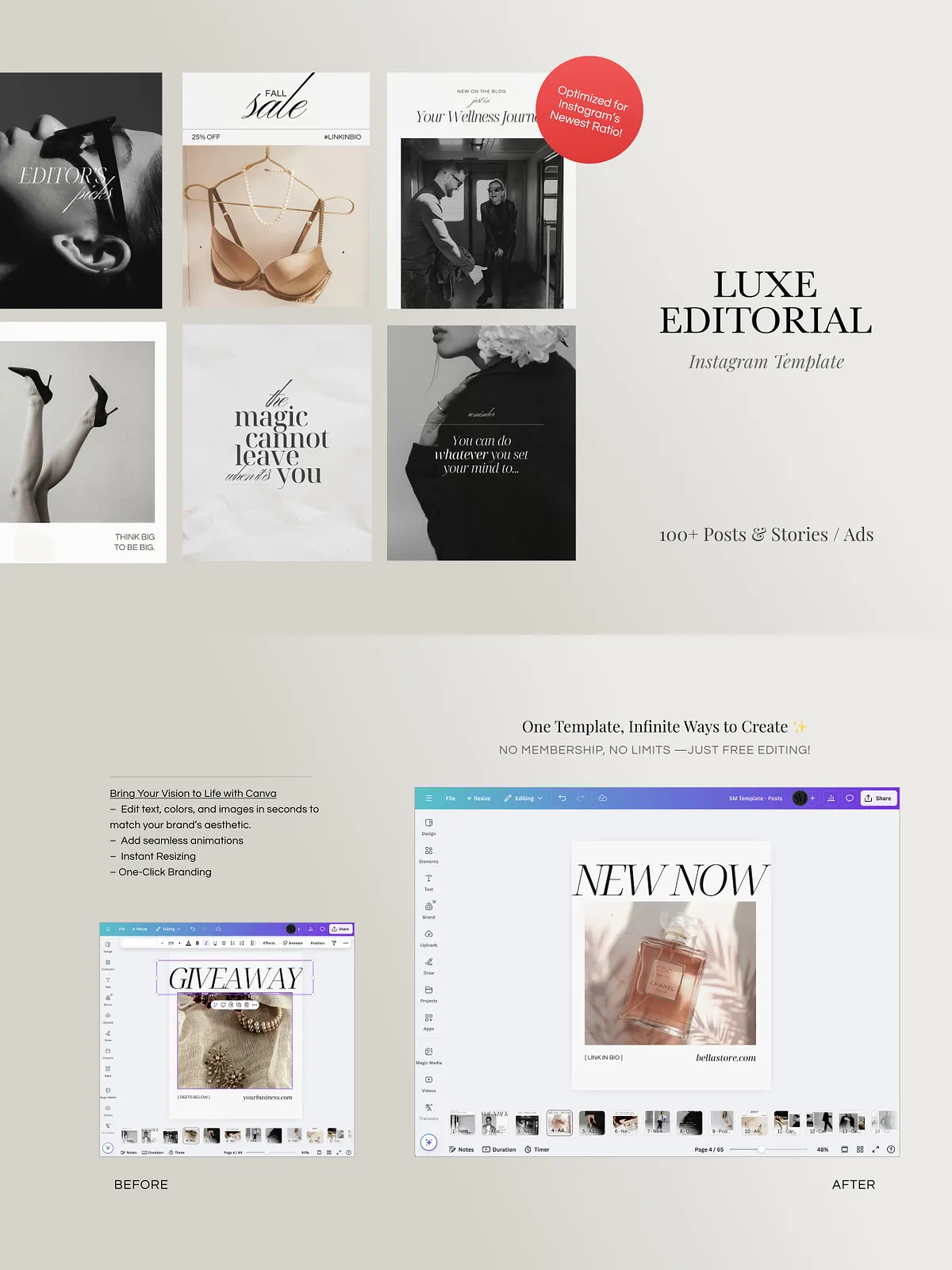
This comprehensive template pack provides everything you need to refresh your grid and story strategy. Each asset uses Canva-friendly layouts so you can customize text, colors, images, and animations without installing fonts or learning complex software. The templates arrive grouped for easy application across campaigns, seasonal promotions, and evergreen content planning.
Posts — Optimized for Instagram’s Latest Ratio
- 60+ Canva post templates formatted to Instagram’s current aspect ratio so your images display crisply in-feed and on profile grids.
- Includes single-post layouts, promotional frames, and carousel-ready designs that encourage swiping and deeper engagement.
- Each post template uses editable text blocks, modular graphic elements, and clear typographic hierarchy so you can tailor headlines, subheadlines, and calls to action instantly.
Stories — Engaging, Swipe-Up Ready Designs
- 60+ Canva stories templates crafted for dynamic storytelling and conversion-driven content.
- Animated options let you add motion to headlines, transitions, and image reveals to capture attention within the first second.
- Story templates include interactive layouts for polls, countdowns, product reveals, and behind-the-scenes content to boost direct interaction.
Included Files & Guides
- 1 x Canva Access Link: Full collection accessible via Canva template folders for instant editing.
- Individual post and story guide preview JPGs to preview layouts before editing.
- Carousel guide preview JPG to help structure multi-slide storytelling that converts.
- “How to Access Your Template” PDF that walks you through opening, editing, and exporting assets in Canva.
Free Bonuses
Gain access to my curated free stock photo library filled with fresh, high-quality visuals updated weekly. The library complements the templates so your posts maintain a cohesive, premium look without hunting for photos. Free Google Fonts are pre-selected for immediate use in Canva; no local font installation is required when editing in Canva’s online editor.
Key Features & Benefits
- Time-saving: Publish professional-looking content quickly by replacing placeholder text and dragging your images into ready-made layouts.
- Brandable: Adjust color palettes, fonts, and imagery to match your brand identity and maintain a consistent aesthetic across posts and stories.
- Engagement-focused: Use call-to-action placements and columned layouts that encourage comments, shares, and saves.
- Versatile: Mix and reuse templates to keep your feed feeling fresh week after week while maintaining a unified brand voice.
- Animated: Add and edit animations within Canva to create movement that attracts attention and increases video views.
How to Use
Open the Canva template link, duplicate the designs into your account, and start customizing. Replace headlines, tweak sub-copy, and swap in your images using the drag-and-drop interface. Adjust color swatches and select fonts from the included free set to match your brand. Enable or modify built-in animations to create motion for in-feed videos and story content. Export finished files as PNGs for static posts or MP4/GIF for animated versions suitable for ads and organic feed placement.
Practical Tips for Maximum Impact
- Plan a month of content by repurposing carousel slides into single posts and converting stories into permanent highlights.
- Use the stock photo library to maintain visual consistency and reduce sourcing time.
- Test animated posts for 24–48 hours to compare engagement against static posts and refine animation intensity accordingly.
- Batch-edit templates to save time: customize 10–15 posts at once and schedule them using your preferred social scheduler.