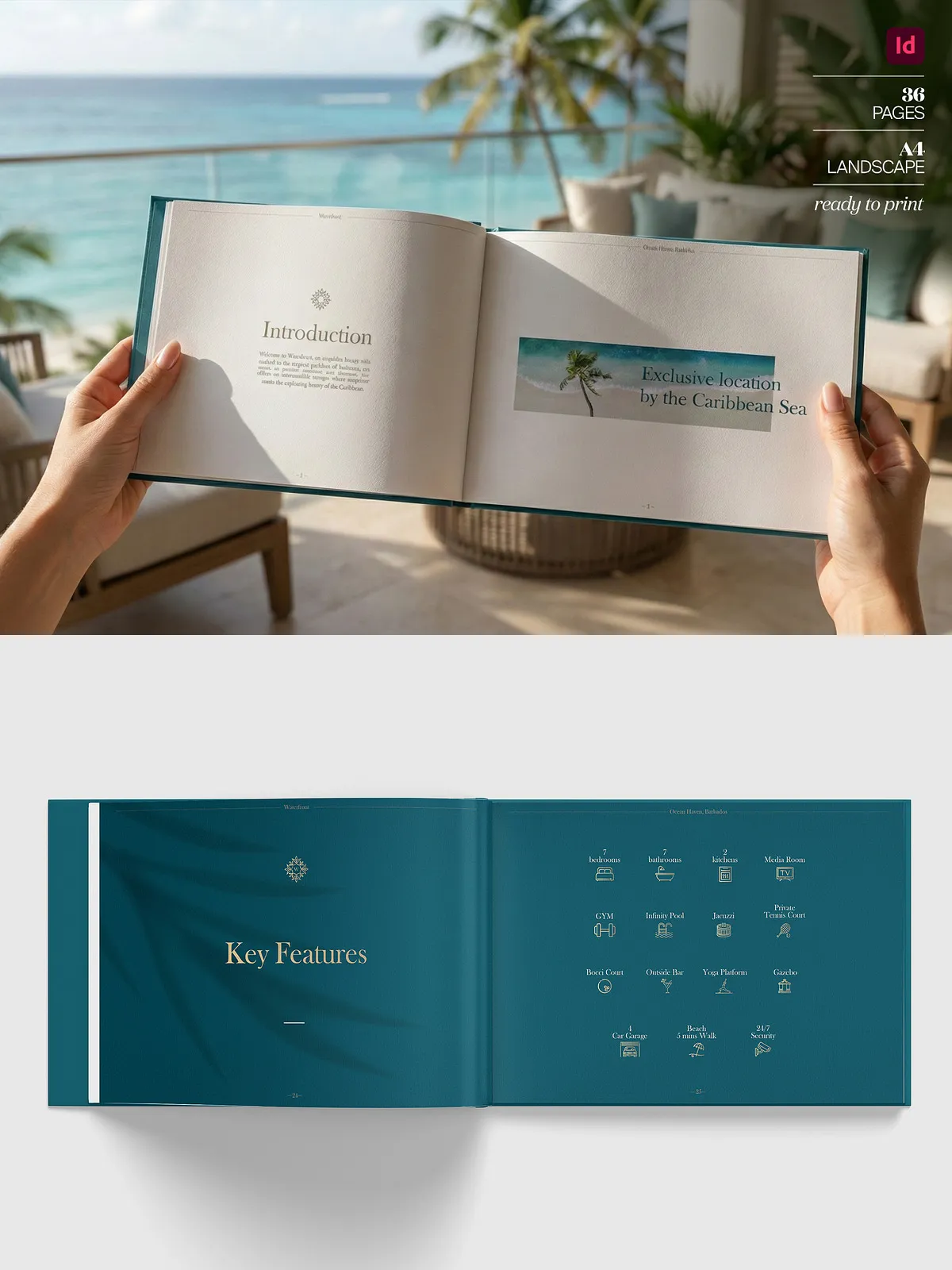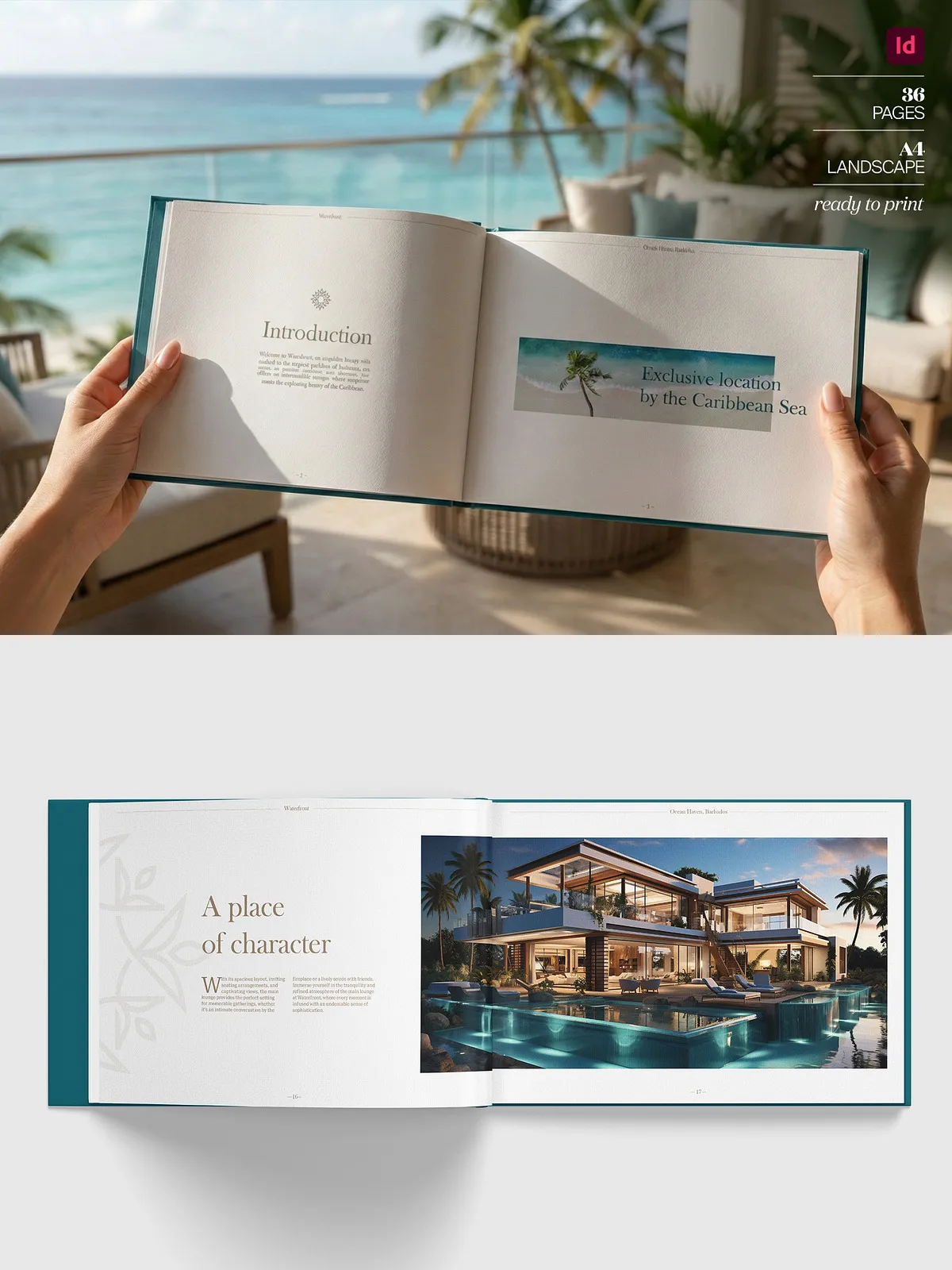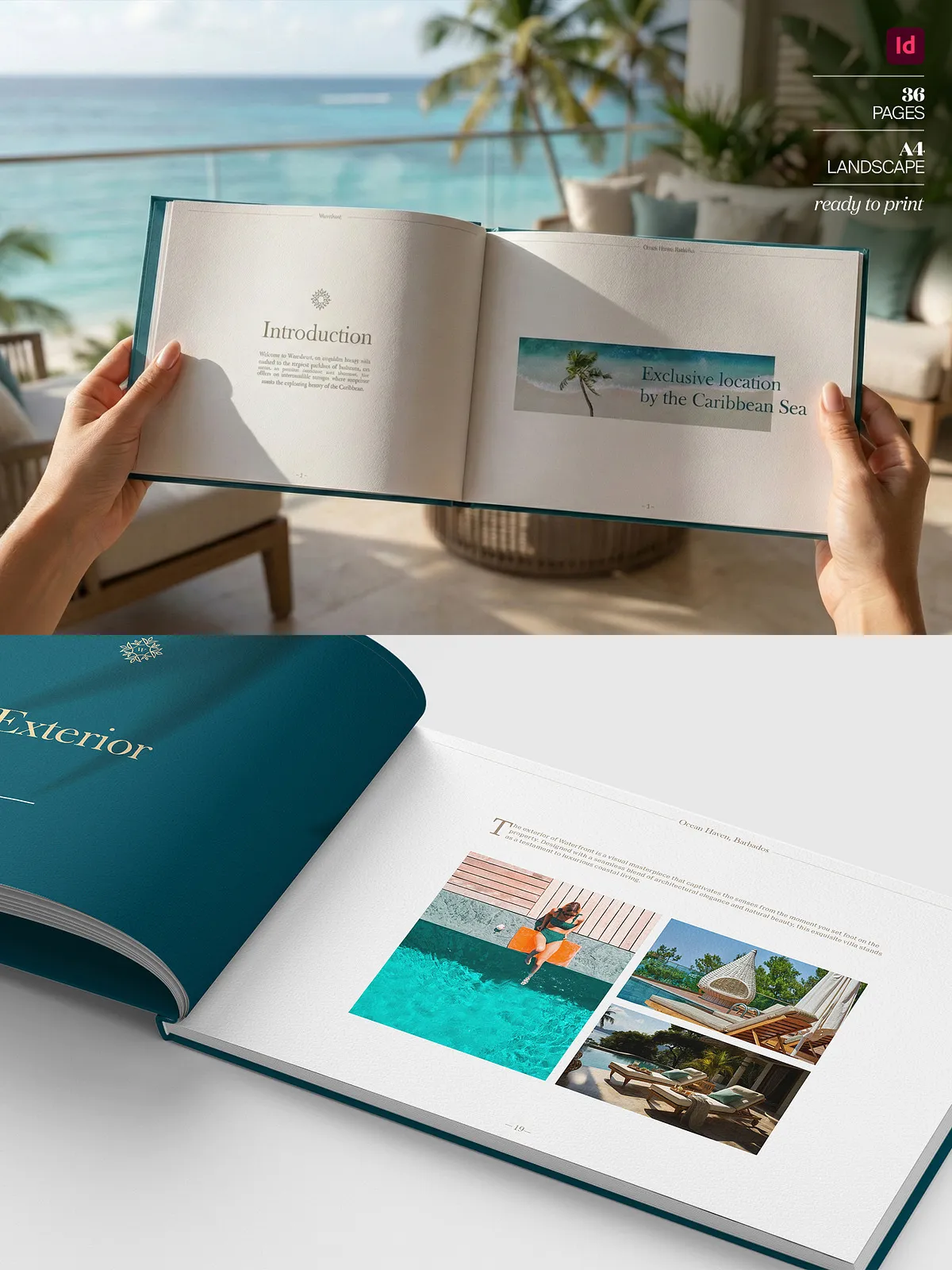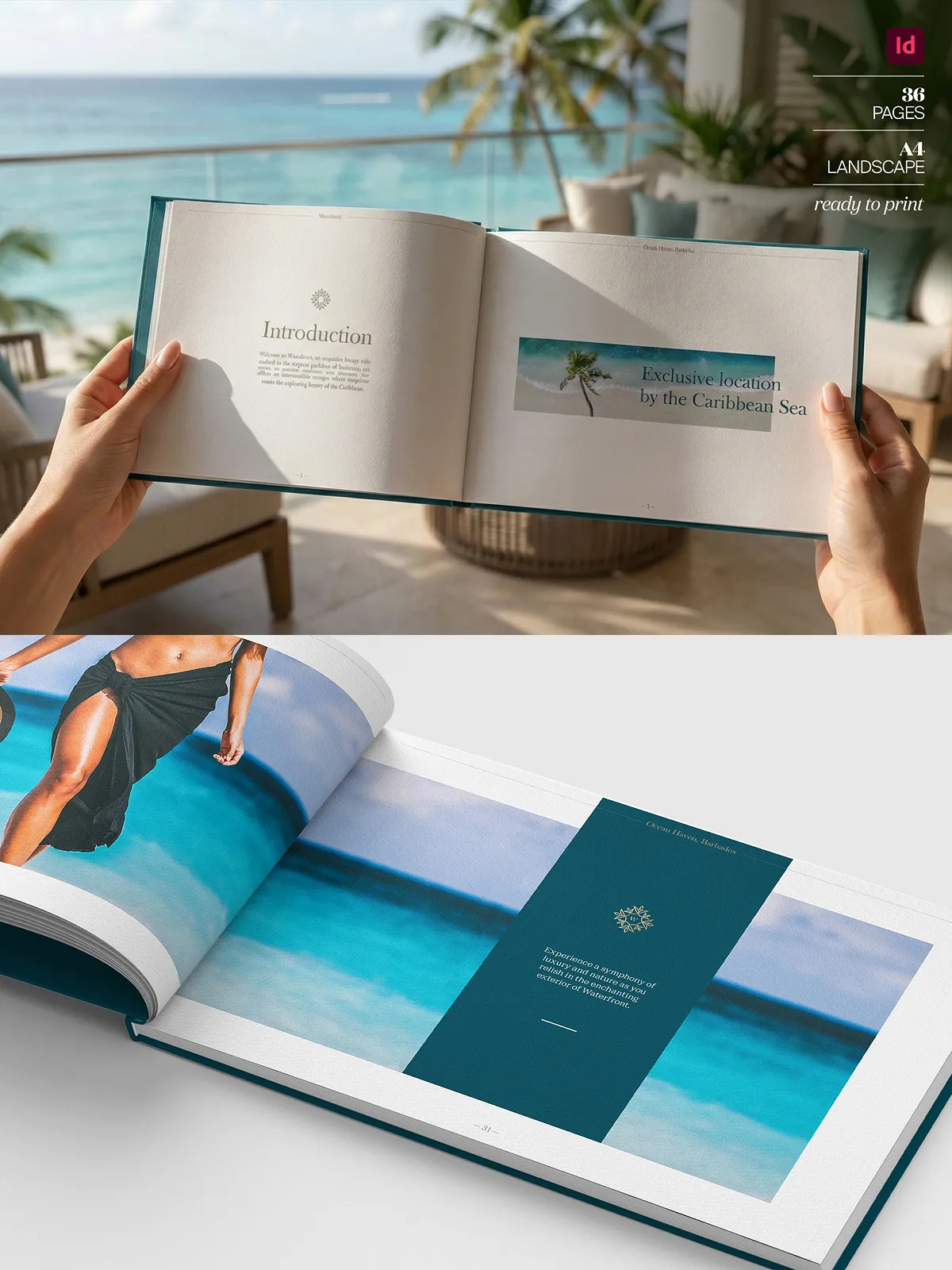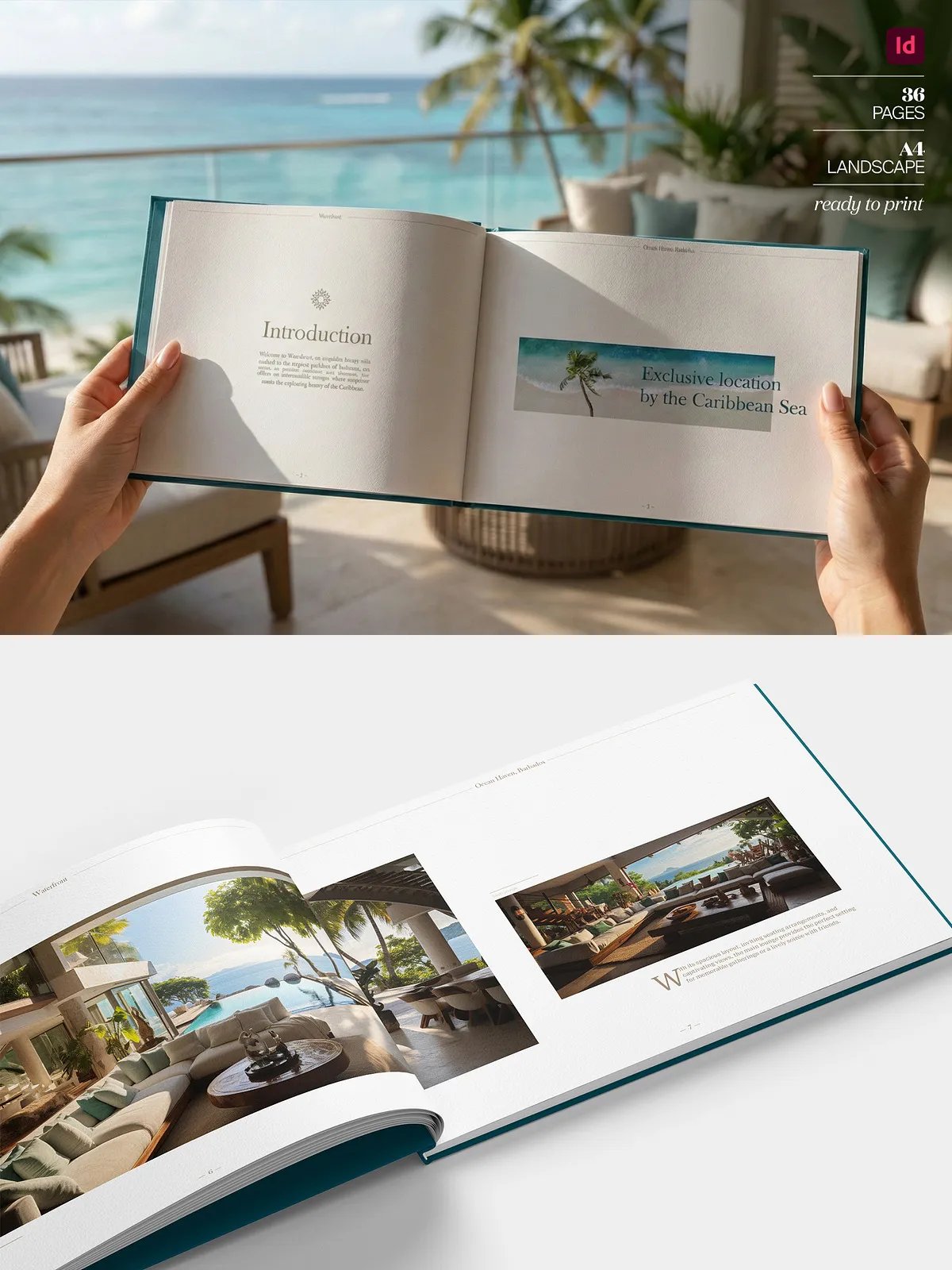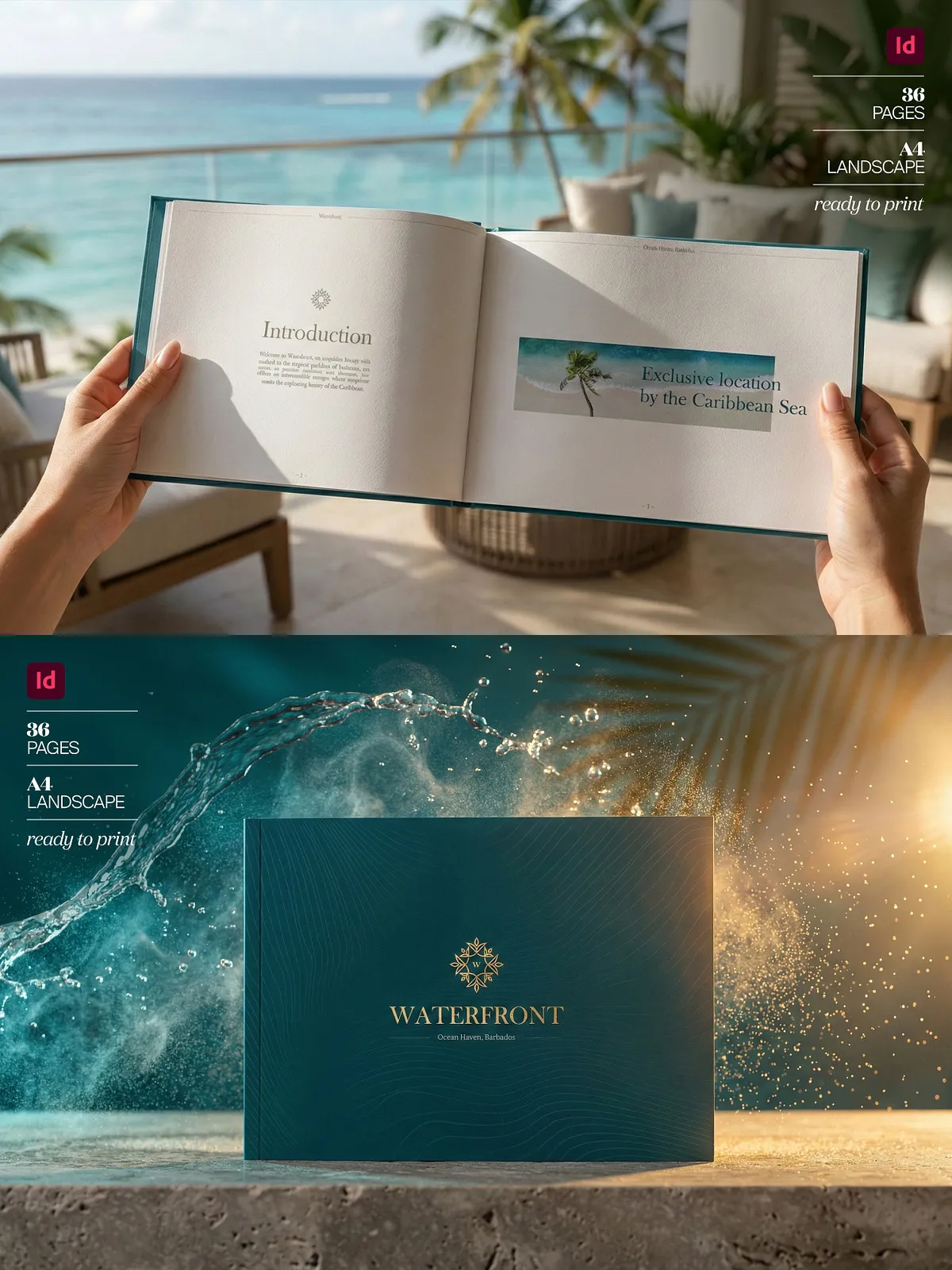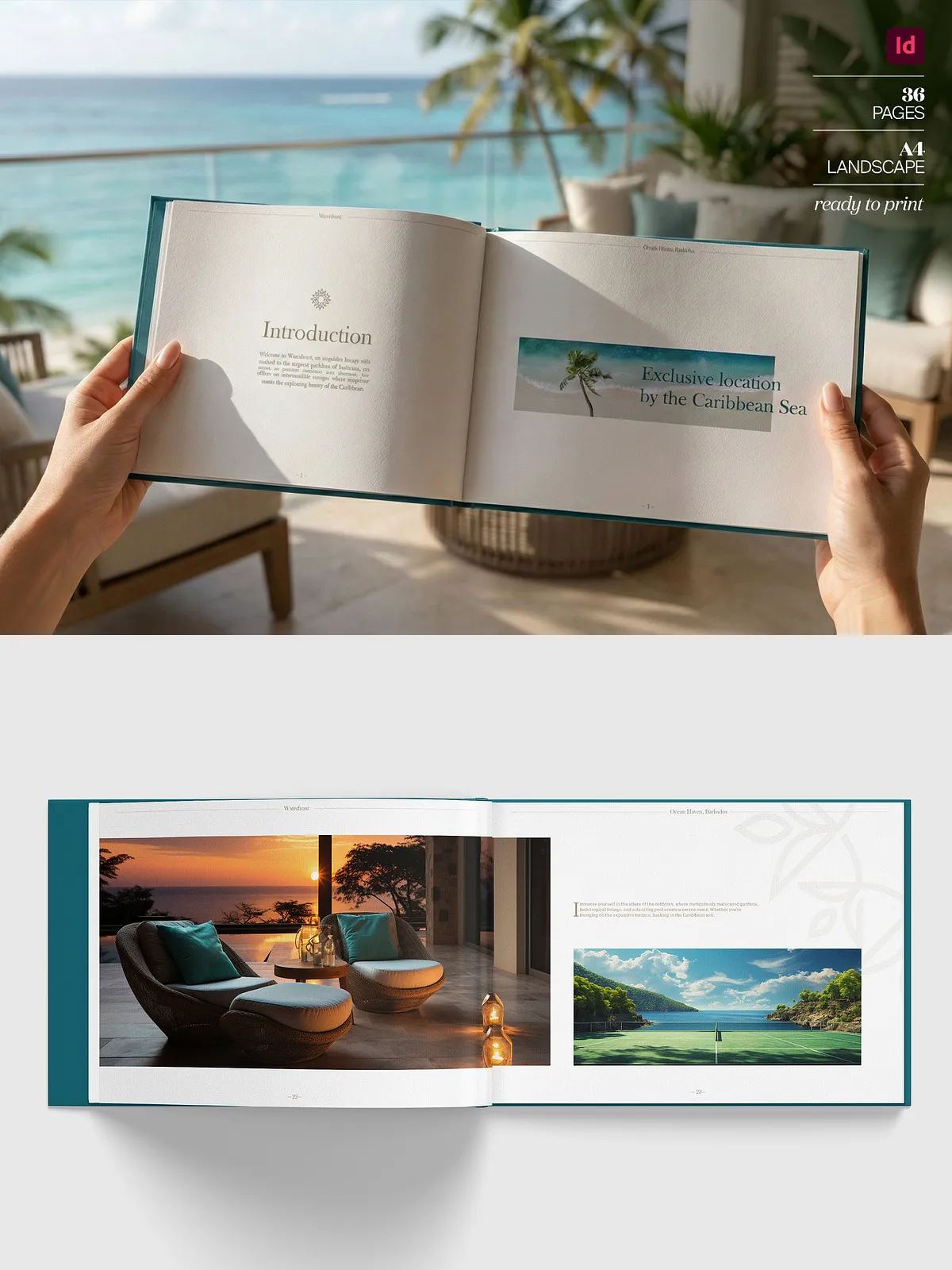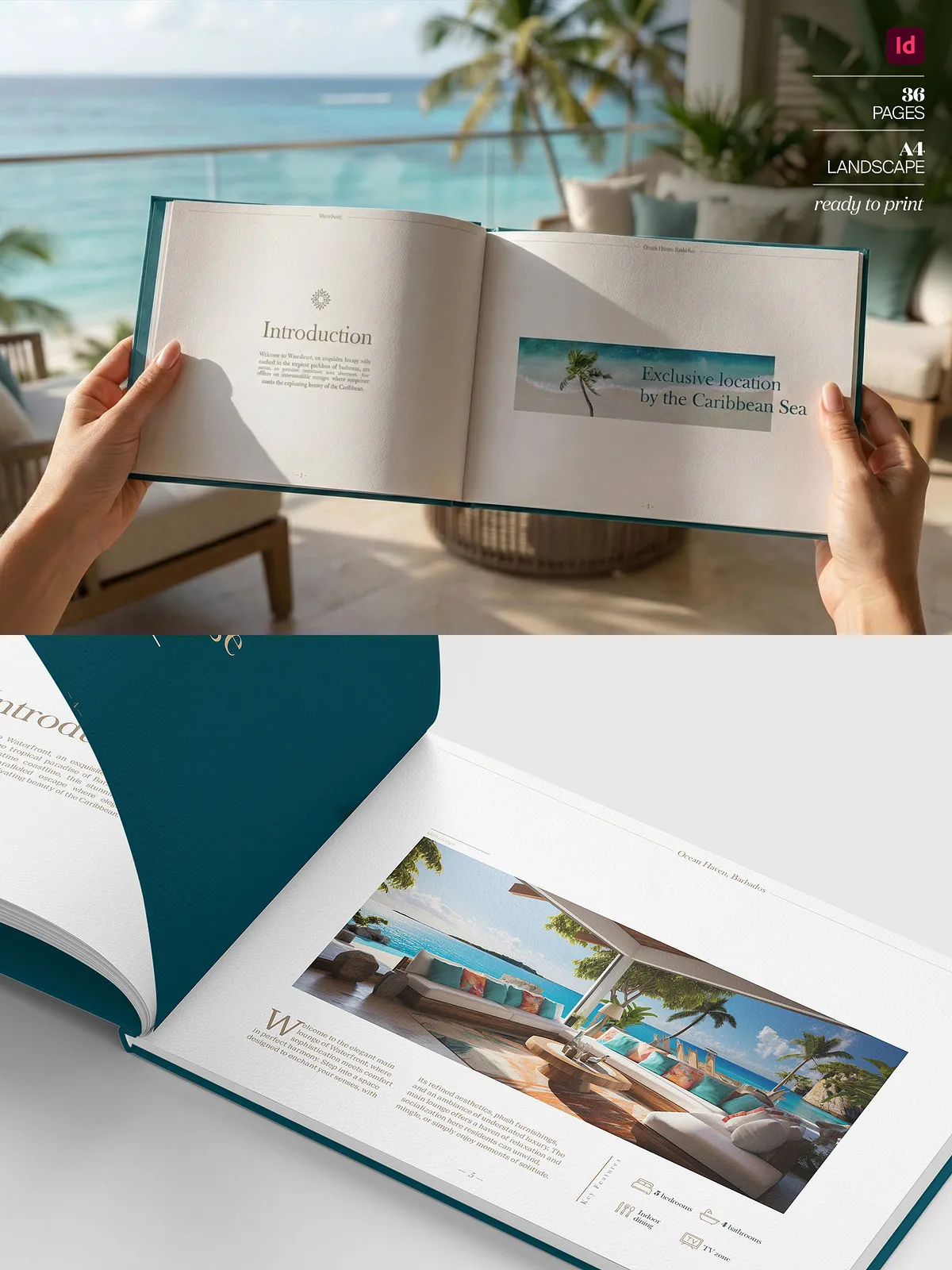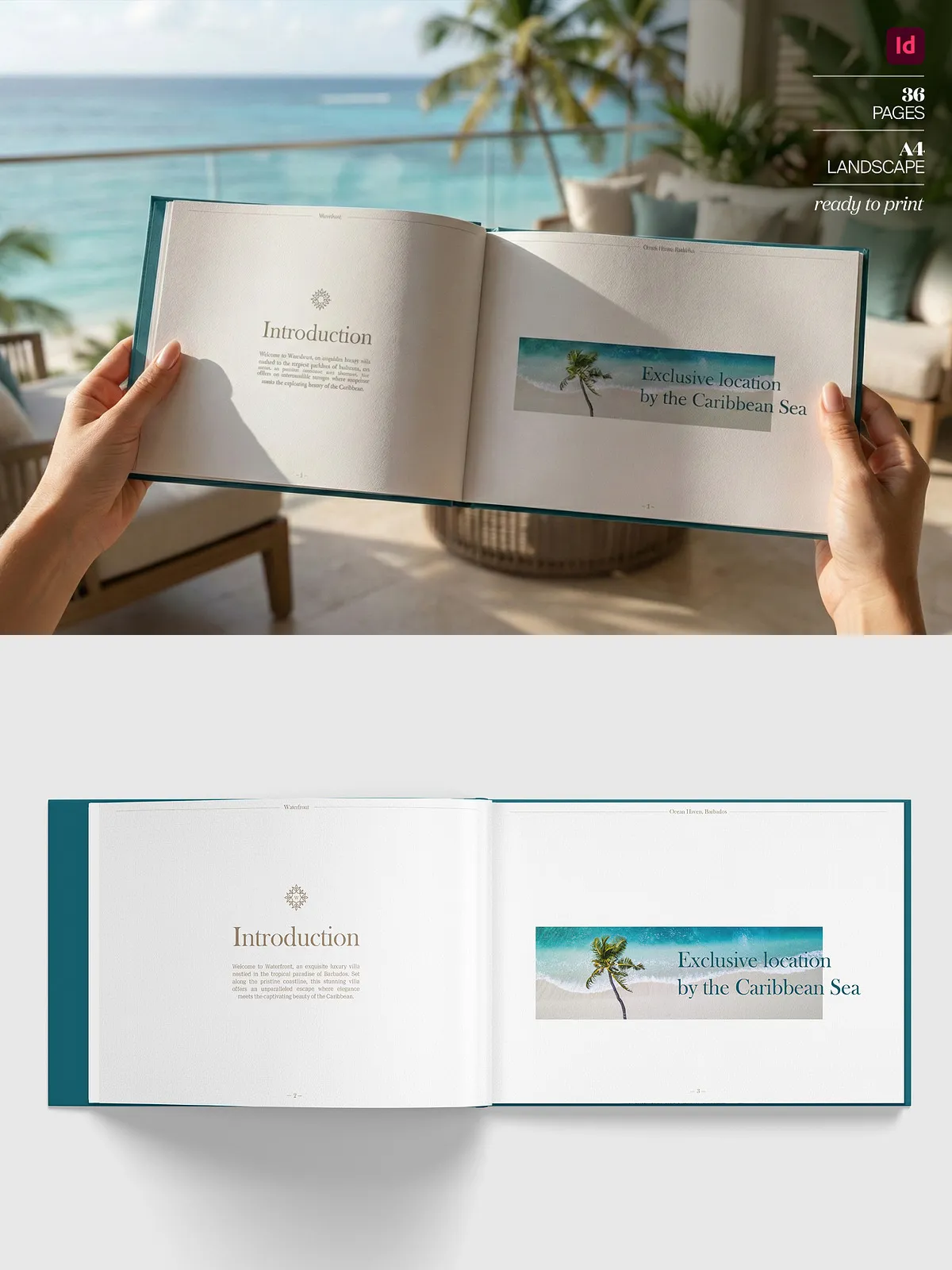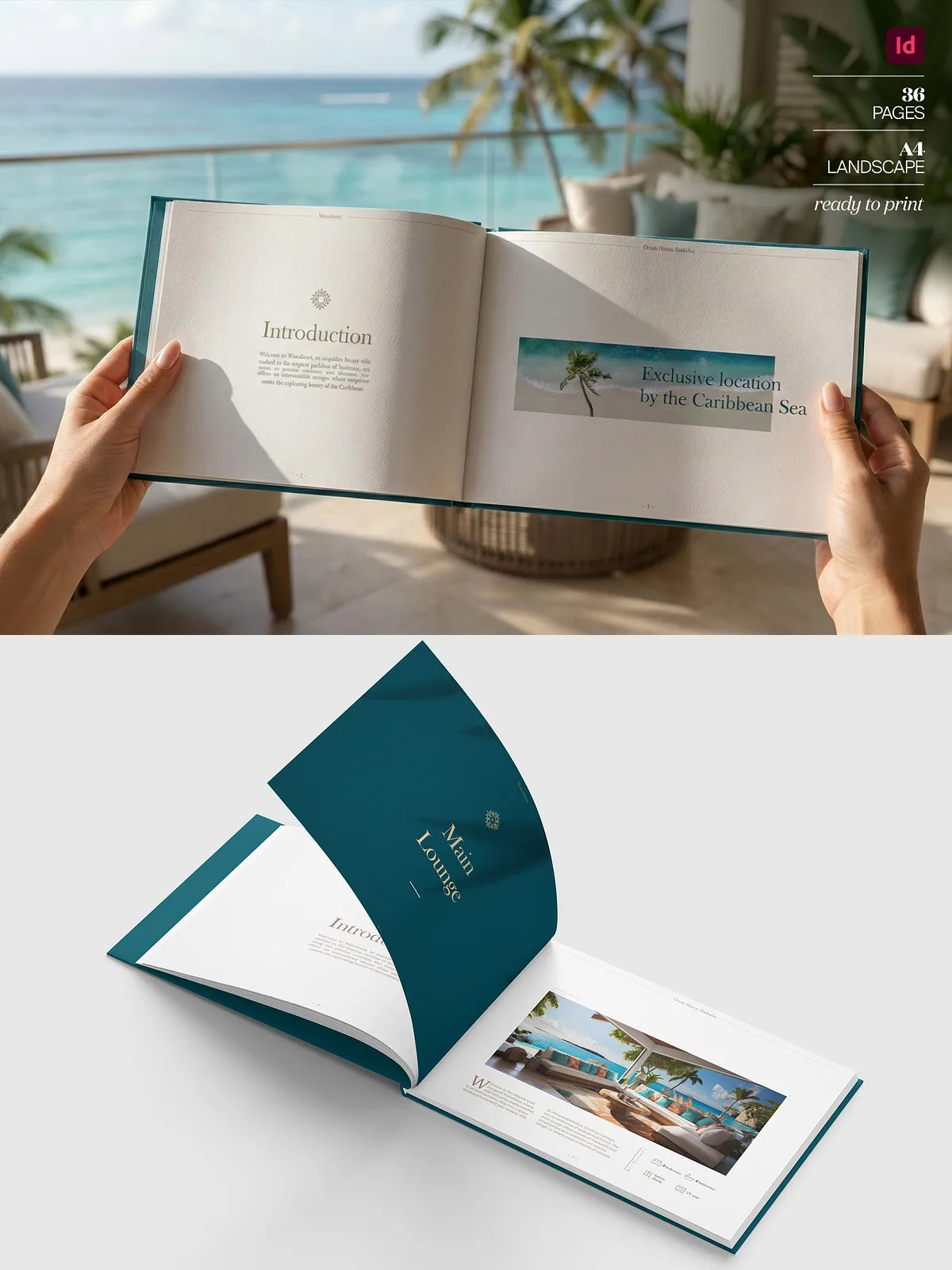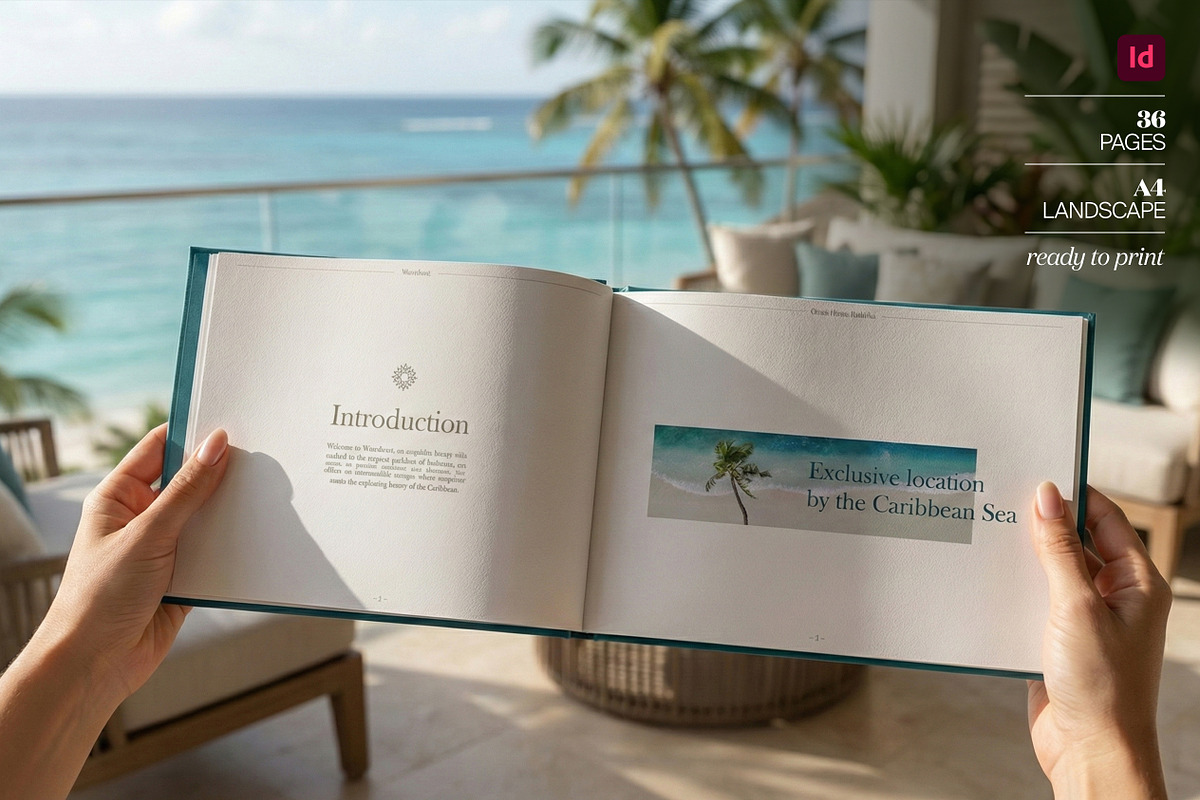
Present your properties with clarity and impact using the Premium Luxury Real Estate Brochure InDesign Template. Designed for agents, developers, and agencies that demand refined visual communication, this template streamlines the production of high-end brochures so you can focus on closing deals. The template ships as an Adobe InDesign file compatible with CS4 and later, formatted in A4 landscape with a 3mm bleed and automatic page numbering for consistent, print-ready output.
Core Features and Benefits
Comprehensive, Ready-to-Use Layout
The template includes 36 fully editable pages that cover every marketing need: cover, summary pages, large imagery spreads, floor plans, location maps, specifications, lifestyle sections, and contact pages. Each page follows a cohesive typographic system and grid so you can maintain brand consistency across multiple properties. Replace placeholder content quickly and produce a market-ready brochure in a fraction of the usual time.
Optimized for Professional Printing
We designed the document with print production in mind: it includes a 3mm bleed, proper margins, and guides so exported PDFs meet commercial print requirements. Automatic page numbering and master pages let you apply global changes once and propagate them across the entire document. Use the template to generate both digital PDFs and high-quality print files with the same layout integrity.
Editable Vectors and High-Quality Assets
All icons originate as pasted vectors from Adobe Illustrator, which means you can recolor, resize, or re-purpose them without losing fidelity. Premium fonts and high-resolution image placeholders are included in the mockups so you can visualize the final brochure. Everything that appears in the mockups is editable in InDesign, enabling you to adapt the look to your client or brand quickly.
Layered, Organized, and Efficient
We structured layers and named elements logically to speed up editing. Designers will find clear layer groups for headers, imagery, captions, and background elements. This organization reduces the risk of accidental edits and accelerates the workflow when collaborating or handing off files to printers or colleagues.
Usage Notes and Limitations
Platform Compatibility
This template requires Adobe InDesign (CS4 or later) and will not open correctly in web-based tools. Please note: this template is not compatible with Canva, Figma, or other non-InDesign platforms. If you need a Canva-ready asset, you must recreate the layout within that specific environment.
Fictional Placeholder Content
All property names, prices, images, and descriptive text used in the mockups are fictional and intended for demonstration only. Replace all placeholders with your real property data before publishing or printing to ensure accuracy and compliance with local marketing standards.
Mockups and Support
Mockup images shown in previews are for representational purposes and are not included in the downloadable package. The template package contains the InDesign files and editable assets only. If you require help with setup, exporting print-ready PDFs, or minor customizations, support is available—contact the seller or designer for assistance.
Who Should Use This Template
This template suits real estate agents, property developers, boutique brokerages, architects, and marketing teams who need a repeatable, high-end brochure workflow. Use it to launch new developments, showcase luxury listings, or create branded marketing materials that reflect premium positioning. The structure supports rapid adaptation: swap imagery, update specs, and export a finished brochure in hours rather than days.
How It Improves Your Workflow
By adopting this template you will reduce design time, eliminate layout inconsistencies, and standardize presentation across listings. The template empowers marketing teams to produce on-brand brochures faster while preserving high print quality. Reuse the same master pages and paragraph styles across multiple properties to scale marketing efforts and ensure each listing presents professionally.
Purchase and Next Steps
Download the InDesign package, open the .indd file in Adobe InDesign CS4 or later, and update the master pages with your logo, brand colors, and contact details. Replace sample images and text with real property photography and accurate specifications, then export a print-ready PDF using the included bleed and trim settings. If you want assistance tailoring the layout to a unique brand guide, contact support for custom work.