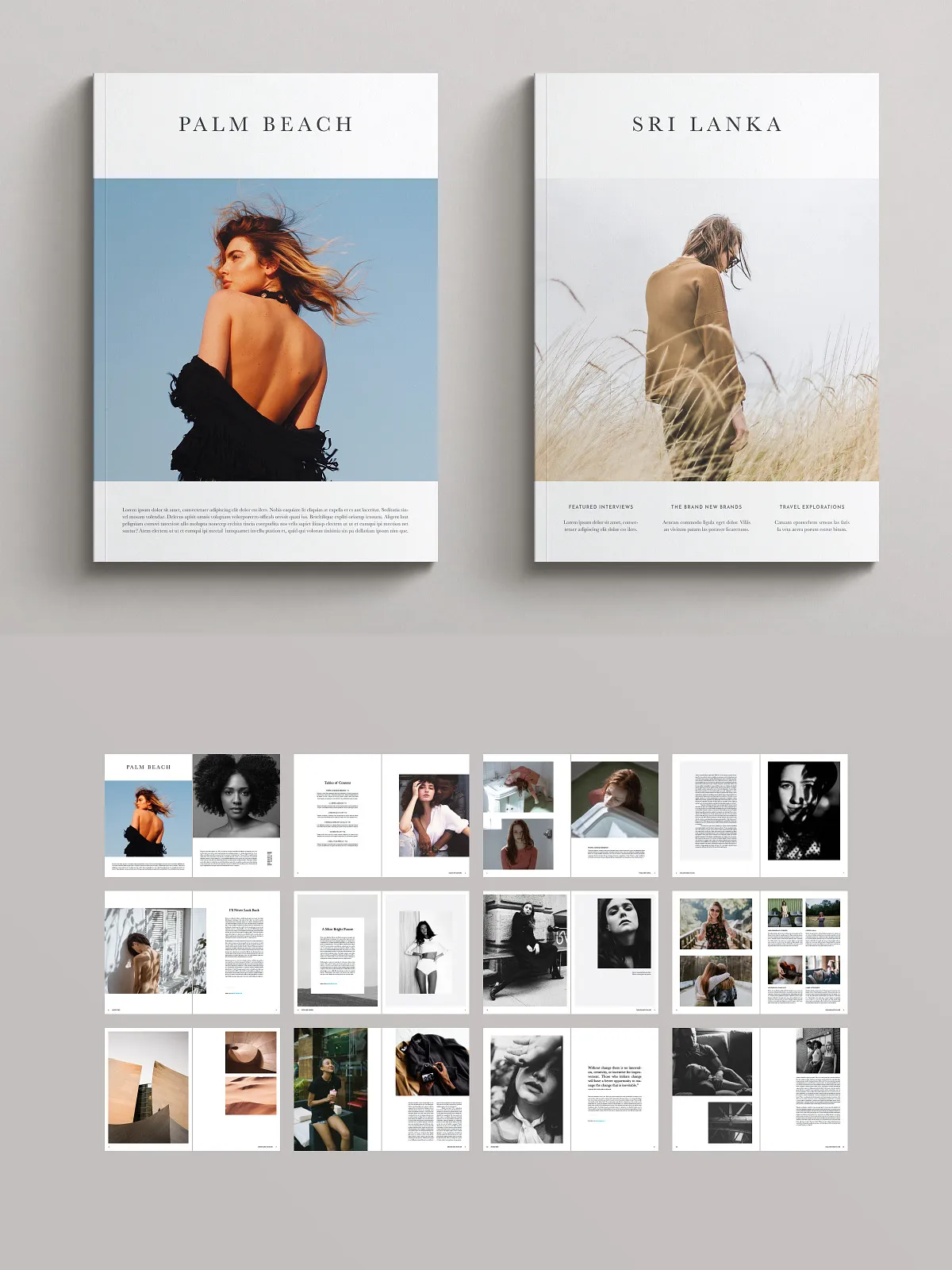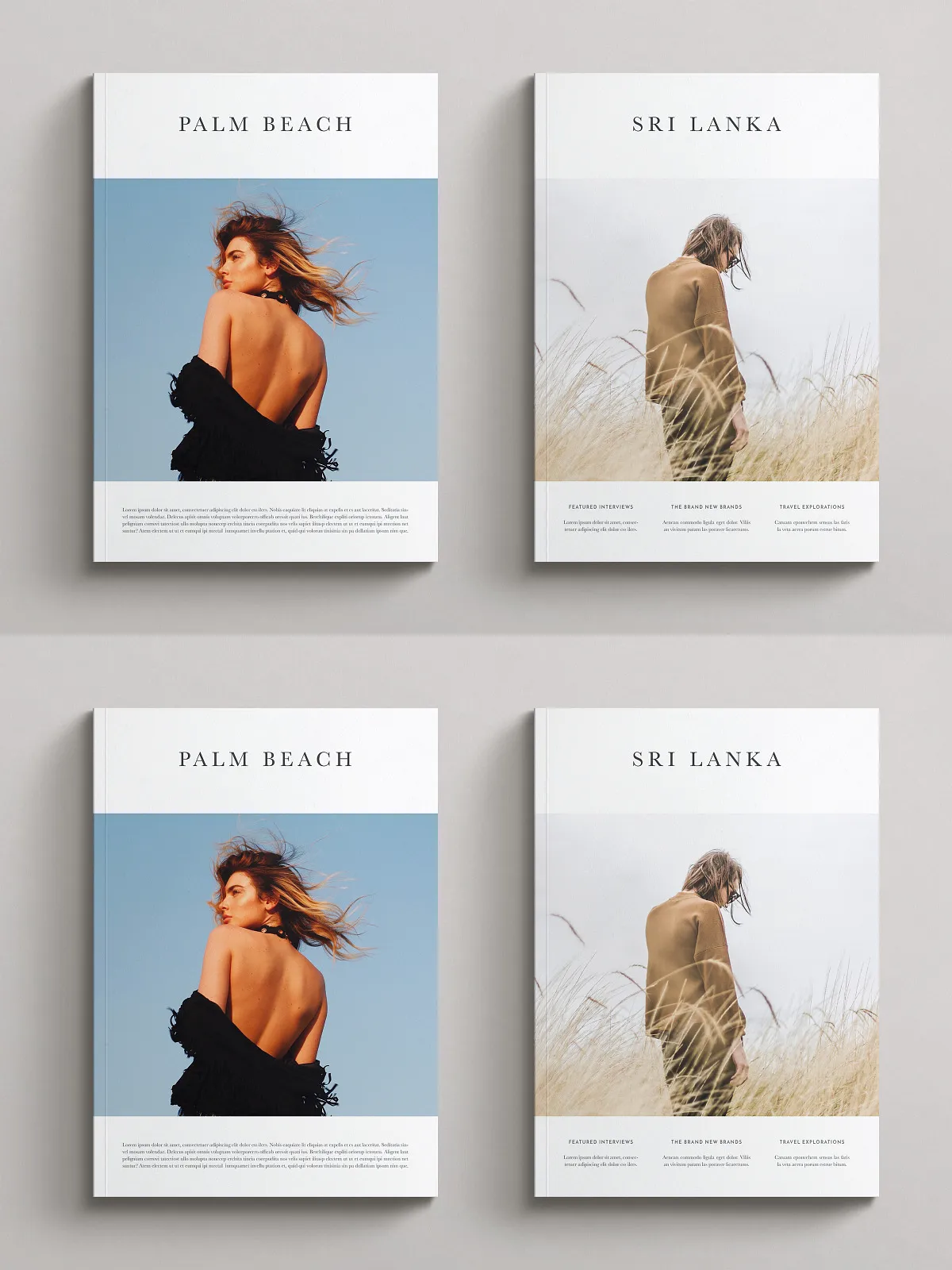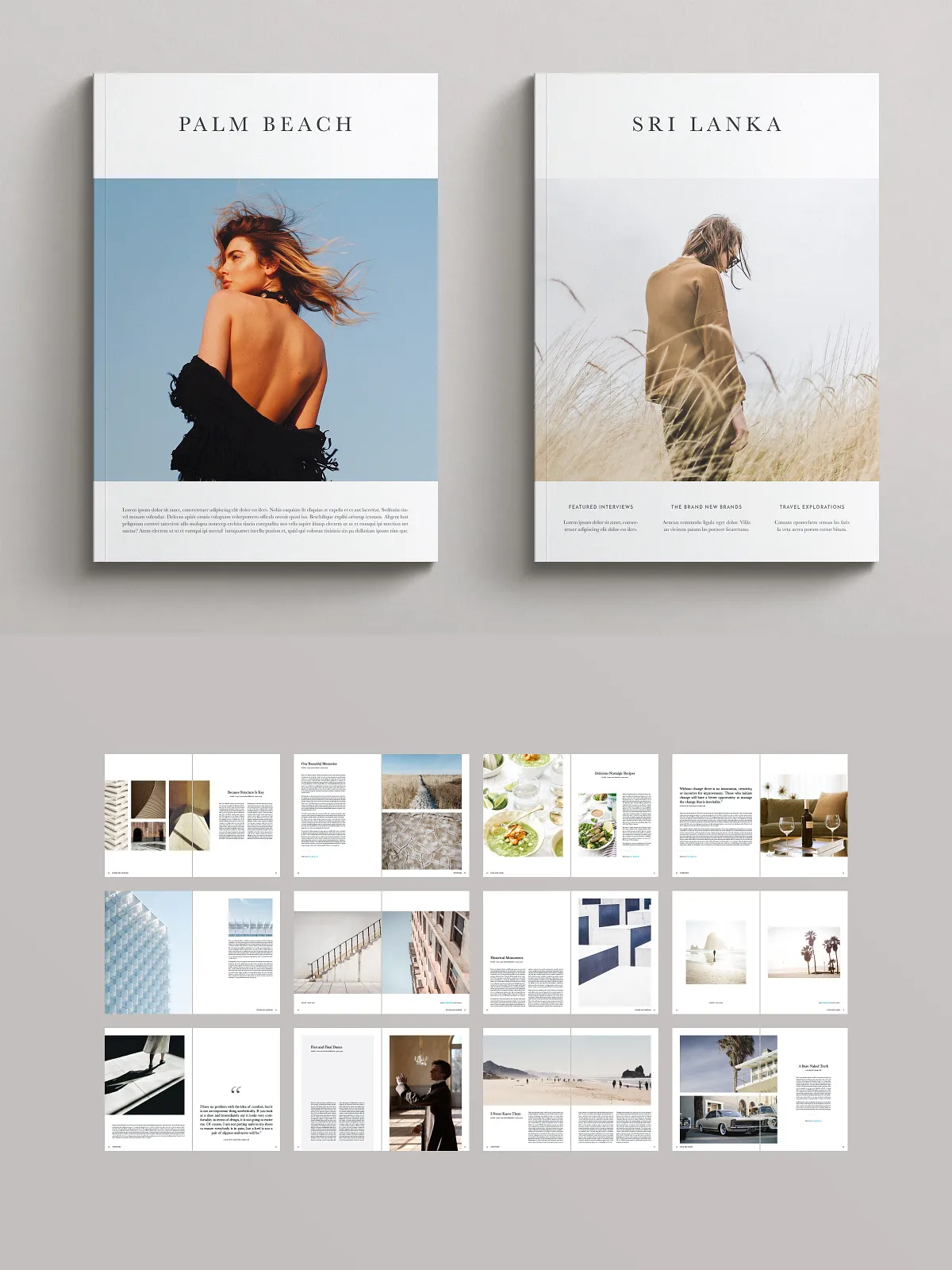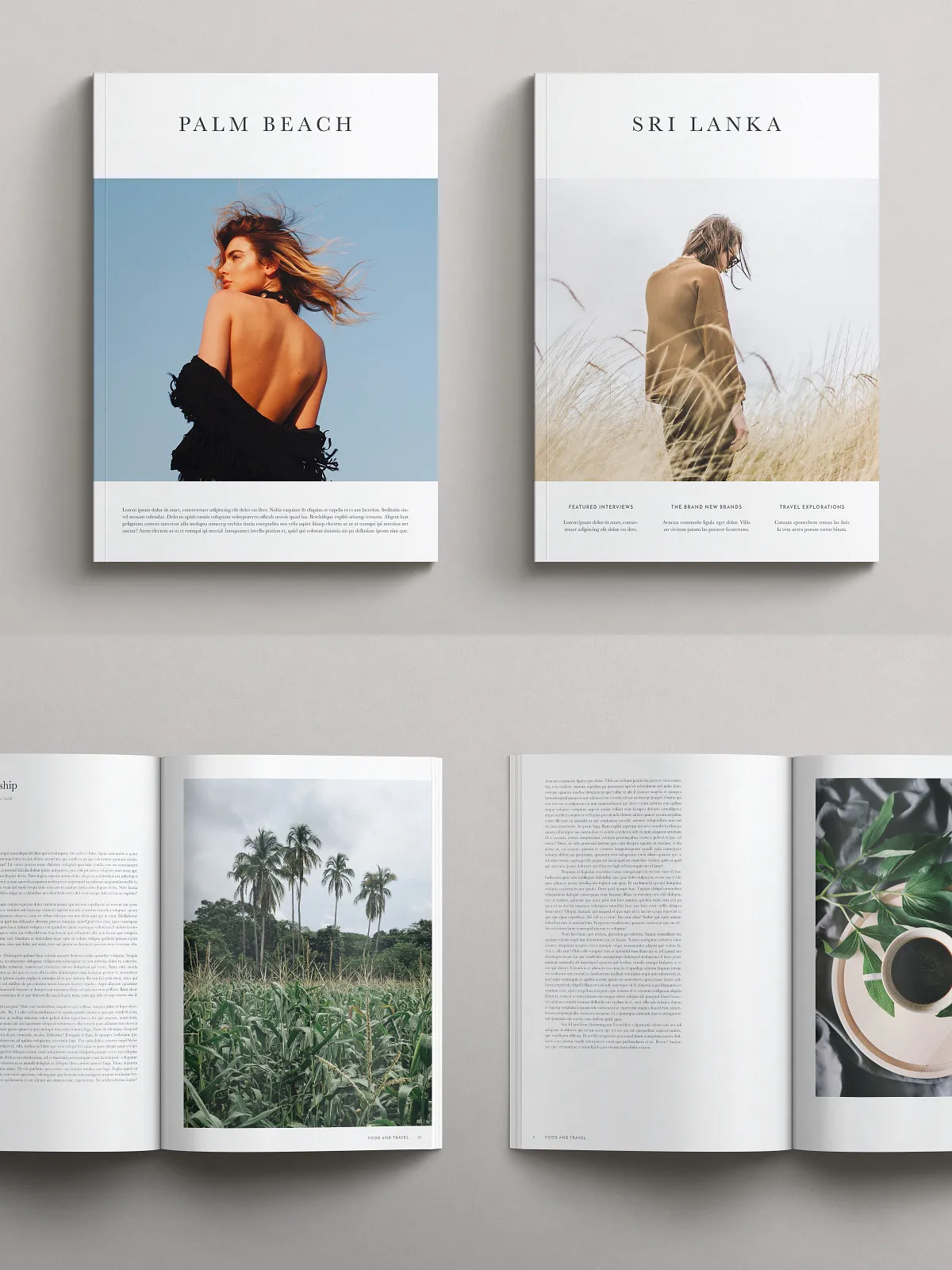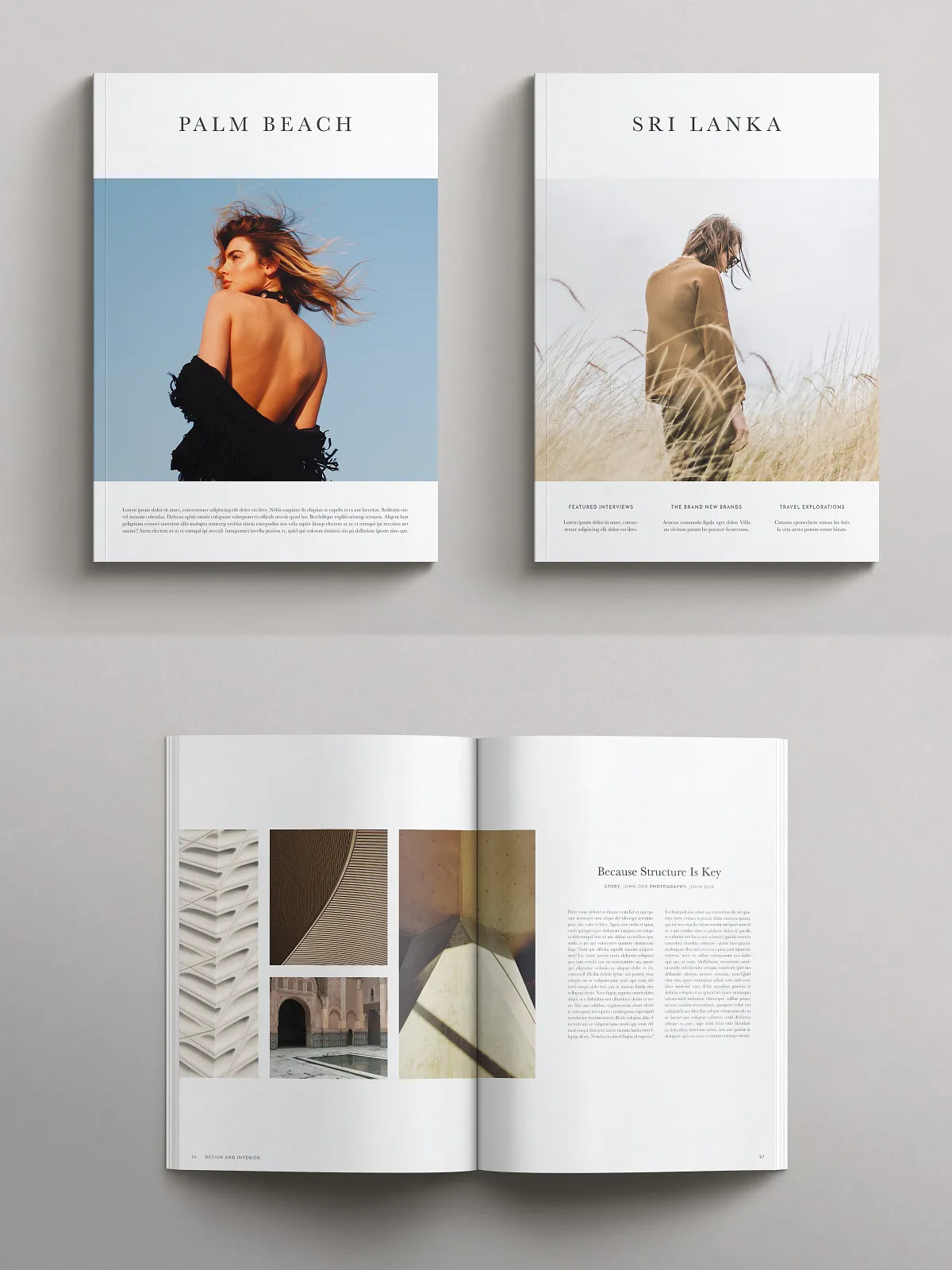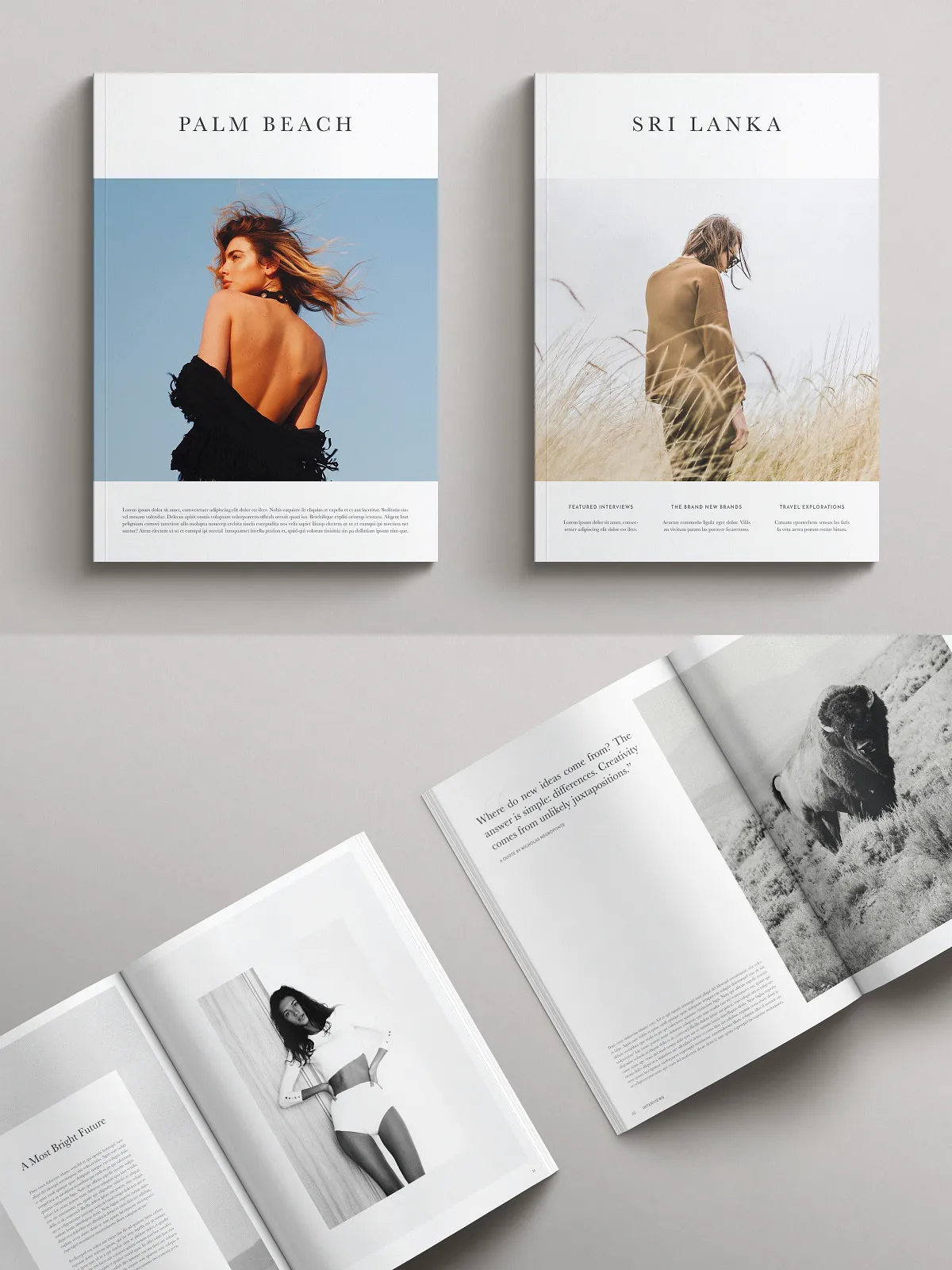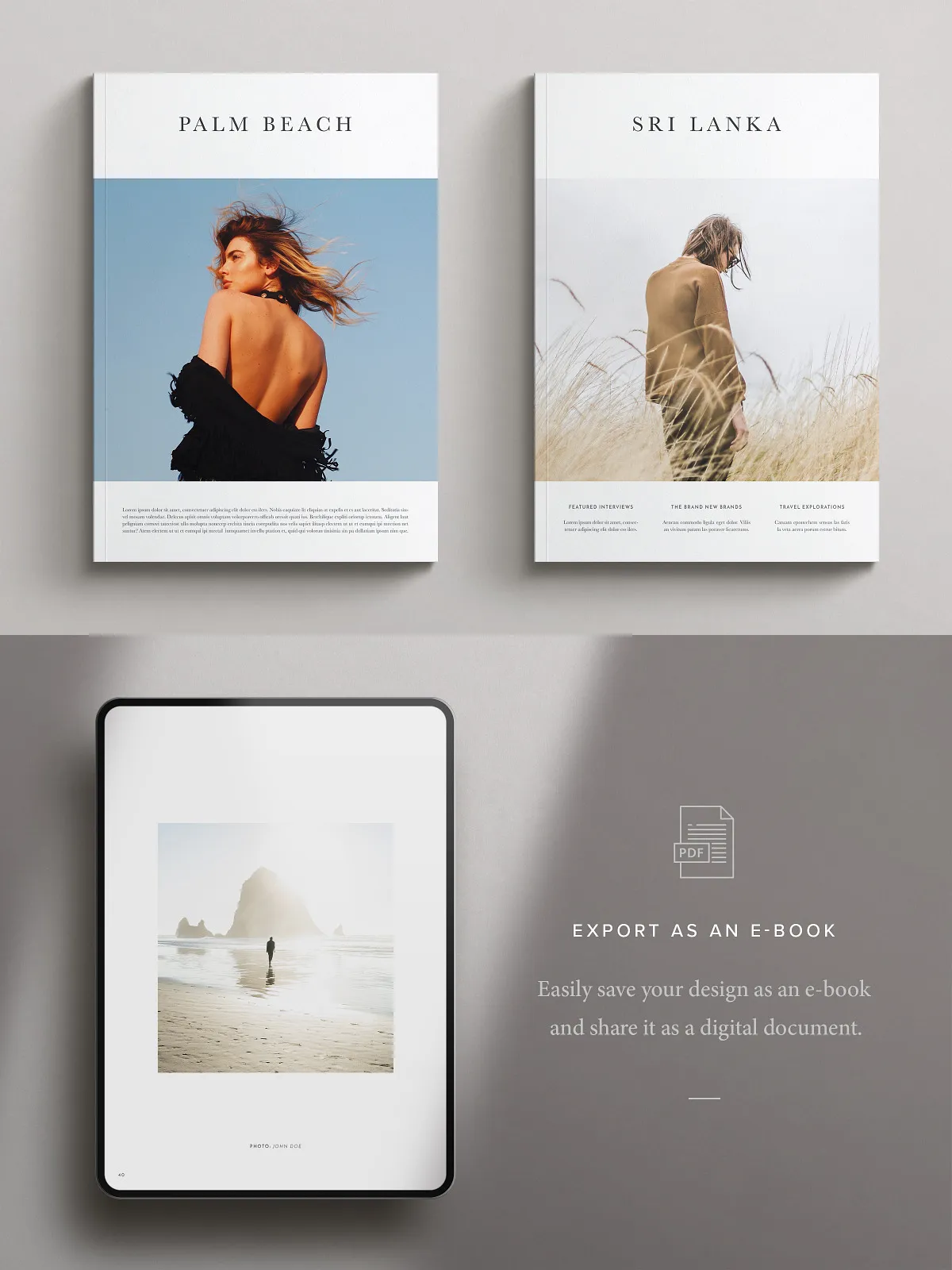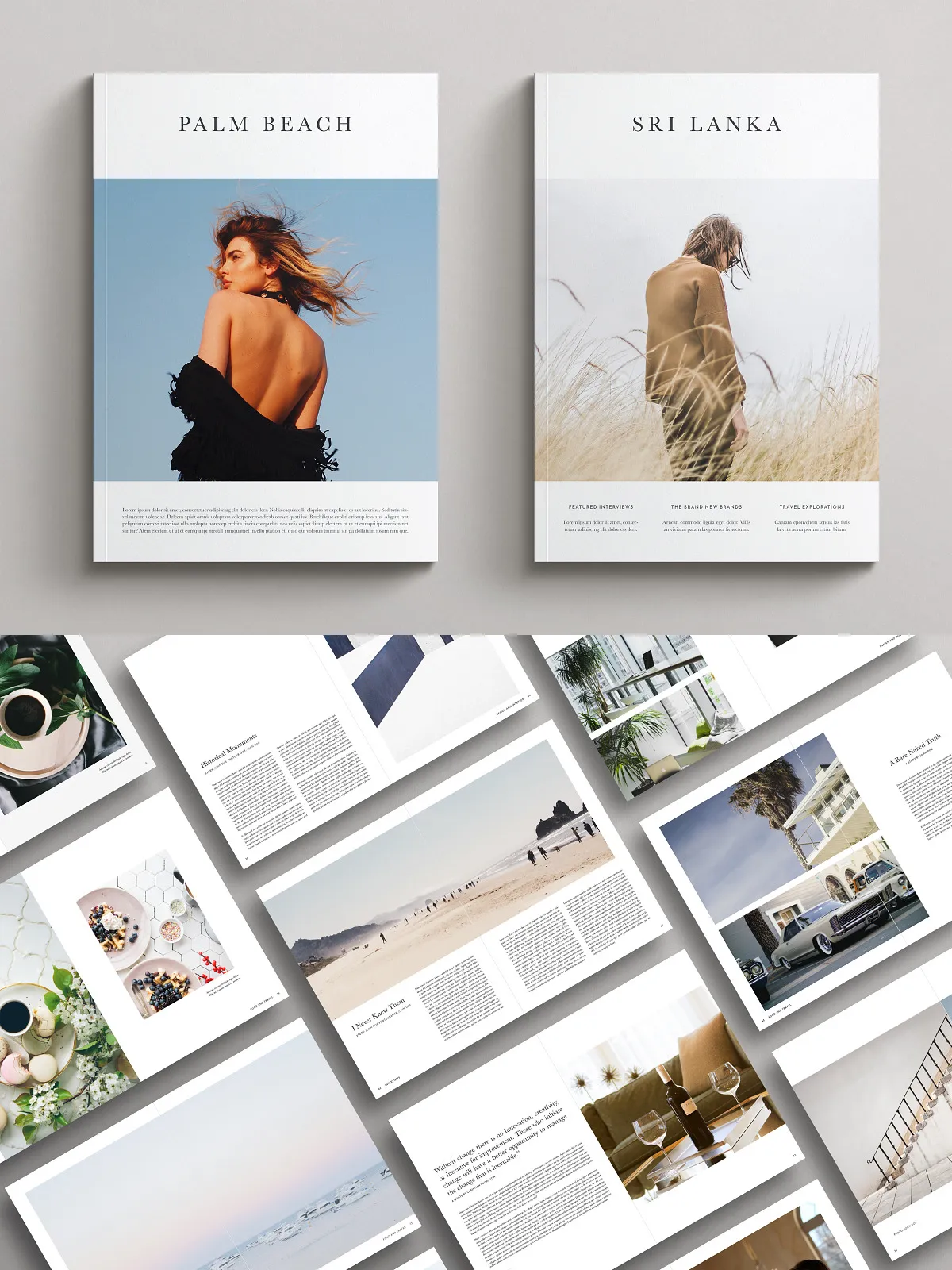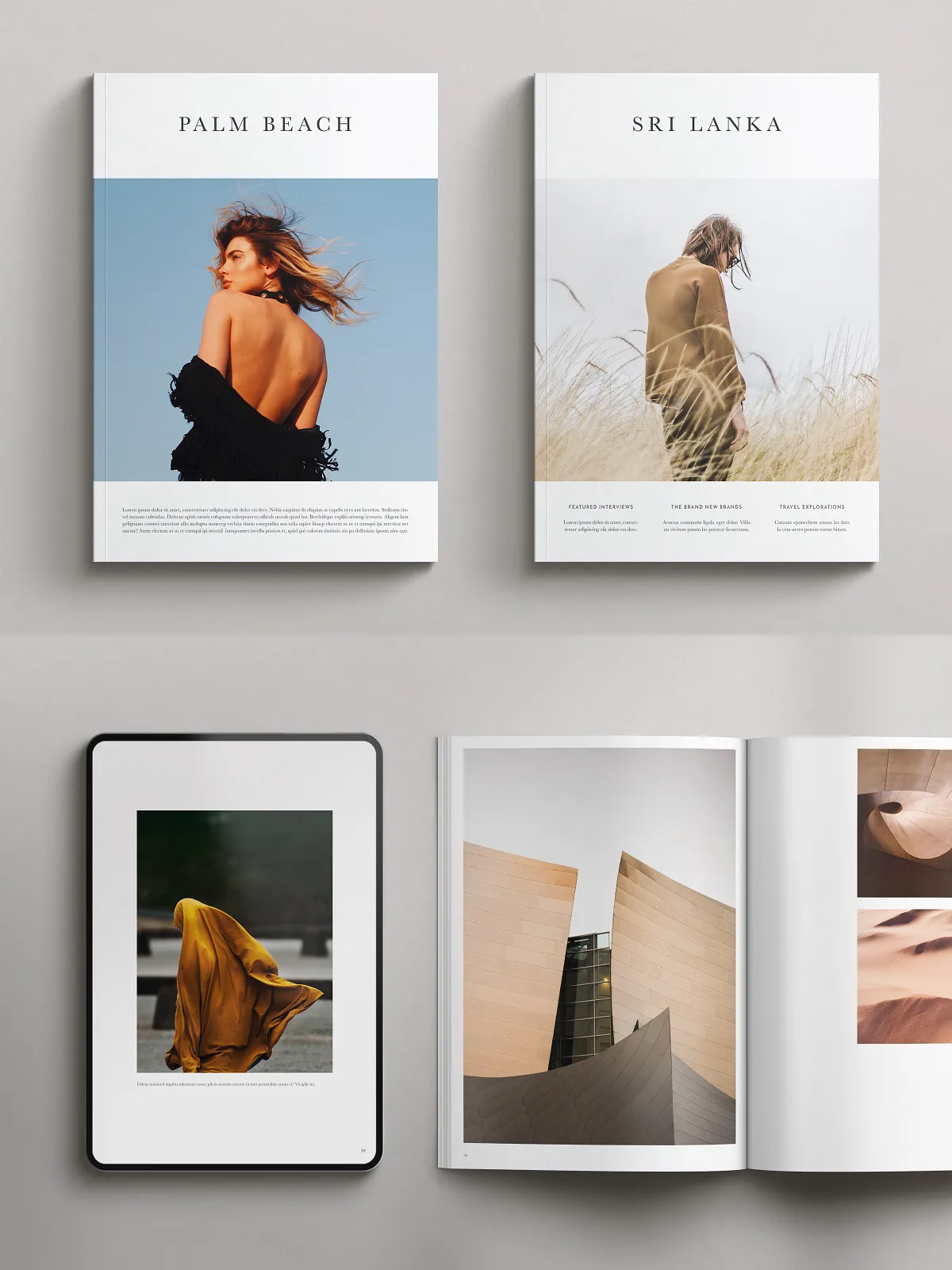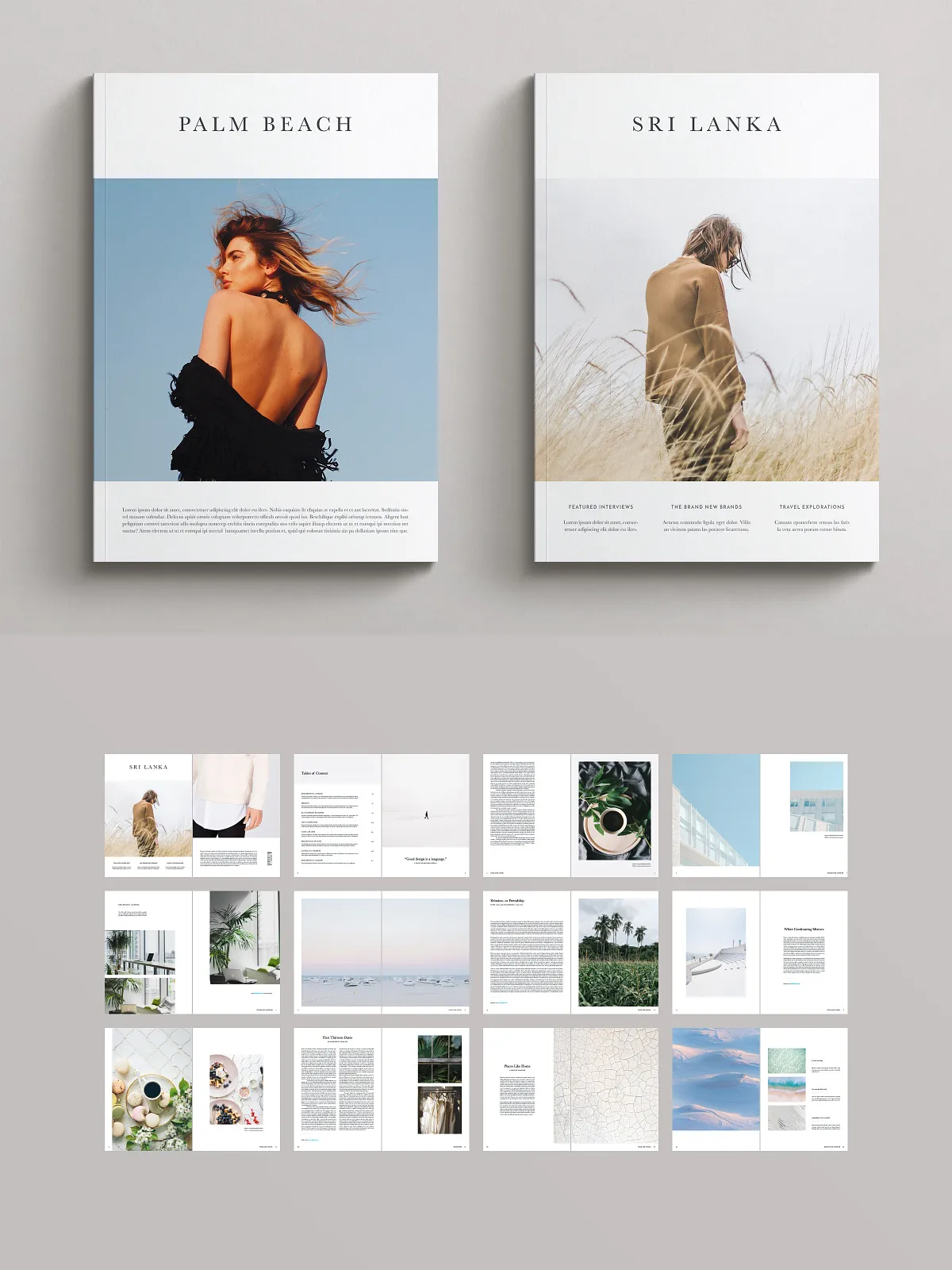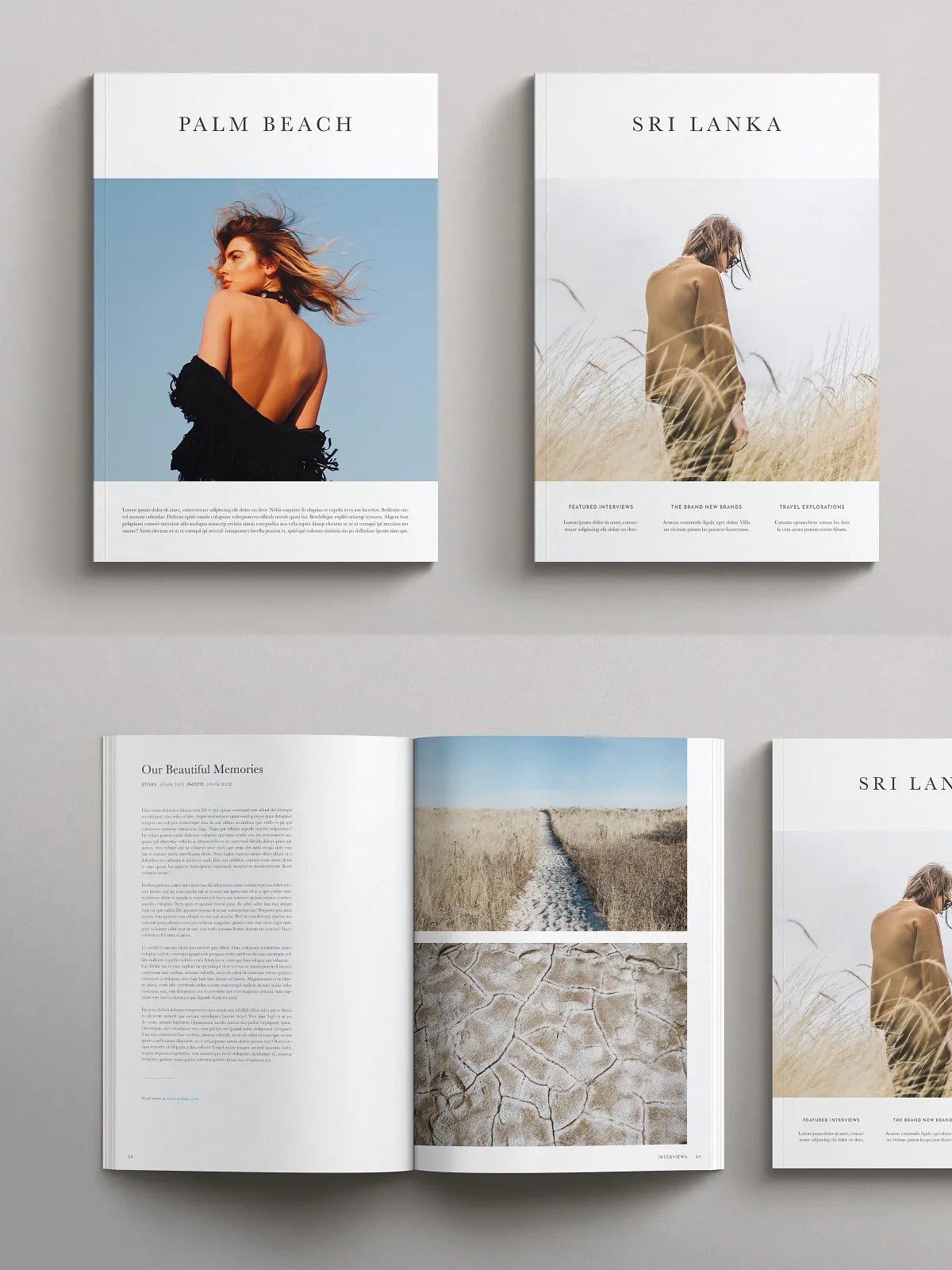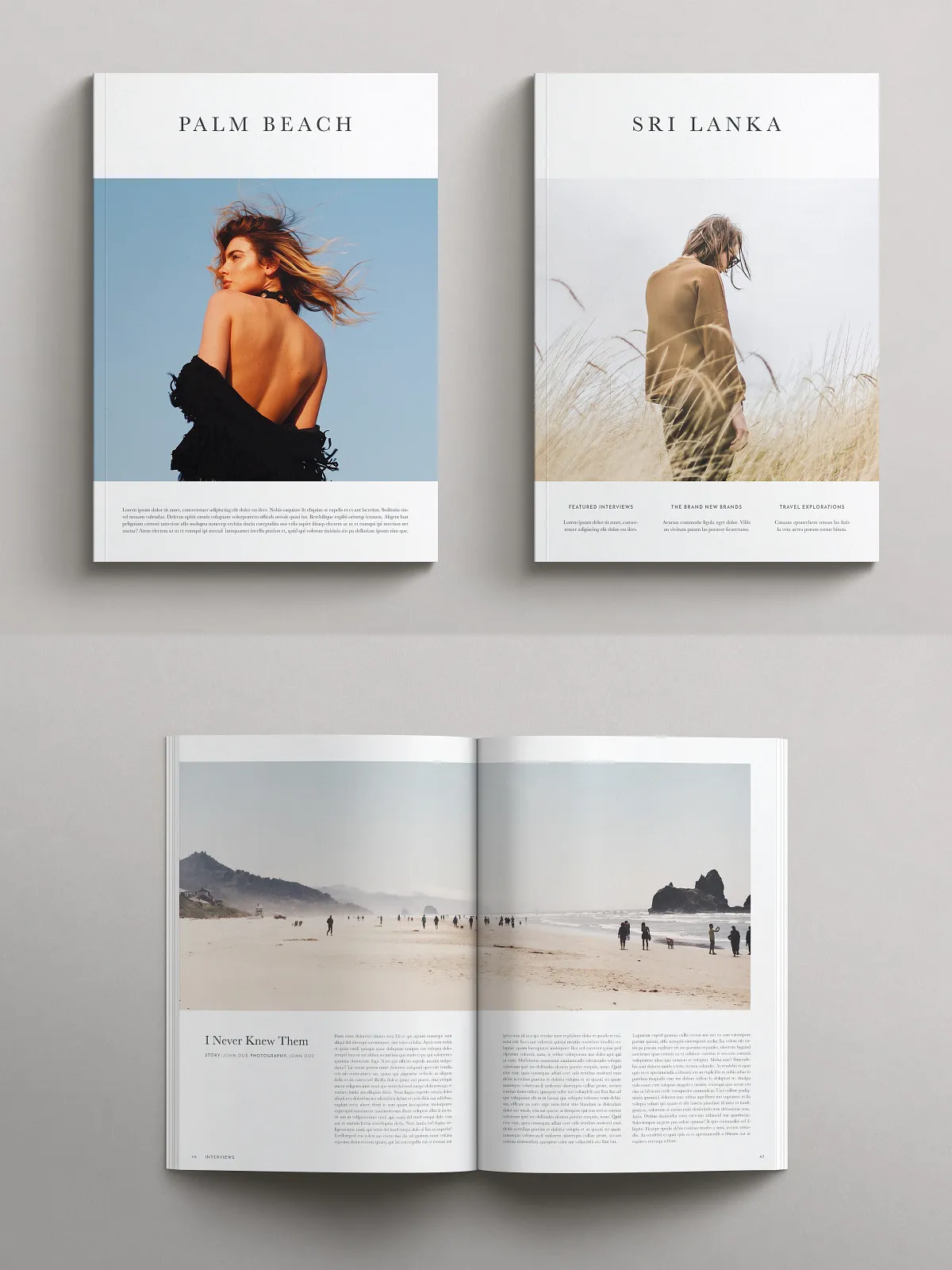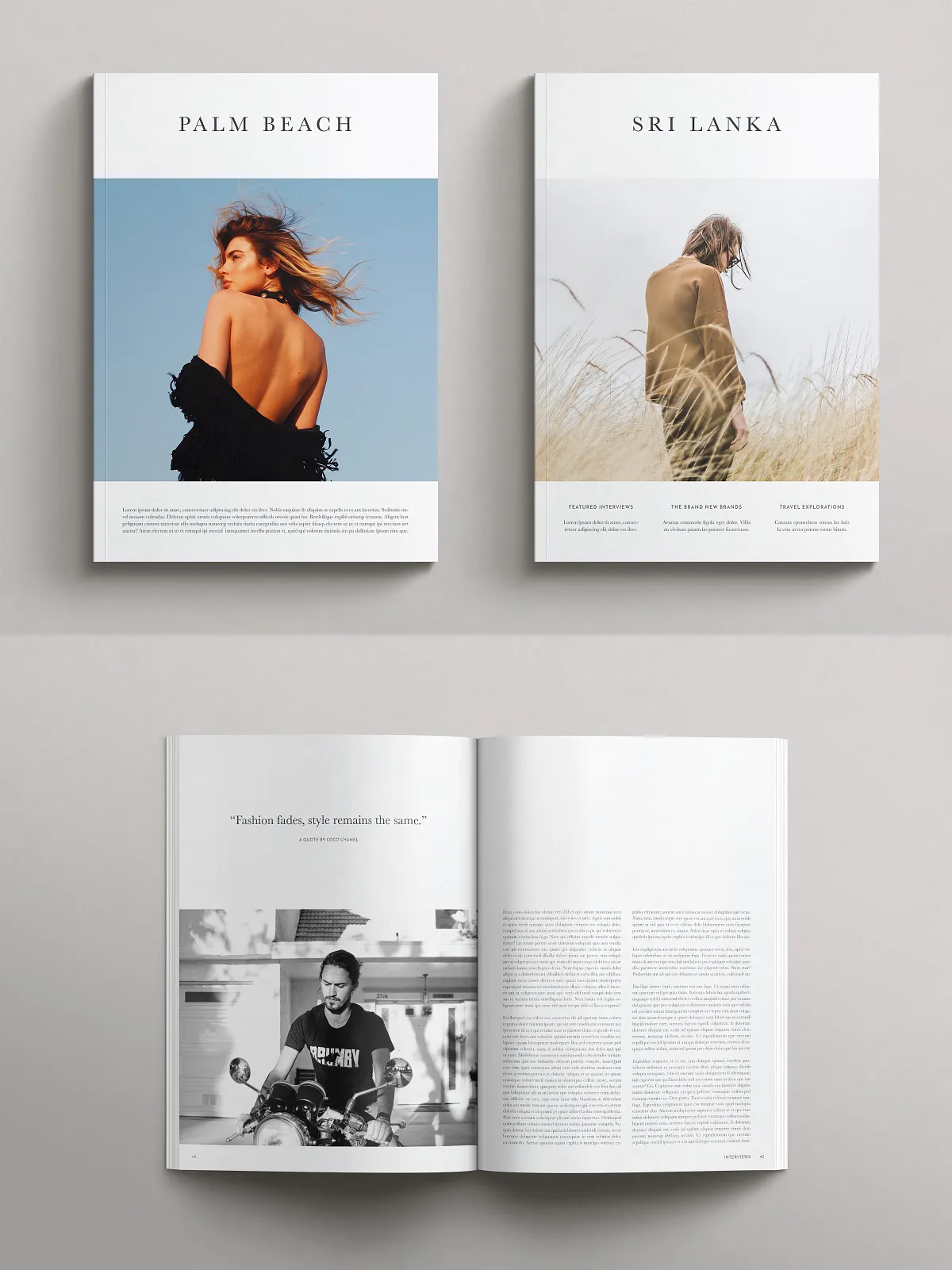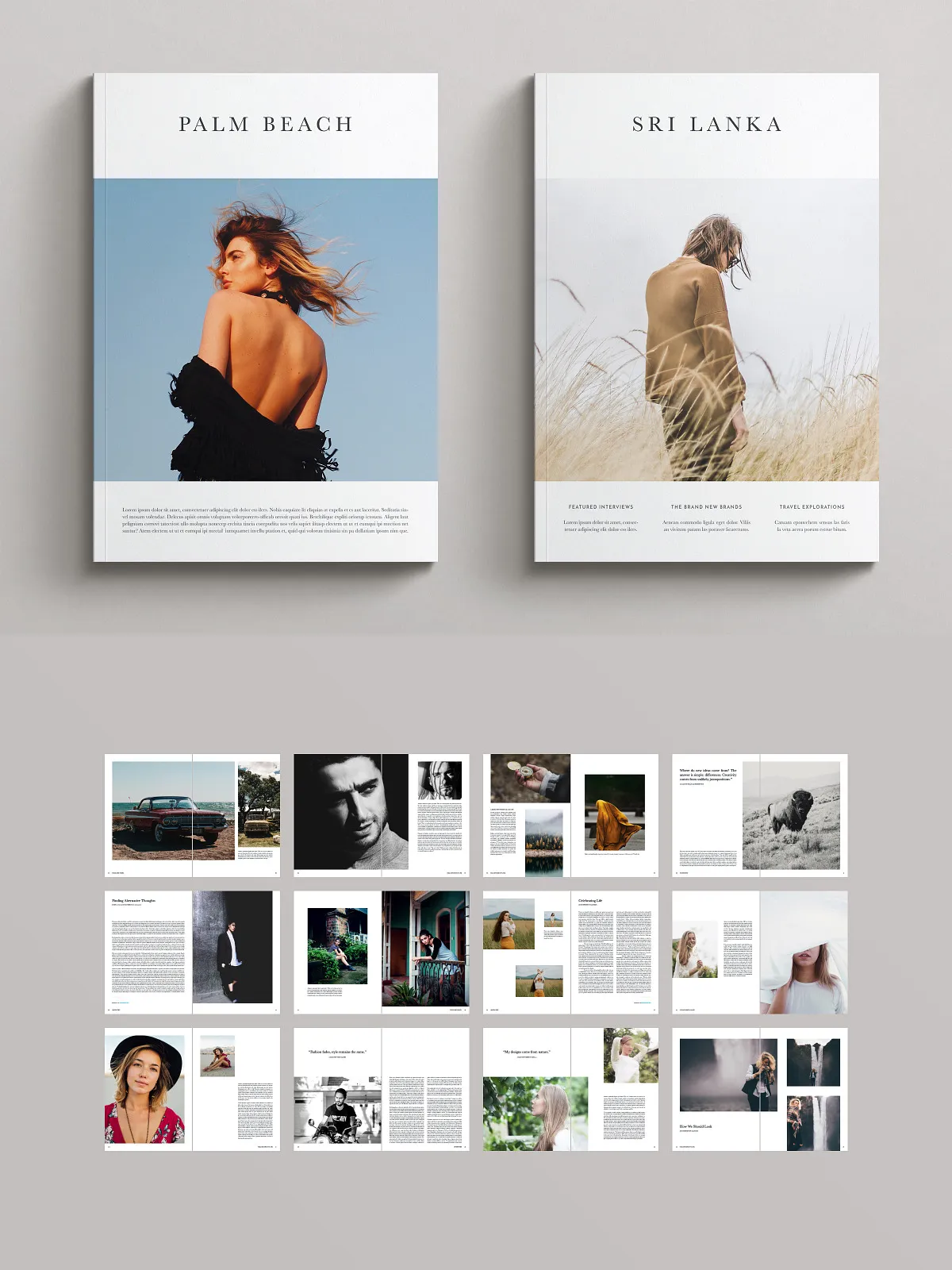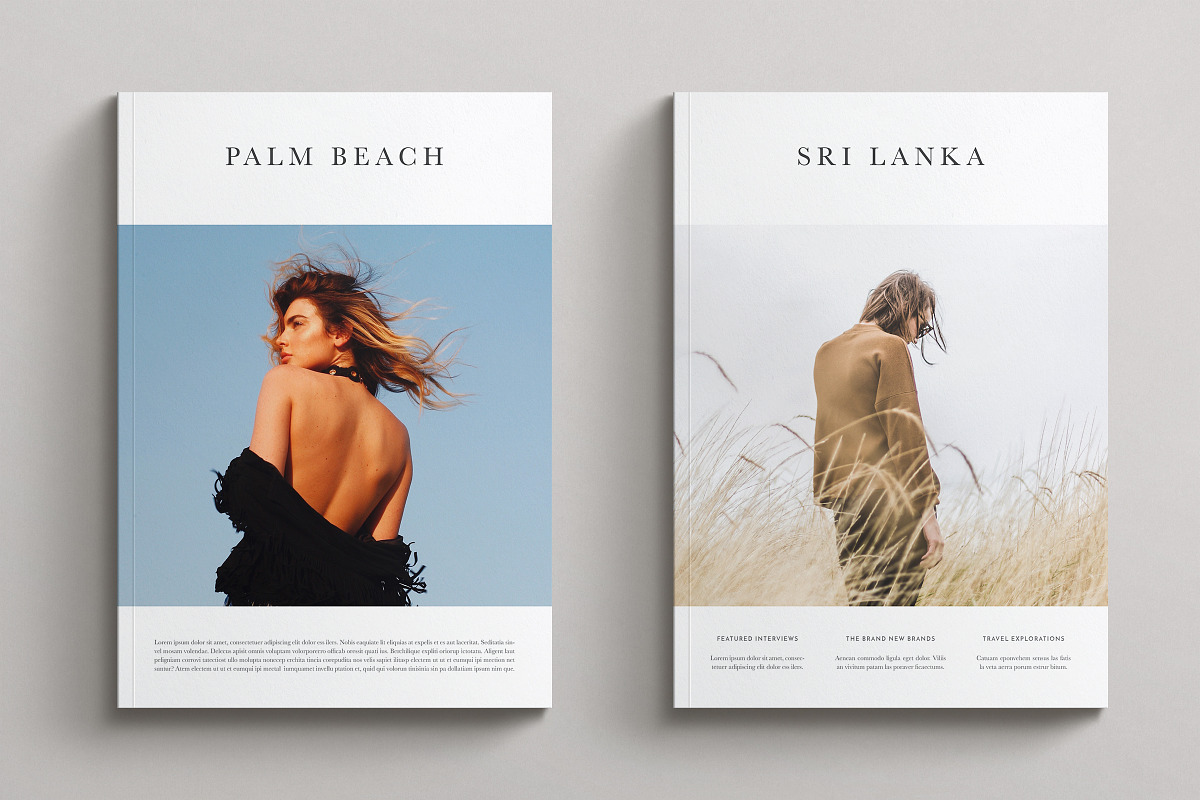
This magazine pack delivers two professionally designed InDesign templates that give you immediate, high-quality layouts for print or digital publishing. Each template contains 100 pages and the two designs share a cohesive visual language so you can mix and match pages across the pack to create distinctive issues, portfolios, or branded publications. You will edit every page quickly using Adobe InDesign and export print-ready files with bleeds, automatic page numbering, and a ready-made table of contents.
What’s Included
Files & Formats
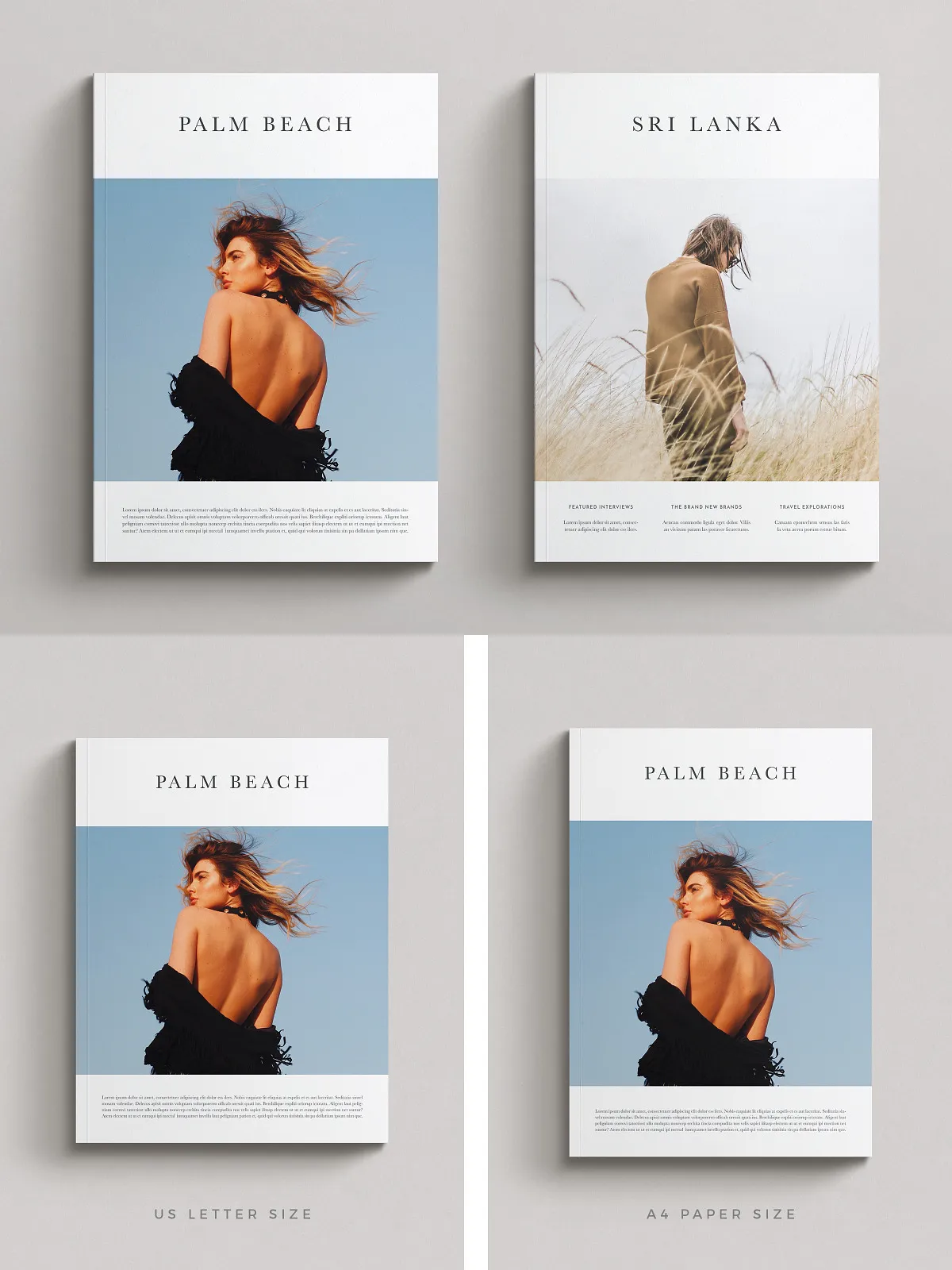
- InDesign template — 100 pages, document size A4.
- InDesign template — 100 pages, document size US Letter.
- .idml files included for backward compatibility with earlier versions of InDesign.
- Download links to free fonts used in the templates.
- A concise help guide with step-by-step instructions to get started fast.
Design & Editing Features
Editable Components
- Fully editable color palettes via the Swatches/Palette panel so you can apply brand colors across the entire document in seconds.
- Well-ordered, named layers for predictable editing and fast asset management.
- Vector-based shapes and graphics that scale cleanly for print at any size.
- Paragraph styles and character styles set up for consistent typography and rapid global changes.
Print-Ready Specifications
- Document bleeds pre-configured for professional printing.
- Automatic page numbering applied across master pages for consistency.
- Column grid alignment to maintain structured layouts and visual rhythm.
- A built-in table of contents that you can update automatically to reflect your final pagination.
Benefits & Use Cases
Use these templates to accelerate production, maintain brand consistency, and reduce design costs. The pack suits editors, creative directors, freelance designers, and small publishing teams who need reliable templates that integrate into existing workflows. Because the designs work together, you can assemble special issues, create spin-off booklets, or produce multi-format campaigns without rebuilding layouts from scratch.
Who Should Use This Pack
- Designers producing client magazines or branded lookbooks who need fast, professional templates.
- Small publishers looking to scale production while retaining editorial control over typography and layout.
- Marketing teams that require printable assets for events, product catalogs, and seasonal publications.
- Creative studios that deliver polished, on-brand publications to clients with minimal setup time.
How to Use
Quick Start Guide
- Download the package and locate the PDF help guide for direct links to the InDesign files and fonts.
- Open the desired .indd or .idml file in Adobe InDesign.
- Install the linked free fonts or replace them with your brand fonts through the Find/Replace Fonts tool.
- Use the Swatches panel to replace color values and apply your brand palette across all pages.
- Adjust or remove pages, update the table of contents, and export to PDF with bleed settings for print or optimized PDF for digital distribution.
Technical Requirements & Licensing
To edit and export these templates you must have Adobe InDesign installed; the included .idml files support earlier versions of InDesign. The package uses free fonts linked in the documentation — download and install them before editing to preserve layout integrity. You receive one individual license permitting commercial use by the purchaser; redistribution, resale, or sharing of the source files is not allowed. Because these are digital files, all sales are final.
Why Choose These Templates
These magazine templates combine strong editorial structure with creative flexibility. They reduce production time, ensure print-ready specifications are correct, and give you a consistent system of styles and components that scale across issues. Whether you publish a single branded magazine, produce recurring editorial issues, or create promotional catalogs, this pack empowers you to deliver professional results efficiently.