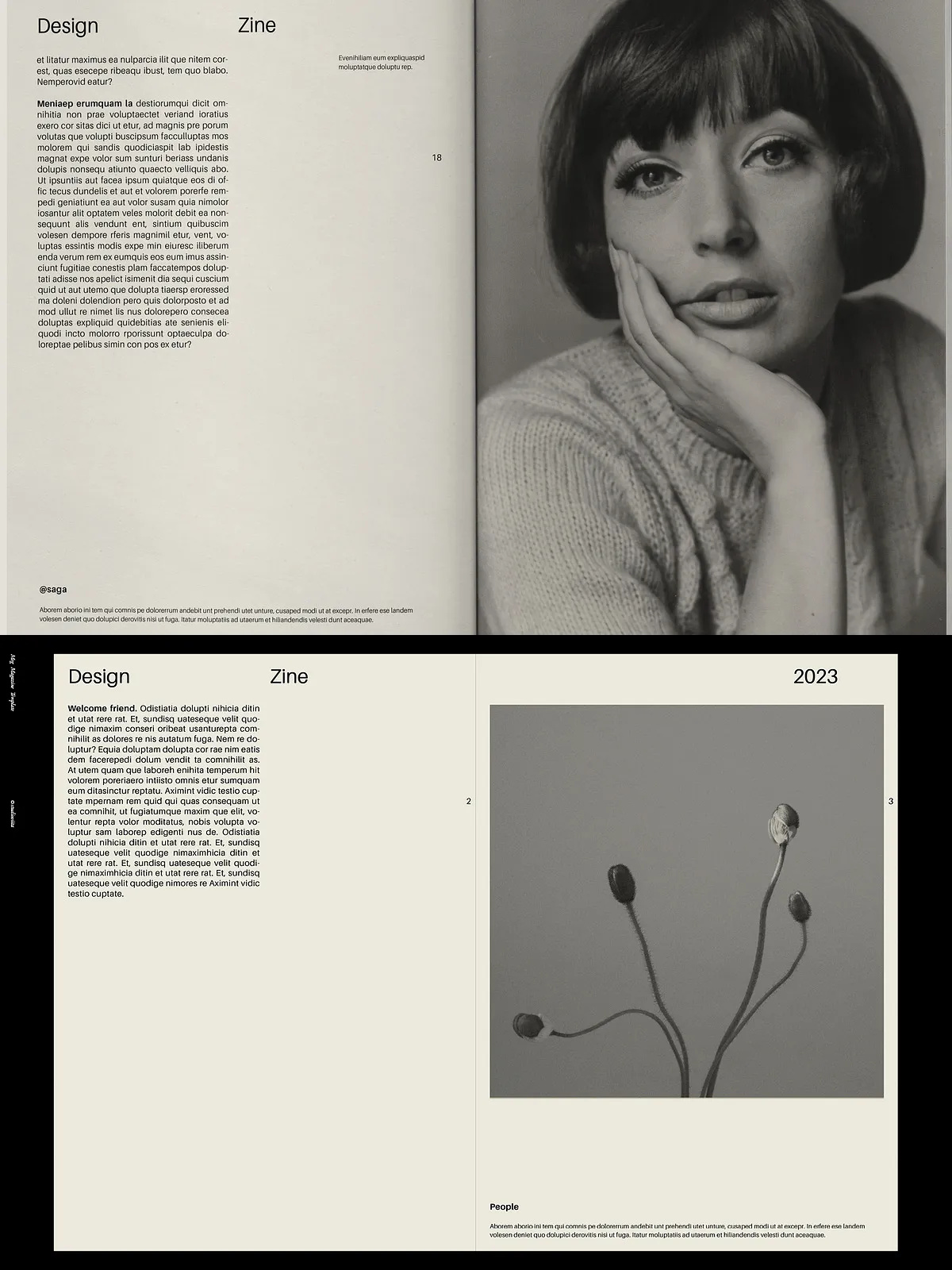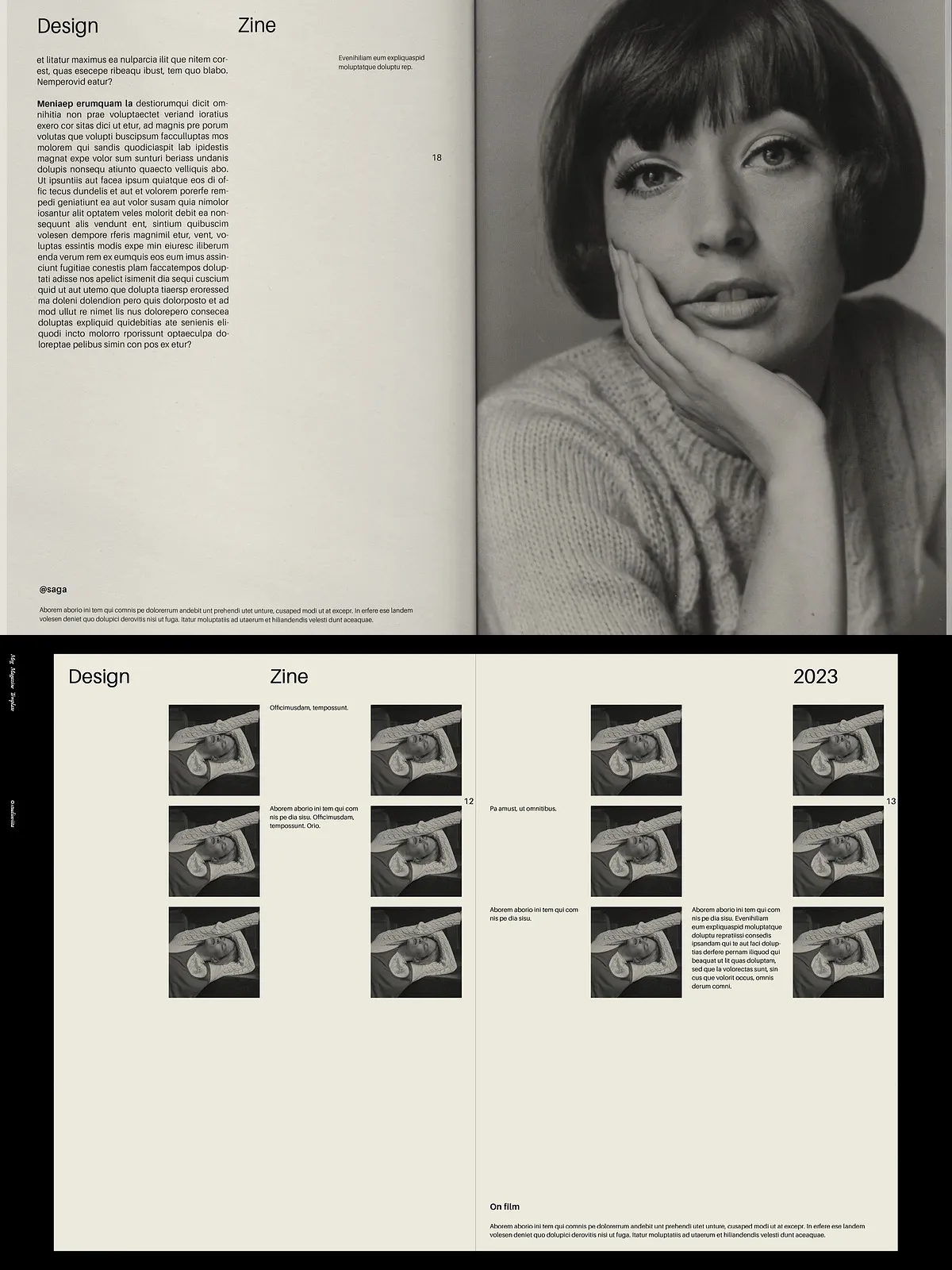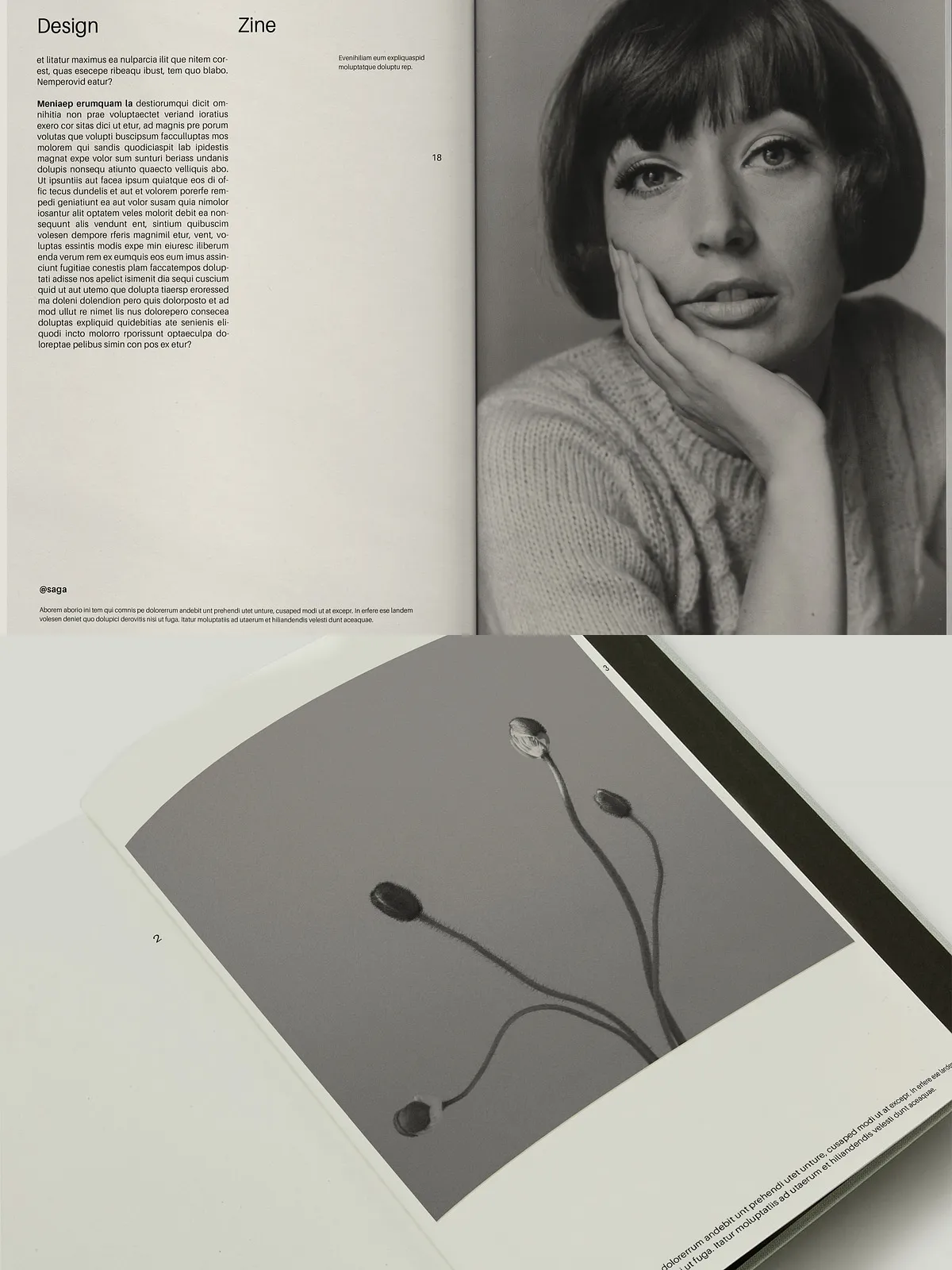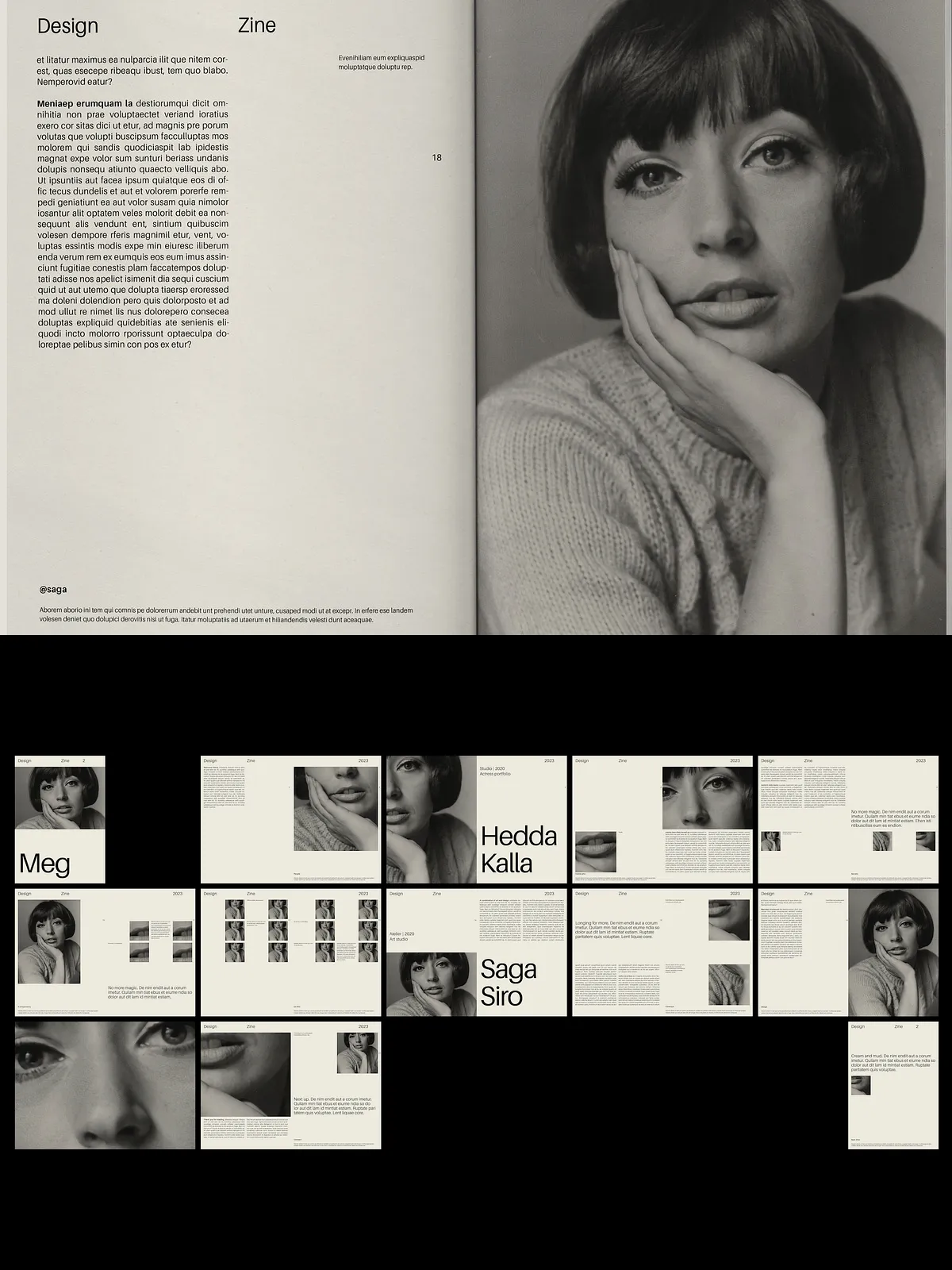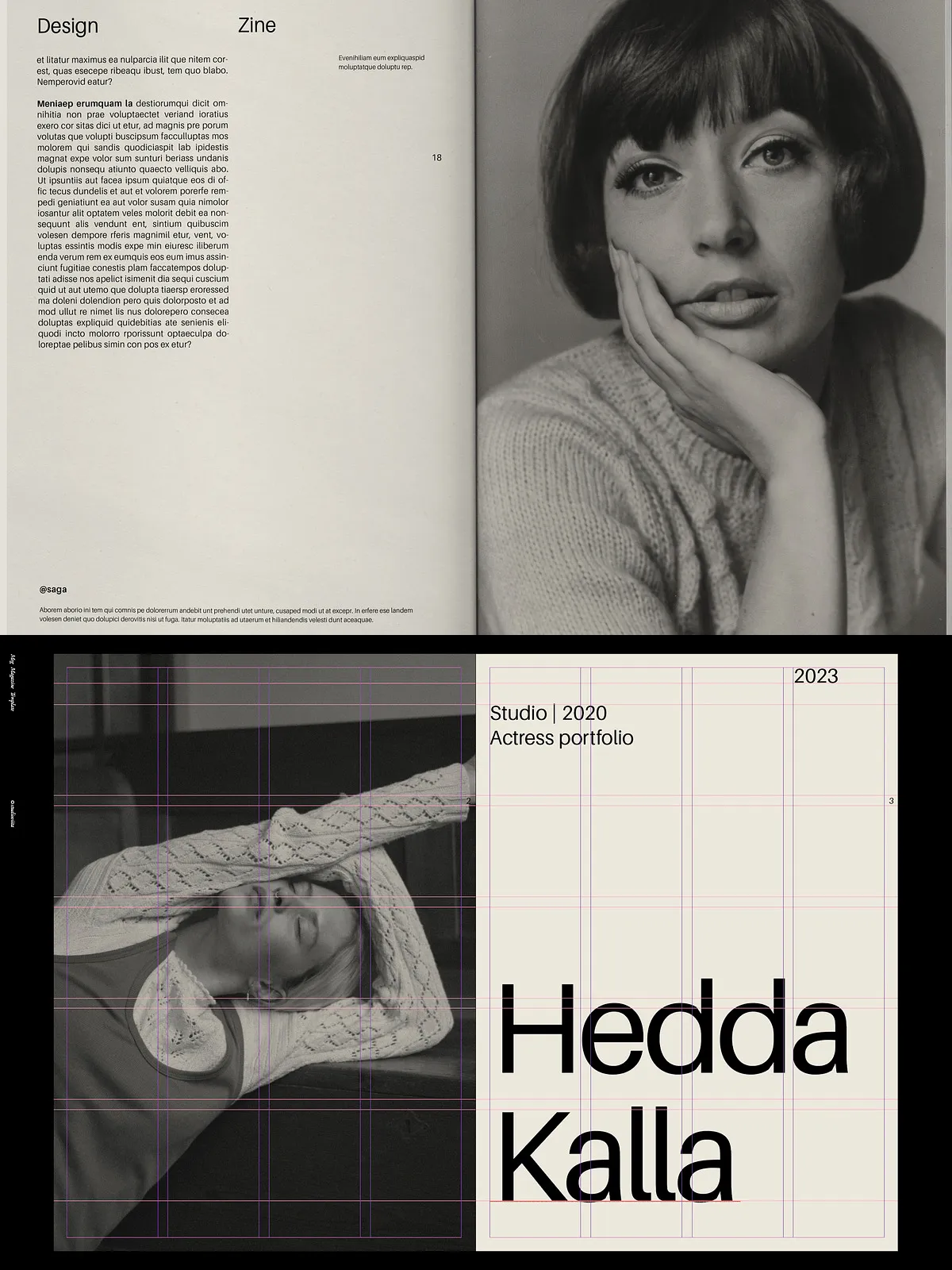
Transform your vision into a polished, publication-ready magazine, book, or creative portfolio with this sleek Adobe InDesign Magazine Template. Engineered for efficiency and visual clarity, this 24-page layout delivers a modern, minimalist aesthetic while supporting high-impact content delivery for personal brands, client projects, or digital publishing. Whether you’re launching a lookbook, crafting an ebook, designing a client portfolio, or producing a professional booklet, this template offers the structure, flexibility, and print-readiness to elevate your work instantly.
Features and Technical Details
Core Specifications
- 24 Pages Total – Built for full-length narrative or project showcases
- Multiple Sizes – Fully compatible with US Letter and A4 page formats
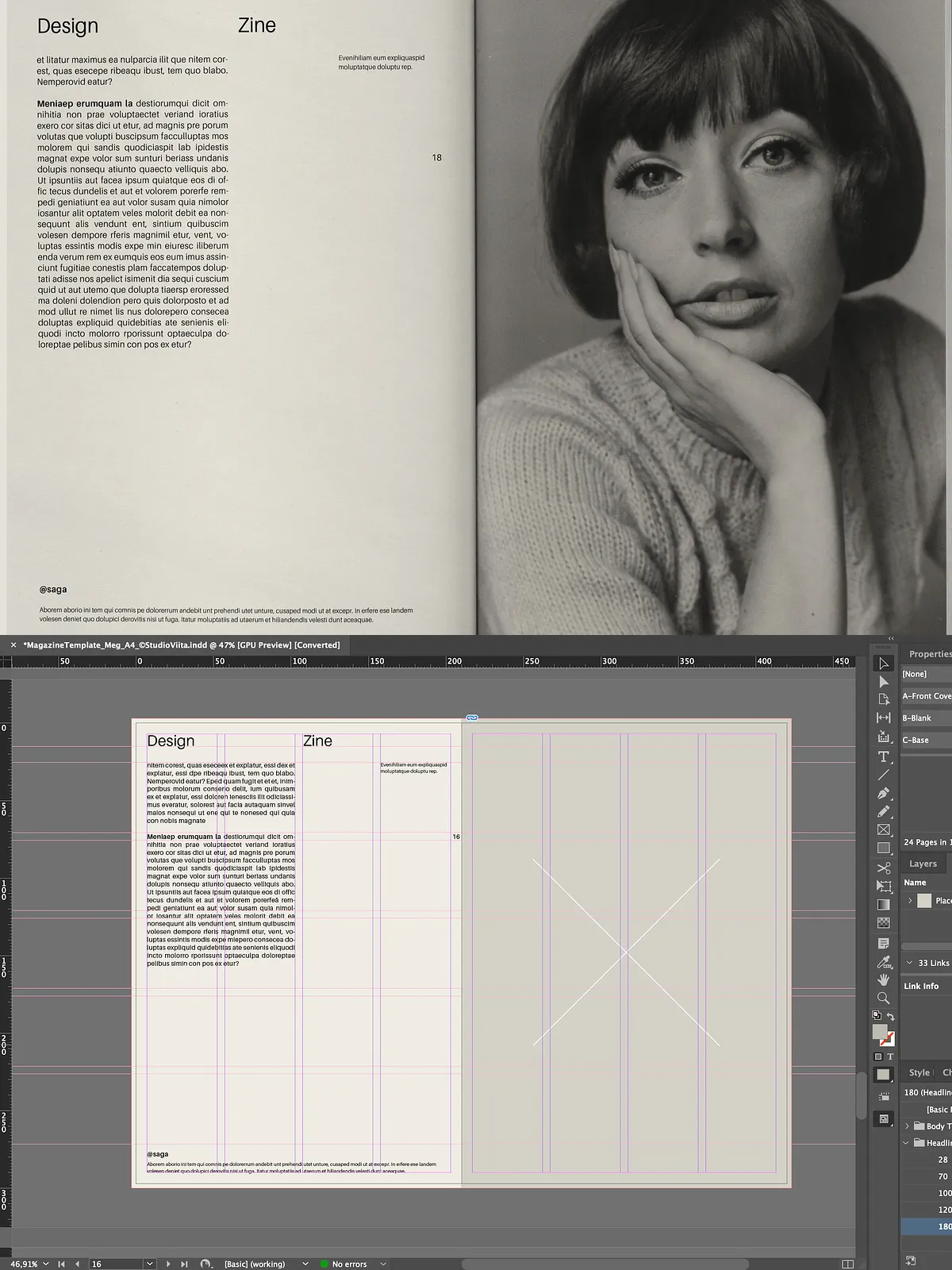
- Modular Grid System – Ensures consistent alignment, scalable design, and clean visual flow across all spreads
- Smart Layouts – Includes dedicated cover pages, intro and outro spreads, and two customizable article/project sections (10-page and 6-page modules)
Professional Production Tools
- Print-Ready Bleed – Designed with proper bleed and safe zones for seamless printing, eliminating last-minute layout errors
- Automatic Page Numbering – Eliminates manual tracking—numbers update in real-time with new pages
- Linked Text Frames – Enables smooth text flow across pages and reduces formatting inconsistencies
- 10 Pre-Defined Color Swatches – Streamline brand consistency with ready-to-use palettes
- Parent Pages and Layers – Keep your file organized with master pages and layered content for easy editing
- Paragraph & Character Styles – Apply consistent typographic formatting instantly—ideal for rapid content updates
Font and Typography Support
This template uses a publicly accessible typeface that fully supports Scandinavian characters (Å, Ä, Ö), making it ideal for multilingual content. For customization, you can easily swap the default font with any font of your choice—step-by-step instructions included in the bundled help file. The instructions guide you through installing new typefaces, updating styles, and ensuring perfect compatibility across all versions of Adobe InDesign.
Software Compatibility & Requirements
Designed for optimal performance and seamless use, this template runs flawlessly on the following Adobe InDesign versions:
- Adobe InDesign CC (Creative Cloud)
- CS4, CS5, CS5.5, and CS6
Important: This file is NOT compatible with alternative software such as Affinity Publisher, Canva, or Microsoft Word. You must have Adobe InDesign installed to open and edit the template.
What’s Included in the Purchase
- Full Adobe InDesign (.indd) file with all layouts, styles, and layers intact
- Sample content and placeholder text for quick prototyping
- Comprehensive instruction guide with setup and customization instructions
- High-resolution export-ready files (PDF, PNG) upon final production
Who Is This Template For?
This template is perfect for:
- Photographers & creatives building branded lookbooks or digital portfolios
- Designers delivering client-ready magazines or workbooks
- Small brands launching professional ebooks or product catalogues
- Students and educators producing polished booklet designs
- Freelancers streamlining content production with reusable layouts
Customization & Workflow Tips
Quick Start Guide
- Open the .indd file in your version of Adobe InDesign
- Replace placeholder text with your content using the linked text frames
- Update colors using the 10 built-in swatches or create new ones
- Swap out the default font with your preferred typeface via the character style settings
- Use master pages for consistent headers, footers, and layout structure
Exporting for Print and Digital Use
- Export as a print-ready PDF with crop marks and bleed for professional printing services
- Export PNGs for digital use or social media sharing
- Use the modular grid to restructure content for other publications or project types
Important Notes
- Photos and mockups are not included – The template uses placeholder images and text for demonstration purposes only. You must add your own visual content.
- This is a template, not a mockup – You are purchasing a functional, customizable design system—not a finished product.
- Commercial Usage – The template is licensed for personal and commercial projects, with full rights to use across multiple client works.
Why Choose This Magazine Template?
Stop starting from scratch. This Adobe InDesign Magazine Template gives you a polished, professional foundation with pre-built structure, smart design tools, and print-ready formatting. Save hours of setup, maintain brand consistency, and deliver high-quality publications—fast. Whether for personal expression or client success, this template empowers you to focus on content, not formatting.
Download now, launch faster, and publish with confidence.