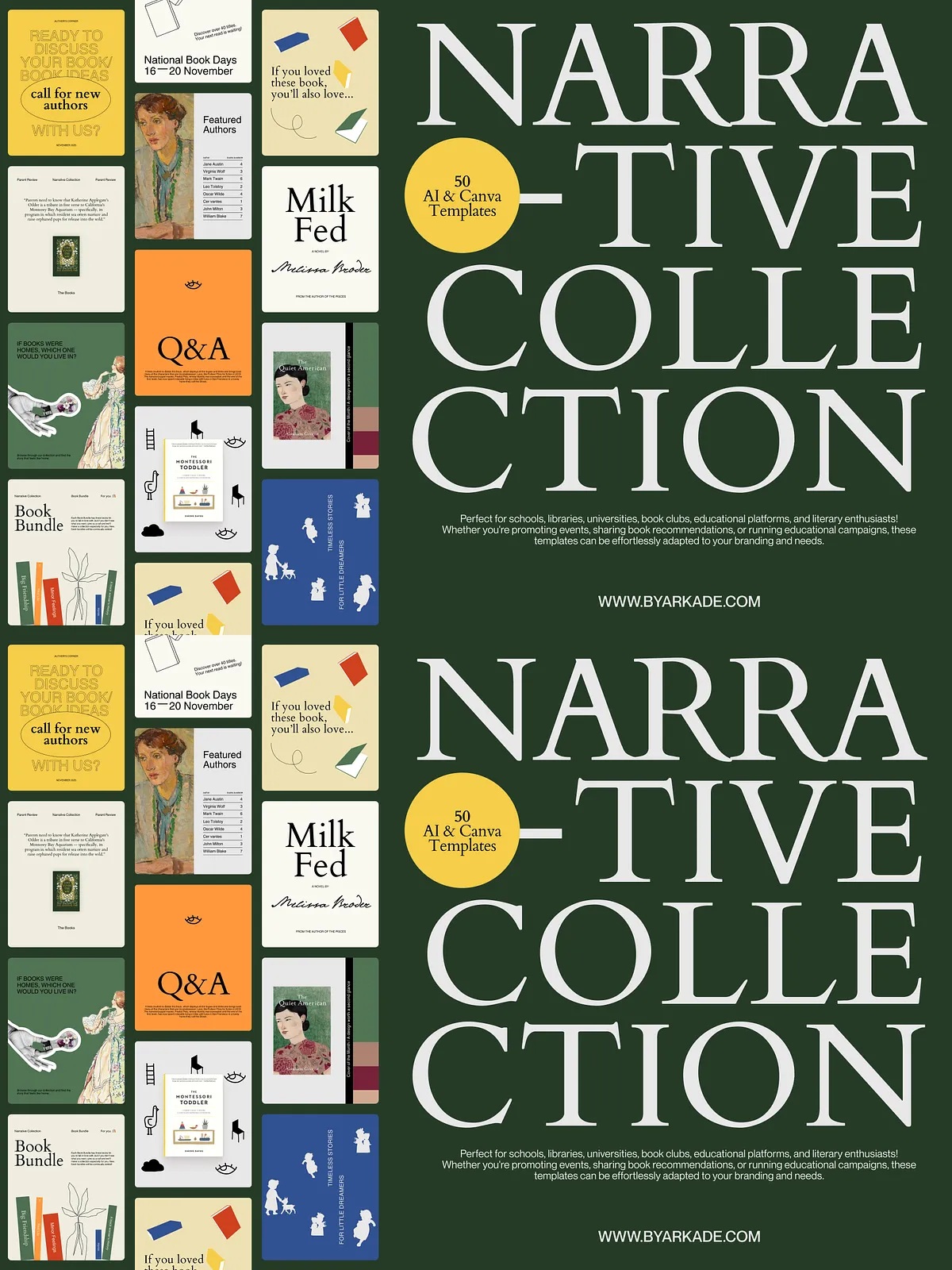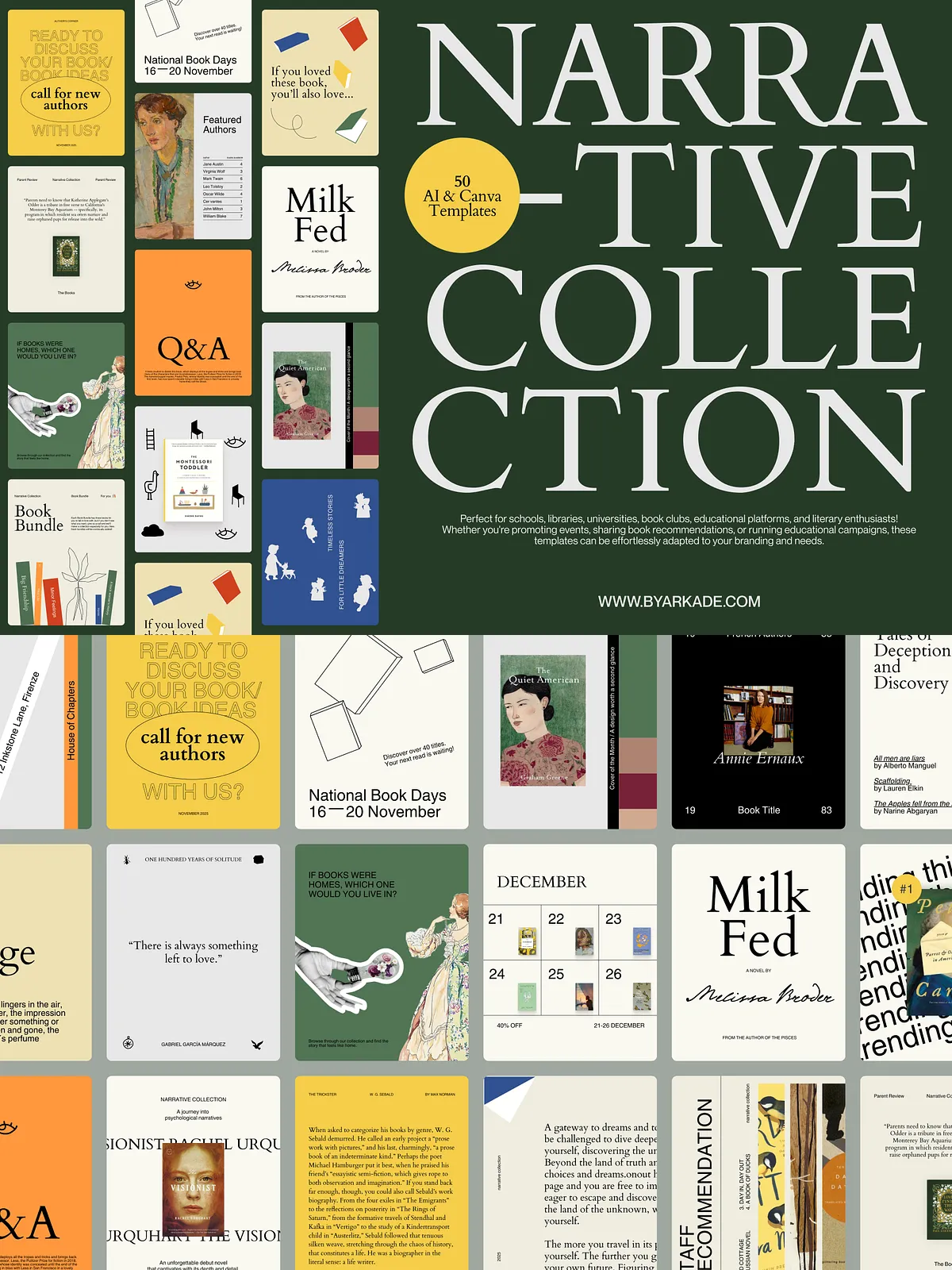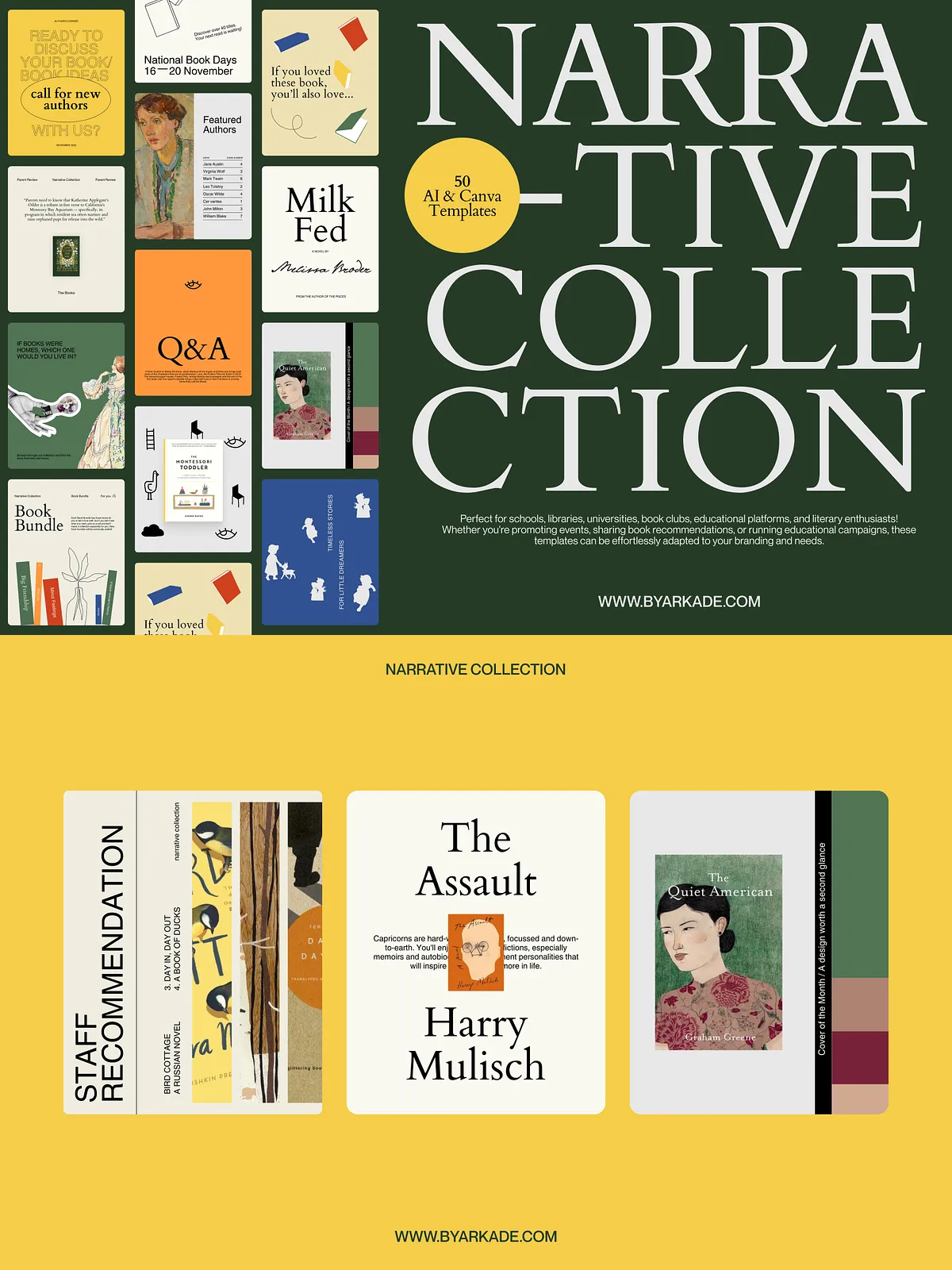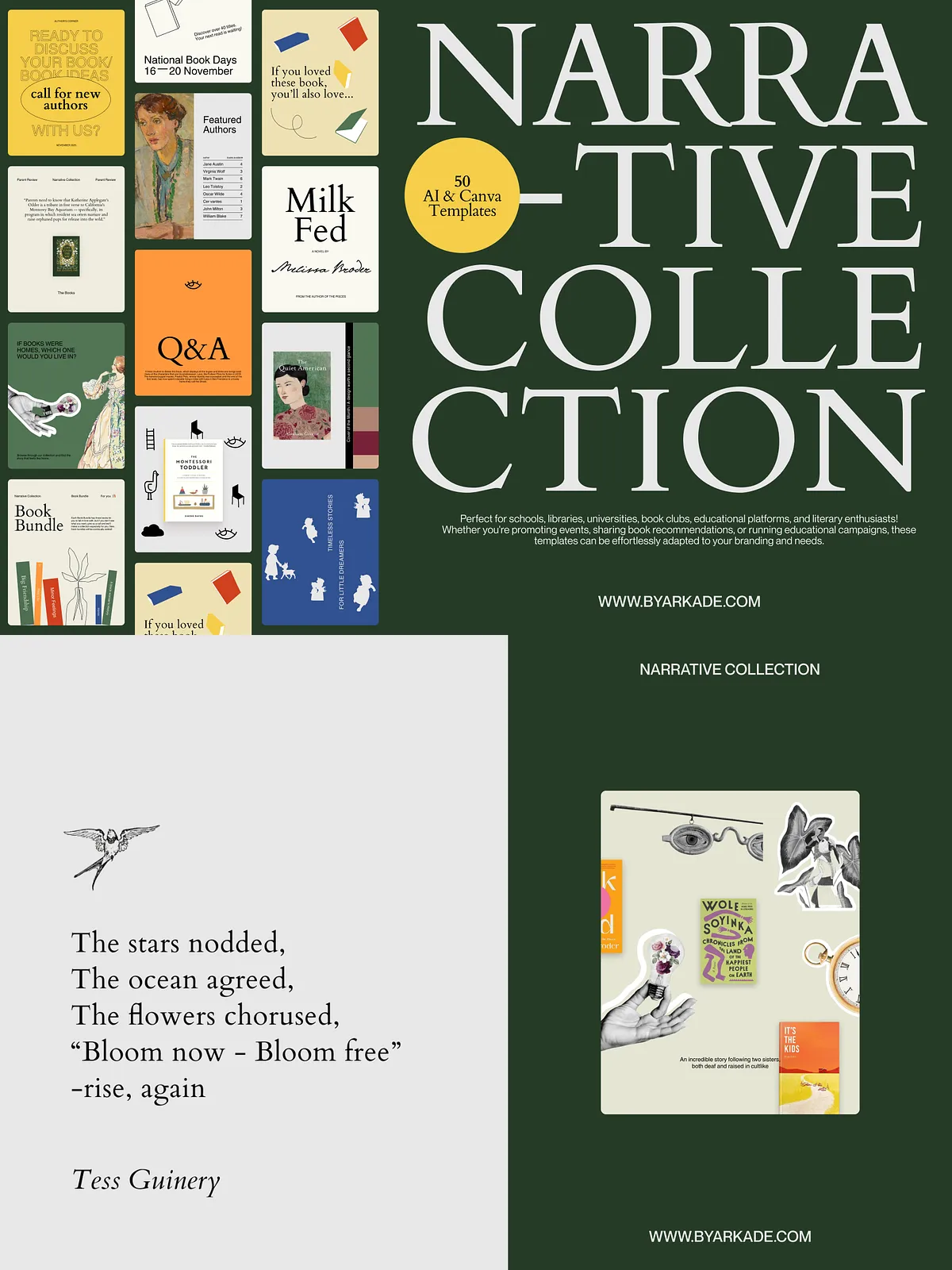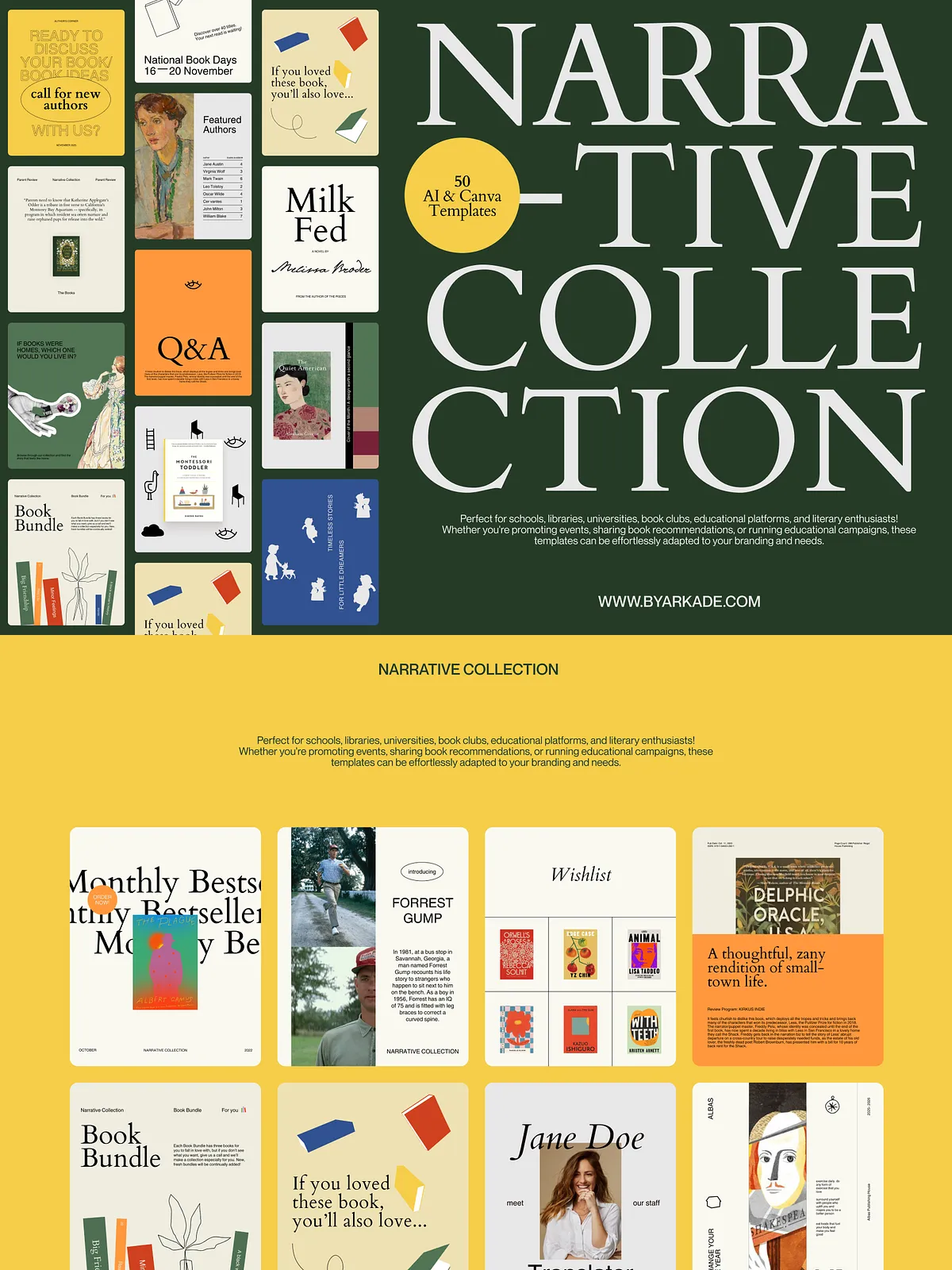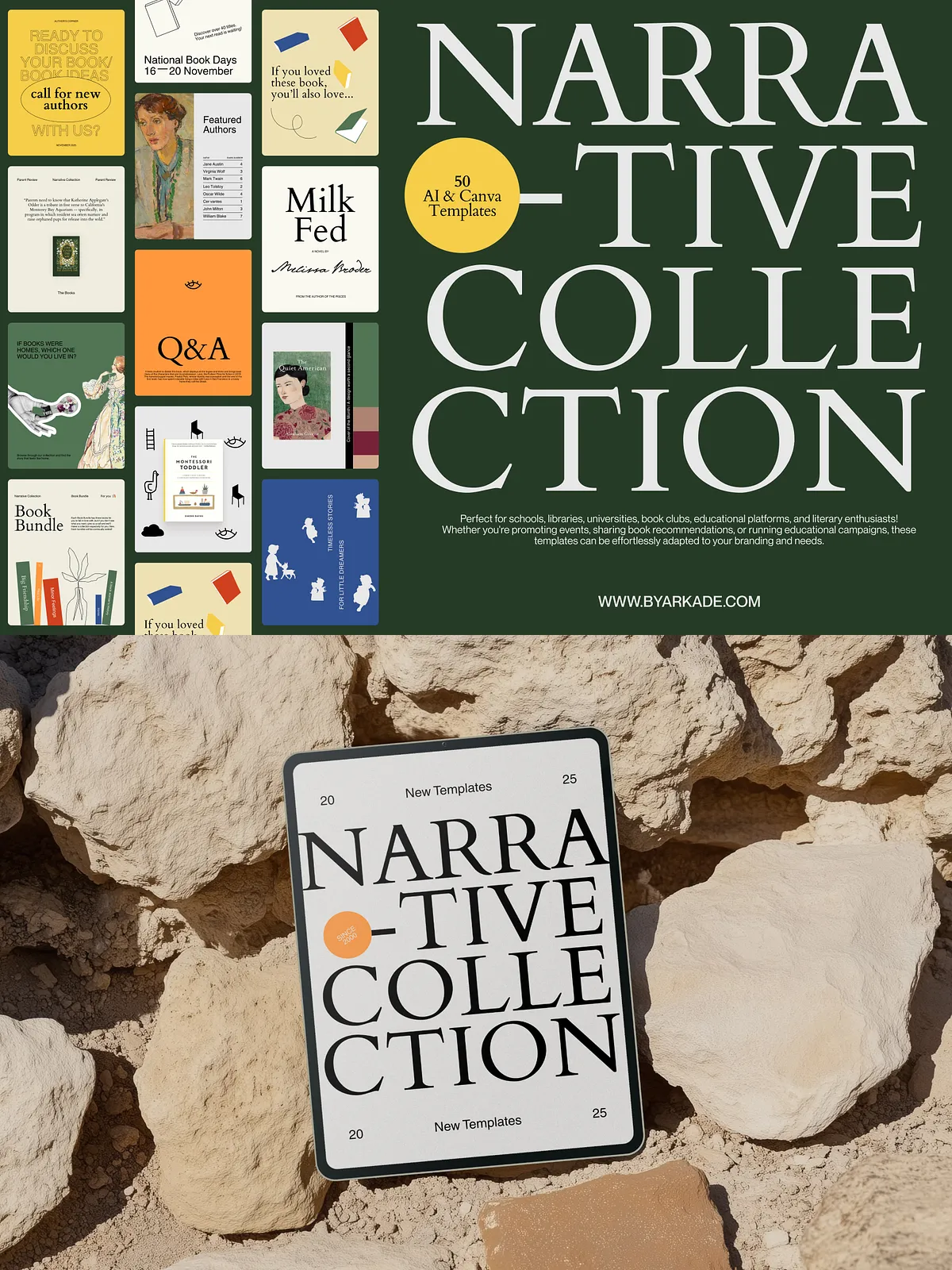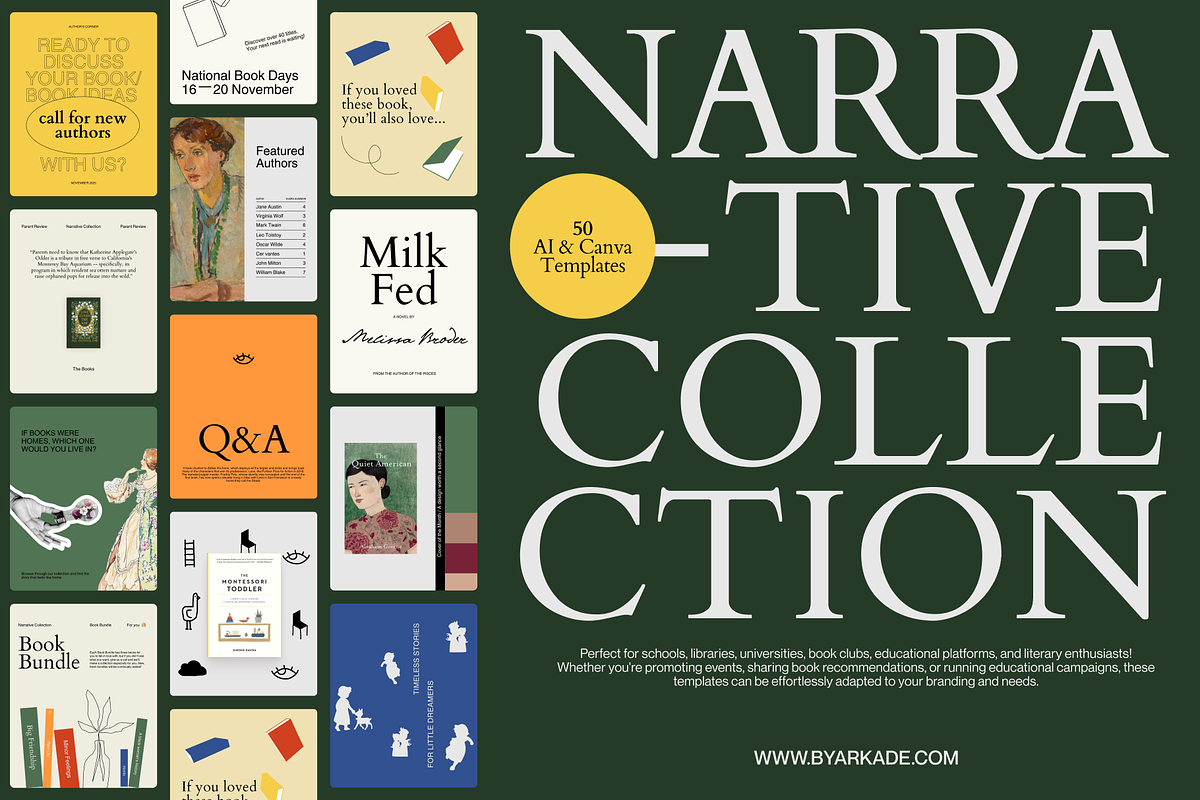
This collection delivers fifty professionally designed, fully editable social media templates created specifically to help schools, libraries, educators, bookstores, and reading communities produce compelling, on-brand content quickly. Each template emphasizes clear hierarchy, strong visual contrast, and adaptable layouts so you can promote events, highlight book recommendations, announce programs, and run educational campaigns without starting from scratch. The pack includes files compatible with Canva and Adobe Illustrator, enabling both fast drag-and-drop edits and pixel-perfect vector adjustments.
What’s Included
Template Set
- 50 ready-to-edit social media templates sized for common platforms (Instagram posts, stories, and adaptable square formats).
- Designs tailored for event promotion, book recommendations, reading challenges, program highlights, instructor spotlights, and informational posts.
- Editable text placeholders, image frames, color swatches, and icon sets to accelerate customization.
File Formats
- Canva templates: Editable directly in Canva—no design software required. Swap images, change text, and apply your color palette within minutes.
- Adobe Illustrator (.ai): Vector-based files for full control over shapes, typography, and export quality—ideal for designers who need print-ready assets or advanced adjustments.
Who This Is For
This template collection serves any organization or individual that needs consistent, attractive social media content with minimal production time. Use cases include:
- Schools and universities promoting enrollment events, open days, workshops, and academic programs.
- Libraries announcing author talks, storytime schedules, new arrivals, and community reading challenges.
- Educators and tutors sharing lesson highlights, study tips, and course updates to engage students and parents.
- Bookstores promoting new releases, curated recommendation lists, and in-store events.
- Book clubs and literary communities creating cohesive promotional materials and discussion prompts.
Why You’ll Use It
These templates accelerate content production and improve audience engagement by combining strong visual storytelling with configurable structure. You will save hours on layout and design while maintaining a consistent visual identity across posts. The modular templates let you reuse successful formats—such as recommendation grids, event banners, or challenge trackers—so you iterate faster and measure what drives interaction.
How to Customize
Quick Start in Canva
Open the supplied Canva template link, duplicate the page you want to reuse, then replace placeholder images and update text blocks with event details, book titles, or calls to action. Adjust brand colors in the style panel and apply fonts from the kit to keep every post consistent. Export as PNG or MP4 for story animations.
Advanced Edits in Illustrator
Open the .ai files to access vector layers and typography controls. Use artboards to create platform-specific exports, tweak layout spacing, and swap vector icons or shapes. Export high-resolution PNGs or PDFs for print-ready flyers that match your social graphics.
Benefits and Outcomes
- Speed: Create polished posts in minutes instead of hours.
- Consistency: Maintain a unified visual identity across campaigns and channels.
- Flexibility: Use Canva for rapid deployment and Illustrator for precision edits.
- Engagement: Use proven layouts to highlight events, reviews, and calls to action that prompt clicks and participation.
Technical Details & Support
Templates include editable text, grouped layers, and clearly labeled assets for both Canva and Illustrator. You will receive clear instructions for importing assets, changing colors and fonts, and exporting optimized files for social platforms. If you encounter issues opening files, follow the included troubleshooting guide or contact support for step-by-step assistance.