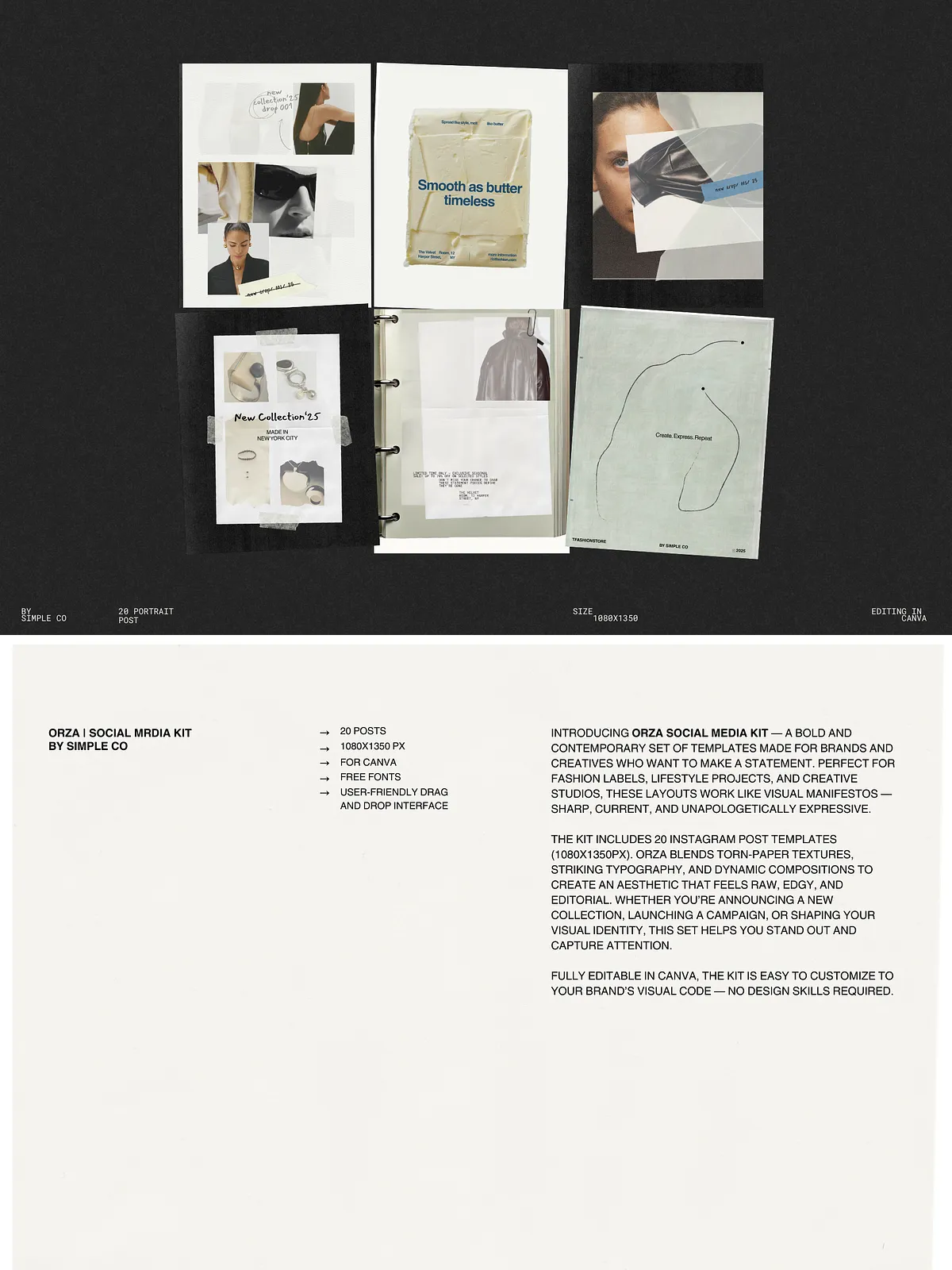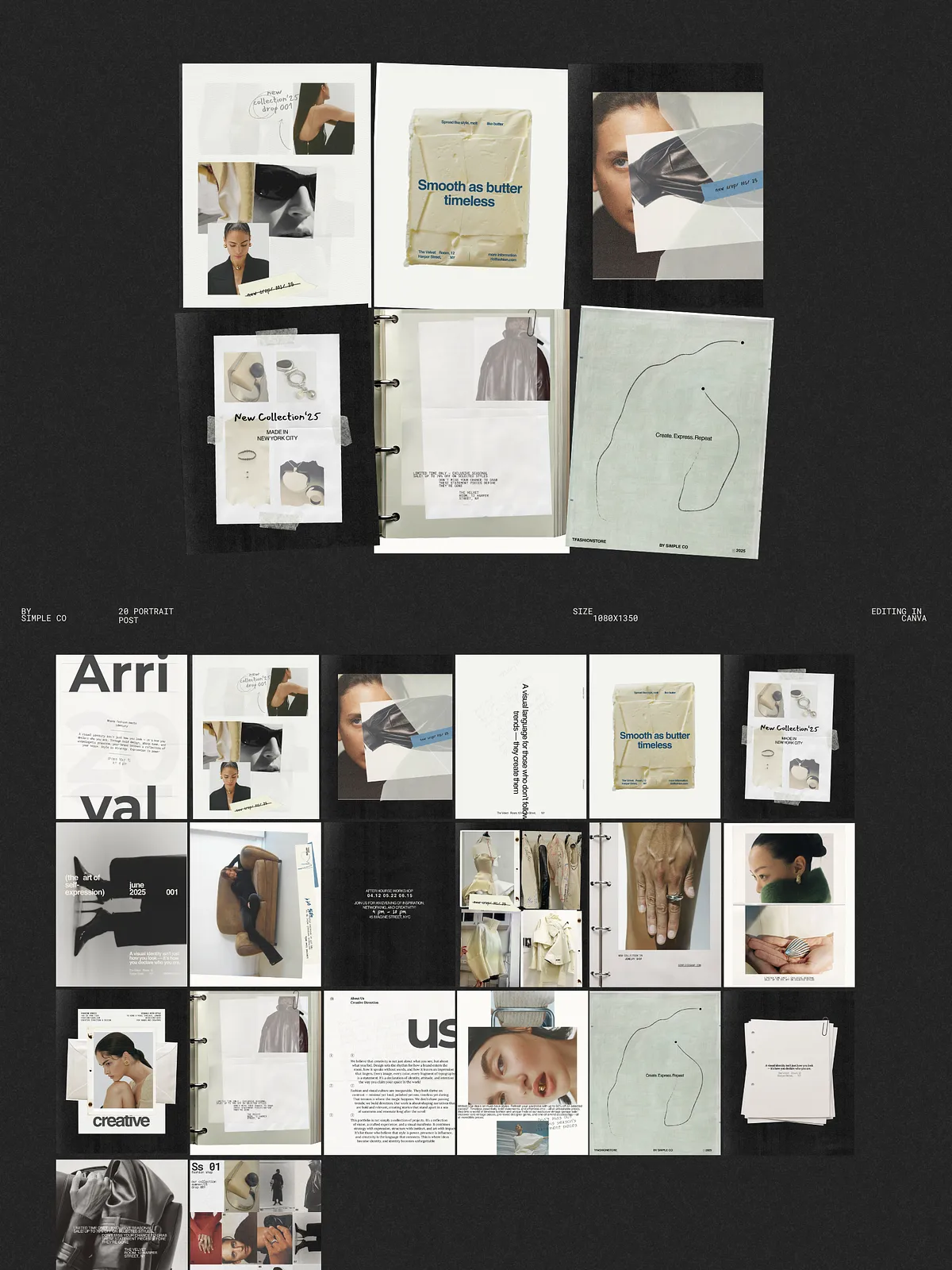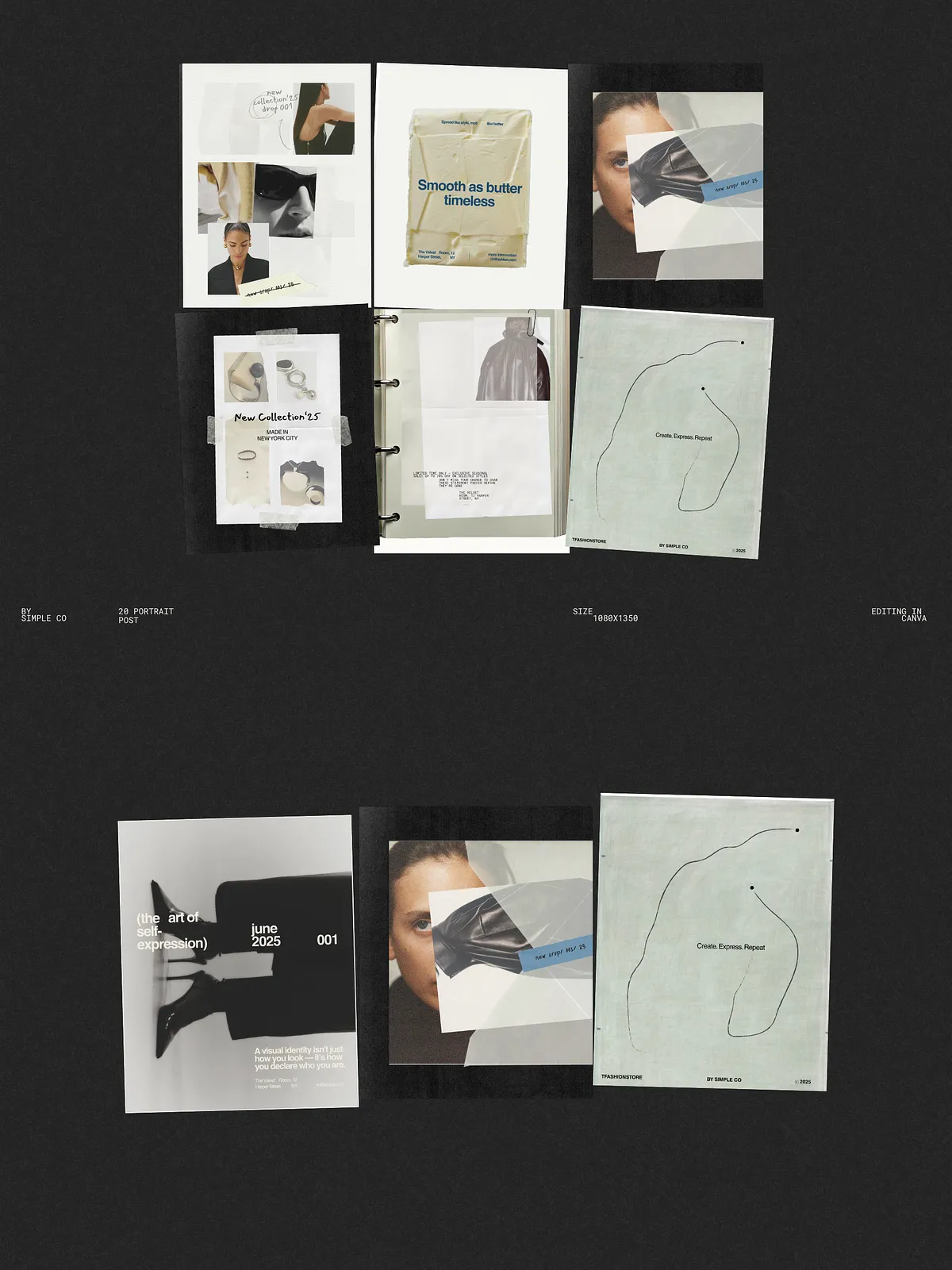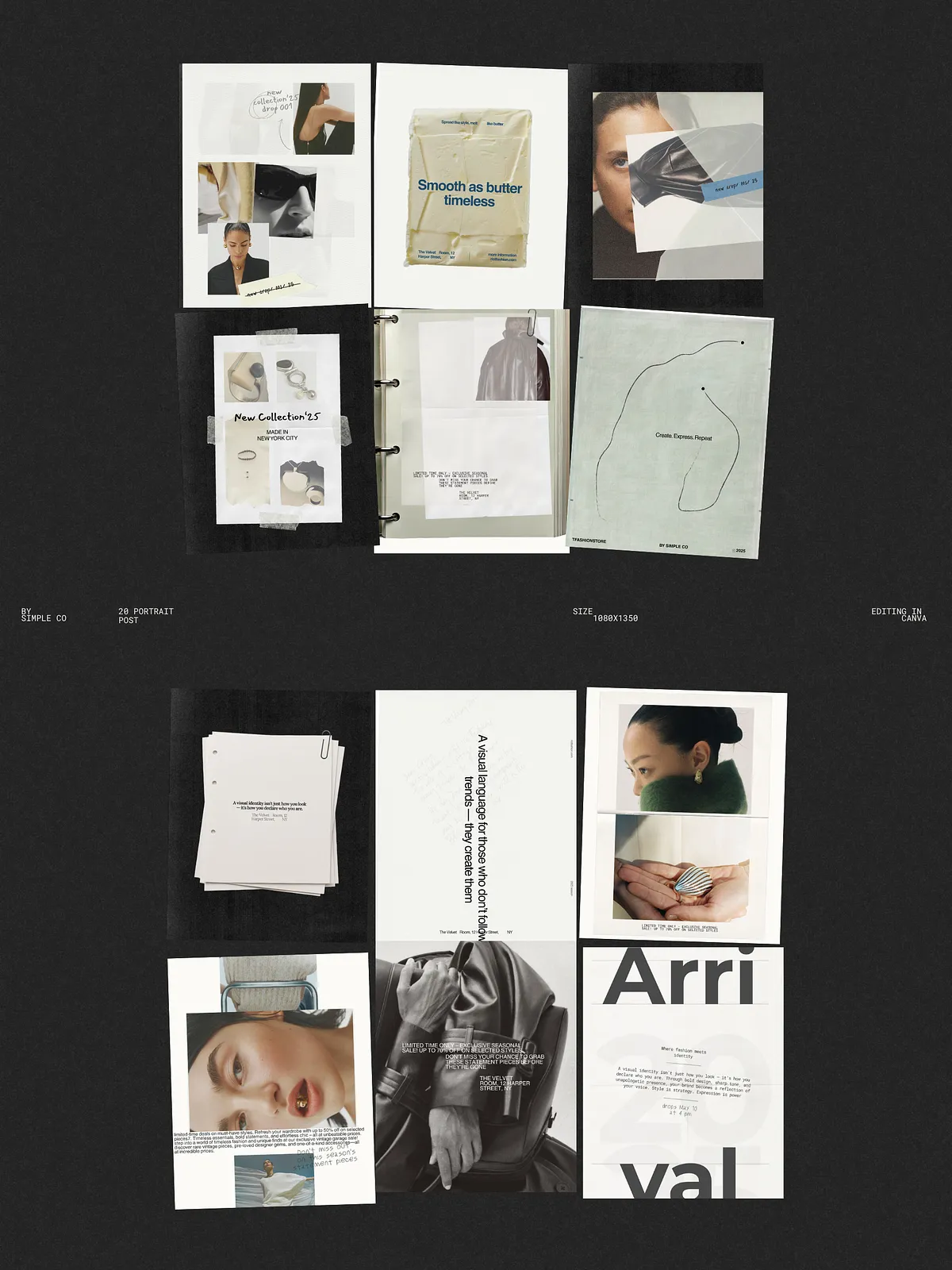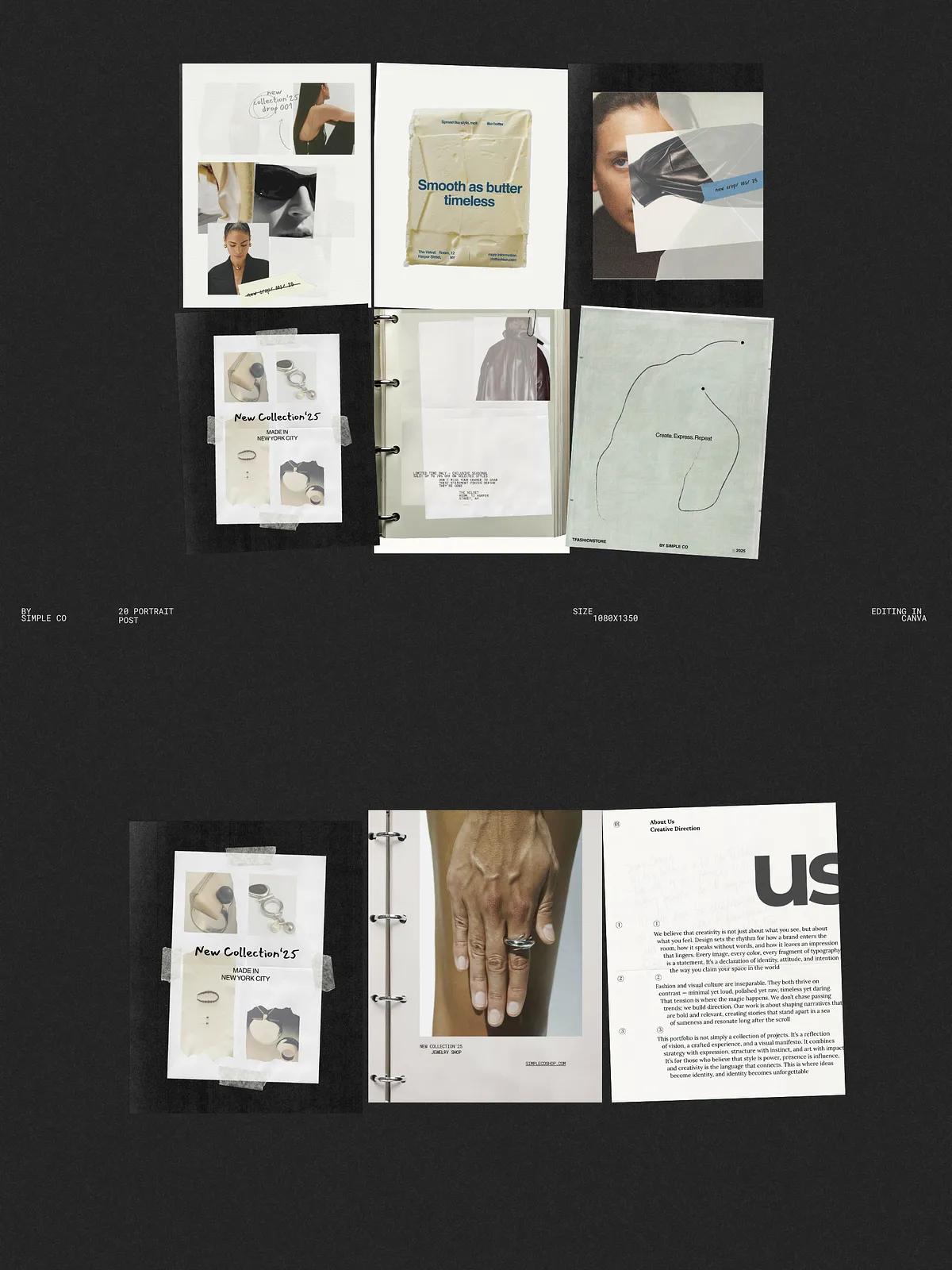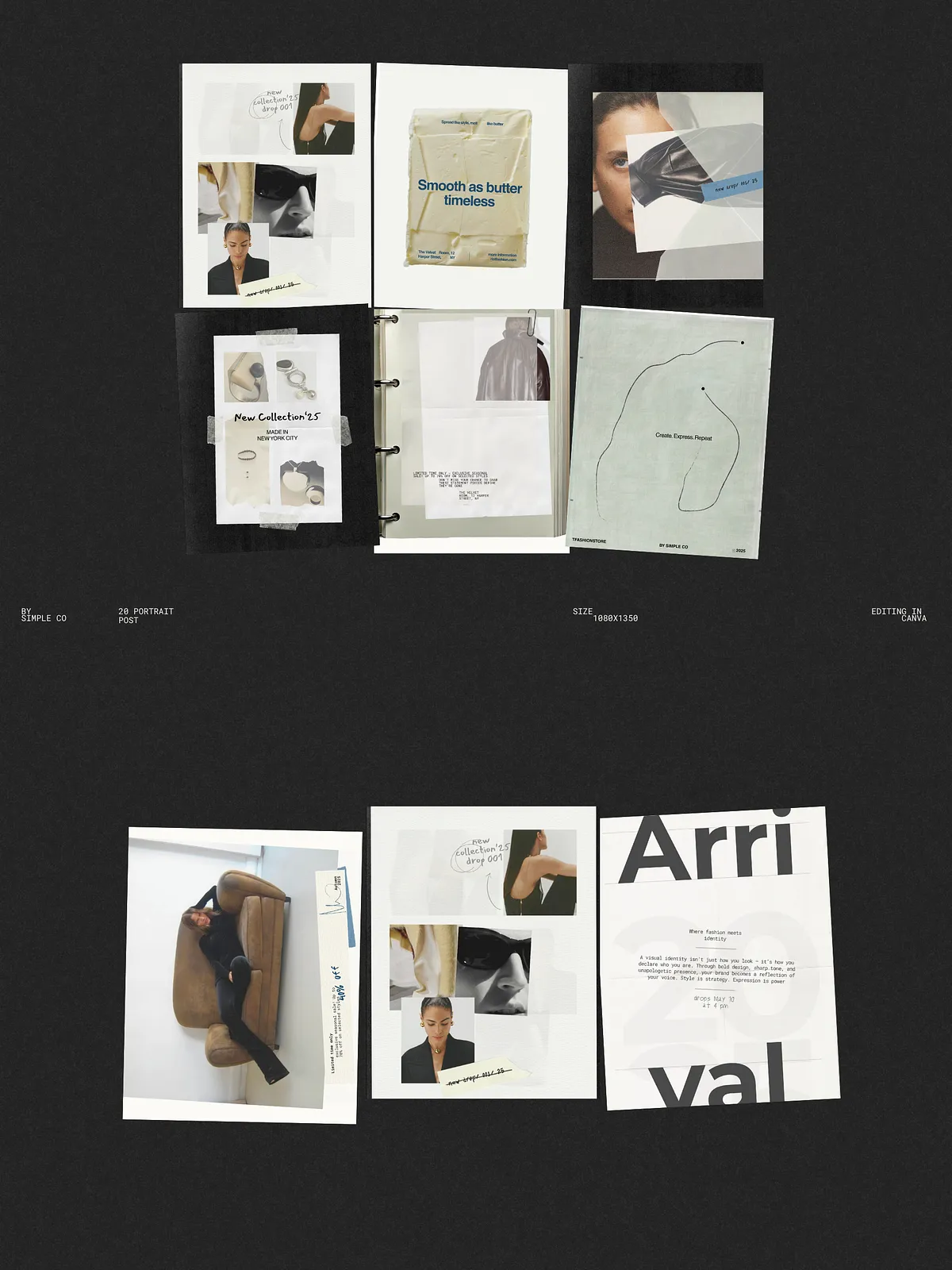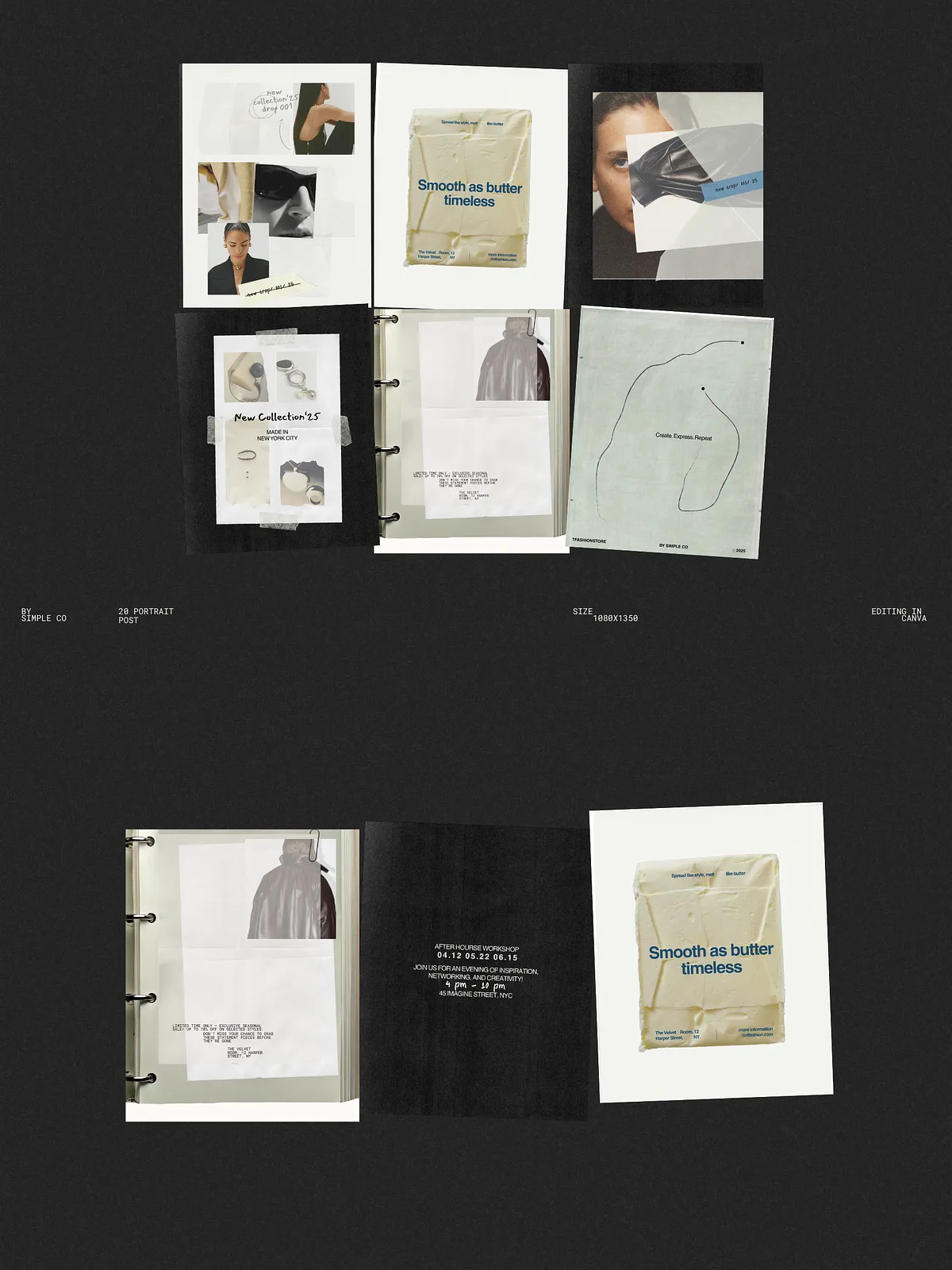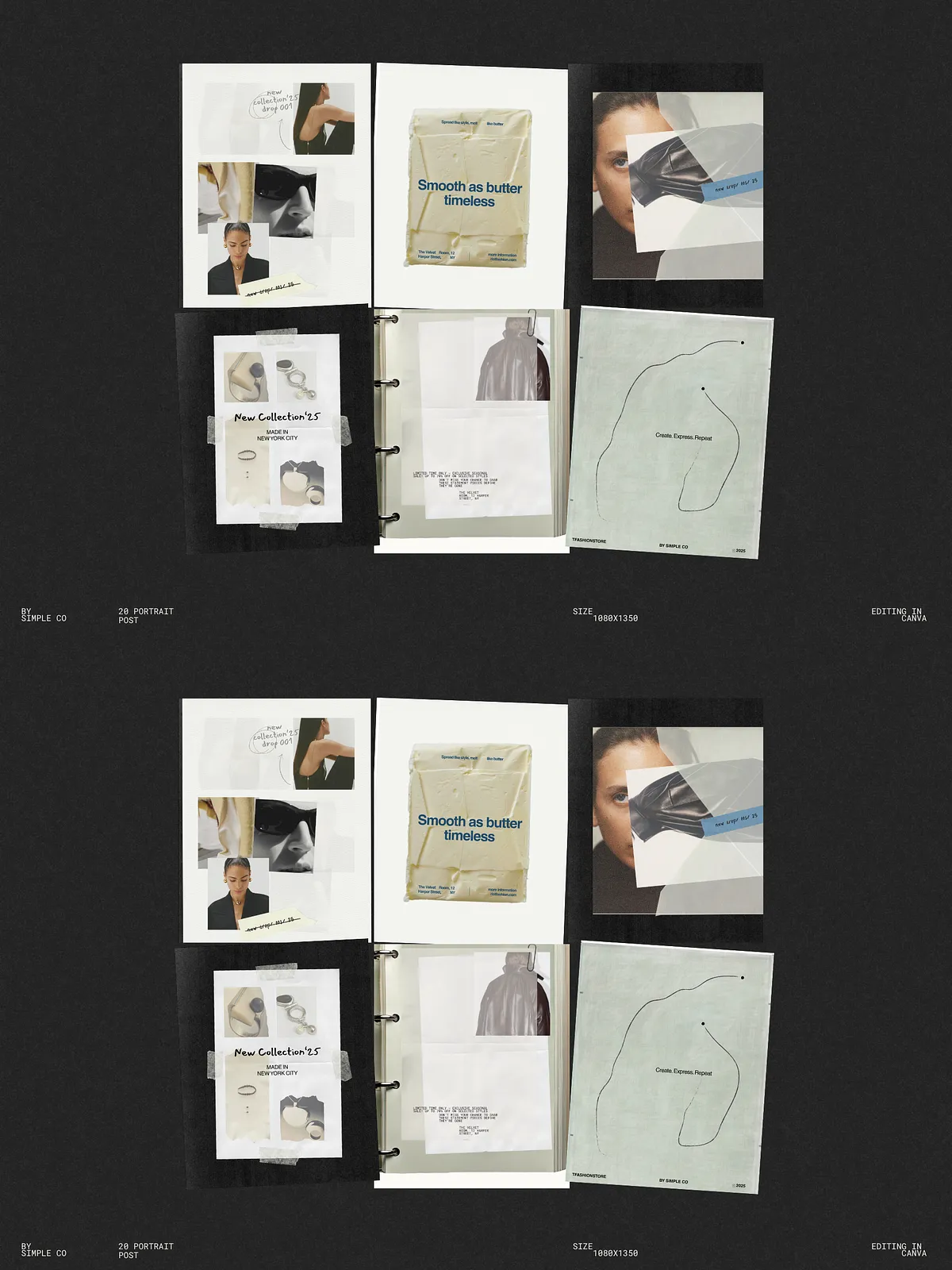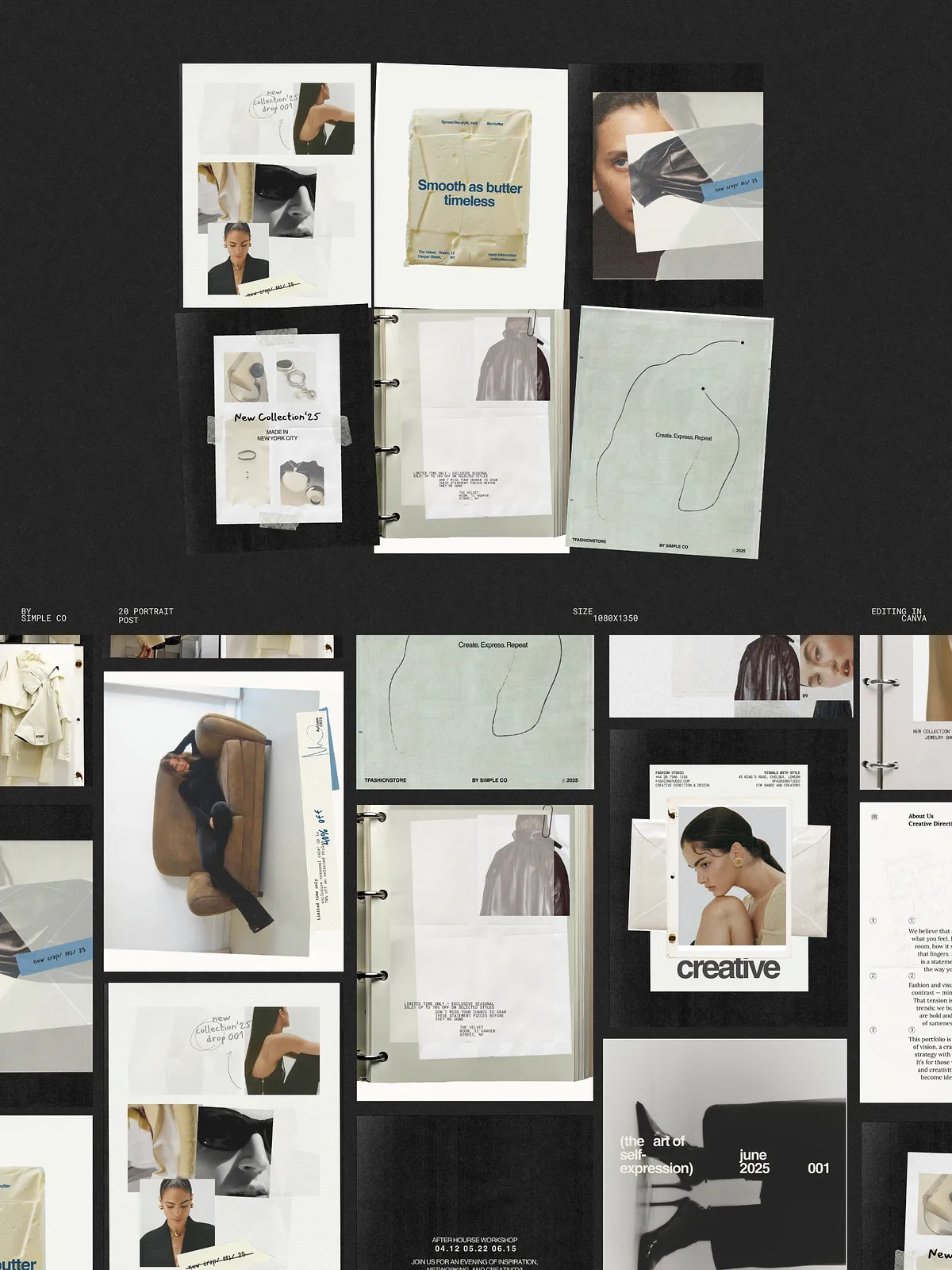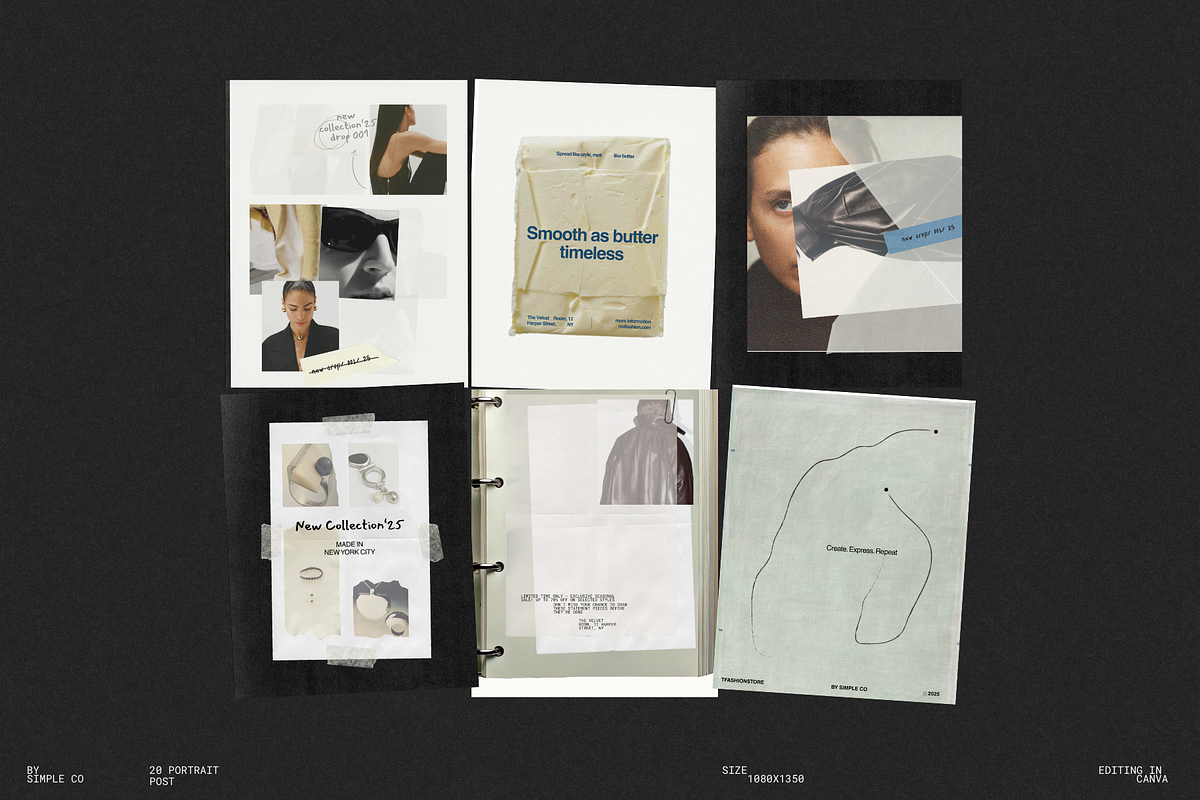
ORZA Social Media Kit delivers a bold, contemporary package of Instagram post templates designed to help fashion labels, lifestyle brands, and creative studios communicate with clarity and courage. Each layout combines torn-paper textures, strong typography, and dynamic composition so your visual message reads as an editorial statement. Use these templates to announce collections, launch campaigns, or strengthen your brand identity with immediate visual impact.
What’s Included
Template Count and Formats
- 20 post templates optimized for Instagram (square and portrait variations).
- Resolution: 1080 x 1350 px to maximize feed real estate and capture more attention.
- Canva-ready files that open directly for fast, non-destructive editing.
Design Elements
- Torn-paper textures and layered paper effects that create a raw, tactile aesthetic.
- Striking, editorial typography treatments to prioritize messaging and hierarchy.
- Dynamic compositions and modular layouts that adapt to images, quotes, and product shots.
Why ORZA Works
ORZA forces your visuals to stand out rather than blend in. The templates emphasize scale and contrast: bold headlines, striking negative space, and collage-like textures attract the eye and make scrolling users pause. The designs use clear visual hierarchy so you can lead viewers from opening frame to call-to-action quickly and effectively. For brands that need to be noticed, ORZA provides a consistent, high-impact toolkit that reduces design time without sacrificing style.
Customization & Workflow
Fast Editing in Canva
Open the templates in Canva, duplicate the files you want to edit, and immediately swap images, adjust text, and apply brand colors. The templates use free fonts available in Canva, and image frames simplify replacing visuals. You do not need advanced design skills — the layouts preserve alignment across split images and maintain readable typography at all sizes.
Practical Steps to Publish
- Duplicate the template set to keep an untouched original.
- Apply your brand colors and fonts using Canva’s brand kit.
- Replace placeholder images using the provided image frames.
- Export as high-quality PNGs or JPGs at 1080 x 1350 px to preserve clarity.
- Upload images to Instagram in the intended order for consistent visual flow.
Technical Details
- 20 templates (square & portrait variants included).
- 1080 x 1350 px resolution for each post.
- Full compatibility with Canva (uses free fonts and standard image frames).
- Photos are not included; replace placeholders with your own images or licensed photography.
Use Cases
These templates adapt well to a range of campaigns and content types. Use ORZA to:
- Launch a product collection with standout campaign posts.
- Create limited-edition announcements or drop teasers that demand attention.
- Showcase lookbooks and editorial imagery with layered, tactile textures.
- Present event invitations, behind-the-scenes content, and studio highlights.
Best Practices
Maintain legibility by prioritizing high contrast between text and background and keeping headlines concise. Use consistent brand colors and a single primary font across posts to build recognition. Test one template in feed before rolling out a full campaign to confirm visual pacing and narrative flow.
Support & Licensing
The purchase includes the Canva template files and a short customization guide to help you get started quickly. Templates rely on Canva’s free fonts, and you may substitute premium assets at your discretion. The kit grants a standard commercial license for publishing finished content; if you plan to resell editable templates or redistribute assets, verify whether you need an extended license.