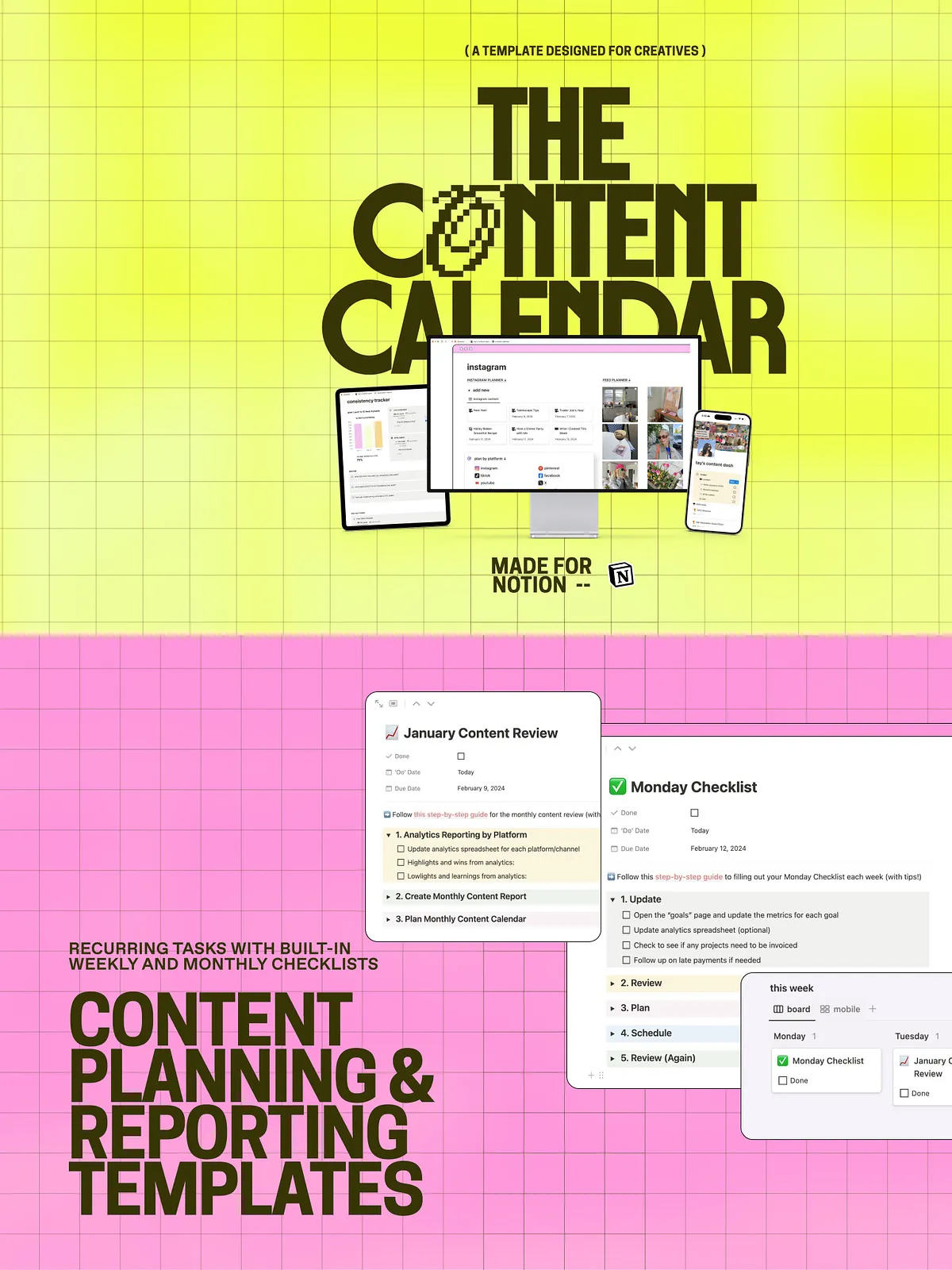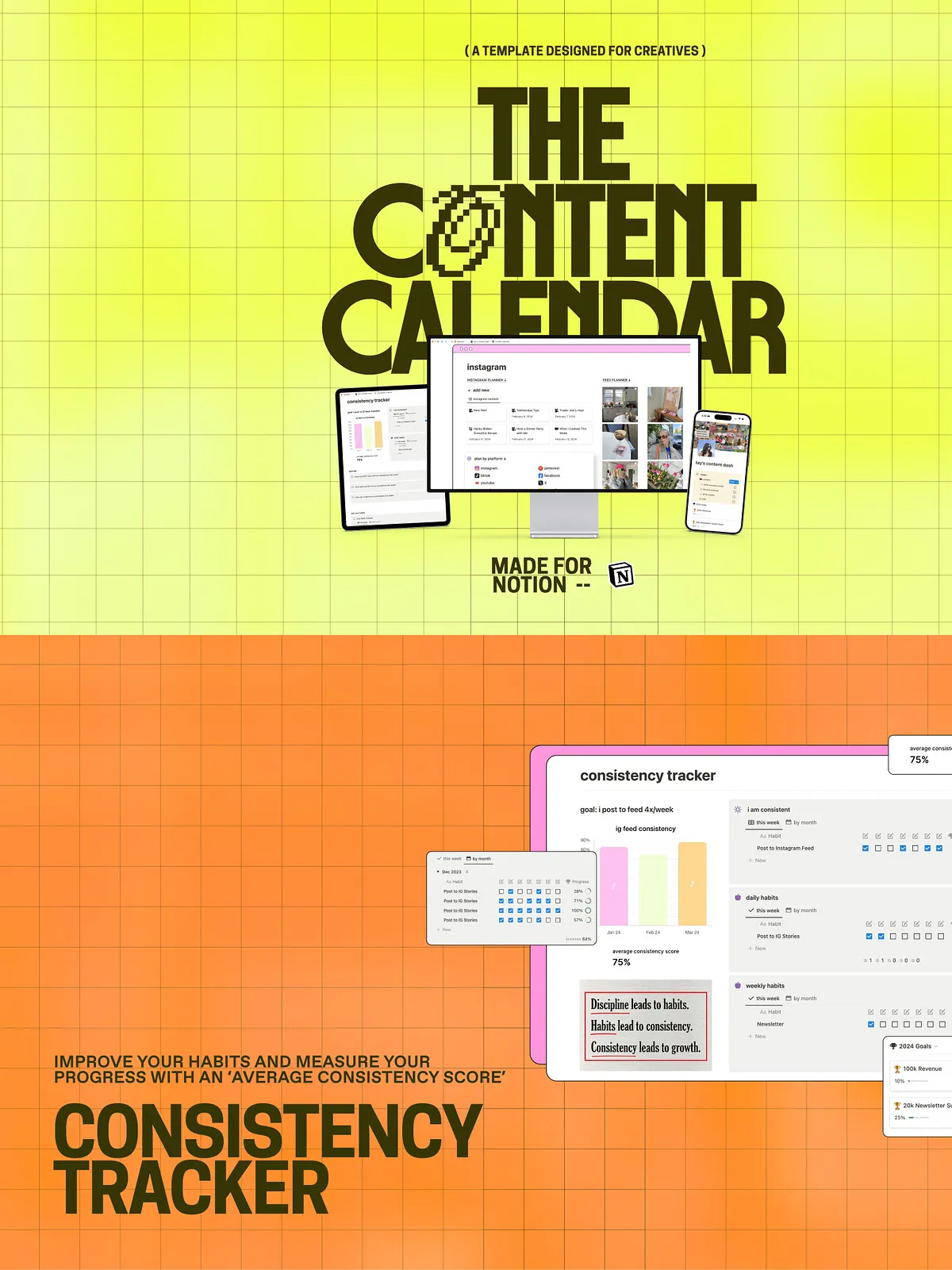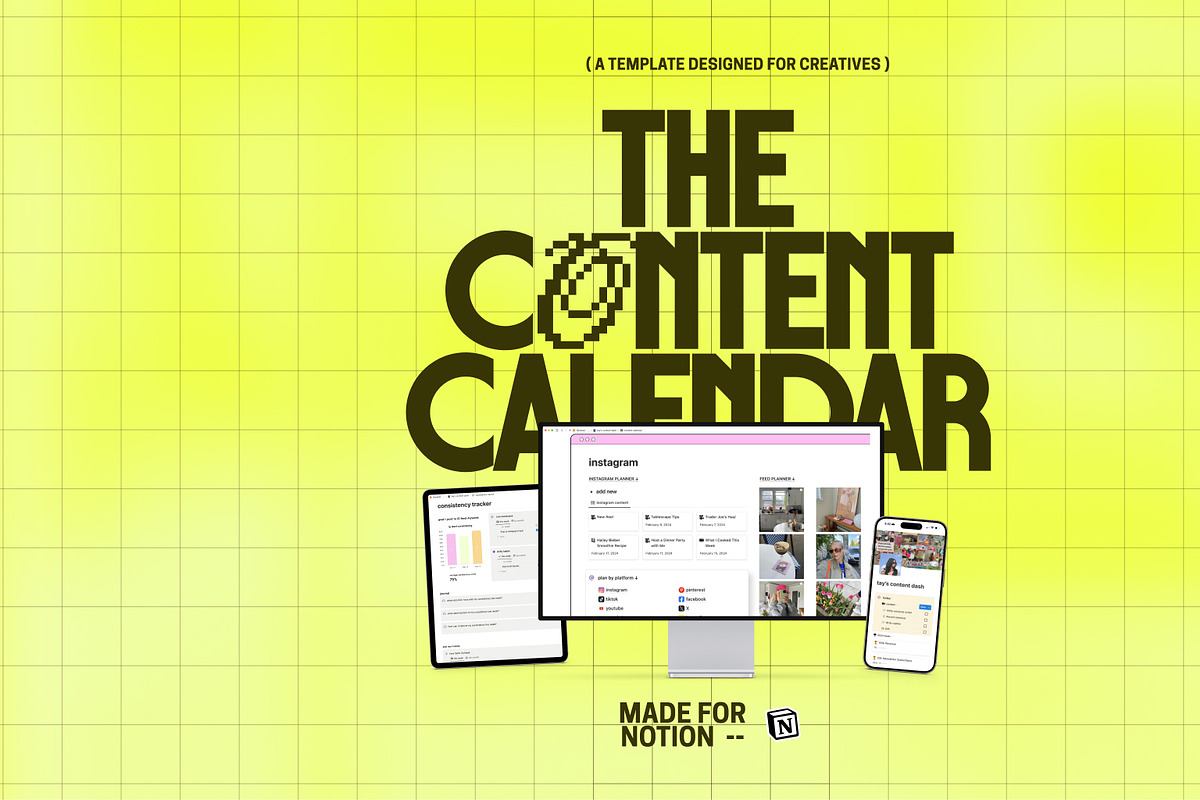
This comprehensive Notion template empowers creators, marketers, and teams to plan, produce, and publish high-quality content consistently. The template combines a centralized Content Dashboard, goal and consistency trackers, a customizable content calendar, and a content queue that moves ideas to published assets. Designed to accelerate output, reduce admin overhead, and improve content quality, the template provides built-in automations and AI-powered tools that save hours every week.
Core Features
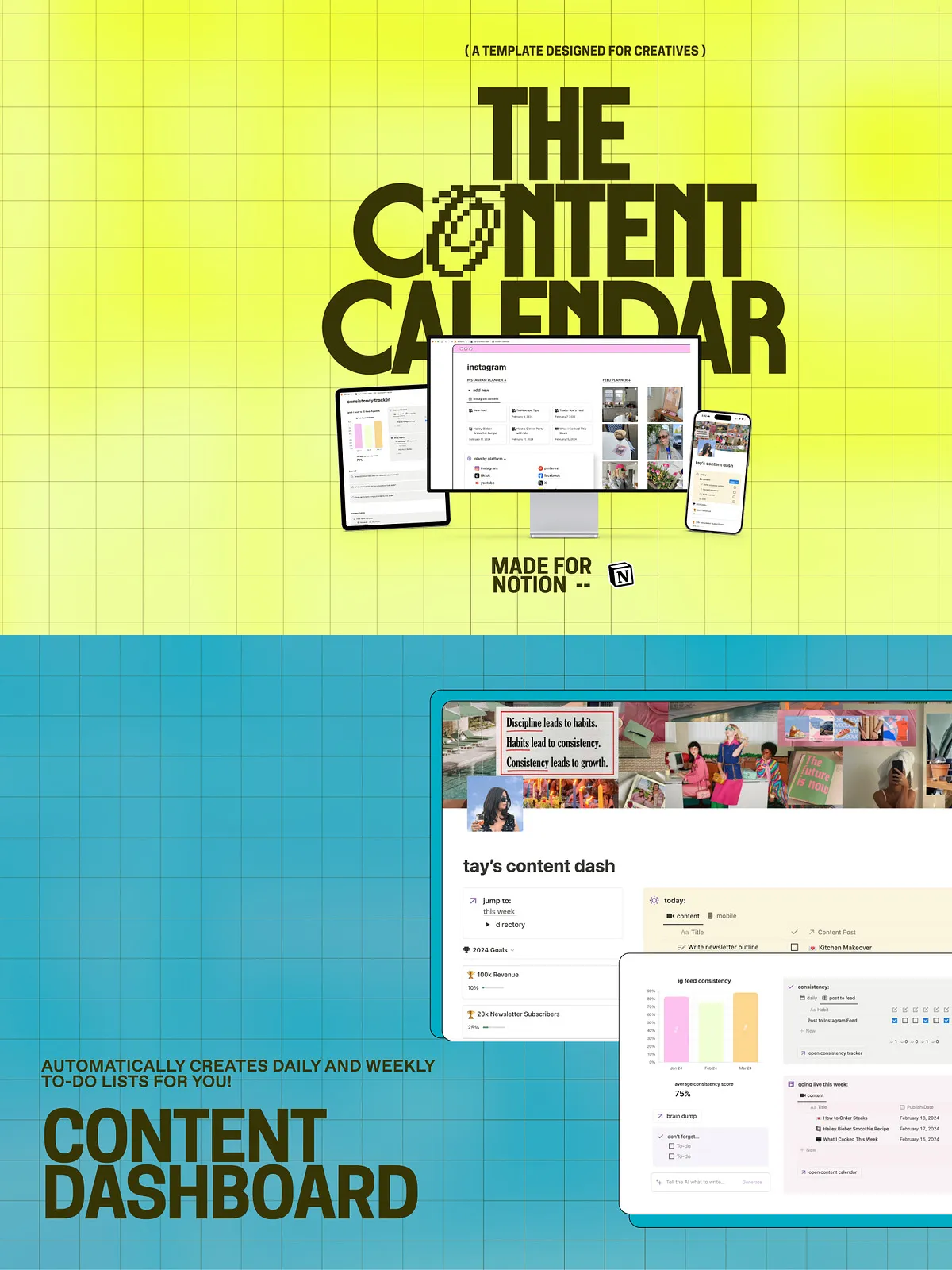
Content Dashboard
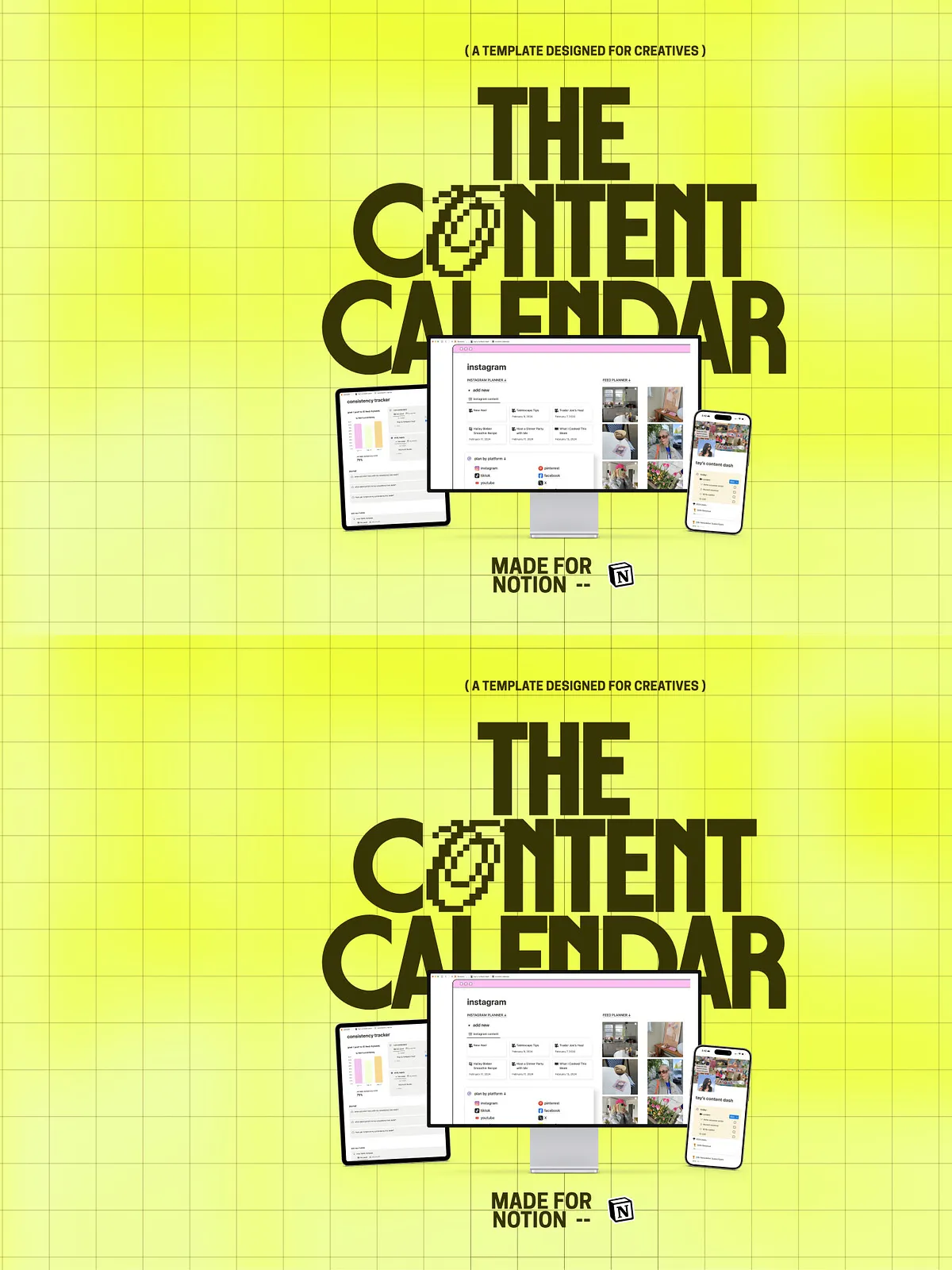
The Content Dashboard gives you a single control center to manage daily and weekly tasks. Automated to-do lists surface the most important actions so you focus on creating, not organizing. Use the dashboard to prioritize work, monitor upcoming deadlines, and see task status at a glance.
Goal Tracker
Define yearly objectives and break them into measurable milestones. The Goal Tracker visualizes progress so you move from intention to measurable achievement. Set targets for follower growth, engagement, or revenue, then watch the dashboard update as you complete tasks and publish content.
Consistency Tracker
Set posting frequency goals and monitor your average consistency score. The tracker calculates your posting rhythm and highlights gaps, helping you maintain momentum and adapt strategy where necessary.
Content Management Tools
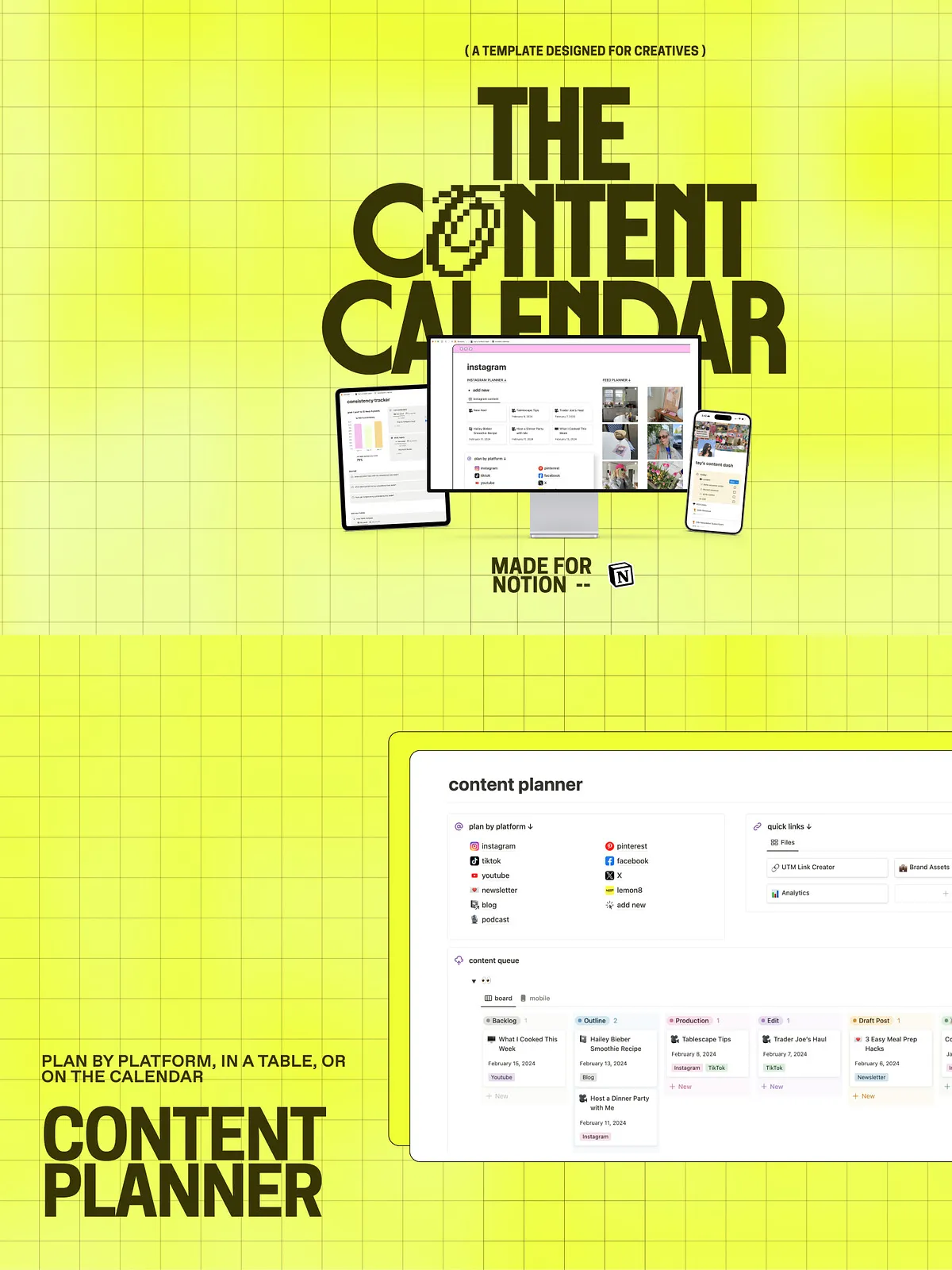
Content Planner
Plan content strategically across platforms using a flexible table or integrated calendar view. Tag by platform, content type, campaign, or client. Filter and sort to create focused production sprints, batch tasks, or editorial themes.
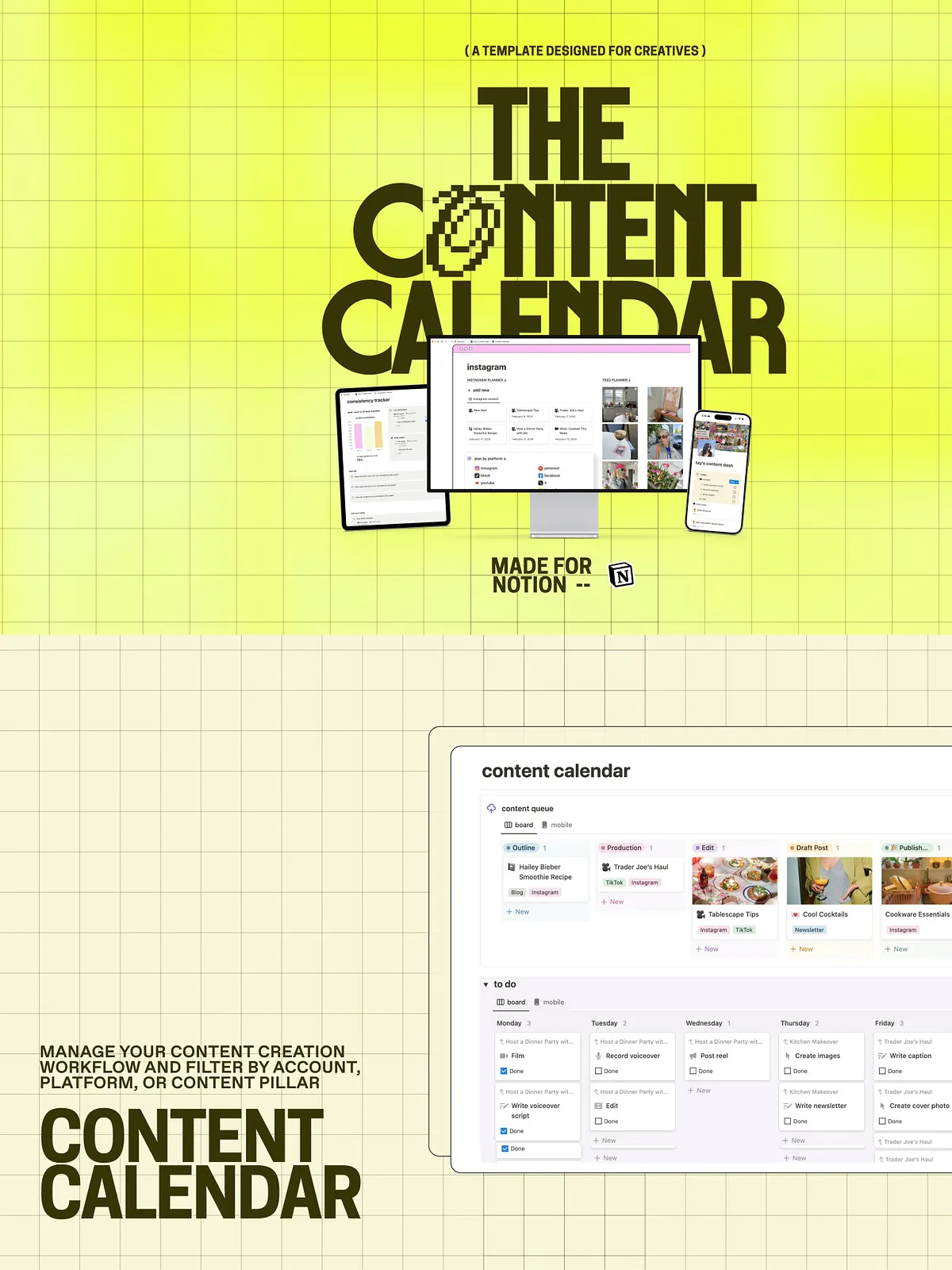
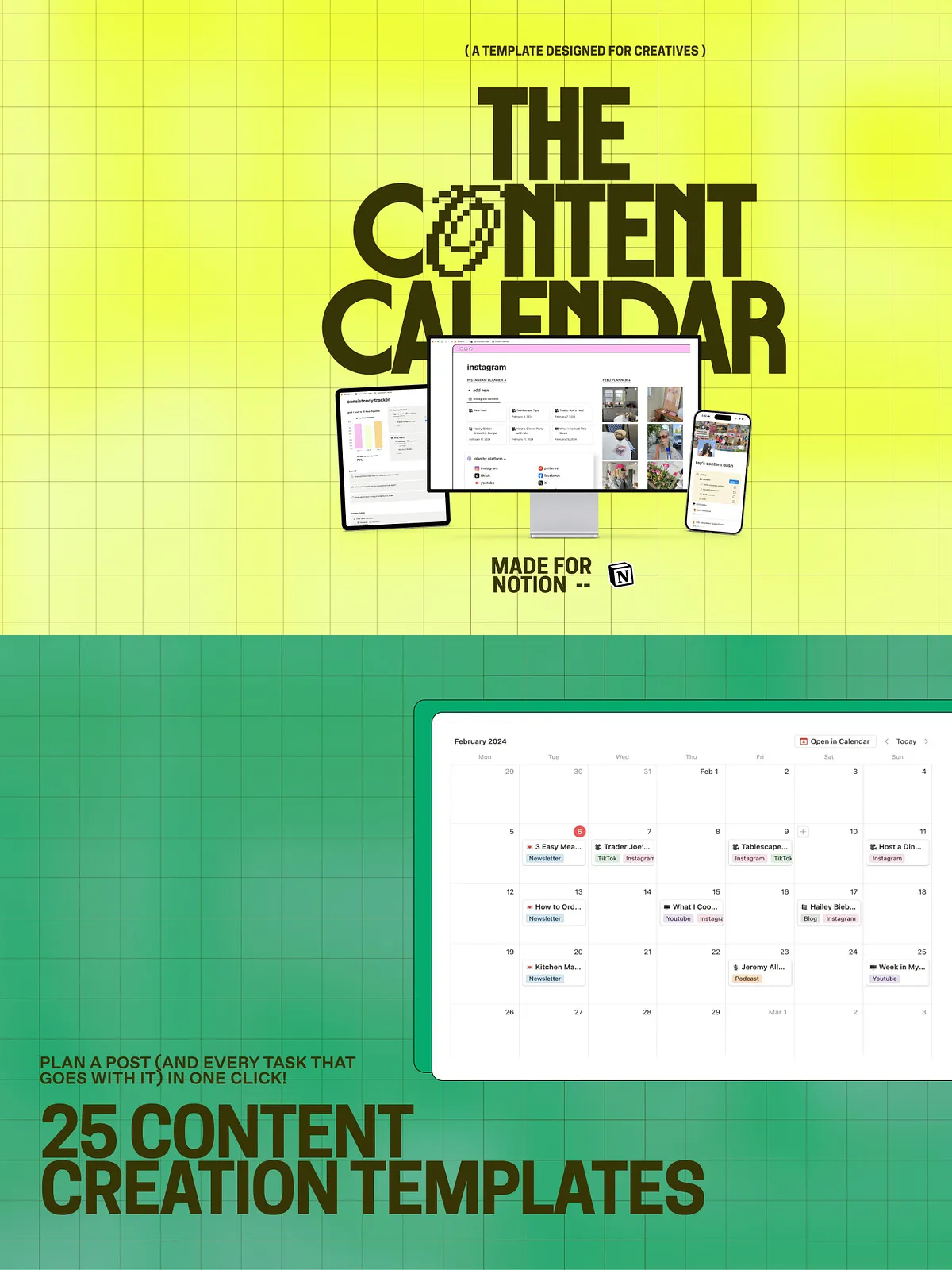
Content Calendar
Visualize all planned content across channels in one organized calendar. Color-code by account or content type, and filter by status, assignee, or campaign. Drag-and-drop scheduling and bulk status updates speed up planning sessions and editorial reviews.
Content Queue & Archive
Move ideas through a defined workflow from concept to published. The Content Queue tracks each piece through ideation, drafting, editing, and publication stages. Archive completed posts for easy repurposing and search—find old assets instantly for refreshes or compilations.
Productivity, Automations & AI
25 Ready Content Templates
Jumpstart production with 25 content templates for social posts, video scripts, captions, blogs, newsletters, and more. Each template inserts structure so you spend less time staring at a blank page and more time creating.
Custom Automations & AI Assistant
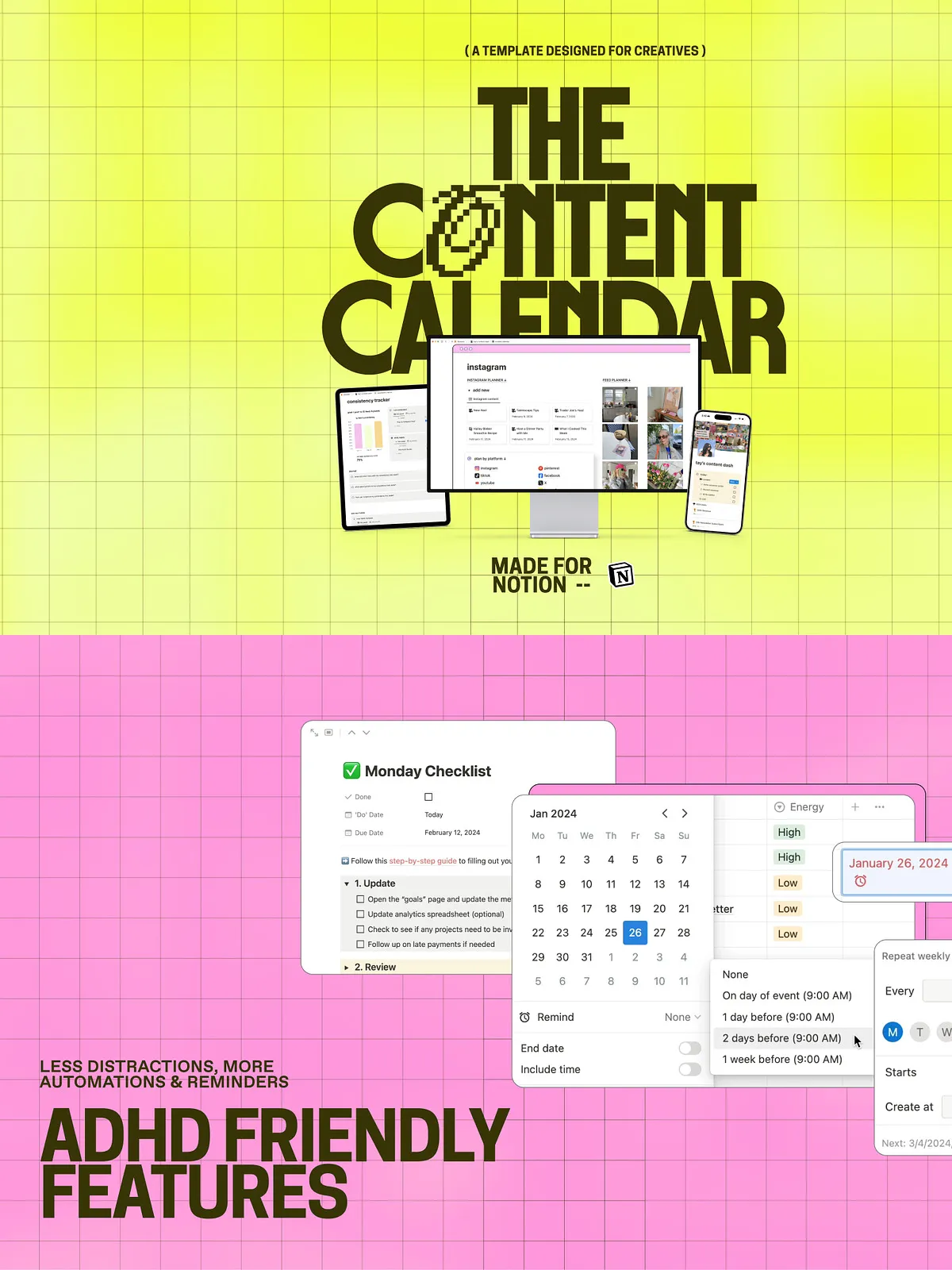
Automate repetitive tasks, trigger reminders, and route tasks to collaborators. When you use a Notion plan with AI, the integrated assistant generates copy, suggests content ideas, and builds video scripts. Configure automations to assign editing, schedule publishing, or remind you to repurpose high-performing posts.
Workflow Enhancements
Work Planner & Project Sync
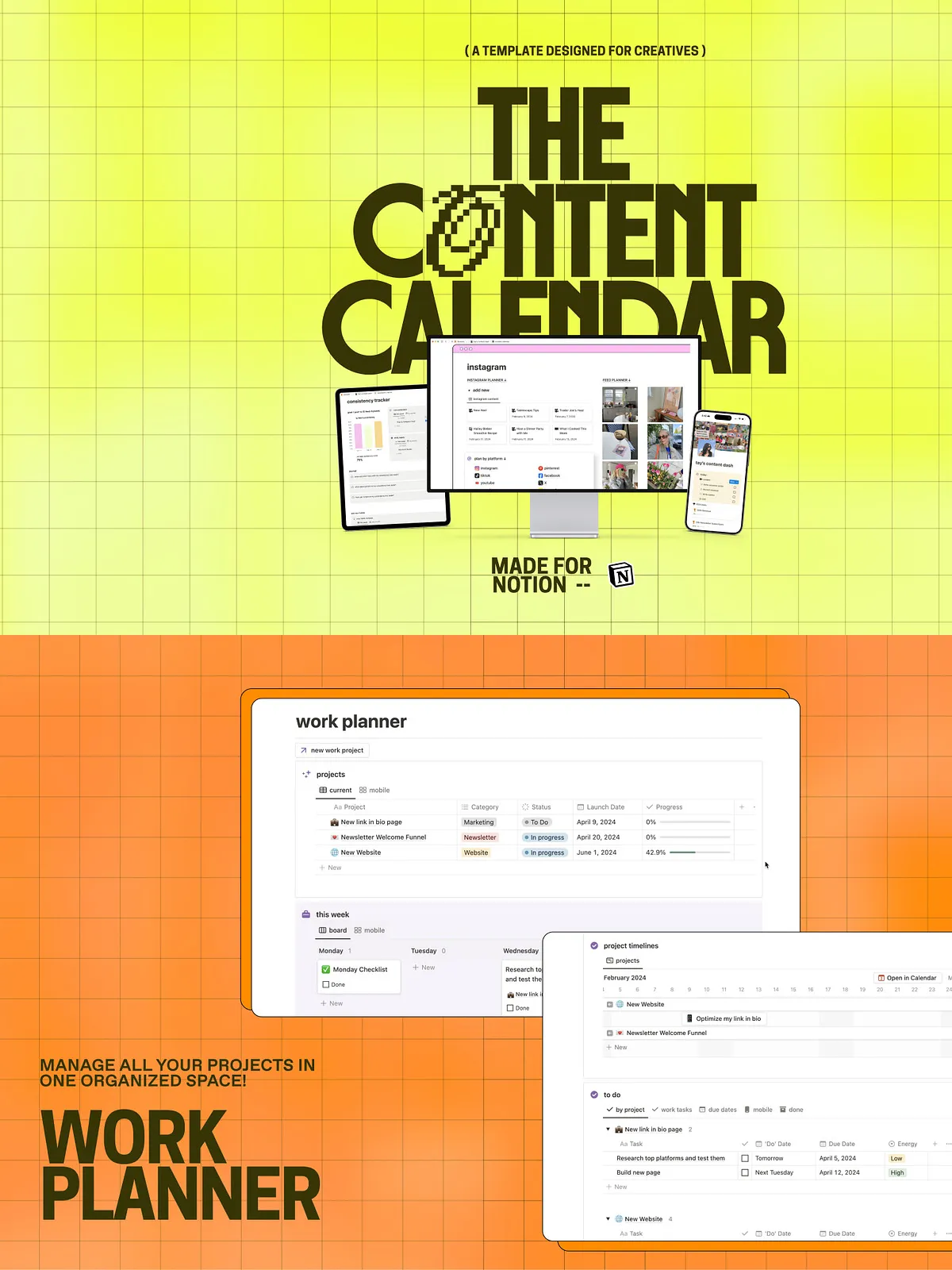
Manage big projects in a dedicated workspace that syncs with your content tasks. Link project milestones to content deliverables so campaigns and content timelines remain aligned and teams move forward confidently.
Energy Manager and Scheduling
Assign tasks based on energy levels and optimal work windows to improve focus and output quality. Pair energy-based scheduling with reminders and recurring tasks to automate your most important routines.
Compatibility & Access
The template works on Notion’s web, desktop, and iOS apps so you can access your planner anywhere. Sync across devices to view your to-do list and calendar together, and use embedded assets to keep all content, audio, and reference files linked directly to each post entry.
What You Receive
- Instant digital download: Notion template pages and databases ready to duplicate into your workspace.
- 25 content creation templates and example entries to copy and customize.
- Prebuilt automations, checklist workflows, and AI prompts for faster content generation.
- Documentation and setup instructions to get started immediately.
Important Notes & Support
Please note: this is a digital product only; no physical item will be shipped. If you need help installing or customizing the template, contact support via the provided email and we will help you configure automations, set up AI prompts, or tailor templates to your specific platform needs.