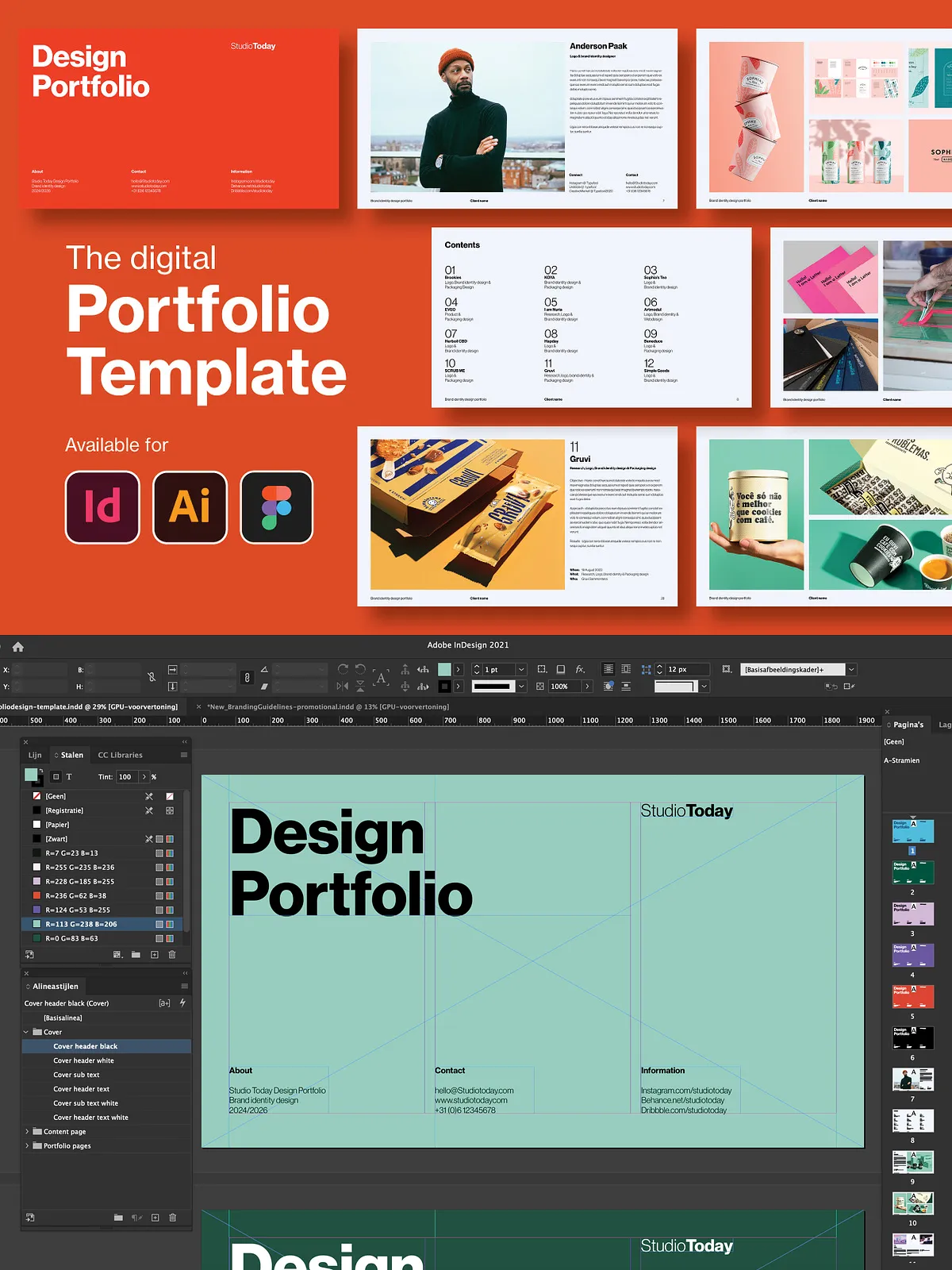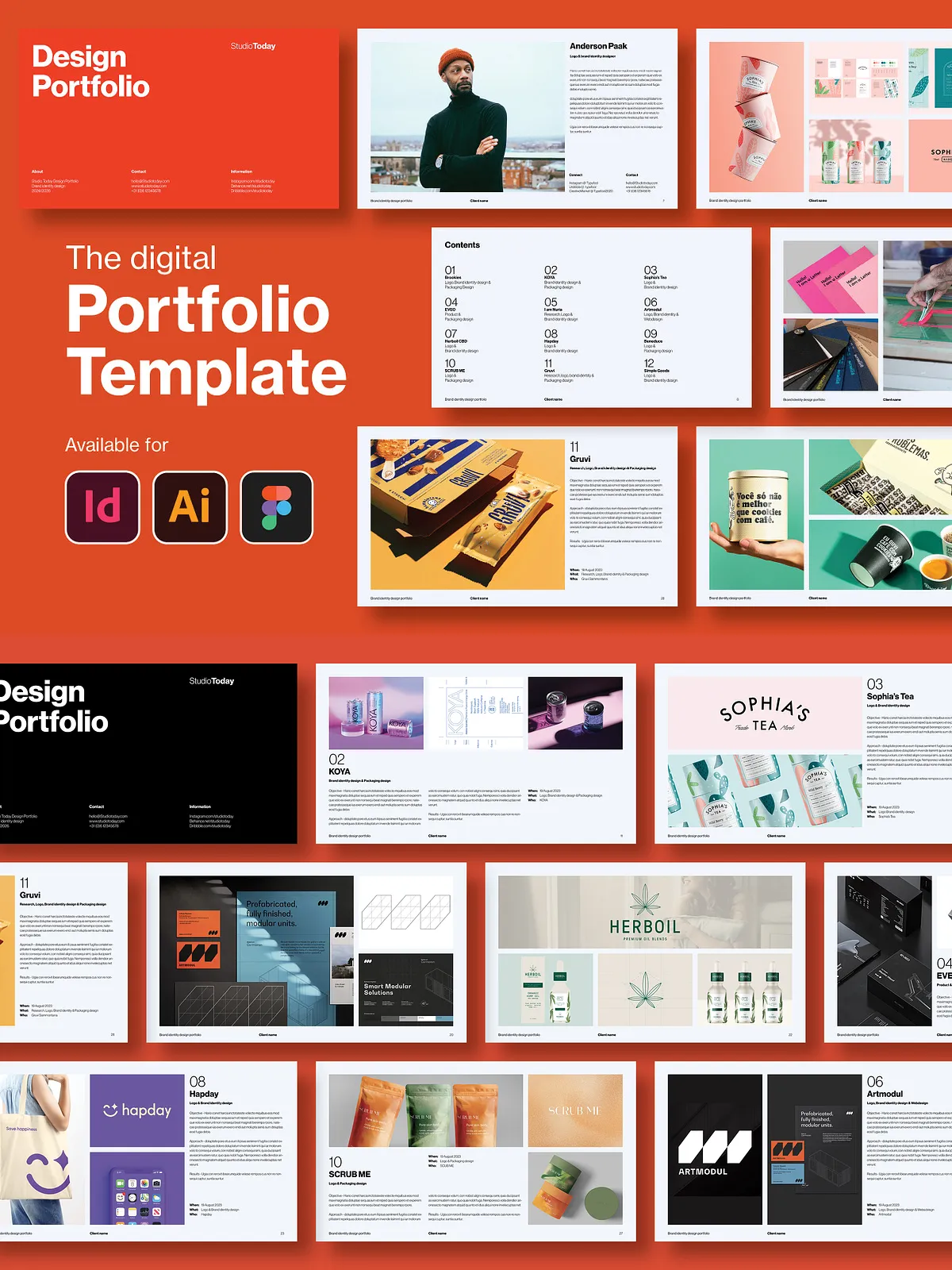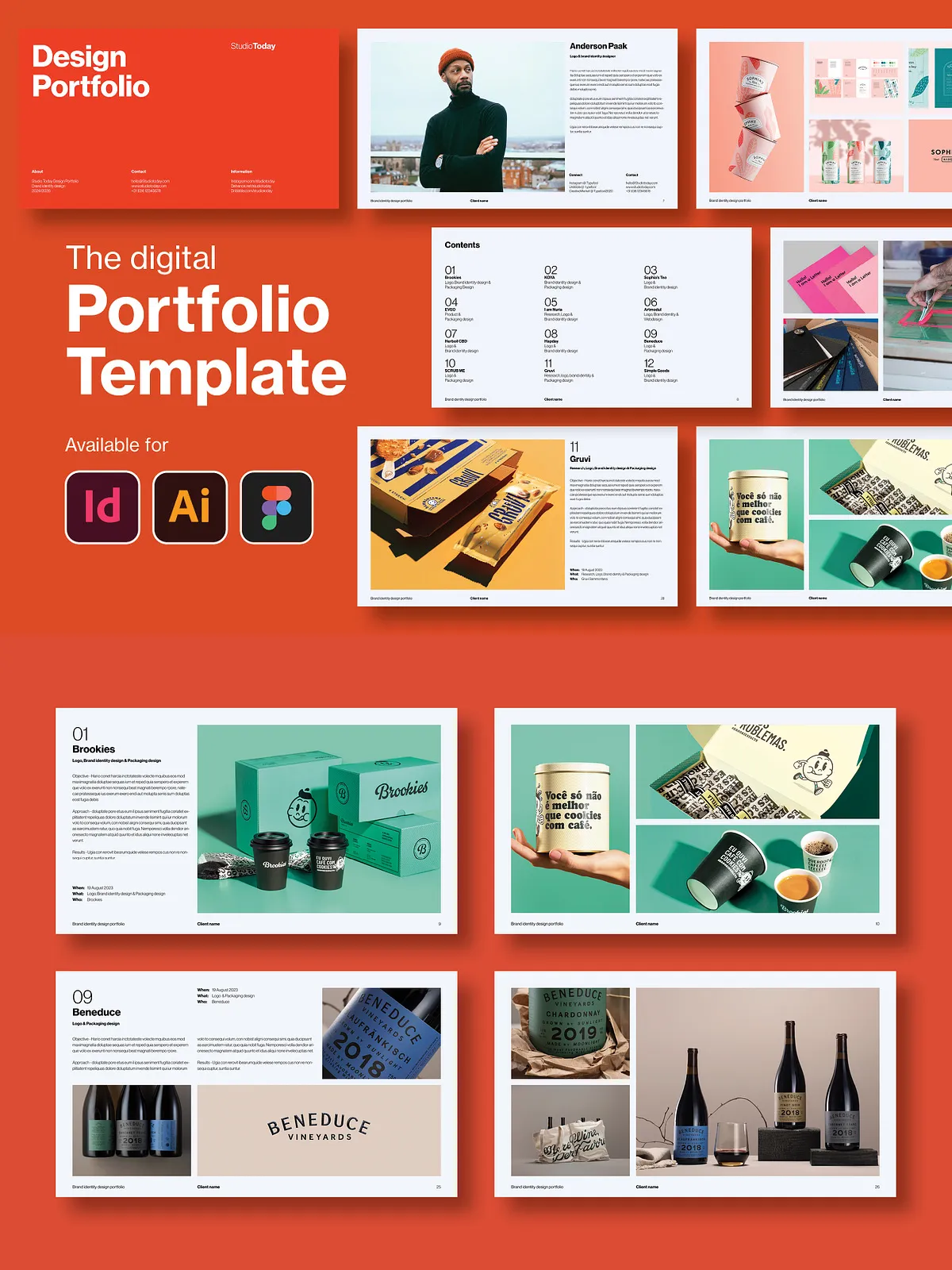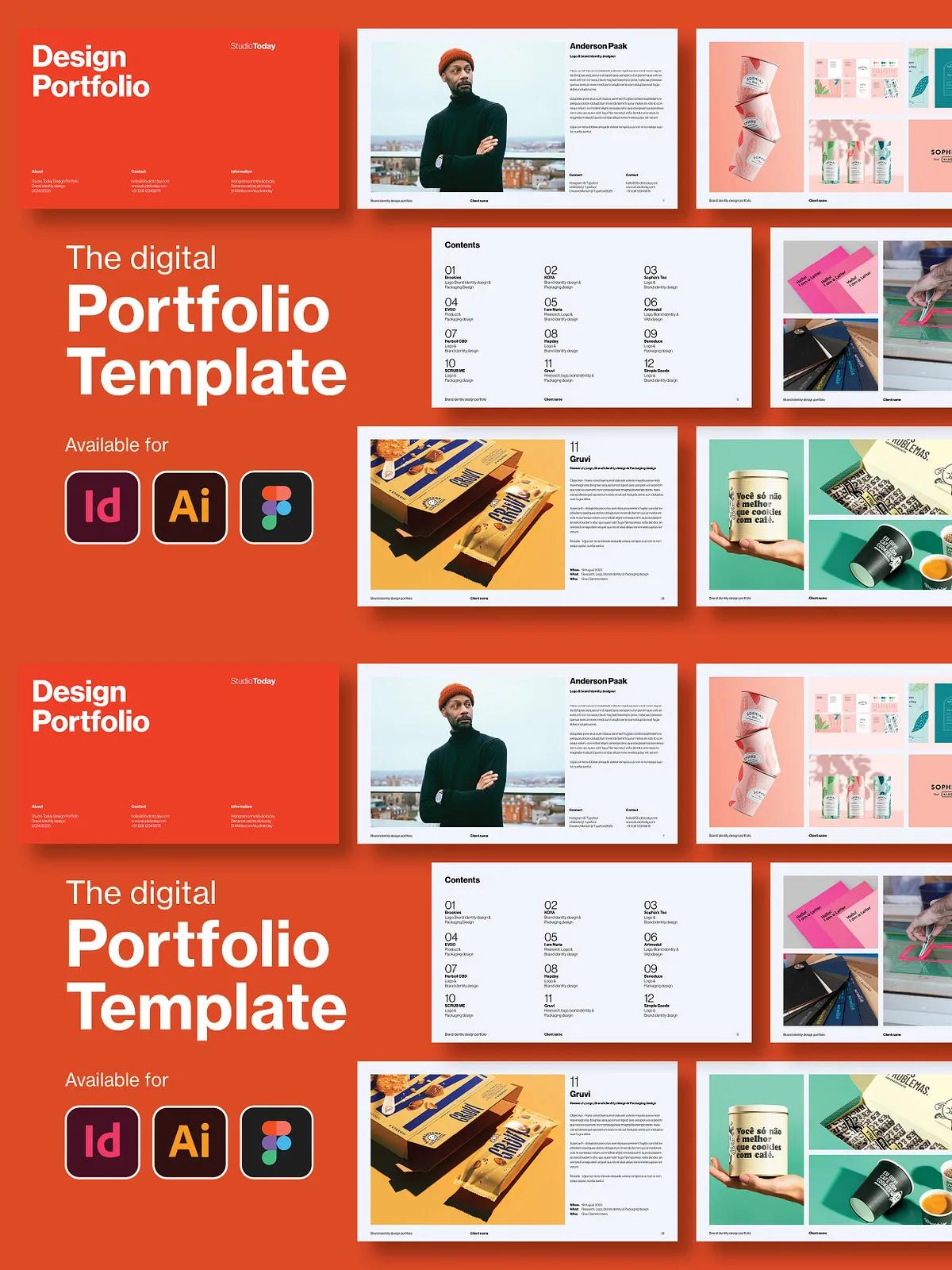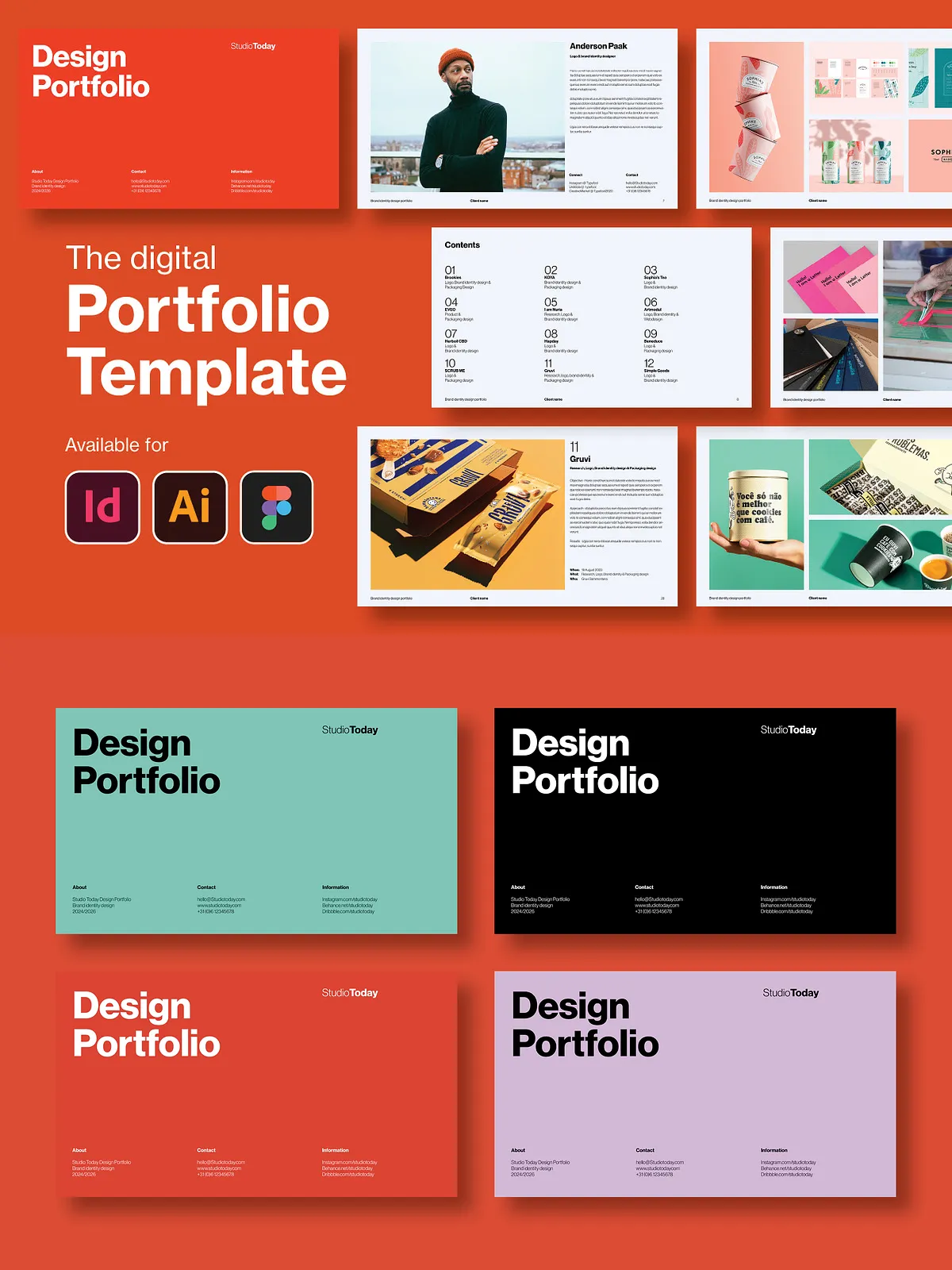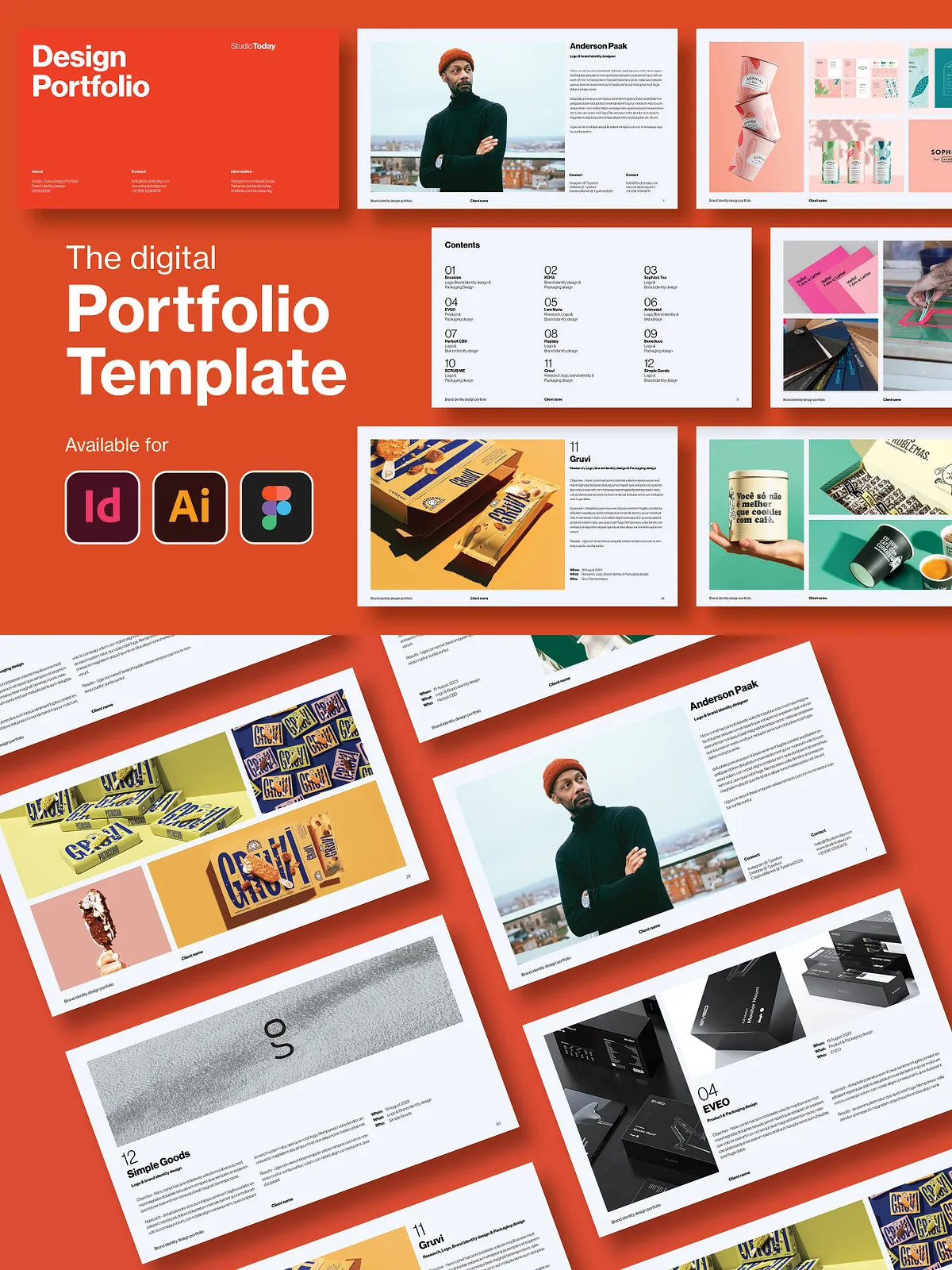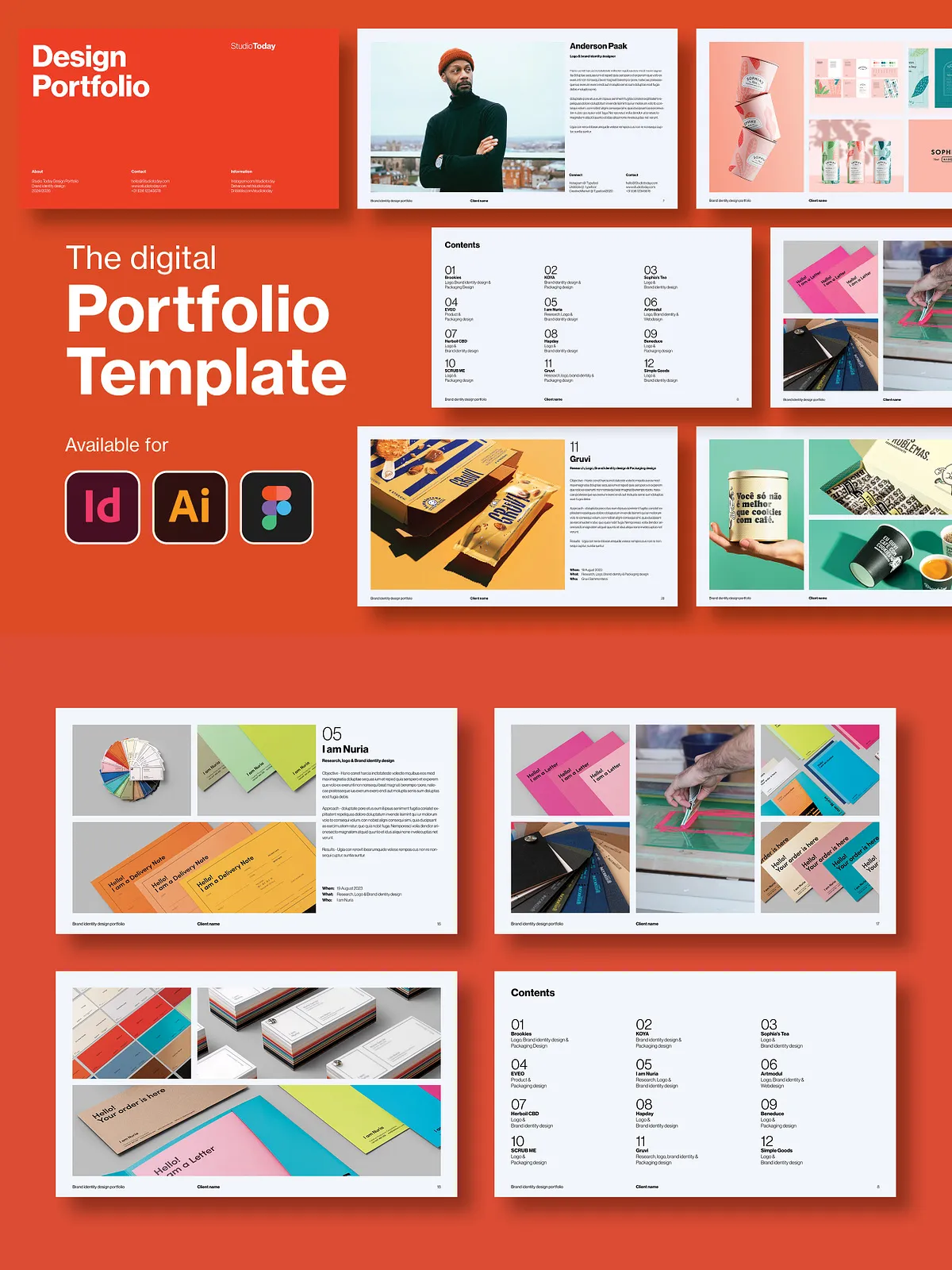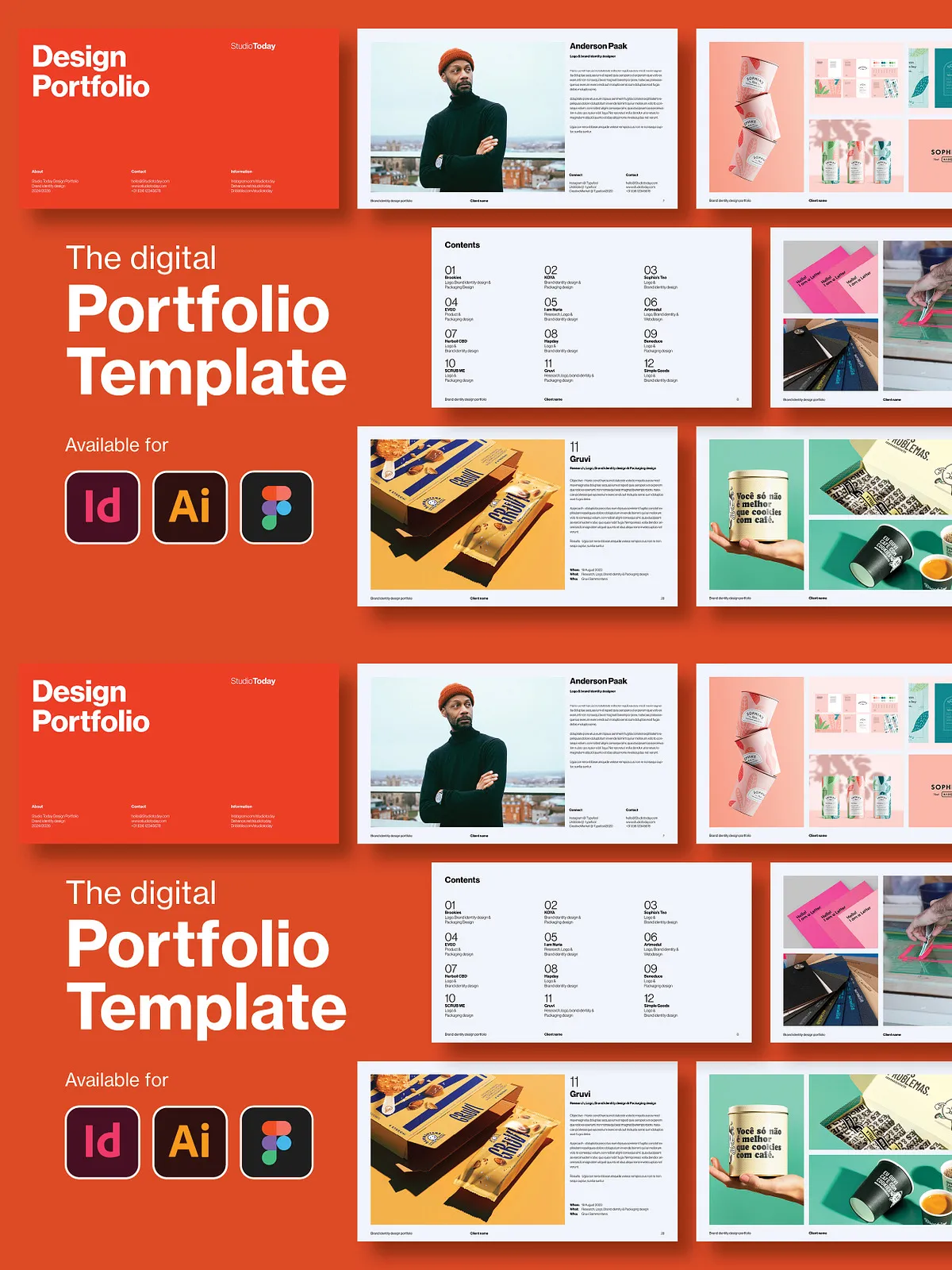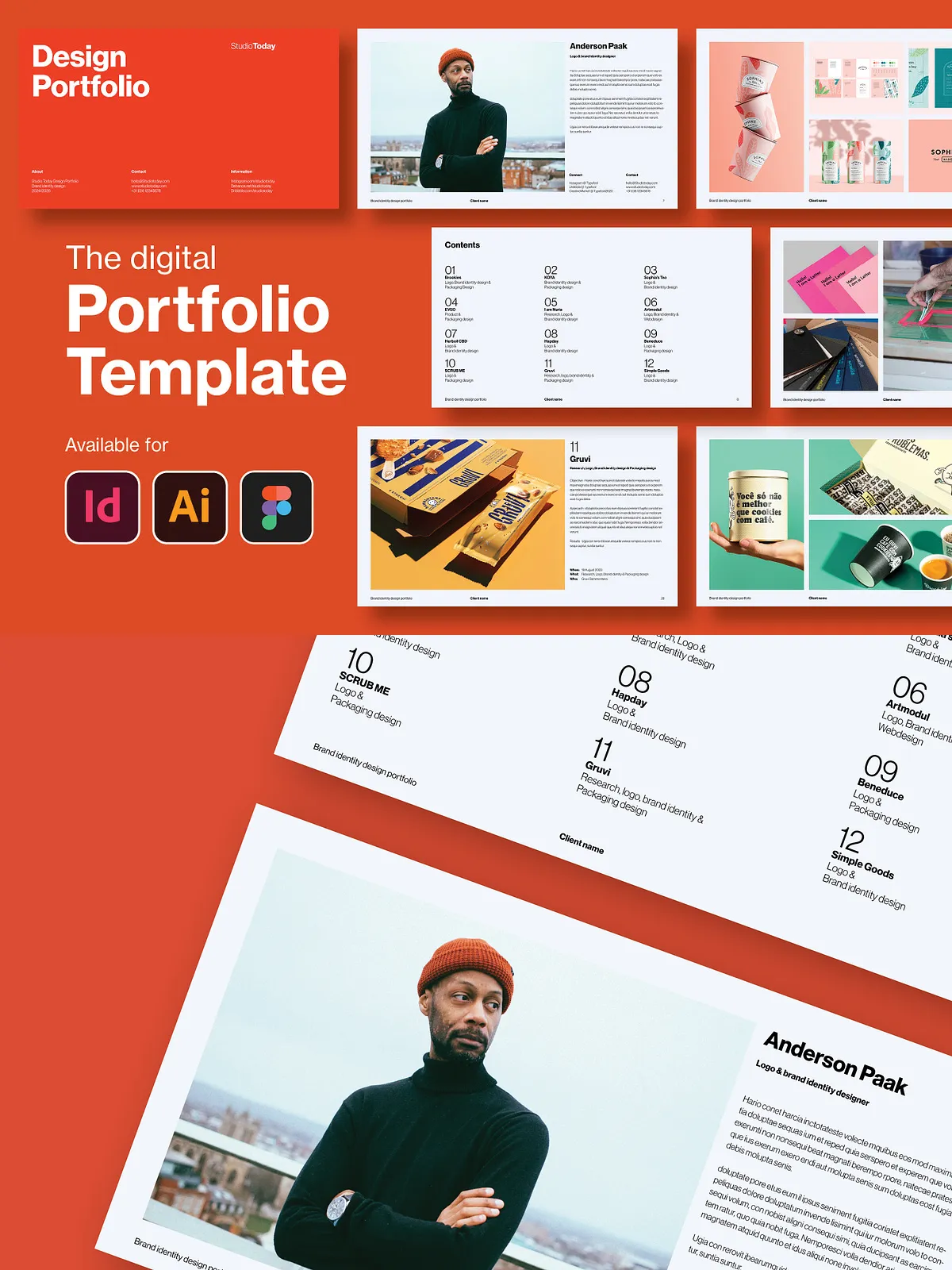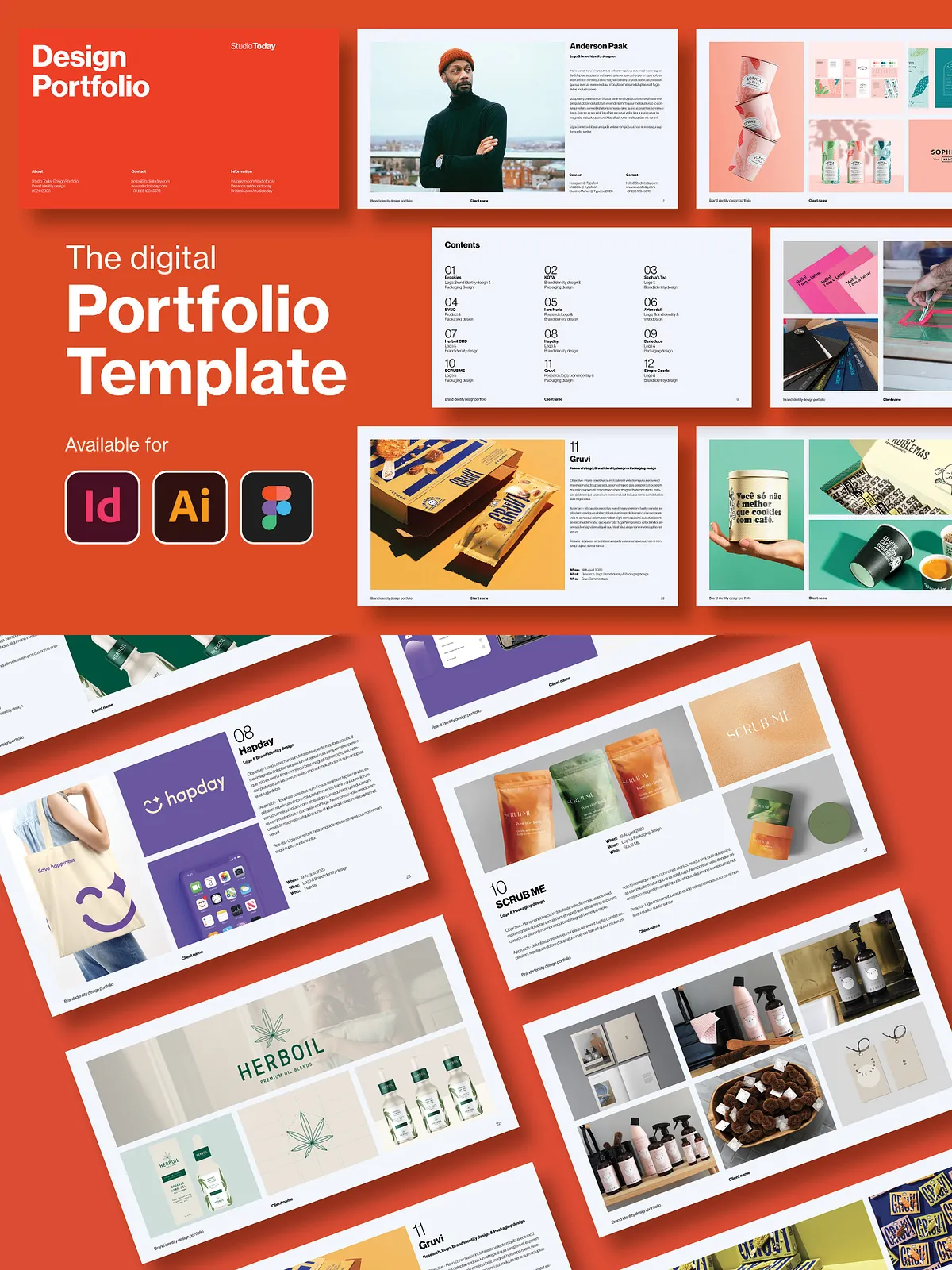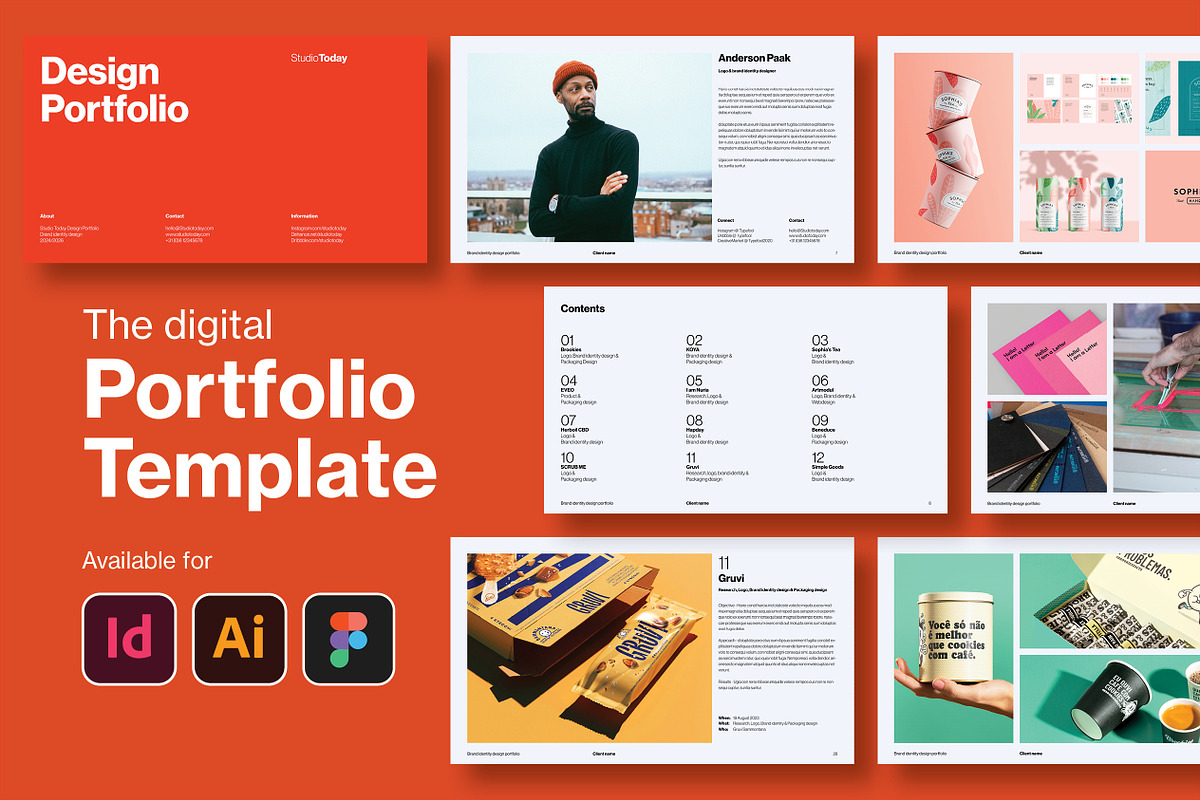
The Digital Design Portfolio Template delivers a polished, fully editable portfolio system you can use to present work, pitch clients, or prepare for interviews. Designed for visual professionals, the package combines creative flexibility with efficient structure so you can assemble a clear, compelling portfolio quickly. This template set contains 26 creative layout templates plus a 31-page InDesign document sized at 1920×1080, enabling you to showcase projects with strong visual hierarchy and consistent typography.
Why Choose This Template
Present Work Professionally
Use the template to present your creative company, freelance case studies, or academic projects with a professional look. The layouts emphasize legibility and visual rhythm so viewers can scan portfolios, understand process steps, and focus on the strongest work.
Save Time and Focus on Content
The template saves you hours of layout work. Replace placeholders, drop in images, and apply your brand colors. Pre-built paragraph styles and master pages enforce consistent margins, spacing, and page structure so you spend time on content and storytelling rather than formatting.
Included Templates and Files
Layouts and Page Count
The package includes 26 creative and fully customizable layout templates tailored for portfolios and presentations, plus a 31-page InDesign document ready for immediate use. Use the layouts in any combination: duplicate pages you need, remove slides you don’t, and reorder sections to match your narrative.
Software Compatibility
This portfolio template works across the tools designers use every day. It includes files compatible with:
- Adobe InDesign (.indd) and IDML export for backwards compatibility
- Adobe Illustrator for vector-focused editing
- Figma for collaborative and online editing
Design System and Technical Specs
Grid and Layout System
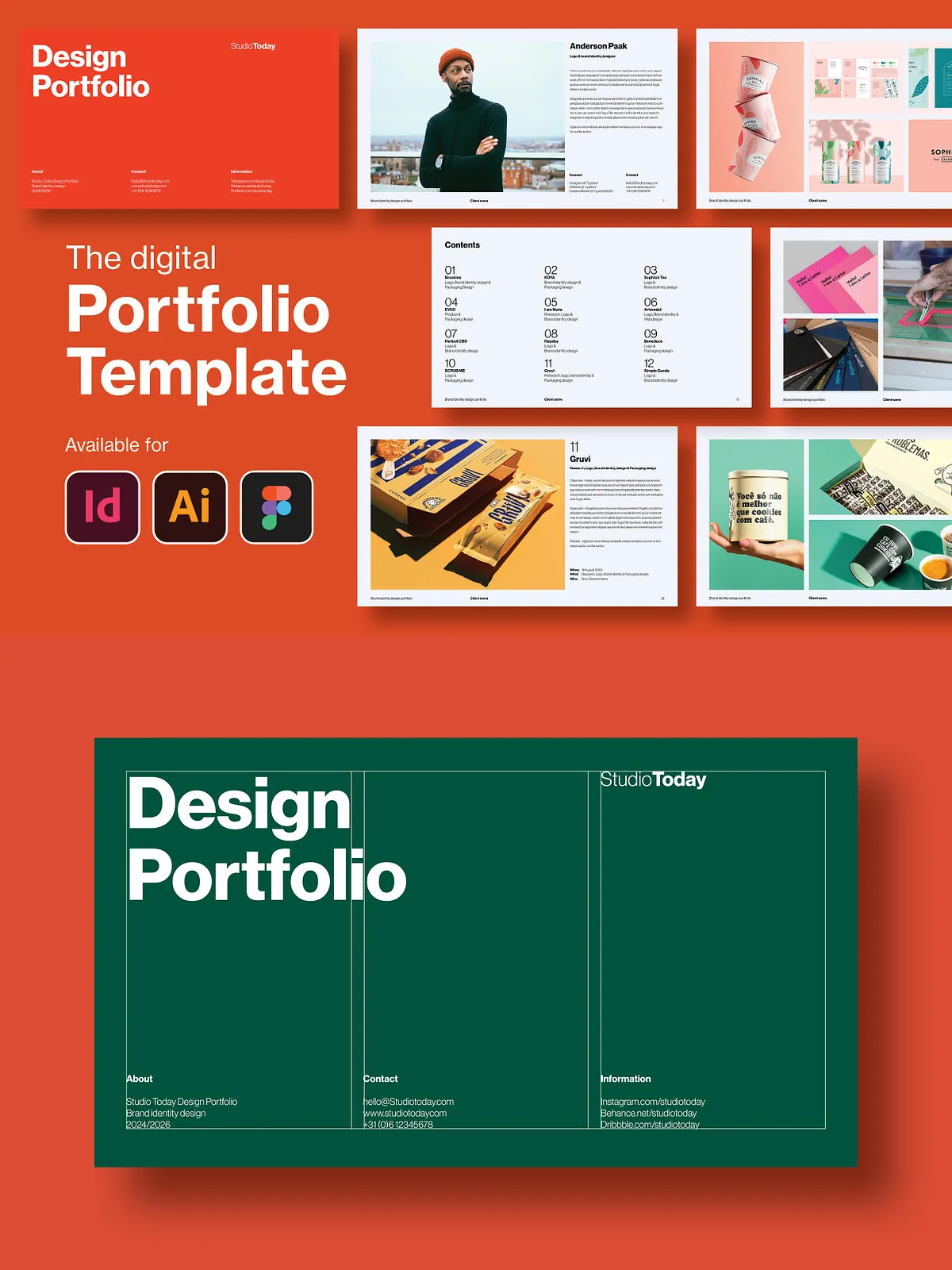
The template uses a three-column grid to balance images and copy effectively. The grid supports modular layouts so you can build complex spreads while maintaining visual order.
Color, Resolution and Output
Files are set up in RGB at 300 DPI to ensure crisp visuals for on-screen presentations and high-quality exports. Because the templates use vector-based elements where appropriate, you can scale graphics without quality loss.
Master Pages and Automation
Master pages speed up layout changes by centralizing headers, footers, and repeating elements. Automatic page numbering helps you keep long documents organized and ready for export or print-ready PDFs.
Editing and Customization
Typography and Styles
Apply the included paragraph and character styles to maintain typographic consistency across your portfolio. The template features pre-built styles that you can edit globally to match your brand voice and hierarchy.
Images and Assets
Replace placeholder images using a simple drag-and-drop workflow in supported apps. All graphics and icons remain fully editable so you can recolor, resize, or swap elements to fit project needs.
Organized Layers and Files
Files follow a clear organizational structure and labeled layers so you can find and edit elements quickly. Grouped assets and named sections reduce the time spent hunting for objects when preparing client-ready exports.
Practical Uses and Best Practices
Portfolio Presentations
Structure your portfolio to lead viewers: start with a brief profile or summary, present selected projects with process and results, and conclude with contact information and a call to action. Use full-bleed imagery sparingly and pair project spreads with concise captions to maintain focus.
Job Applications and Client Pitches
Customize versions of the portfolio for specific roles or clients. Trim pages to present only relevant work and export tailored PDFs sized for email or attachment. Maintain consistent branding and clear metrics to support the project outcomes you highlight.
Technical Notes and Support
File Requirements
Ensure you have the appropriate software versions to open the provided files. Use the .idml file if you encounter version differences with InDesign. Image assets used in demo previews are not included; replace them with your originals before final export.
Editable and Scalable
The template supports full customization: change colors, swap fonts, duplicate or delete pages, and export in multiple formats. Because vector elements scale cleanly, you can adapt layouts for both digital presentation and printed folios.