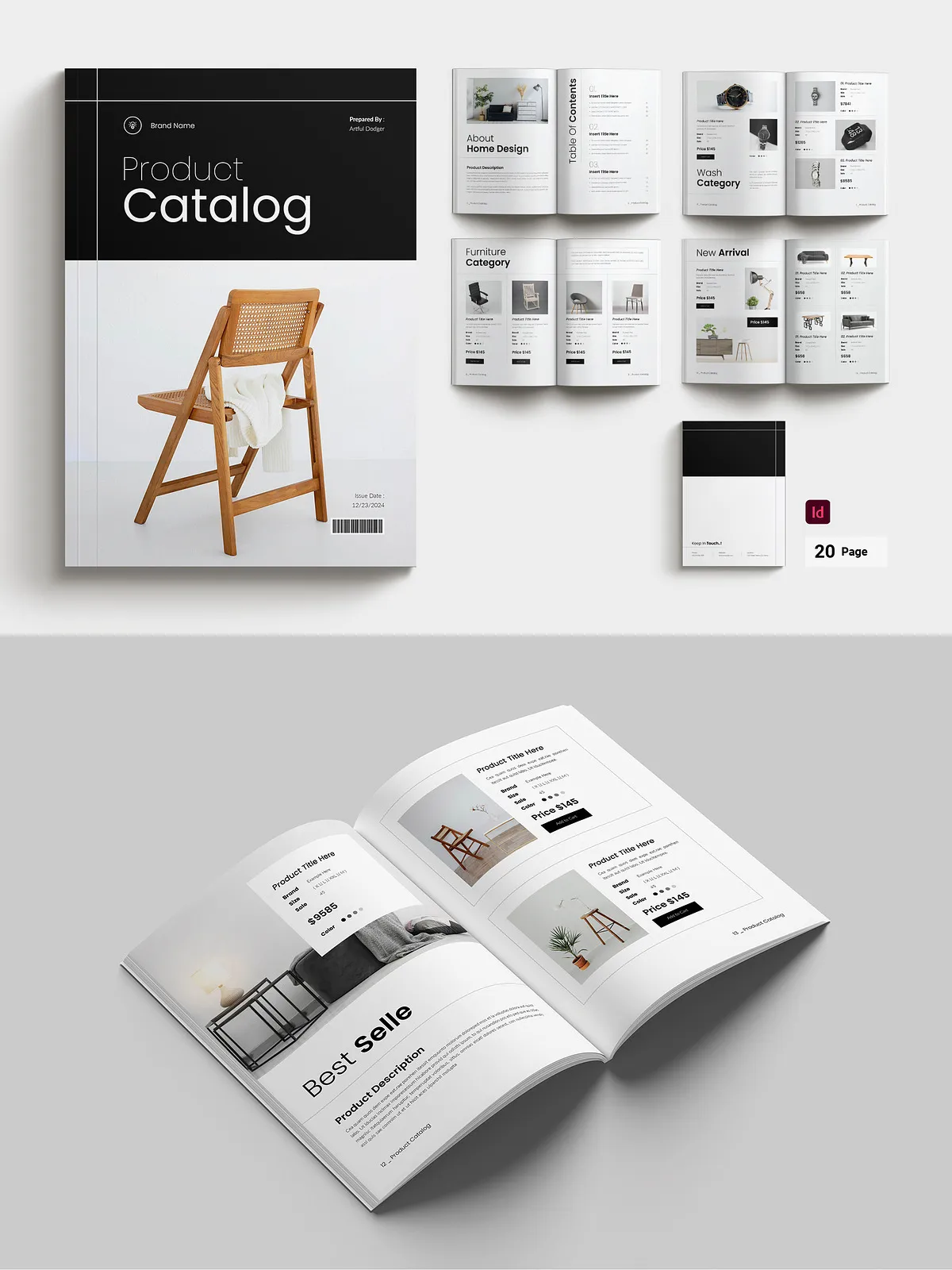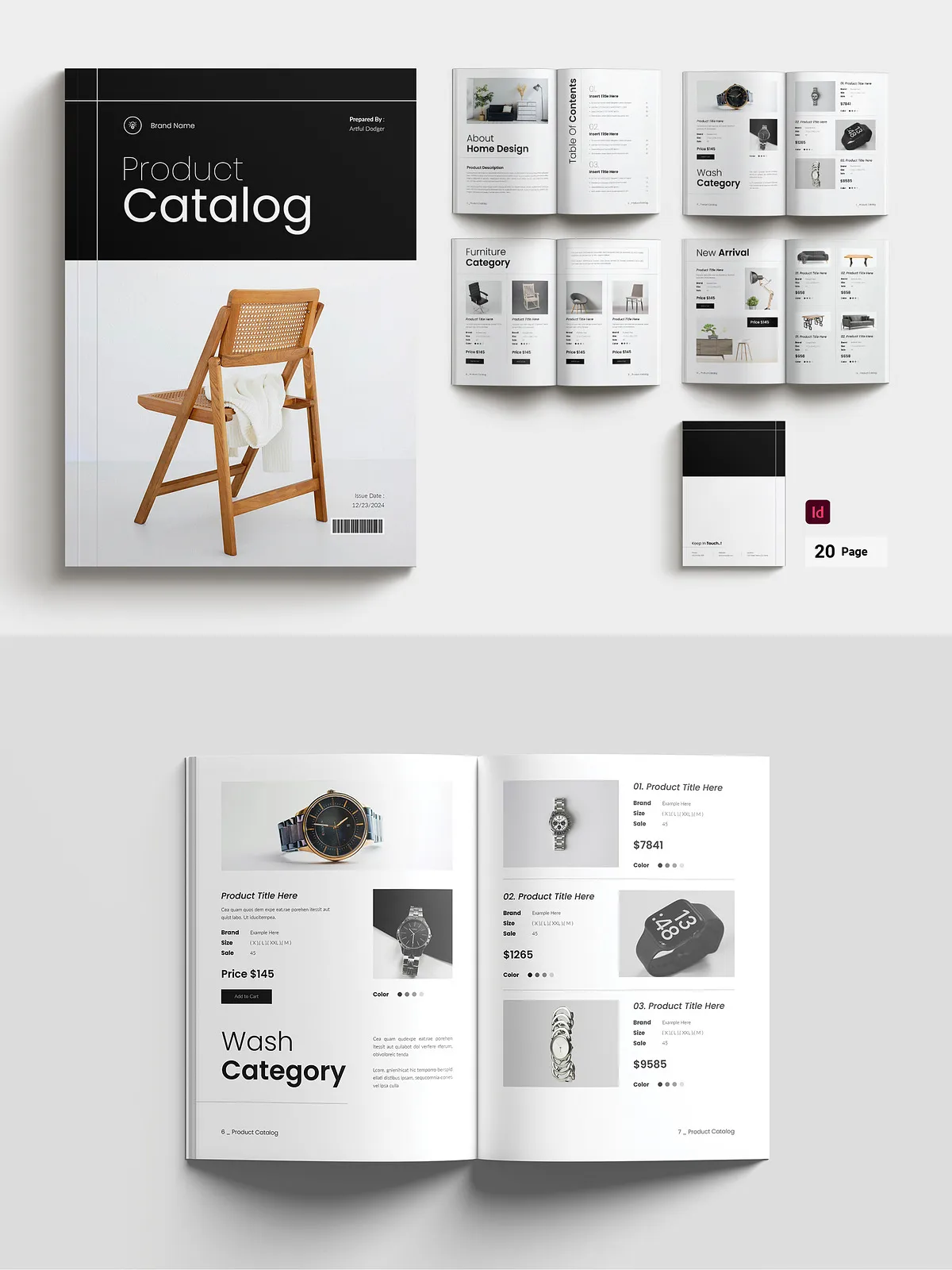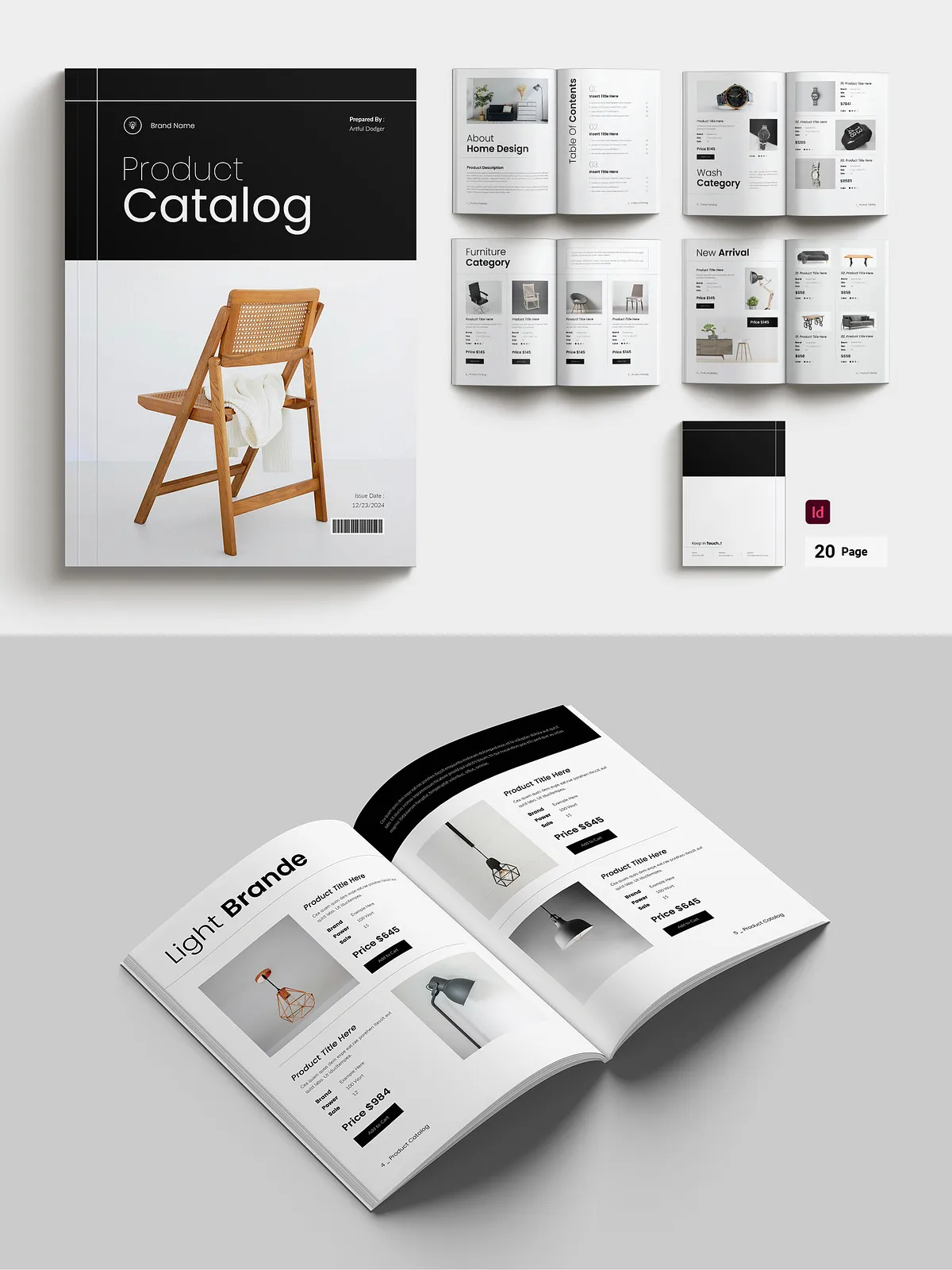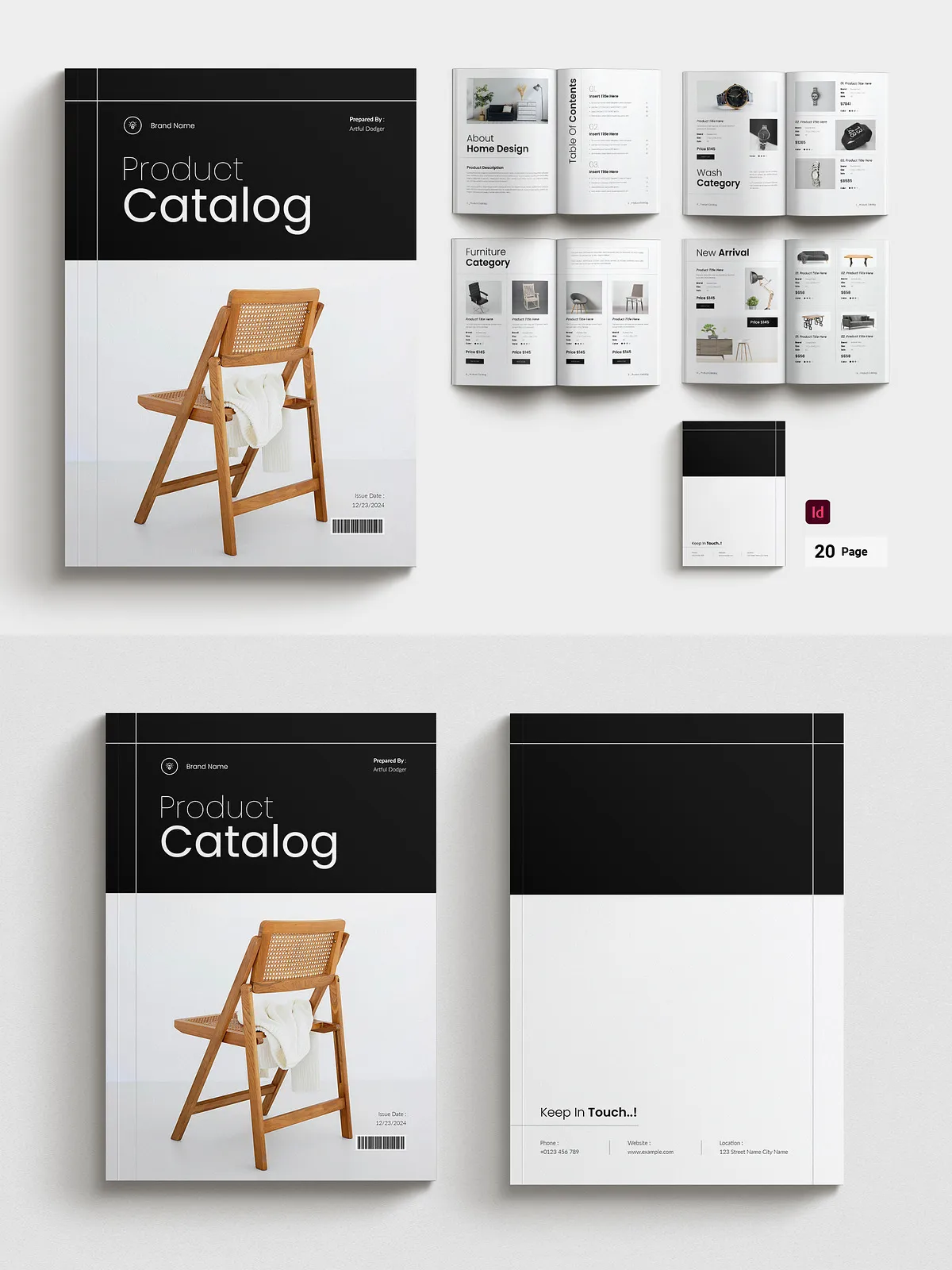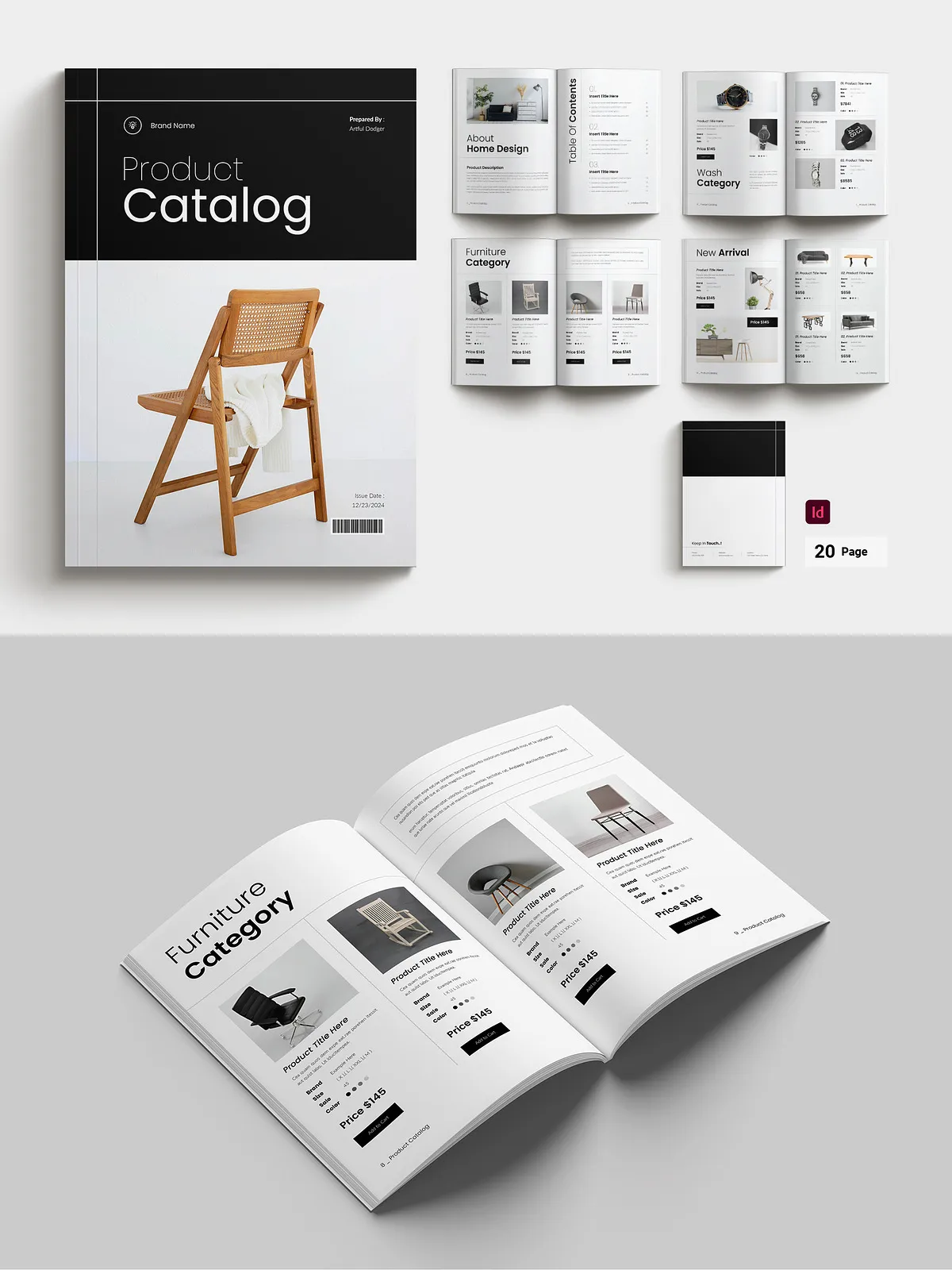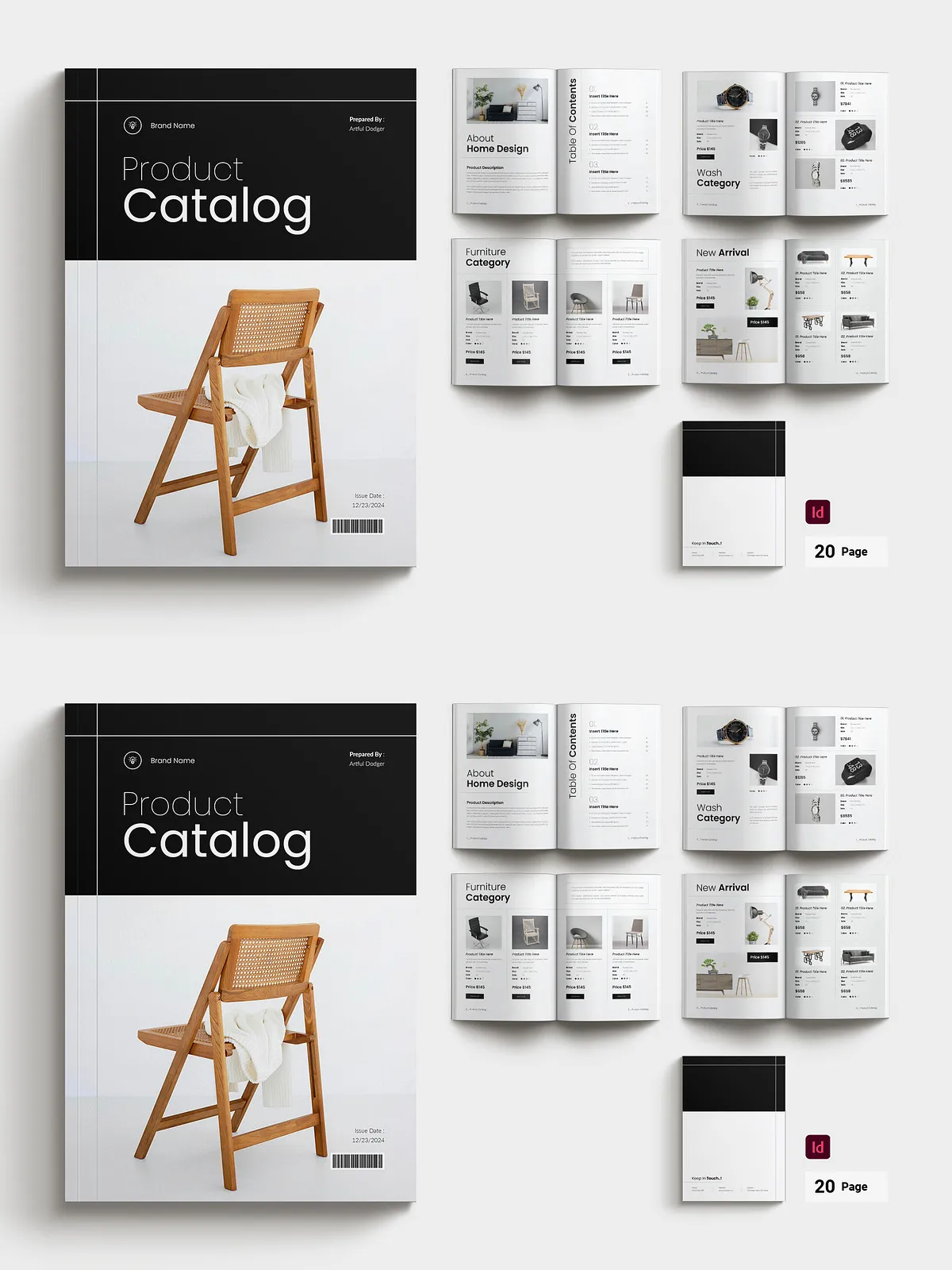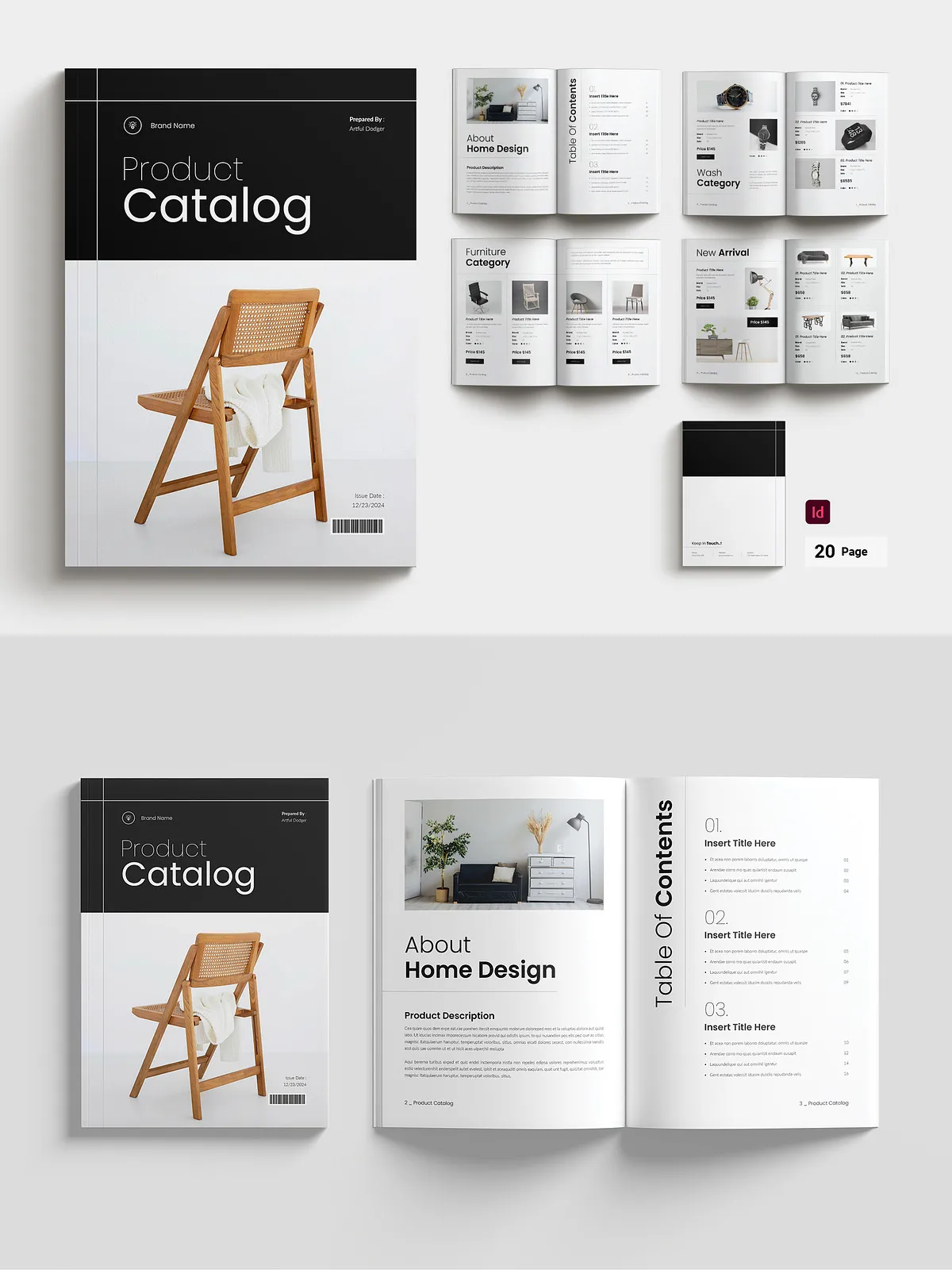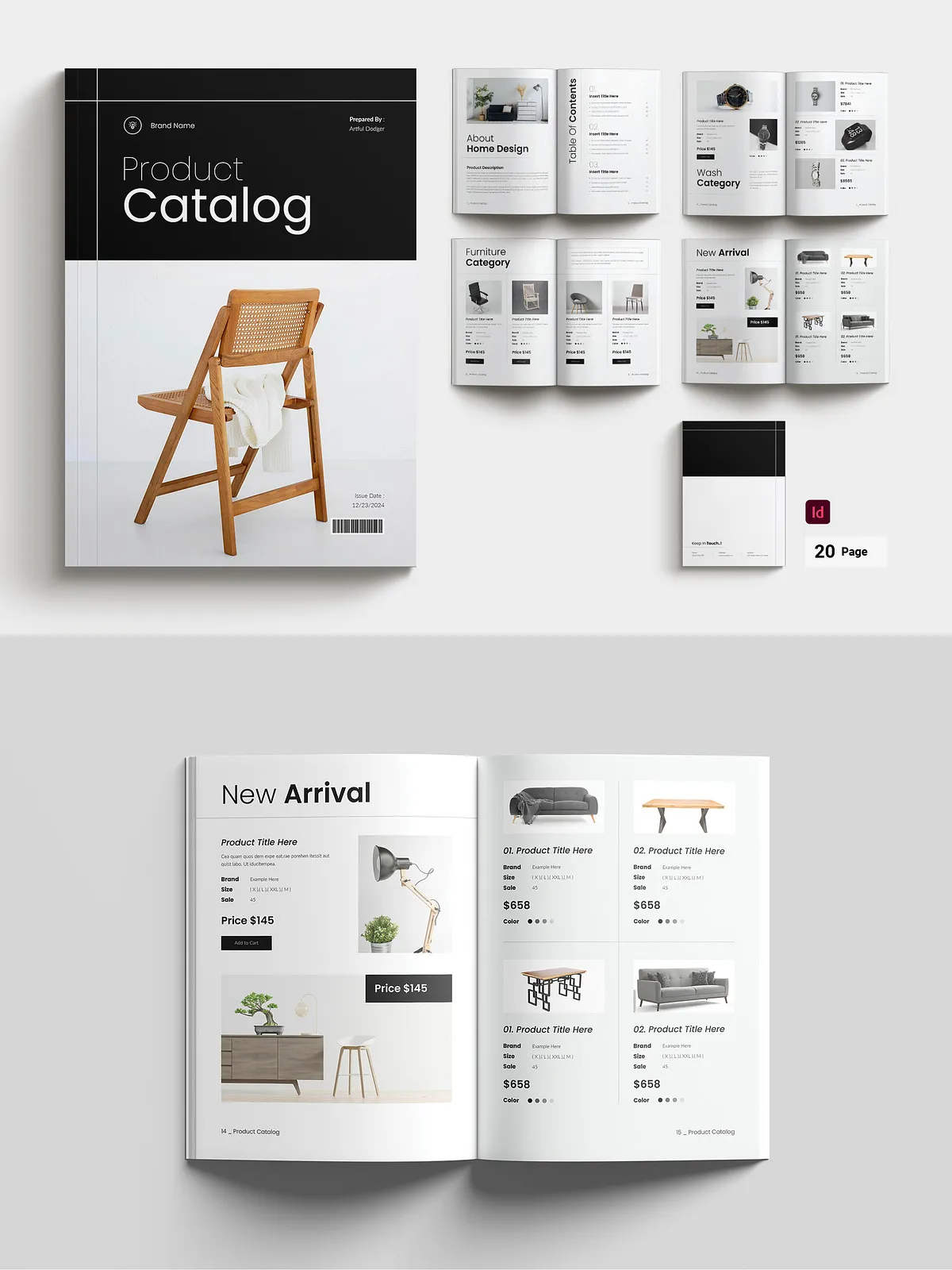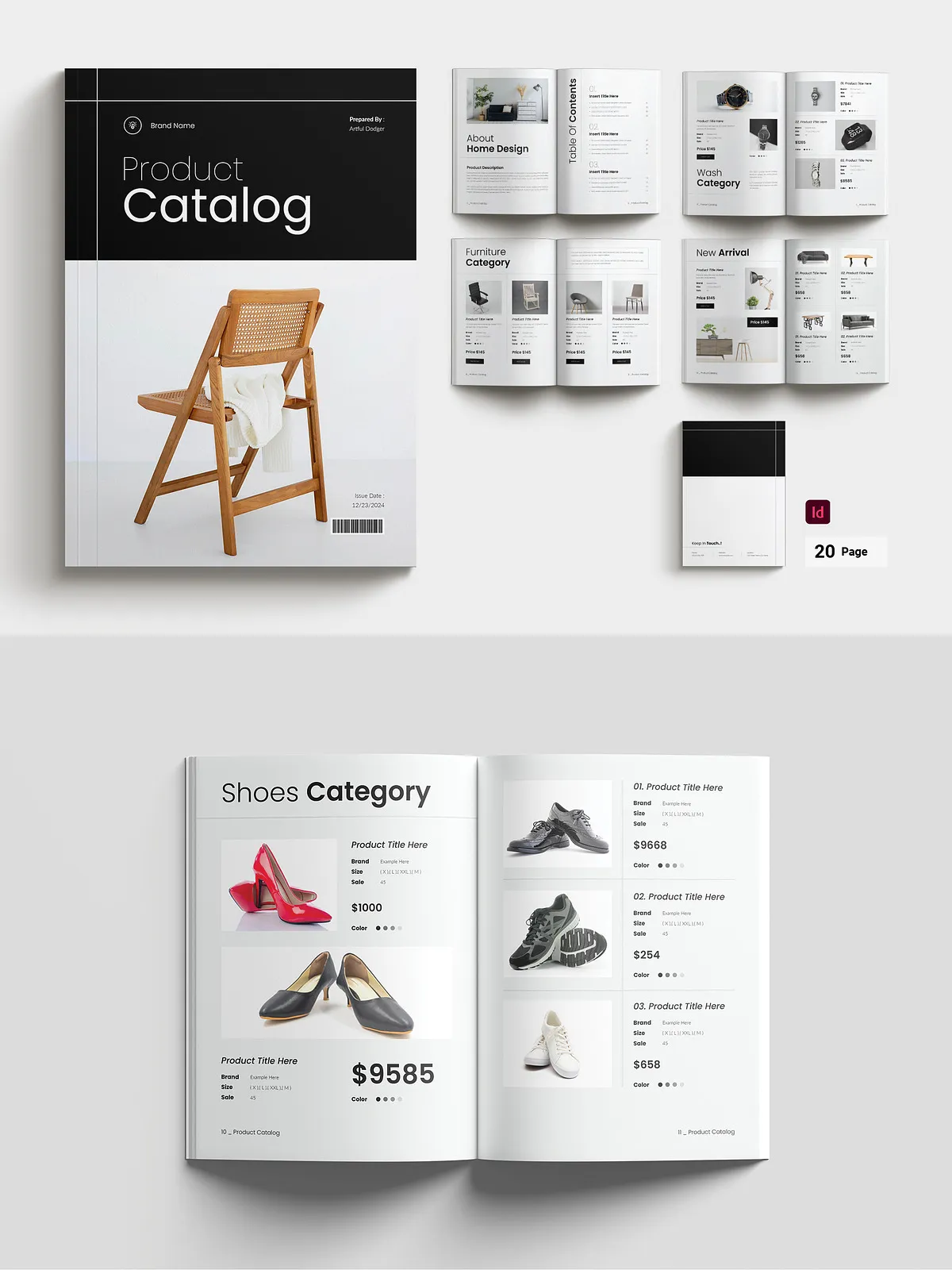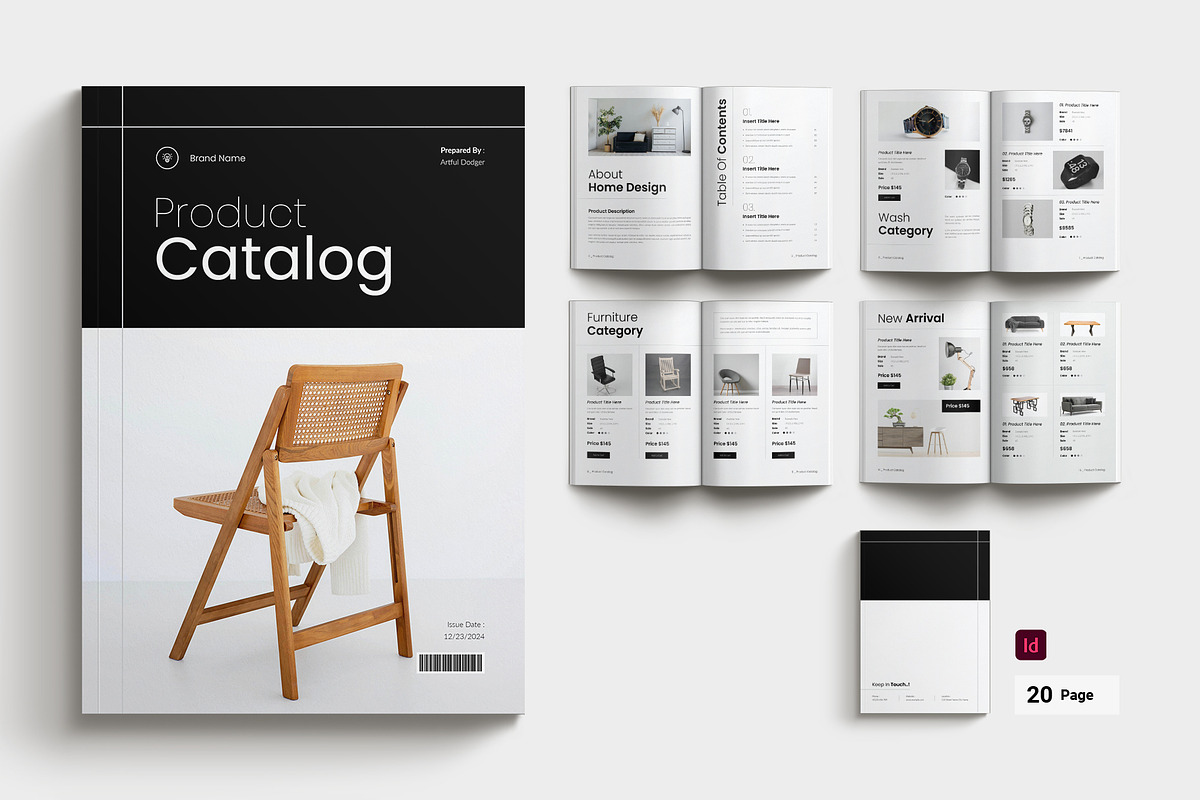
This 16-page Product Catalog Brochure Template gives you a structured, modern layout that highlights product images, specifications, pricing, and promotional messaging. Designed for Adobe InDesign and export-ready for print, the template enables marketing teams, product managers, and small business owners to assemble a polished catalog quickly. The grid-based design and baseline alignment ensure consistent typography and precise placement of images and captions so your catalog looks authoritative and easy to navigate.
What’s Included
Files you receive and how they accelerate production
- INDD — Compatible files for Adobe InDesign CC, fully layered and editable for professional layout control.
- IDML — Backward-compatible InDesign files for CS4, CS5, and CS6 to support older workflows.
- Free fonts used — Links included in the package and in the help file so you can match the preview exactly.
- Help File (PDF) — Step-by-step guidance for swapping images, modifying styles, and exporting print-ready PDFs.
Key Features
Editable, print-ready, and easy to adapt
- 16 custom page layouts optimized for product listings, category sections, and feature callouts.
- Character and paragraph styles set up for rapid global edits and consistent typography.
- Dual sizes included: A4 and US Letter portrait formats for regional printing flexibility.
- Master pages and reusable layout components to speed production across multiple issues.
- Bleed: 3mm / 0.125 in; CMYK color mode at 300 DPI for crisp, accurate print output.
- Fully editable elements — change images, text, and colors without breaking layout flow.
- Palette-based color controls let you update brand colors across the document quickly.
Who Should Use This Template
Ideal users and use cases
Use this template if you sell physical products, manage seasonal catalogs, publish a product guide, or create trade show materials. It suits e-commerce brands preparing printed catalogs, retail buyers compiling SKU lists, and marketing teams producing polished sales literature. The structure supports both small inventories and larger assortments by combining category overviews with product detail pages.
How to Customize
Fast, practical steps to adapt the brochure to your brand
- Open the INDD or IDML file in Adobe InDesign and review master pages to understand repeating elements.
- Replace placeholder images with high-resolution product photos (300 DPI recommended) and use the same aspect ratio to keep layouts consistent.
- Update the paragraph and character styles to apply your brand type scale and spacing across all pages in one step.
- Adjust color swatches via the palette to switch the entire brochure to your brand colors instantly.
- Edit product names, descriptions, SKU numbers, and prices in the content frames; use tables or linked text frames for longer product lists.
- Run a preflight check in InDesign to verify linked images, fonts, and color profiles before export.
- Export a print-ready PDF using the CMYK profile, include crop marks and bleed, and embed fonts or outline text when required by the printer.
Printing and Production Tips
Ensure accurate color and high-quality output
Confirm the CMYK settings with your print vendor and request a proof for critical color matches. Use 300 DPI images for all product photography and avoid upscaling raster images. Keep important text at least 3mm from trim edges and preserve consistent spacing for legibility. If the printer requires specific PDF/X standards, export according to their guidelines and test a short run before full distribution.
Support, Licensing, and Final Notes
What you can expect after purchase
The package includes a commercial license for the purchaser (read the license for exact terms). You receive immediate access to all files and the help PDF. If you need assistance, the included documentation walks you through common edits; support contact is available for technical questions and troubleshooting. The template prevents resale of source files and focuses on empowering you to publish professional catalogs quickly and repeatedly.