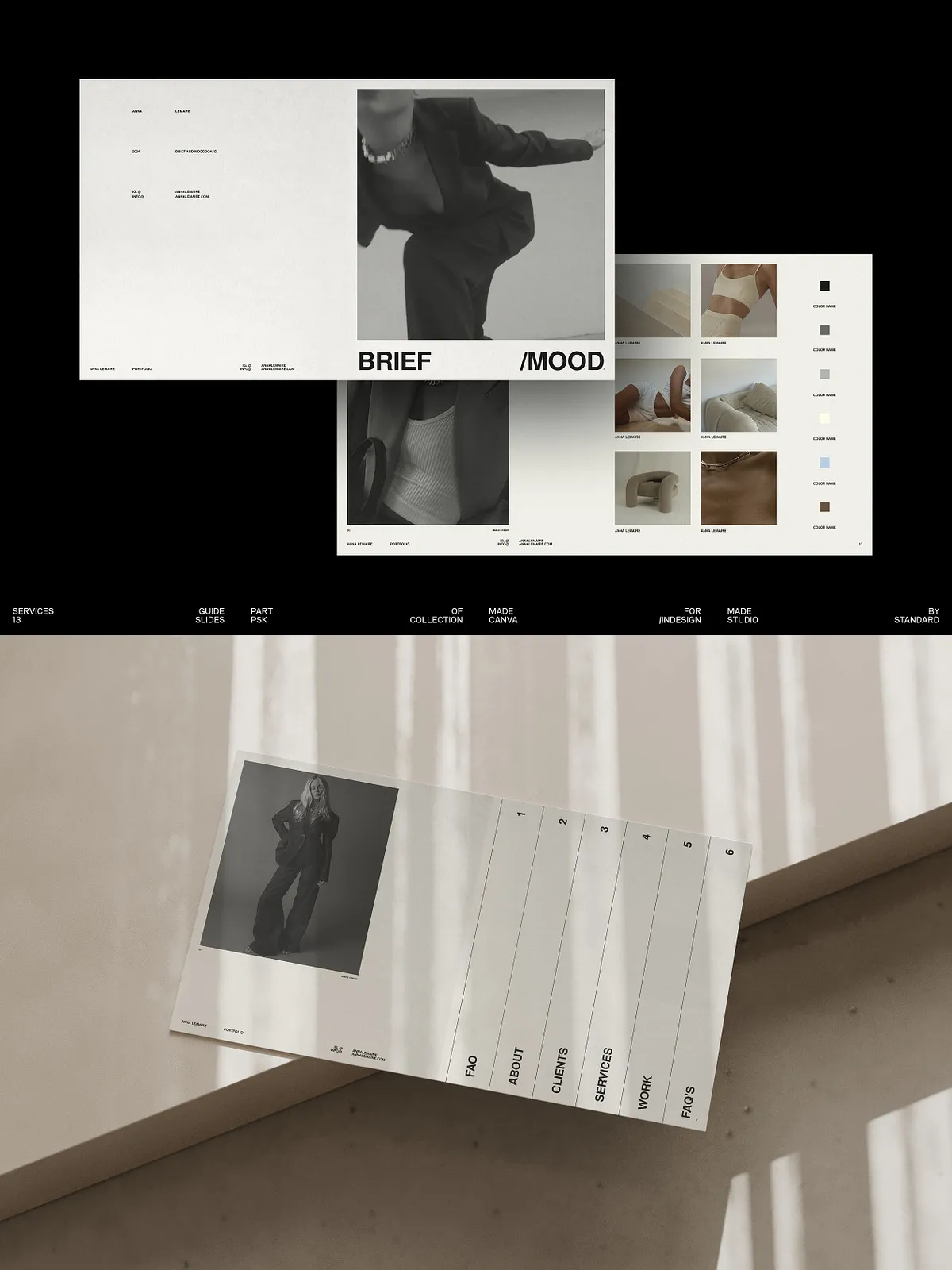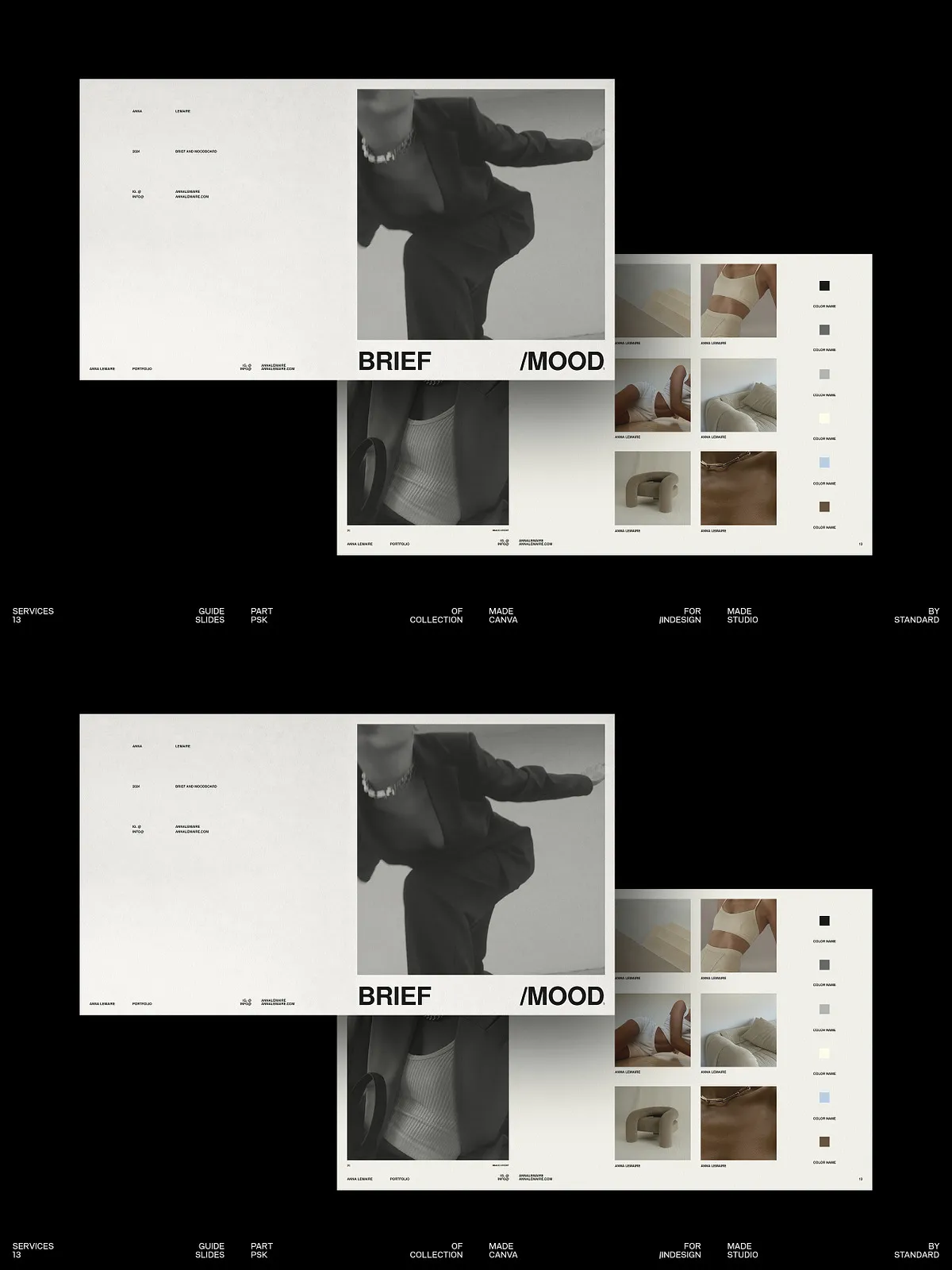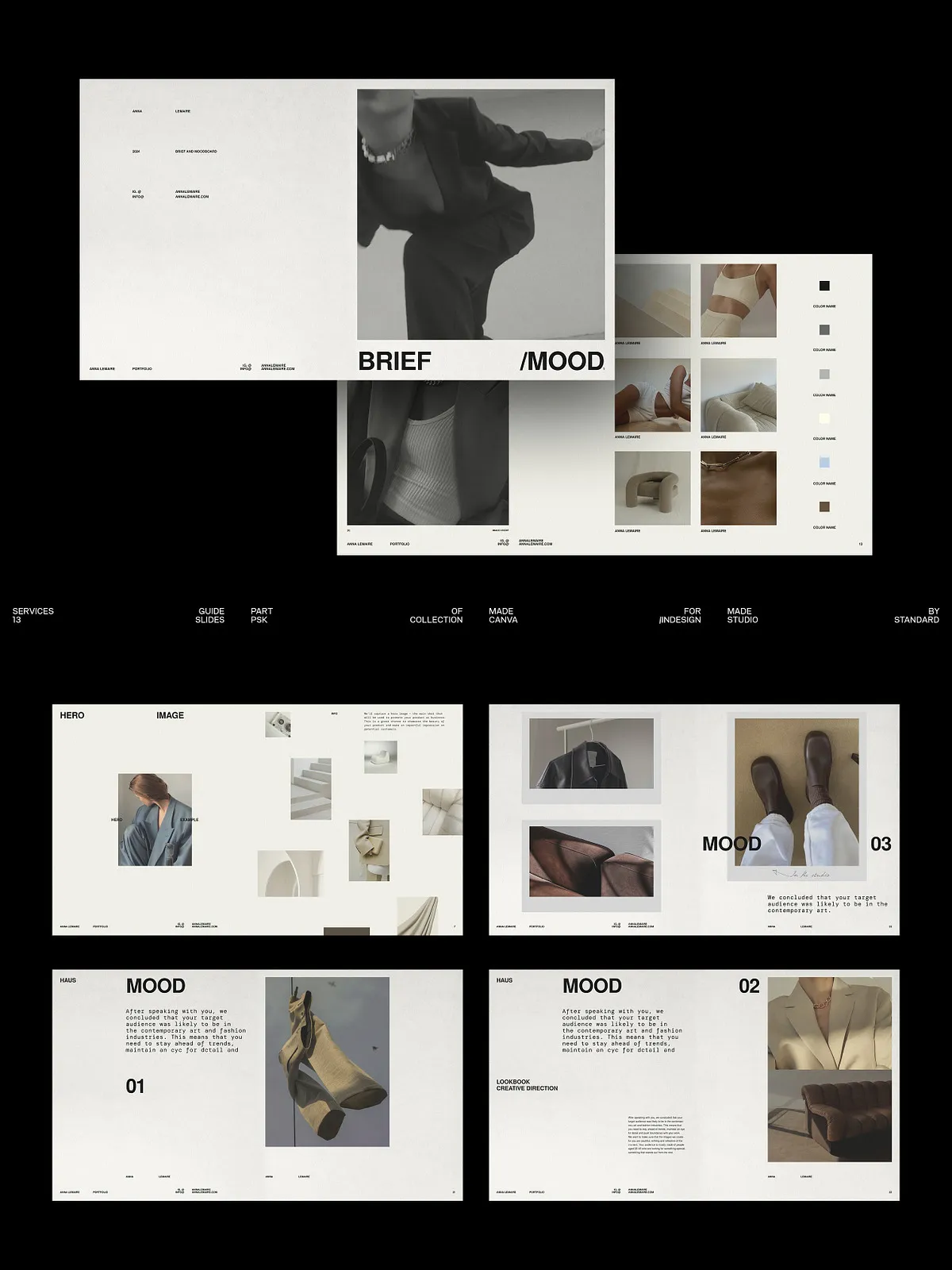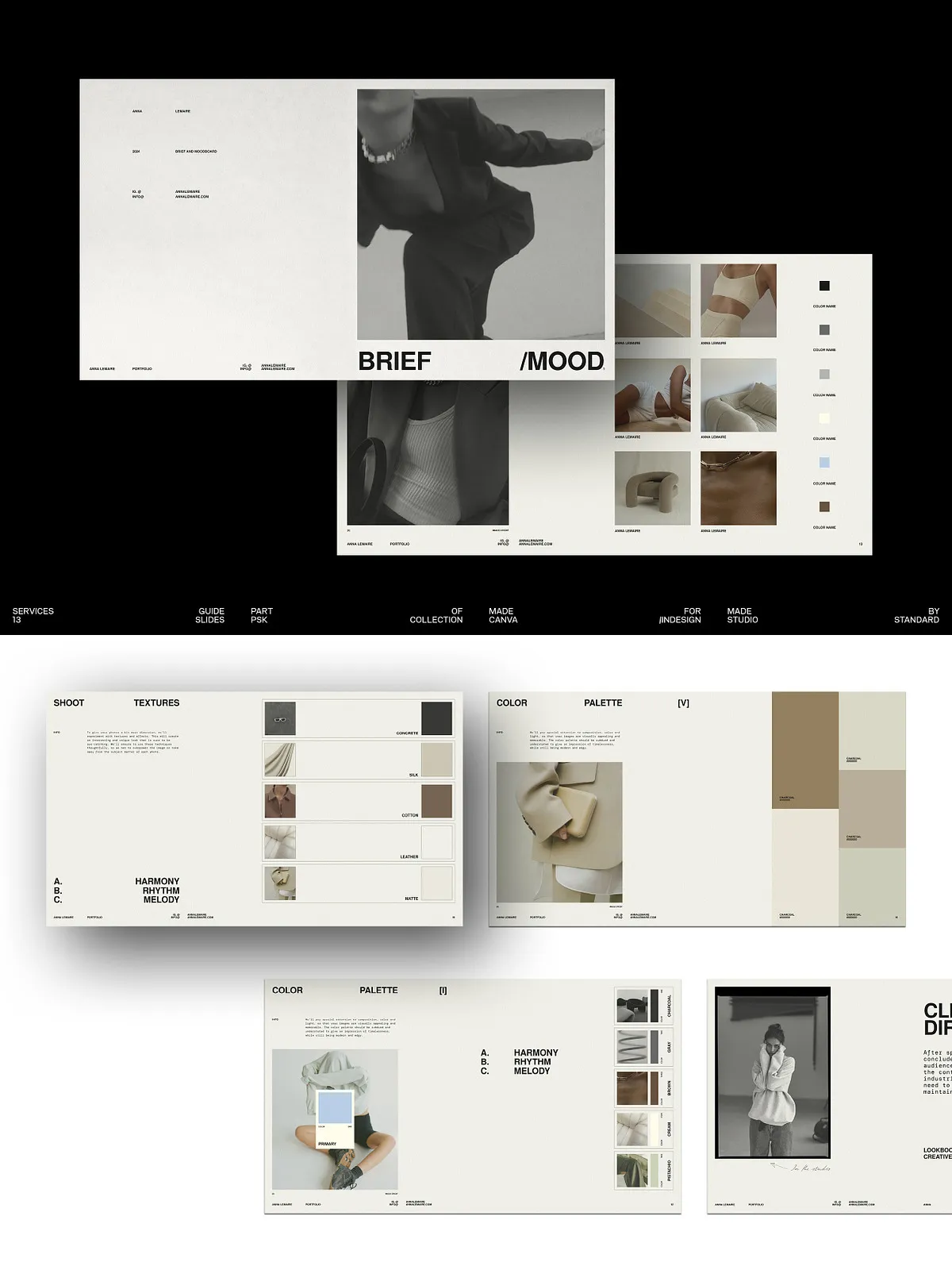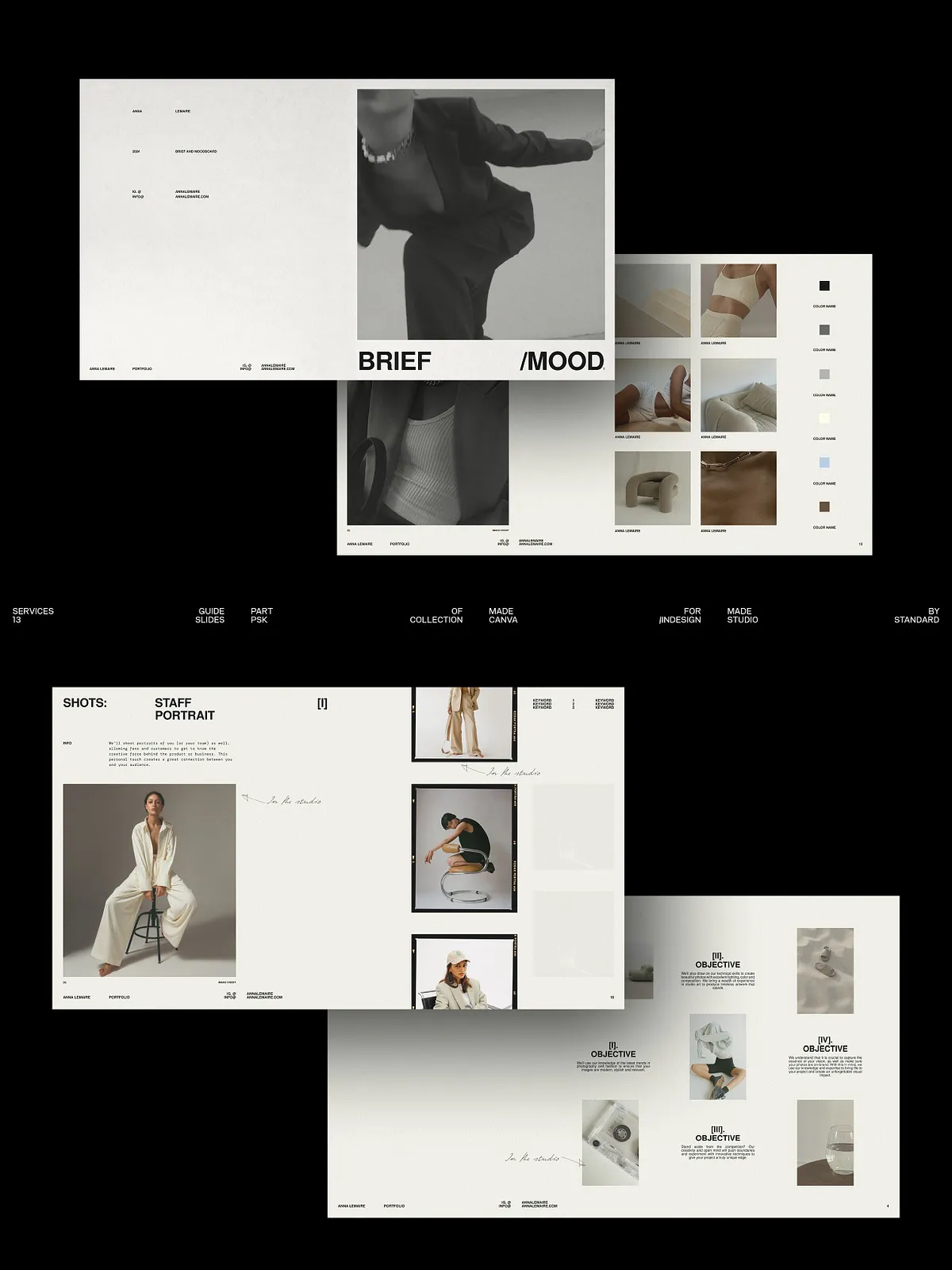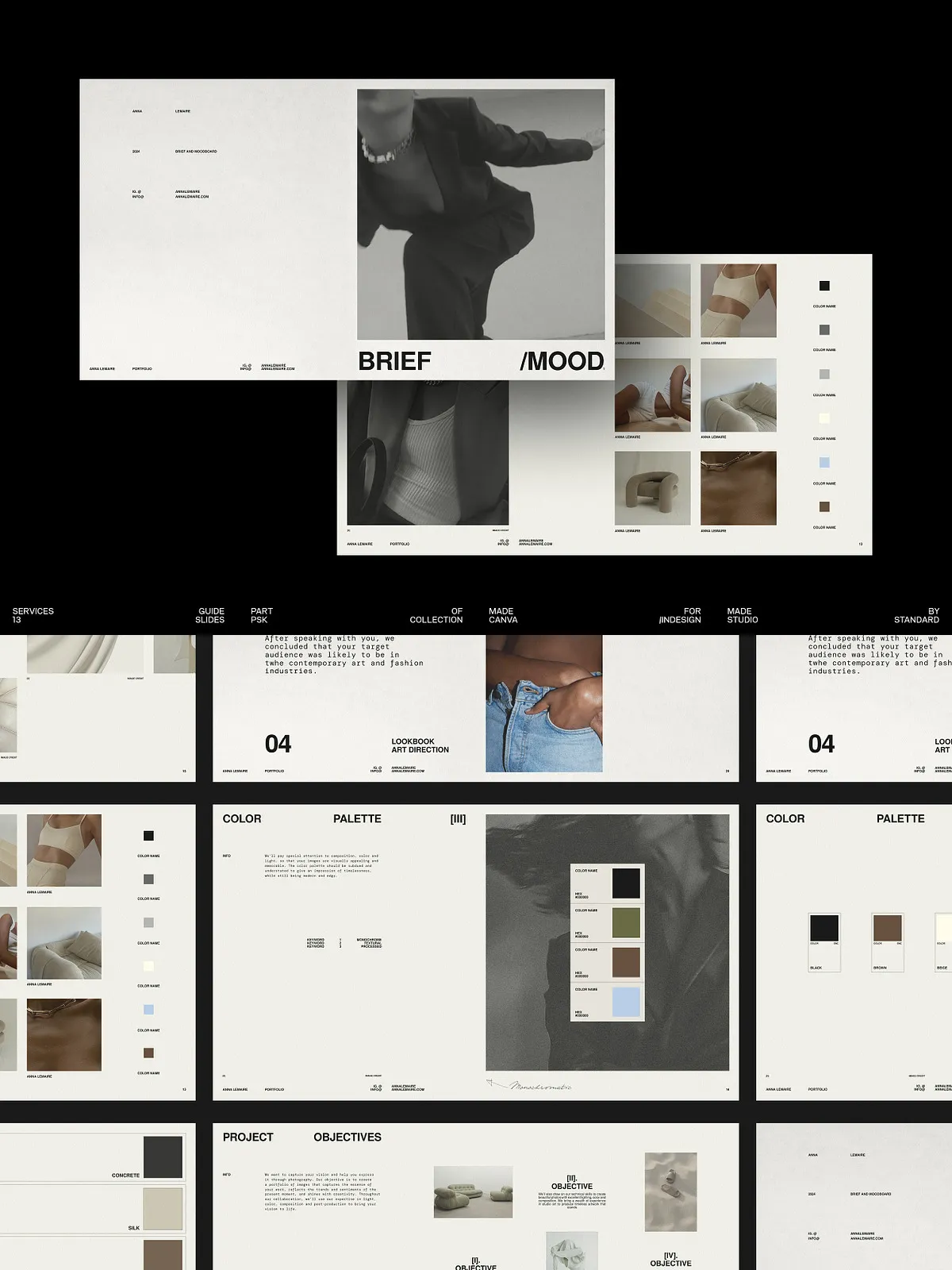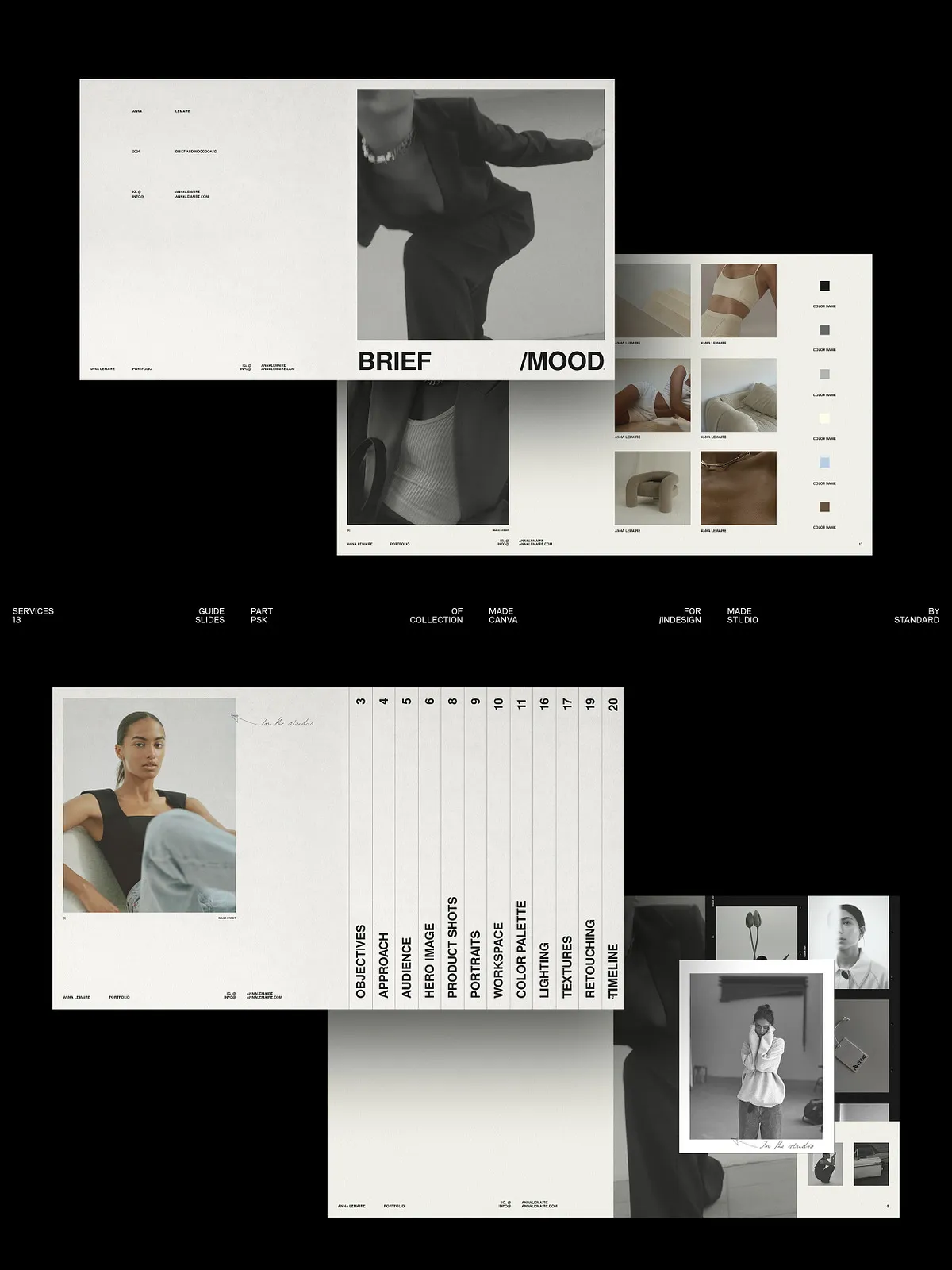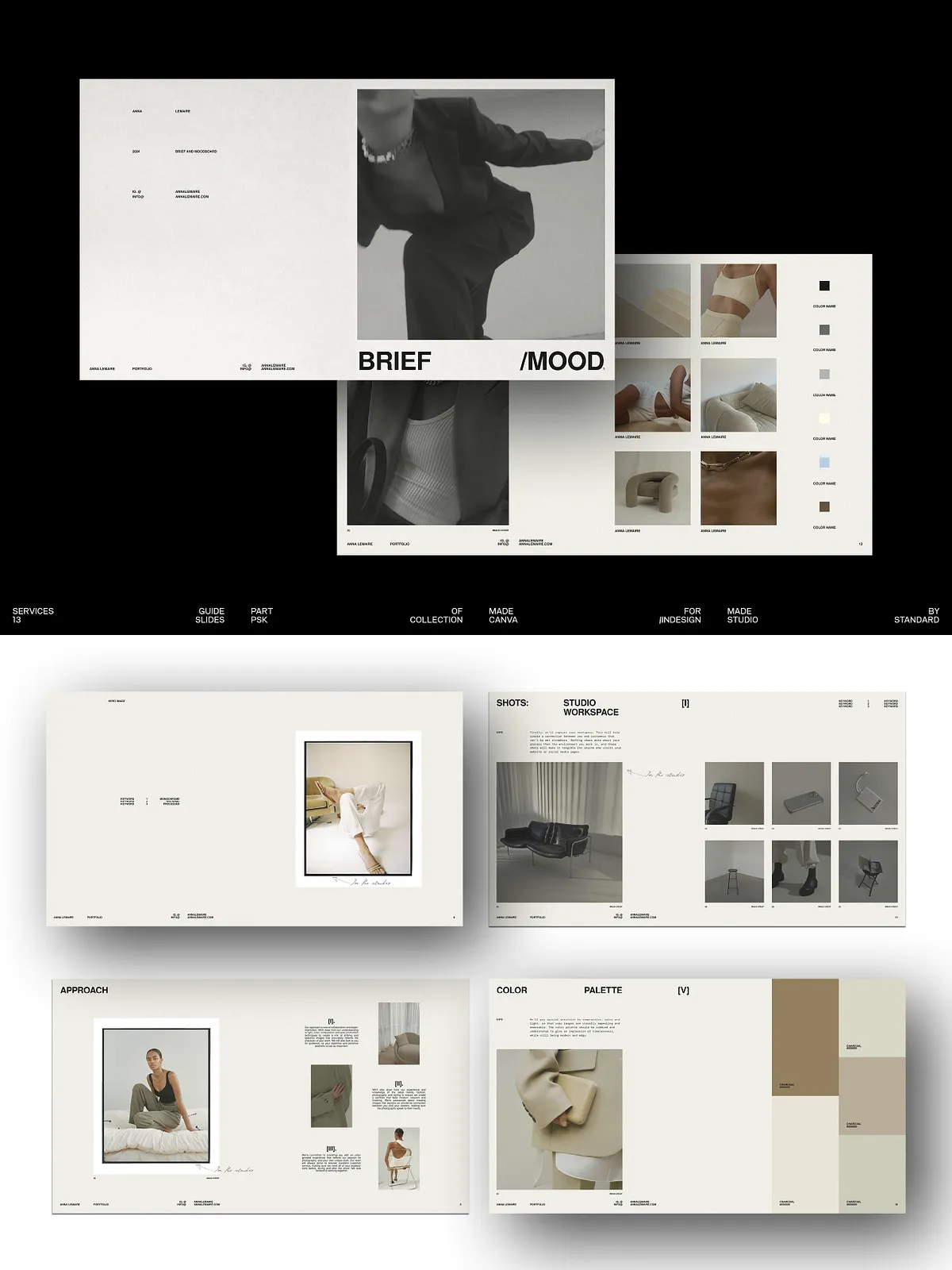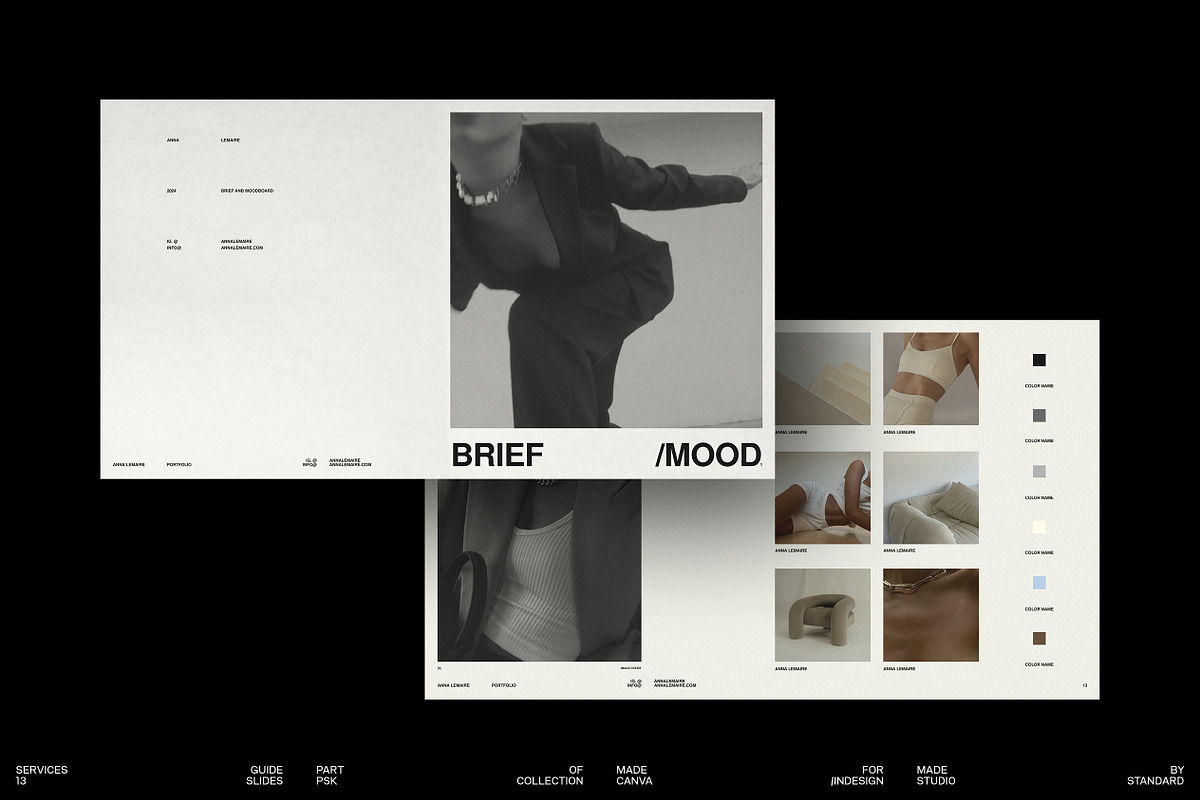
The Photographer’s Starter Kit (PSK) provides a practical, designer-grade toolkit that helps photographers plan, present, and execute photo shoots with clarity and style. This package contains 26 editable layout templates tailored for creating professional briefs and compelling mood boards. Each template focuses on visual storytelling, enabling you to define the shoot concept, communicate creative direction, and align clients or team members around a cohesive aesthetic.
What’s Included
This kit delivers flexible templates that adapt to multiple workflows and presentation needs. Designers and photographers can quickly replace placeholders, tweak layouts, and export deliverables without rebuilding pages from scratch.
Template Contents
- 26 fully customizable slide templates designed at 1920x1080px — optimized for clear on-screen presentation and portfolio use.
- Templates compatible with Canva and Adobe InDesign (CS4, CS5, CS5.5, CS6, and CC) to support a wide range of creative setups.
- Prebuilt sections for concept description, mood imagery, color palettes, textures, lighting references, wardrobe direction, props, timeline, deliverables, and target audience notes.
- Paragraph, character, and object styles included to maintain consistent typography and spacing across every slide.
- Help file with step-by-step guidance and alignment tips for baseline and column grids to keep layouts precise and professional.
- Placeholders for photographs and mockups so you can drop in your own imagery quickly; sample photos shown in previews are not included in the download.
Key Features and Benefits
The PSK empowers photographers to present concepts with confidence and speed. Use these templates to streamline pre-production, reduce client revision cycles, and create repeatable visual systems for brand shoots or commercial projects.
Design Flexibility
- Fully editable colors and components allow you to adapt each template to a client’s brand or your personal aesthetic.
- Layered structure and organized styles make bulk edits simple and predictable.
- Free fonts used throughout with links provided in the help file so you can replicate the intended look without extra licensing cost.
Workflow Efficiency
- Use the templates to create polished mood boards that convey lighting, color, and texture directions at a glance.
- Populate timeline and deliverables sections to set clear expectations and reduce scope creep during production.
- Export final boards as PNG or PDF for client review, or share editable Canva links for collaborative feedback.
How to Use
- Download the archive and extract the files to your working folder.
- Open the template in Canva or Adobe InDesign depending on your preferred editor.
- Replace placeholder images with your photography, swap colors, and update text fields to reflect the shoot brief.
- Adjust paragraph and character styles to match brand typography or client requirements for consistent results.
- Export or share the finished mood board as a high-resolution PDF for print or as PNG/JPEG for screen preview and client feedback.
Technical Compatibility & Best Practices
- Template size: 1920x1080px — ideal for screen presentation and adaptable for print with appropriate export settings.
- InDesign compatibility spans CS4 through CC; confirm your InDesign version supports the provided file features before editing.
- When preparing for print, convert colors to CMYK and embed or outline fonts to avoid substitution issues.
- Follow the included baseline and column grid guidance to keep visual rhythm consistent across all pages.
Licensing and Content Notes
Photographs and mockups displayed in the marketing previews are for demonstration only and are not part of the download. The package uses free fonts; download links and font names appear in the documentation so you can install matching typefaces. Review the included help file for licensing guidance and restrictions related to commercial use and redistribution.
Who This Is For
Photographers, creative directors, stylists, and small agencies who need to create professional briefs and mood boards quickly will find this kit invaluable. The PSK reduces administrative overhead, improves client presentations, and helps you move from concept to production with greater control and speed.