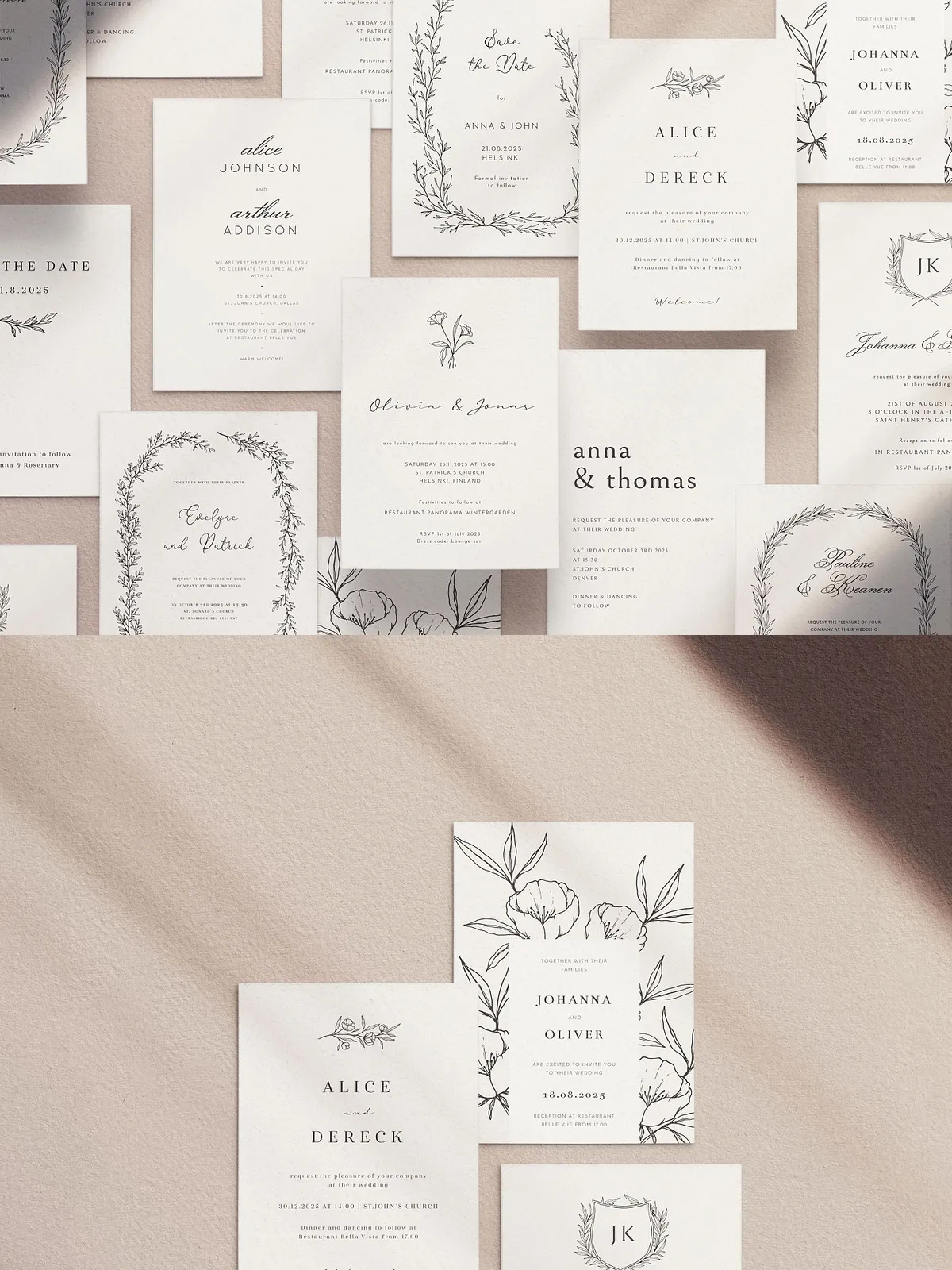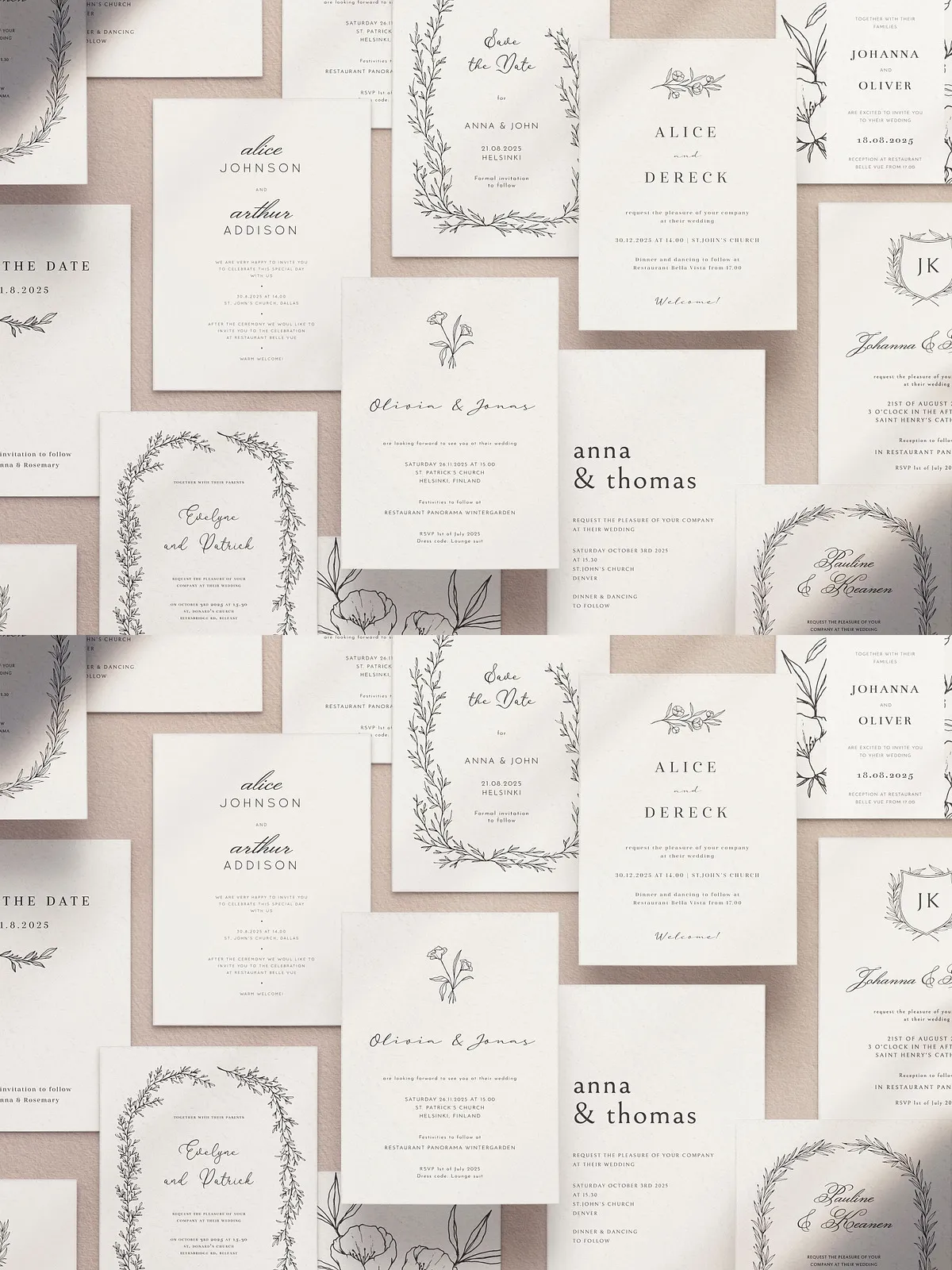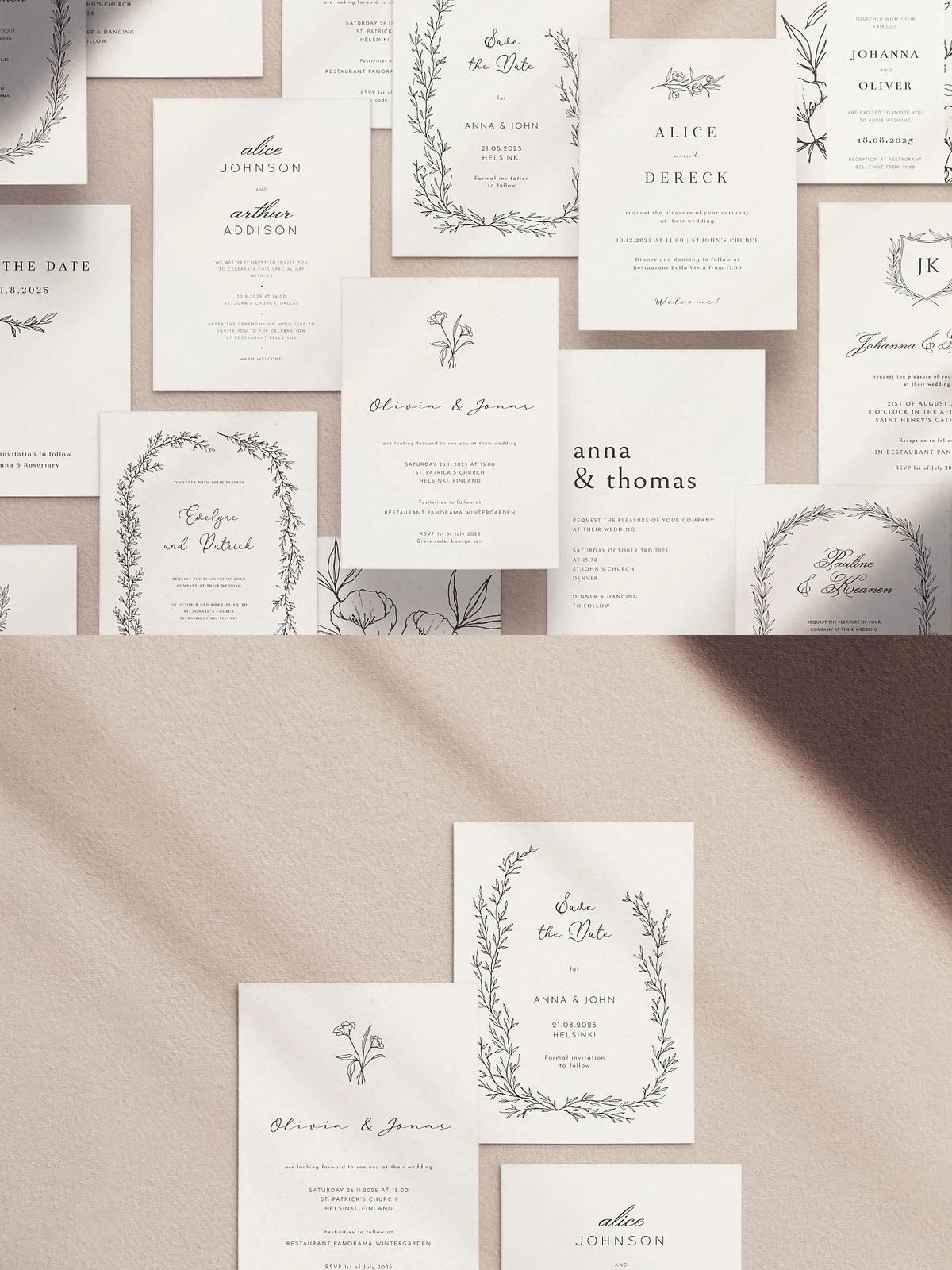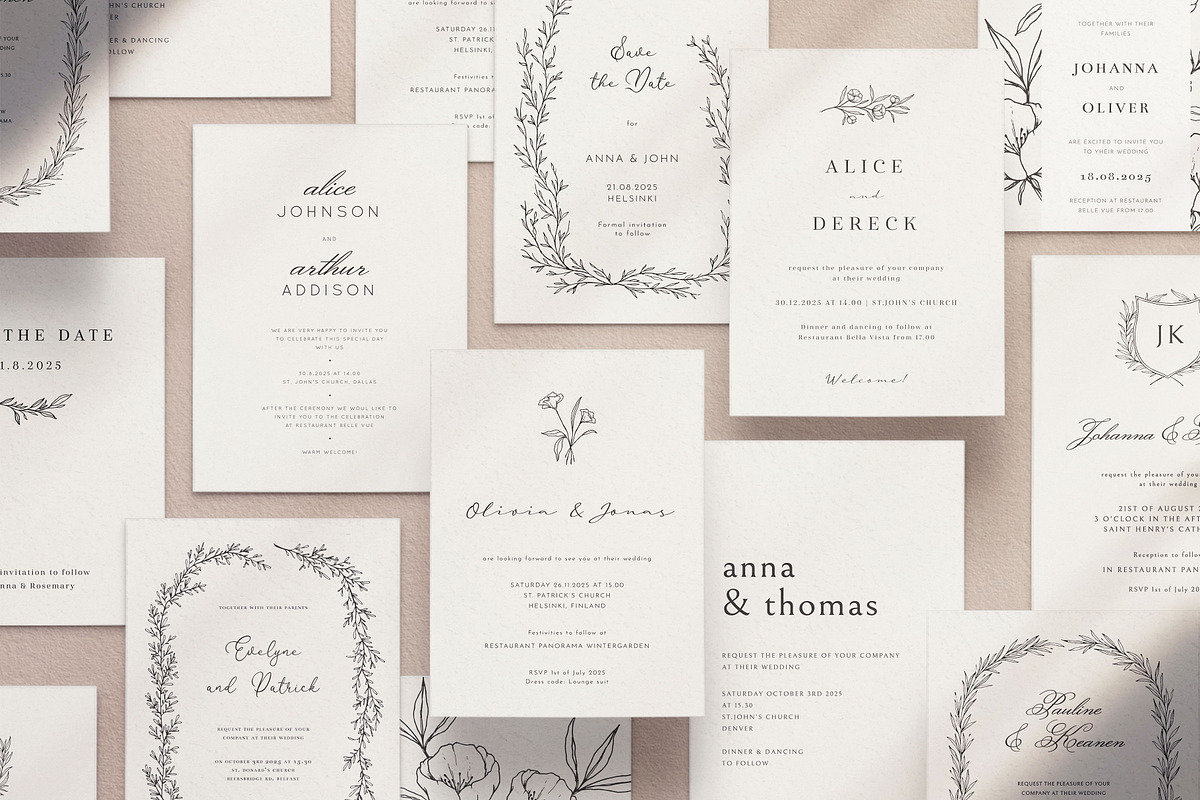
Capture the mood of your celebration with a refined collection of 10 romantic wedding invitation templates. Each design features hand-drawn floral and botanical illustrations that convey timeless elegance and modern taste. These templates empower designers, wedding planners, and couples to produce beautiful, printed or digital invitations quickly. The package supplies high-quality source files, illustration assets, and clear font guidance so you can customize every detail with confidence.
What the Package Includes
Templates and File Types
The product delivers 10 fully layered invitation templates prepared in industry-standard formats to fit professional workflows: .ai (Adobe Illustrator), .eps, and .psd (Adobe Photoshop). Designers can open the files in desktop applications for full vector and raster control.
Illustrations and Extras
Along with the invitations, you receive 7 botanical and floral illustrations provided in both scalable vector (.svg) and raster (.png) formats so you can reuse artwork across stationery and digital assets. The download also contains a clear font guide with direct download links so you can replicate the exact typographic style shown in previews.
Sizes, Typography, and Compatibility
Dimensions
Each template is set to a standard invitation size of 125 x 175 mm (4.9 x 6.9 inches), formatted with print-ready margins and safe areas. Files are ready for professional printing or for export to high-resolution digital formats.
Fonts and Licensing
The fonts used in the mockups are free for commercial use; the product includes direct links to download the exact typefaces. Find and download the free fonts used here: Google Fonts. Follow the included font guide to install and match typography precisely.
Key Features
Hand-Drawn Illustrations
Every illustration uses hand-drawn strokes and organic shapes to produce delicate, romantic visuals. The vector SVG files let you scale artwork without losing fidelity, enabling consistent print and digital results.
Editable and Organized Files
Templates come with well-named layers, grouped elements, and editable type so you can replace placeholder text, update dates, and adjust color palettes quickly. The organized structure speeds up revisions and reduces the chance of layout errors.
Print-Ready and Flexible
Templates include print-ready bleed settings and color-safe areas so you can deliver files to printers with confidence. If you prefer digital distribution, export optimized JPEG or PNG files directly from your application.
Customization Service
What Customization Covers
If you prefer not to edit the templates yourself, the designer offers a complimentary customization service limited to the following changes: replacing placeholder text with your names and details, adjusting colors, and resizing or removing design elements. Once you request customization, the designer will provide final files in JPG, PNG, PDF, and vector formats.
How to Request Customization
To request customization, purchase the product and send a direct message with the chosen template number and your customization details. The designer will confirm turnaround and deliver final files via the marketplace or email.
Usage, License, and Notes
License and Allowed Uses
You may use the designs from this pack according to the purchased license included with your download. Review the license file inside your package for details about commercial use, distribution, and restrictions.
Mockup and Preview Clarification
Preview mockups shown in promotional images are for presentation only and are not included in the downloadable package. The actual download contains the editable templates, illustration files, and font links — not the stock mockup scenes.
How to Prepare Files for Print or Delivery
Recommended Workflow
1. Install the included fonts from the font guide. 2. Open your chosen template in Adobe Illustrator or Adobe Photoshop. 3. Replace placeholder text with event details and proofread carefully. 4. Customize colors or artwork as desired. 5. Export final files in PDF/X-1a or high-resolution JPG/PNG for digital sharing. 6. If printing, provide the printer with the PDF that includes bleed and trim marks.