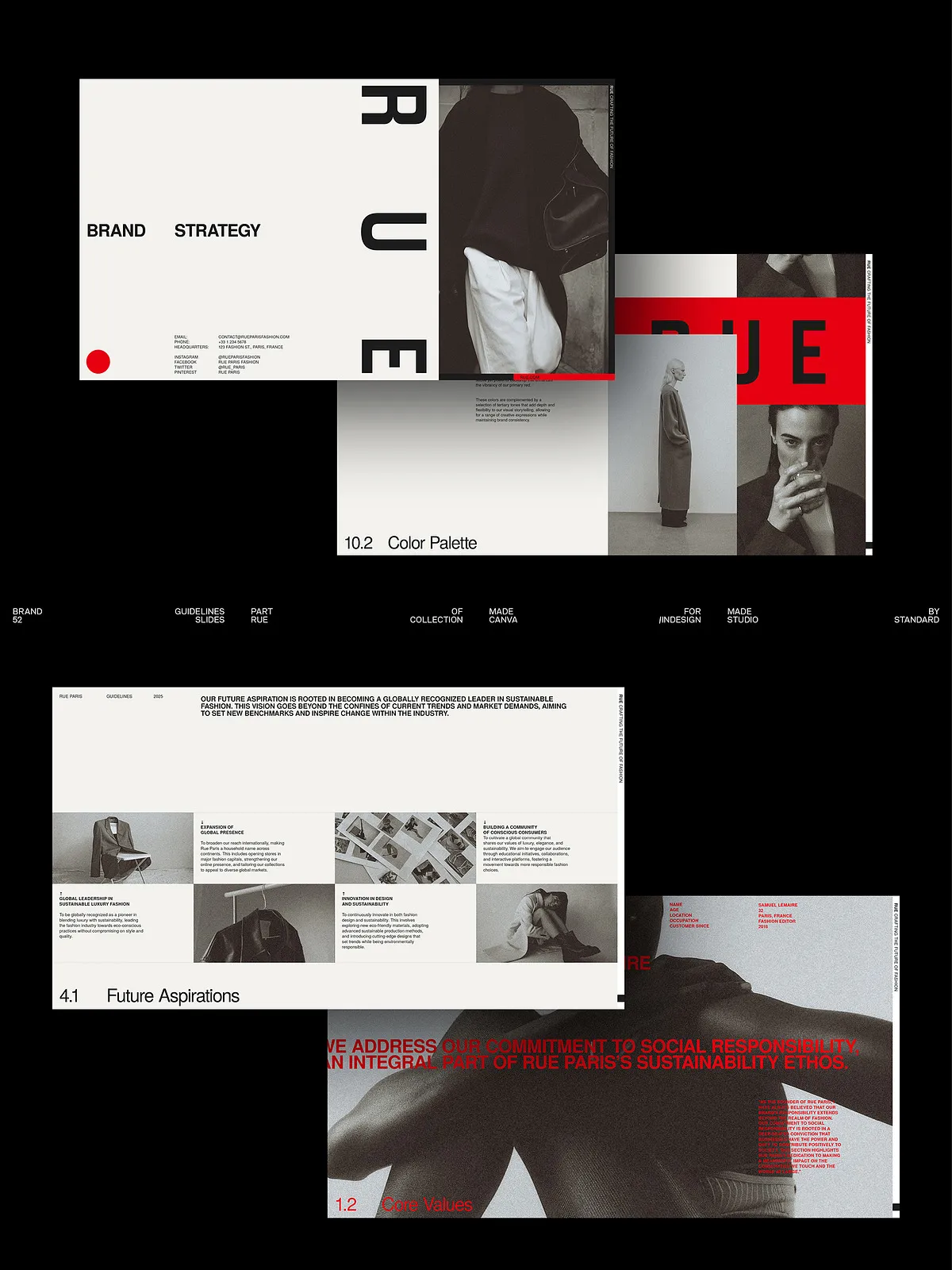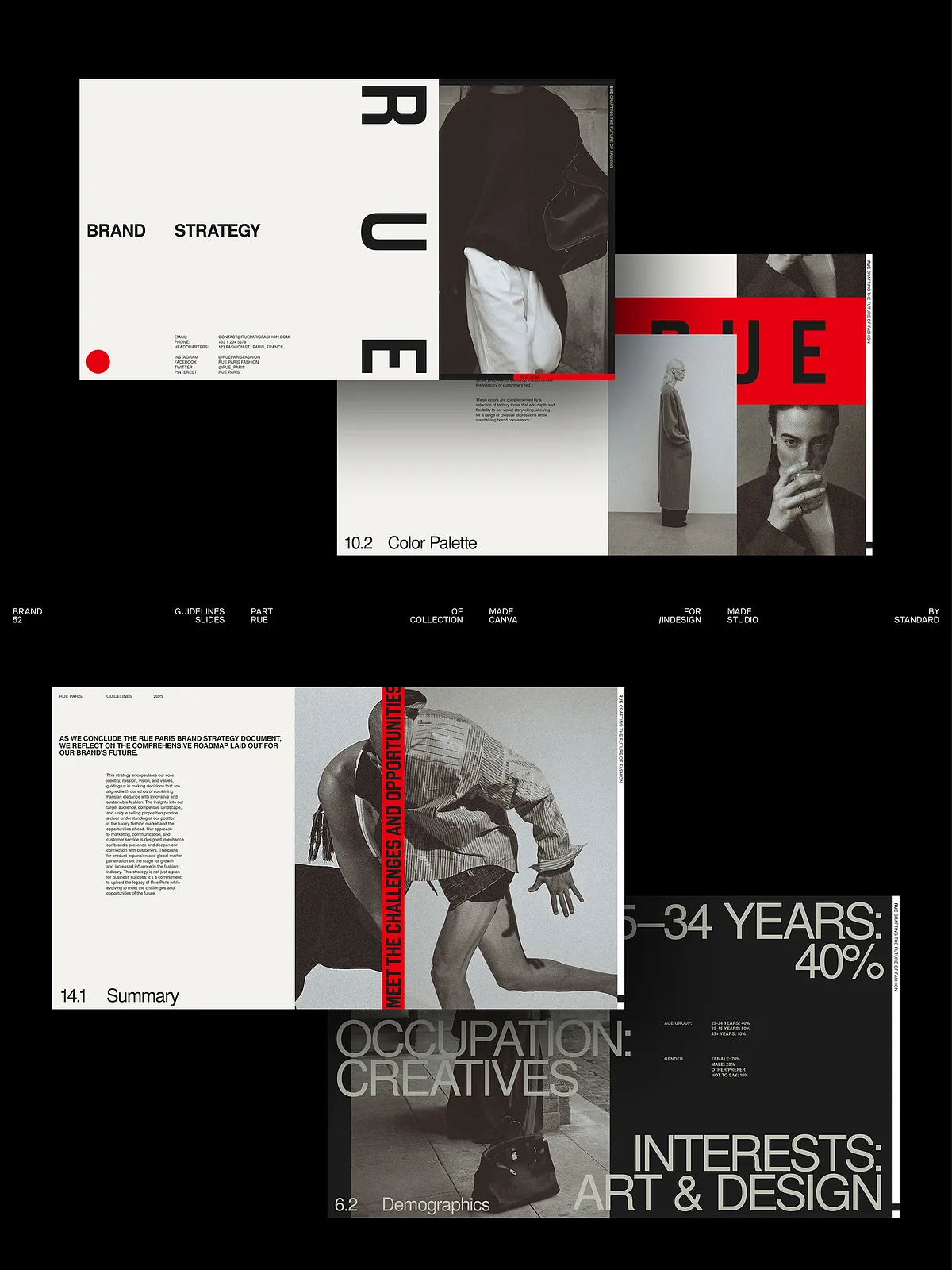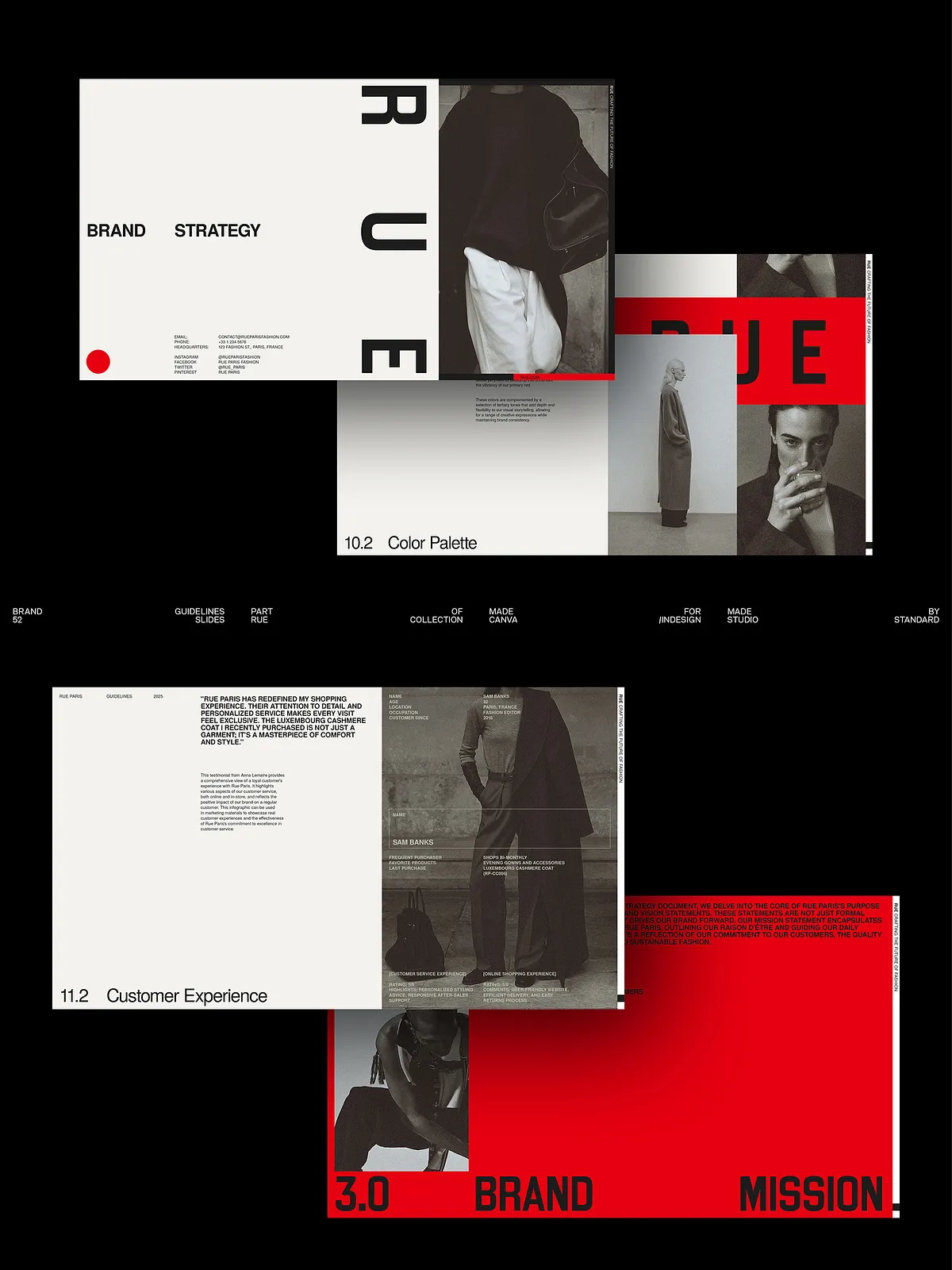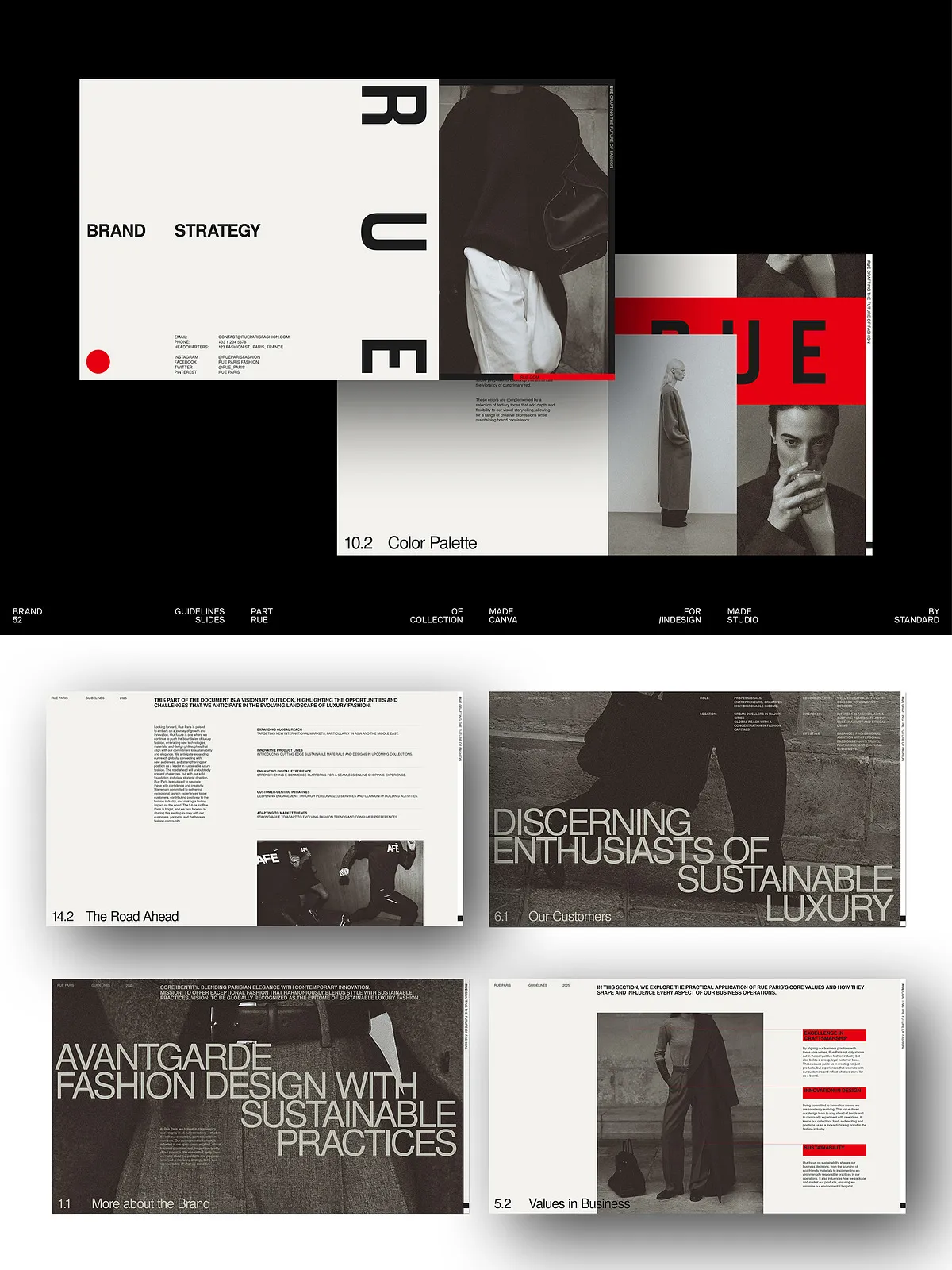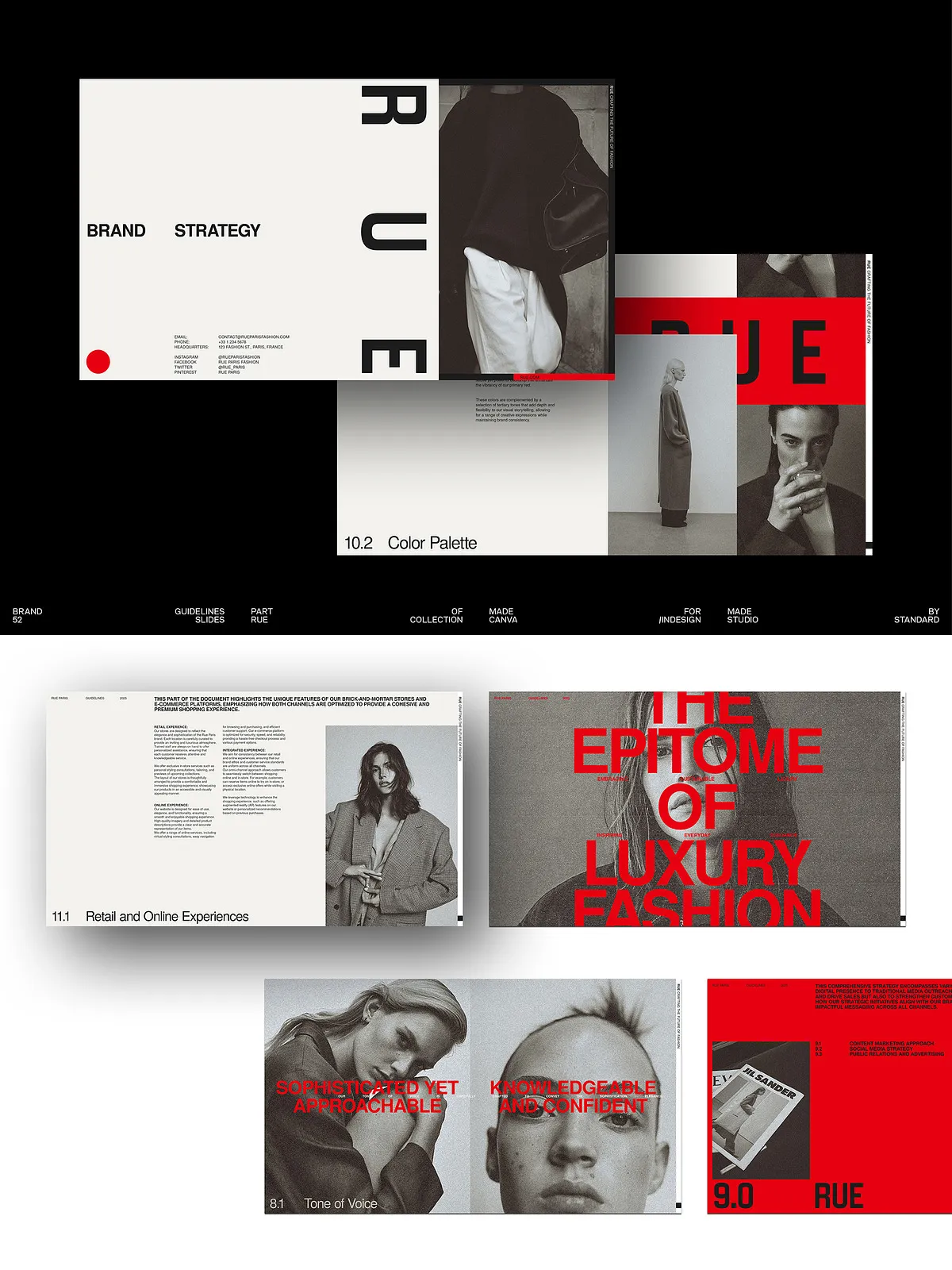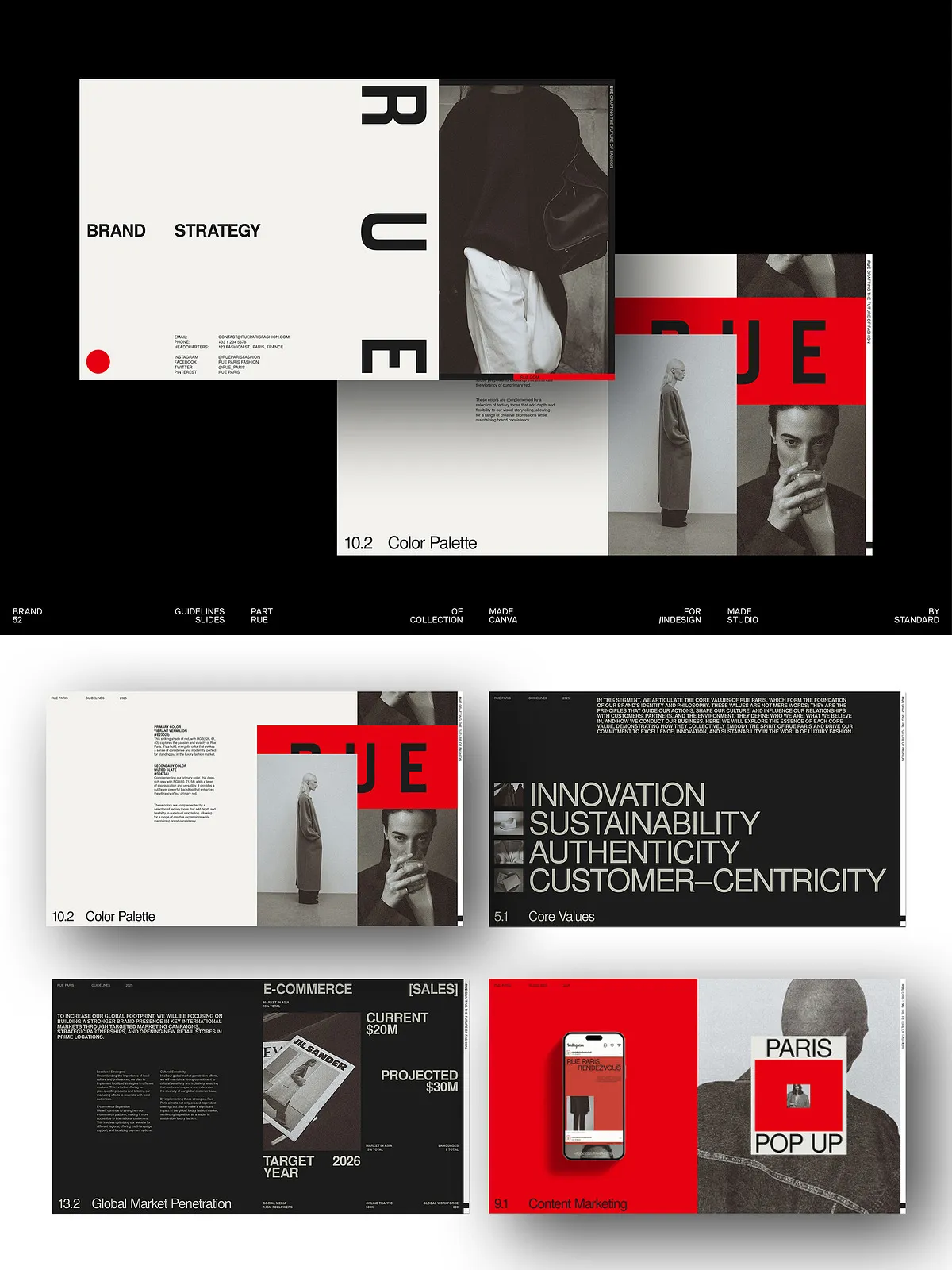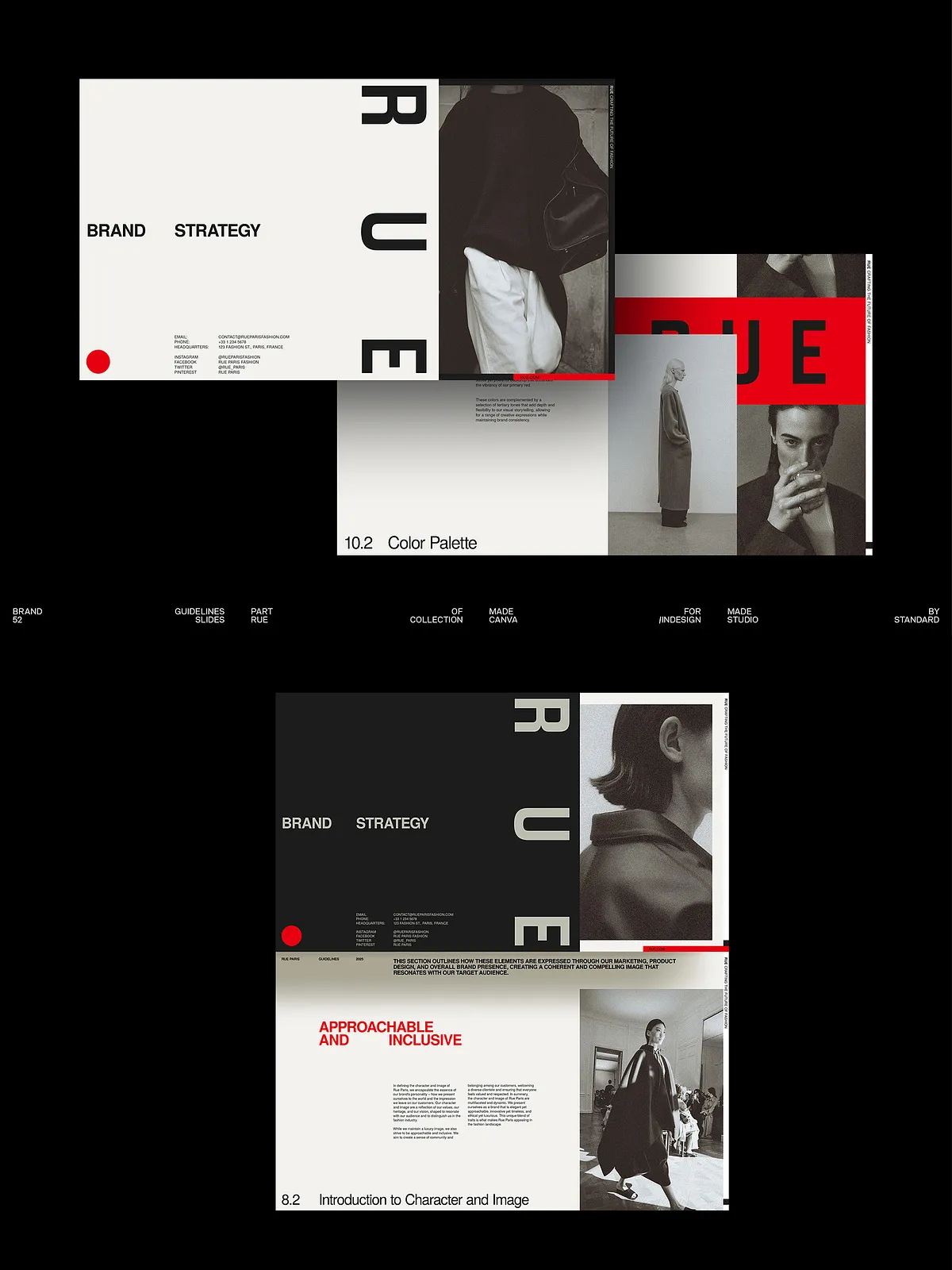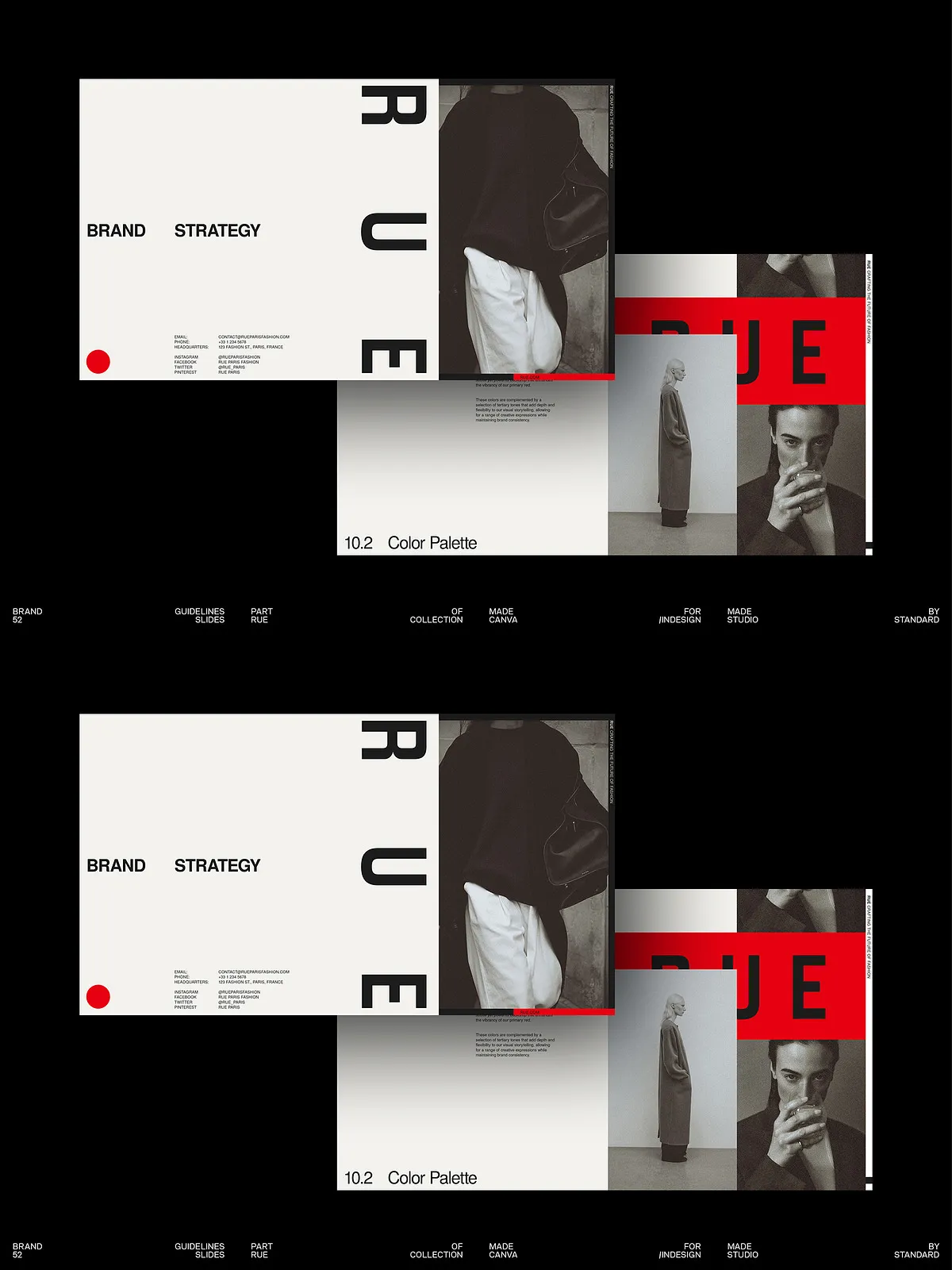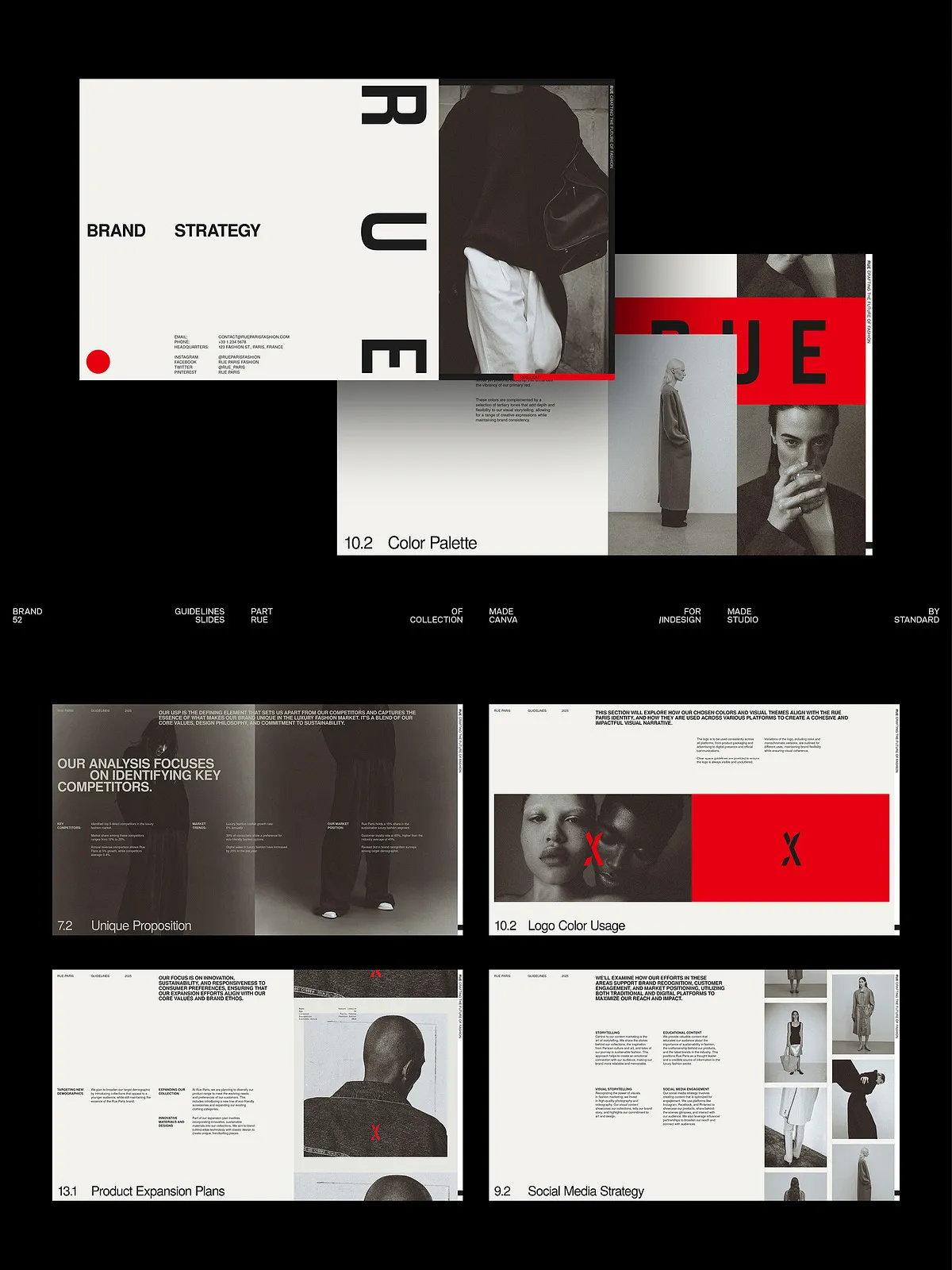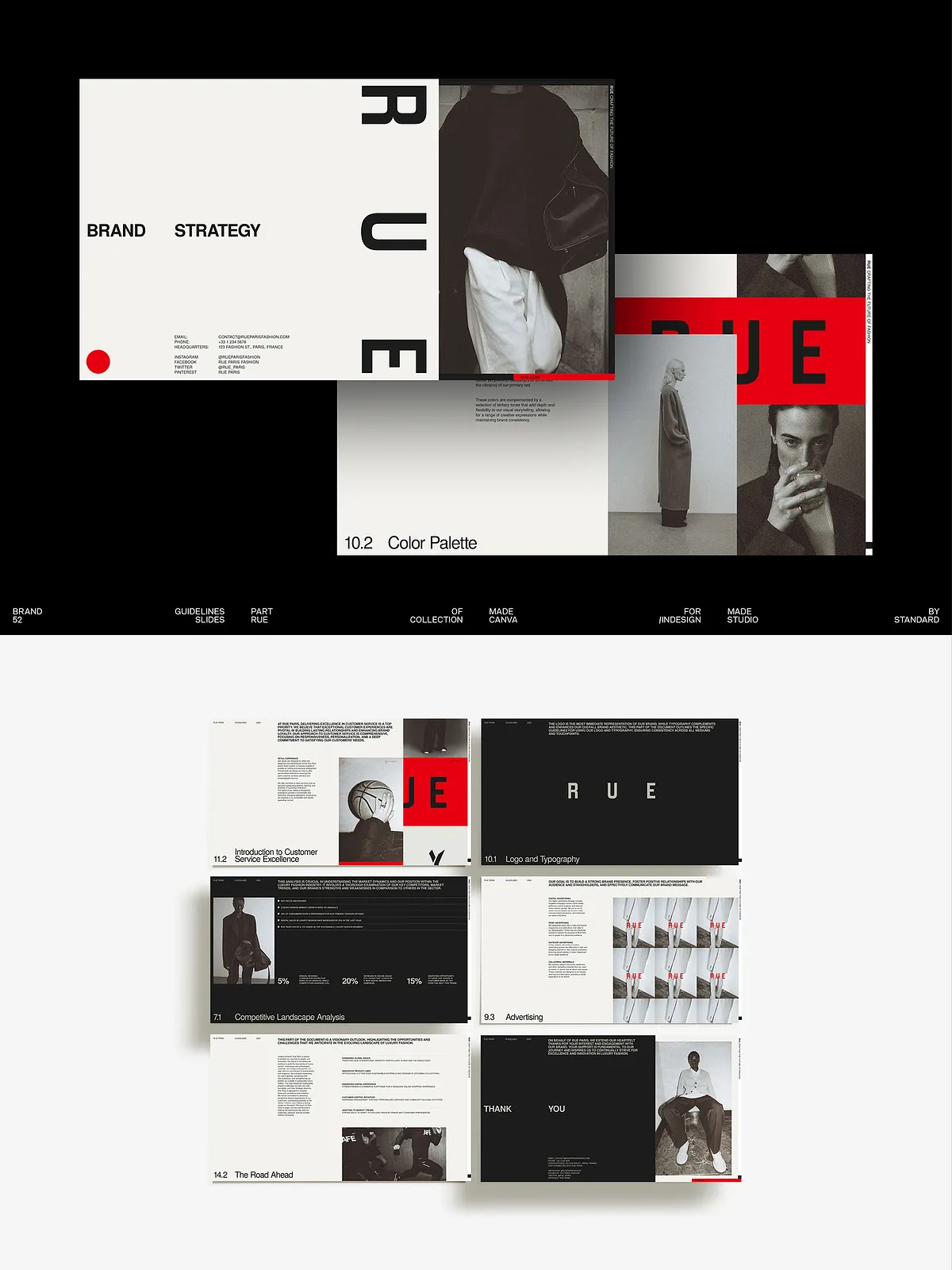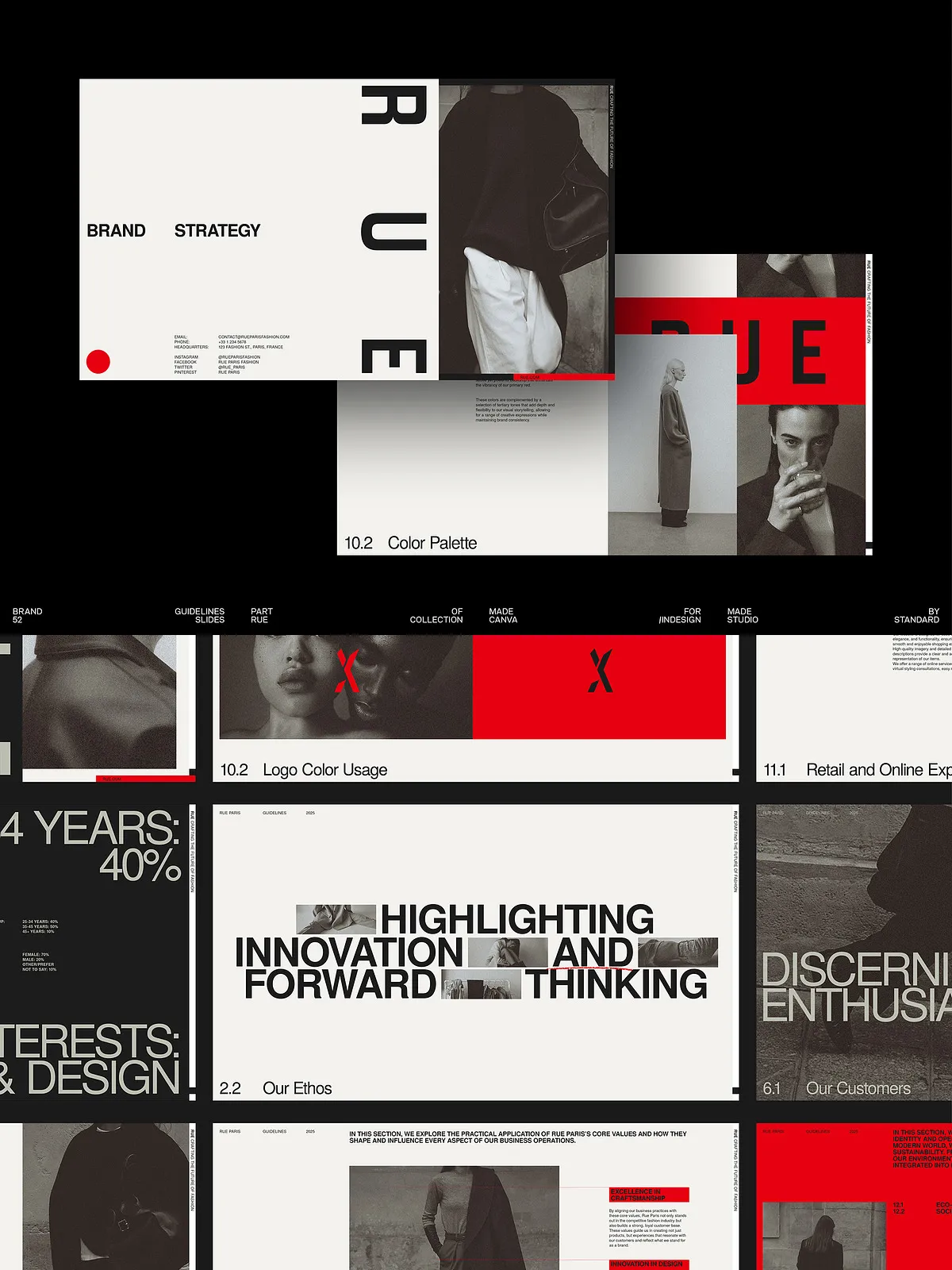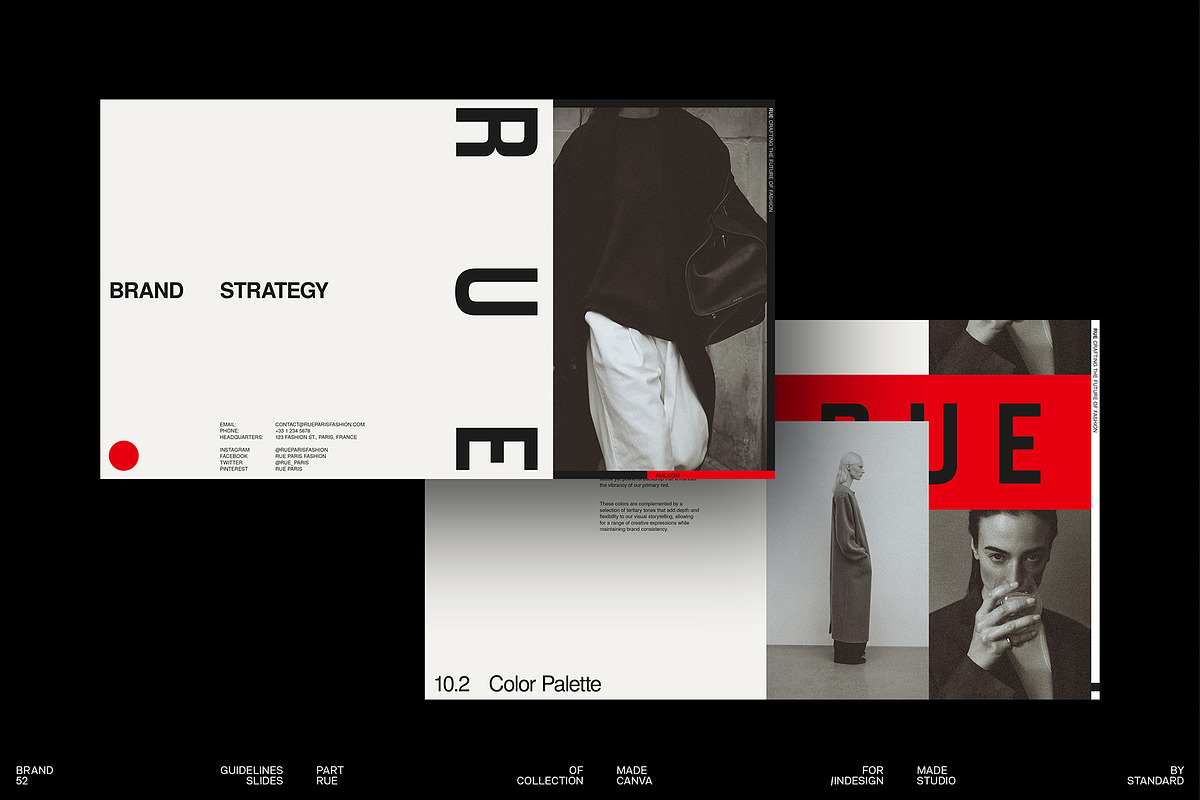
The RUE Brand Strategy Template empowers creative professionals and agencies to build persuasive, client-ready brand strategies quickly and consistently. This comprehensive deck contains 52 thoughtfully designed slides with multiple cover options and editable text fields. You can personalize each slide in Adobe InDesign or Canva to reflect a client’s values, tone, and market position. The template streamlines strategy sessions, accelerates proposal development, and helps teams present a cohesive brand narrative that connects with target audiences.
What This Template Includes
Complete Slide Set
The package delivers 52 fully editable slides. Each slide presents a clear layout that helps you communicate strategy components such as brand purpose, audience insights, tone of voice, visual identity directions, messaging pillars, and activation roadmaps. Designers and strategists can adapt slide content to suit discovery workshops, client audits, or final brand deliverables.
Cross-Platform Compatibility
This template works with both Canva and Adobe InDesign. It supports Adobe InDesign CS4, CS5, CS5.5, CS6, and CC, and it fully supports Canva’s online editor. You can open the master files in InDesign for advanced typesetting and print-ready exports, or use Canva to edit quickly in a browser and collaborate with non-design stakeholders.
Editable Text and Free Fonts
All text fields remain editable so you can insert client language, data points, and custom recommendations without layout conflicts. The template relies on free, widely available fonts to ensure consistency and to avoid licensing friction. Replace demo copy with your client’s insights to craft a tailored narrative that highlights strengths and opportunities.
Key Benefits
Create Distinctive Brand Narratives
Use the RUE Brand Strategy Template to build a clear, memorable brand story that differentiates your client from competitors. The slides guide you to define the brand’s mission, personality traits, and emotional benefits in ways that translate directly into marketing and product decisions. Teams can refine positioning statements and messaging frameworks that stakeholders understand and rally behind.
Streamline Client Engagement
The template accelerates client engagements by providing a proven structure for discovery, analysis, and recommendations. You can reuse the layout across multiple clients, customizing visuals and examples to suit each brief. This approach reduces repetitive design work and lets you focus on research, insights, and strategic thinking.
Improve Collaboration and Presentation
Designers, strategists, and account leads can collaborate efficiently by using Canva for shared edits or InDesign for precise visual control. The slide layouts support clear storytelling, with charts, timelines, and visual cues that help stakeholders absorb complex ideas quickly. Presentations become more persuasive, and follow-up deliverables convert into actionable brand plans.
How to Use
Quick Start
Begin by reviewing the included slide library and selecting the sections that match your process. Replace placeholder copy with client research, adjust colors and fonts to match the brand, and import logos and imagery. Use the cover options to select an entry slide that suits the tone of the engagement.
Customization Tips
Tailor the template for each client by prioritizing slides that matter most—customer insights, competitive analysis, positioning, and activation roadmap. Use the modular layouts to add or remove content without breaking the design. If you prefer offline precision, open the files in InDesign to refine kerning, leading, and print exports. If you need rapid delivery or collaborative review, edit in Canva and share view or edit links with stakeholders.
Technical Details and Licensing
File Requirements
Files are compatible with Adobe InDesign versions CS4 through CC and editable in Canva. The design uses free fonts to prevent license constraints, but any sample photography in previews serves illustrative purposes only. Photographs are not included in the download; replace them with your own imagery or freely available stock in Canva.
Usage Considerations
You may adapt the slides for client presentations, pitch decks, workshops, and internal strategy documents. Confirm that any brand assets you add (photography, logos, or licensed illustrations) include the appropriate usage rights for client distribution.