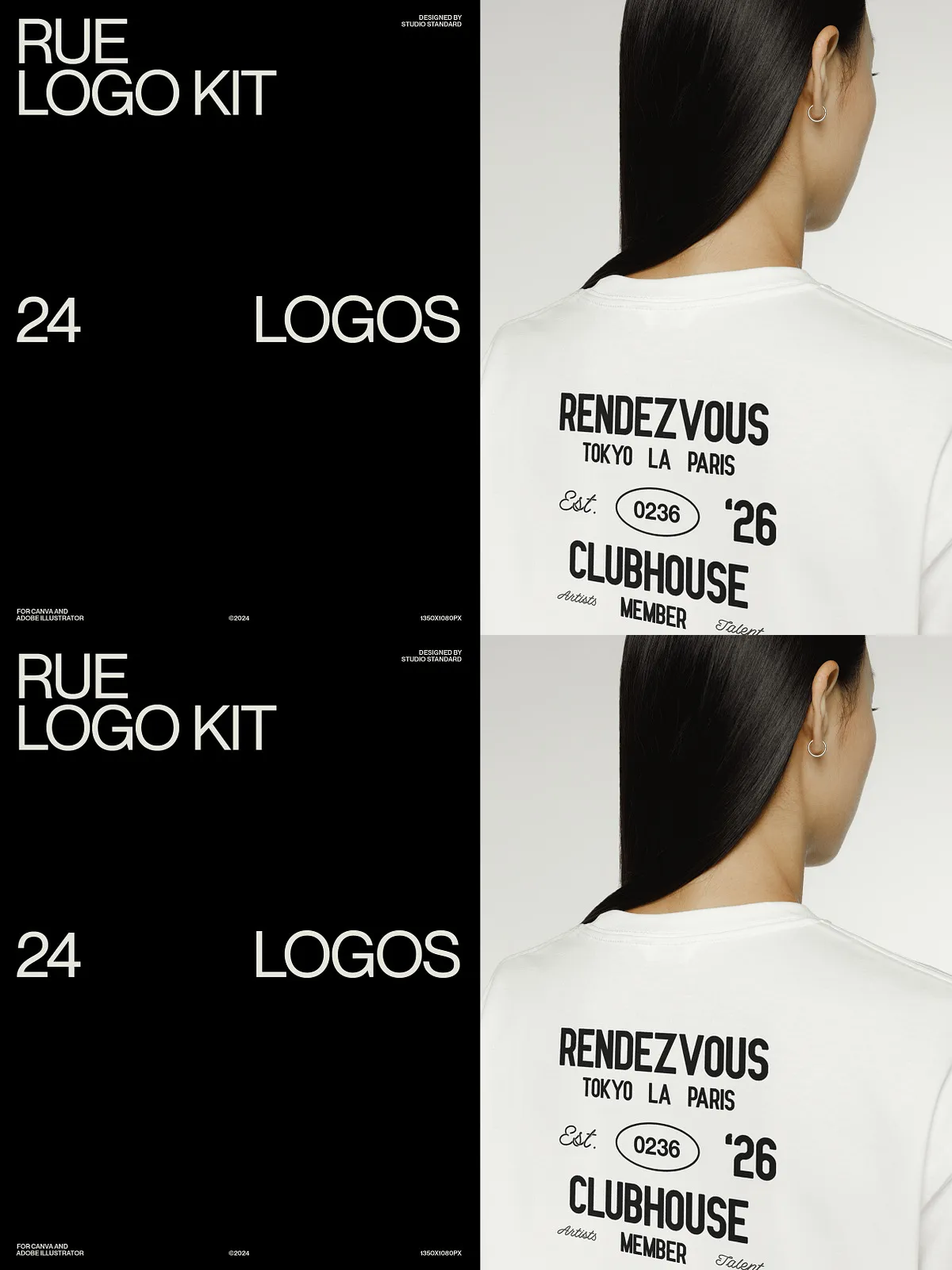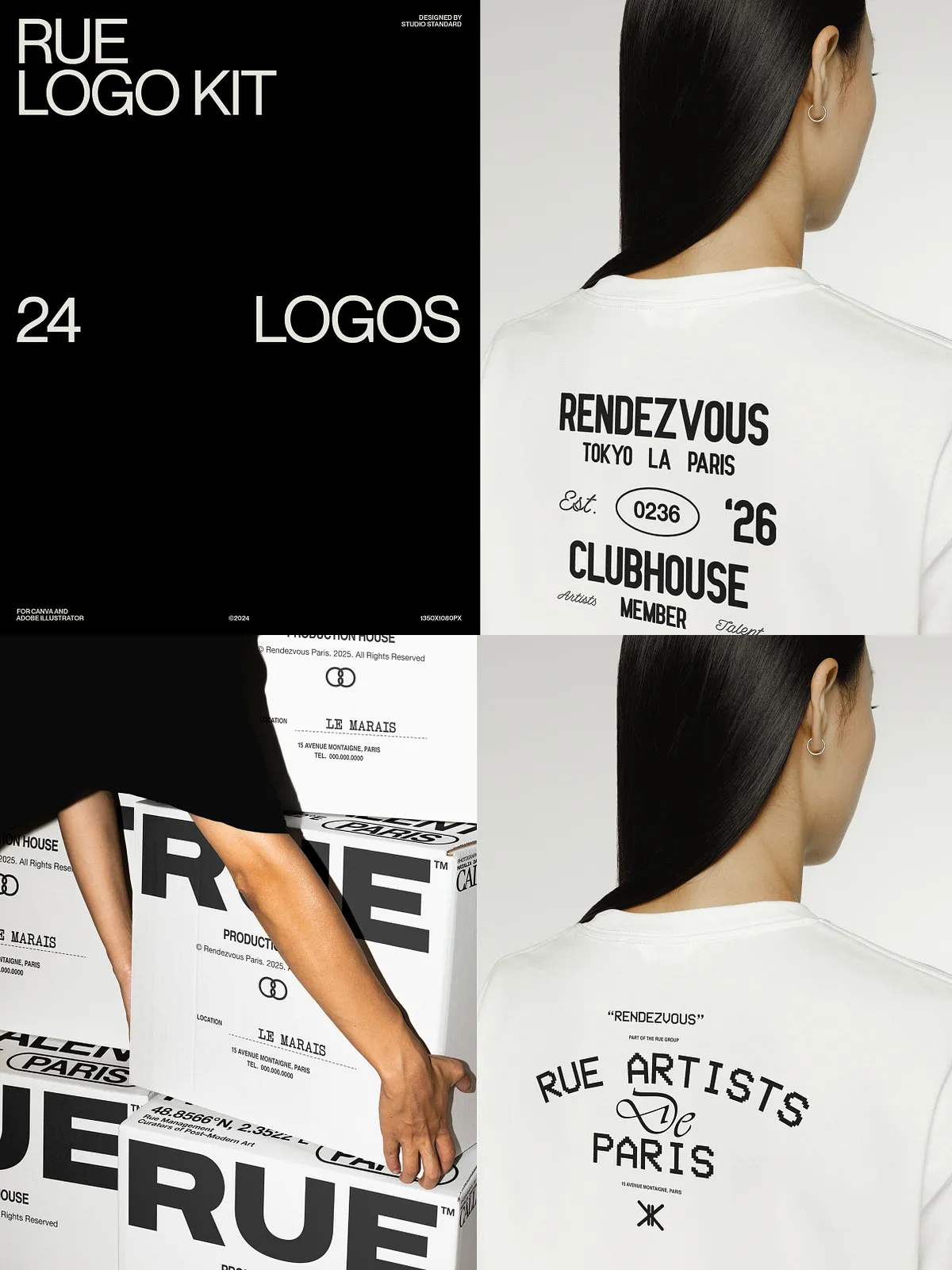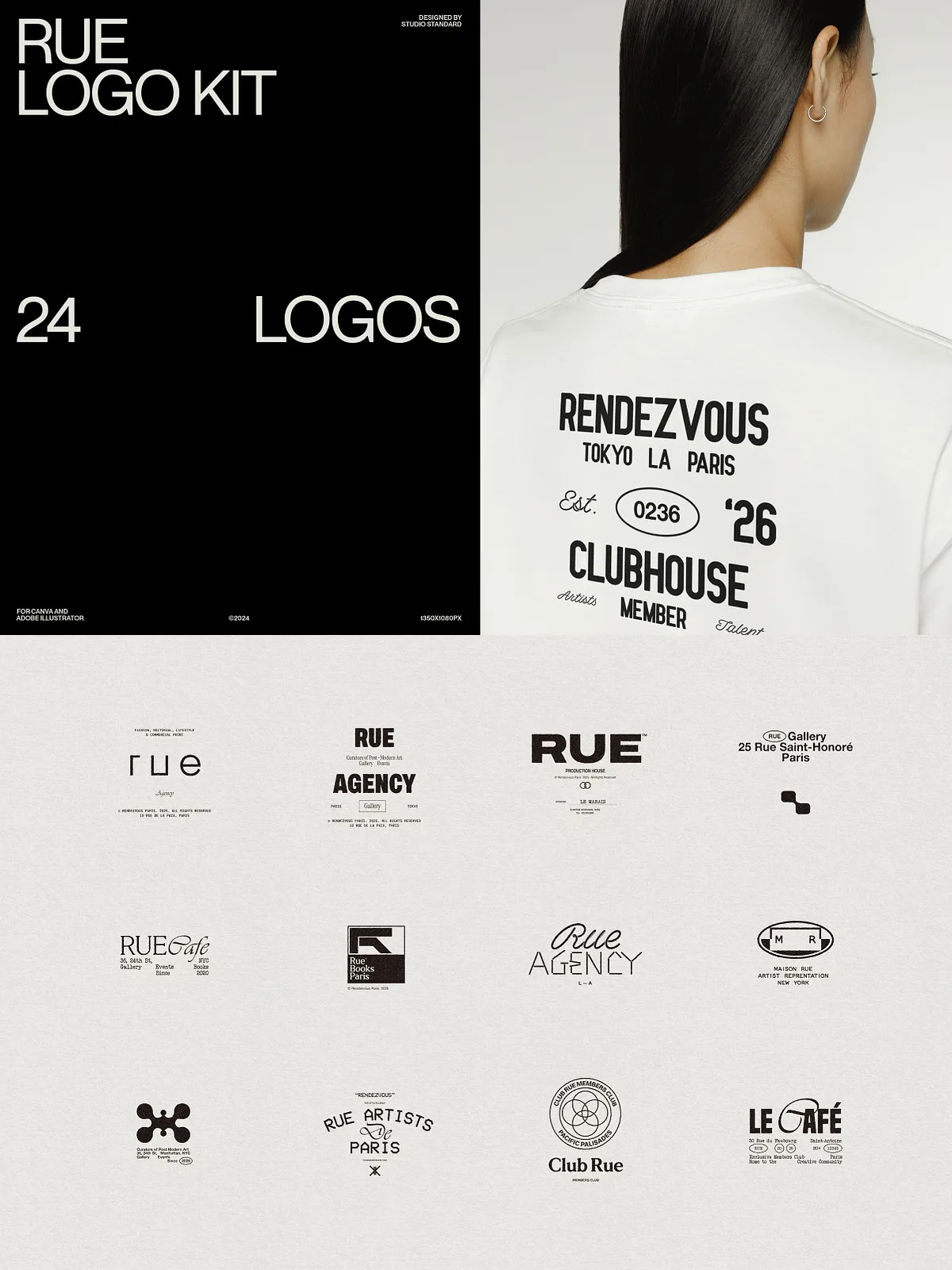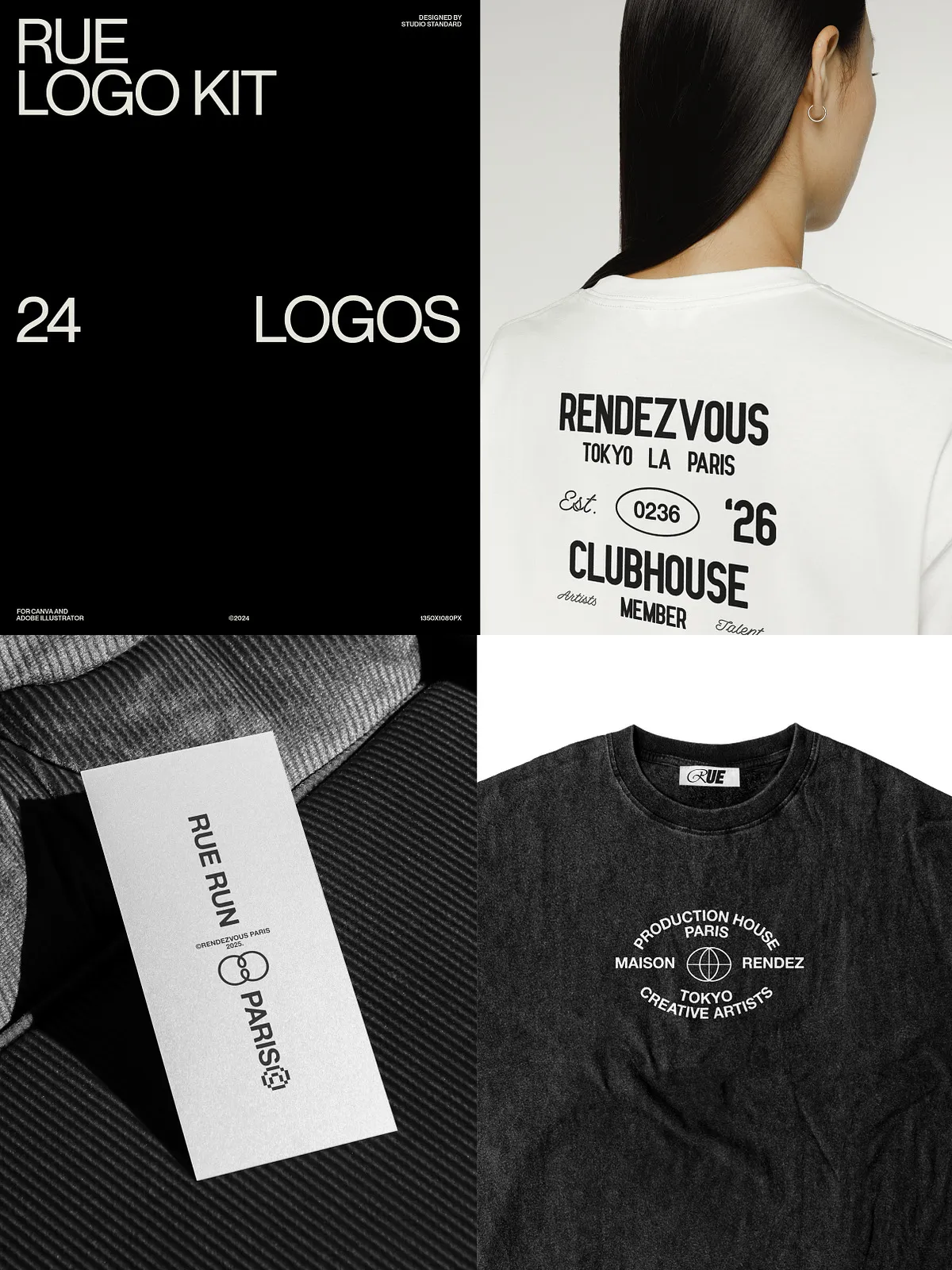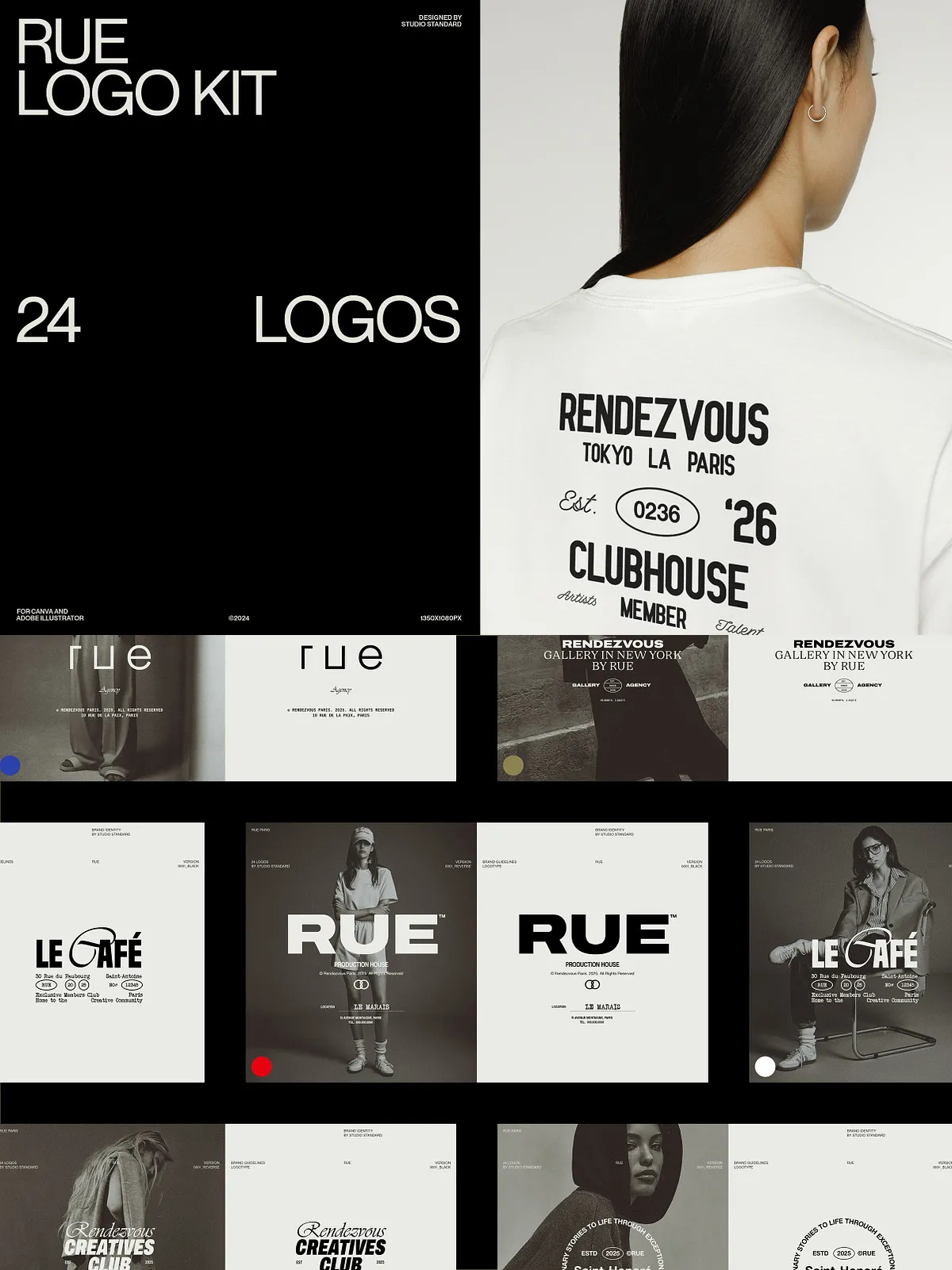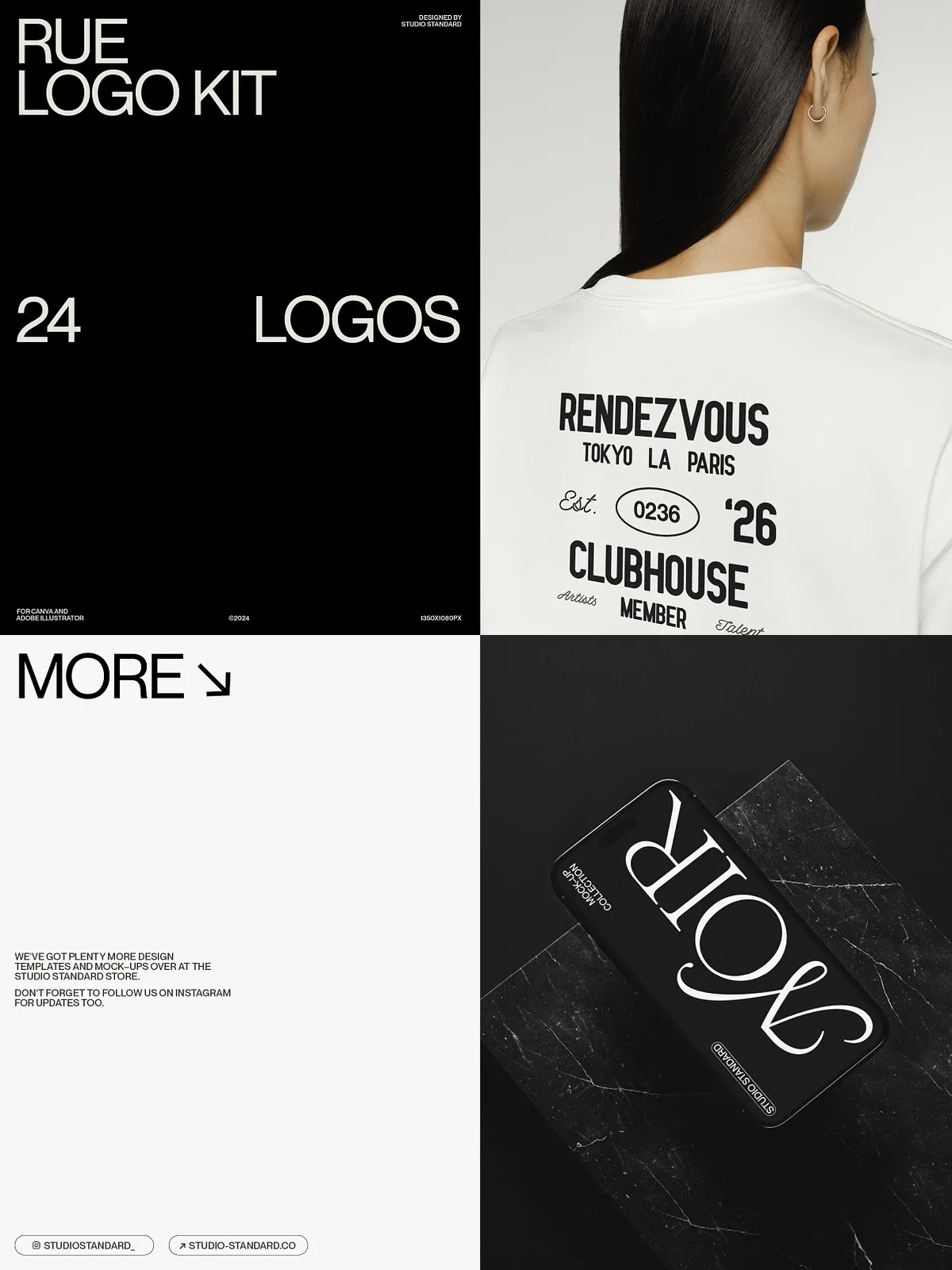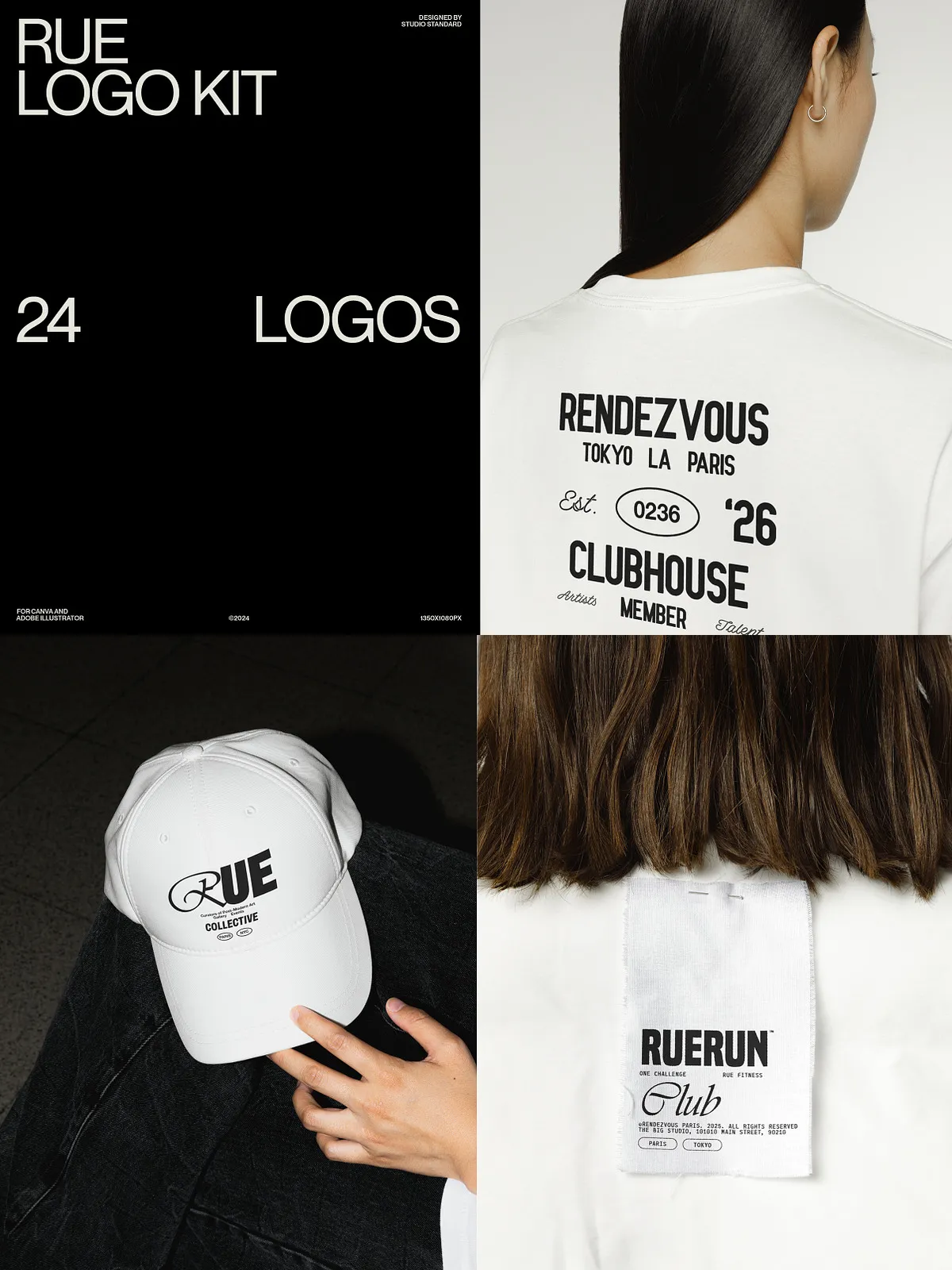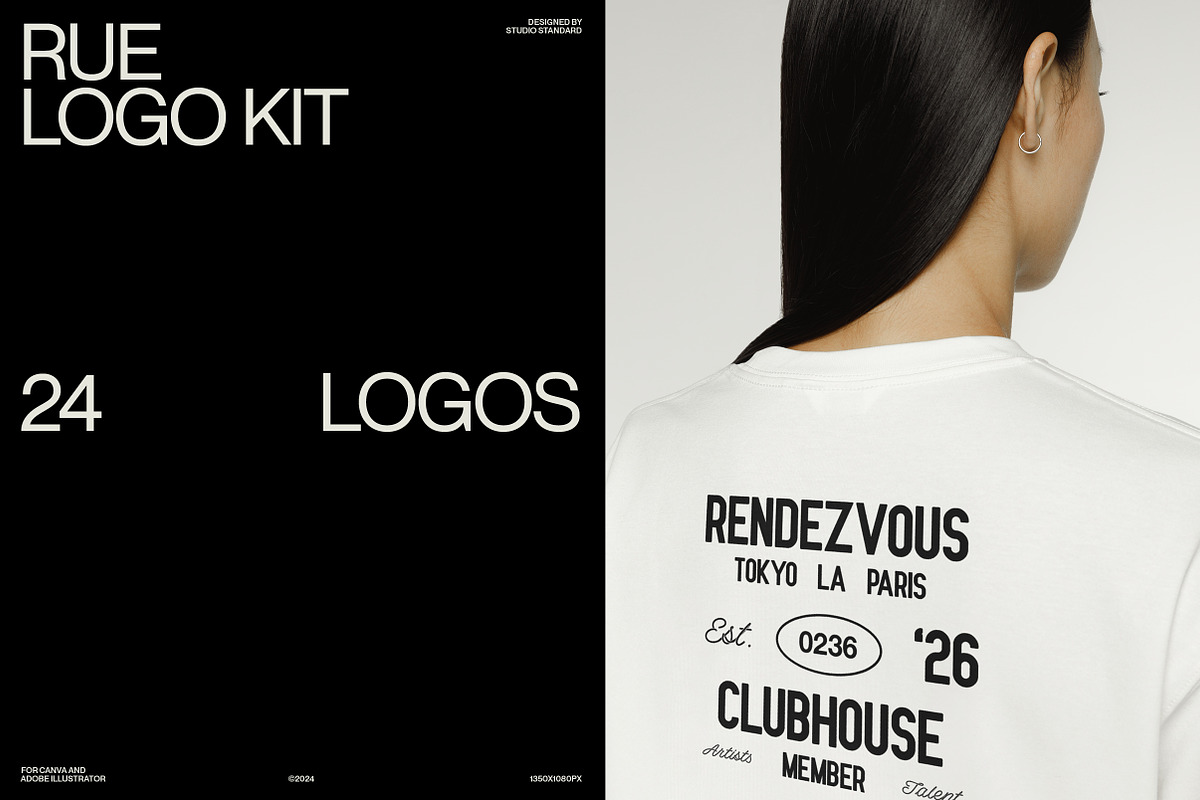
The RUE Logo Kit gives designers and brand strategists a practical, time-saving toolkit to create polished logos and present them with authority. This carefully assembled collection contains 24 vector-based logo templates that you can adapt instantly to fit your client’s typography, color palette, and creative direction. Designed for both Canva users and Adobe Illustrator workflows, the kit streamlines logo development and lets you produce professional brand assets quickly and consistently.
Why Choose RUE Logo Kit
Built for Speed and Flexibility
RUE empowers you to move from concept to deliverable without rebuilding common elements from scratch. Each template uses vector shapes and editable text, so you can resize, recolor, and refine elements without losing quality. Replace placeholder text, swap fonts, and apply your brand colors to generate a variety of unique marks in minutes.
Works Across Your Workflow
The kit supports both Canva and Adobe Illustrator—so you can choose the environment that matches your process. Use Canva for fast collaborative edits and client-facing quick-turn mockups. Use Illustrator when you need full vector control and export-ready master files. This dual-approach keeps work moving no matter the project scope or team setup.
What’s Included
- 24 fully customizable logo templates (vector-based)
- Editable text fields for headline and subline variations
- Brand presentation sheet (1920x1080px) to showcase logo options
- Files prepared for Canva and Adobe Illustrator (CS4, CS5, CS5.5, CS6, and CC)
- Guidance on applying free fonts used in the designs
- Photographs shown in previews are for illustration only and are not included
Key Features
True Vector Artwork
All logos use vector shapes, enabling precise scaling for any application—from social avatars to large format signage. Adjust stroke weights and proportions in Illustrator to suit print or digital contexts while maintaining crisp output.
Fully Editable Typography
Each template emphasizes typographic flexibility. Swap fonts, change letter spacing, and adjust hierarchy to make the logo speak in your brand voice. The included designs use free, widely available fonts so you can reproduce the look without extra licensing hurdles.
Presentation-Ready Brand Sheet
Showcase options with a polished 1920x1080px brand board that displays logo variations, color palettes, and usage notes. The presentation sheet helps you communicate rationale and application to clients, accelerating approvals and reducing back-and-forth.
How to Use
Fast Customization Workflow
Start by choosing the logo template that best aligns with your concept. Replace the placeholder name and tagline with your client’s identity, then apply the brand color palette and test alternate fonts. Export proof images for client review from Canva or Illustrator, collect feedback, and finalize the master vector files for delivery.
Deliverables and Handoff
Once finalized, export logos in web-friendly formats (PNG, JPG) for immediate use and in vector formats (SVG, AI, PDF) for long-term scalability. Include the brand presentation sheet as part of the handoff to document intended usage, clear space, and color specifications.
Compatibility and Requirements
- Compatible with Canva (browser version) for fast edits and social mockups
- Compatible with Adobe Illustrator CS4, CS5, CS5.5, CS6, and CC for full vector editing
- Uses free fonts—links provided so you can install and reproduce the designs
- Photographs used in previews are not included; replace with your own imagery