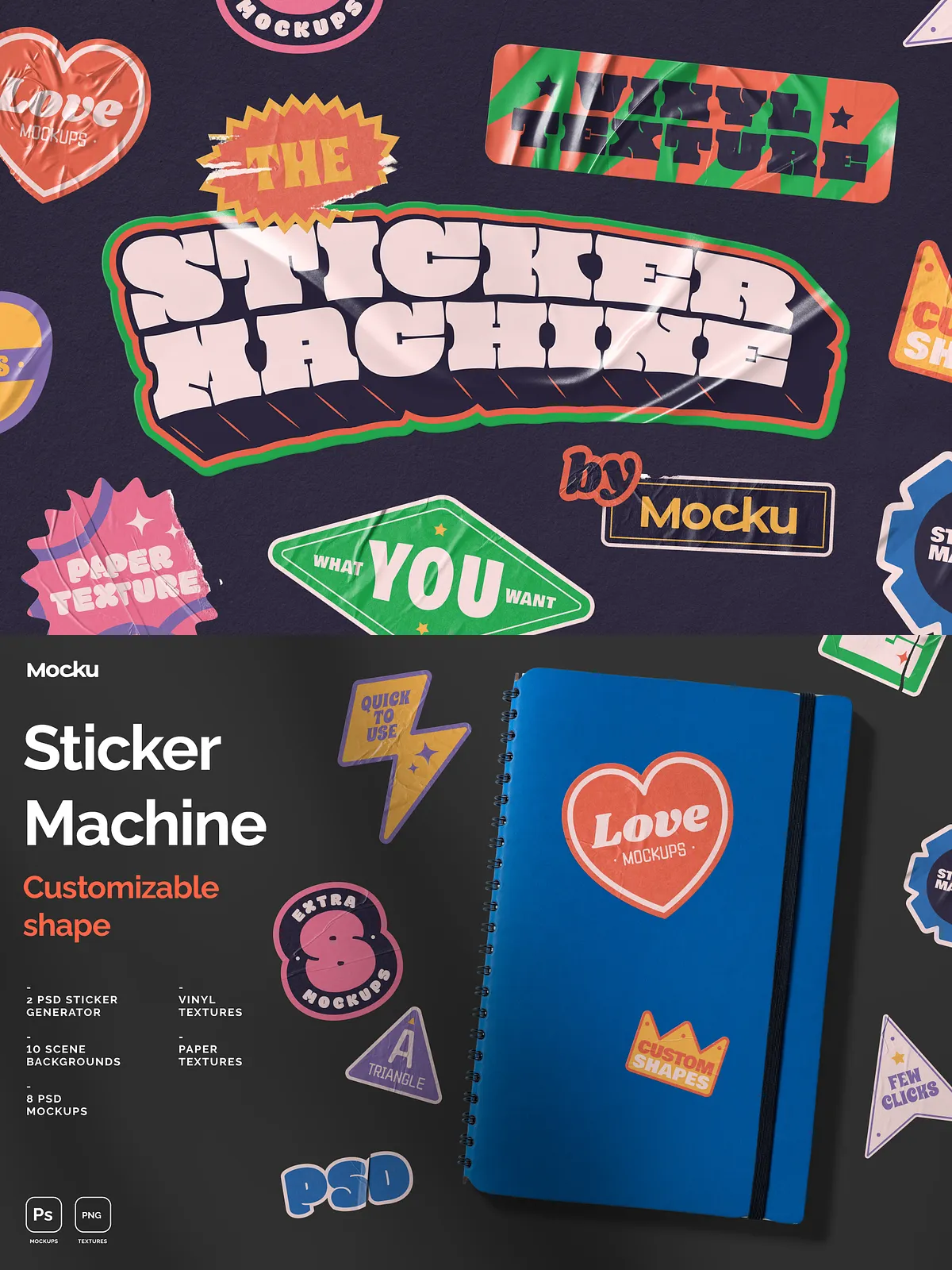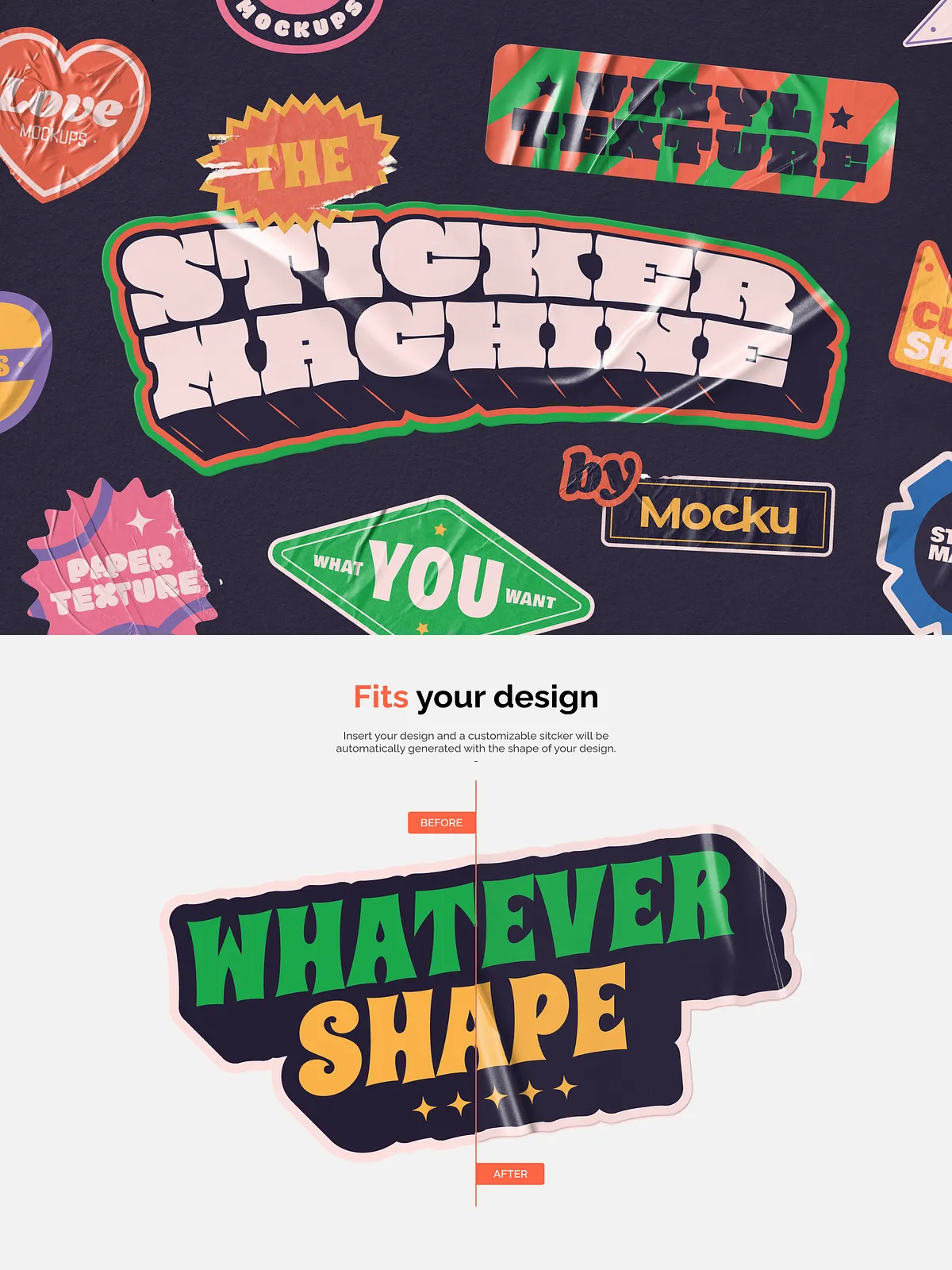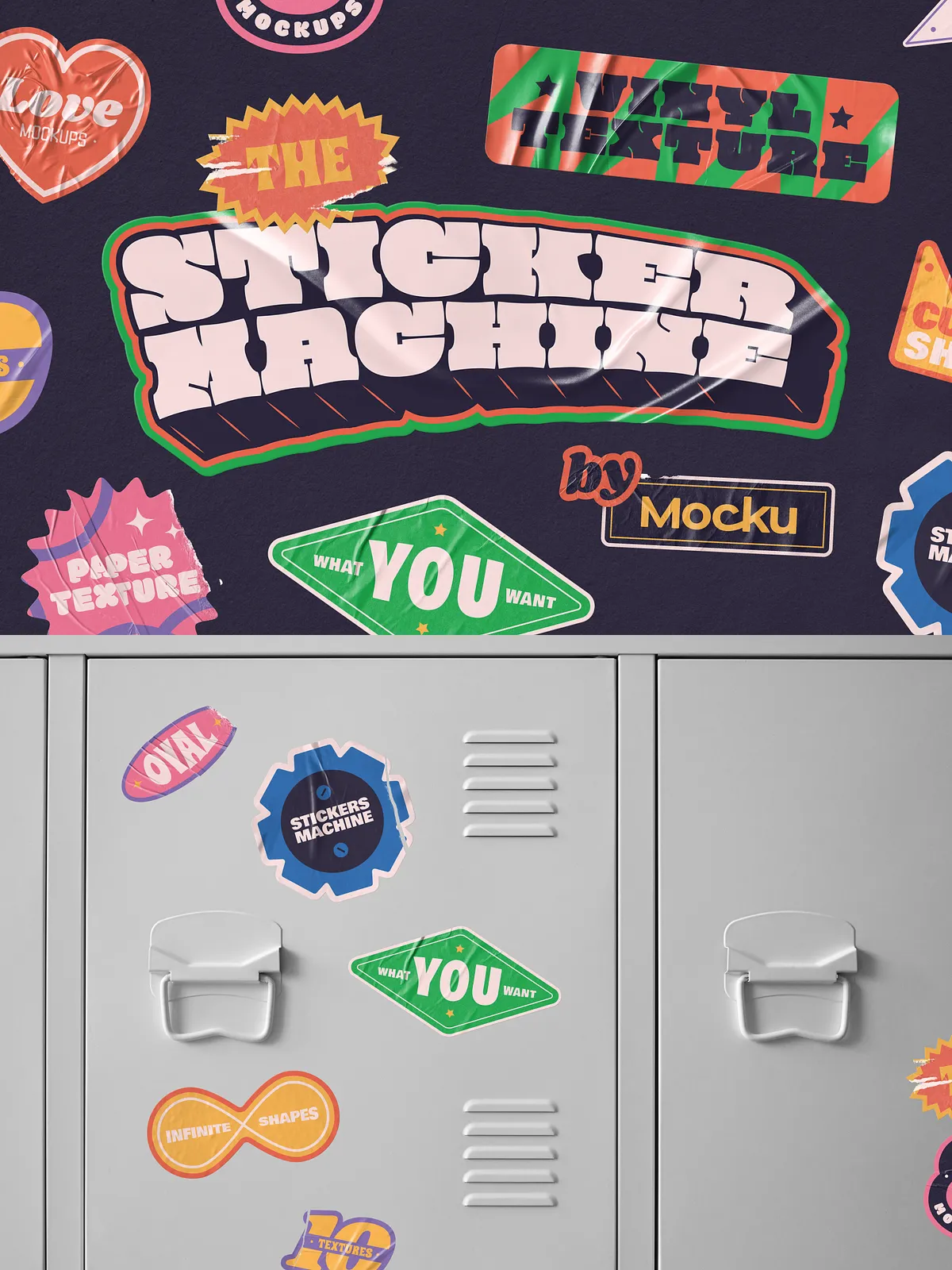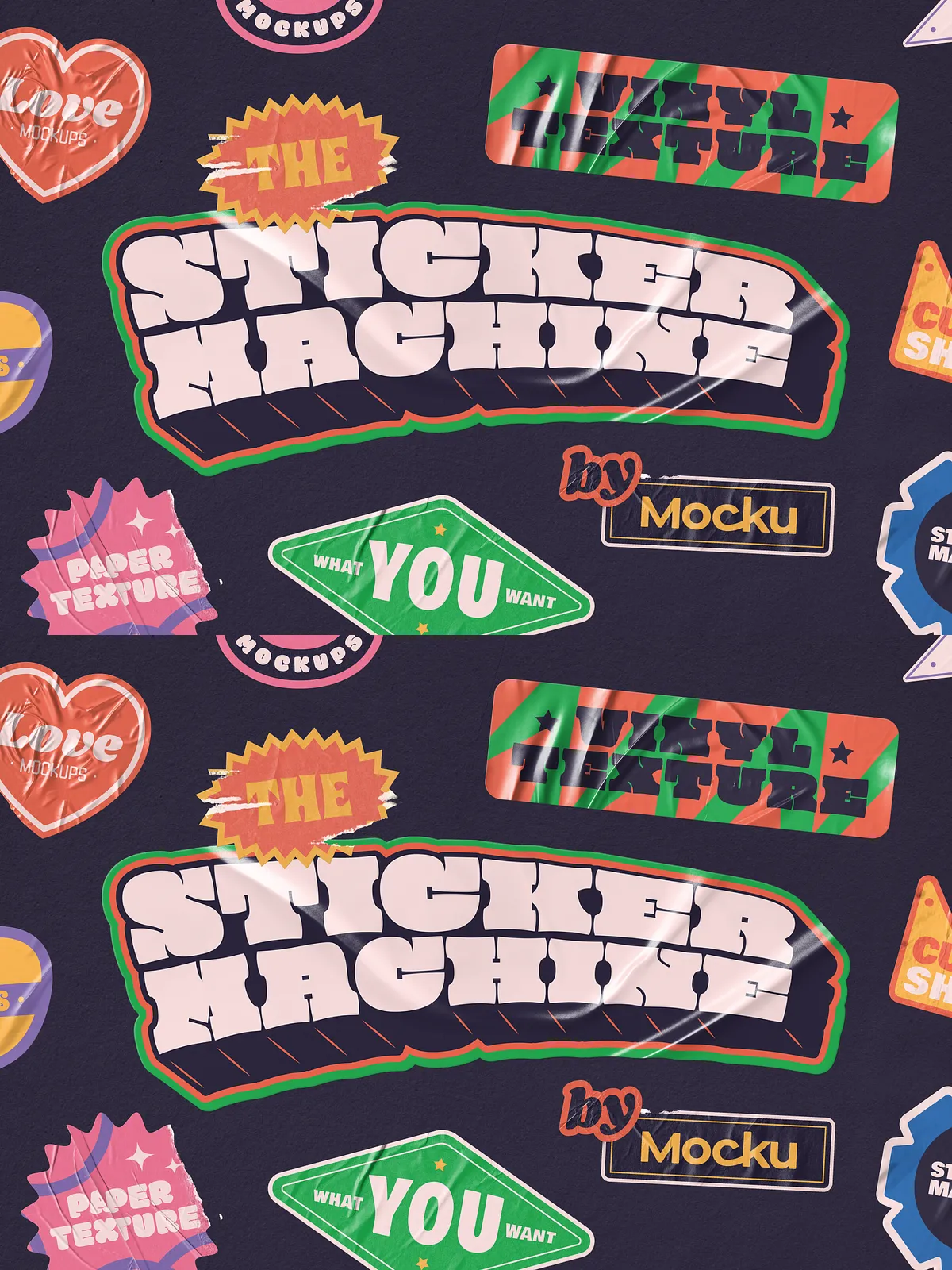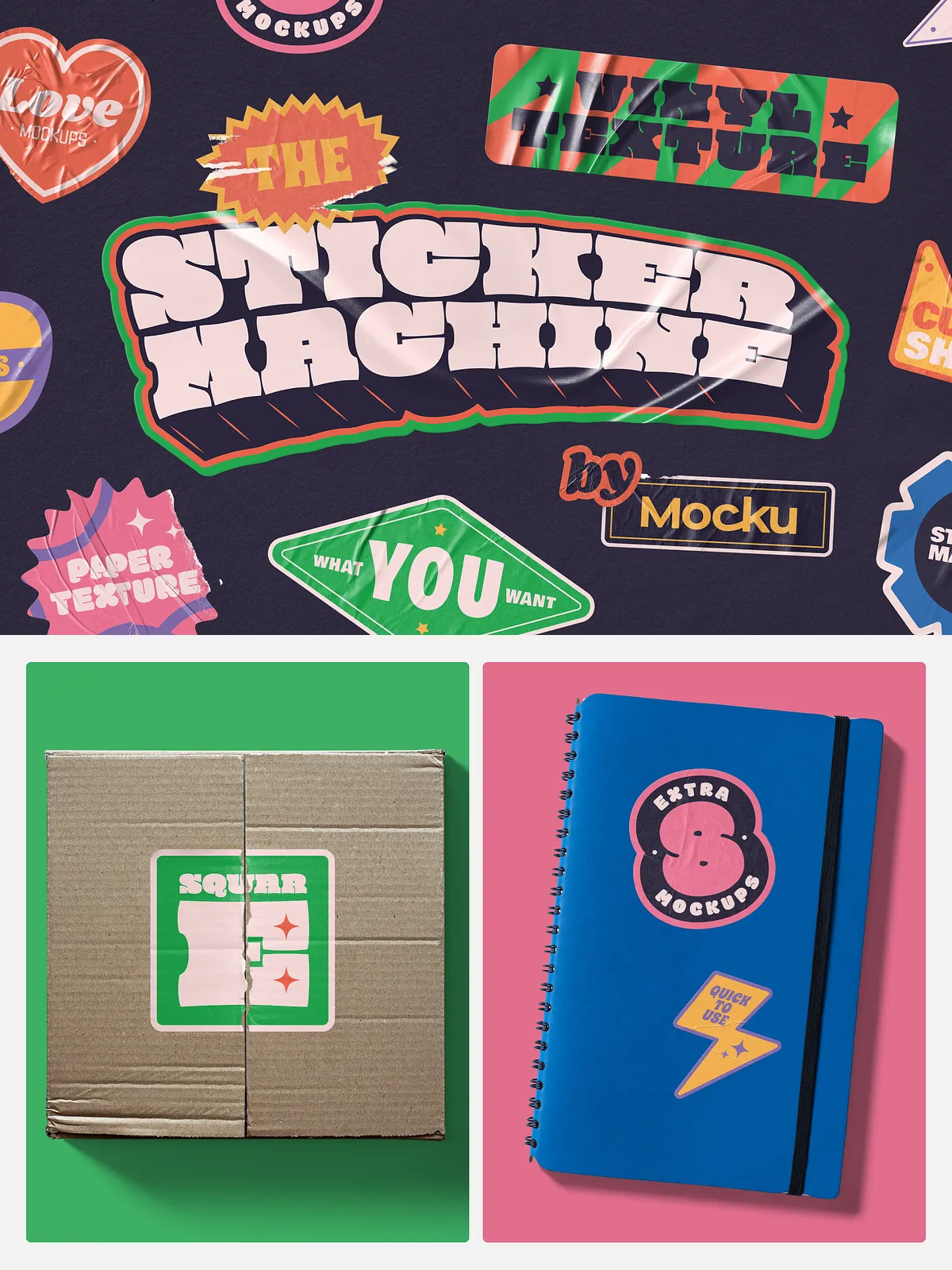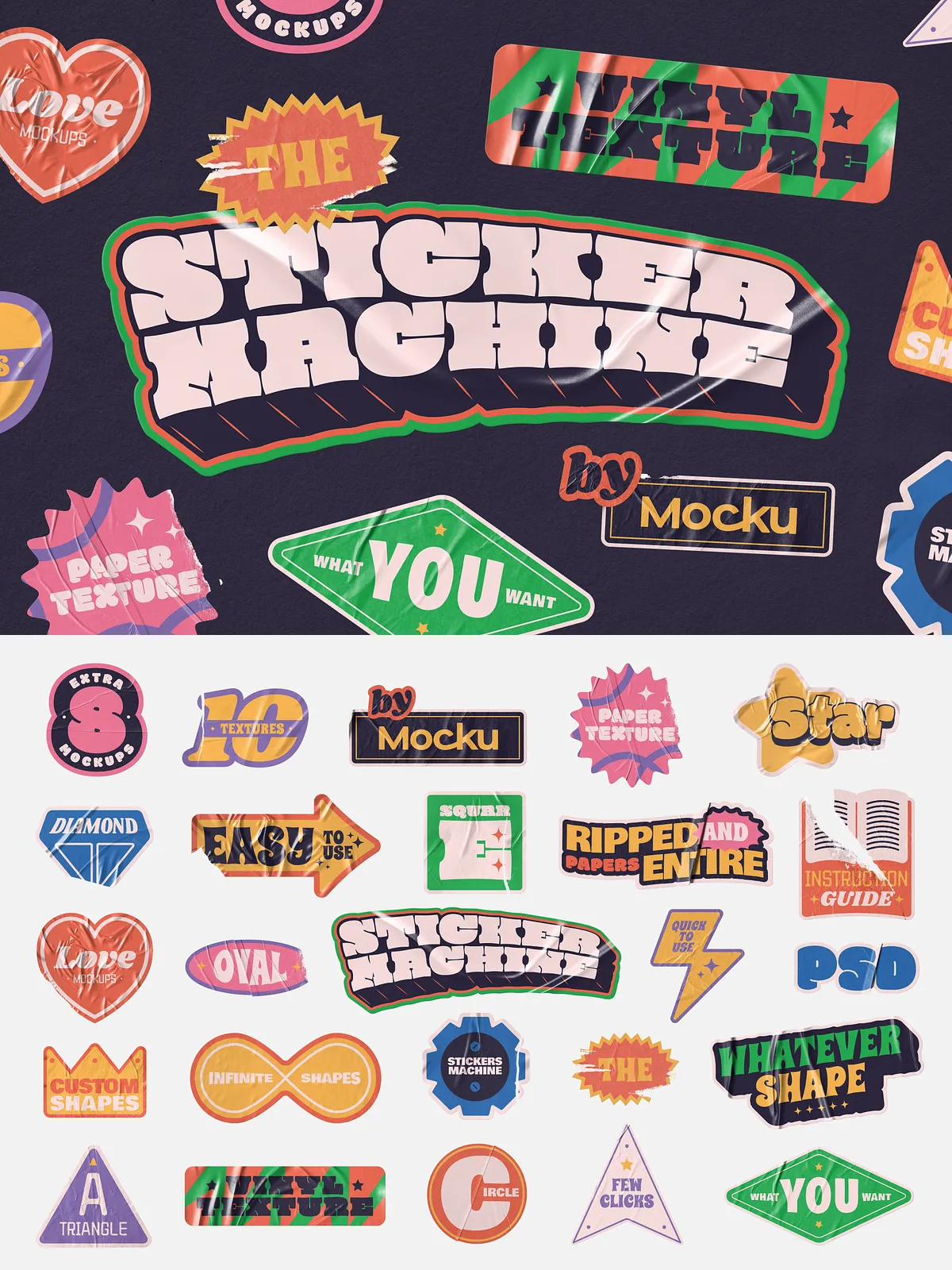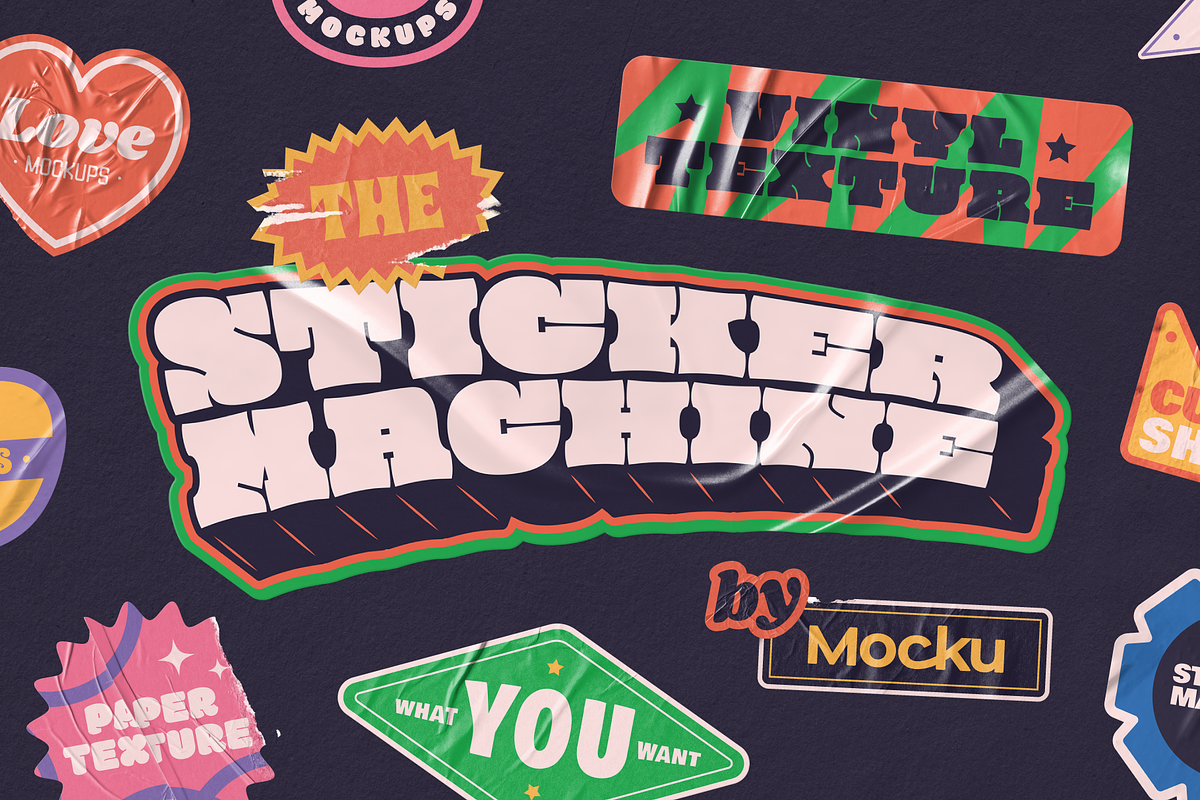
The Sticker Machine empowers designers to generate high-quality sticker mockups that adapt precisely to the shape of any artwork. Built on flexible PSD smart objects, this generator actively maps your design onto paper or vinyl surfaces, whether you want a clean edge or a ripped look. The pack equips you to produce professional scenes, export transparent assets, and present polished visuals across portfolios, shops, and marketing channels.
What You Get
Included Files
- 1 PSD Sticker Generator with paper textures (fully layered and editable)
- 1 PSD Sticker Generator with vinyl textures (fully layered and editable)
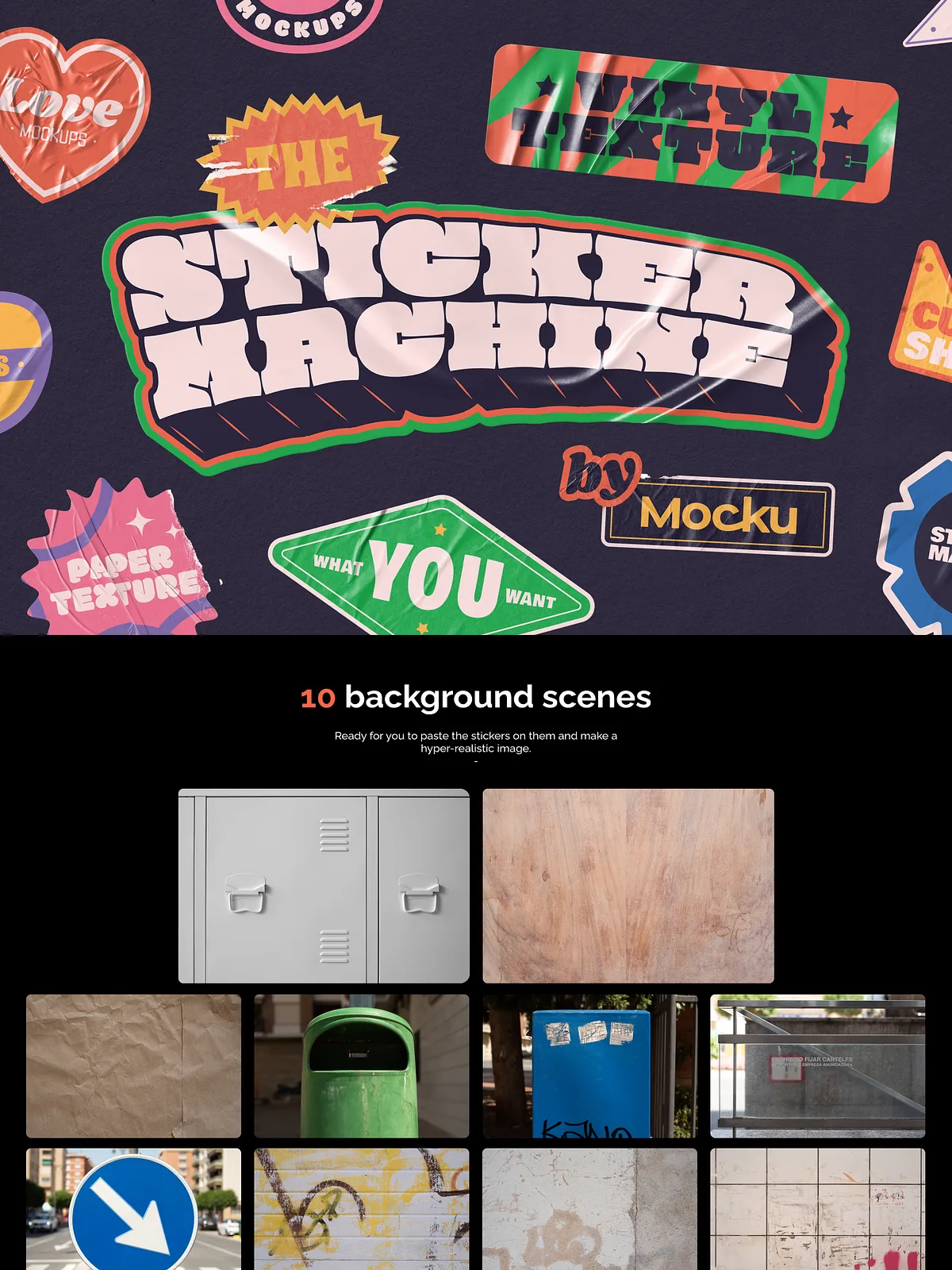
- 10 high-resolution JPG background scenes to stage your stickers
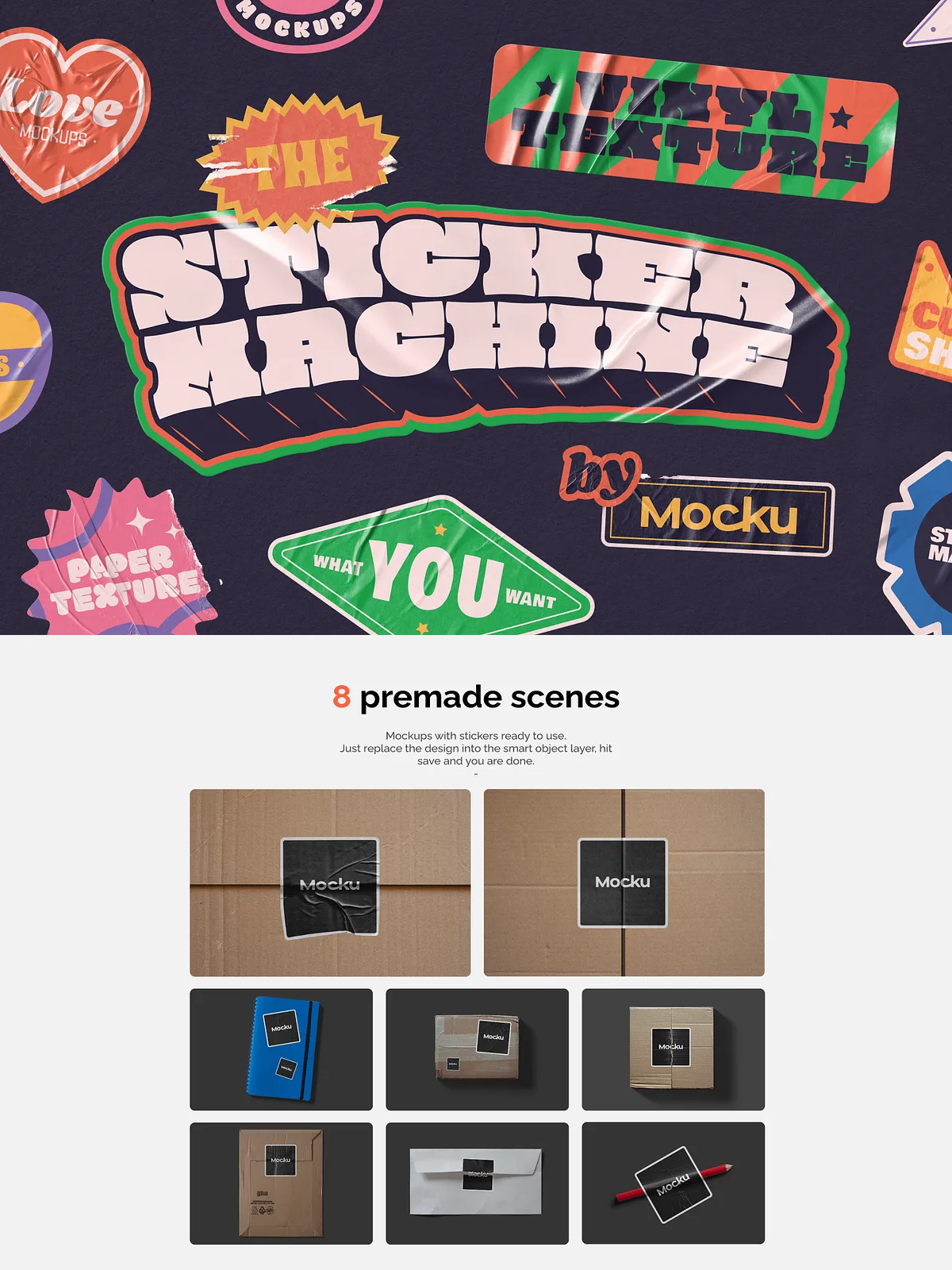
- 8 PSD premade mockups with corresponding JPG previews
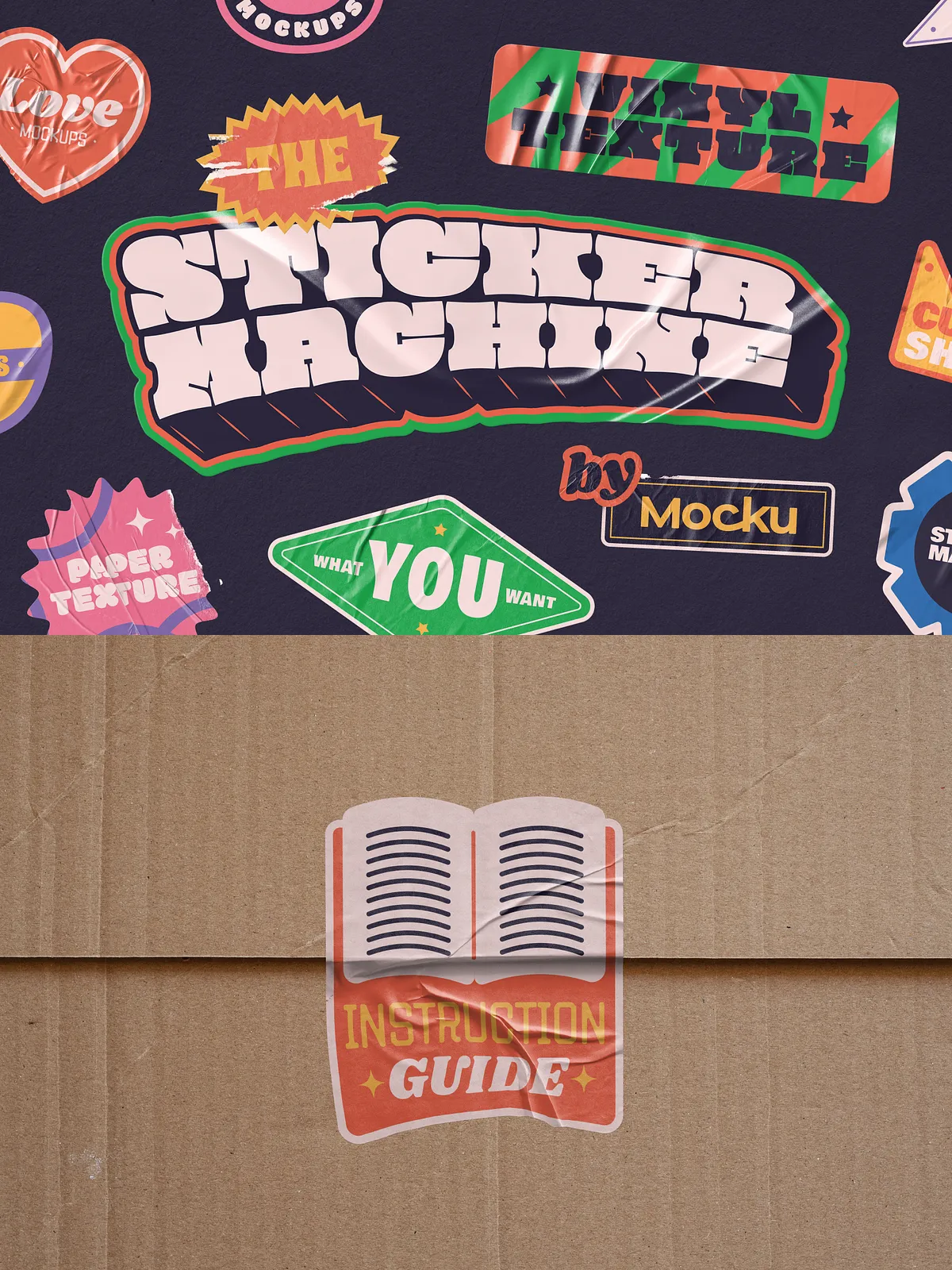
- Instruction guides and usage notes
Key Features
Shape-Adaptive Generation
The Sticker Machine automatically conforms textures, shadows, and edges to the geometry of your artwork so final mockups look natural and believable. Replace the smart-object with your design and watch the generator apply paper grain, vinyl sheen, or ripped-edge details that reflect real materials.
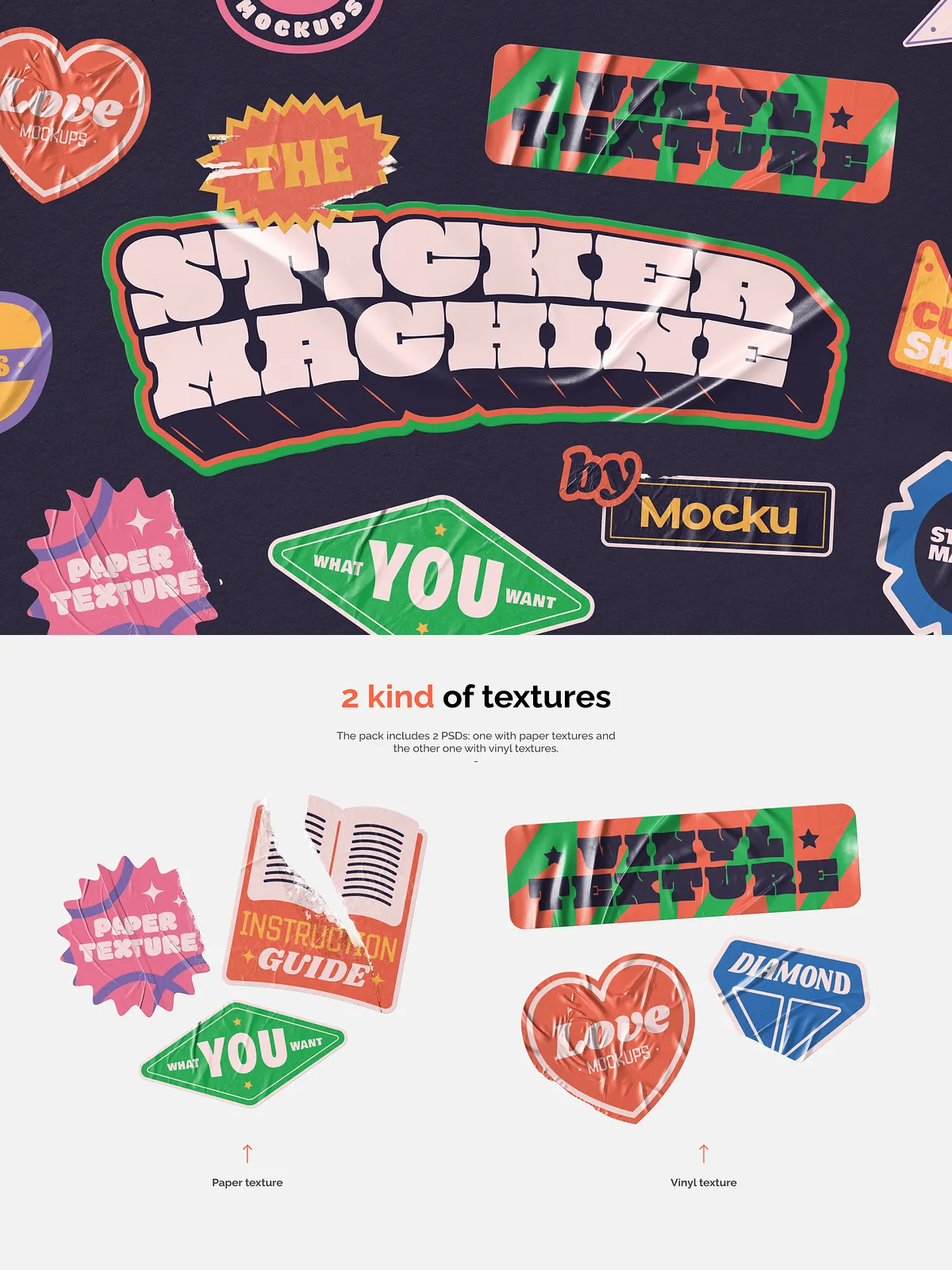
Paper and Vinyl Textures
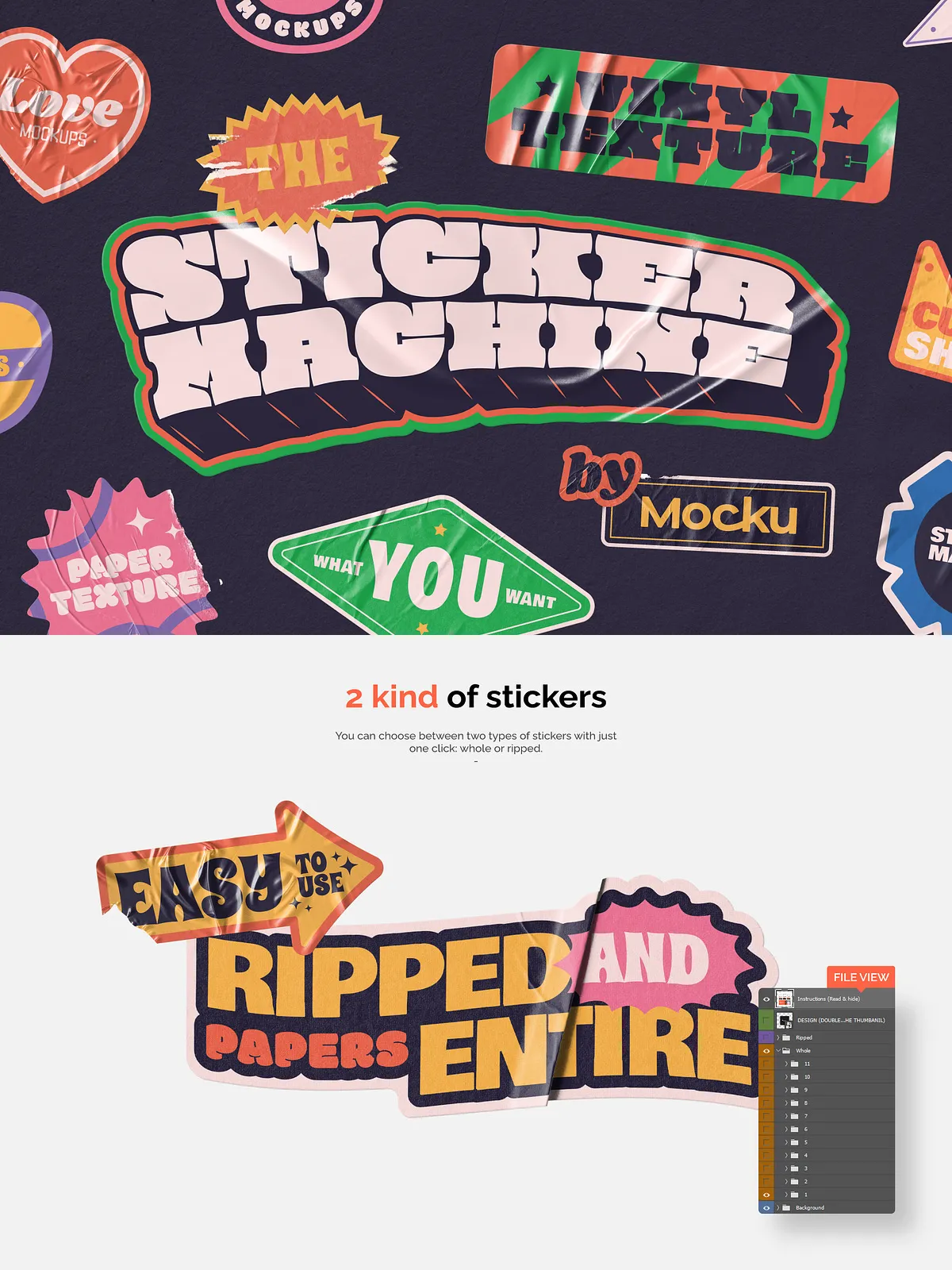
Choose between full-sheet paper textures or reflective vinyl finishes. Each texture set includes variants for whole and ripped treatments so you can achieve a handcrafted or industrial look depending on your brand voice.
Scene Builder and Premade Mockups
Stage stickers quickly using the included 10 background scenes or load any background color. The 8 premade PSD mockups work as plug-and-play presentations for product pages, social assets, or portfolio showcases. Combine scenes and mockups to create complex visuals without building setups from scratch.
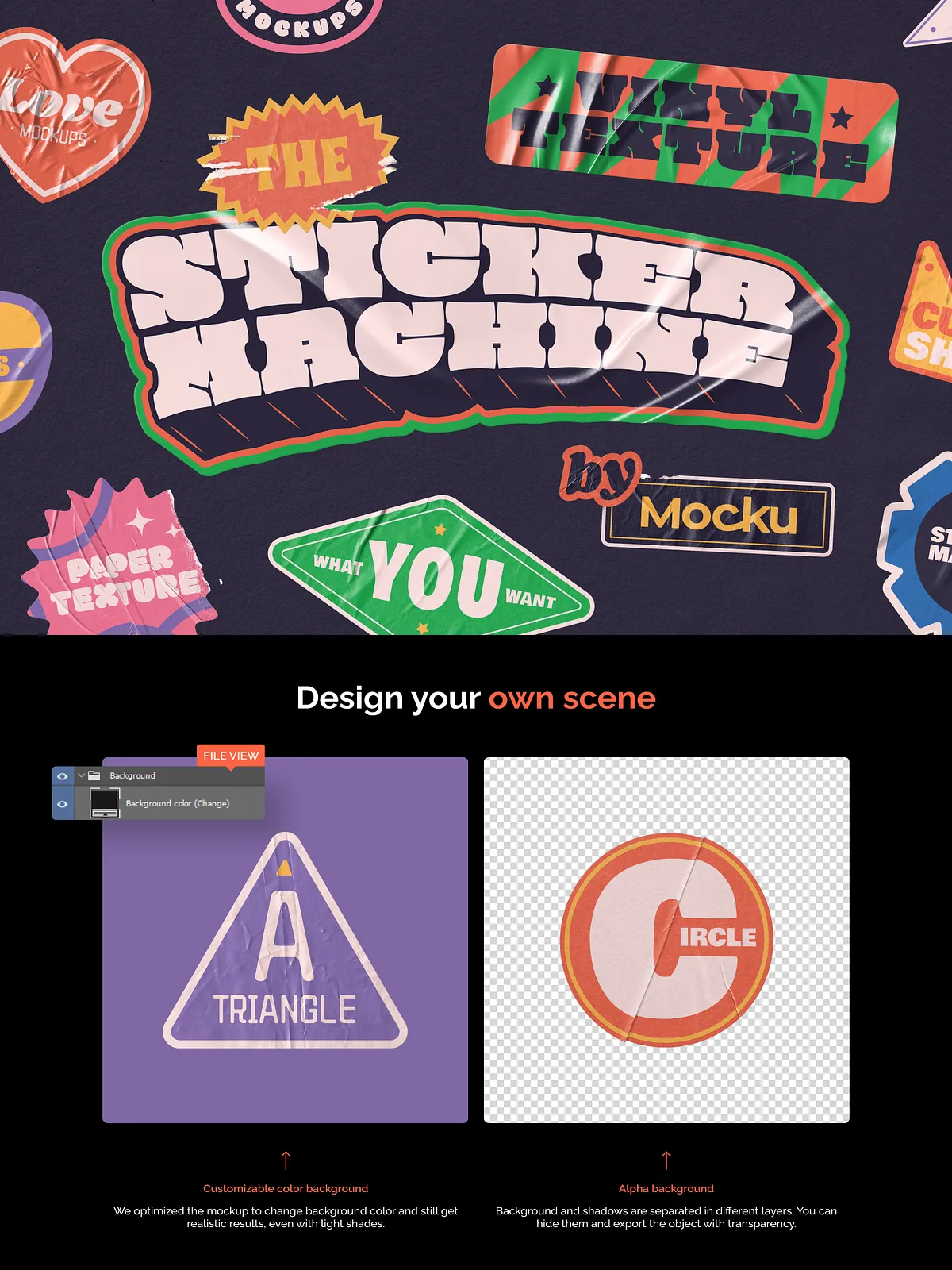
Alpha Export and Background Control
Export stickers with alpha transparency for seamless use in any layout, or select a background color to generate finished images ready for social or shop uploads. This flexibility removes extra steps and speeds delivery to clients and marketplaces.
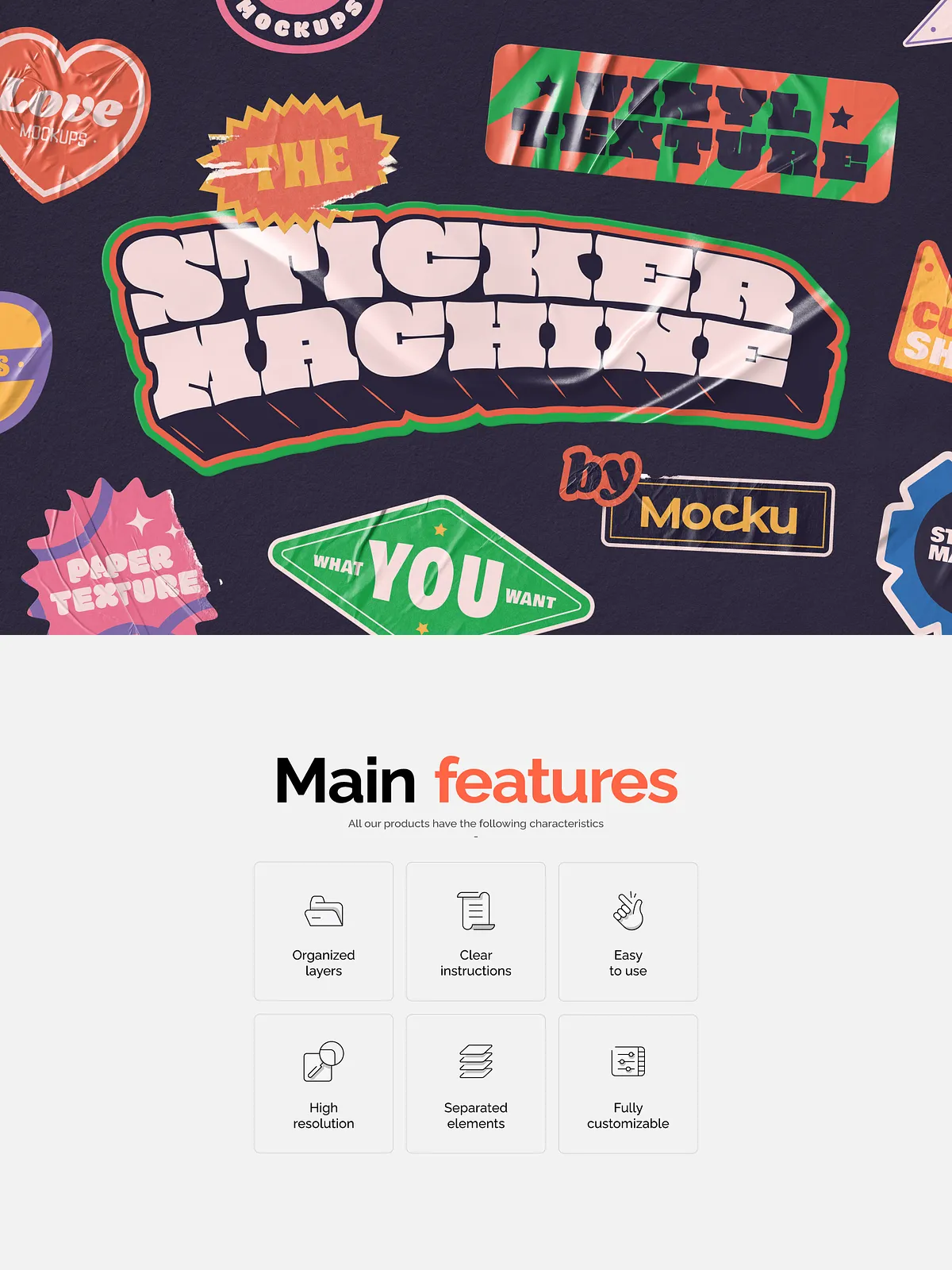
High Resolution & Separated Elements
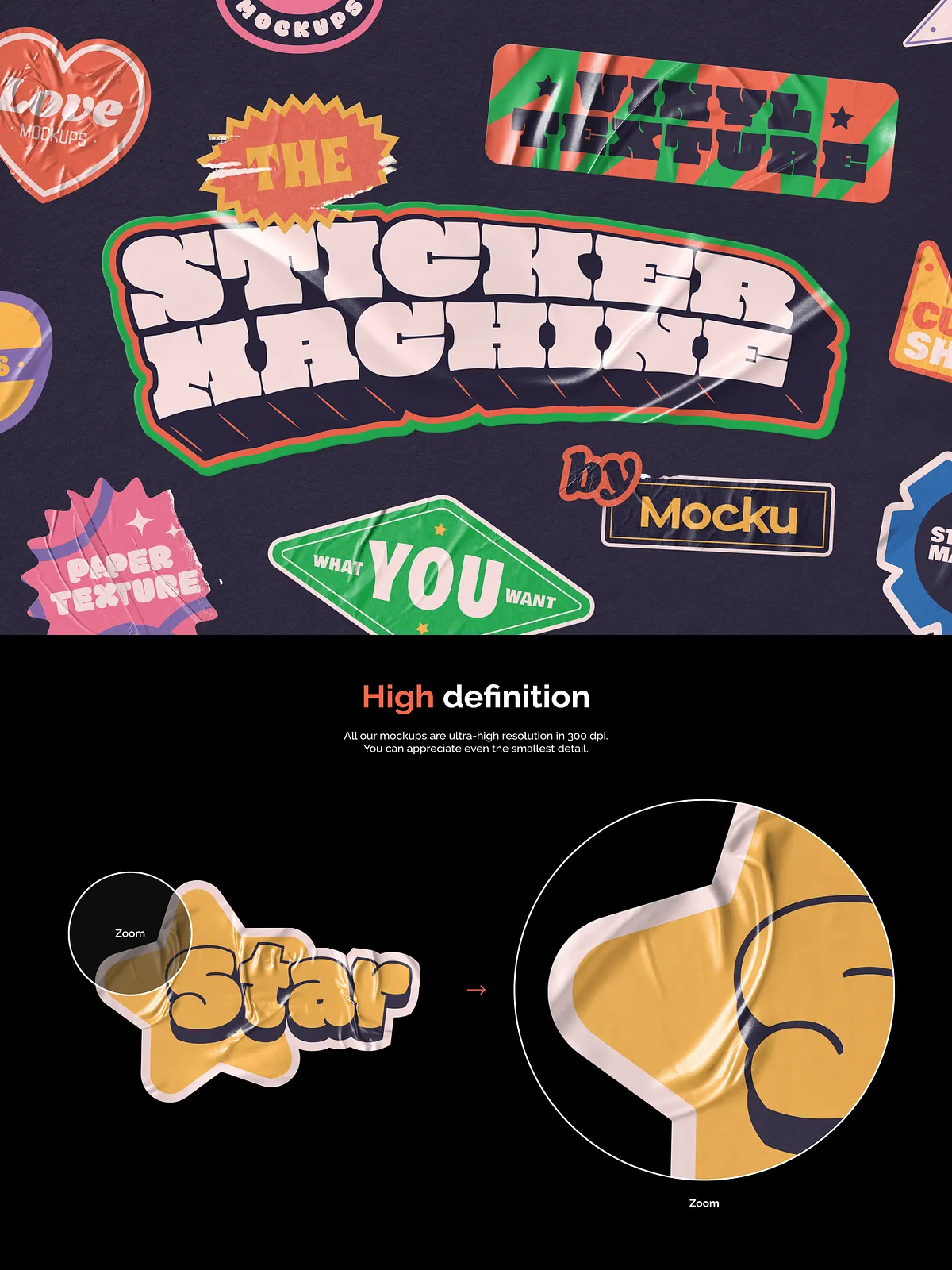
All outputs and preview assets come in high resolution. Layers remain organized and separated so you can tweak shadows, highlights, or placement without redoing the entire mockup.
How It Works
Simple Smart-Object Workflow
Open the PSD, locate the smart-object layer, paste your artwork, save the smart object, and the generator updates the scene automatically. The process lets you iterate rapidly: change your artwork, save, and export without rebuilding lighting, bevels, or texture maps.
Customization and Control
Every mockup contains clearly labeled layers and folders so you can adjust texture strength, shadow depth, and scene elements. Move or hide elements, swap background scenes, and fine-tune color balance to match your presentation needs. The organized layer structure makes customization efficient for both beginners and advanced users.
Support and Guidance
Clear Instructions
The pack includes concise, step-by-step instruction guides that walk you through editing the smart objects, switching textures, and exporting assets. If you encounter any issues, contact support and the team will respond to help resolve the problem promptly.
Easy to Use
Designed for speed and clarity, The Sticker Machine minimizes setup time. Whether you need a single product shot or dozens of staged images for an e-commerce launch, the generator streamlines production so you meet deadlines with confidence.
Why Choose The Sticker Machine
The Sticker Machine delivers a professional, production-ready toolset that elevates sticker presentation. By automating texture mapping and scene generation, it reduces manual Photoshop labor while preserving full creative control. Use this pack to enhance product listings, craft standout social content, and produce portfolio-ready visuals that accurately represent your material choices and finishing options.
Quick Start
To begin, open any PSD mockup, double-click the smart-object layer, paste your design, save, and return to the main file. Adjust scene and texture settings as needed, then export with or without a background. With minimal clicks, you create high-quality sticker assets ready for web, print previews, or presentation decks.