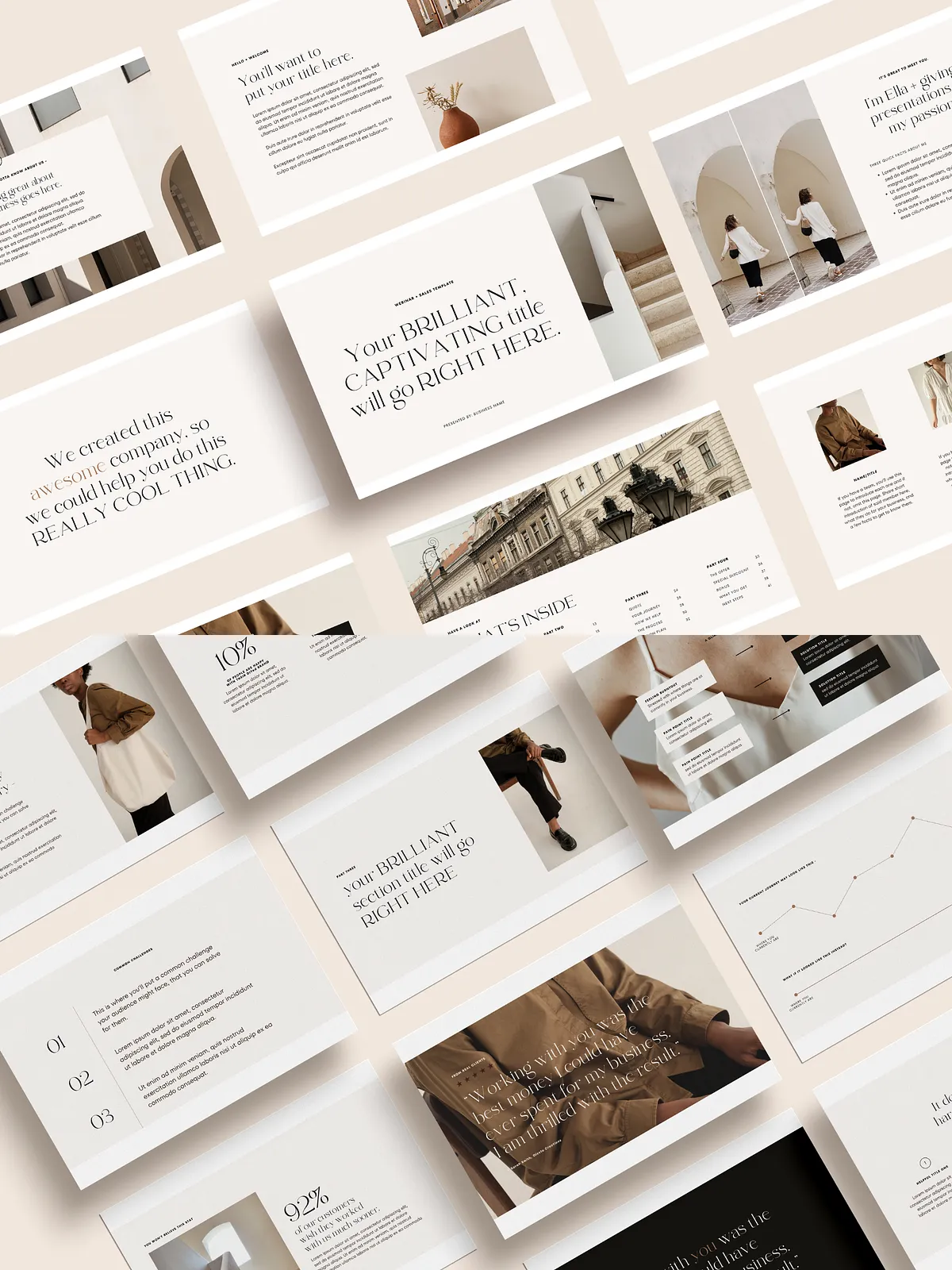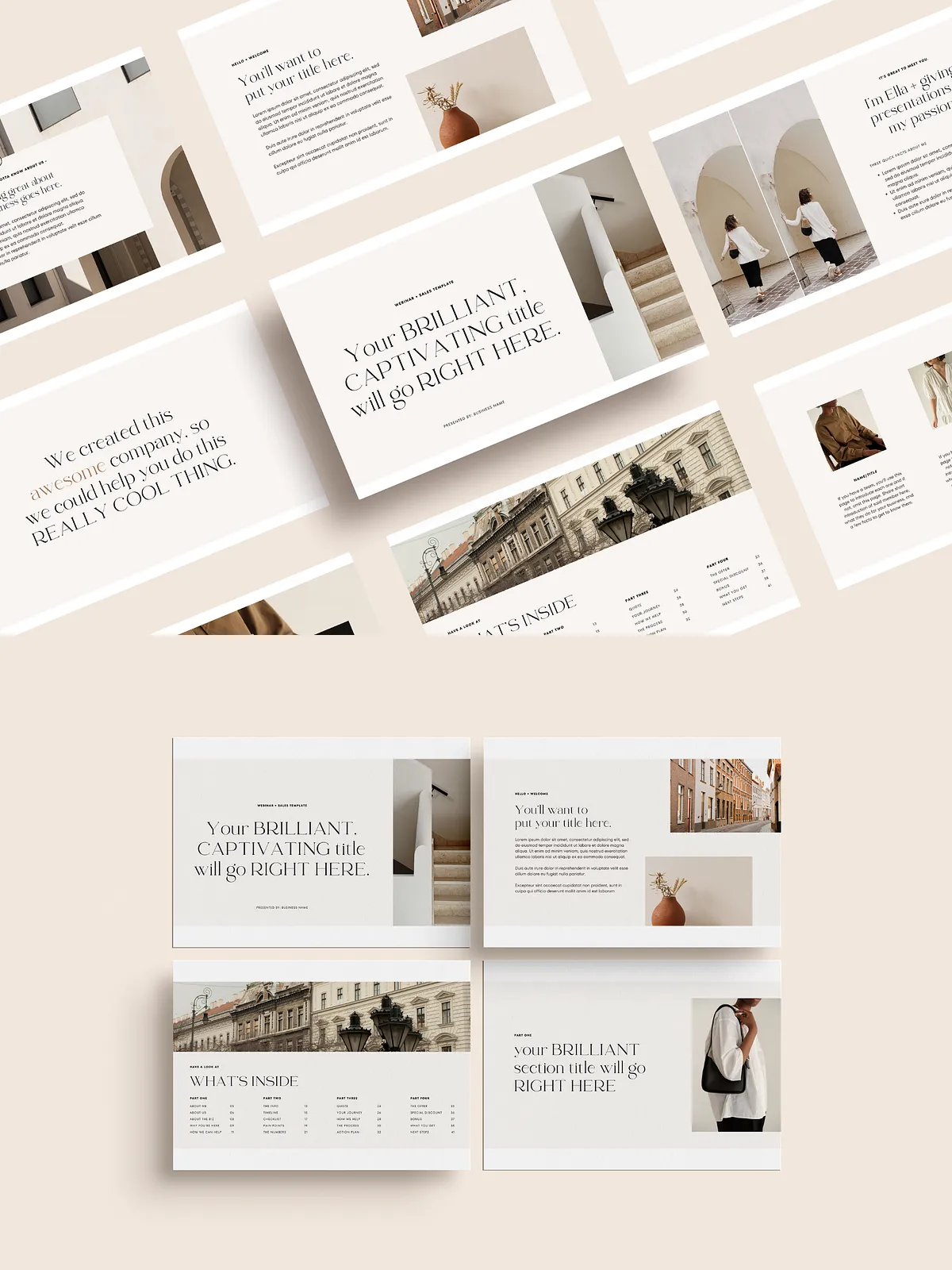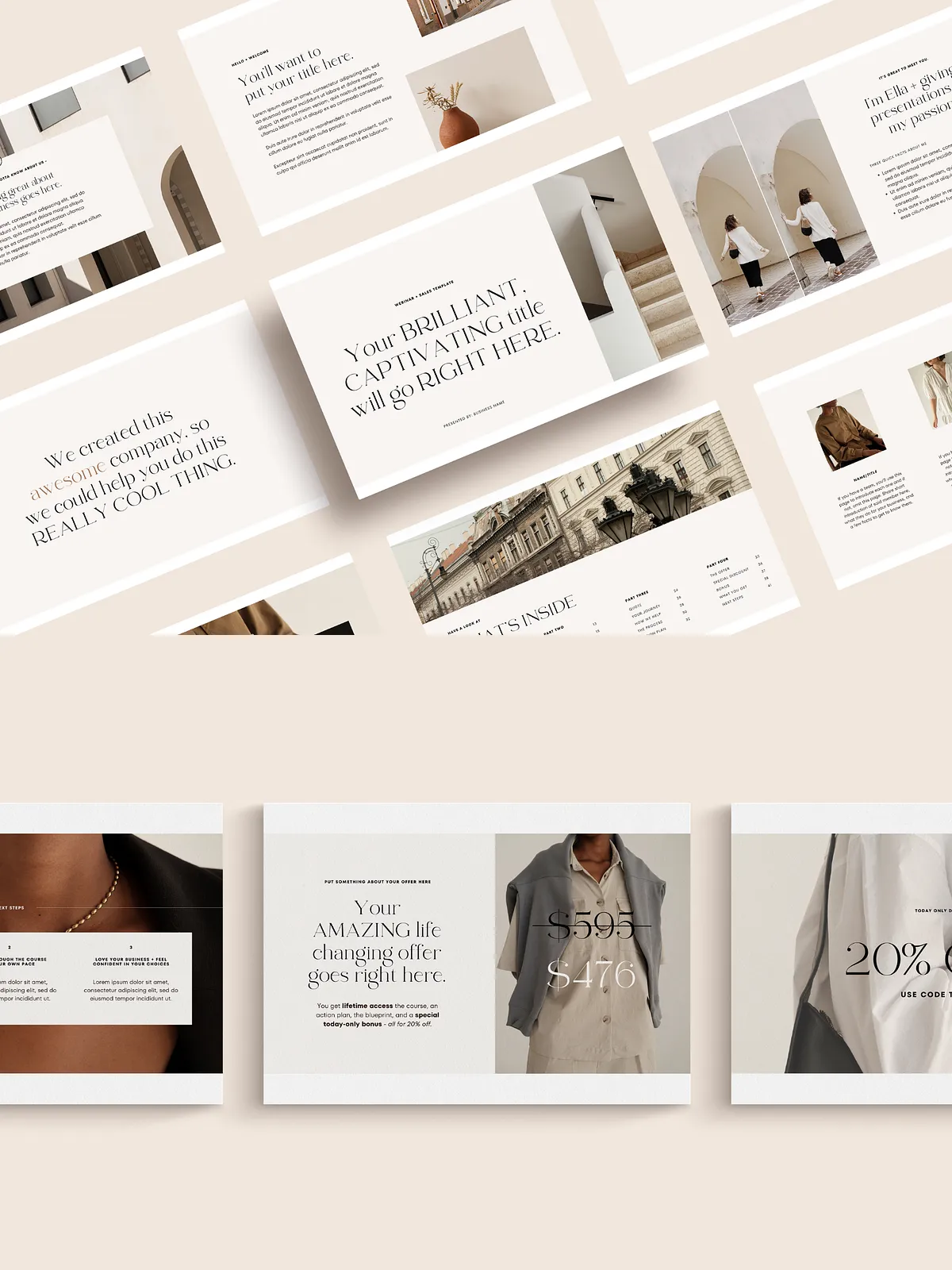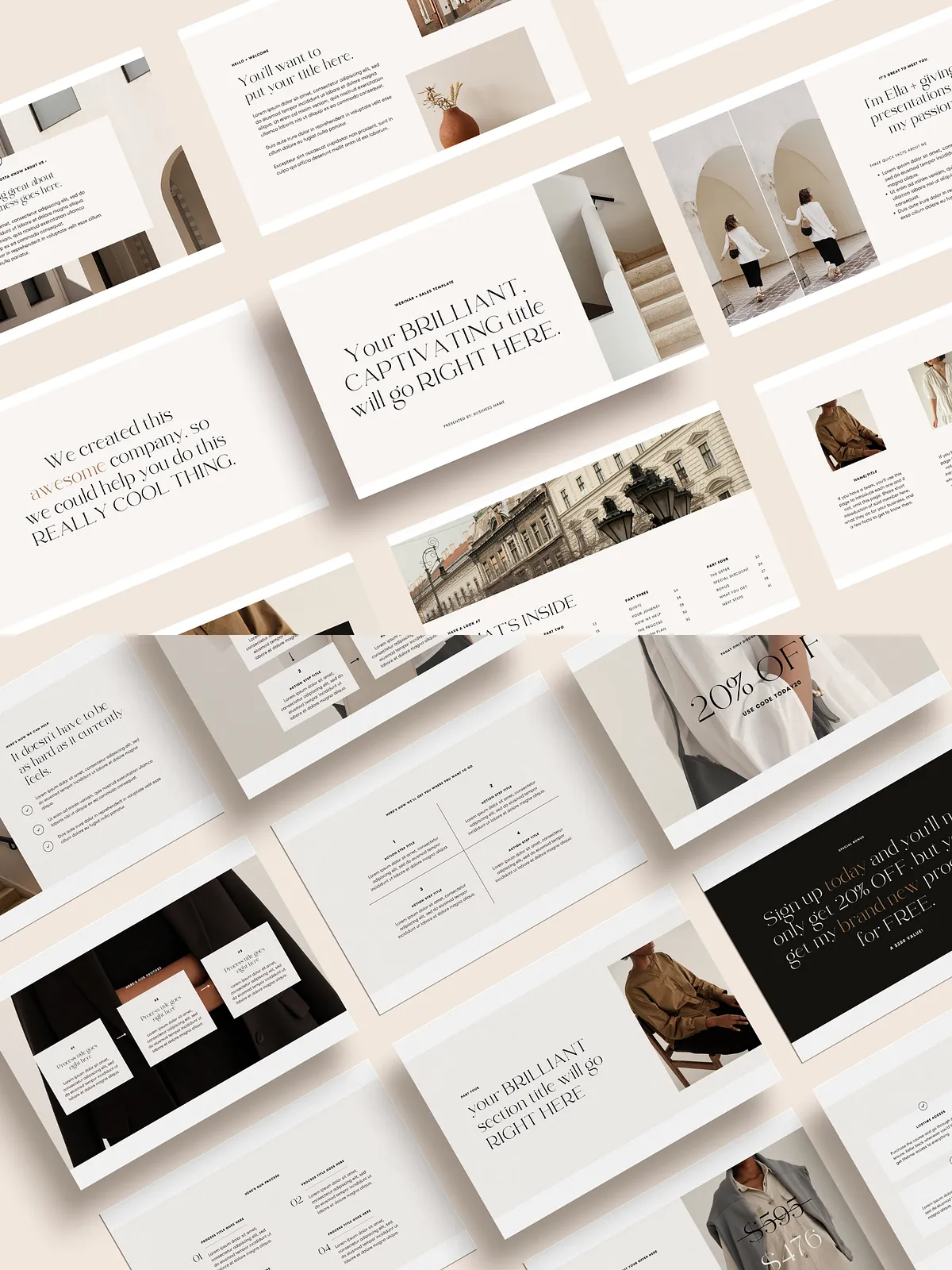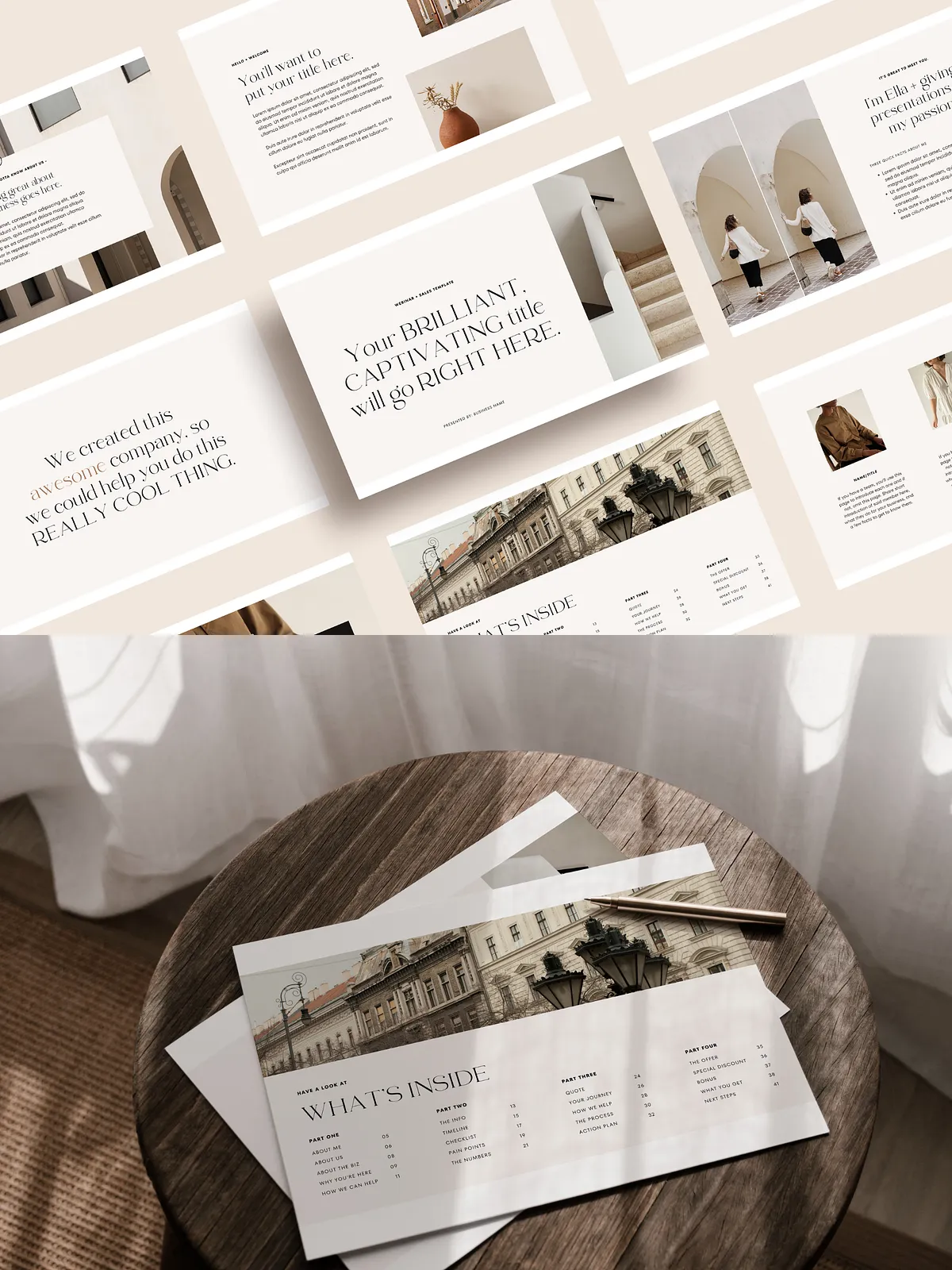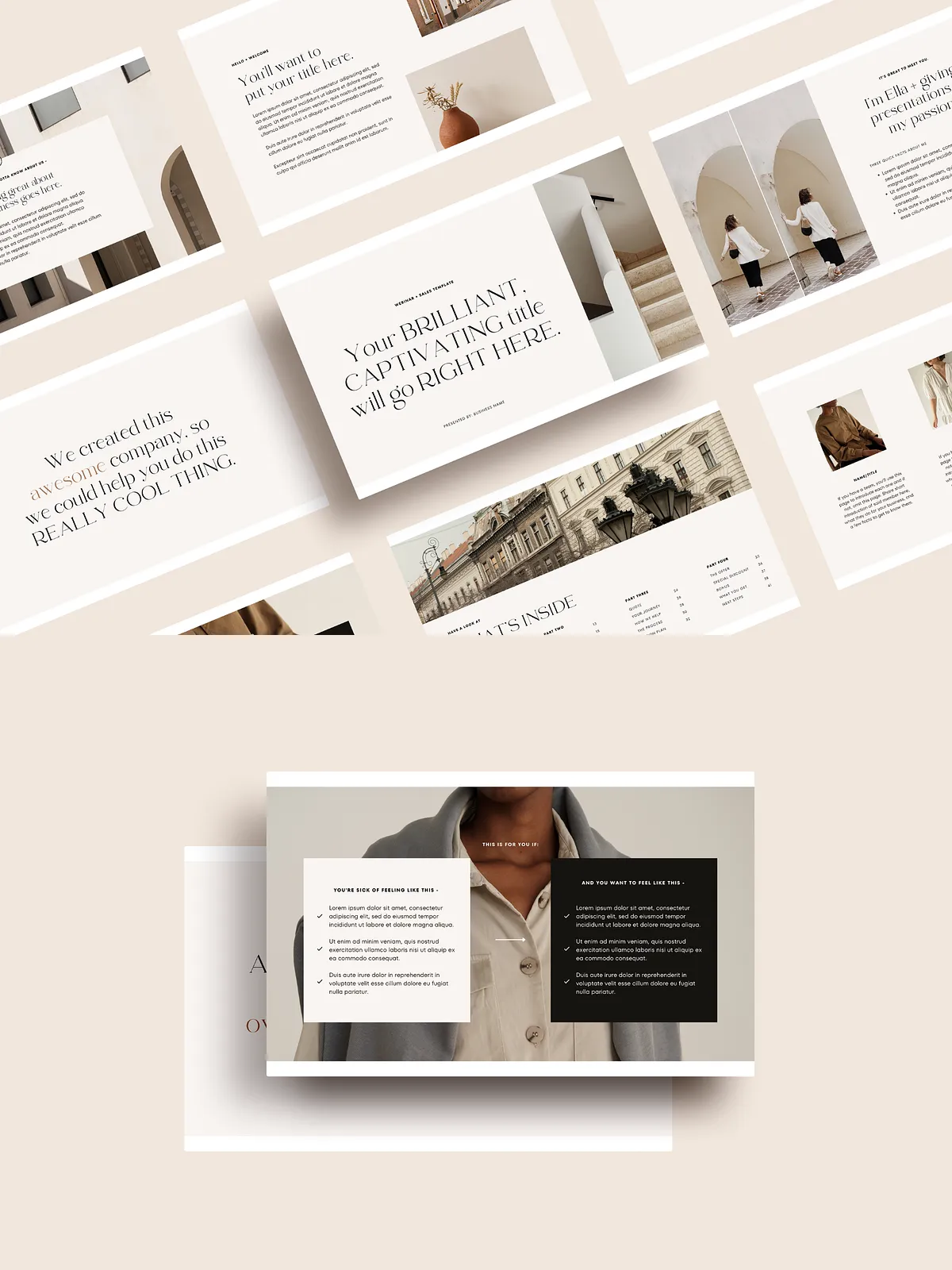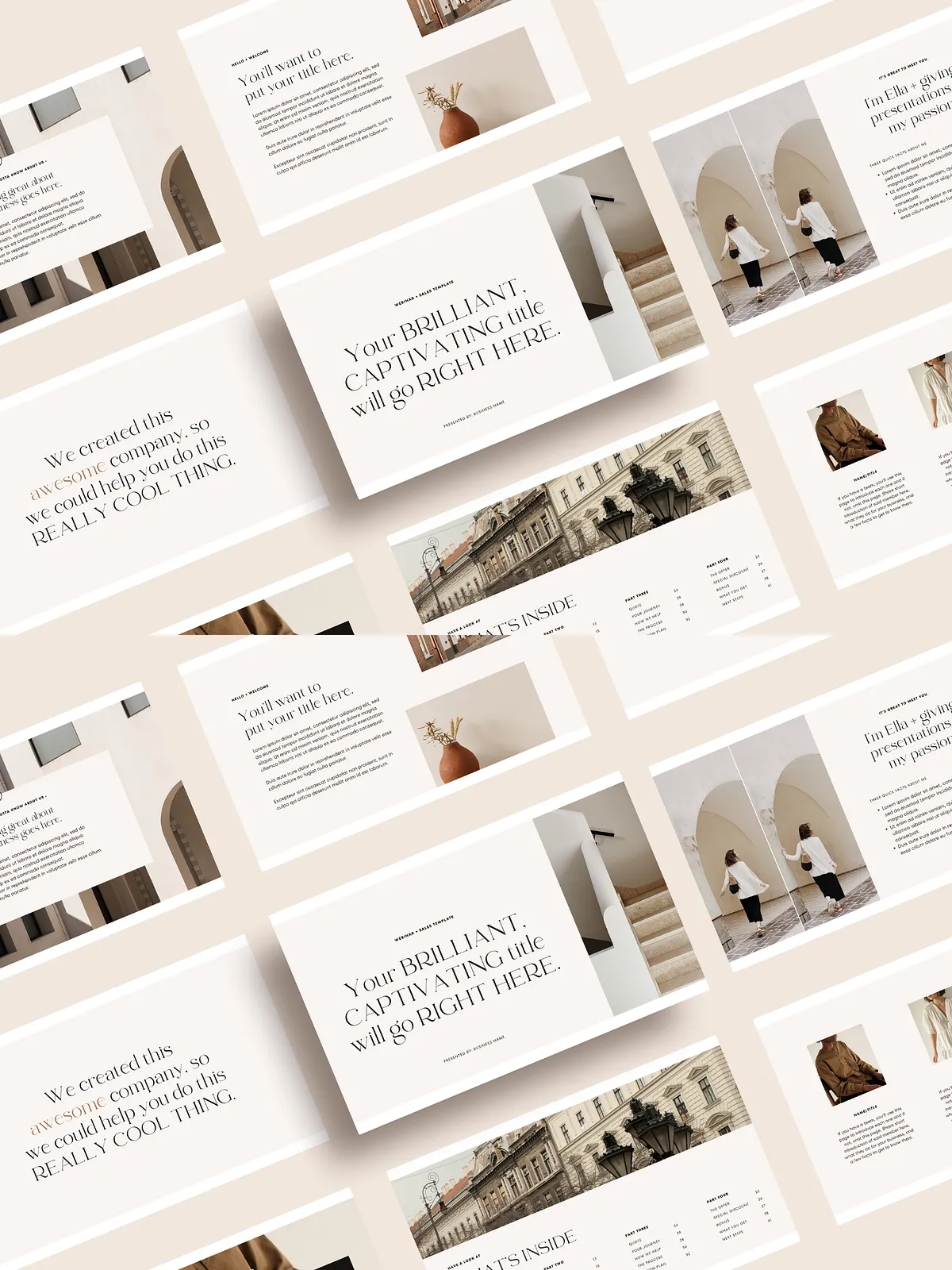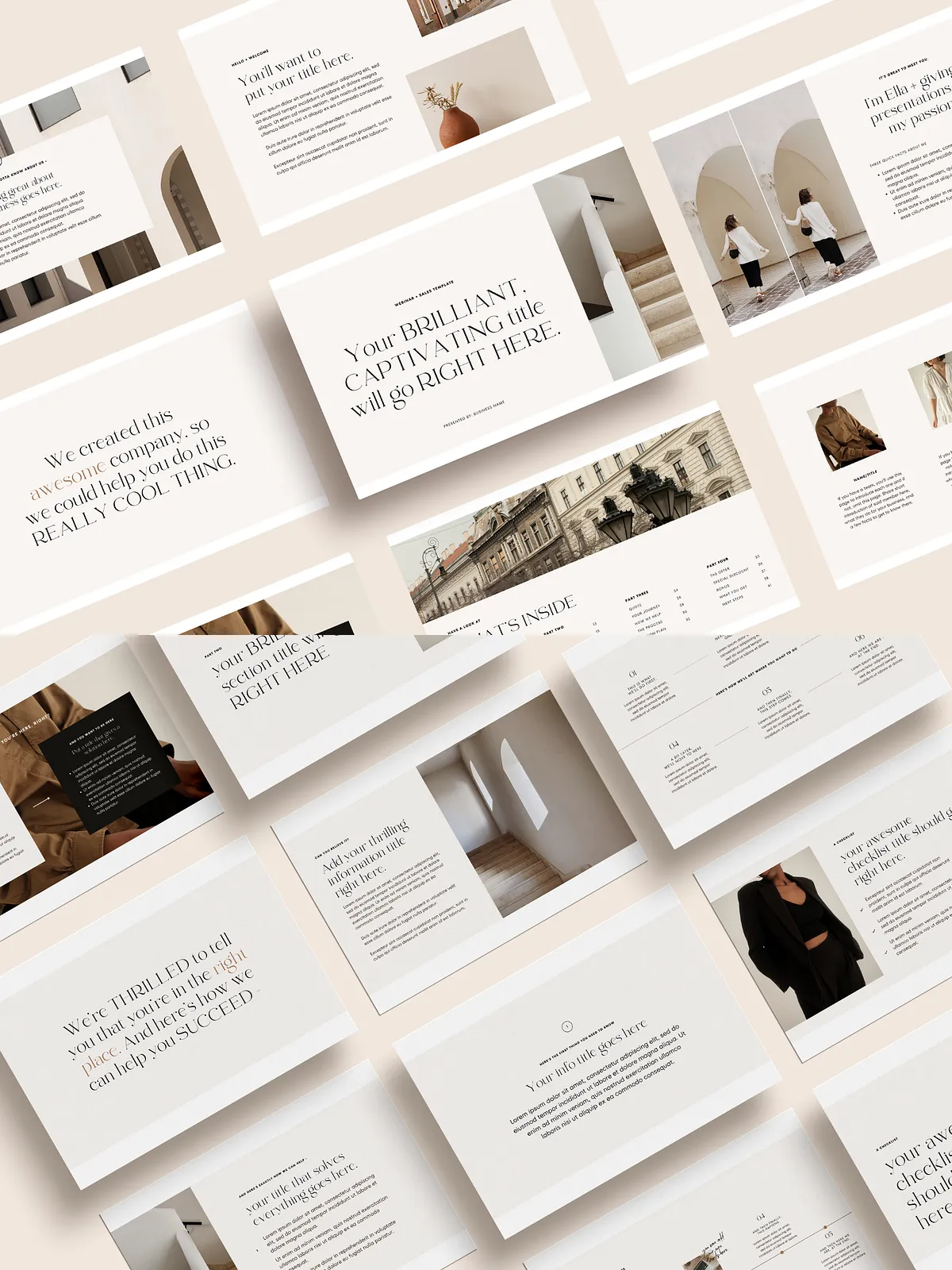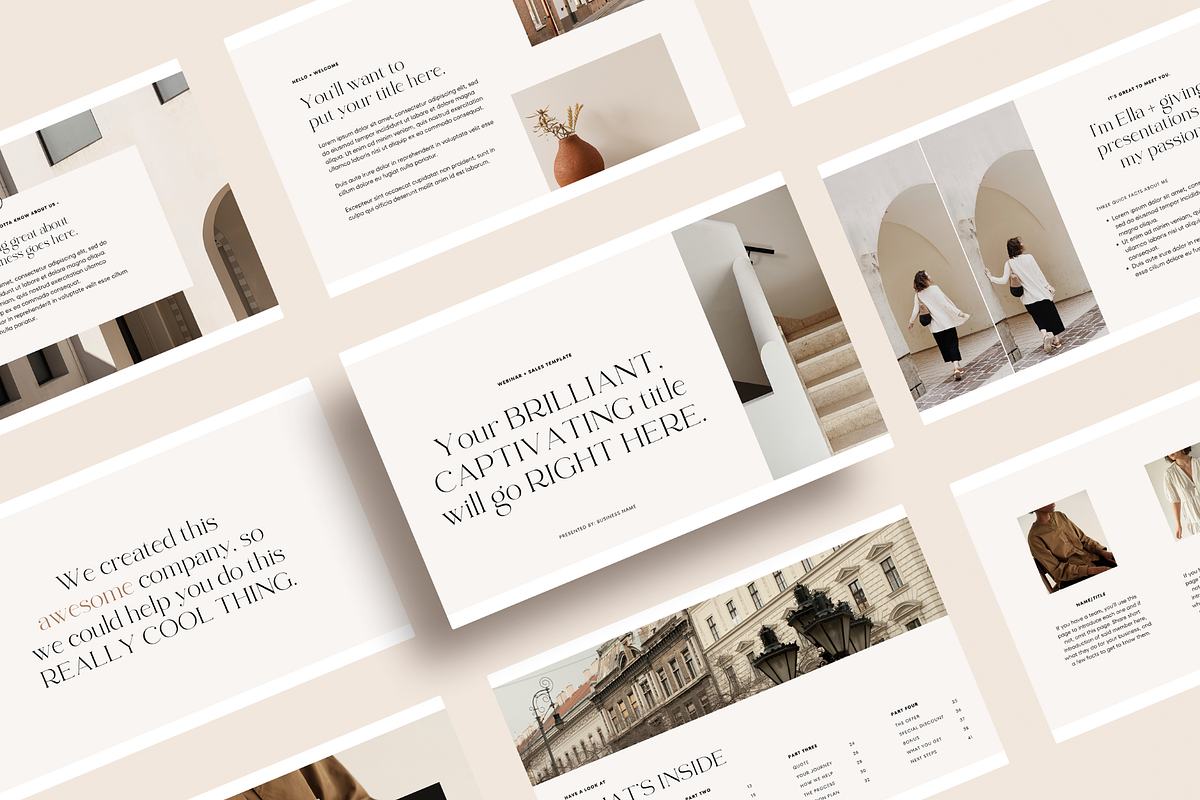
Step into every webinar with confidence using this thoughtfully designed Webinar + Sales Canva Template. Built as a clean, minimal backbone for your presentation, the 42-page template pack equips you to present ideas clearly, guide participants through a persuasive story, and close sales with dedicated pitch pages. The template emphasizes simplicity and clarity so your message takes center stage while the design supports conversion-focused flow.
Why This Template Works
This template accelerates your prep by providing ready-made, professional slides that you can quickly edit and adapt. Each slide pairs visual clarity with persuasive structure: compelling openings, problem/solution framing, step-by-step processes, social proof, and a focused offer section. With two layout options for every main page, you can mix and match to dial in the pacing and visual style that aligns with your brand and audience.
What You’ll Find Inside
Part One — Foundation and Welcome
- About Me, About Us, About the Business — introduce credibility and context with polished bio and brand slides.
- Why You’re Here — set expectations and outline the transformation attendees can expect.
- How We Can Help — frame your services or course as the tangible next step.
Part Two — Framework and Value
- The Info and Timeline — present the lesson roadmap and key milestones with clarity.
- Checklist and Pain Points — highlight the common struggles and provide an actionable checklist to guide participants.
- The Numbers — reinforce credibility using metrics and outcomes.
Part Three — Story and Process
- Quote and Your Journey — create emotional resonance with narrative and testimonials.
- How We Help and The Process — break down the methodology into clear, actionable steps.
- Action Plan — provide attendees with next-step actions to apply the training immediately.
Part Four — Offer and Conversion
- The Offer and Special Discount — present your main offer with urgency and clarity.
- Bonus and What You Get — list deliverables, outcomes, and added value to increase perceived ROI.
- Next Steps — deliver a clear call-to-action and buying pathway to close more sales.
How It Works
After purchase, you receive instant access to a downloadable PDF that contains the Canva project link. Open the link, duplicate the project into your Canva account, and begin customizing. Replace placeholder text and images, swap colors and fonts to match your brand, and reorder or duplicate slides to craft a webinar sequence that flows naturally for your audience. The template intentionally uses editable elements so you can move quickly without needing advanced design skills.
Customization and Best Practices
Choose the two layout options for each main page to build variation and maintain audience engagement. Use the timeline and checklist slides as interactive prompts during live delivery to increase participant engagement. Incorporate testimonials and real numbers to strengthen social proof, and place the offer slides strategically after a clear value demonstration to maximize conversion. Export slides as PDF for handouts or MP4 if you prefer animated transitions during live or automated webinars.
What You’ll Need
You need a free Canva account to edit this template; all fonts used are available within Canva. Images included in the preview are intended to be replaced; if you use premium photos in your final materials, ensure you have the appropriate Canva Pro license or your own licensed assets.
Returns and Support
Because this product is a digital download, all sales are final. We do not accept returns or exchanges and cannot issue refunds after purchase. If you need help editing the template or accessing your files, please message the seller directly for prompt support and guidance.