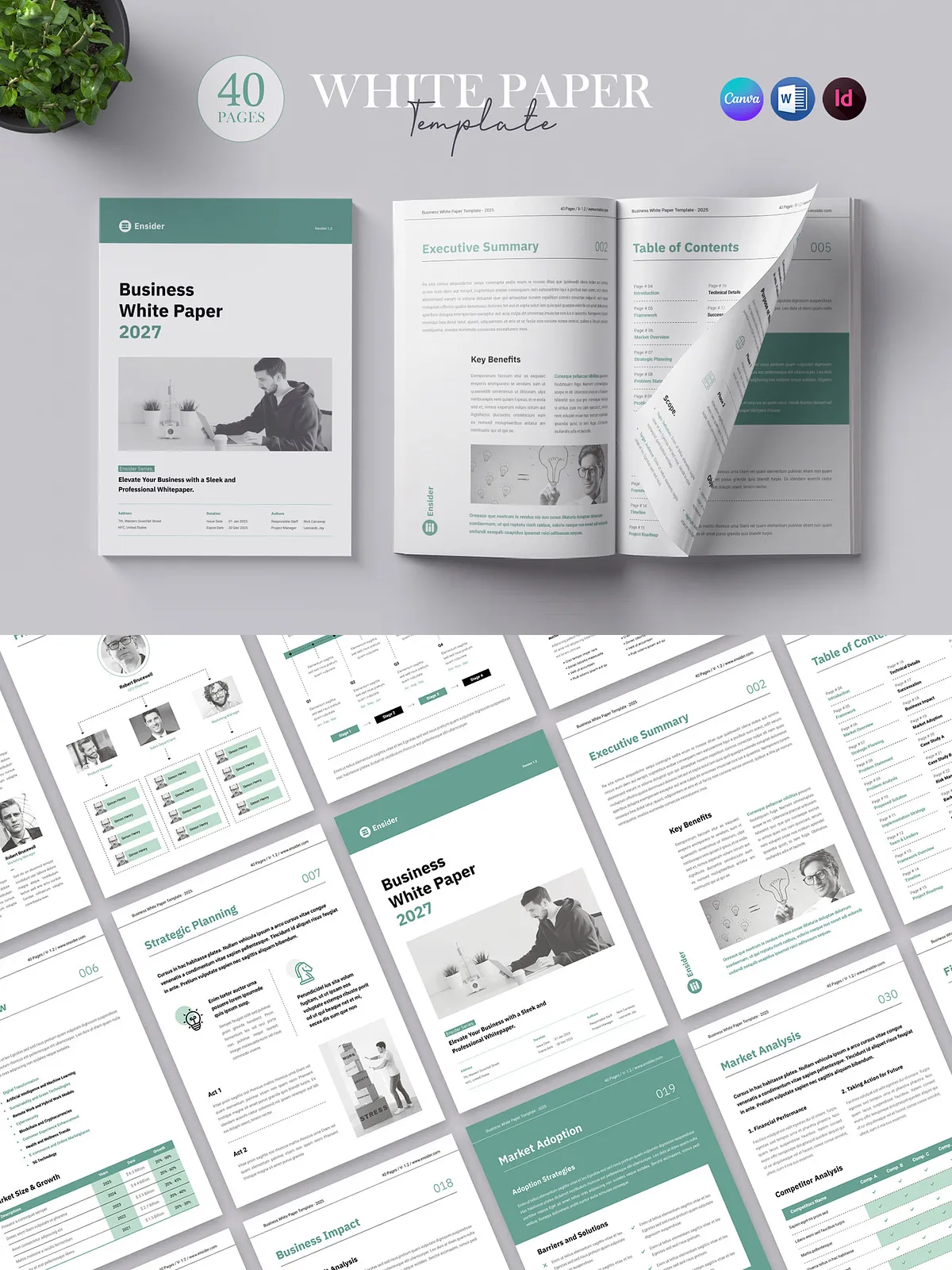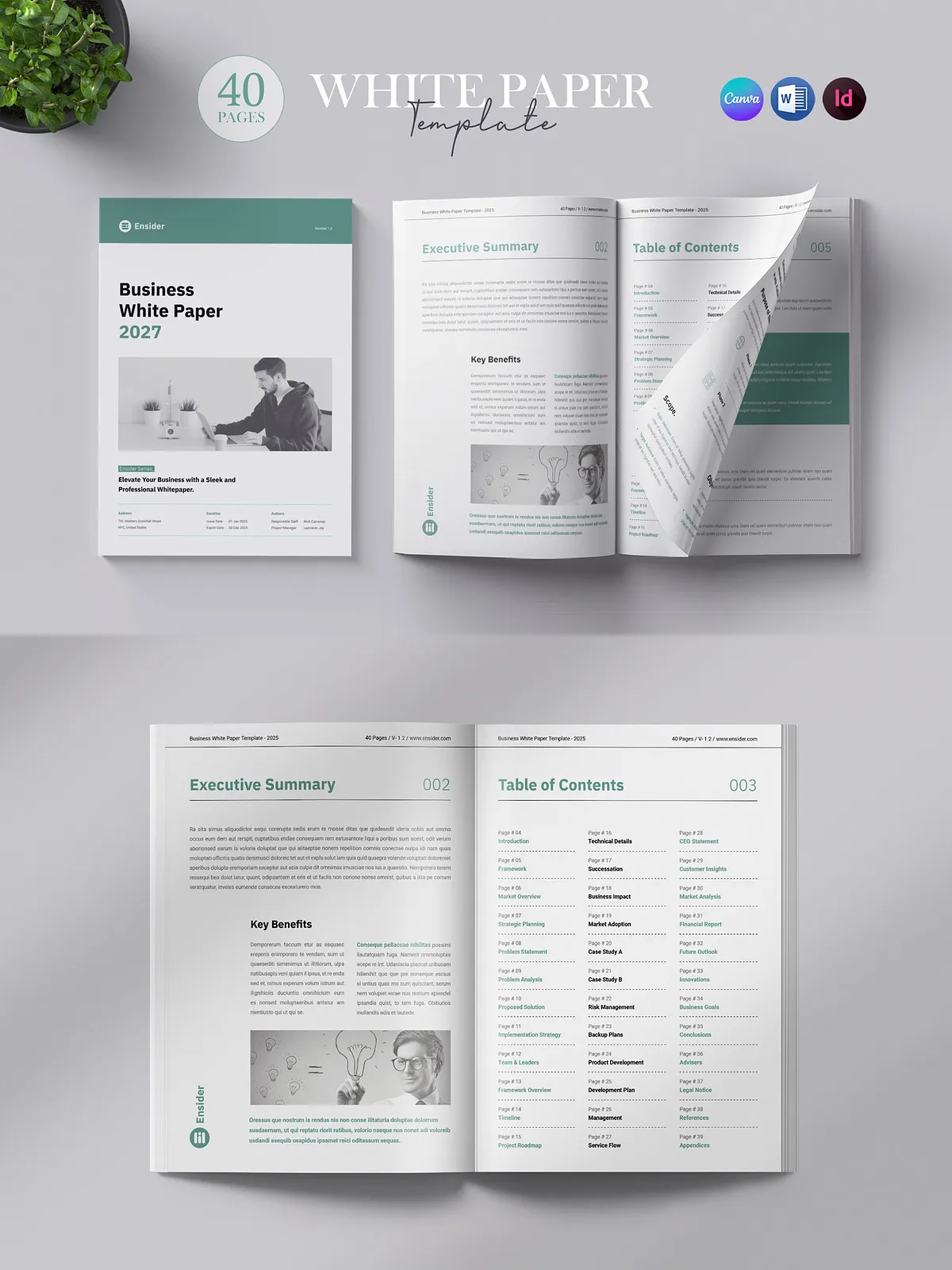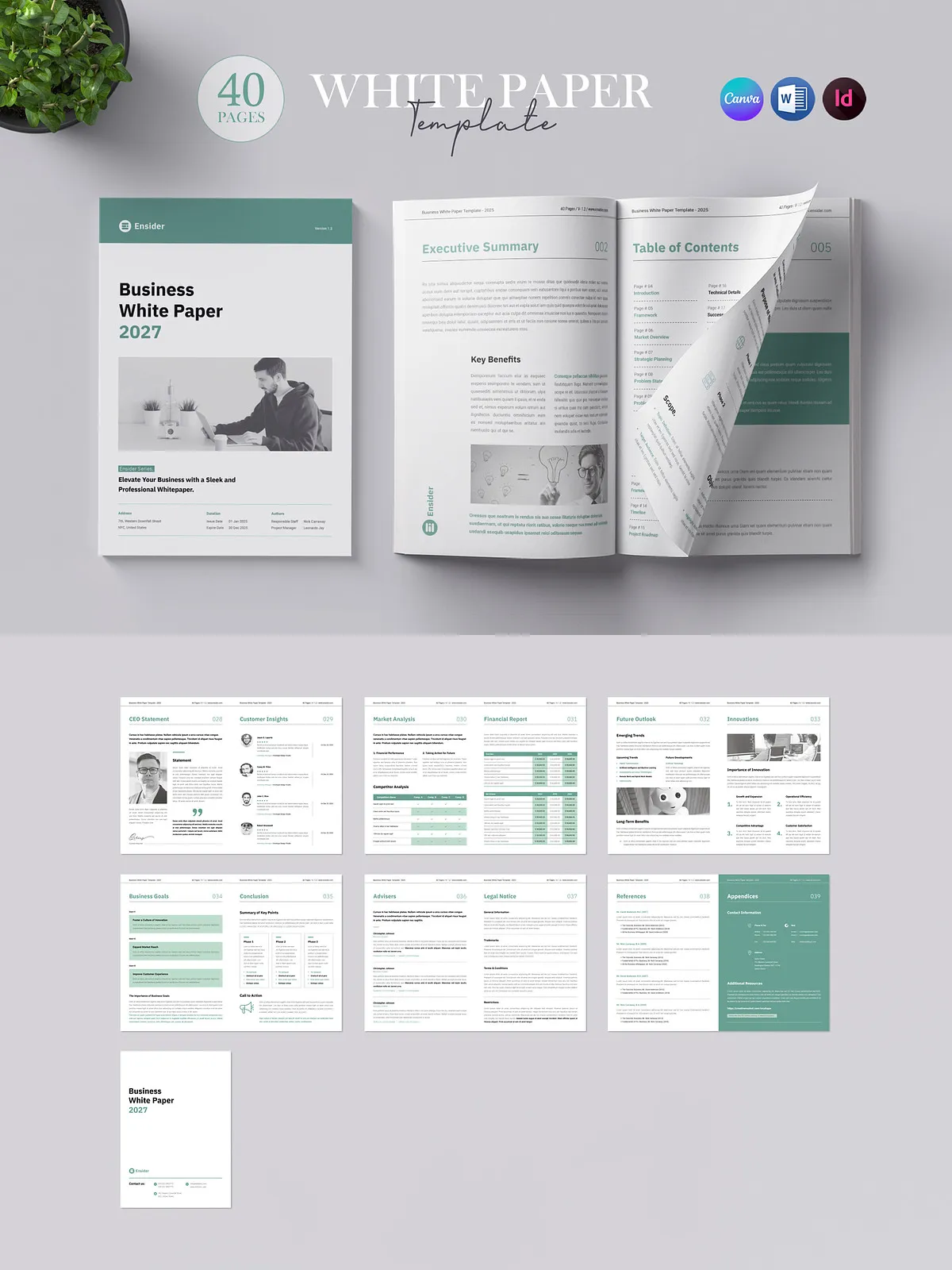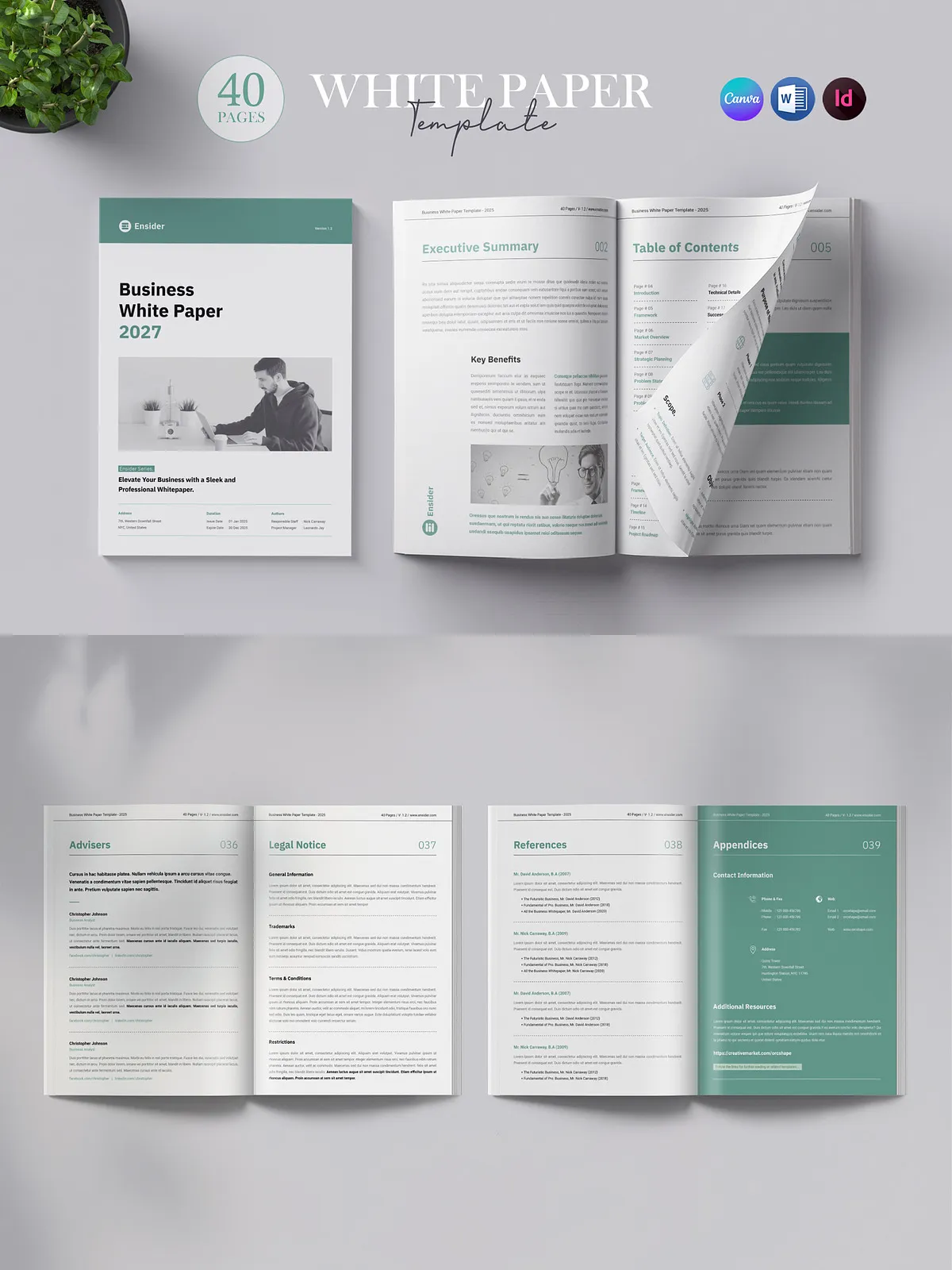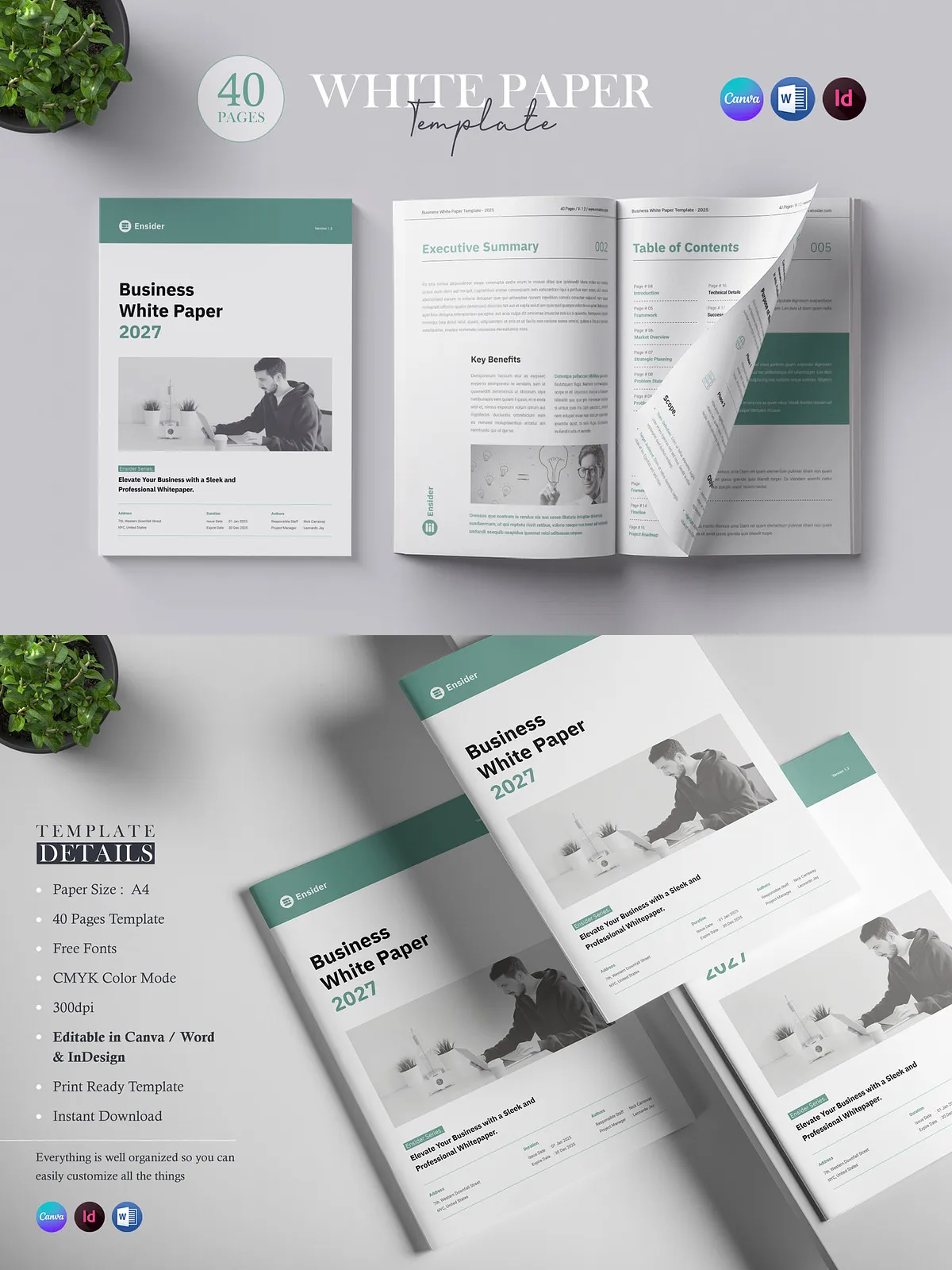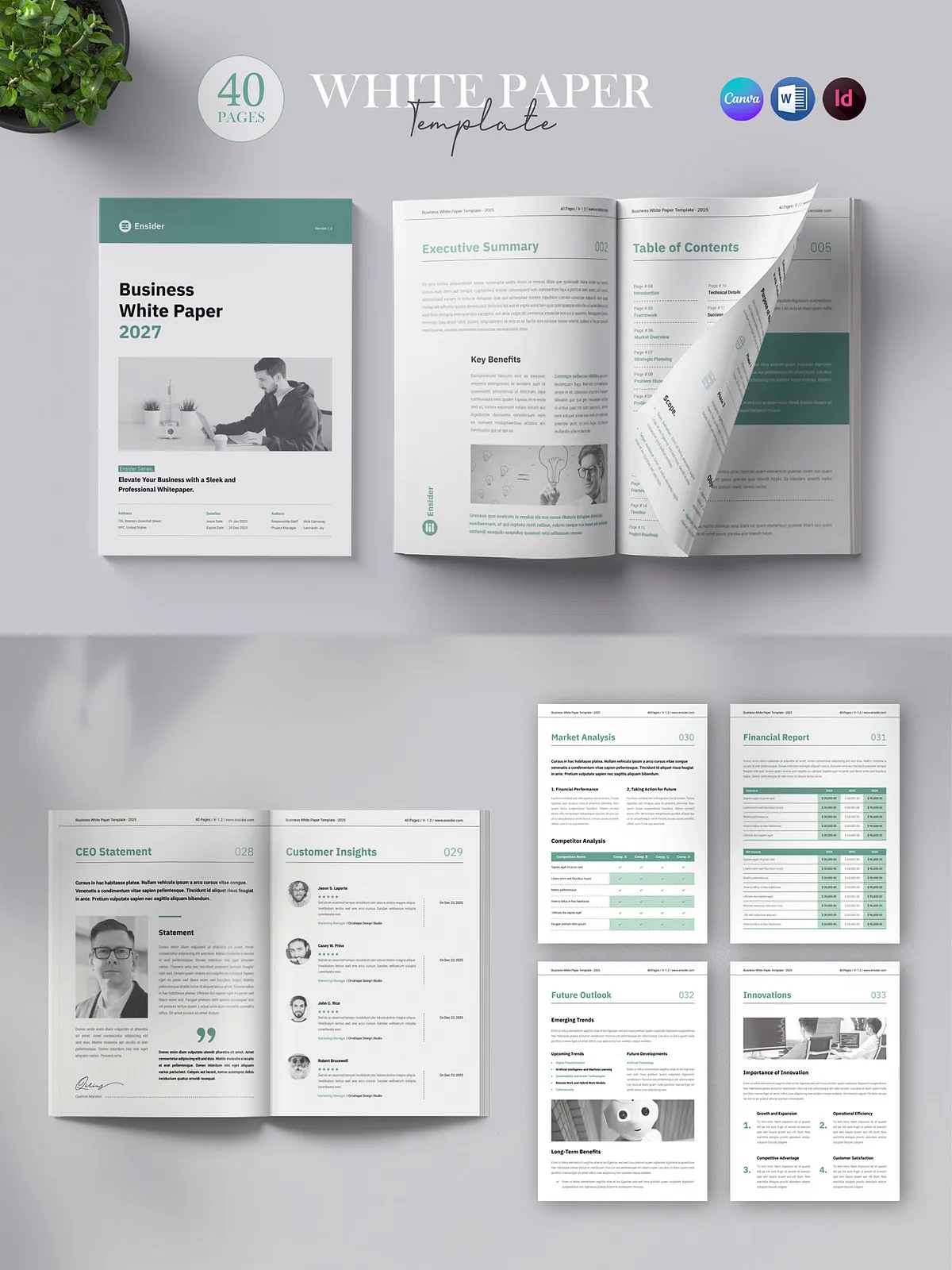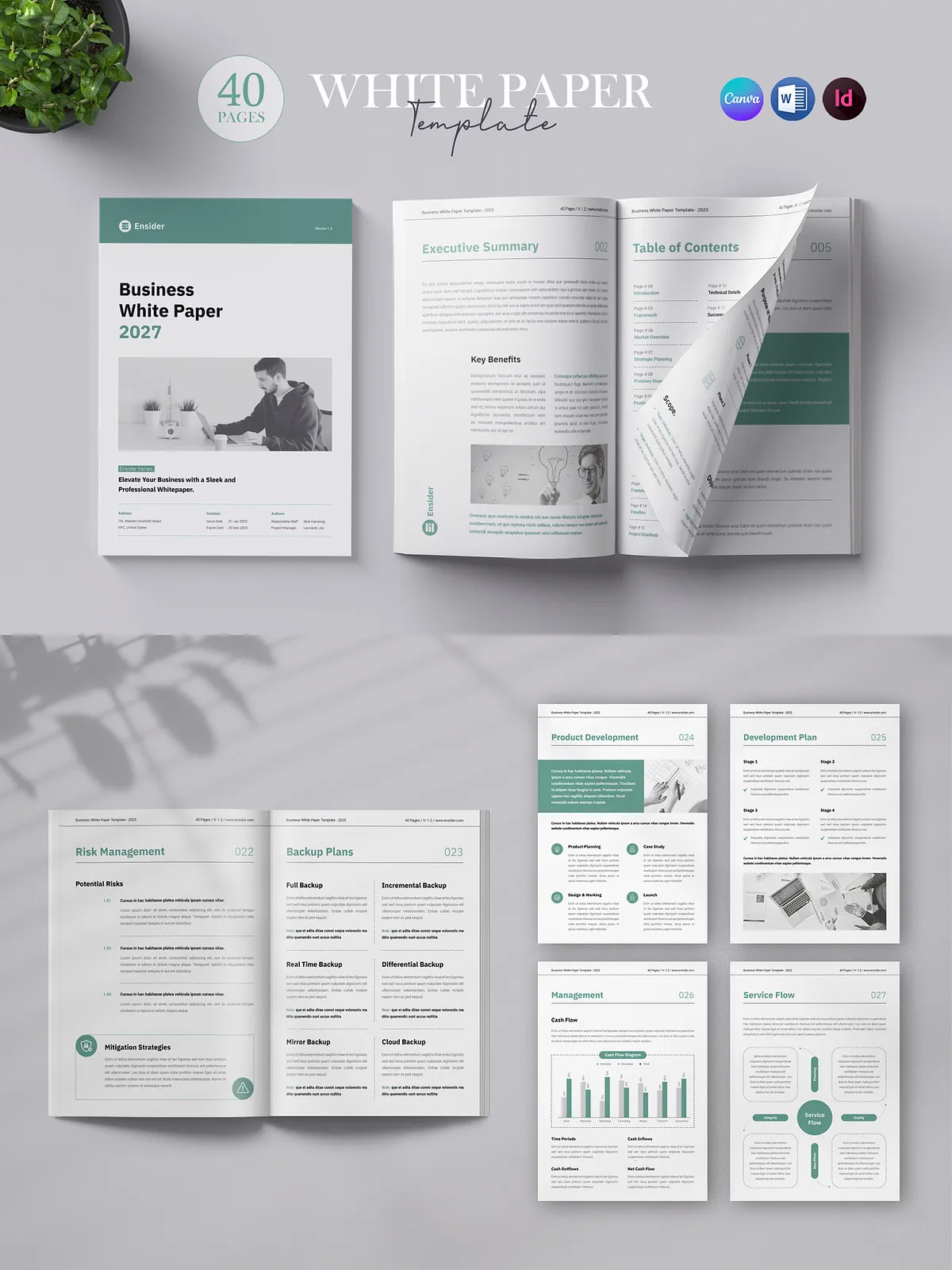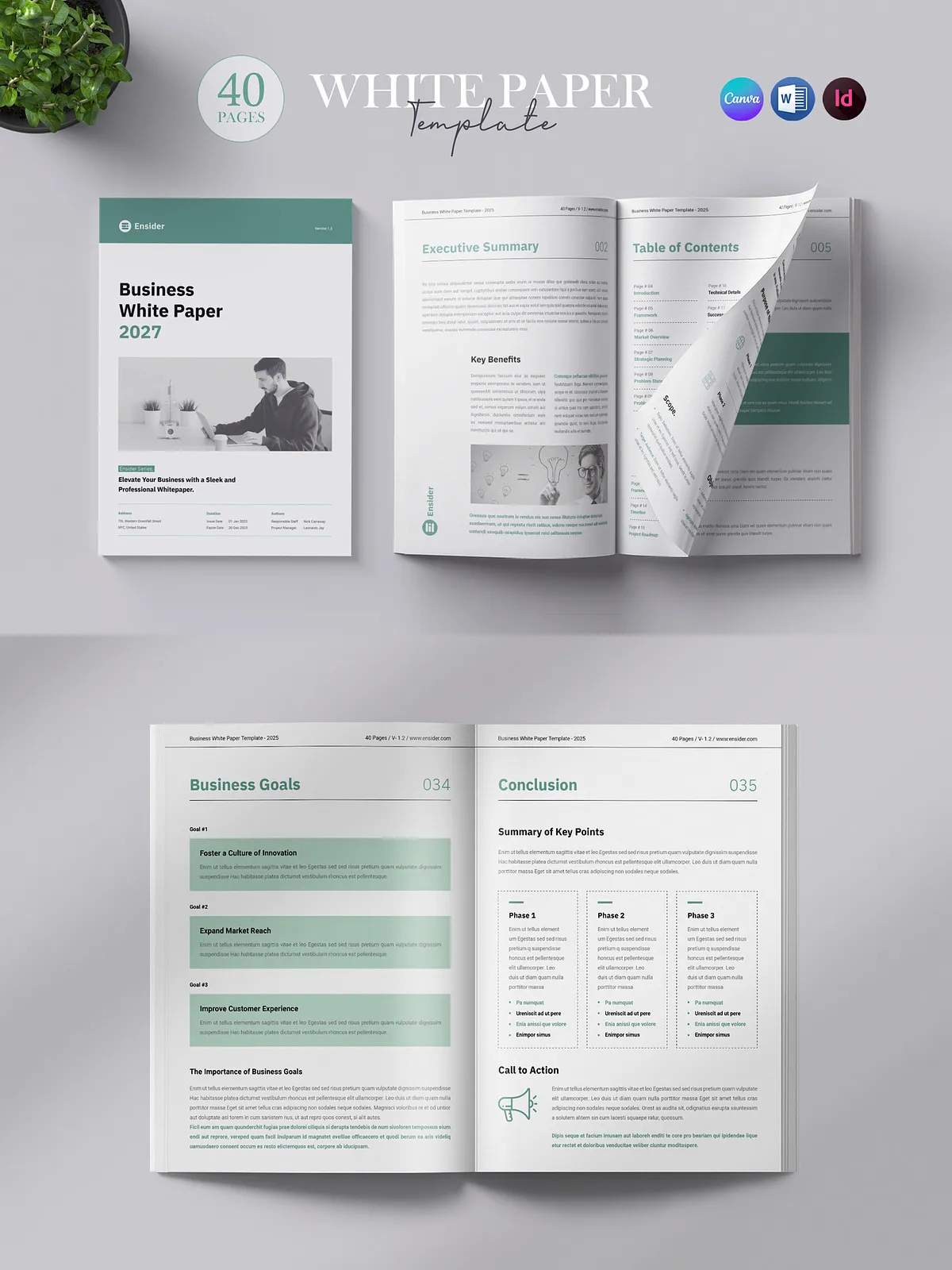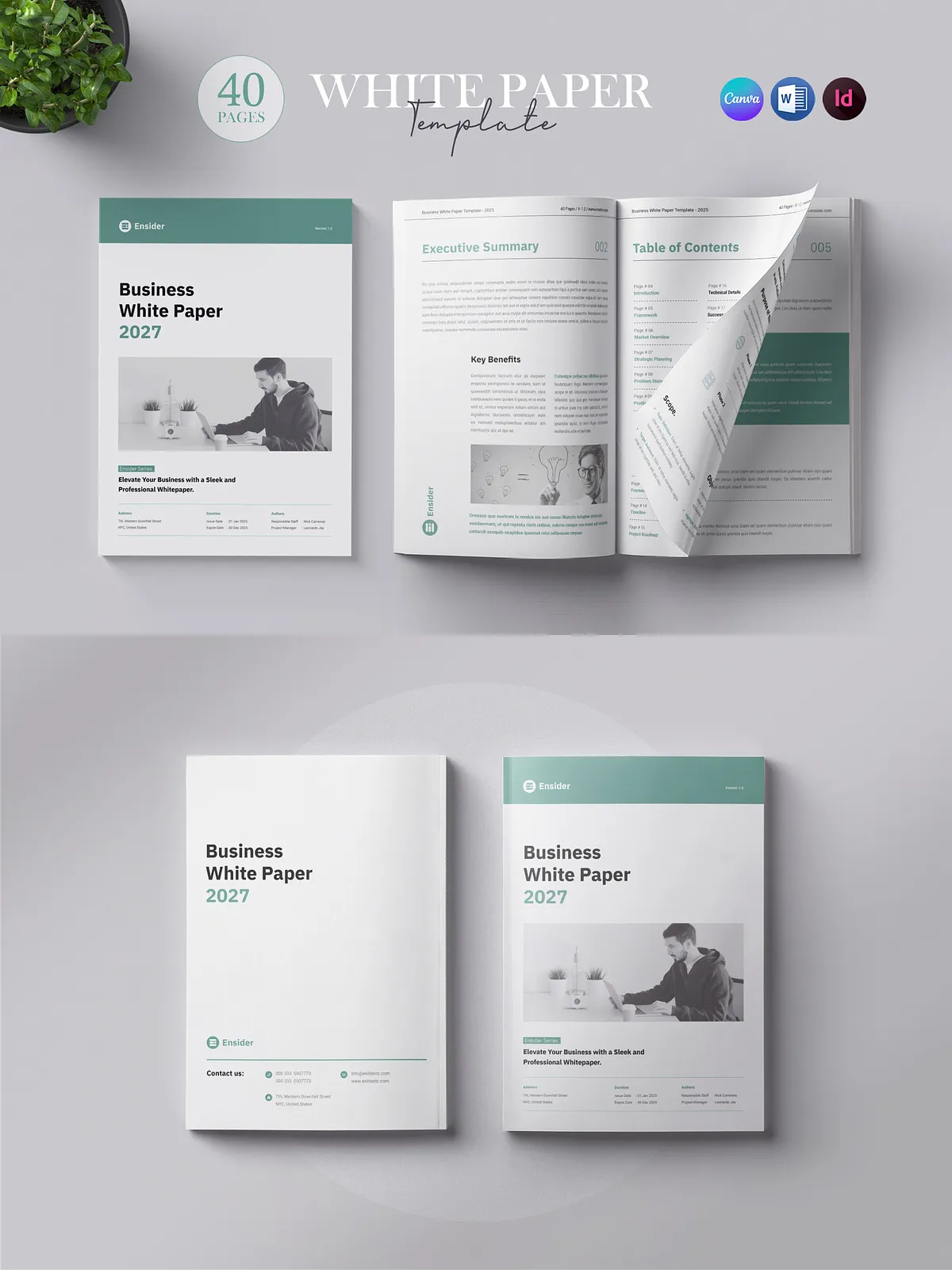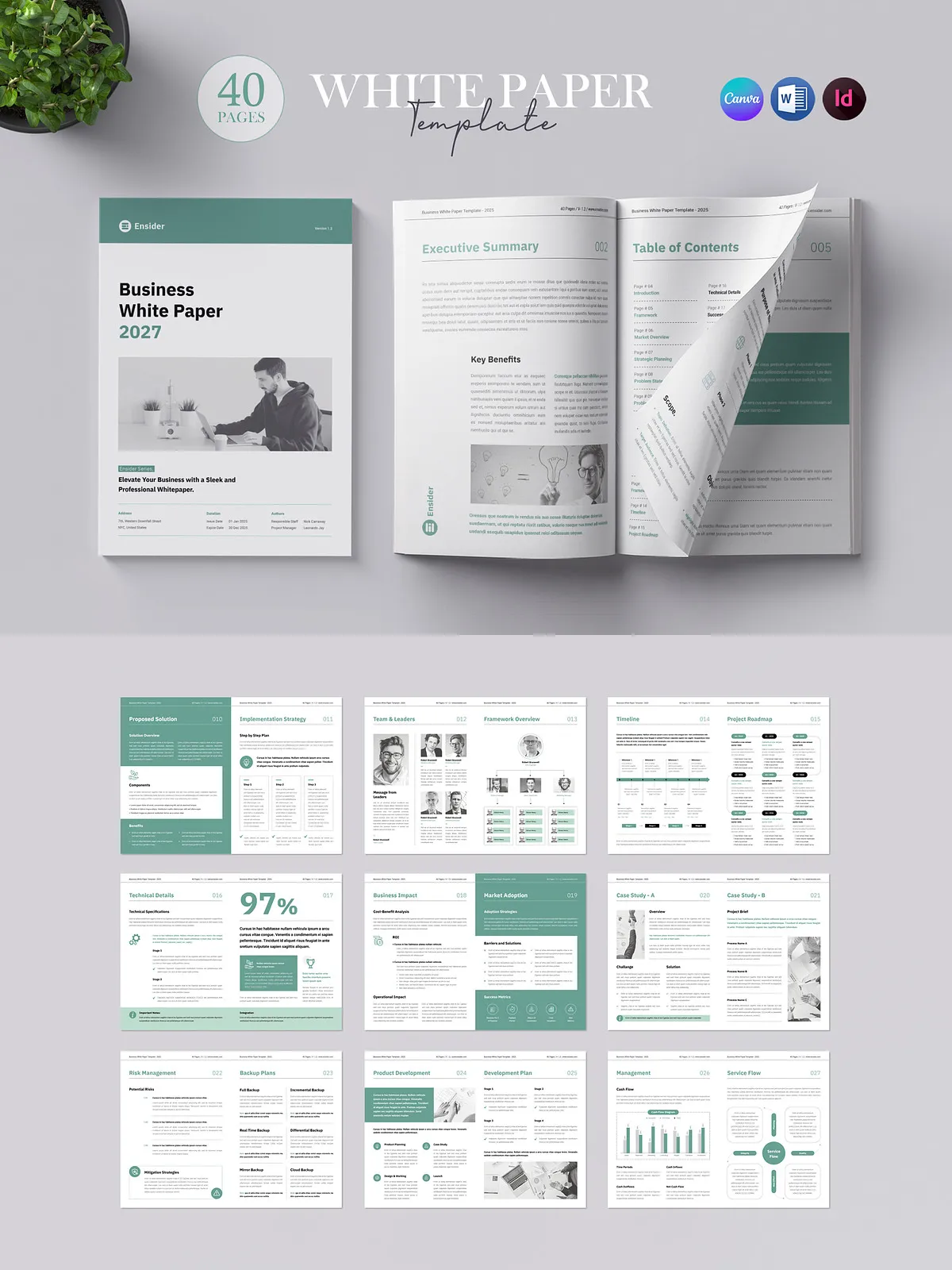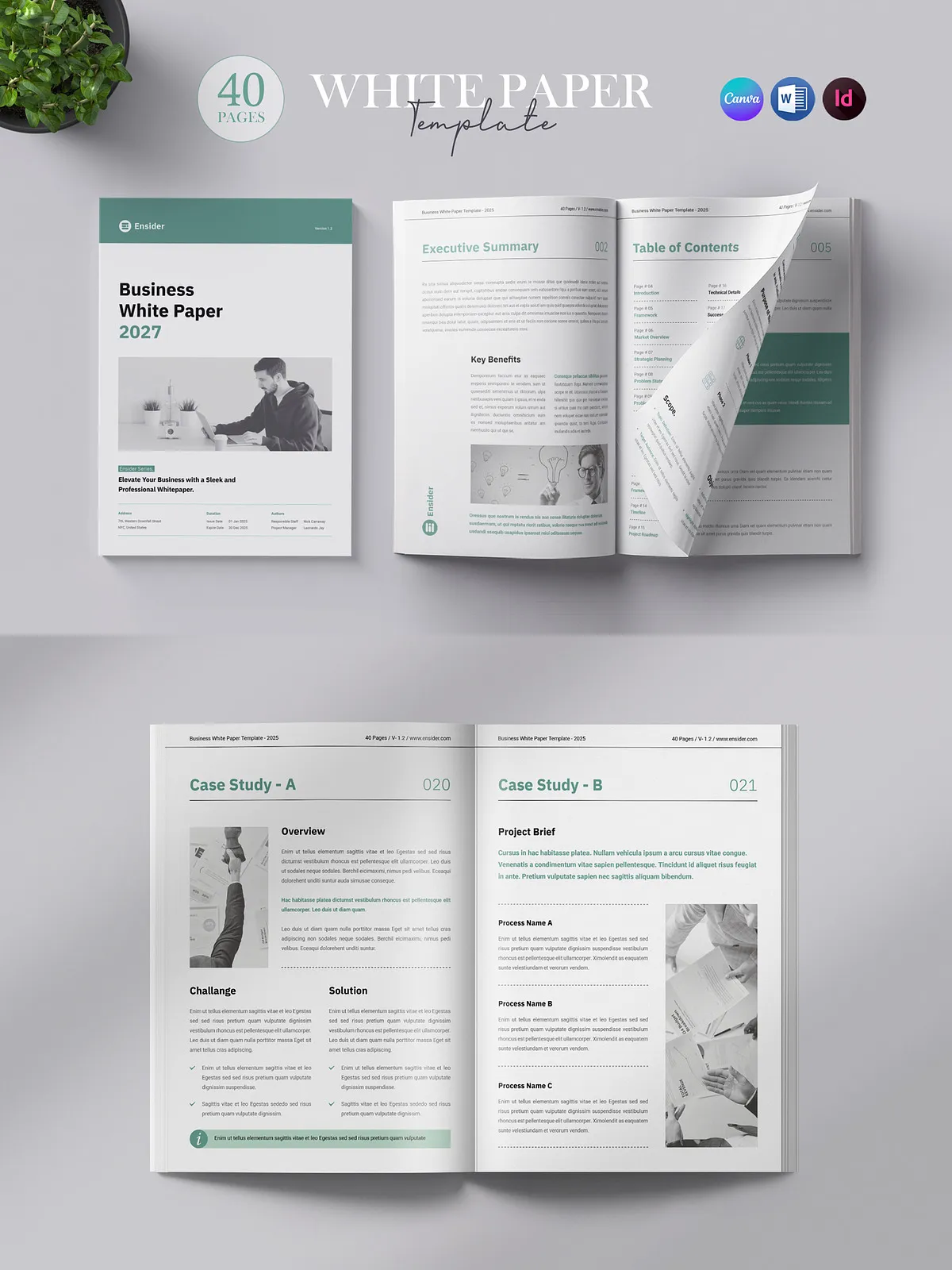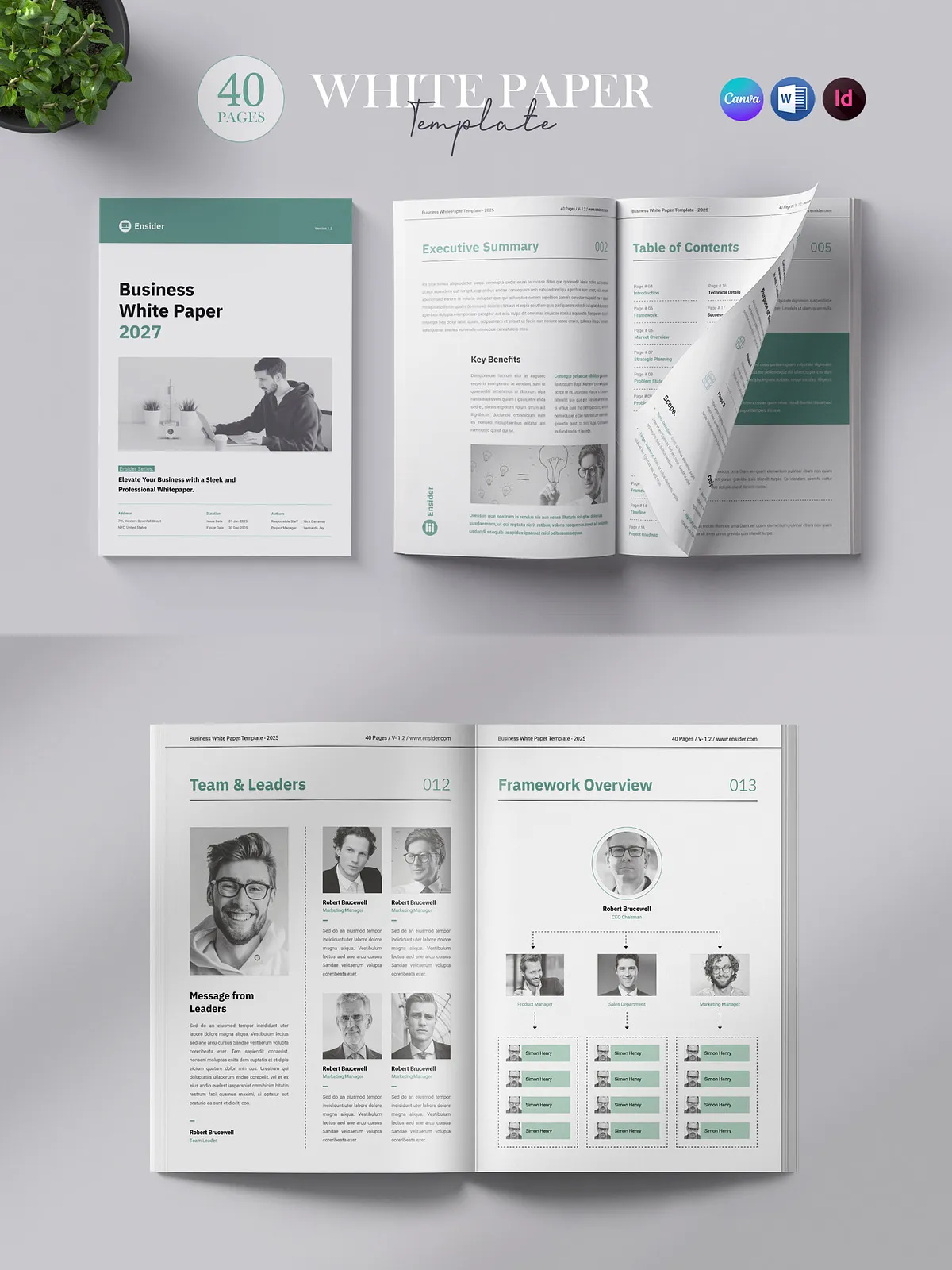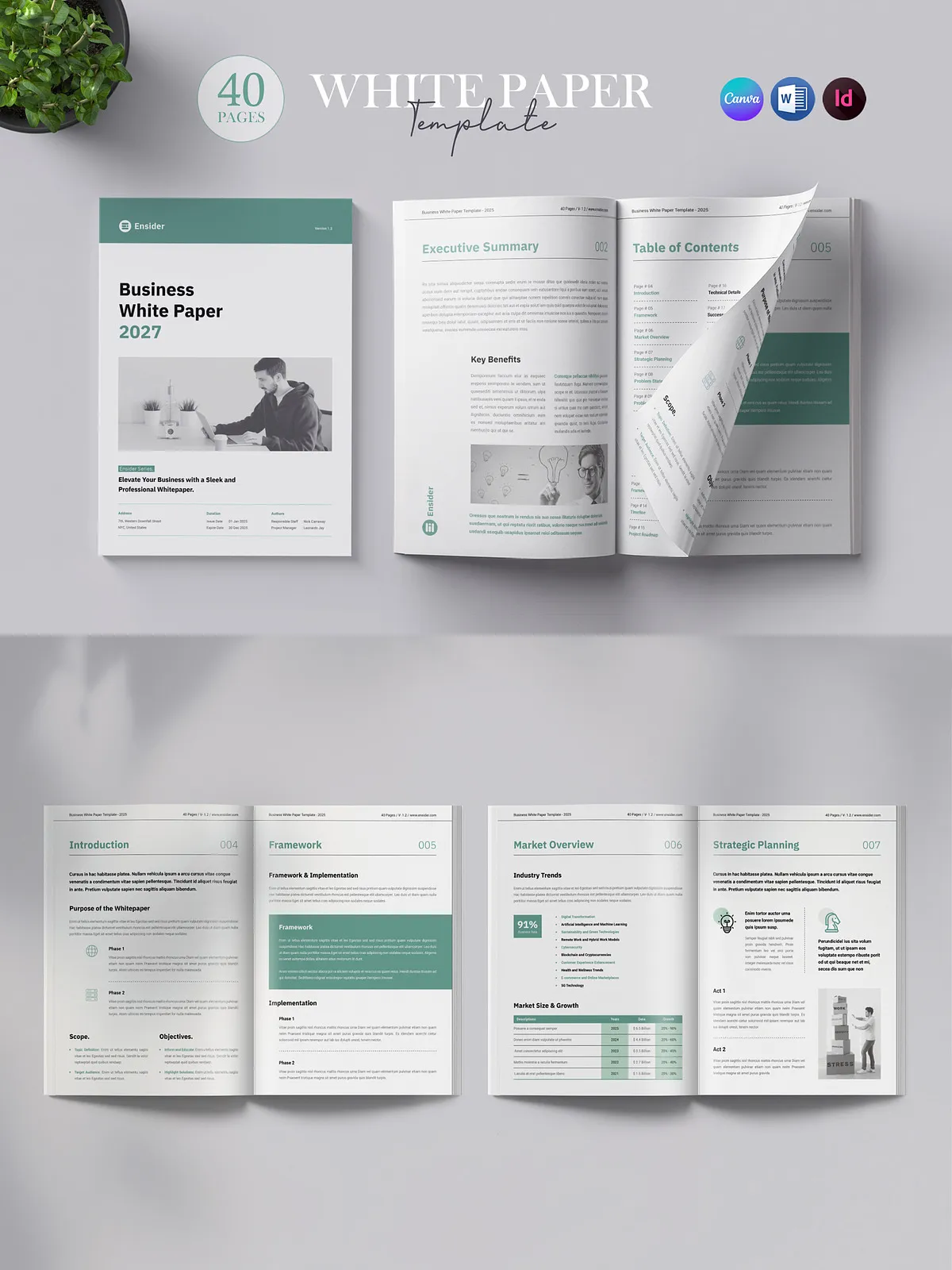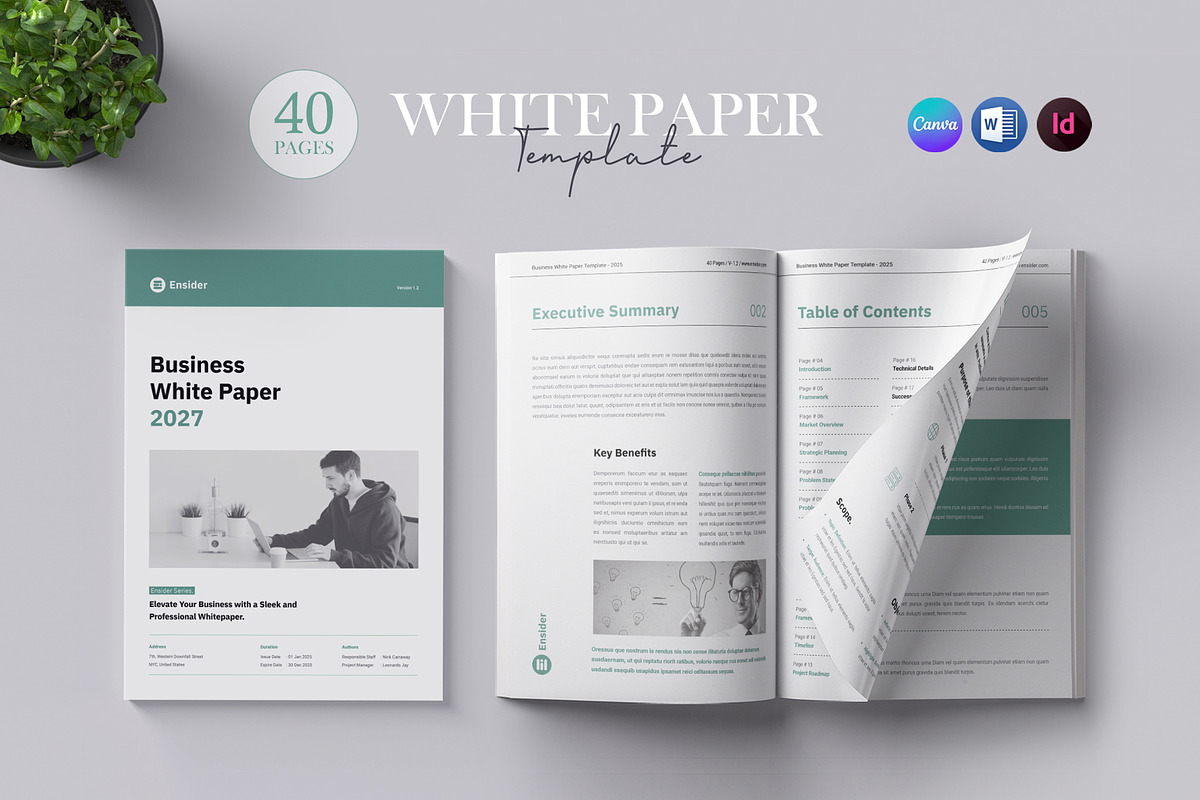
This 40-page White Paper Template delivers a polished, professional foundation you can adapt quickly for business reports, brochures, company profiles, annual reports, briefs, booklets, and client-facing presentations. Designed for print and digital distribution, the template prioritizes readability, visual hierarchy, and brand consistency so you can present complex information clearly and persuasively. You can edit every component—fonts, colors, shapes, and layouts—using Canva, Microsoft Word (DOCX), or Adobe InDesign (INDD/IDML), enabling teams with different technical preferences to produce on-brand deliverables immediately.
Why Choose This Template
Save Time and Ensure Consistency
Use this template to eliminate repetitive formatting work and enforce a unified visual language across all pages. Prebuilt layouts for executive summaries, case studies, data tables, timeline graphics, charts, and multi-column text let you populate content rapidly while maintaining a professional look. The design allows you to focus on substance rather than layout mechanics, accelerating production and review cycles.
Flexible Across Platforms
We provide files compatible with the most common editing tools so every team member can contribute using their preferred application. Edit in Canva for fast cloud-based changes, refine copy and simple layouts in Word for collaborators who prefer familiar word-processing tools, and use InDesign for final print production or for designers who require advanced typographic control and precision.
Key Features
- A4 size, optimized for print and digital export
- 40 fully designed pages with consistent master page layouts
- Bleed area: 0.125″ for edge-to-edge print designs
- Resolution: 300 dpi suitable for high-quality print output
- Color mode: CMYK for accurate print color reproduction
- Compatible with Adobe InDesign CS4, CS5, CS6, CC and higher
- Print-ready files and layout structure for professional offset or digital print
- Help Guide included to speed up editing and export
- Preview images and mockups are not included in the main file
Files Included
Main Delivery
- Canva version (editable in Canva – link provided in the delivery)
- Microsoft Word document (DOCX) for easy text edits and collaboration
- Adobe InDesign files (INDD and IDML) for advanced layout control and professional printing
- Help Guide with step-by-step instructions for editing, exporting, and preparing print-ready files
How to Use
Prepare Your Content
Collect text, charts, images, and brand assets before opening the template. Organize content into sections: executive summary, problem statement, methodology, results, recommendations, and appendices. This structure maps directly onto the template pages and speeds insertion.
Edit in Your Preferred Tool
Open the Canva link to duplicate the template into your account and fast-edit visuals and text. Use the Word DOCX if you need to collaborate with non-design team members who require easy inline editing and tracked changes. For print production or advanced layout tweaks, open the INDD file in Adobe InDesign; use the IDML version if you work on different InDesign releases.
Export and Print
When your content is final, export to PDF/X for print or high-resolution PDF for digital distribution. Verify bleeds, margins, and color mode (CMYK). If you plan to use professional printing services, share the InDesign package and linked assets to ensure accurate reproduction.
Support and Notes
If you need help with editing, color matching, or exporting for print, consult the included Help Guide or contact support for guidance. Note that preview images and mockups shown in promotional previews are not part of the main template files and may require separate licensing if used. The template uses editable text frames and vector shapes so you can scale and adapt visuals without quality loss.