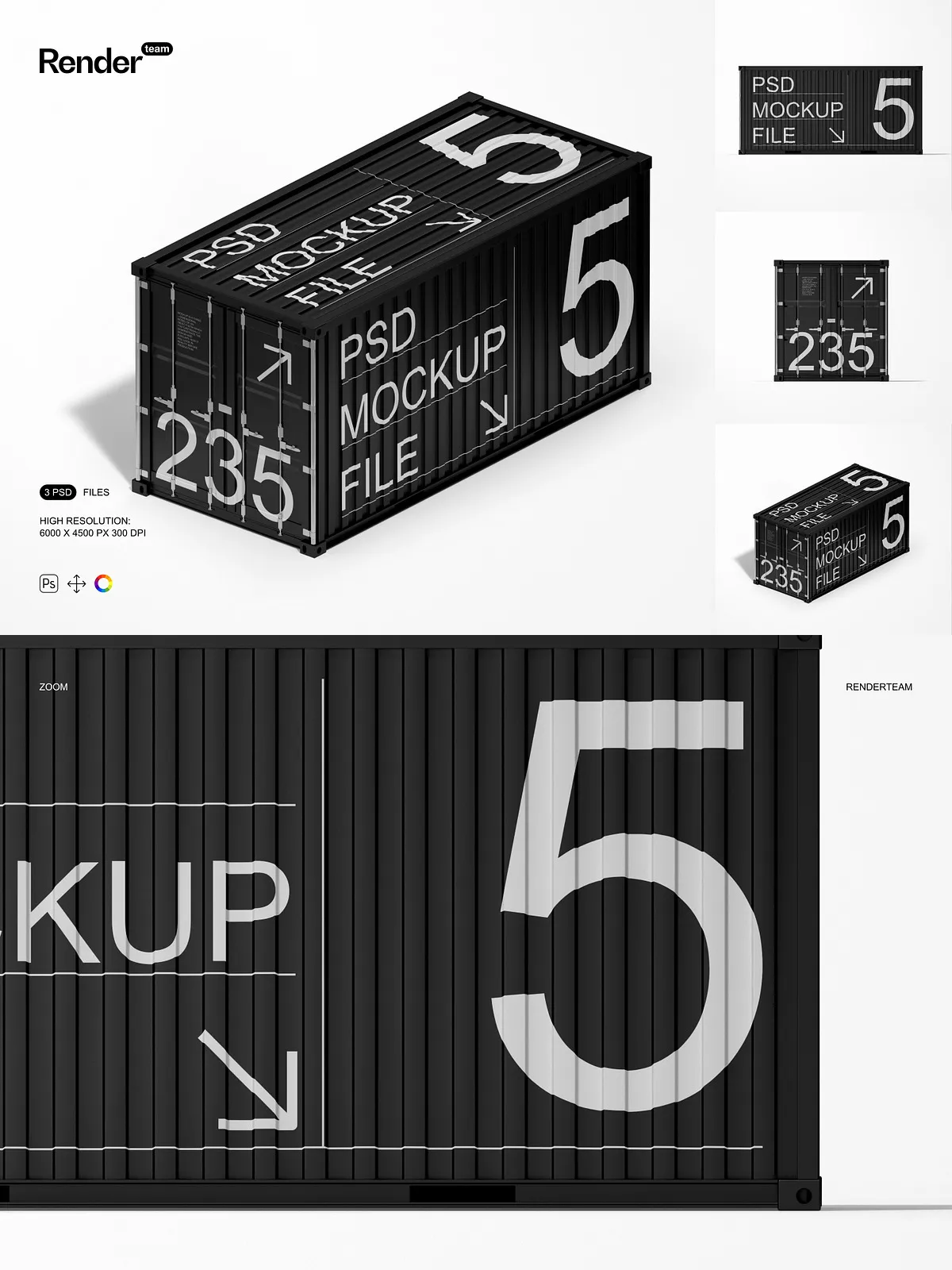
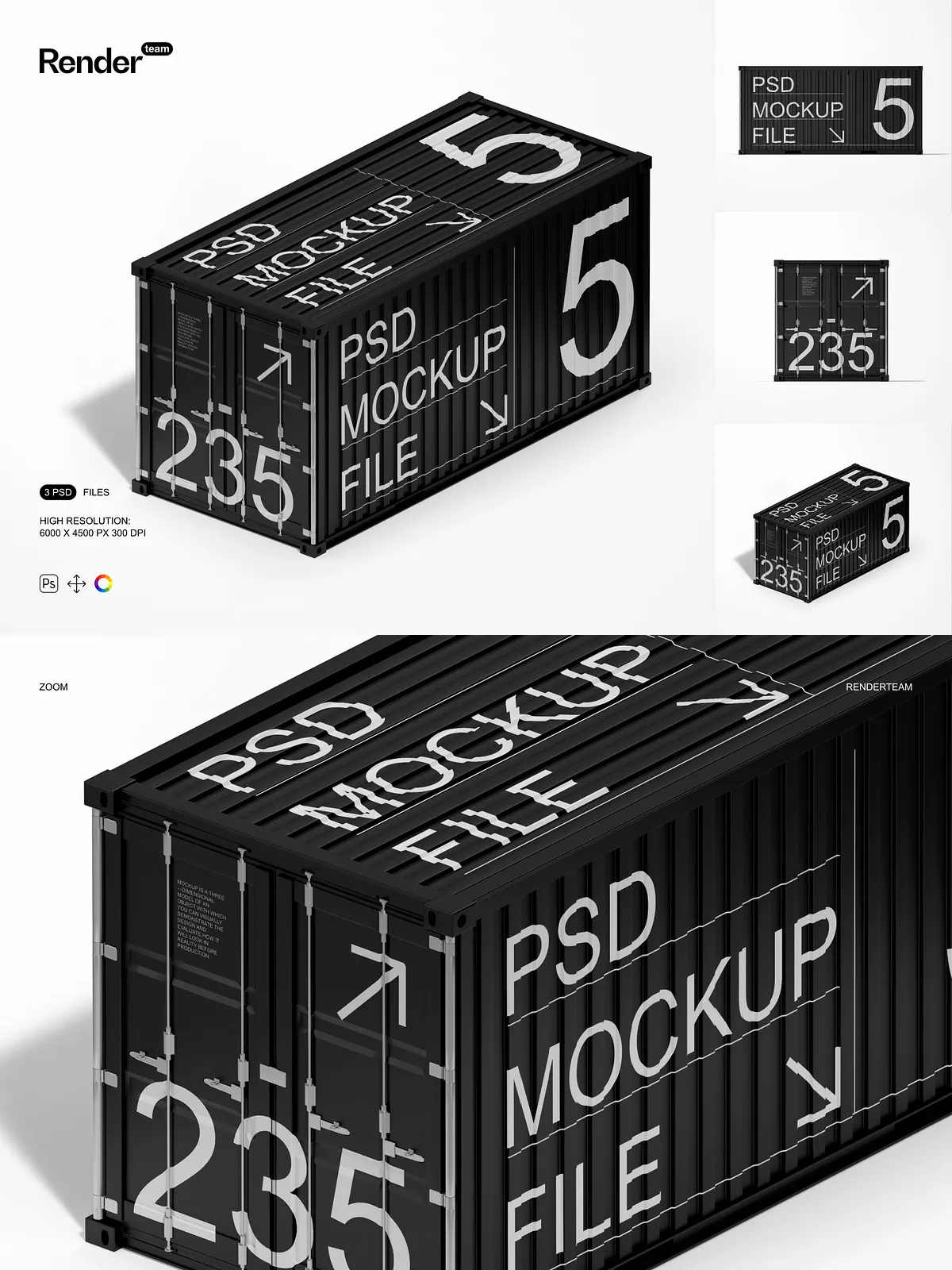
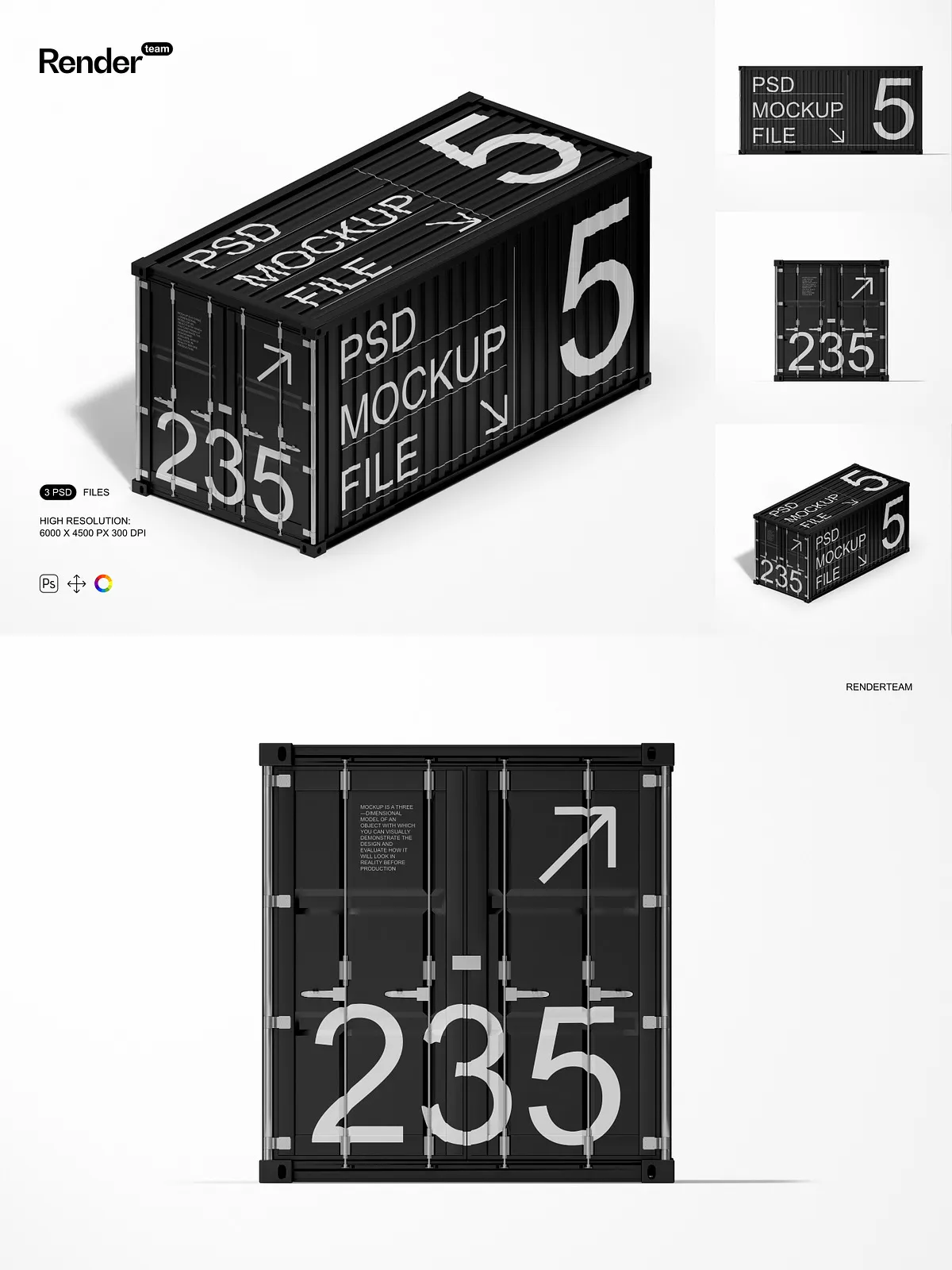
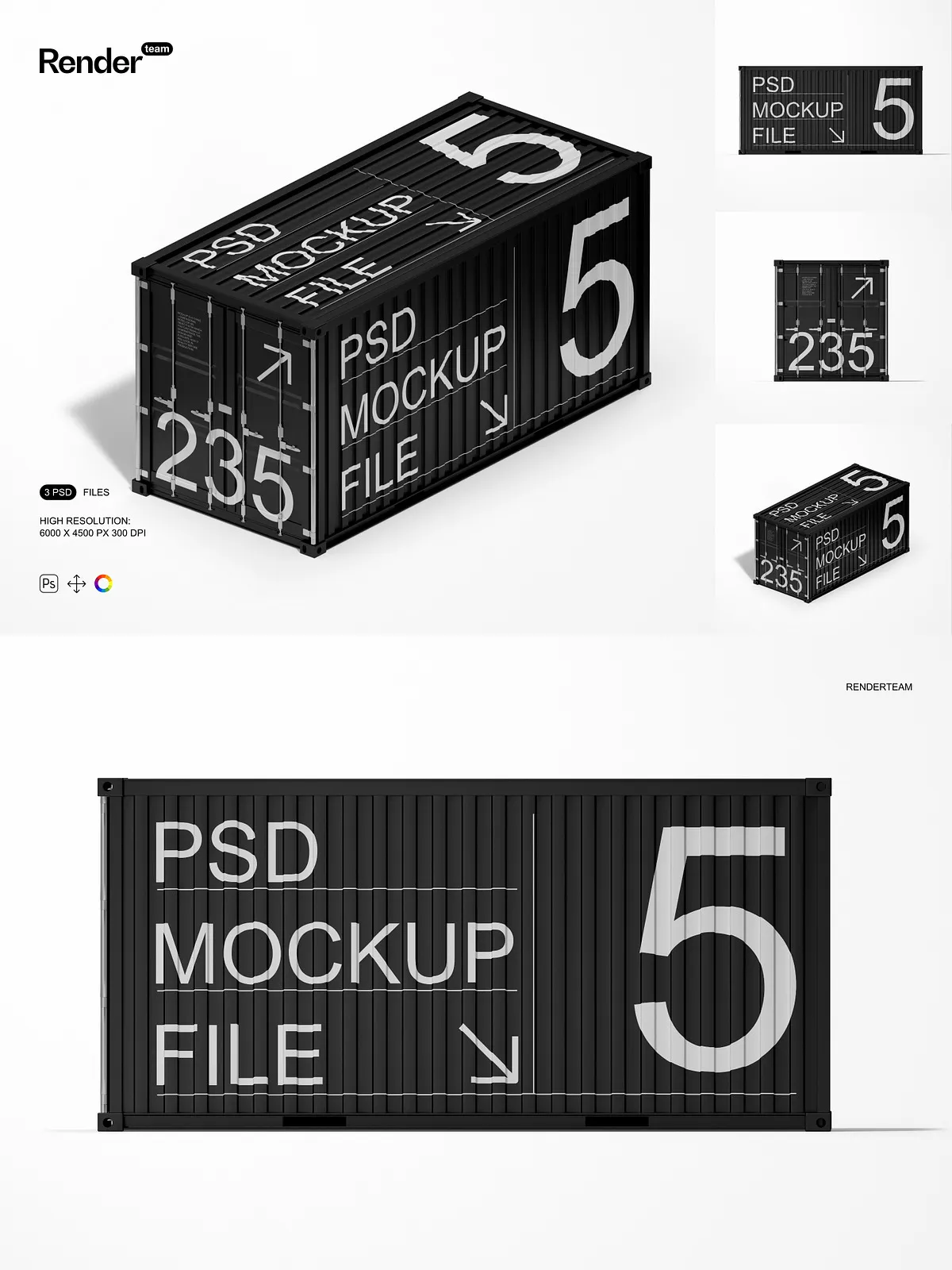
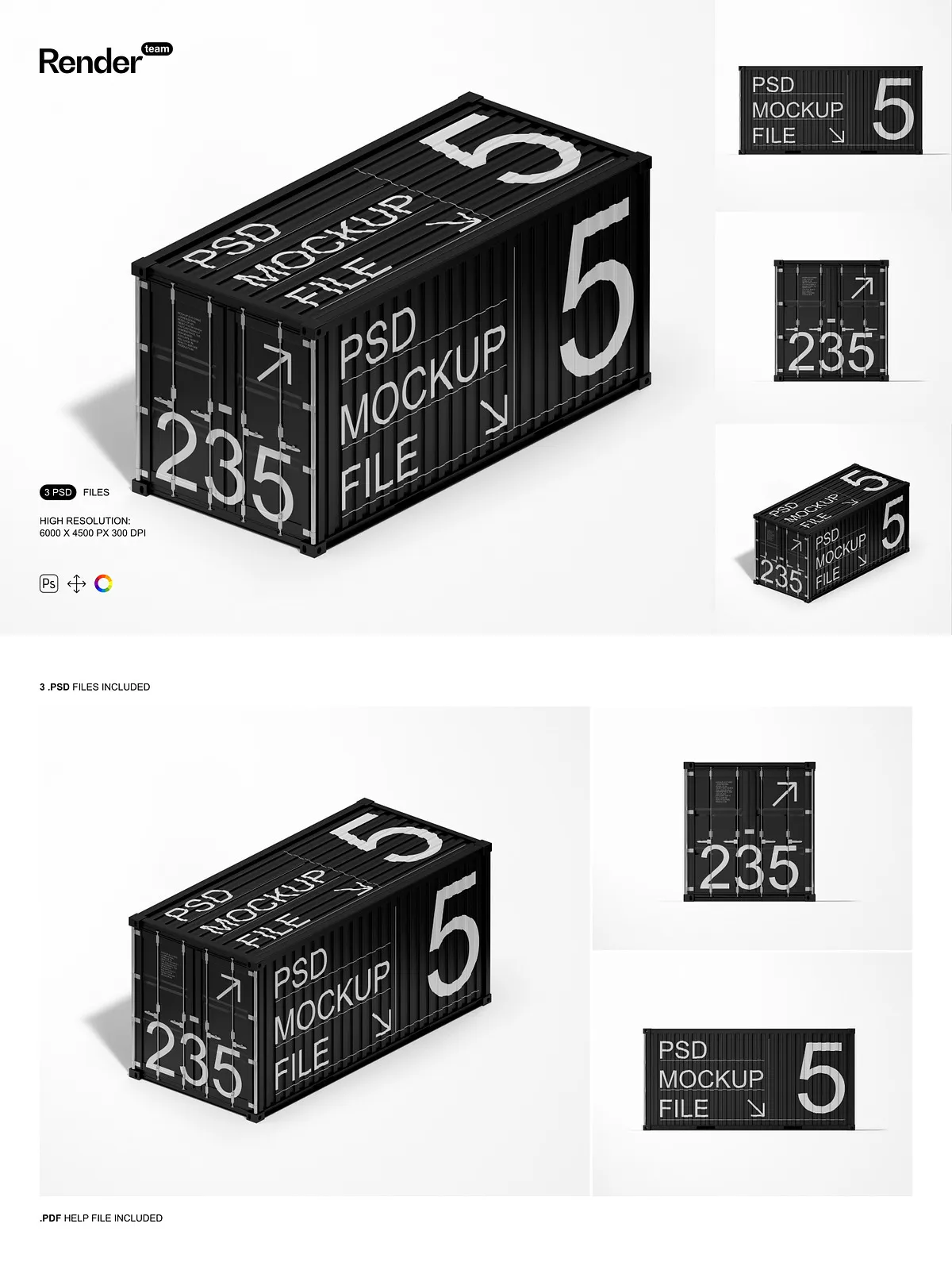
Ignite your creative potential with the Cargo Container Mockup Set — a powerful trio of layered, high-resolution PSD files built for maximum flexibility and instant impact. Whether you’re designing branding materials, launching a product campaign, or crafting digital ads, these mockups deliver professional-grade realism that makes your designs stand out. Each container is meticulously crafted with Smart Object layers, precise perspective, and isolated lighting effects, enabling you to insert custom artwork, logos, or promotional graphics in seconds.
What’s Included in the Set
Powerful Tools for Instant Visual Transformation
- 3 ultra-high-resolution PSD files at 6000 × 4500 pixels, 300 dpi—ideal for print, web, and large-format presentations
- Smart Object integration for instant design replacement—double-click the layer, insert your artwork, and save to see real-time updates
- Layer and folder organization to maintain workflow efficiency and simplify file management
- All structural components—including the container body, edges, shadows, and reflections—fully isolated for granular control
- Editable color layers allowing you to modify rust tones, metal finish, weathering effects, and lighting conditions
- Comprehensive PDF help file with visual step-by-step instructions, making setup simple even for beginners
Transform Your Designs in Seconds with Smart Object Magic
Replace Content Instantly, Without Sacrificing Quality
Stop spending hours recreating product visuals from scratch. With the Smart Object feature, you can swap in your custom design in under 30 seconds. Simply double-click the designated Smart Object layer, paste or drag in your artwork, scale and align it precisely, then save. The mockup instantly reflects every change with lifelike depth, accurate shadows, and realistic reflections—no extra editing or manual adjustments required. This non-destructive workflow preserves your original design files while allowing unlimited revisions.
Master Every Detail with Layer Isolation
Take complete command over the composition. Each layer—be it the container panel, corrosion effects, or drop shadows—is independently editable. Adjust surface textures to appear worn, cleaned, or industrial. Swap backgrounds instantly to place your container on a dockside, urban rooftop, warehouse floor, or surreal landscape. Modify lighting intensity to simulate midday sun, golden hour glow, or moody overcast scenes. This modular structure gives you complete artistic freedom to construct compelling narratives around your designs.
Crystal-Clear Output Designed for Any Medium
Pro-Level Resolution for Seamless Integration
Each mockup is rendered at 6000 × 4500 pixels with a 300 dpi resolution—perfect for high-quality printing, detailed product catalogs, or eye-catching digital banners. Textures remain crisp, gradients appear smooth, and shadows retain depth, even when scaled to display size. Whether you’re building a client presentation, creating a social media campaign, or designing landing pages, export your visuals in PNG, JPG, or PDF without compromising quality or resolution.
Build Immersive Scenes That Tell a Story
Create authentic visual environments by combining multiple containers, adding props like chains, cargo pallets, or warehouse signage, or layering environmental overlays such as fog, heat haze, or industrial glow. Use the isolated layers to build depth and mood—position one container in the foreground with a blurred background, or create a full layout for a product lineup. These mockups adapt effortlessly to both minimalist designs and complex, dynamic compositions.
Quick Setup: 1-2-3 Workflow for Instant Results
Beginner-Friendly Steps to Professional Output
- Open any of the PSD files in Adobe Photoshop (Creative Cloud recommended).
- Locate the Smart Object layer labeled for the front panel, side, or logo area and double-click to open the editable content layer.
- Paste your design, align it to the frame, scale it to fit, and fine-tune position using the transform tools.
- Save the Smart Object file and return to the main canvas—the updated design appears instantly with accurate perspective and depth.
- Adjust background, shadow strength, and color grading to match your preferred aesthetic.
- Export the final image in PNG, JPG, or PDF format for use on websites, social media, or printed materials.
Compatibility and System Requirements
This mockup set is designed exclusively for Adobe Photoshop and requires full support for Smart Objects and layered PSD files. It is not compatible with Canva, Procreate, Figma, Illustrator, or any other design software that does not support Adobe’s native file format. For the smoothest experience and full access to all features, use the latest version of Creative Cloud Photoshop. Always keep your system updated to avoid rendering issues or layer glitches.
Licensing & What’s Not Included
Important: This product includes only the mockup templates. It does not contain example designs, fonts, stock photos, or third-party graphics used in preview images. You are responsible for sourcing and licensing all external assets used in your project. Ensure your design elements are properly licensed for commercial use, especially when delivering work to clients or publishing online.
Ideal for: Branding Agencies, E-Commerce, Advertising, and Product Designers
Use these mockups to create standout content for: product launch campaigns, Shopify or Amazon listings, Instagram and LinkedIn ads, client pitch decks, packaging design proofs, and outdoor advertising displays. The ability to generate multiple versions quickly makes this set indispensable for professionals managing multiple projects under tight deadlines or agencies producing diverse visual identities across clients.
Pro Tips & Support
Beginners: Refer to the included PDF guide for visual tutorials and layer navigation. Always work from a duplicate file to preserve the original. Professionals: Use layer names with prefixes like “Shadow_,” “Light_,” or “Ref_” to streamline team collaboration. Combine with third-party texture overlays or lighting effects for cinematic realism.
Own Every Visual Story You Tell
The Cargo Container Mockup Set delivers unmatched efficiency, realism, and creative control. With Smart Object editing, clean layer architecture, and lifelike rendering, you no longer need photography, 3D renders, or expensive production to build compelling visuals. Take full ownership of your design narrative, accelerate your workflow, and present your ideas with professional confidence. Create unique scenes, inspire your audience, and elevate your brand—one container at a time.