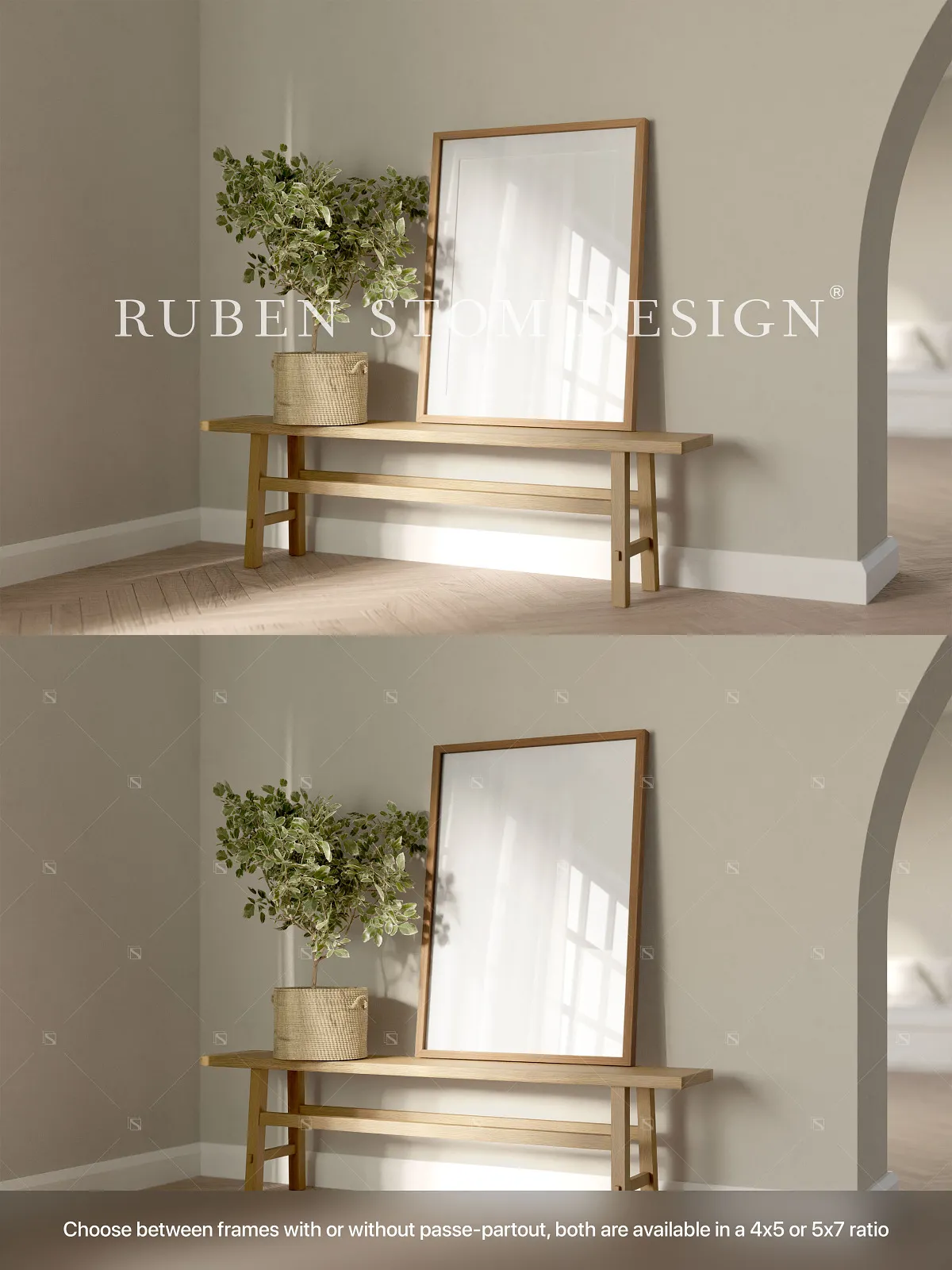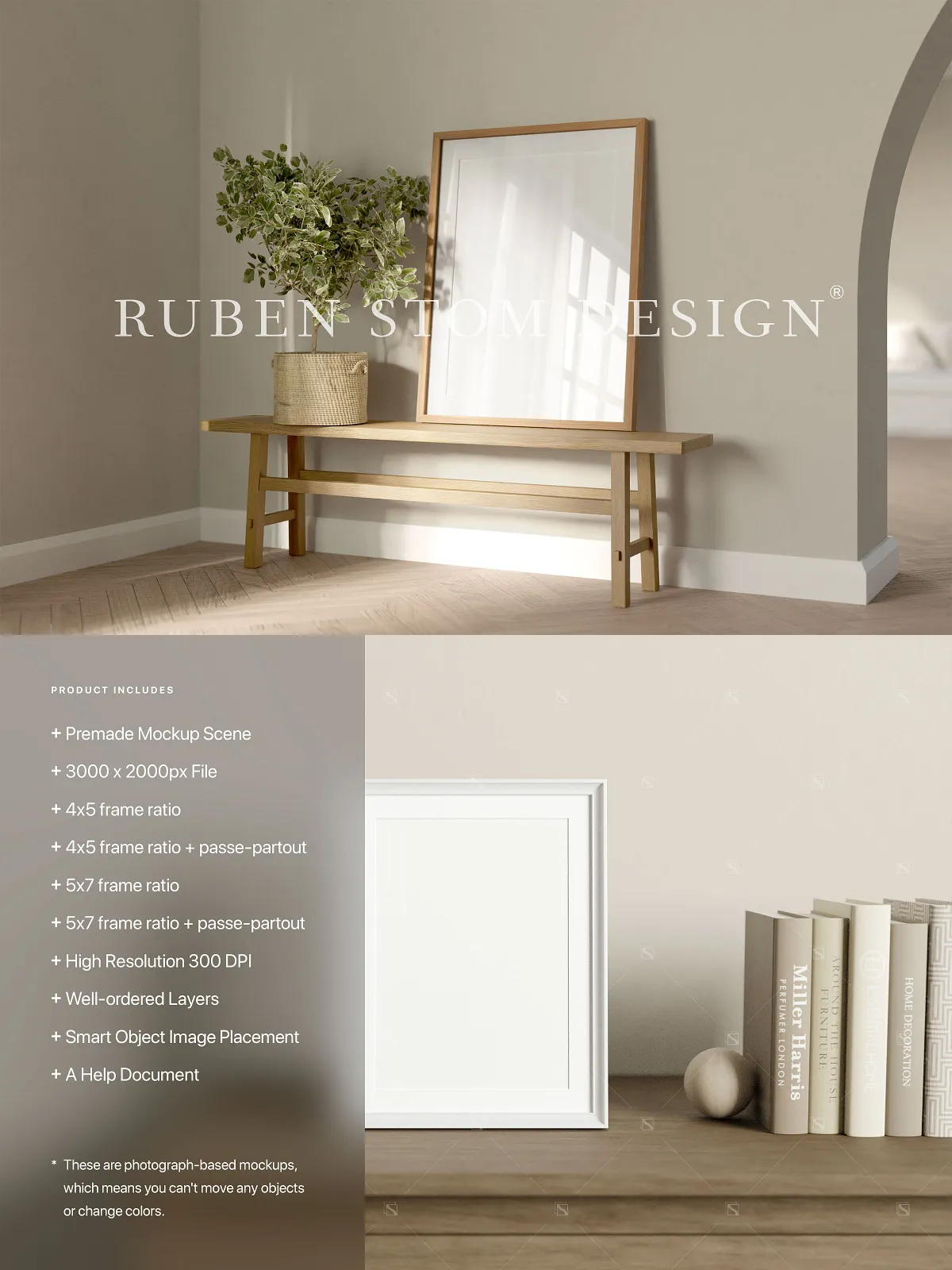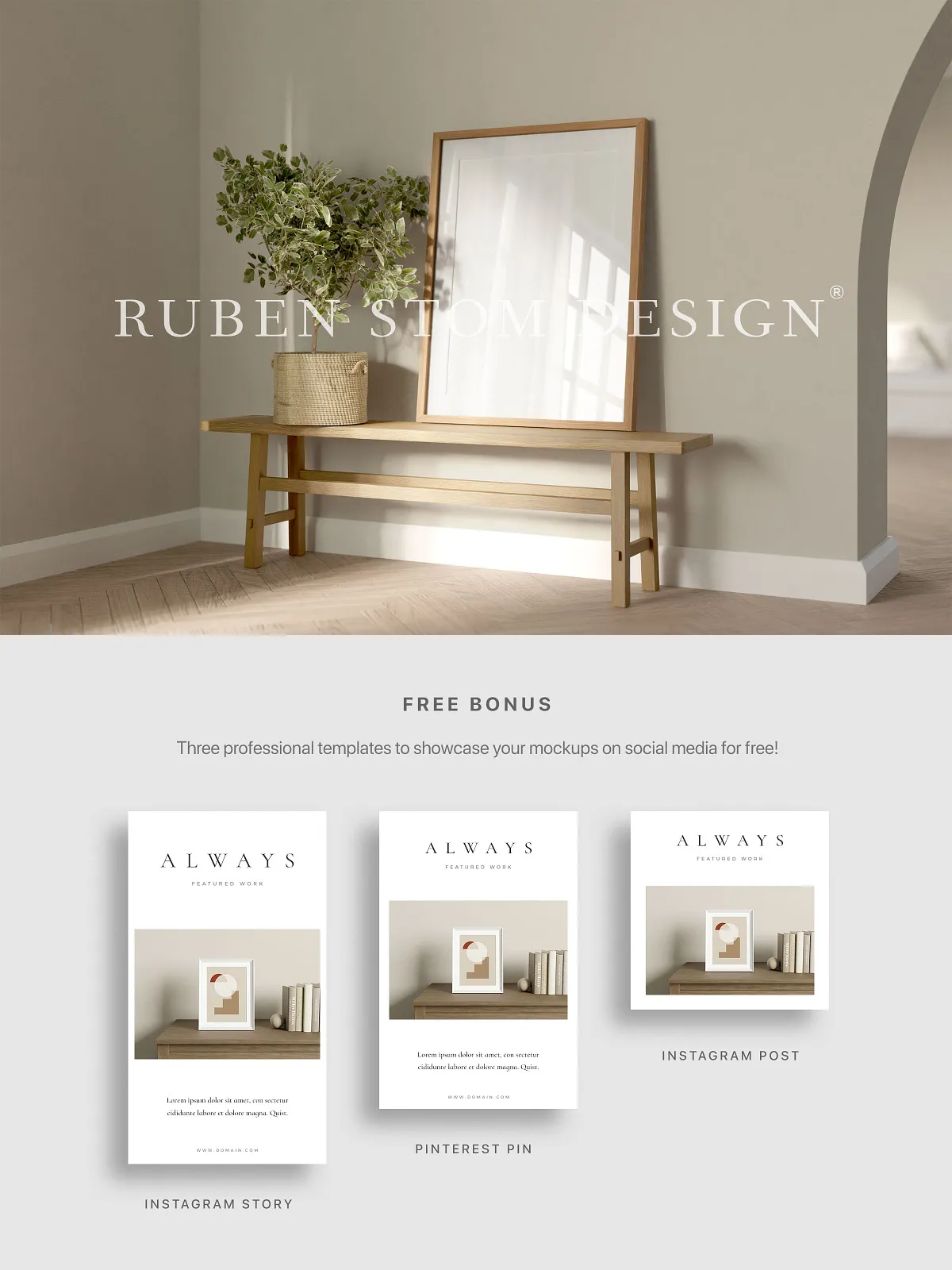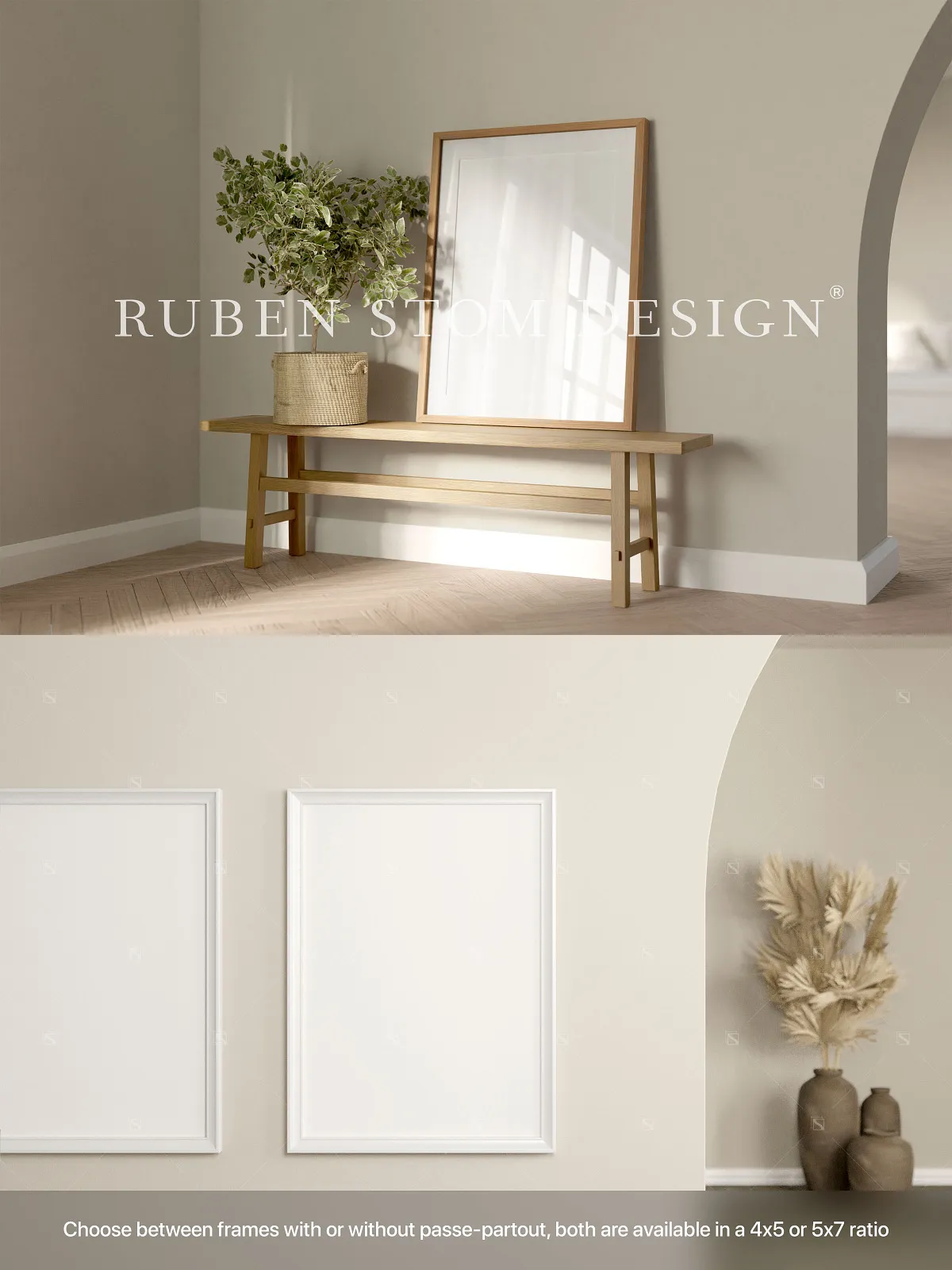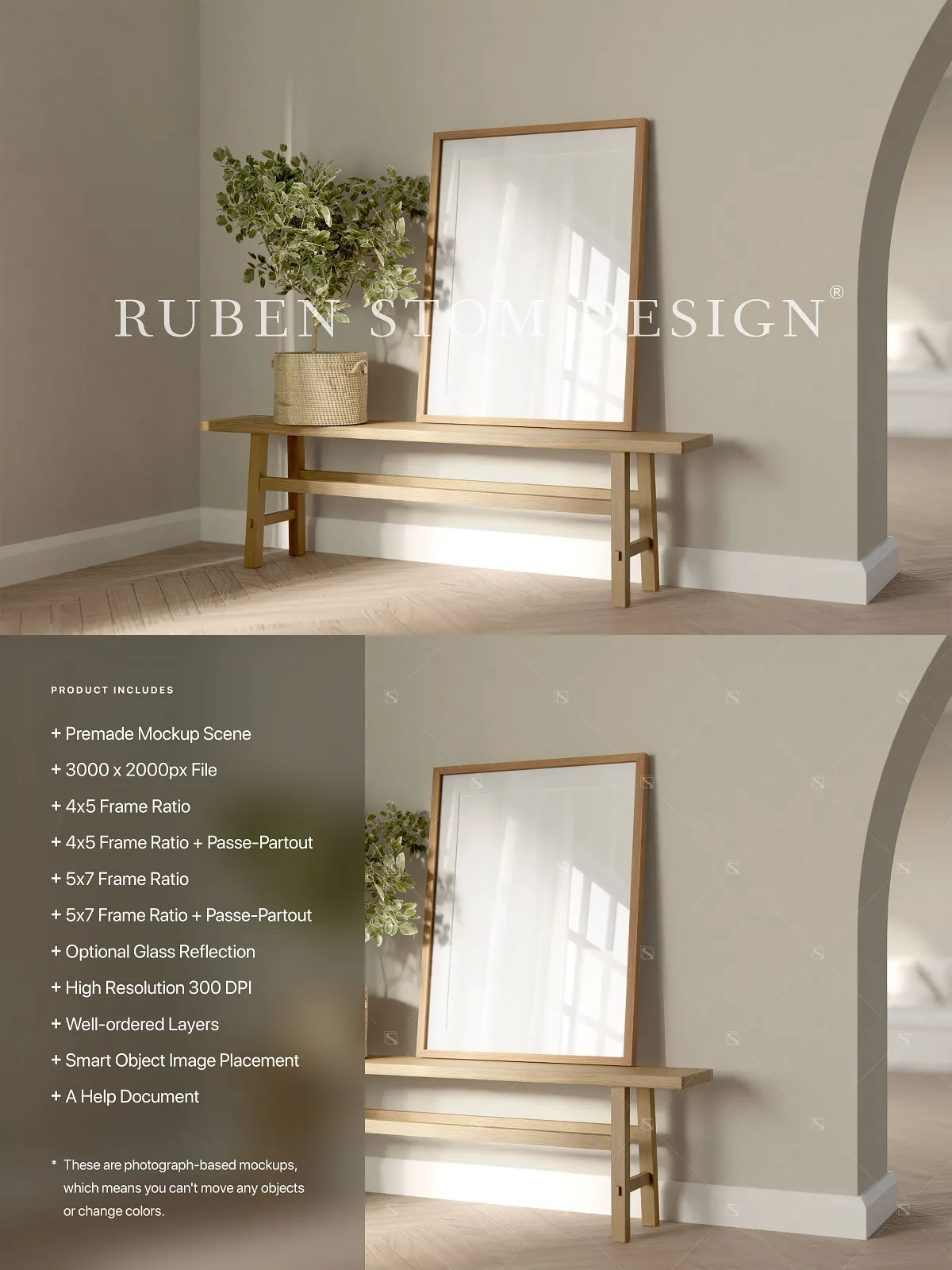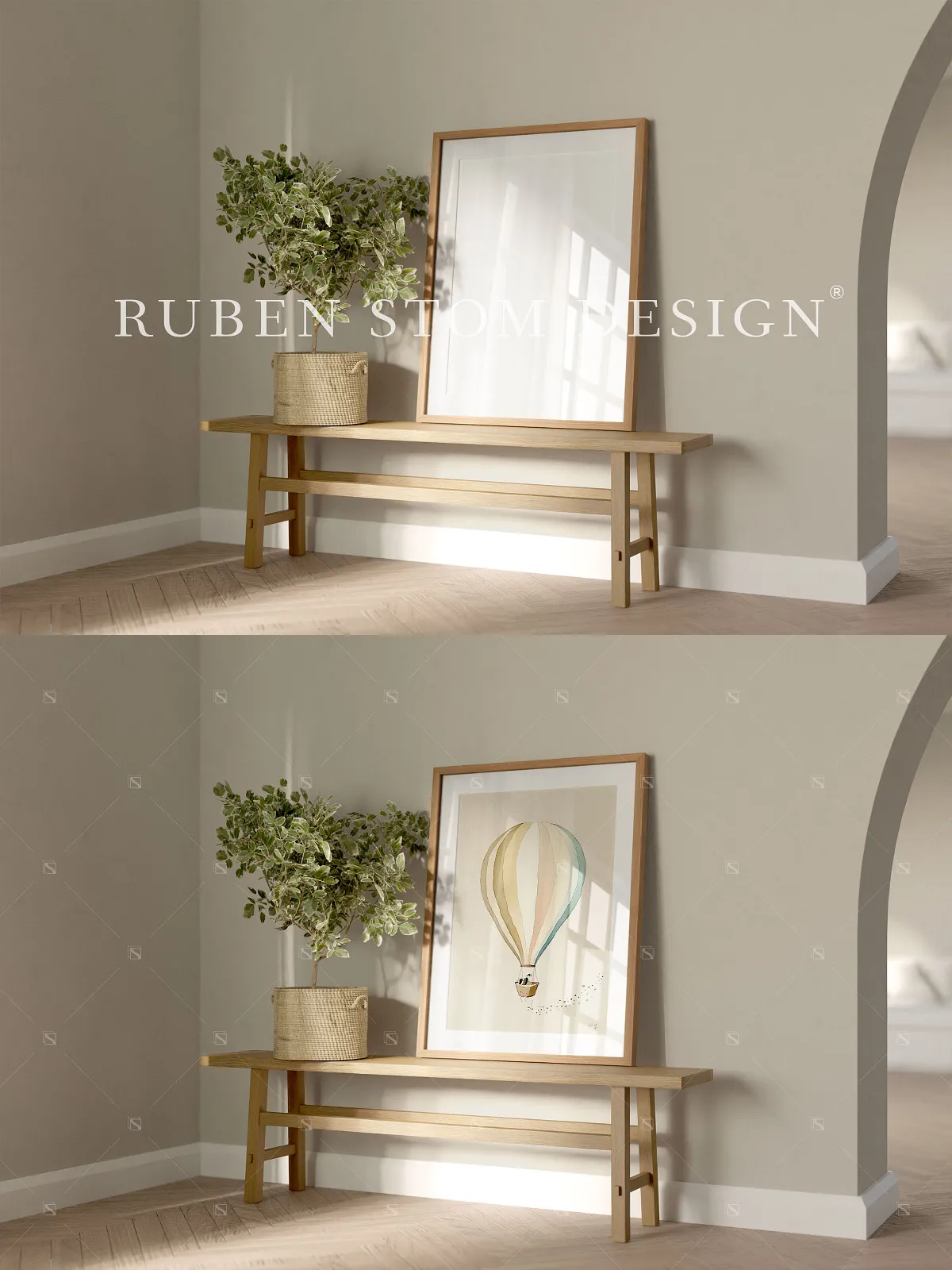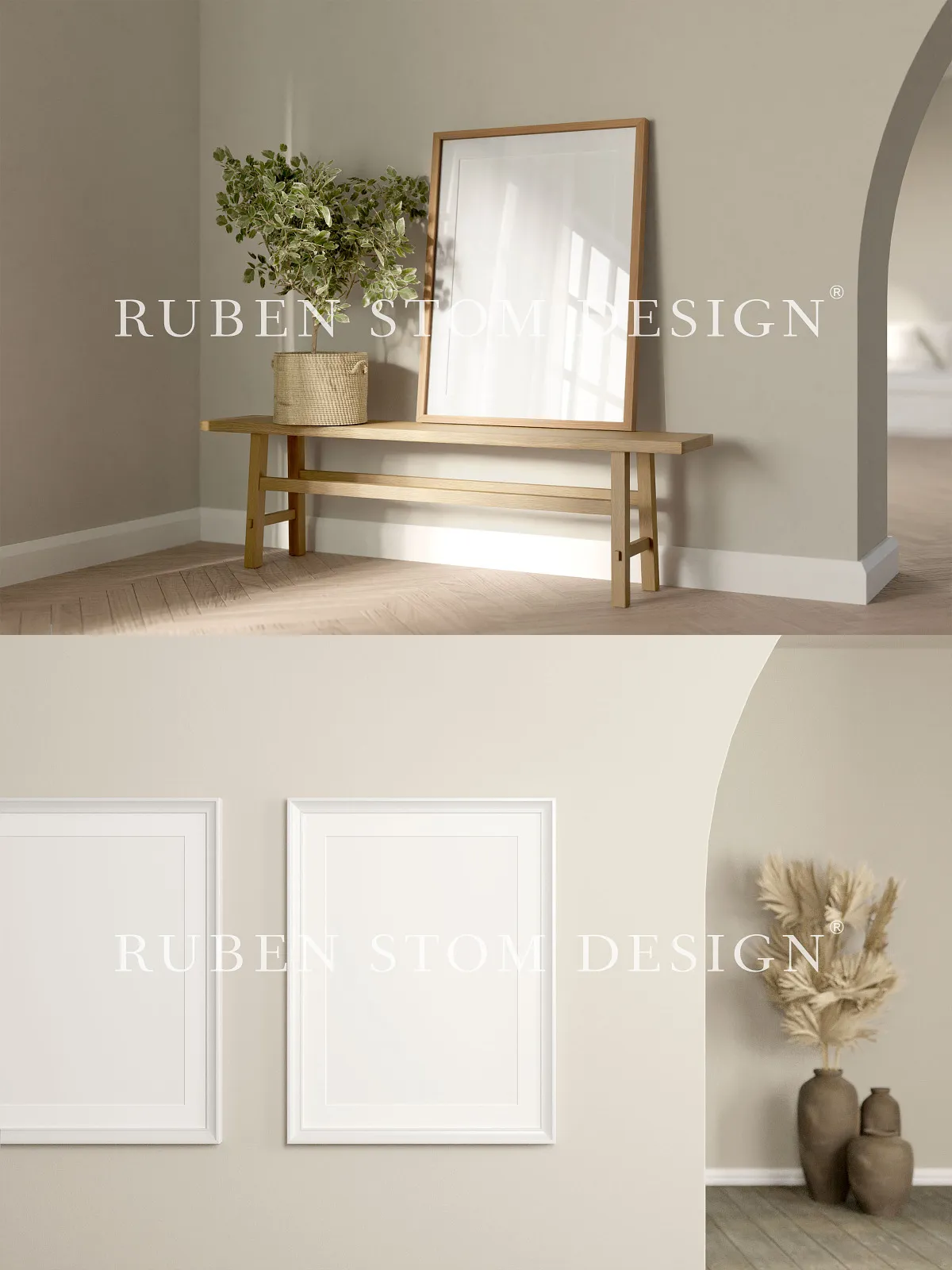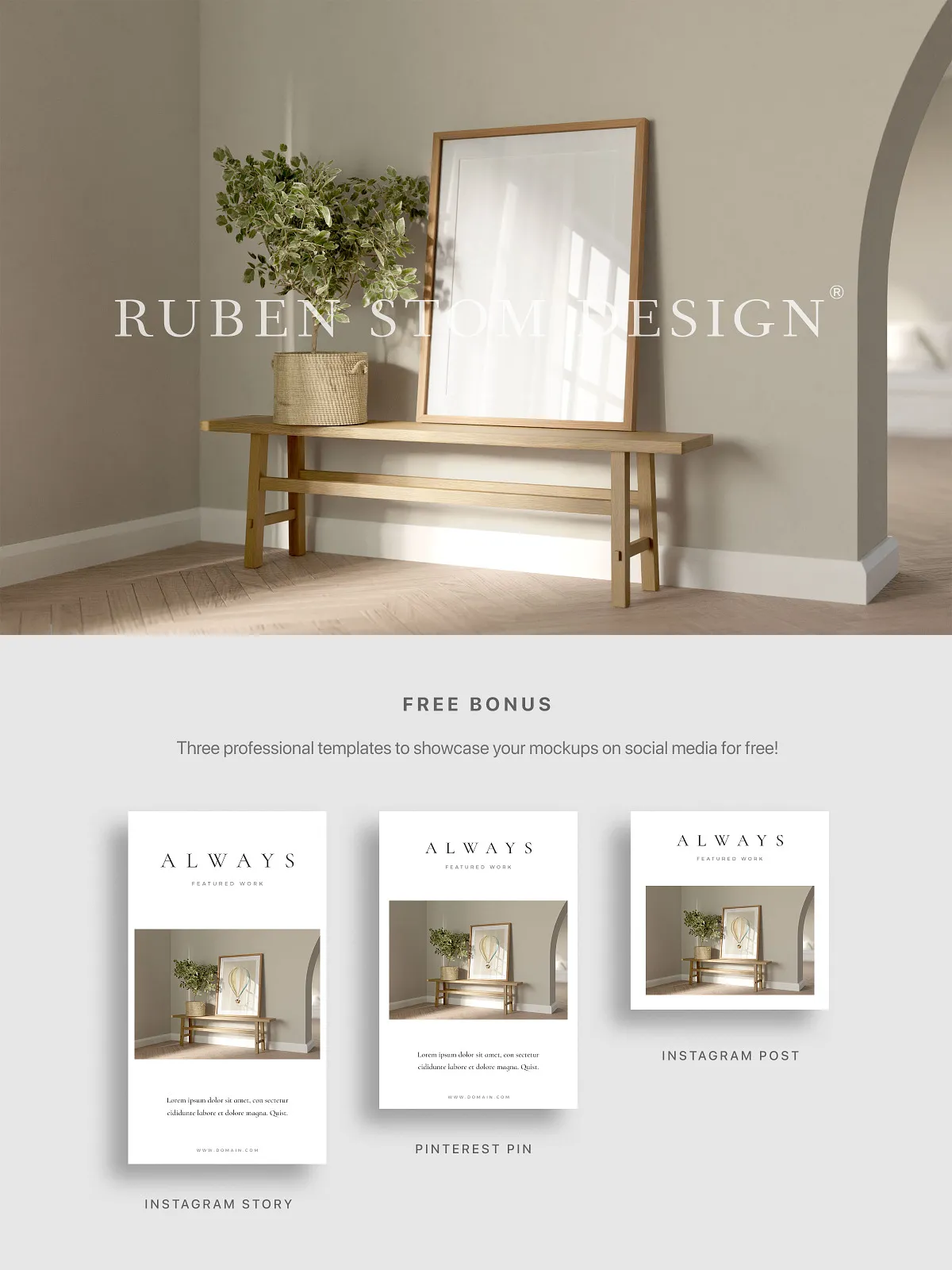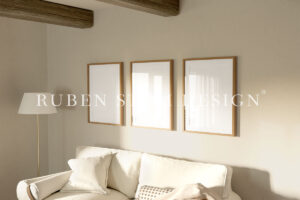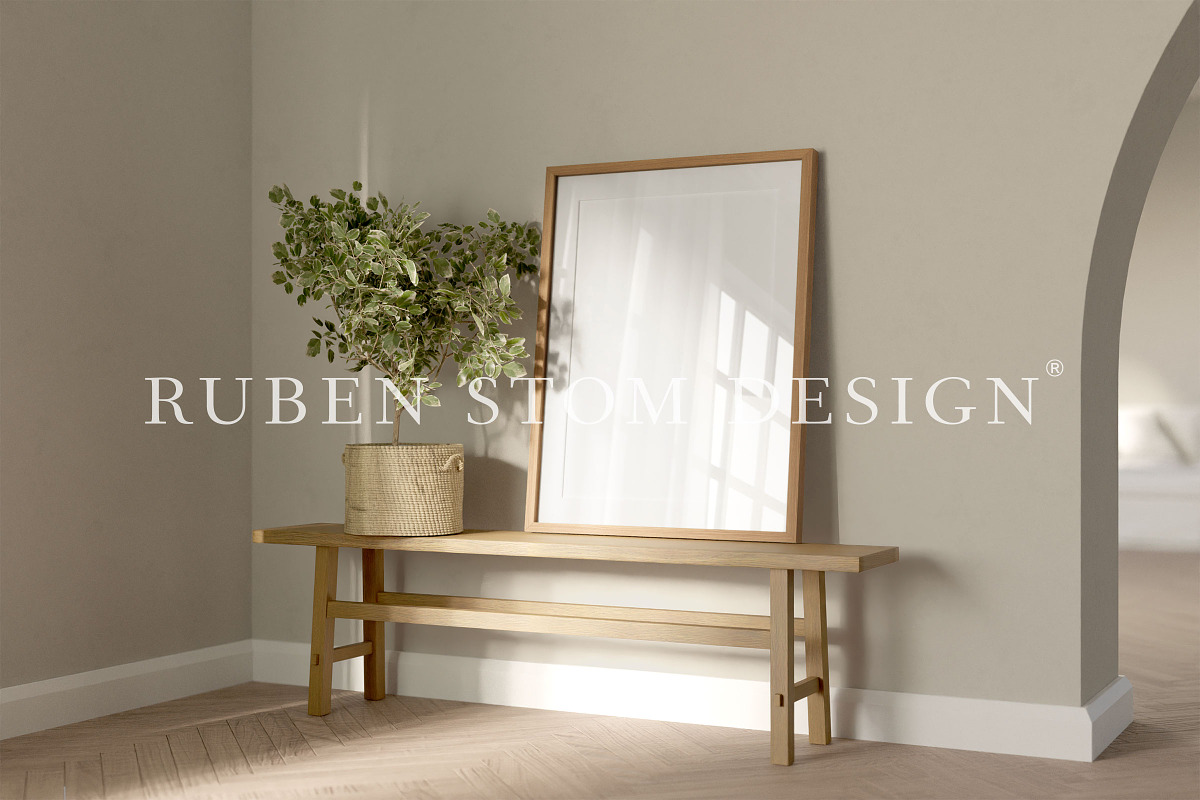
Unlock the full visual potential of your artwork with this professionally crafted, high-resolution mockup scene—engineered for dynamic presentation, seamless integration, and studio-grade realism. Designed for designers, photographers, artists, and content creators, this mockup enables you to showcase your work in lifelike settings with unmatched clarity, customization, and compatibility across leading creative platforms.
Instant Artwork Integration via Smart Objects: Replace, Align, Optimize—In Seconds
Stop wrestling with manual cropping and layering. This mockup leverages Smart Objects to deliver instant, non-destructive artwork placement. Double-click the placeholder layer, insert your image, and watch it automatically scale, align, and fit perfectly within the frame—no stretching, no distortion, no pixelation. This powerful feature empowers you to test multiple compositions, refine layouts in real time, and generate polished previews with minimal effort—maximizing creativity and minimizing workflow friction.
Flexible Frame Ratios for Every Project: Match Your Vision, Every Time
Whether you’re preparing content for mobile screens, large-format prints, or curated online galleries, this mockup adapts seamlessly to a wide range of standard and creative formats:
- 4×5 Frame Ratio: Ideal for Instagram posts, social media carousels, and mobile-optimized portfolios—ensuring your visuals stand out on smaller screens.
- 4×5 Frame Ratio with Passe-Partout: Add a refined, museum-like border to emphasize artistic intent and elevate the perceived value of your work.
- 5×7 Frame Ratio: Perfect for high-impact print layouts, exhibition displays, and digital brochures where detailed composition matters.
- 5×7 Frame Ratio with Passe-Partout: Create a premium, professional look for client pitches, design portfolios, and brand storytelling presentations.
Toggle the glass reflection feature on or off to simulate authentic studio framing—adding depth, texture, and a glossy realism that brings your mockups to life and enhances visual credibility.
Print-Ready Quality at 300dpi: Deliver Flawless Output Across All Platforms
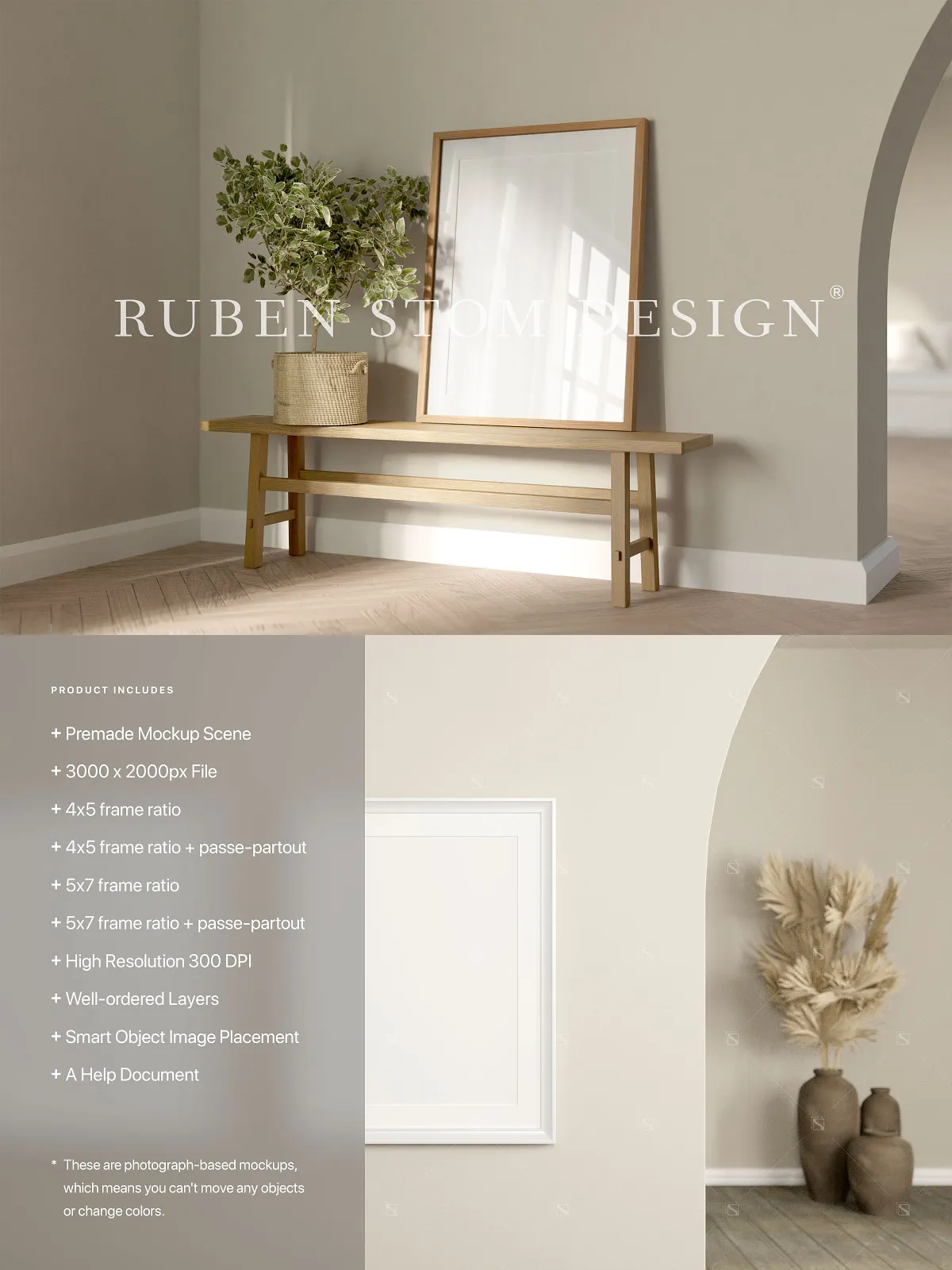
From digital screens to high-gloss print media, this mockup maintains pixel-perfect clarity at a 3000 x 2000px resolution and a crisp 300dpi. The optimized 3:2 aspect ratio ensures consistent scaling across devices and mediums. Use it confidently for:
- Website hero banners and product showcases
- Professional social media marketing content
- Print-ready brochures, flyers, and business cards
- Art prints, exhibition panels, and portfolio spreads
- Brand presentations and digital storyboards
No degradation in quality. No compromise on detail. Just publication-ready visuals that command attention and inspire confidence.
Intelligent Layer Organization: Work Faster, Think Smarter
Every element is precisely grouped, color-coded, and clearly labeled for instant navigation. Disable the passe-partout, adjust the reflection intensity, or isolate background layers—without disrupting the overall composition. This structured layer hierarchy enhances productivity, supports team collaboration, and ensures consistency across multiple projects.
Universal Software Compatibility: Work Anywhere, Anytime, on Any Device
Break free from platform limitations. This mockup is fully compatible with:
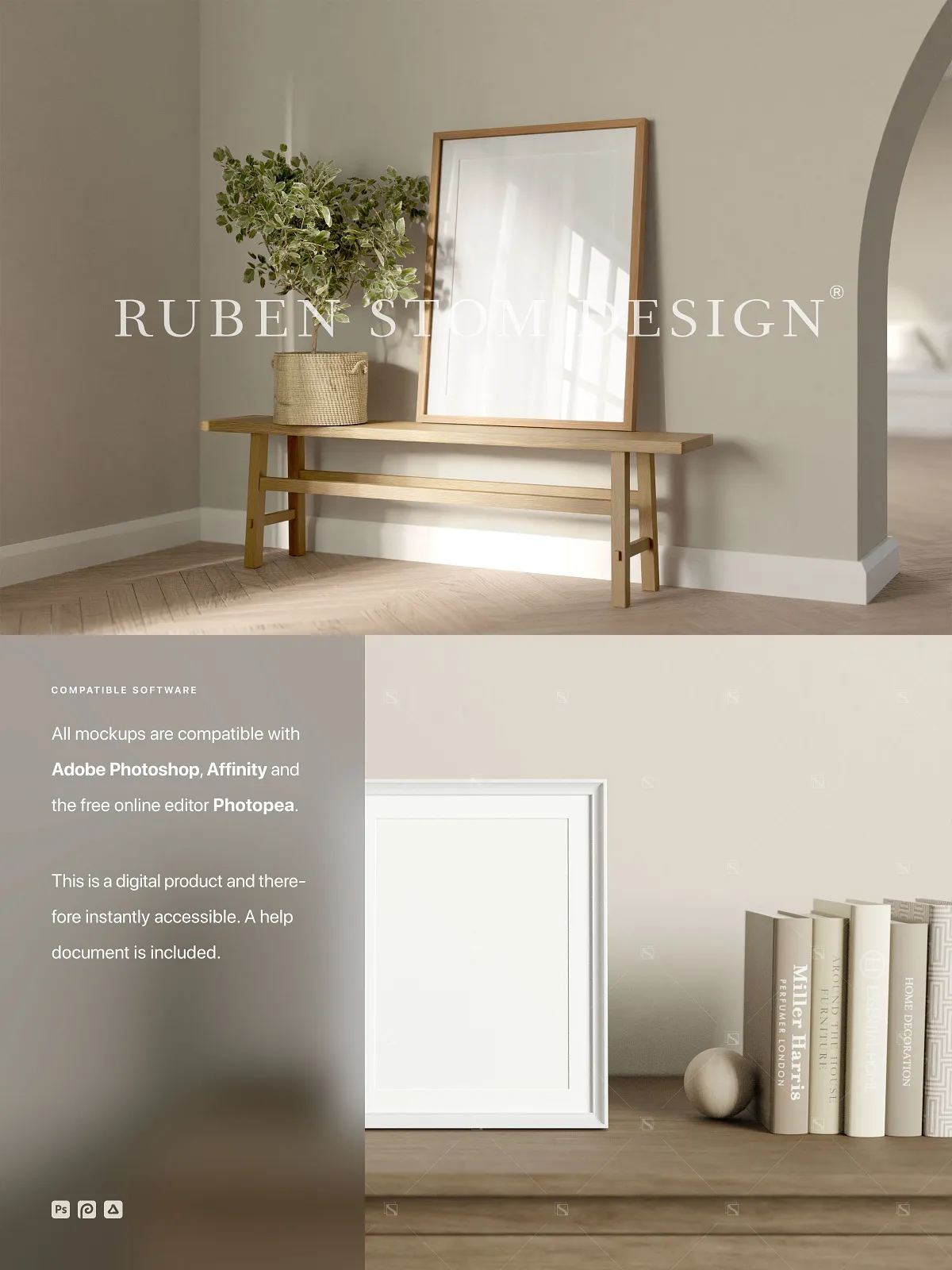
- Adobe Photoshop (CS6 and later): Leverage the full power of the industry’s most trusted design suite.
- Affinity Photo (Windows, macOS, Linux): Enjoy lightweight, high-performance editing with professional precision.
- Photopea (free online editor): Access, edit, and export your mockups instantly via any browser—no installation, no subscription, no restrictions.
Whether you’re on a desktop, laptop, tablet, or even a smartphone, your workflow stays fluid and uninterrupted.
Accelerate Your Workflow with a Comprehensive Help Document
No more trial and error. The included step-by-step help document guides you through every essential task:
- Navigating the PSD file structure in your chosen software
- Replacing images via Smart Objects with perfect alignment
- Switching between frame ratios and enabling glass reflection
- Adjusting image position and scale for optimal framing
- Exporting final files in the ideal formats for web (PNG, JPG) and print (PDF, TIFF)
Whether you’re new to mockups or a seasoned pro, this guide ensures you achieve professional results in minutes—not hours.
Scale Your Projects Across All Media: From Digital to Print
Use this mockup to create content that performs across every channel:
- Social Media Feeds: Craft scroll-stopping visuals with lifelike framing and premium realism.
- Website Headers and Banners: Design compelling hero sections that convert visitors into clients.
- Portfolio Showcases: Present photography, illustrations, or design work in a curated, gallery-worthy environment.
- Print and Branding Materials: Prepare accurate, high-fidelity layouts for brochures, flyers, and exhibition panels.
- Client Presentations: Tell a powerful visual story with context-aware scenes that enhance your message.