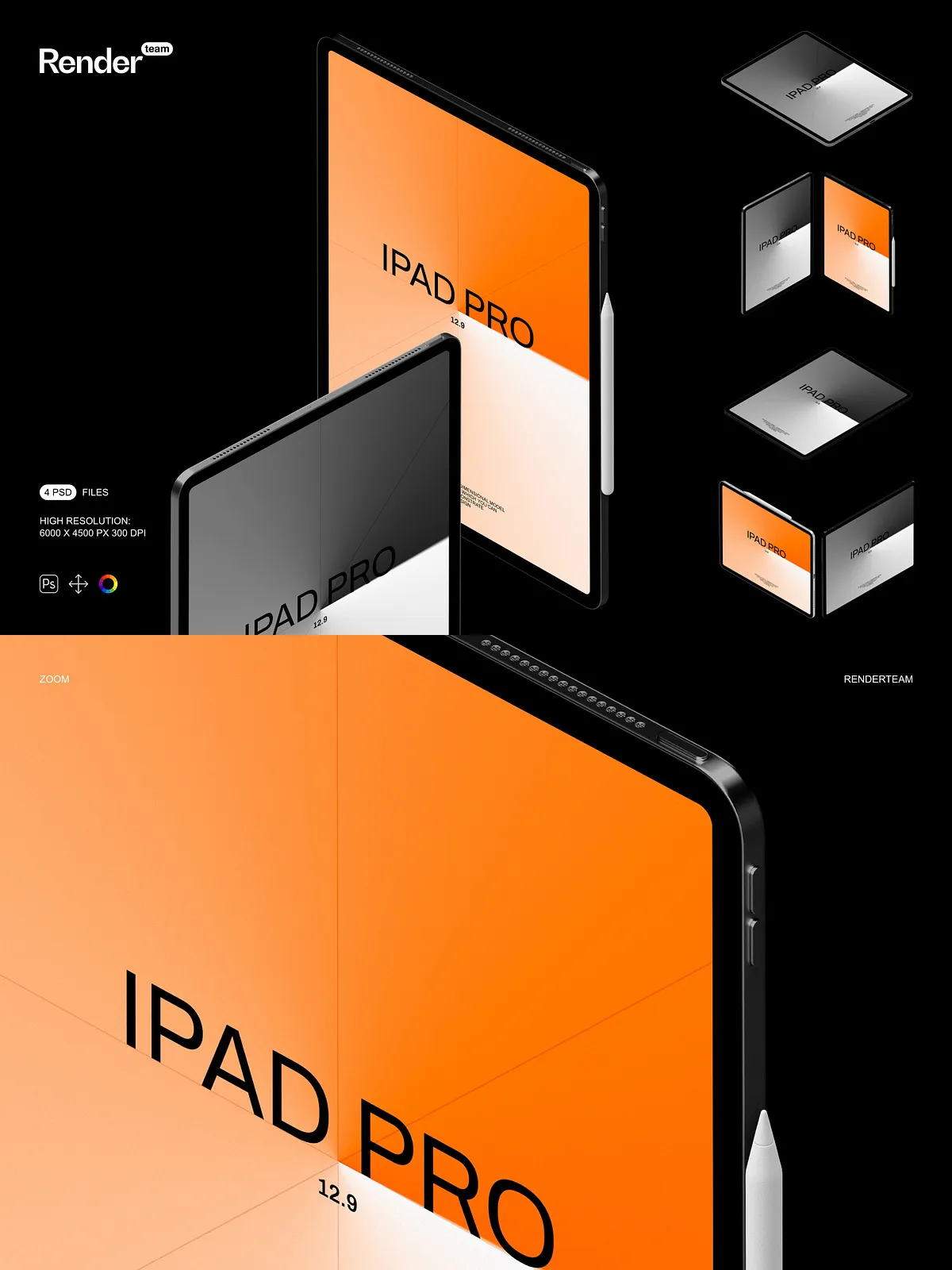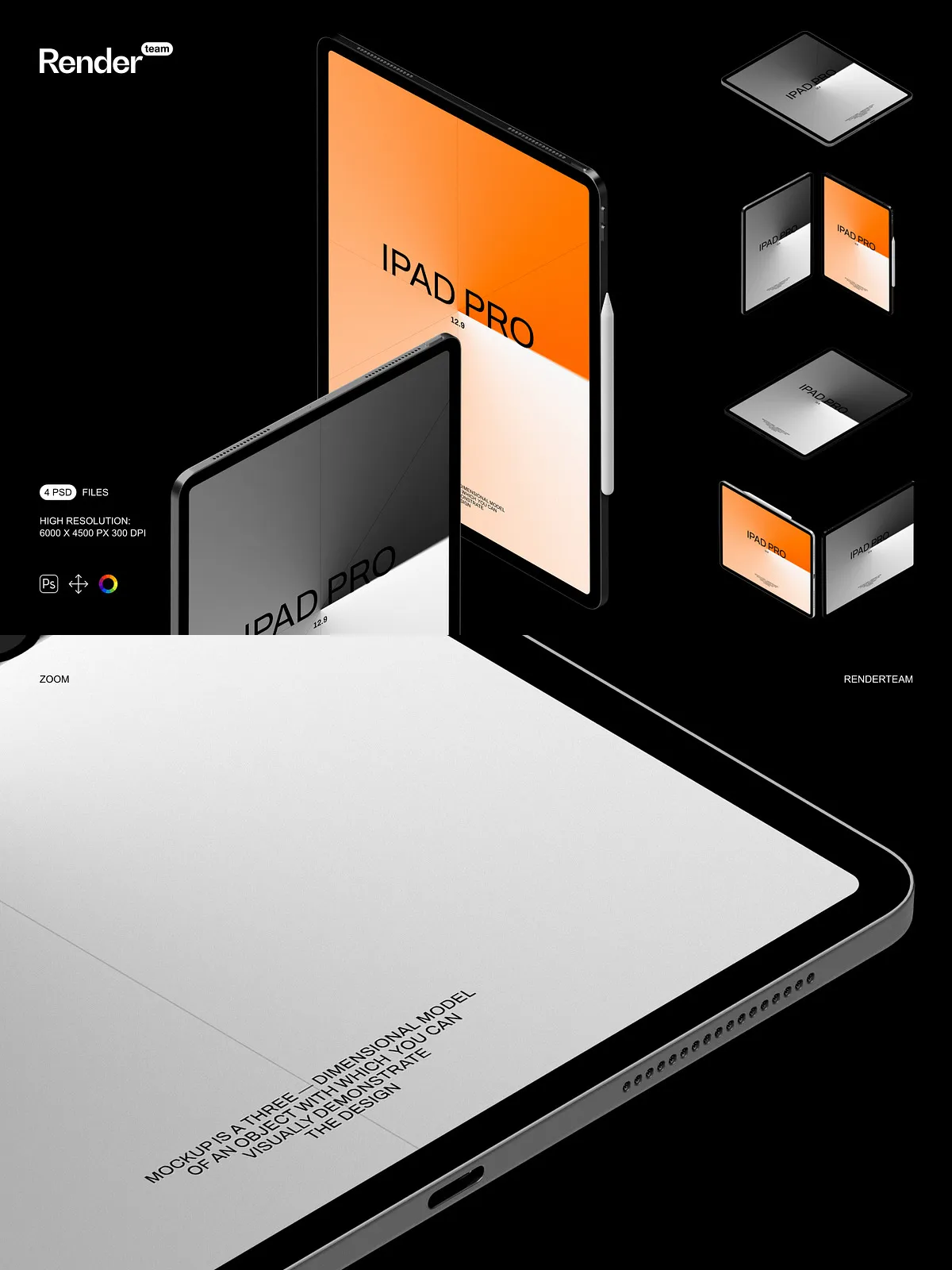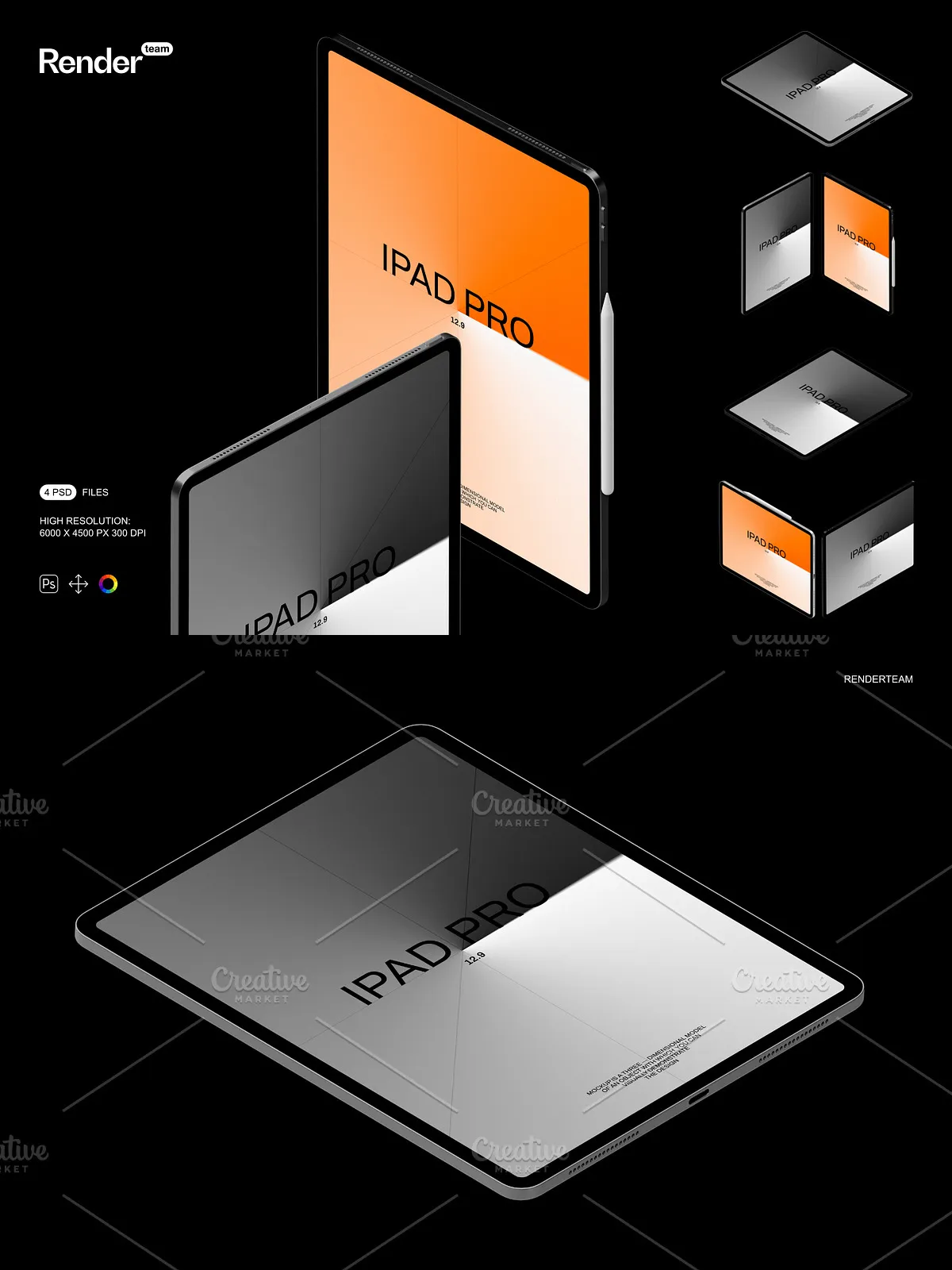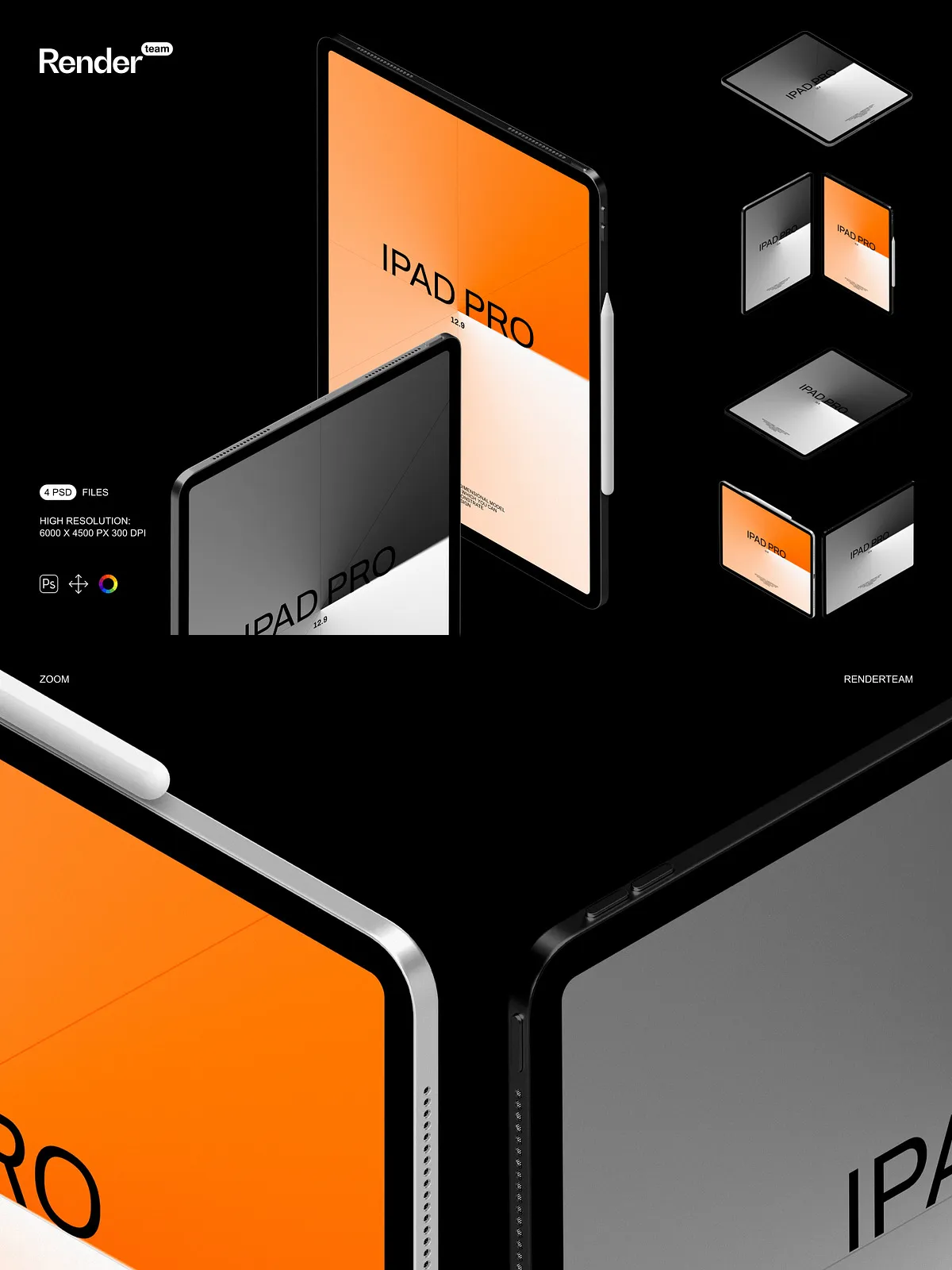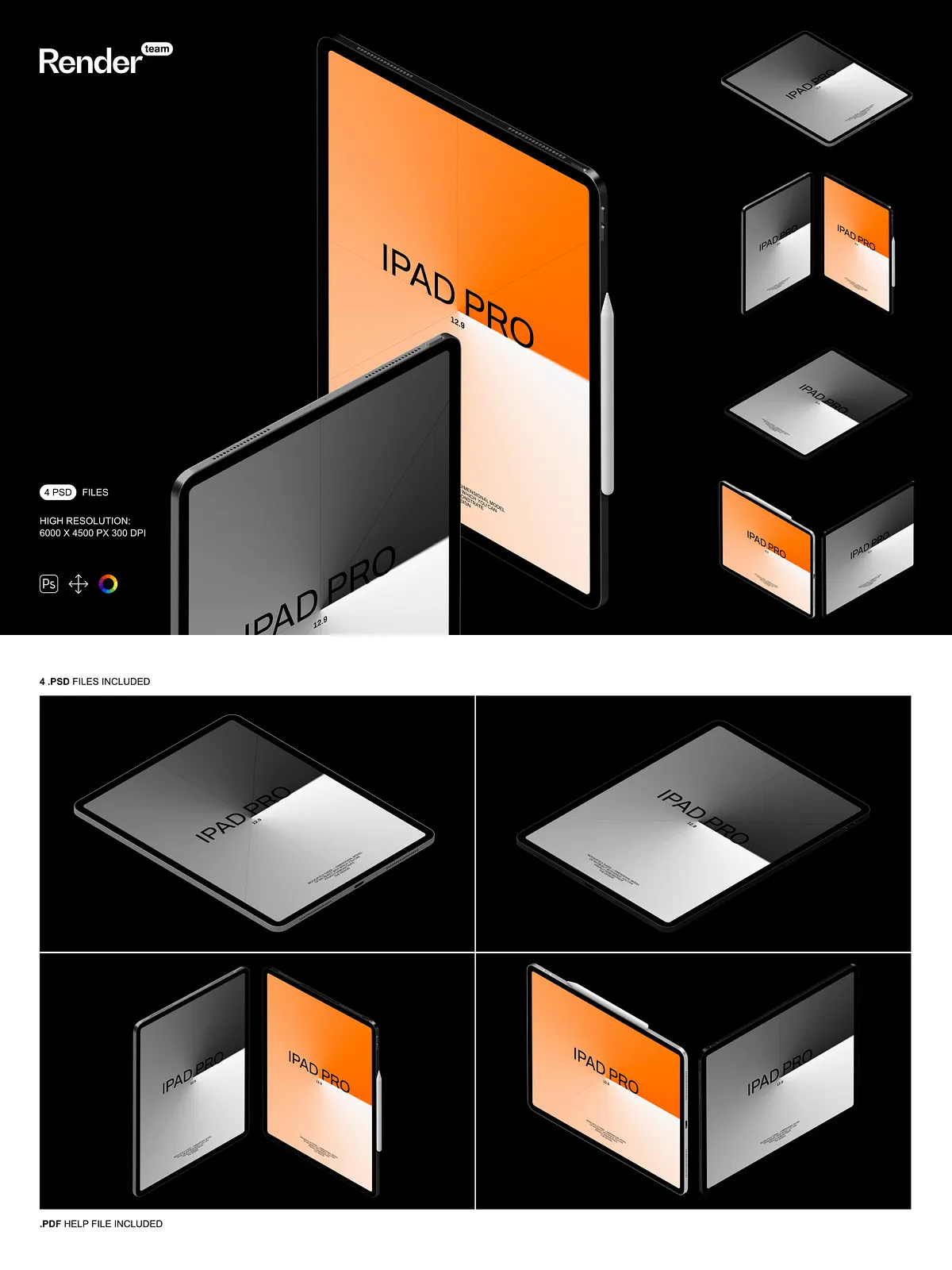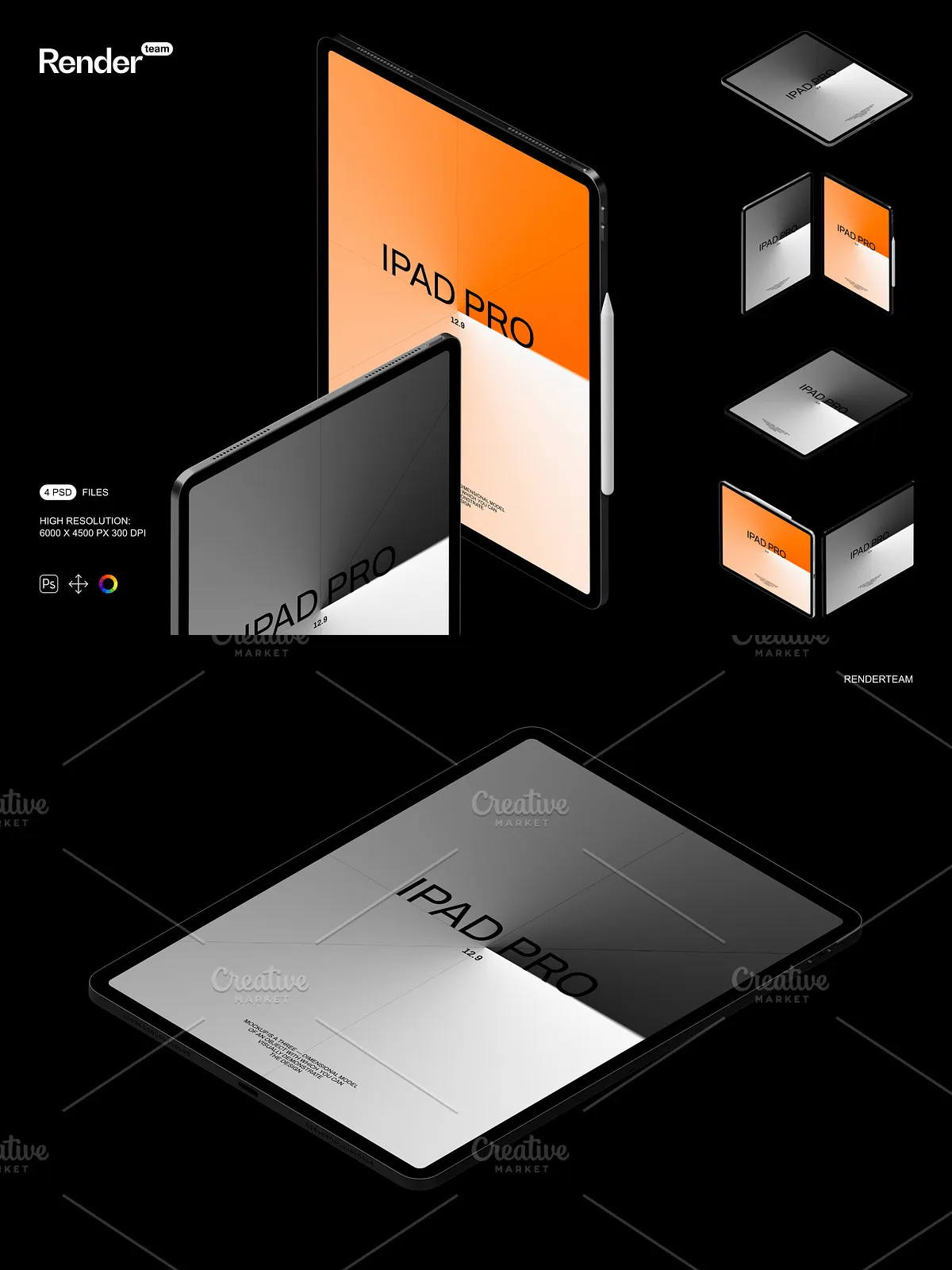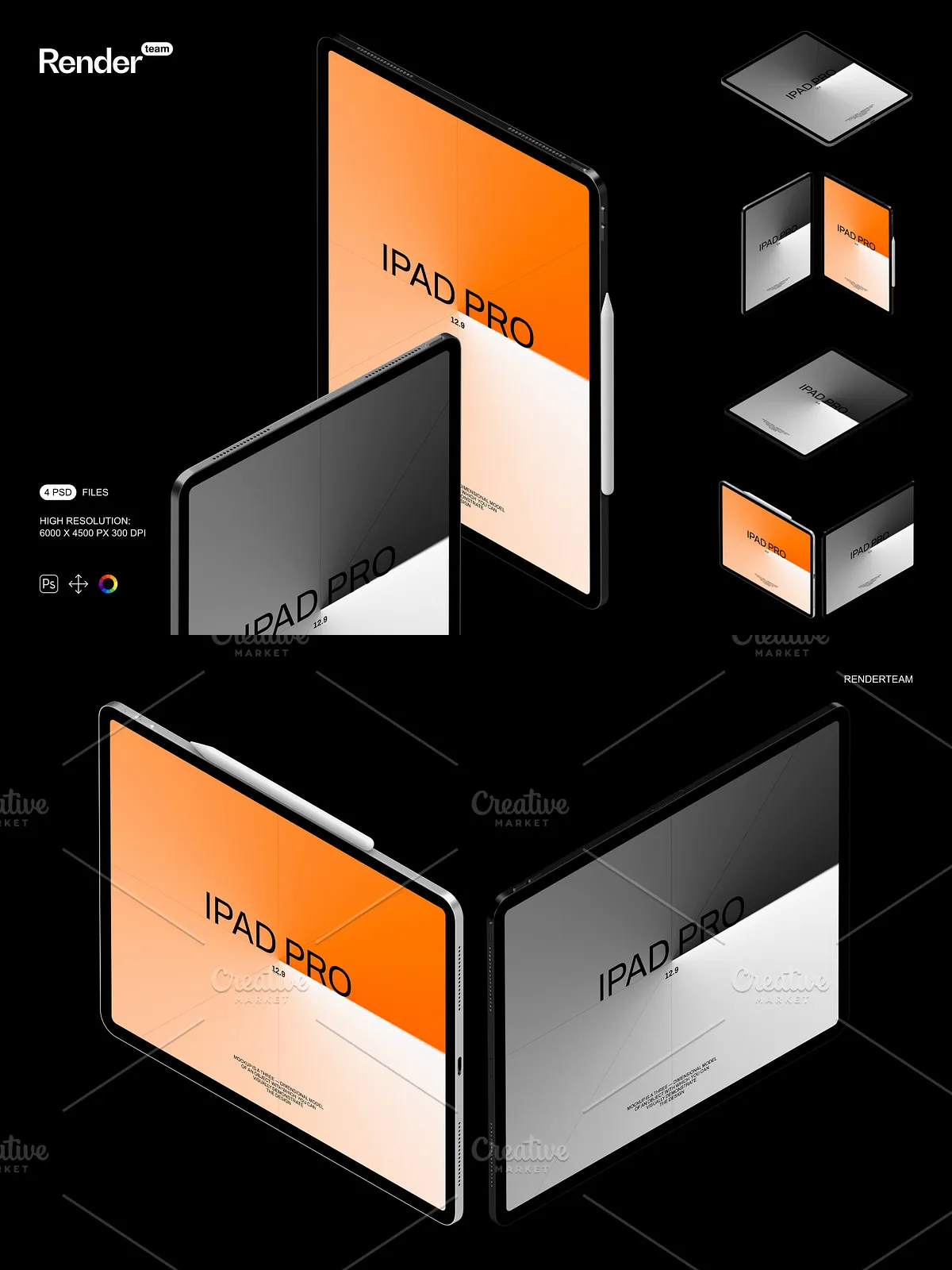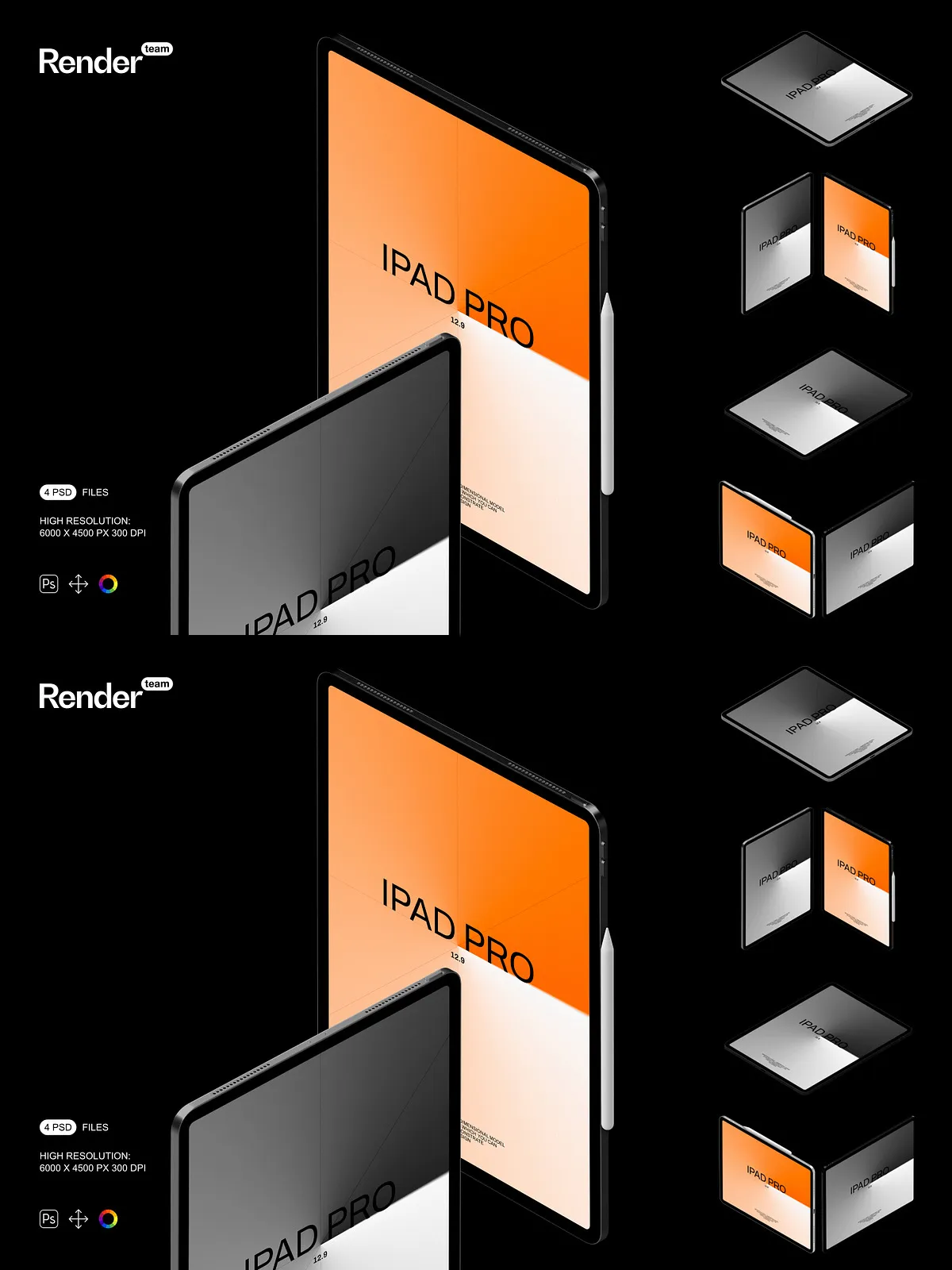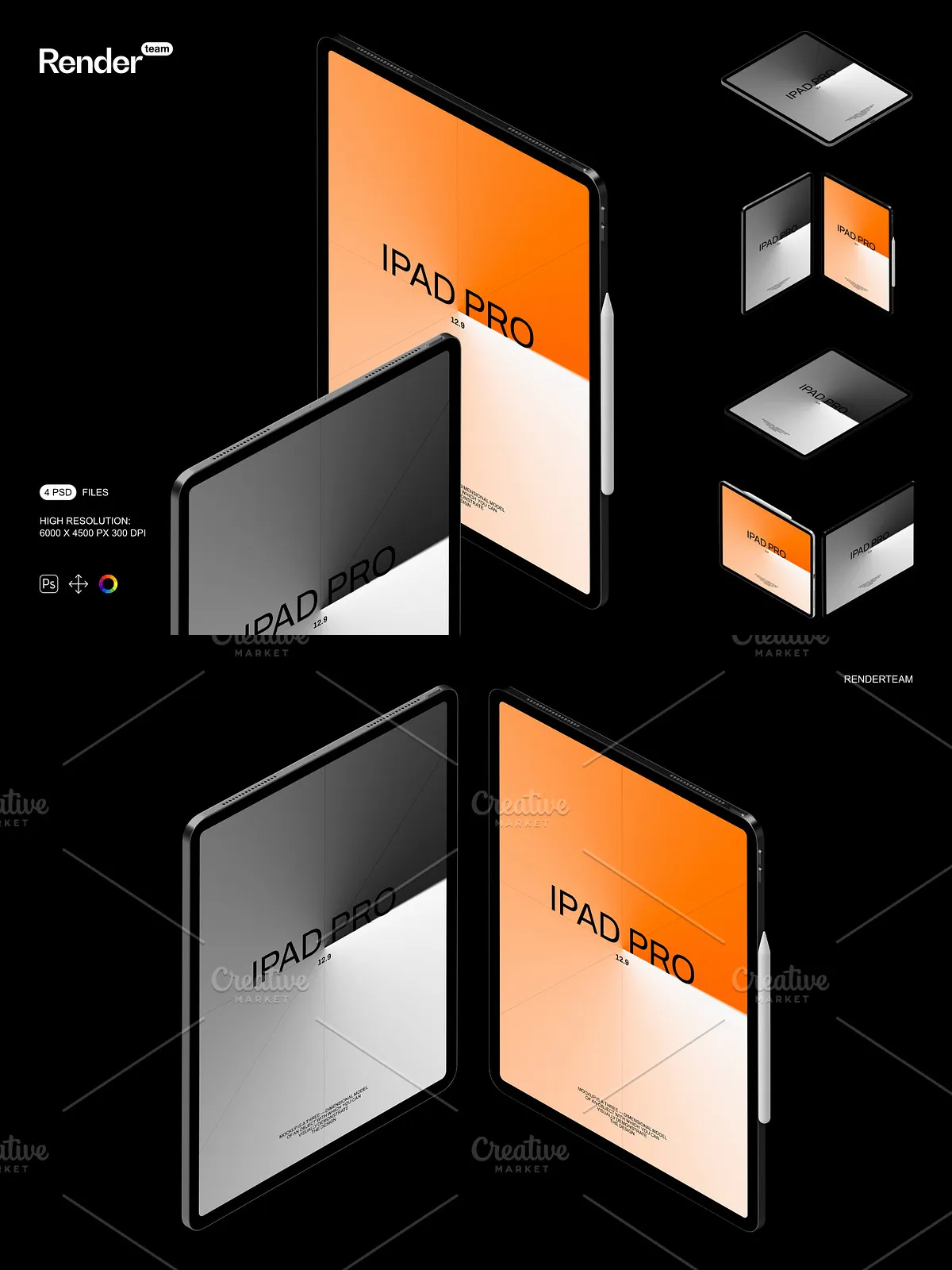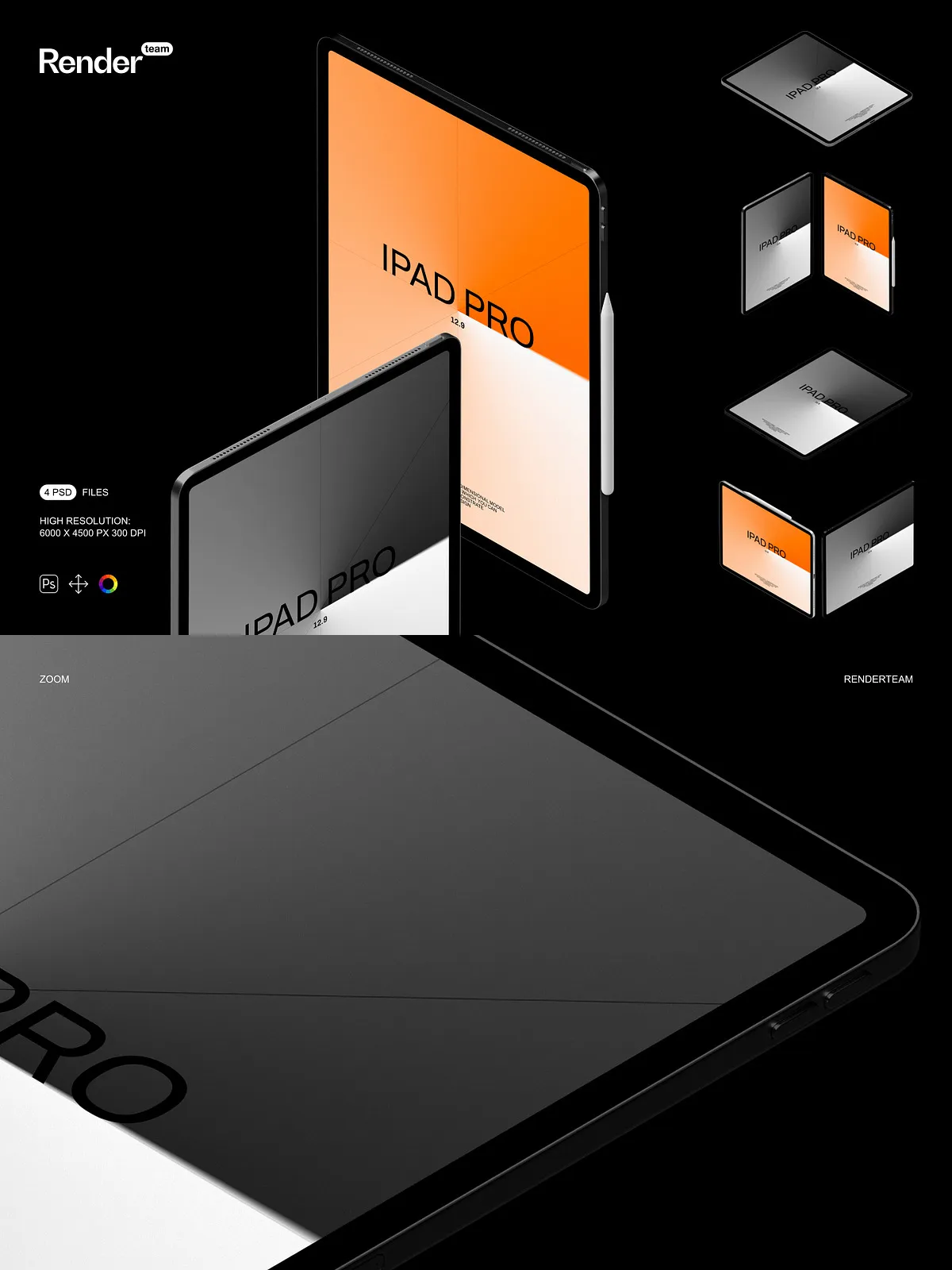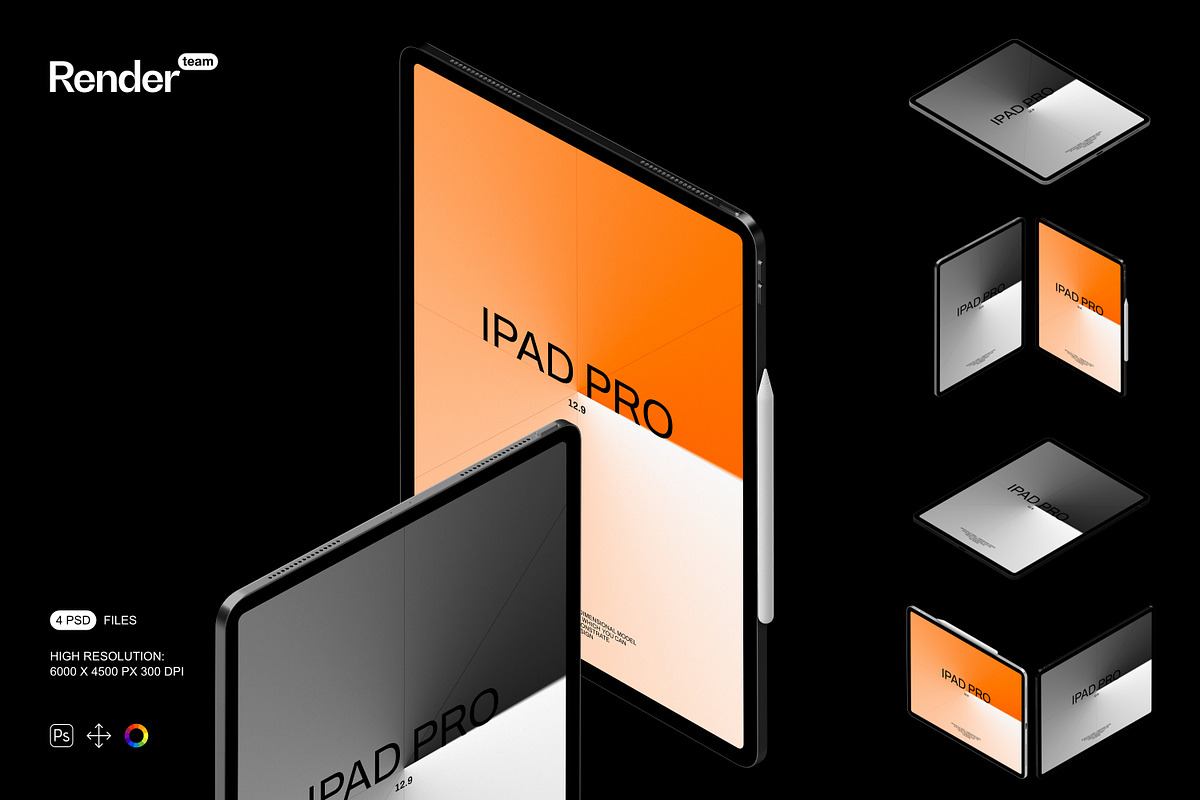
The iPad Mockup Set delivers a polished collection of layered, editable PSD files designed to showcase your digital designs with clarity and impact. Whether you design apps, responsive websites, or promotional graphics, these mockups let you present your work in real-world contexts that attract attention and communicate value. Each mockup is built to speed up your workflow and elevate the perceived quality of your work.
Fast, Intuitive Editing with Smart Objects
One-step Screen Replacement
Replace screen content instantly by double-clicking the Smart Object layer, pasting your artwork, saving, and closing. This direct process minimizes technical friction and maximizes creative output — you spend minutes producing polished visuals instead of hours wrestling with masks or layer transforms.
Active Control Over Visual Elements
Every mockup exposes editable layers for reflections, highlights, shadows, and background elements. You can quickly toggle or refine each element to fit your brand, adjust lighting to match your project mood, and recolor surfaces to test alternate palettes. The set empowers you to iterate rapidly and deliver multiple presentation variations for clients or portfolio displays.
Organized Layers and Clean File Structure
Files follow a logical structure with clearly labeled groups and folders. Device frames, screen content, environment layers, and shadow elements are separated to prevent accidental edits and to let you compose scenes precisely. Well-structured PSDs reduce confusion when collaborating with team members or handing off files to clients.
High Resolution for Web and Print
Each mockup exports at 6000×4500 px at 300 DPI, giving you the flexibility to use images across web banners, high-resolution presentations, social media campaigns, and print collateral without losing detail. The generous pixel dimensions ensure that your designs remain crisp when scaled or cropped for different formats.
What’s Included
- 4 fully layered PSD mockup files
- All major objects and shadows isolated for independent editing
- Adjustment layers for quick color and light tweaks
- Comprehensive PDF help file with step-by-step instructions
Create Custom Scenes and Variations
Arrange mockups to tell a visual story: show a single iPad in use, present stacked devices in a studio environment, or display a clean minimal composition for a product landing page. The isolated elements and editable backgrounds make it easy to create branded compositions, A/B test presentation styles, and produce client-ready mockups in minutes.
Compatibility and Requirements
This product is built exclusively for Adobe Photoshop (Creative Cloud). It relies on Smart Objects and adjustment layers that require Photoshop to function correctly. For compatibility details and to download or trial the app, visit the official Adobe Photoshop product page: [Official Adobe Photoshop | Free Trial and Online Photo & Design App](https://www.adobe.com/products/photoshop.html).
Important Legal and Usage Notes
Note: Preview images used in the product listing may include stock photos, fonts, or design elements that are NOT included with this mockup pack. The download contains PSD files and a PDF help file only. You must supply your own designs, fonts, and photographs, or license any third-party assets separately.
Why Choose This Mockup Set
Choose this iPad Mockup Set when you want to present your digital work with professionalism and speed. The pack helps you:
- Deliver client-ready visuals that communicate product intent and usability
- Save time with predictable Smart Object workflows
- Maintain design fidelity across web and print outputs
- Create multiple scene variations without rebuilding assets from scratch
Quick Start Recommendations
Open any PSD, locate the Smart Object layer labeled “Screen,” double-click to open, paste your artwork, save the Smart Object, and return to the main file to see your design applied. Consult the included PDF if you need guidance on layer organization, exporting at different sizes, or adjusting lighting and shadows.