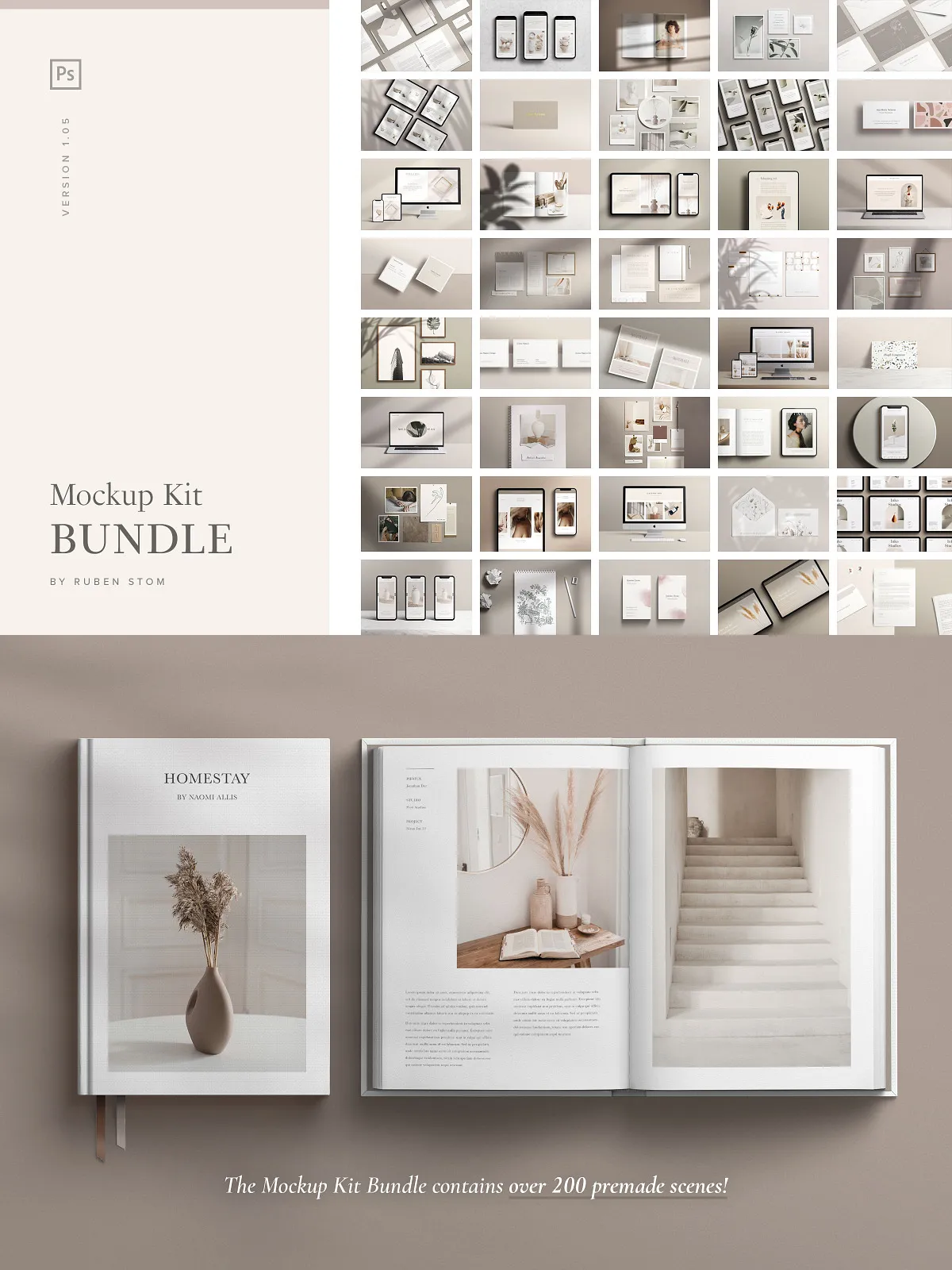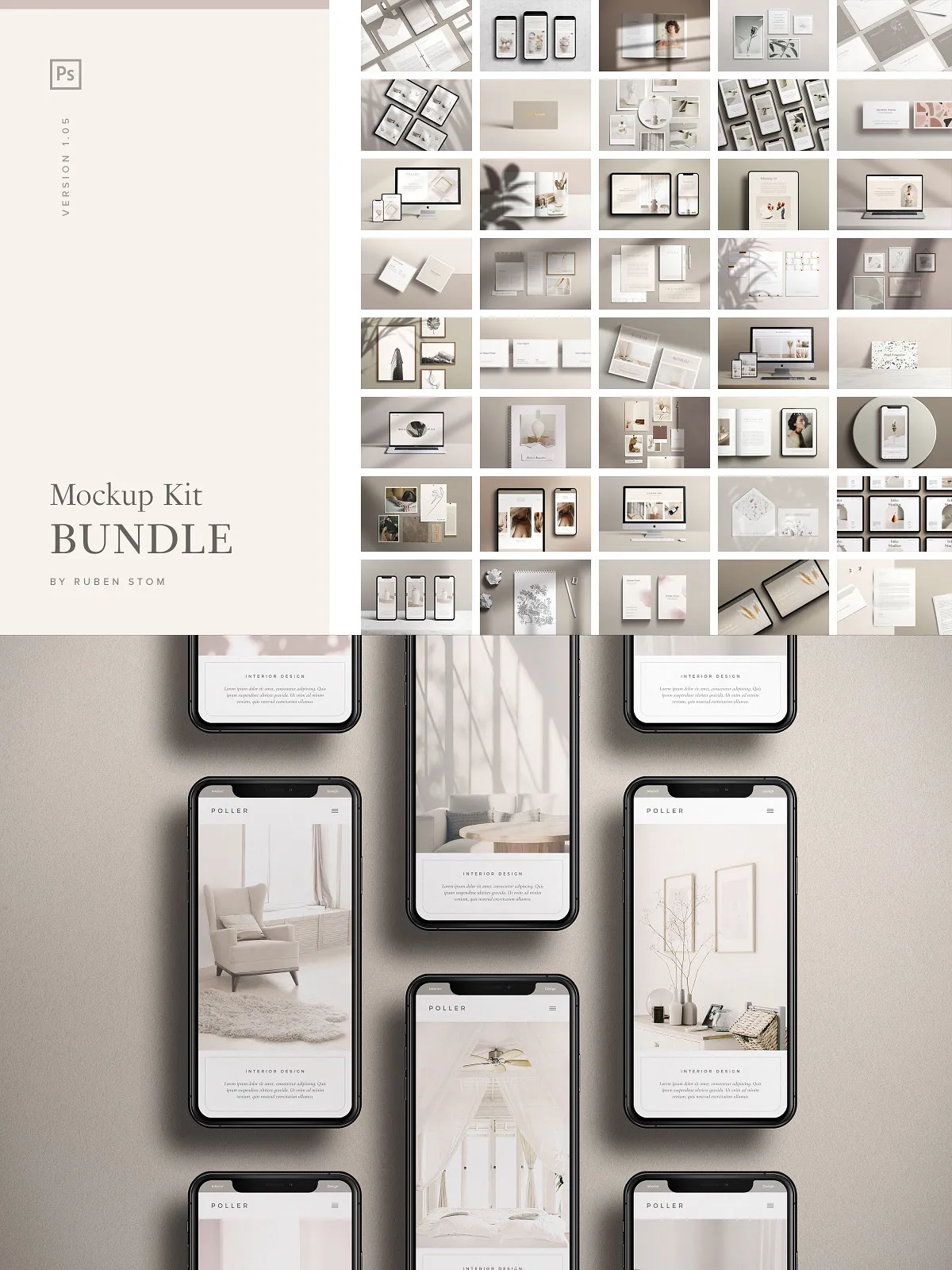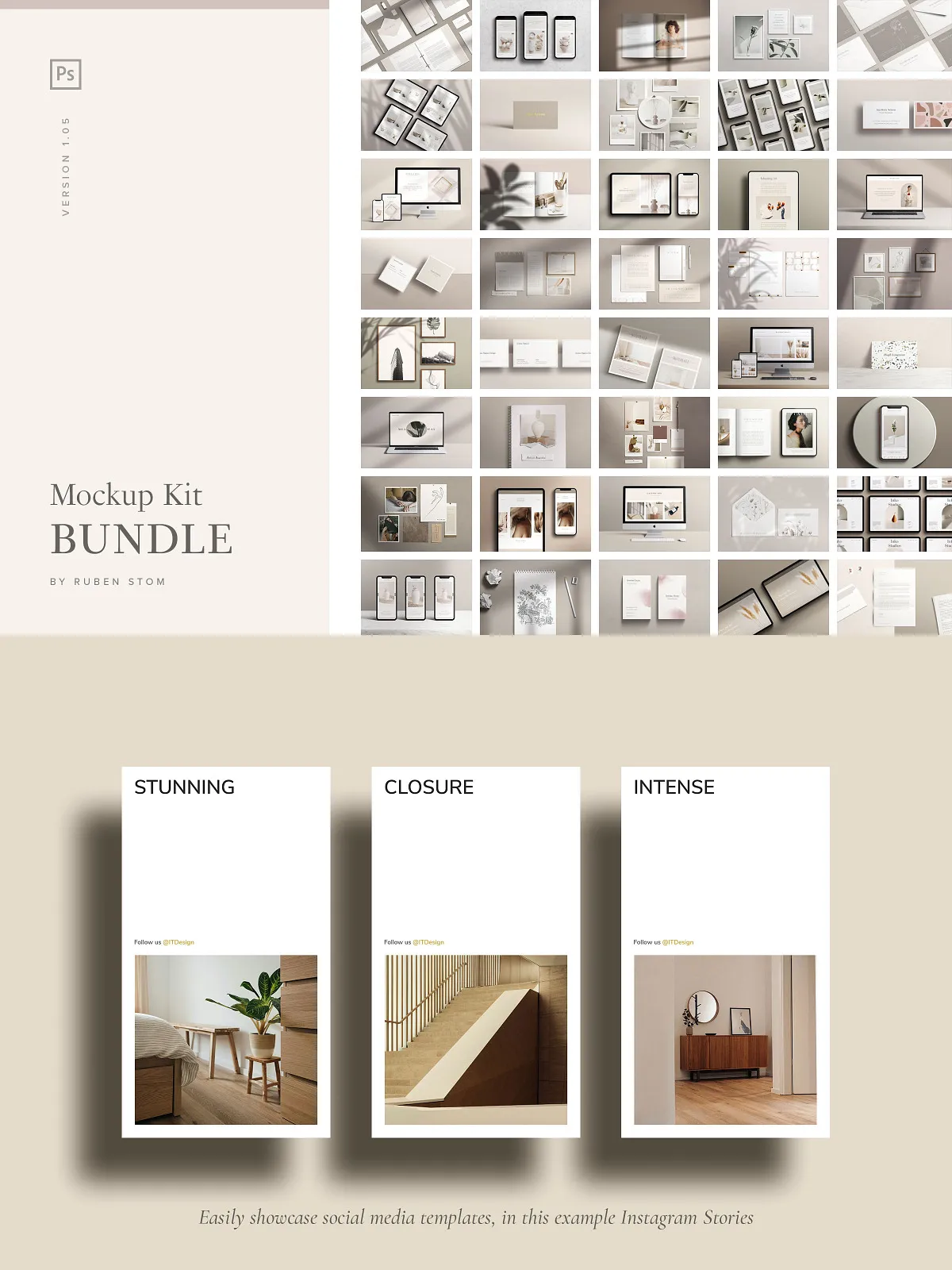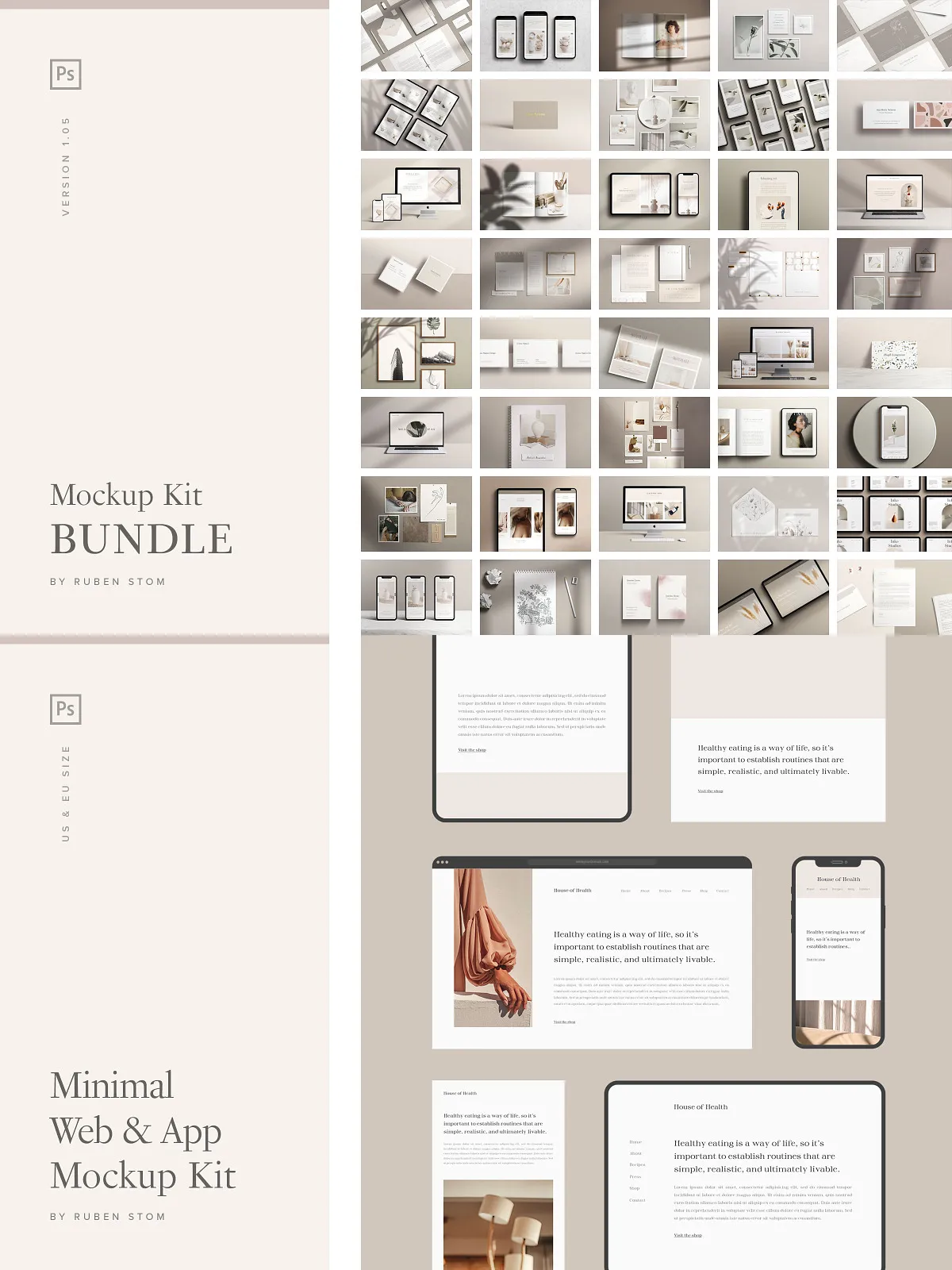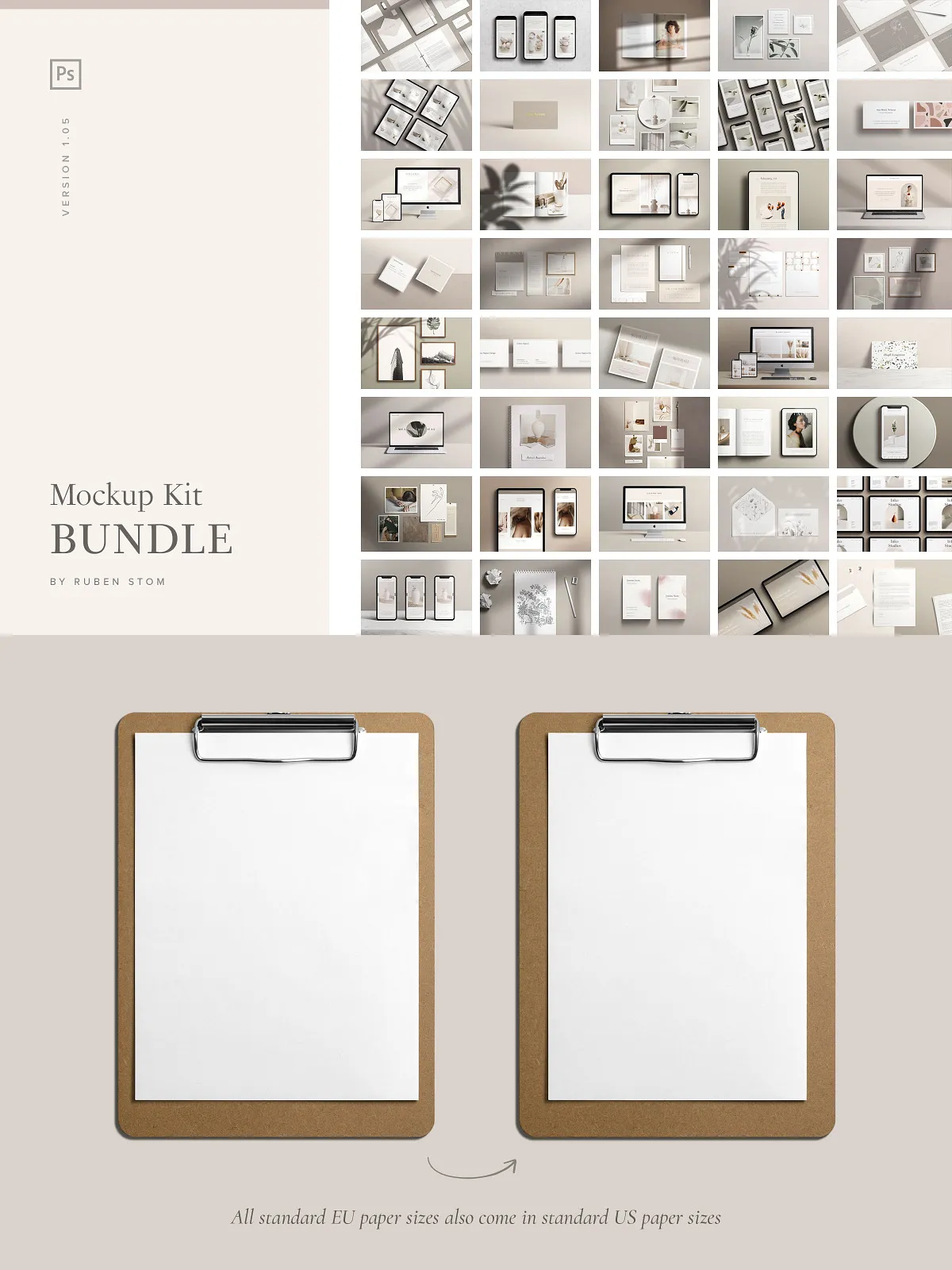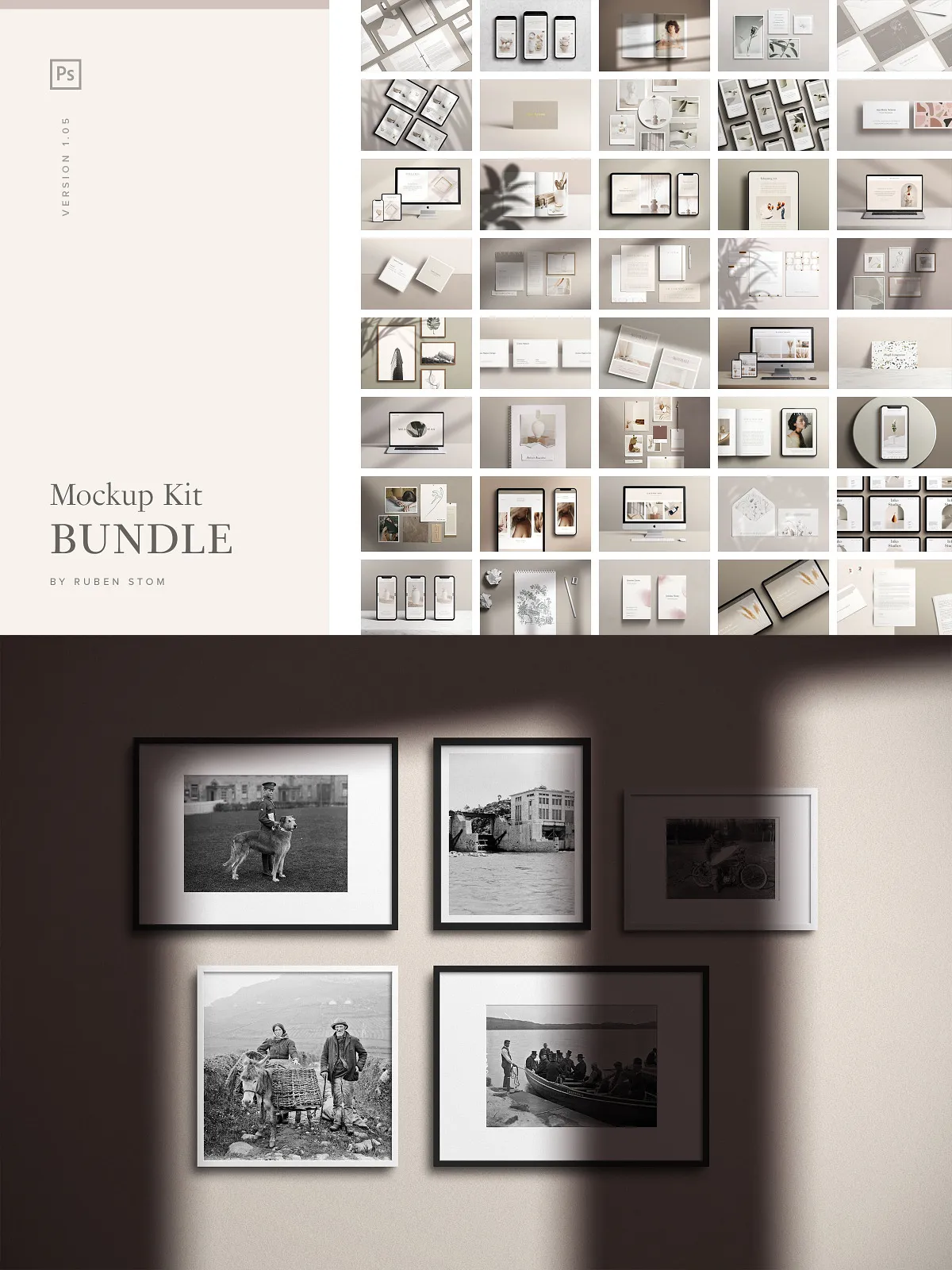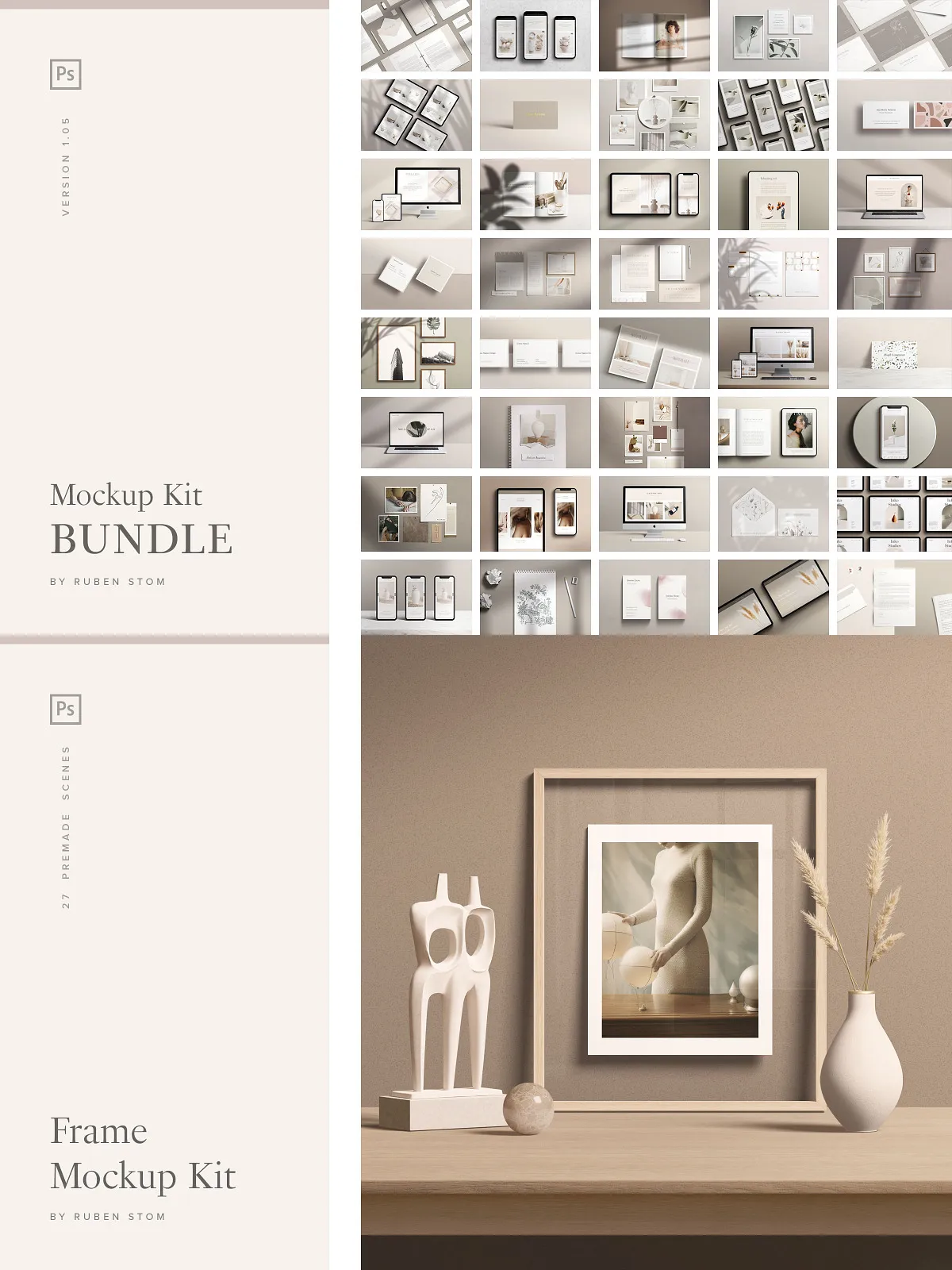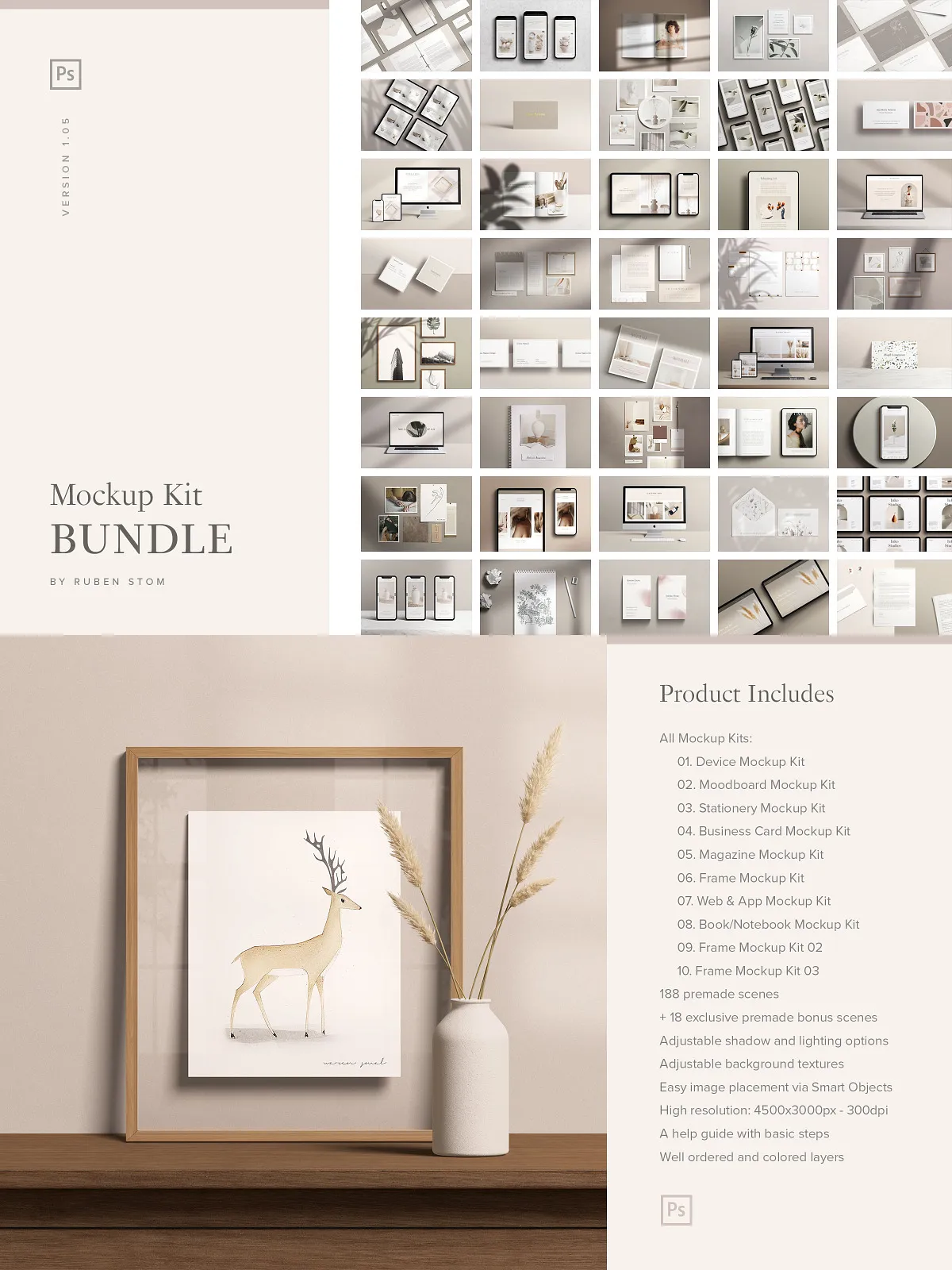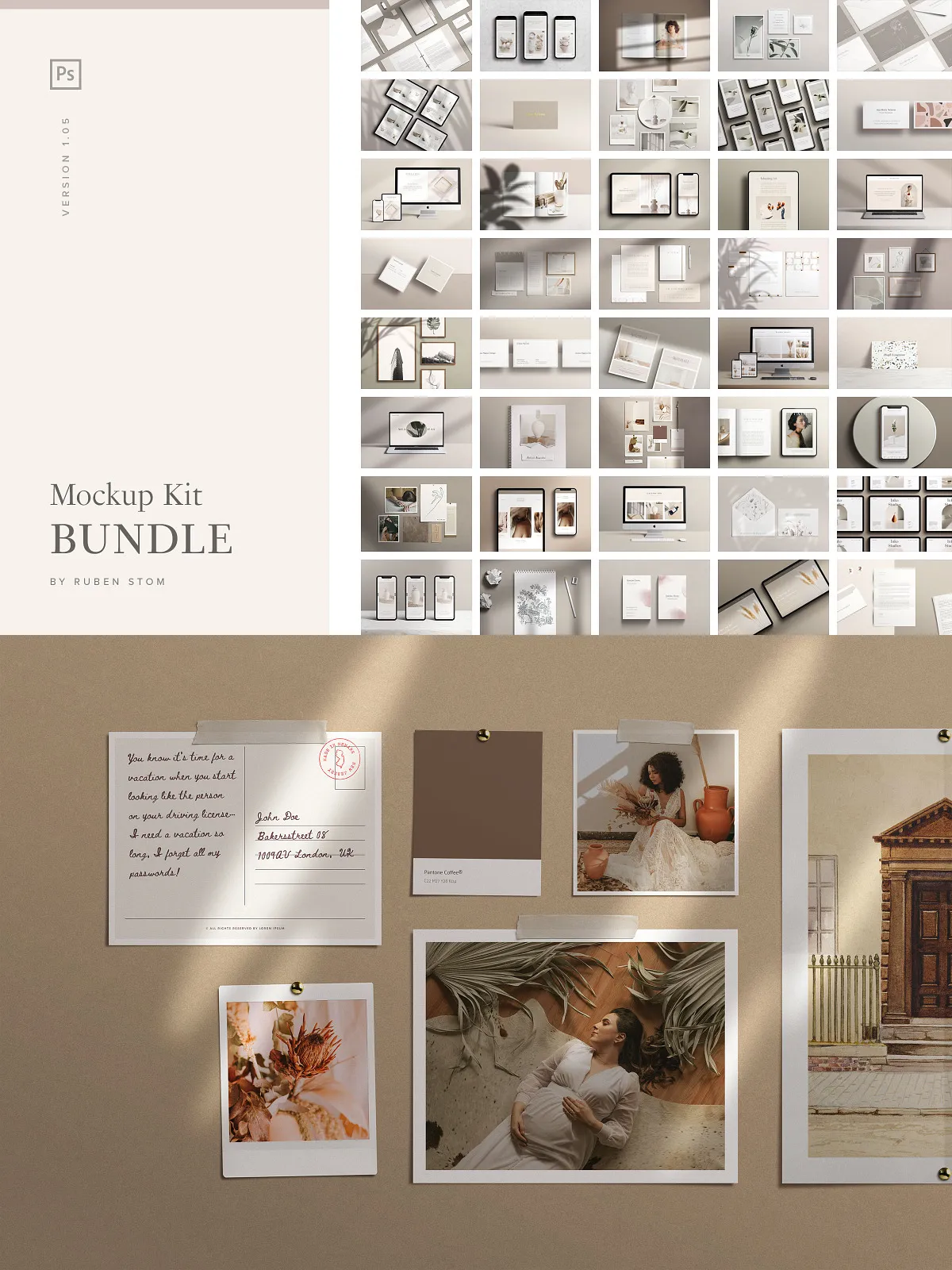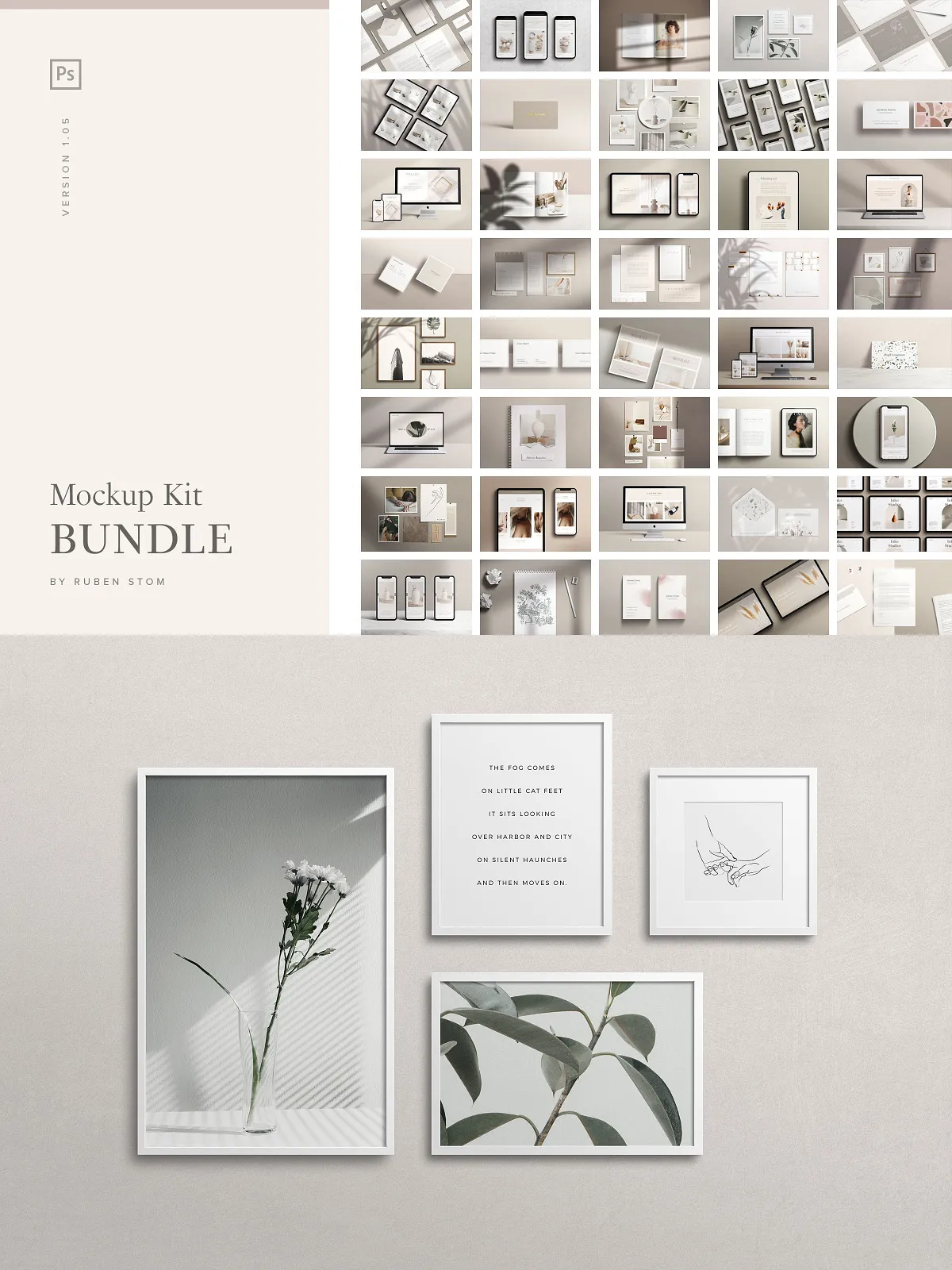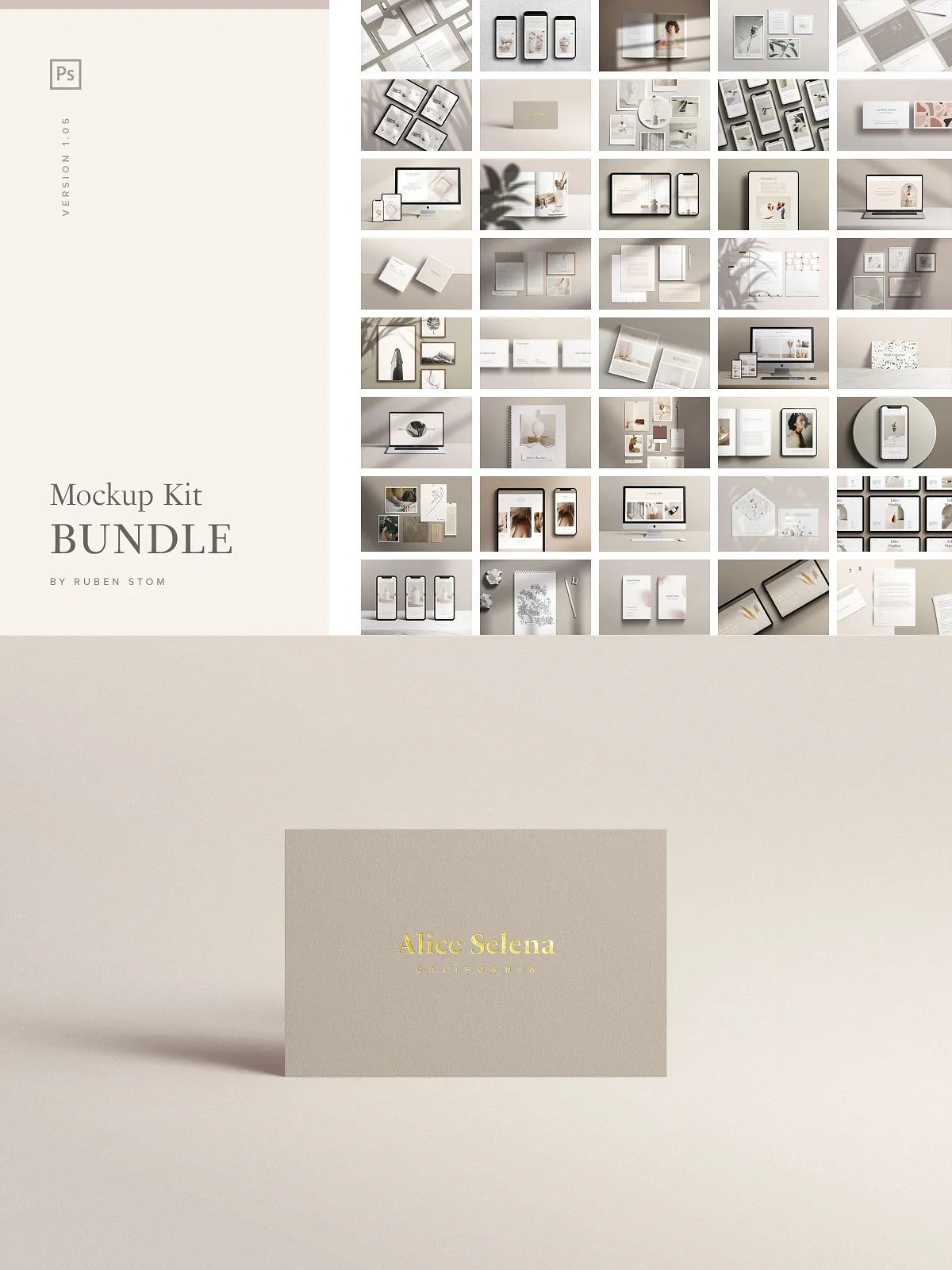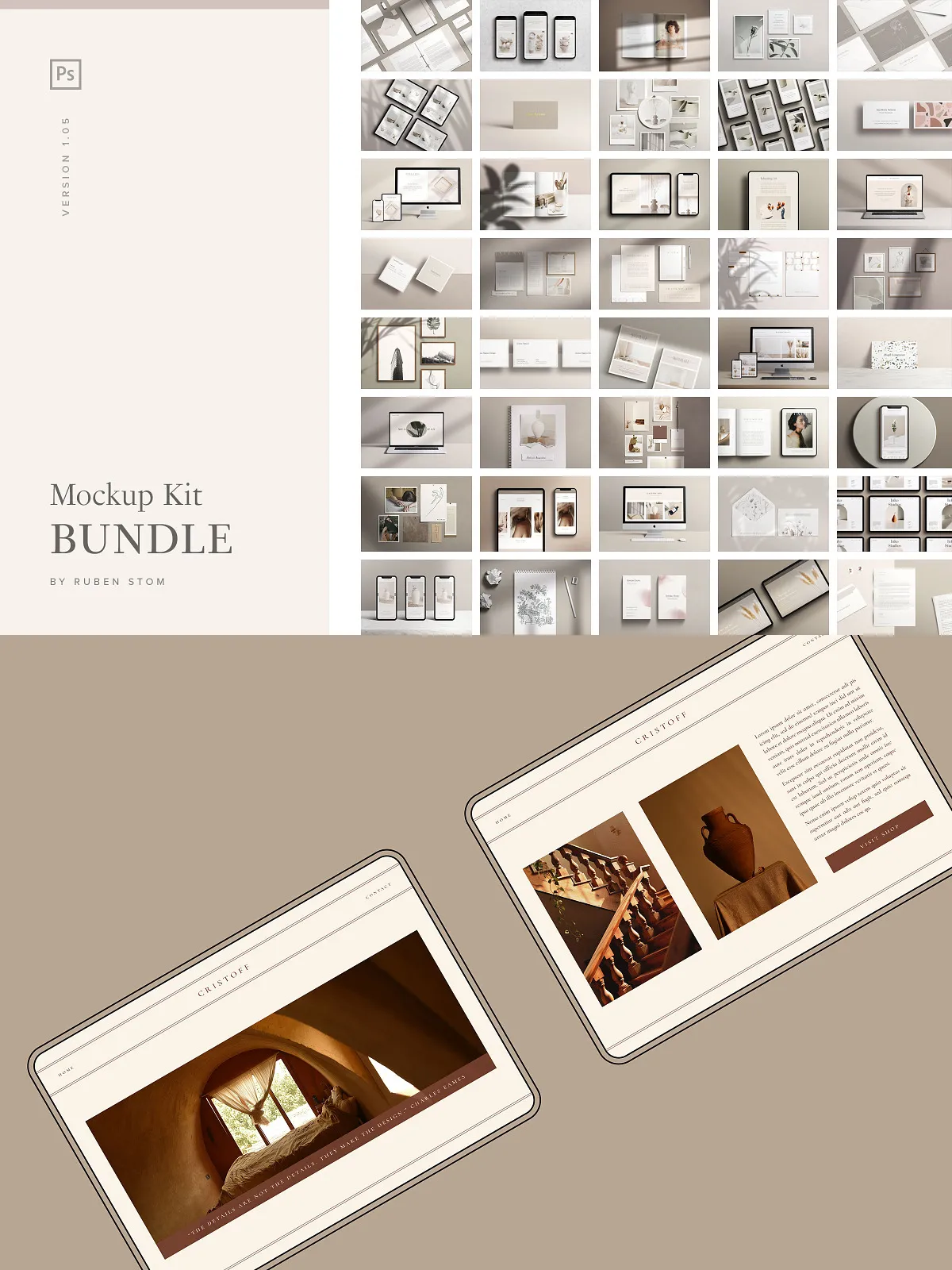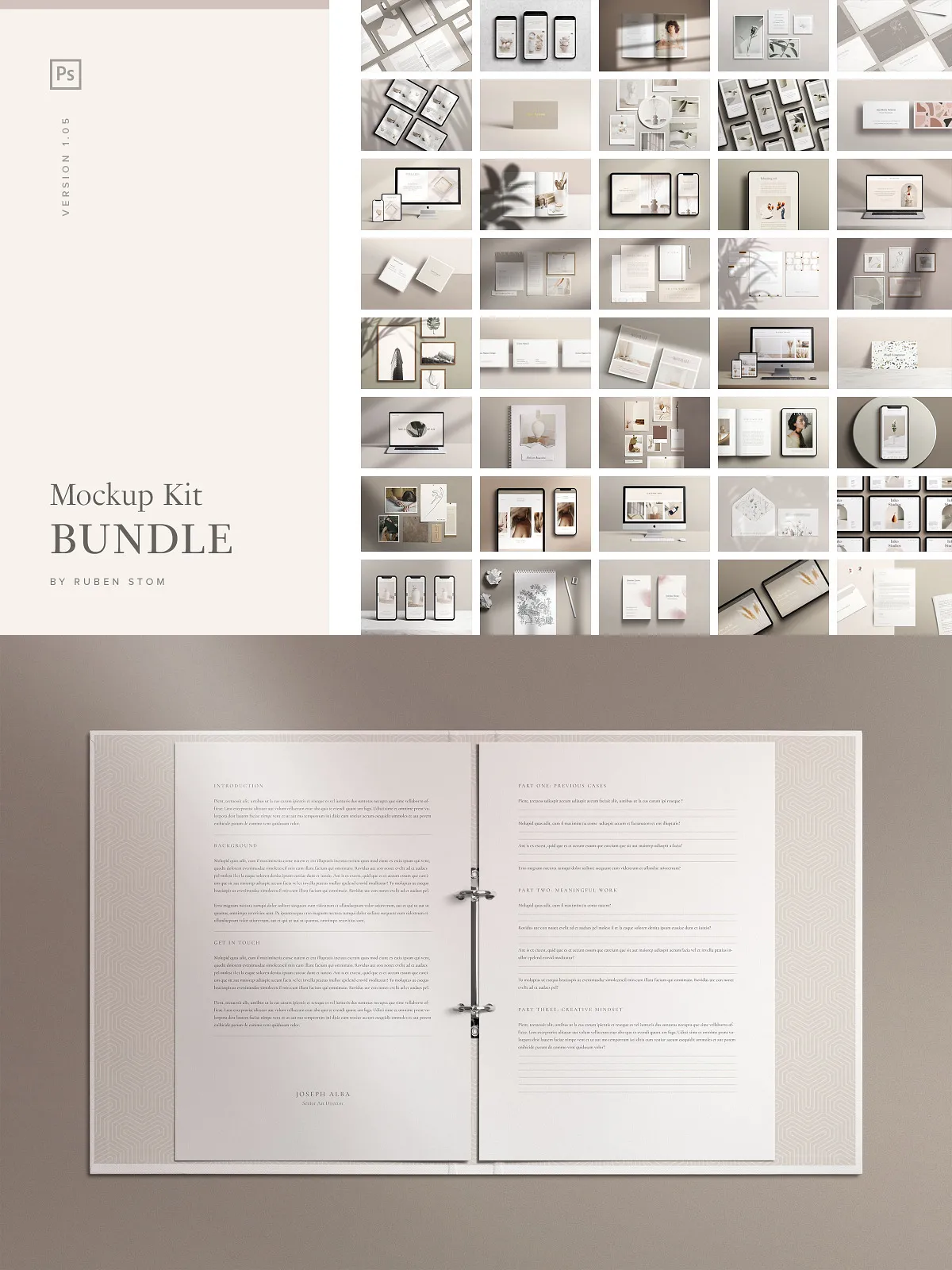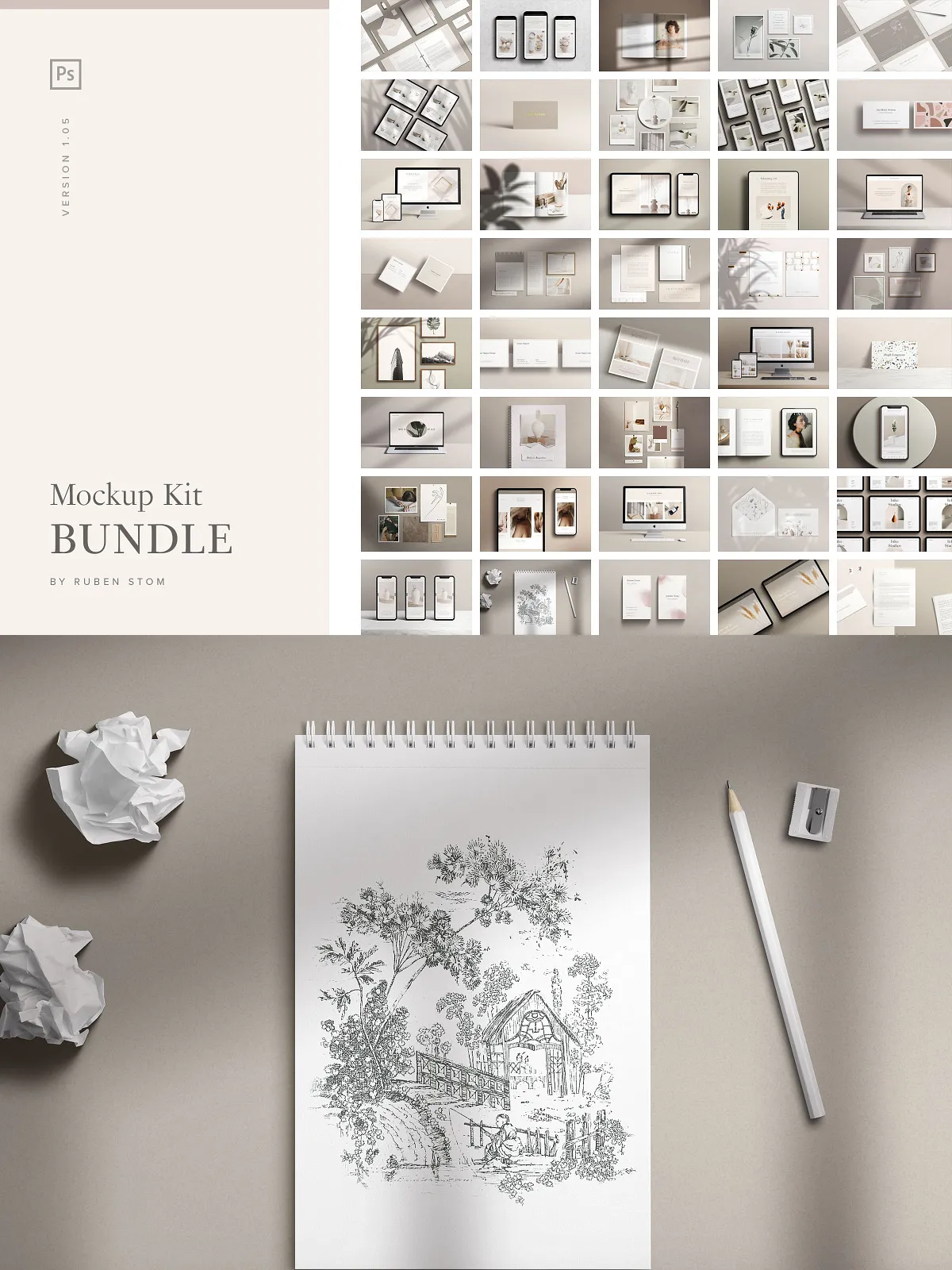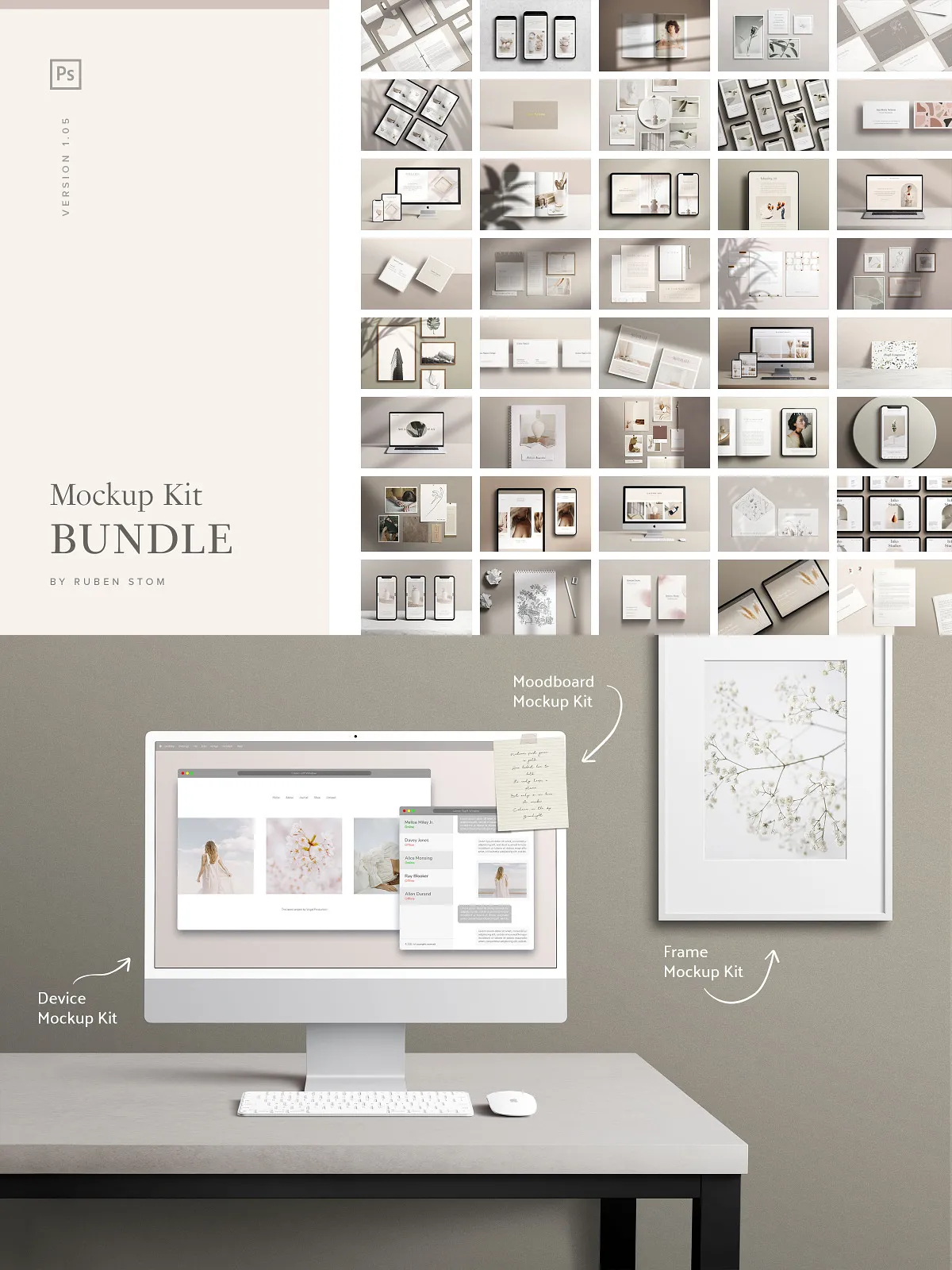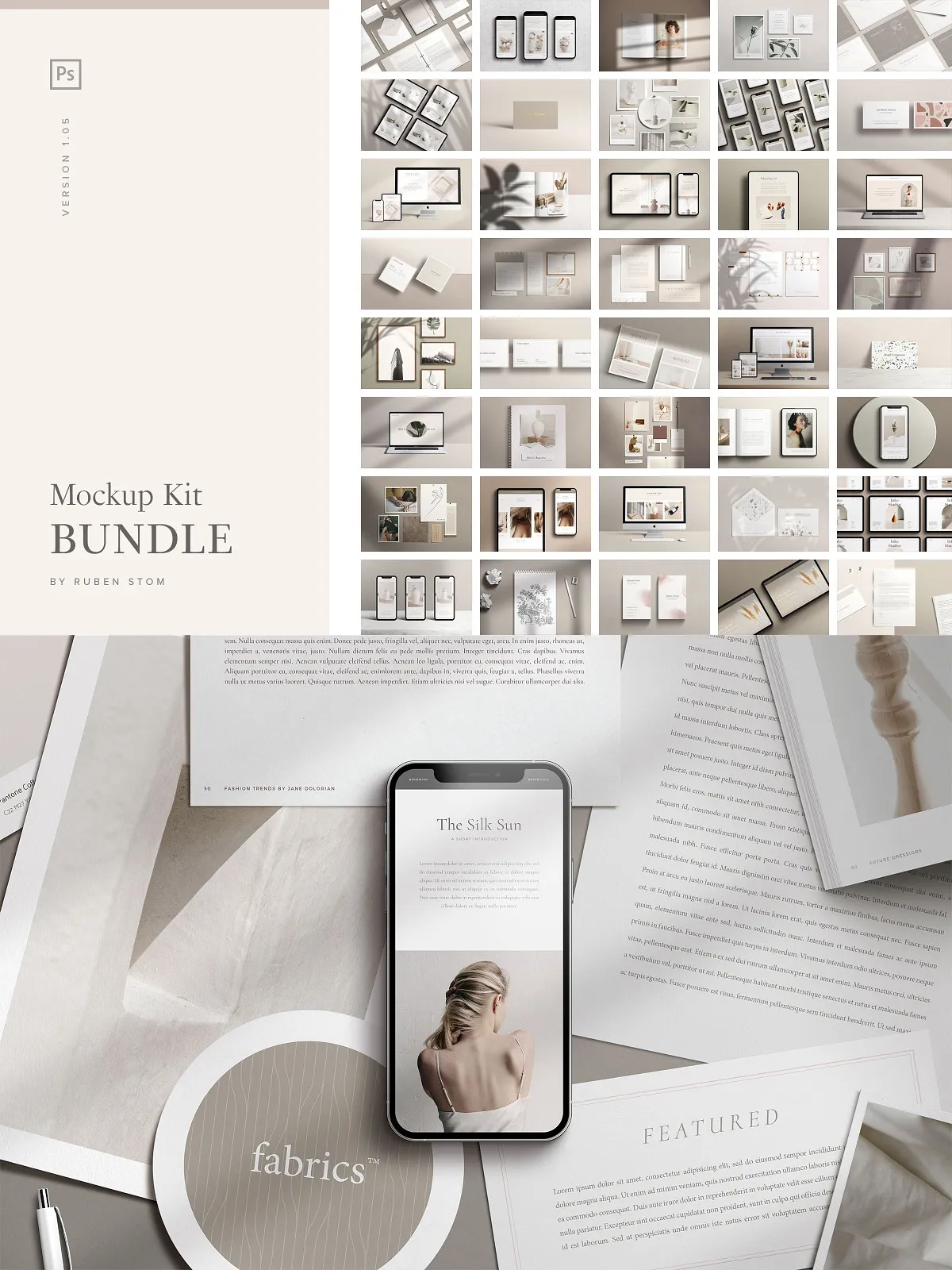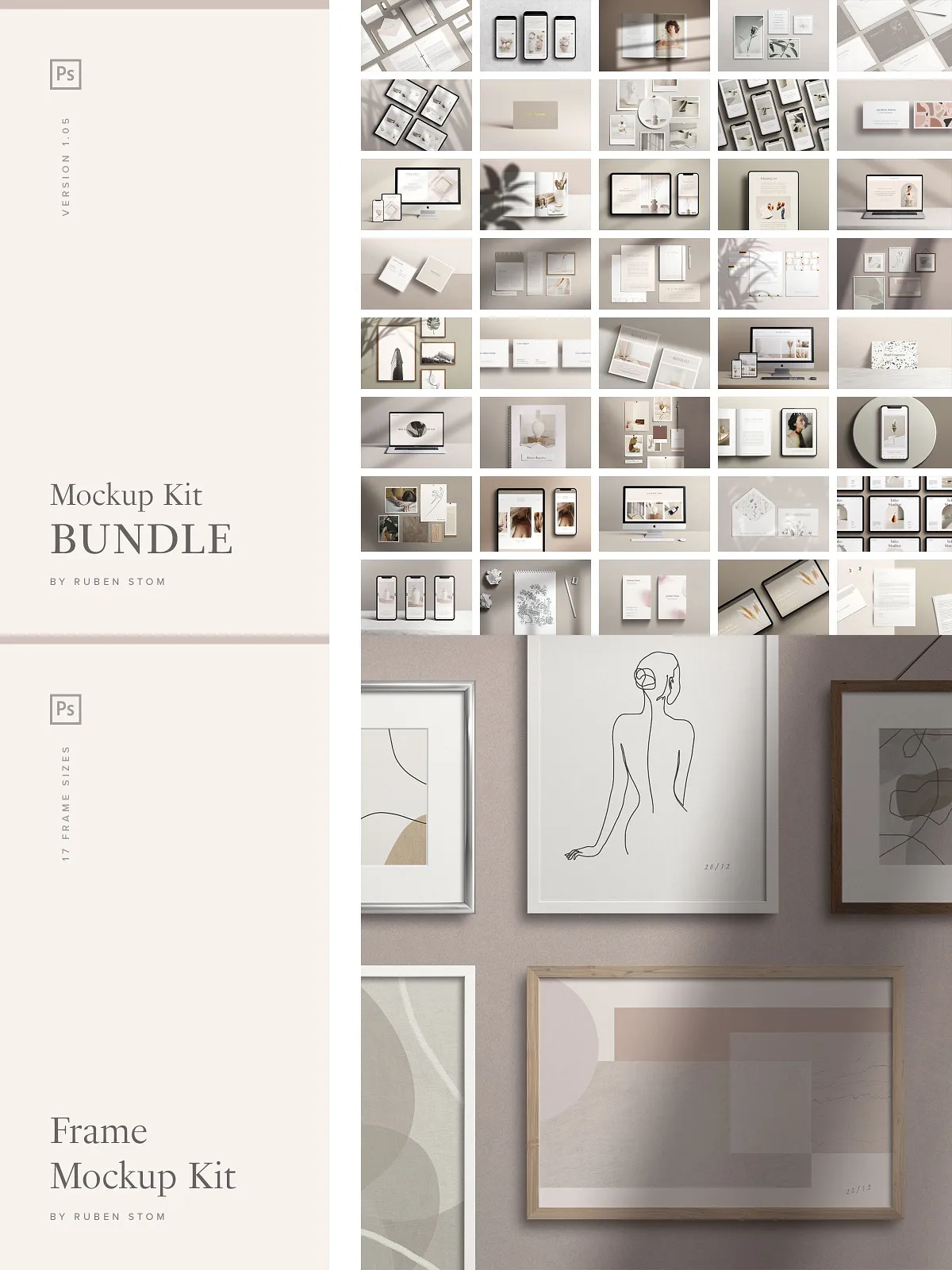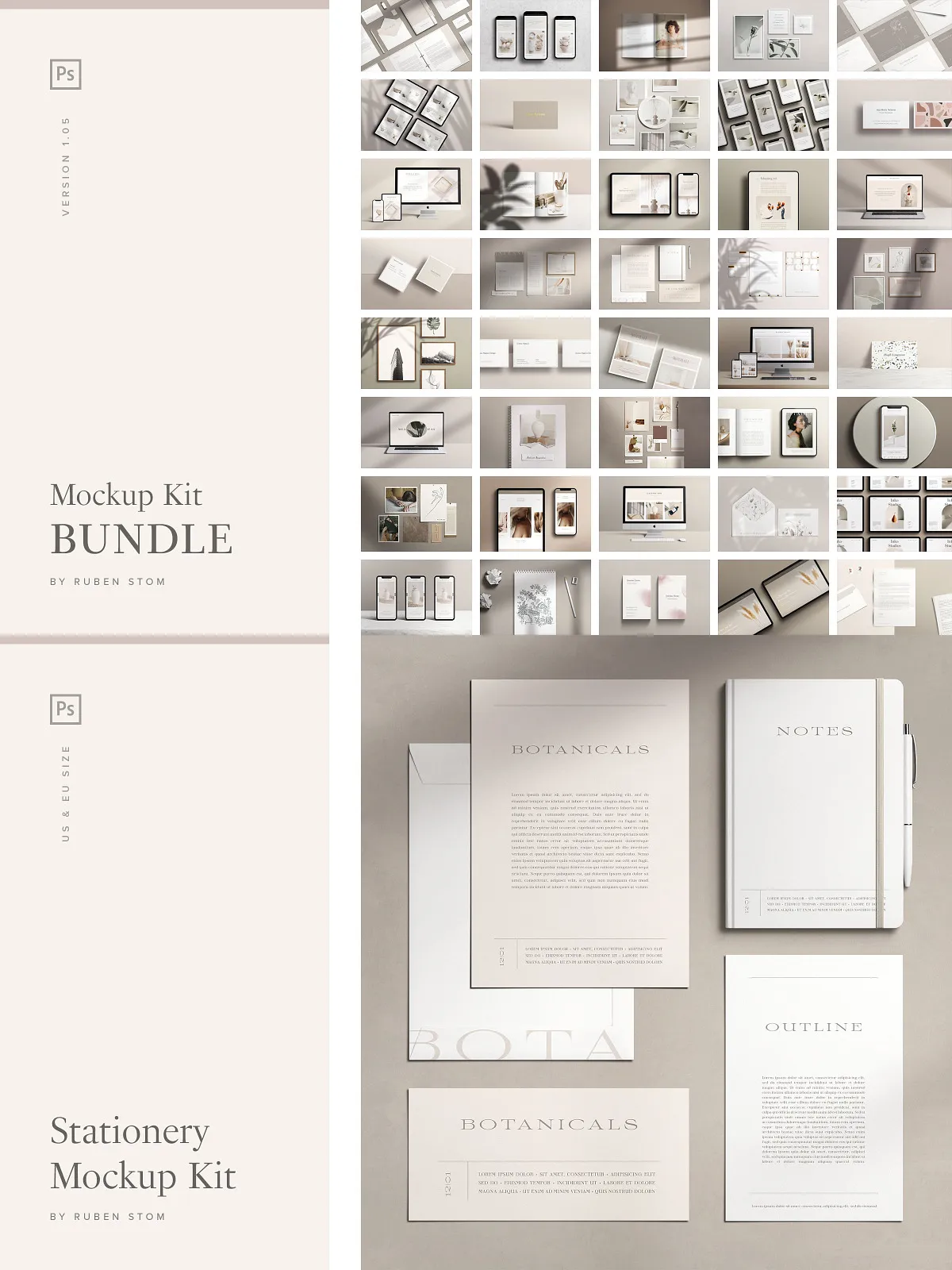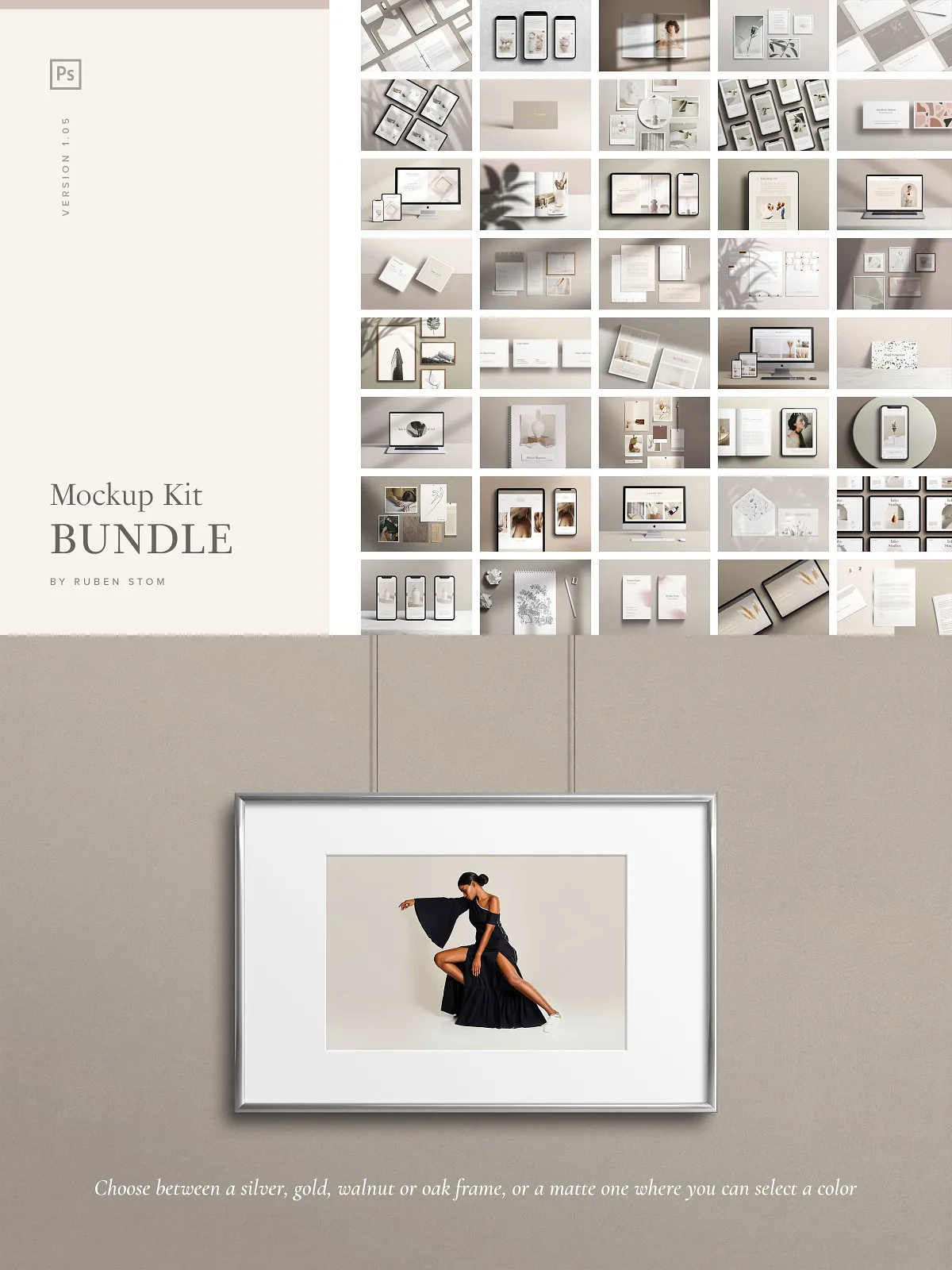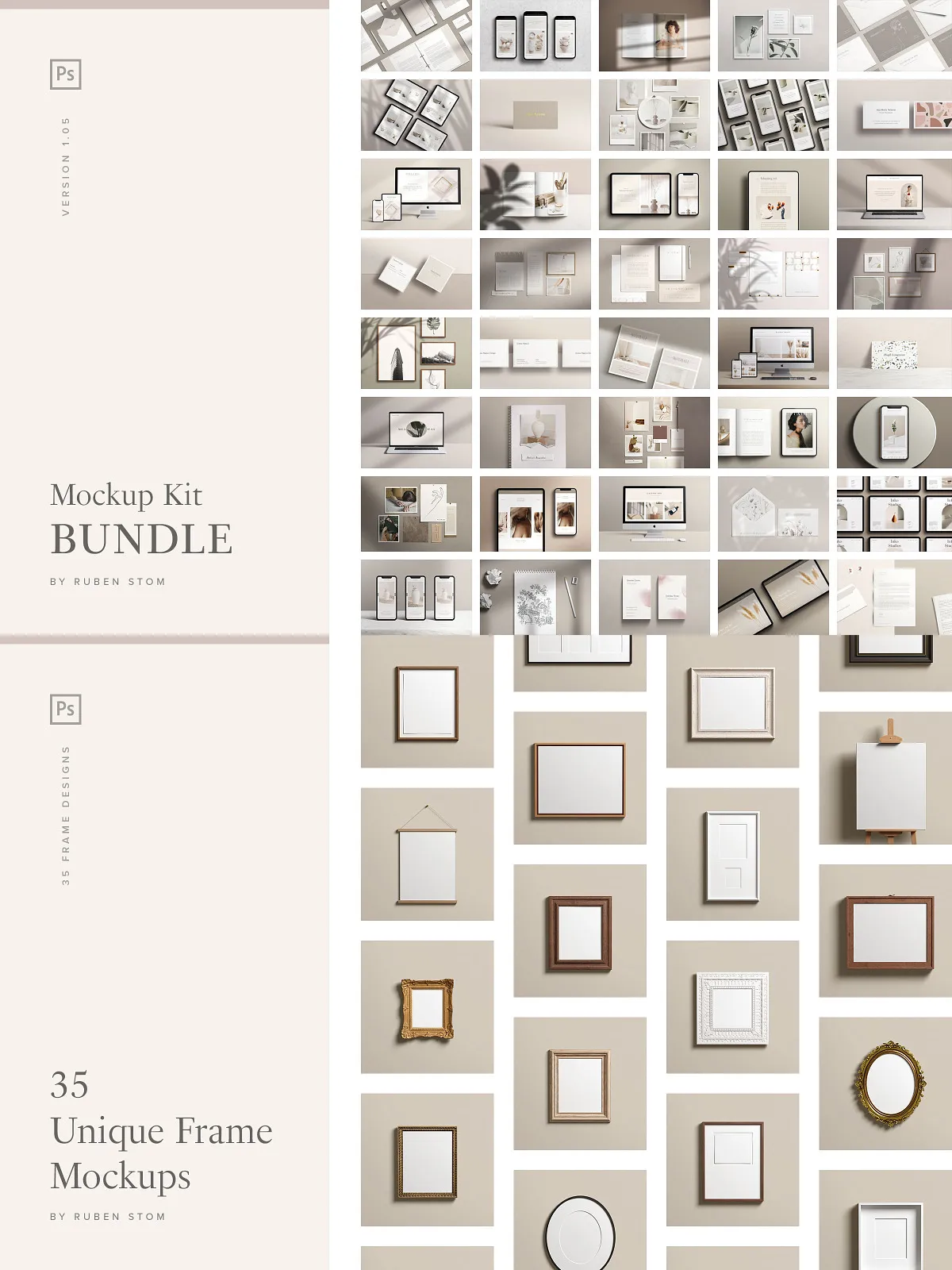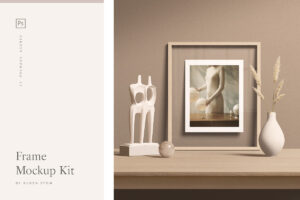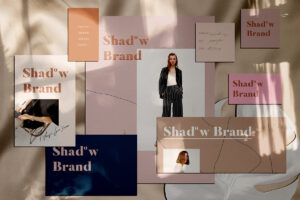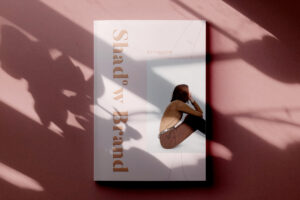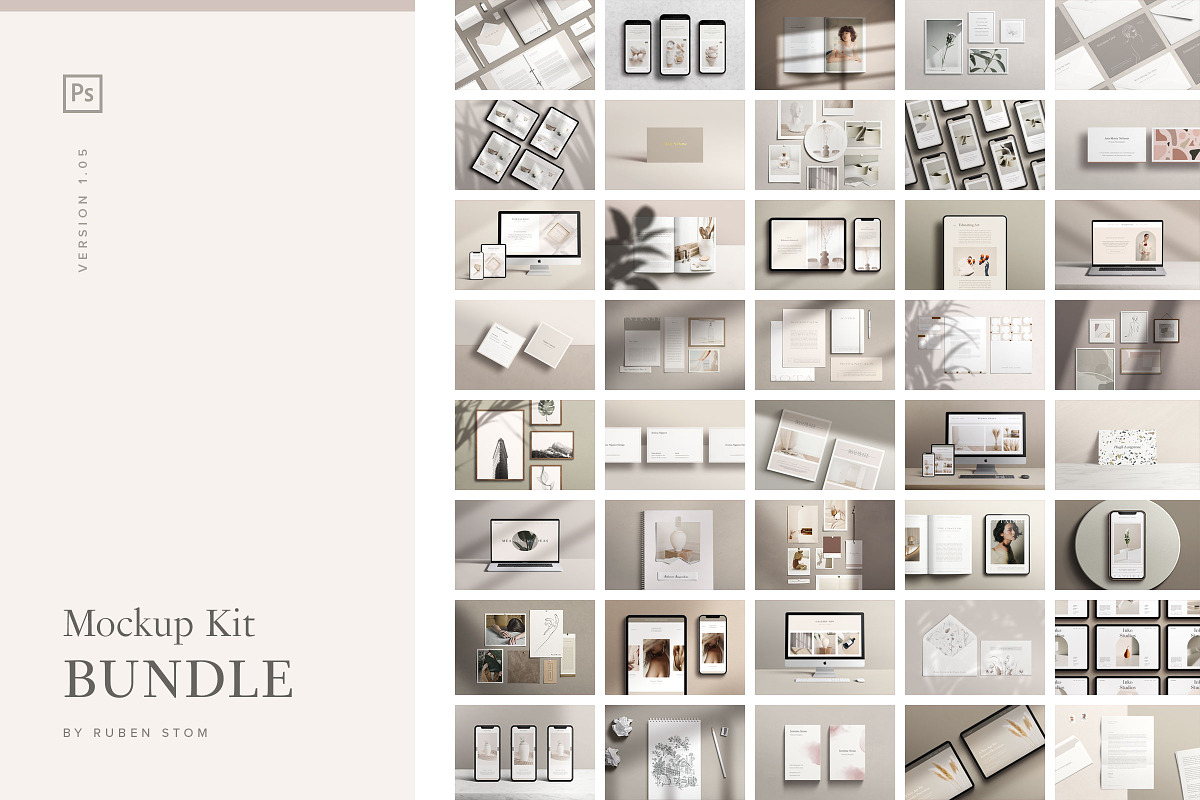
Unlock a world of professional-grade realism with THE MOCKUP KIT BUNDLE — a comprehensive, high-resolution collection that delivers 206 stunning, fully editable mockup scenes across 10 distinct kits. Whether you’re showcasing branding, packaging, social media assets, or editorial layouts, this bundle gives you the tools to present your work with instant credibility, dynamic depth, and studio-quality polish — all within Adobe Photoshop.
Master 206 Unique Scenes with Fully Adjustable Elements
Step beyond standard templates and dive into a universe of customizable design environments. The bundle includes 188 premade scenes, each thoughtfully constructed to simulate real-world conditions, plus 18 exclusive bonus scenes that offer premium variations for elite presentations. From sleek urban offices and cozy café corners to bold editorial setups and minimalist studio spaces, every scene is crafted to match authentic visual environments.
Each mockup features fully adjustable shadow and lighting options, allowing you to control intensity, direction, color, and softness to match your design’s mood. Tweak shadow hues to reflect warm afternoon sun, cool studio LEDs, or dramatic cinematic contrast. Toggle lighting overlays with precision — no guesswork, no limitations.
Define Your Scene with 50+ Background Textures & Custom Colors
Texture sets the tone. With access to 50+ meticulously designed background textures — including concrete, marble, wood grain, brushed metal, linen, velvet, recycled paper, and more — you can instantly match any brand aesthetic. Layers are transparent, editable, and color-mixable, so you can adjust background colors, blend overlays, or even mix multiple textures for unique hybrid environments.
Change shadow color to white, warm amber, or deep indigo — instantly shift the mood of your entire scene. Use the color pickers and layer blending modes to align lighting with your brand palette, from minimal pastels to bold, high-contrast statements.
Work Faster with Smart Objects, Vector Shapes & Organized Layers
Speed is built in. All placeholder areas are powered by Smart Objects, allowing you to double-click and insert your design, logo, image, or text with zero resolution loss. Your artwork scales perfectly, preserves quality, and updates instantly across all scenes.
Every layer is well-organized, color-coded, and clearly labeled, ensuring no confusion during complex edits. Use the intuitive layer groups to toggle visibility for shadows, lighting, textures, or background elements — work only on what matters, fast.
Enhance visual accuracy with vector-based shapes for outlines, borders, and structural components. These stay crisp at any size, ensuring your mockups hold up under zoom, print, or screen display — no pixelation, no artifacts.
Go Beyond Editing — Build Immersive, Authentic Scenes in Seconds
Stop reinventing the wheel. Use this kit to:
- Generate client-ready proposals with photorealistic, immersive scenes that feel like actual product photos.
- Boost portfolio impact with diverse, visually rich examples that highlight your design versatility.
- Scale content production across social media, ads, and email campaigns using consistent, high-fidelity visuals.
- Teach design principles with real-time examples of lighting, depth, composition, and texture integration.
- Customize for multiple brand identities — from minimalist startups to luxury brands — with a single cohesive bundle.
High-Resolution, Reliable, Future-Proof
All mockups are delivered in 4500×3000px at 300dpi, ensuring maximum clarity for print, web, and presentation use. Designed for Adobe Photoshop CS4 through the latest CC versions, the files are stable, lightweight, and optimized for efficient workflow — even on older systems.
A detailed help guide is included, walking you through setup, layer logic, smart object usage, and advanced customization tips — no design experience required.