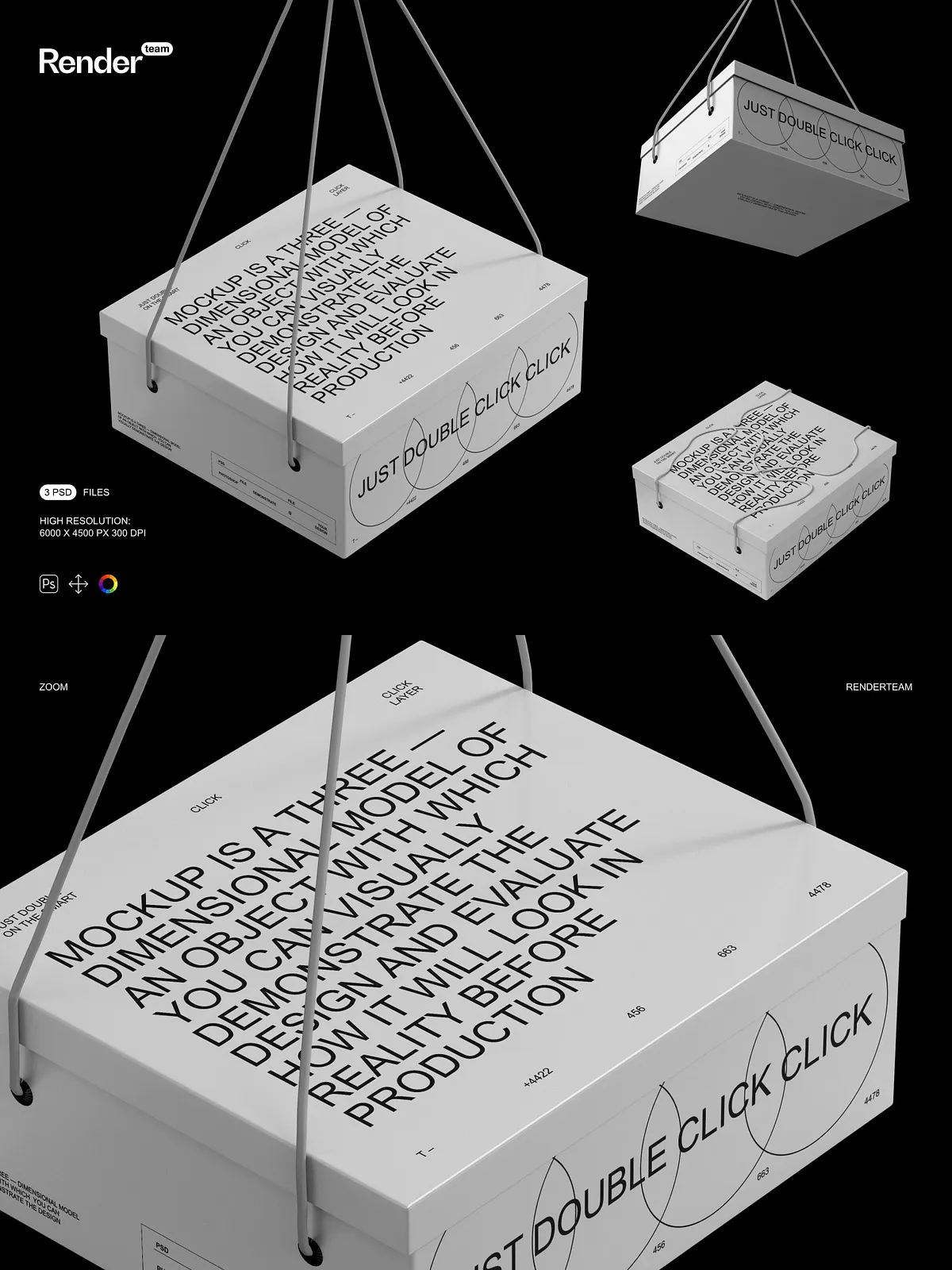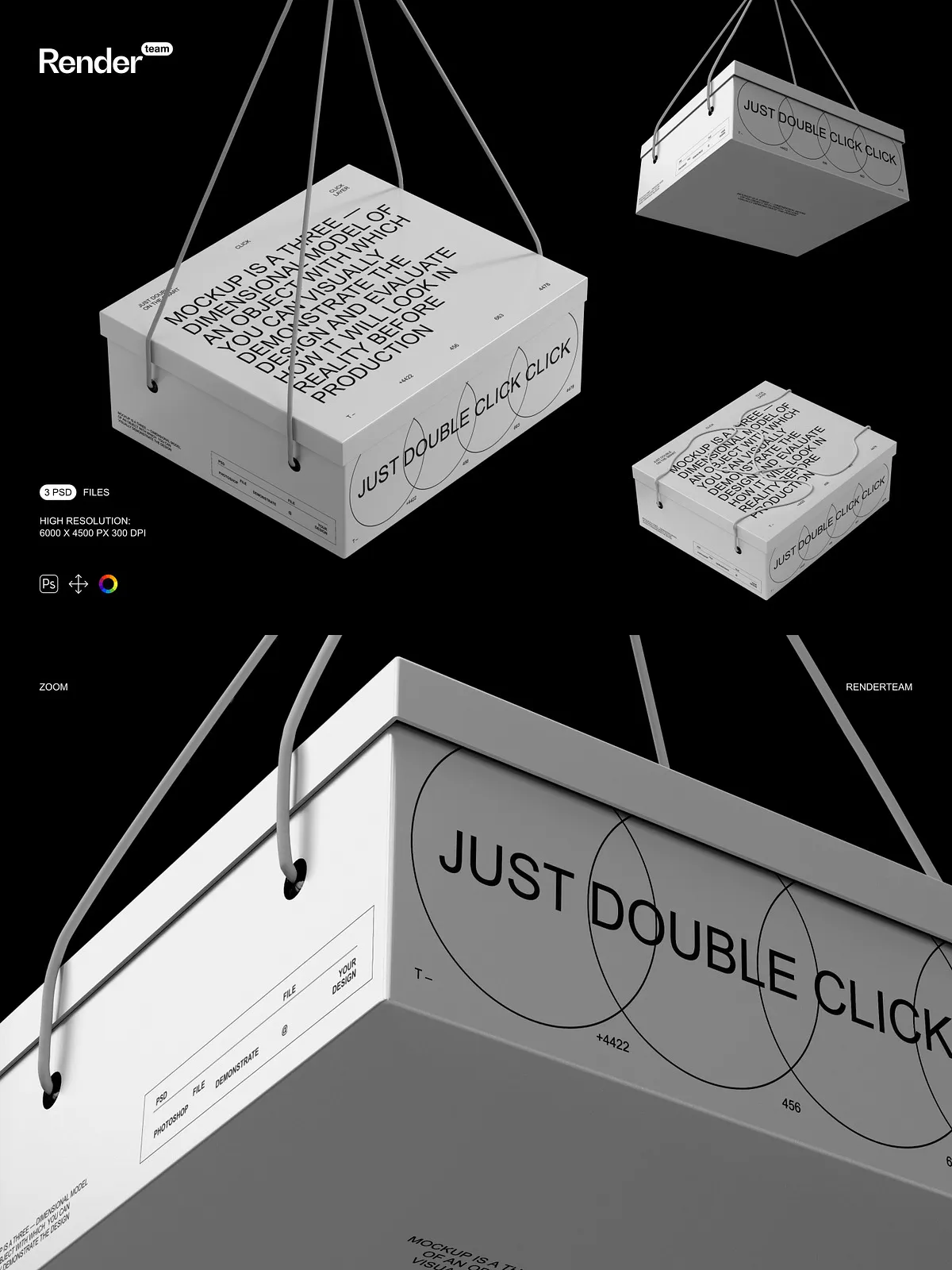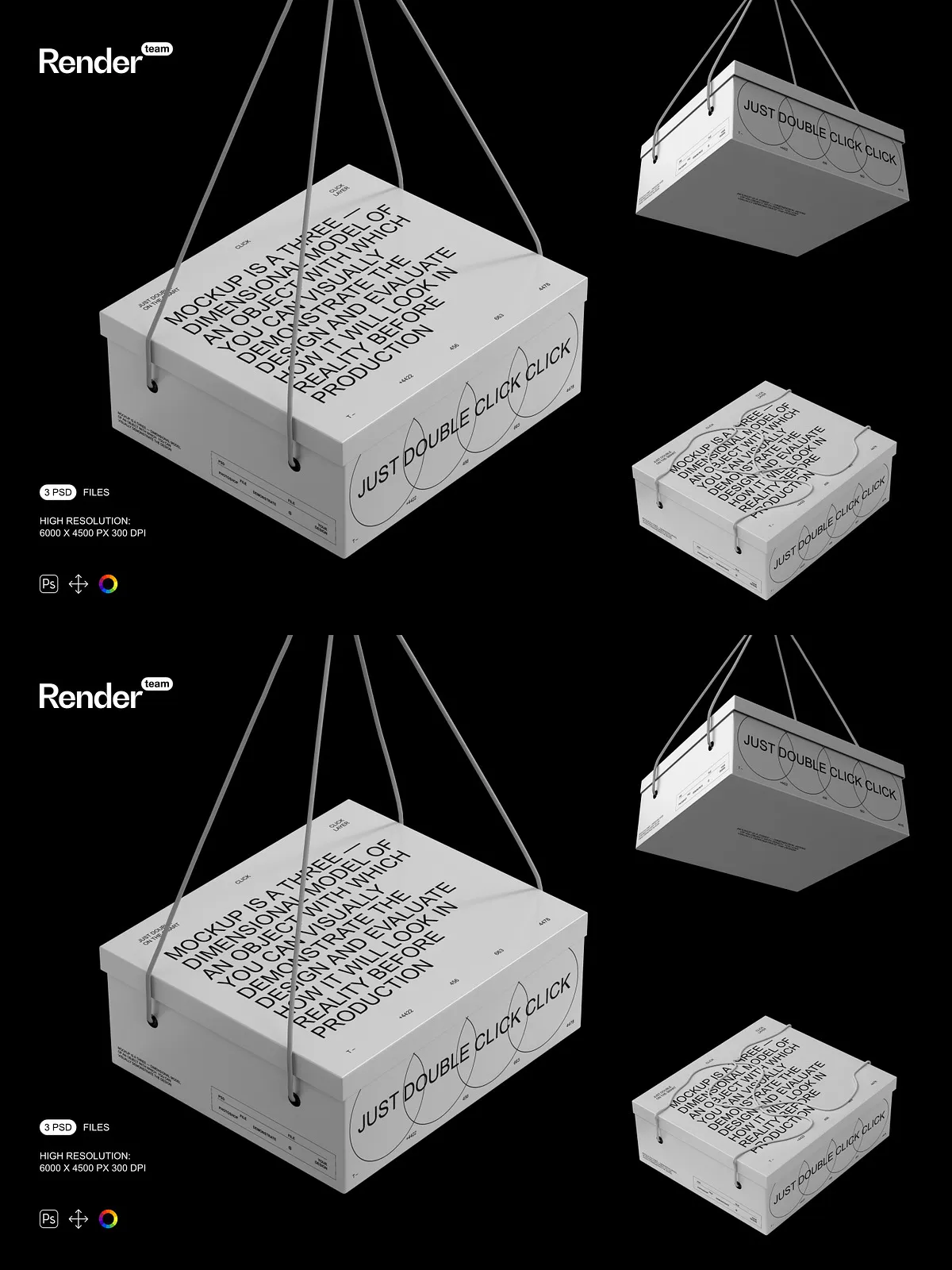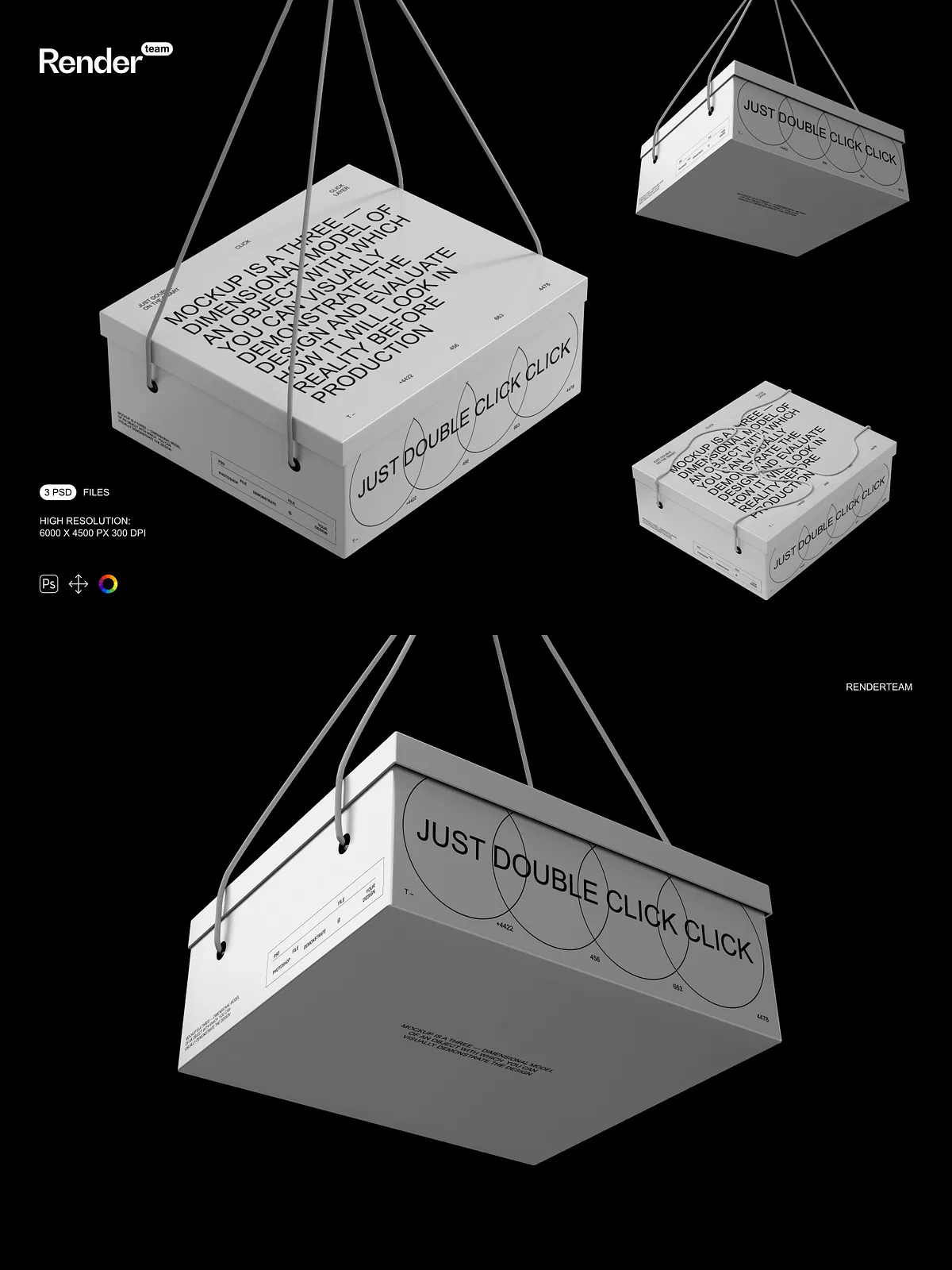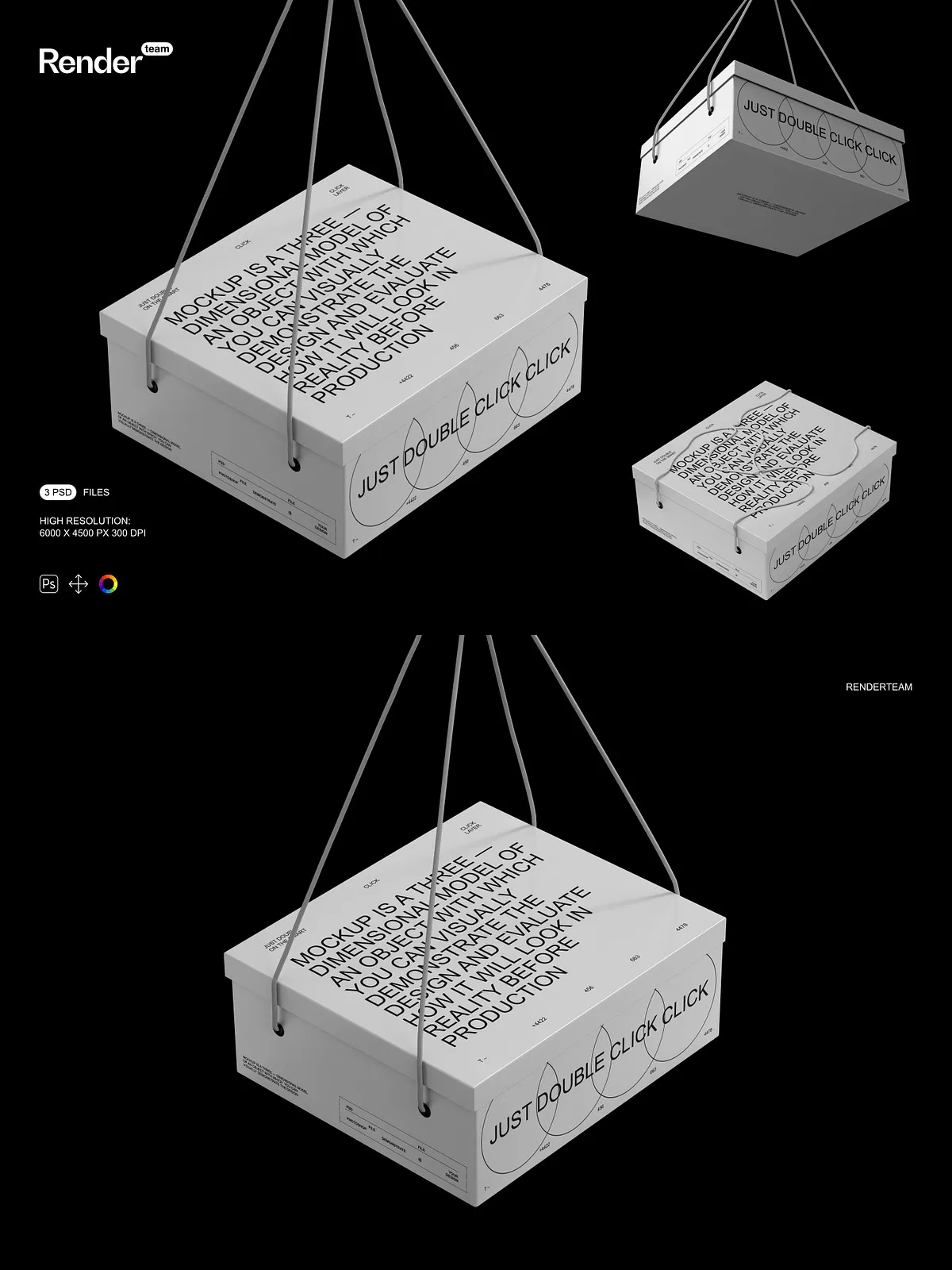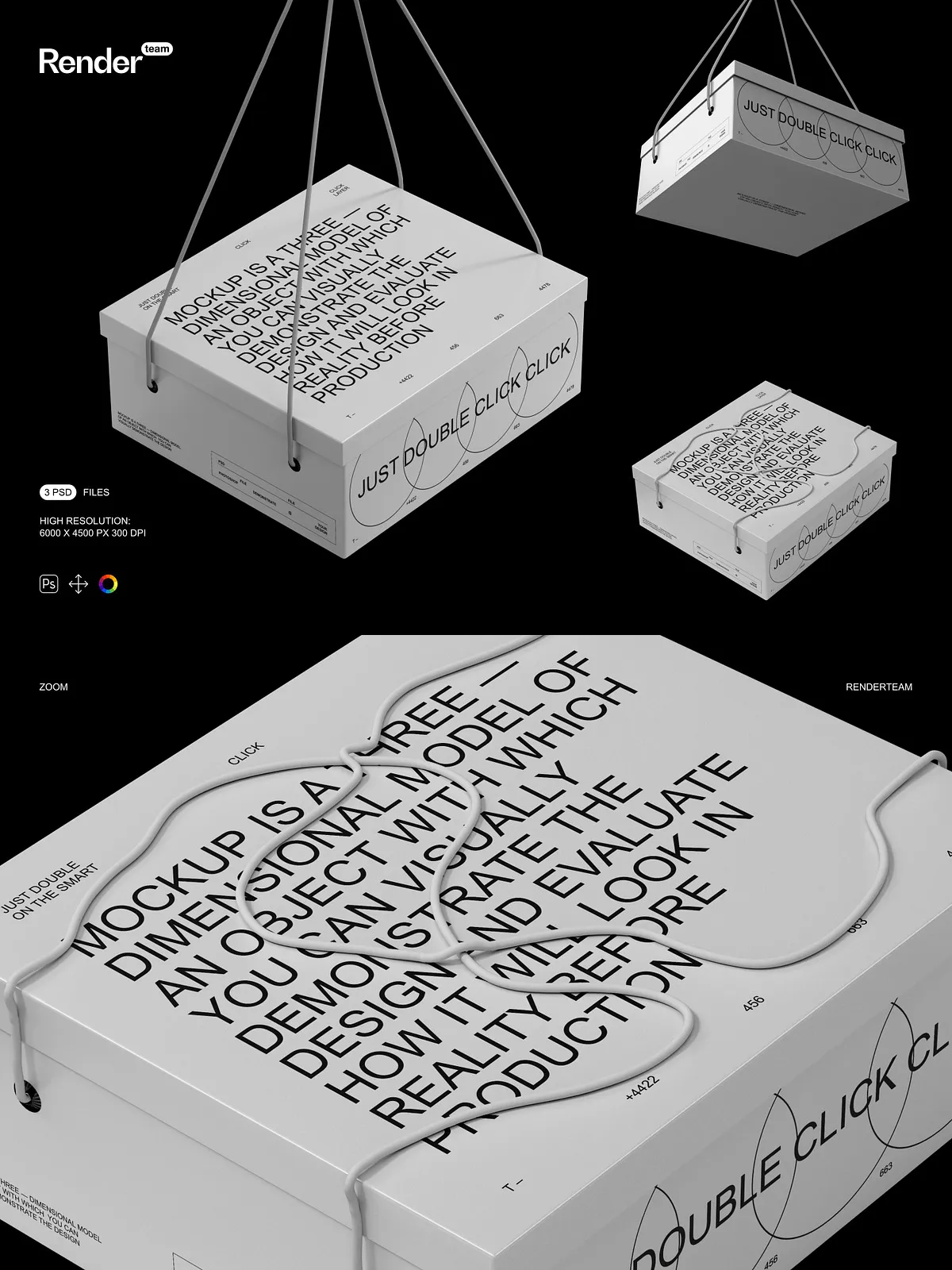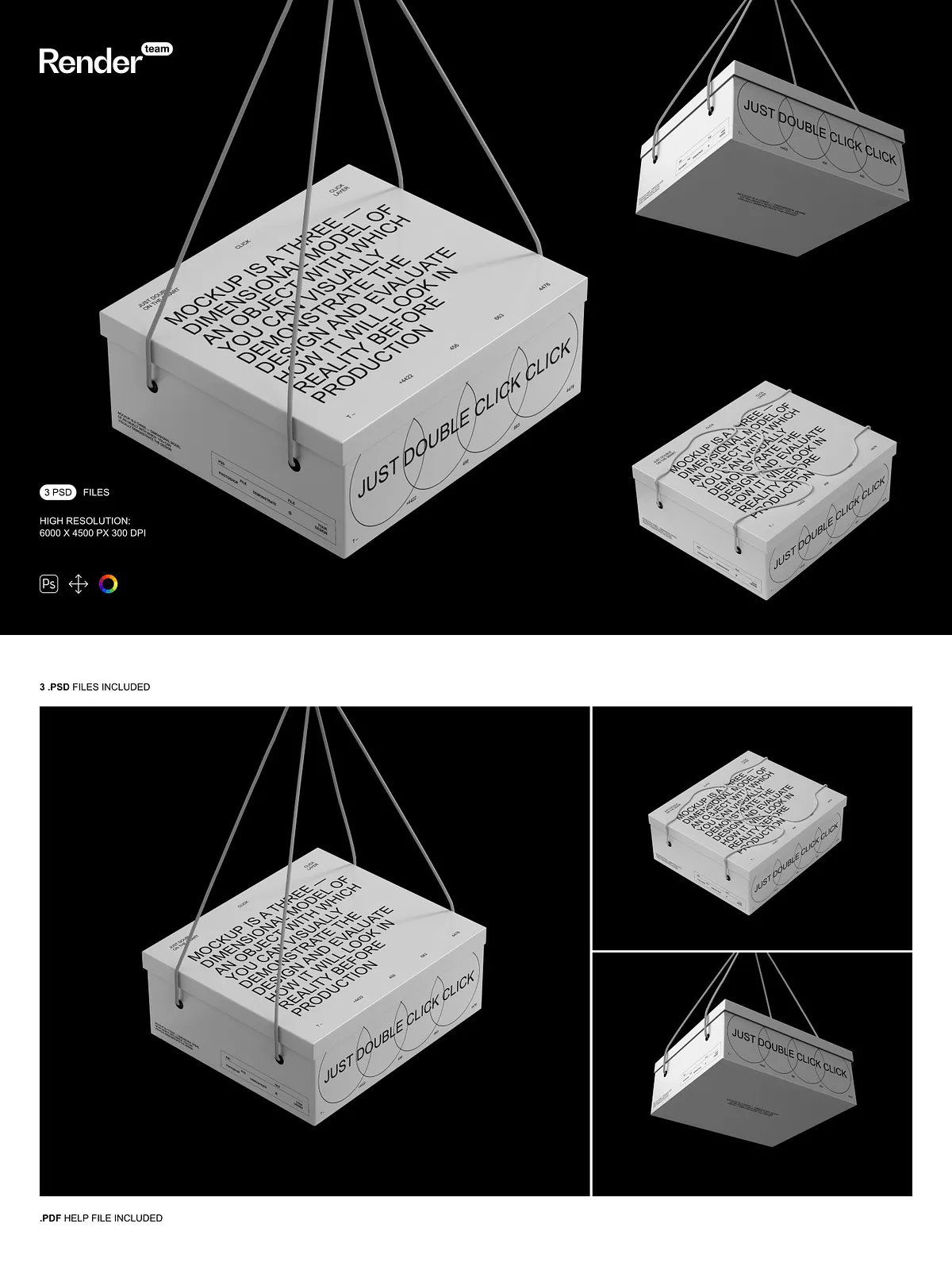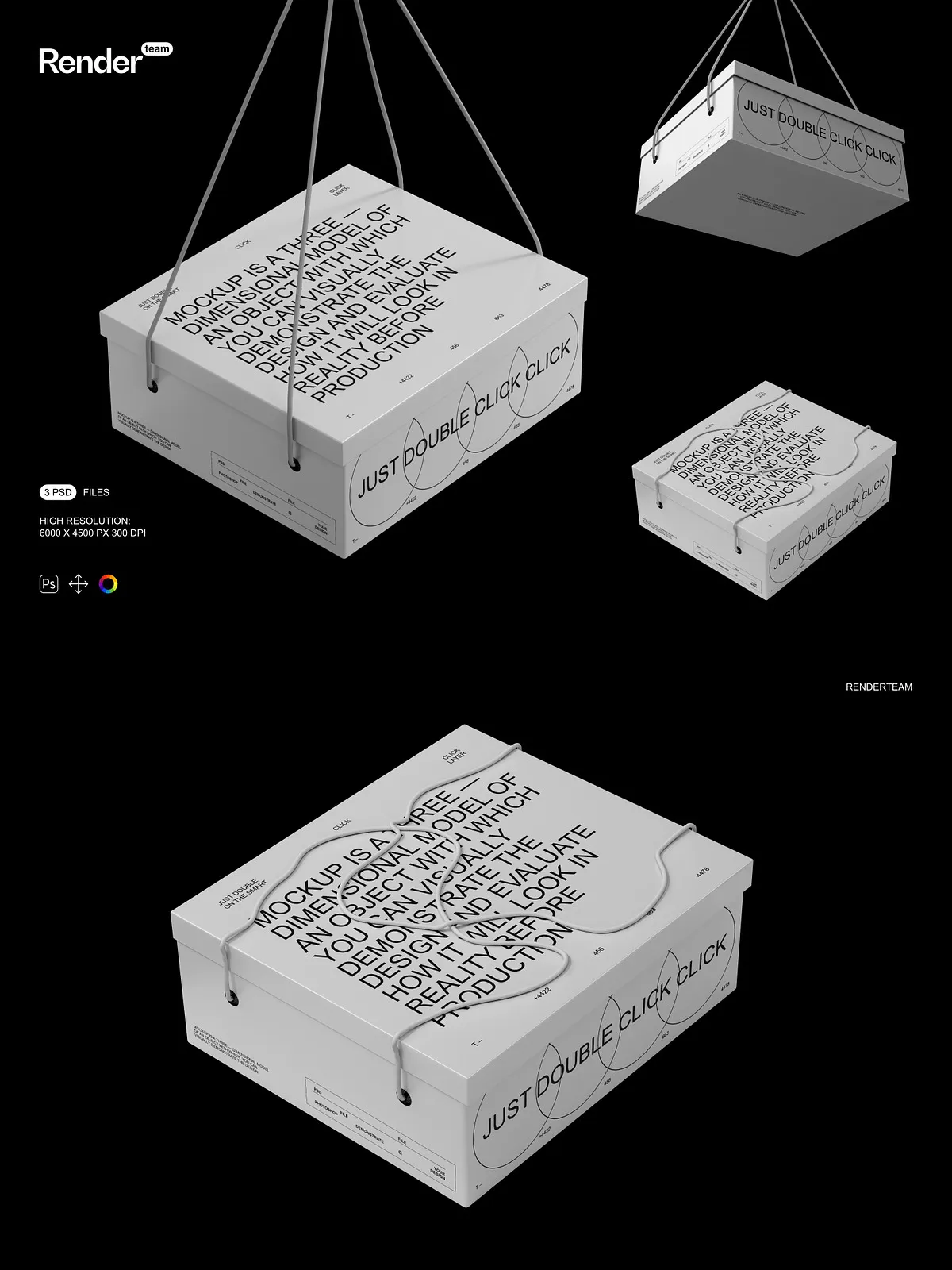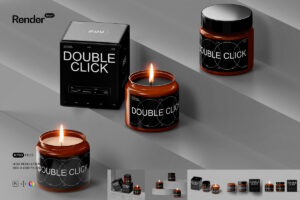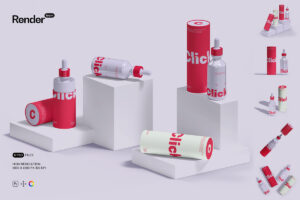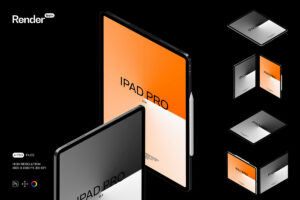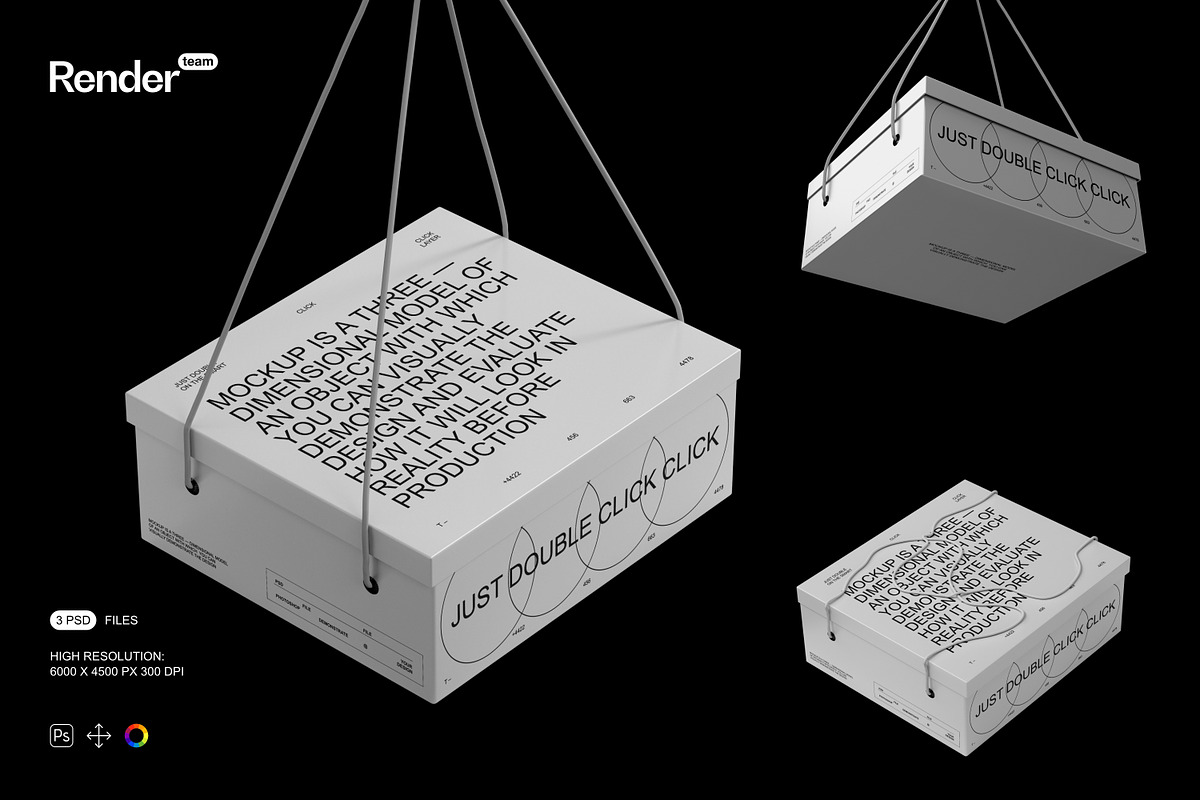
Unlock the power of visual storytelling with the Paper Box Mockup Set, a meticulously built collection of layered, fully editable PSD files engineered for maximum creativity and control. Whether you’re launching a new product line, designing packaging for a brand, or preparing digital marketing assets, this mockup set enables you to present your custom designs with striking realism and polished professionalism. Each file simulates authentic paper textures, soft lighting, and natural shadows—delivering visuals that look indistinguishable from real-world photography.
Instant Customization with Advanced Smart Object Technology
Replace Your Design in Seconds — No More Guesswork
Editing your paper box mockups is faster than ever. Simply double-click the designated Smart Object layer, insert your artwork—logos, branding, typography, or product illustrations—adjust the size and alignment, then save. The change appears seamlessly in the main layout, preserving perspective, depth, and shadow accuracy. This non-destructive workflow eliminates the need for tedious manual masking and ensures consistent results across multiple variations.
Control Texture, Color, and Lighting with Precision
Tailor each mockup to match your brand’s mood and market position. Use dedicated adjustment layers to modify the paper tone—choose from crisp white, warm beige, or vintage kraft textures. Enhance highlights and contrast to simulate different lighting environments: bright studio light for clean minimalism, soft window lighting for lifestyle scenes, or warm directional light for festive packaging. Every element is designed for dynamic customization, letting you instantly test multiple branding options without starting from scratch.
Exceptional Layer Organization for Maximum Efficiency
Every file is structured with clean, logical layer groups and descriptive naming conventions. Components such as the box outline, inner flap, lid, background, reflections, and shadows are isolated into clearly labeled folders. This intelligent architecture allows for rapid navigation, easy troubleshooting, and seamless collaboration—especially beneficial for creative teams managing multiple packaging variants or seasonal product lines. No more hunting through hundreds of overlapping layers.
Ultra-High Resolution for Print and Digital Perfection
Rendered at a stunning 6000×4500 pixels with 300 DPI resolution, every mockup delivers print-ready quality and flawless scaling for digital platforms. Whether you’re creating social media posts, website banners, email marketing content, or print catalogs, these assets maintain sharpness, clarity, and detail at any size. Zoom in—no pixelation. Export to web or print—no loss in quality. This is the standard your brand deserves.
What’s Included in This Premium Mockup Set
- 3 professional, high-resolution PSD mockup files for different paper box styles (e.g., gift box, cube box, folding box)
- Smart Object layers for fast, non-destructive design replacement
- All visual components—box edges, creases, shadows, and reflections—fully isolated and editable
- Adjustment layers for lighting, color balance, and texture enhancement
- Comprehensive PDF help file with step-by-step editing instructions, setup tips, and export recommendations
Build Immersive Product Stories from Any Angle
Move beyond static product photos. Create dynamic, branded scenes—place a single paper box on a wooden desk with scattered stationery, arrange multiple boxes in a curated gift display, or position one within a minimalist studio environment to highlight elegance. The modular design allows for limitless composition flexibility, empowering you to convey brand identity, product value, and lifestyle appeal—no matter your target audience.
Requires Adobe Photoshop — Built for Professional Creatives
This mockup set is purposefully developed for Adobe Photoshop (Creative Cloud). It leverages advanced features such as Smart Objects, layer blending modes, and non-destructive edits, which are not available in tools like Canva, Procreate, or Figma. For optimal compatibility and full functionality, always use the latest version of Photoshop.
Important Usage Guidelines
⚠️ The preview images shown in this product include placeholder designs, fonts, and stock photos that are not included in the download. You must provide your own custom artwork, branding elements, and imagery. The purchase includes only the PSD files and PDF guide—no third-party assets are provided. Ensure that your designs are properly licensed for commercial use to avoid legal issues.
Why This Mockup Set Is Essential for Design Success
Choose the Paper Box Mockup Set when you need to:
- Accelerate product presentation and client review cycles with reusable, consistent templates
- Boost e-commerce conversion rates with visually compelling packaging visuals
- Test branding variations—colors, fonts, logos—without recreating scenes each time
- Present packaging with realism that builds consumer trust and desire
Quick Setup & Editing Workflow
- Open the desired PSD file in Adobe Photoshop.
- Locate the Smart Object layer labeled “Front Panel,” “Label,” or “Design.”
- Double-click the layer to open the embedded design file.
- Paste your artwork, resize, and reposition as needed.
- Save changes and return to the main document—your design now displays flawlessly on the mockup.
- Review the included PDF help file for advanced editing techniques and optimal export settings.
Elevate Packaging from Product to Experience
In today’s competitive marketplace, first impressions are visual. The Paper Box Mockup Set lets you go beyond mere packaging and create memorable brand experiences—where every box tells a story. With unmatched realism, speed, and control, you’re not just showcasing a product. You’re building anticipation, trust, and desire. Deliver visuals that turn views into sales, and set your brand apart—one flawless mockup at a time.