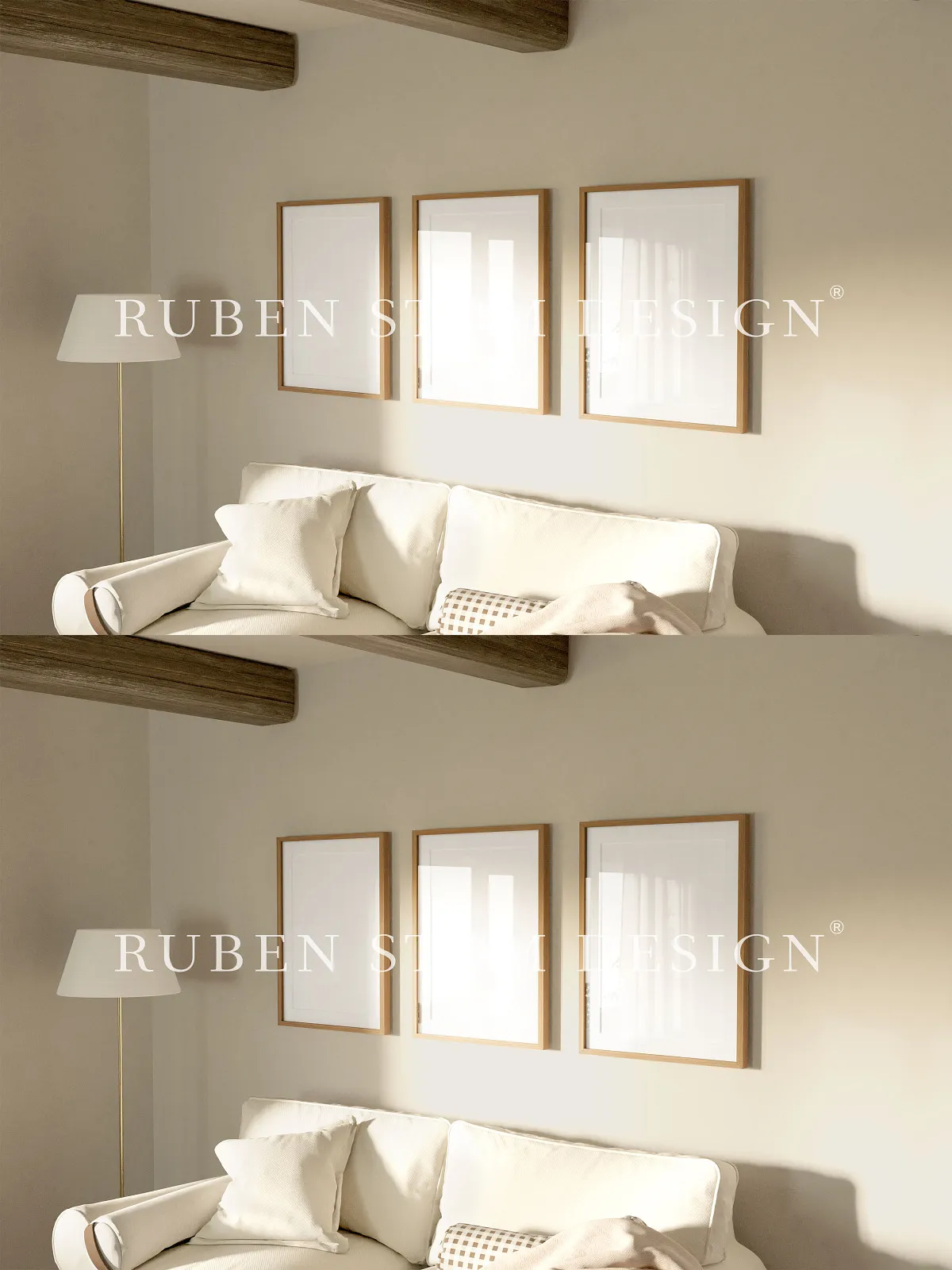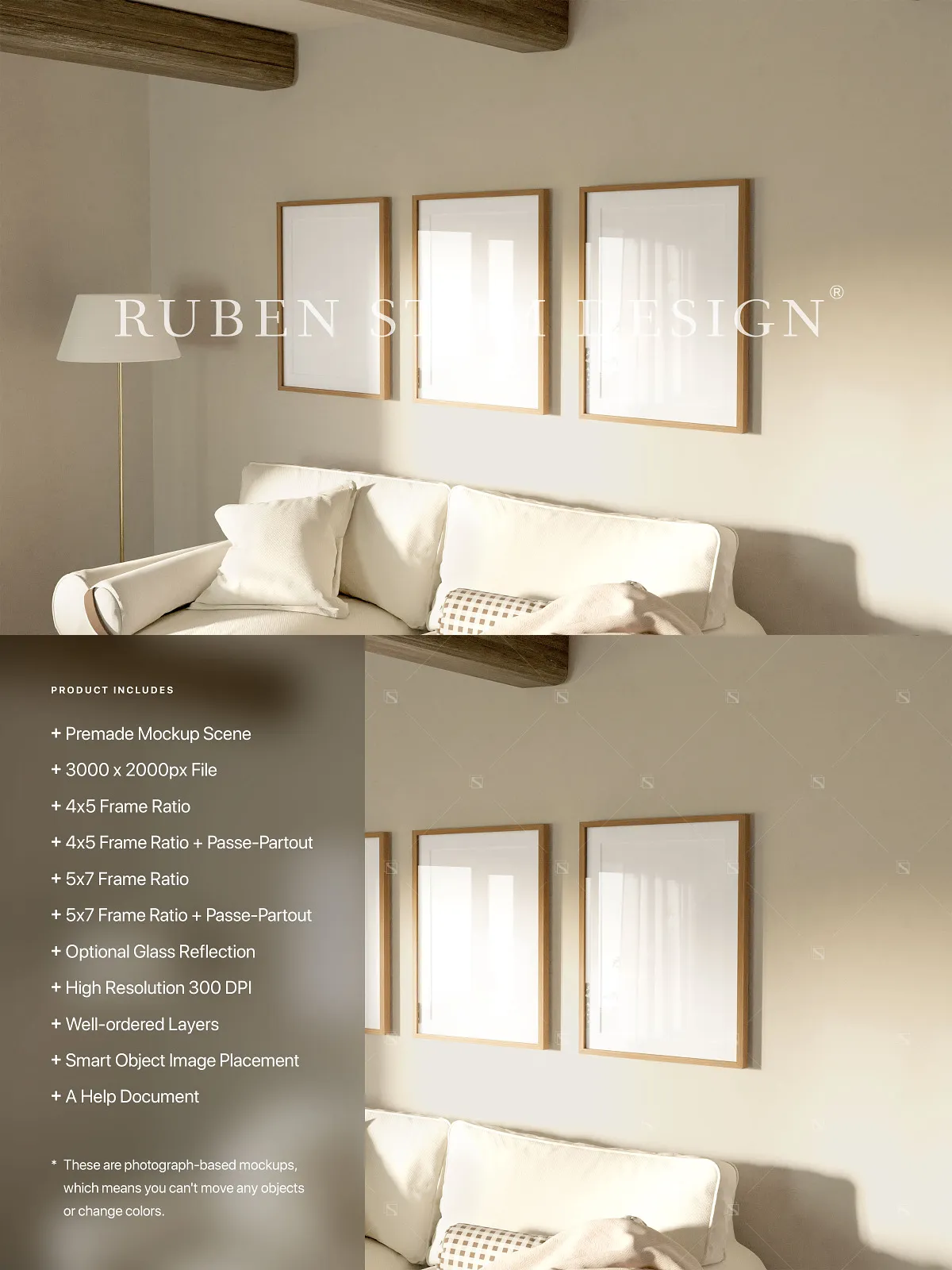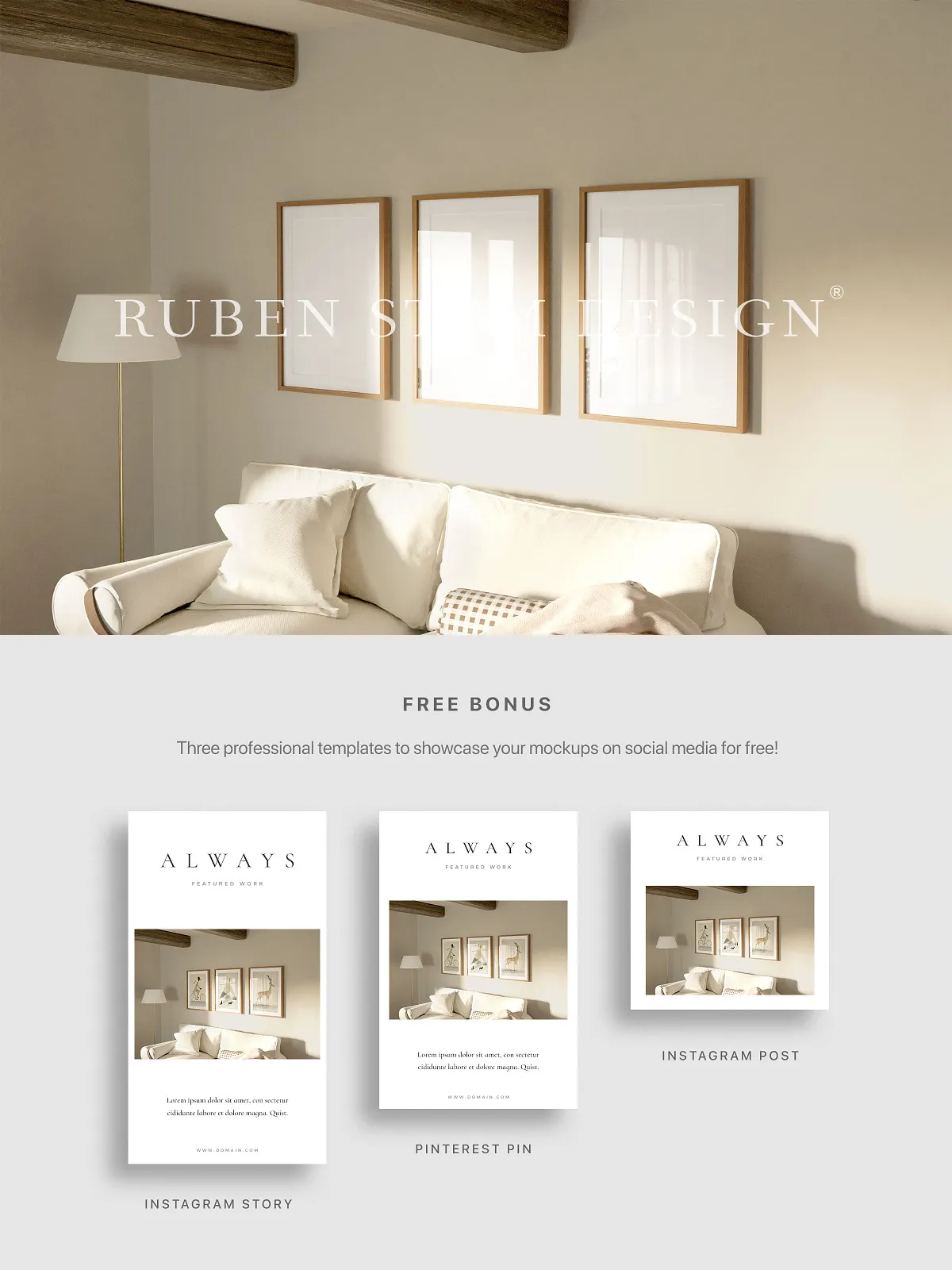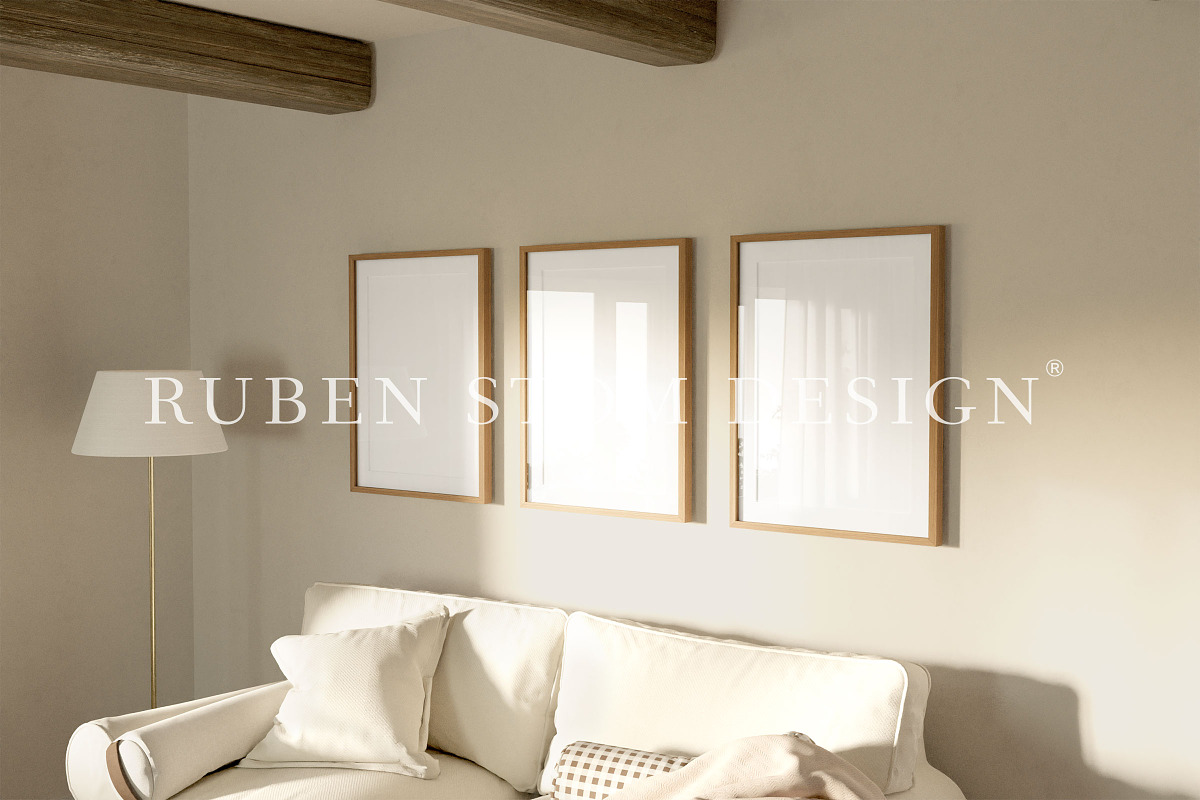
Transform your creative projects into visual masterpieces with this professional high-resolution mockup scene, engineered for designers, artists, and brands who demand unmatched quality and adaptability. This fully optimized PSD file supports Adobe Photoshop, Affinity Photo, and the free online editor Photopea, ensuring seamless integration into any creative workflow—regardless of your preferred platform. Whether you’re building a personal brand, promoting a design portfolio, or preparing client deliverables, this mockup empowers you to showcase your work with confidence, clarity, and professional polish.
Seamlessly Insert Your Artwork with Smart Objects
Ditch the tedious manual layering and positioning. This mockup leverages Smart Objects to enable instant, non-destructive image placement. Simply double-click the Smart Object layer, drop in your design, and watch the artwork auto-fit perfectly within the frame—no distortion, no scaling issues, no loss of quality. This dynamic feature accelerates your workflow, supports rapid iteration, and preserves your original file integrity, making it ideal for fast-turnaround campaigns or client revisions.
Multiple Frame Ratios for Maximum Creative Freedom
Designed for versatility, this mockup offers multiple standard frame dimensions to suit various output needs:
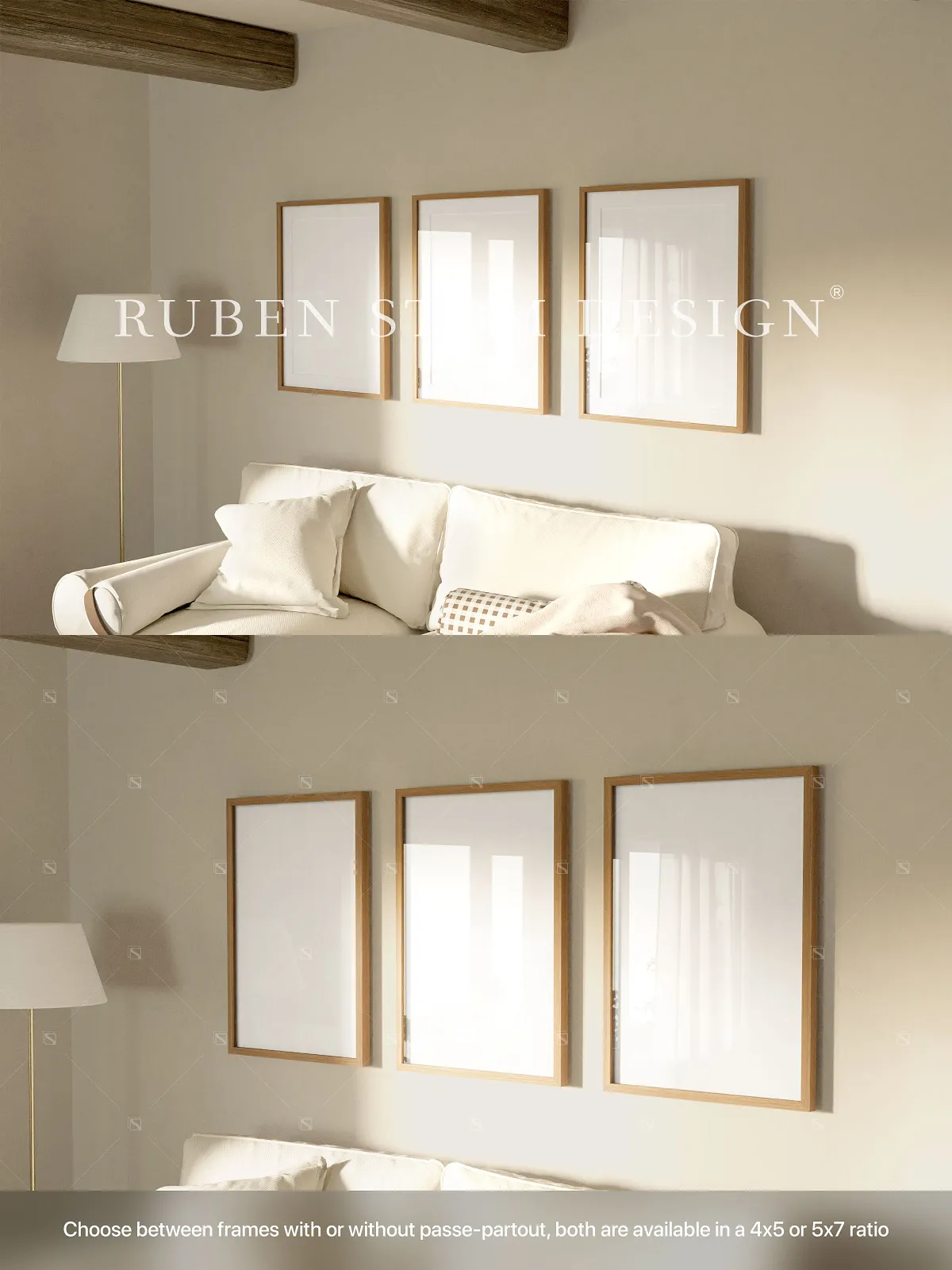
- 4×5 frame ratio – Ideal for digital sharing and exhibition displays.
- 4×5 frame ratio with passe-partout – Adds a refined border that elevates visual elegance and focus.
- 5×7 frame ratio – Perfect for print portfolios, gallery displays, and social media carousels.
- 5×7 frame ratio with passe-partout – Enhances composition and brings depth to your presentation.
Plus, include optional glass reflection to add realism—perfect for simulating a real-life frame in a studio or gallery setting. These flexible ratios ensure you can match your design to any intended medium, format, or branding standard.
Crystal-Clear Visual Quality at 300dpi
Engineered for print and screen alike, this mockup delivers 3000 x 2000px resolution with a clean 3:2 aspect ratio and 300dpi clarity, guaranteeing sharp, professional-grade output. From high-end business cards to full-page magazine layouts, every pixel sings with precision. Whether your artwork is destined for Instagram, website headers, print brochures, or physical portfolios, this mockup ensures your content looks flawless across all platforms and formats.
Organized, Named, and Color-Coded Layer Structure
Every layer is meticulously named, color-coded, and logically grouped for fast navigation and maximum efficiency. No more guessing which layer controls the frame, reflection, or background. This smart structure lets you quickly locate and adjust specific elements—like toggling the glass reflection on or off—without disrupting the overall design. The result? Faster workflow, fewer errors, and cleaner project management.
Universal Compatibility Across All Design Platforms
Regardless of your tool of choice, this mockup is ready to go:
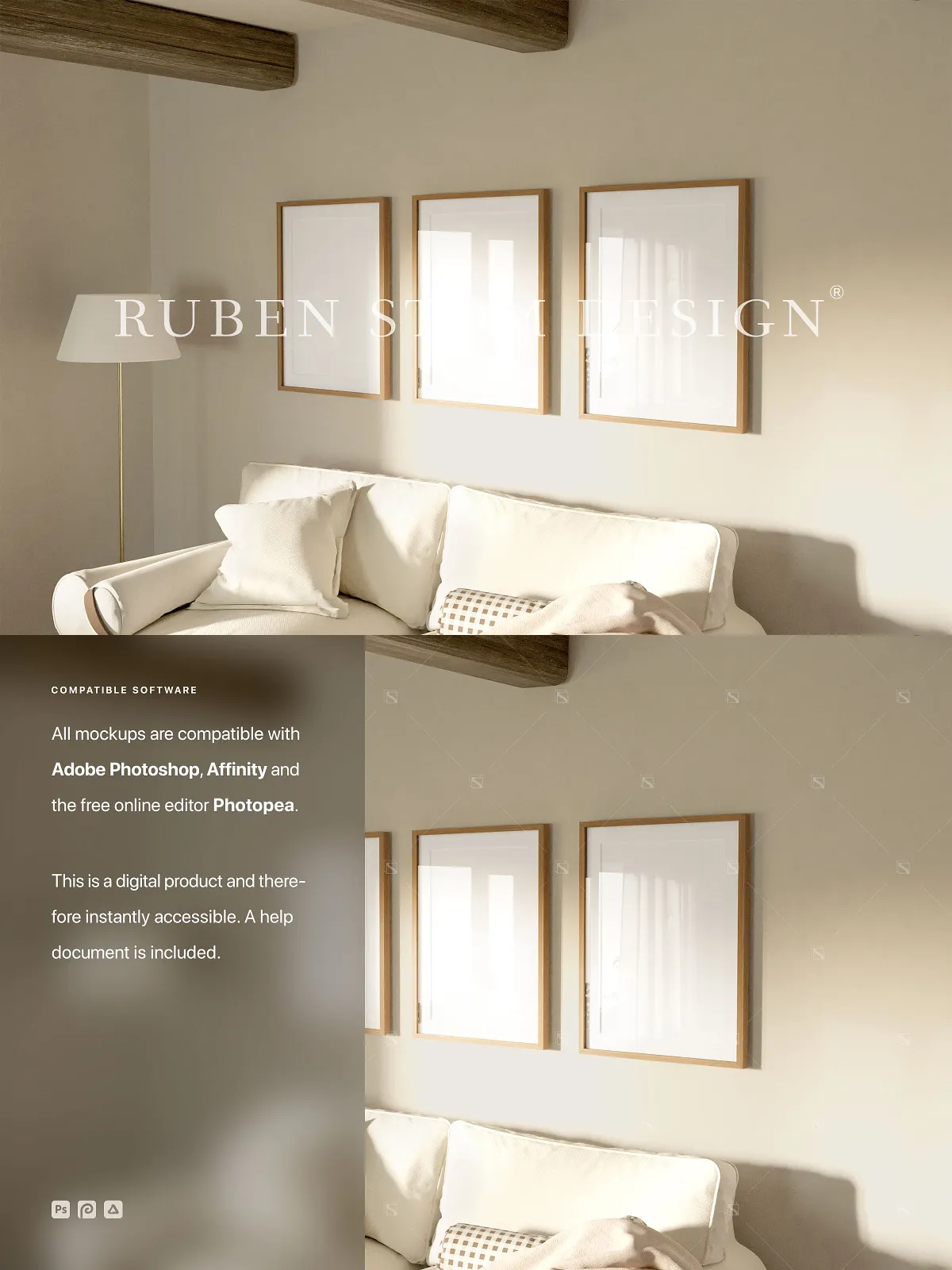
- Full compatibility with Adobe Photoshop (CS6 and later).
- Optimized for high performance in Affinity Photo.
- Accessible instantly via the free Photopea online editor—no installation, no subscription, no limits.
Work from any device, any OS—whether you’re on a desktop, laptop, or tablet. Collaborate with team members, share files instantly, and maintain consistency across projects—without relying on a single software ecosystem.
Step-by-Step Help Document for Instant Onboarding
New to mockups? No worries. The download includes a comprehensive help document that guides you through every essential task:
- Opening and navigating the PSD file in your chosen software.
- Replacing placeholder content using Smart Objects.
- Adjusting image size, alignment, and perspective with precision.
- Switching between frame ratios and activating glass reflection.
- Exporting final images with optimal settings for web or print.
From first-time users to seasoned pros, this guide eliminates the learning curve—letting you produce professional results in minutes, not hours.
Perfect for Real-World Applications Across Industries
This mockup isn’t just a template—it’s a powerful tool for real-world use:
- Social media content: Create scroll-stopping posts and story visuals with professional framing.
- Website banners & headers: Design eye-catching hero sections that convert visitors.
- Portfolio presentations: Showcase your photography, illustrations, or design work with premium framing and realistic context.
- Print materials: Prepare business cards, flyers, and exhibition displays with accurate sizing and high-resolution output.
- Brand storytelling: Use the frame to contextualize your work within a realistic, curated environment.
Important Technical and Licensing Notes
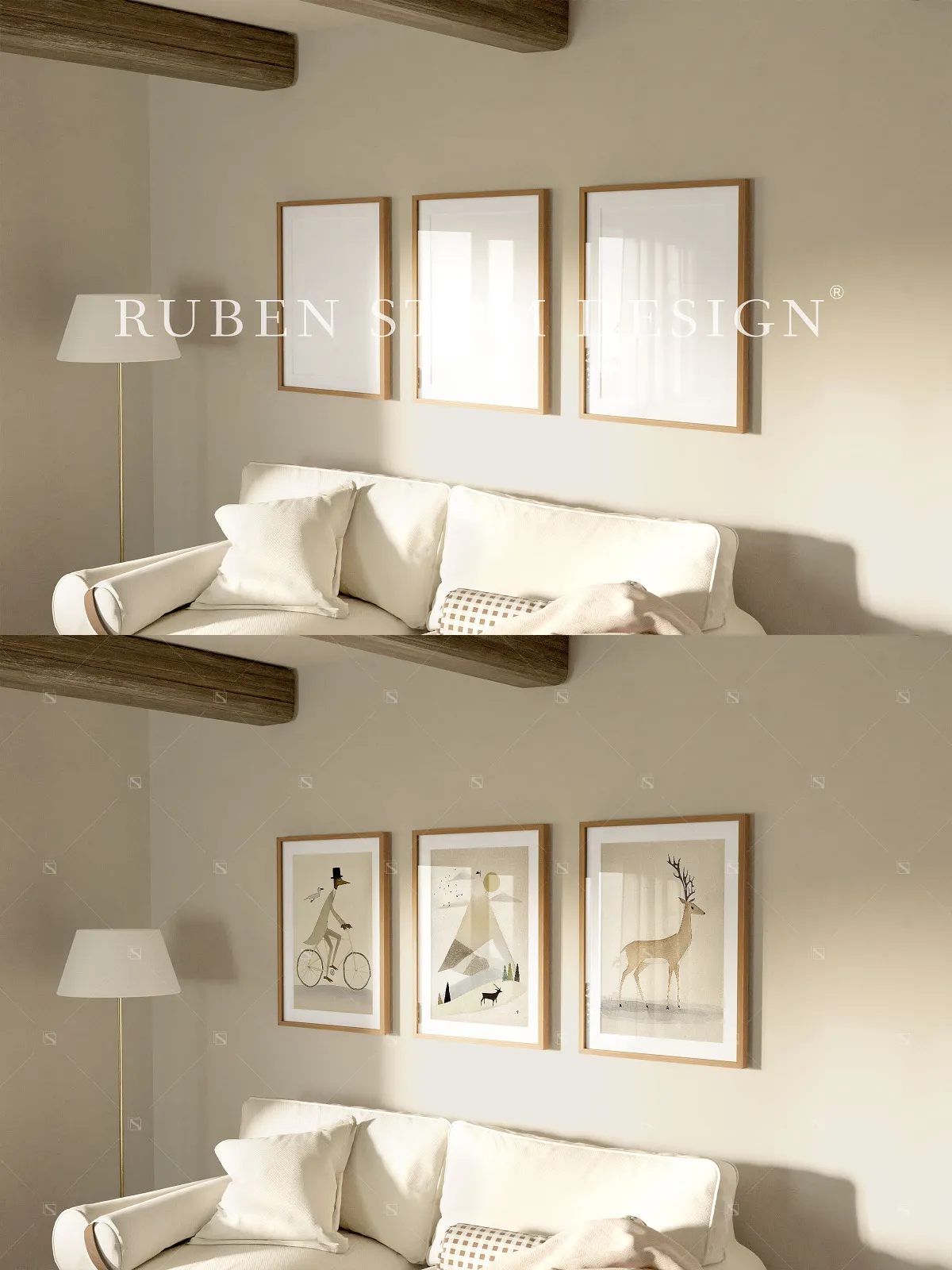
Keep in mind: This is a photograph-based mockup, meaning the background, frame, and physical scene are fixed. You cannot move, rotate, or alter the position of any objects. Colors of the frame, glass, and passe-partout are pre-defined and cannot be changed. Additionally, all placeholder images are for preview purposes only and are not included in the download to respect third-party licensing. This ensures both creative integrity and legal safety for every user.
Complete Product Features at a Glance
- High-resolution mockup scene: 3000 x 2000px (3:2 ratio).
- Multiple frame ratios: 4×5, 4×5 + passe-partout, 5×7, and 5×7 + passe-partout.
- Optional glass reflection for enhanced realism.
- Print-ready at 300dpi for premium output.
- Non-destructive image placement via Smart Objects.
- Supports Adobe Photoshop, Affinity Photo, and Photopea.
- Includes a detailed help document for rapid setup.
- Layers are well-organized, clearly labeled, and color-coded.
- Designed for professional use in digital, print, and portfolio applications.
Unlock the full potential of your creative vision with this professional-grade, highly flexible mockup. Start presenting your work with impact—immediately.