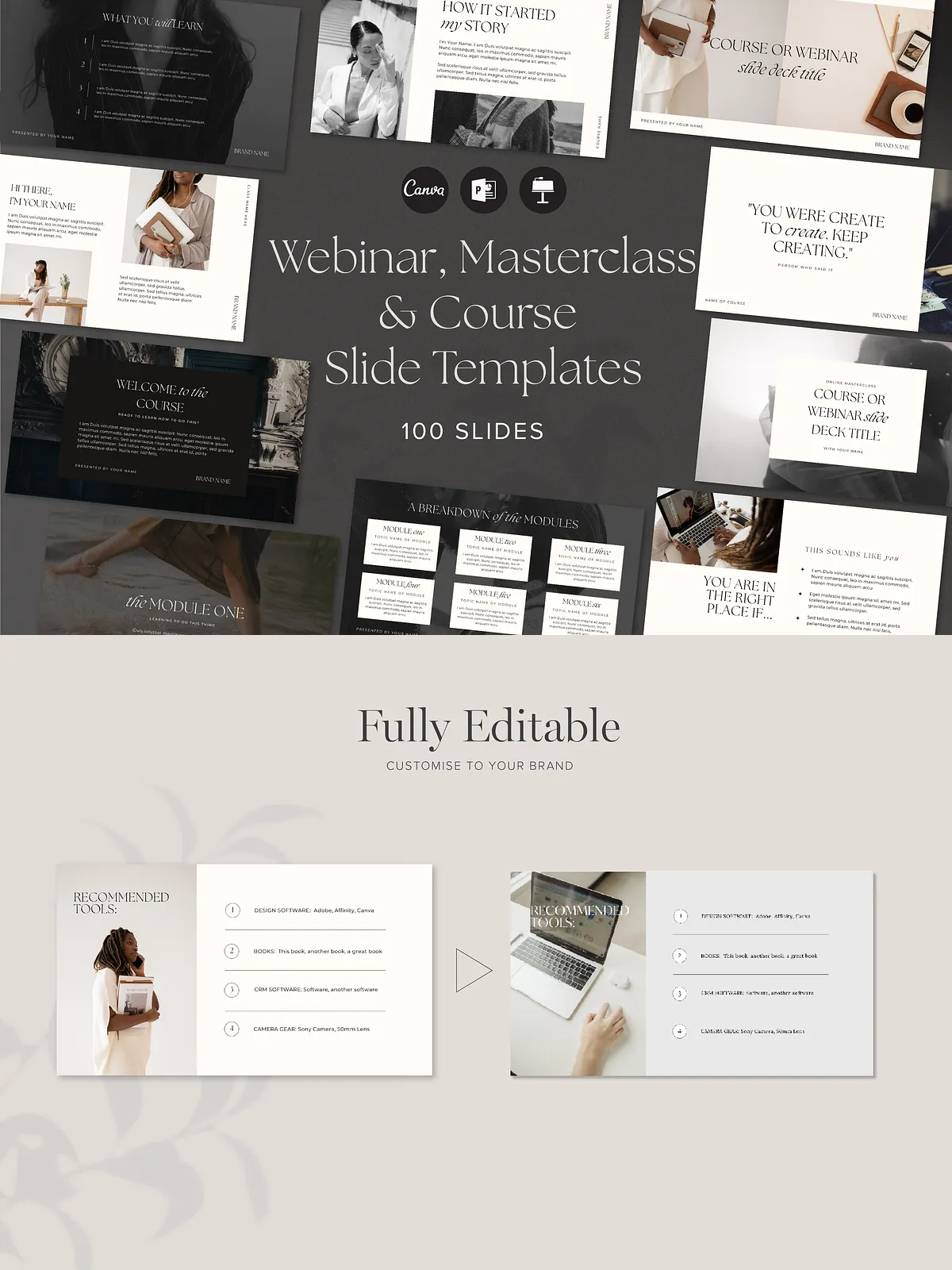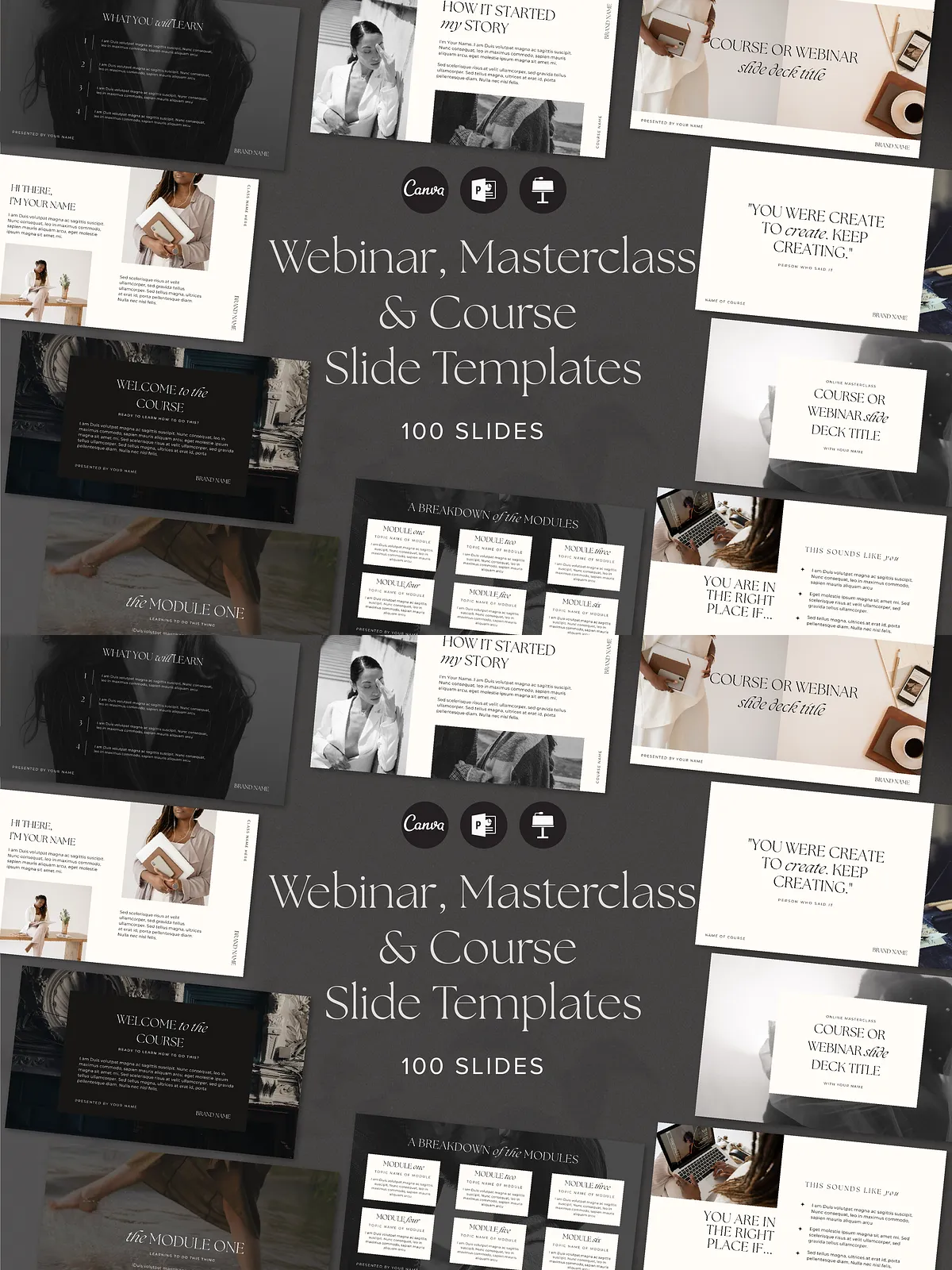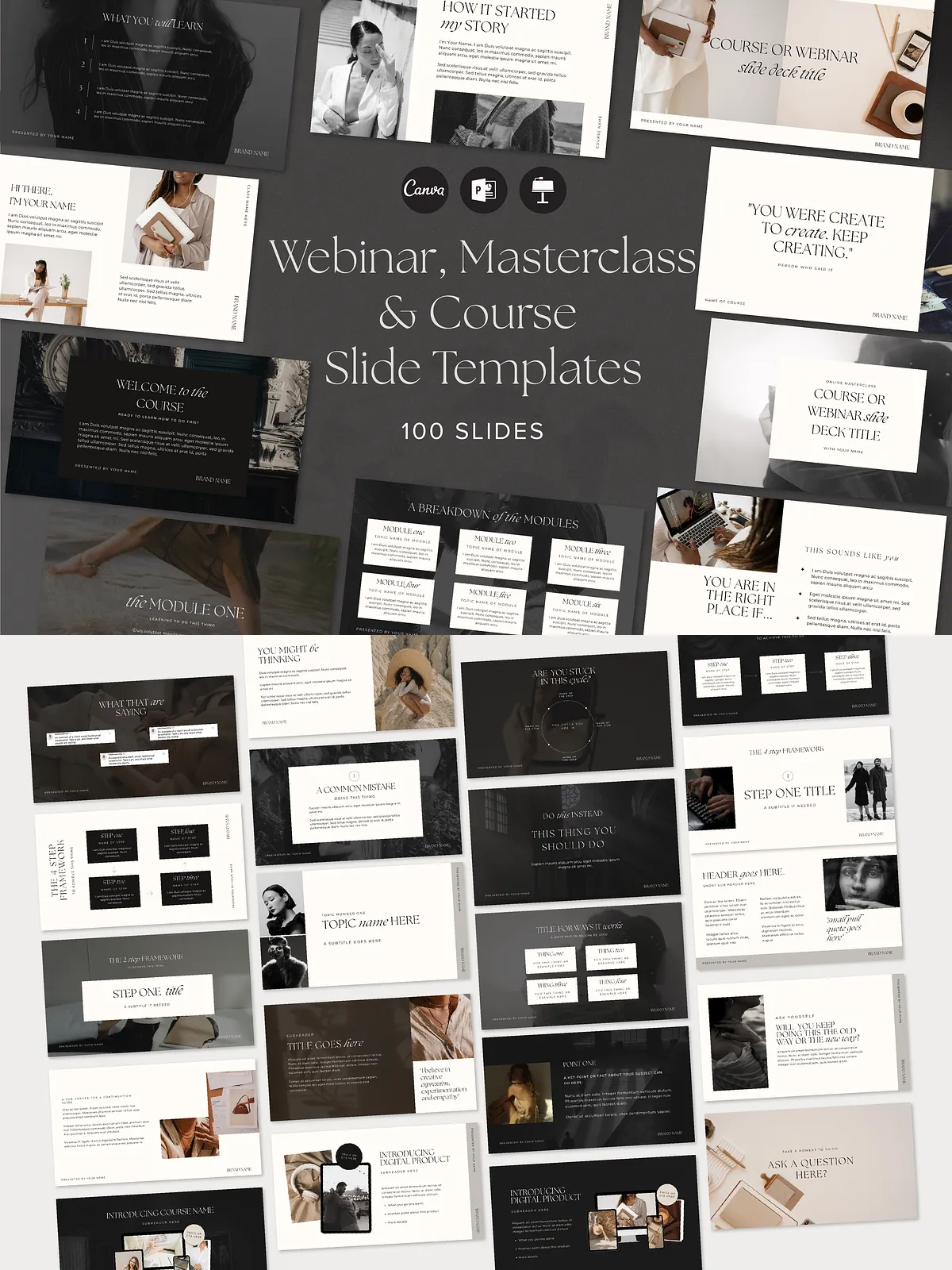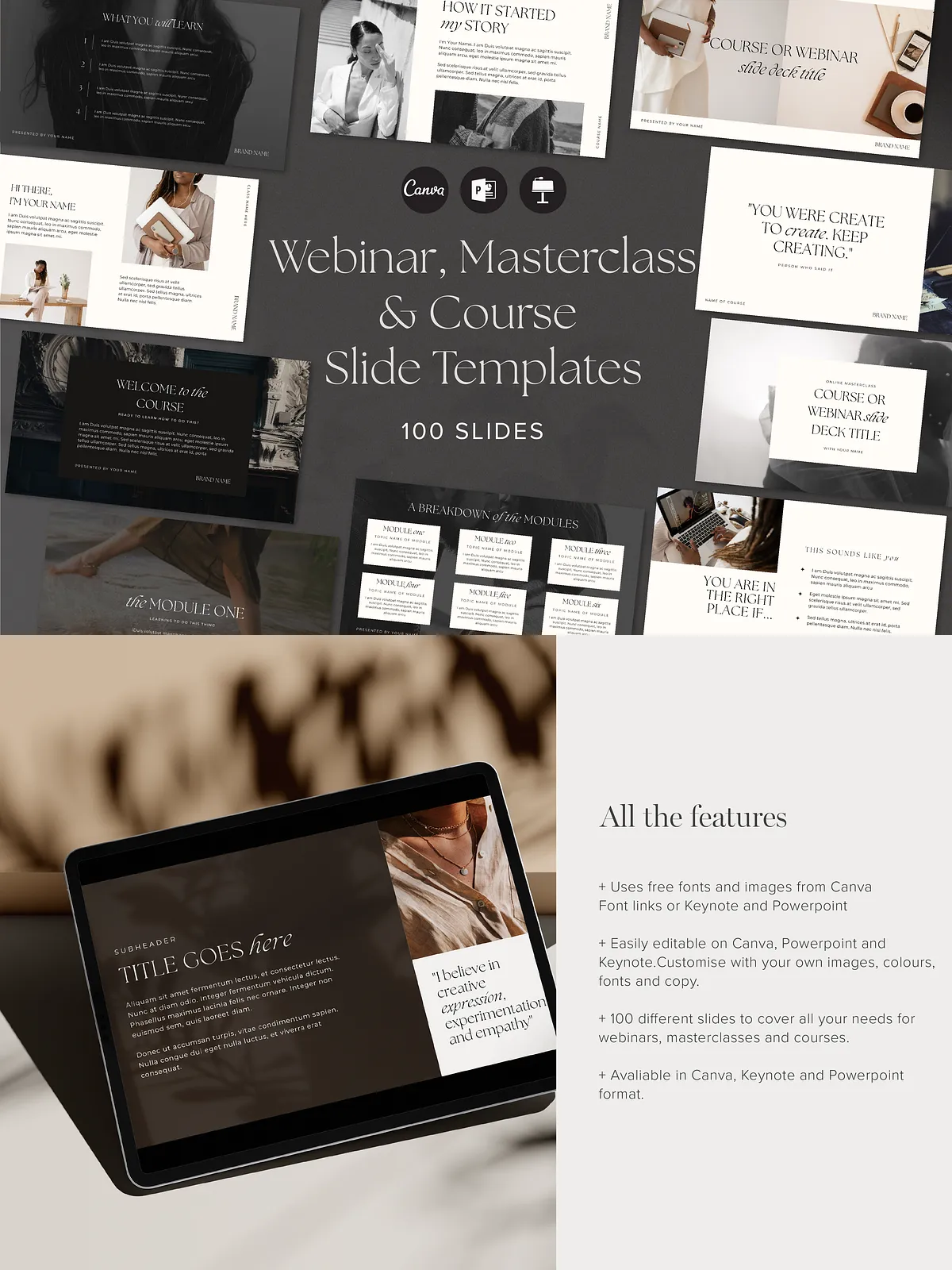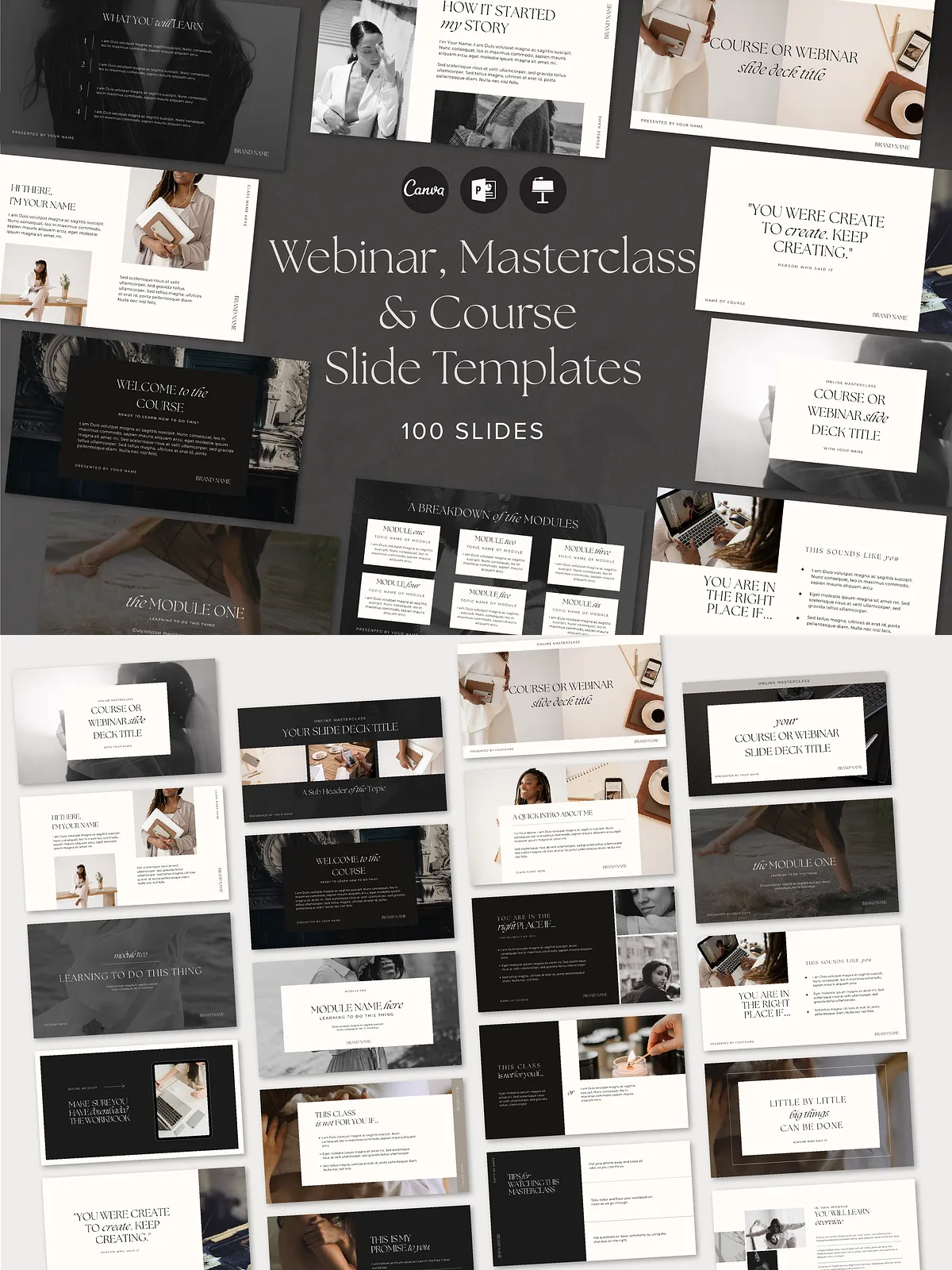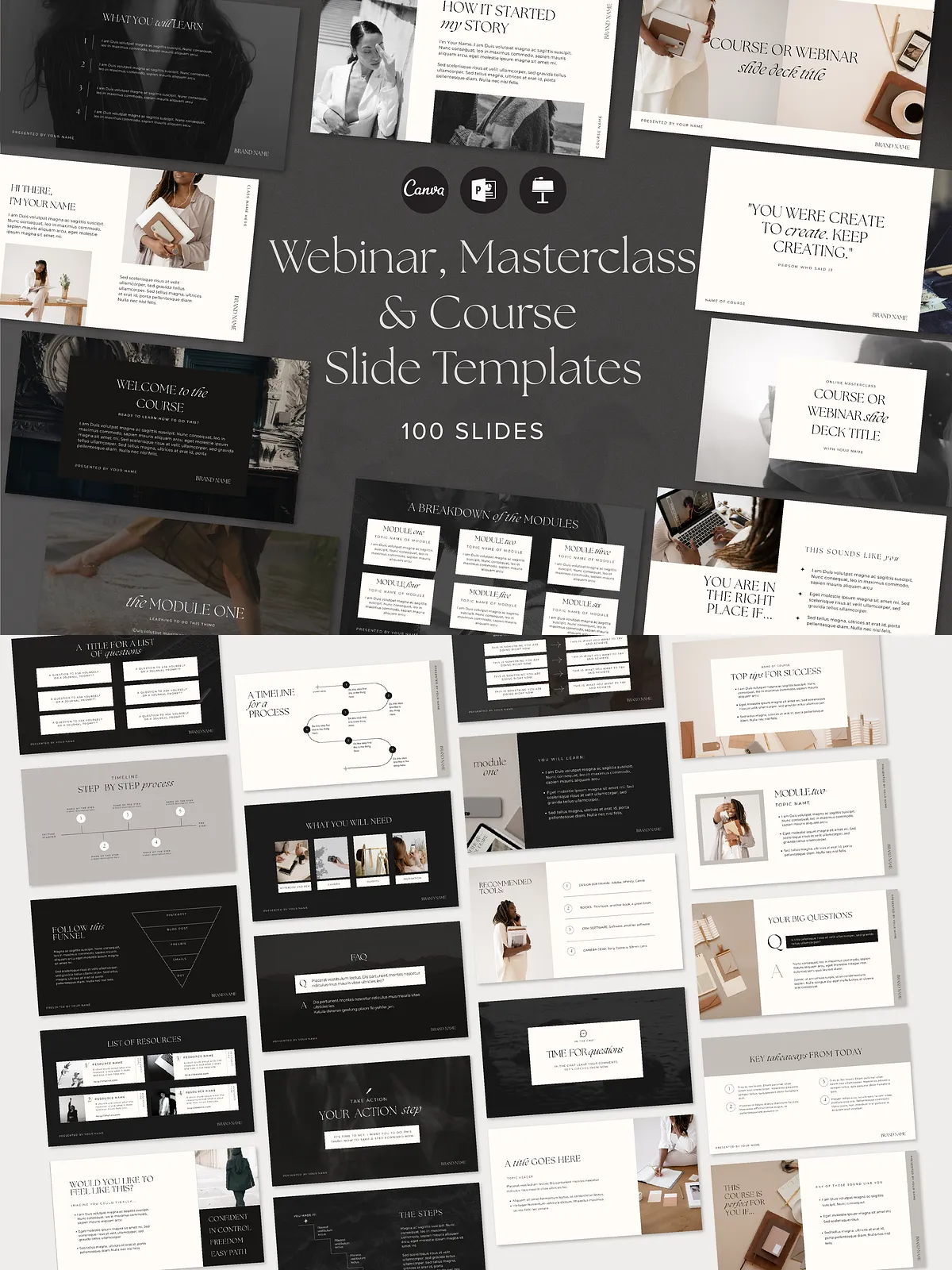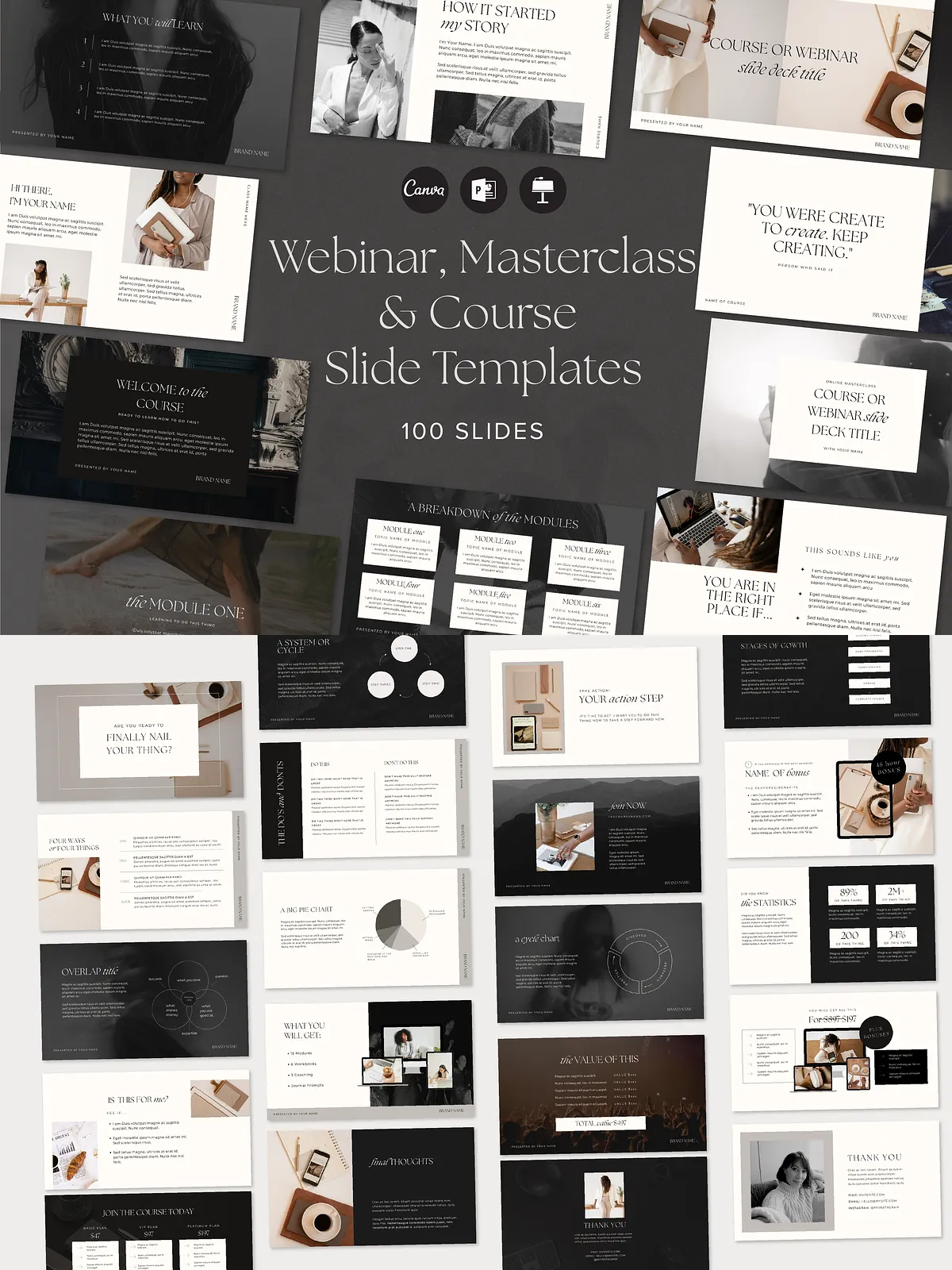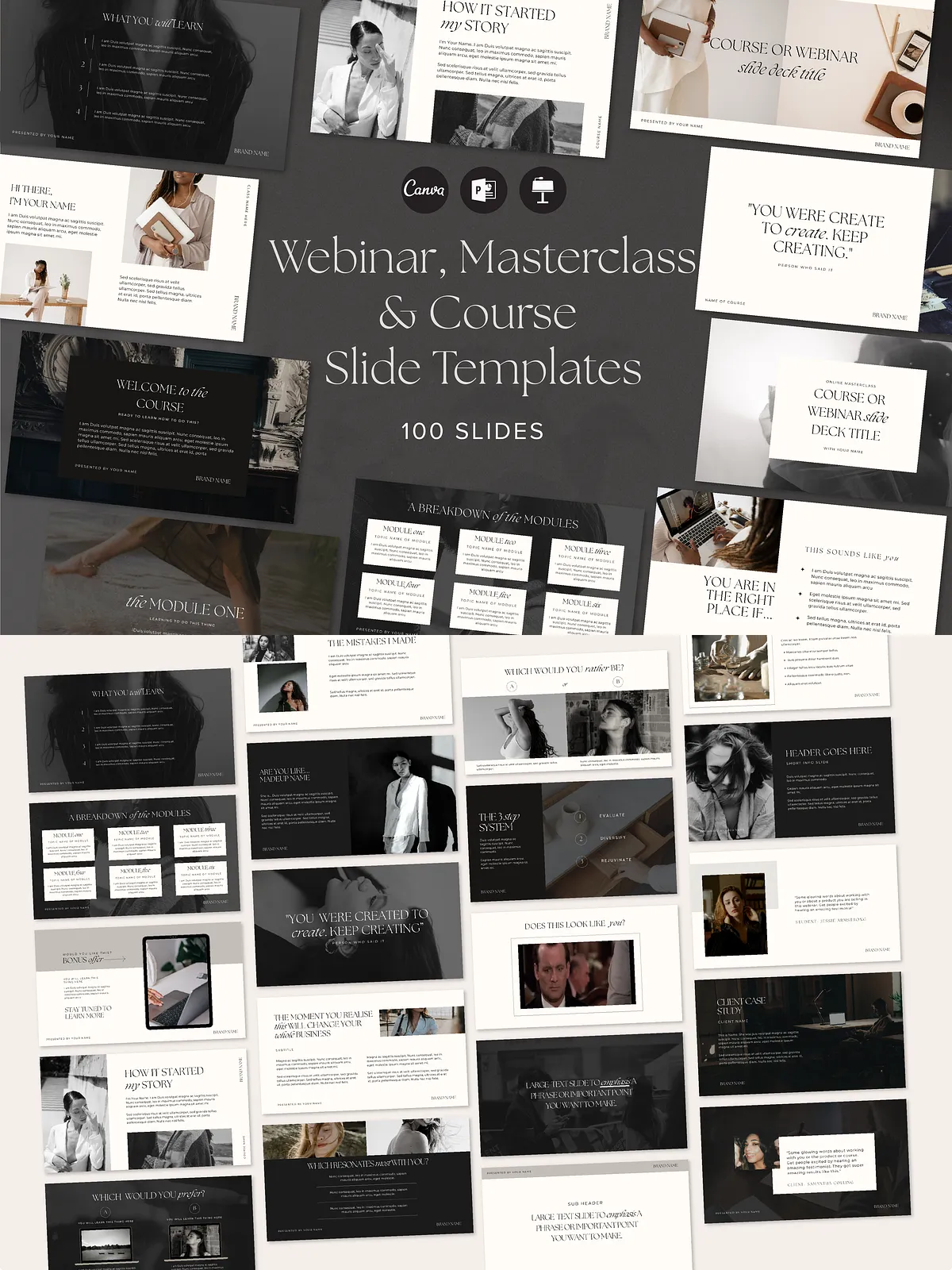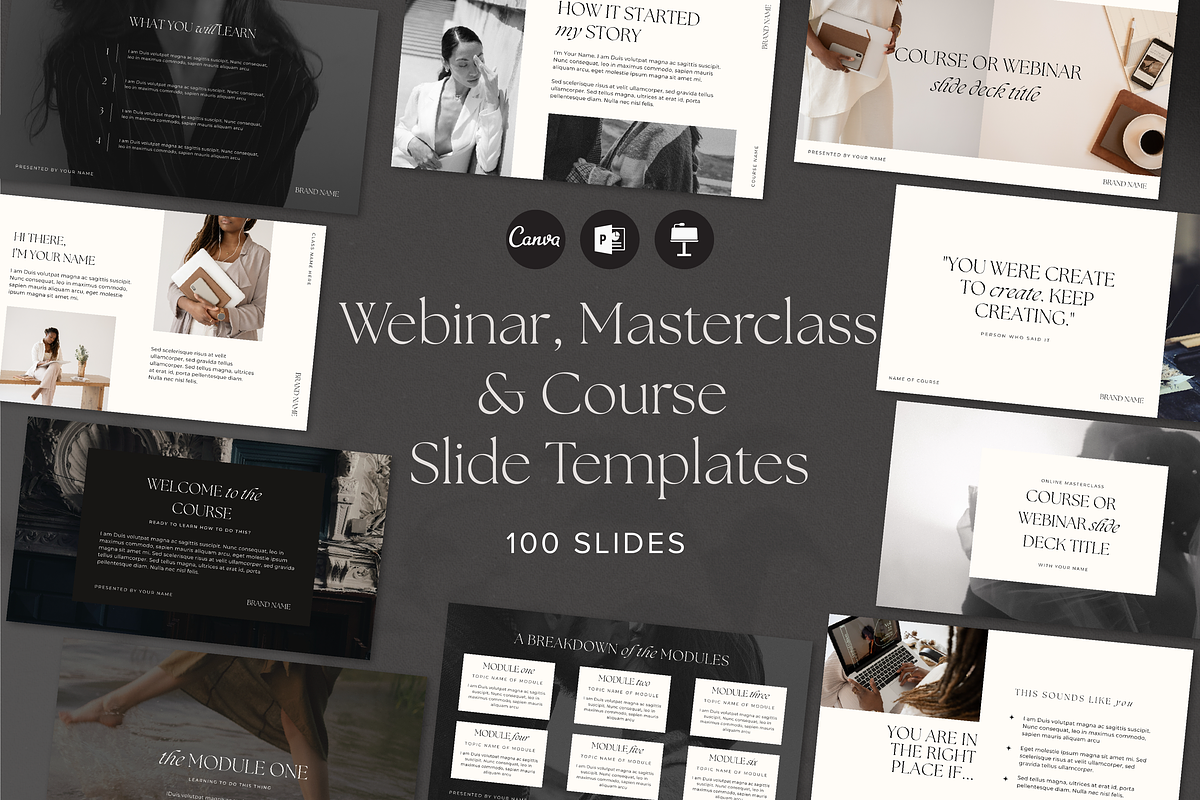
This 2 in 1 Webinar and Course Slide Deck Presentation Template empowers course creators, educators, and online coaches to design high-impact masterclasses, webinars, trainings, and course presentations quickly and consistently. Built in a luxury dark high-end style, the template provides 100 ready-to-use slides that you can reuse and adapt for every session. The deck includes both webinar-focused and course-specific slide types developed with input from an experienced course creator, so you get practical layouts that support learning, persuasion, and conversion. The files come in Canva, Keynote, and PowerPoint formats to fit the tools you already use.
Why This Template Works
Designed to Convert and Educate
The template combines instructional clarity with persuasive structure. Each slide type targets a specific teaching or conversion goal — from introducing your big idea to handling objections, displaying social proof, and closing with a clear call to action. You will structure learning paths, highlight benefits, and lead participants to a next step by following proven presentation patterns.
Fast to Customize
Replace placeholders with your branding, swap images, and edit text in minutes. The slides use consistent typography, spacing, and color treatment so you maintain a polished, professional look without redesigning each page. Because the layout and hierarchy already exist, you spend time on content and delivery rather than on slide design.
Included Slide Types
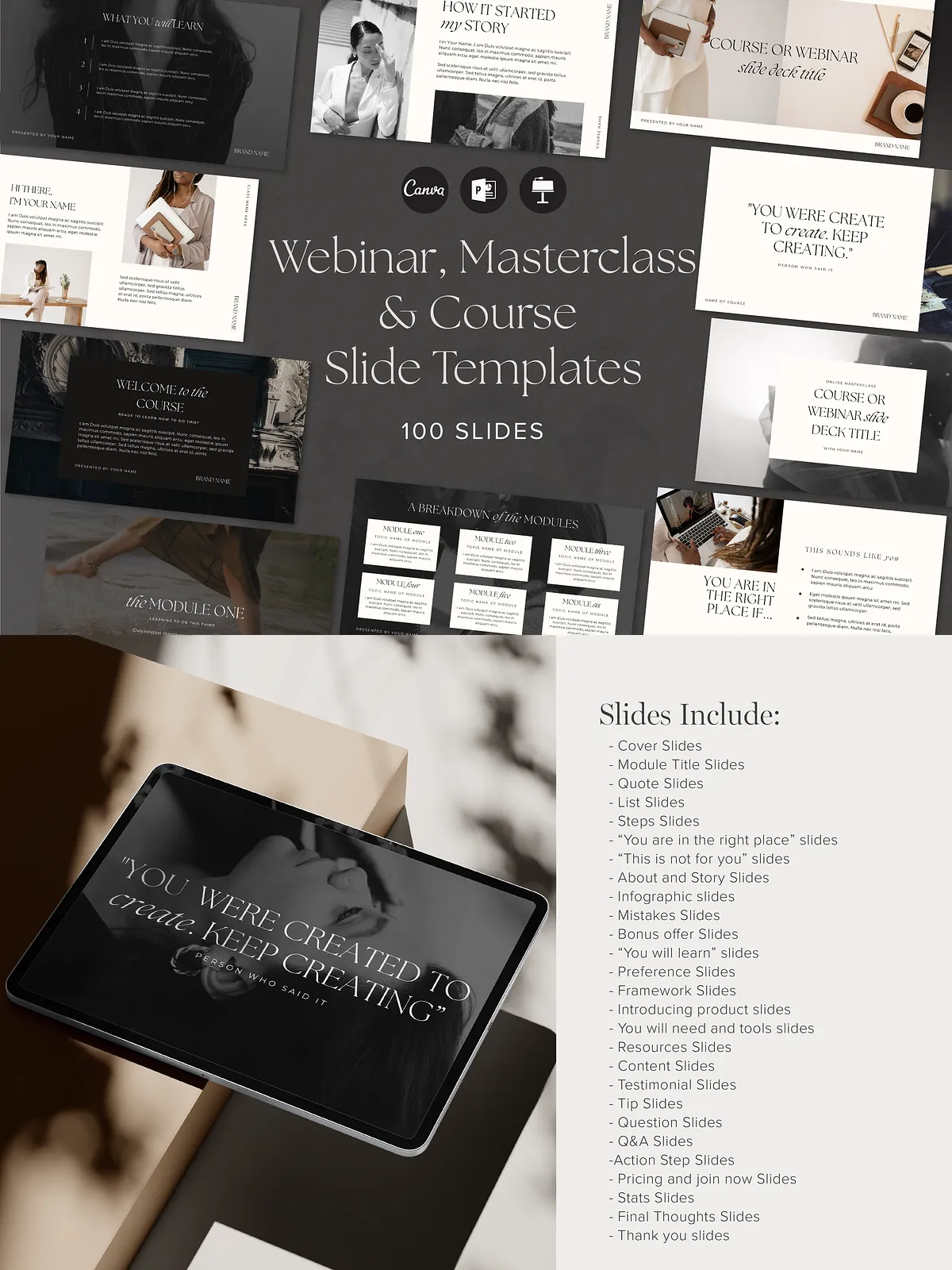
The template includes a comprehensive collection of slide layouts you will need for both webinars and courses. Use the appropriate slide to match your instructional strategy and presentation flow.
- Cover Slides
- Module Title Slides
- Quote Slides
- List Slides
- Steps Slides
- “You are in the right place” Slides
- “This is not for you” Slides
- About and Story Slides
- Infographic Slides
- Mistakes Slides
- Bonus Offer Slides
- “You will learn” Slides
- Preference Slides
- Framework Slides
- Introducing Product Slides
- You Will Need and Tools Slides
- Resources Slides
- Content Slides
- Testimonial Slides
- Tip Slides
- Question Slides
- Q&A Slides
- Action Step Slides
- Pricing and Join Now Slides
- Stats Slides
- Final Thoughts Slides
- Thank You Slides
- GIF Slide
- Alternatives / “Do This Instead” Slides
How to Use
Plan Your Flow
Start by mapping your session: hook, outcome, teaching modules, application, social proof, offer, and close. Select the slides that match each section and assemble them into a smooth narrative. The modular design allows you to swap or duplicate modules to suit the length and purpose of any webinar or lesson.
Customize Efficiently
Open the deck in Canva, Keynote, or PowerPoint and update your logo, colors, and fonts. Replace sample text with concise learning outcomes and action-oriented language. Add screenshots, diagrams, or GIFs to visualize key points. Use the “You will learn” and “Action Step” slides to reinforce retention and prompt immediate application.
Technical Details & Compatibility
The deck ships in three editable formats — Canva, Keynote, and PowerPoint — so you can work in the platform that matches your workflow. Slide count totals 100 professionally designed layouts. The dark, luxury visual theme provides high contrast, modern typography, and consistent spacing for legibility on screens of all sizes. Files export easily to PDF for handouts or on-demand content.
Who Should Use This Template
This template suits online course creators, coaches, corporate trainers, webinar hosts, and educators who want to deliver polished, persuasive presentations fast. Freelancers and agencies will also find the template useful for client deliverables and pitch decks because it accelerates production while preserving brand-level aesthetics.
Benefits
- Save hours on slide design and layout so you can focus on content and delivery.
- Create consistent, repeatable presentations that reinforce learning objectives.
- Convert more attendees into students or buyers using slides optimized for clarity and persuasion.
- Use across platforms — run live webinars, record course videos, or export PDFs for attendees.