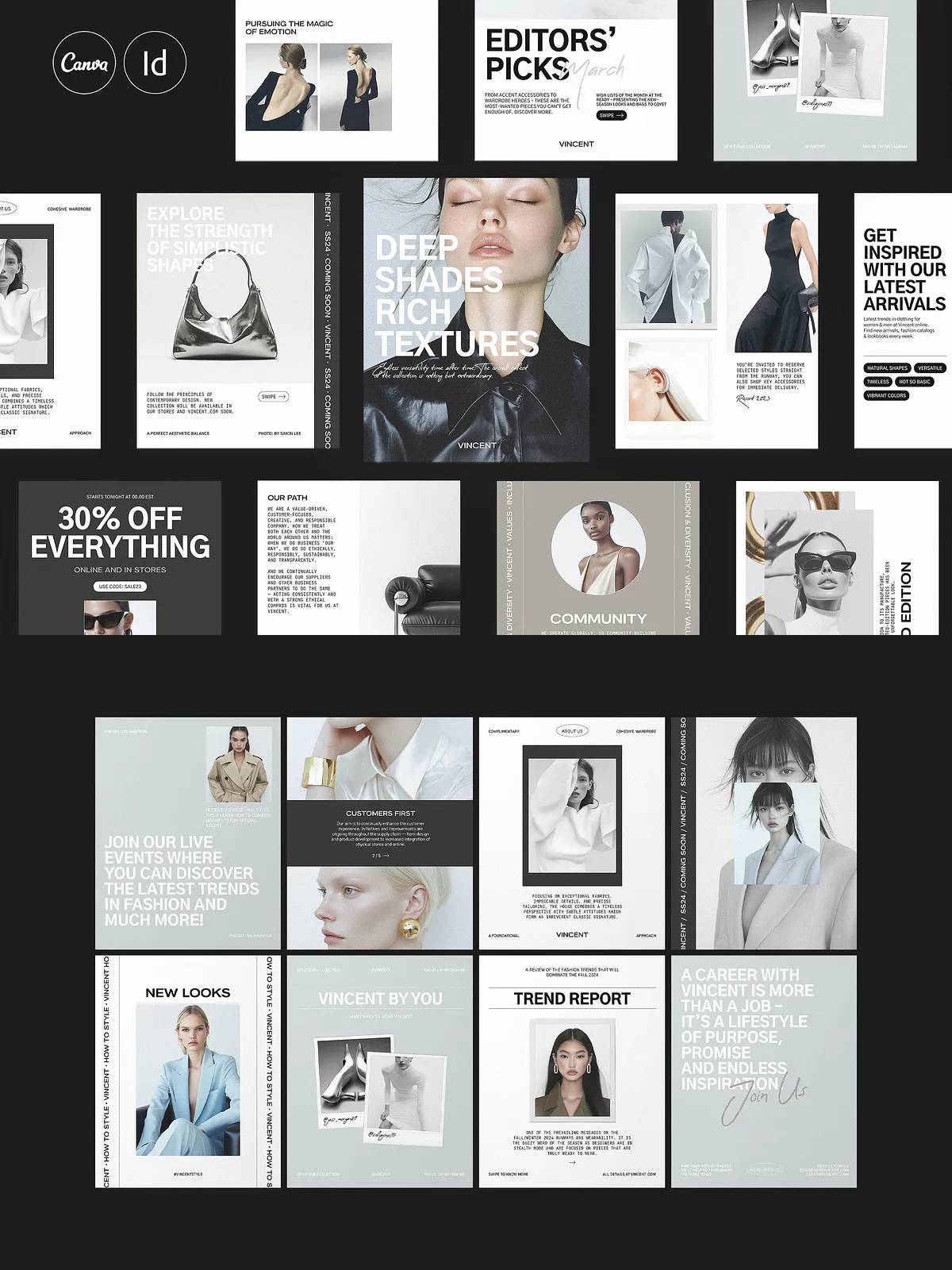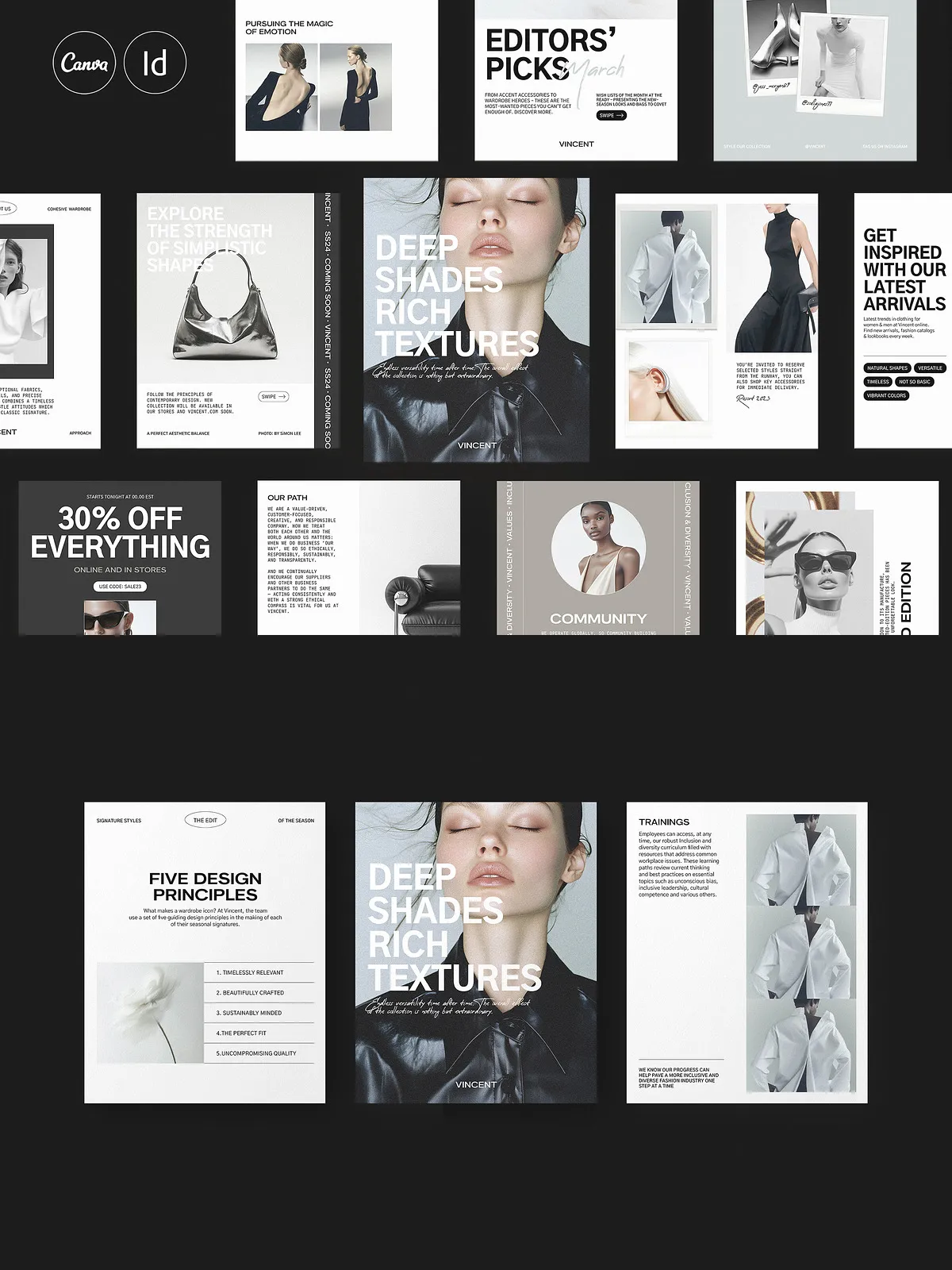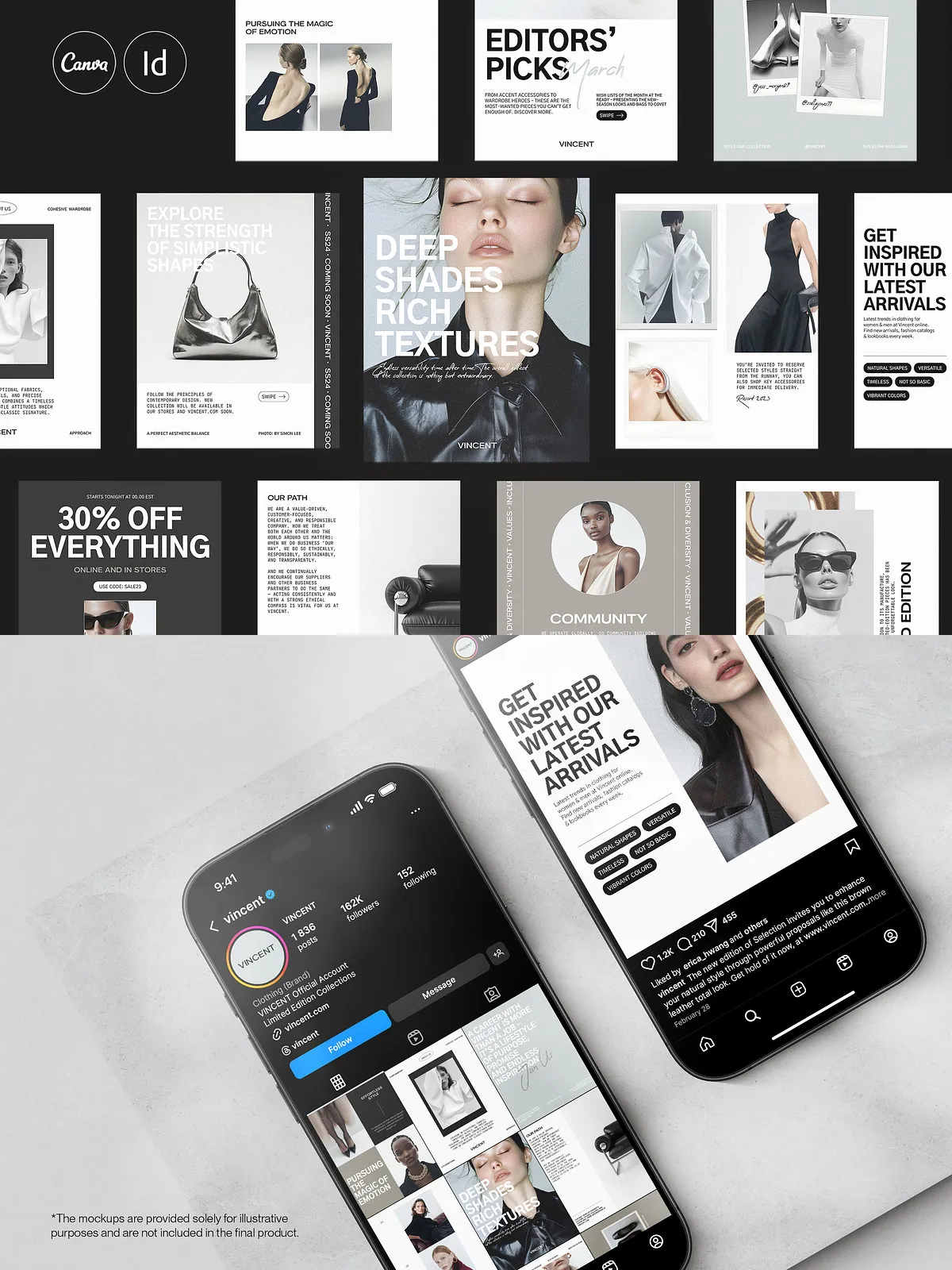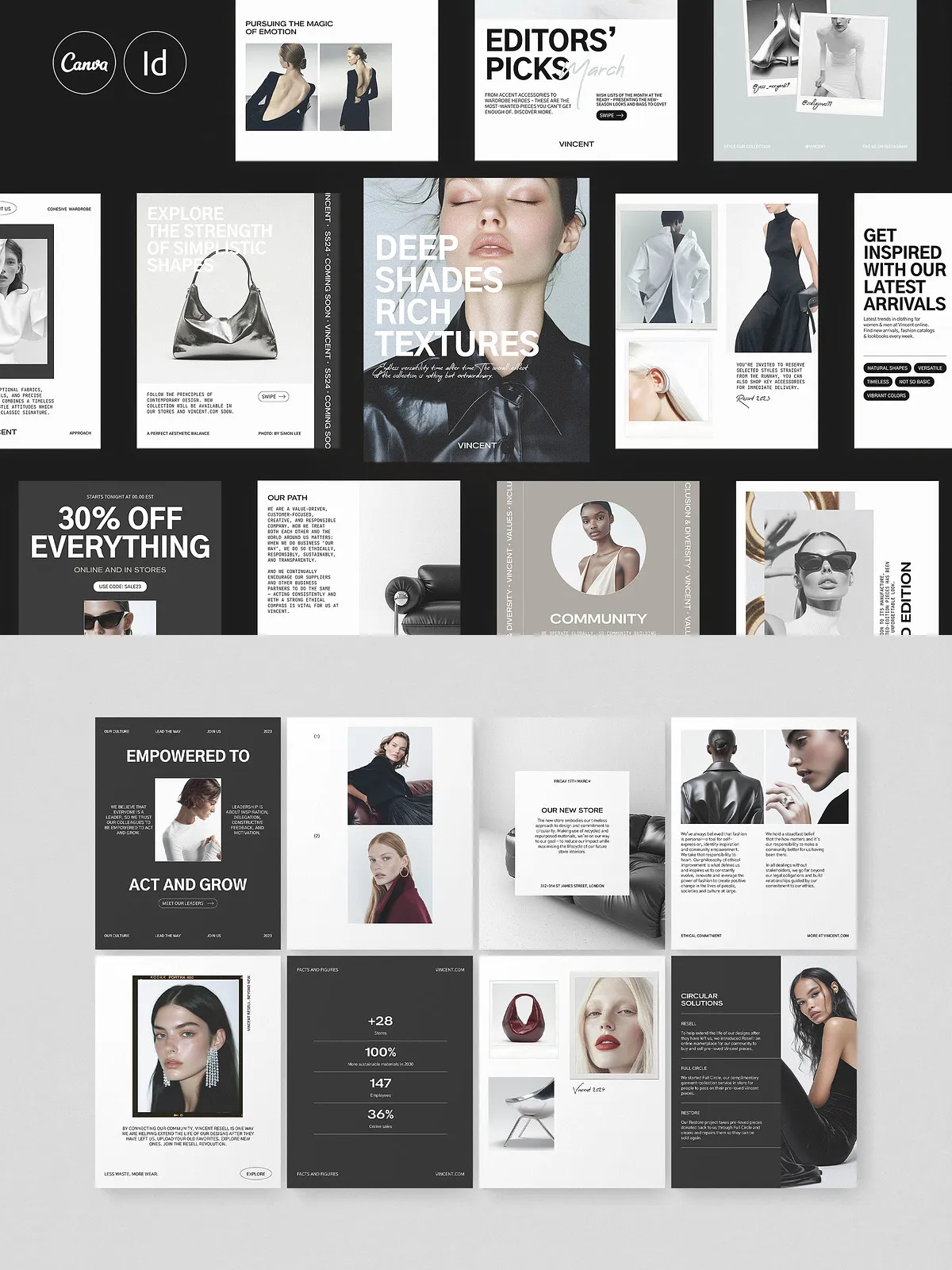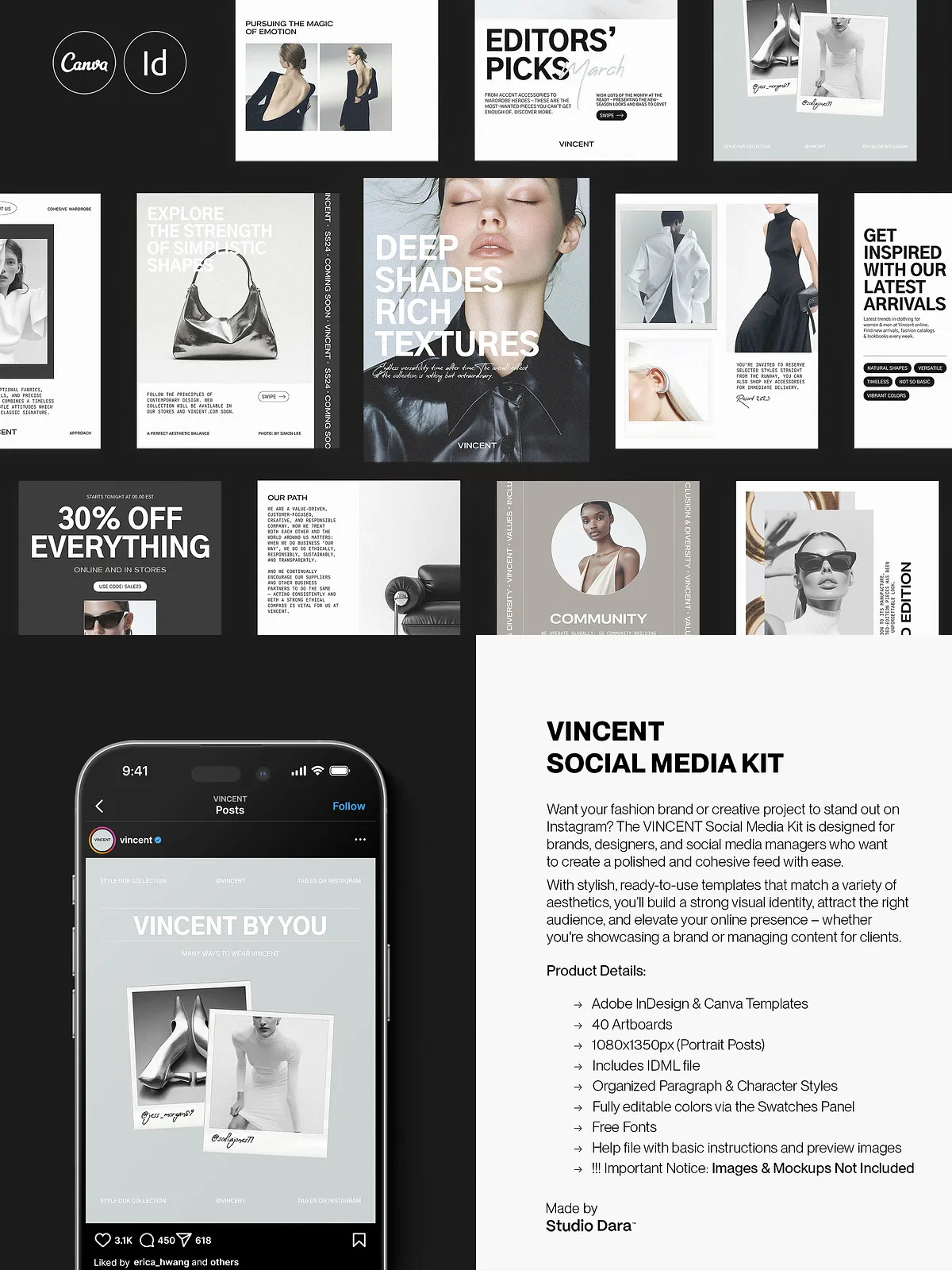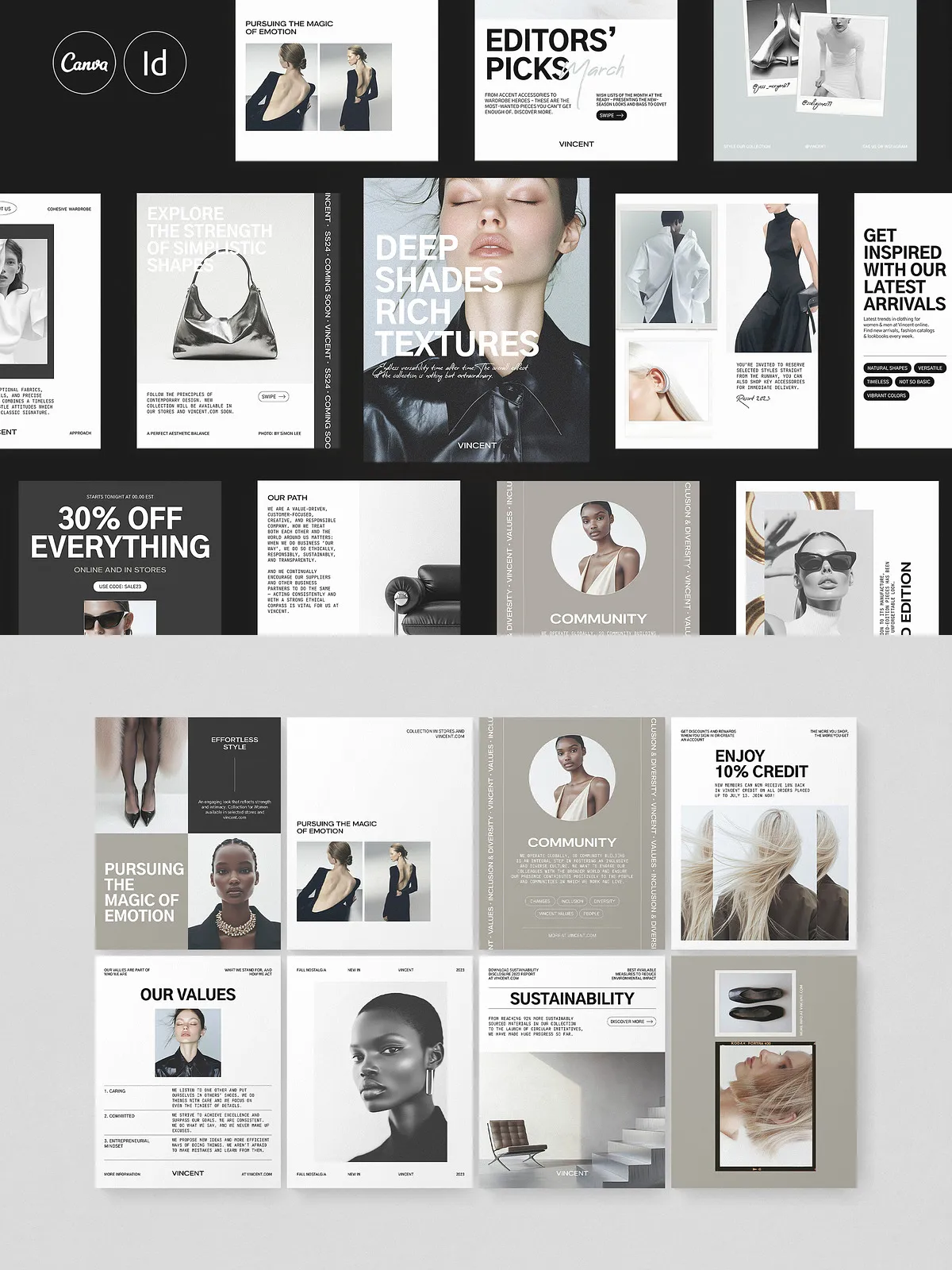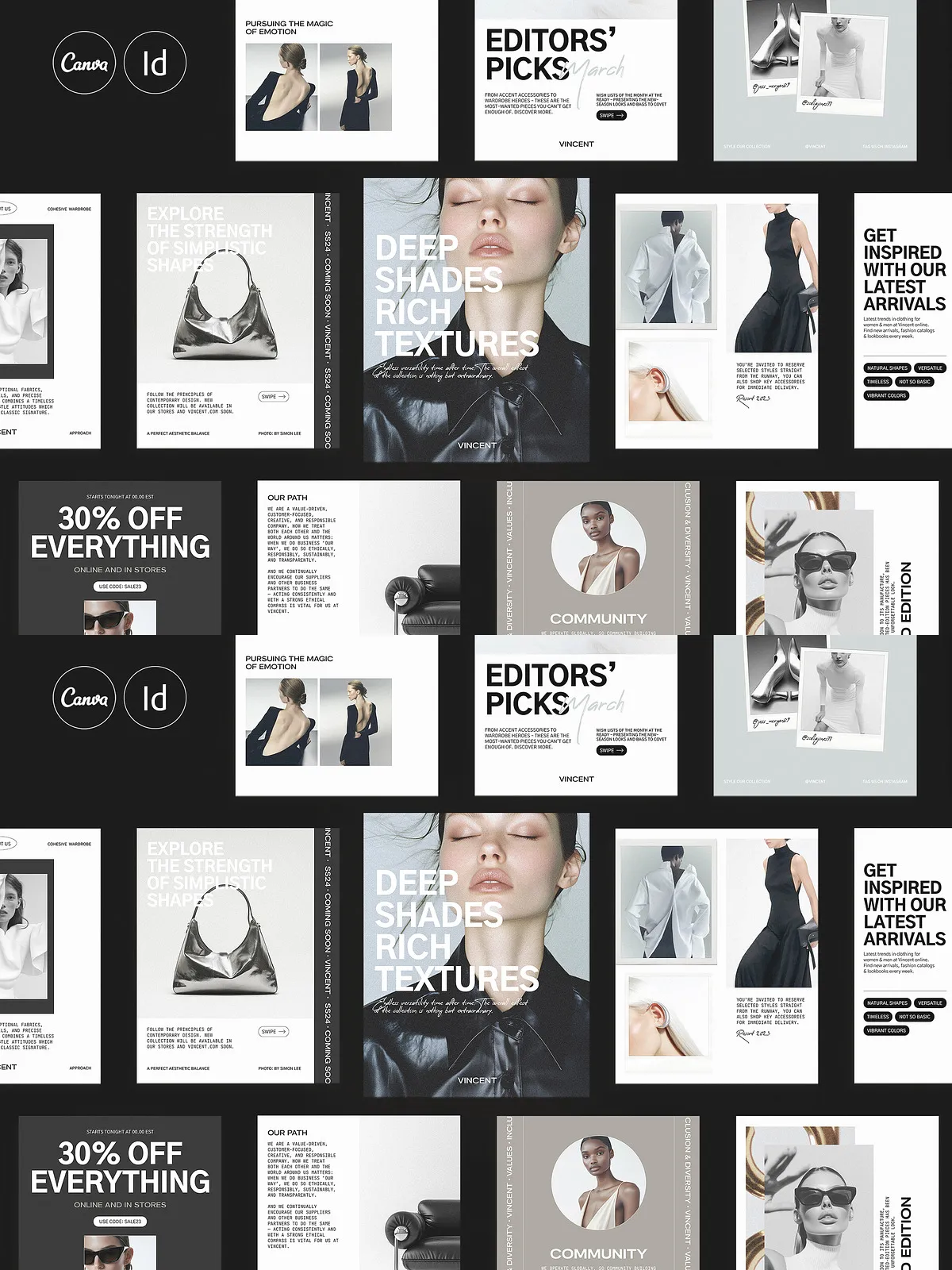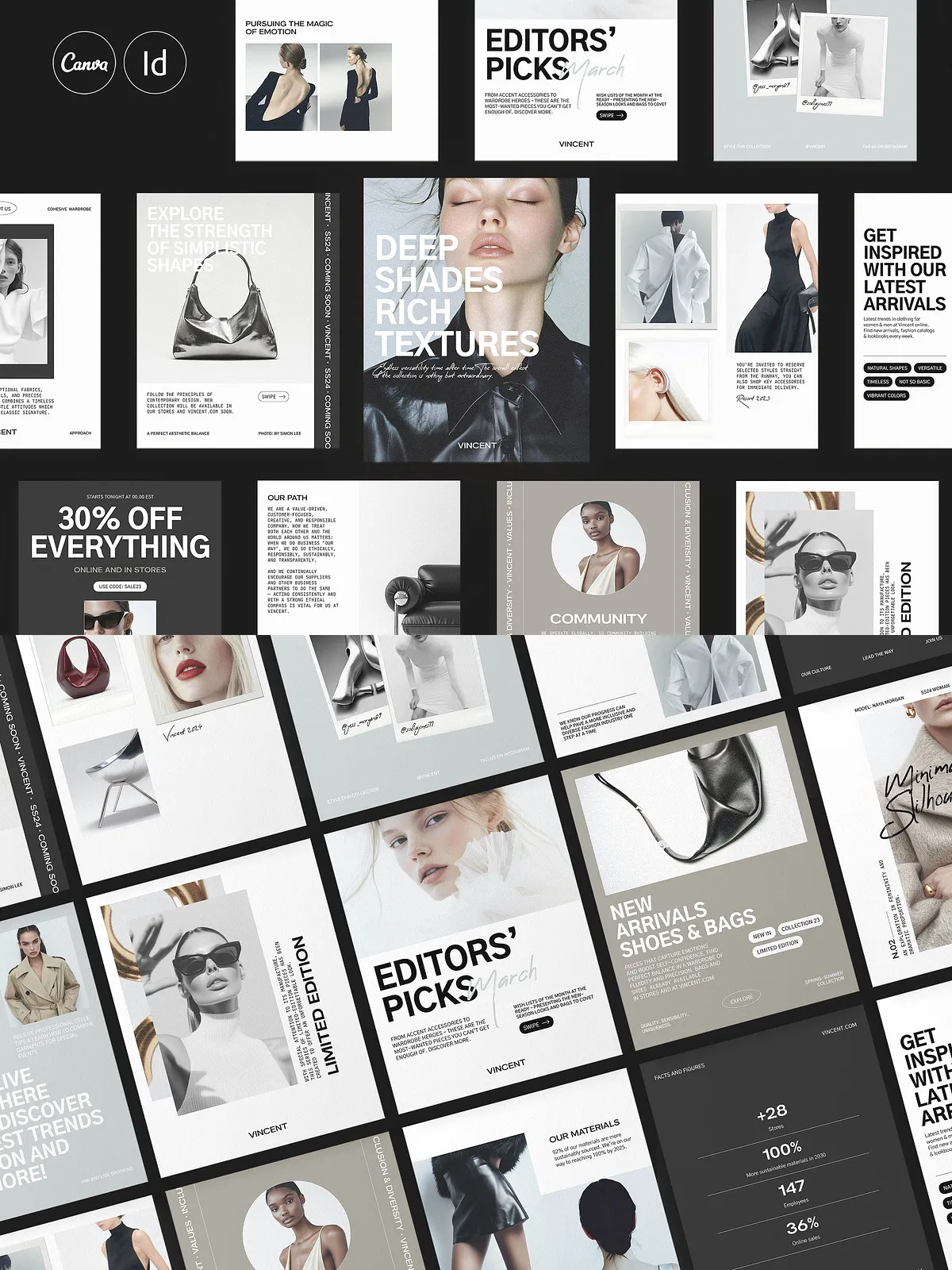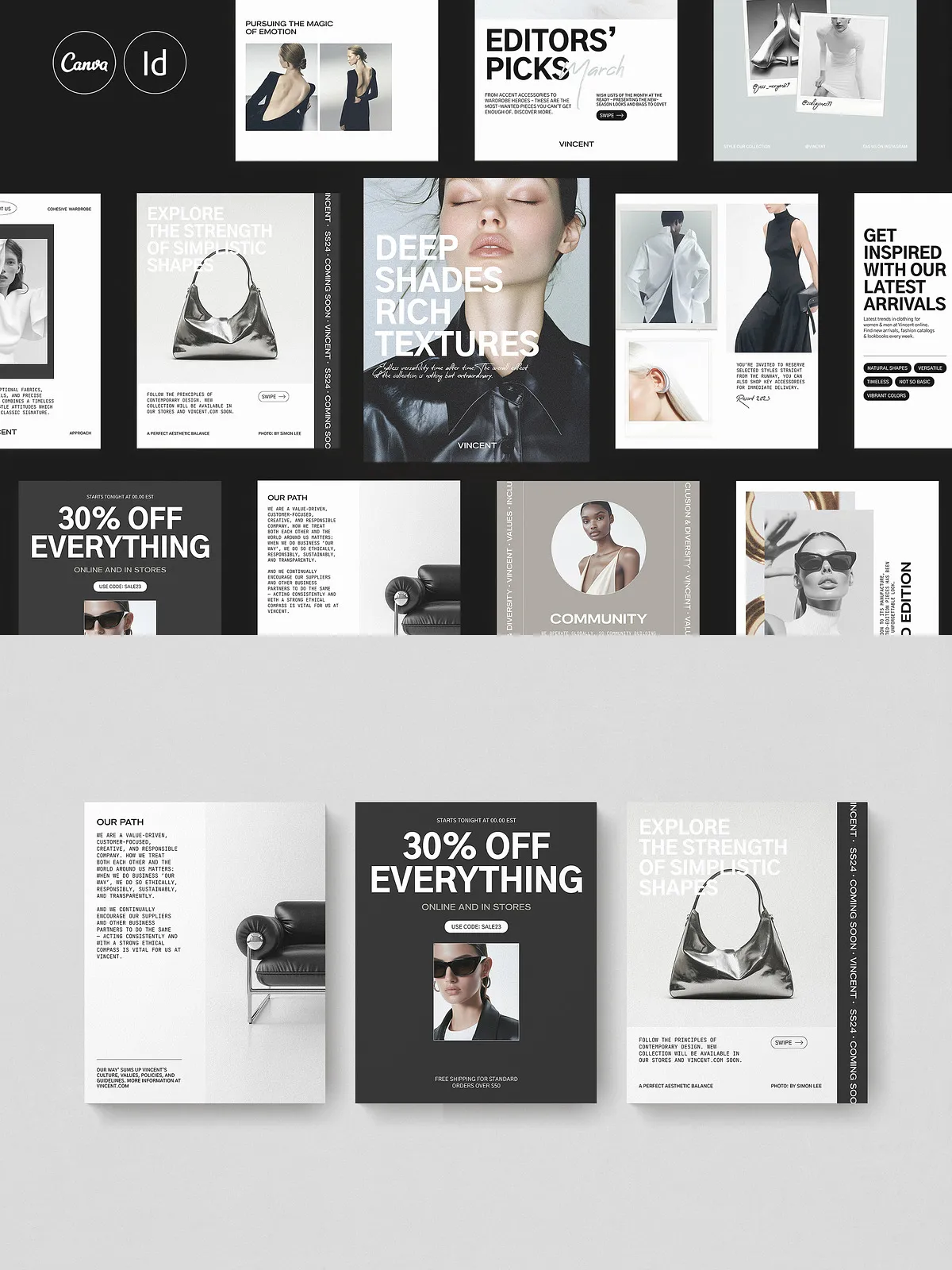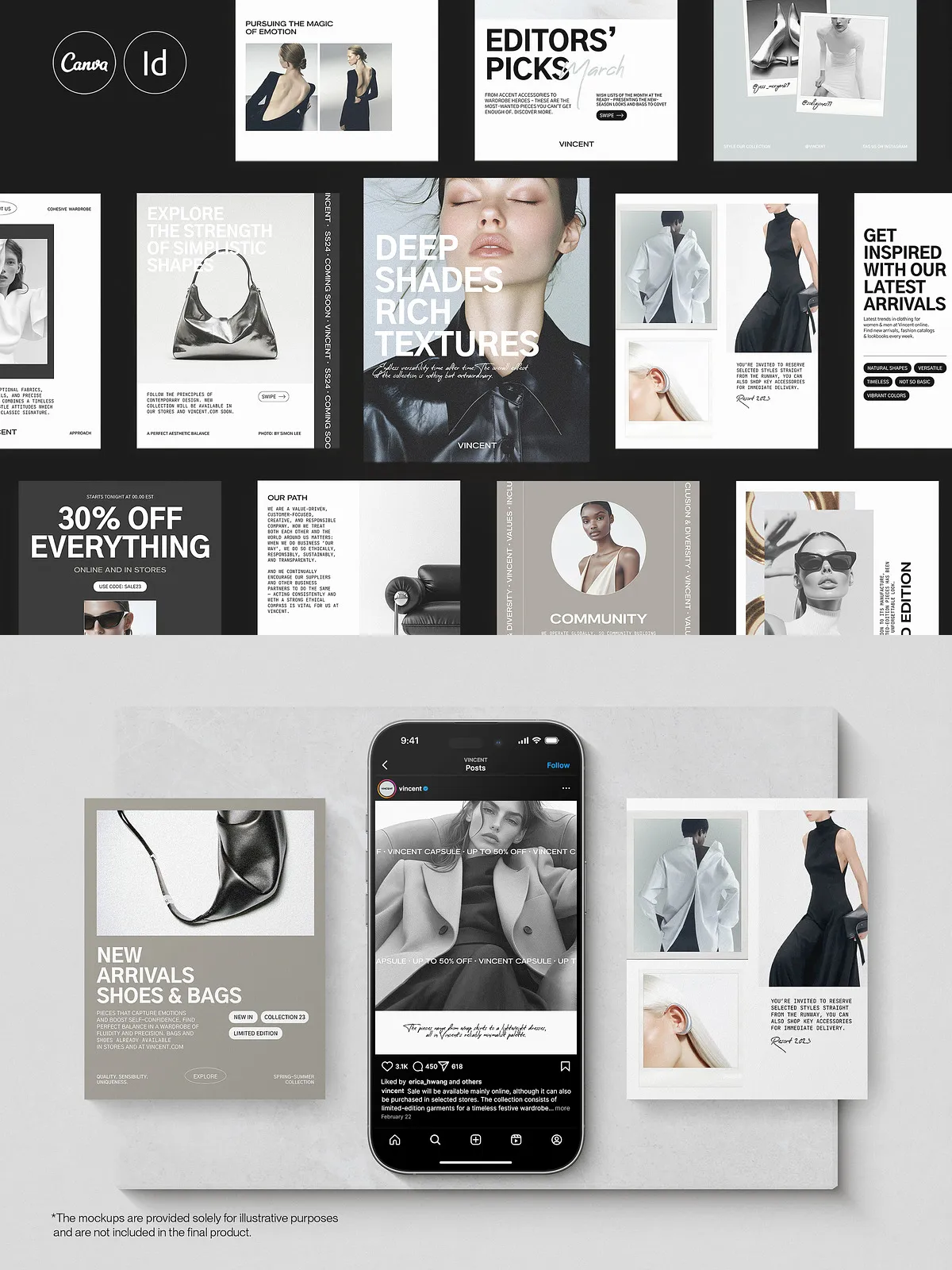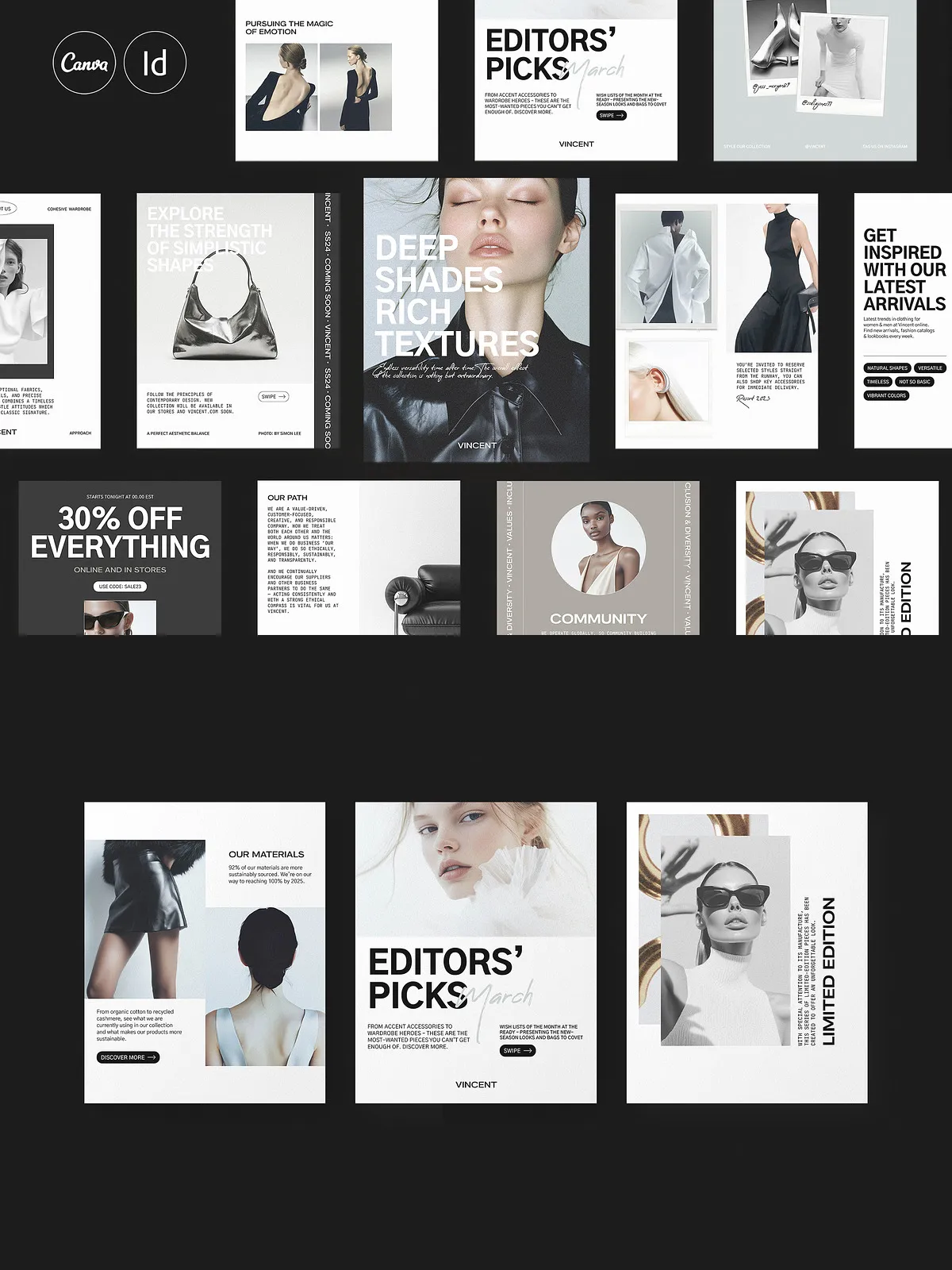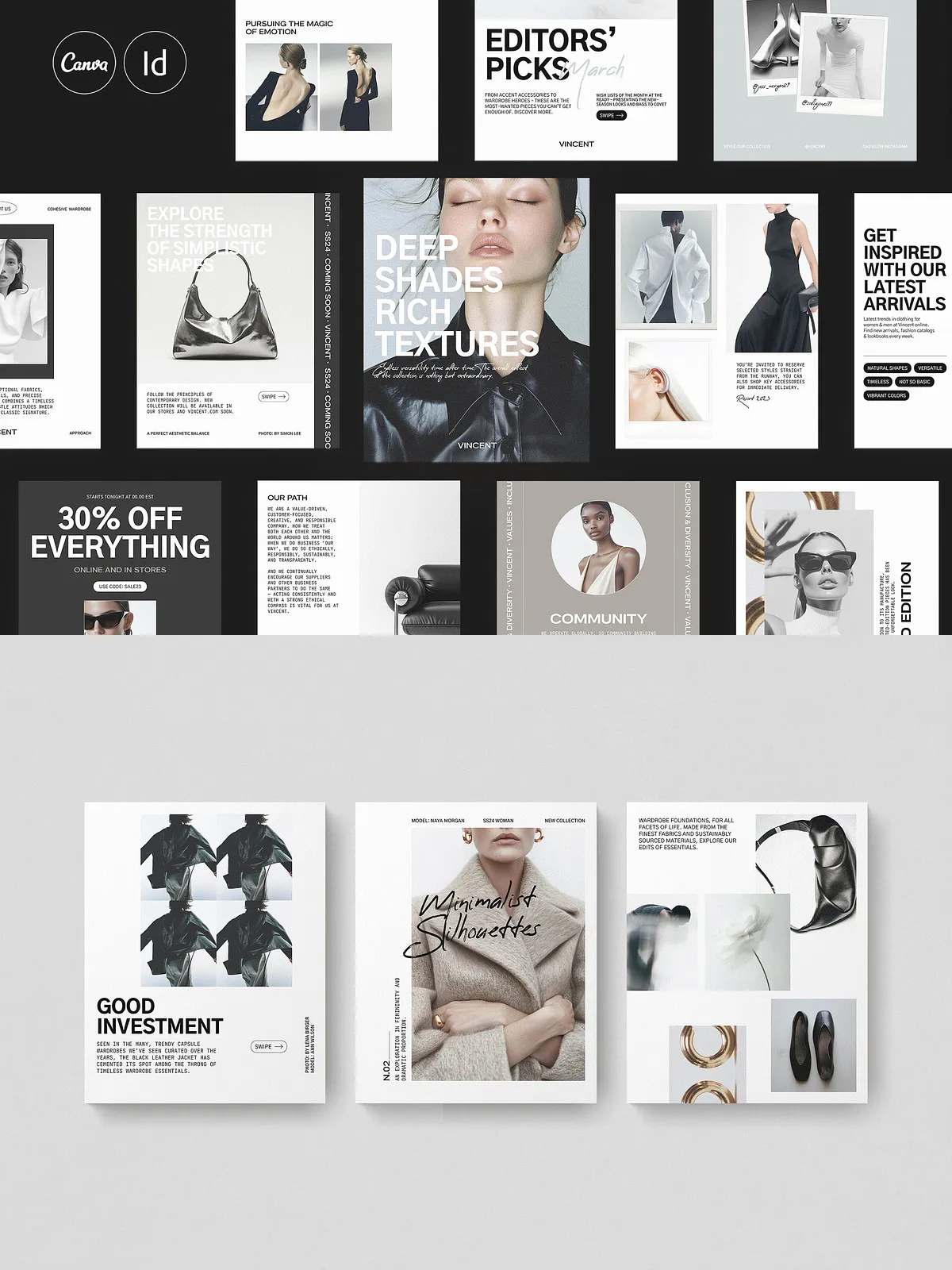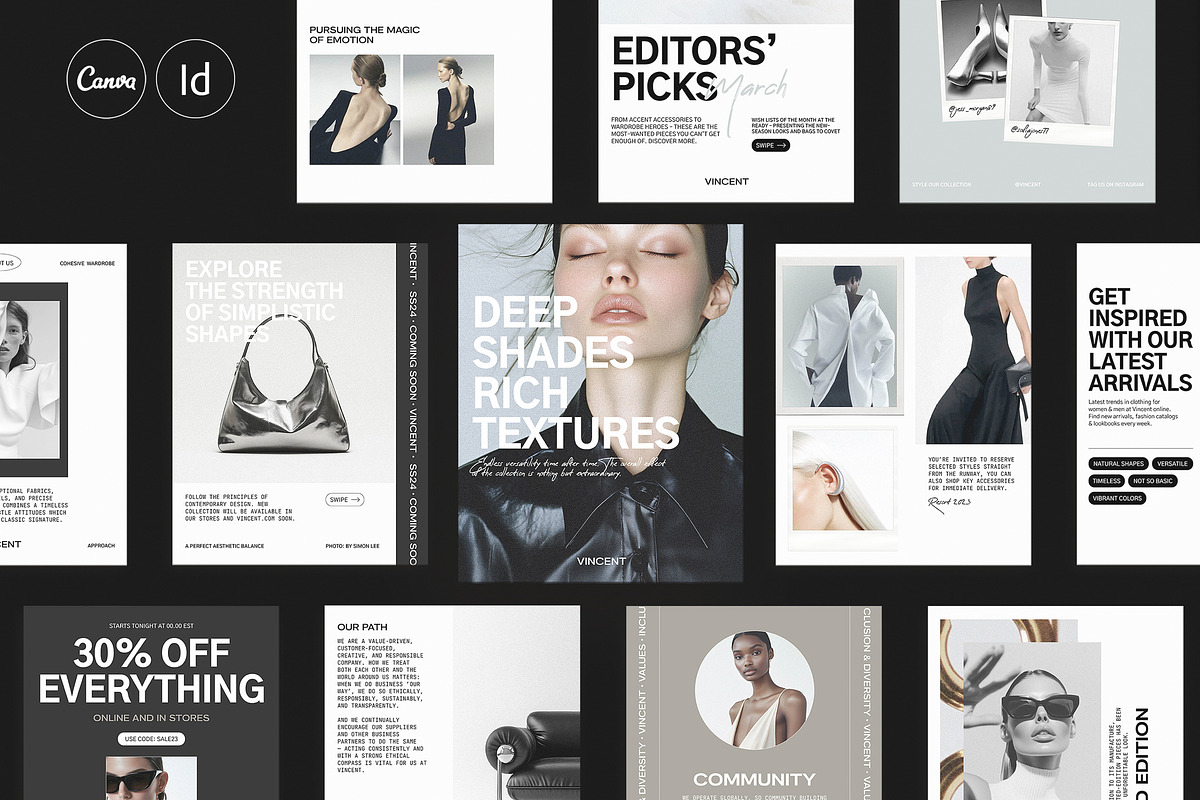
The VINCENT Social Media Kit by Studio Dara delivers a streamlined, modern template system designed to speed up content creation and strengthen brand consistency across Instagram and other portrait-first platforms. The pack contains 40 professionally structured portrait templates (1080×1350 px) that you can open, edit, and publish immediately. Each layout emphasizes clear typographic hierarchy, editable text placeholders, and a minimalist aesthetic you can adapt to fashion, lifestyle, and premium-service brands.
What’s Included
Files and Formats
The kit includes fully editable templates for both Adobe InDesign and Canva. Open and modify vector-aligned layouts in Adobe InDesign — compatible via the included IDML file — or update content quickly in the browser using Canva. For Adobe InDesign details and features, see the official product page: [Adobe InDesign features](https://www.adobe.com/products/indesign/features.html). For browser-based edits and team collaboration, use: [Canva](https://www.canva.com/).
Template Specs
- 40 portrait artboards sized 1080×1350 px (Instagram-friendly).
- IDML file included (compatible with Adobe InDesign CS4 and later).
- Aligned to a 10-column layout and baseline grid for consistent rhythm.
- Organized paragraph and character styles to speed up typography edits.
- Editable real copy in placeholders to guide content structure.
- Preview files and a help document with setup instructions.
- Free fonts used — links and installation guidance included.
Key Features
Fast, Flexible Customization
The VINCENT kit lets you replace images, swap colors, and refine typography in minutes. Use the provided character and paragraph styles to maintain consistent scale and hierarchy, then export ready-to-post images. The minimalist color palette lets you pivot tones quickly to match seasonal campaigns or specific product launches.
Designed for Effective Communication
Each template includes clear copy placeholders and typographic cues that show you what to write and where to place calls to action. These cues help you craft headlines, subheads, and promotional copy that guide user attention and drive engagement.
How to Use
Quick Start in Canva
Open the template in Canva, drag and drop your photos, replace the sample text with your message, and apply your brand colors from the Brand Kit. Canva enables real-time collaboration and direct publishing to social accounts.
Workflow in Adobe InDesign
Open the IDML file in Adobe InDesign, apply your color swatches and paragraph styles, and maintain a master page for recurring elements like logos and hashtags. Export optimized JPG or PNG assets for Instagram and high-resolution PDFs for other marketing uses.
Ideal For
Fashion Brands and Retailers
Showcase product shots and outfit combos with editorial-style layouts that elevate visuals and increase perceived value.
Social Media Managers and Agencies
Speed up content calendars and deliver consistent campaigns across accounts. Templates reduce approval cycles and let teams focus on strategy and copy instead of layout work.
Designers and Creative Studios
Use the kit as a starting point for client concepts; customize type, spacing, and imagery to produce tailored social systems that feel bespoke while saving time.
Export Recommendations and Best Practices
Export optimized PNG or JPG at 1080×1350 px for Instagram feed posts. Keep a master InDesign file with all paragraph and character styles defined, and maintain a separate folder for final exports. Test templates at actual mobile scale to confirm legibility and cropping safety.
Licensing and Notes
Templates use free fonts and include font links and installation instructions. Display images shown in previews are for demonstration only and are not included. The kit is licensed for personal and commercial branding use but does not permit redistribution of source files. Review included licensing details before reuse or embedding fonts.