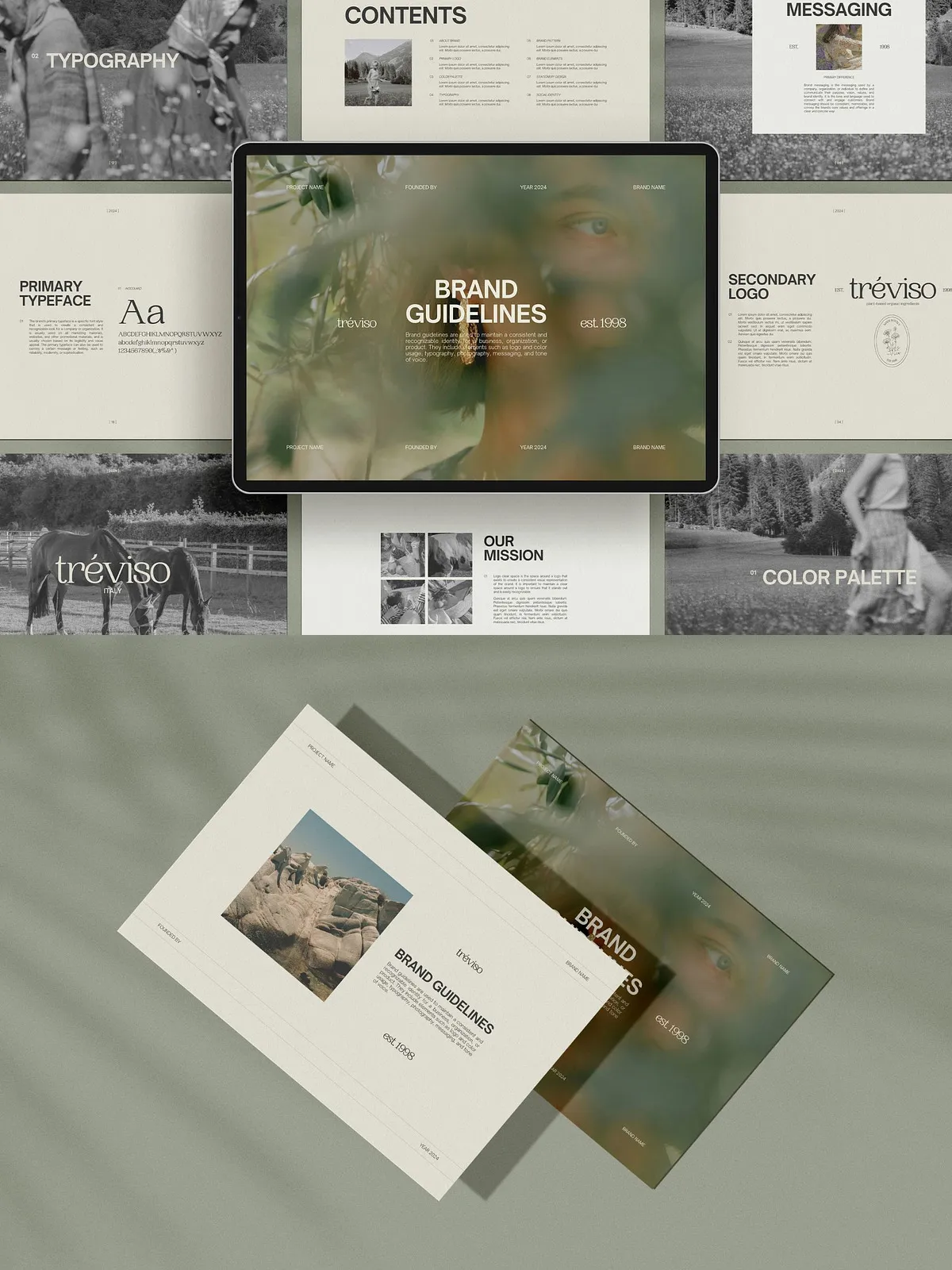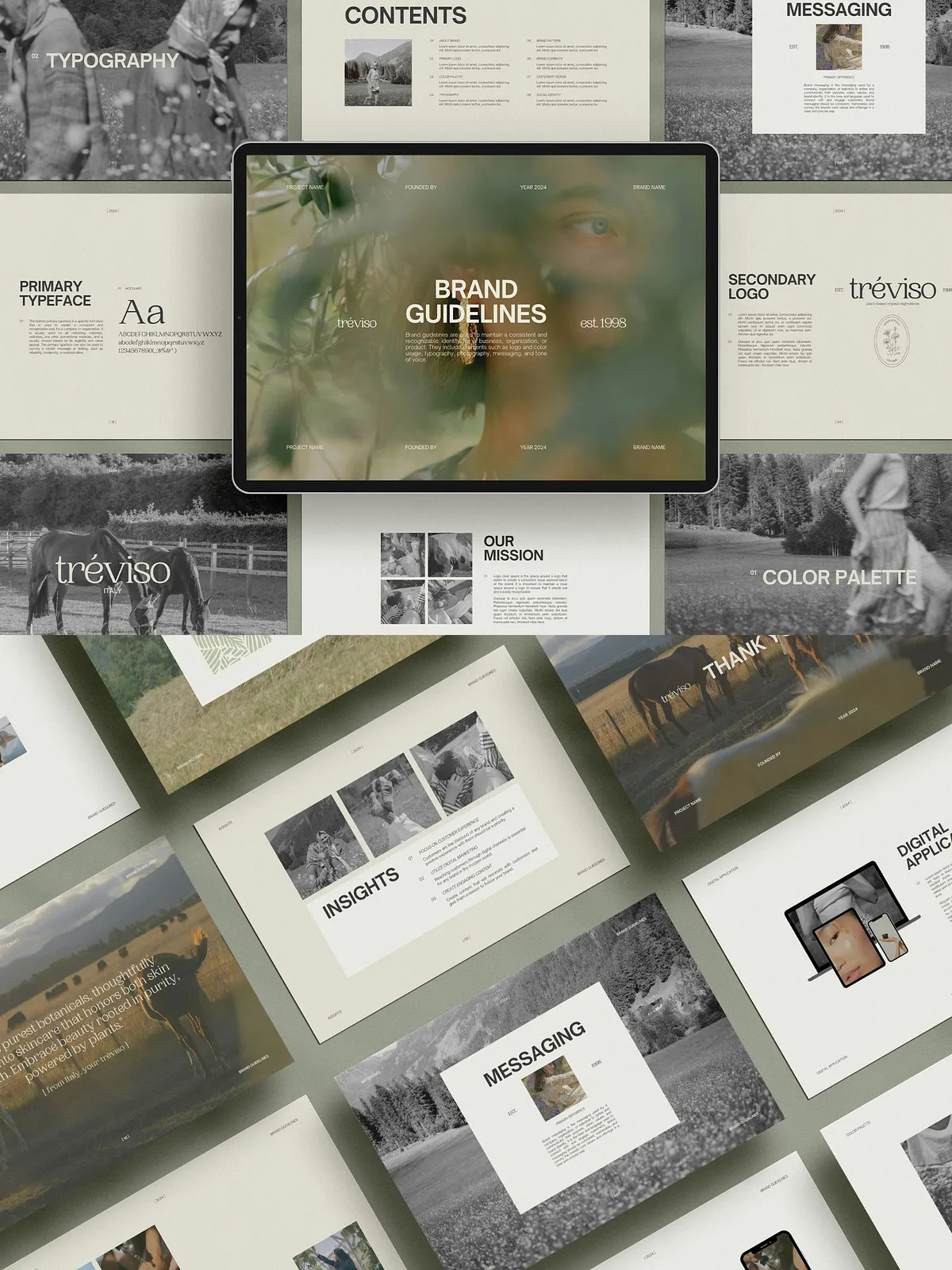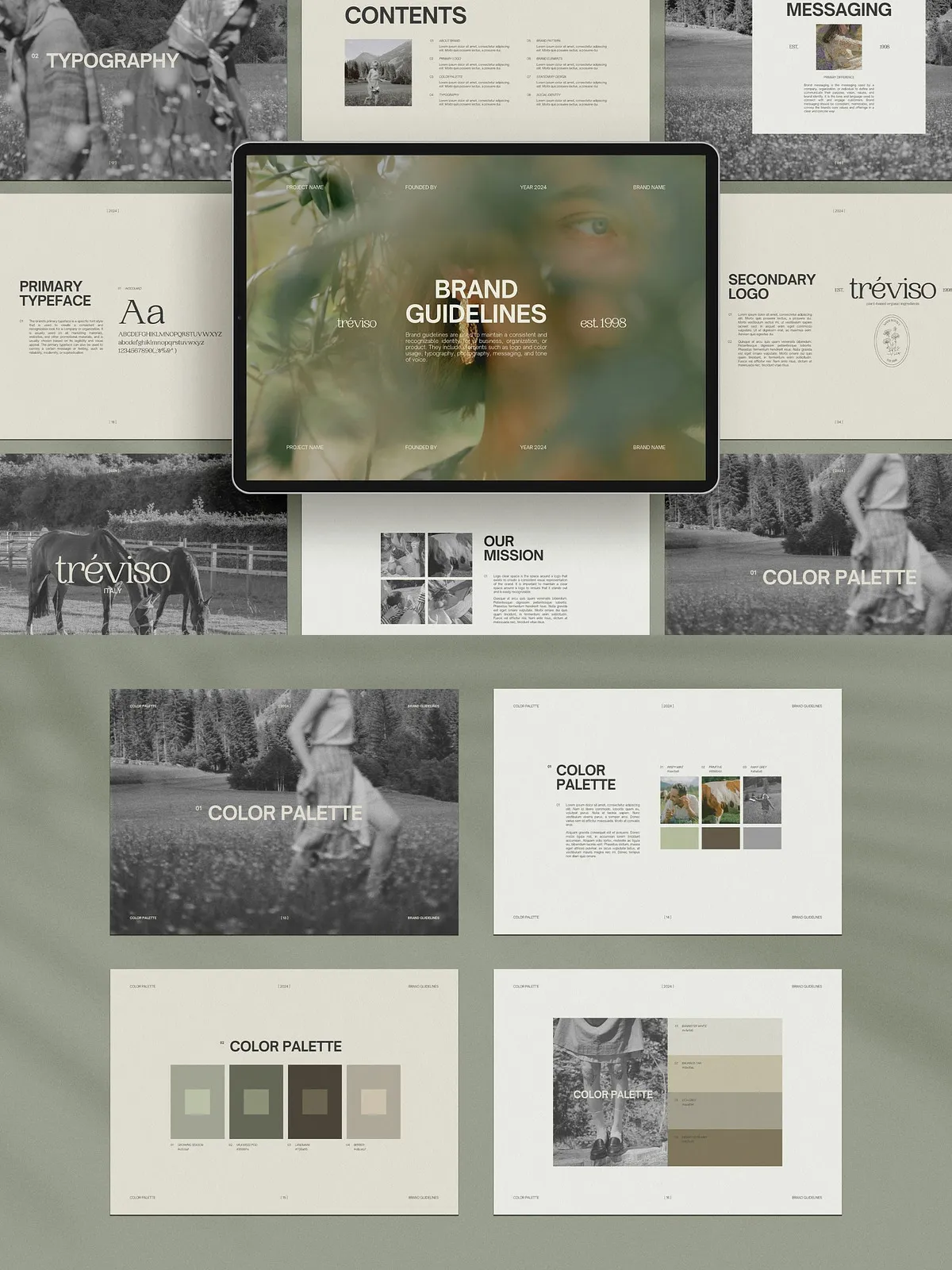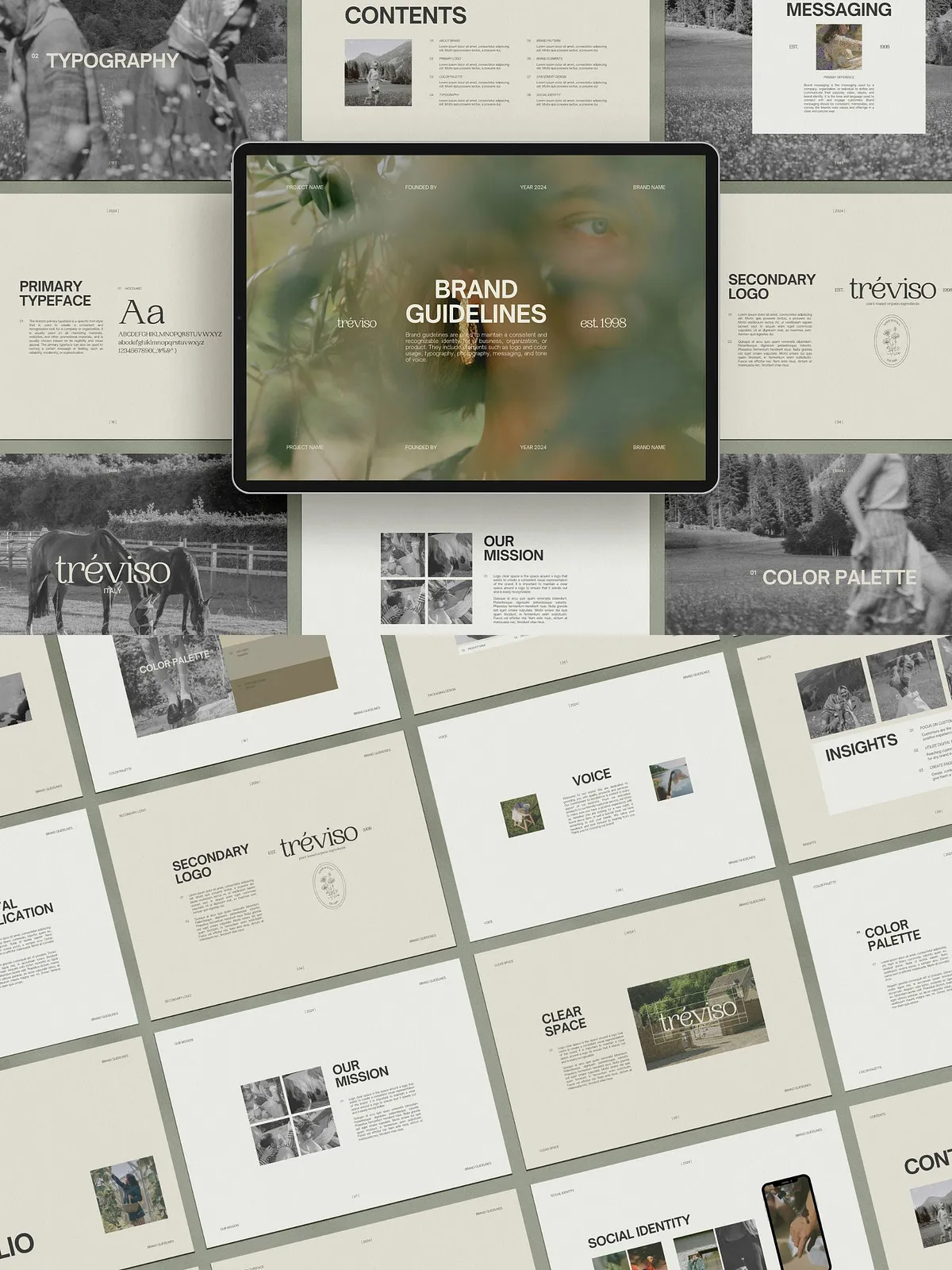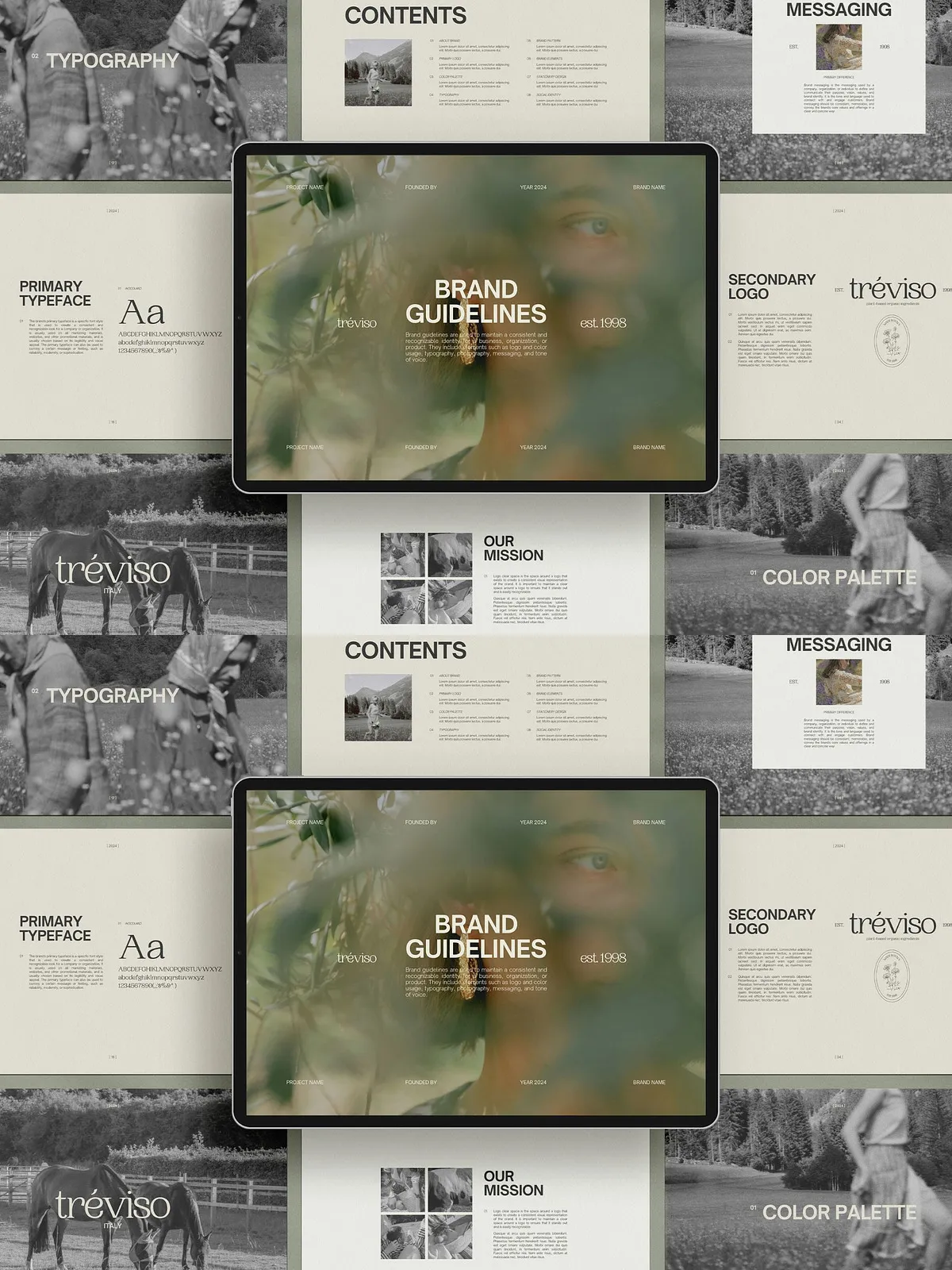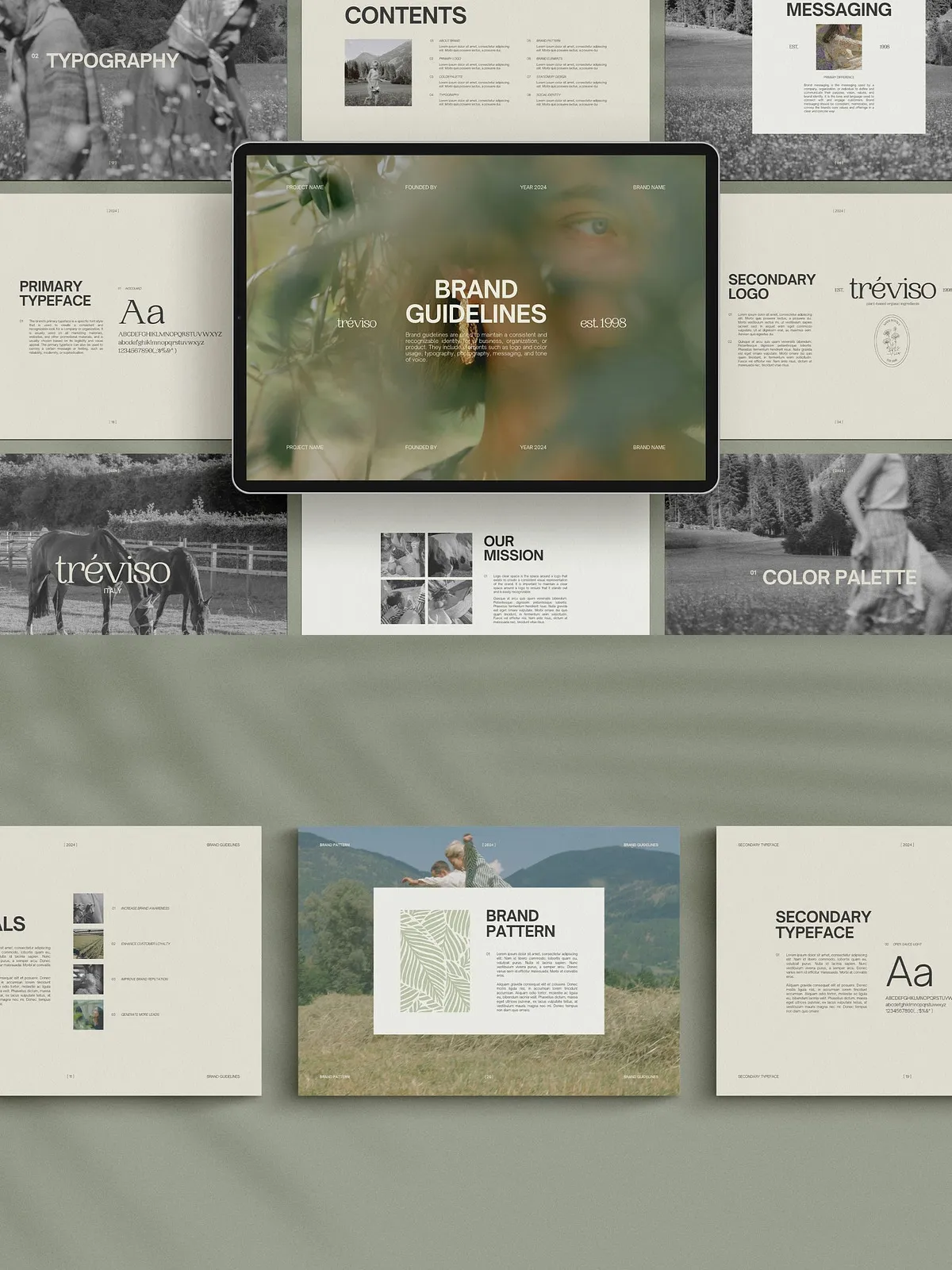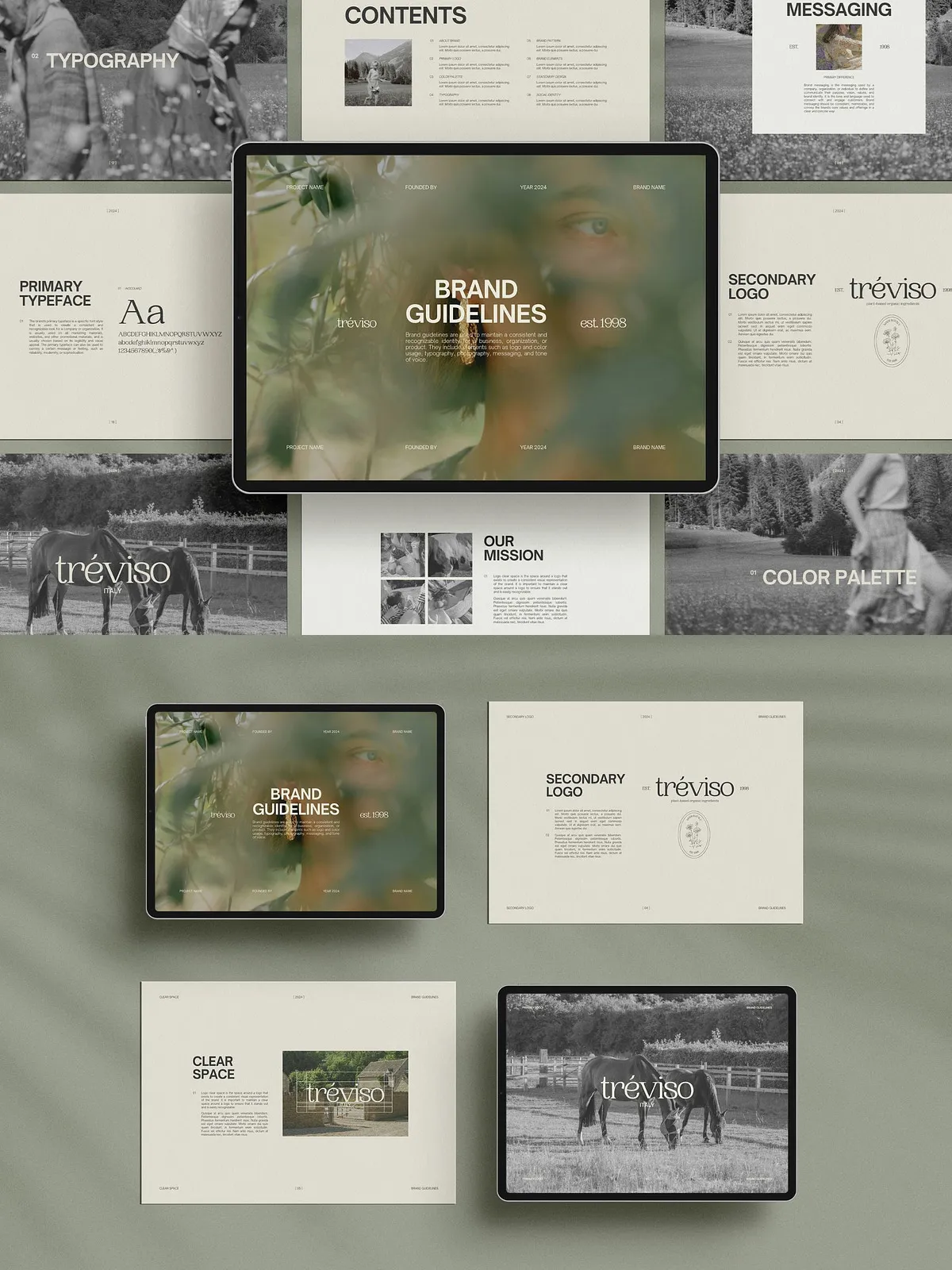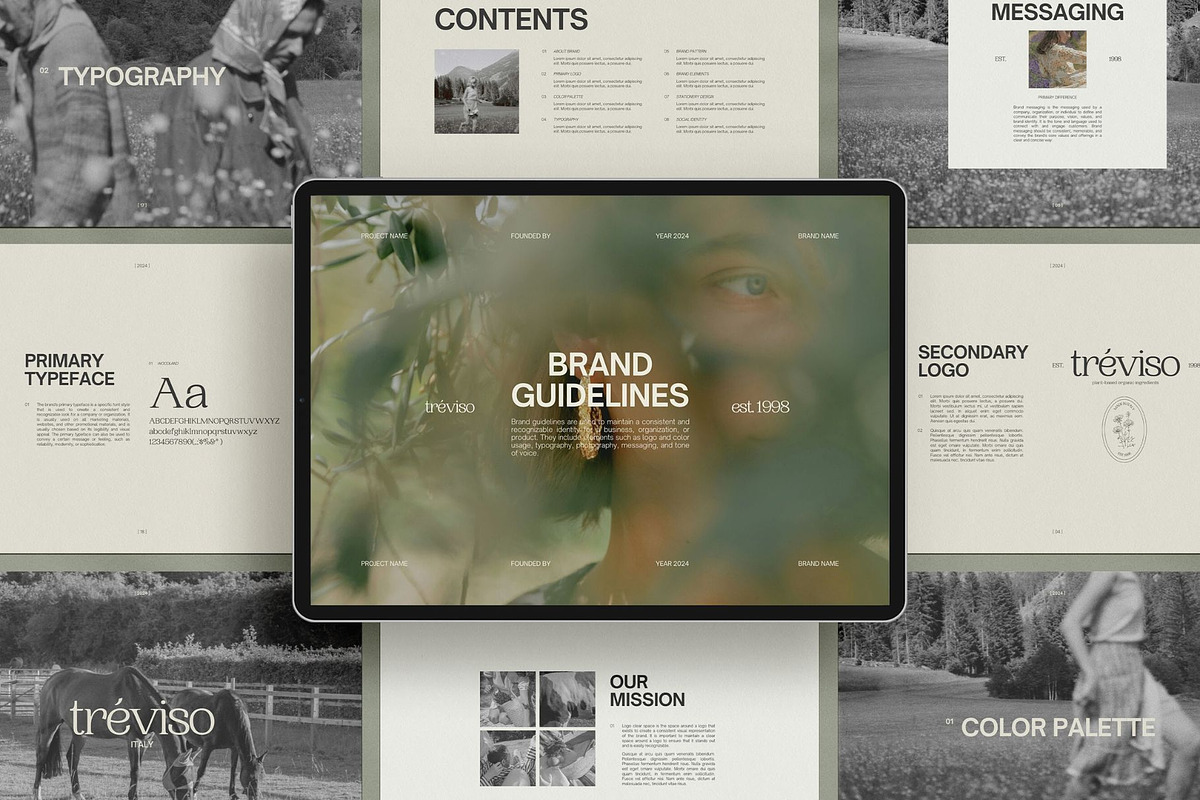
Define your brand with confidence using this comprehensive Brand Guidelines Canva Template. Built as a practical brand book, this 27-page landscape template equips businesses, creatives, and entrepreneurs with the tools to enforce consistent visual identity across every channel. The template organizes your logo rules, color systems, typography hierarchy, photography guidelines, stationery and social layouts, and example applications so you can present a professional, unified brand at every touchpoint. The design uses Canva-native elements so you can quickly edit text, swap imagery, and apply brand colors without complex design software.
🔹 What This Template Delivers
Primary assets
- 27 fully editable pages in landscape format (2000 x 1414 px).
- Complete brand book structure: cover, contents, brand story, logo basics, color palette, typography, photography, stationery mockups, social media templates, packaging examples, and digital applications.
- Canva-ready layouts that let you replace placeholders, change fonts, and apply color styles instantly.
Quick benefits
- Save time: adapt and export brand guidelines in minutes.
- Ensure consistency: provide clear, repeatable rules for anyone using your brand.
- Present professionally: use polished layouts to communicate brand standards to clients, teams, and vendors.
🔹 Included Files & Requirements
Included
- 27-page Canva template (landscape, 2000 x 1414 px).
- Editable logo guidance pages with safe zones, minimum sizes, and clear space rules.
- Color specification pages with hex/RGB/CMYK values and recommended color pairings.
- Typography pages showing primary, secondary, and accent font usage and scale.
- Photography direction: style, composition, filters, and example crops for hero and social images.
- Stationery and packaging mockups with editable layouts and placement guides.
- Social media and digital design application pages to demonstrate consistent on-screen use.
Requirements
- Free Canva account required.
- This template is exclusively designed for Canva and is not compatible with other platforms.
- Preview images included for demonstration only; replace them with licensed assets for final use.
For additional guidance on building and applying brand rules in Canva, consult Canva’s brand-guidelines documentation: [Create Brand Guidelines Online (How-tos, Templates, Tips) – Canva](https://www.canva.com/docs/brand-guidelines/).
🔹 How to Use — Fast, Actionable Steps
Step-by-step
- Open the Canva template link and duplicate the file to your account.
- Start on the cover and contents pages: insert your logo, company name, and a concise brand mission statement.
- Move to logo basics: replace placeholder marks with your master logo, upload alternate marks, and define clear space and minimum sizes.
- Update the color pages: set your primary, secondary, and neutral palettes; copy hex and CMYK values into Canva color swatches for consistent application.
- Define typography: replace placeholder fonts with your selected web-safe or Google Fonts; set heading and body scales and example pairings.
- Refine photography guidelines: add example images and annotate style notes—lighting, subject distance, crop, and filters.
- Customize stationery and application pages: place your logo and contact details, then export print-ready PDFs or digital PNGs as needed.
🔹 Practical Tips for Immediate Impact
- Assign a single source of truth: host the final Canva file in a shared folder and lock the master copy to prevent accidental edits.
- Export a condensed style cheat-sheet from the template for quick reference by freelancers and partners.
- Standardize file naming and asset export settings so team members deliver predictable, on-brand files.
- Use the social and digital example pages to create templates for regular content, ensuring consistency and faster production.
🔹 Legal & Delivery Notes
Due to the digital nature of this product, refunds are not available. Preview photos appear in the template for demonstration only and are not included as licensed assets for commercial use—replace preview imagery with your own licensed photos or images from a permitted stock library. The template is optimized for Canva and will not function correctly outside of that environment.