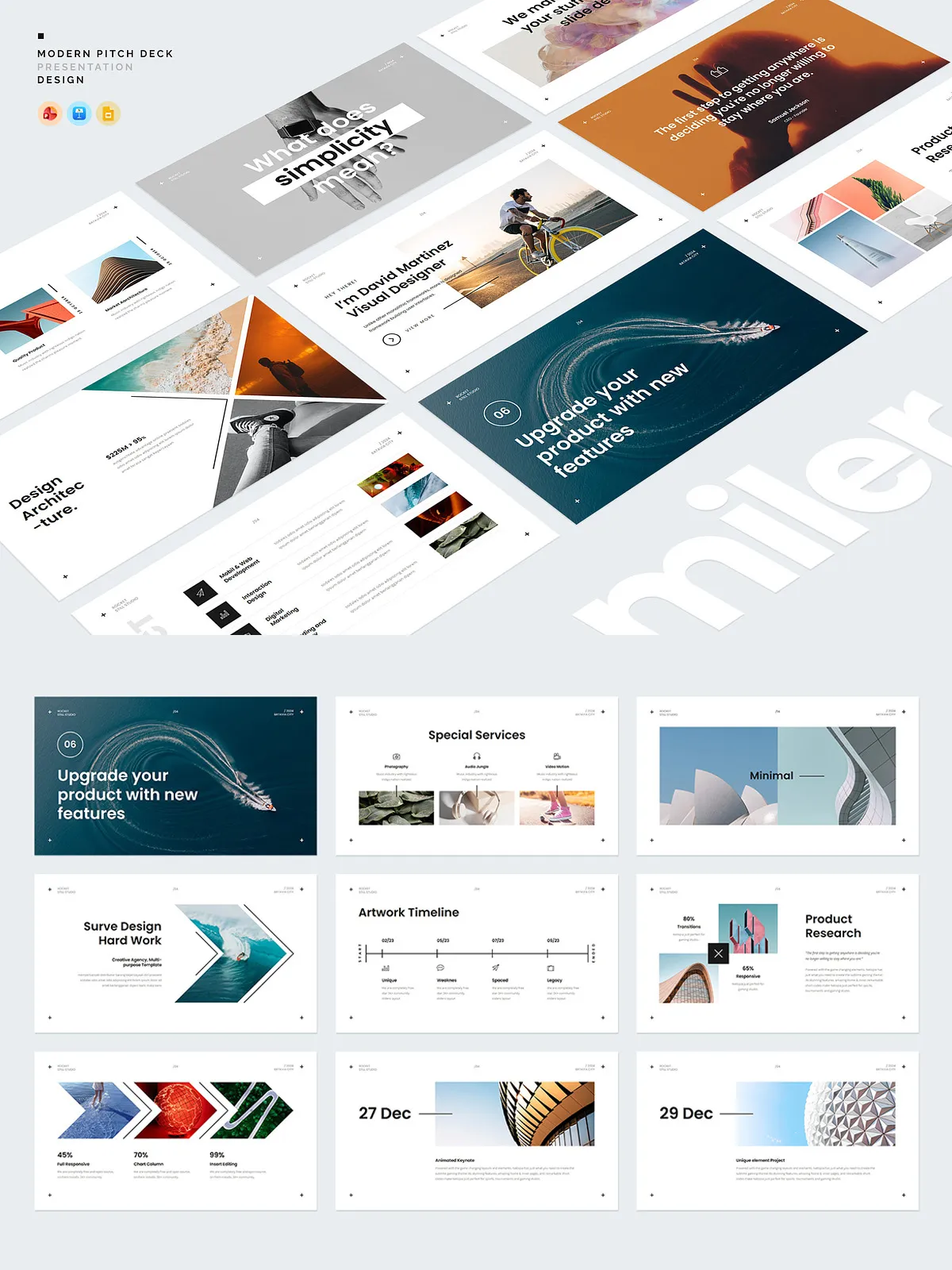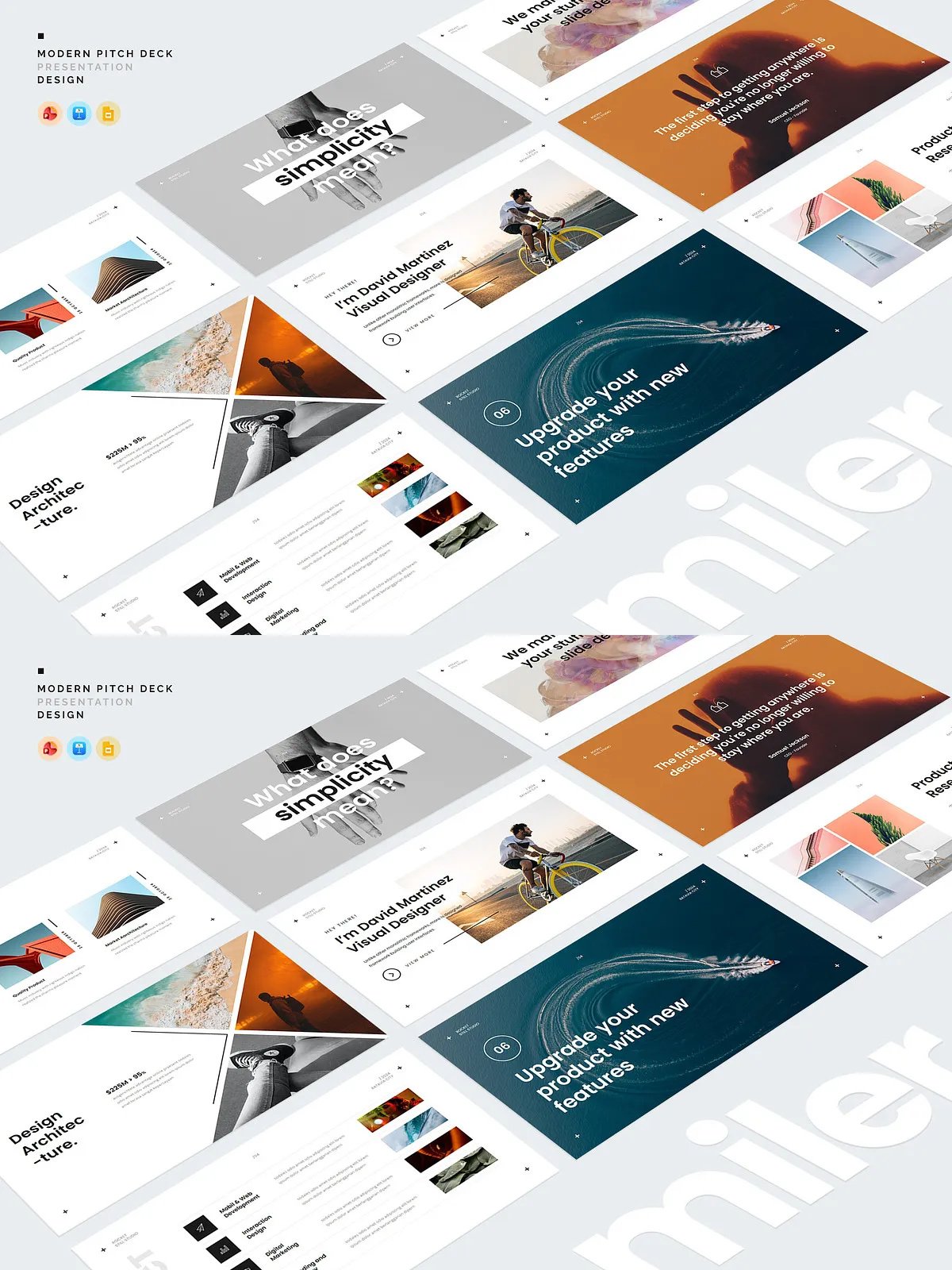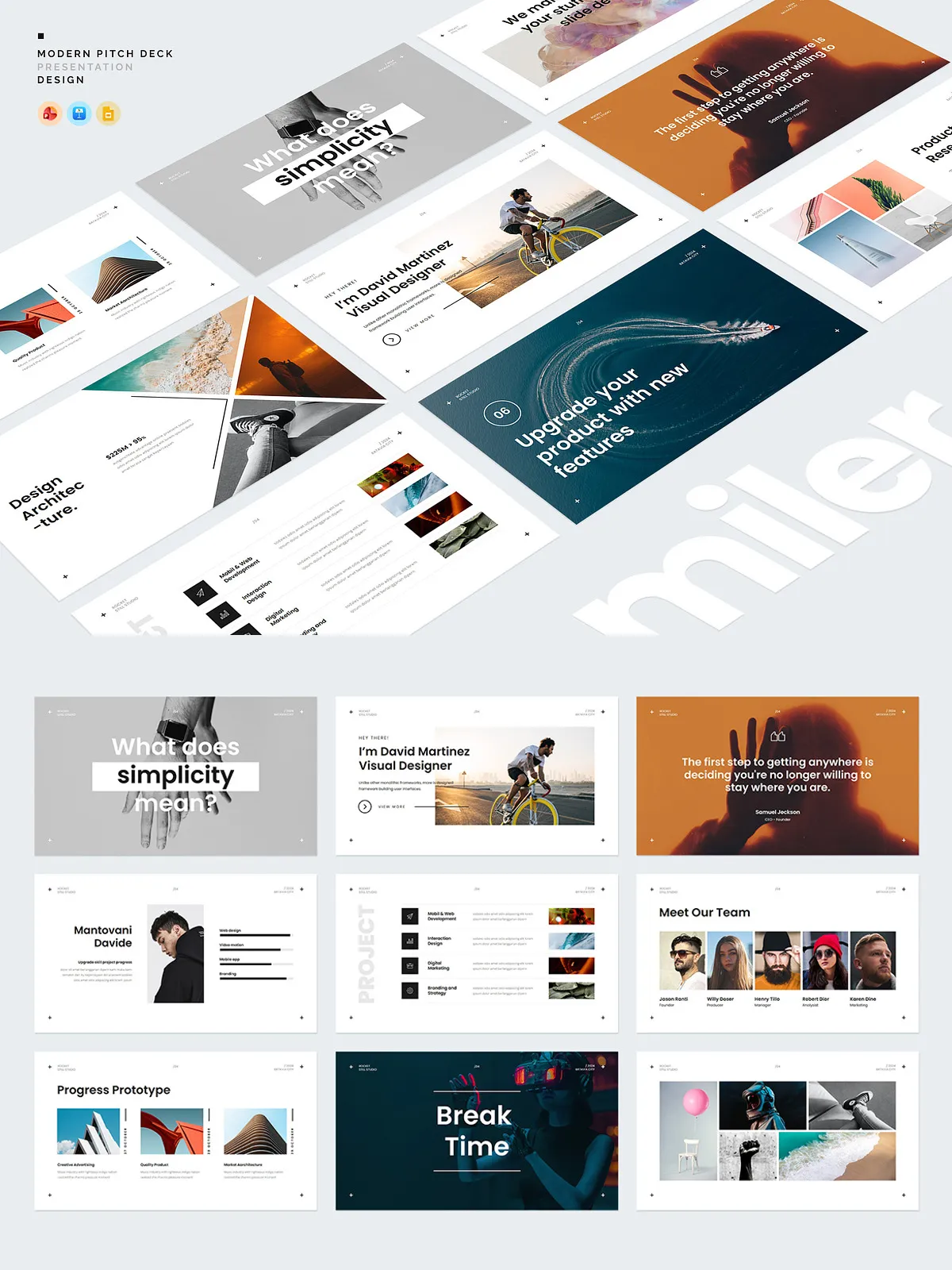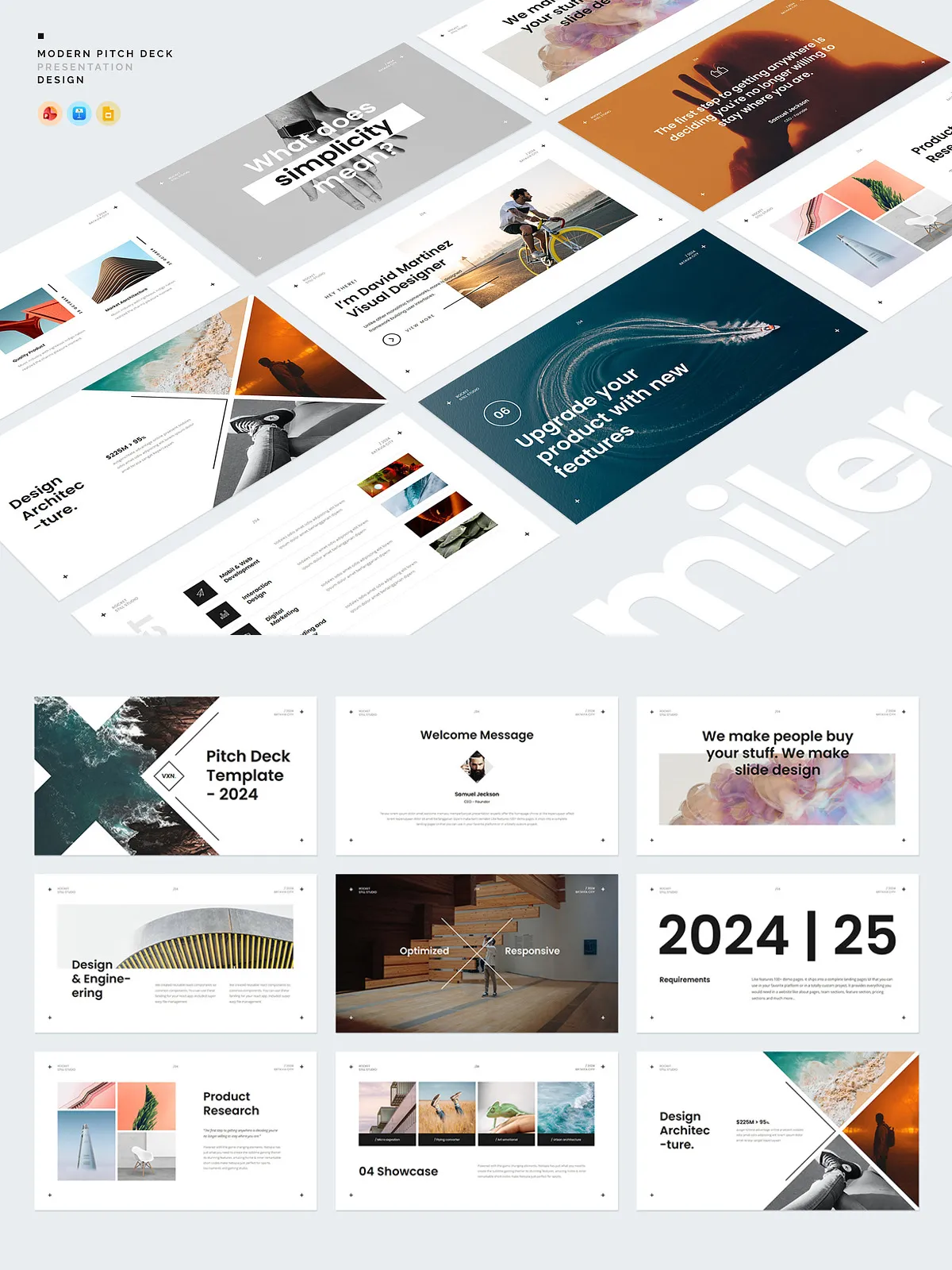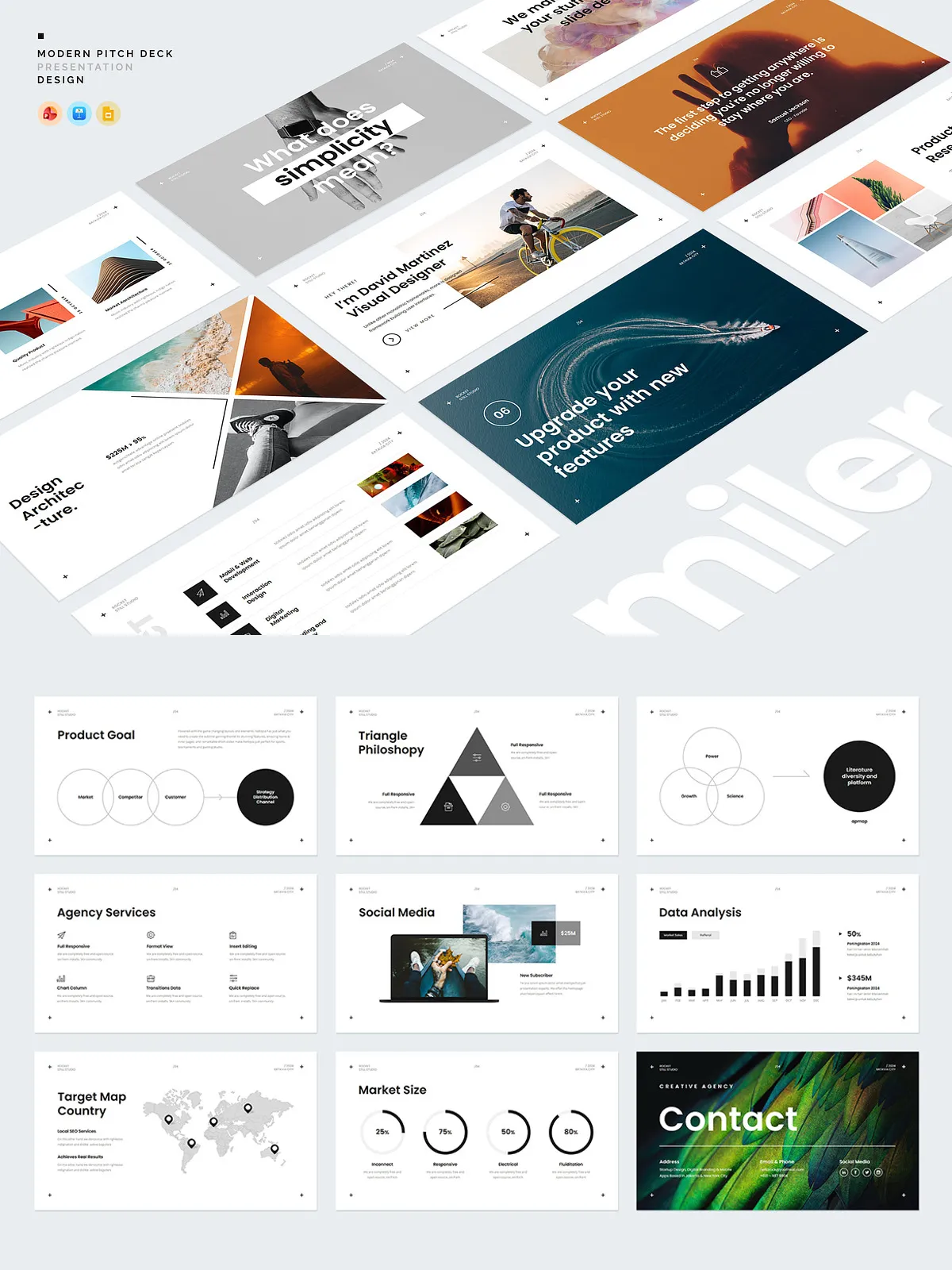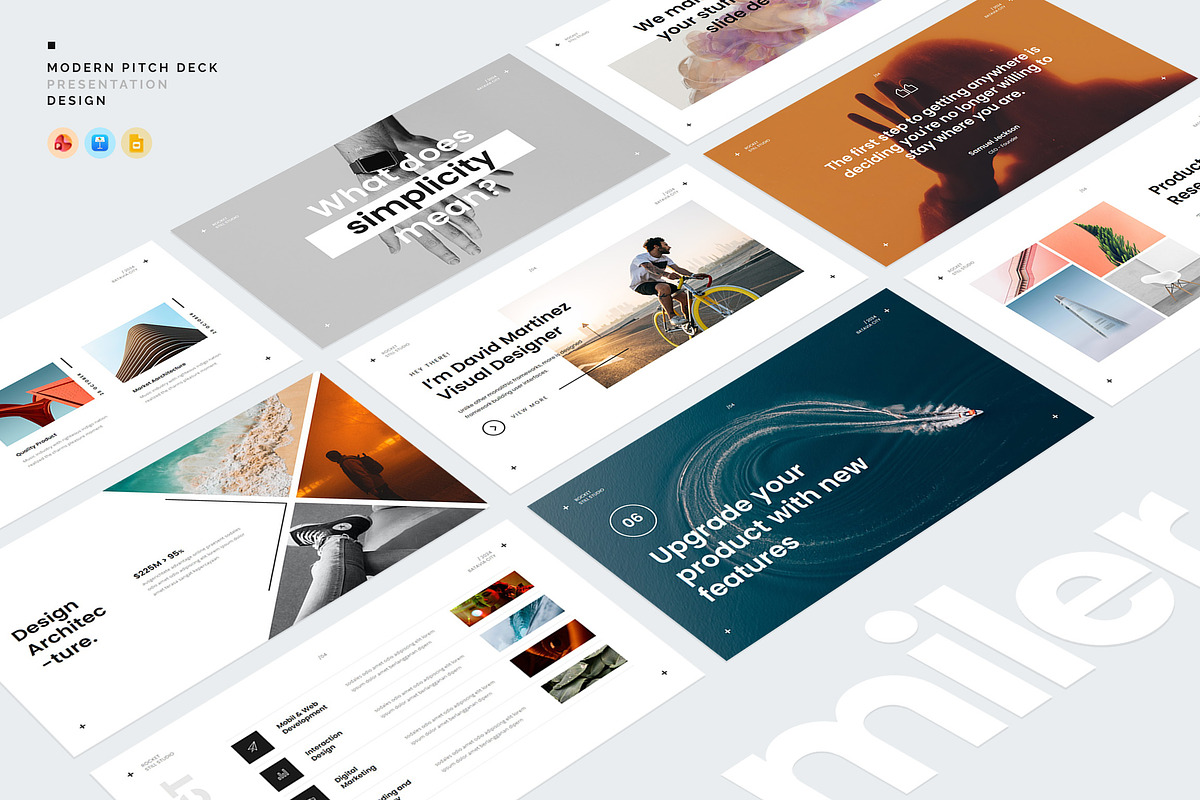
The Miler Presentation Template delivers a clean, minimalist slide system designed to help professionals present ideas, portfolios, and proposals with clarity and impact. Built for business presentations, lookbooks, investor pitches, and client proposals, Miler emphasizes readability and visual balance so you can communicate key points quickly and confidently. The template package combines full-screen, responsive-ready layouts with vector-based elements, master slide controls, drag-and-drop image placeholders, and ready-to-use color themes to accelerate slide creation and maintain brand consistency.
Key Features
Full Screen & Responsive
Miler uses full-screen slide dimensions and responsive layout principles so your content displays cleanly on a range of displays and projectors. The templates maintain accurate proportions and visual hierarchy whether you present on a laptop, monitor, or large screen.
All Elements Vector Shape
Every graphical element in the pack uses vector shapes to ensure crisp rendering at any size. Scale icons, charts, and infographics without losing resolution, and adapt shapes to match your brand color palette instantly.
Master Slide Option (Easy Editable)
The Master Slide system centralizes global layout controls so you can update headers, footers, and common elements across all slides in one step. Use the master slides to lock brand-safe areas or create multiple master variations for different presentation sections.
Drag & Drop Image
Replace placeholders quickly with your images using drag-and-drop functionality. The pre-configured image frames and masks preserve composition so you can swap visuals without reformatting layouts.
Ready-to-Use Color Templates
Choose from premade color themes crafted to produce professional contrast and ensure readability. Activate a color template to recolor shapes, accents, and typography throughout the deck in seconds. The color presets simplify rebranding and enable rapid A/B testing of visual styles.
Complete Presentation Toolkit
Miler includes essential slide types for modern presentations: portfolio displays, team slides, project timelines, service overviews, data-driven infographics, editable charts, and call-to-action layouts. The pack equips you to build persuasive narratives without hunting for additional assets.
What’s Inside the Package
- Premade Color Templates — several curated color schemes ready to apply across the entire deck.
- Icon Set — a consistent icon family in vector format to illustrate services, features, and process steps.
- Map Country Set — editable map graphics to highlight geographic data and market presence.
- PDF Quick Guide — step-by-step documentation to get you editing slides, applying color themes, and exporting final assets.
Who Should Use Miler
Miler is ideal for entrepreneurs, consultants, creative agencies, product teams, and educators who need a minimal, professional slide system they can customize quickly. Designers will appreciate the vector fidelity and master slide control; non-designers will value the drag-and-drop workflow and the ready-made color presets that reduce setup time.
How to Use
Quick Start
- Open the presentation file in your preferred editor (PowerPoint, Keynote, or compatible software) and review the included PDF guide.
- Choose a premade color template to apply a consistent palette across all slides.
- Use master slides to set global headers, footers, and fonts before creating new content slides.
- Drag and drop your images into the image placeholders; resize and crop as needed while preserving layout balance.
- Replace placeholder text with concise headlines and supporting bullet points to keep slides focused.
- Adjust icons and maps to reflect your data and geographic references; edit charts using the built-in data tables.
- Export the final presentation as a PDF or PPTX, or present directly from the native application.
Technical Notes and Compatibility
The Miler pack is compatible with mainstream presentation software that supports master slides and vector shapes. For best results, use the latest version of your application to ensure full support for vector editing and preset color themes. The included PDF provides recommended export settings for slide resolution and print-ready assets.
Support and Documentation
The package includes a clear, concise PDF quick guide that walks you through template access, color theme application, and image replacement. If you require additional help customizing layouts or exporting assets, basic support is available for troubleshooting file compatibility and editing steps.
Why Choose Miler
Miler empowers teams to produce streamlined, persuasive presentations faster. It combines practical editing features—master slides, vector shapes, drag-and-drop images, and color presets—with thoughtfully designed slide types that support storytelling and data visualization. Whether you need a pitch deck that wins buy-in or a corporate lookbook that showcases your work, Miler reduces design overhead so you can focus on message and delivery.
Get Started
Download the Miler Presentation Template, open the PDF quick guide, select a color theme, and begin replacing placeholders with your content. With Miler, you will produce professional, minimal presentations that communicate clearly and look polished every time.