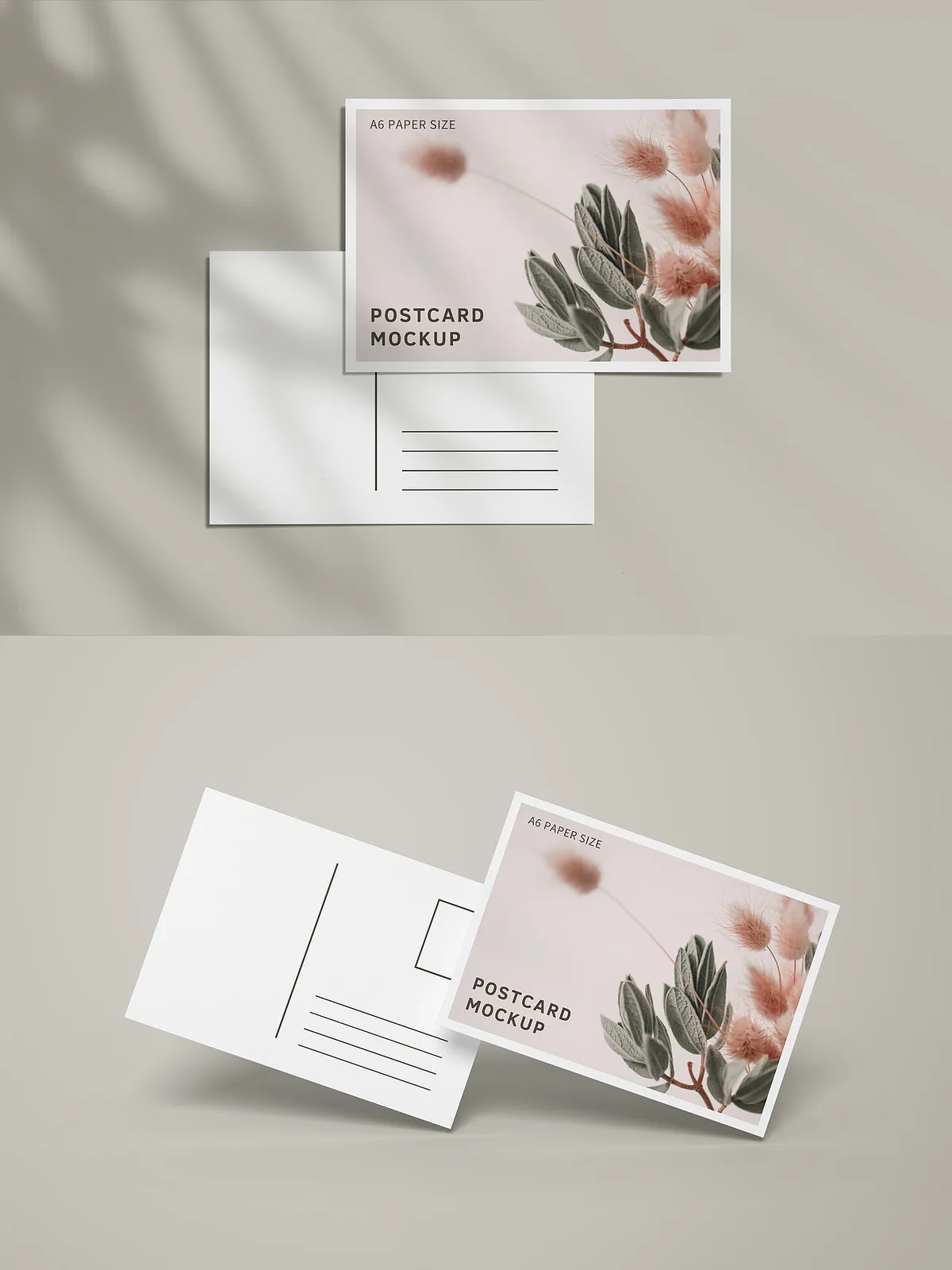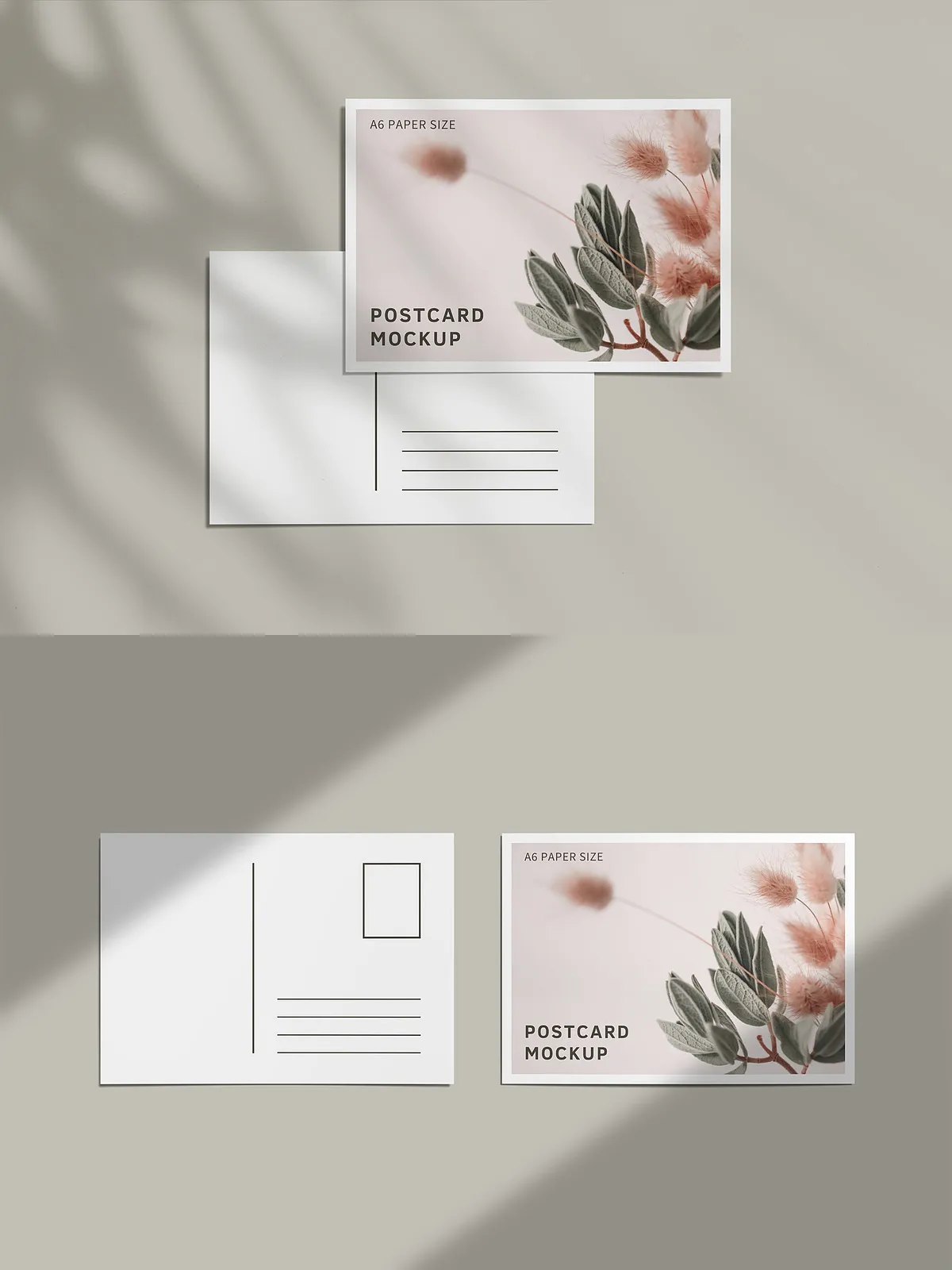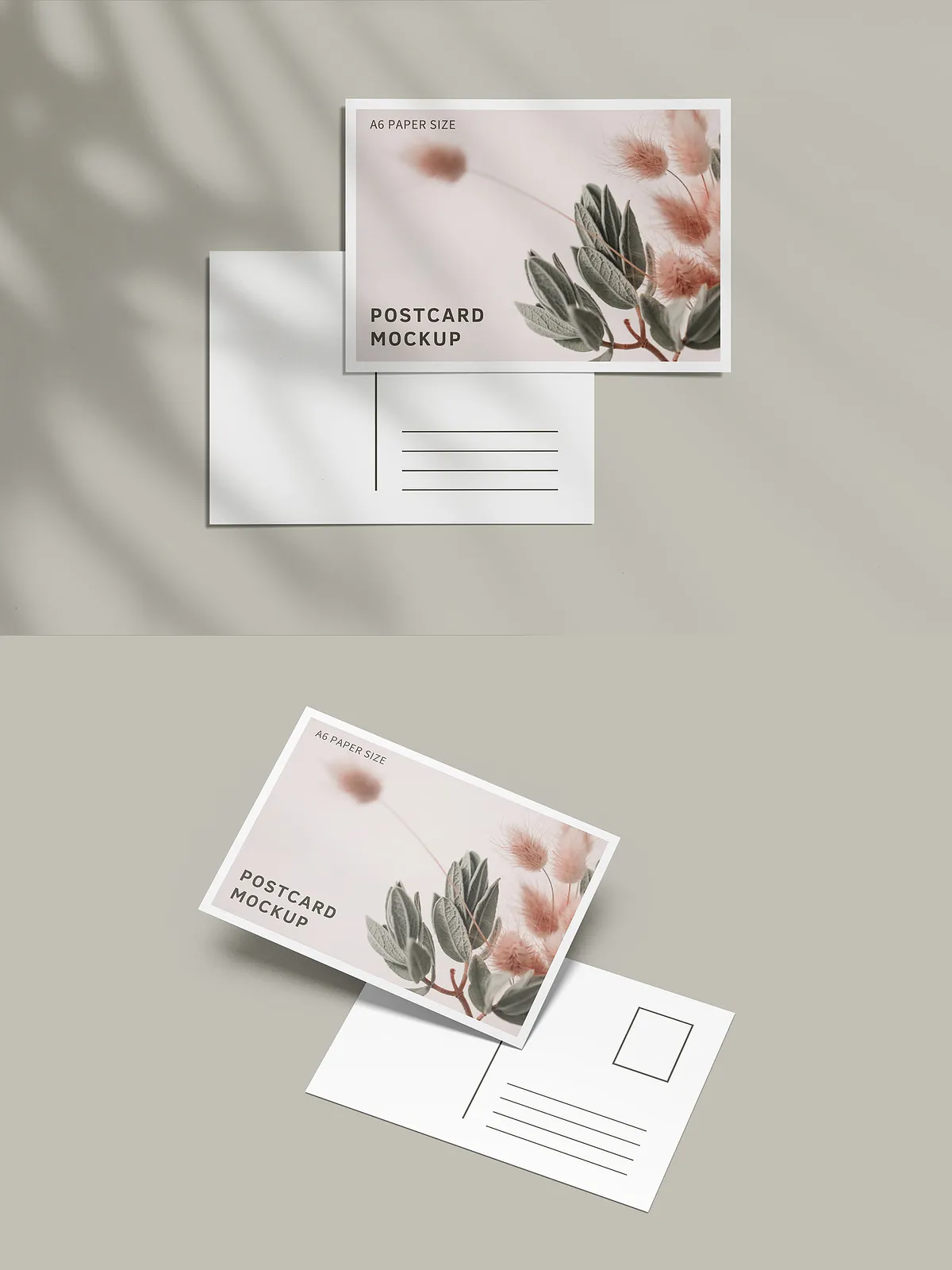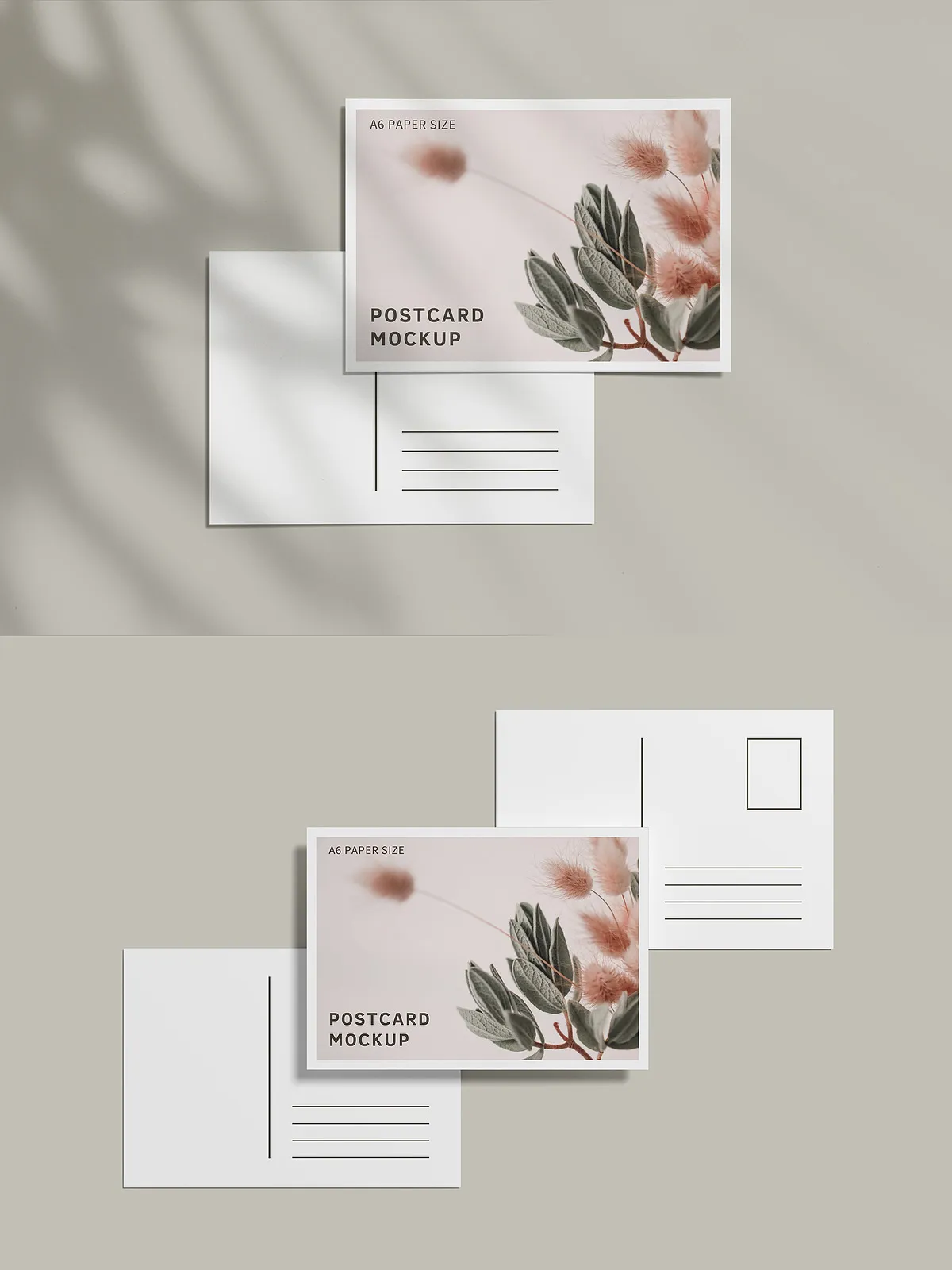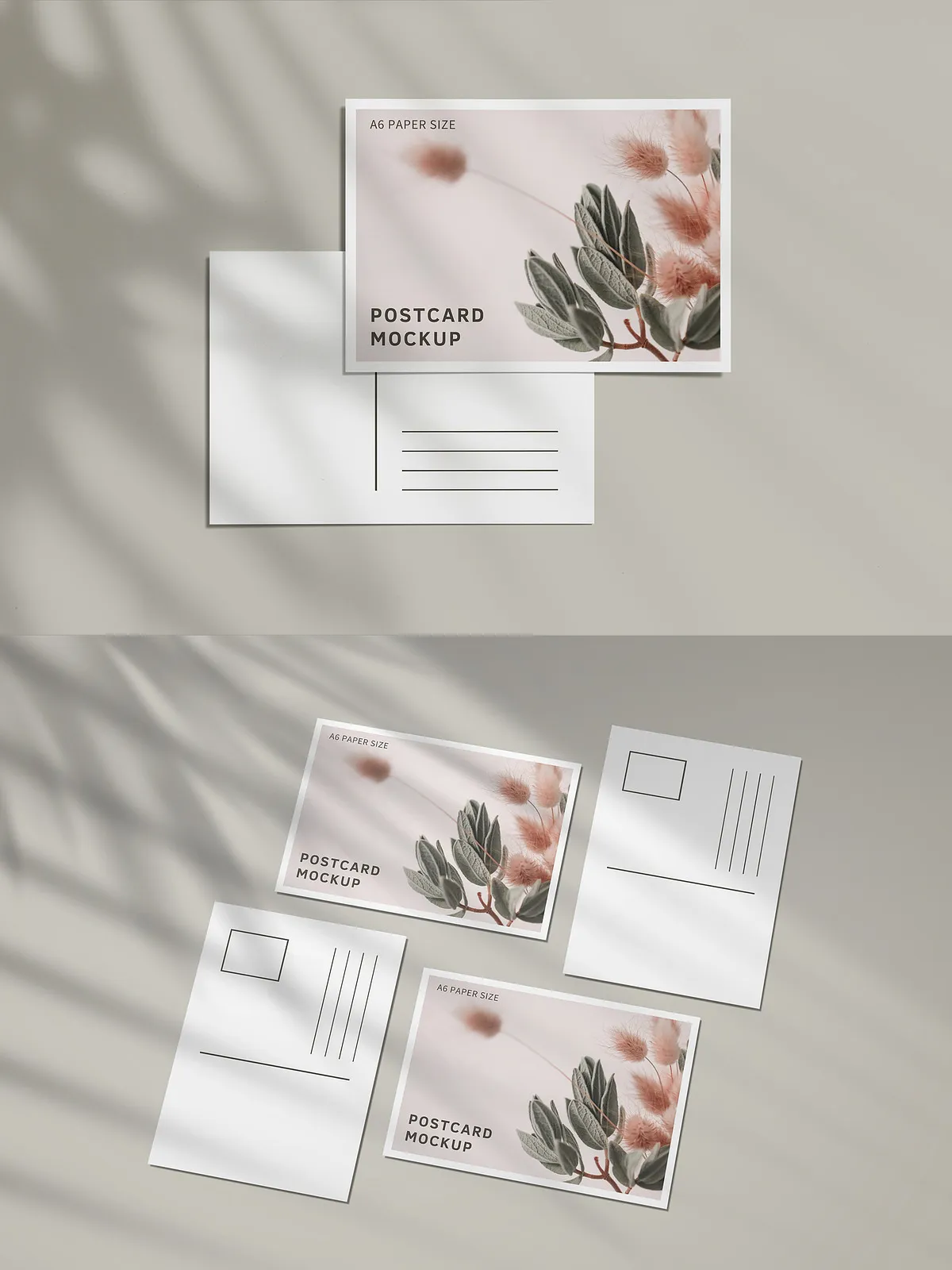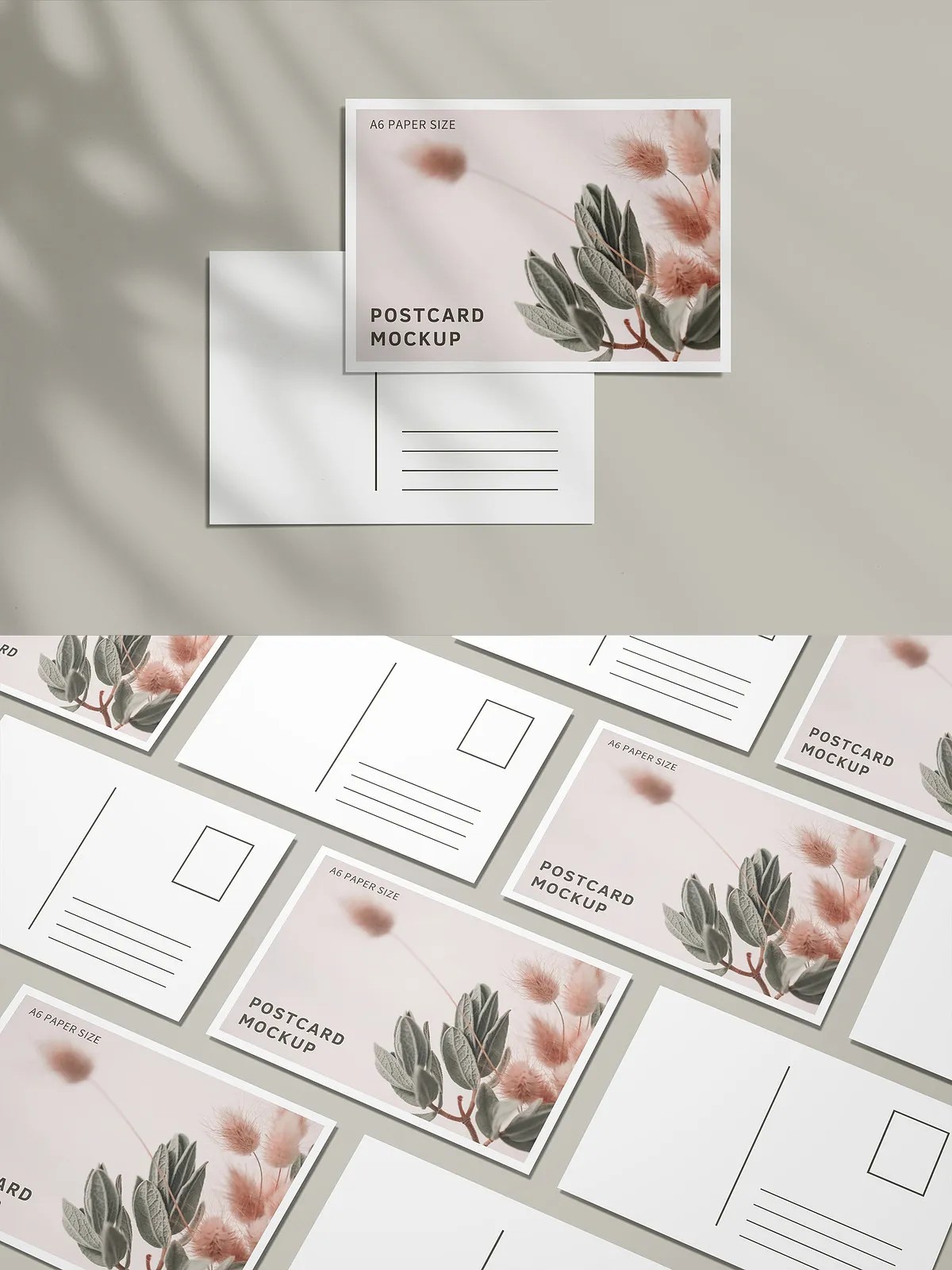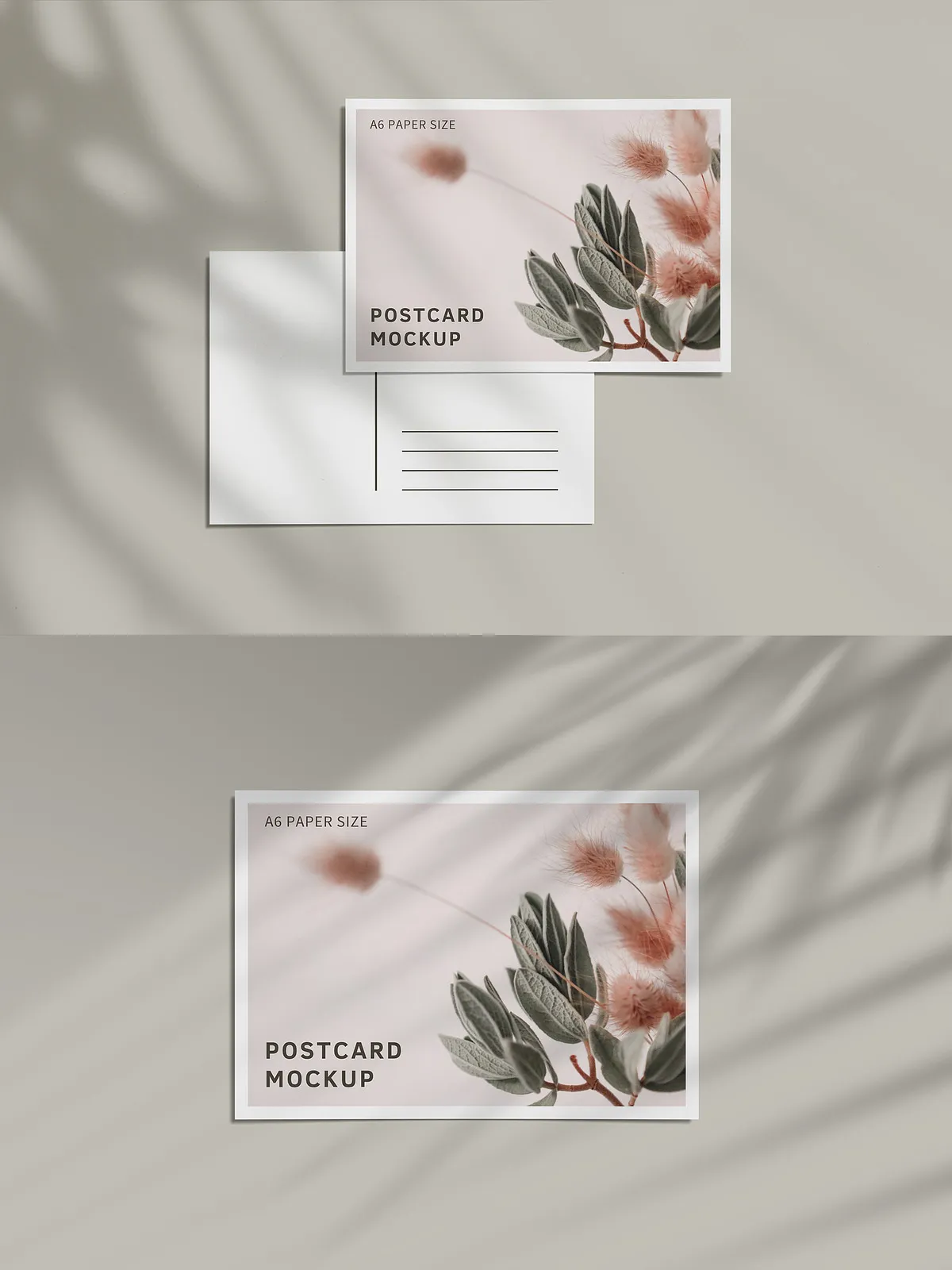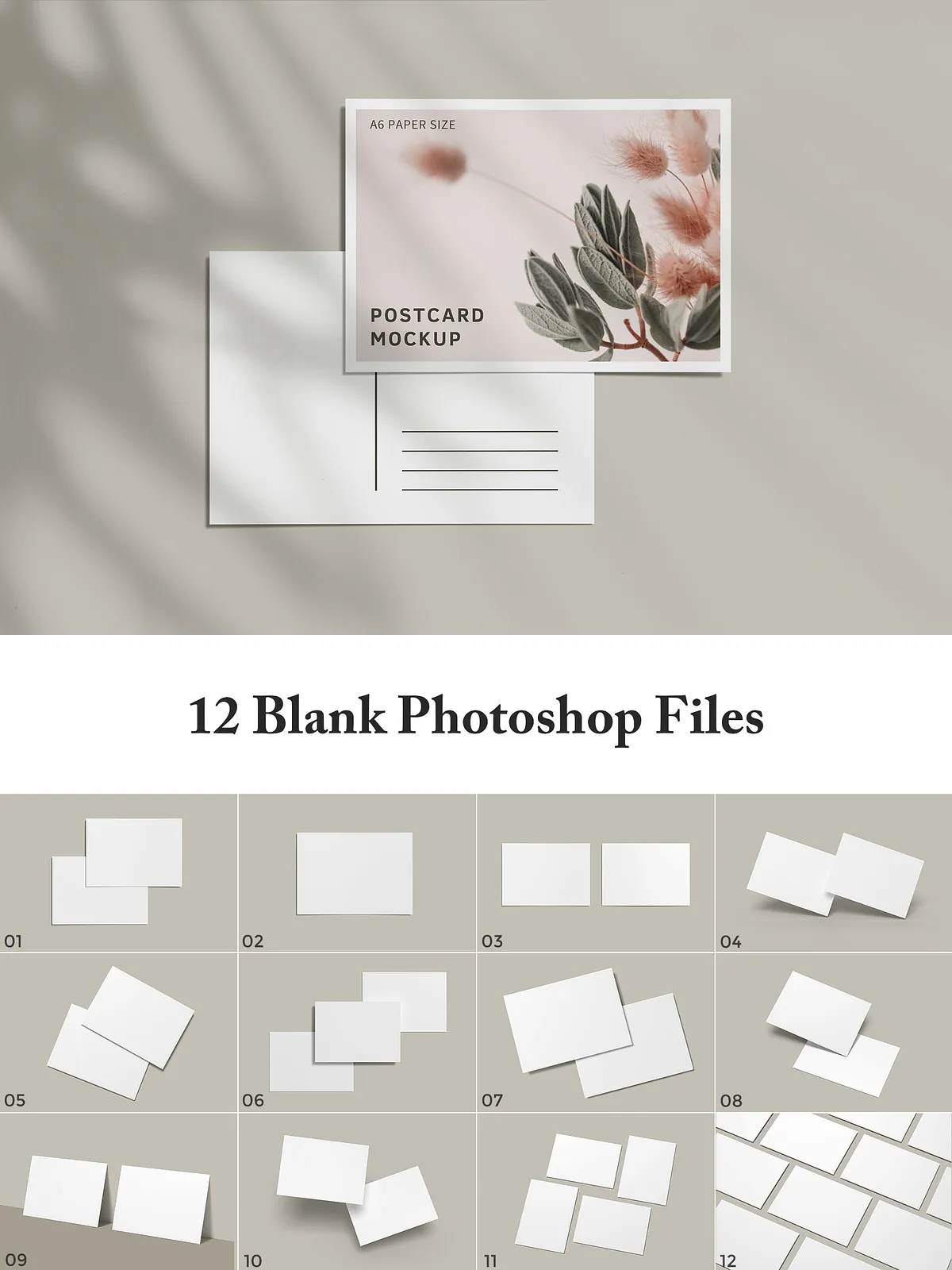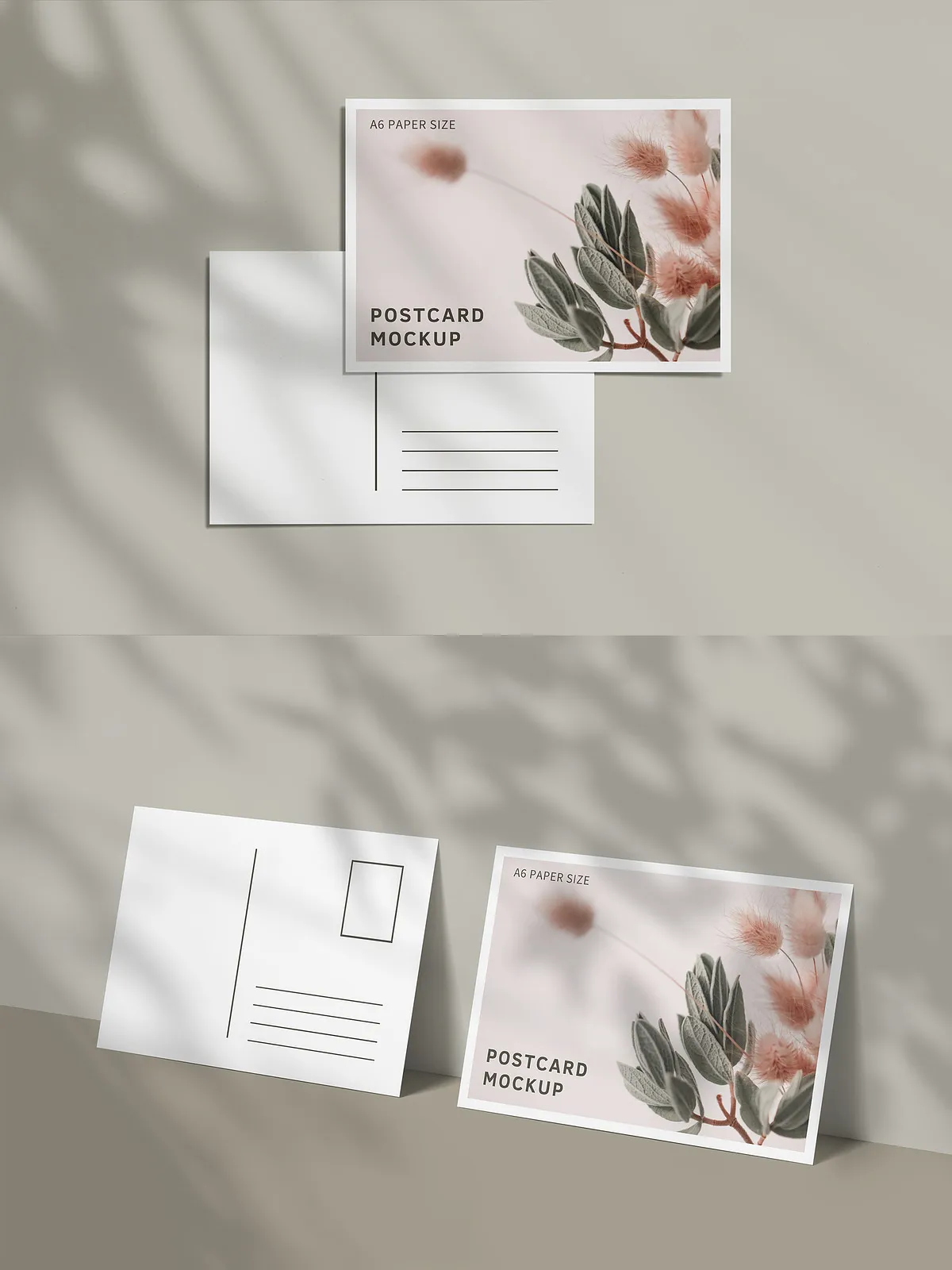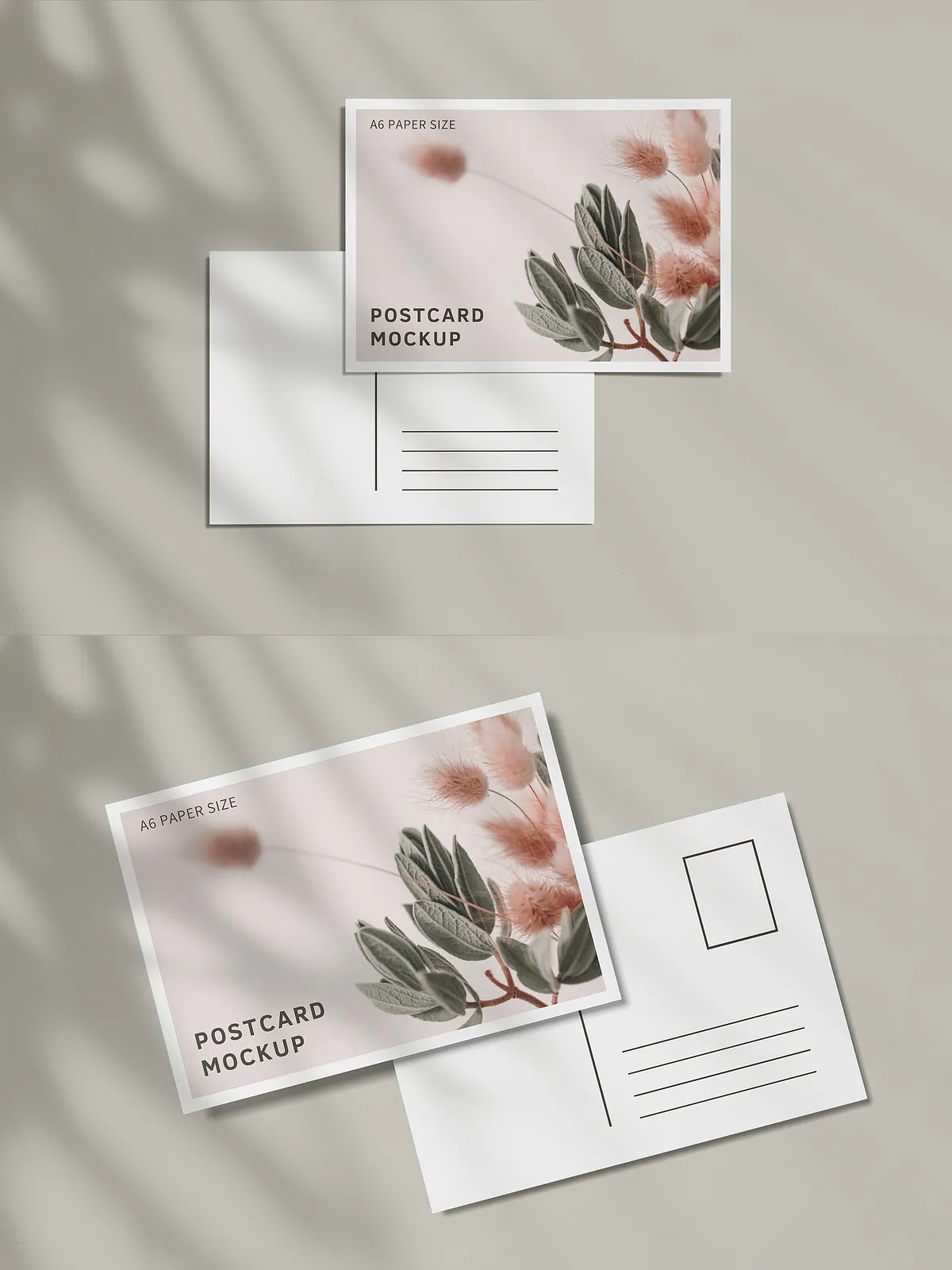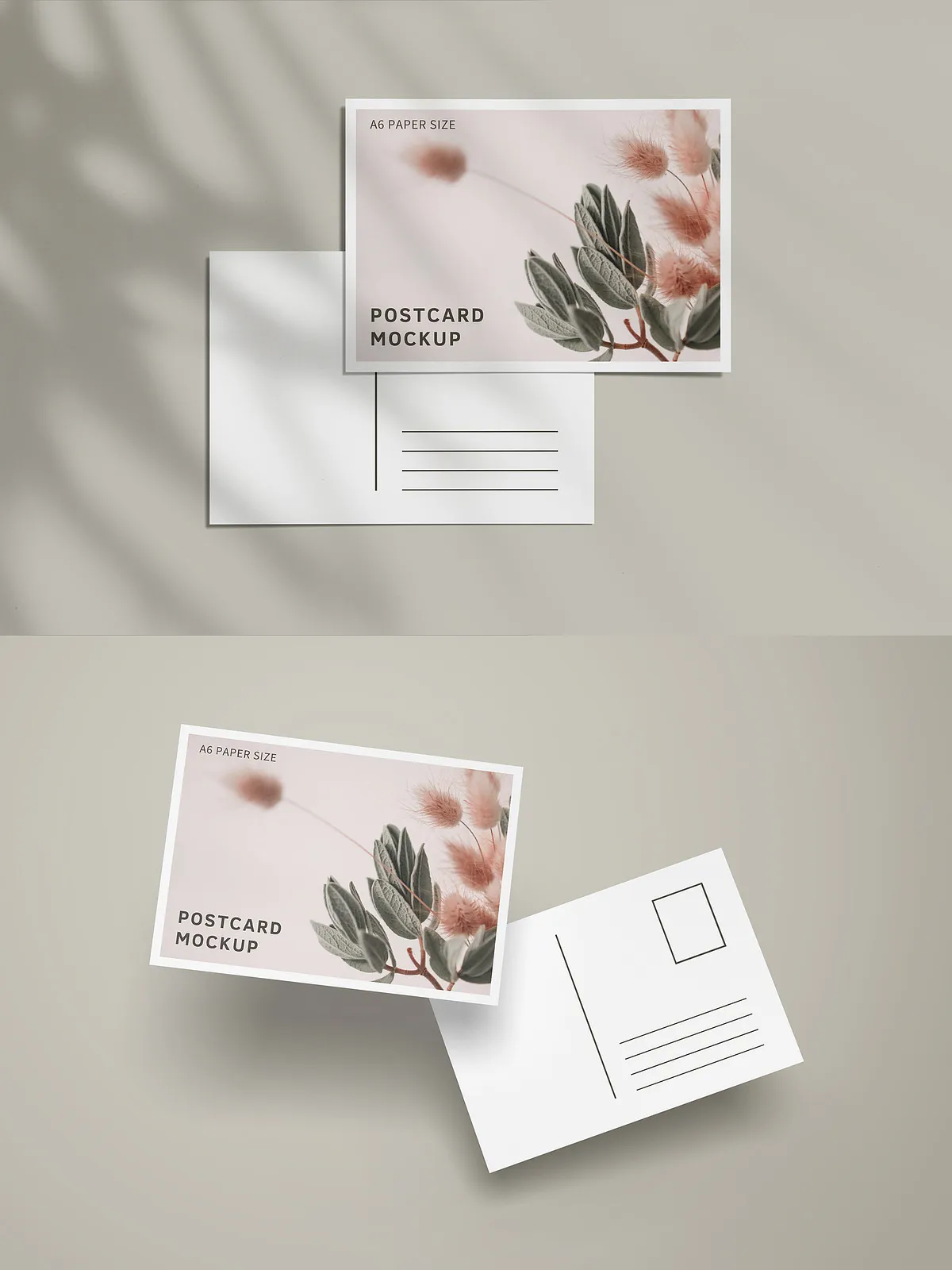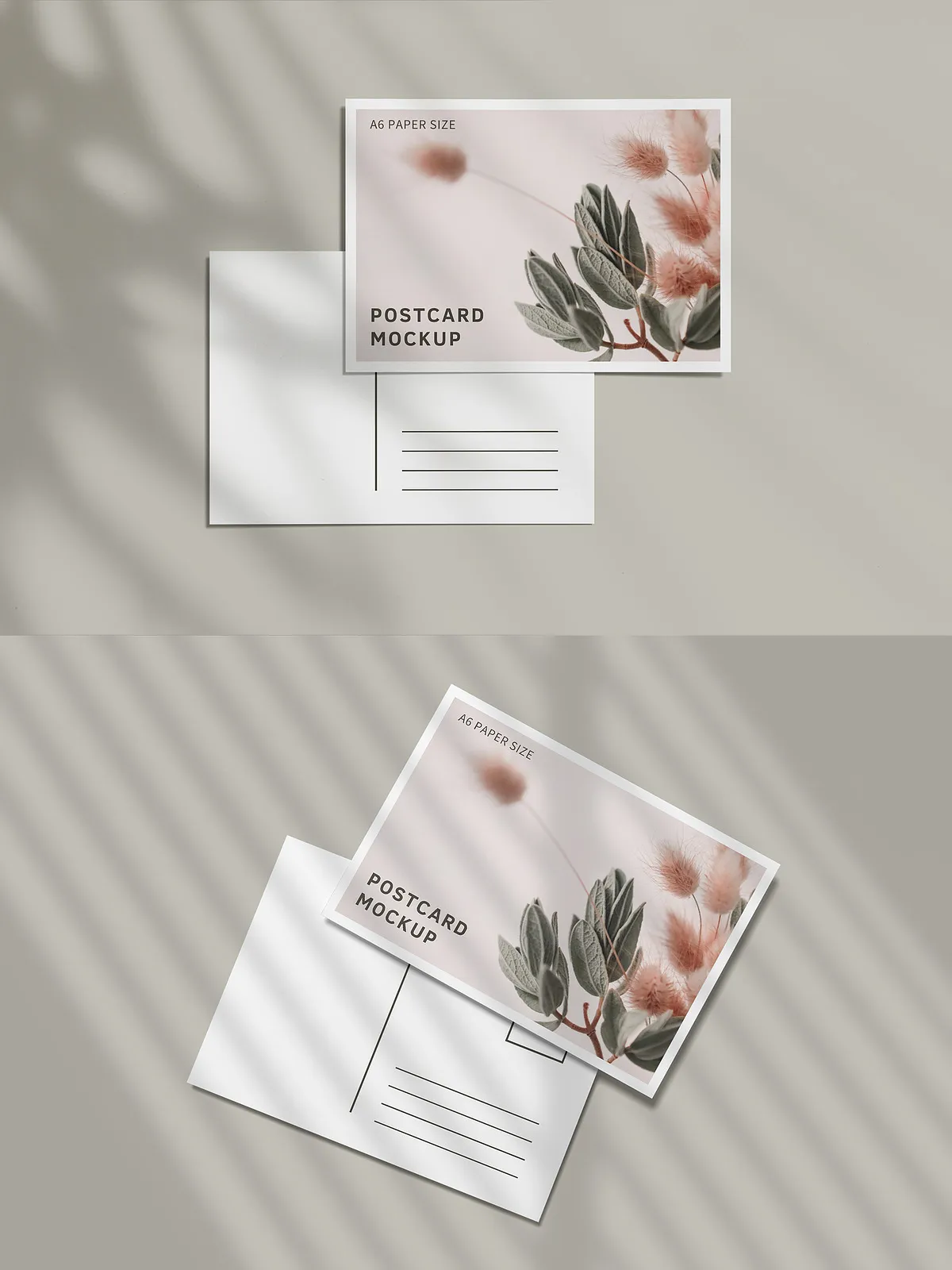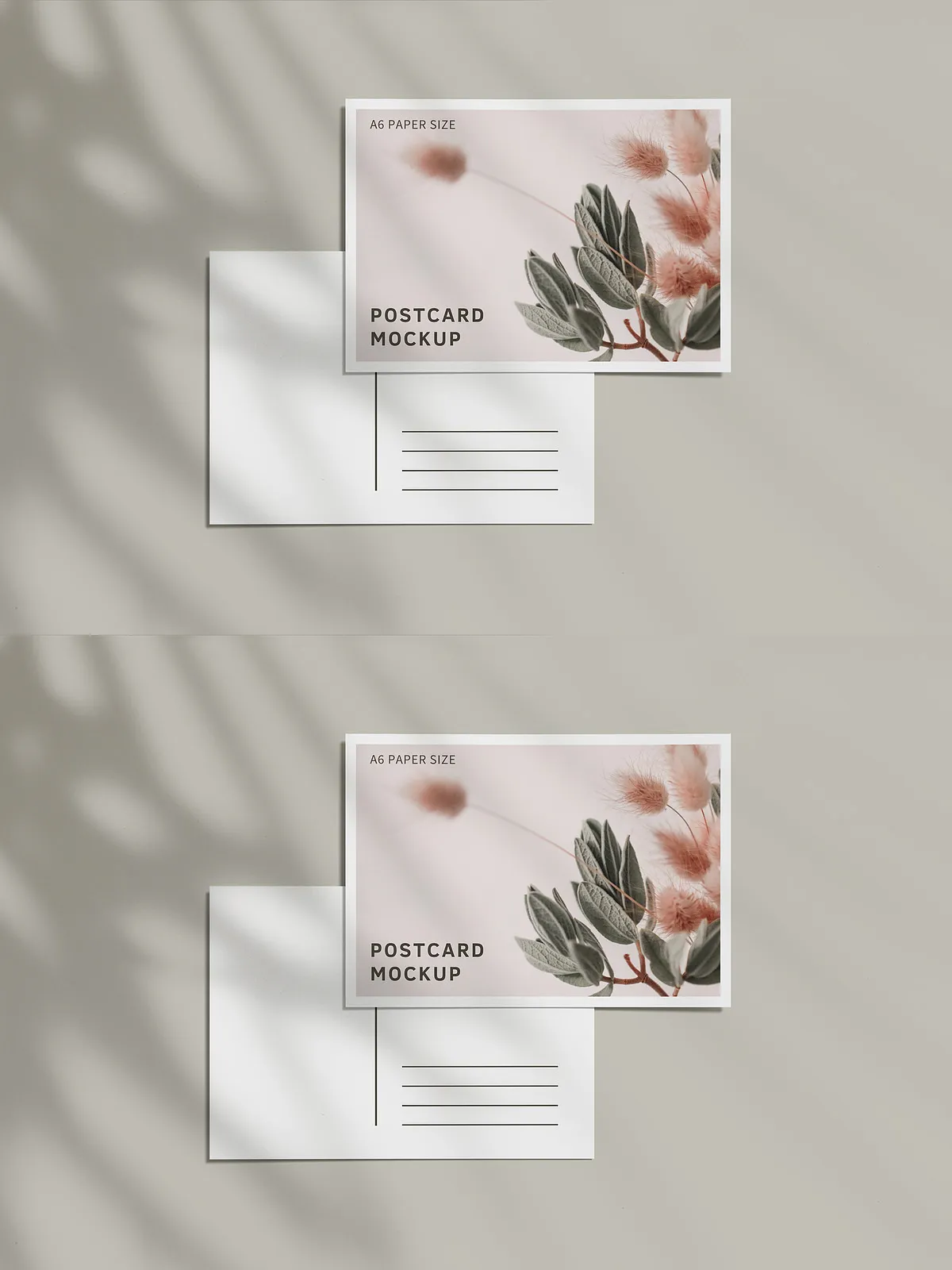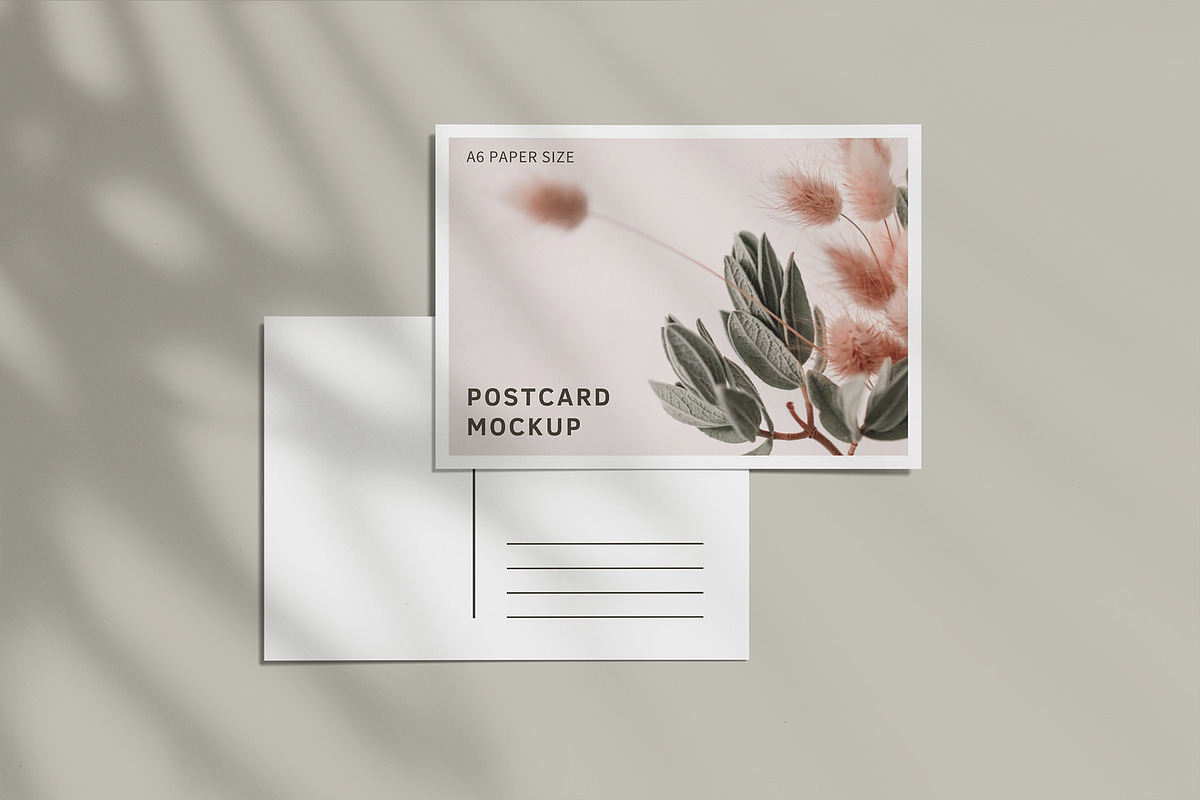
The Postcard Mockup pack provides a professional, ready-to-use collection of PSD mockups that let you present postcard designs with realism and polish. Each file uses layered Photoshop structure and smart-object placeholders so you can insert and replace your artwork in seconds. The mockups deliver accurate perspective, flexible background options, and refined shadow and highlight controls so you can showcase multiple presentation styles — from clean flat-lay shots to atmospheric, shadow-driven scenes.
Key Features
High Resolution and Print-Ready
All mockups export at 3000 x 2000 pixels and 300 dpi, ensuring crisp, print-ready previews and sharp digital presentation images. The A6 size format (105 x 148 mm at 300 DPI) matches industry-standard postcard dimensions so your design scales and prints correctly when needed.
Layered PSD with Smart Objects
Each PSD file is fully layered and implements smart objects for rapid editing. Double-click the smart-object layer, paste or place your design, save, and the mockup updates automatically. This workflow reduces manual masking and saves time when generating multiple variations or iterations.
Flexible Shadow and Highlight Controls
Five separate shadow overlay files and adjustable specular/highlight layers let you control the mood and depth of each composition. Toggle shadows on or off, or reduce and increase their intensity to match your visual direction. These controls deliver professional-grade refinement without advanced Photoshop skills.
Customizable Backgrounds and Transparency
Change backgrounds easily to full-color fills, photographic backdrops, or transparent canvases. The mockups produce automatic perspective results when swapping images so your chosen background aligns with the scene naturally. The pack also supports transparent export for seamless integration into product pages or remote compositing.
What’s Included
- 12 individual PSD files, each representing a distinct postcard angle or layout for varied presentation options.
- Five shadow overlay files to achieve different lighting moods and realism.
- Organized and clearly labeled layers for intuitive customization and quick navigation.
- Smart-object placeholders on all postcards for rapid artwork insertion.
- Ability to switch between background color, photographic backgrounds, or fully transparent canvases.
- Instructional PDF that guides you through editing steps, exporting settings, and recommended best practices.
- Note: Images shown in previews are not included with the mockup pack.
How to Use
Quick Start
- Open the chosen PSD in Adobe Photoshop (recommended: latest version for best compatibility).
- Locate and double-click the smart-object layer named clearly for your postcard face.
- Paste, place, or design directly inside the smart object canvas, then save and close the smart-object window.
- Adjust shadow intensity by toggling or modifying the corresponding shadow overlay layers to match your visual tone.
- Switch the background layer to a solid color, photograph, or transparent layer depending on the intended use.
- Export the final composite as PNG for transparency or JPG/TIFF for print-quality assets.
Technical Notes and Compatibility
The mockups require Adobe Photoshop and work best with versions that fully support smart objects and advanced layer blending. Files remain fully editable; vector shapes and text elements preserve quality when scaled. For print production, adhere to the included A6 size specifications and export at 300 DPI. The pack includes explicit export recommendations within the PDF instruction file to ensure color fidelity and correct resolution.
Benefits for Designers and Sellers
Designers will accelerate client approvals by producing polished, realistic mockups without complex compositing. Sellers and shop owners can quickly populate product listings with multiple visual variants and maintain consistent, professional presentation across marketplaces. The smart-object workflow supports batch updates, enabling you to generate dozens of previews by swapping artwork files rapidly.
Support and Documentation
The package includes a clear PDF instruction manual that explains how to edit smart objects, toggle overlays, and export final images for web or print. If you encounter compatibility issues, follow the troubleshooting steps in the guide or ensure your Photoshop version supports smart-object editing and layer effects.