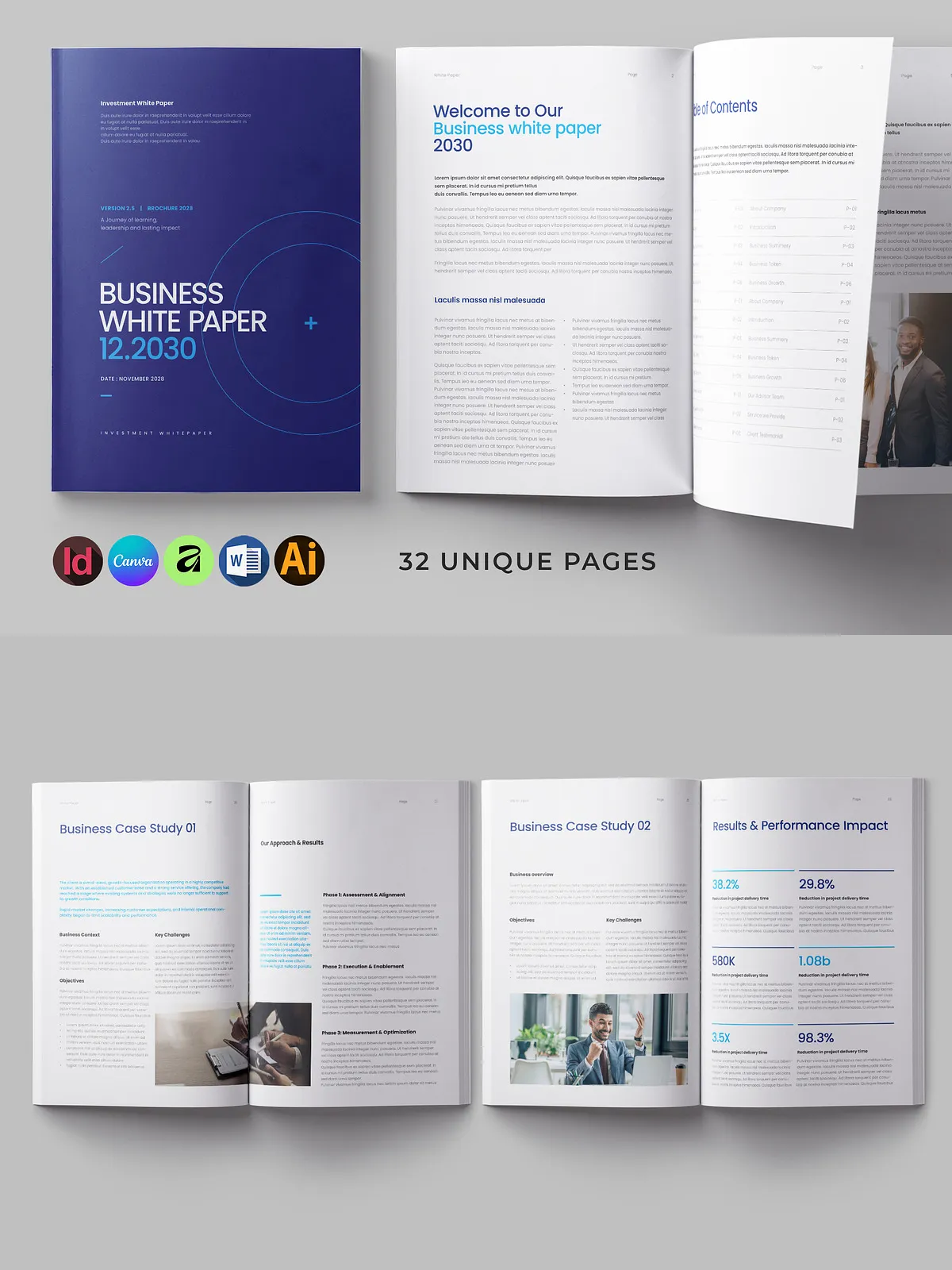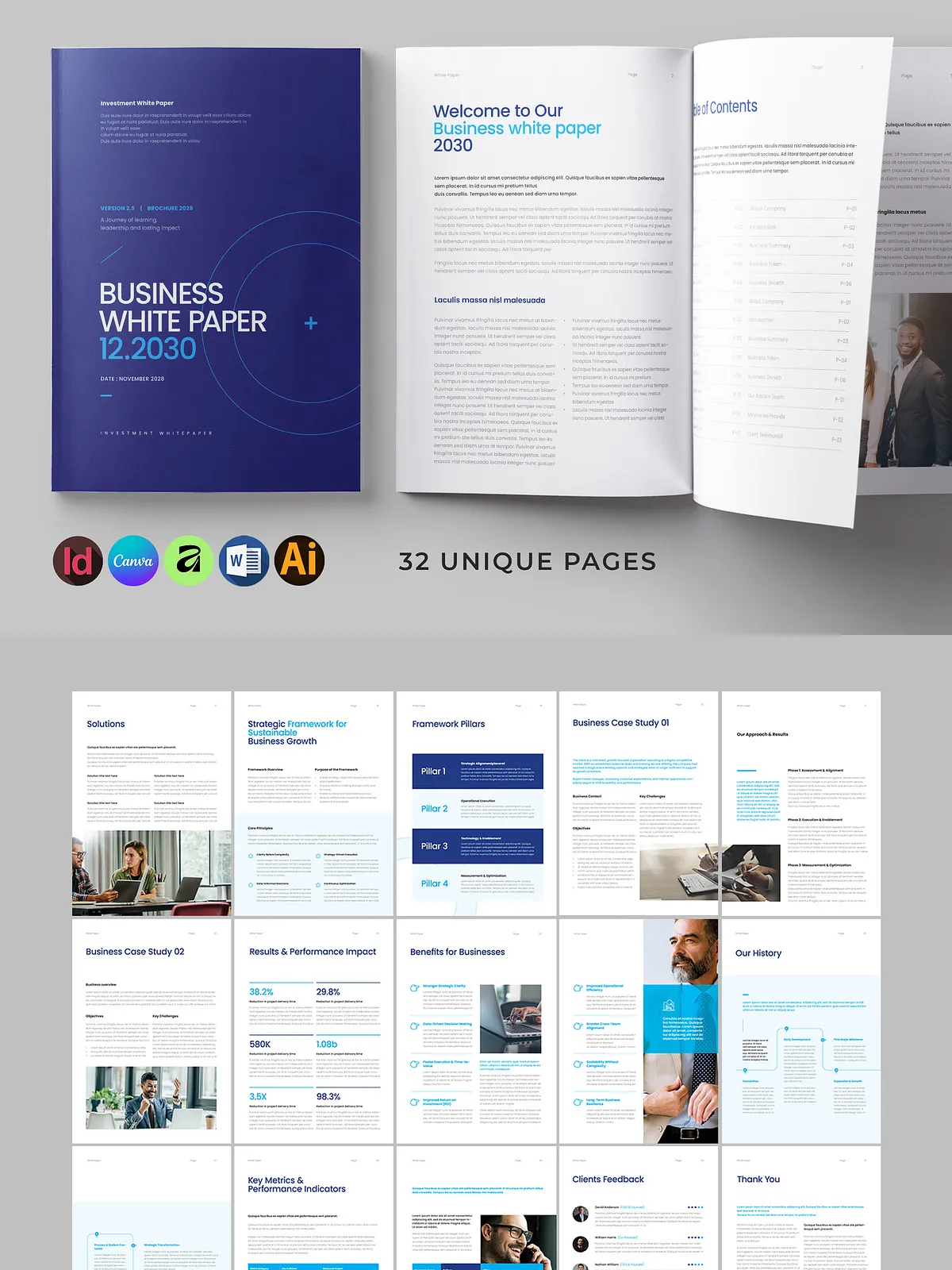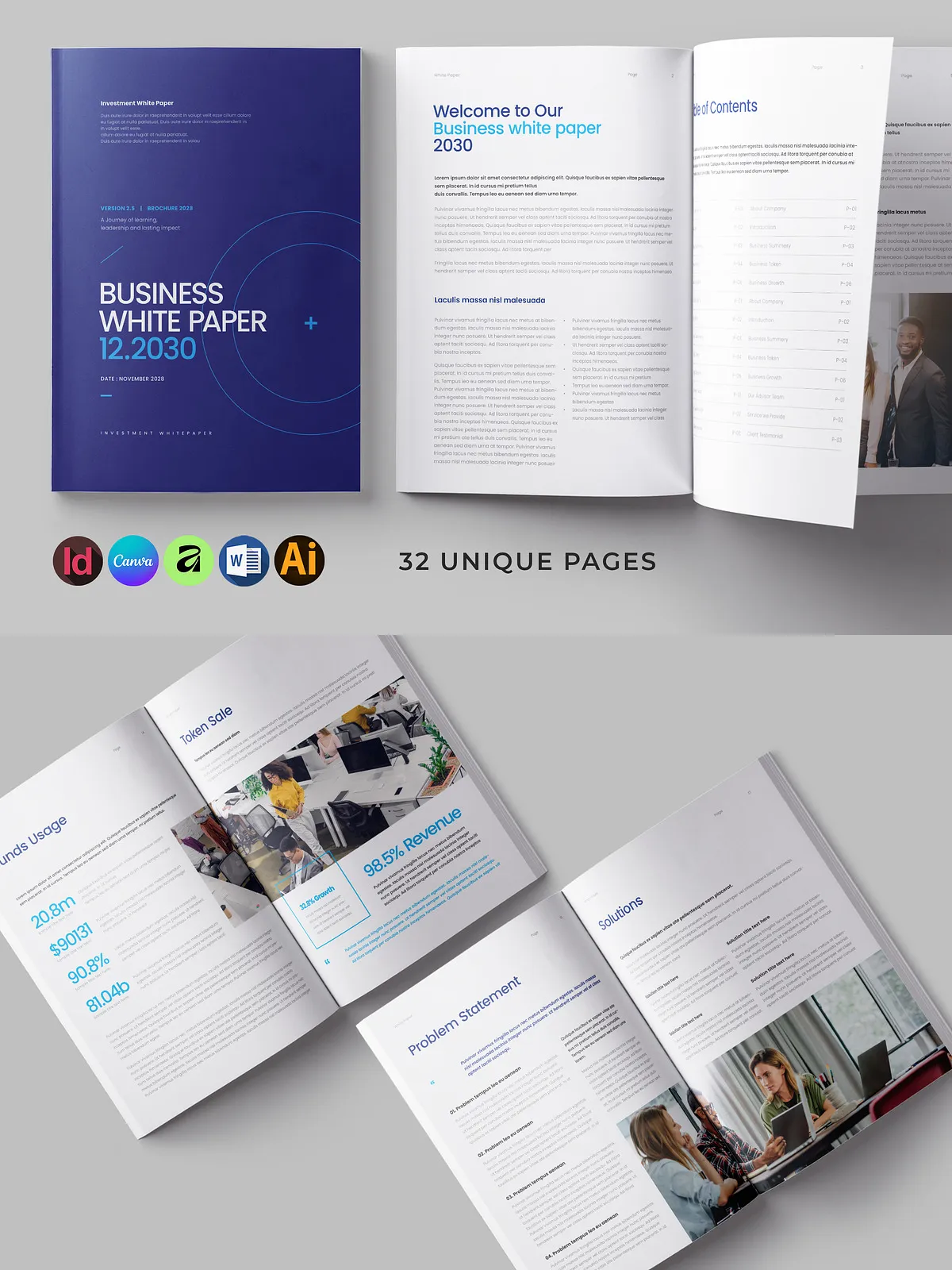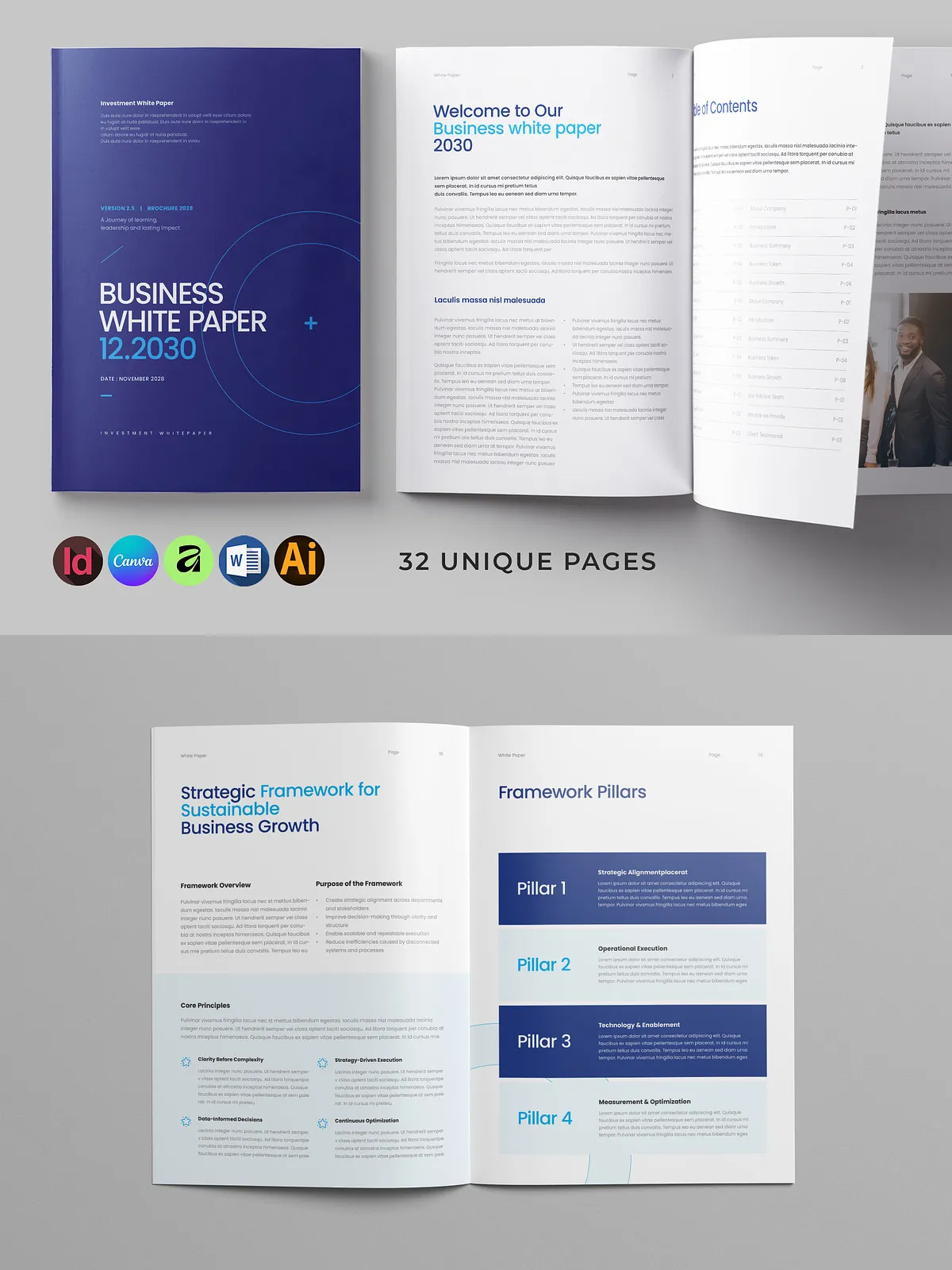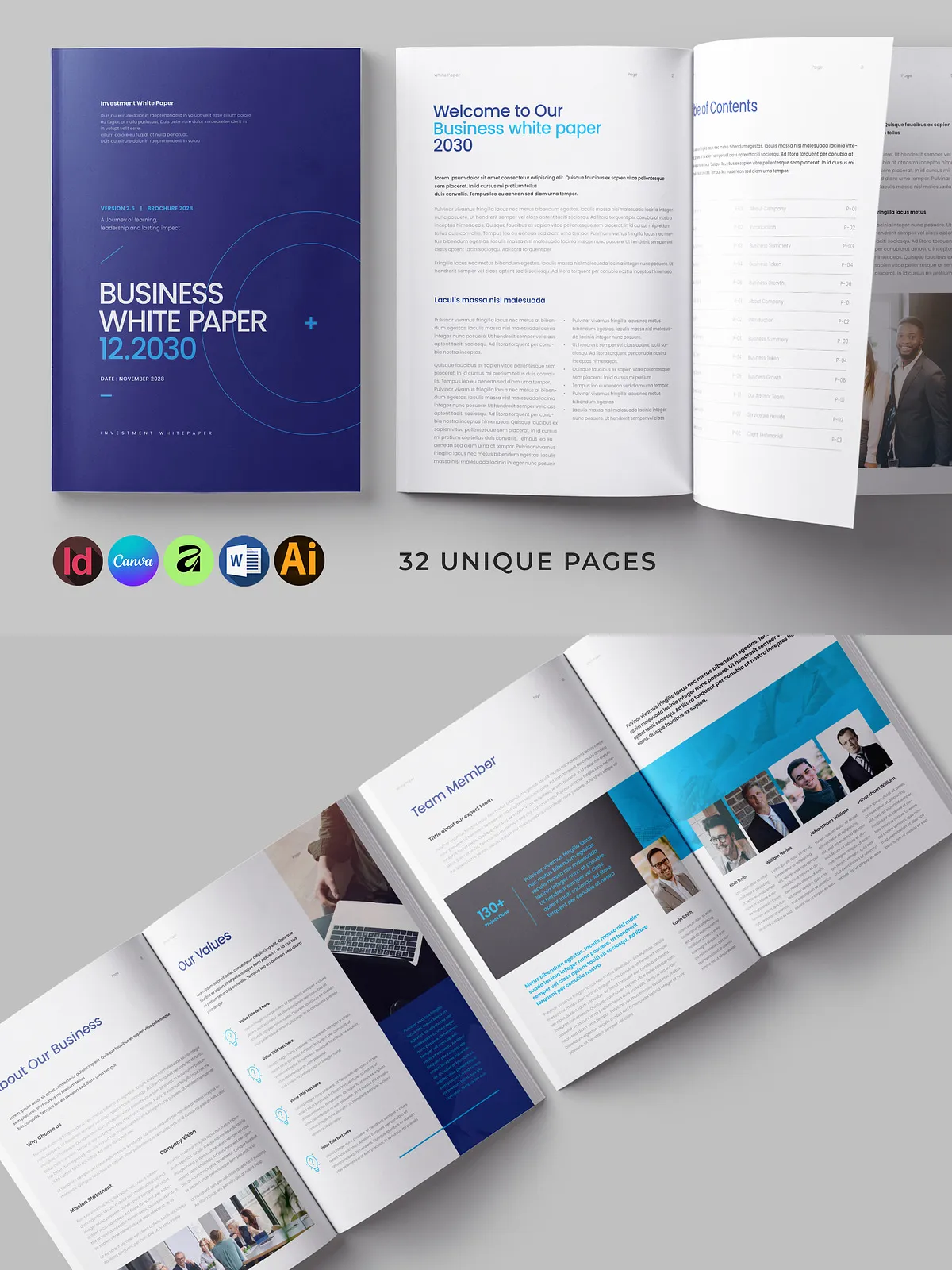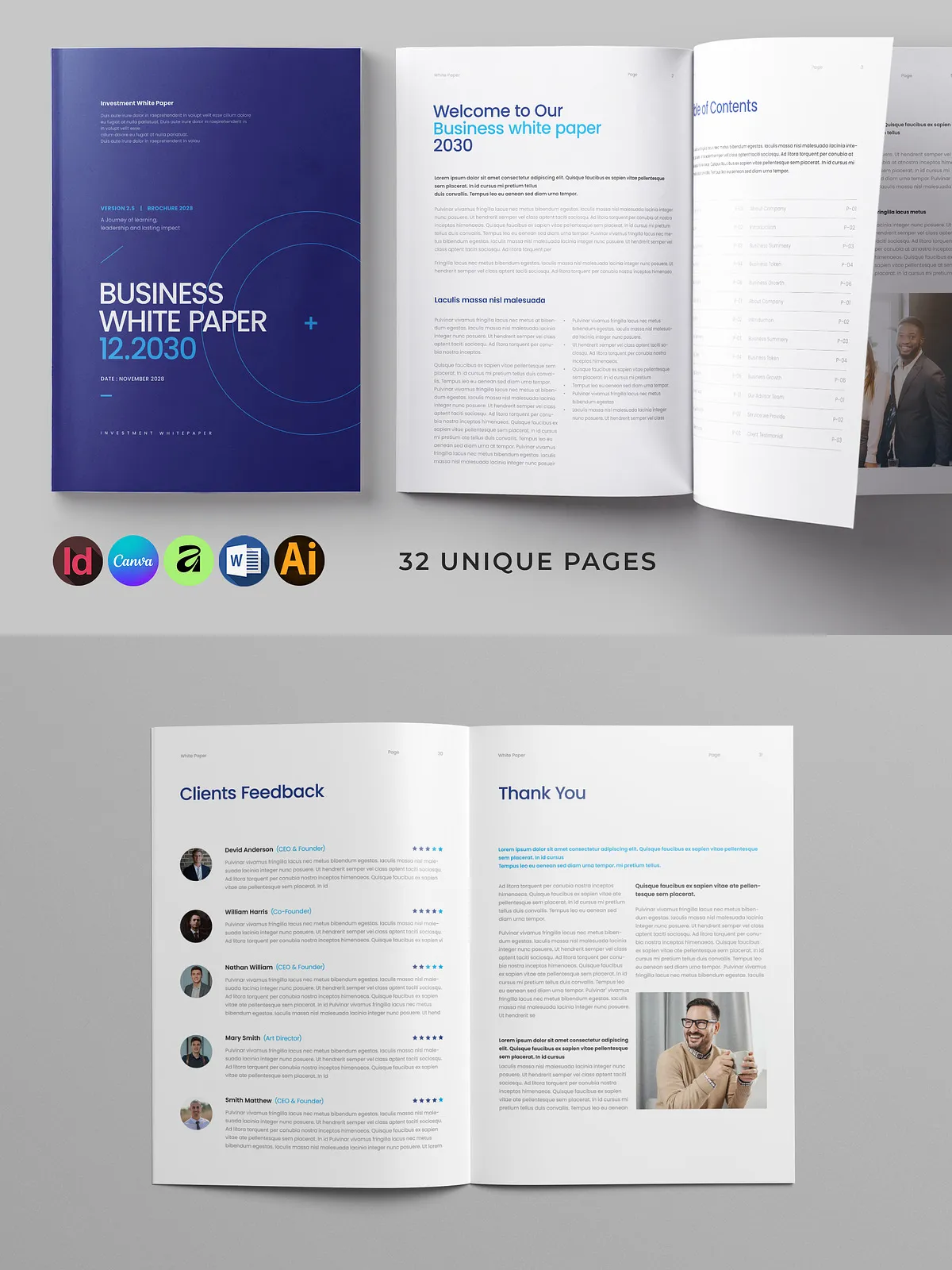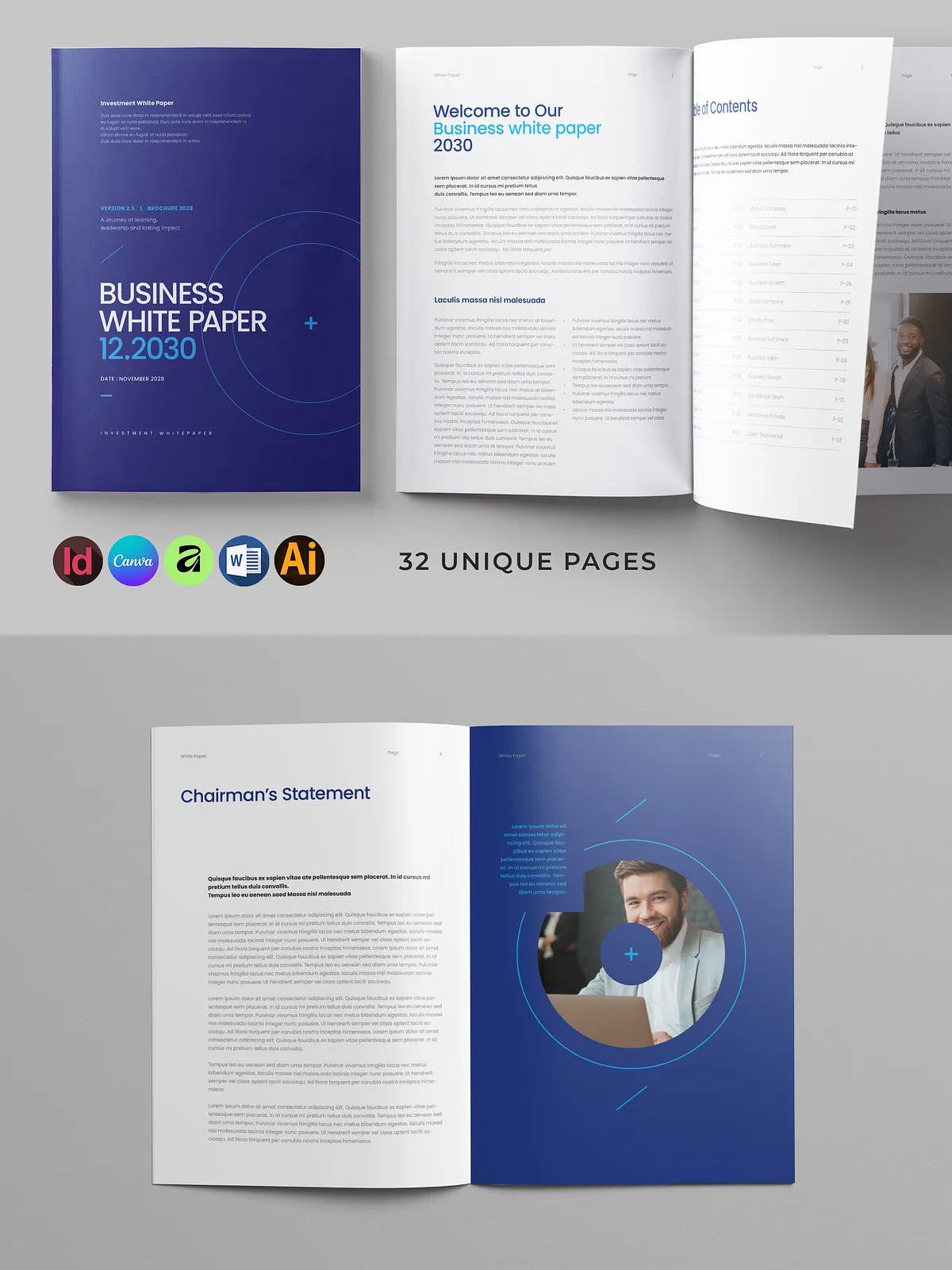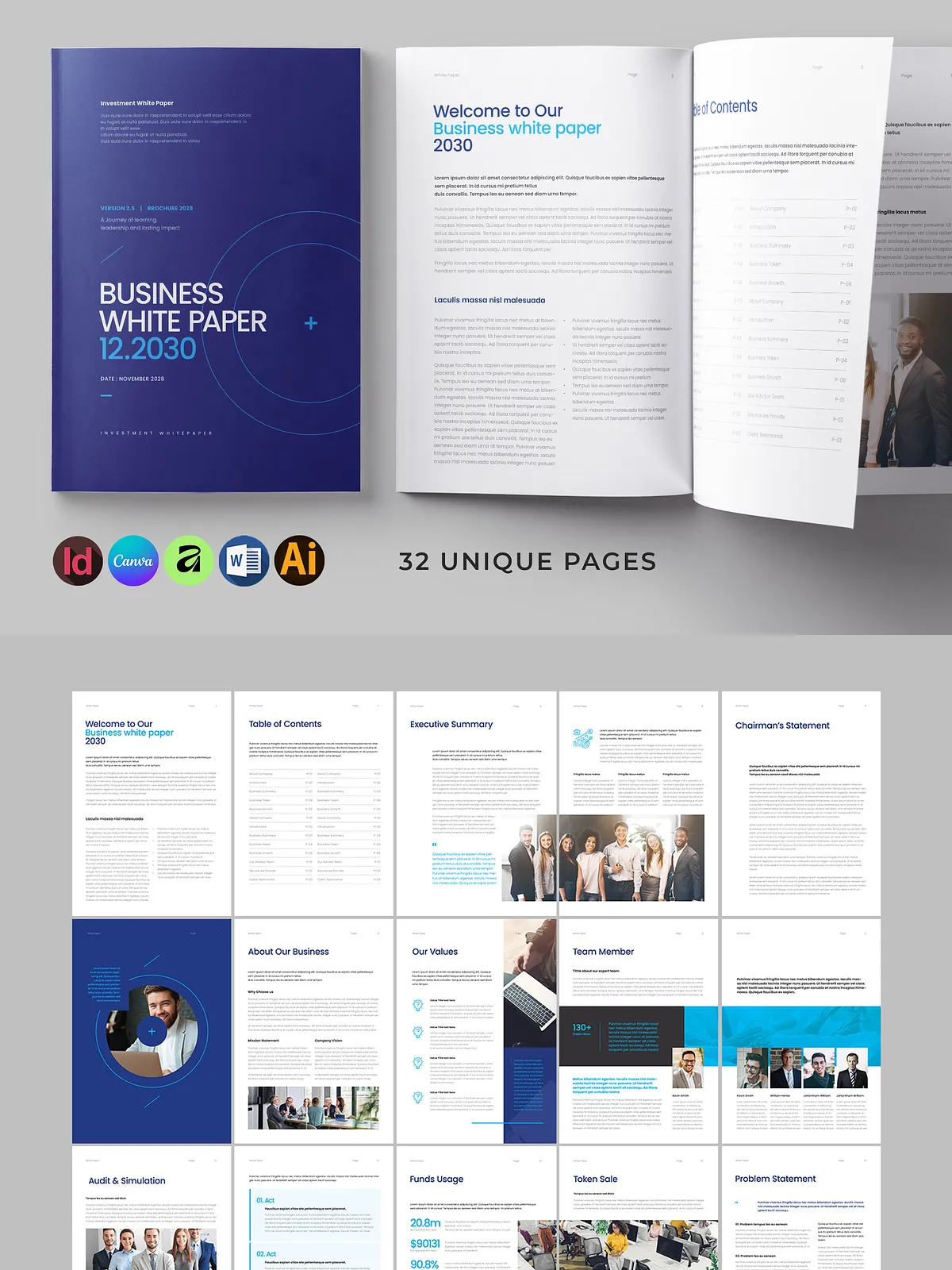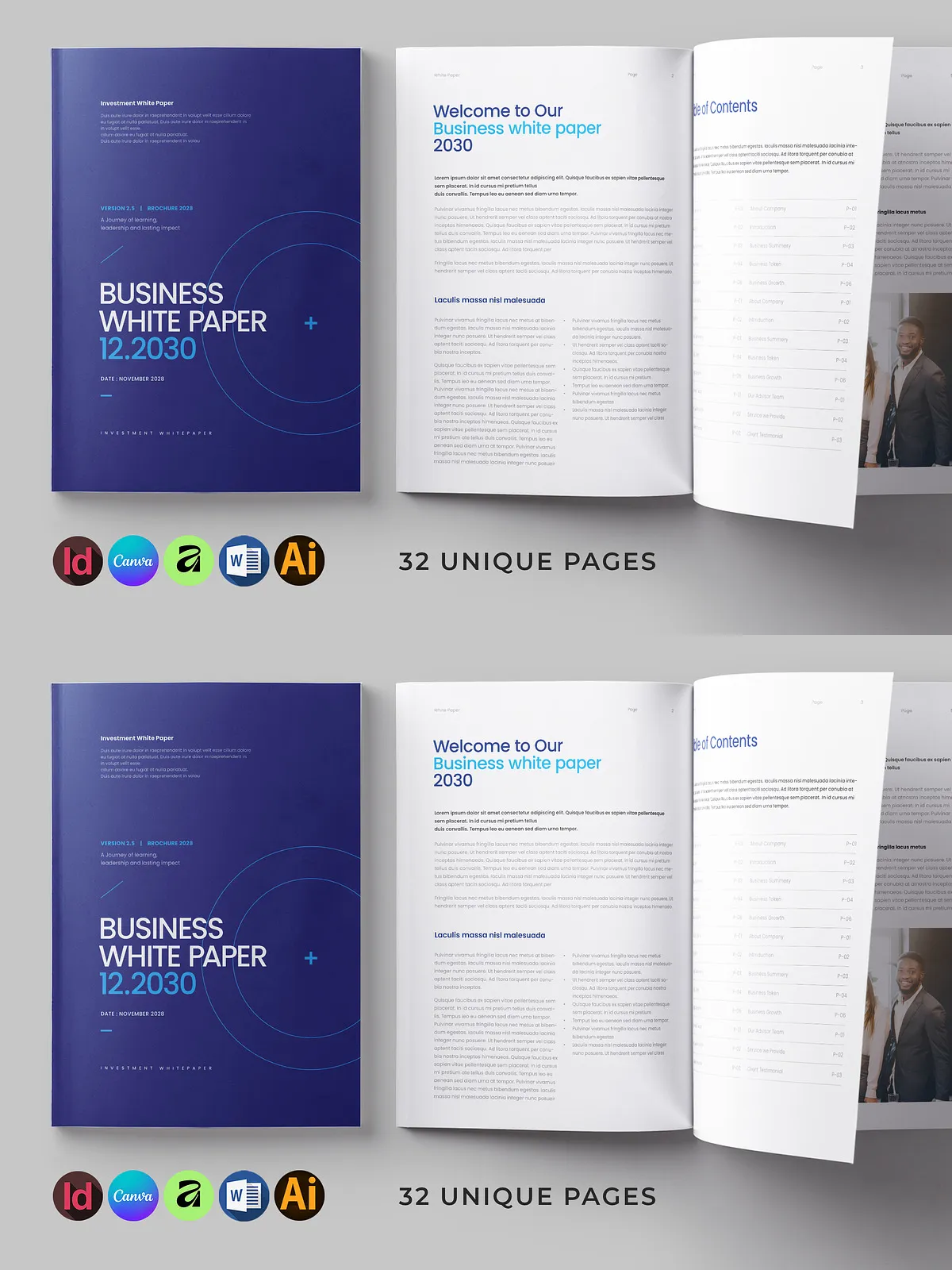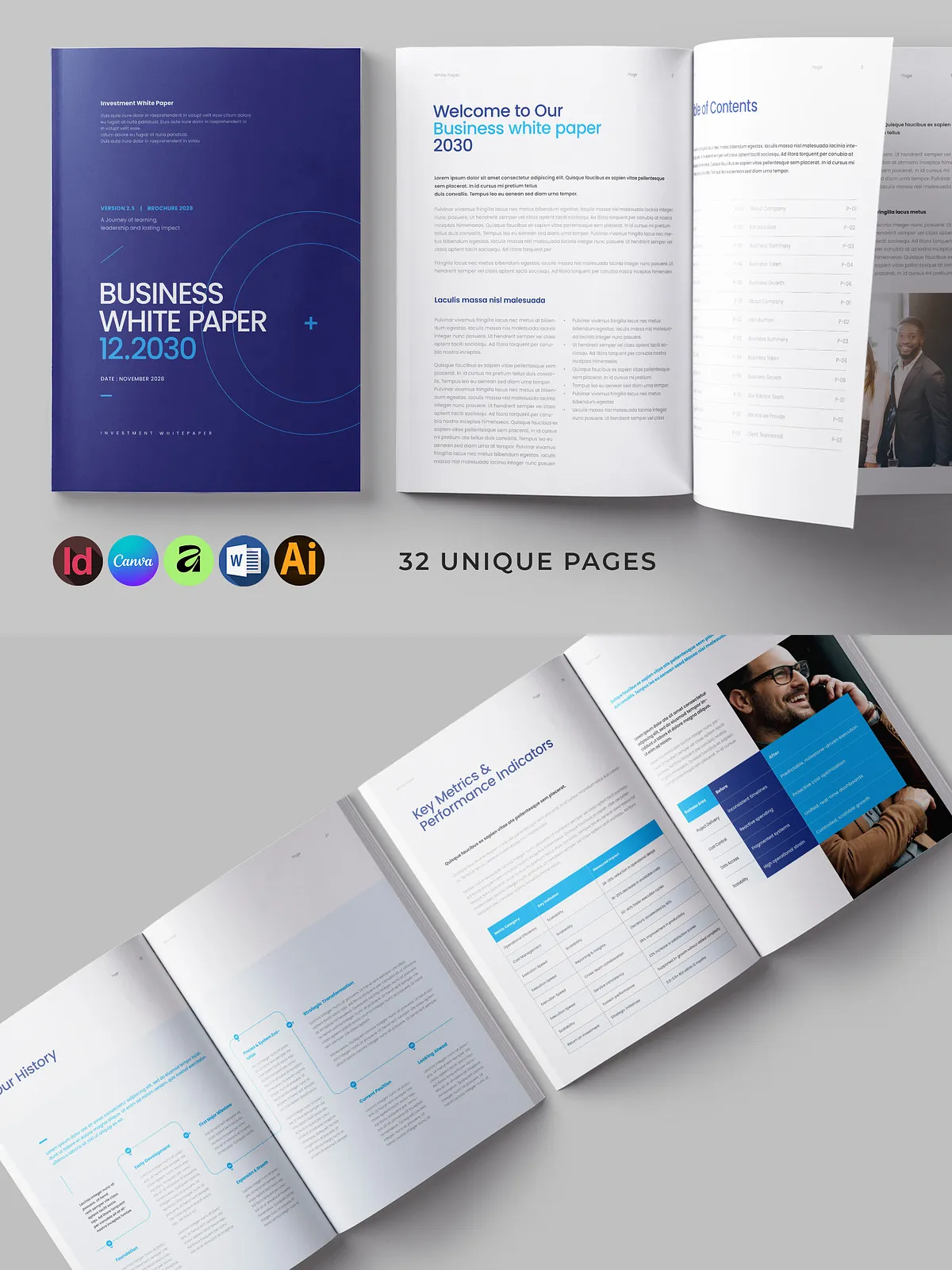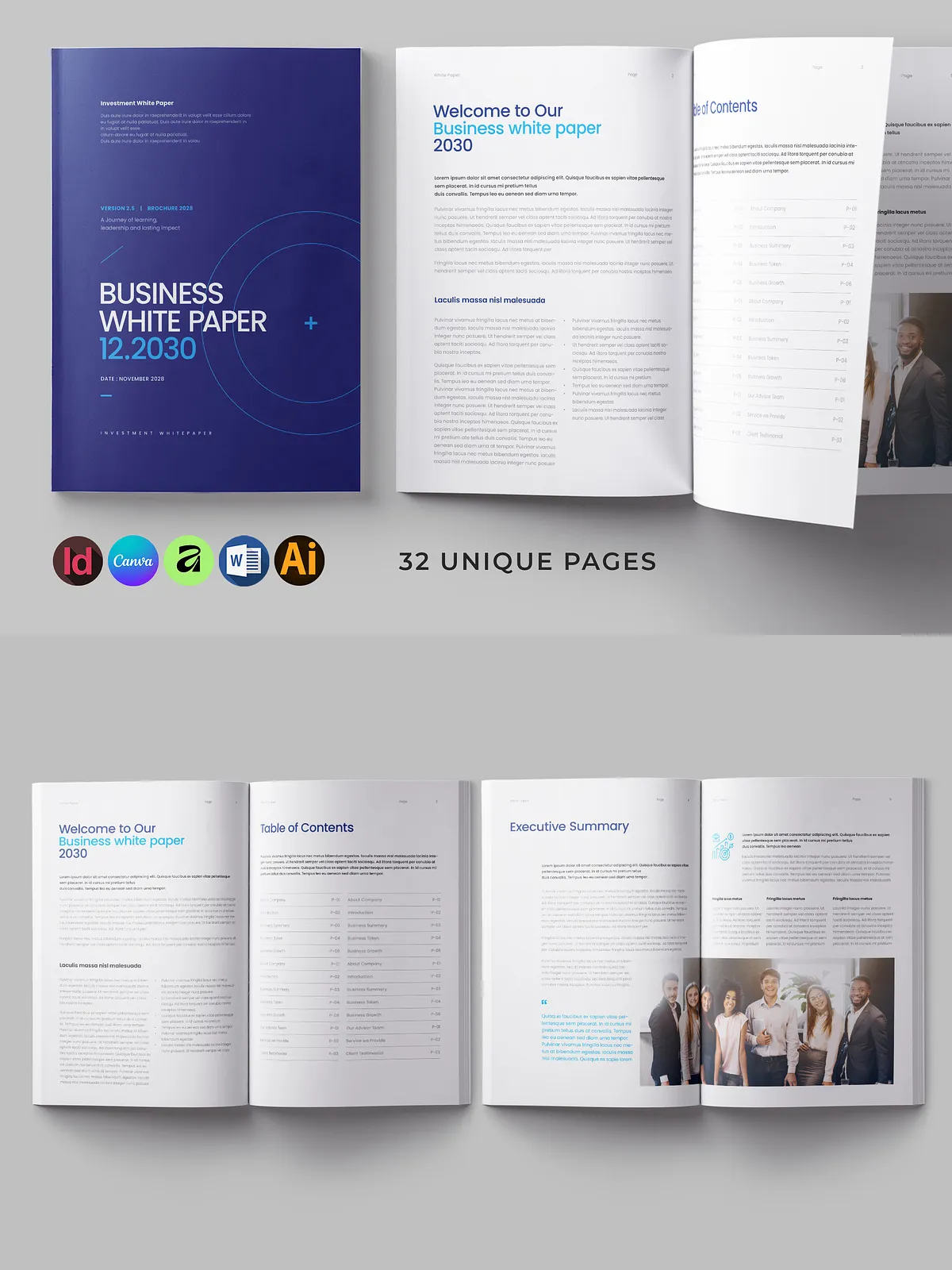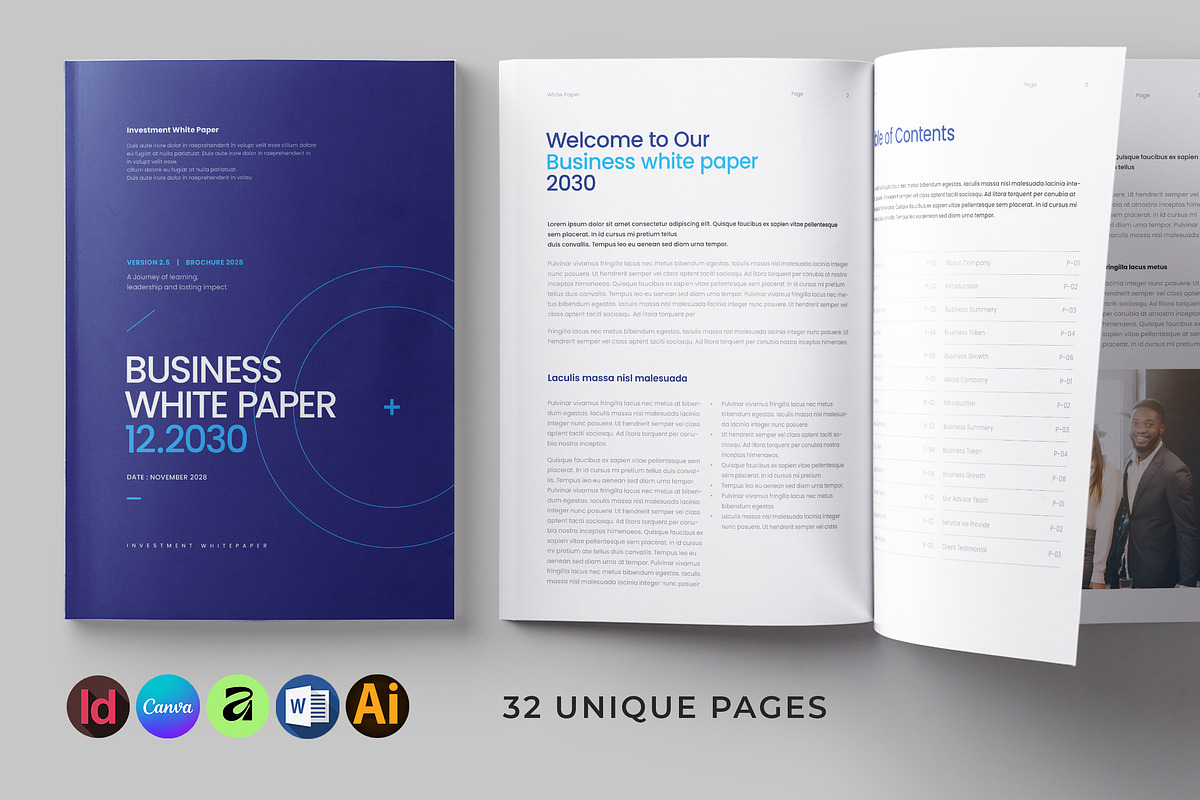
This White Paper Template delivers a professional, ready-to-use document system designed for businesses, agencies, and thought leaders who need clean, polished long‑form documents fast. The package combines a complete 32‑page layout with master pages, automatic page numbering, and multiple file formats so you can edit in the environment you prefer — Microsoft Word, Canva, Adobe InDesign (INDD/IDML), Illustrator (AI/EPS), Affinity, and more. The design targets print and digital distribution: it uses CMYK color, a 300 DPI resolution, and a bleed setting for accurate print production.
Key Features
Comprehensive Page Set
The template includes 32 unique pages that cover typical white paper sections such as title, table of contents, executive summary, methodology, findings, charts, case studies, team profiles, and conclusion. Each page builds on consistent typography and spacing rules so you maintain visual coherence across the whole document.
Master Pages & Automatic Numbering
Master pages speed up global changes: update headers, footers, or background elements once and the change applies across all pages. Automatic page numbering reduces manual errors and streamlines revisions when you add or remove content.
Multiple Editable File Formats
Work in the tool you prefer. The package provides:
- InDesign INDD and IDML files for professional layout workflows;
- Microsoft Word files for quick edits and broad compatibility;
- Canva files for browser‑based design editing — edit directly in Canva via their document templates at [Canva Documents Templates](https://www.canva.com/documents/templates/);
- AI & EPS files for Illustrator users;
- Affinity files for Affinity Publisher users.
Files Included
- InDesign INDD and IDML files
- Microsoft Word files
- Canva editable files (open and edit in your Canva account — see [Canva document templates](https://www.canva.com/documents/templates/) for reference)
- AI & EPS Illustrator files
- Affinity files
- Help and information PDF files with step‑by‑step guidance
- Fonts link included (main files reference)
Technical Specifications
Print and Color
The template ships configured at 8.75” x 11.25” with a 0.25” bleed setting to match common print requirements. Pages use CMYK color mode and are created at 300 DPI to ensure sharp output and accurate color reproduction when you send files to a professional printer.
Compatibility
InDesign files are compatible with CS4, CS5, CS5.5, CS6 and Creative Cloud. Word files open in Microsoft Word on Windows and macOS. Canva files are editable in the Canva web app and allow rapid online collaboration without desktop software.
How to Use
Quick Start
- Choose the format that matches your workflow (Word, InDesign, Canva, etc.).
- Open the main template file and update the master pages with your brand colors, fonts, and logo.
- Replace placeholder text and imagery with your content. Use the automated page numbering to keep sequence accurate as you edit.
- Export to PDF for print or to high‑resolution PNG/JPG for digital distribution. For print, confirm bleed and color settings with your print provider.
Benefits
This template speeds production, ensures consistent branding, and reduces layout errors. Marketing teams, consultants, and product managers can produce investor white papers, industry reports, or technical briefings with minimal design overhead. Because files come in multiple formats, you can hand off a working Word file to a colleague, a Canva file to a collaborator, or an InDesign file to a print shop without losing layout integrity.
Notes and Limitations
- Photos shown in previews are not included; you must supply your own images or purchase stock assets.
- Mockups used in promotional images are not included in the package.
- Ensure you install or substitute fonts referenced by the template; links to required fonts are provided in the main files.