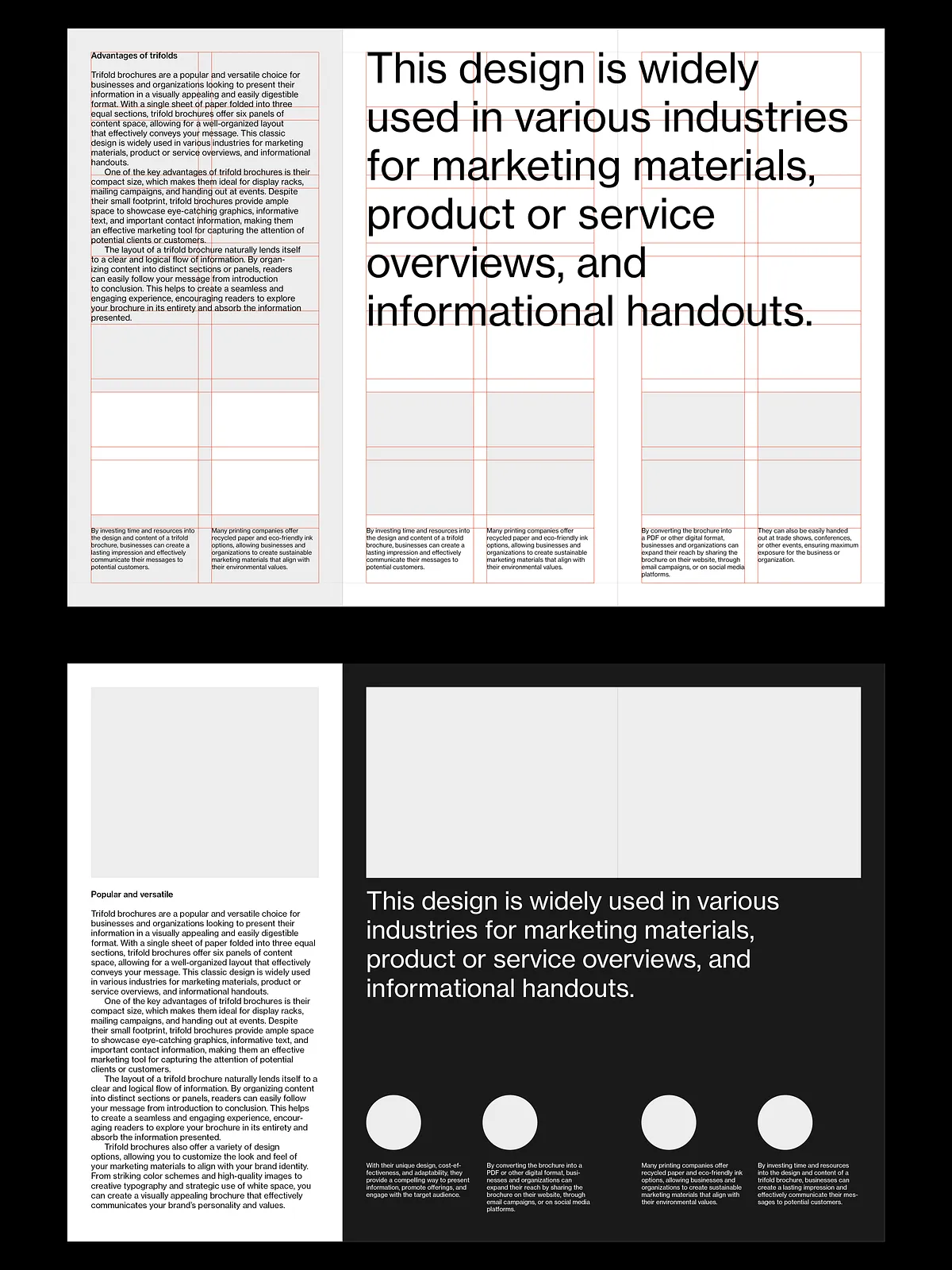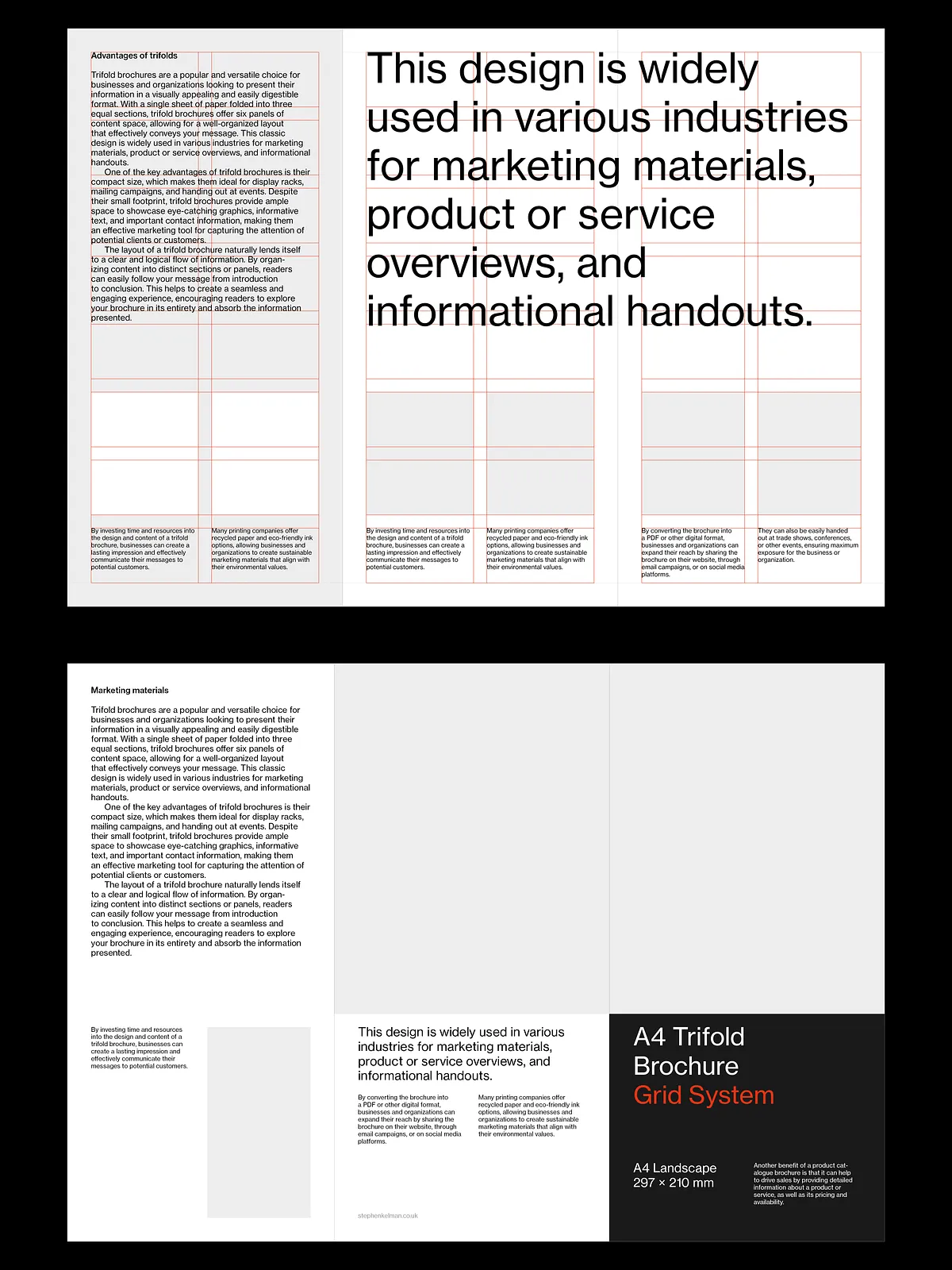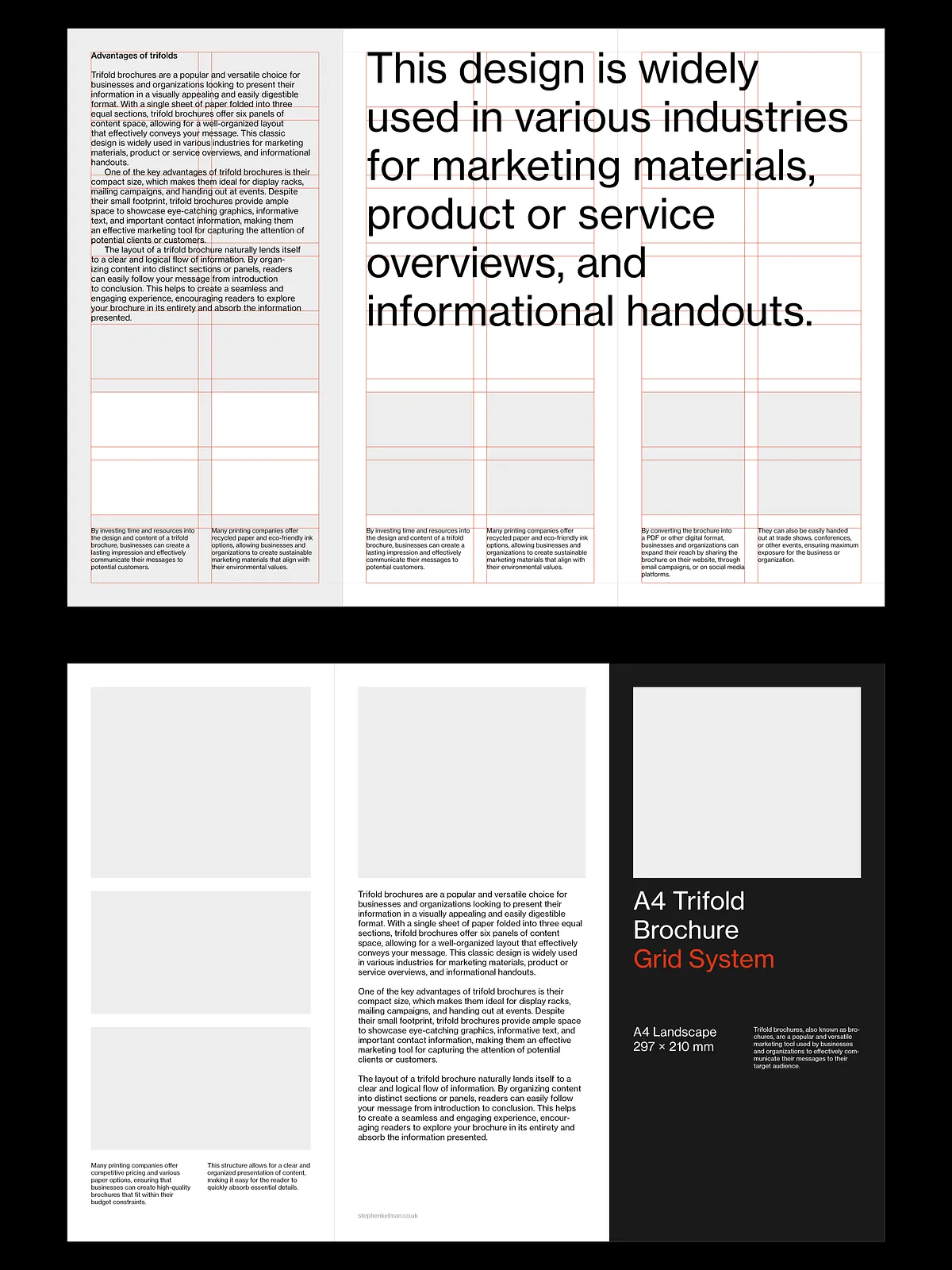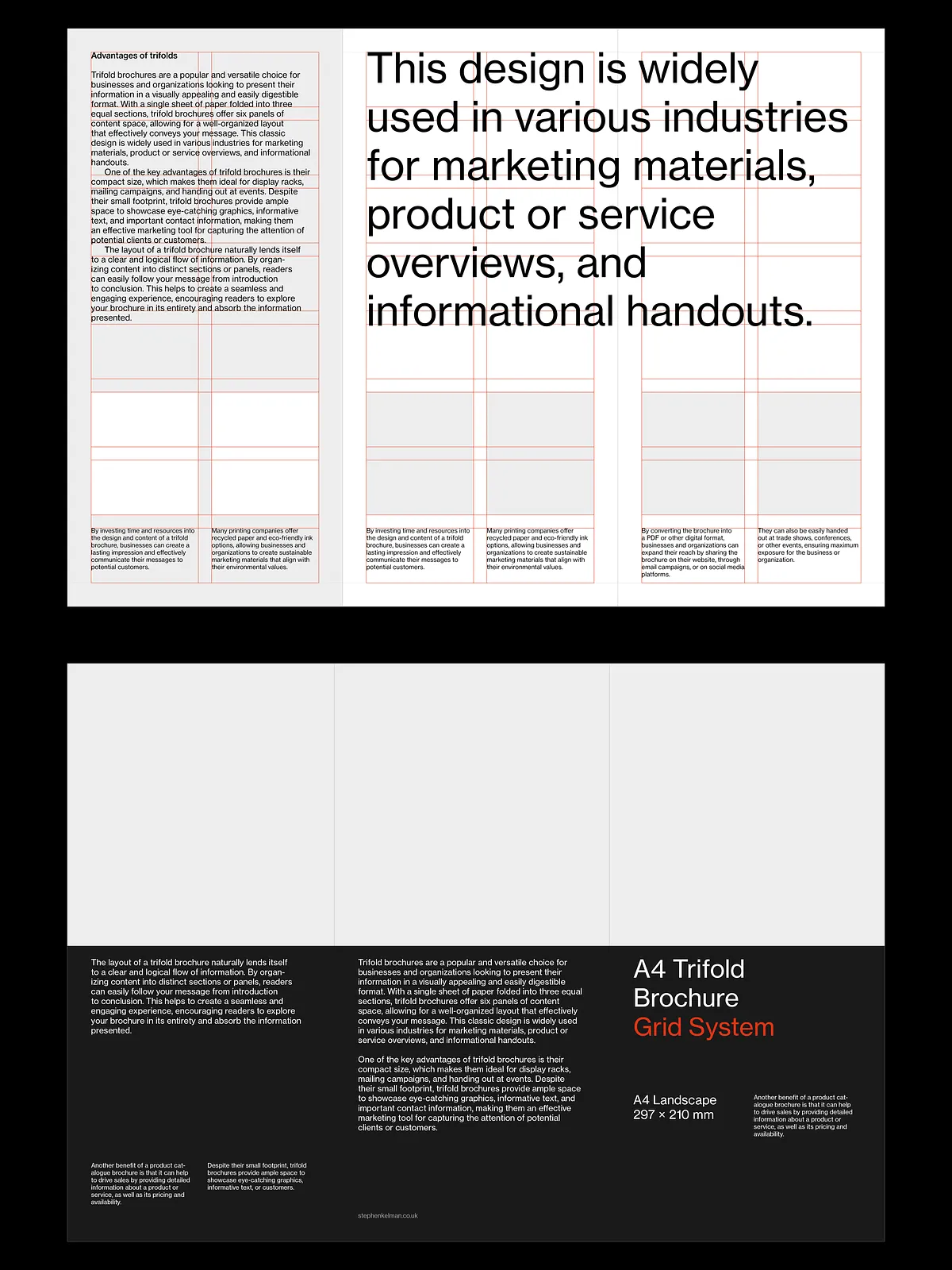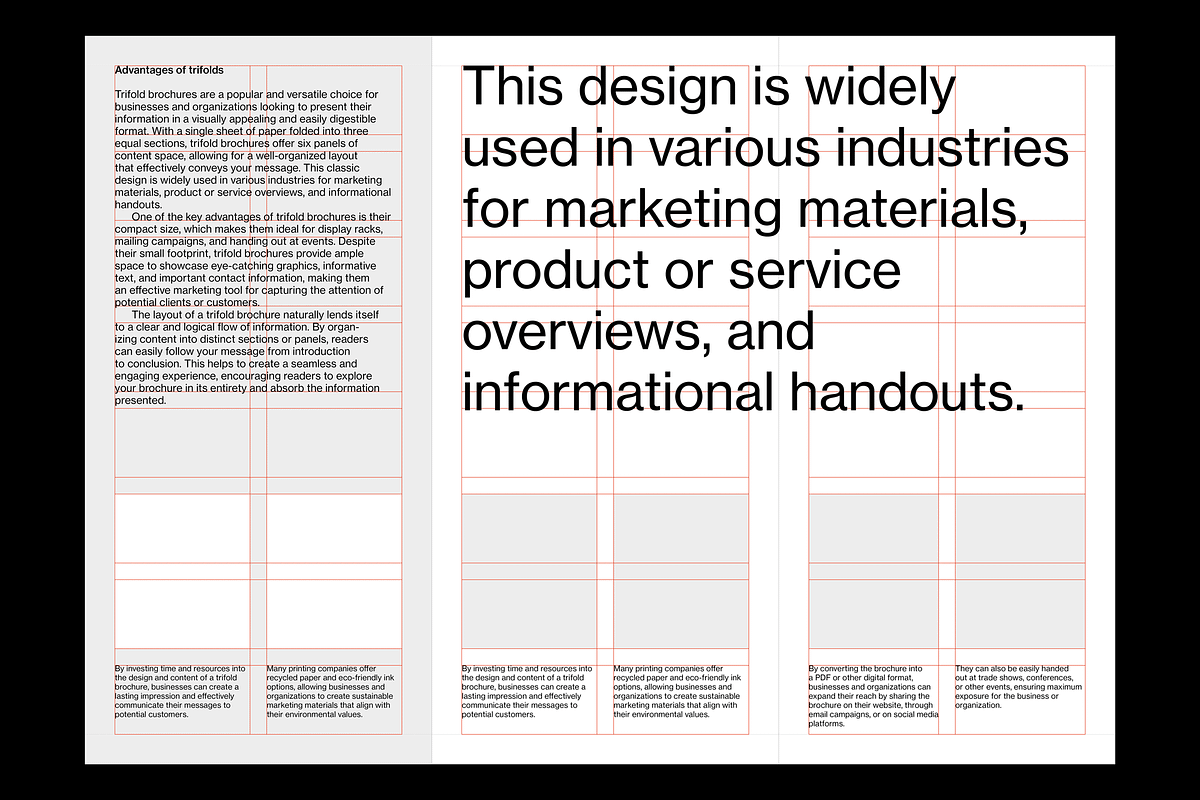
This A4 trifold brochure grid system gives designers a precise, print-ready foundation for three-panel brochures. Built for Adobe InDesign, the system includes master pages with fold guides, a 16-field modular grid, a 10 pt baseline grid, and comprehensive style sheets. You will receive 10 Swiss-style sample layouts that demonstrate typographic hierarchy and spacing, enabling rapid customization and consistent results across every panel. The package assumes you have Adobe Creative Cloud and basic proficiency with InDesign; once you open the files you can immediately apply brand colors, swap imagery, and export press-ready PDFs.
Core Features
Master Pages with Fold Guide Template
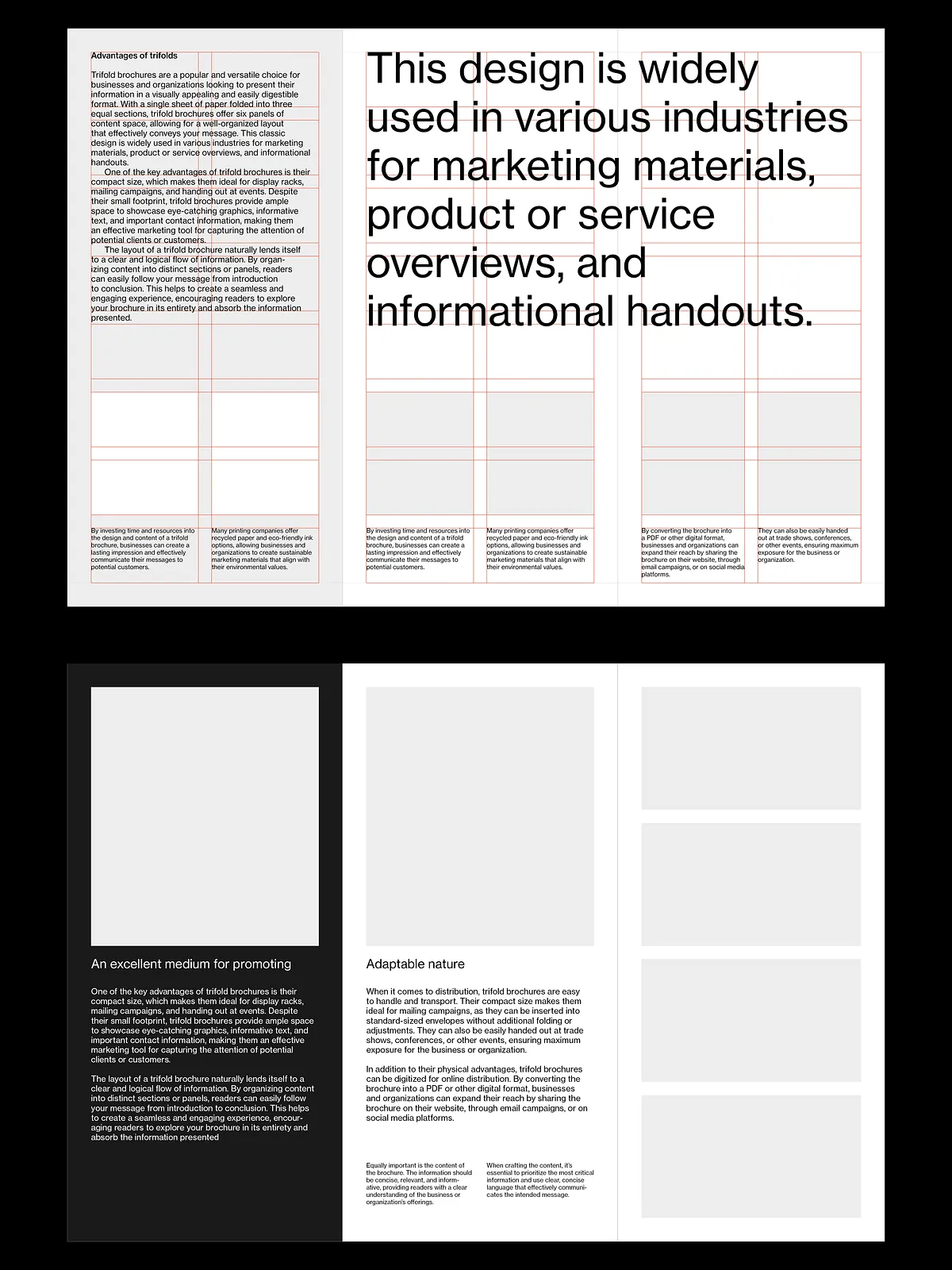
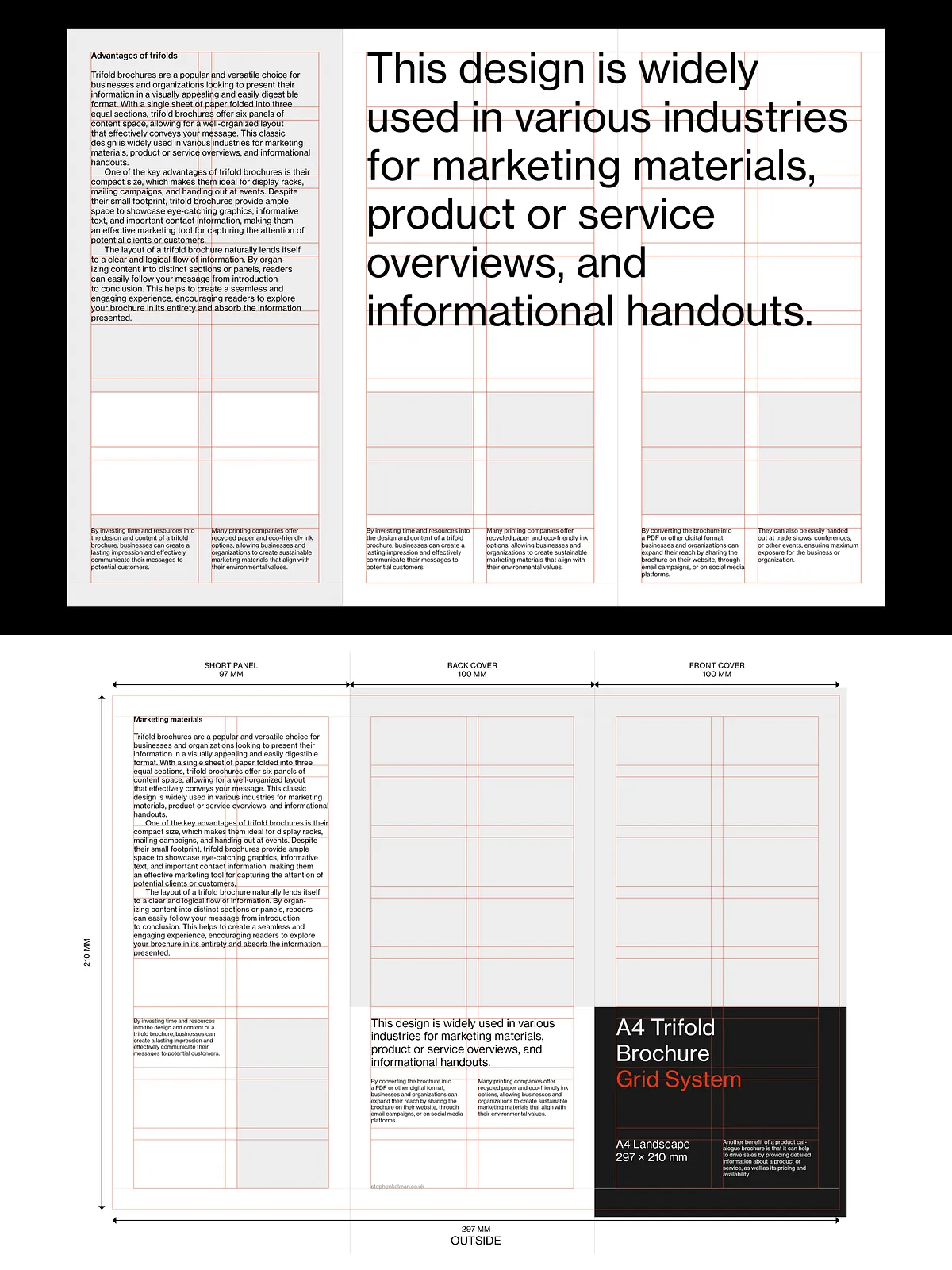
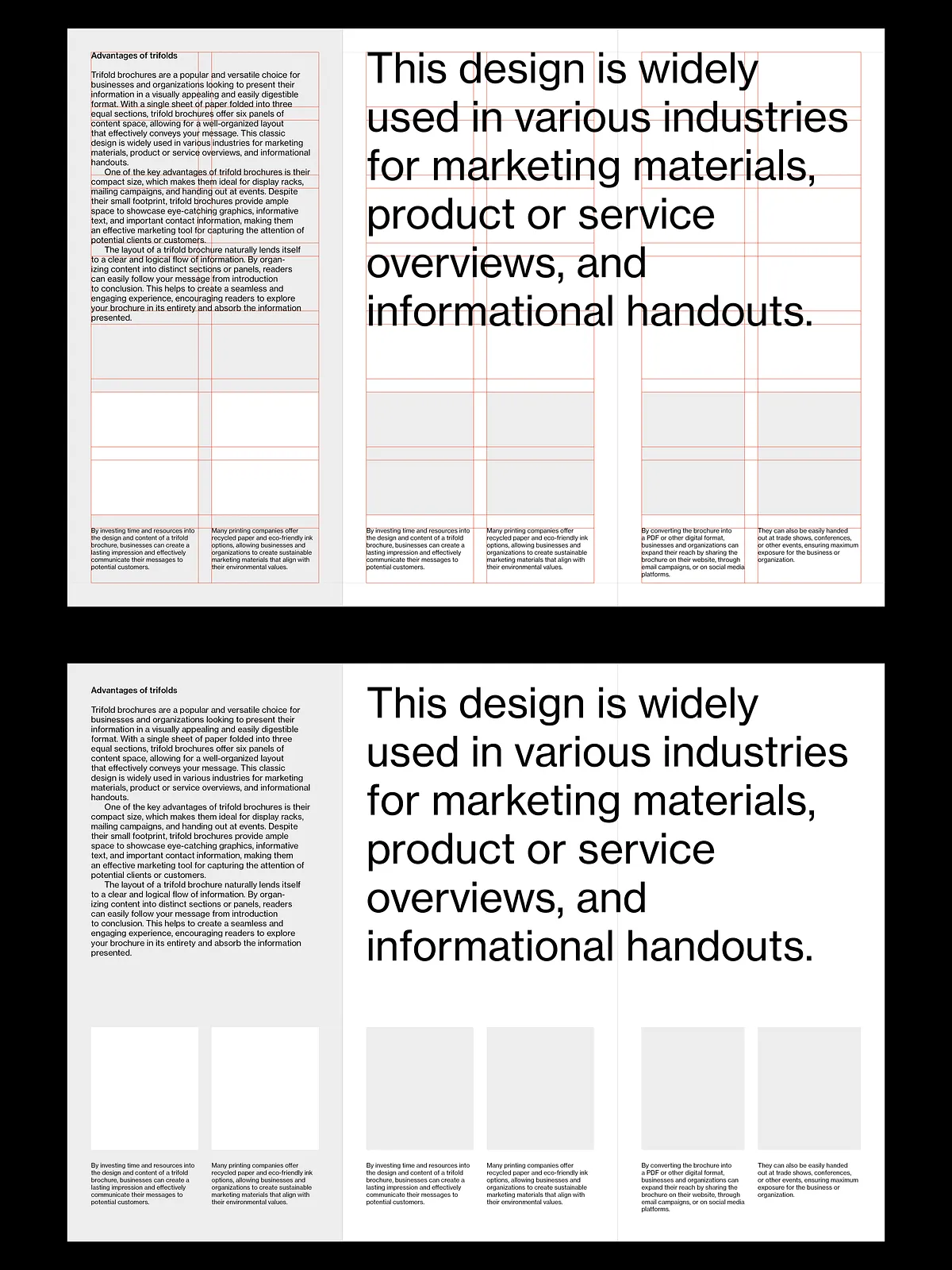
The master pages include accurate fold lines and margin cues so you can position type and imagery outside danger zones. The fold guides help you avoid critical content loss during folding and printing, and they update automatically across pages so global changes remain consistent.
16-Field Modular Grid
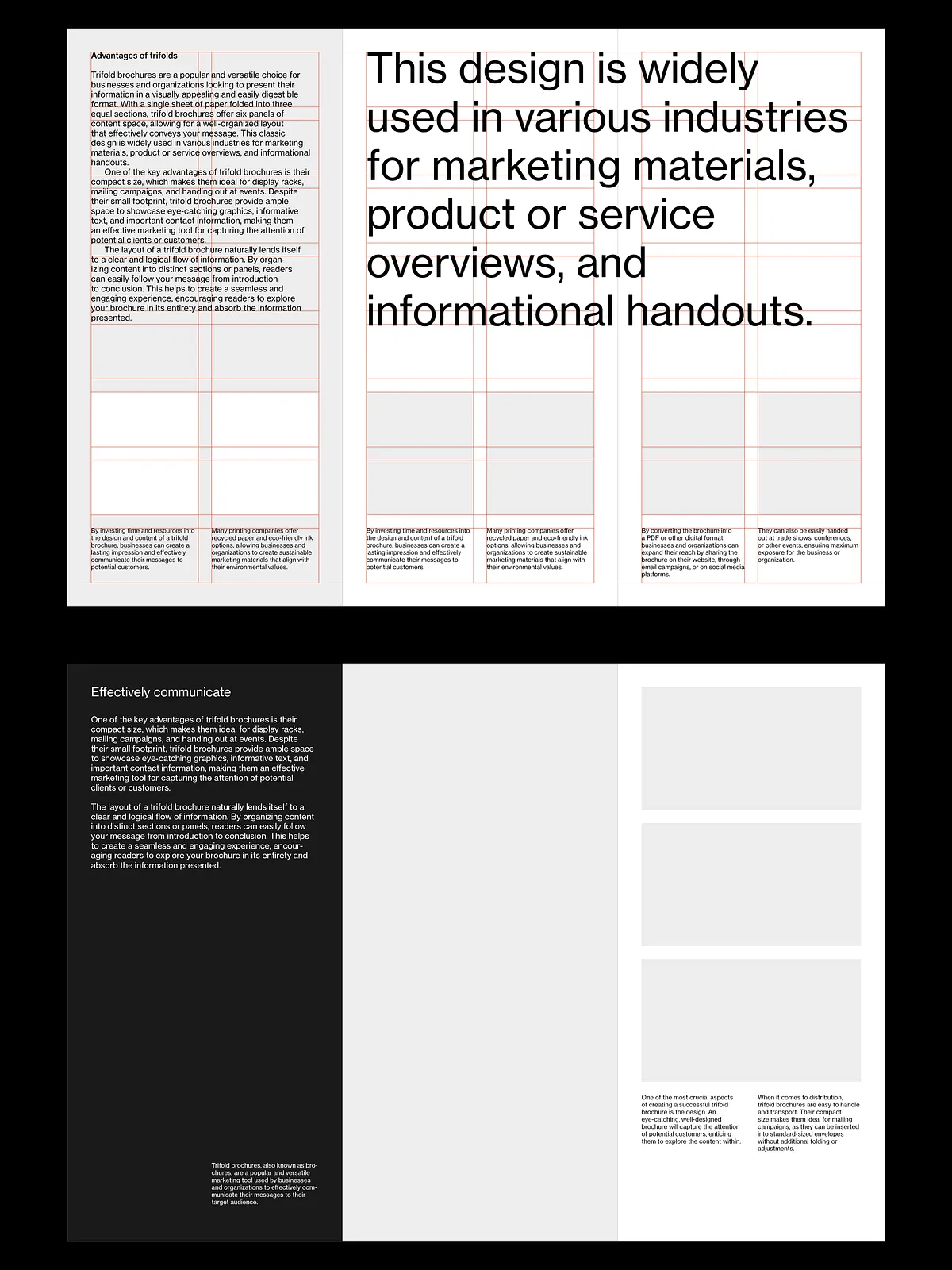
The 16-field modular grid provides a flexible matrix to align text, images, and white space. The grid enables you to build strong typographic rhythm and modular components that snap into place, accelerating layout decisions while preserving visual harmony.
10 pt Baseline Grid & Proportional Leading
The included 10 pt baseline grid enforces baseline alignment across columns and panels, improving legibility and giving your layout a refined typographic cadence. Proportional leading values pair with the baseline grid to maintain consistent vertical spacing for headings, body copy, captions, and lists.
Comprehensive Style Sheets
The delivered style sheets cover paragraph and character styles for headings, subheads, body text, captions, and callouts. Edit one style to update the entire document instantly—this minimizes manual tweaks and ensures typographic consistency across every brochure panel.
Ten Swiss-Style Sample Layouts
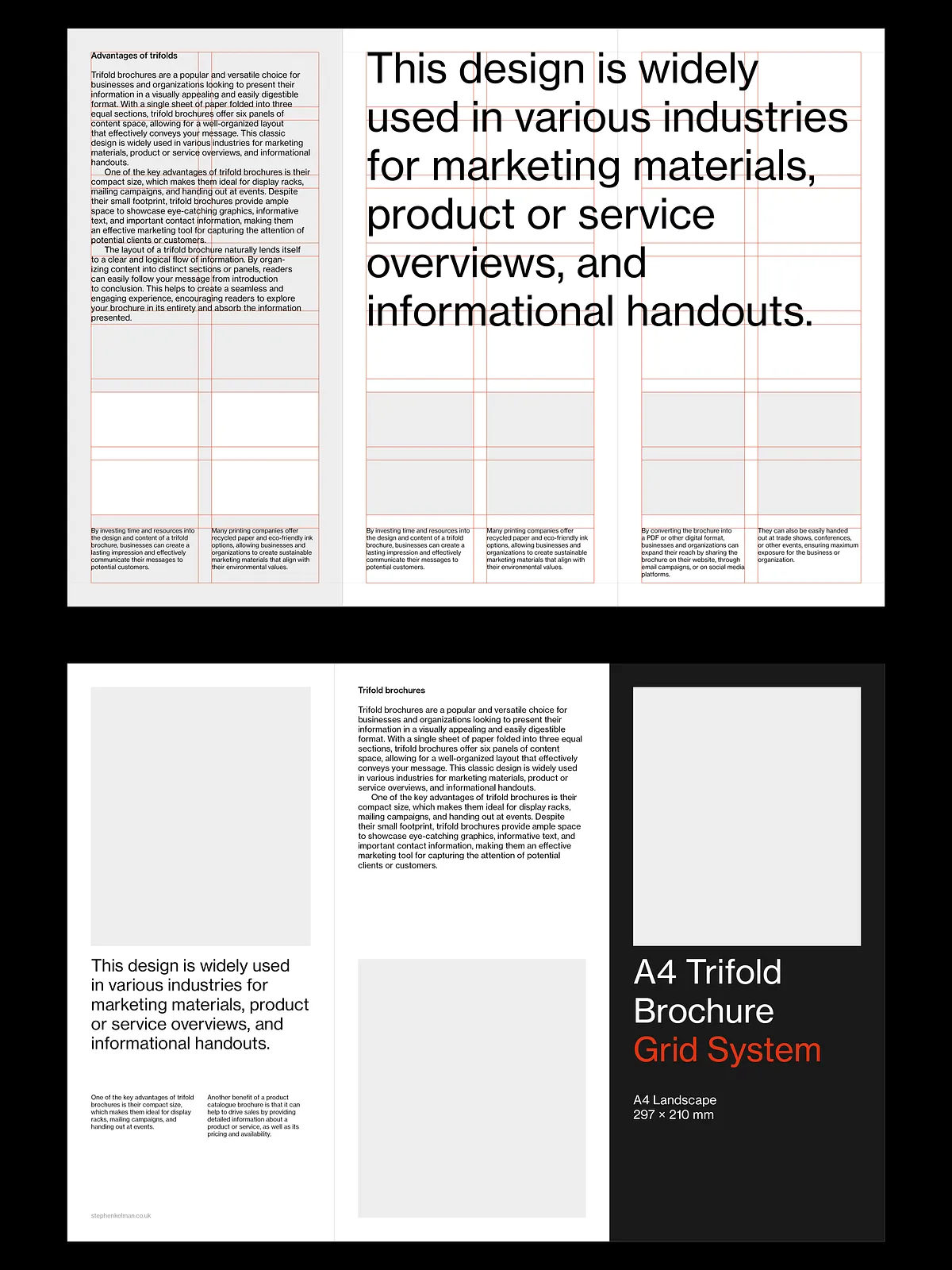
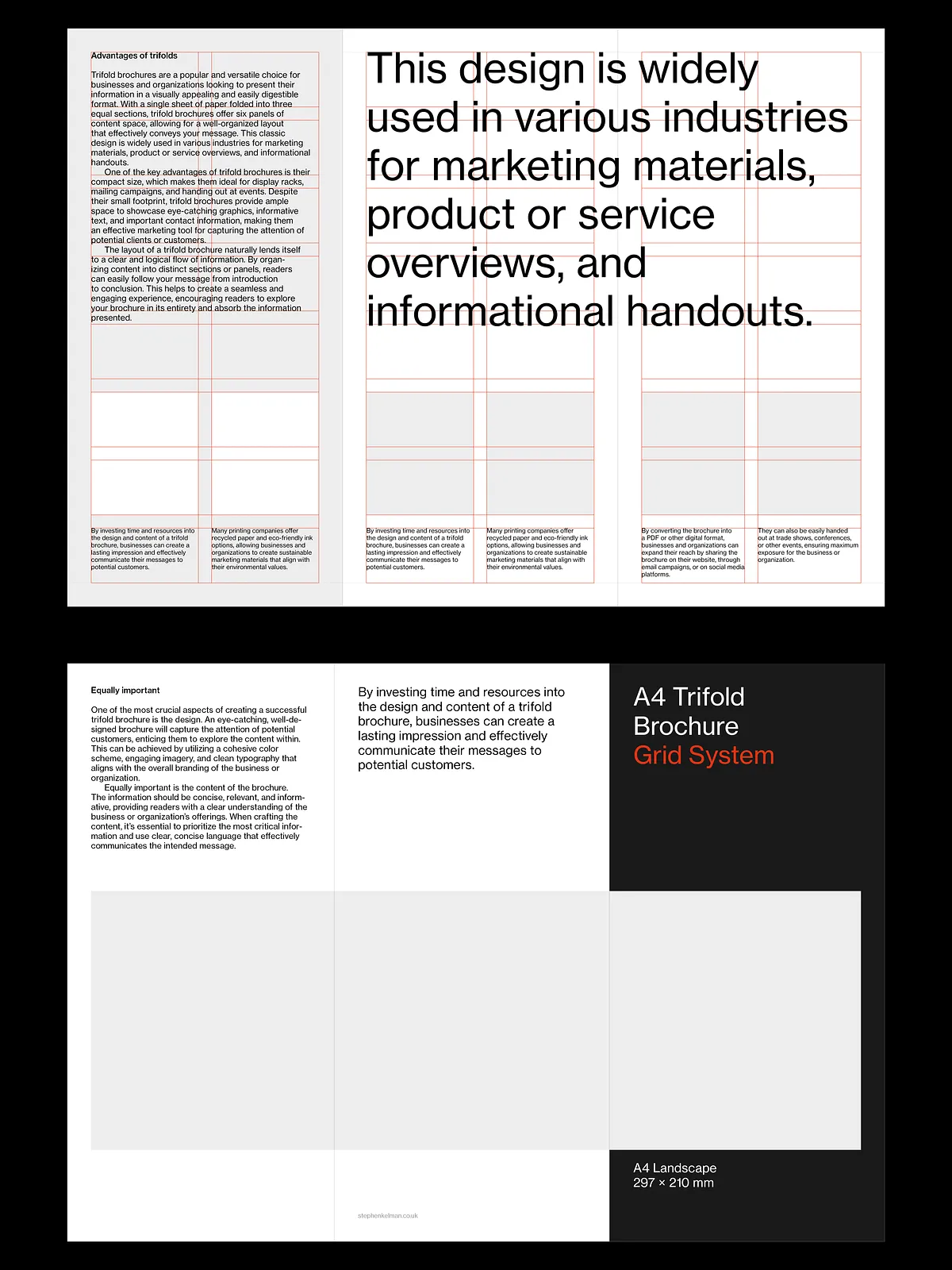
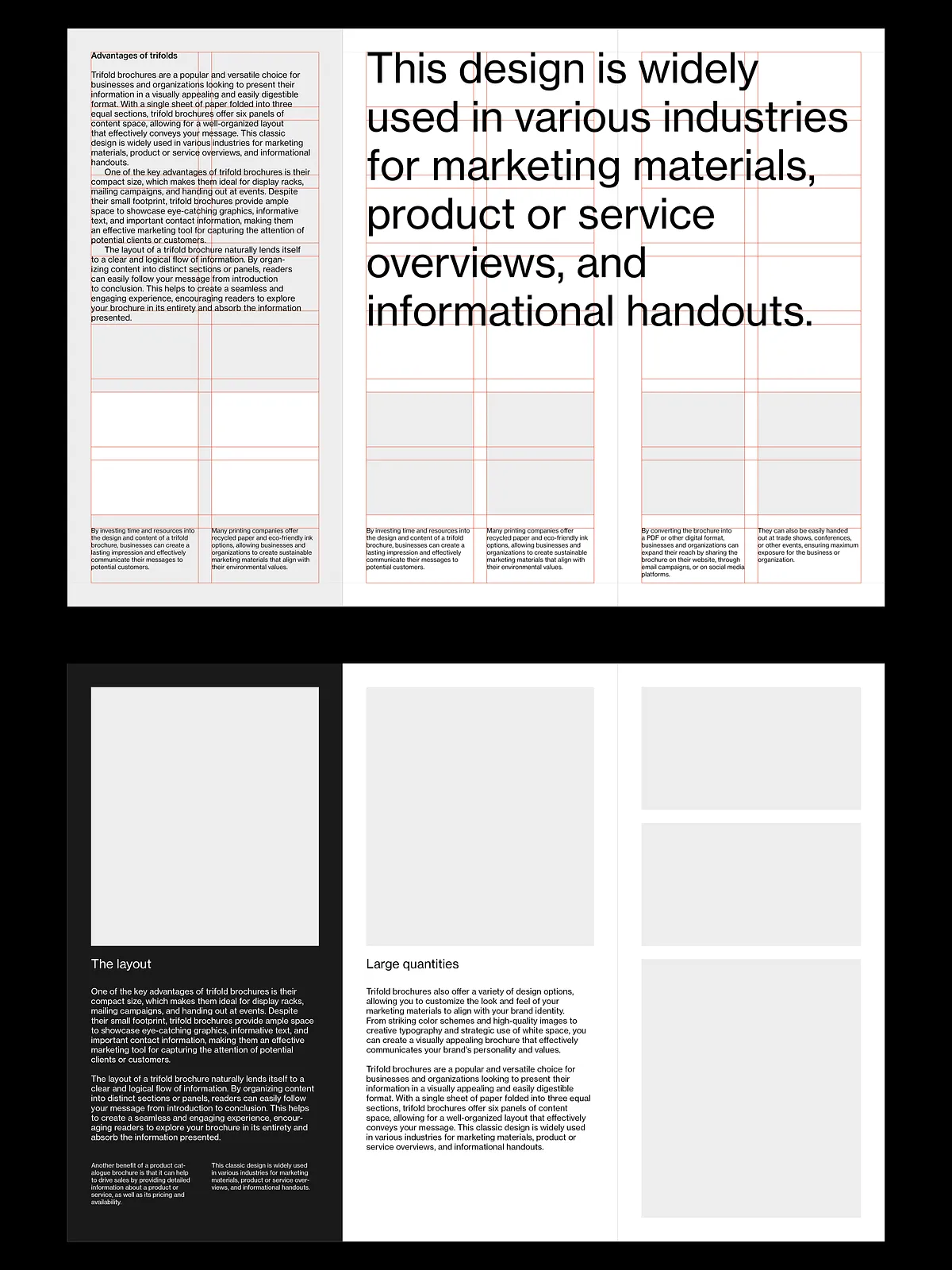
Ten sample layouts demonstrate how to apply the grid and style system to produce clean, modern trifold brochures. Use these as starting points or extract components such as typographic scales, image treatments, or column configurations to accelerate your custom designs.
How to Use
Quick Setup
- Open the supplied InDesign file in Adobe Creative Cloud.
- Update master pages with your logo and brand color swatches.
- Replace placeholder images and text using the modular grid for alignment.
- Adjust the style sheets to match your brand typography—changes propagate throughout the document.
- Run a preflight check and export a print-ready PDF with required bleed and crop marks.
Best Practices
Keep critical copy and logos at least 6–10 mm from fold guides to prevent occlusion. Use the baseline grid for multi-column body text to preserve consistent line breaks across panels. When placing full-bleed images, extend artwork to the bleed edge and confirm crop marks with your print provider.
Benefits
By applying this grid system you will speed up layout production, reduce design revisions, and produce professional, accurately folded brochures. The modular approach helps teams maintain brand consistency while enabling rapid experimentation with type, scale, and image hierarchy. Printers receive correctly prepared files with clear fold guides and margin safety areas, reducing the risk of trimming or folding errors.
Compatibility & Requirements
This system requires Adobe InDesign (Creative Cloud recommended) and basic knowledge of master pages, style sheets, and export settings. The templates assume standard A4 paper for trifold production and include fold guides calibrated for three equal panels. If you need alternative panel widths or different page sizes, you can adapt the modular grid and master pages to your specifications.