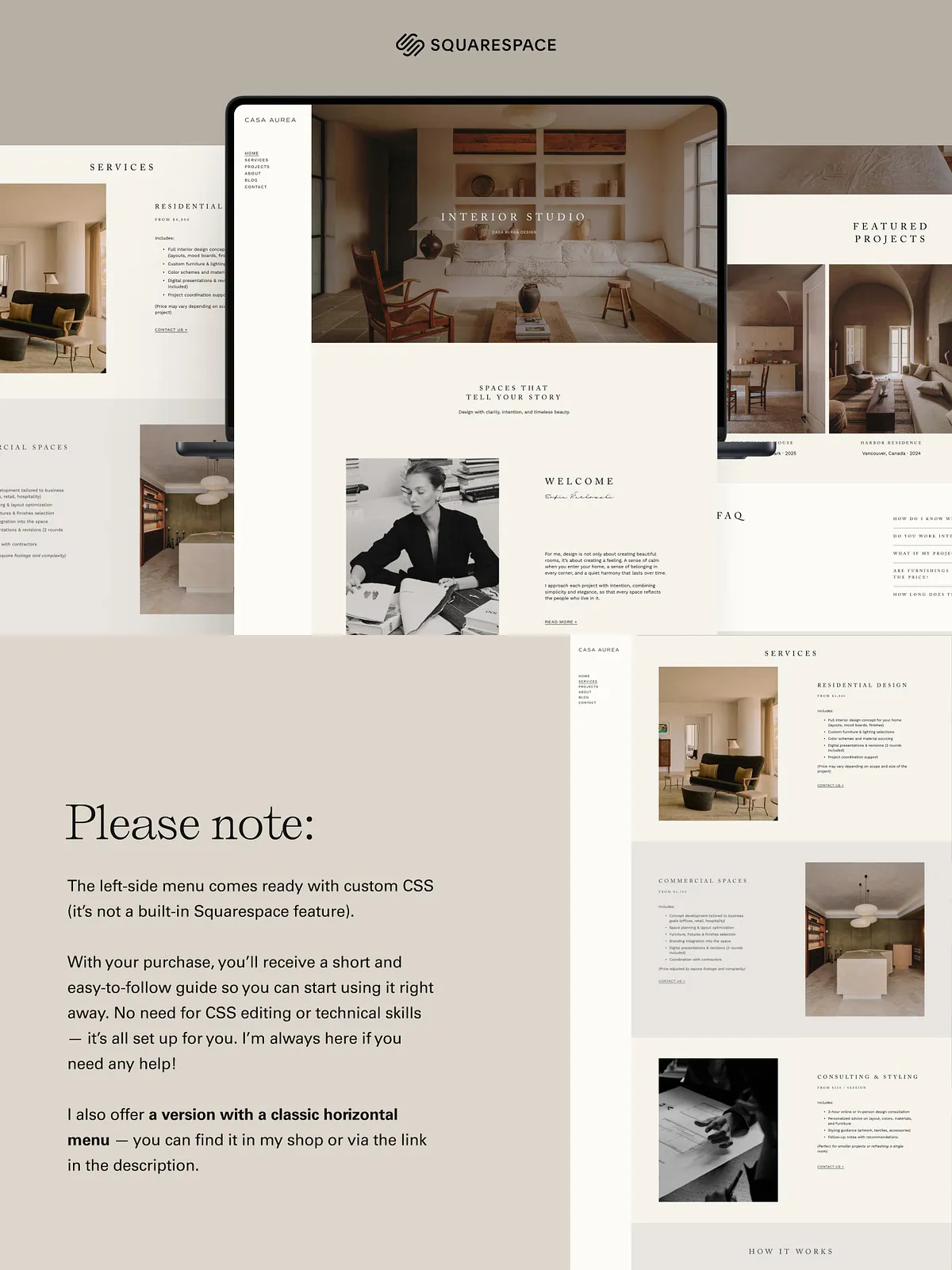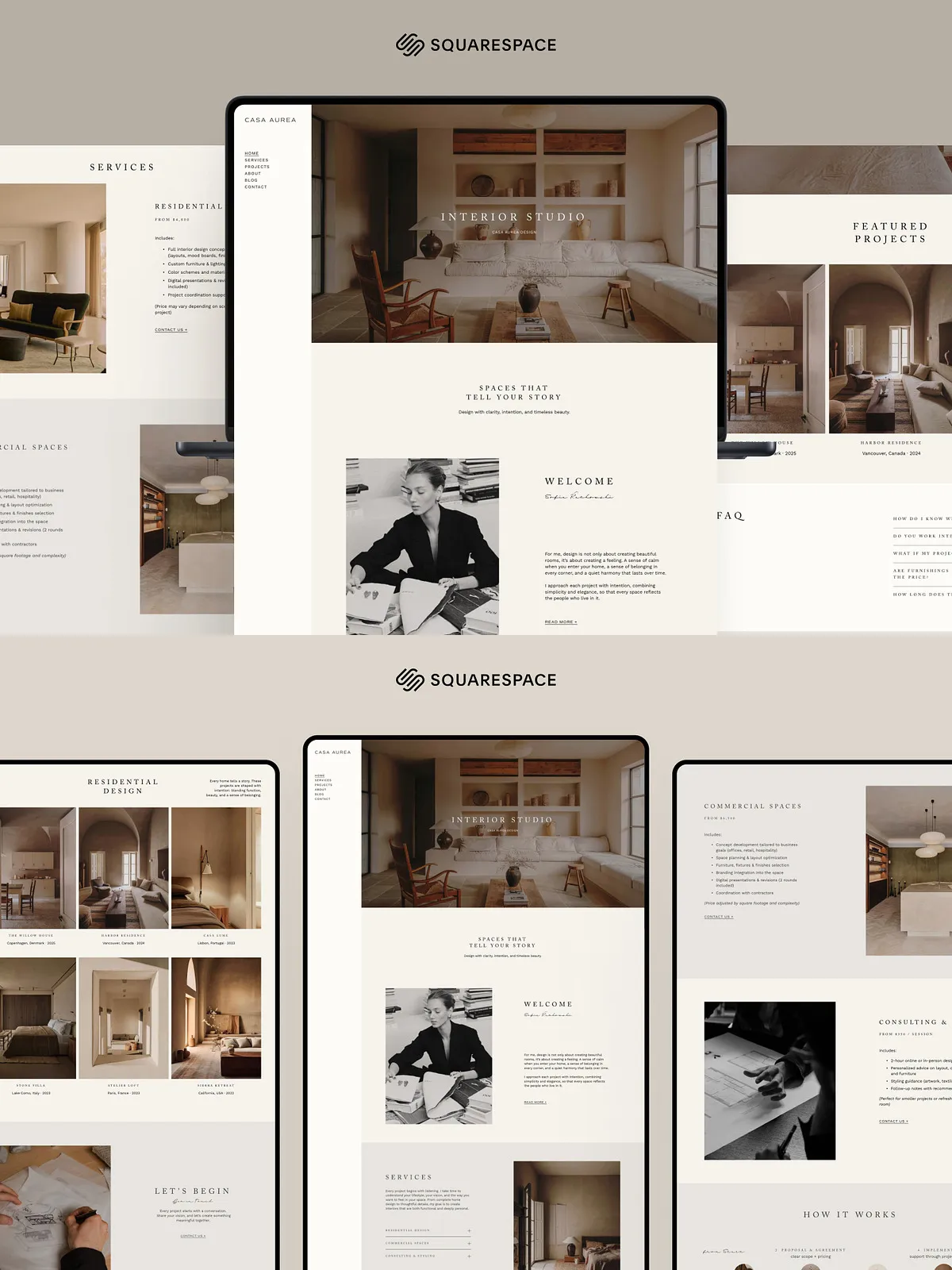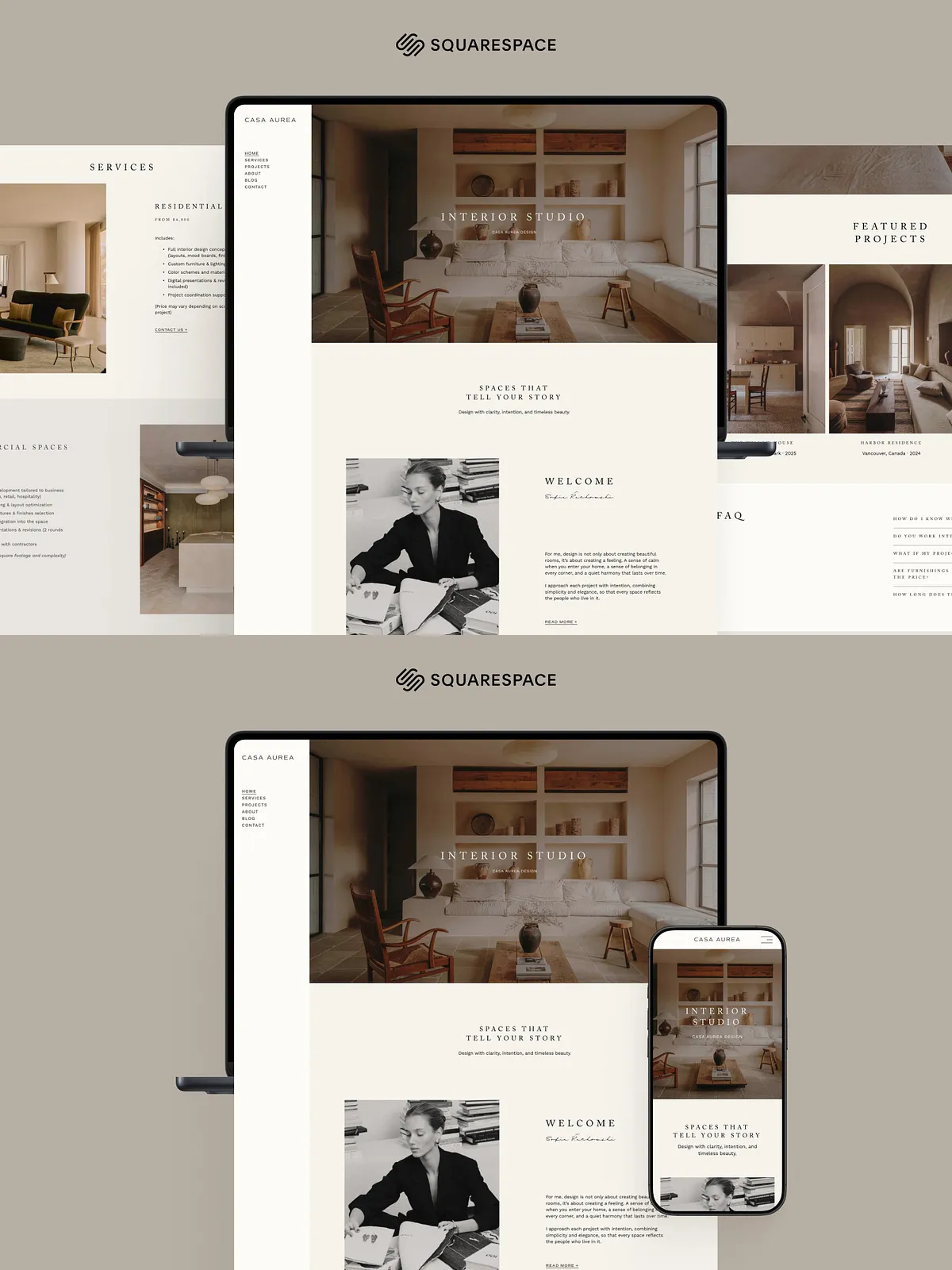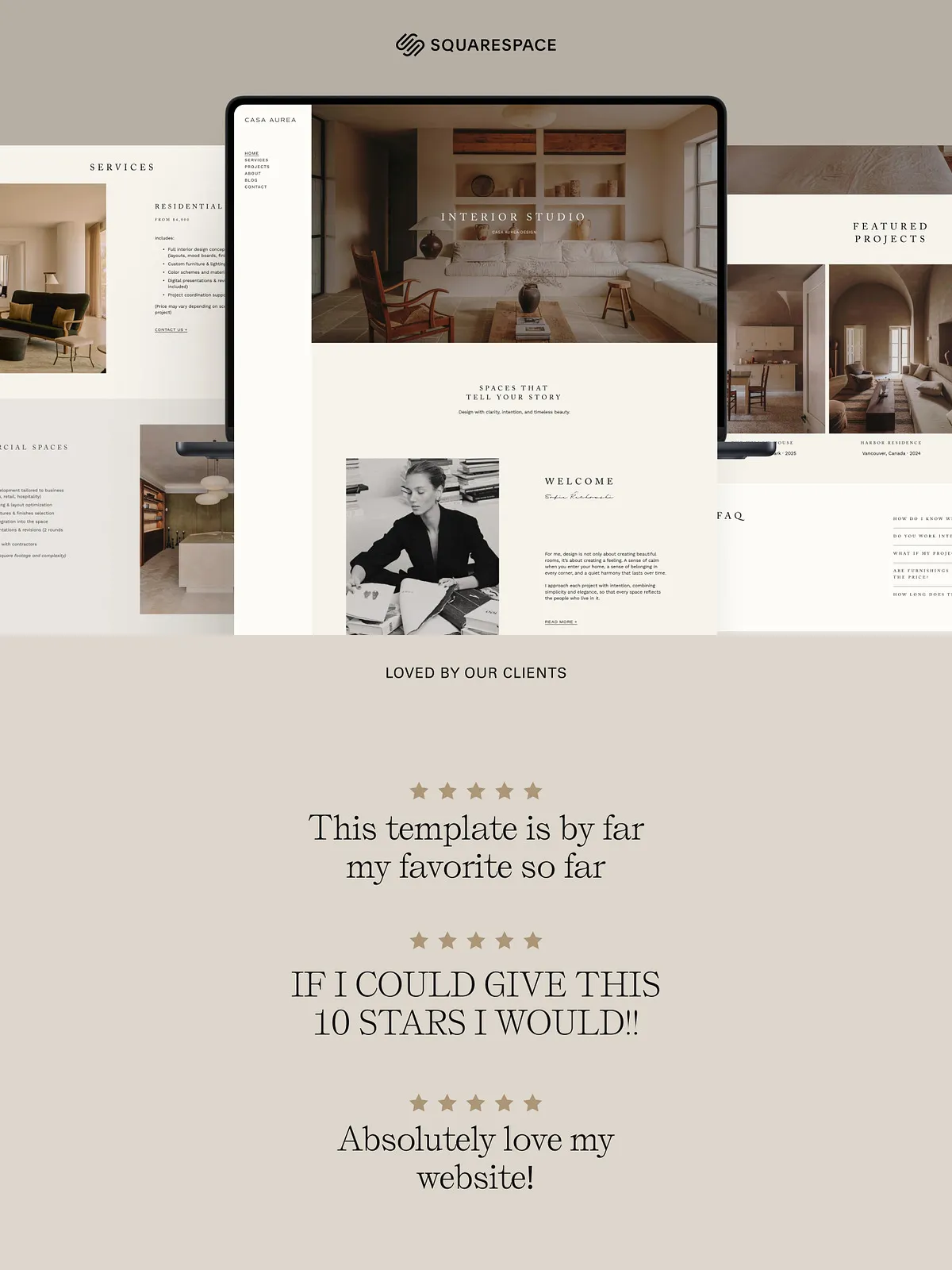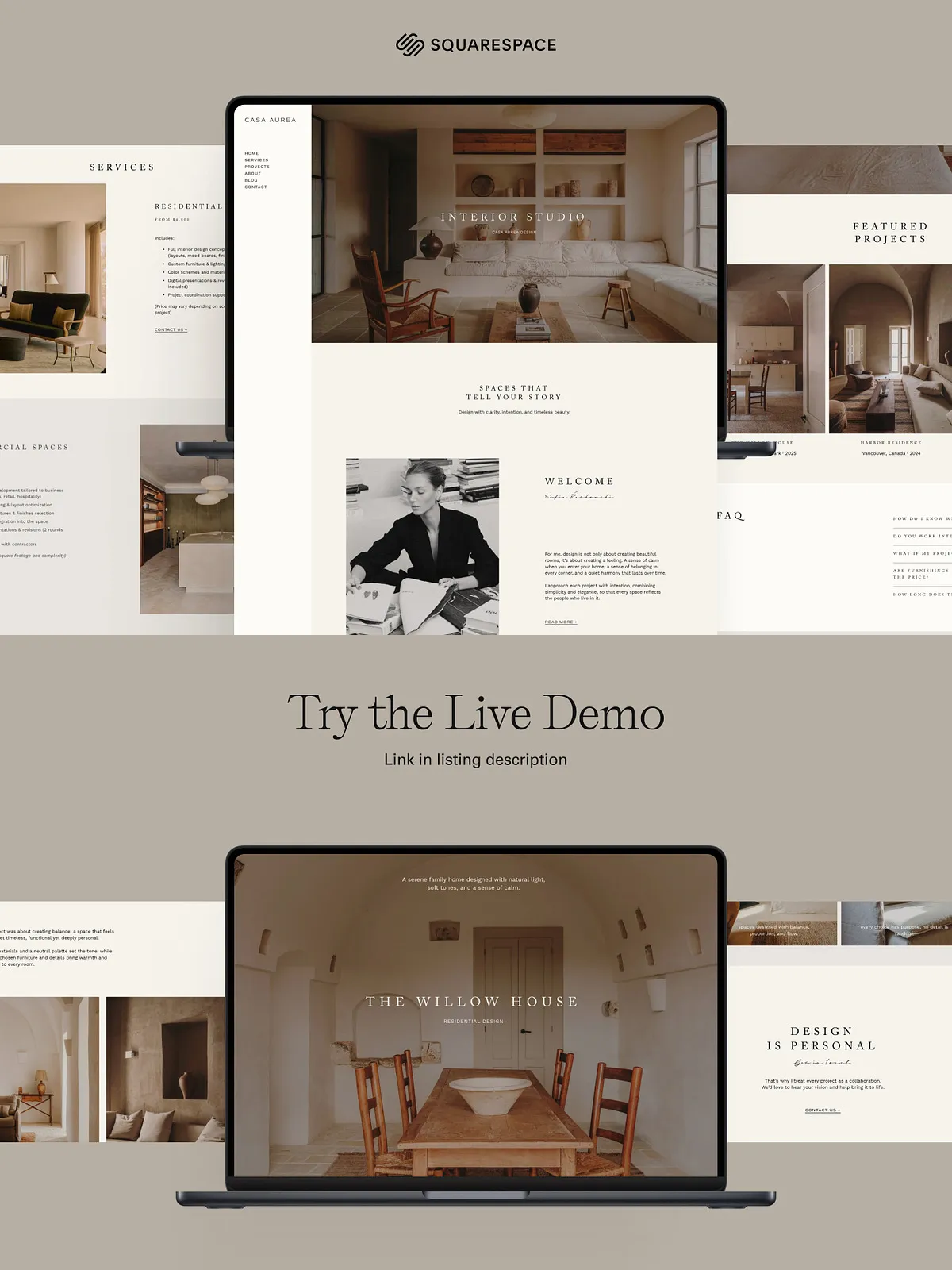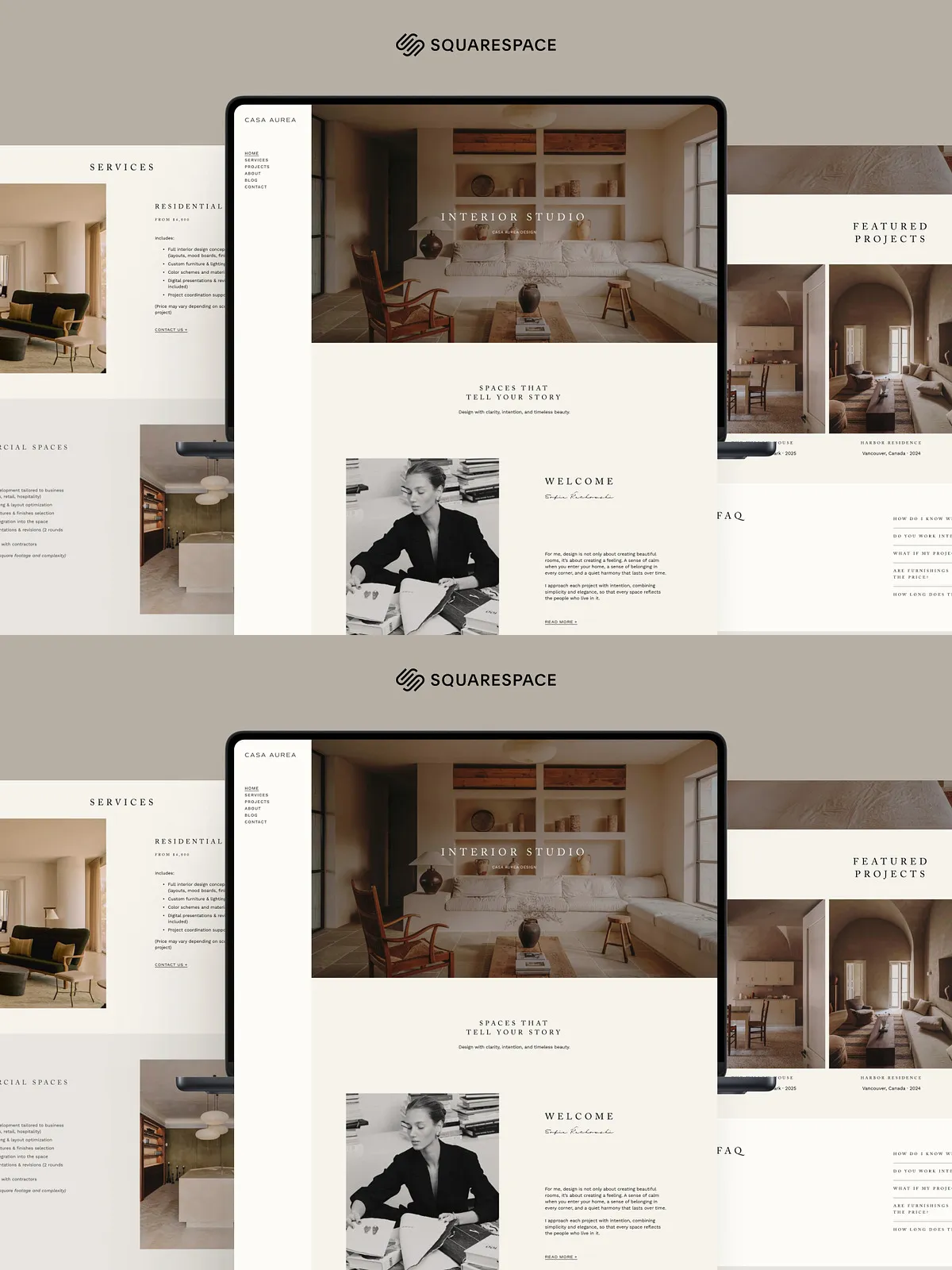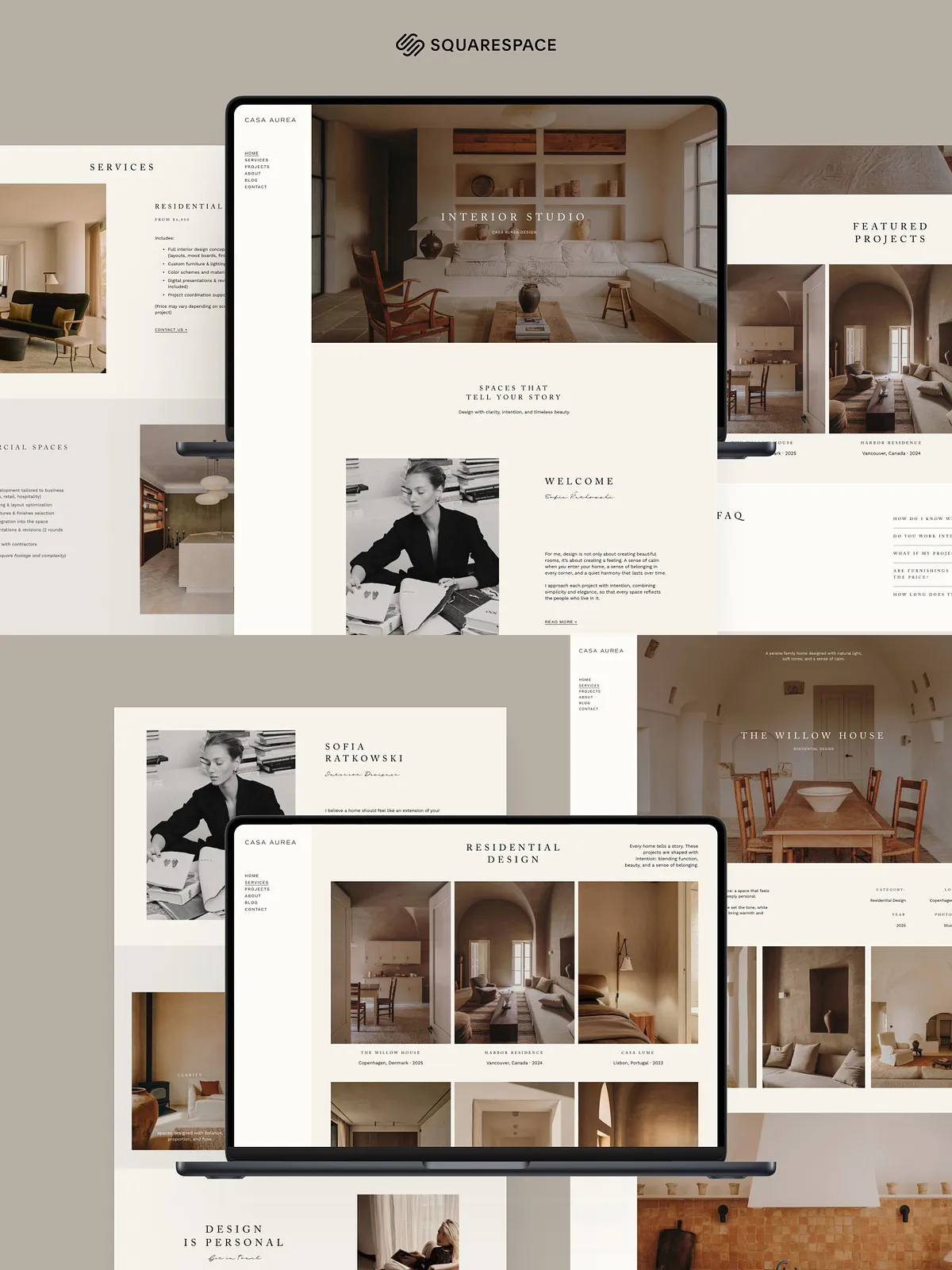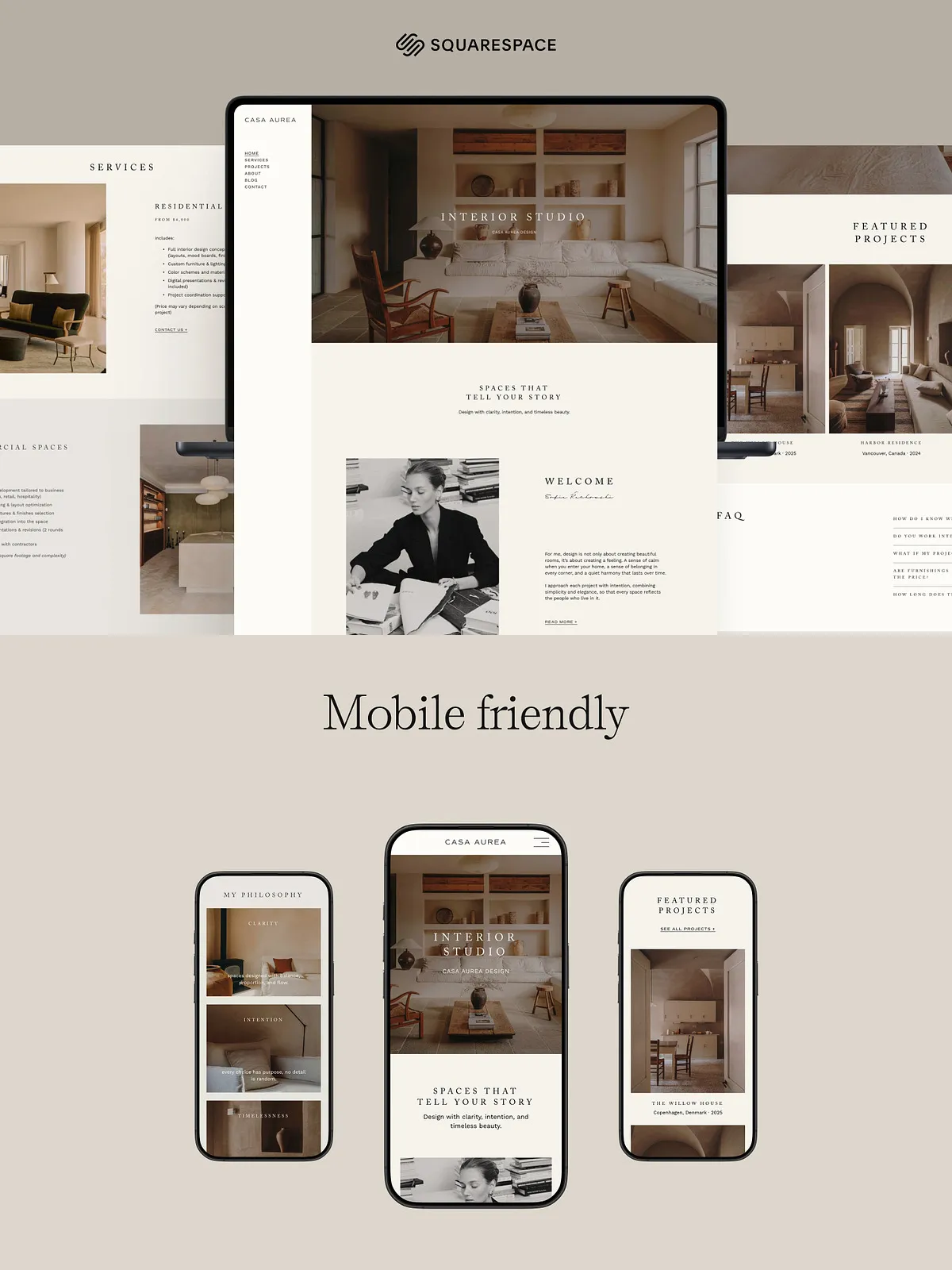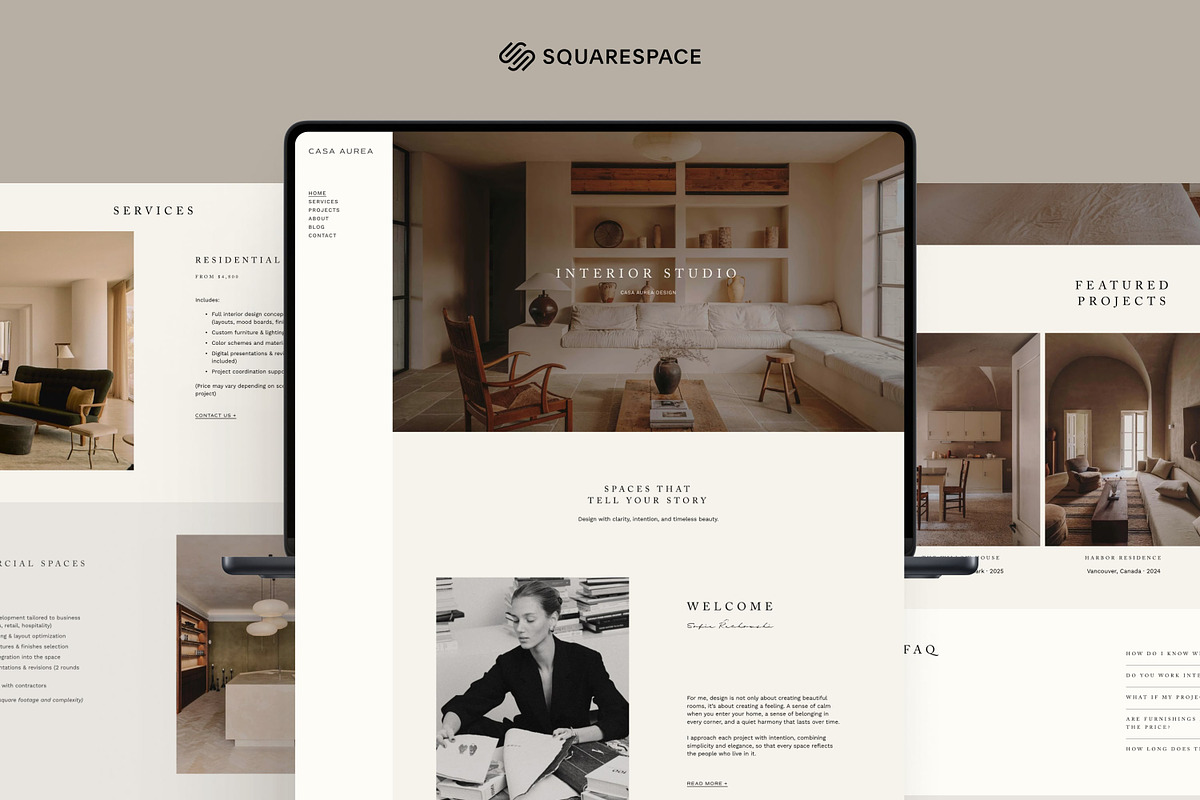
This Squarespace 7.1 template delivers a calm, refined online presence tailored for interior designers, architects, creative studios, and visual professionals. The layout emphasizes clean lines, generous white space, and a strong visual structure that highlights photography and project narratives. You can quickly adapt the template to present residential or commercial projects, case studies, and service pages, helping prospective clients understand your process and design vision. The template actively supports your brand by providing editable sections, controlled typography, and pre-built pages optimized for portfolio presentation and conversion.
Key Features
Complete Customization
Change text, images, colors, fonts, and navigation with direct, intuitive controls. The template lets you replace logos and imagery, adjust section and layout order, and refine typography to match your brand identity. You maintain full control over responsive behavior so your content displays consistently on desktop and mobile.
Pre-Built Pages That Launch Quickly
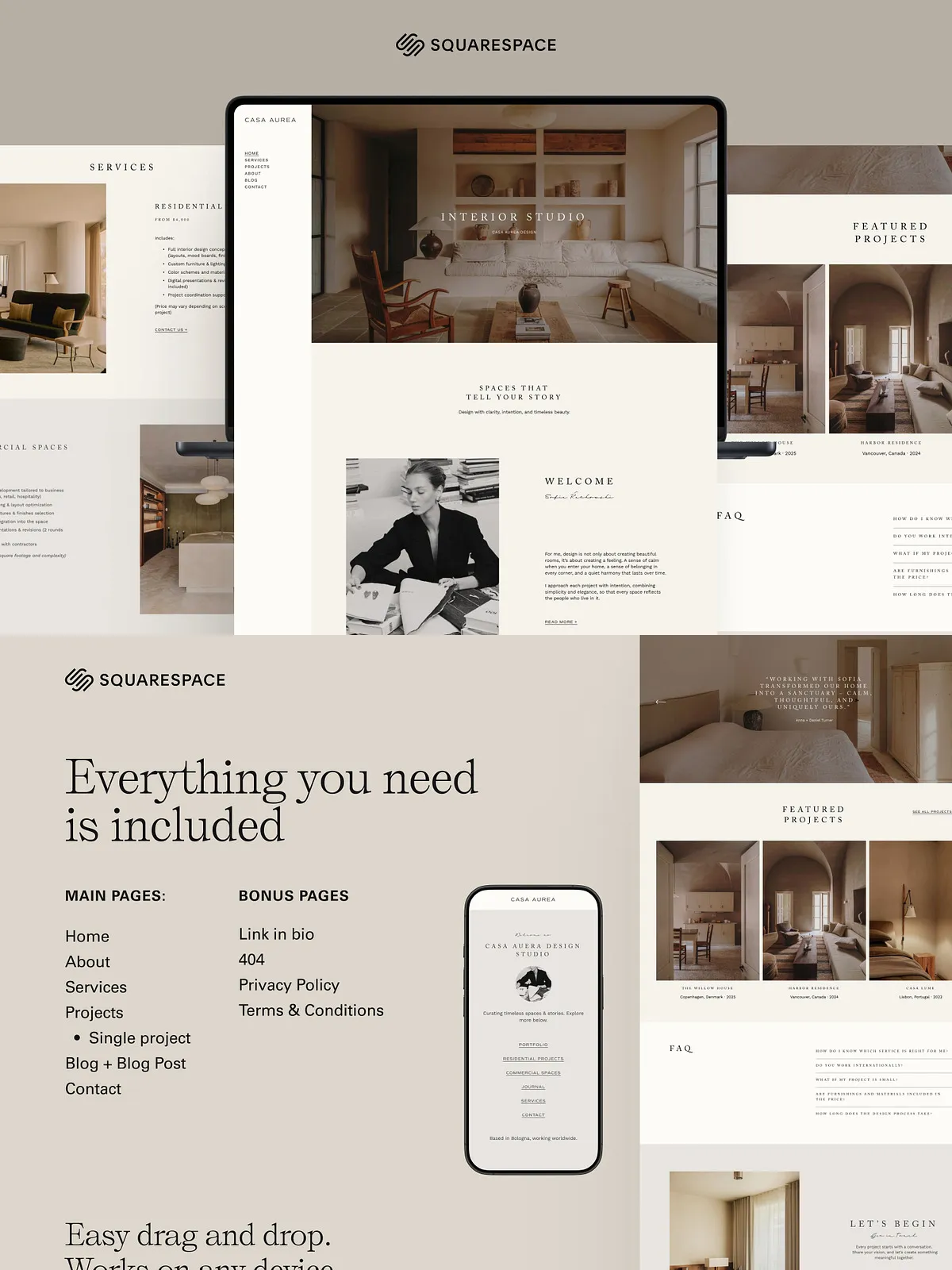
The template includes essential pages to establish a professional website fast: Home, About, Services, Projects, Single Project Page, Blog and Blog Post, Contact, Link-in-Bio, 404 Page, Privacy Policy, and Terms & Conditions. Each page arrives structured with placeholder content and suggested image placements so you can populate and publish without rebuilding core layouts.
Guided Setup and Handover
We provide a step-by-step guide that walks you through the customization process. Follow the guide to update brand colors, swap imagery, set up navigation, and publish your site. The instructions assume basic familiarity with the Squarespace editor and highlight best practices for image sizes, SEO basics, and content hierarchy to help you achieve professional results quickly.
Manual Transfer Process
To deliver the template to your Squarespace account we perform a manual transfer. After purchase, you must send the email address associated with your Squarespace account so we can transfer the template directly into your site. Send this email either through a Creative Market message or to the address listed in the PDF delivered after purchase. Once we receive the correct account email, we complete the transfer within eight hours, so you can immediately begin customizing your new site.
How to Customize Effectively
Branding and Visuals
Start by uploading your logo and selecting brand colors. Replace the template’s placeholder photography with high-resolution images that showcase your projects. Use consistent image crops and aspect ratios to preserve visual balance across gallery and project pages. Adjust the typography settings to align with your brand voice and ensure clear hierarchy between headings, subheads, and body text.
Structuring Project Pages
Present each project with a clear narrative: challenge, approach, and result. Use the Single Project Page layout to combine large hero images, descriptive copy, and process or detail shots. Keep core project information — client, location, scope — in a concise block at the top so visitors can quickly scan key facts before diving into imagery and story.
Navigation and Conversion
Organize your primary navigation to surface portfolio, services, and contact pages. Add a clear call-to-action on the home page and project pages to prompt inquiries. Use the Link-in-Bio page for social profiles and quick links that funnel traffic to your most important pages.
Benefits for Design Practices
This template accelerates site launches, reduces design overhead, and provides a purpose-built structure that supports client acquisition and portfolio presentation. Designers and studios gain a polished web presence without custom development work. The template’s structure promotes clarity and helps prospective clients evaluate your work and contact you with confidence.
Compatibility & Delivery
This template requires a Squarespace account and works with Squarespace 7.1. After purchase, follow the transfer instructions in the included PDF and provide the Squarespace account email to receive the template. The transfer process is manual and typically completes within eight hours of receiving the account email.
Included Items
- Fully configured Squarespace 7.1 template
- Step-by-step customization guide (PDF)
- Pre-built pages: Home, About, Services, Projects, Single Project Page, Blog, Contact, Link-in-Bio, 404, Privacy Policy, Terms & Conditions
- Support notes for image sizes and typography
- Instructions for manual transfer and account email submission